
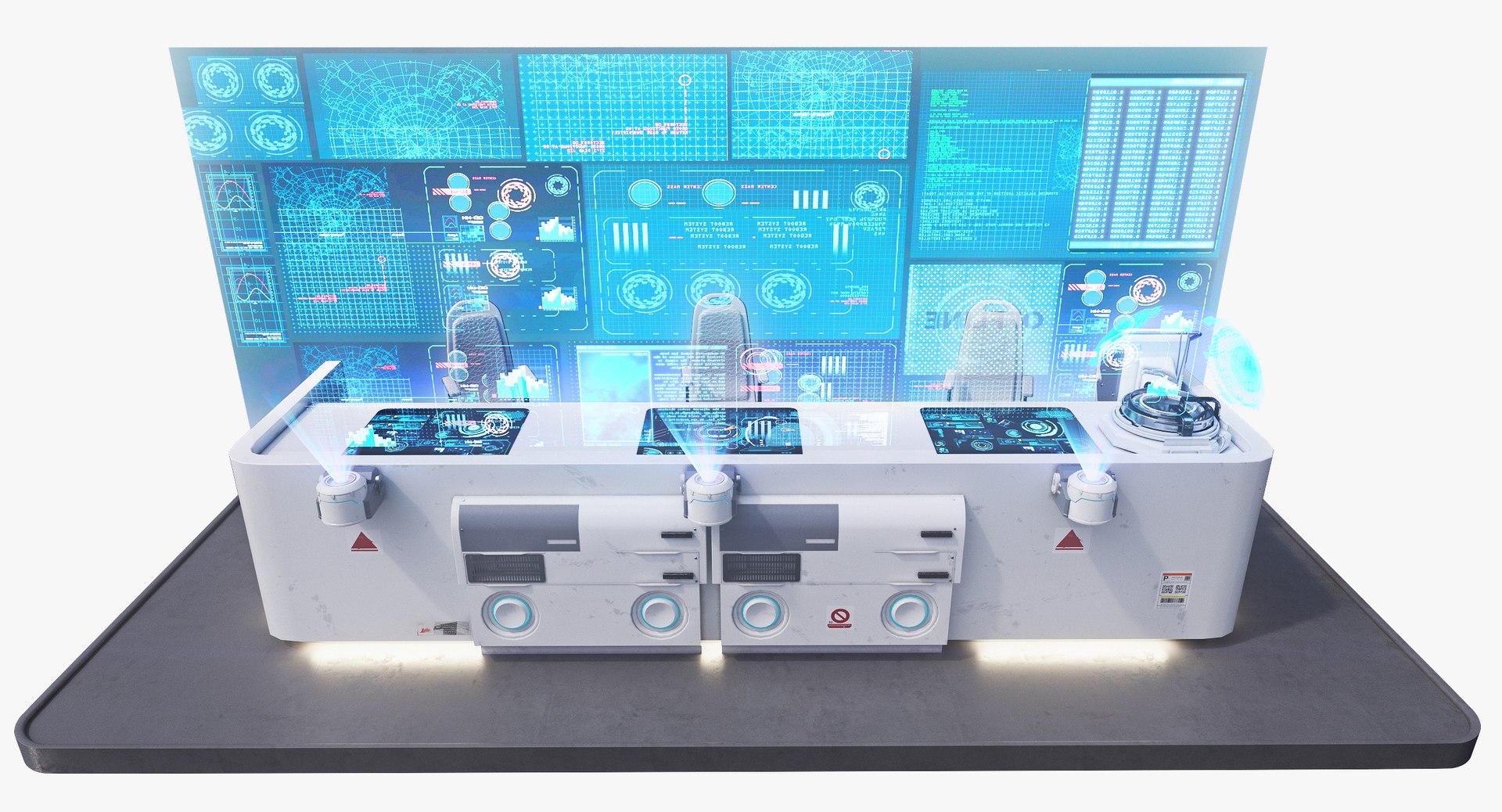
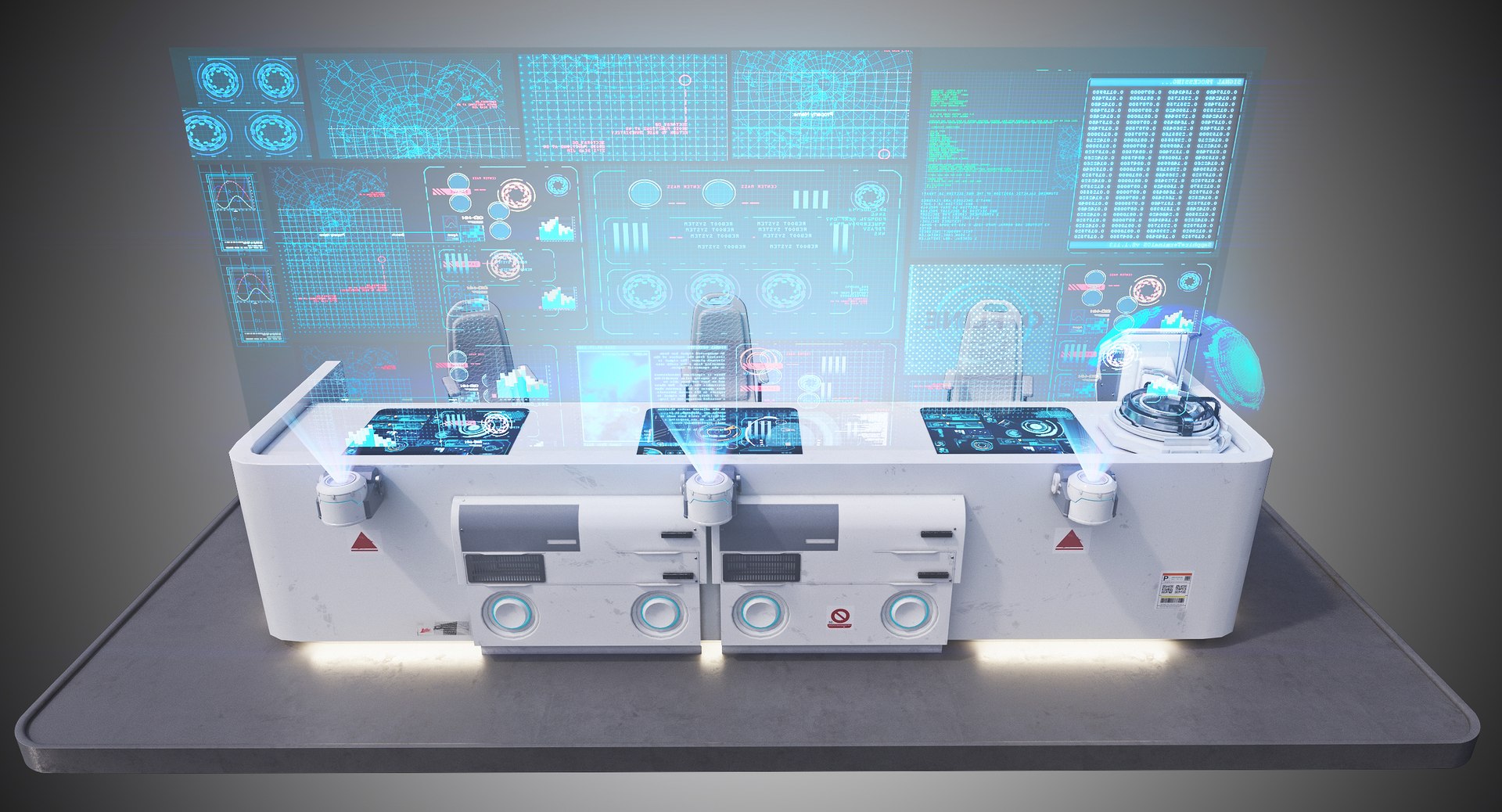
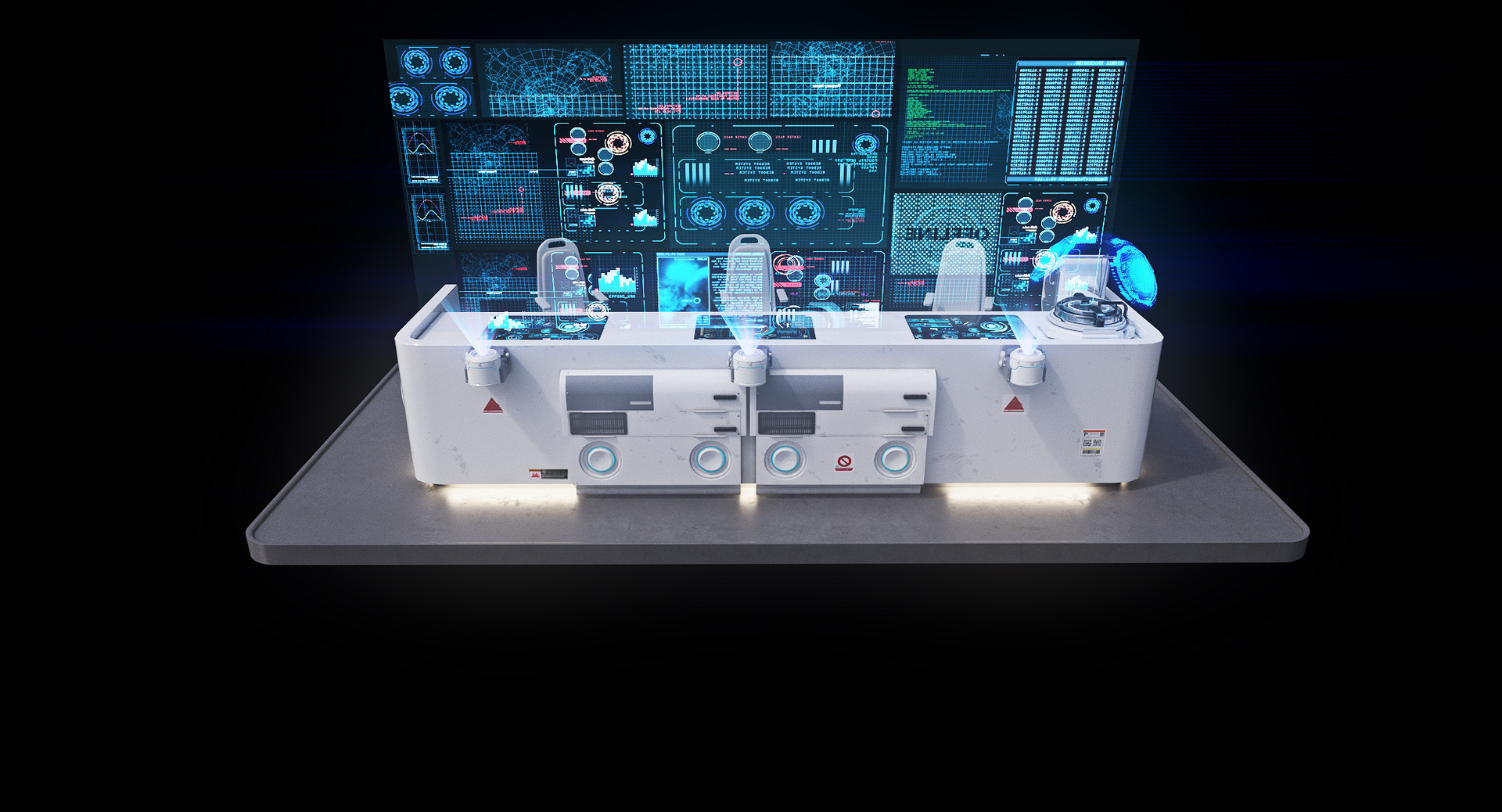
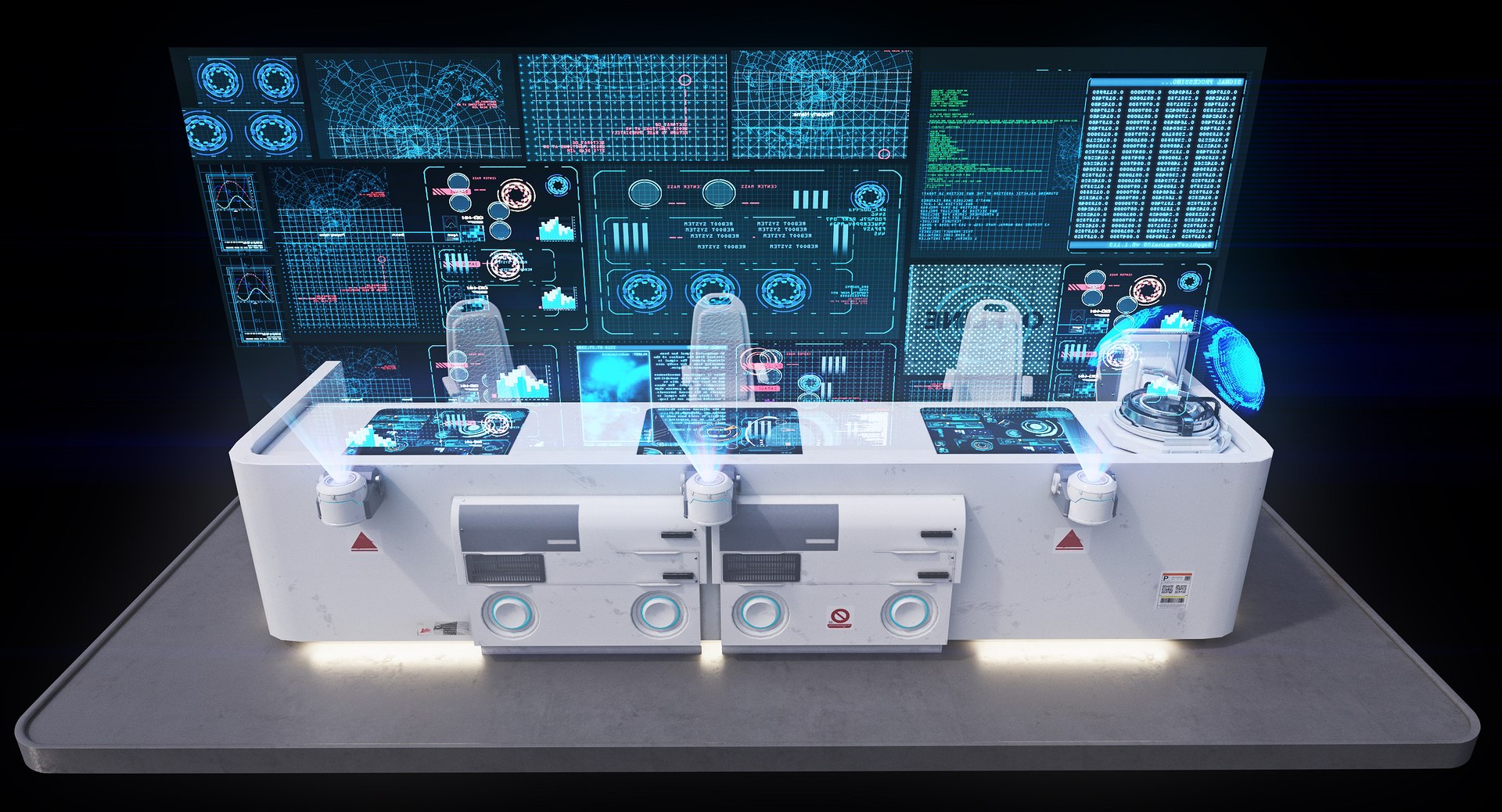
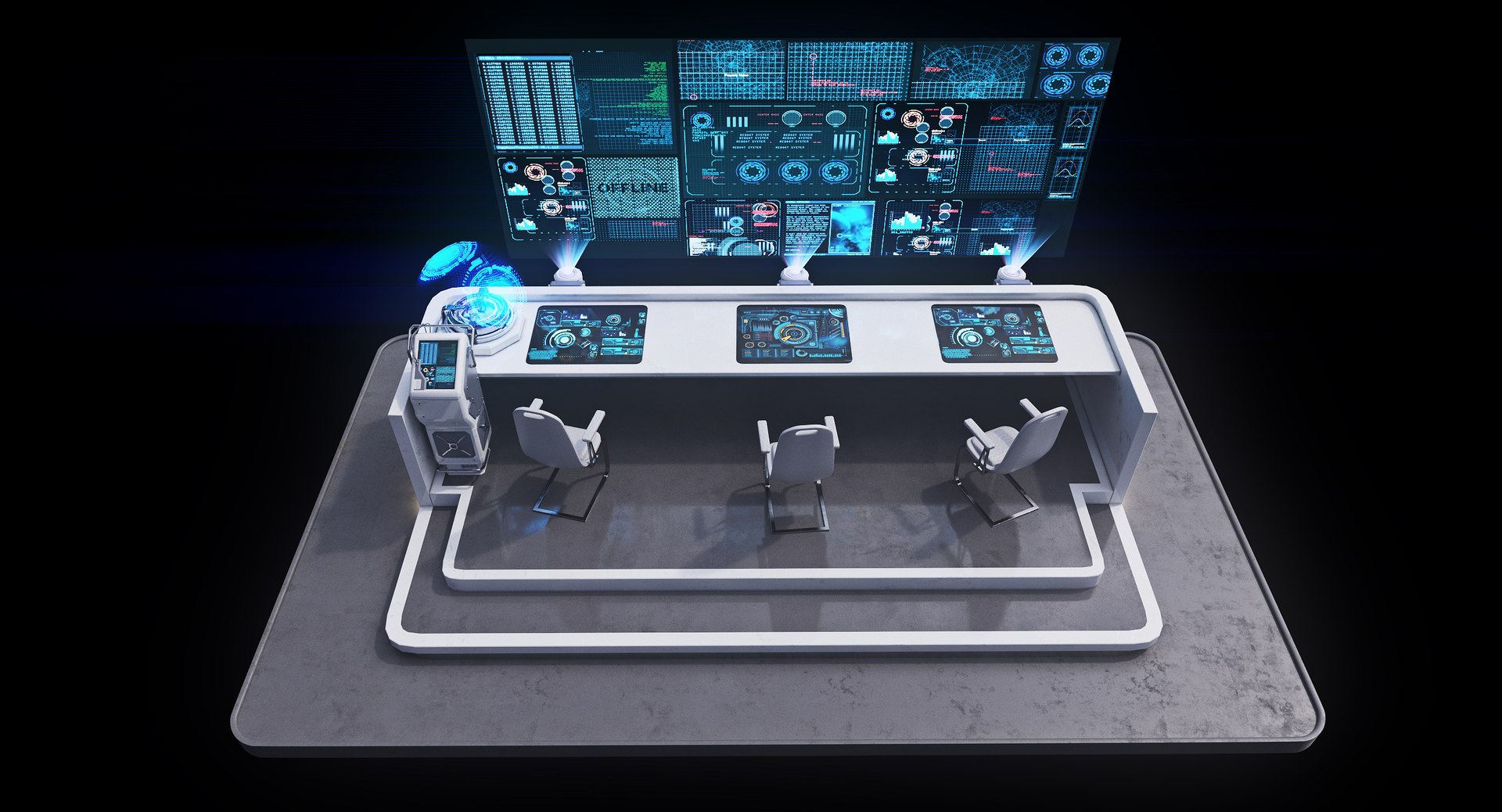
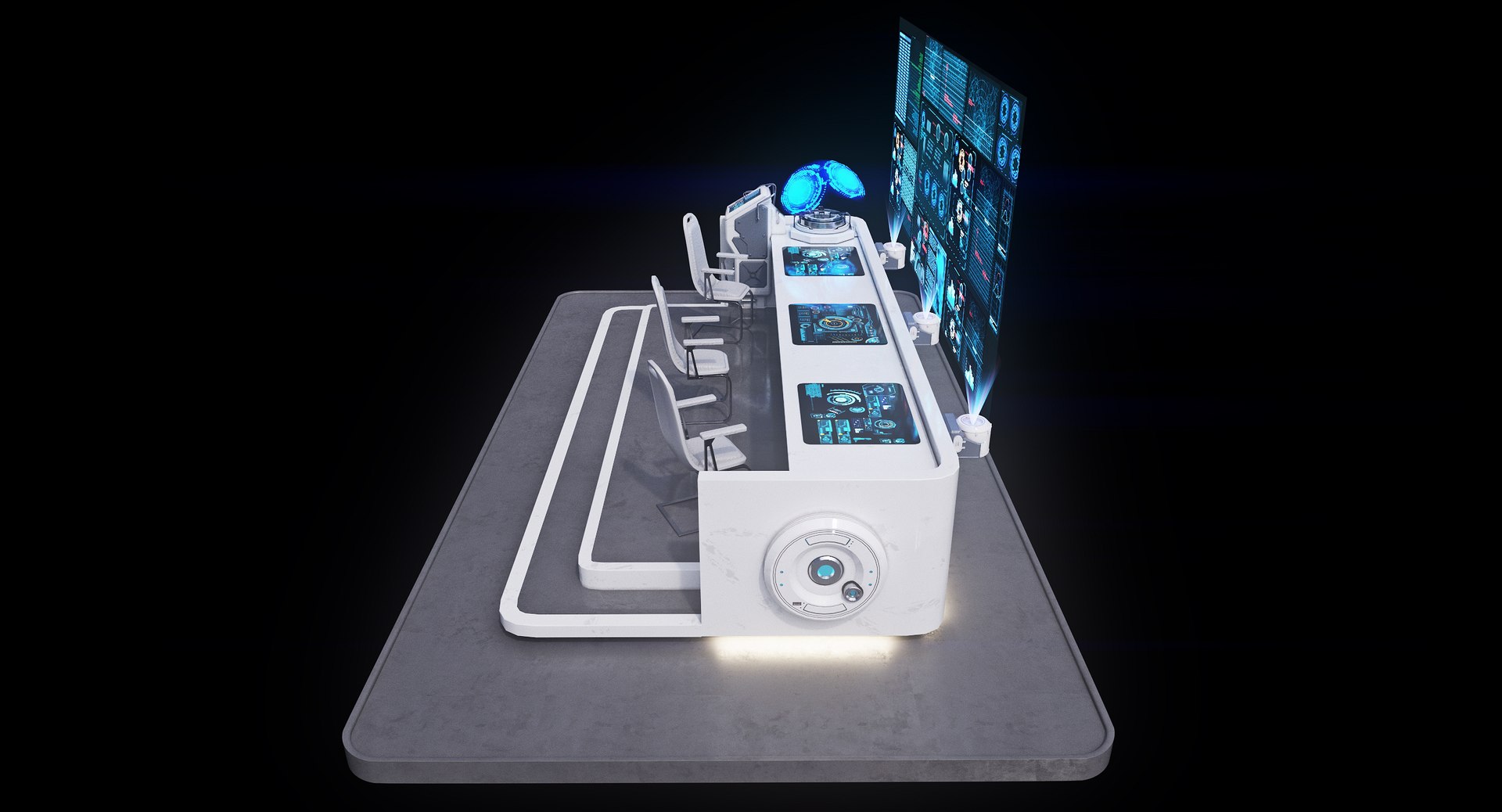
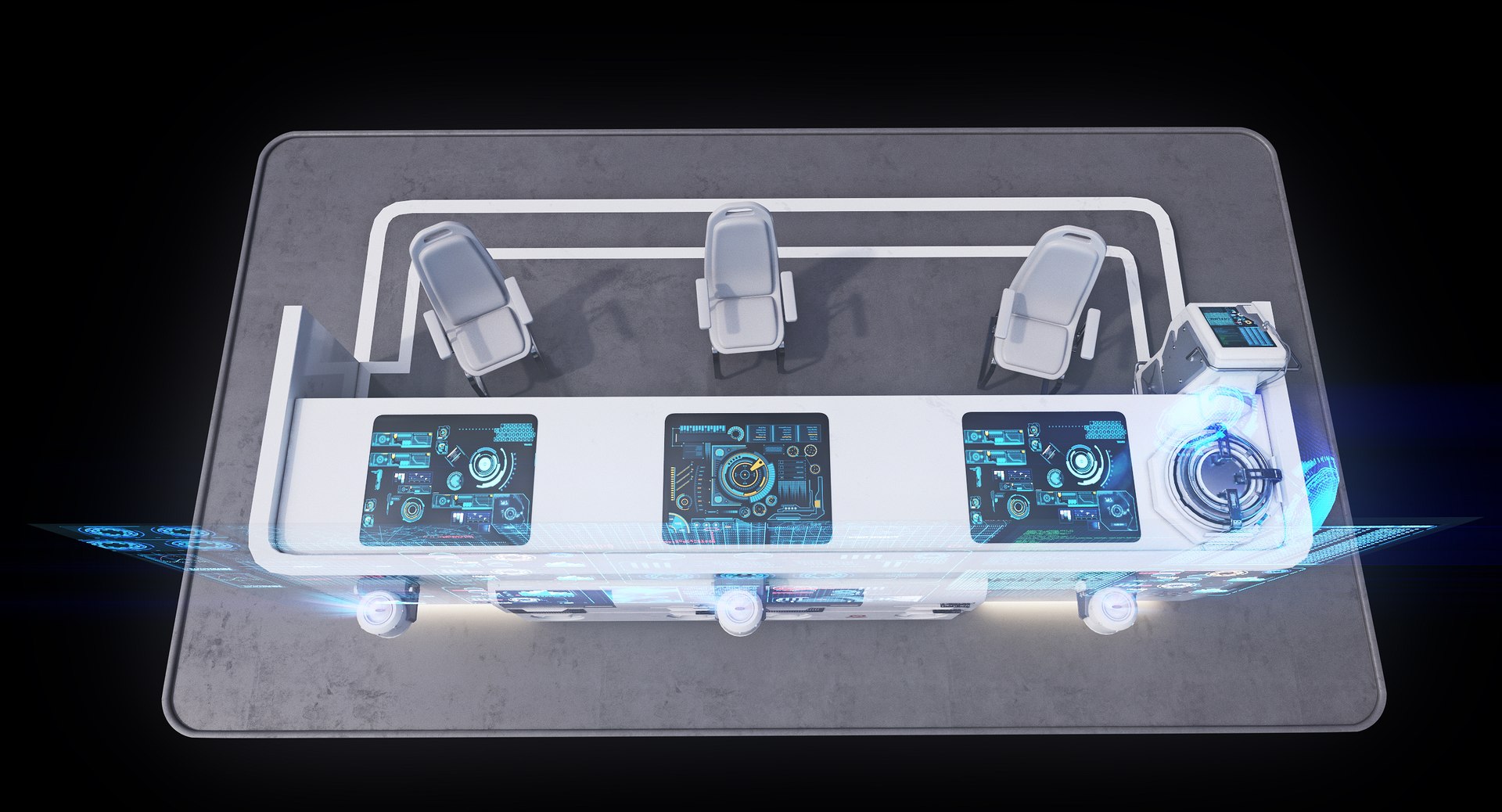

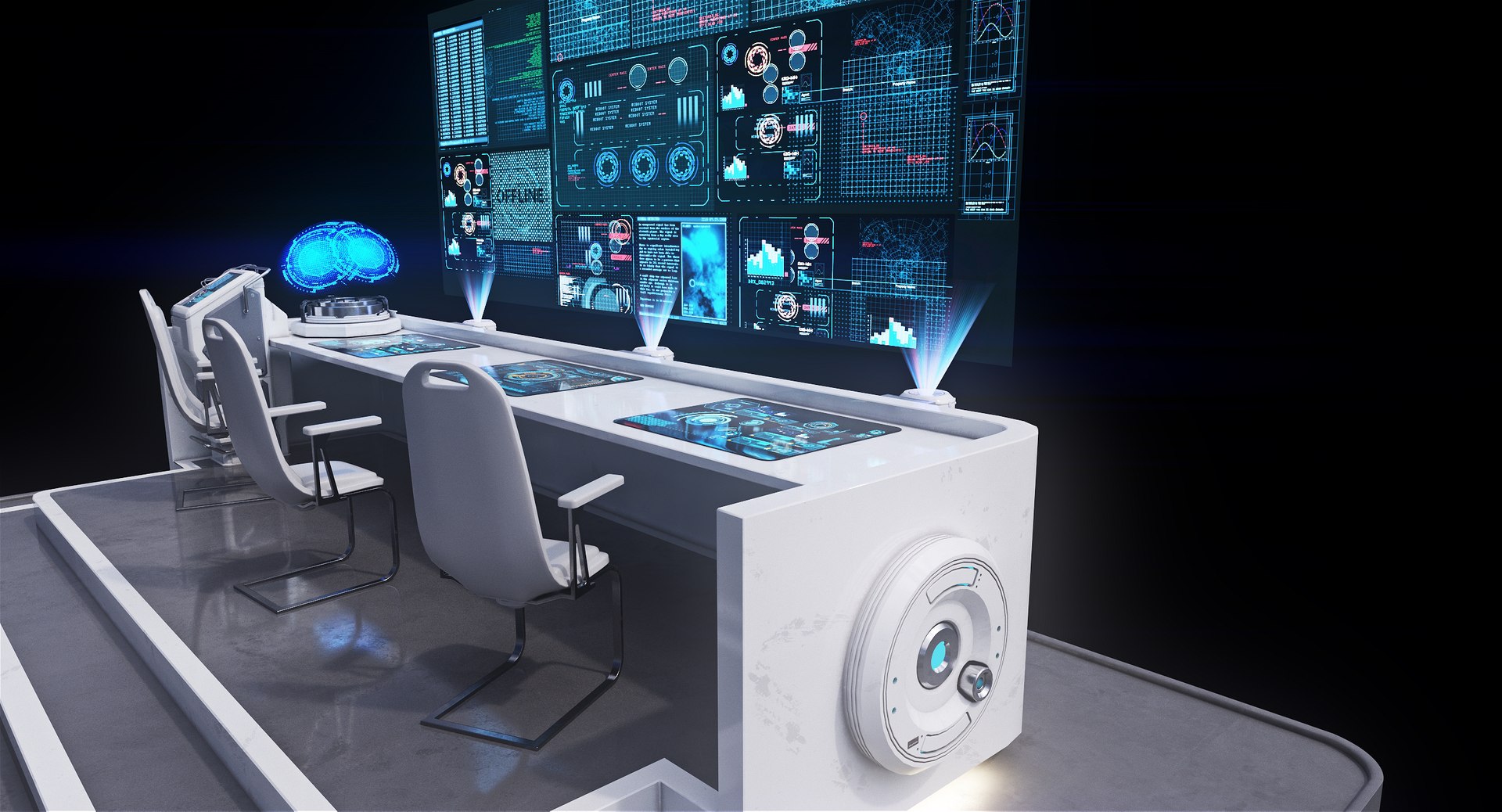
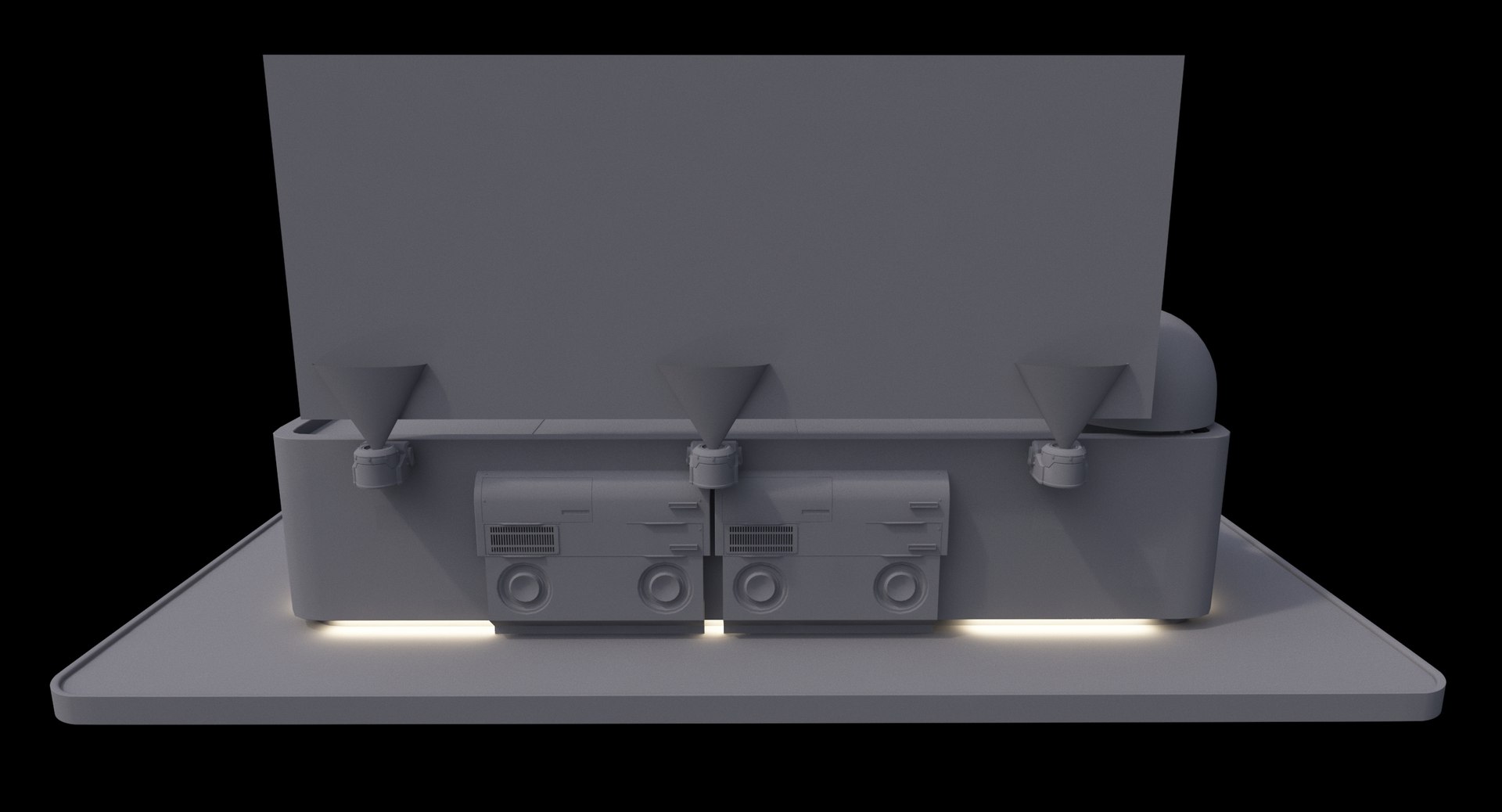
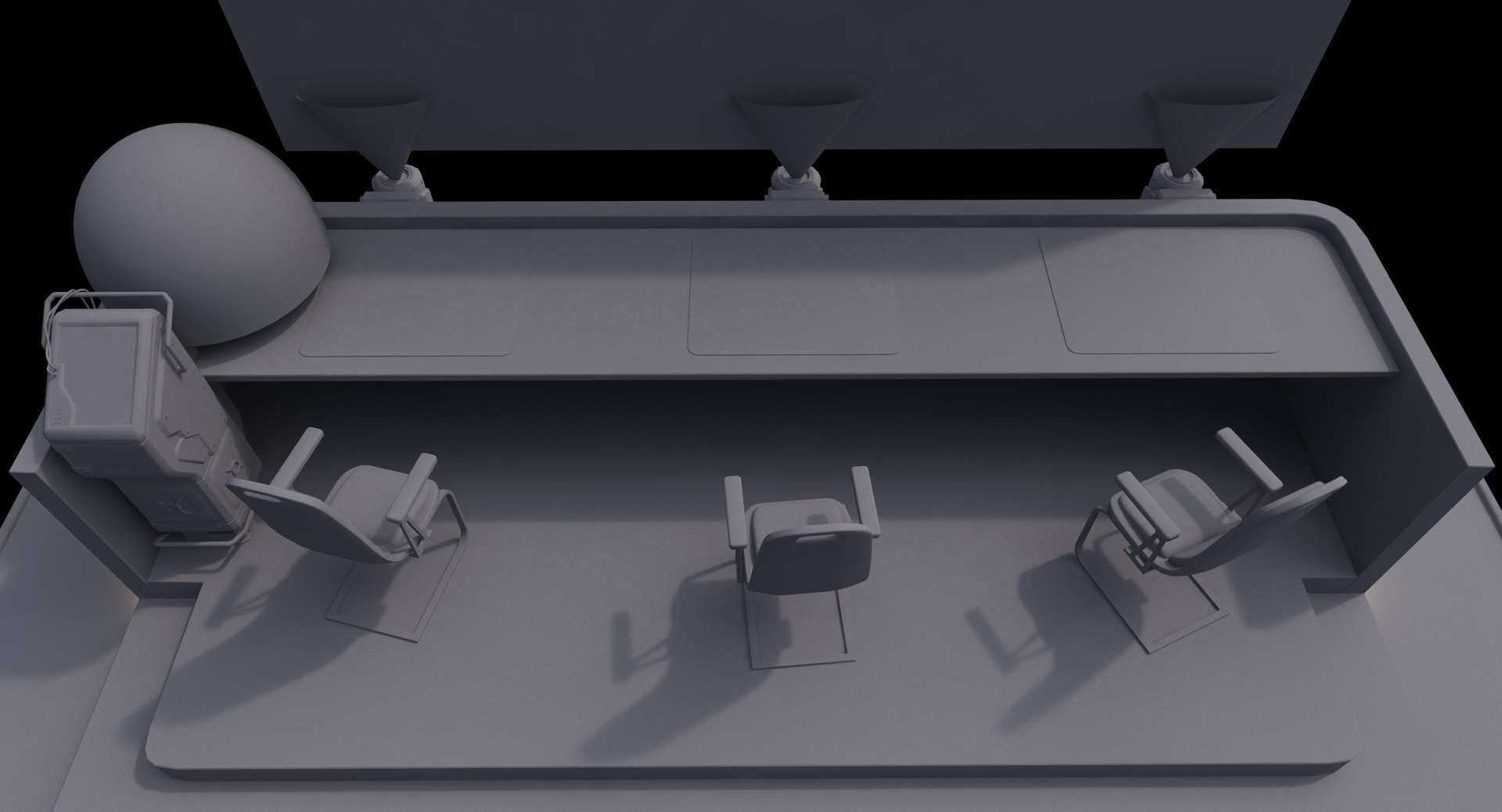
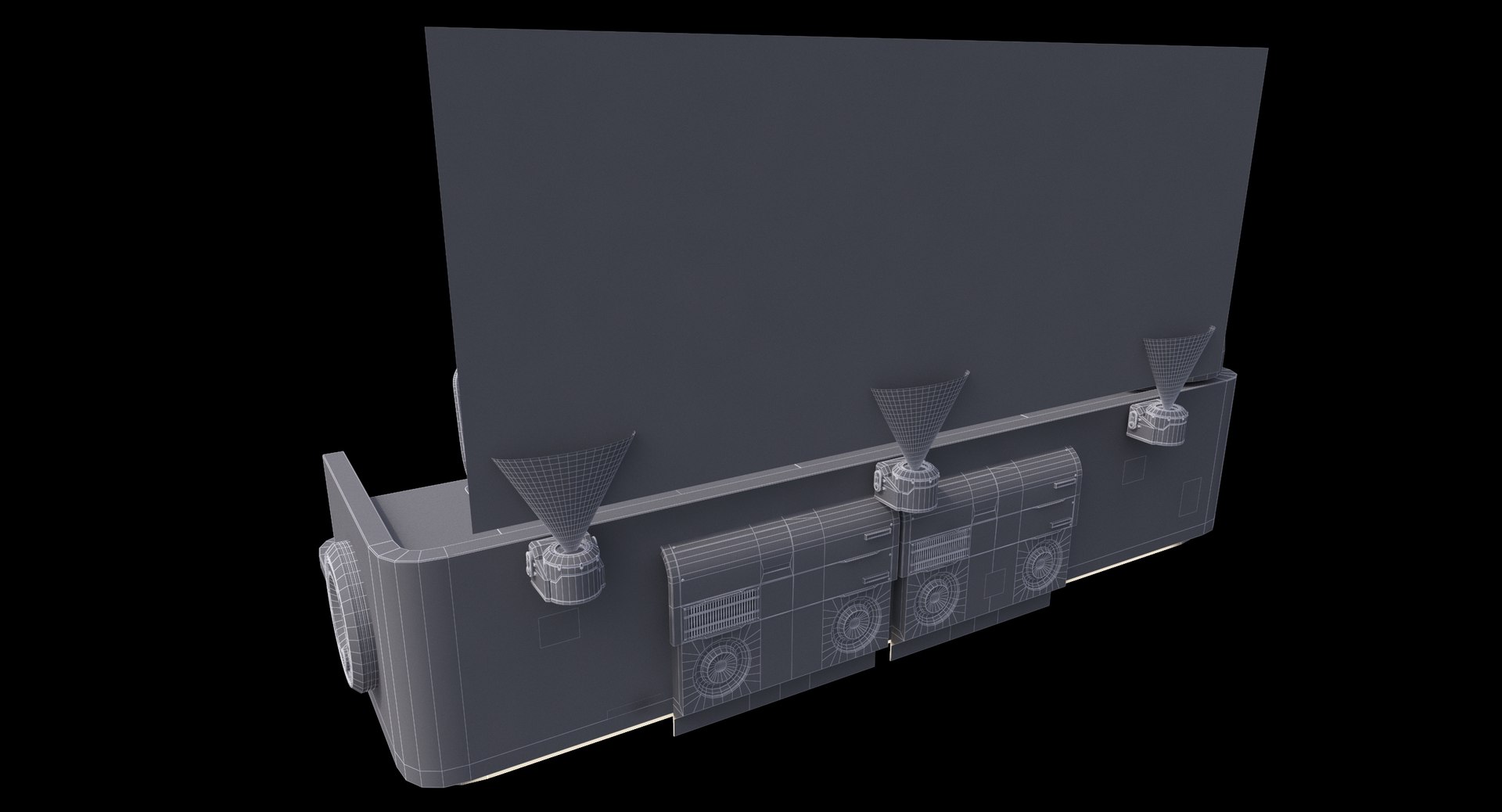
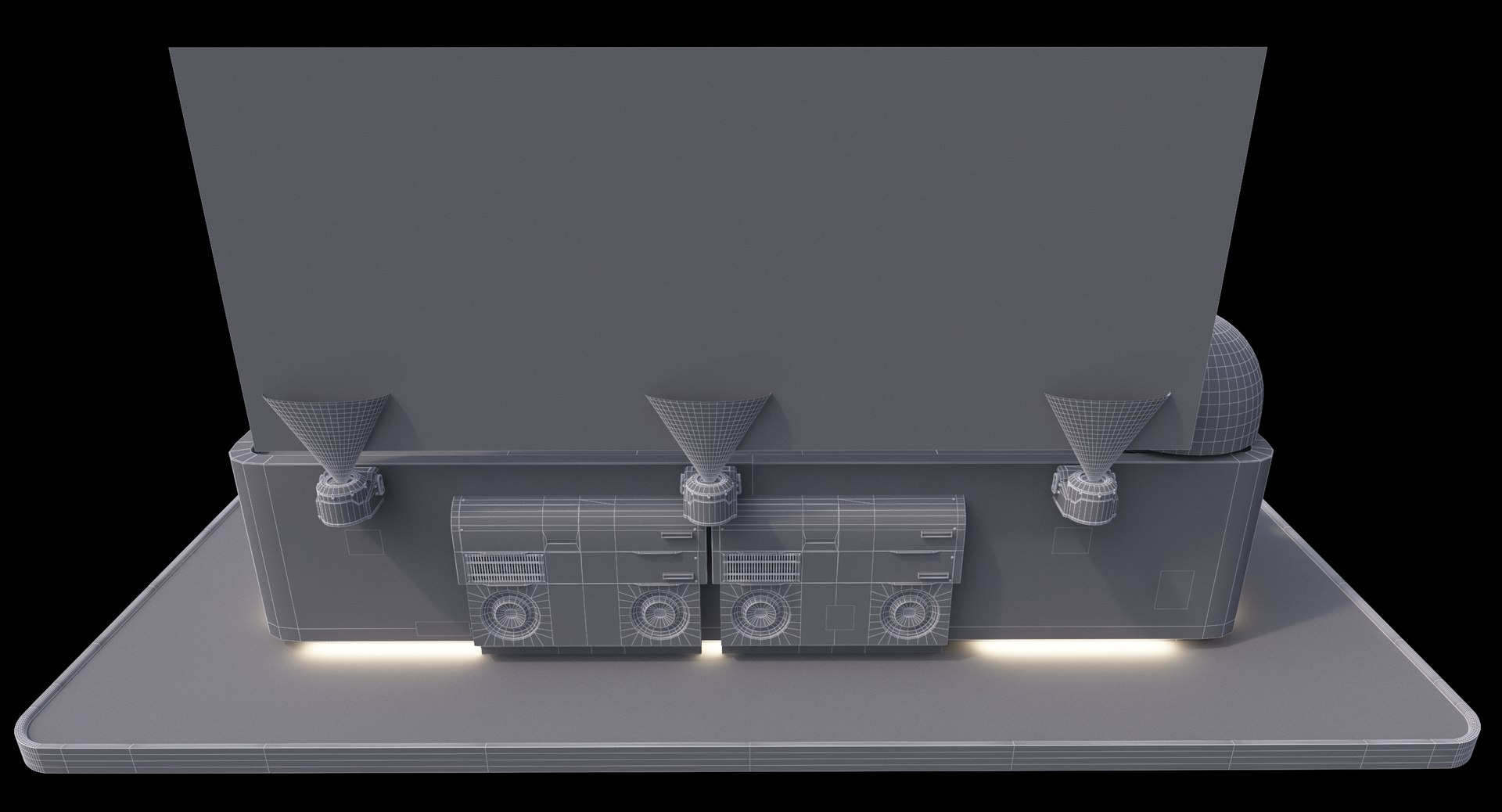
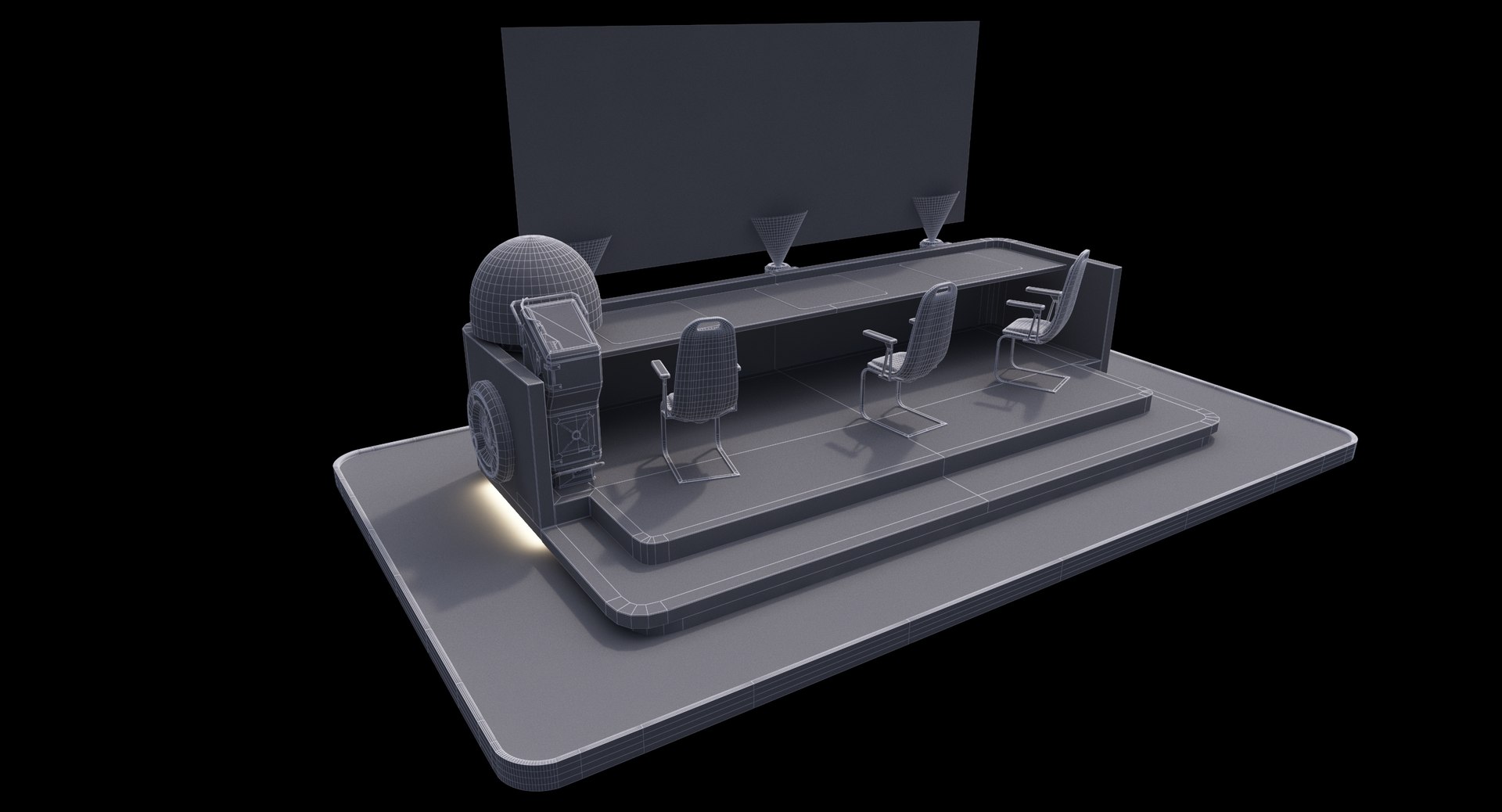
Sci fi Command Panel 2

$99

Standard License | Upgrade License
Formats (4)
Free file format Conversions available
Native | 3ds Max 2015 | V-Ray 3.20
3ds Max 2012 | V-Ray 2.40
OBJ
FBX
Specifications
Publish Date January 13, 2016
Product ID 994934
Polygons 80,797
Vertices 85,944
Polygonal Ngons Used
Textures
Materials
UV Mapped
Mixed Unwrapped UVs
TurboSquid Exclusive

member avatar
Sofian Moumene
170 Products | Contributor Since 2007
Have questions? Chat with us now.

Description

--General--

This is a Futuristic Hologram Command Panel with holographic display.

The formats included are:

- 3ds Max 2015 with V-Ray materials 3.20
- 3ds Max 2012 with V-Ray materials 2.40
- OBJ
- FBX

________________________________________________________________________________

--Geometry--

Objects Count: 1626

Polygons Count: 359,220
Vertex Count: 353,388

Polygons with 3 sides: 2852 (3.5%)
Polygons with 4 sides: 77,445 (95.8%)
Polygons with more than 4 sides: 500 (0.6%)


________________________________________________________________________________

--Textures--

Textures format: JPEG, PSD
Maximum texture size 2909x2909
Minimum texture size 285x189 for the decals objects
The average textures size is 2048x2048
Total number of textures: 26

________________________________________________________________________________

--Rendering--

The holograms from the command panel are designed to work well against dark backgrounds.
The rendering is setup in V-Ray 3.20
No 3rd party plugin needed except V-Ray

Select Enhanced License

  • $10,000 in Legal Protection (Indemnification)
  • Uncapped Legal Protection (Indemnification)
  • Waiver from injunctive relief
  • Assignable model rights
  • $1,000,000 in Legal Protection (Indemnification)
  • Waiver from injunctive relief
  • Assignable model rights
  • $250,000 in Legal Protection (Indemnification)
  • Assignable model rights
Read more about enhanced license tiers, or contact us at enterprise@turbosquid.com. Already a Shutterstock Enterprise Customer? Contact your Shutterstock Sales Support Agent to talk about adding 3D.

About Conversion Requests

To submit a conversion request for a purchased asset, please complete our Conversion Request Form.

If you have not yet purchased a model, please review our Documentation about Conversions to learn about what limitations you may encounter with a conversion.

For any additional questions about a model’s suitability for conversion, please contact TurboSquid Support.

Loading...