Screwdriver

$15

Standard License | Upgrade License
Formats (3)
Native | Blender 2.73
3D Studio
OBJ
Specifications
Publish Date February 09, 2015
Product ID 893976
Polygons 2,187
Vertices 2,167
Polygonal Quads/Tris Geometry
Textures
Materials
UV Mapped
Overlapping Unwrapped UVs
TurboSquid Exclusive

member avatar
BlendingBastian
15 Products | Contributor Since 2015
Have questions? Chat with us now.

Description

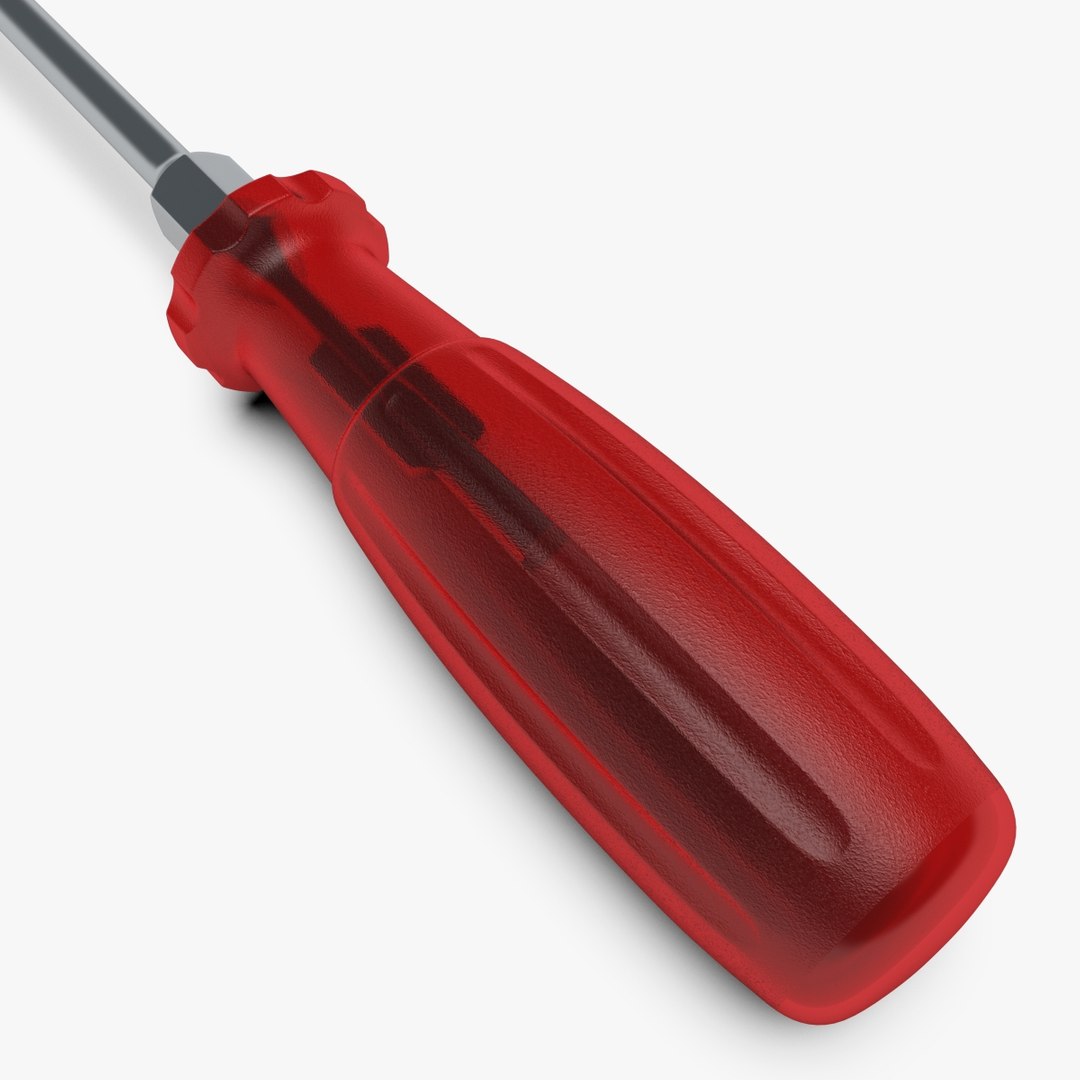
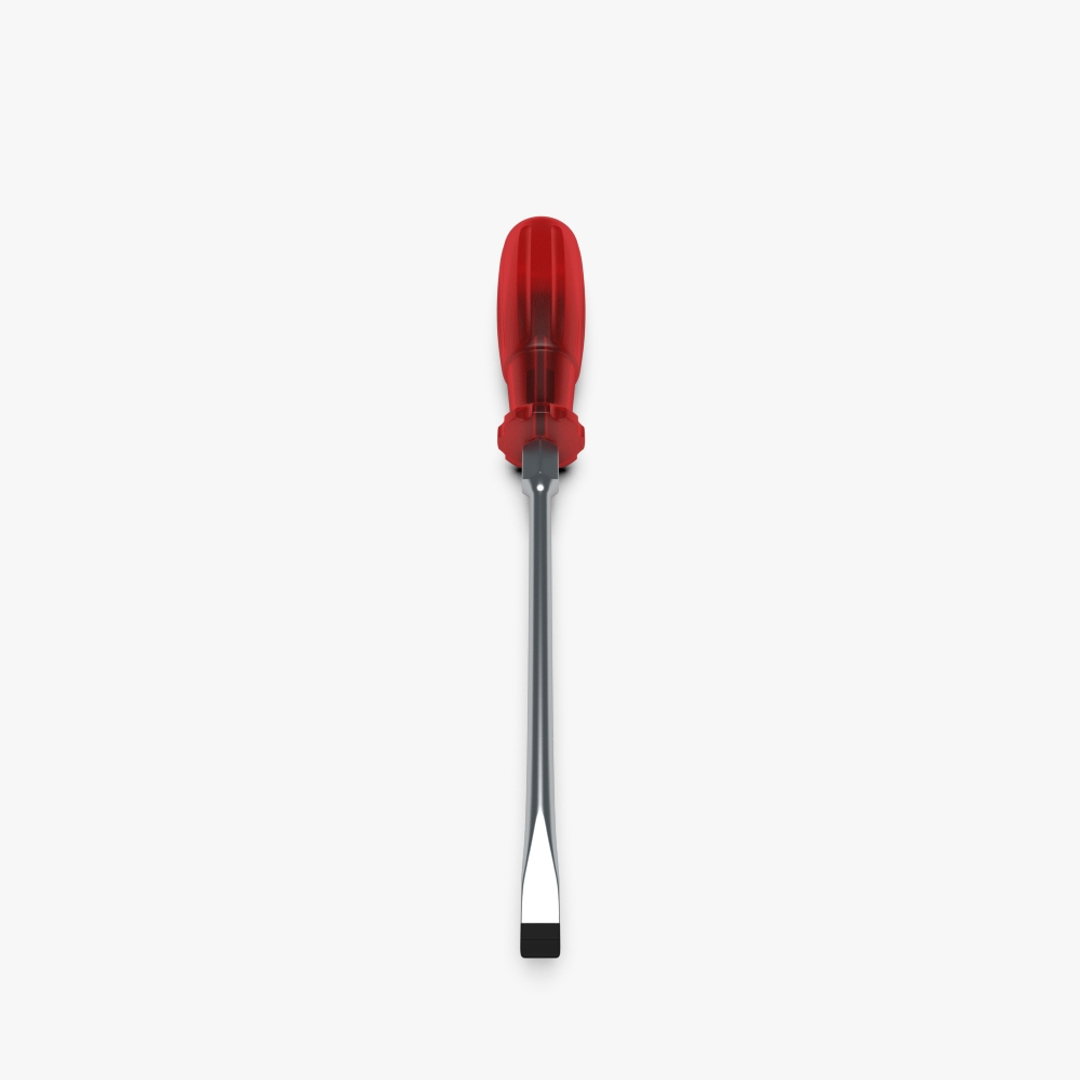
This realistic screwdriver with a red transparent handle was created with Blender 2.73 and rendered in Cycles.

|| GEOMETRY ||

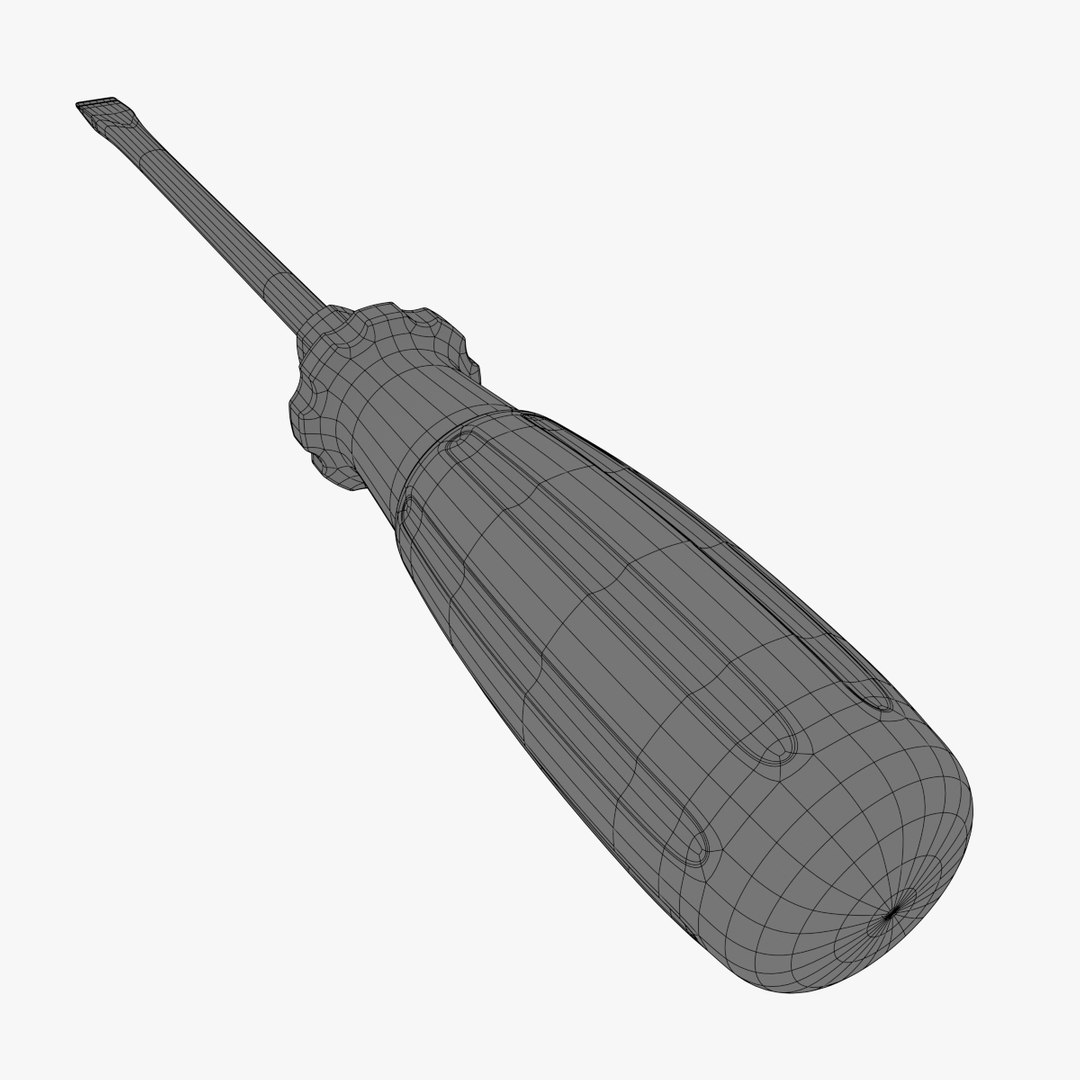
Clean topology, only quads and tris. No ngons! Modifiers are not applied, so you still have full and easy geometry control.

Used modifiers:

- subsurf
- mirror
- array

|| TEXTURES ||

This model uses only one noise texture image (jpg) at 640 x 640 pixels as bump and spec map for the screwdriver handle.

|| MATERIALS ||

4 materials created with nodes for Cycles Render. All colors are changeable in the node setup.

|| COMPOSITING ||

Compositing setup to render the model isolated from the environment with alpha values as background included.

|| RENDERS ||

- renders created in Cycles Render at 1.000 samples using subsurf modifier level 2
- wireframe renders are showing the mesh without subsurf modifier

|| SCALE ||

The model is in real world size and scale.

X = 0,036m (Blender units)
Y = 0,301m (Blender units)
Z = 0,036m (Blender units)

|| EXPORTED FILES ||

This model was created with Blender. Only the blend file includes materials, textures and modifiers. All other formats have been exported and including only the mesh!

Select Enhanced License

  • $10,000 in Legal Protection (Indemnification)
  • Uncapped Legal Protection (Indemnification)
  • Waiver from injunctive relief
  • Assignable model rights
  • $1,000,000 in Legal Protection (Indemnification)
  • Waiver from injunctive relief
  • Assignable model rights
  • $250,000 in Legal Protection (Indemnification)
  • Assignable model rights
Read more about enhanced license tiers, or contact us at enterprise@turbosquid.com. Already a Shutterstock Enterprise Customer? Contact your Shutterstock Sales Support Agent to talk about adding 3D.

About Conversion Requests

To submit a conversion request for a purchased asset, please complete our Conversion Request Form.

If you have not yet purchased a model, please review our Documentation about Conversions to learn about what limitations you may encounter with a conversion.

For any additional questions about a model’s suitability for conversion, please contact TurboSquid Support.

Loading...