
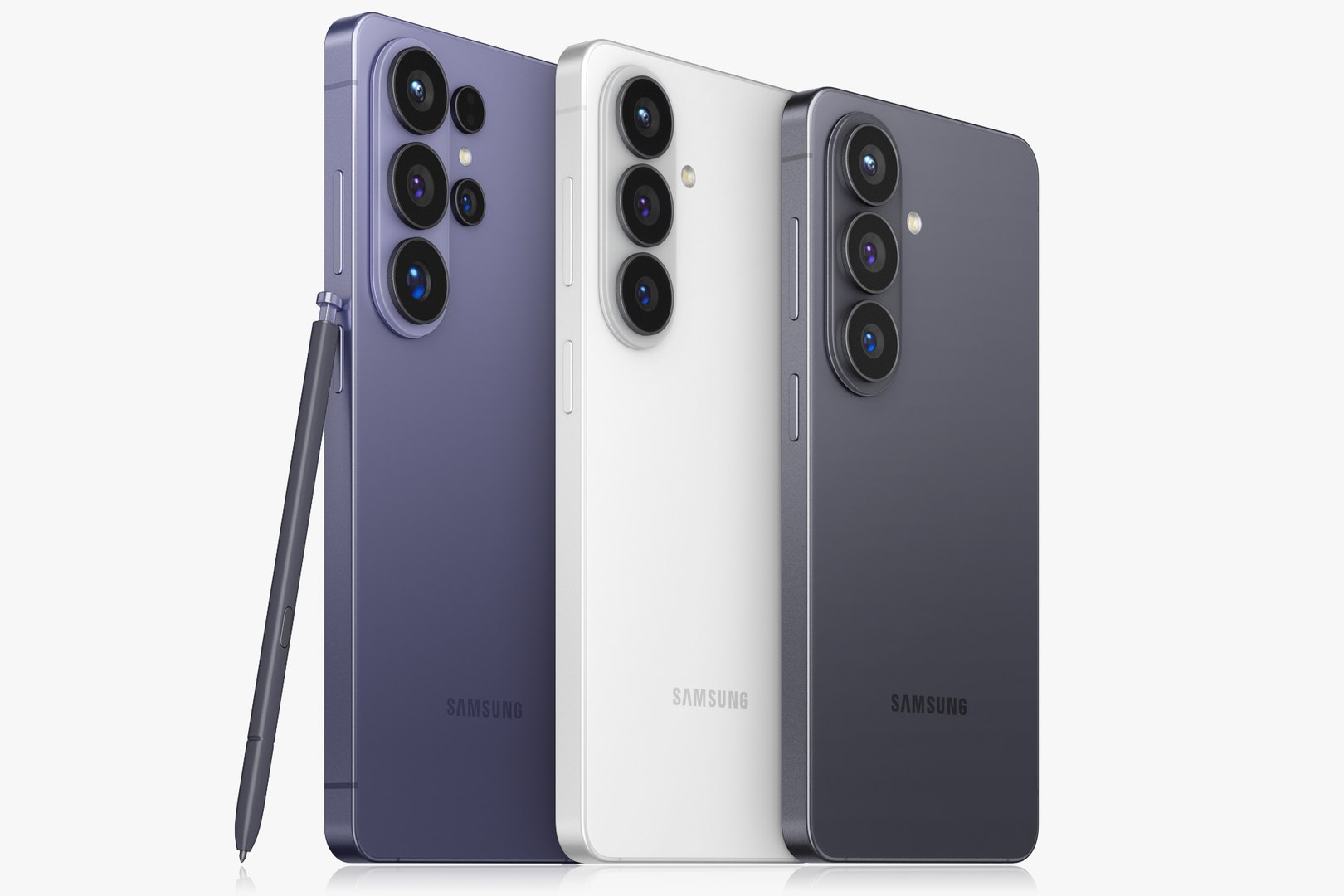
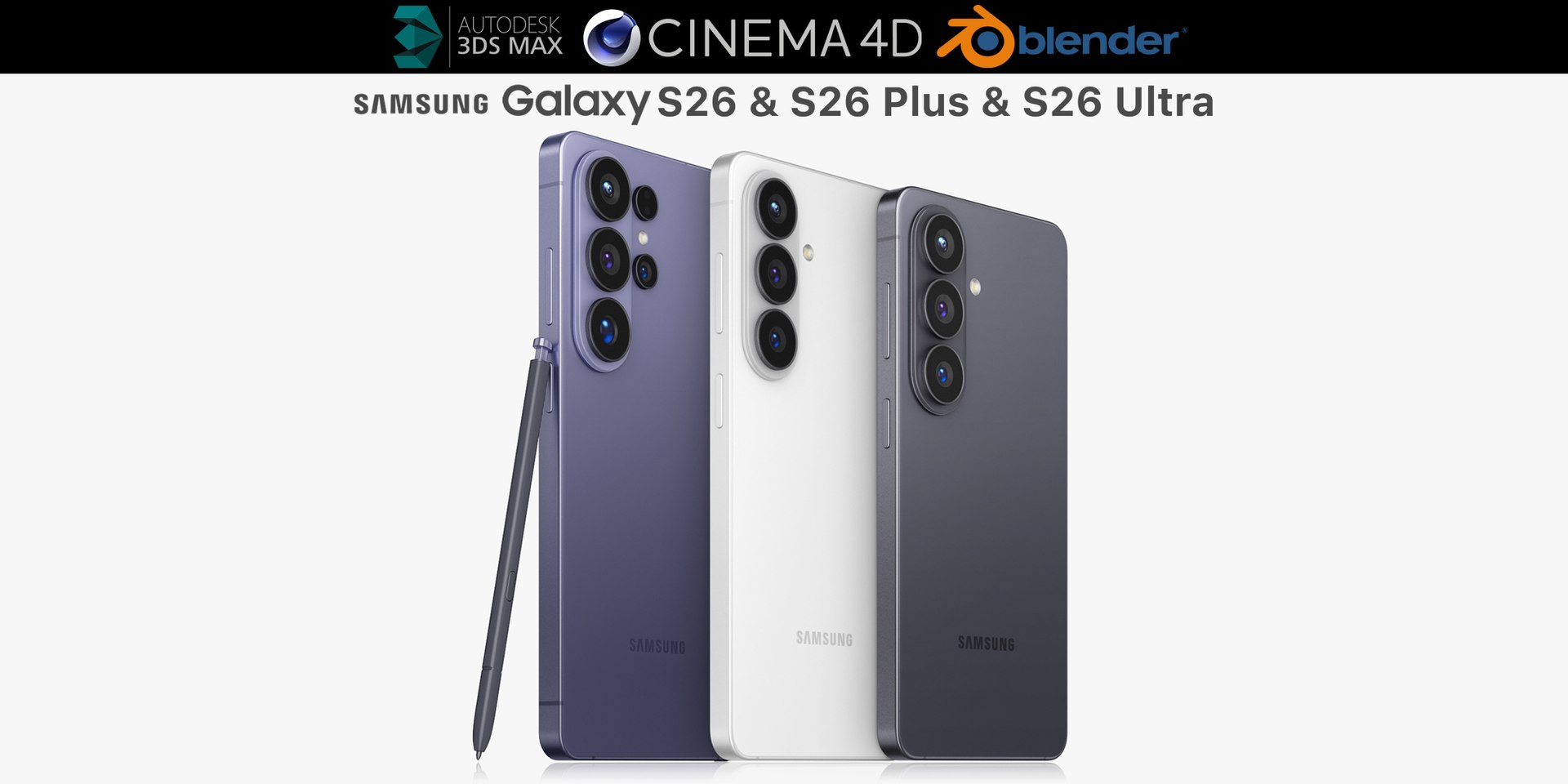
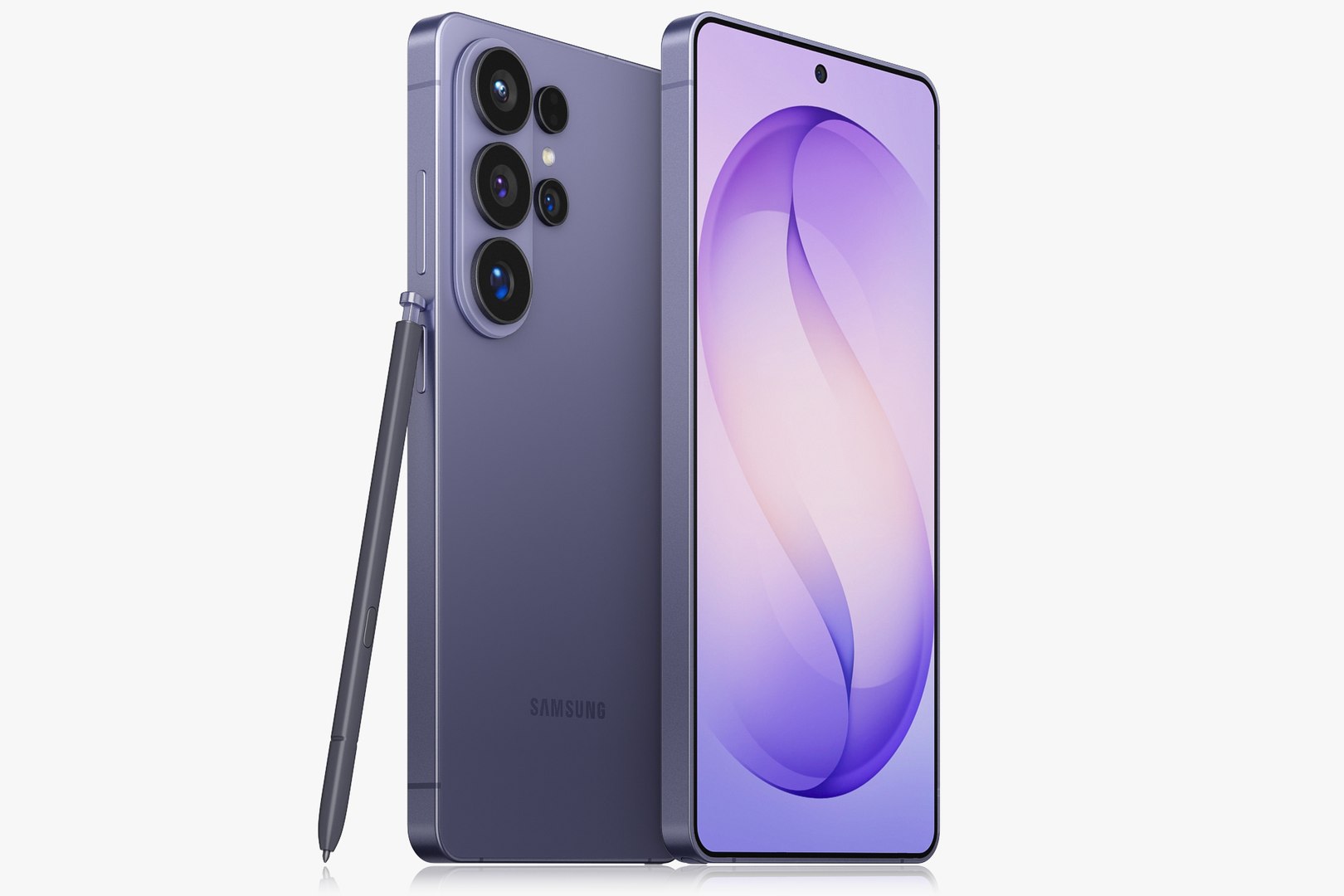
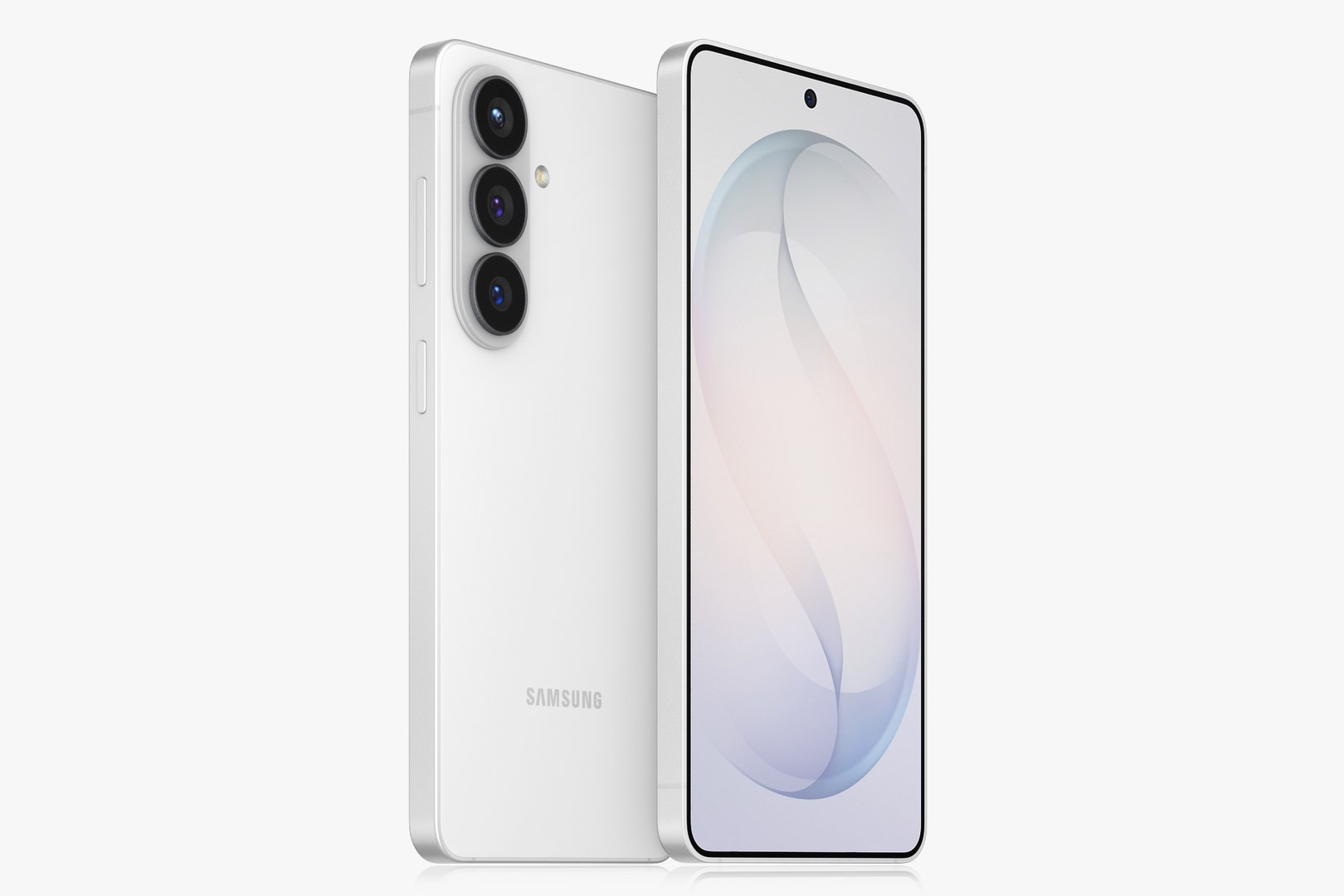
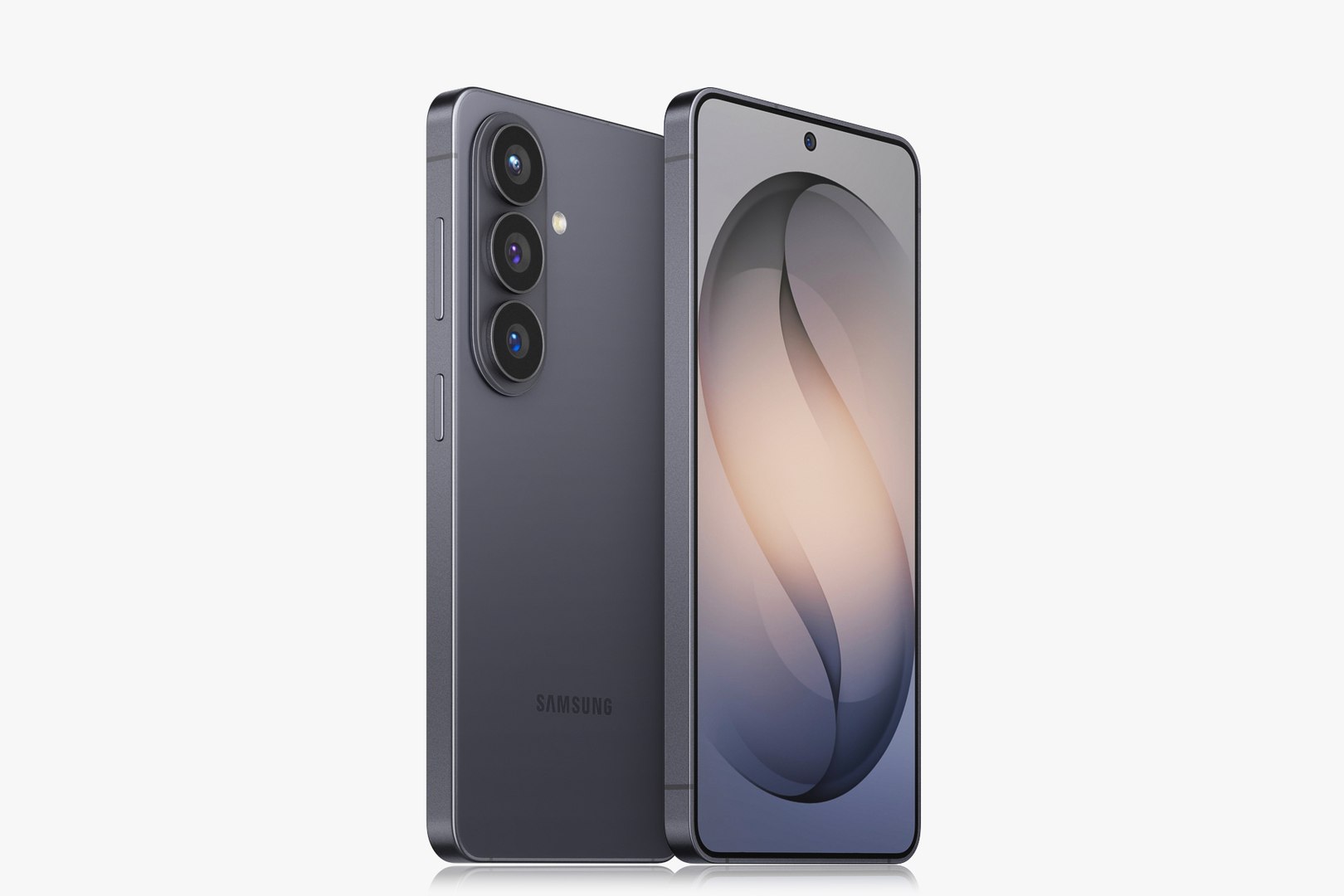
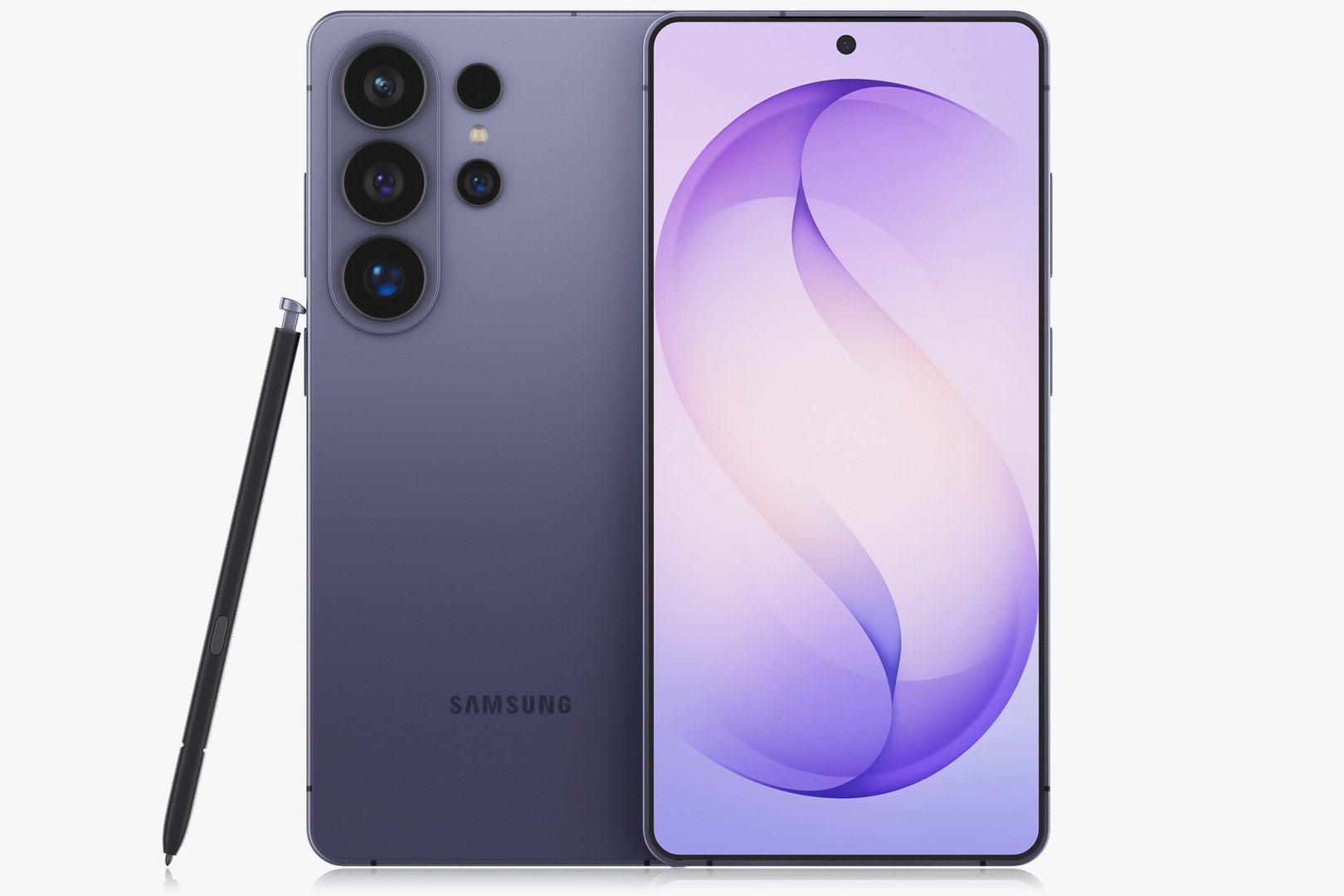
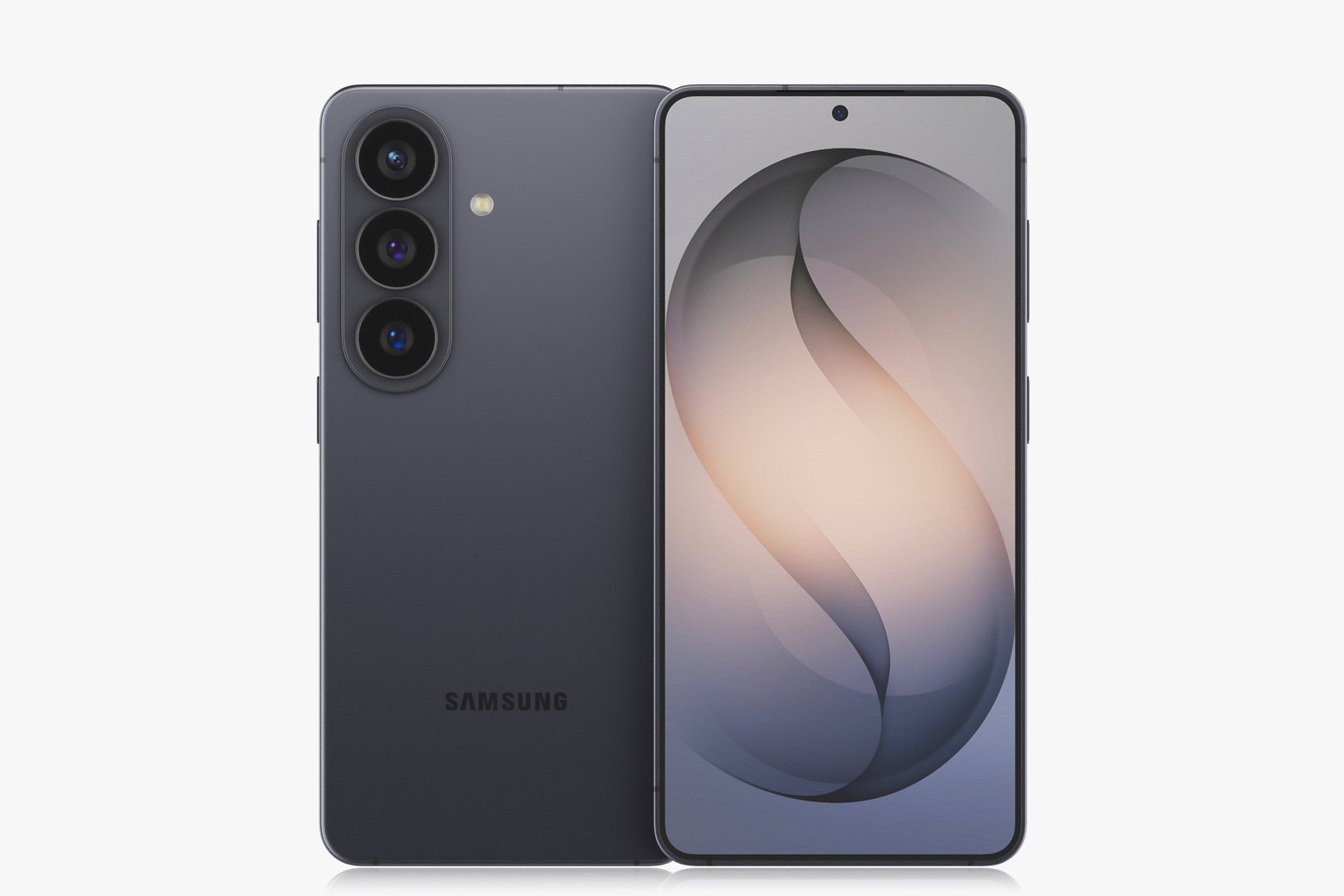
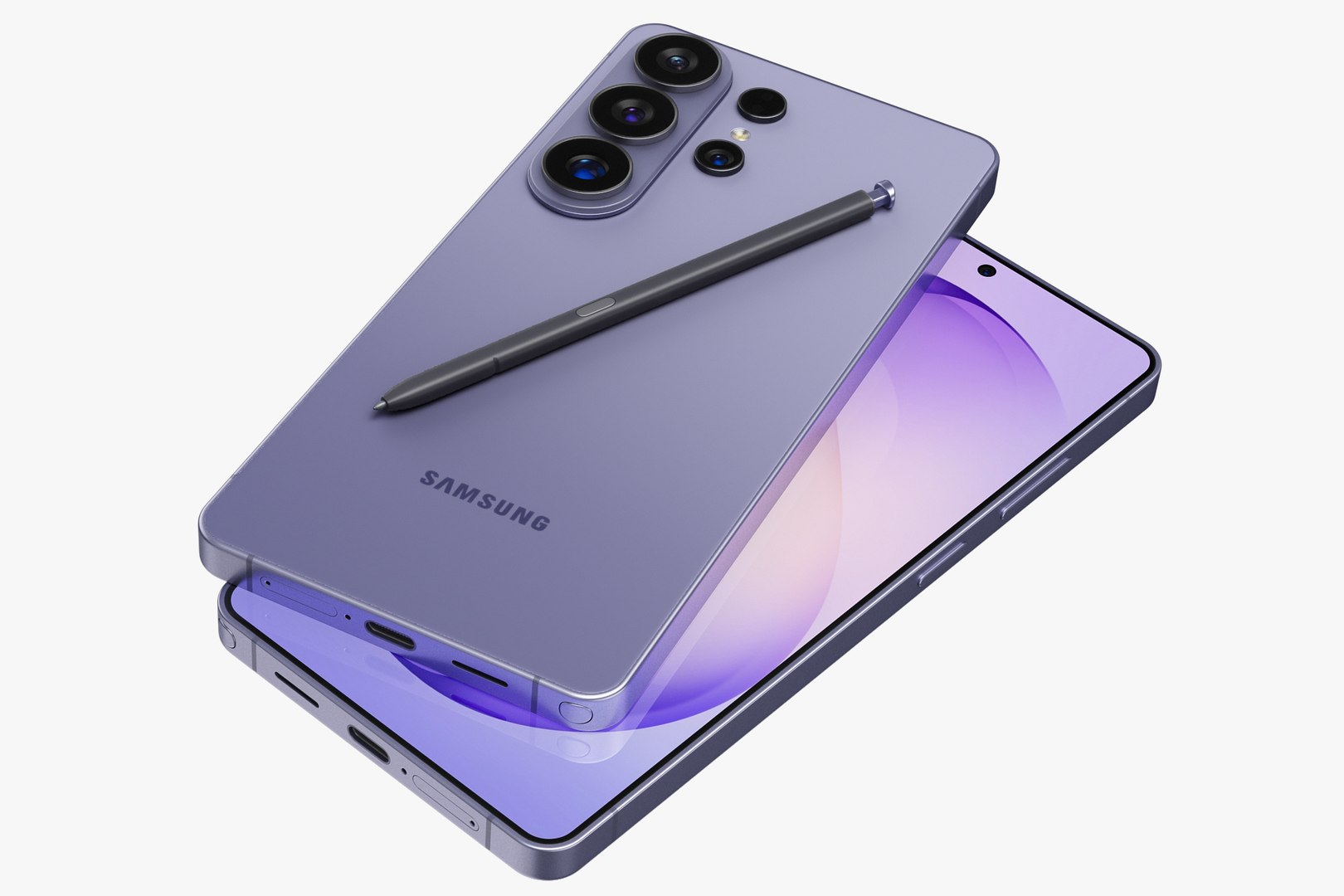
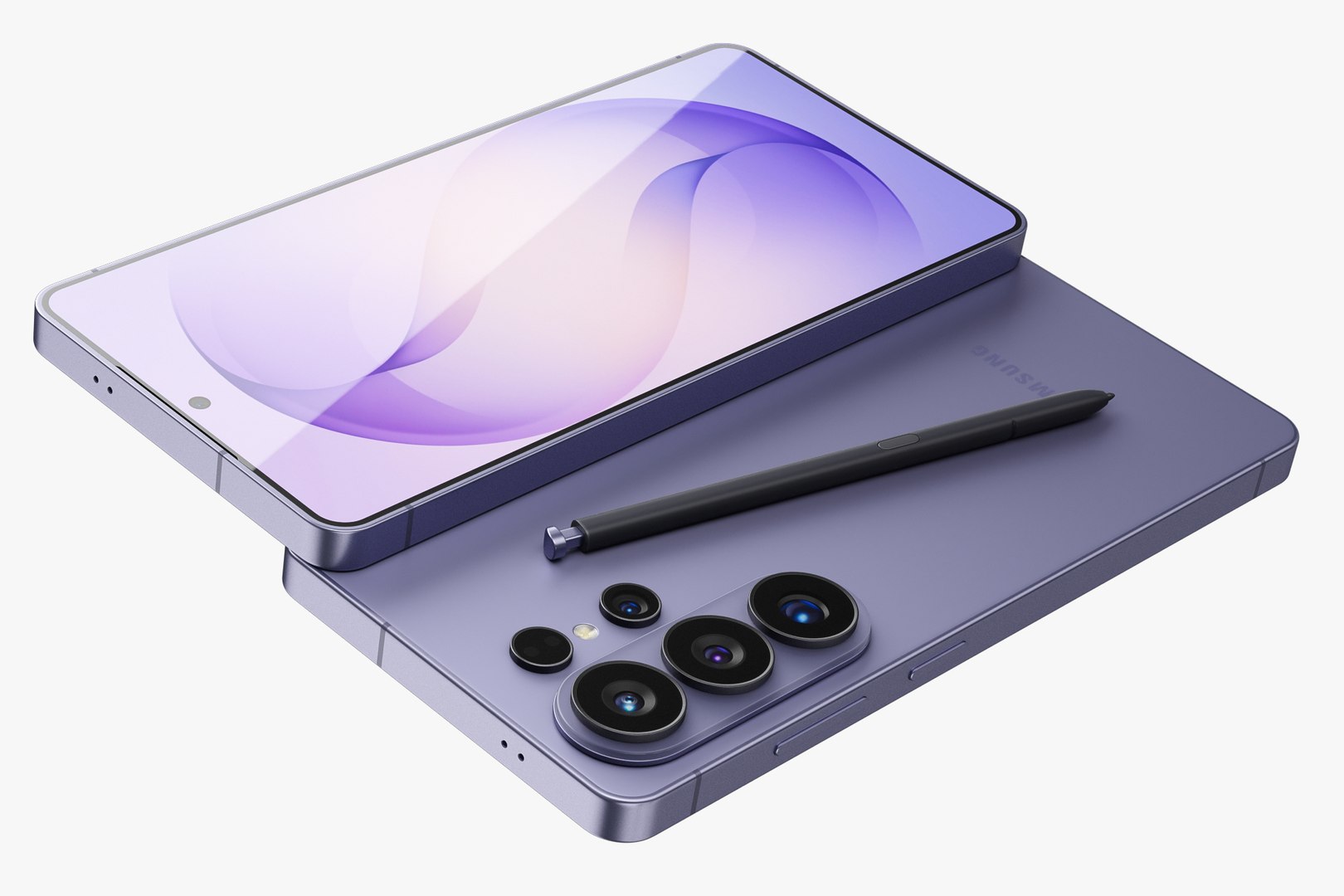
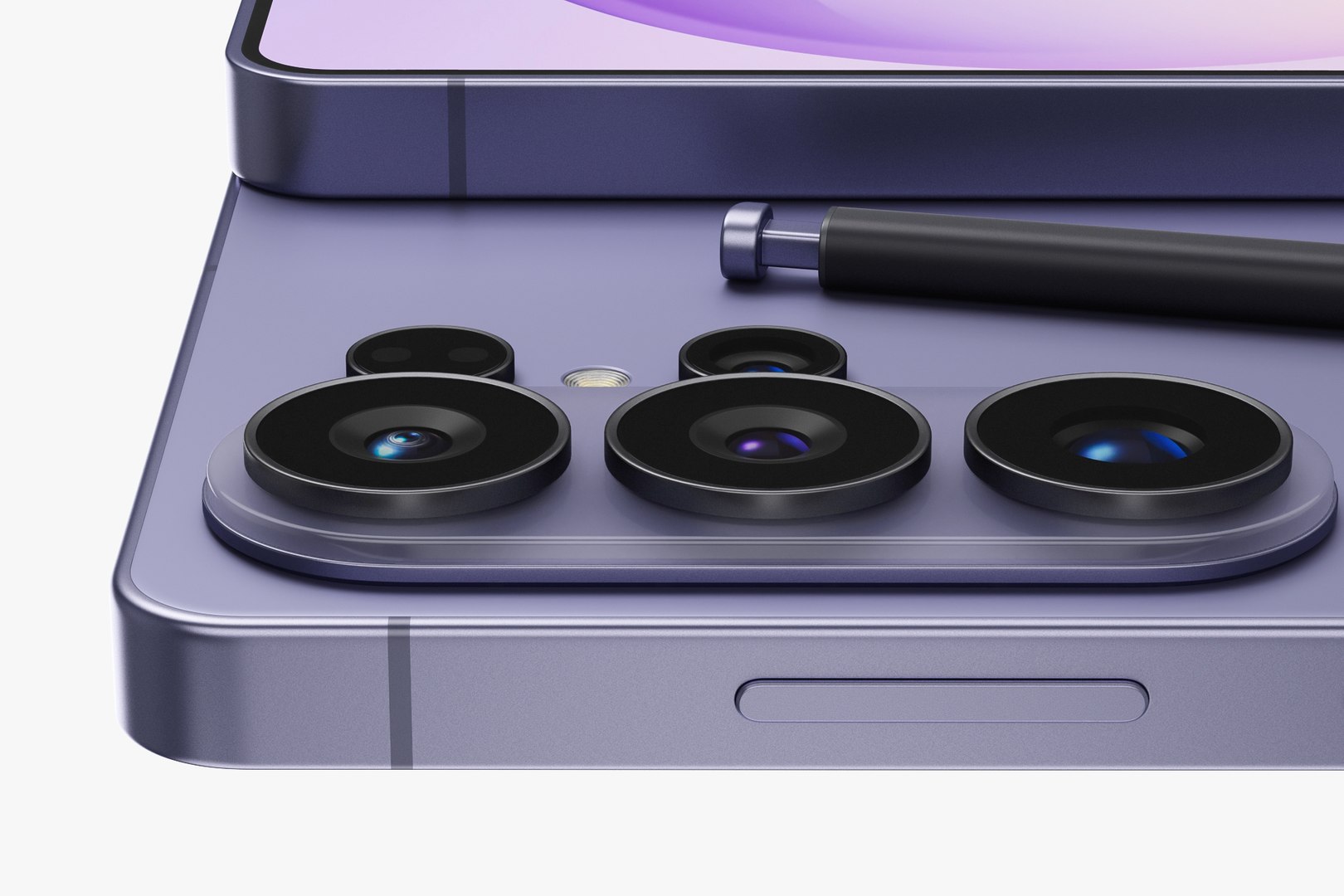
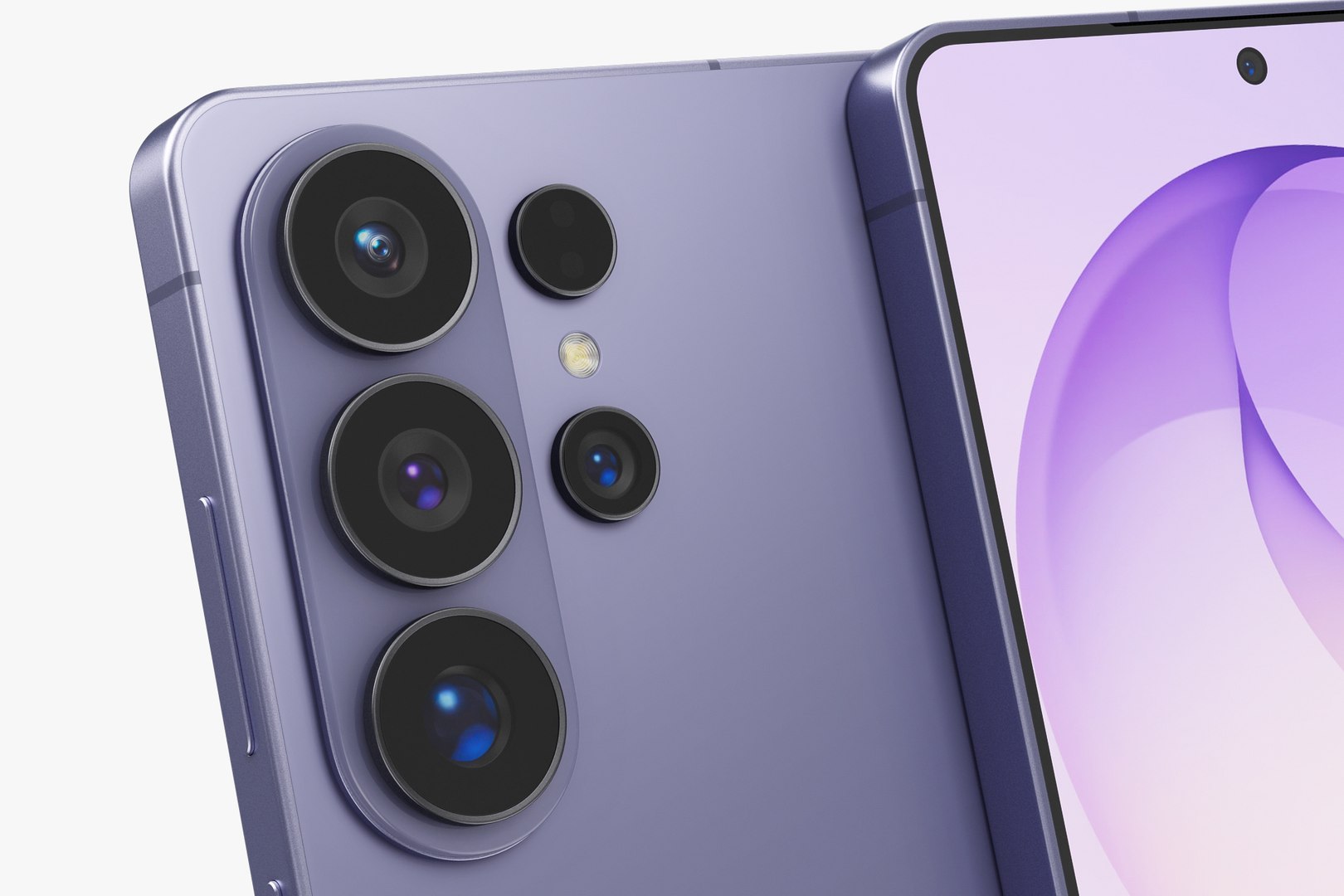
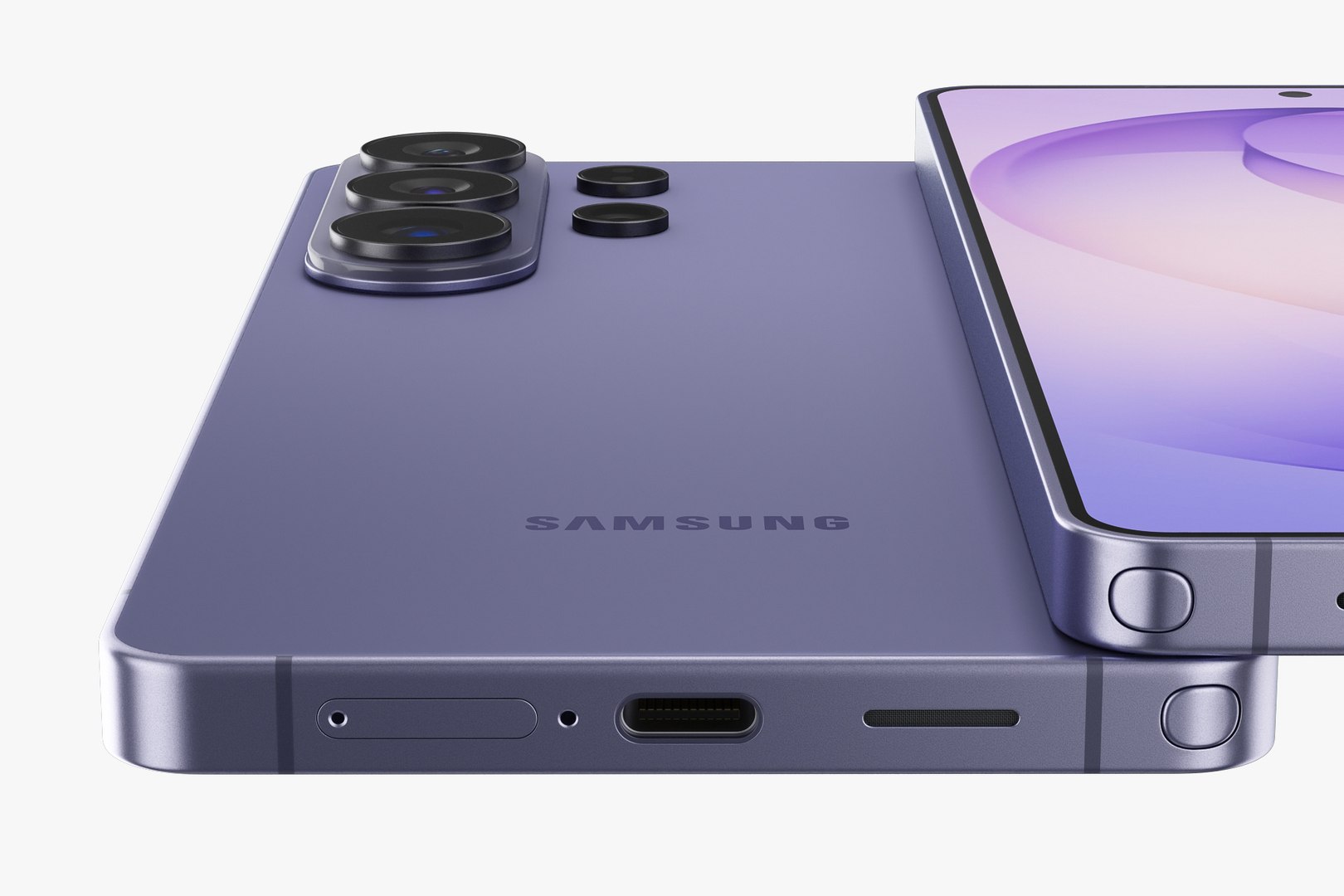
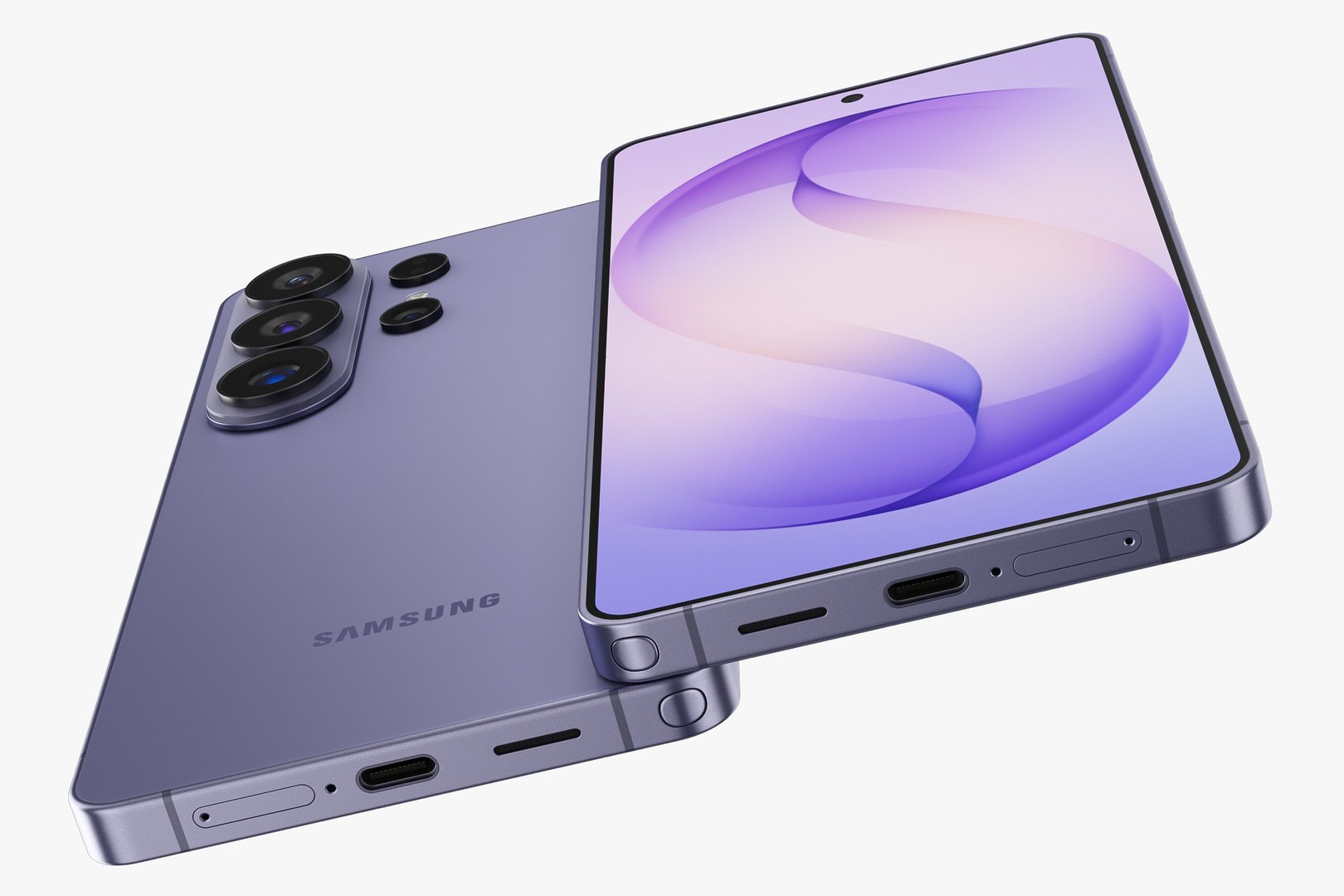
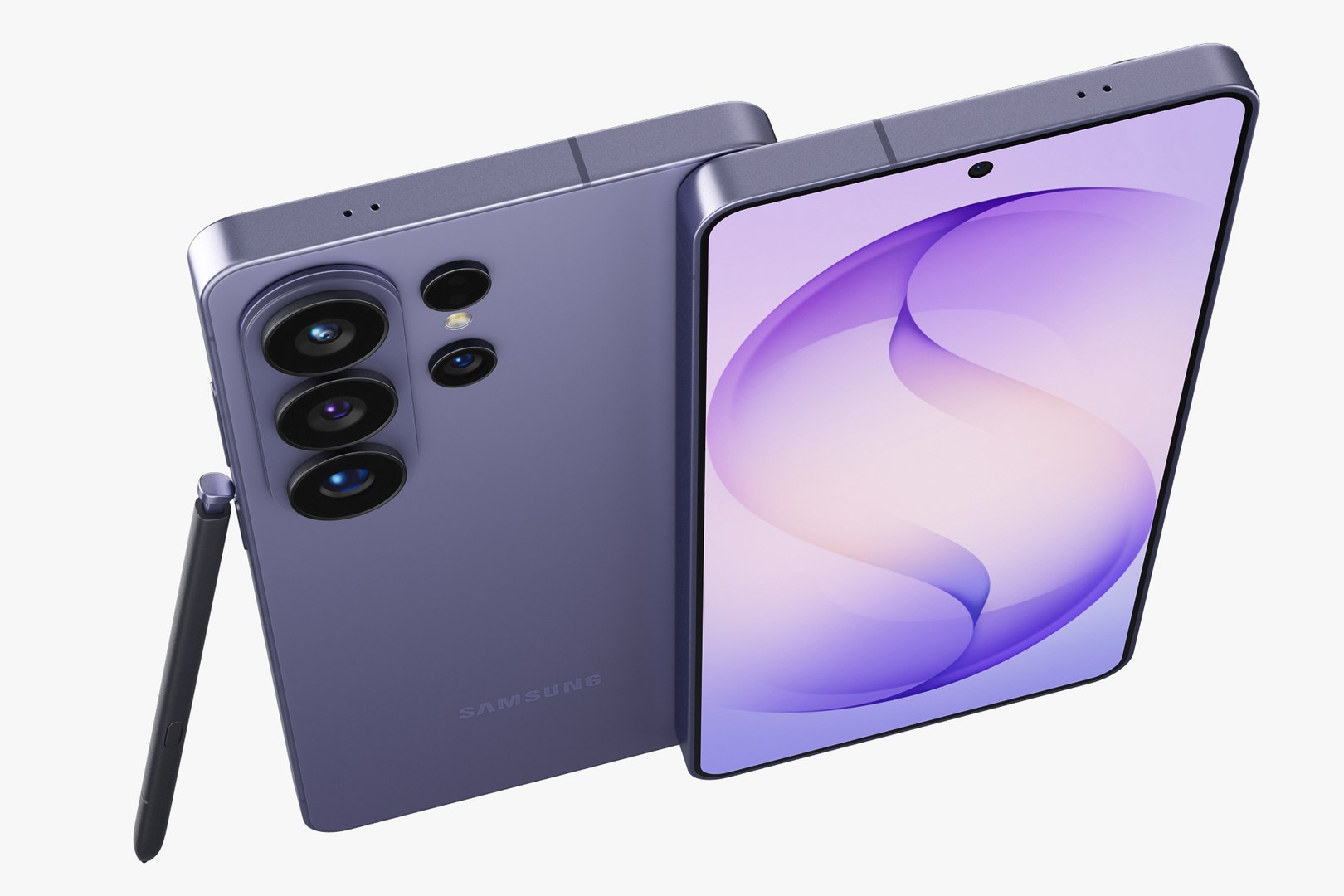
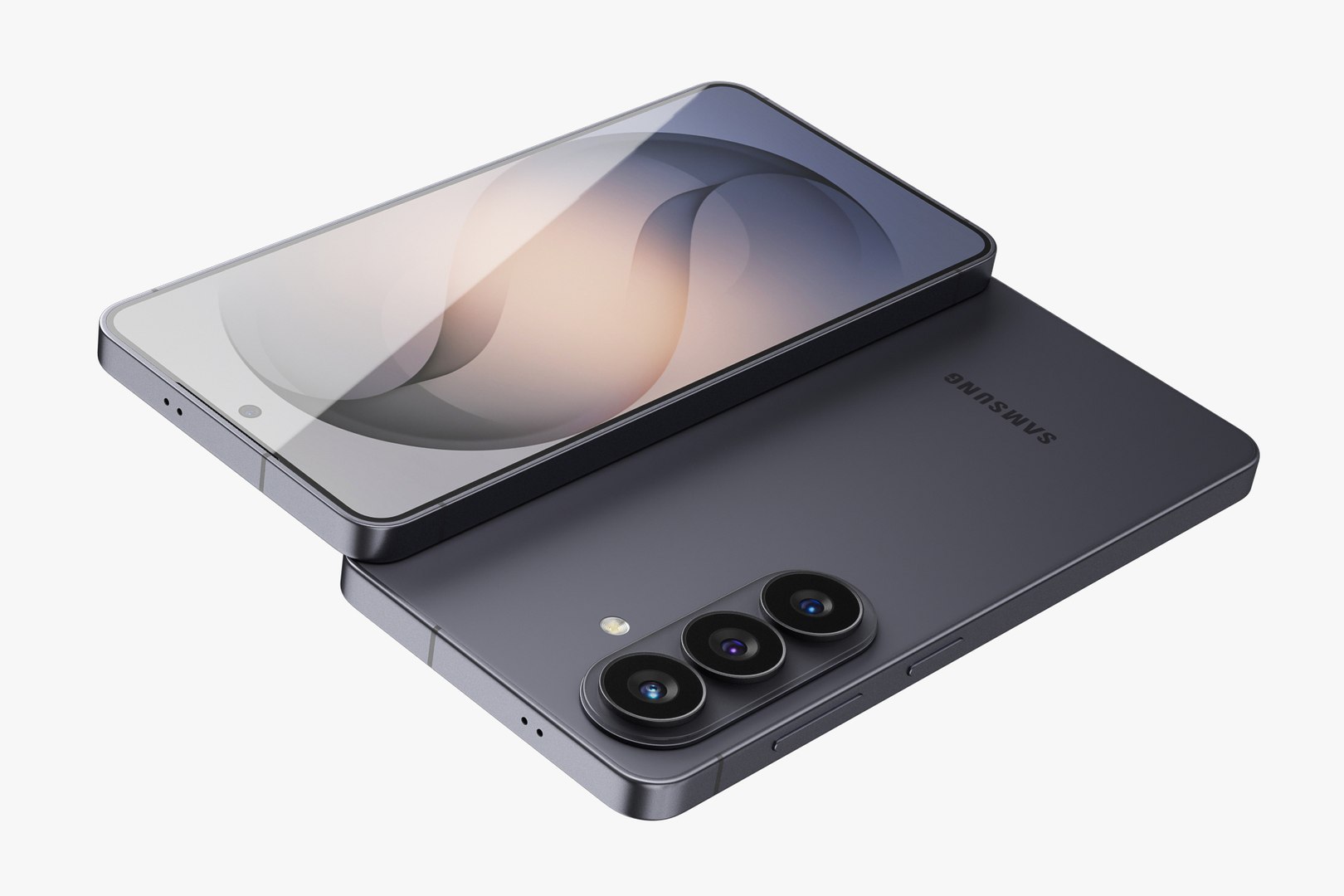
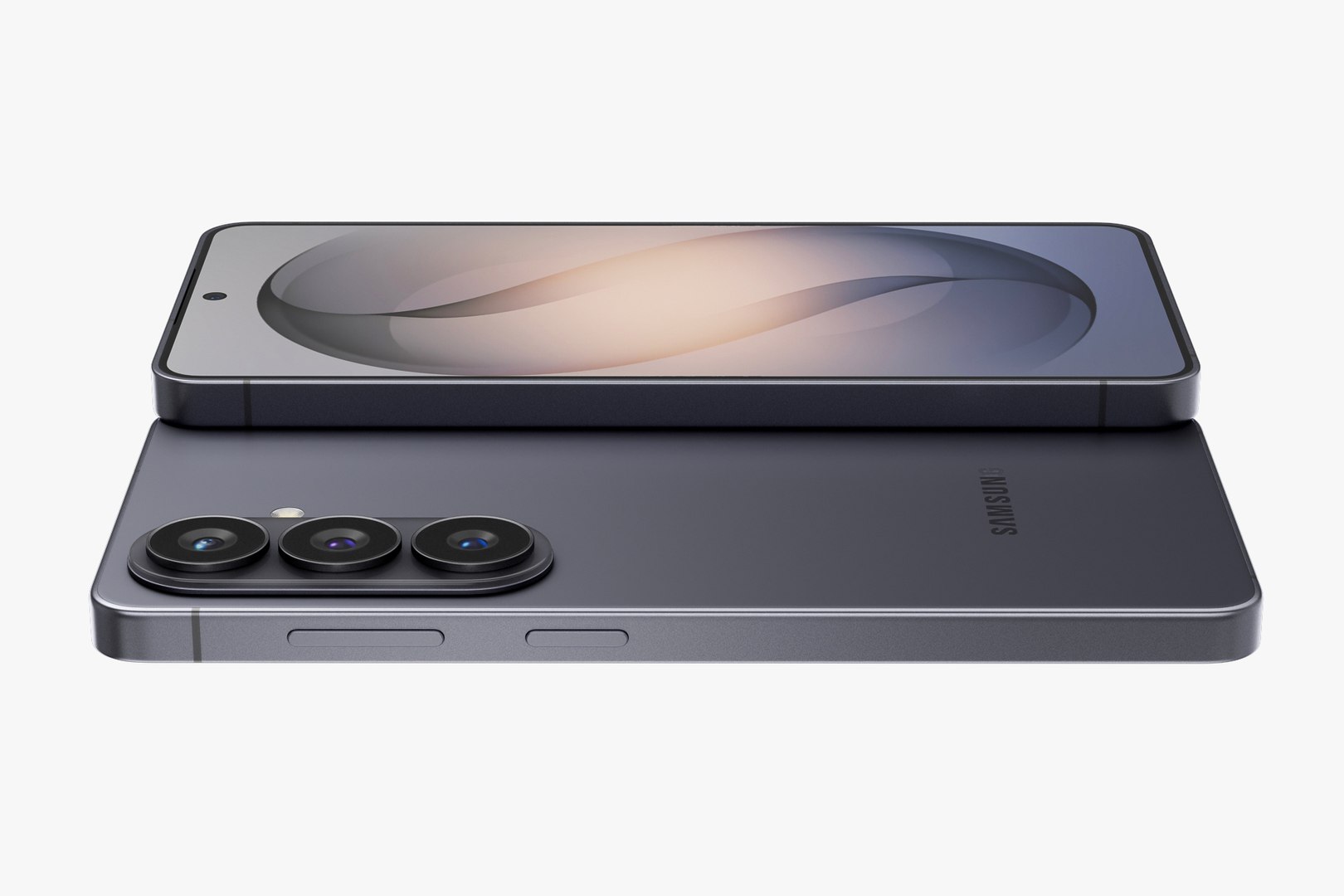
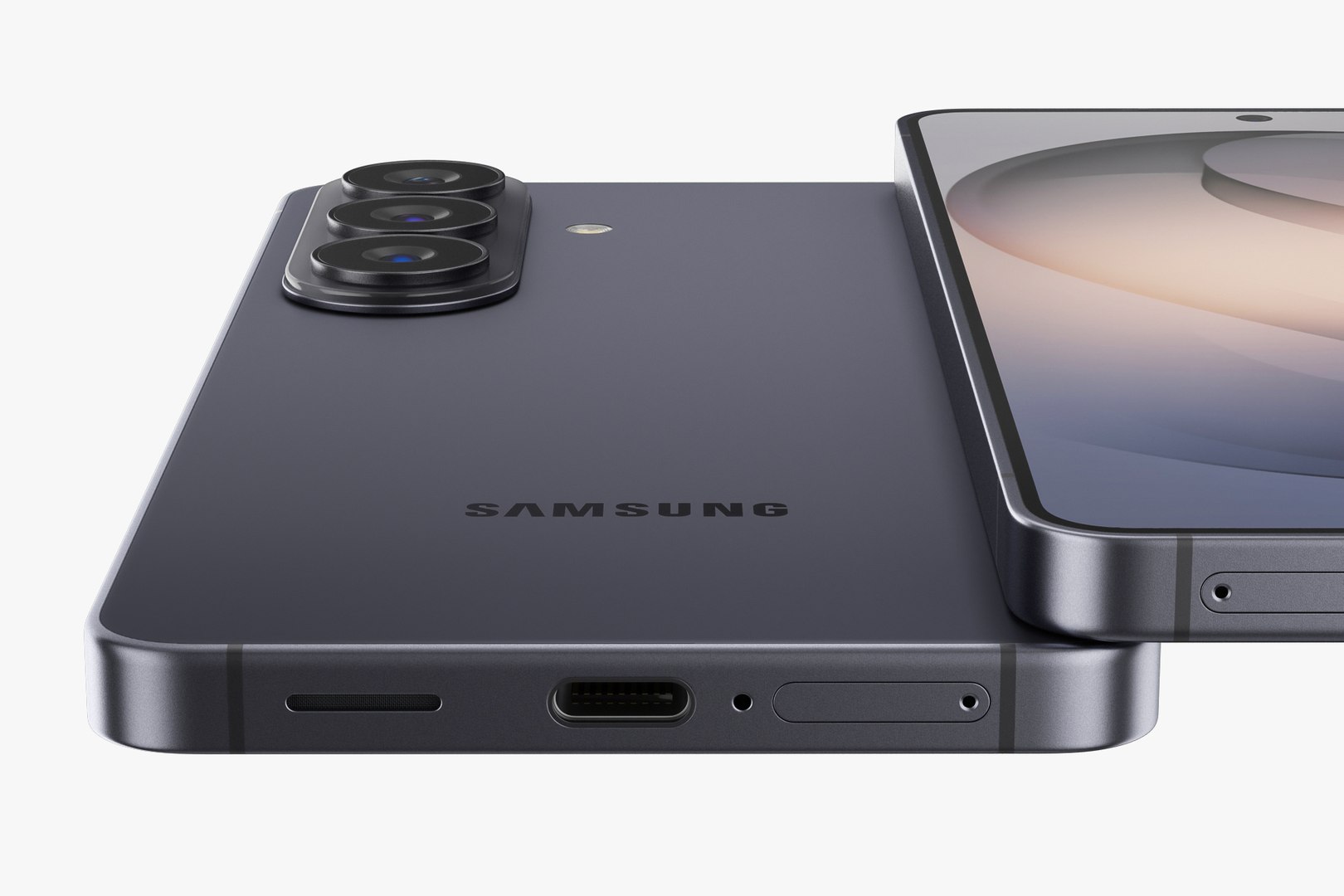
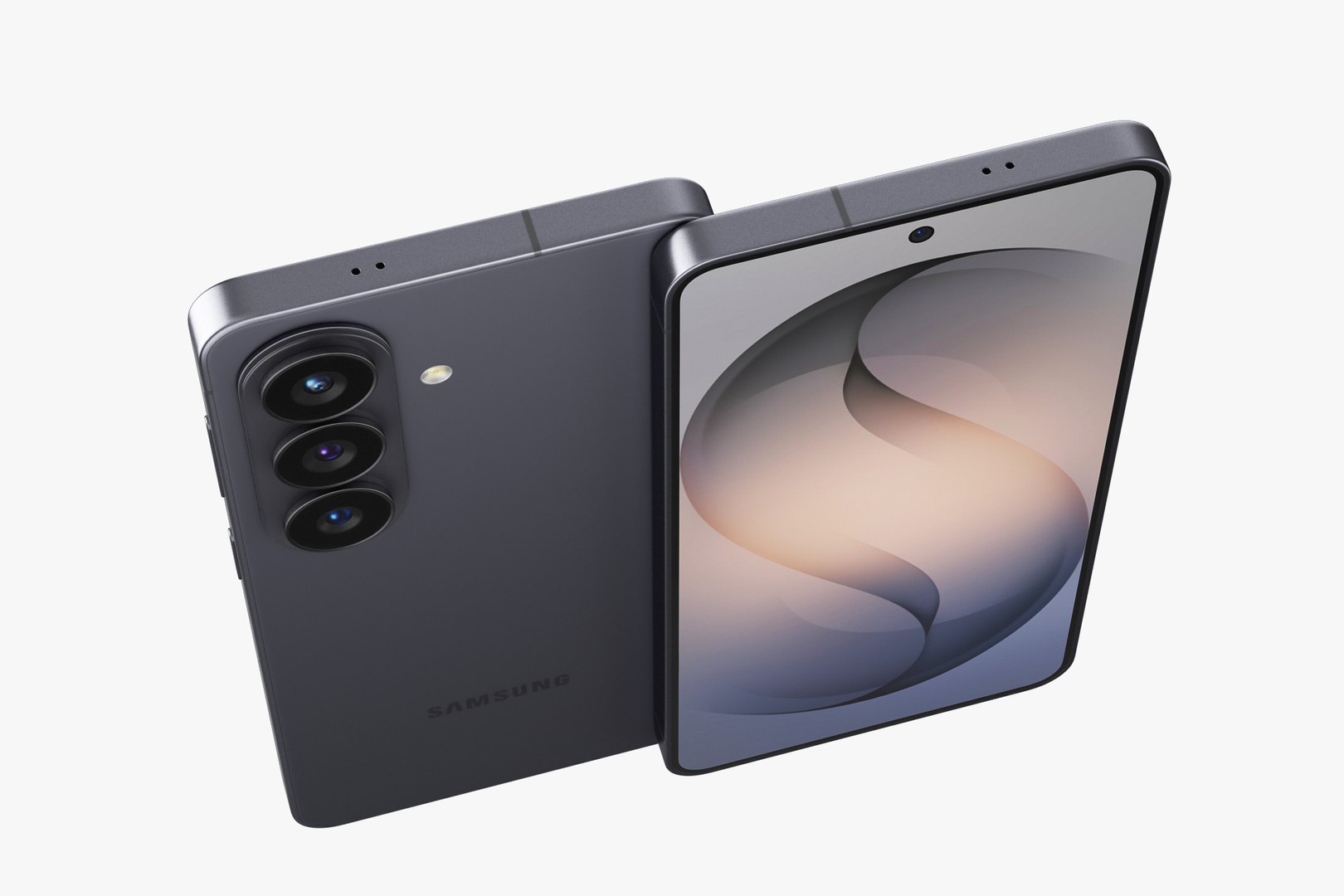
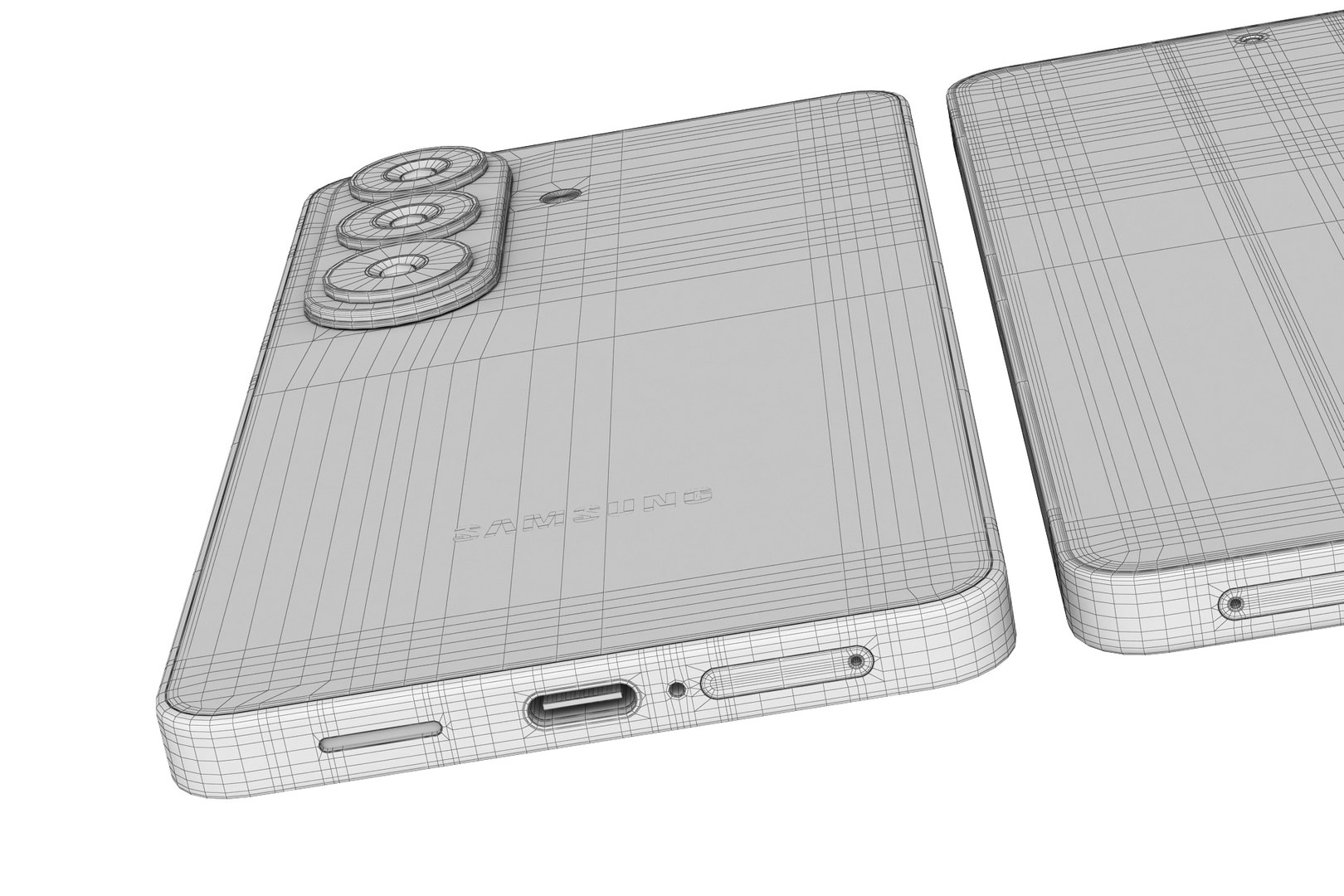
Samsung Galaxy S26 and S26 Plus and S26 Ultra

$79

Standard License | Upgrade License
Editorial Uses Only
Formats (7)
Native | 3ds Max 2013 | V-Ray 3.2
Blender 5 | Cycles Render
3ds Max 2013 | Corona 1.5
Cinema 4D R18 | Default Scanline
Blender 2.8 | Cycles Render
3D Studio
OBJ
Specifications
Publish Date February 19, 2026
Product ID 2531844
Polygons 1
Vertices 1
Polygonal
Textures
Materials
UV Mapped
Unknown Unwrapped UVs

member avatar
madMIX_X
827 Products | Contributor Since 2016
Have questions? Chat with us now.

Description

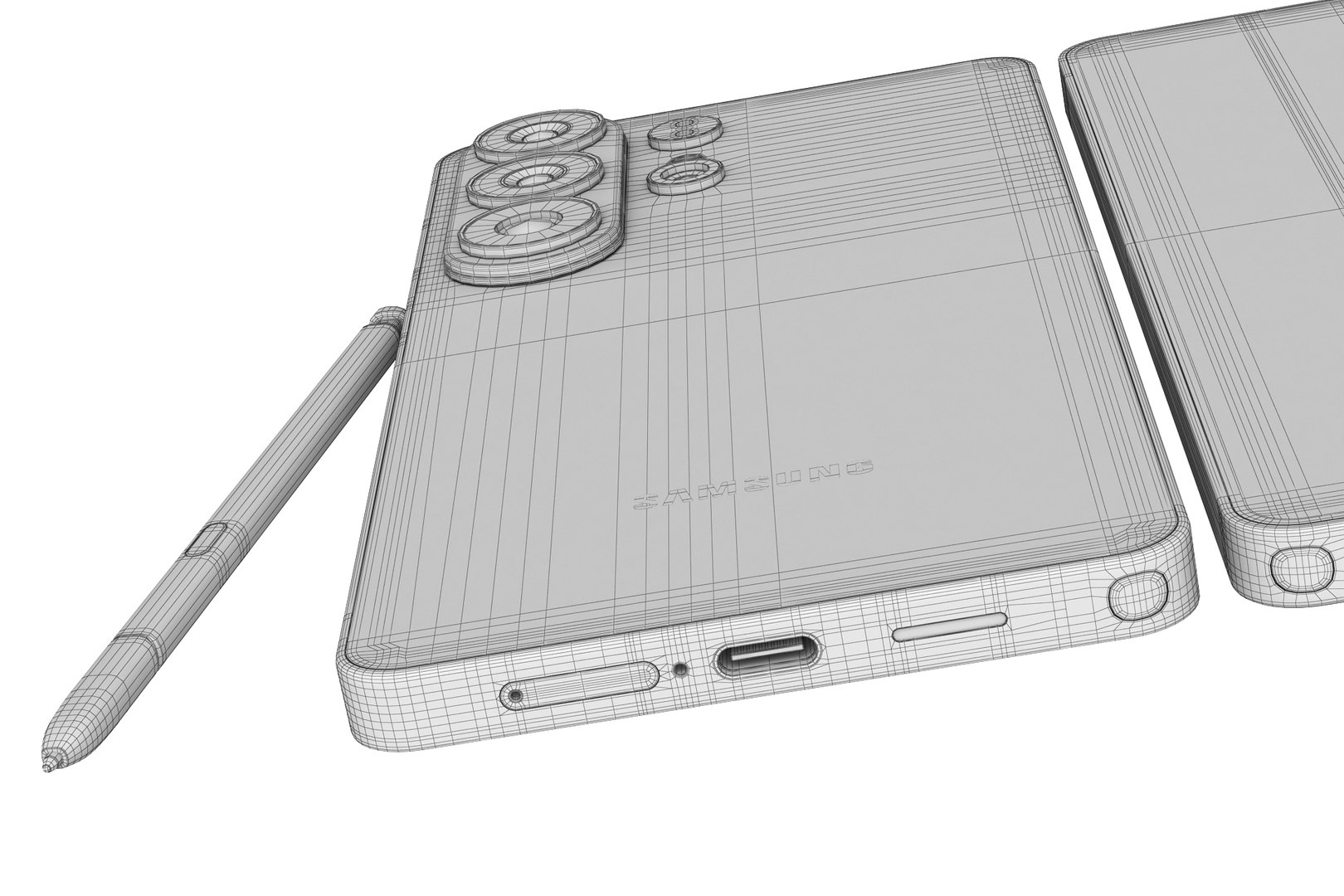
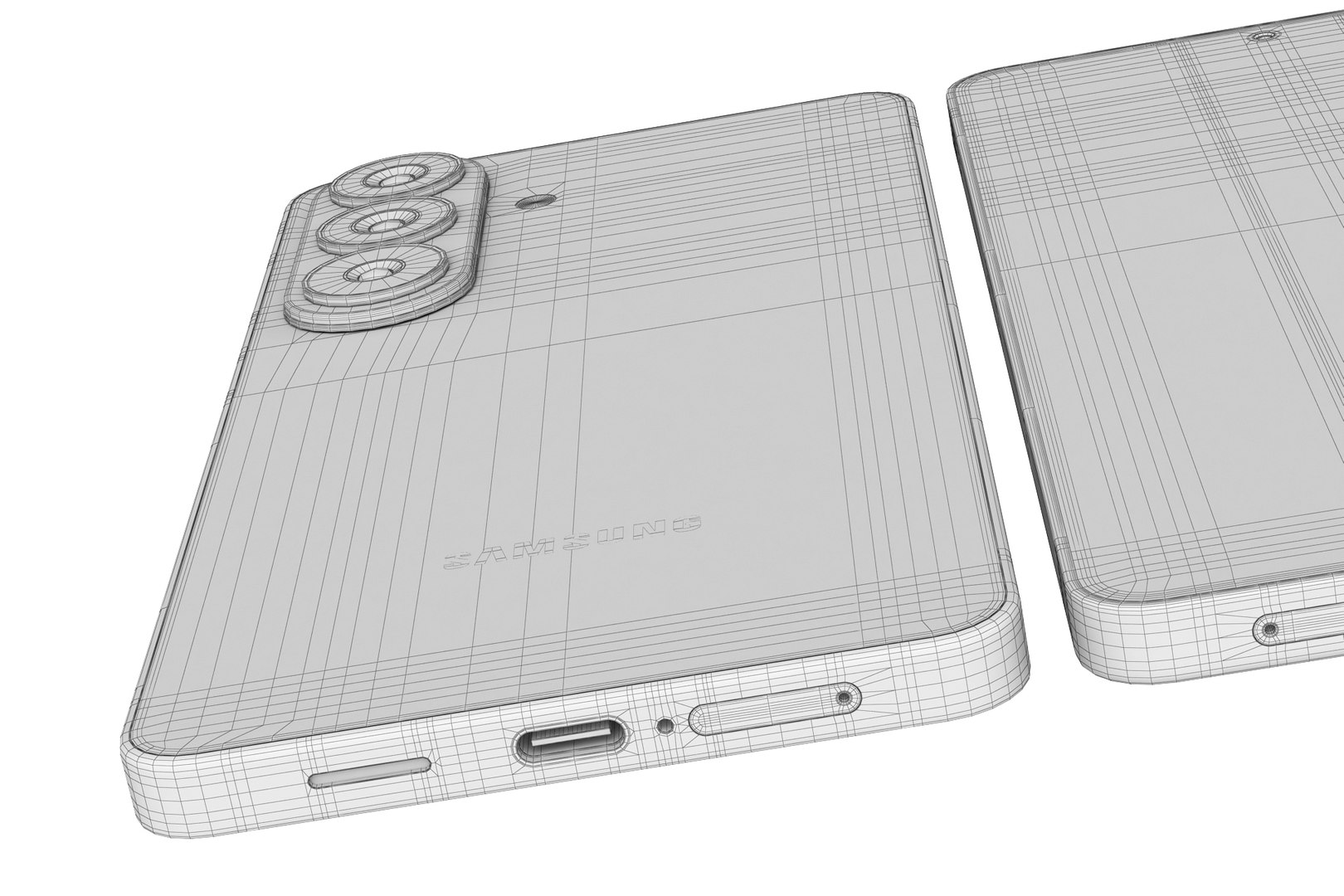
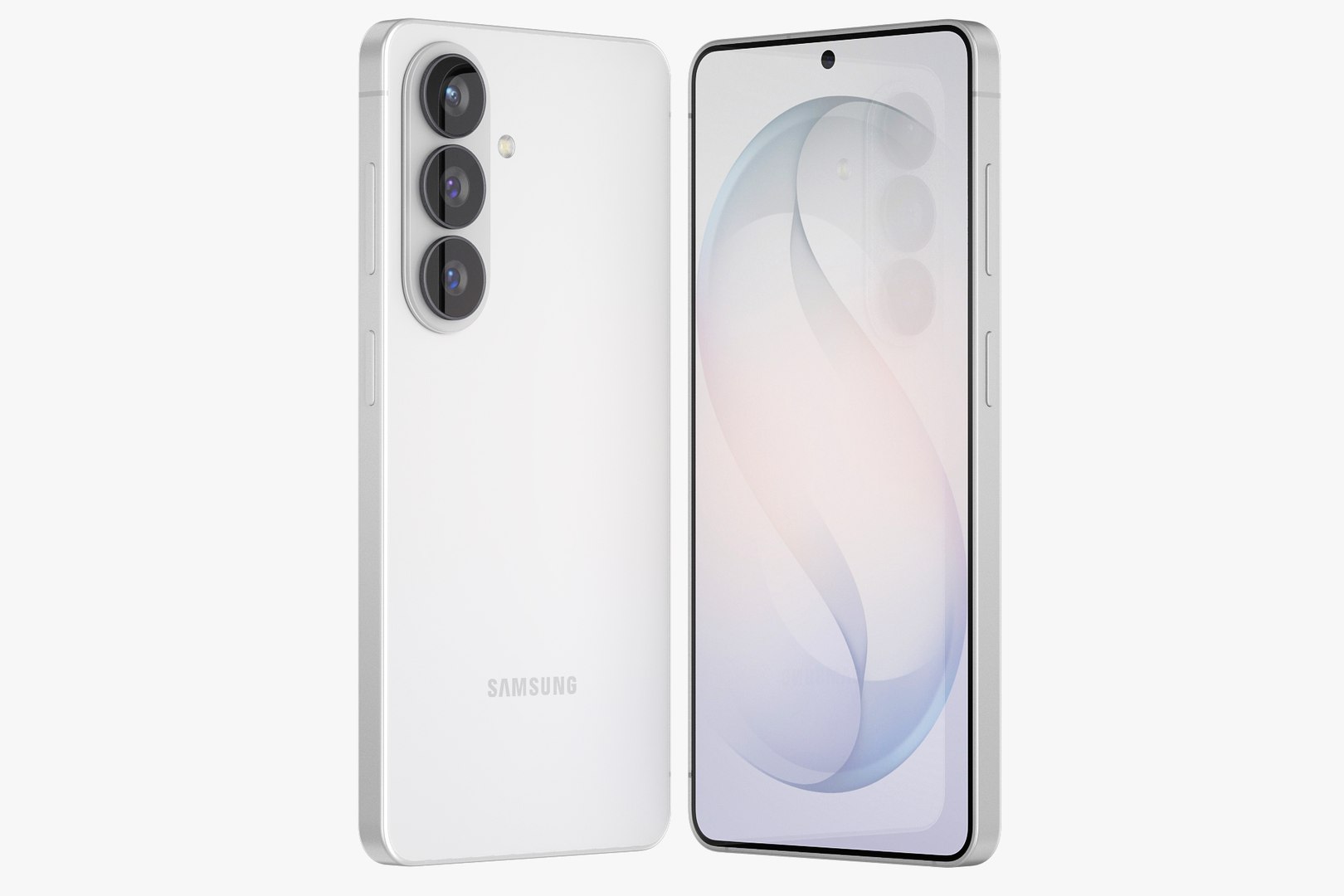
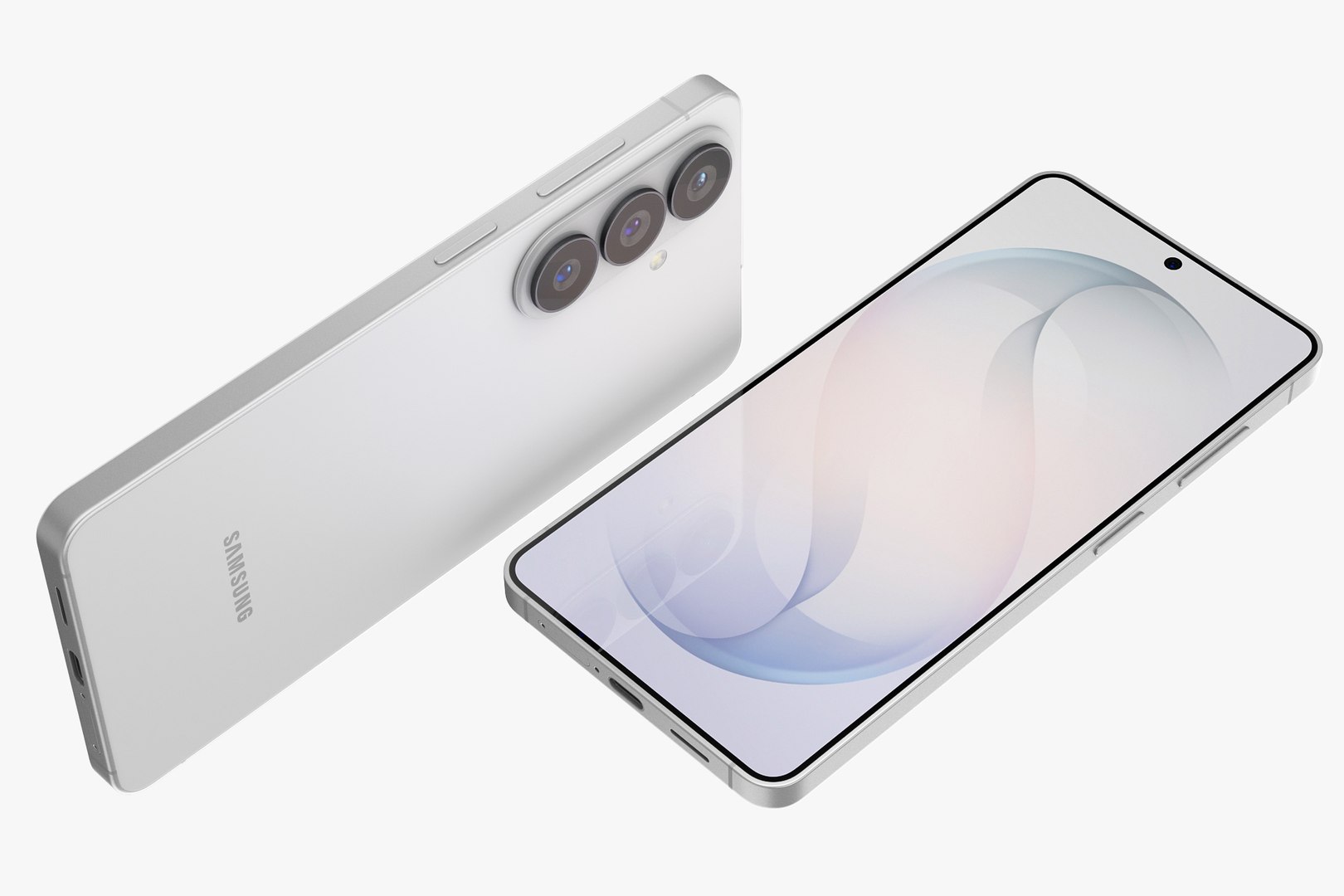
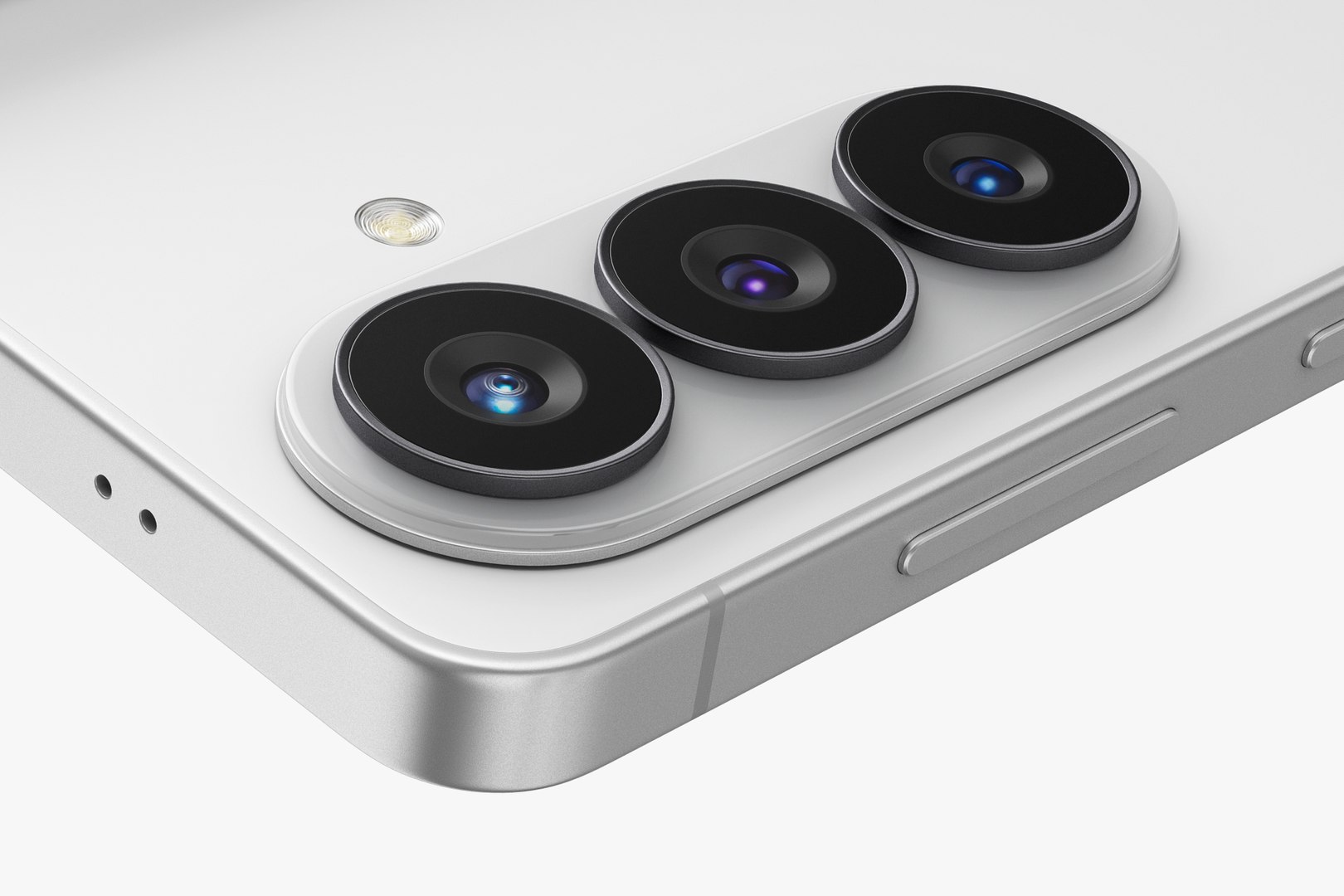
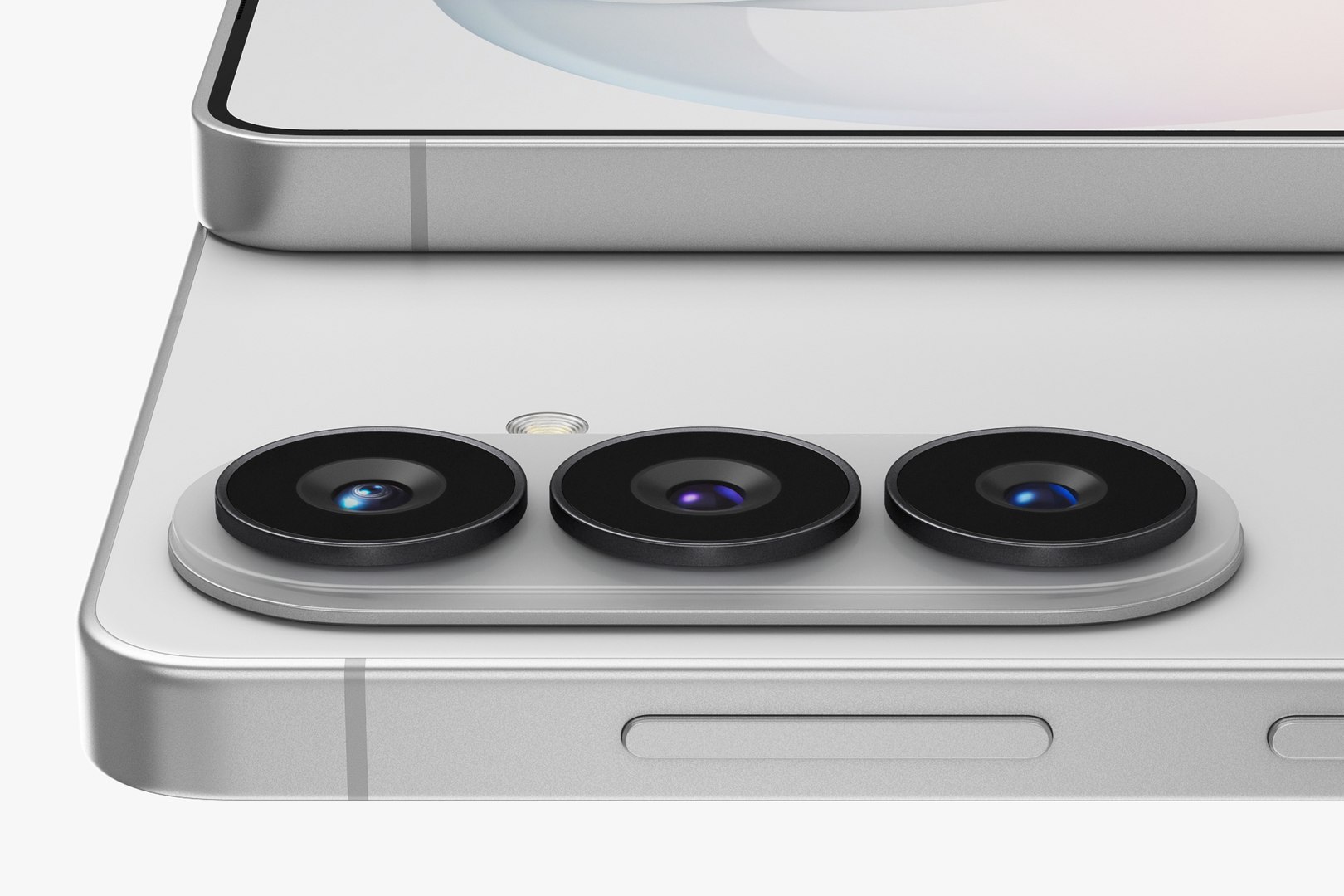
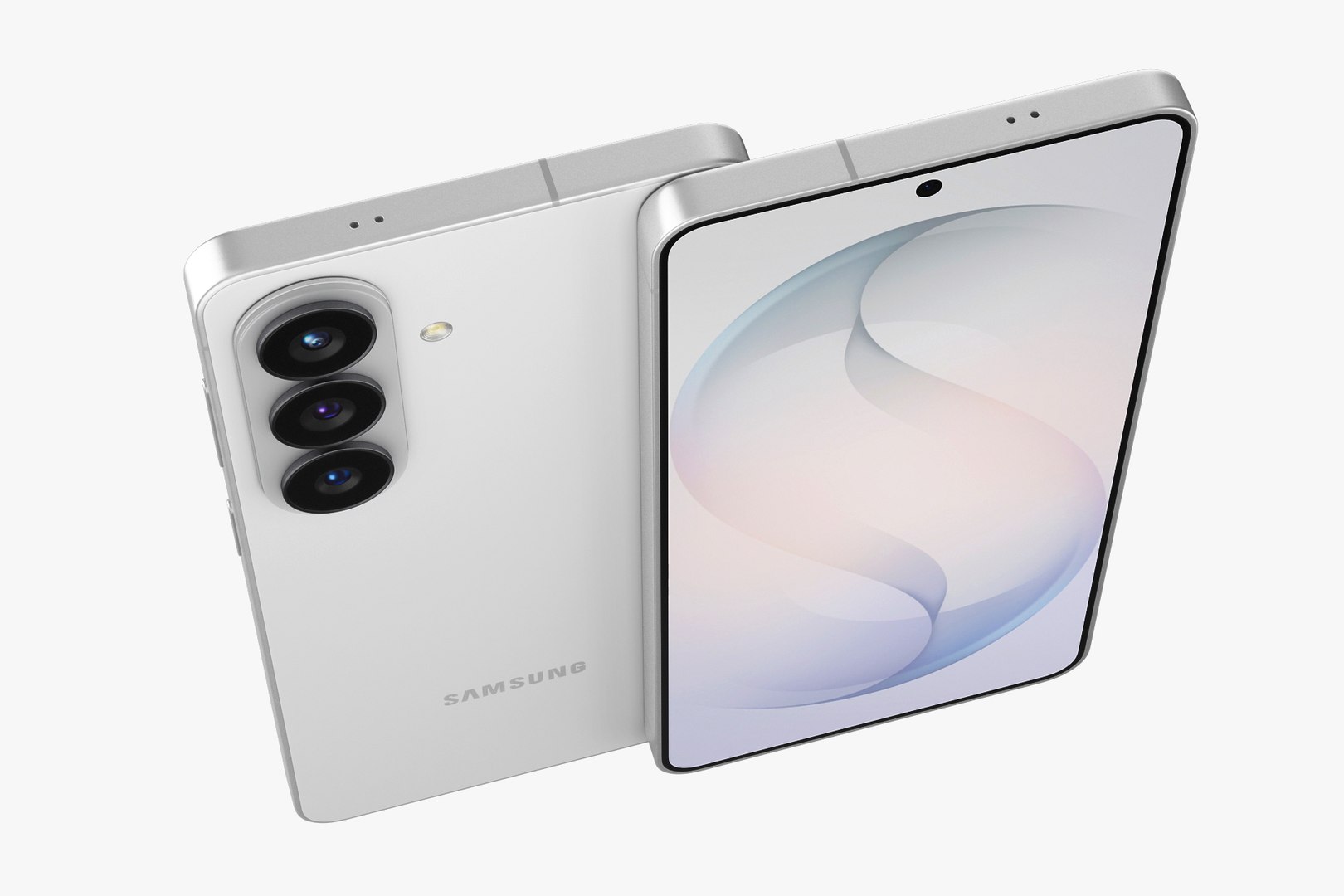
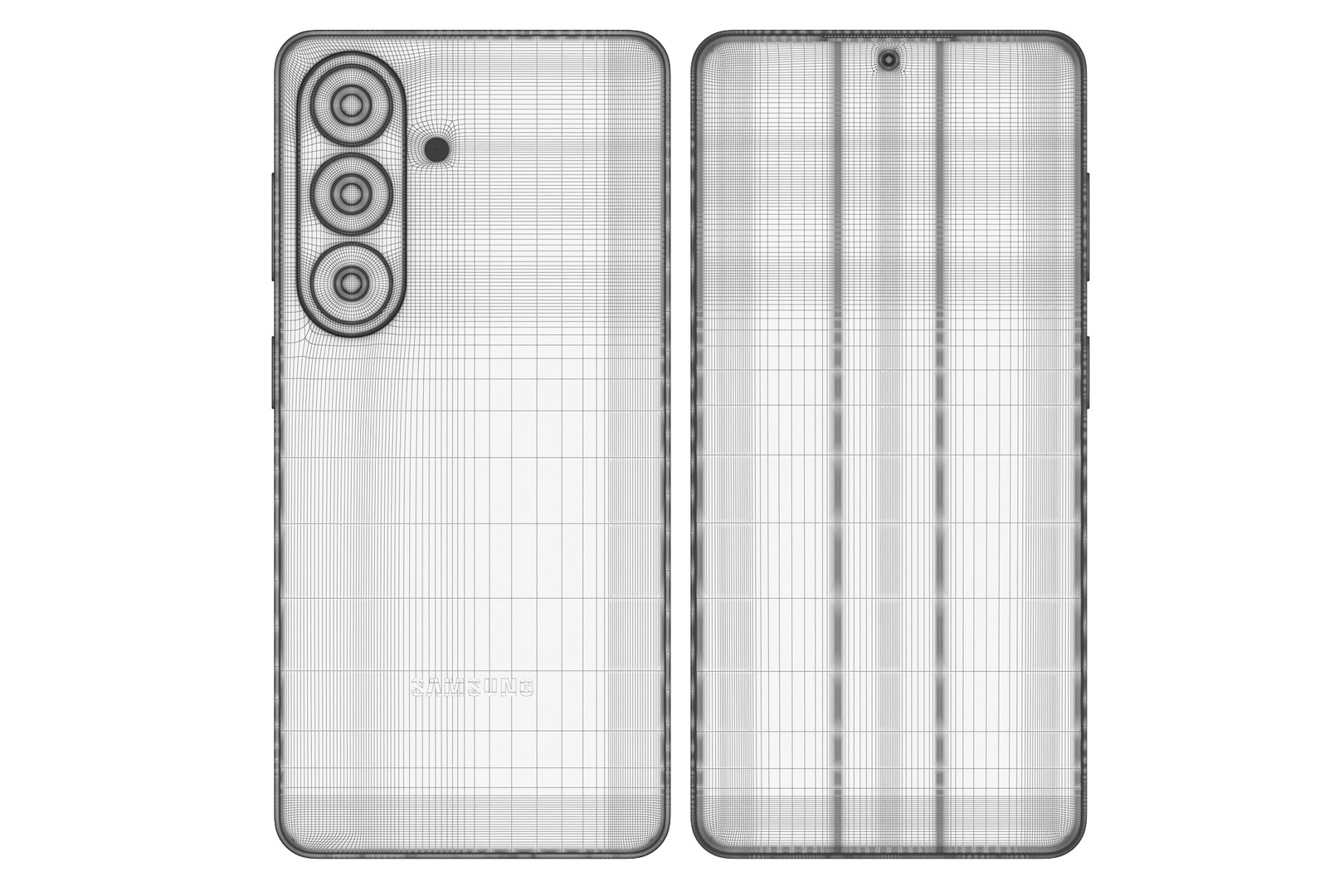
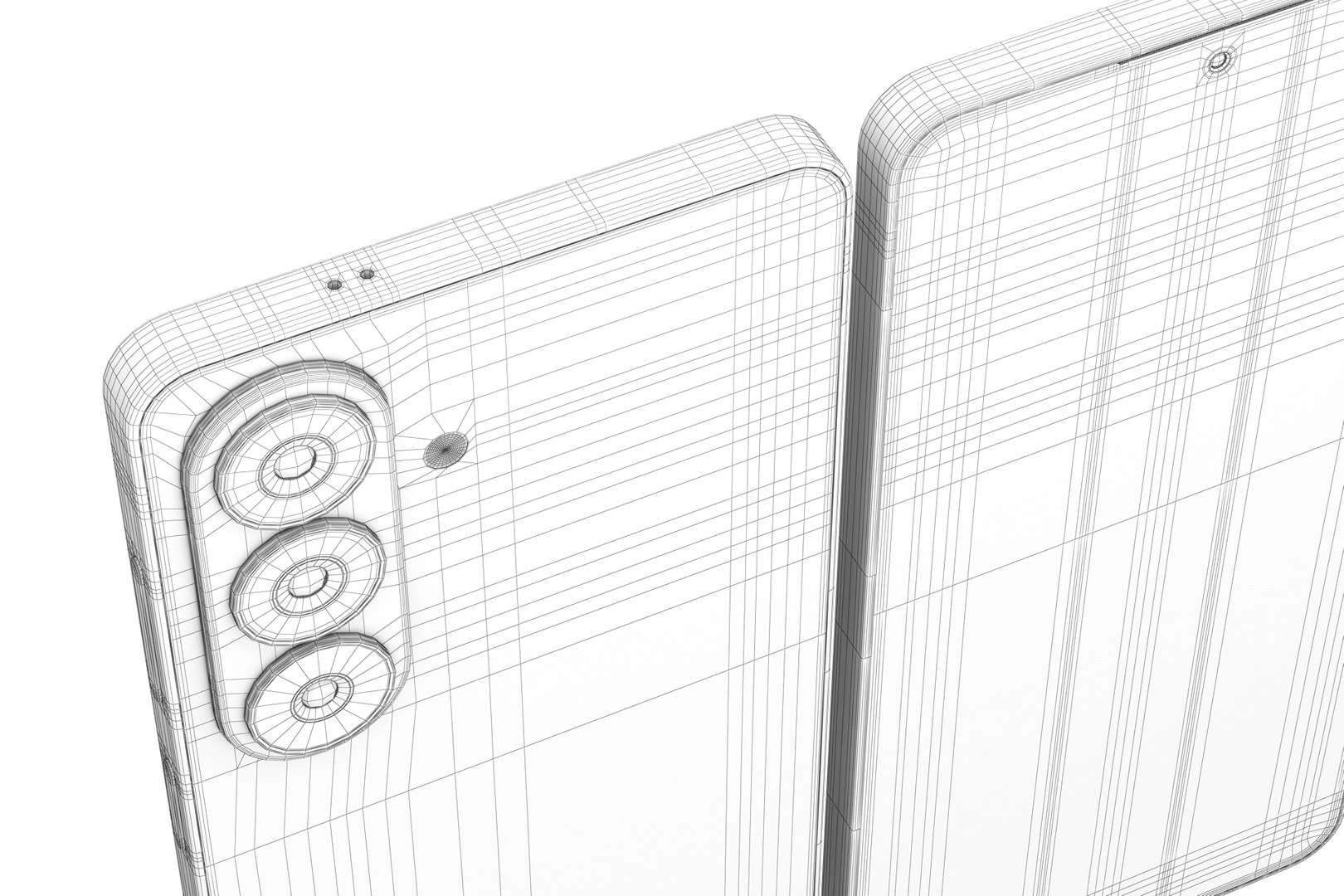
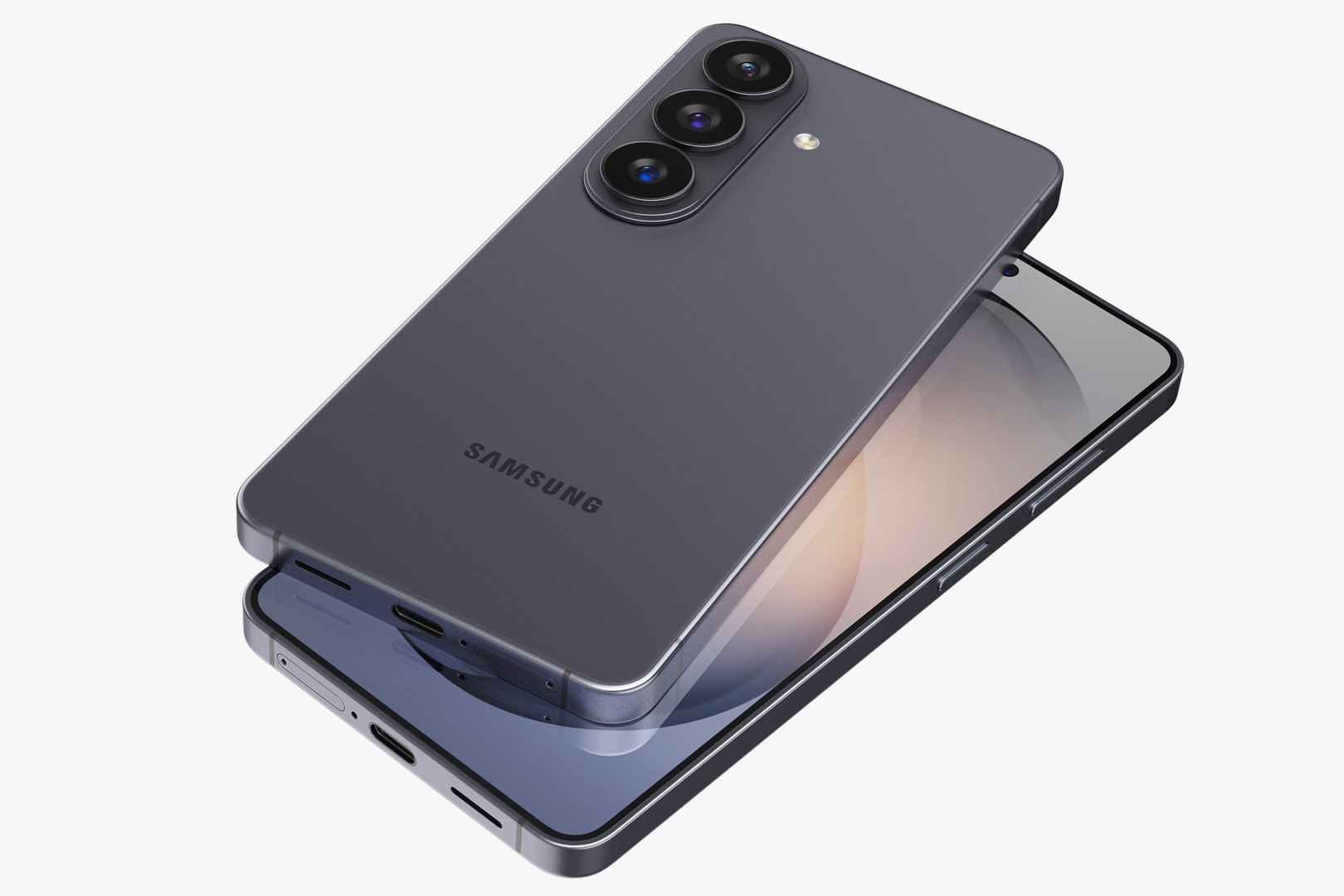
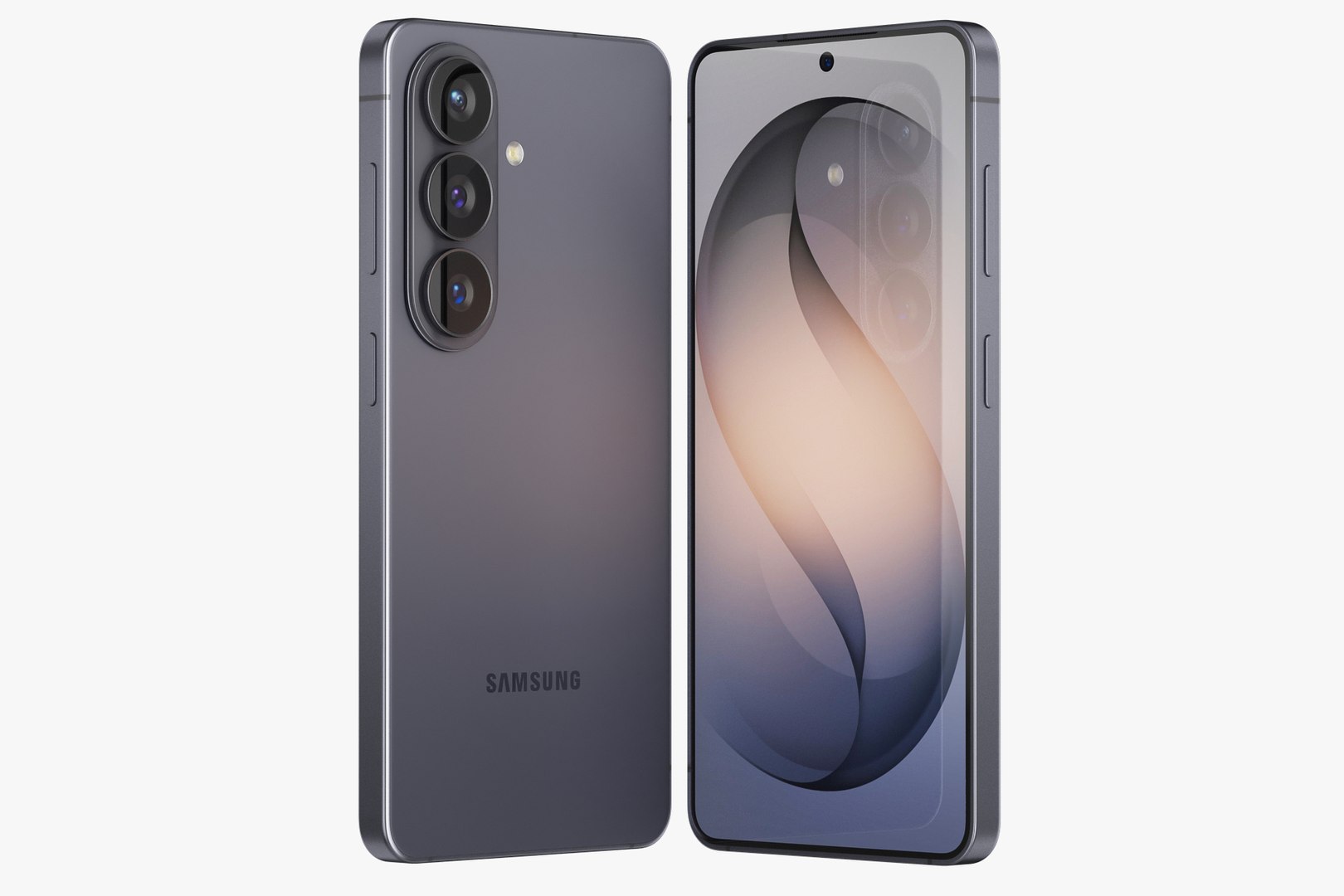
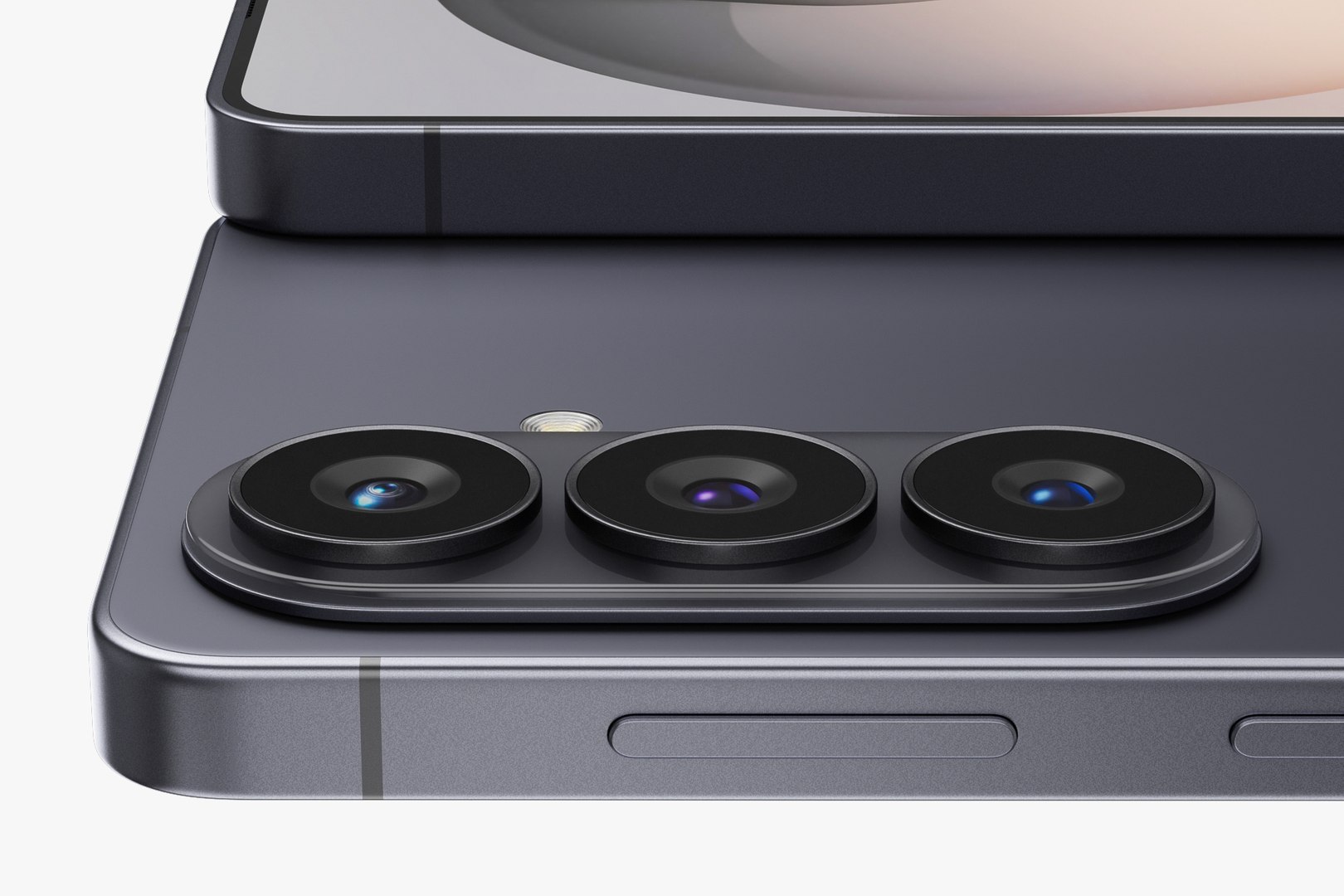
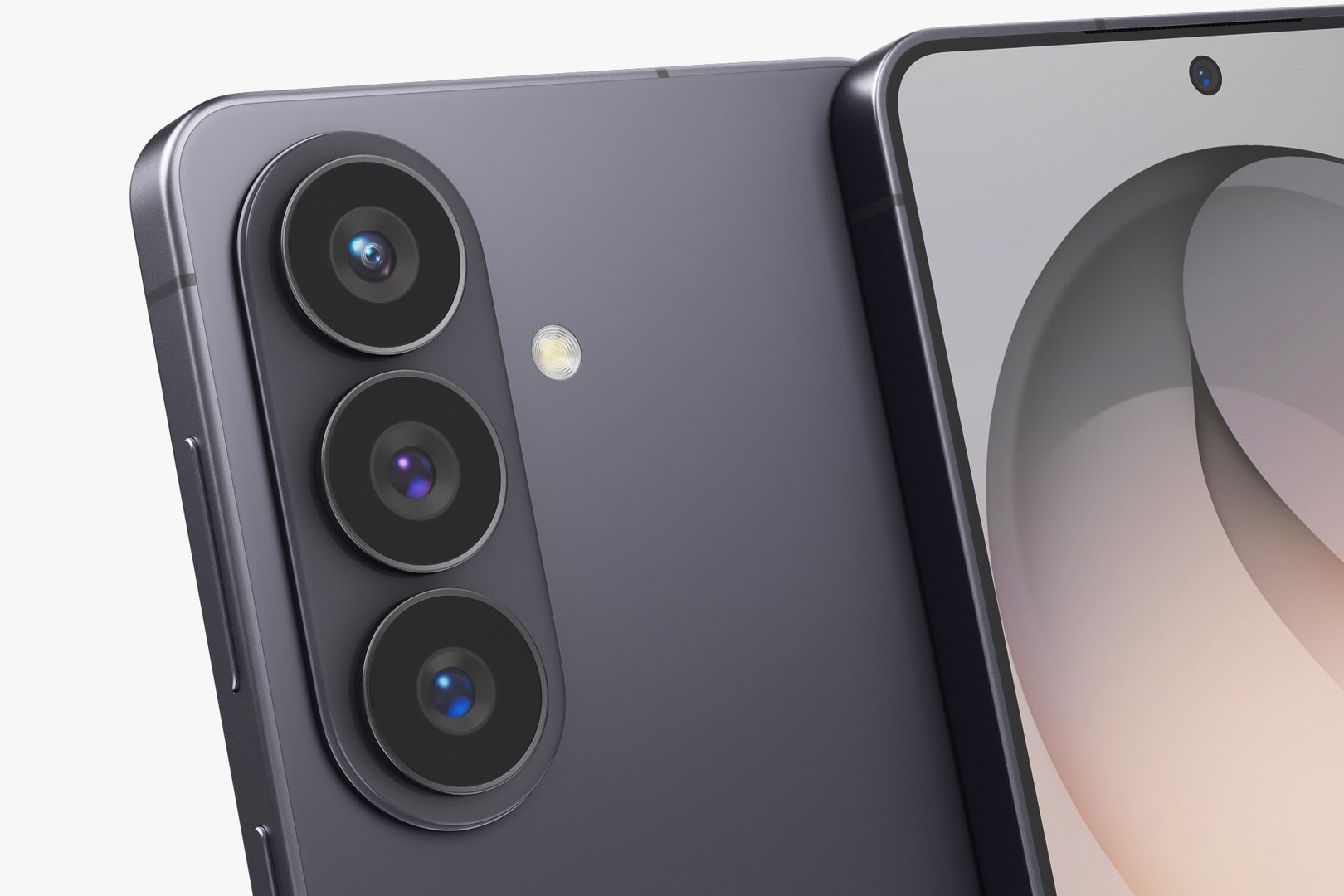
Realistic (copy) 3d model Samsung Galaxy S26 and S26 Plus and S26 Ultra.

This set:

- 3 file obj standard
- 3 file 3ds Max 2013 vray material
- 3 file 3ds Max 2013 corona material
- 3 file of 3Ds
- 3 file cinema 4d standard.
- 6 file blender cycles.


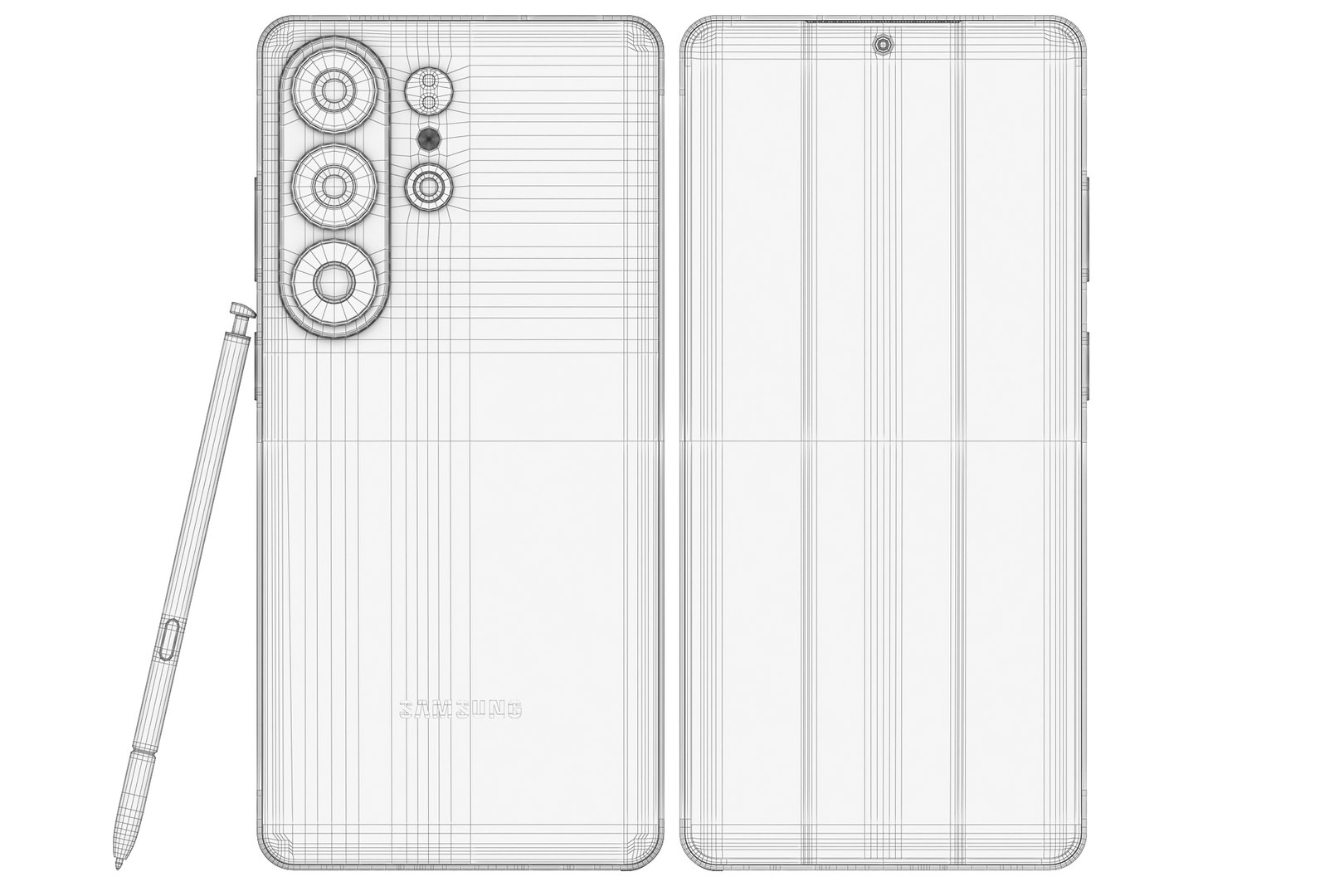
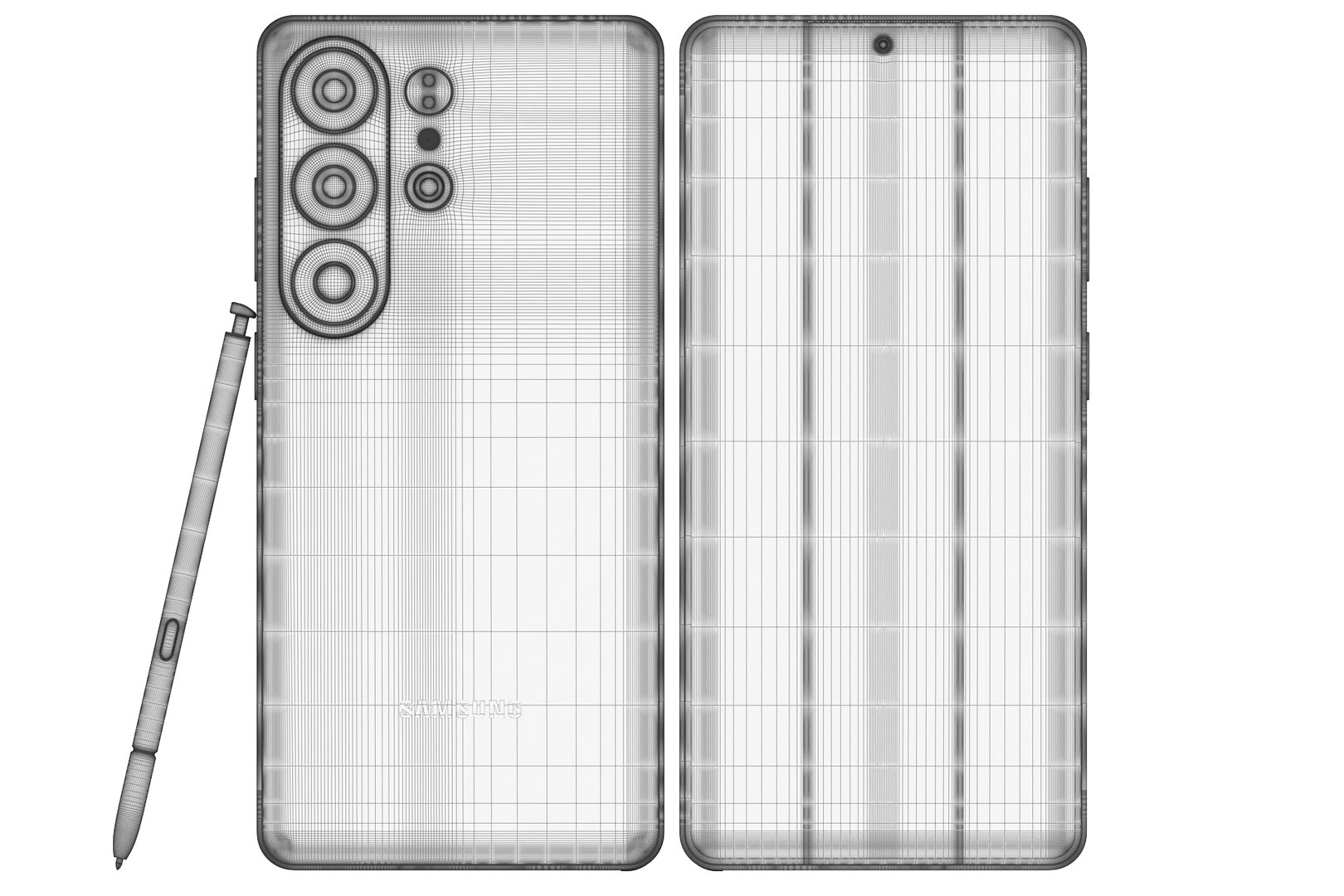
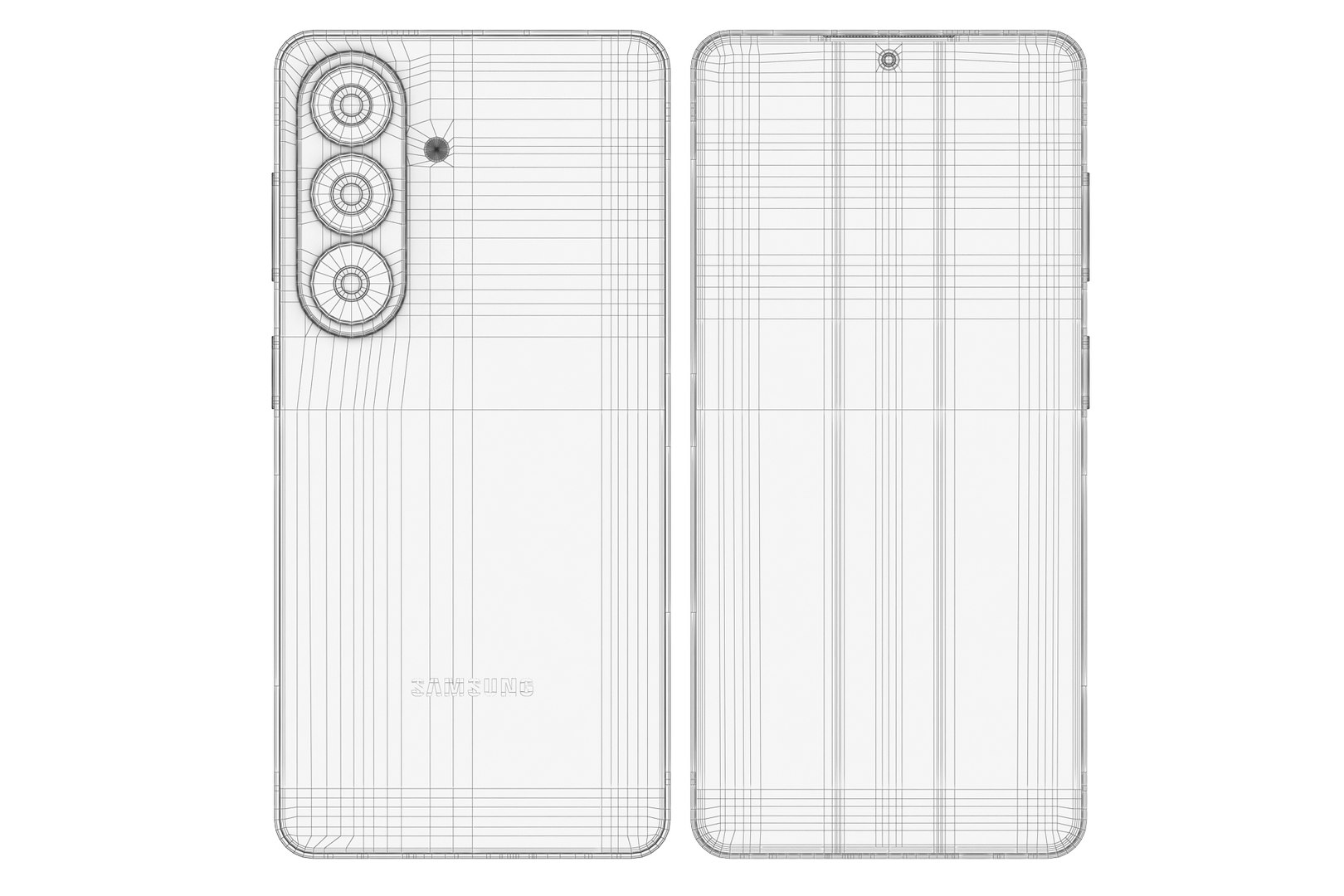
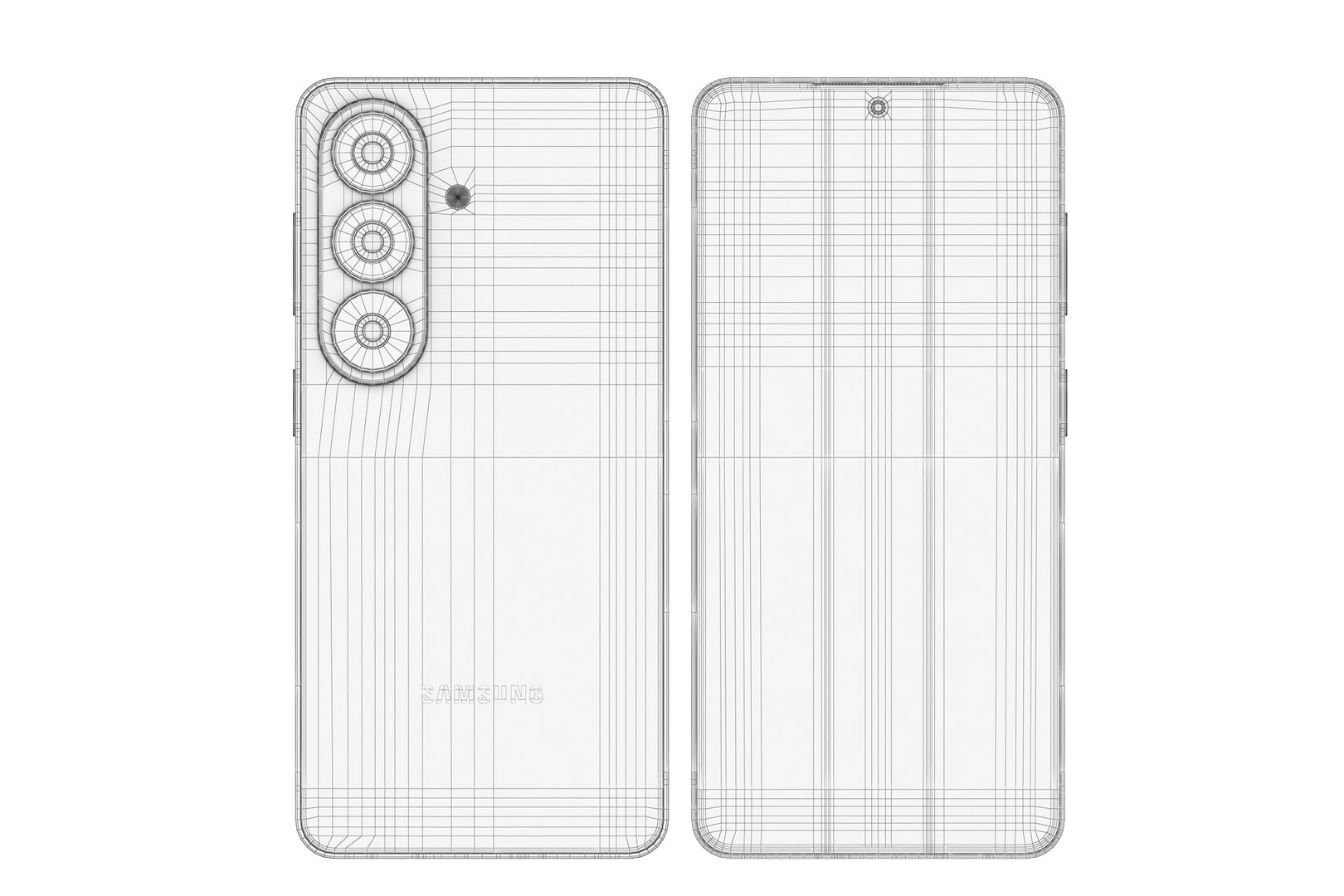
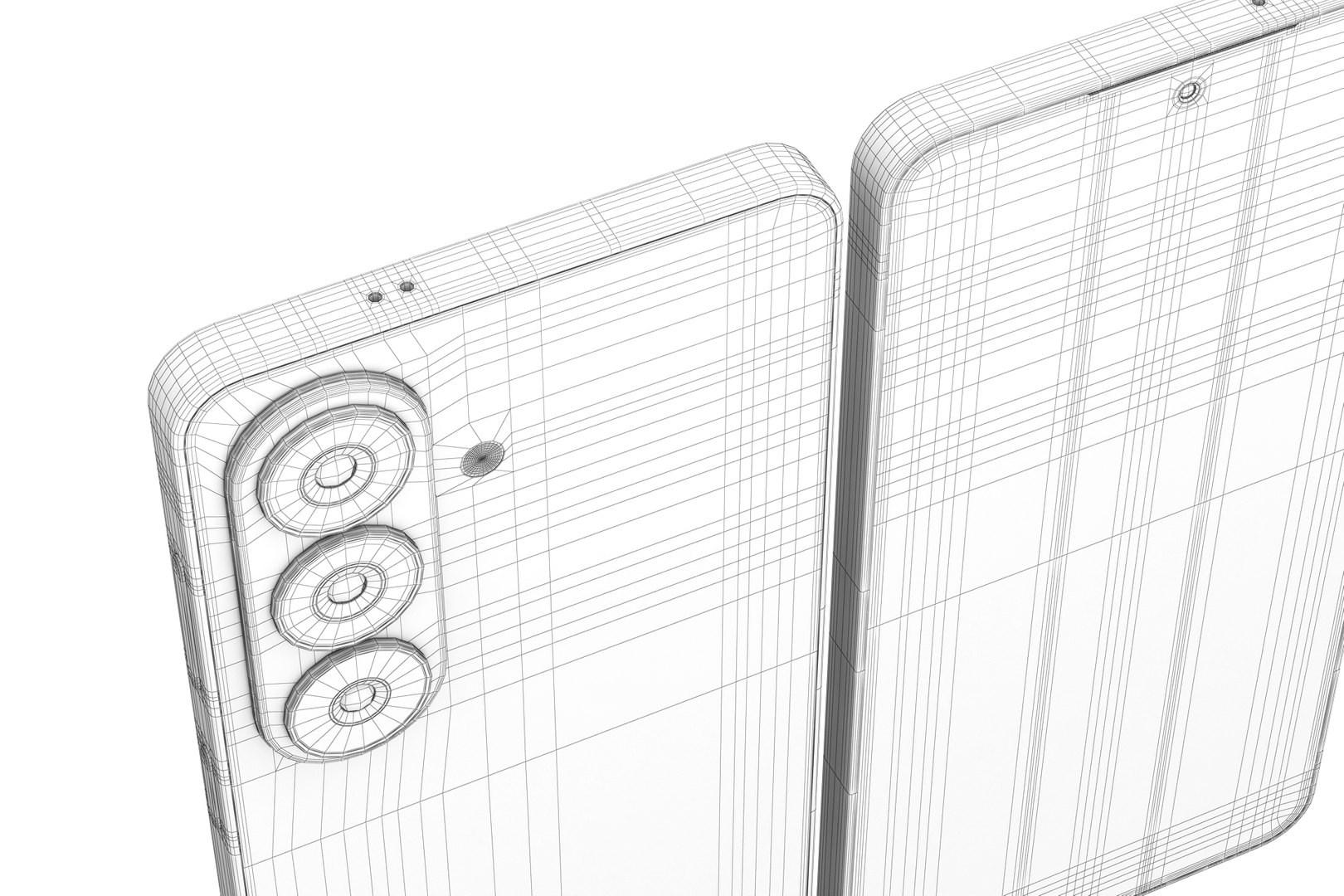
Topology of geometry:

- forms and proportions of The 3D model
- the geometry of the model was created very neatly
- there are no many-sided polygons
- detailed enough for close-up renders
- the model optimized for turbosmooth modifier
- Not collapsed the turbosmooth modified
- apply the Smooth modifier with a parameter to get the desired level of detail

Materials and Textures:

- 3ds max files included Vray-Shaders
- 3ds max files included Corona-Shaders
- Blender files included cycles shaders
- Cinema 4d files included Standard-Shaders

- all texture paths are cleared

Organization of scene:
- to all objects and materials
- real world size (system units - mm)
- coordinates of location of the model in space (x0, y0, z0)
- does not contain extraneous or hidden objects (lights, cameras, shapes etc.)

Have a great project!

Select Enhanced License

  • $10,000 in Legal Protection (Indemnification)
  • Uncapped Legal Protection (Indemnification)
  • Waiver from injunctive relief
  • Assignable model rights
  • $1,000,000 in Legal Protection (Indemnification)
  • Waiver from injunctive relief
  • Assignable model rights
  • $250,000 in Legal Protection (Indemnification)
  • Assignable model rights
Read more about enhanced license tiers, or contact us at enterprise@turbosquid.com. Already a Shutterstock Enterprise Customer? Contact your Shutterstock Sales Support Agent to talk about adding 3D.

About Conversion Requests

To submit a conversion request for a purchased asset, please complete our Conversion Request Form.

If you have not yet purchased a model, please review our Documentation about Conversions to learn about what limitations you may encounter with a conversion.

For any additional questions about a model’s suitability for conversion, please contact TurboSquid Support.

Loading...