
Solo Saddle Bags for Poser Camel

$5

Standard License | Upgrade License
Formats (1)
Poser
Specifications
Publish Date December 03, 2014
Product ID 873743
Polygons 10,891
Vertices 10,850
Polygonal
Textures
Materials
UV Mapped
Non-overlapping Unwrapped UVs
Rigged
member avatar
T_St_Amant
2 Products | Contributor Since 2014
Have questions? Chat with us now.

Description

Description:
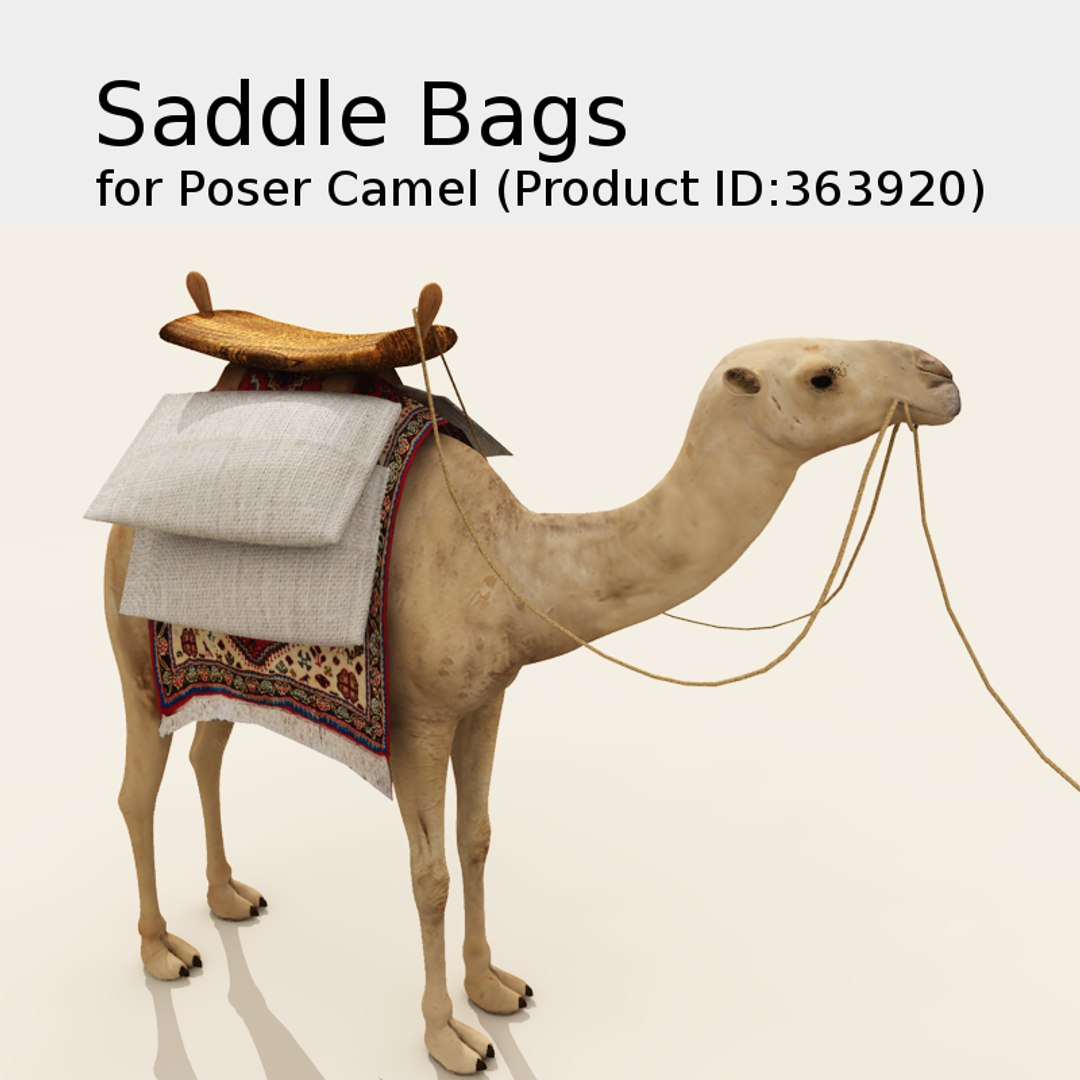
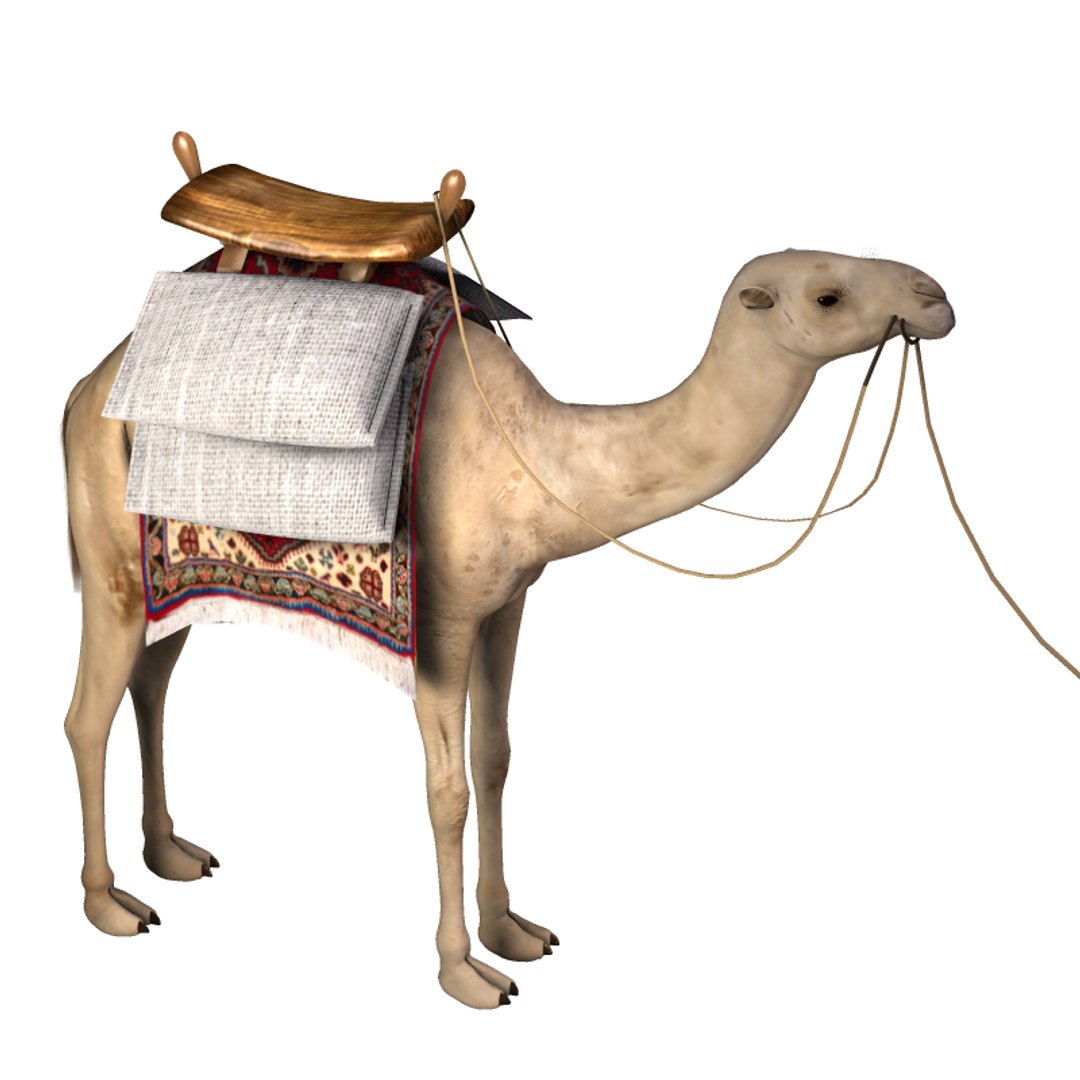
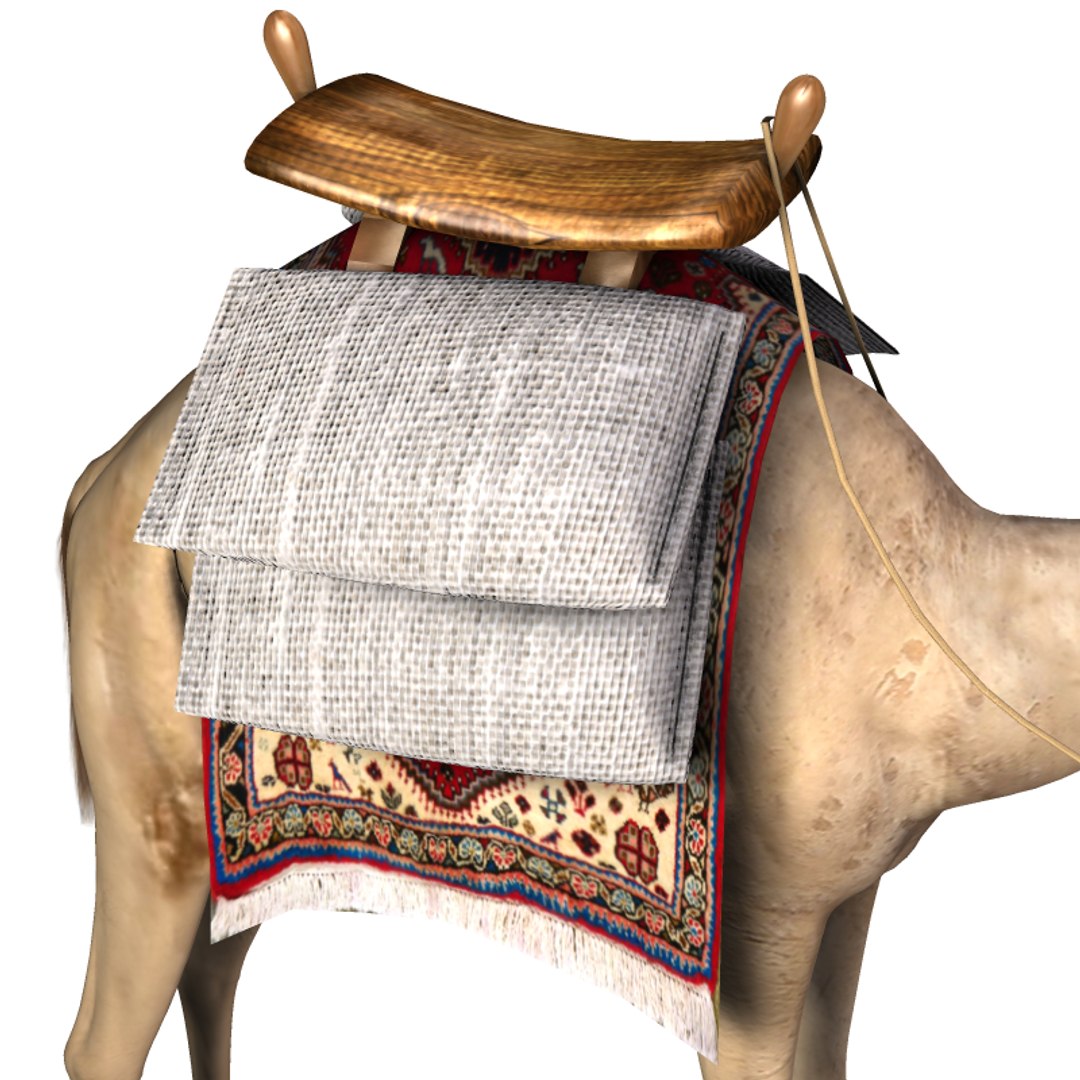
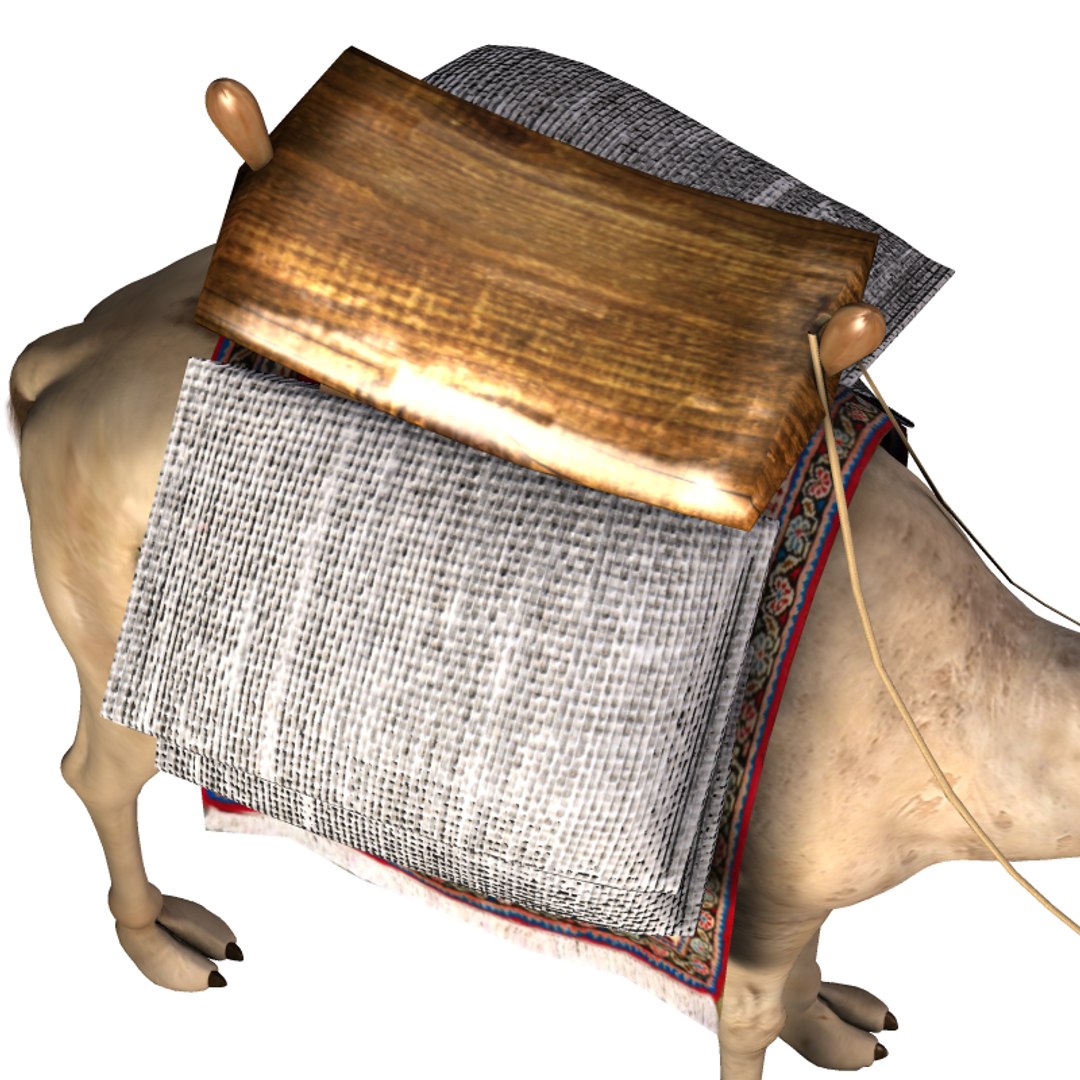
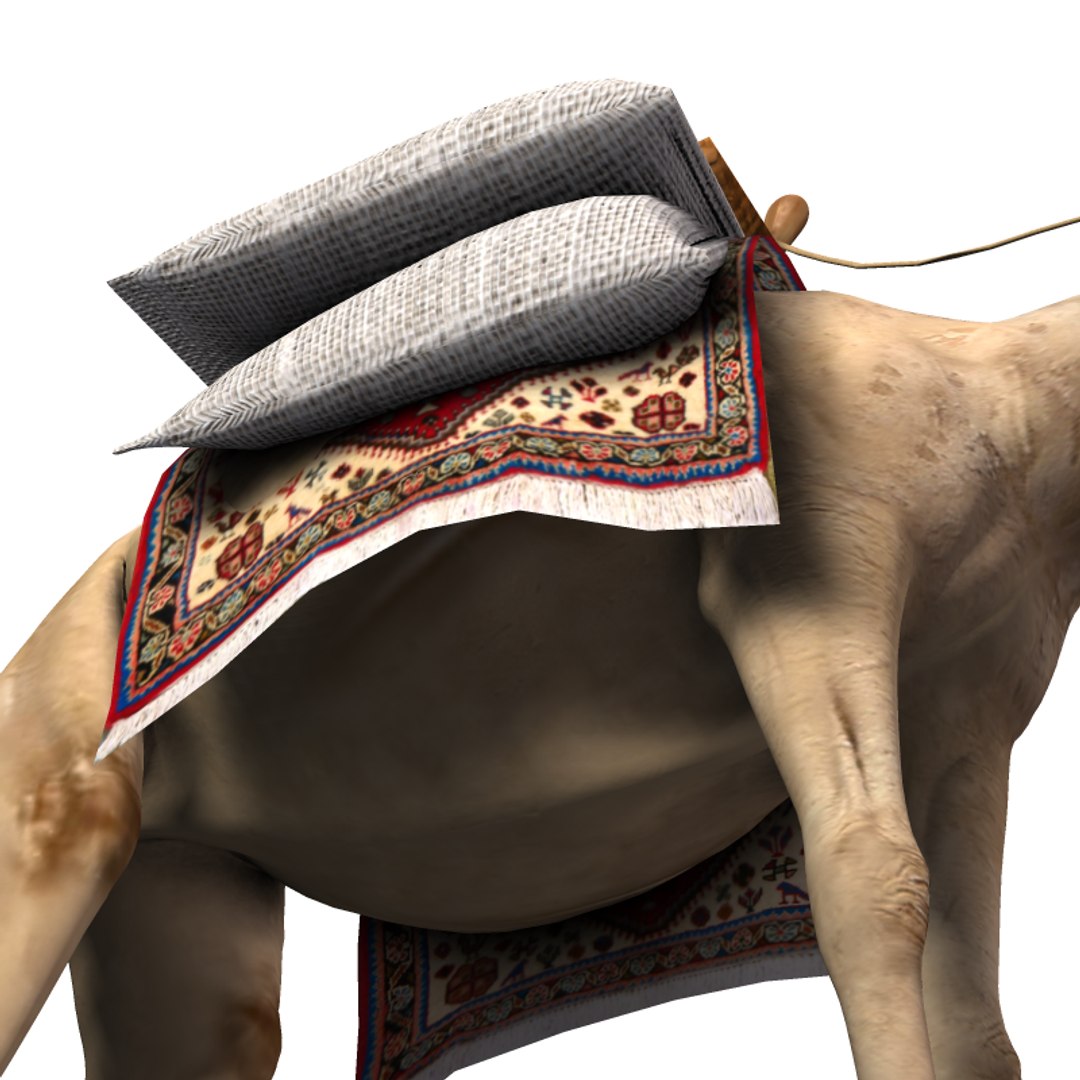
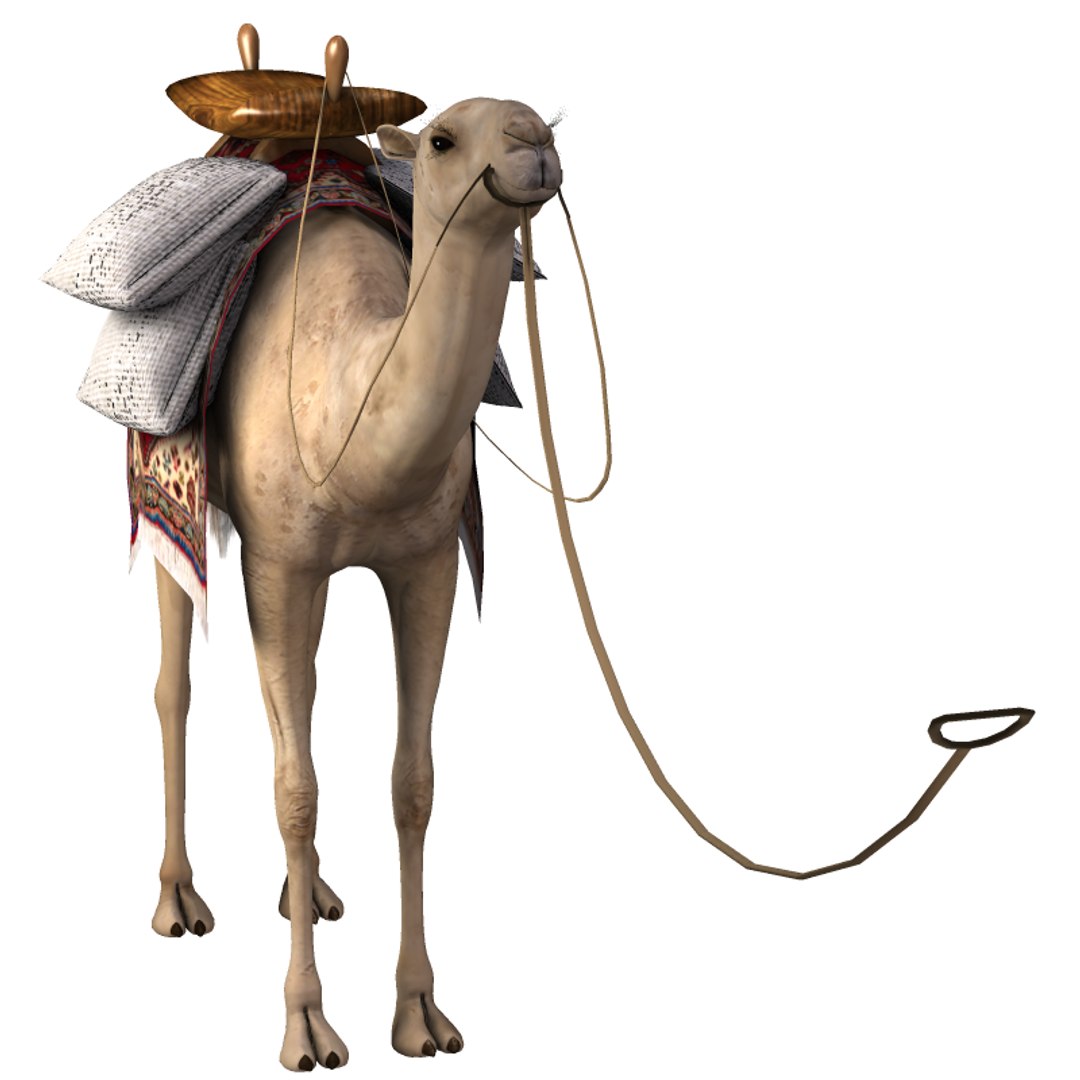
This product contains one textured Saddle Bag Poser Prop ensemble for 3D Camel for Poser

(Product ID:363920). Four materials - carpet, burlap, leather and wood - are included. Any image

can be added to the materials to create endless variety. Reins and lead are included and may be

added to scenes using the default camel pose or repositioned for other poses. These props are

not Poser Conforming.

Installation Instructions:
Locate your Poser Runtime folders from within Poser by hovering over Library items. Unzip

CamelSaddleBags.zip and copy the included folders and files into your Poser Runtime Props and

Textures folders, as shown below.

3D Camel for Poser (Product ID:363920) is not included. It may be purchased separately. To

locate, copy/paste 363920 into the TurboSquid search field.

Files included:
9 for ...\Runtime\Libraries\Props\CamelSaddleBags\
Camel Lead 1.png
Camel Lead 1.pp2
Camel Lead 1.xmp
Camel Lead 2.png
Camel Lead 2.pp2
Camel Lead 2.xmp
CamelSaddleBags1.png
CamelSaddleBags1.pp2
CamelSaddleBags1.xmp

5 for ...\Runtime\Textures\CamelSaddleBags\
Burlap4.jpg
Carpet1.jpg
Wood1.jpg
Wood1_spec.png
Wood4.jpg

Select Enhanced License

  • $10,000 in Legal Protection (Indemnification)
  • Uncapped Legal Protection (Indemnification)
  • Waiver from injunctive relief
  • Assignable model rights
  • $1,000,000 in Legal Protection (Indemnification)
  • Waiver from injunctive relief
  • Assignable model rights
  • $250,000 in Legal Protection (Indemnification)
  • Assignable model rights
Read more about enhanced license tiers, or contact us at enterprise@turbosquid.com. Already a Shutterstock Enterprise Customer? Contact your Shutterstock Sales Support Agent to talk about adding 3D.

About Conversion Requests

To submit a conversion request for a purchased asset, please complete our Conversion Request Form.

If you have not yet purchased a model, please review our Documentation about Conversions to learn about what limitations you may encounter with a conversion.

For any additional questions about a model’s suitability for conversion, please contact TurboSquid Support.

Loading...