
Sackboy

$45

Standard License | Upgrade License
Editorial Uses Only
Formats (4)
Free file format Conversions available
3ds Max
OBJ
Cinema 4D
3D Studio
Specifications
Publish Date July 29, 2011
Product ID 619714
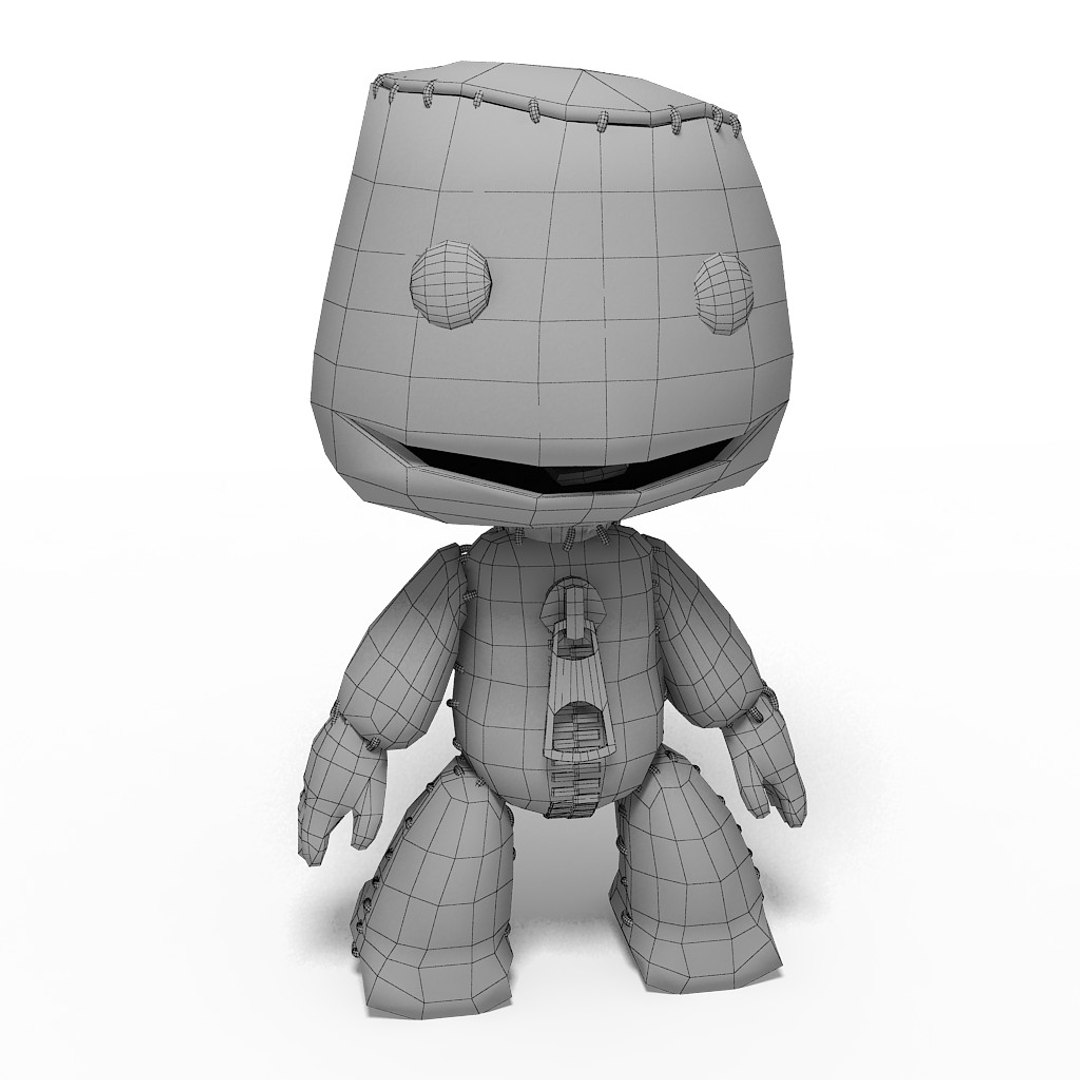
Polygons 17,835
Vertices 18,114
Polygonal
Textures
Materials
UV Mapped
Non-overlapping Unwrapped UVs

member avatar
3dexp
89 Products | Contributor Since 2010
Have questions? Chat with us now.

Description

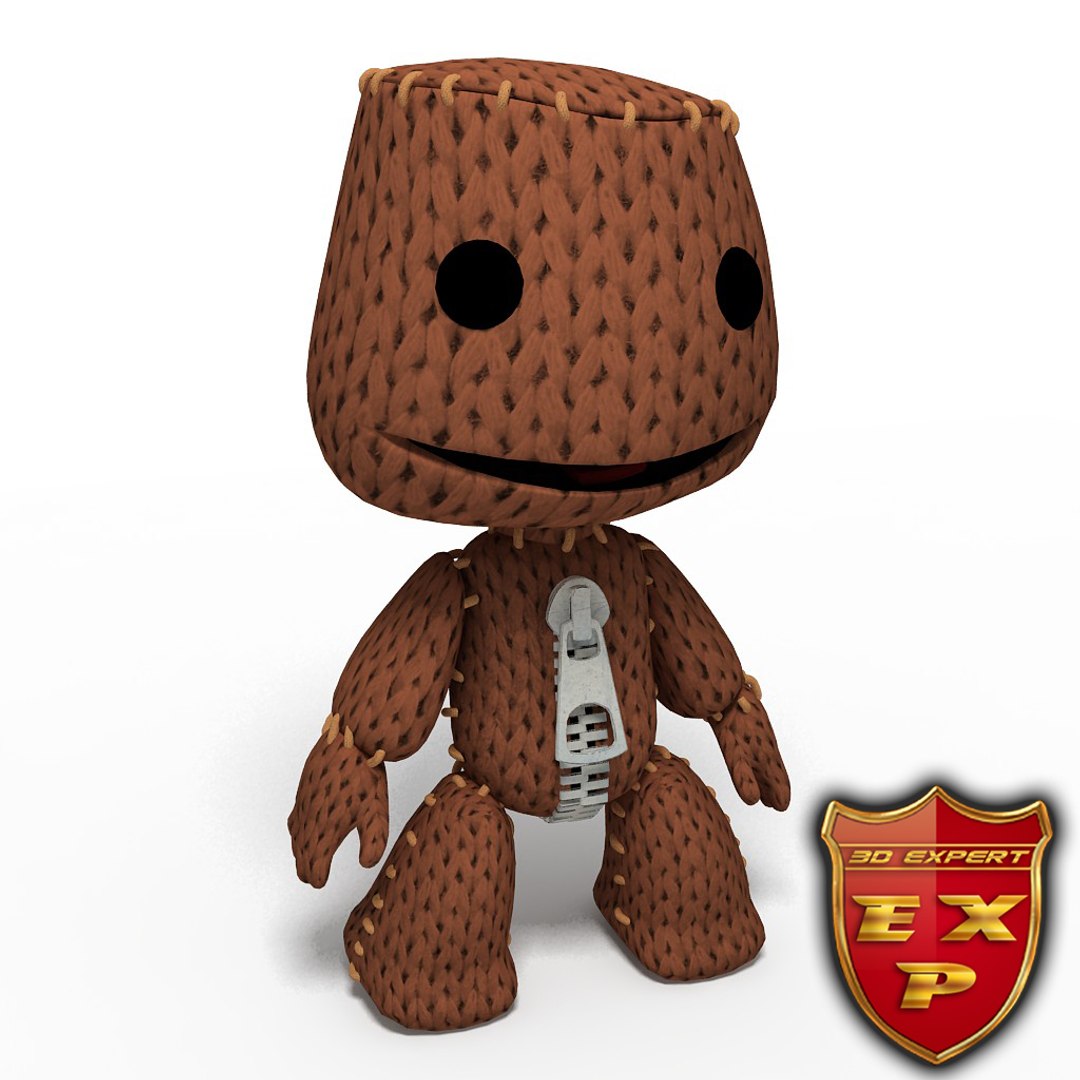
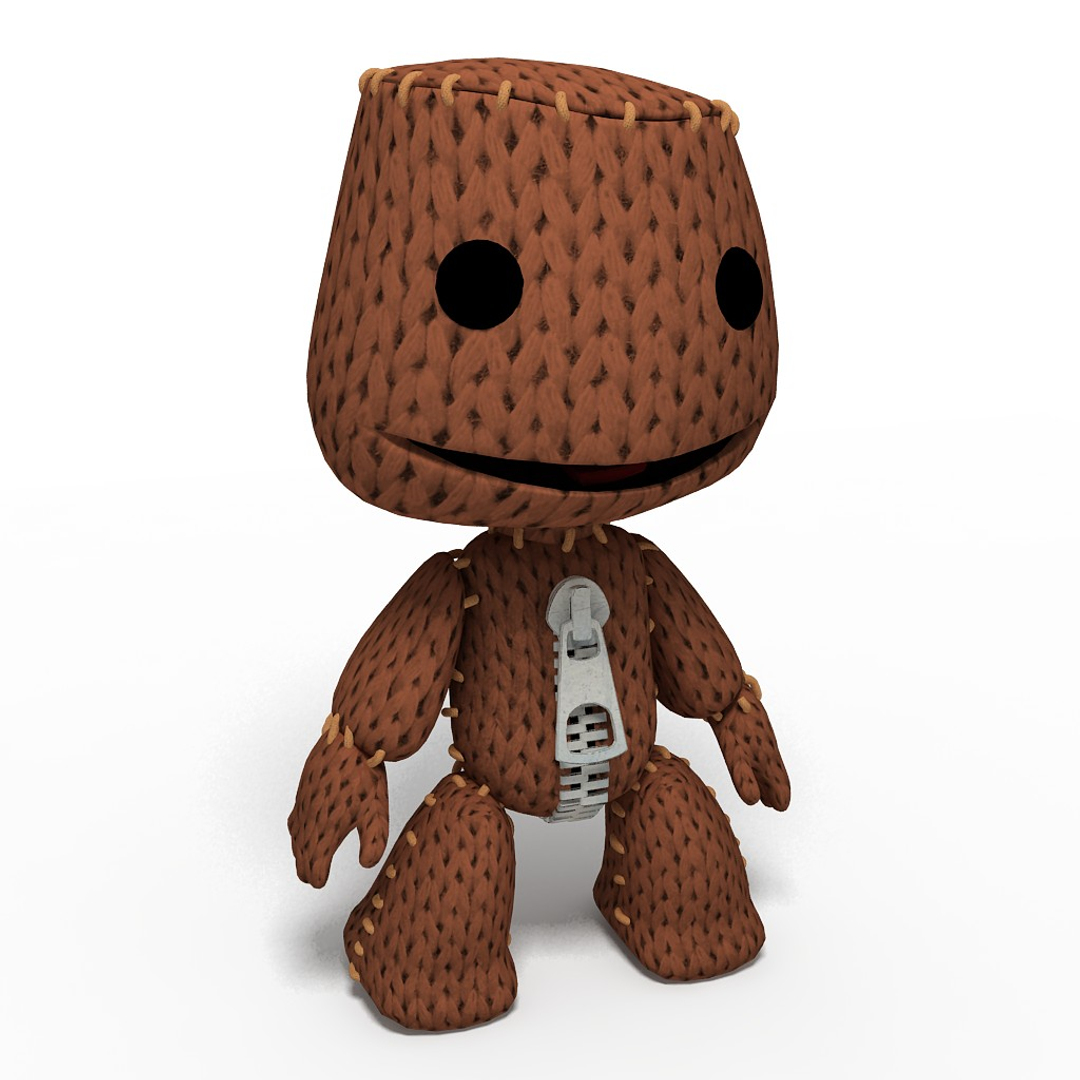
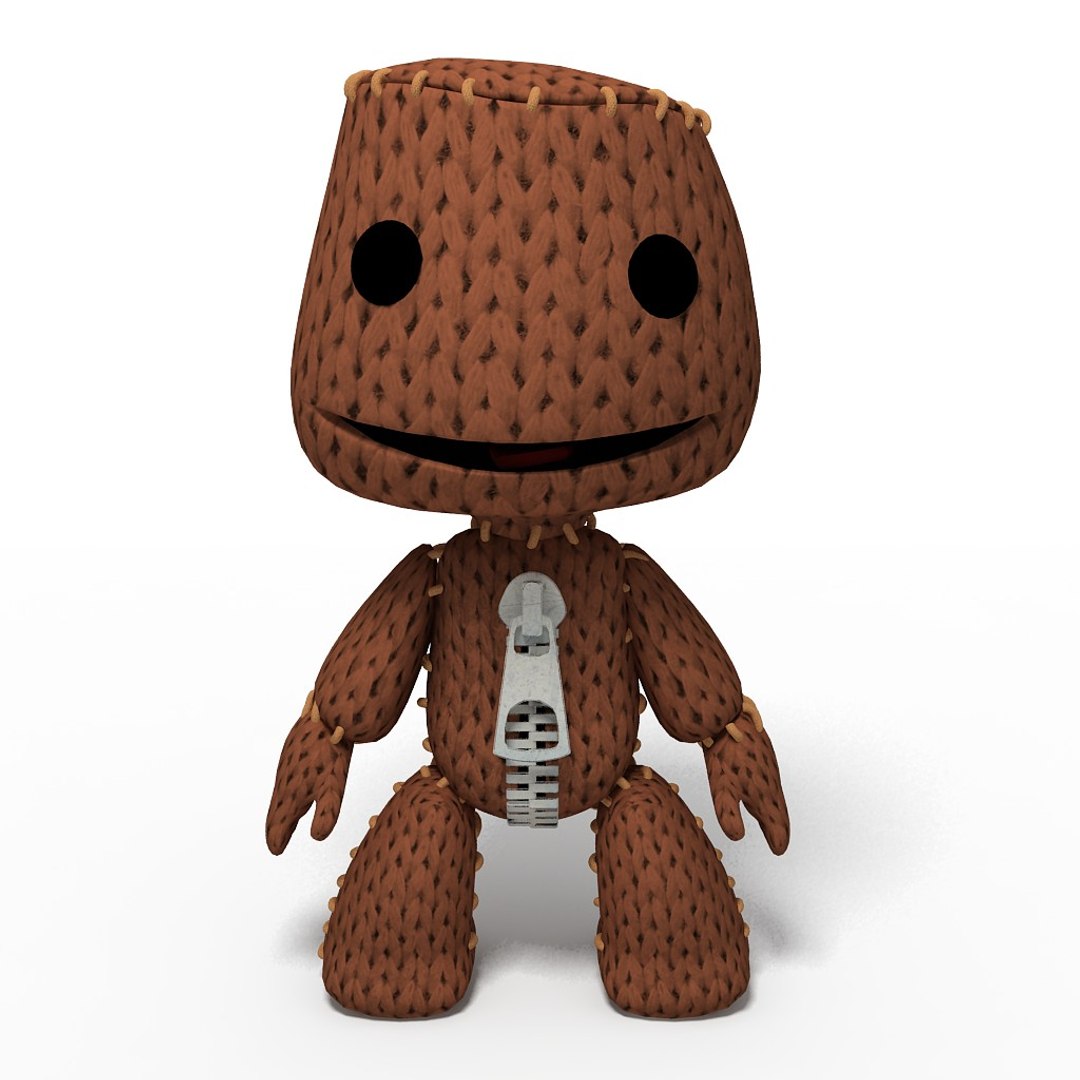
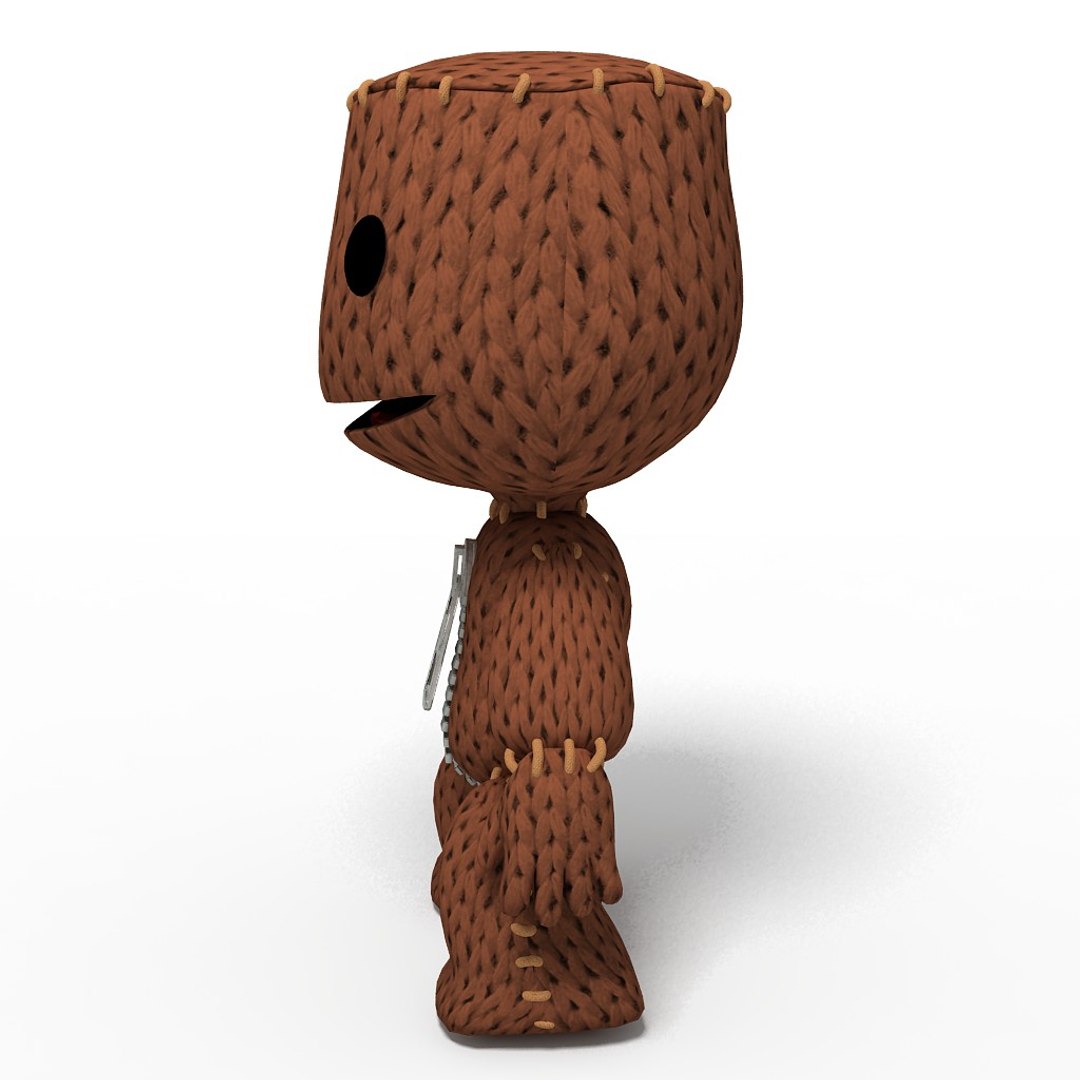
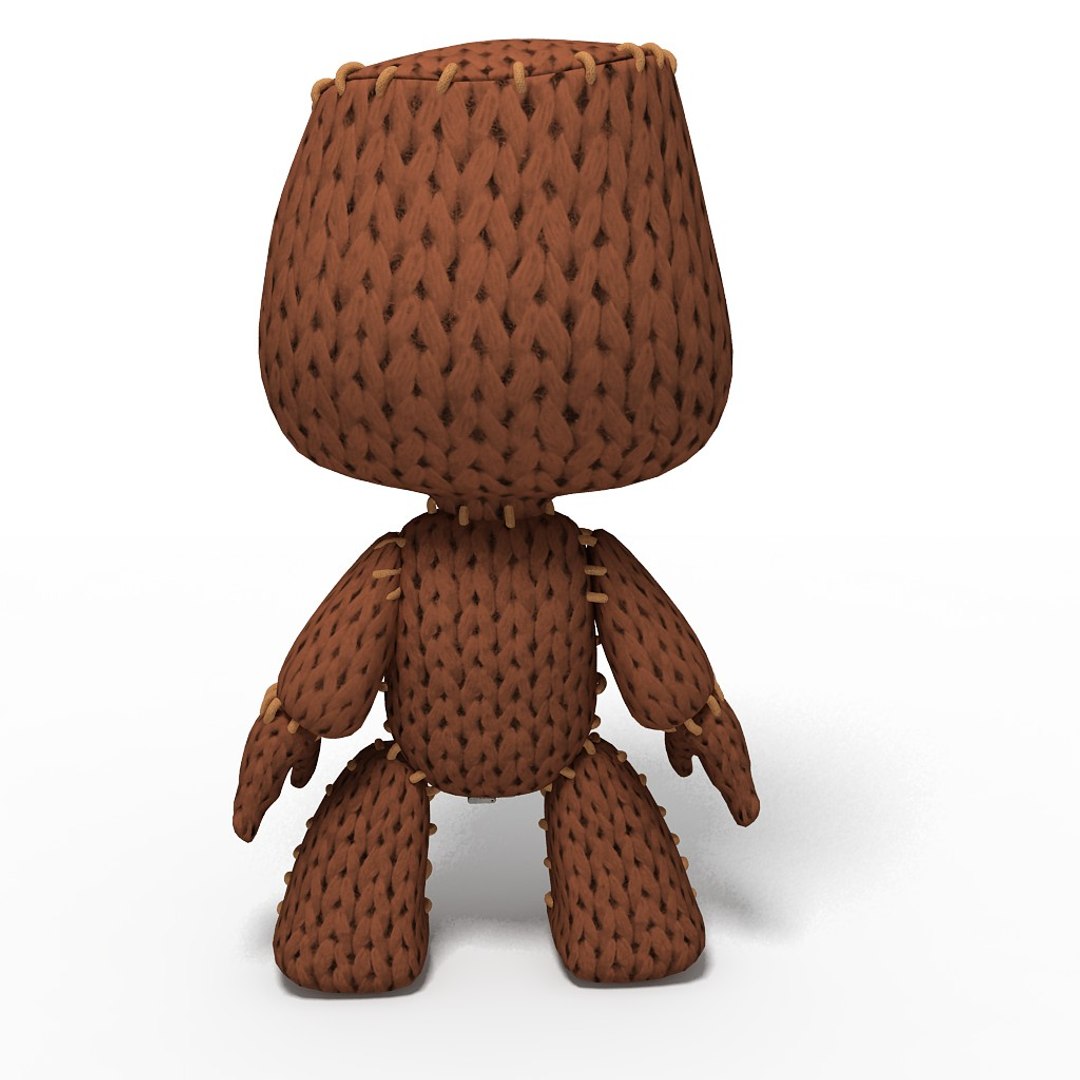
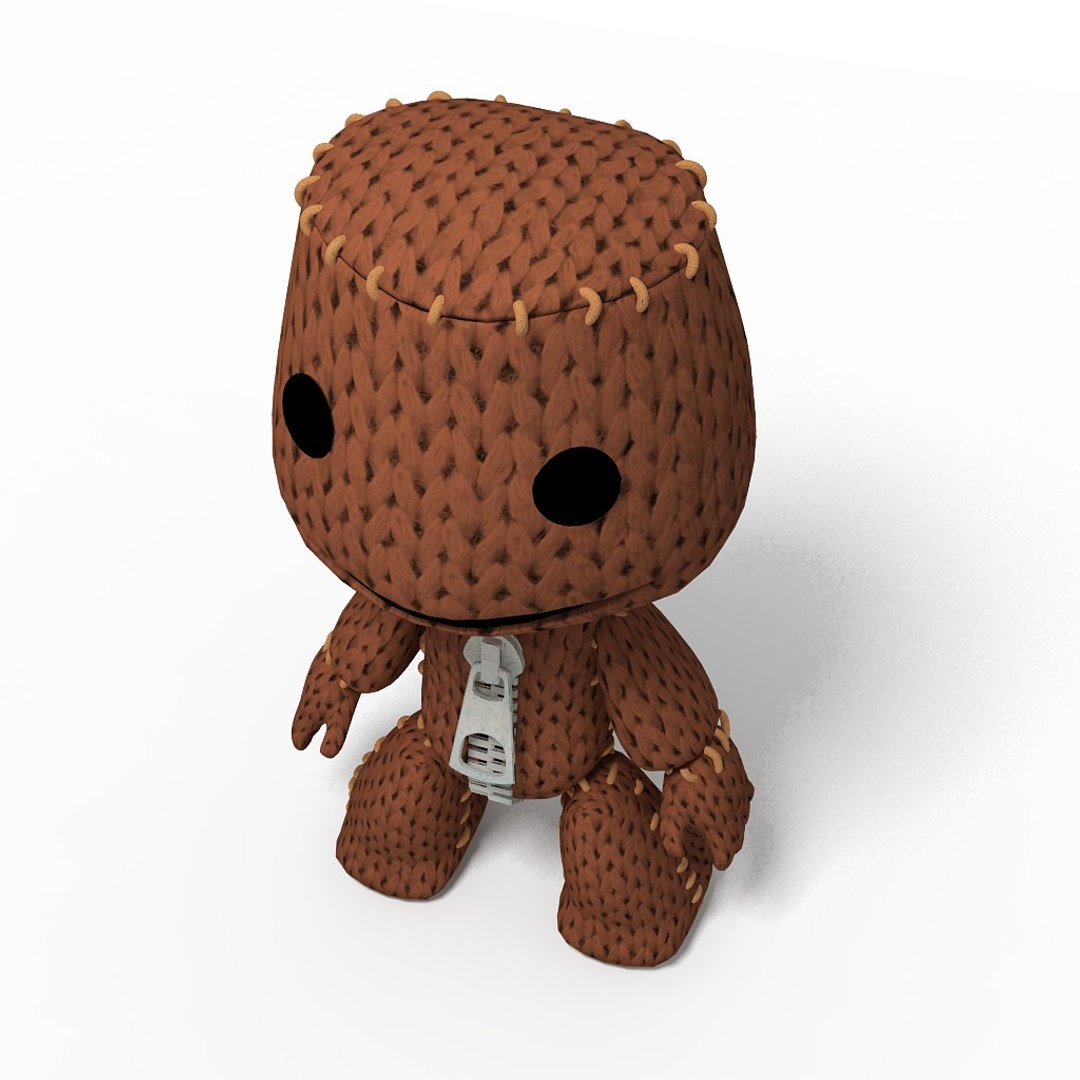
Highly Detailed model Sackboy

***************************************

-The main format is 3ds max 8.max, also available in many formats.
-Model built to real-world scale.
-Model is placed to 0,0,0 scene coordinates.
-Every parts of the model named properly.
-Texture and material names correspond to model name.
-UV and Unwrap UV map modifier applied.


***************************************

Polygons:17835
Vertices:18114

***************************************

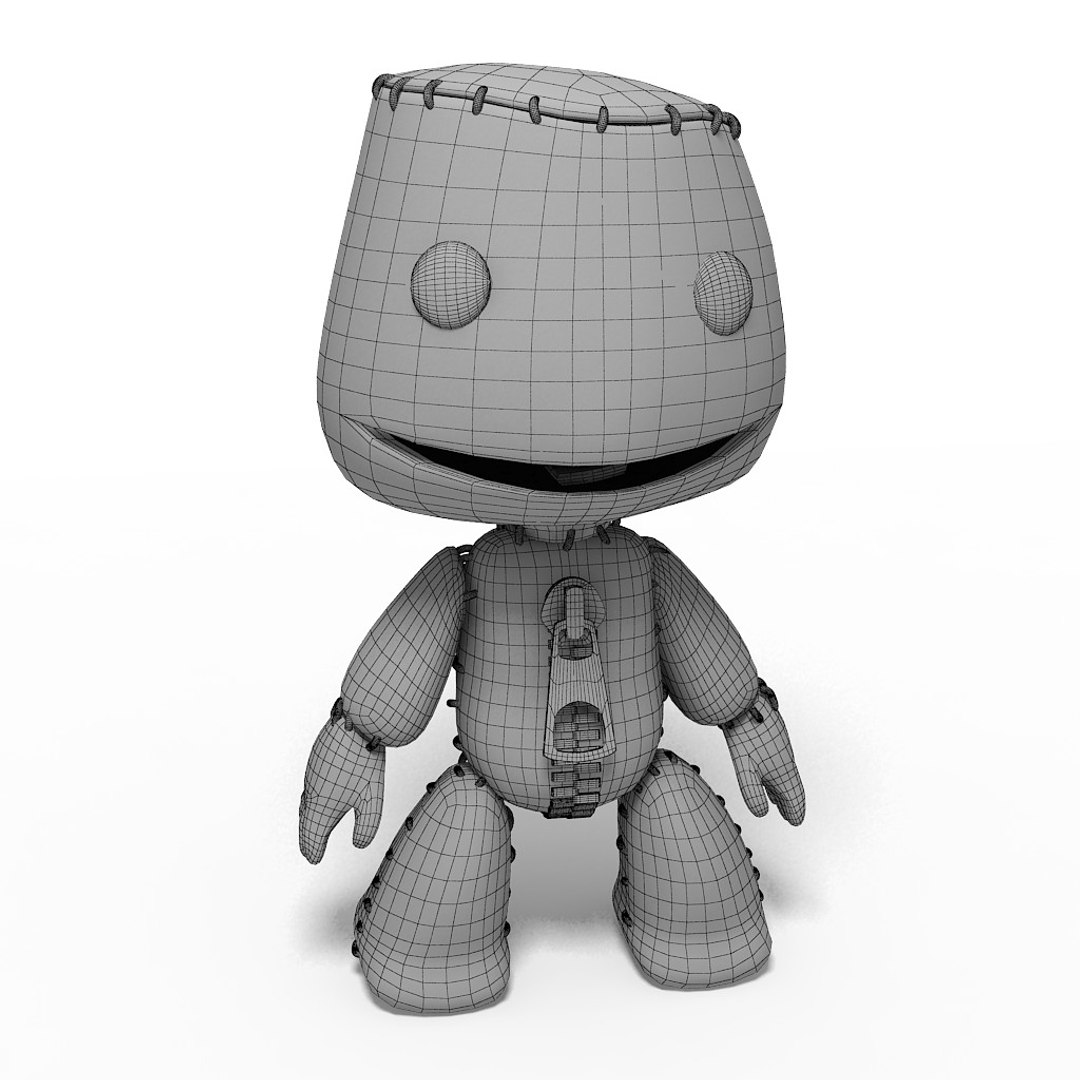
In max versions Mesh Smooth modifier applied and not collapsed.

-Final images rendered with V-ray.
Hi-Res textures ready for close up renders.

-All textures and Materials are included.
Both 3ds max V-Ray and Standard material scene are included.


***************************************

-The model is fully ready for import into any project and ready to render as seen in previews.

***************************************

-Other formats available in .3ds, .obj, .c4d .
-Maps included separately for all formats into each zipped folder.
-Other formats may vary slightly depending on your software.

-All other formats were exported, tested and setup in respective software.

Select Enhanced License

  • $10,000 in Legal Protection (Indemnification)
  • Uncapped Legal Protection (Indemnification)
  • Waiver from injunctive relief
  • Assignable model rights
  • $1,000,000 in Legal Protection (Indemnification)
  • Waiver from injunctive relief
  • Assignable model rights
  • $250,000 in Legal Protection (Indemnification)
  • Assignable model rights
Read more about enhanced license tiers, or contact us at enterprise@turbosquid.com. Already a Shutterstock Enterprise Customer? Contact your Shutterstock Sales Support Agent to talk about adding 3D.

About Conversion Requests

To submit a conversion request for a purchased asset, please complete our Conversion Request Form.

If you have not yet purchased a model, please review our Documentation about Conversions to learn about what limitations you may encounter with a conversion.

For any additional questions about a model’s suitability for conversion, please contact TurboSquid Support.

Loading...