
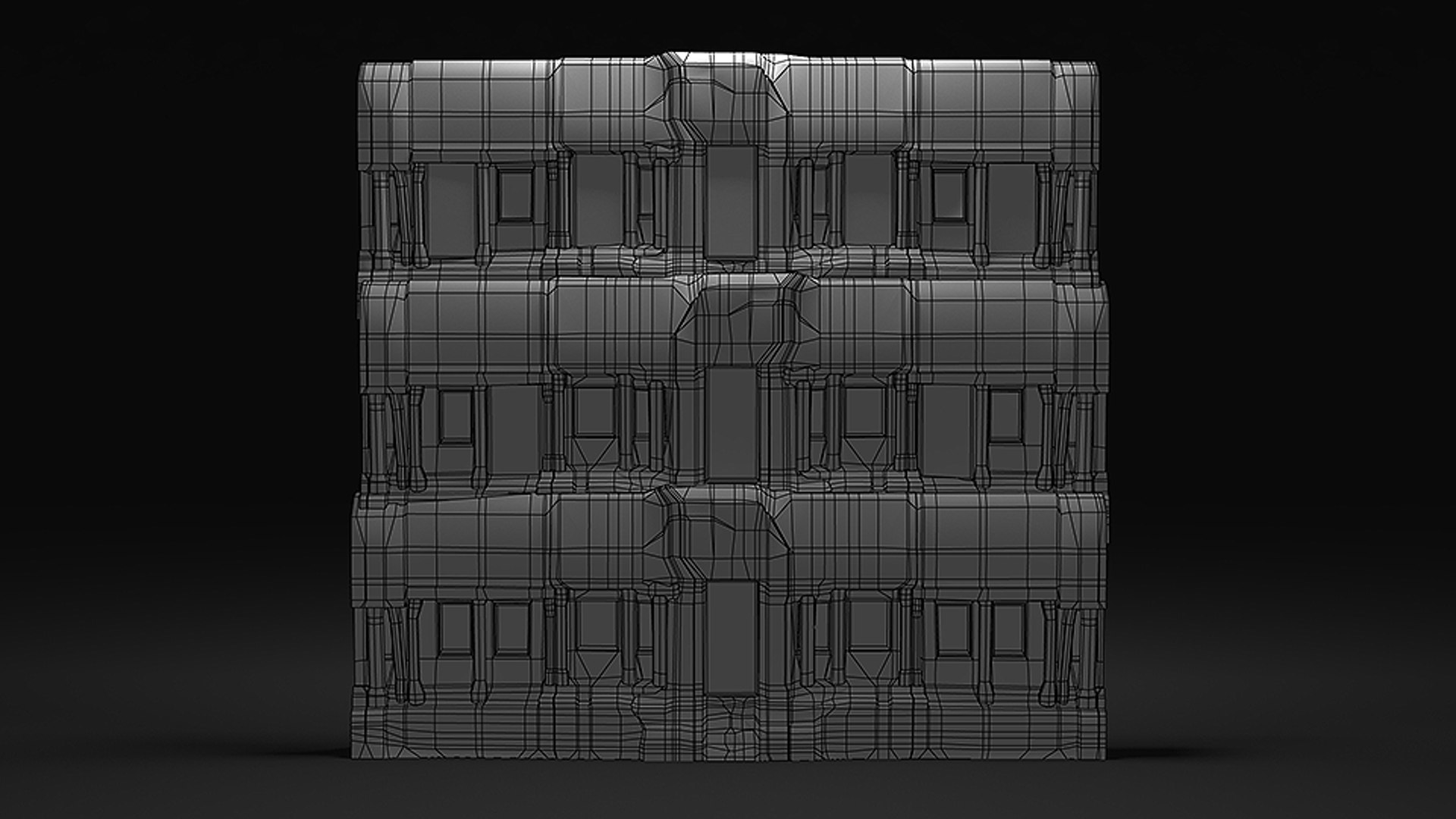
ruins temple

$35

Standard License | Upgrade License
Formats (6)
Free file format Conversions available
Native | Maya 2015 | mental ray
Maya 2015 | mental ray
OBJ
3ds Max
FBX
Previews

Download a preview

Sign in or create a TurboSquid account to download preview files.

Selected file:

Other Files
temple.mtl ruin_temple.mtl temple_diffuse.tga
Specifications
Publish Date November 07, 2014
Product ID 865018
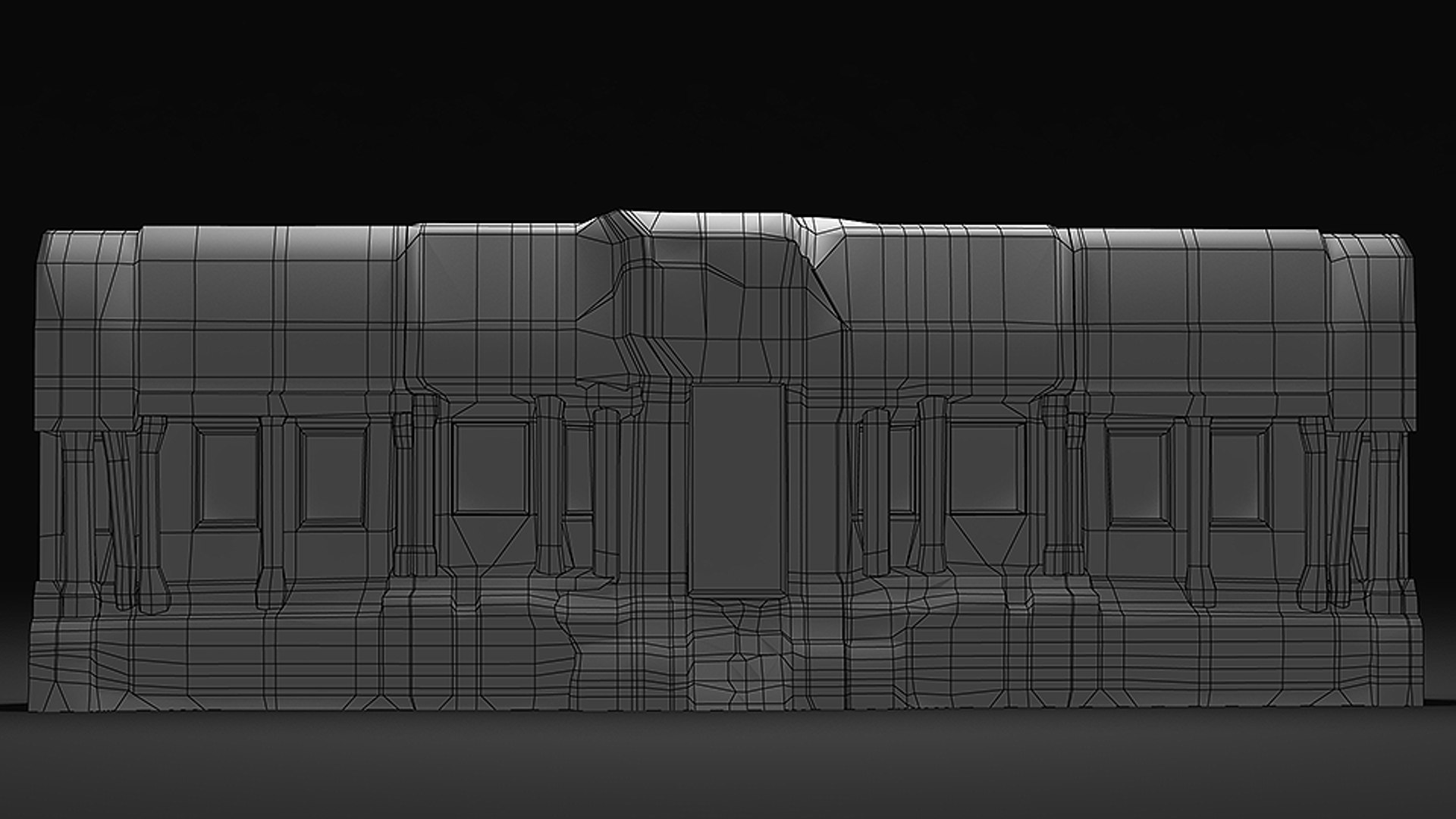
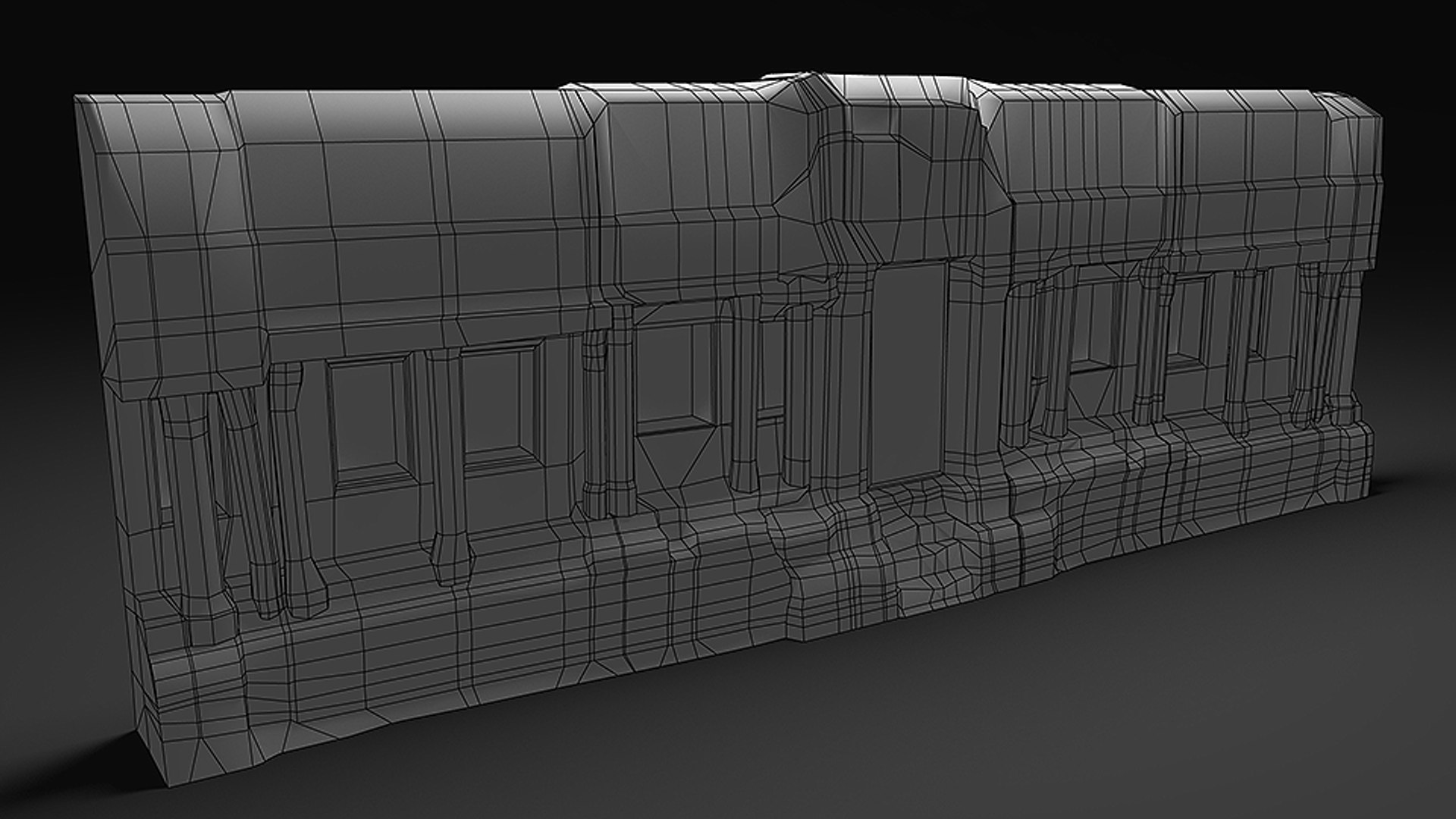
Polygons 4,676
Vertices 2,589
Polygonal
Textures
Materials
UV Mapped
Mixed Unwrapped UVs

member avatar
polybox
32 Products | Contributor Since 2014
Have questions? Chat with us now.

Description

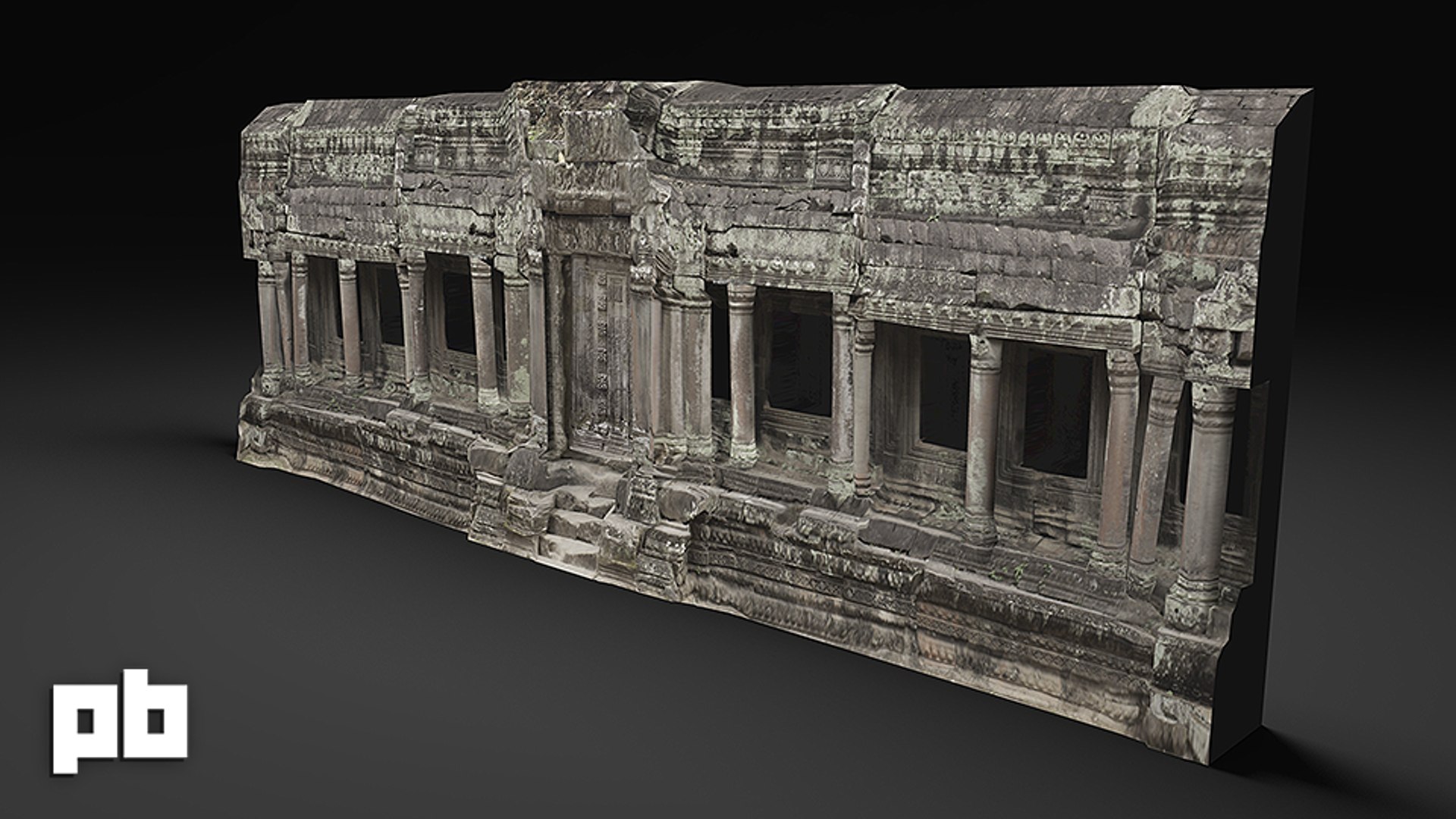
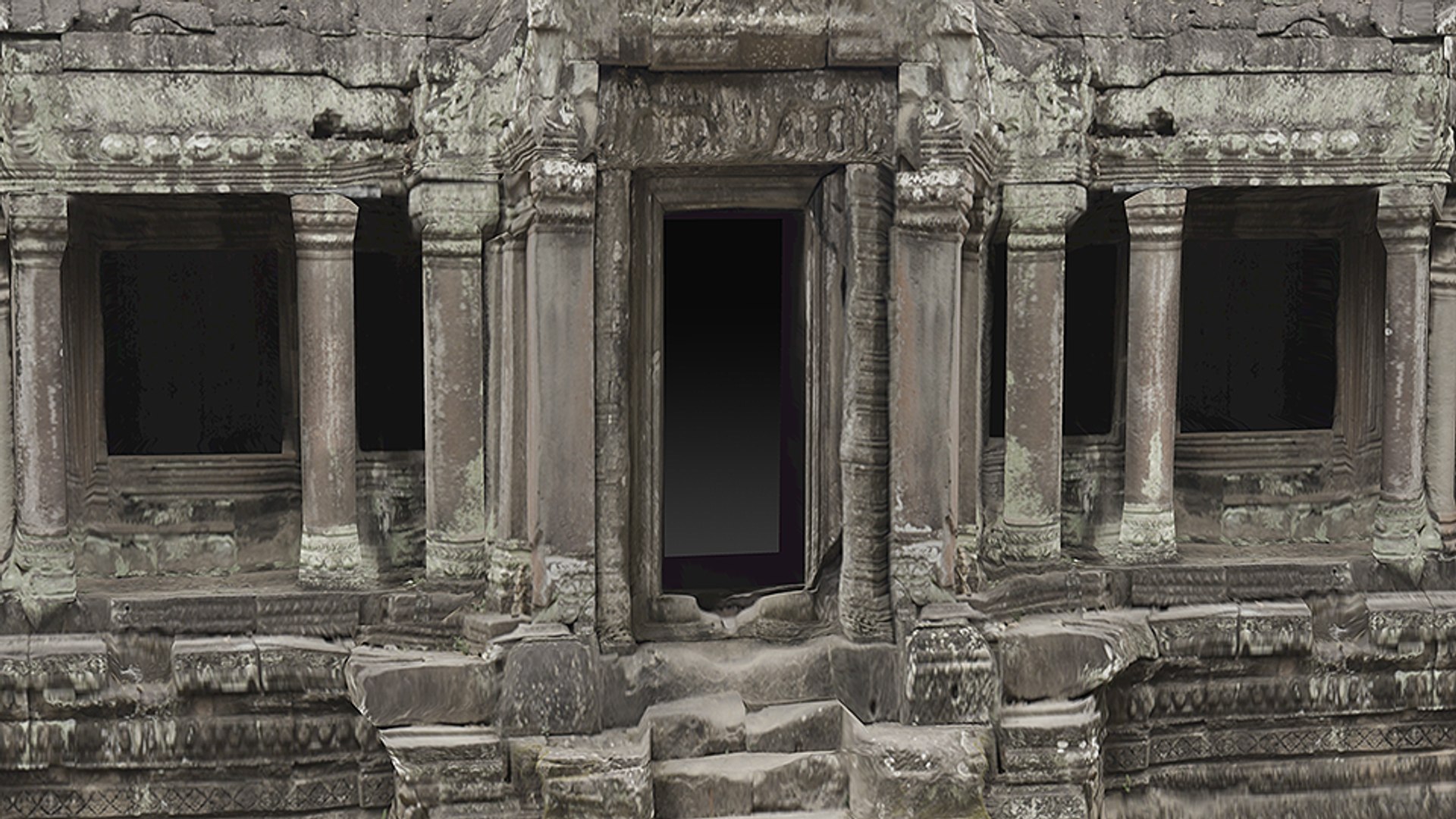
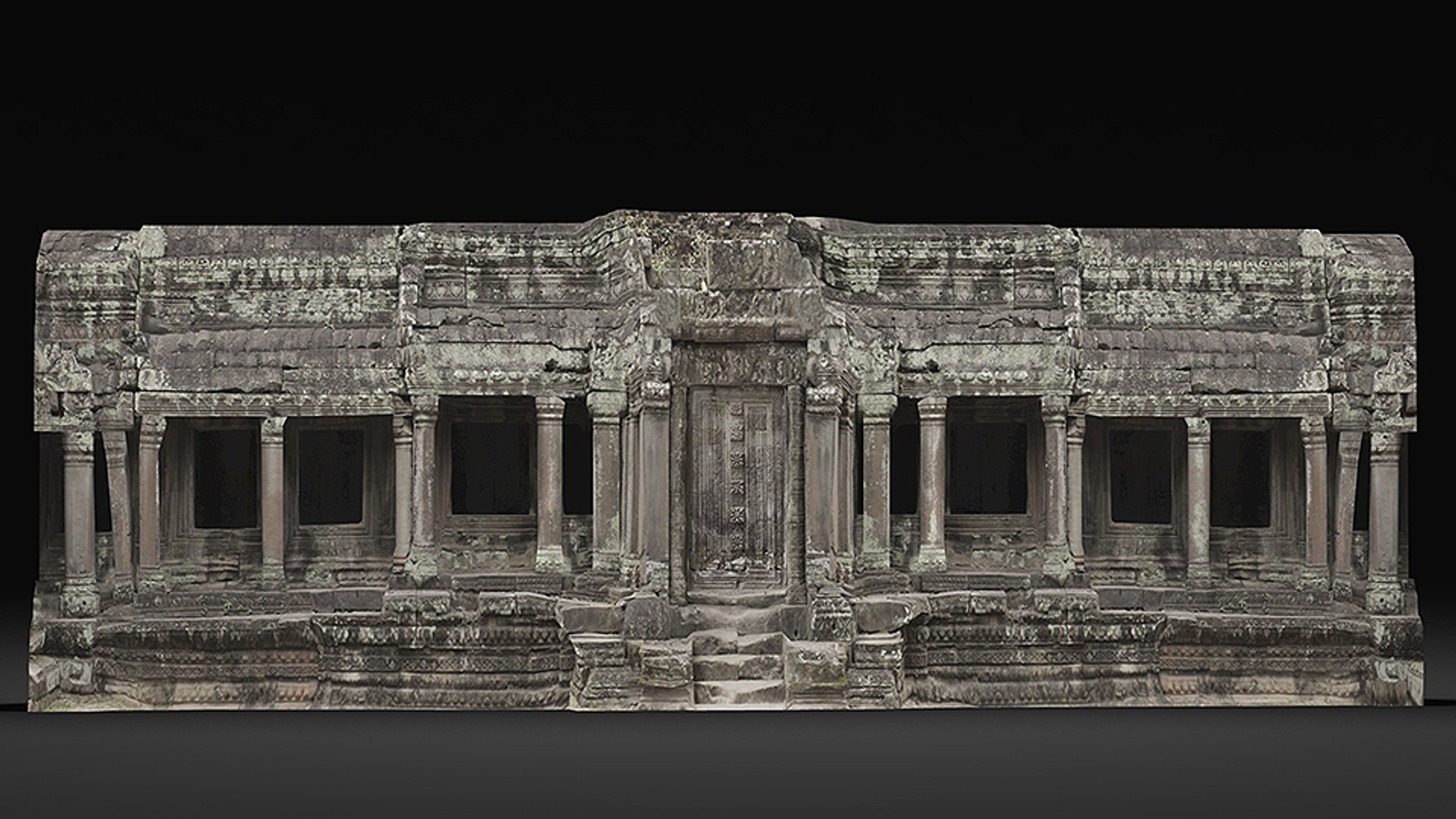
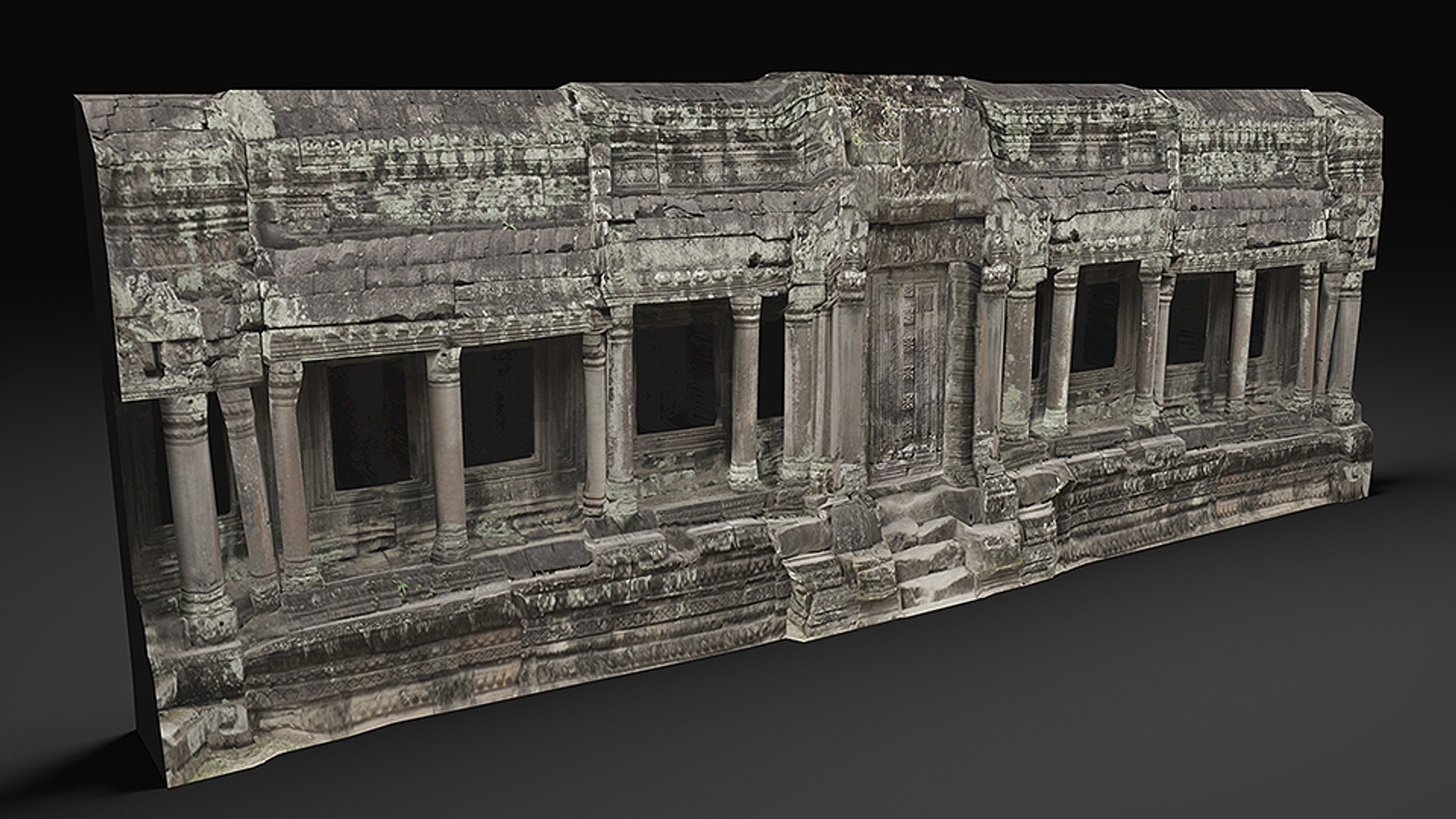
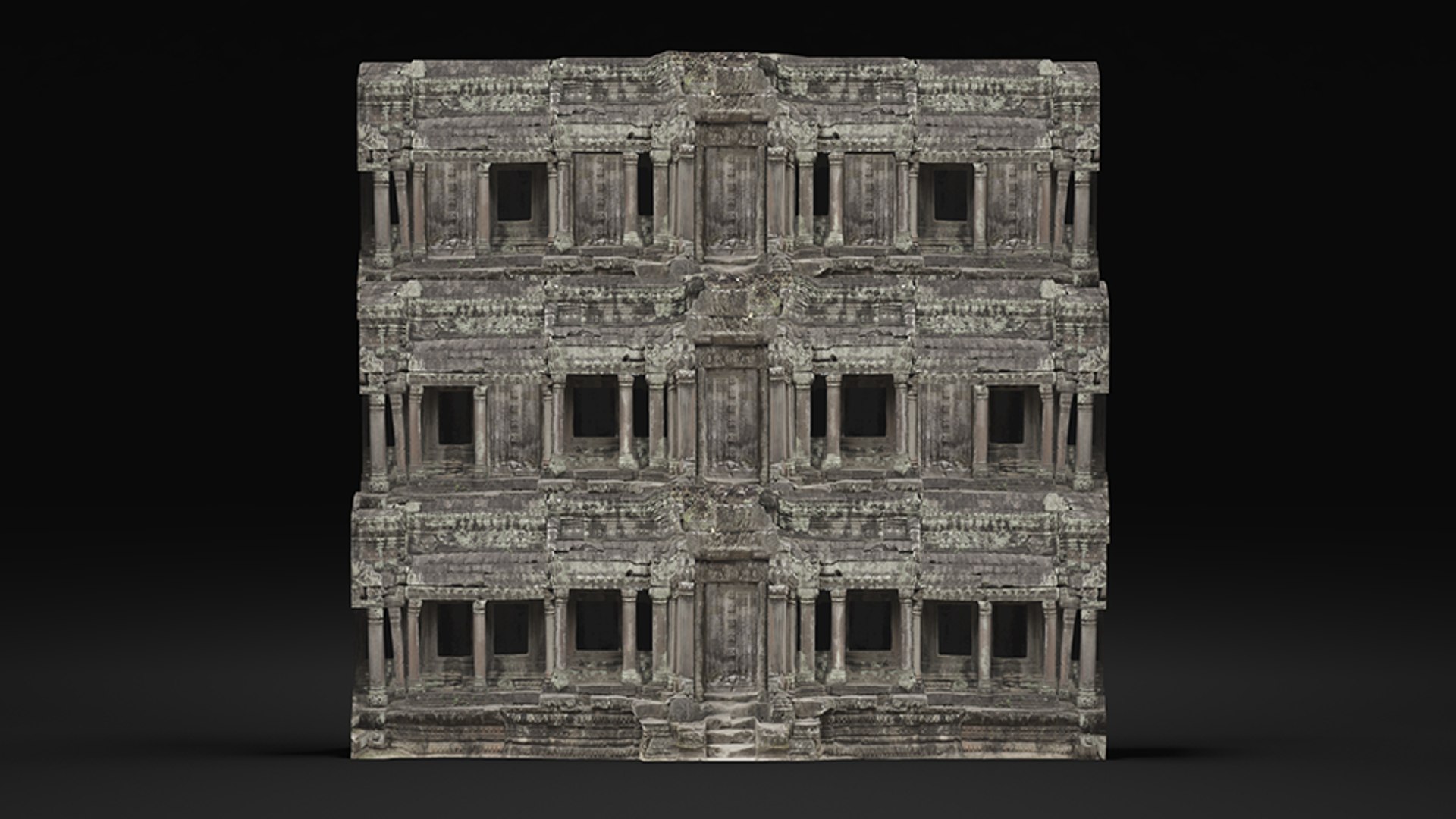
This is an entrance of an old Asian temple in ruins, it's very modular and could be rearranged seamlessly in many ways, for example by duplicating the geometry and modifying it, adding deformers like "bend" or braking it down to several smaller elements and rearrange them in different ways.

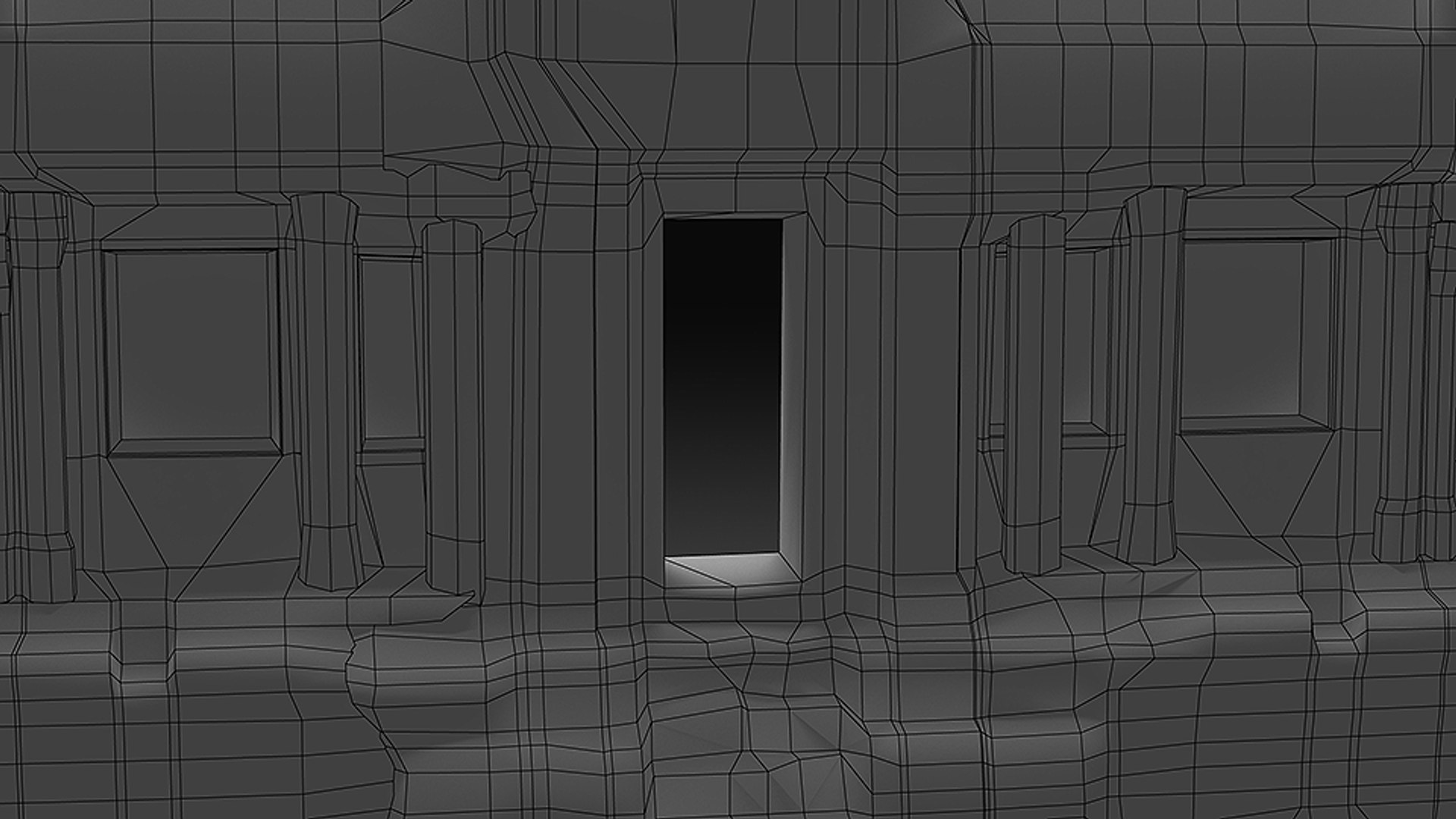
It also incorporates a detached door that could be moved for animation.

This geometry is meant to be used with a self illuminated shader also known as a "surface shader" or an "unlit shader" regardless if its used for films or games. Ideally you should choose the right balance of how much the geometry is being affected by lights in the scene versus how much it's self lit by its diffuse texture.

"One or more textures on this 3D-model have been created with images from CGTextures. These images may not be redistributed by default. Please visit cgtextures for more information."

Select Enhanced License

  • $10,000 in Legal Protection (Indemnification)
  • Uncapped Legal Protection (Indemnification)
  • Waiver from injunctive relief
  • Assignable model rights
  • $1,000,000 in Legal Protection (Indemnification)
  • Waiver from injunctive relief
  • Assignable model rights
  • $250,000 in Legal Protection (Indemnification)
  • Assignable model rights
Read more about enhanced license tiers, or contact us at enterprise@turbosquid.com. Already a Shutterstock Enterprise Customer? Contact your Shutterstock Sales Support Agent to talk about adding 3D.

About Conversion Requests

To submit a conversion request for a purchased asset, please complete our Conversion Request Form.

If you have not yet purchased a model, please review our Documentation about Conversions to learn about what limitations you may encounter with a conversion.

For any additional questions about a model’s suitability for conversion, please contact TurboSquid Support.

Loading...