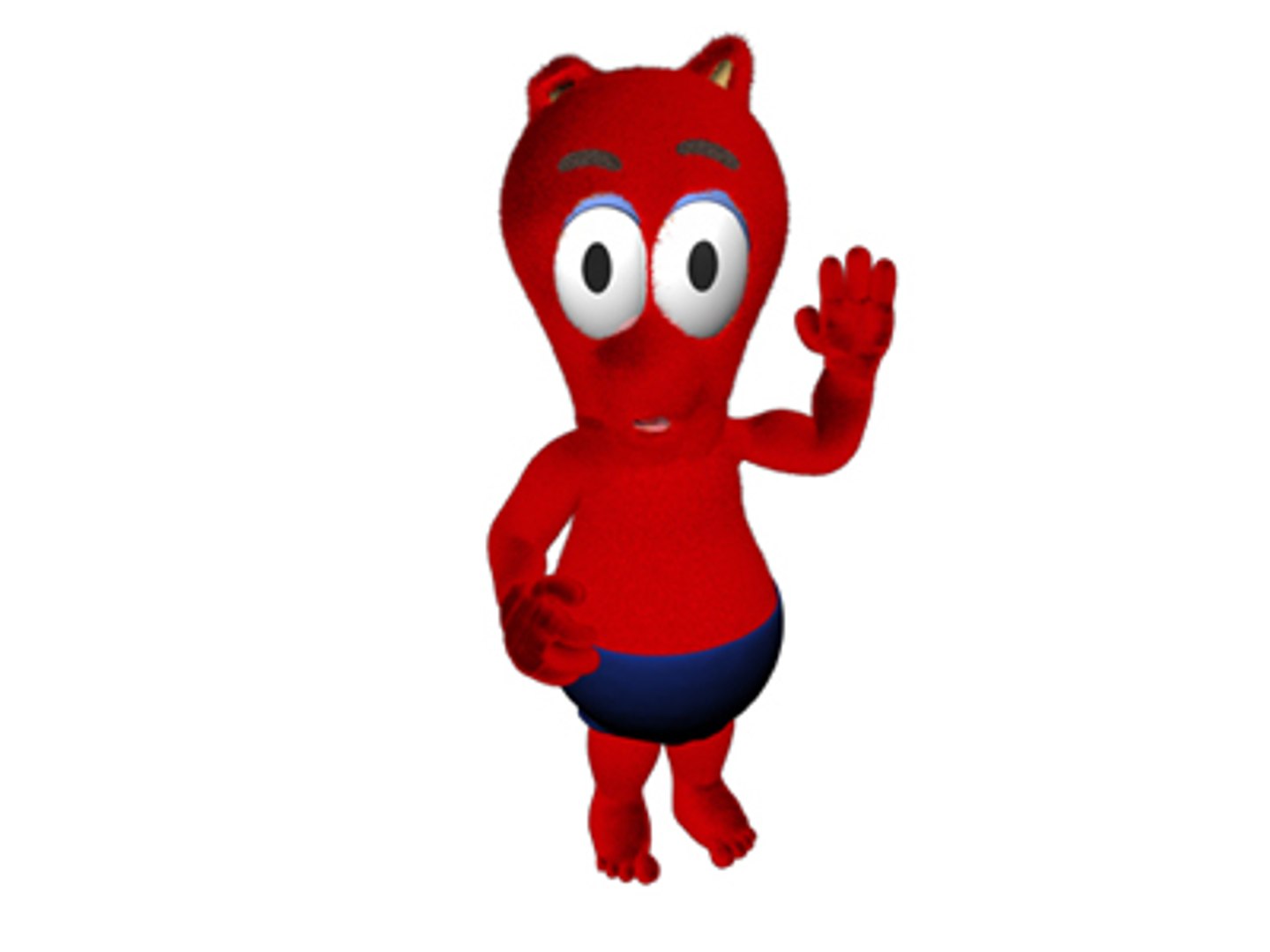
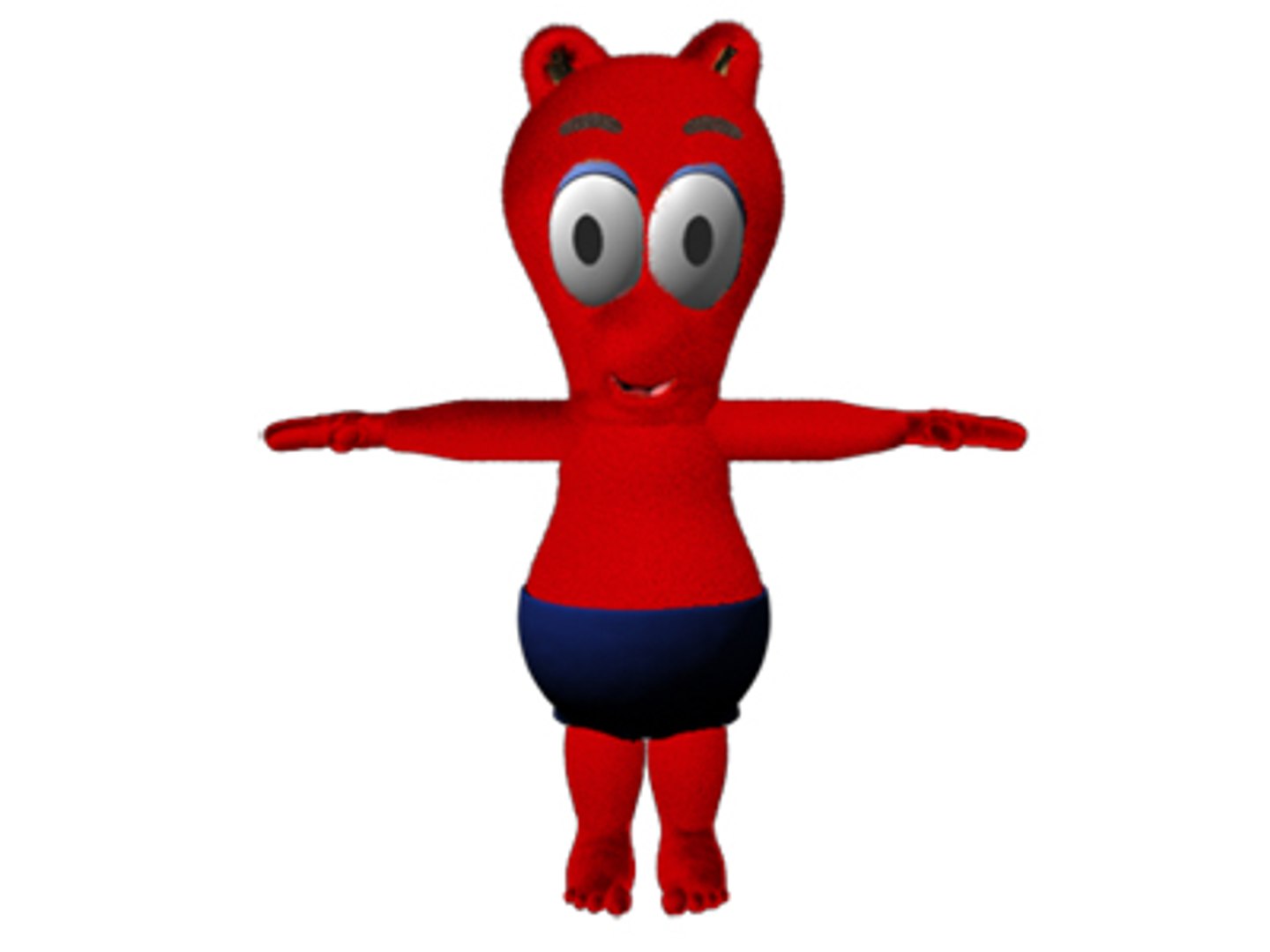
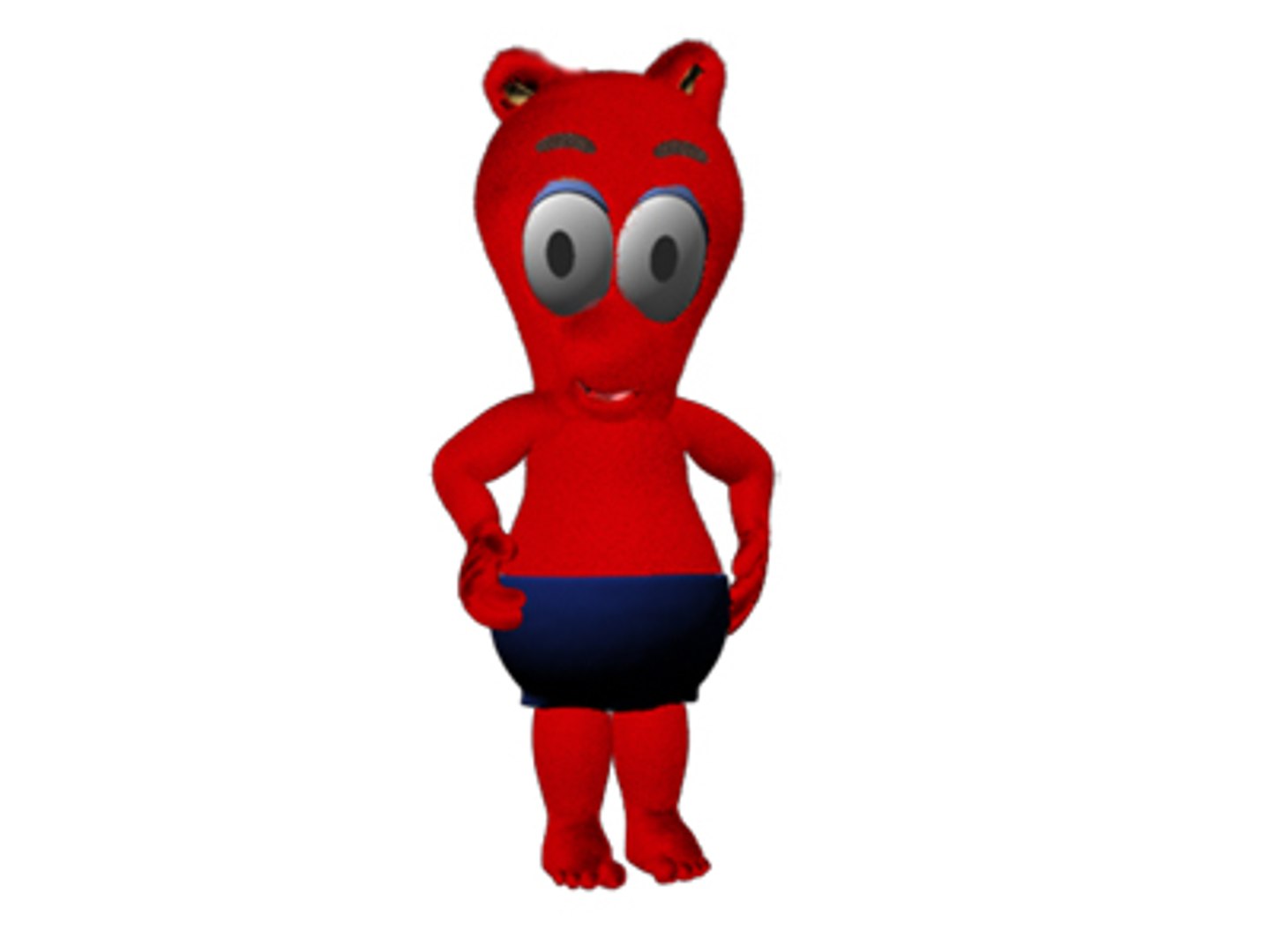
Ruby

$8.99

Standard License | Upgrade License
Formats (1)
Maya Unlimited | Default Scanline
Previews

Download a preview

Sign in or create a TurboSquid account to download preview files.

Selected file:

Specifications
Publish Date March 30, 2006
Product ID 303014
Polygons 0
Vertices 0
Nurbs
Textures
Materials
UV Mapped
Unknown Unwrapped UVs
Rigged
TurboSquid Exclusive
member avatar
SachaS
38 Products | Contributor Since 2006
Have questions? Chat with us now.

Description

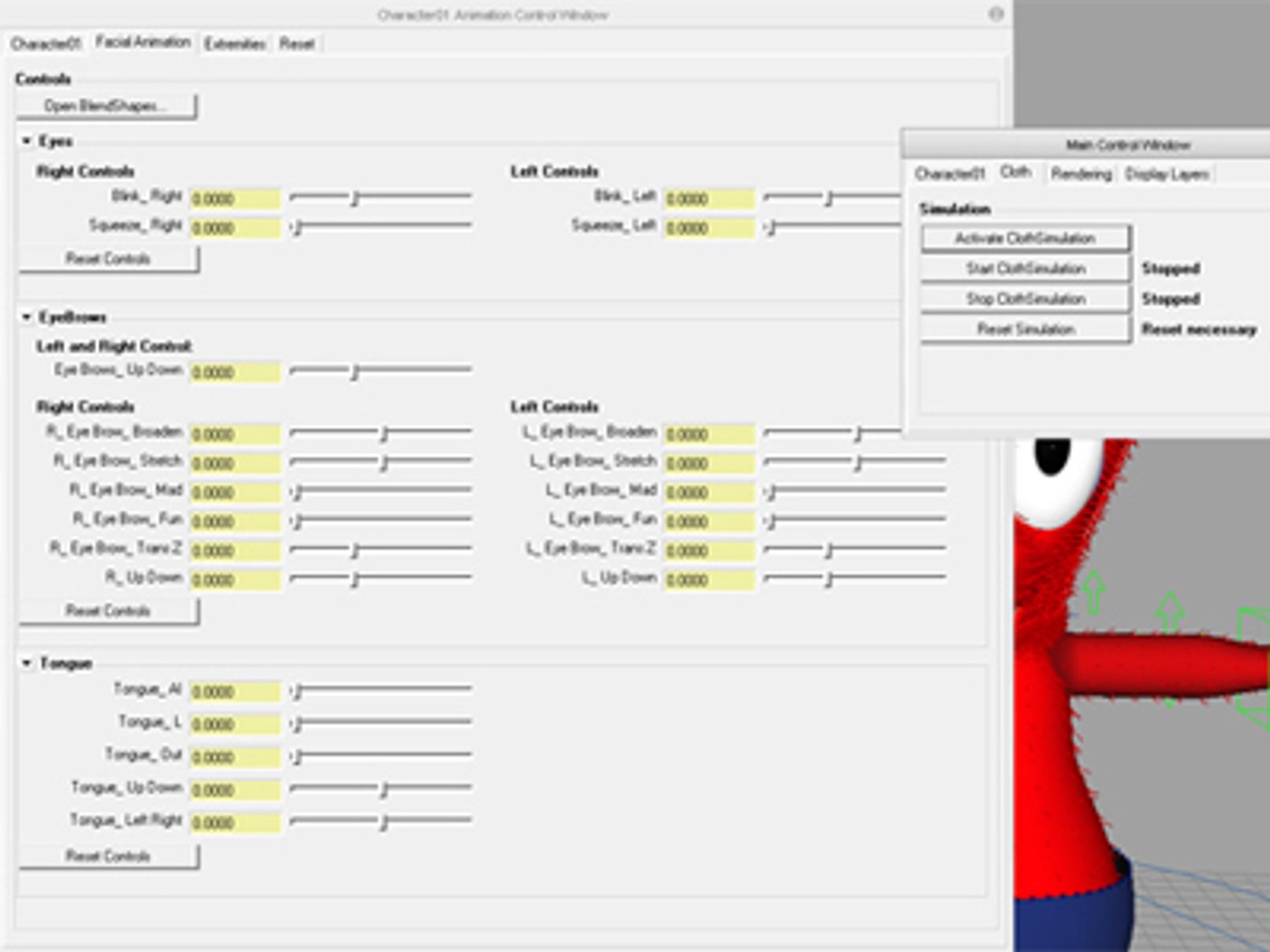
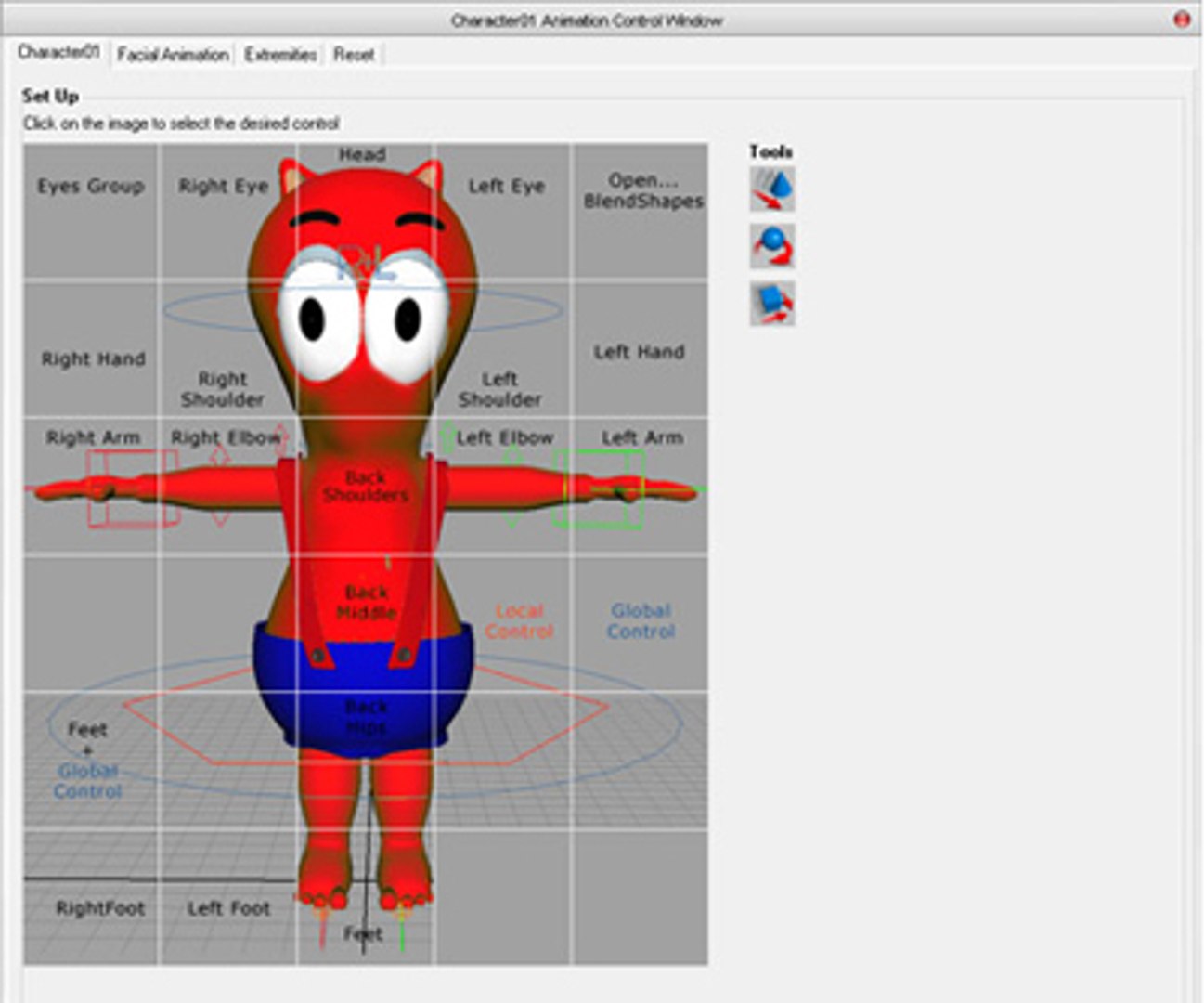
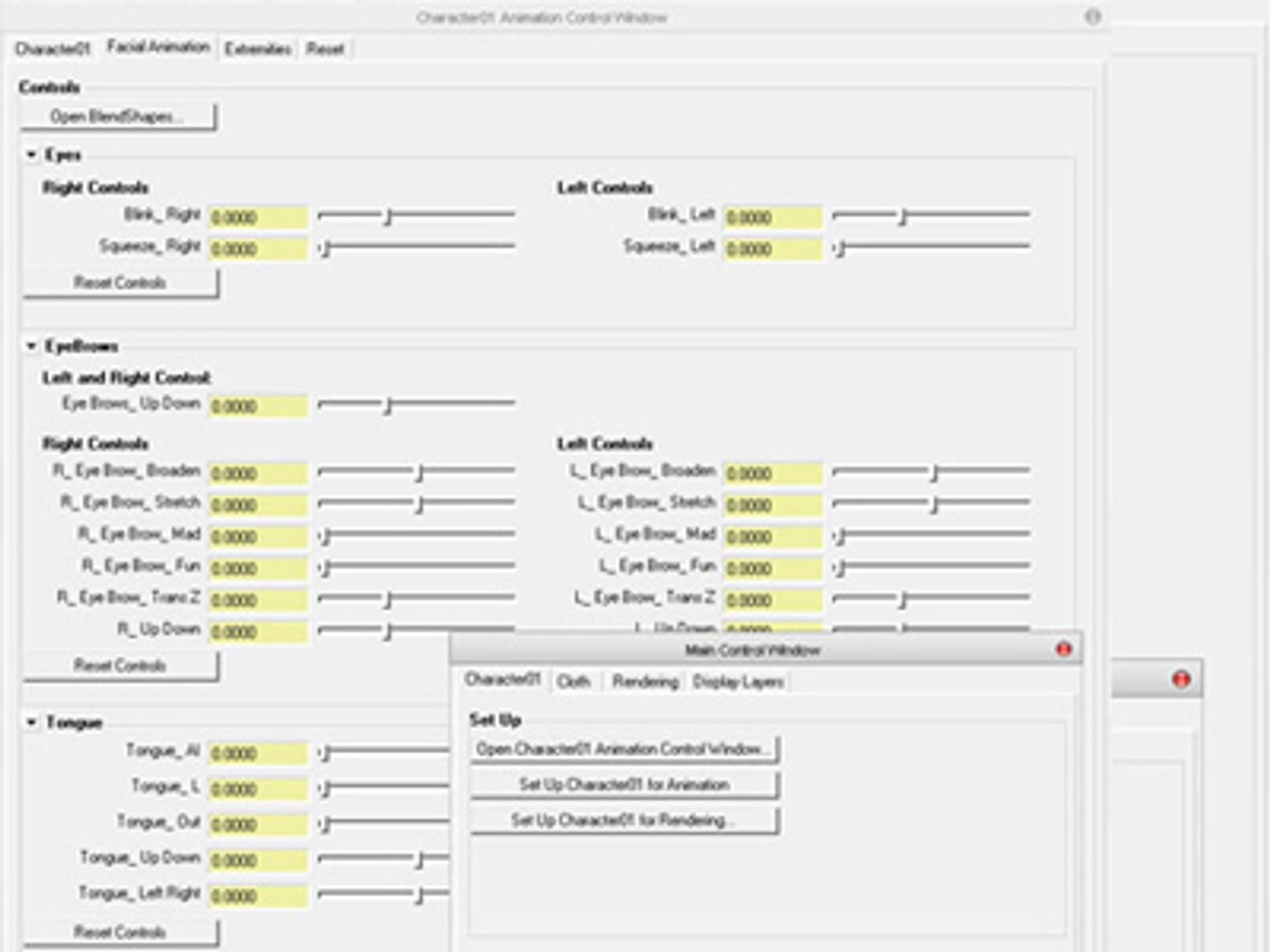
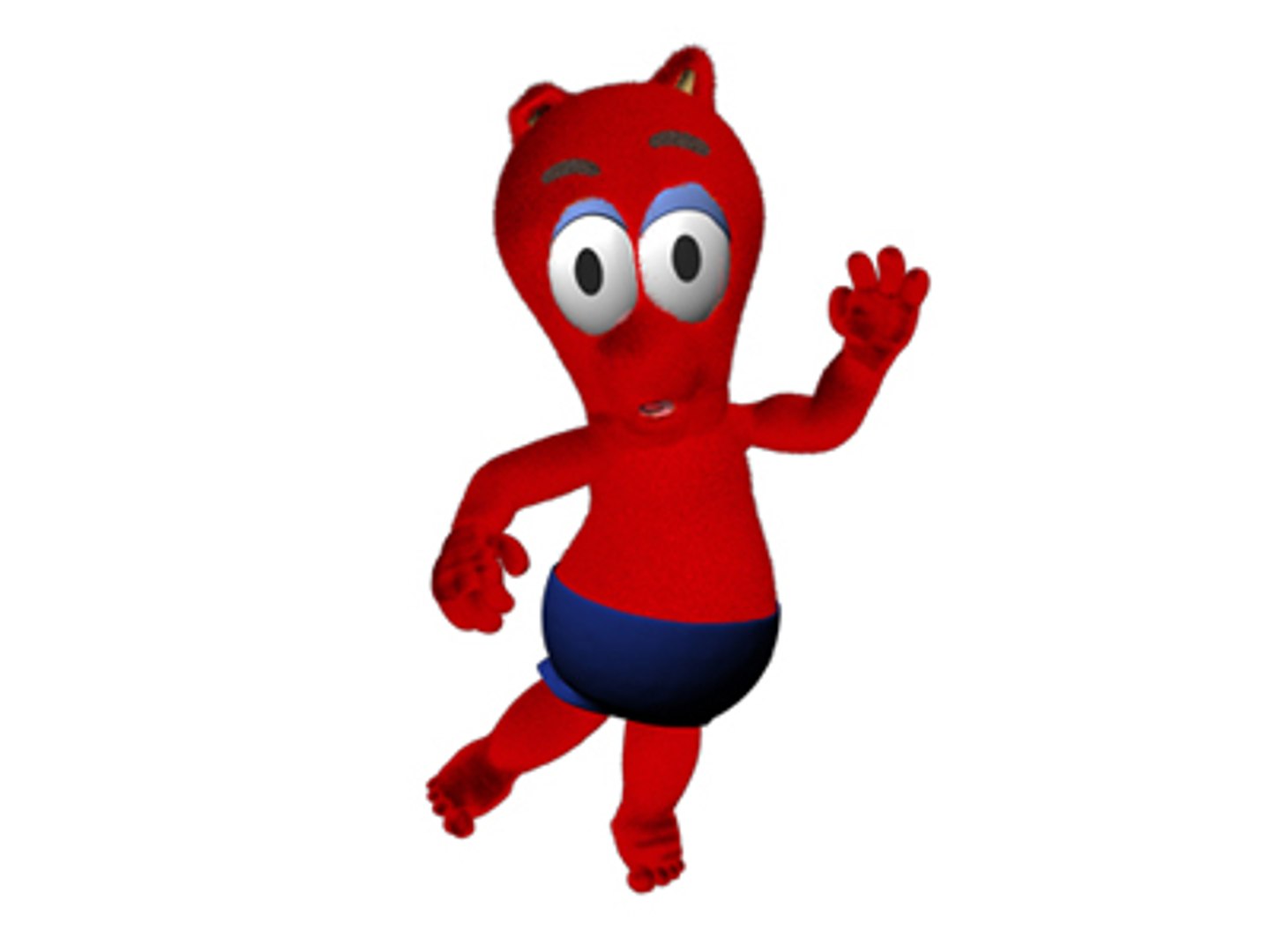
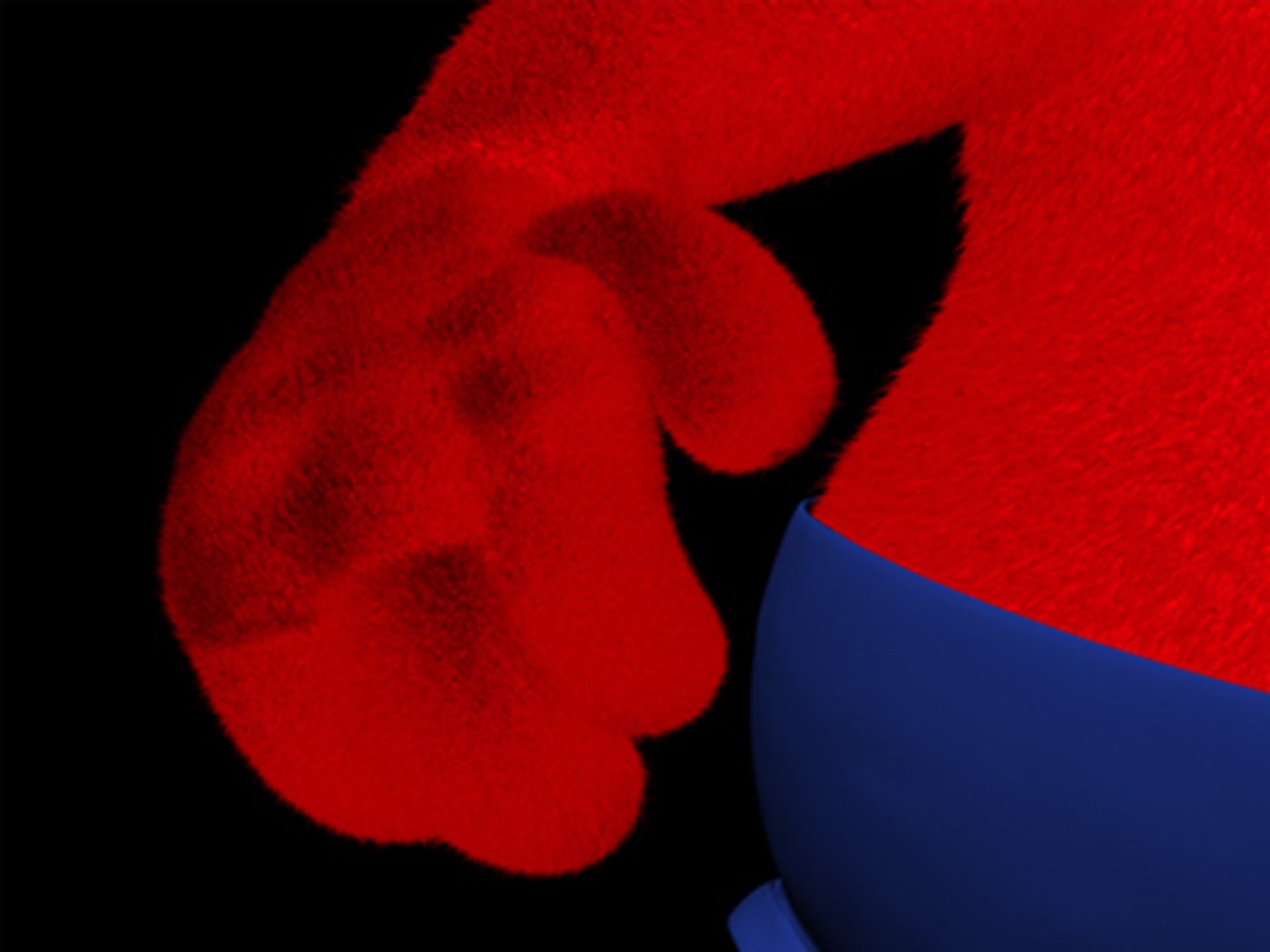
A cross-media 3D Character, which was build in Maya Unlimited. It combines Fur and Cloth in a remarkable way. The completly rigged character comes with a well conceived User Interface with whom you can easy run Cloth Simulations and animate the character in a fast uncomplicated way. Furtheremore the character uses Visimes (Visual Phonemes) to simulate speach. Using the User Interface you can use the Facial Animation Tab to animate the face using Blend Shapes or other Control Objects. The various Control Objects can of course also be used in the traditional way.

Facial Animation really well prepared!
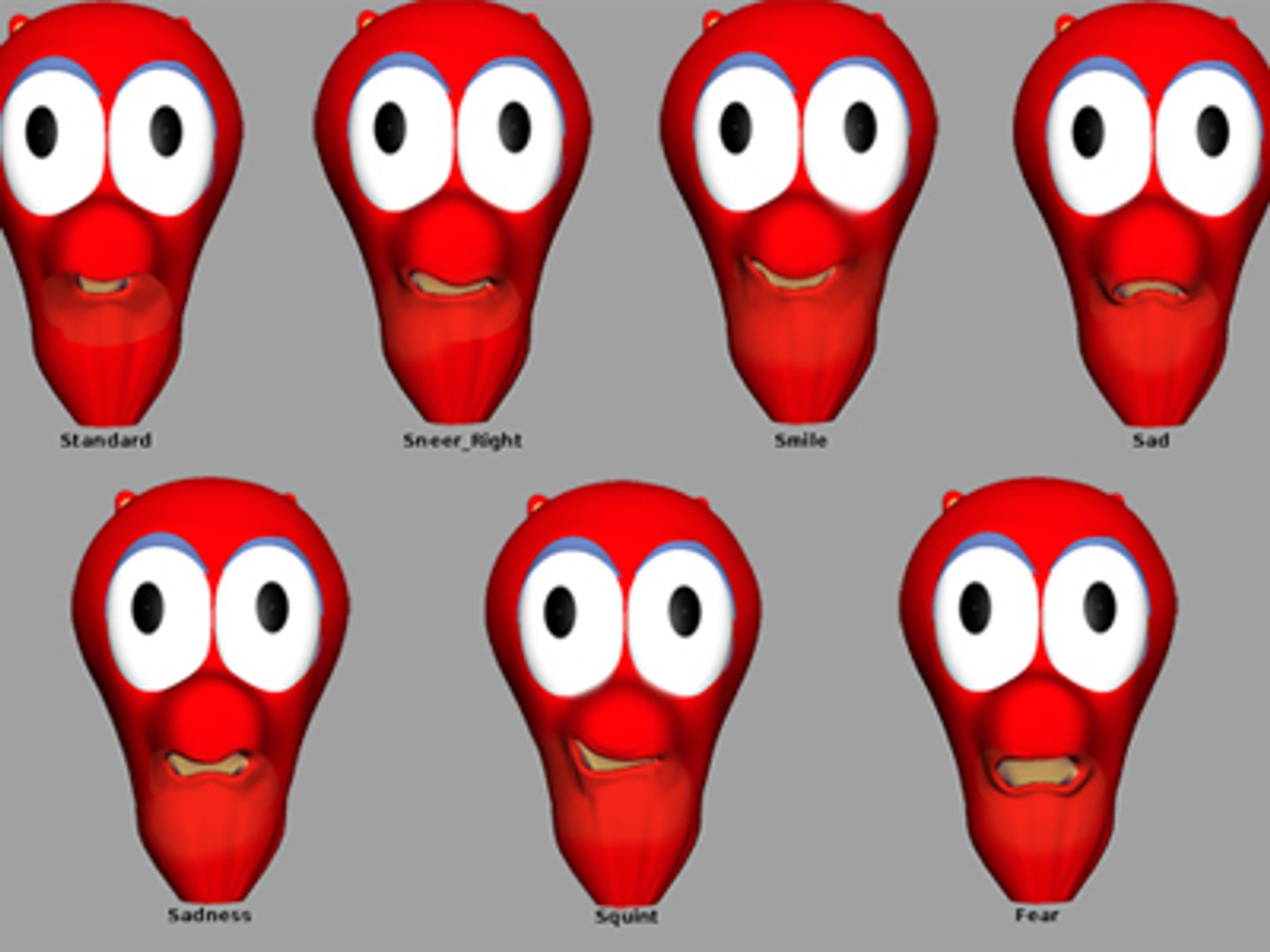
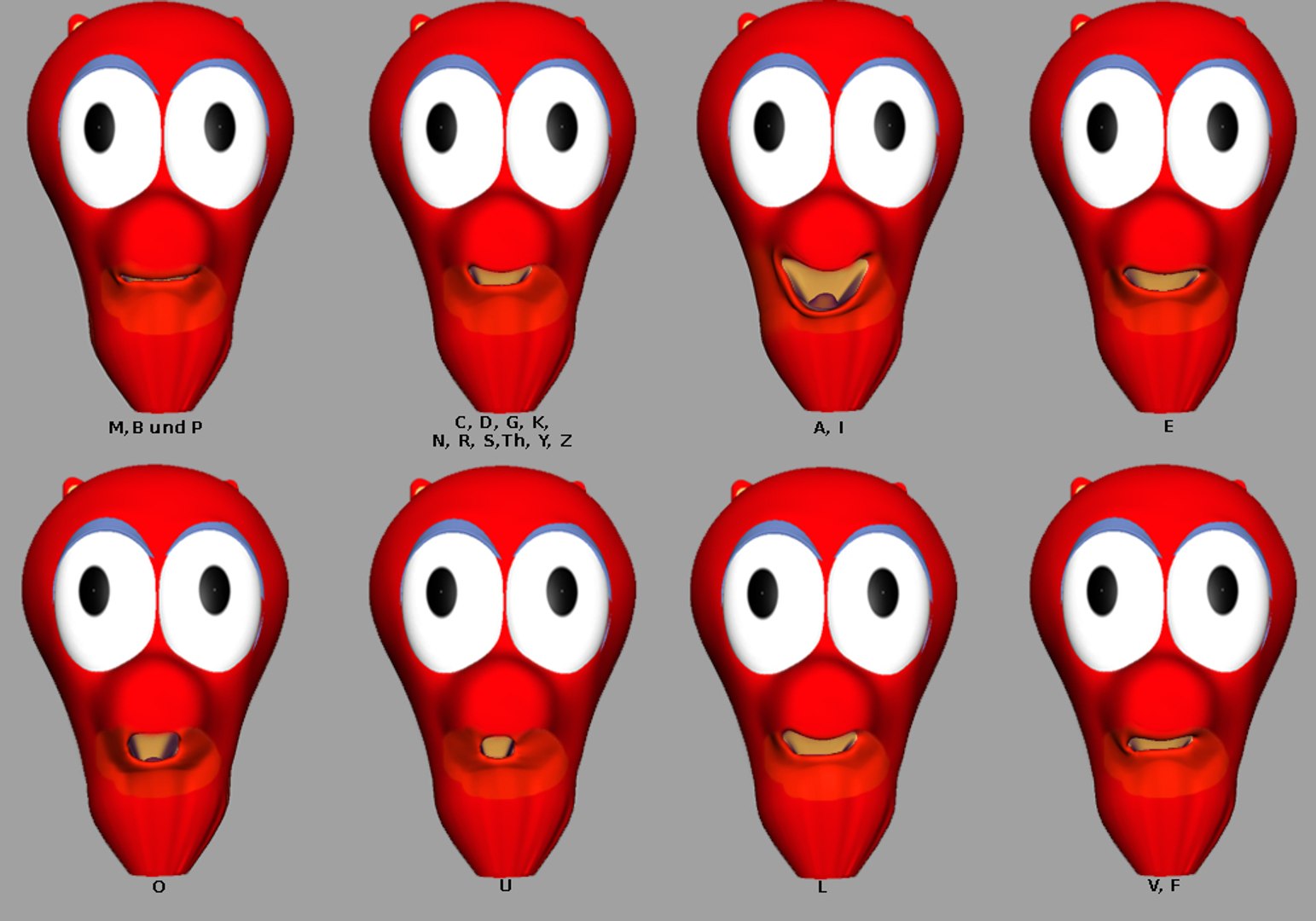
Different Blend Shapes including different Visimes (Visual Phonemes) make it possible to simulate nearly every emotion and to simulate speach!
The Character has altogether 24 Blend Shapes. 8 Visimes for the simulation of speech, 7 different Moods, 5 Shapes for the ears and 4 who control the eyes. Furthermore you can use different Conrol Objects to animate the nose, eyes and eyelids.
Categories

Select Enhanced License

  • $10,000 in Legal Protection (Indemnification)
  • Uncapped Legal Protection (Indemnification)
  • Waiver from injunctive relief
  • Assignable model rights
  • $1,000,000 in Legal Protection (Indemnification)
  • Waiver from injunctive relief
  • Assignable model rights
  • $250,000 in Legal Protection (Indemnification)
  • Assignable model rights
Read more about enhanced license tiers, or contact us at enterprise@turbosquid.com. Already a Shutterstock Enterprise Customer? Contact your Shutterstock Sales Support Agent to talk about adding 3D.

About Conversion Requests

To submit a conversion request for a purchased asset, please complete our Conversion Request Form.

If you have not yet purchased a model, please review our Documentation about Conversions to learn about what limitations you may encounter with a conversion.

For any additional questions about a model’s suitability for conversion, please contact TurboSquid Support.

Loading...