
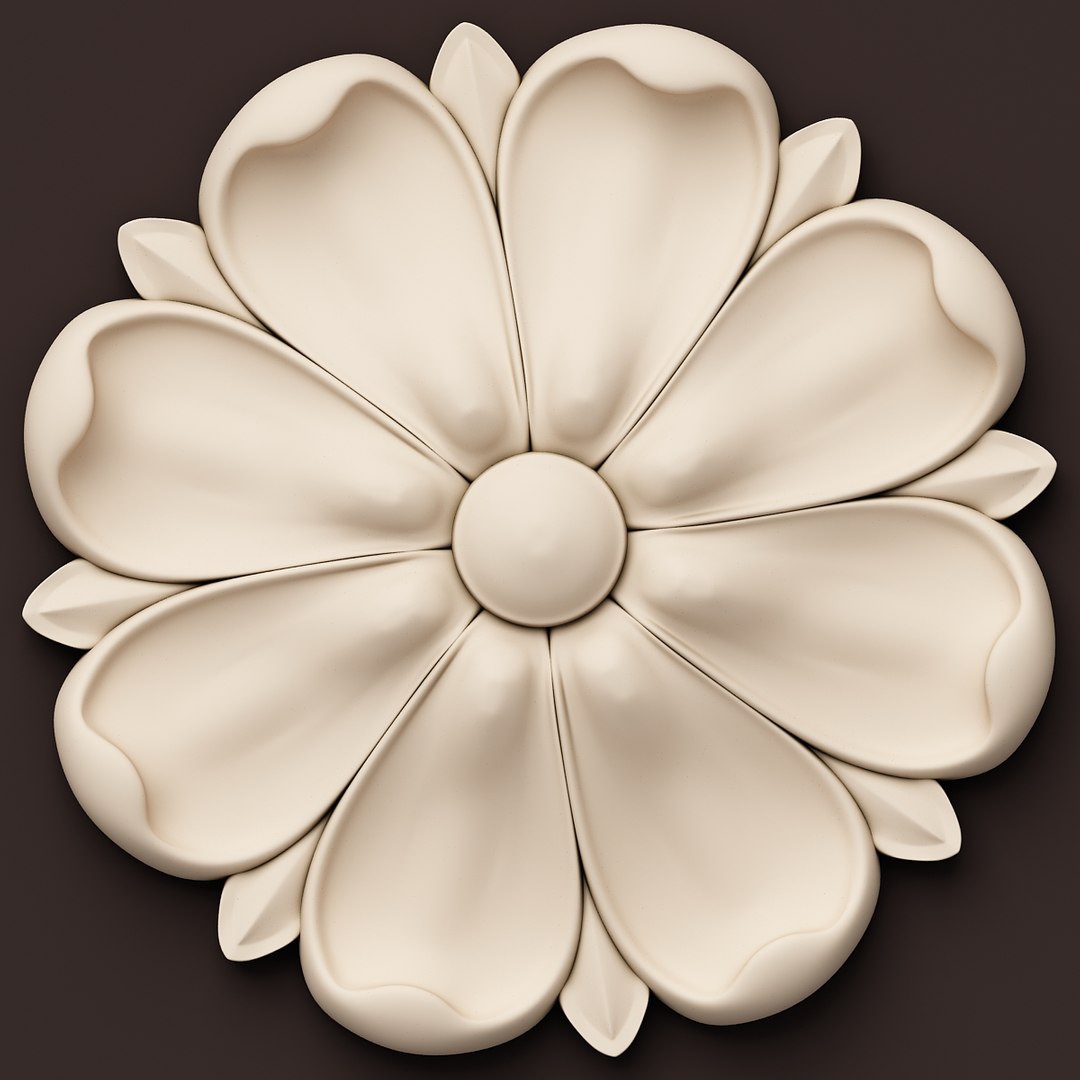


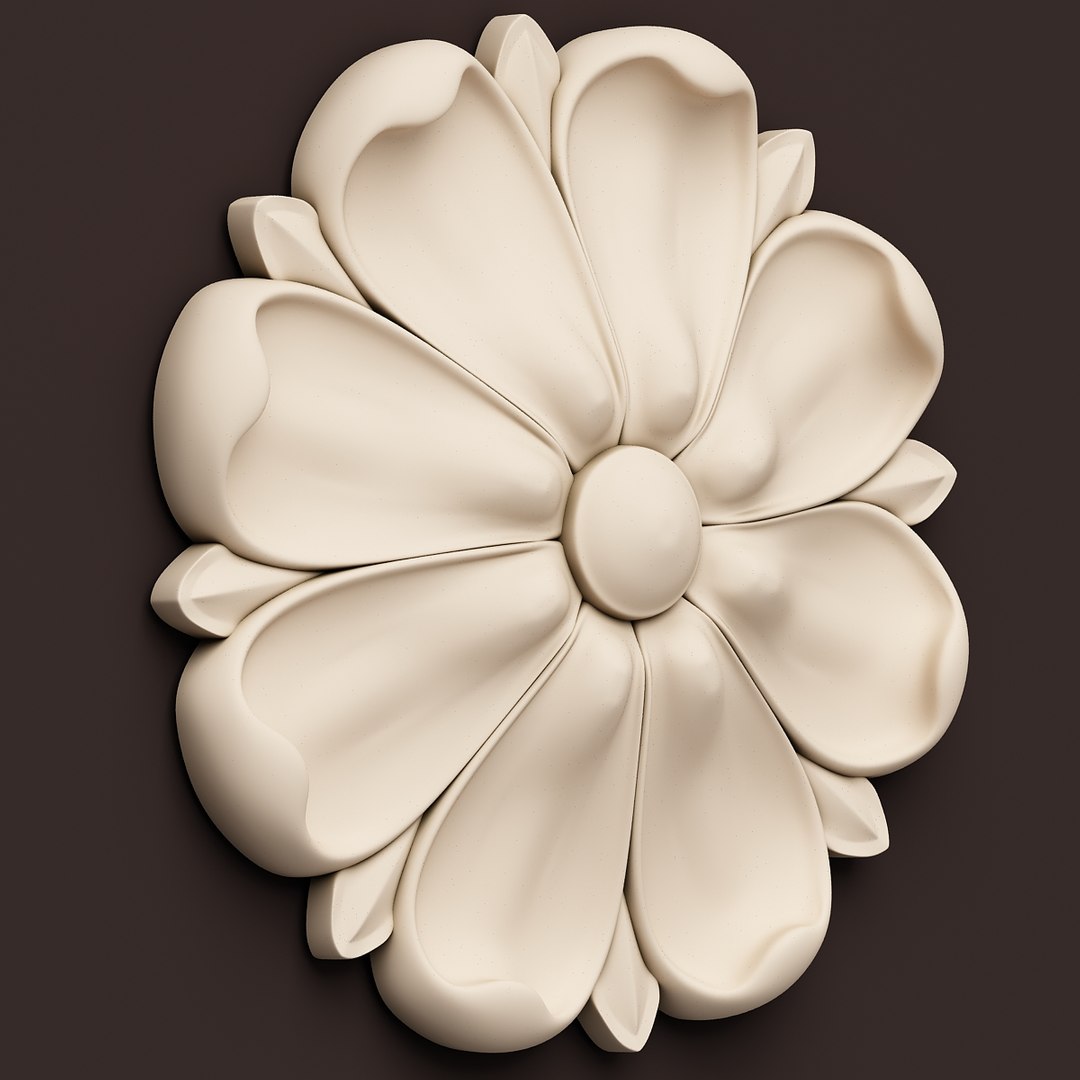
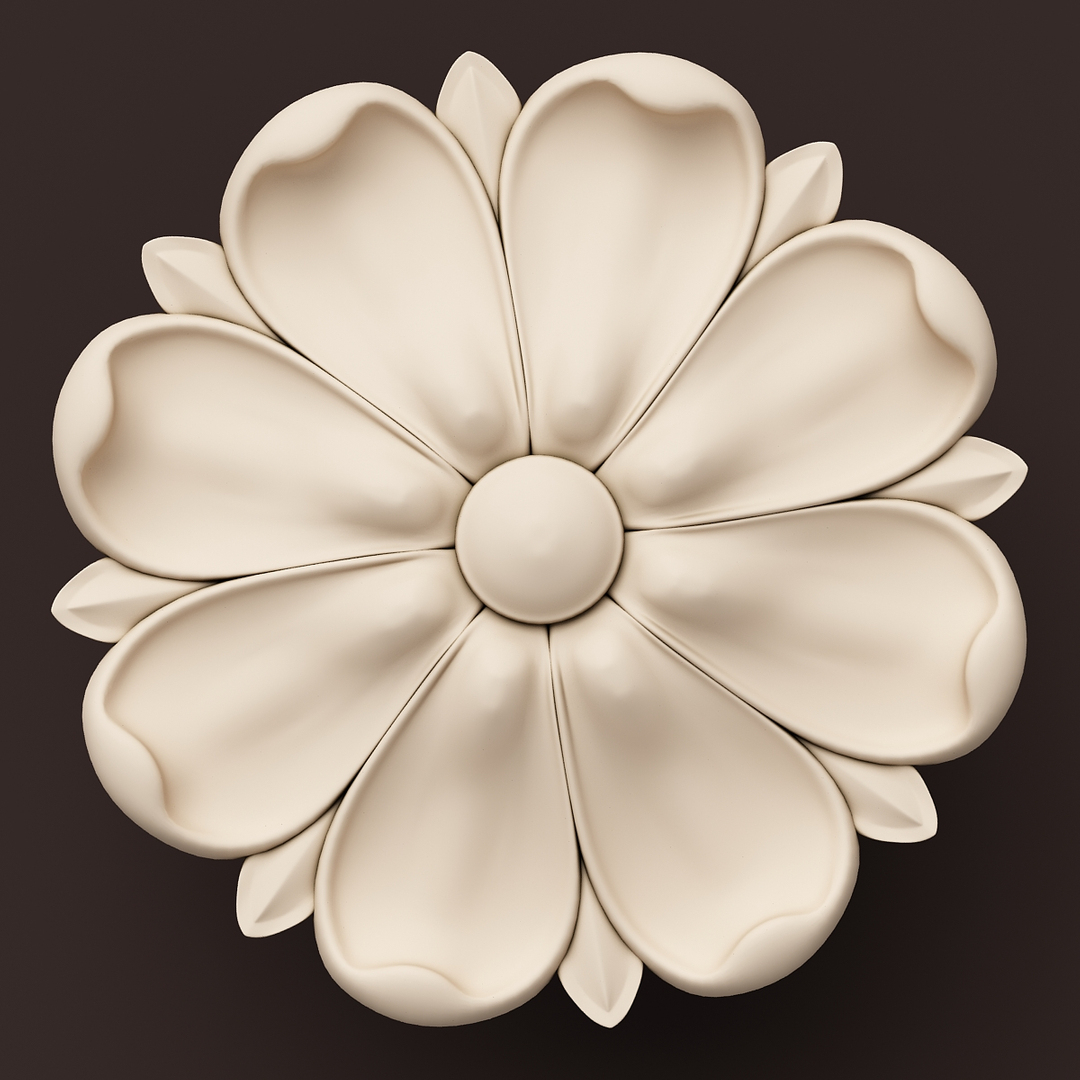
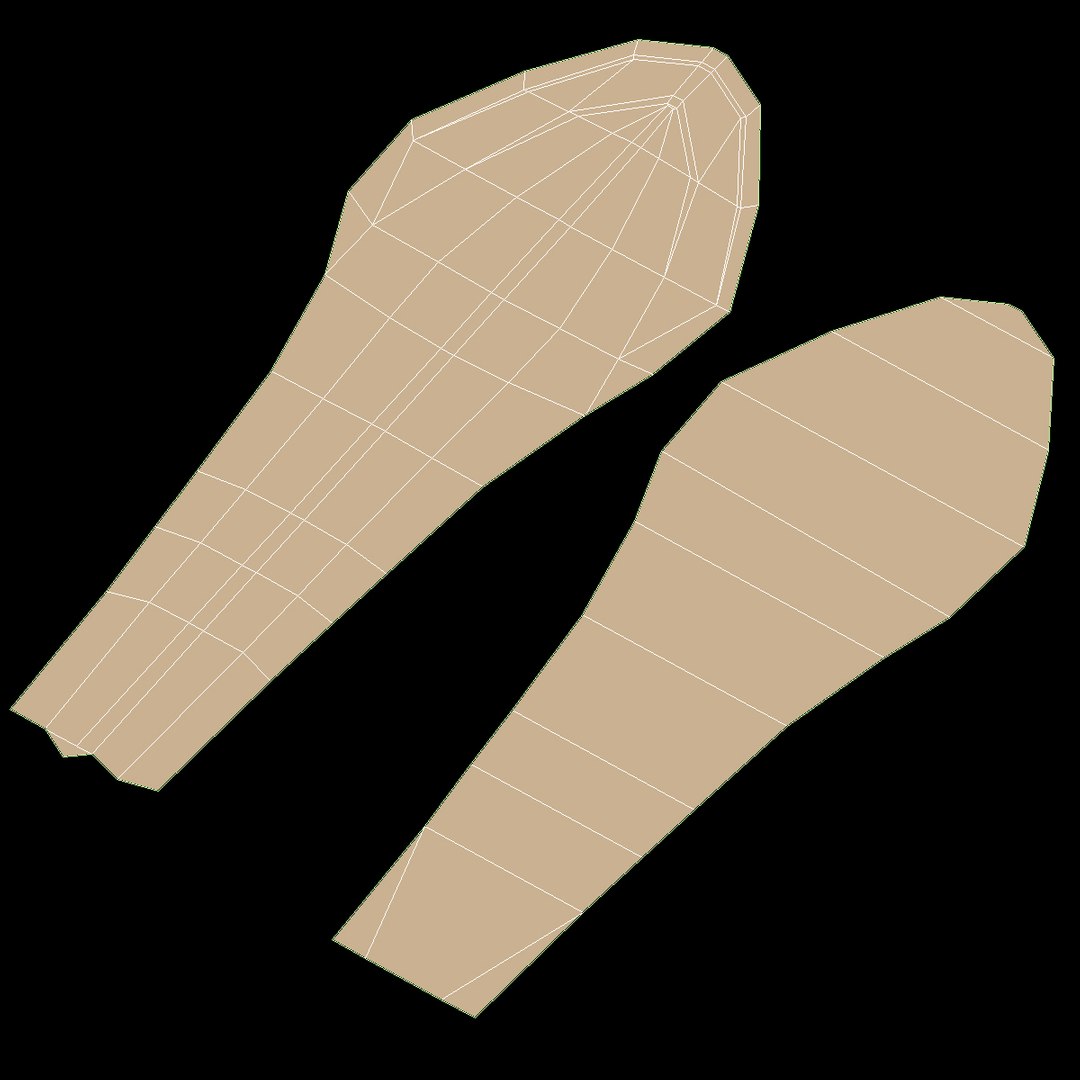
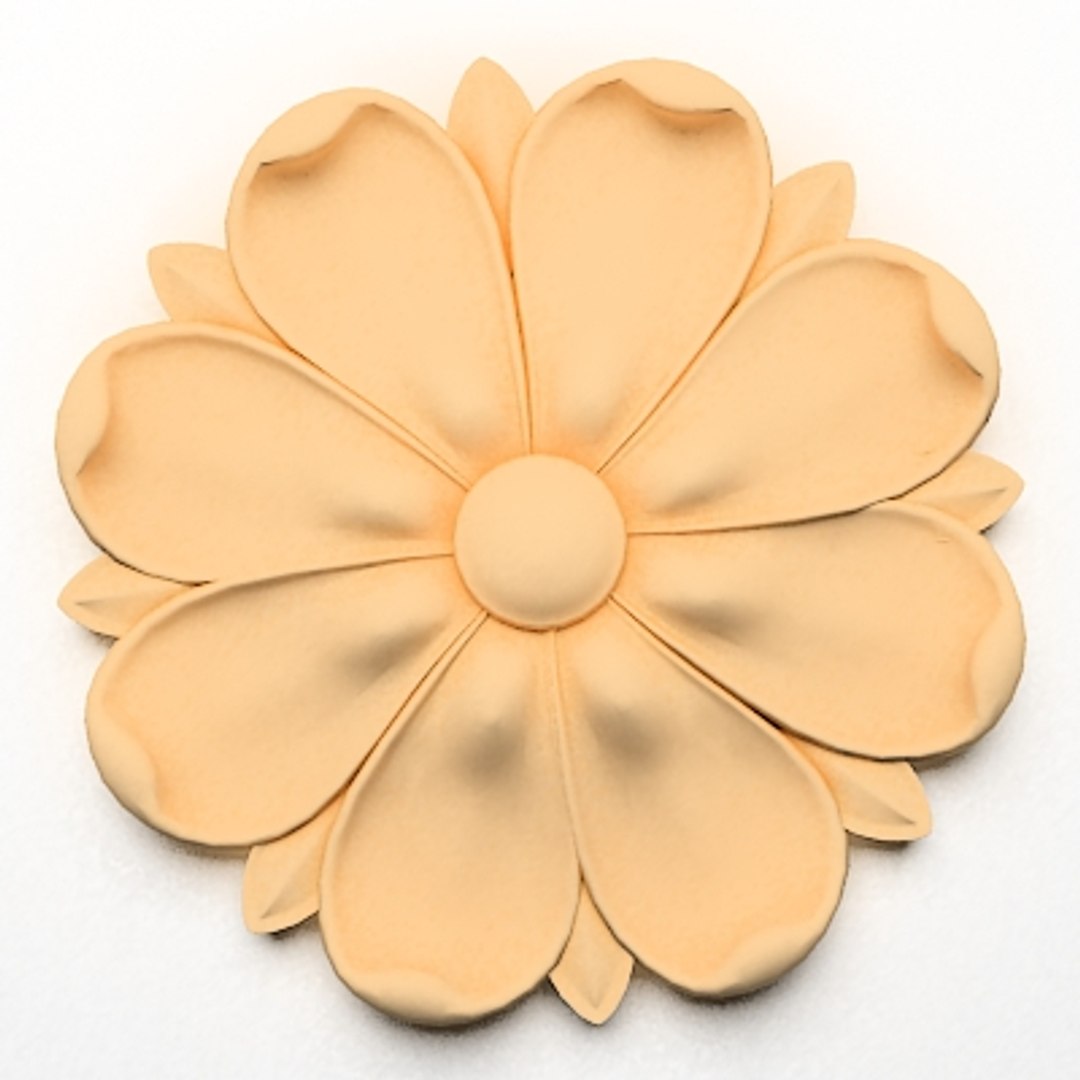
Rosette (Fig 142)

$29

Standard License | Upgrade License
Formats (19)
Free file format Conversions available
Native | 3ds Max 2011 | Default Scanline
3ds Max 2014 | V-Ray 3.00
3ds Max 2014 | Default Scanline
STL
OBJ
FBX
DXF
3D Studio
glTF
3ds Max
USDz
Specifications
Publish Date October 21, 2010
Product ID 564259
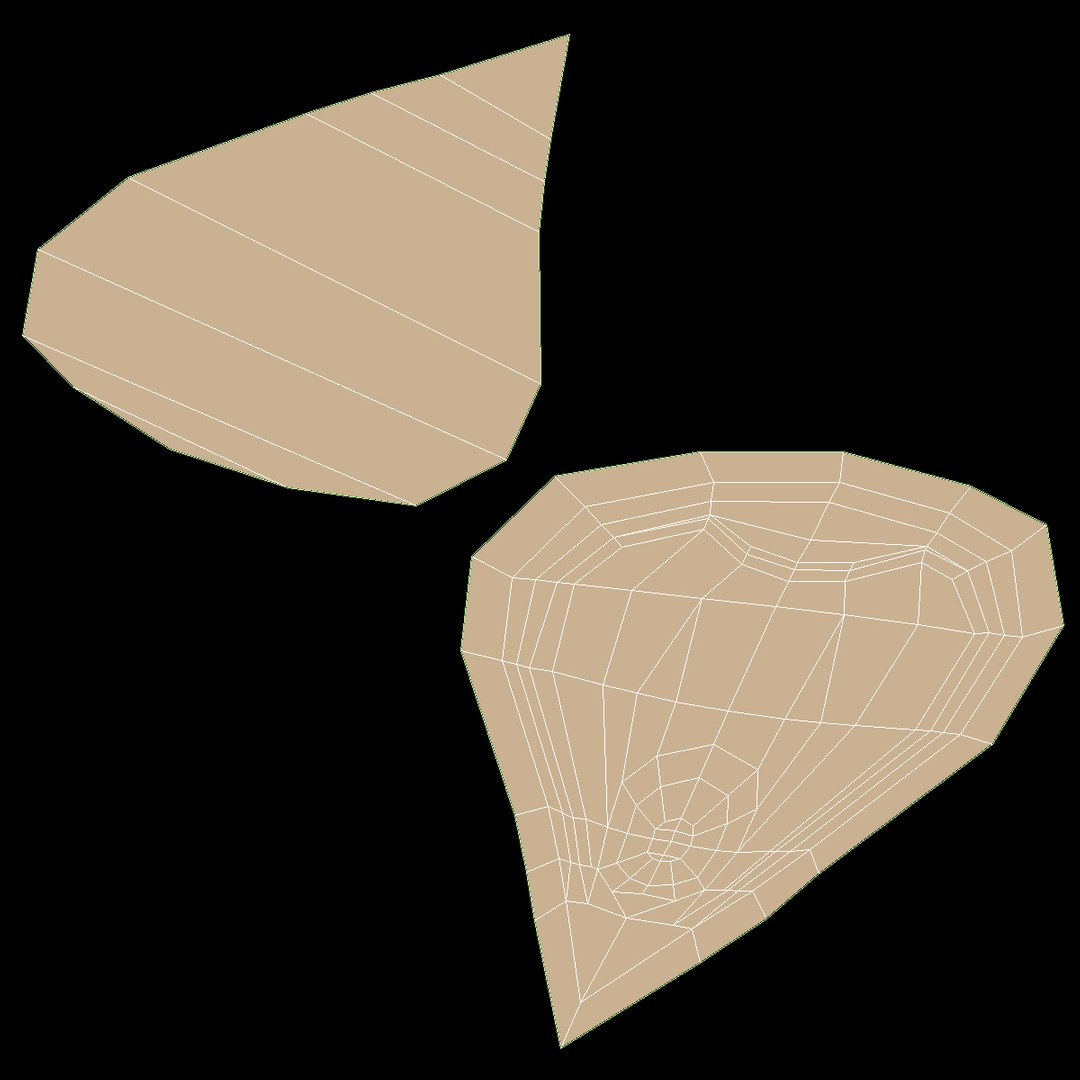
Polygons 1,918
Vertices 1,860
Polygonal Quads/Tris Geometry
Materials
UV Mapped
Non-overlapping Unwrapped UVs
PBR
TurboSquid Exclusive

member avatar
VizArtOnline
366 Products | Contributor Since 2007
Have questions? Chat with us now.

Description

This model for classical decoration and other ornamental decor for interior and exterior.
Could be usefull for interior decor, wall, fireplace and etc. decoration.

This is a high detailed low poly and realistic 3D model.

It"s available in the following file formats:

- 3D Studio (.3ds) with meshsmooth
- 3D Studio (.3ds) no meshsmooth

- Object (.obj) with meshsmooth
- Object (.obj) without meshsmooth

- LightWave (.lwo) 5.6 with meshsmooth
- LightWave (.lwo) 5.6 without meshsmooth

- Cinema 4D (.c4d) with meshsmooth
- Cinema 4D (.c4d) without meshsmooth

- Kaydara FBX (.fbx) with meshsmooth
- Kaydara FBX (.fbx) without meshsmooth

- Softimage XSI (.xsi) 3.5 with meshsmooth
- Softimage XSI (.xsi) 3.5 without meshsmooth


All the file formats are separated by folders and zipped individually.

The polygon count can be adjusted in Max files, reducing or increasing the iterations from MeshSmooth modifier.

PLEASE: Rate it, it"s important for Us!

PS: You can find more decor element in Our collection. Welcome.

Select Enhanced License

  • $10,000 in Legal Protection (Indemnification)
  • Uncapped Legal Protection (Indemnification)
  • Waiver from injunctive relief
  • Assignable model rights
  • $1,000,000 in Legal Protection (Indemnification)
  • Waiver from injunctive relief
  • Assignable model rights
  • $250,000 in Legal Protection (Indemnification)
  • Assignable model rights
Read more about enhanced license tiers, or contact us at enterprise@turbosquid.com. Already a Shutterstock Enterprise Customer? Contact your Shutterstock Sales Support Agent to talk about adding 3D.

About Conversion Requests

To submit a conversion request for a purchased asset, please complete our Conversion Request Form.

If you have not yet purchased a model, please review our Documentation about Conversions to learn about what limitations you may encounter with a conversion.

For any additional questions about a model’s suitability for conversion, please contact TurboSquid Support.

Loading...