





3d Rose Animated Rose Bloom

$60

Standard License | Upgrade License
Formats (4)
Free file format Conversions available
Native | Cinema 4D 20 | Default Scanline
FBX
OBJ
Other Textures
Previews
Other Files
Textures.rar
Specifications
Publish Date November 03, 2020
Product ID 1643622
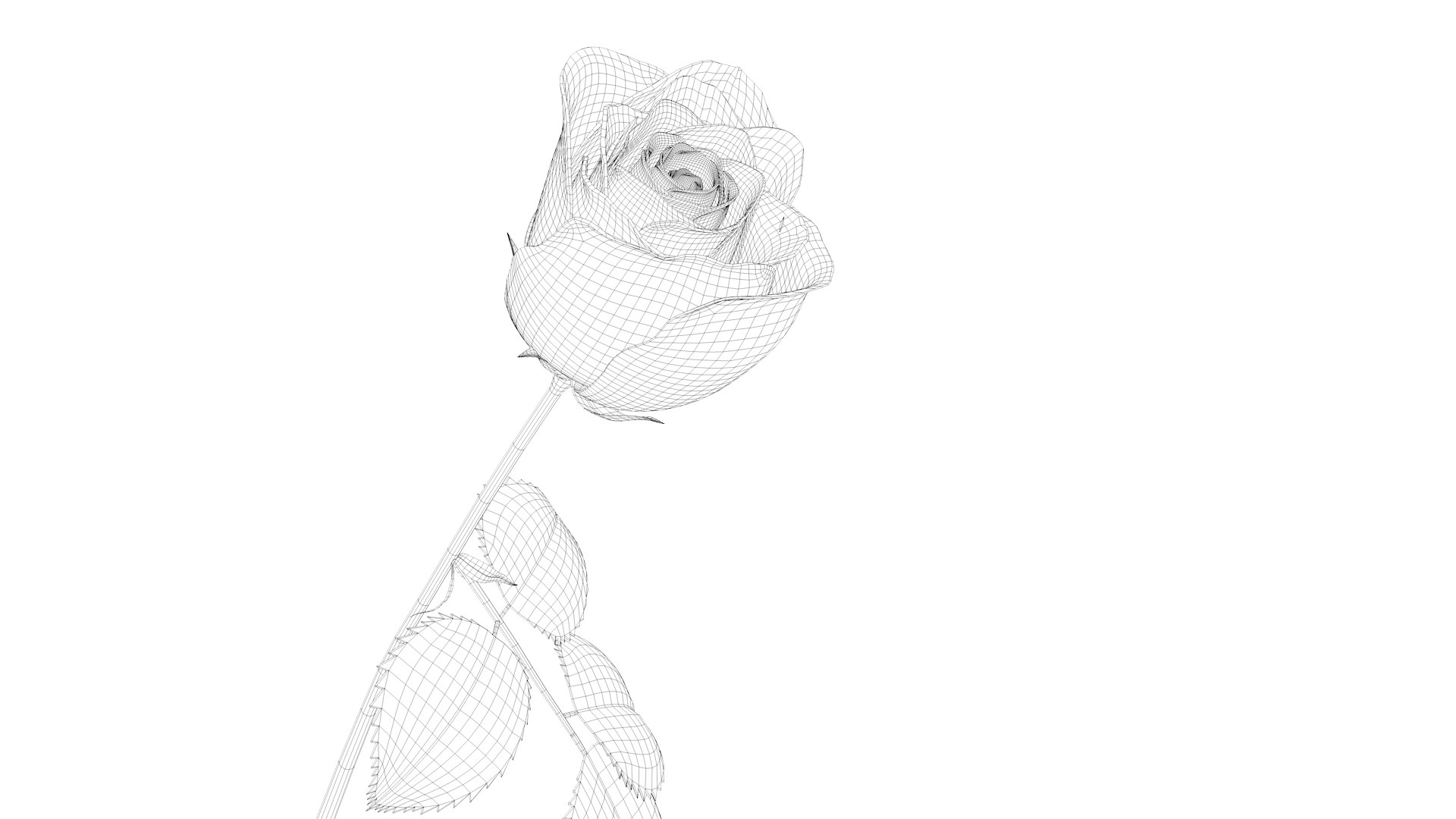
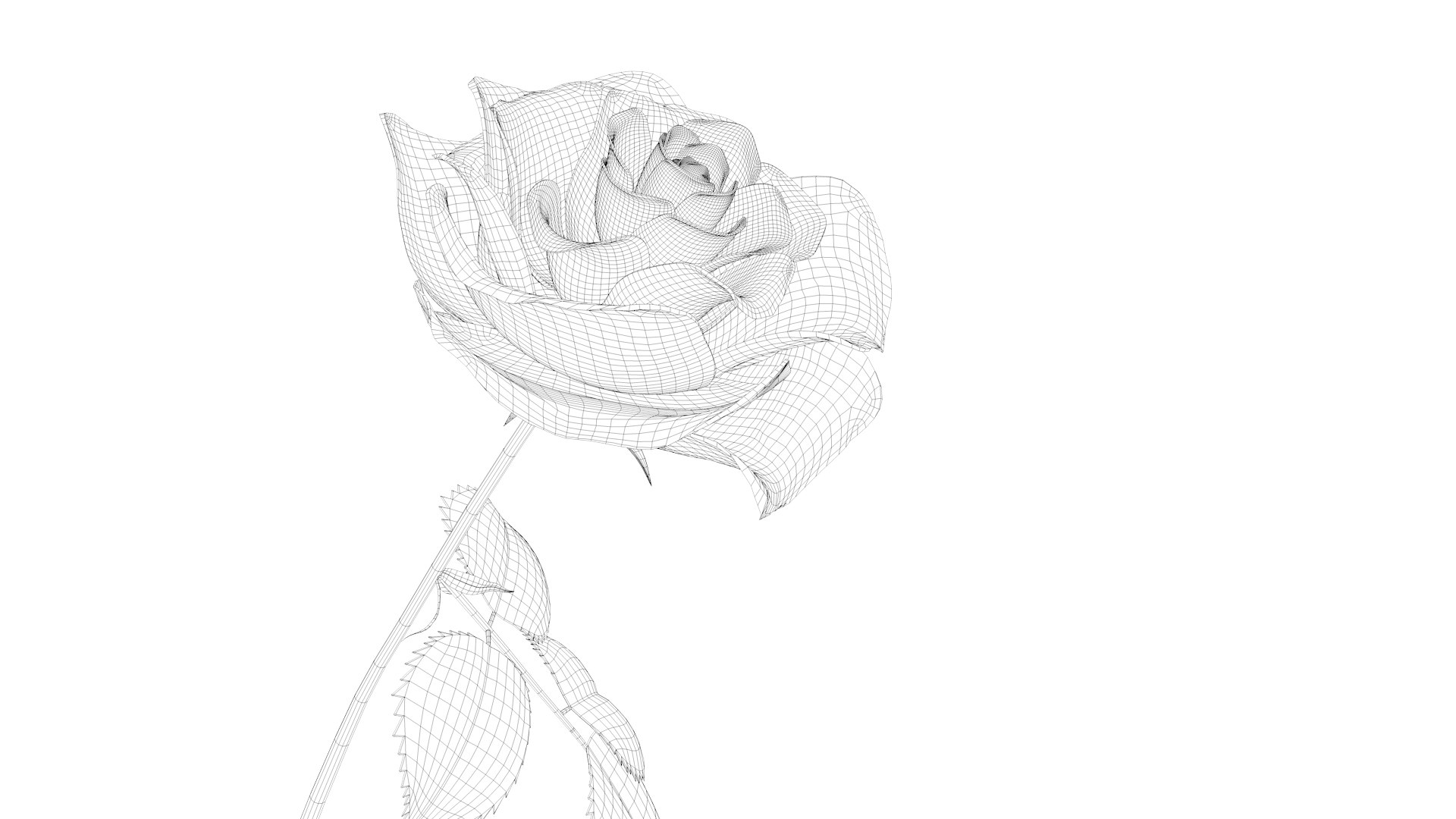
Polygons 36,329
Vertices 36,390
Polygonal
Textures
Materials
UV Mapped
Unknown Unwrapped UVs
Rigged
Animated
member avatar
Adil Farhan
41 Products | Contributor Since 2005
Have questions? Chat with us now.

Description

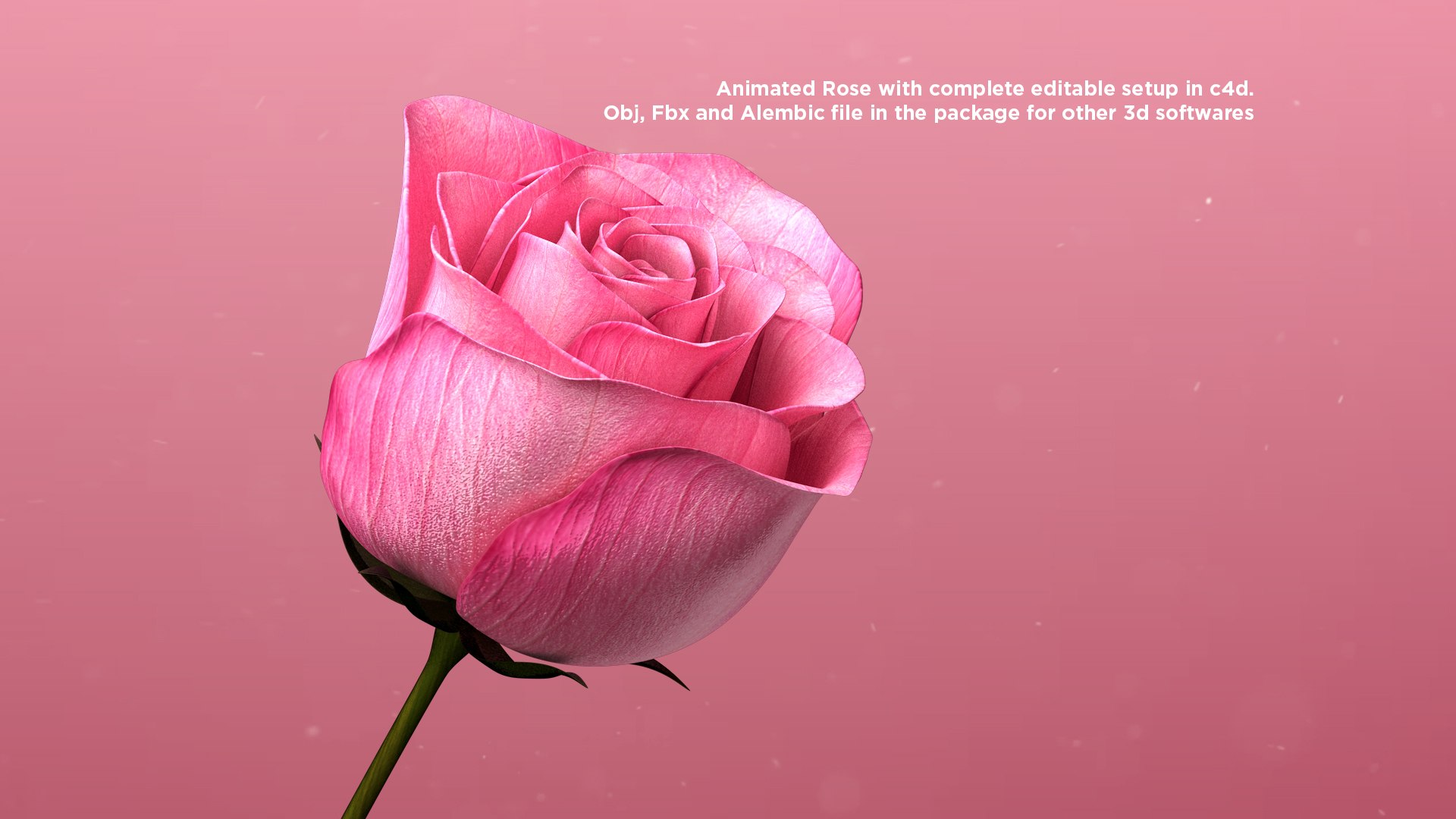
Animated Rose / Blooming Rose with ultra realistic animtion made in C4d. You can use in your projects just import in your scenes and hit render. its a complete 125 Frames realistic and editable Animation, you can easily modify or change animation in c4d file. no plugins needed, its a complete editable setup. all petals and buds are seperate.

Obj Files are attached in the package. i have export 3 stages of obj format. Rose Open, Semi open and close version. Fbx Animated File with point cache animation and alembic file are alos include in the package. If you want animated Rose for other 3d application please use Attached Alembic or fbx file.

I've also attached seperate .abc (bake file)file in the package if you dont want to edit animation or want to slow in or fast up your animation just import alembic file in your scenes. Either you can use in c4d or any other 3d application. Textures are also attached.

Feel free to contact through support if you have any problem in this.

Thanks.

Select Enhanced License

  • $10,000 in Legal Protection (Indemnification)
  • Uncapped Legal Protection (Indemnification)
  • Waiver from injunctive relief
  • Assignable model rights
  • $1,000,000 in Legal Protection (Indemnification)
  • Waiver from injunctive relief
  • Assignable model rights
  • $250,000 in Legal Protection (Indemnification)
  • Assignable model rights
Read more about enhanced license tiers, or contact us at enterprise@turbosquid.com. Already a Shutterstock Enterprise Customer? Contact your Shutterstock Sales Support Agent to talk about adding 3D.

About Conversion Requests

To submit a conversion request for a purchased asset, please complete our Conversion Request Form.

If you have not yet purchased a model, please review our Documentation about Conversions to learn about what limitations you may encounter with a conversion.

For any additional questions about a model’s suitability for conversion, please contact TurboSquid Support.

Loading...