
Rodi Elite Invisible 70

$10

Standard License | Upgrade License
Editorial Uses Only
Formats (9)
Native | 3ds Max 2014 | Corona 6
3ds Max 2014 | V-Ray 4
glTF
3ds Max
USDz
OBJ
Specifications
Publish Date February 06, 2024
Product ID 2186186
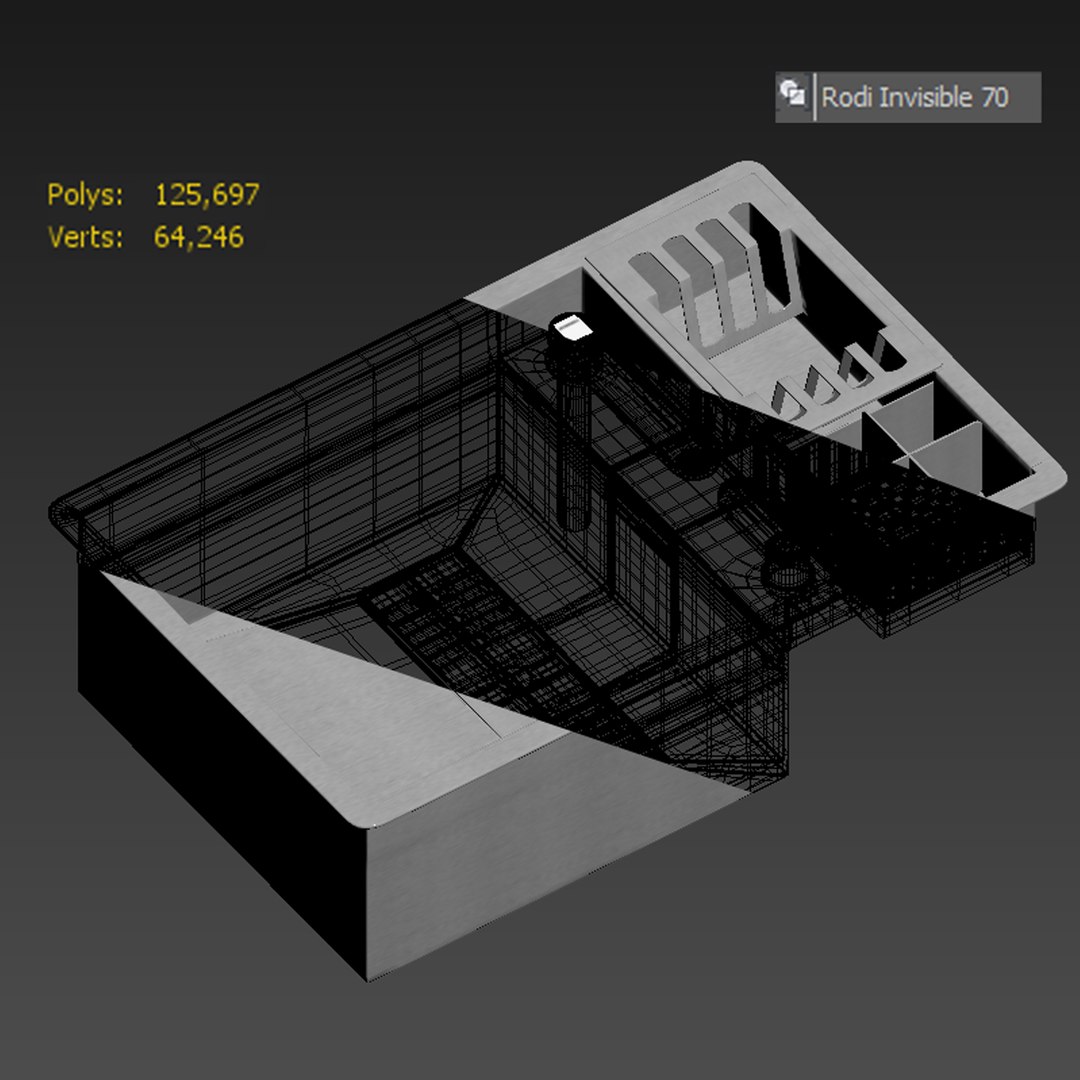
Polygons 125,697
Vertices 64,246
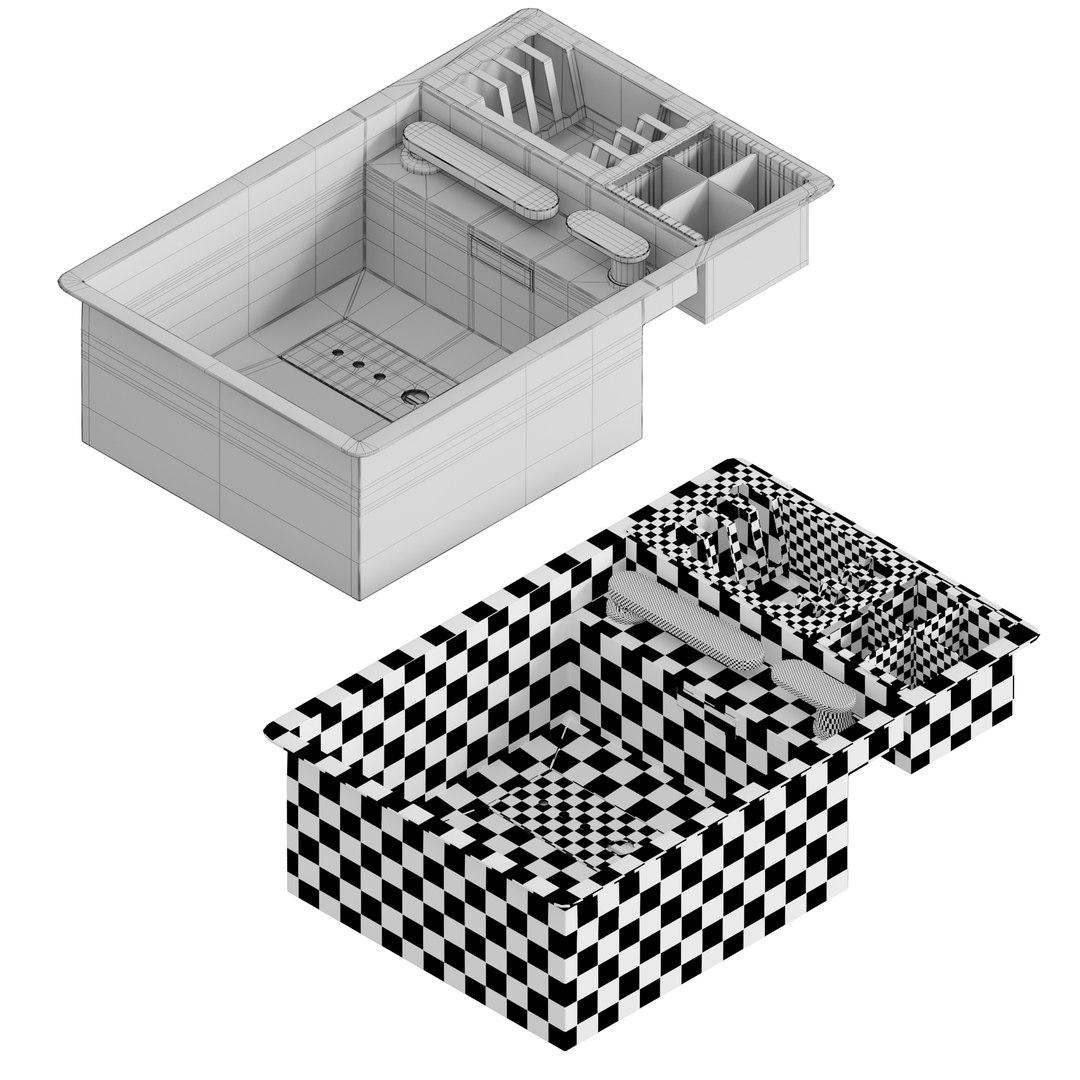
Polygonal Quads Only
Textures
Materials
Non-overlapping Unwrapped UVs
PBR
Real-Time
member avatar
snake3ddd
337 Products | Contributor Since 2024
Have questions? Chat with us now.

Description

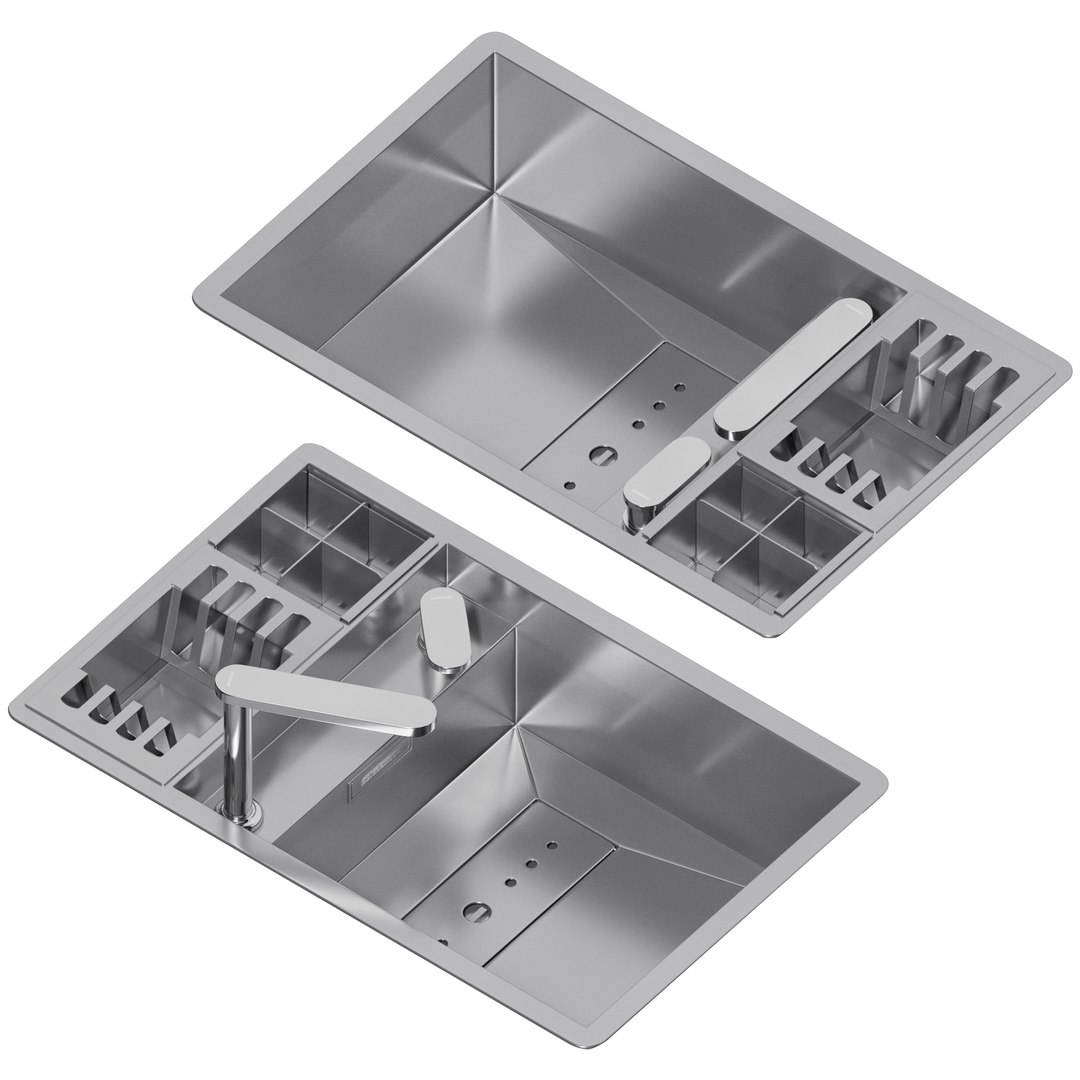
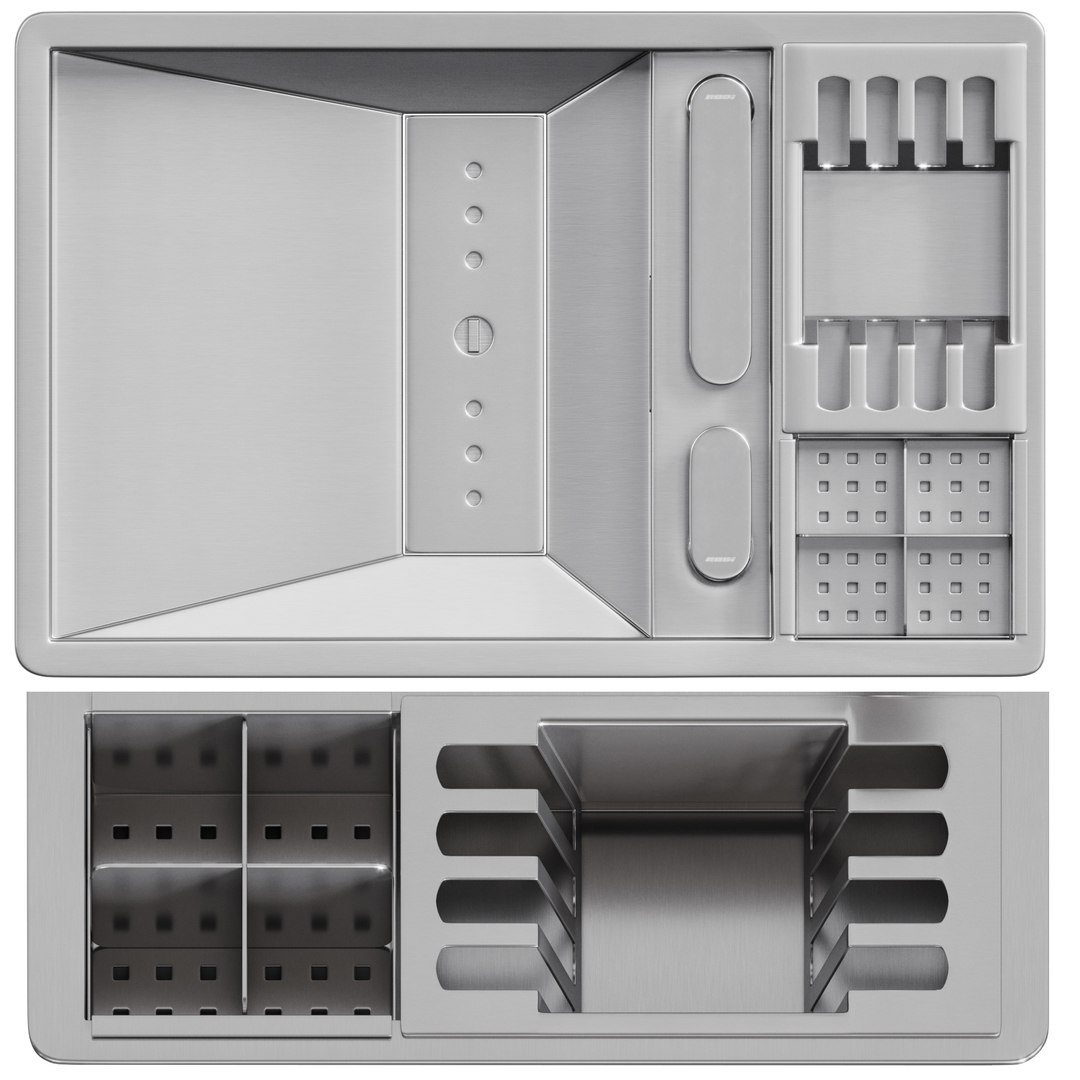
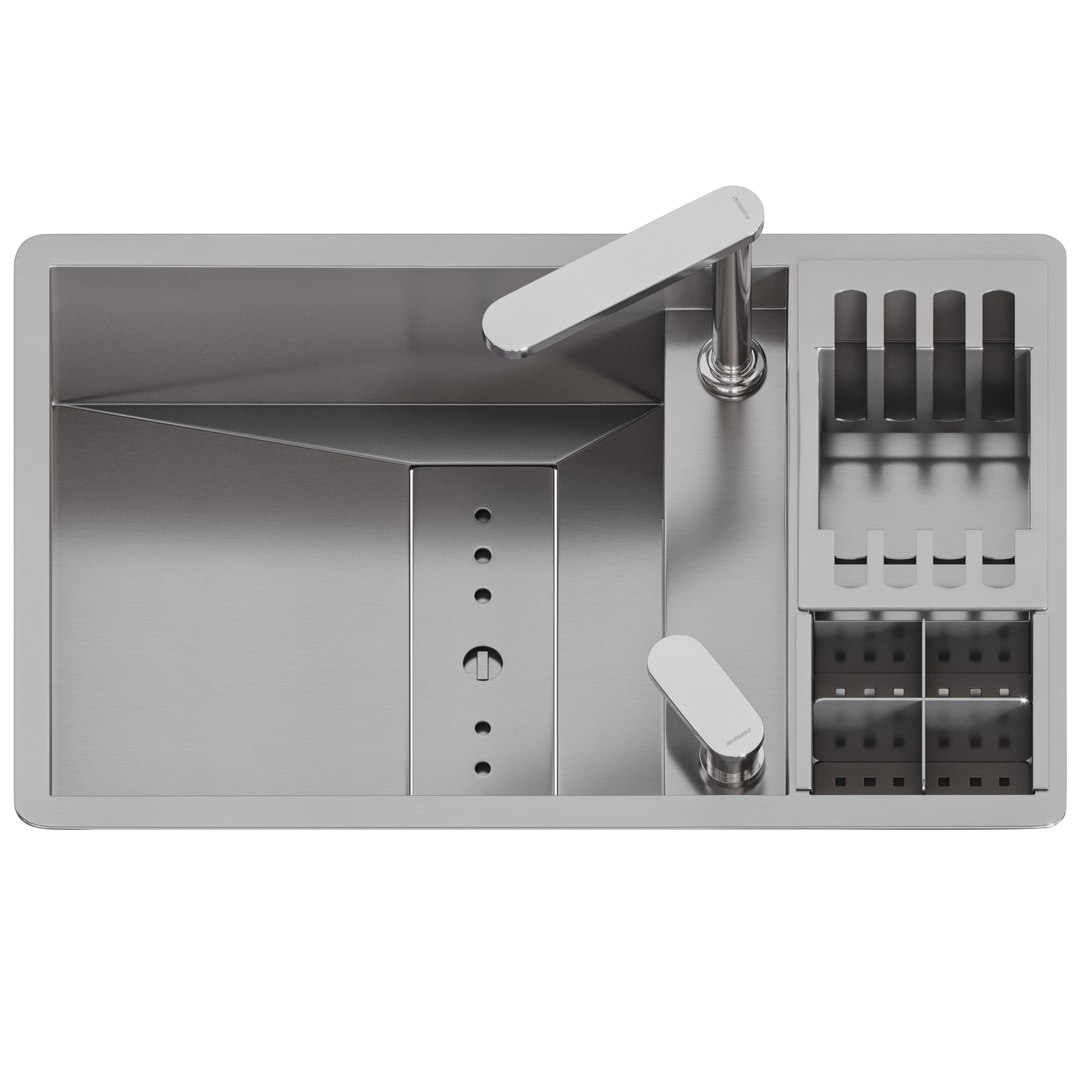
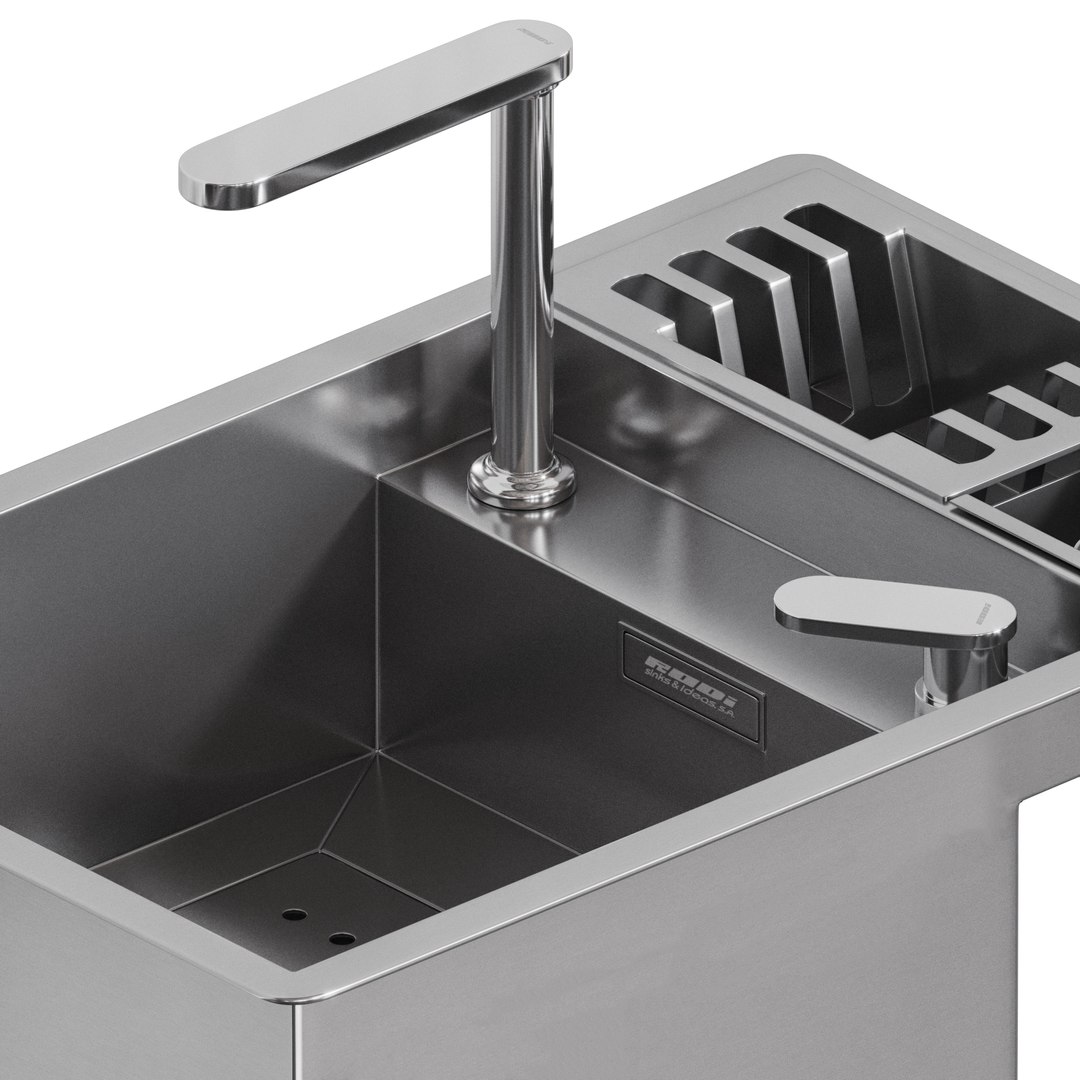
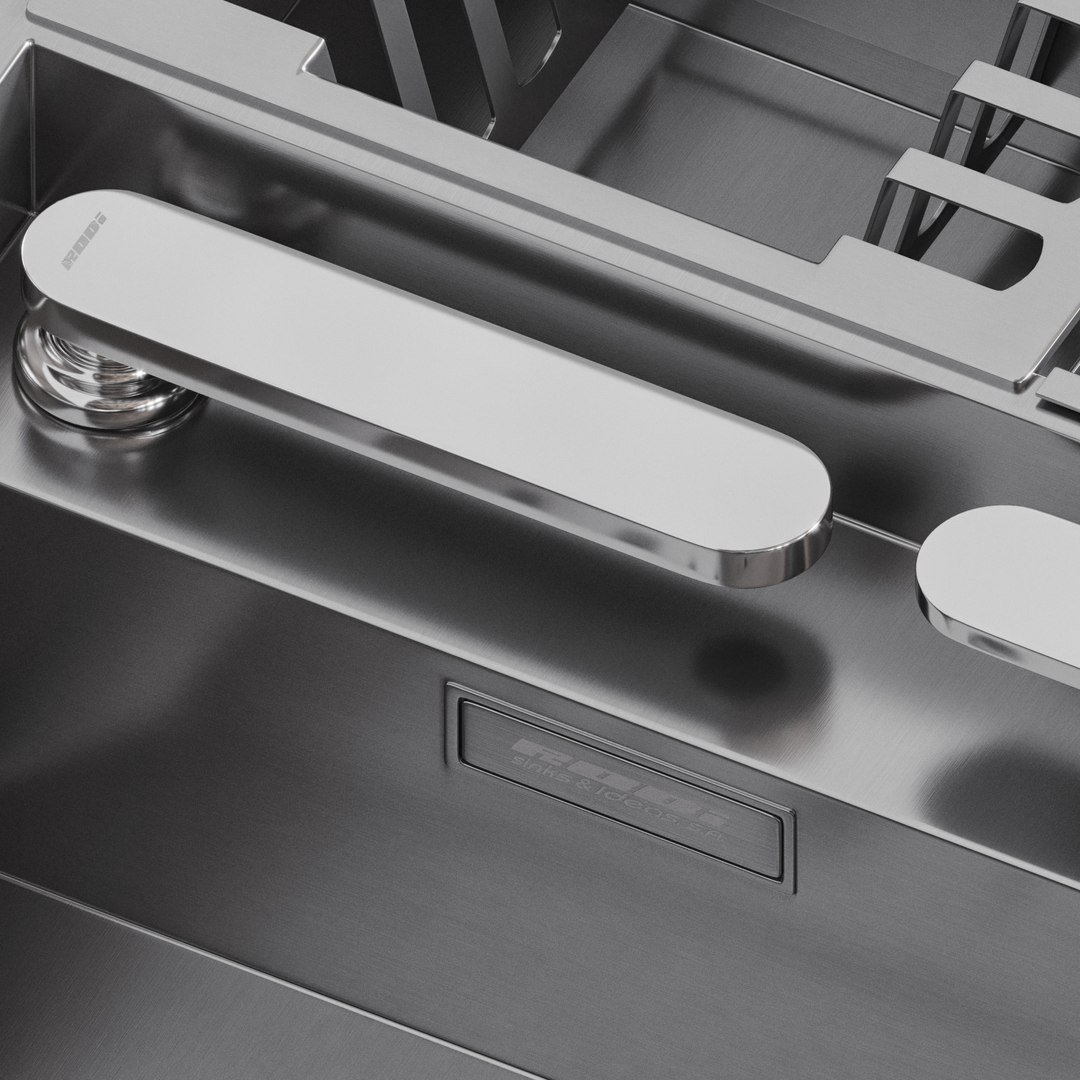
Rodi Elite-Invisible 70

Sink Features:

  • A bowl featuring a unique radius of 0 mm, equipped with a pull-out mixer for enhanced functionality and convenience. The rectangular valve is topped with an exclusive design cover, adding a touch of sophistication.

Rodi Invisible 70 Specifications:

  • Overall Dimensions (Length x Width x Depth): 690 x 440 x 200 mm
  • Material: Stainless Steel

Mixer Model: Rodi BOX QS 3000

  • Material: Chrome

Special Feature:

  • The Turbosmooth modifier stack is open, allowing for detailed customization and adjustments to fit specific design preferences.

Included in the Archive:

  • 3D Max 2014 Vray & Corona format
  • OBJ file format
  • Folder with textures
  • Folder with materials
  • Measurement System: Millimeters (mm)

Special Highlights:

  • The Rodi Elite-Invisible 70 sink marries sleek design with practicality, offering a versatile solution for modern kitchens. Its innovative features, such as the pull-out mixer and exclusive valve cover design, provide both style and function.

Select Enhanced License

  • $10,000 in Legal Protection (Indemnification)
  • Uncapped Legal Protection (Indemnification)
  • Waiver from injunctive relief
  • Assignable model rights
  • $1,000,000 in Legal Protection (Indemnification)
  • Waiver from injunctive relief
  • Assignable model rights
  • $250,000 in Legal Protection (Indemnification)
  • Assignable model rights
Read more about enhanced license tiers, or contact us at enterprise@turbosquid.com. Already a Shutterstock Enterprise Customer? Contact your Shutterstock Sales Support Agent to talk about adding 3D.

About Conversion Requests

To submit a conversion request for a purchased asset, please complete our Conversion Request Form.

If you have not yet purchased a model, please review our Documentation about Conversions to learn about what limitations you may encounter with a conversion.

For any additional questions about a model’s suitability for conversion, please contact TurboSquid Support.

Loading...