

Rigged Hand in Cinema 4D

$60

Standard License | Upgrade License
Formats (1)
Free file format Conversions available
Native | Cinema 4D R25 | Other
Other Files
hand_README.txt rigged_arm_pro_1.02_r25-2025.zip arm_shader.zip
Specifications
Publish Date May 24, 2025
Product ID 2412075
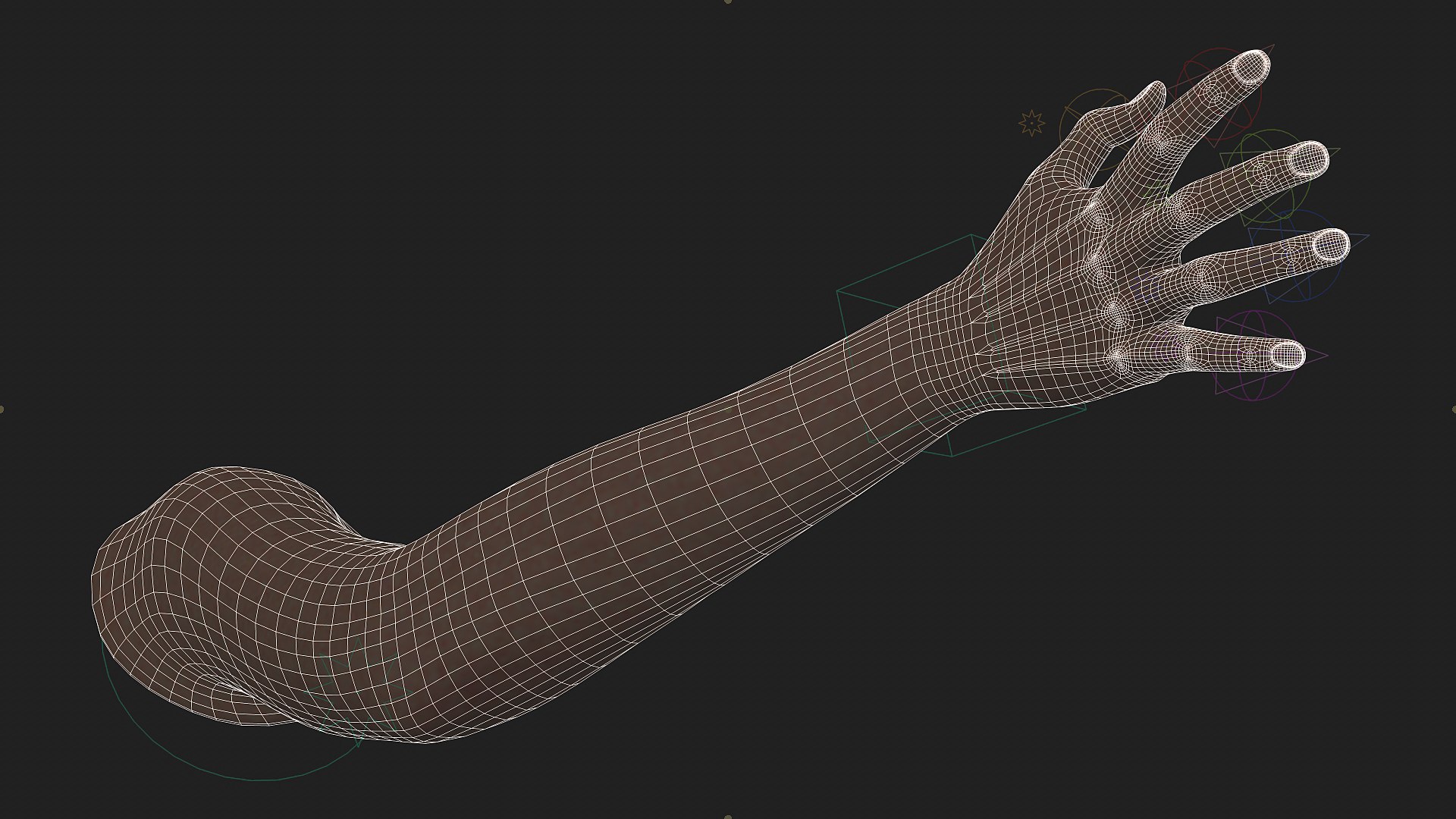
Polygons 1,908
Vertices 1,885
Polygonal Quads Only
Textures
Materials
UV Mapped
Non-overlapping Unwrapped UVs
Rigged
PBR
member avatar
Max Bitiukov
11 Products | Contributor Since 2019
Have questions? Chat with us now.

Description

you may find more info as well as how to install and use this asset on youtube by searching ”Rigged Hand in Cinema 4D”

Description

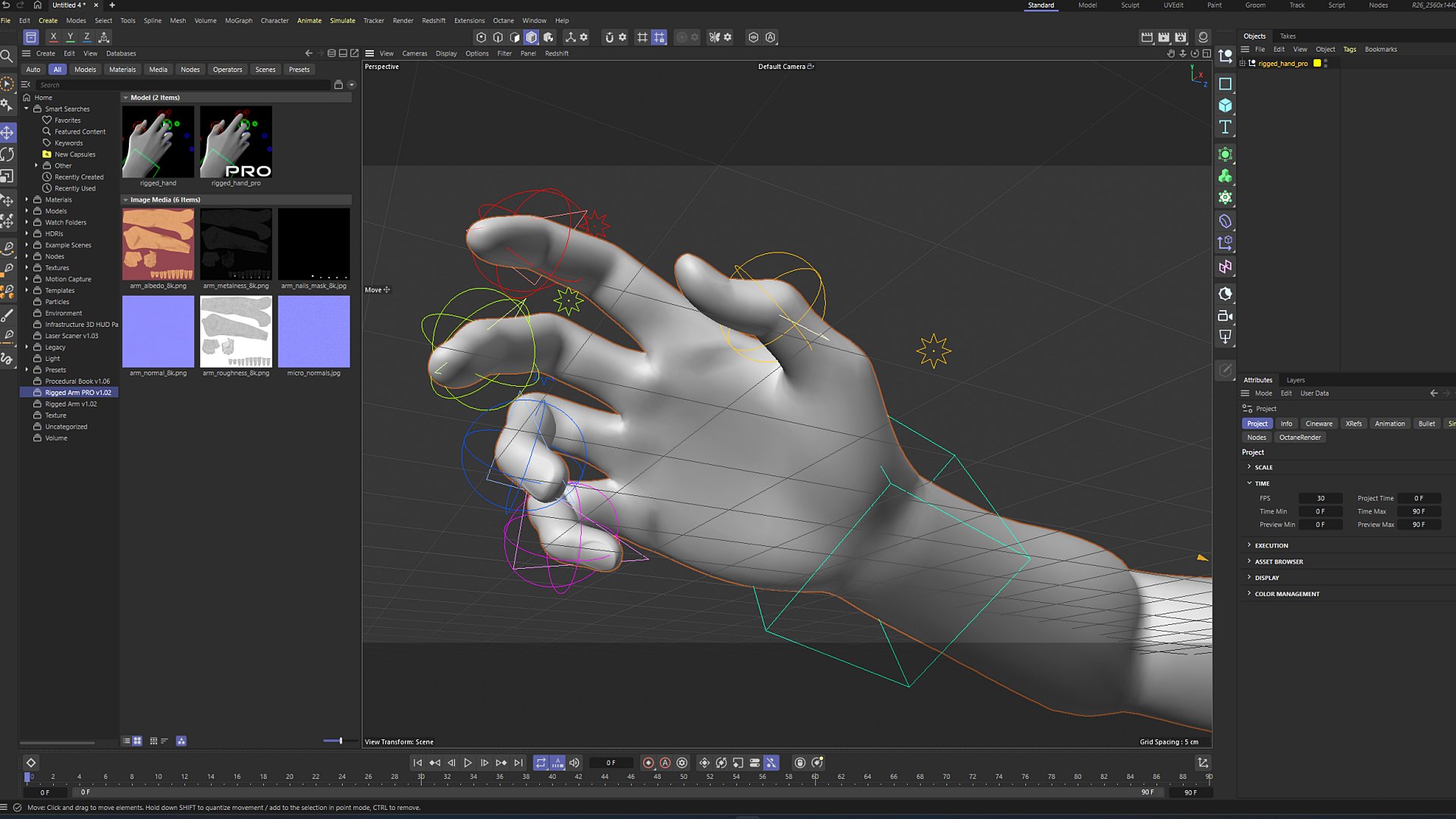
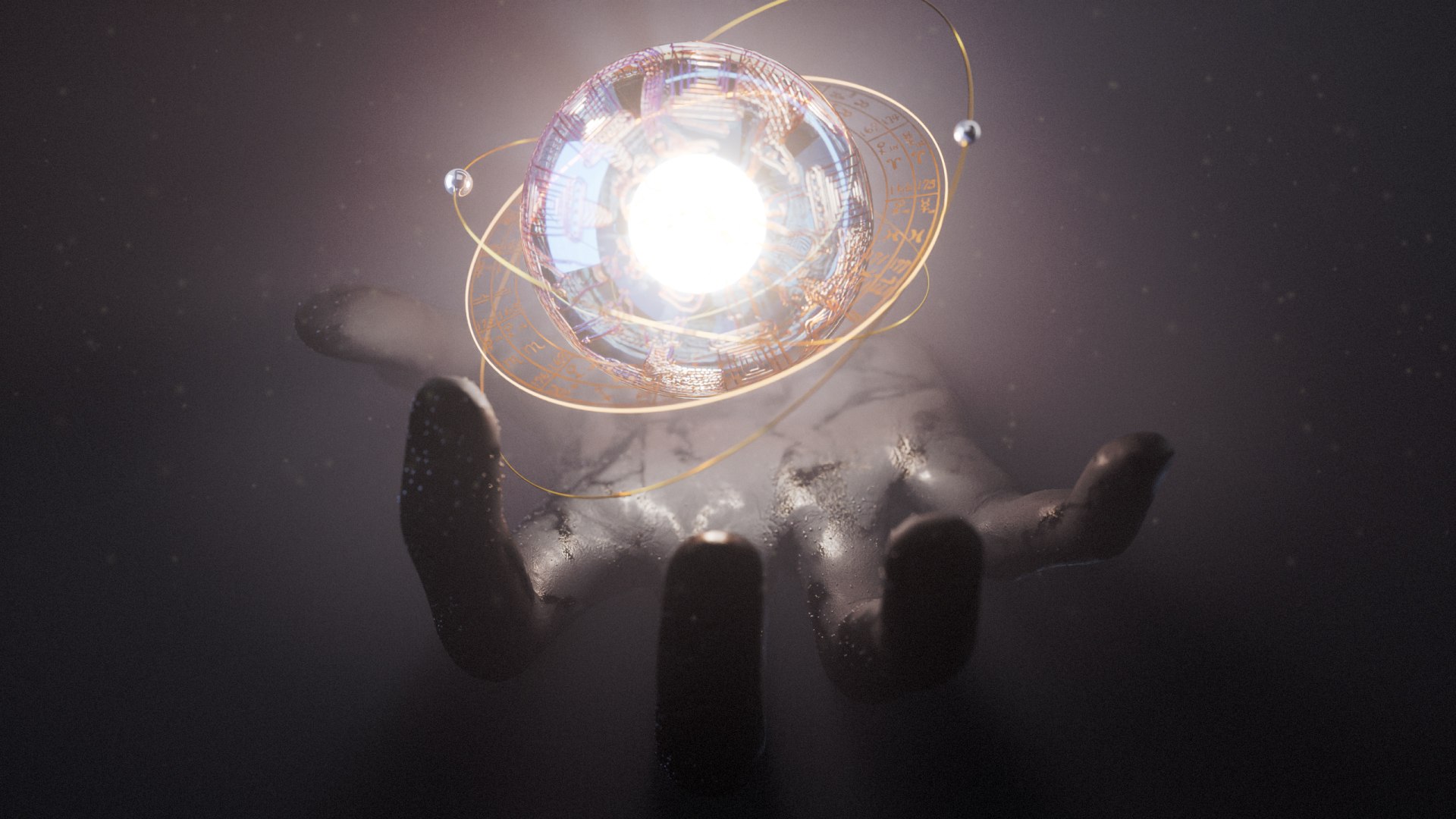
This asset for Cinema 4D includes additional tendons for more realistic anatomy and movement, plus ultra-detailed 8K textures for stunning close-up shots. Each finger is equipped with an intuitive IK setup, allowing you to animate effortlessly using nulls. Perfect for high-end productions, this asset ensures maximum realism and flexibility for your animations and visualizations.

You will get

rigged arm model with tendons, 8k textures (albedo, metalness, roughness, normal, nails mask), octane standard surface shader

Compatibility

Cinema 4D supported versions: R25-2026

Works with all renders (Standart, Physical, Octane, Arnold, RS, etc....)

How to install and use (R25 and above)

  • open Asset Browser
  • tap Create and then Import Asset
  • choose the proper zip file
  • right click on the element and "load" it to your scene

Release Notes

v1.02 - fan bones fixed

Select Enhanced License

  • $10,000 in Legal Protection (Indemnification)
  • Uncapped Legal Protection (Indemnification)
  • Waiver from injunctive relief
  • Assignable model rights
  • $1,000,000 in Legal Protection (Indemnification)
  • Waiver from injunctive relief
  • Assignable model rights
  • $250,000 in Legal Protection (Indemnification)
  • Assignable model rights
Read more about enhanced license tiers, or contact us at enterprise@turbosquid.com. Already a Shutterstock Enterprise Customer? Contact your Shutterstock Sales Support Agent to talk about adding 3D.

About Conversion Requests

To submit a conversion request for a purchased asset, please complete our Conversion Request Form.

If you have not yet purchased a model, please review our Documentation about Conversions to learn about what limitations you may encounter with a conversion.

For any additional questions about a model’s suitability for conversion, please contact TurboSquid Support.

Loading...