
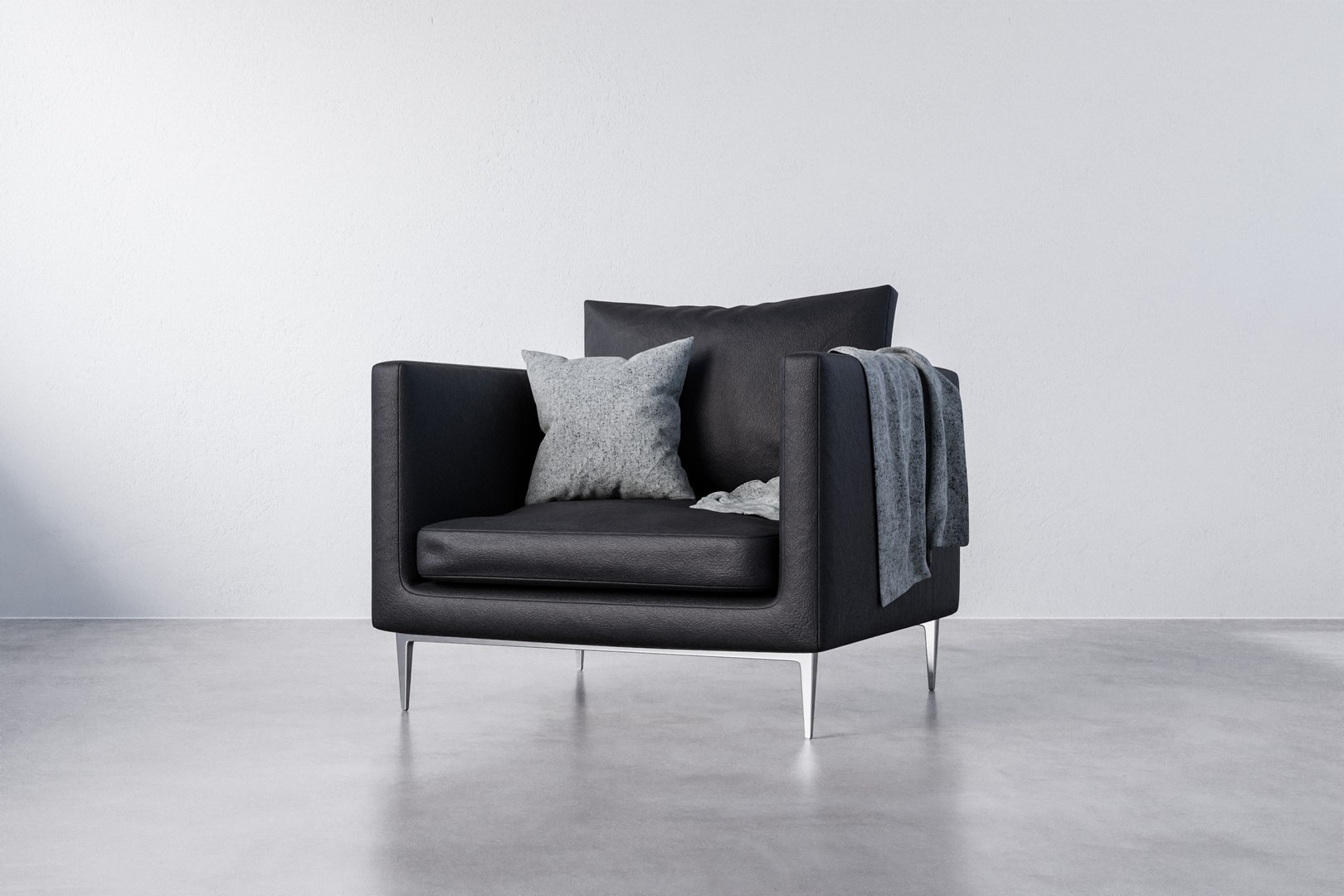
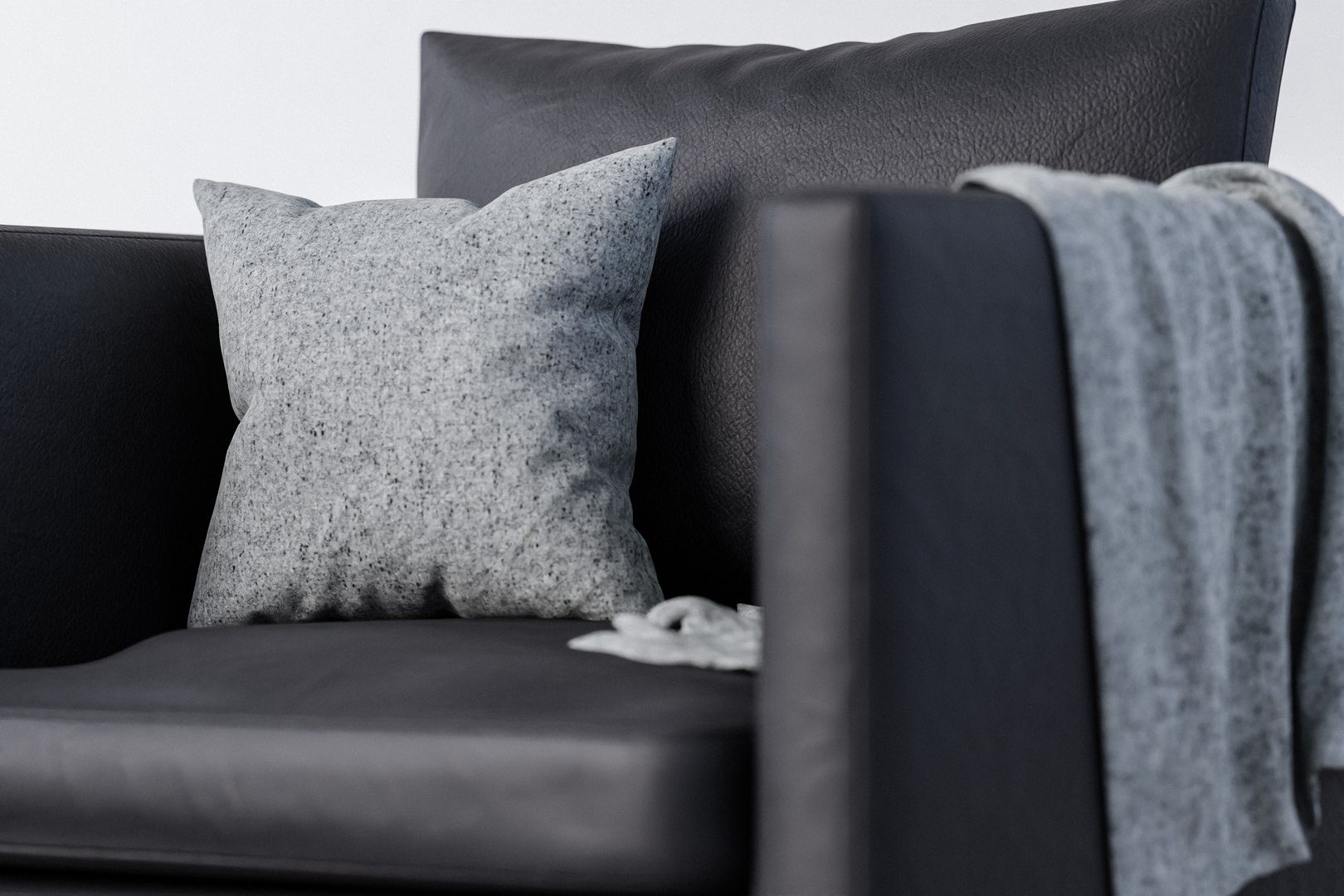
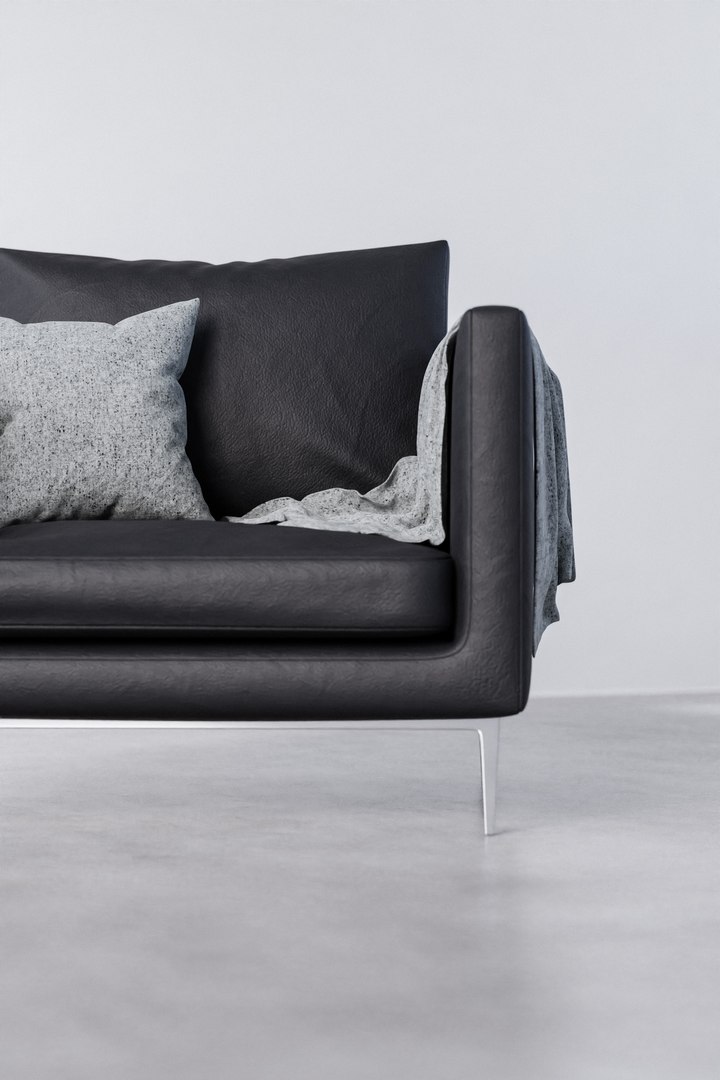
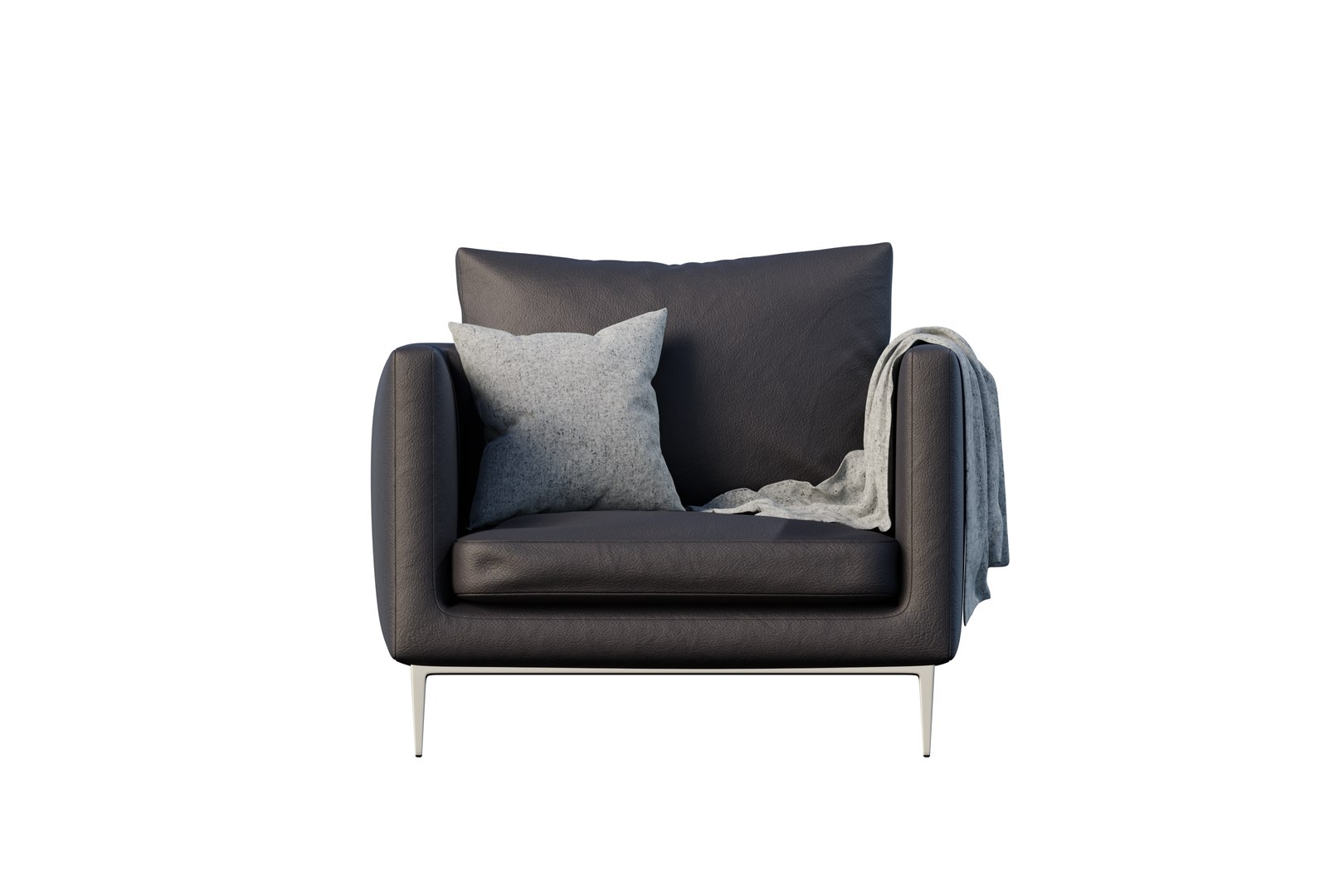
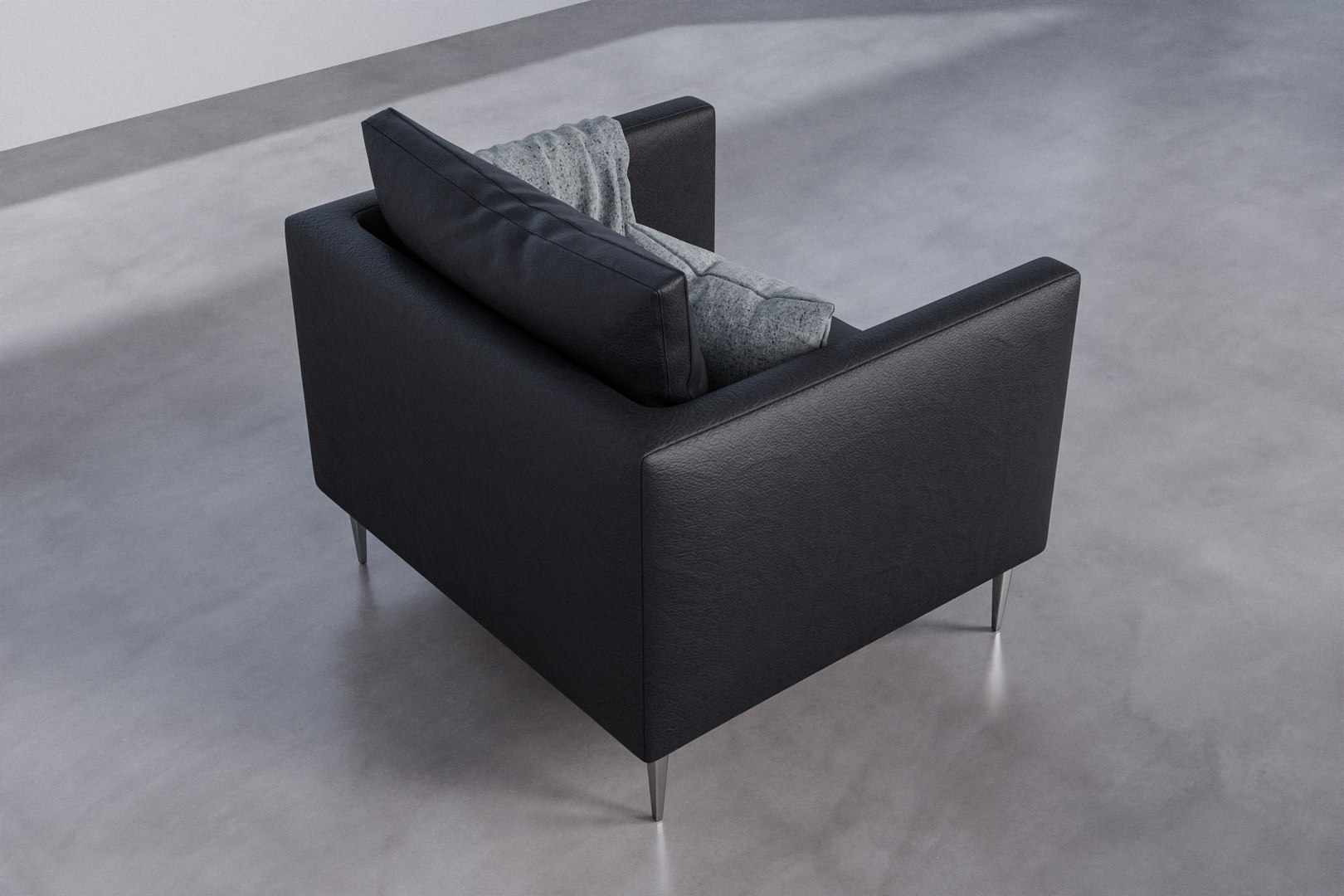
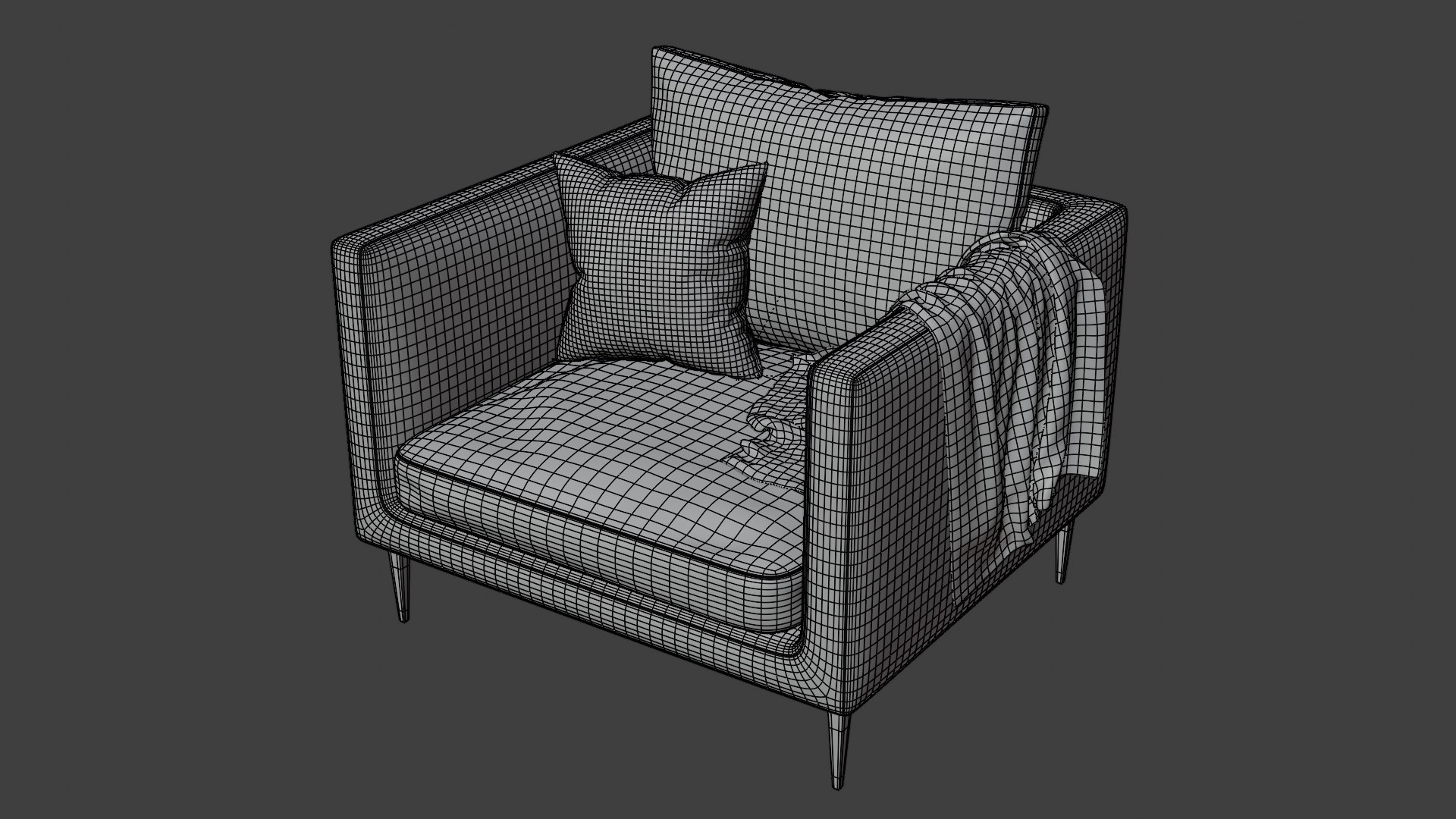
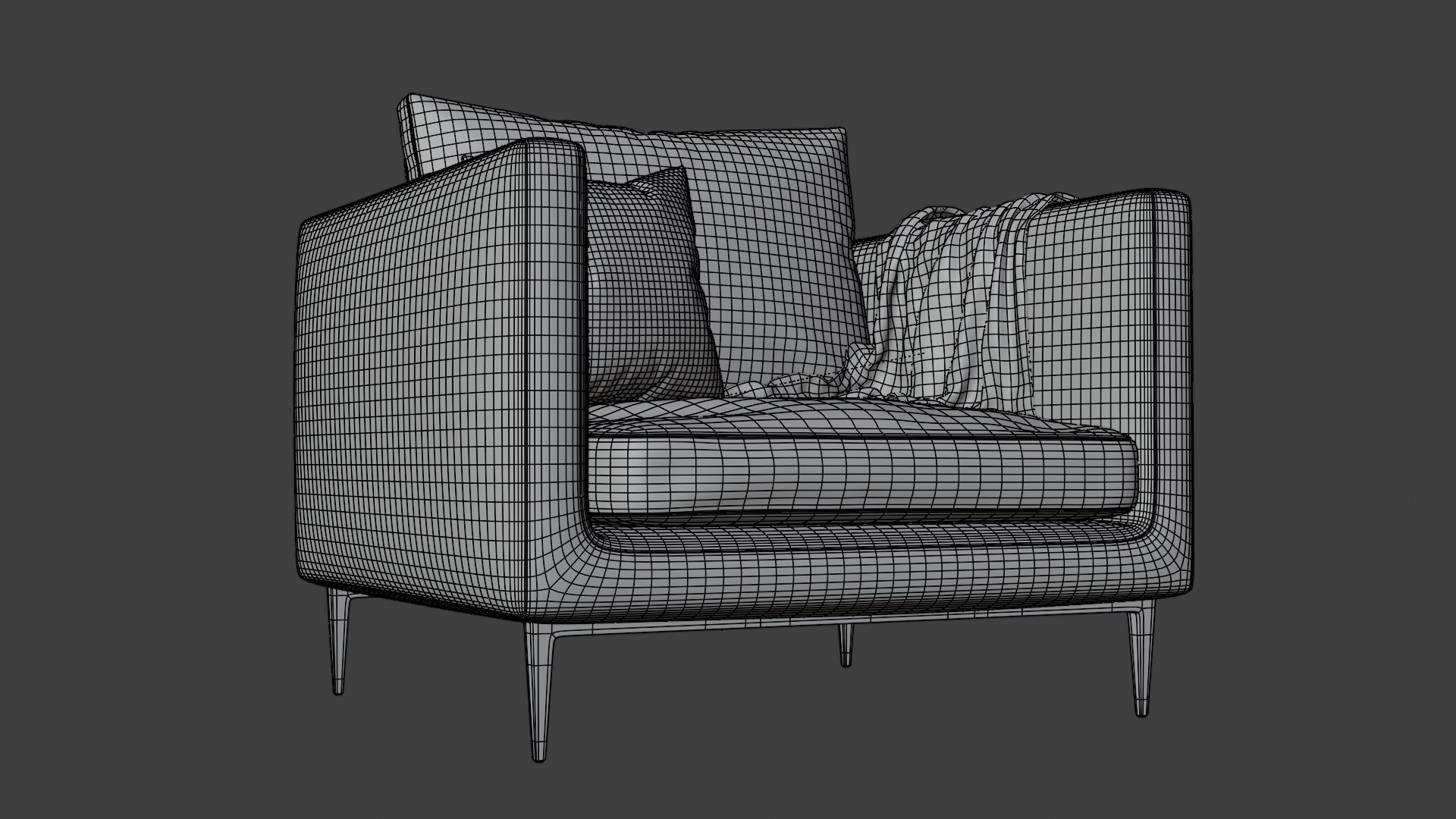
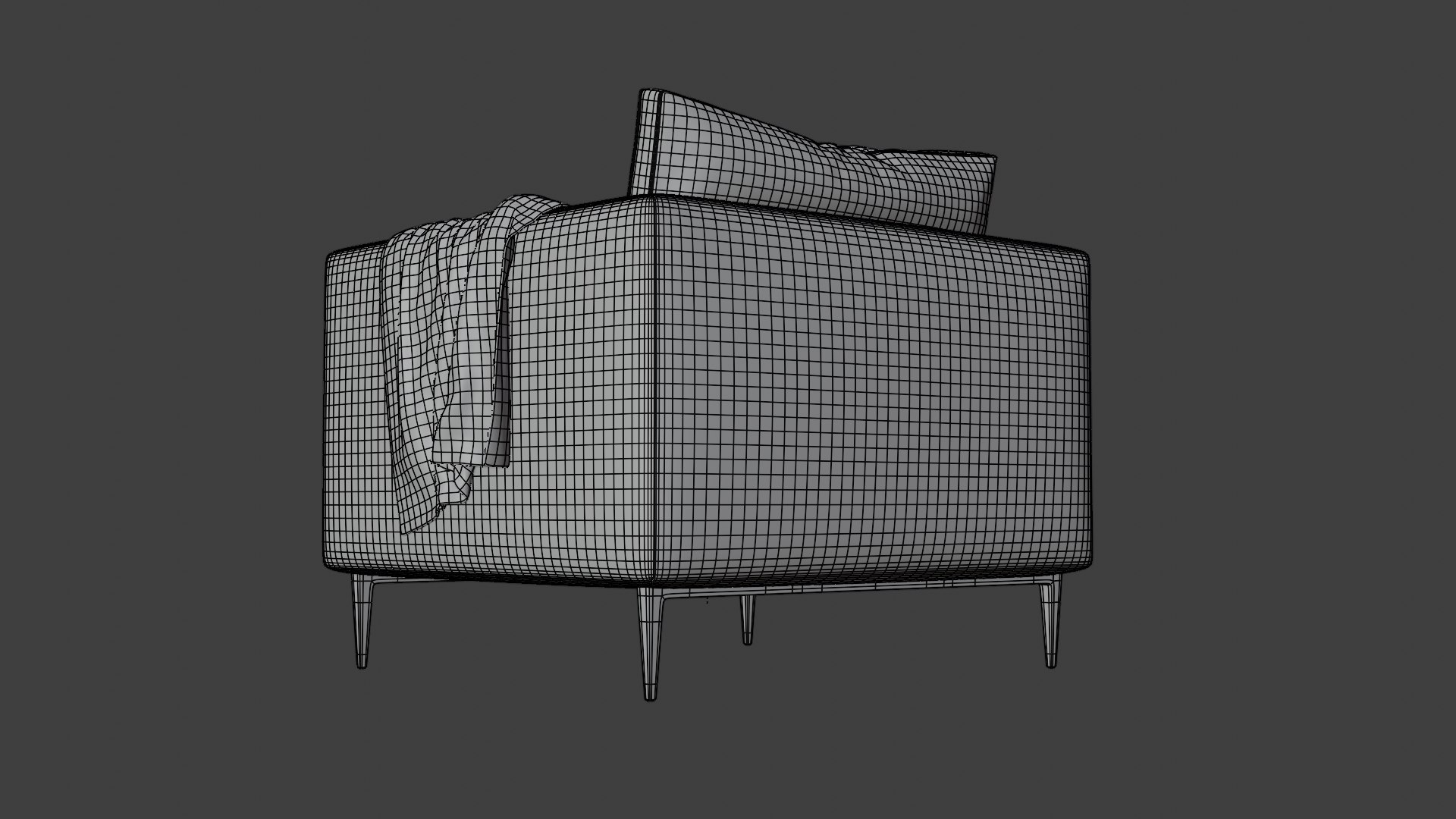
Realistic armchair - PBR

$15

Standard License | Upgrade License
Formats (3)
Native | Blender 2.91 | Cycles Render
Blender 2.91 | Cycles Render
OBJ
Specifications
Publish Date July 20, 2021
Product ID 1762659
Polygons 602,624
Vertices 602,446
Polygonal Quads Only
Textures
Materials
UV Mapped
Mixed Unwrapped UVs
PBR

member avatar
albedesign
1 Products | Contributor Since 2021
Have questions? Chat with us now.

Description

This armchair model is ready to be imported into your scene. There are two blend. files, one with 1K textures, the other with 6K textures. 

  • 1k_armchair.blend with 1K textures (35 MB)
  • 6k_armchair.blend with 6K textures (296 MB)

Textures are from Poliigon - They are to be used only on the model provided and not reused (including on other models or scenes) or redistributed in any way. You may purchase the textures from Poliigon for a more liberal license.

Each .blend file contains 6 separated objects which can be easily hidden : 

  • Armchair
  • Back cushion 
  • Seat cushion 
  • Cushion
  • Blanket
  • Legs

Seven textures are used for this model - PBR Materials : 

  • Leather texture (COLOR + GLOSS + NORMAL) 
  • Upholstery (COLOR + GLOSS + NORMAL)
  • Wrinkles 4K (DISPLACEMENT)

How to import this model into your Blender scene :

  1. Open your .blend file that contains your scene 
  2. File › Append
  3. Search for the armchair.blend file (1K or 6K) › Double click › Collection 
  4. Select the « Armchair » collection › Append
  5. The object is now imported into your scene with all textures. 

Real world scale 1:1. Units of measurement : meters.

Select Enhanced License

  • $10,000 in Legal Protection (Indemnification)
  • Uncapped Legal Protection (Indemnification)
  • Waiver from injunctive relief
  • Assignable model rights
  • $1,000,000 in Legal Protection (Indemnification)
  • Waiver from injunctive relief
  • Assignable model rights
  • $250,000 in Legal Protection (Indemnification)
  • Assignable model rights
Read more about enhanced license tiers, or contact us at enterprise@turbosquid.com. Already a Shutterstock Enterprise Customer? Contact your Shutterstock Sales Support Agent to talk about adding 3D.

About Conversion Requests

To submit a conversion request for a purchased asset, please complete our Conversion Request Form.

If you have not yet purchased a model, please review our Documentation about Conversions to learn about what limitations you may encounter with a conversion.

For any additional questions about a model’s suitability for conversion, please contact TurboSquid Support.

Loading...