
RC Quadro Copter With Video Camera V2

$79

Standard License | Upgrade License
Editorial Uses Only
Formats (11)
Free file format Conversions available
Native | 3ds Max 2012 | V-Ray 2.0
3ds Max 2012 | V-Ray 2.0
3ds Max 2012 | Default Scanline
3D Studio
OBJ
glTF
3ds Max
USD
Specifications
Publish Date June 24, 2014
Product ID 830546
Polygons 22,682
Vertices 22,662
Polygonal Quads Only
Textures
Materials
UV Mapped
Overlapping Unwrapped UVs
PBR
TurboSquid Exclusive
member avatar
3DMart
383 Products | Contributor Since 2005
Have questions? Chat with us now.

Description

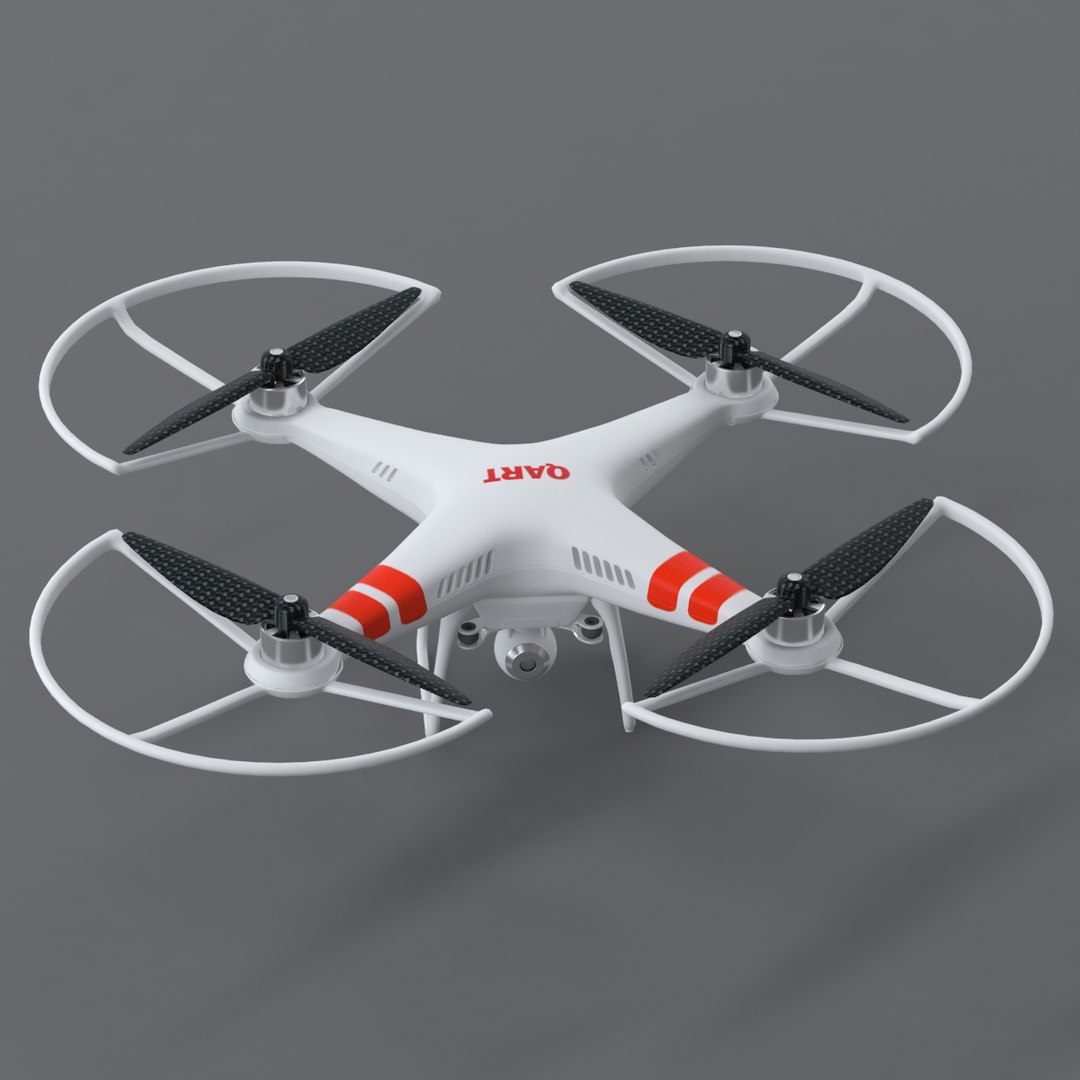
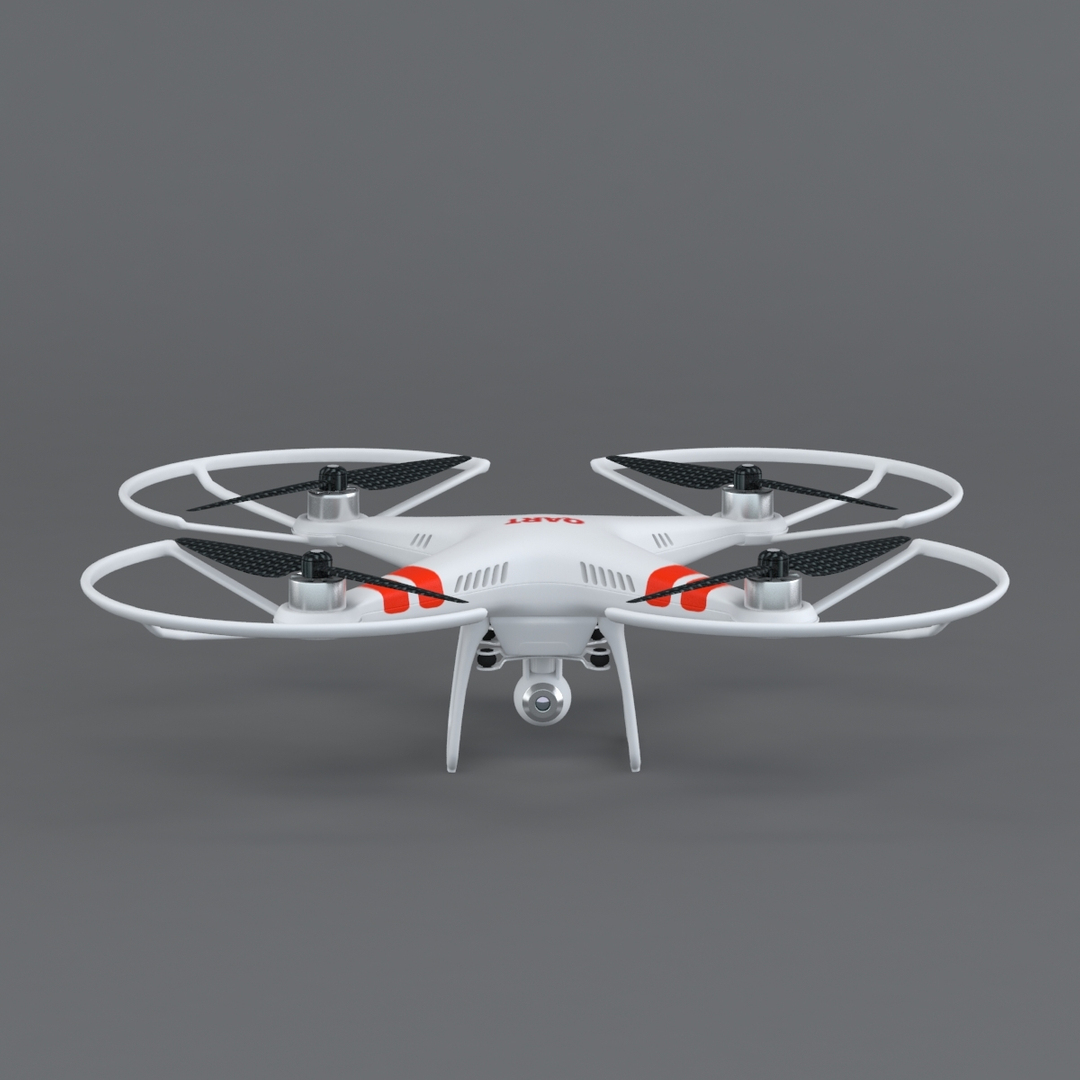
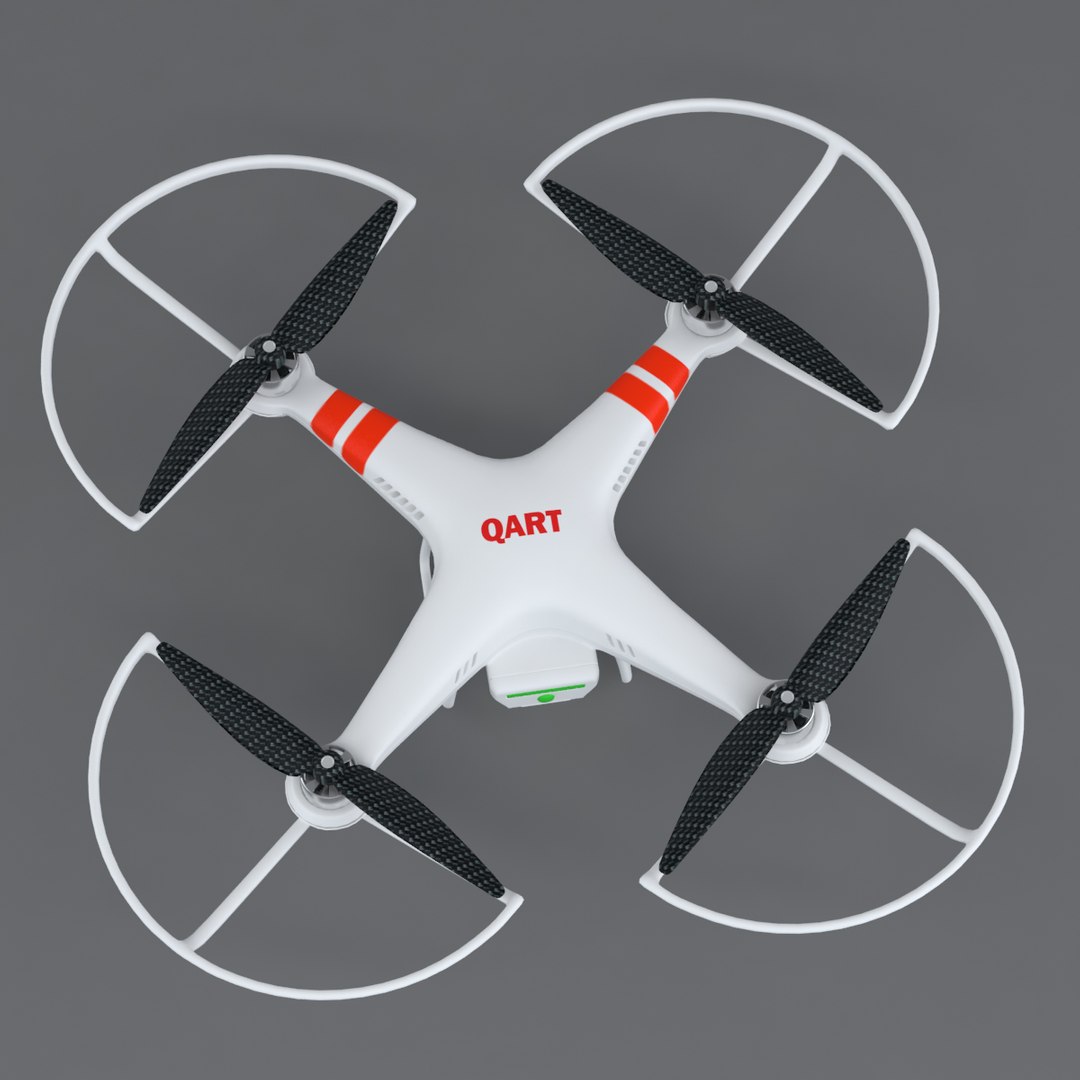
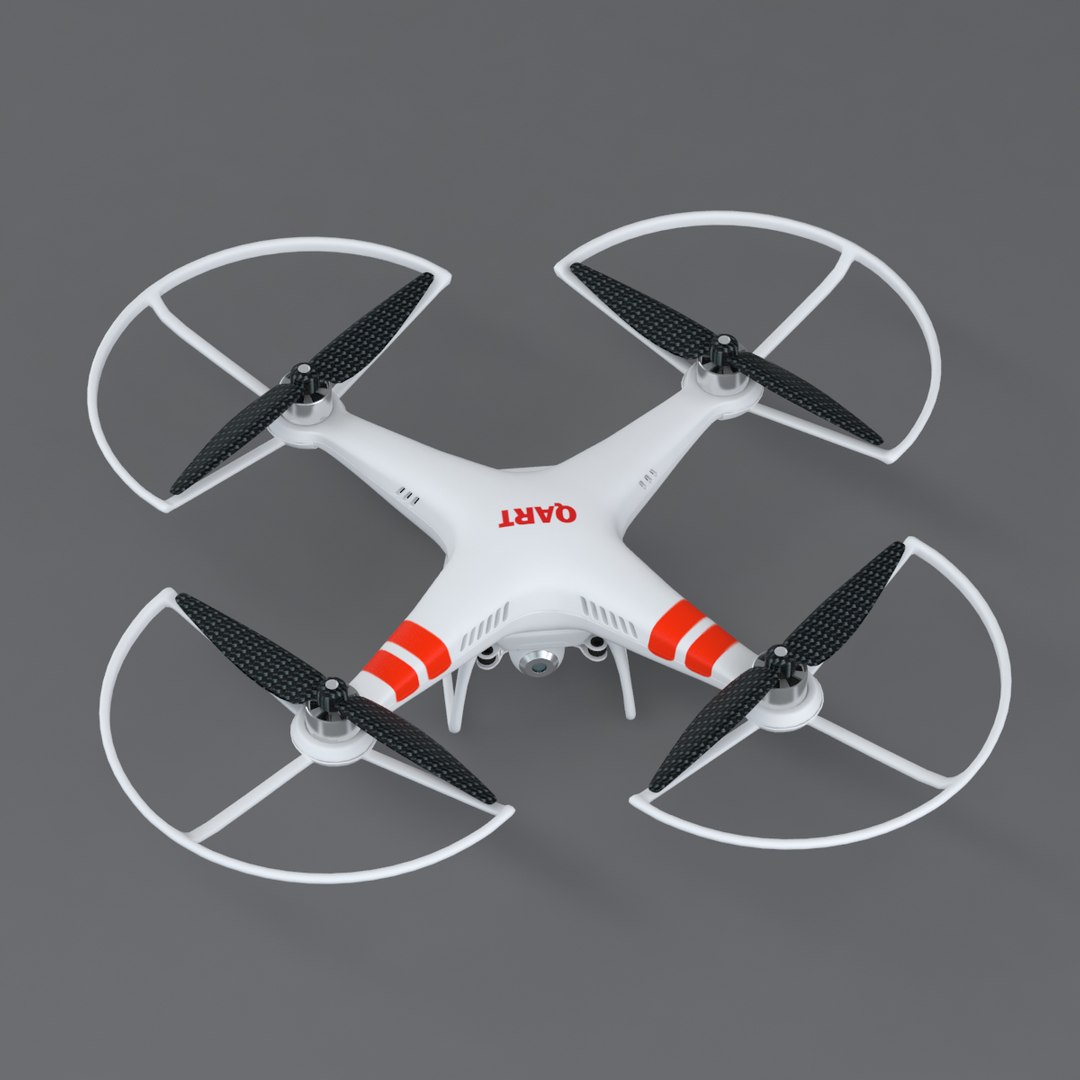
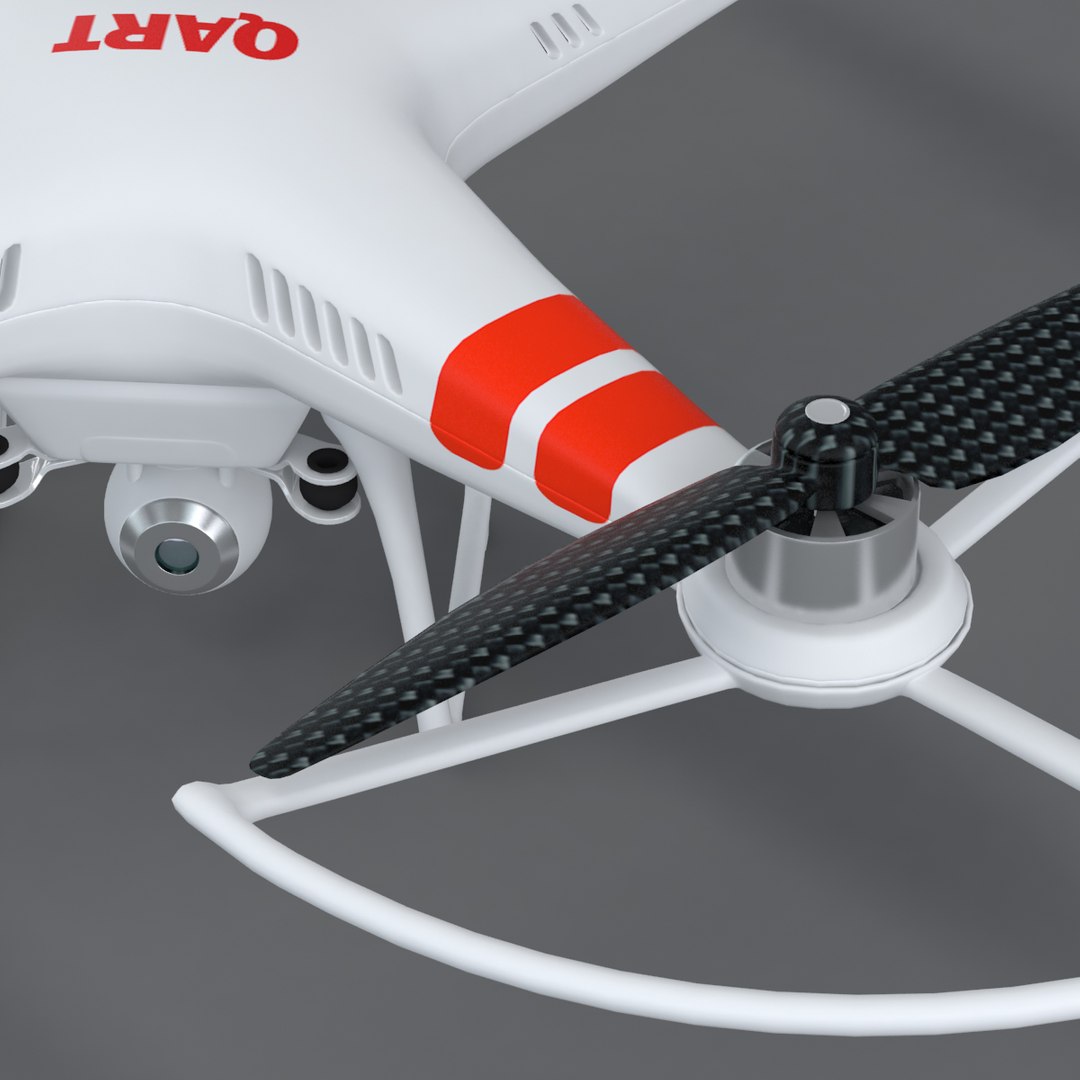
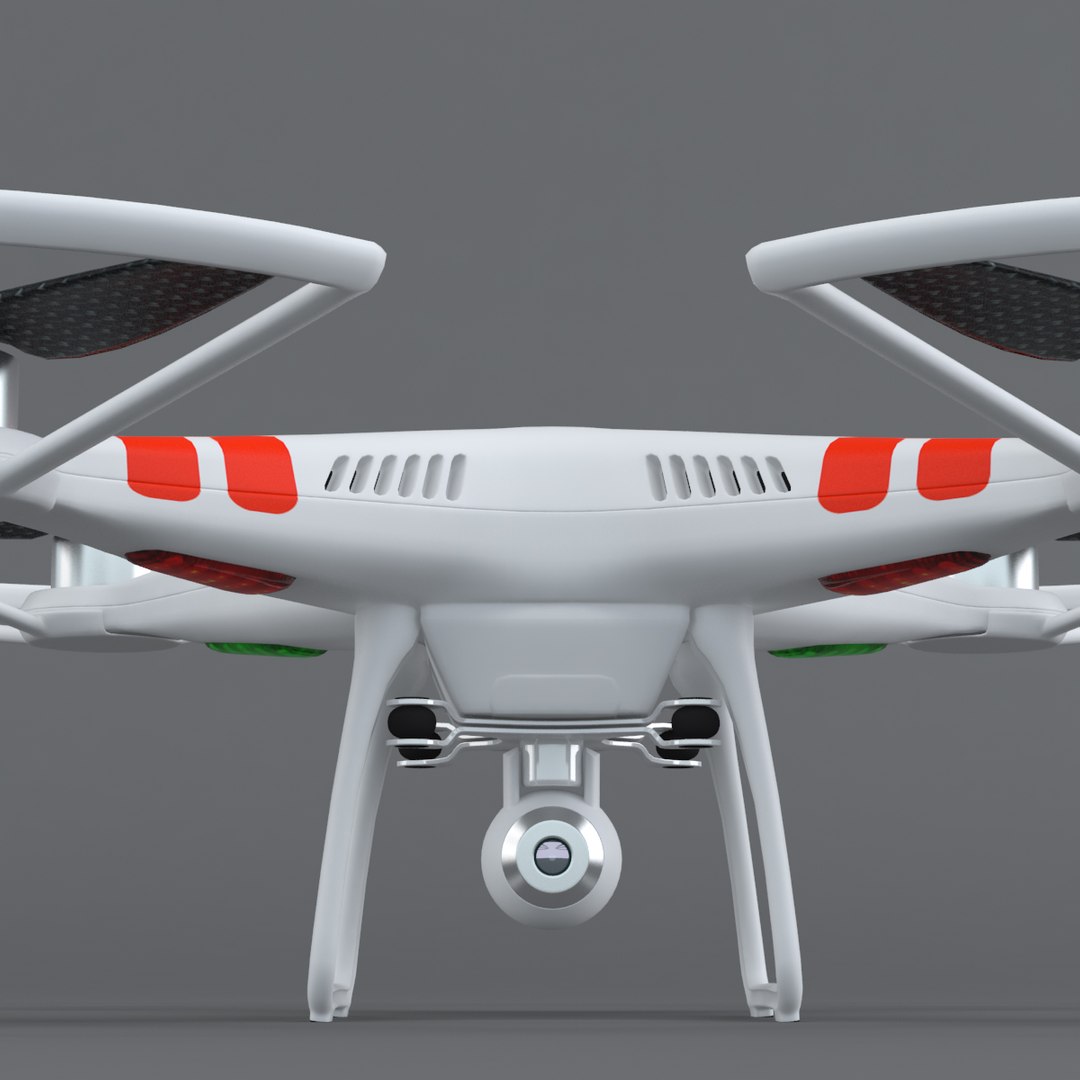
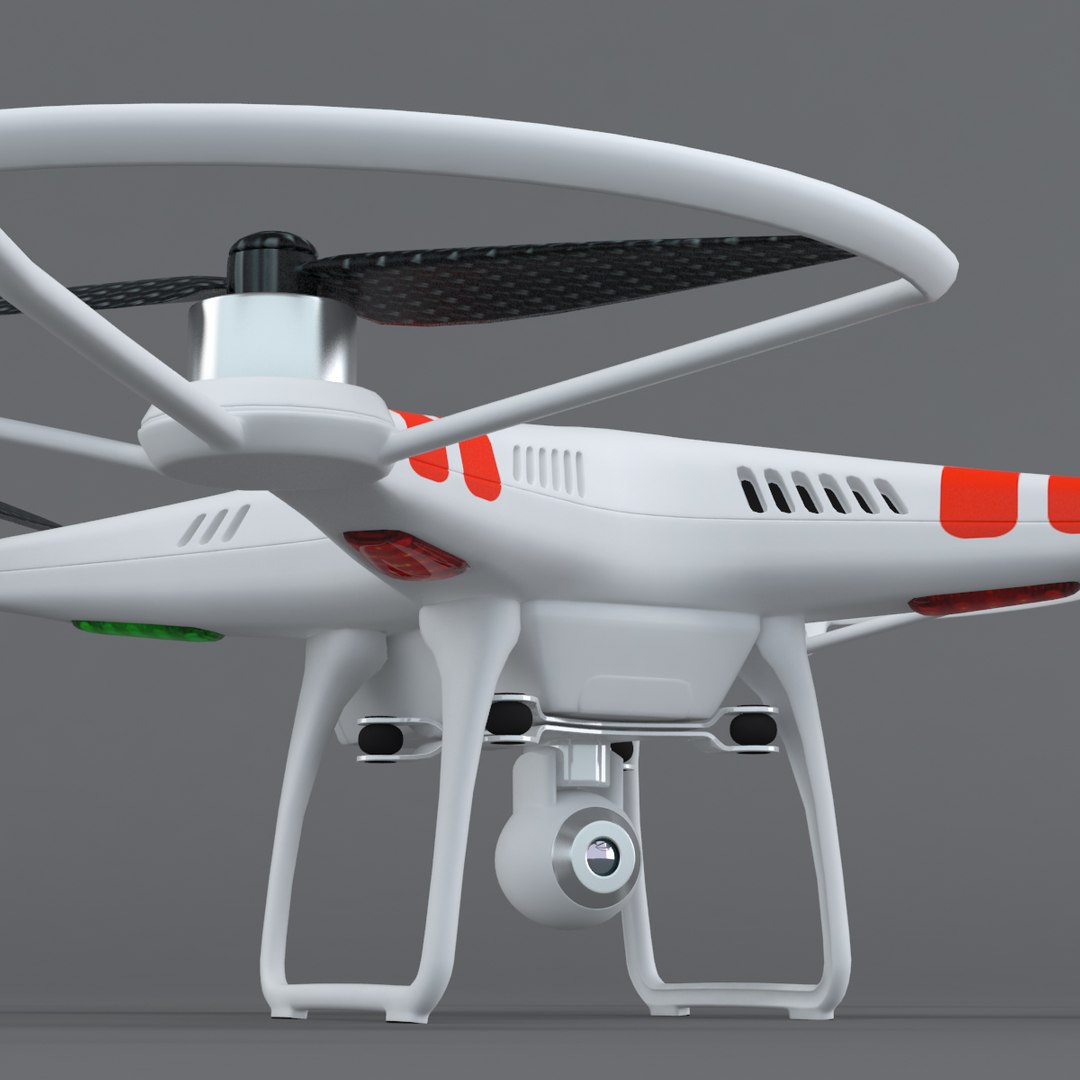
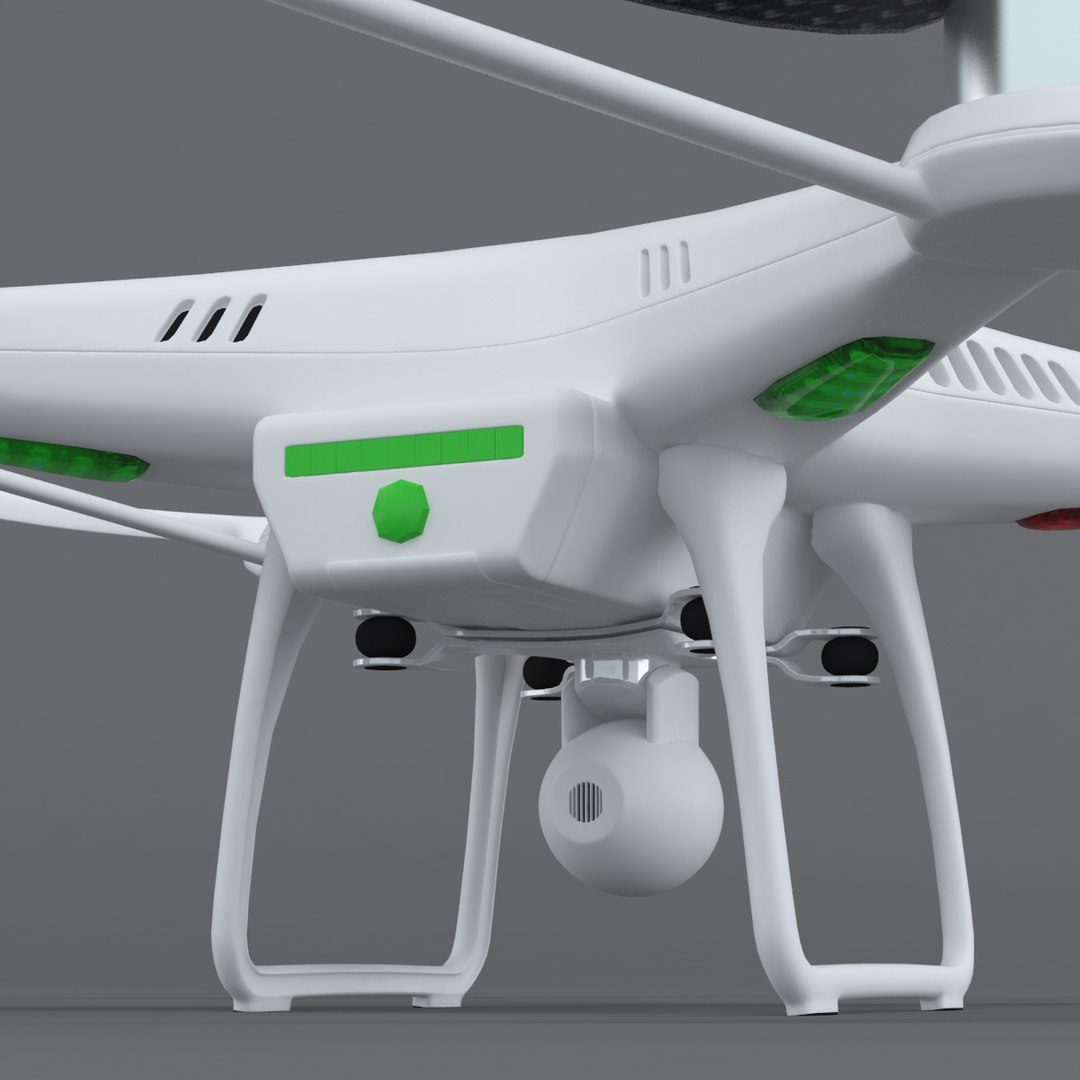
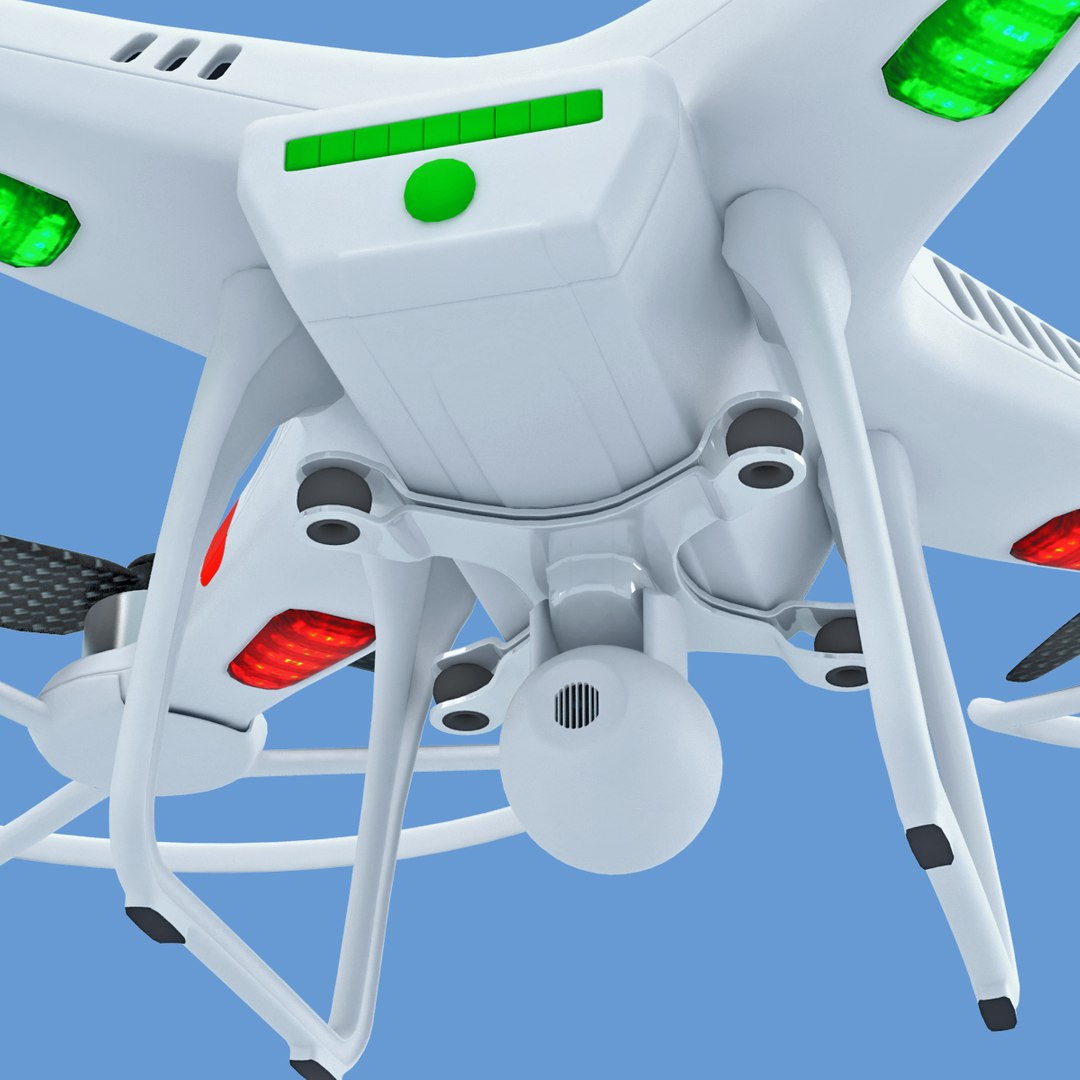
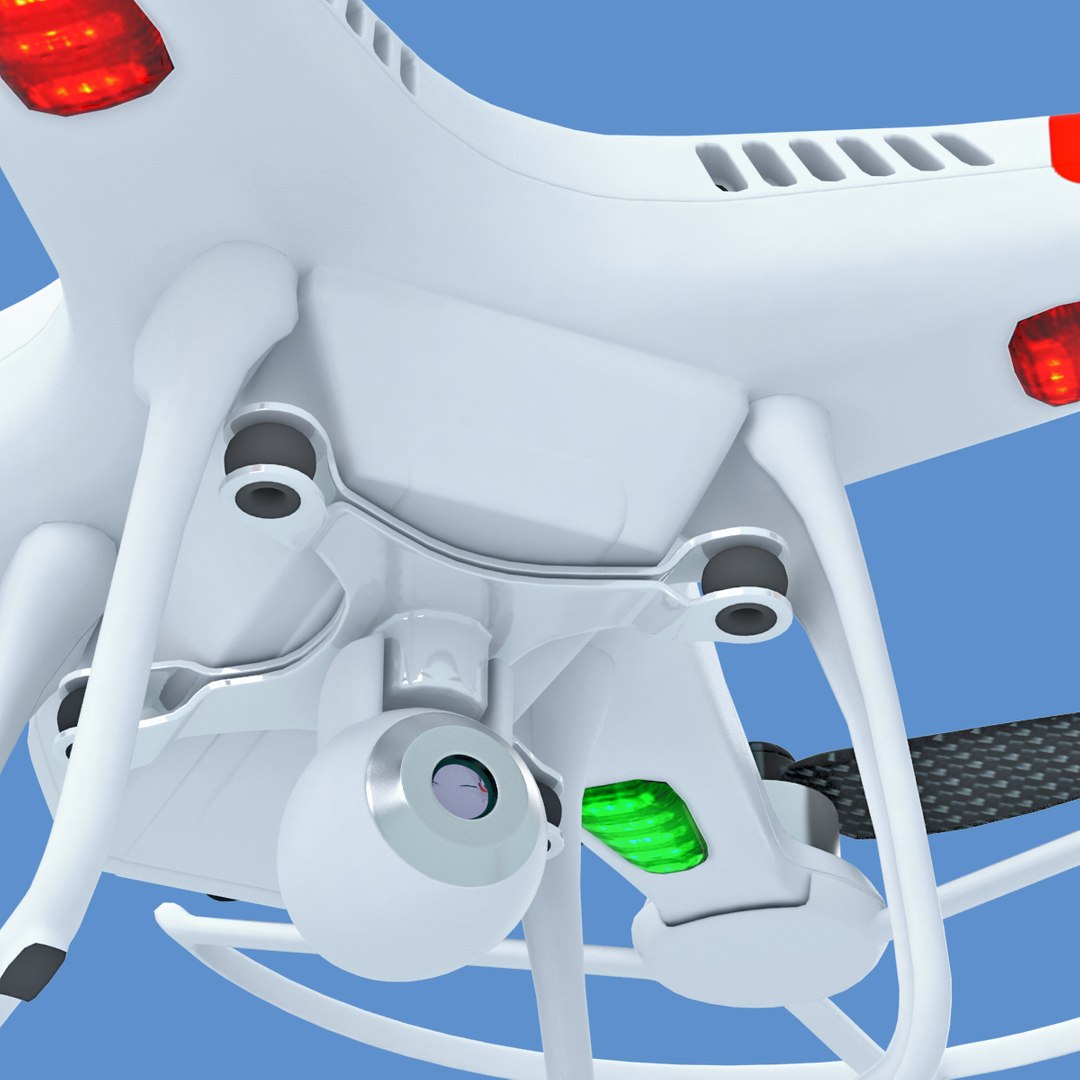
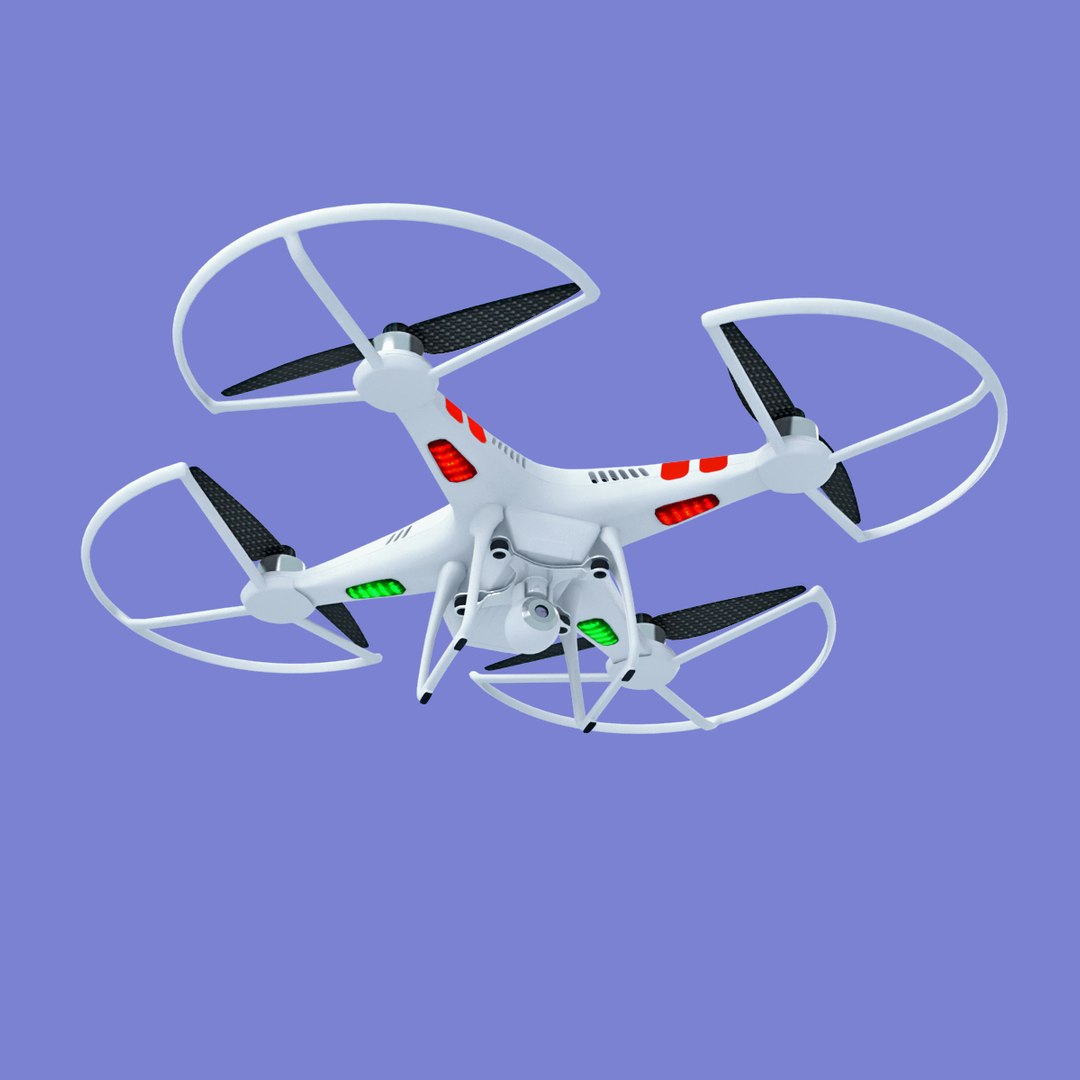
RC Quadro Copter With Video Camera Version 2
:::::::::::::::
Textures/material:
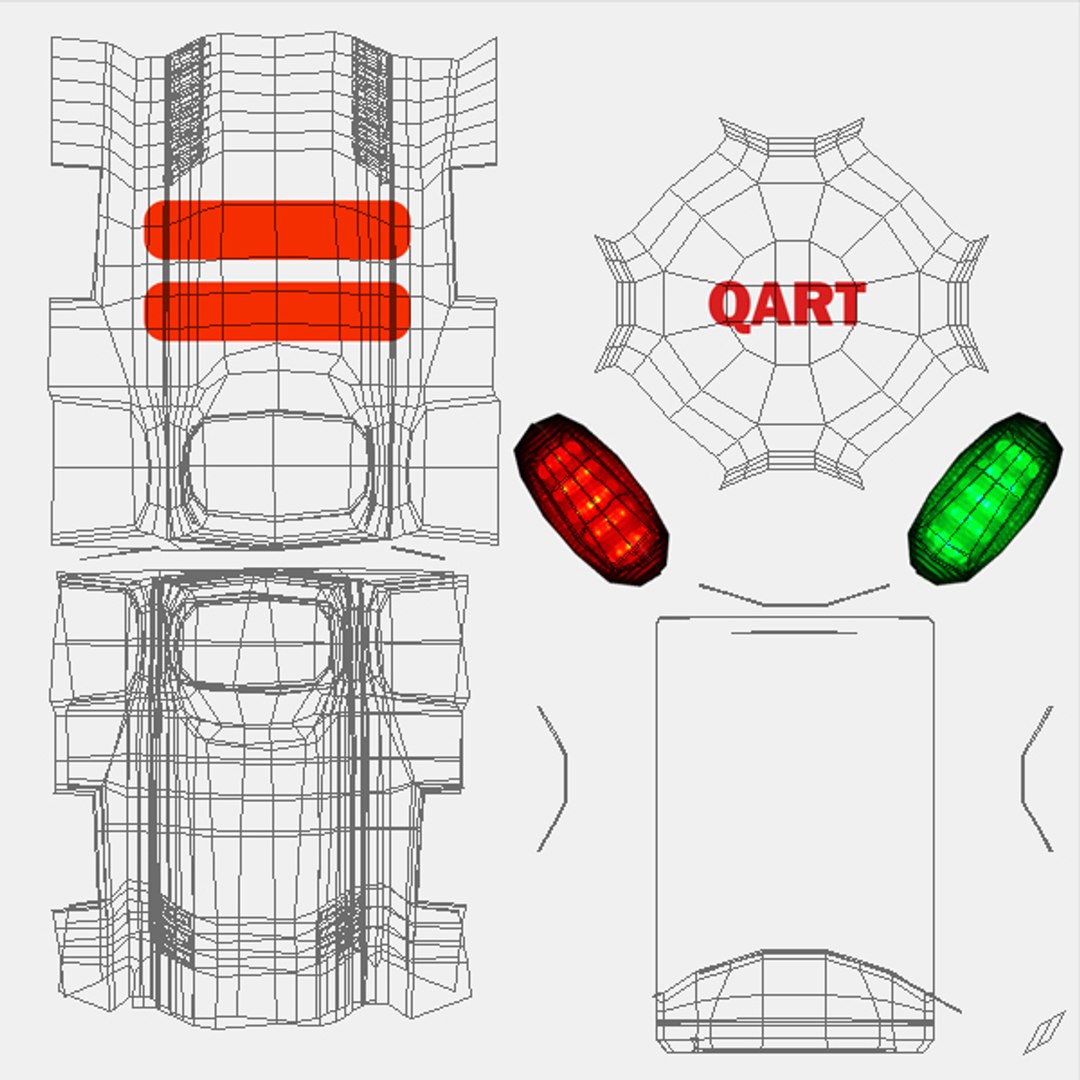
TGA diffuse texture (1024x1024pxl) for all part of the copter except props.
TGA diffuse texture (512x512plx) for a props carbon material.
:::::::::::::::
All objects in the scene are linked in one hierarchy and ready to animation. All object also have correct pivot point.
for Max scenes all modificators are saved (light editing, level of detail choice)
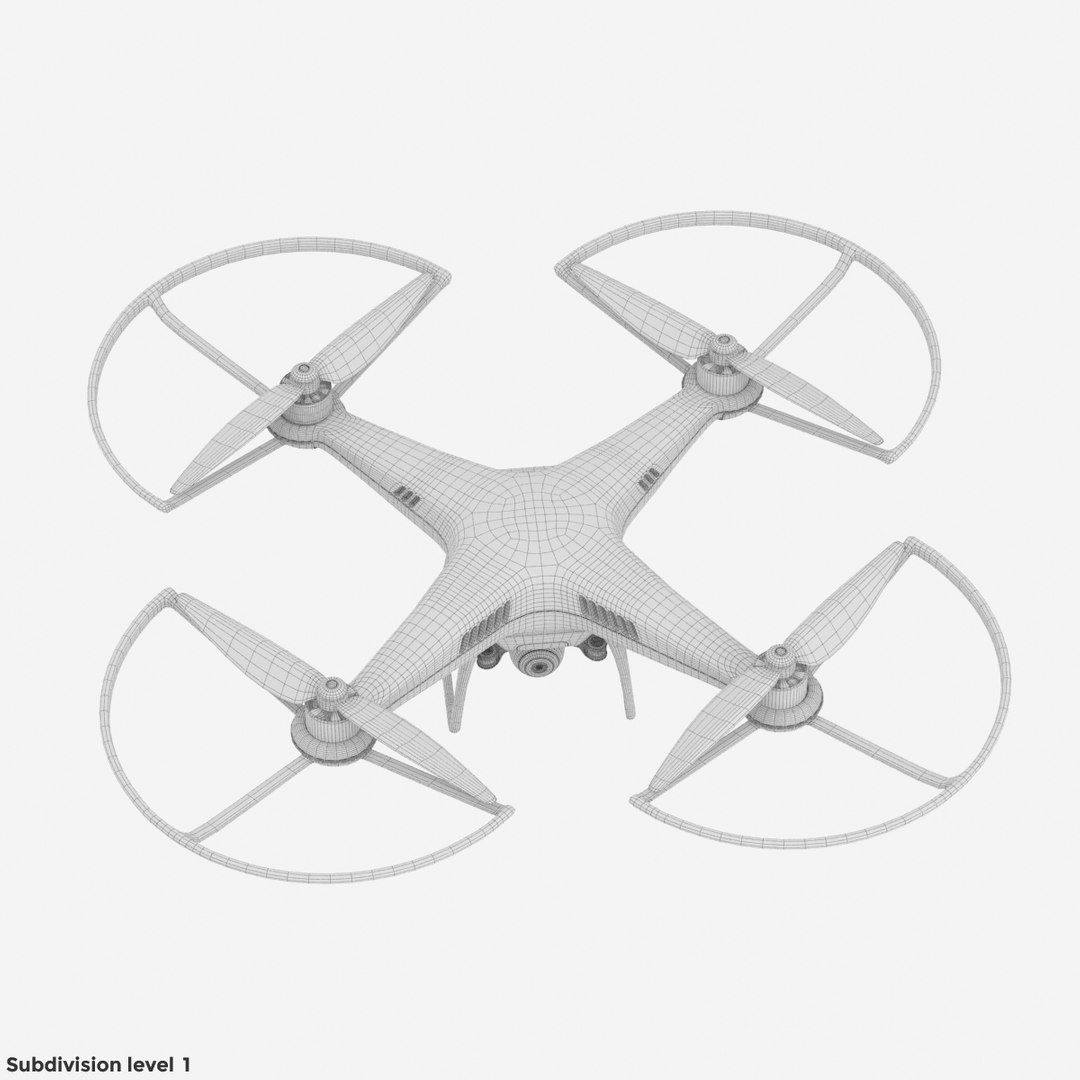
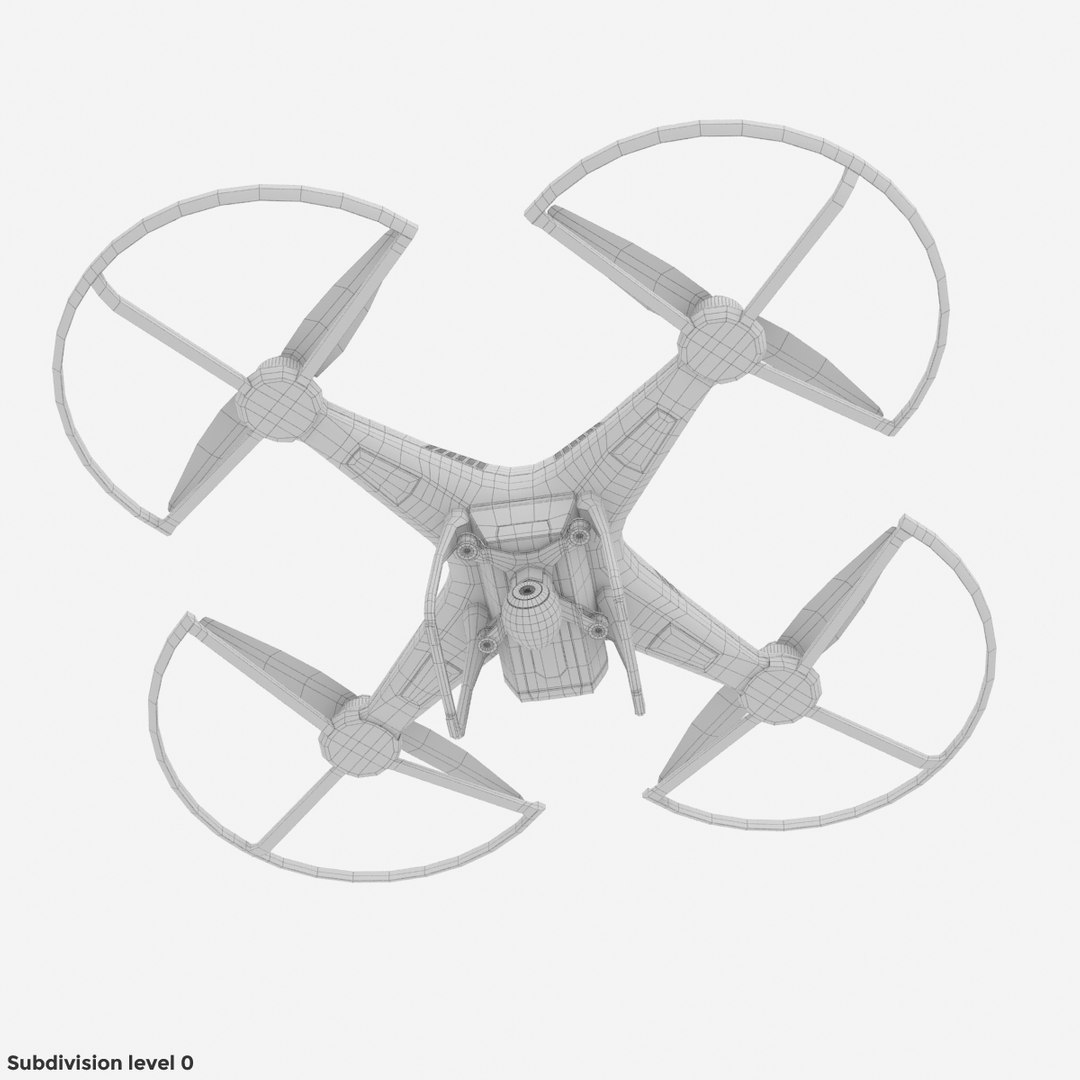
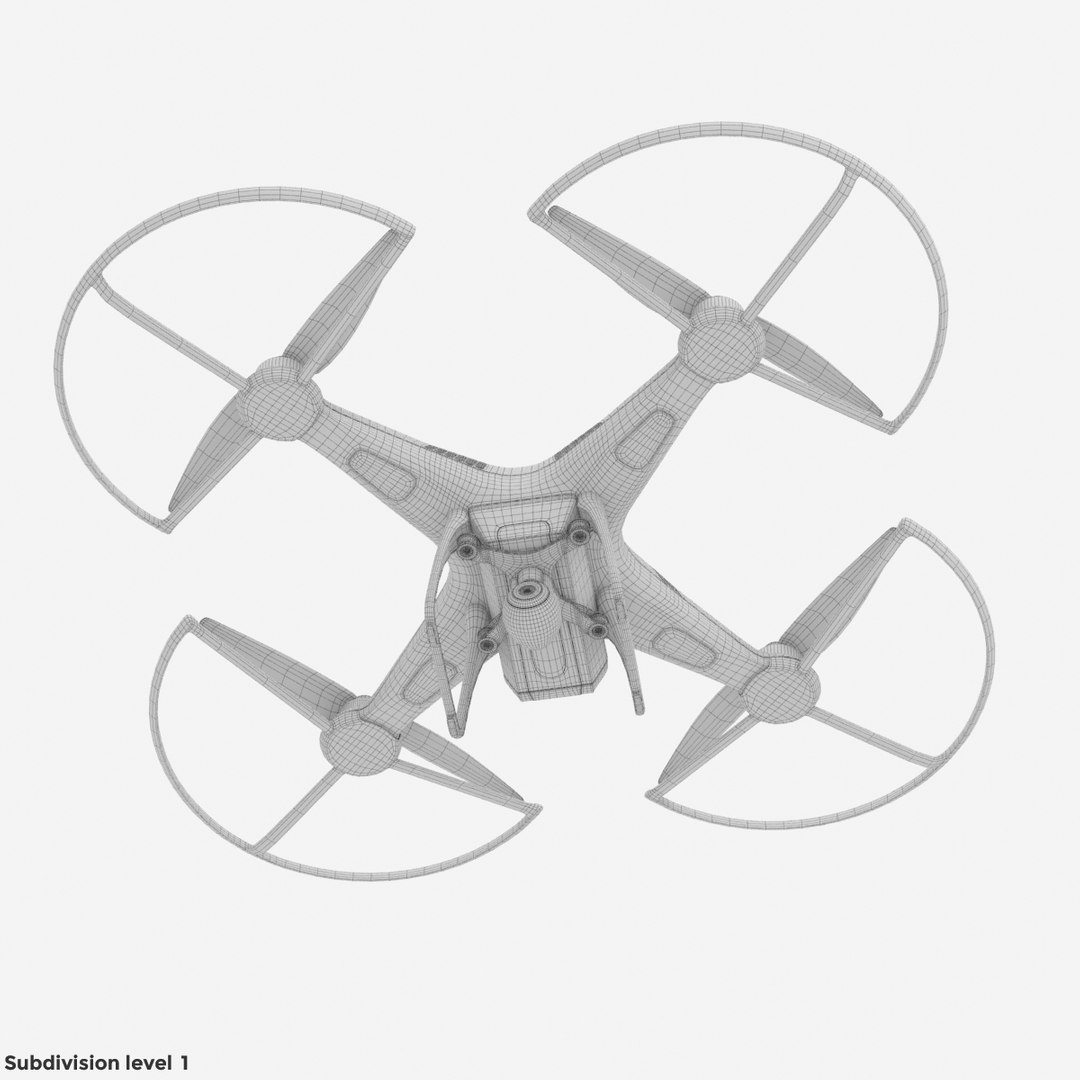
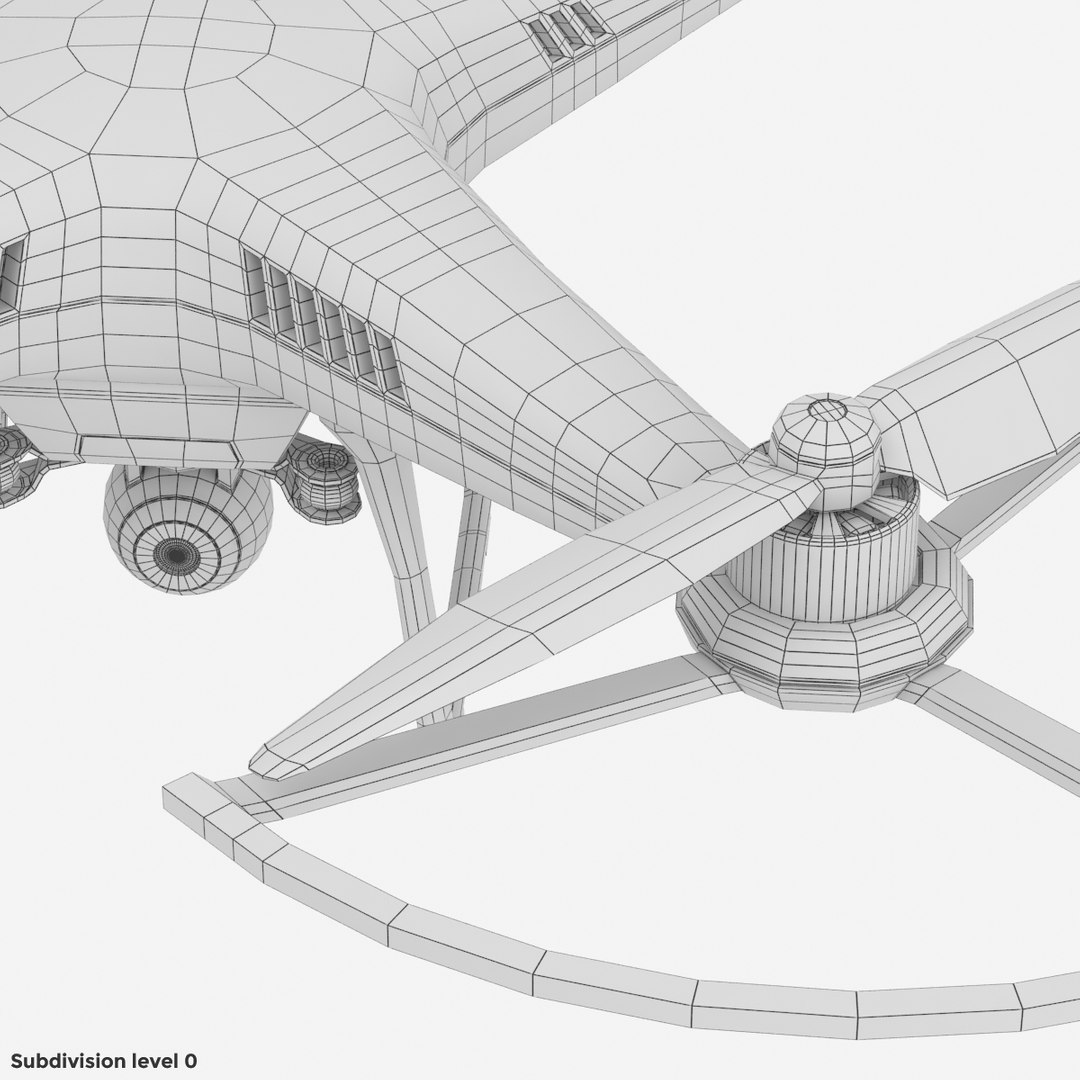
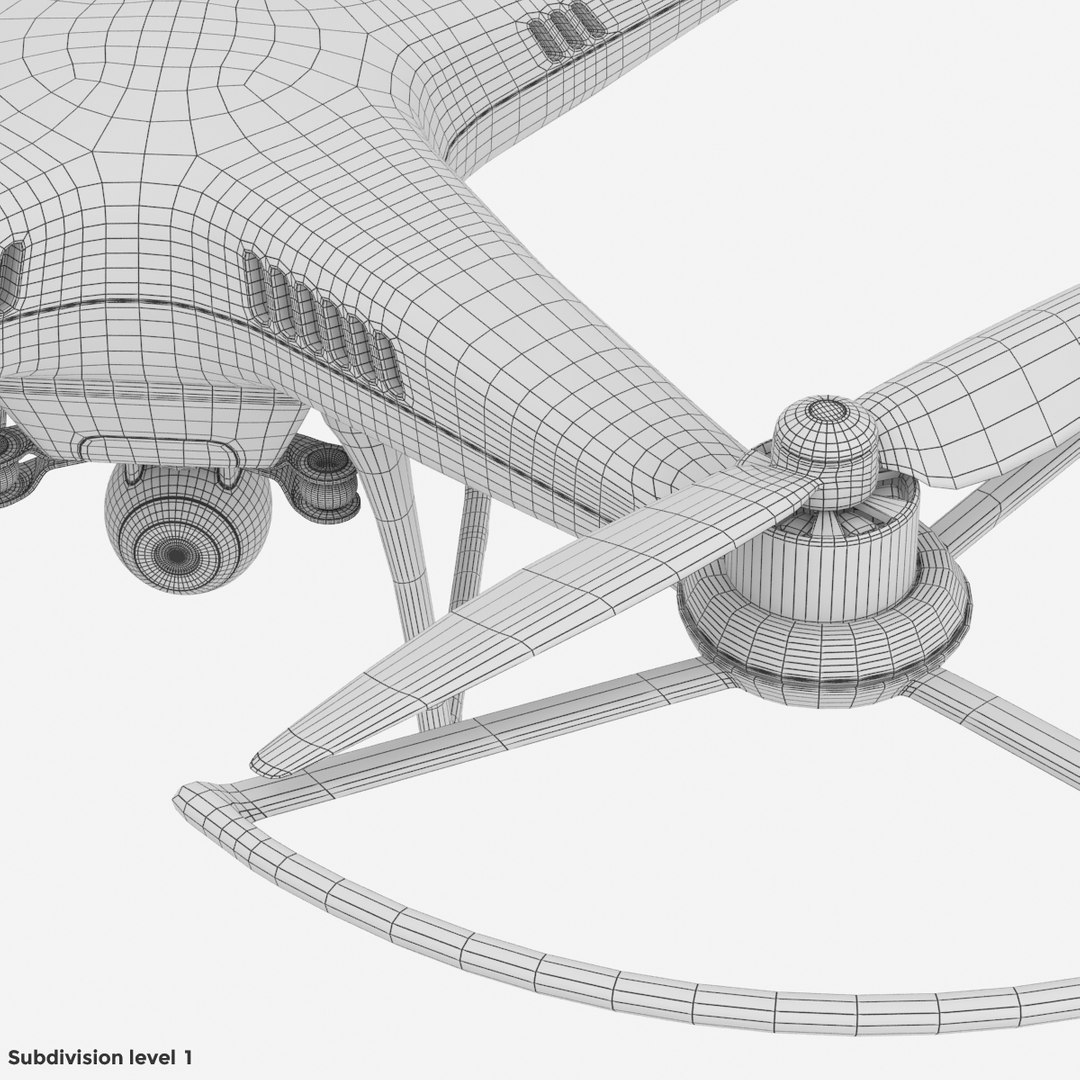
Obj and 3ds format scenes are present in different level of subdivision: 0 and 1.

:::::::::::::::
Previews:
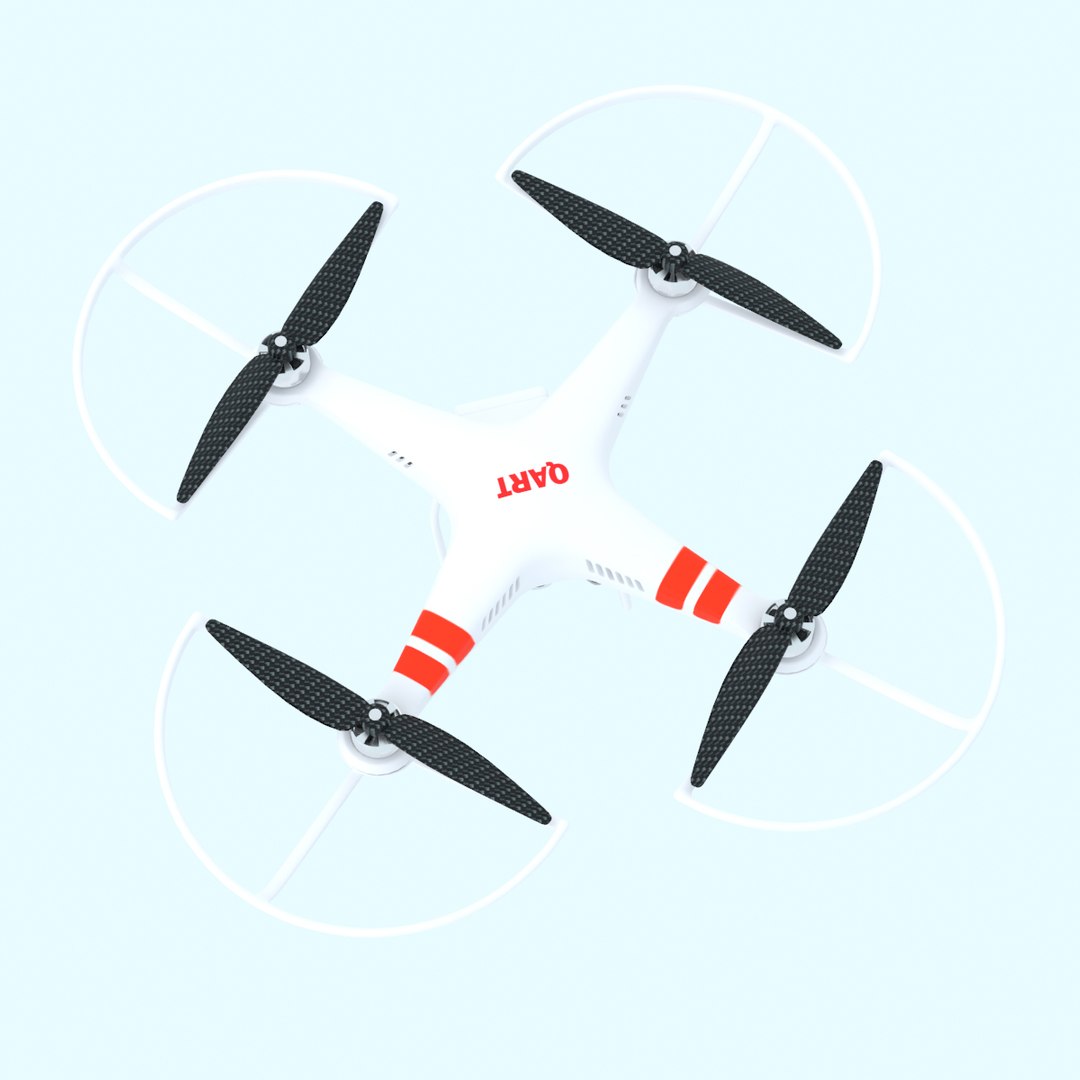
Preview made with used v-ray render, for 3ds Max included 3 files. Two different archives with setup for V-Ray render.One of them only model and another with full studio light setup as you see above.
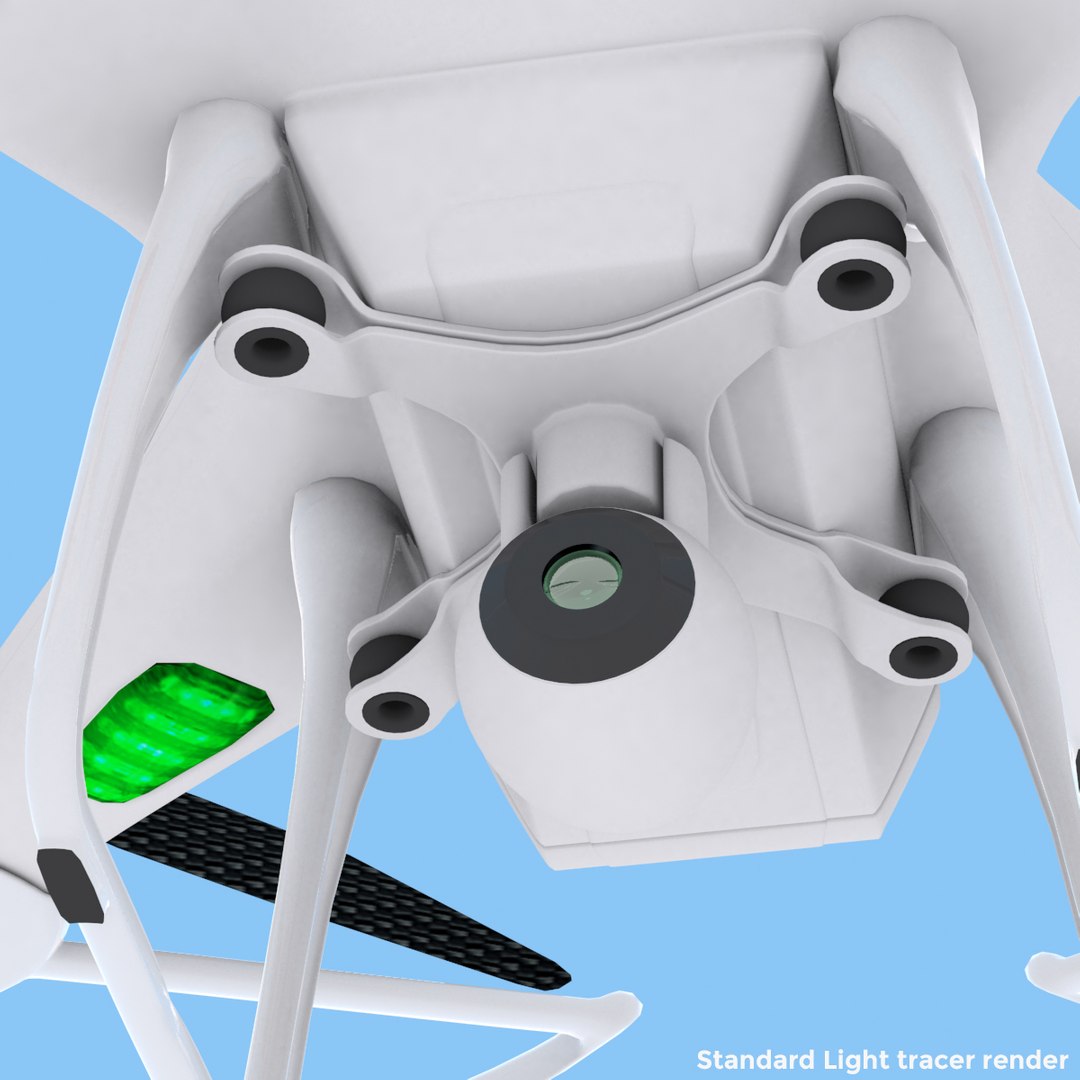
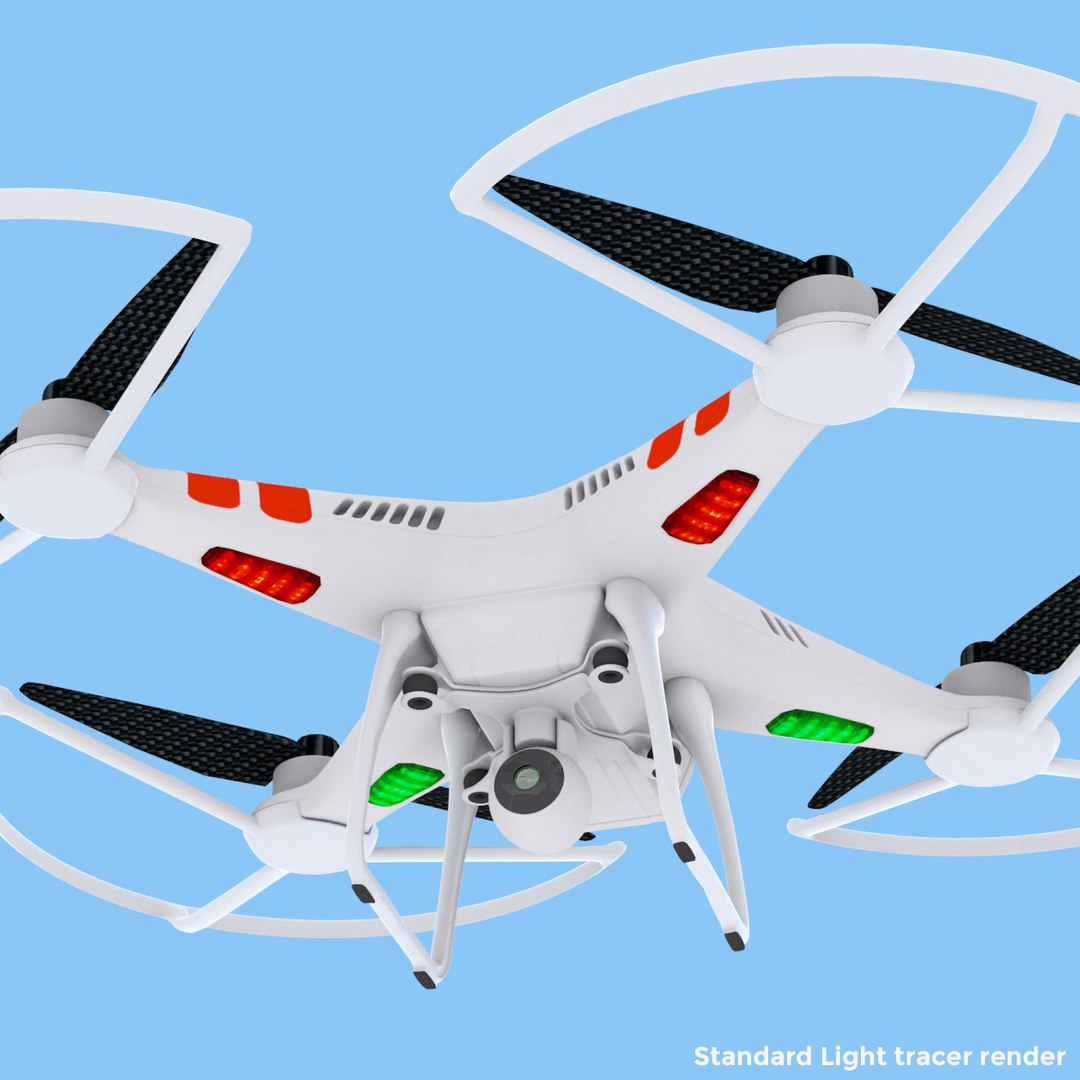
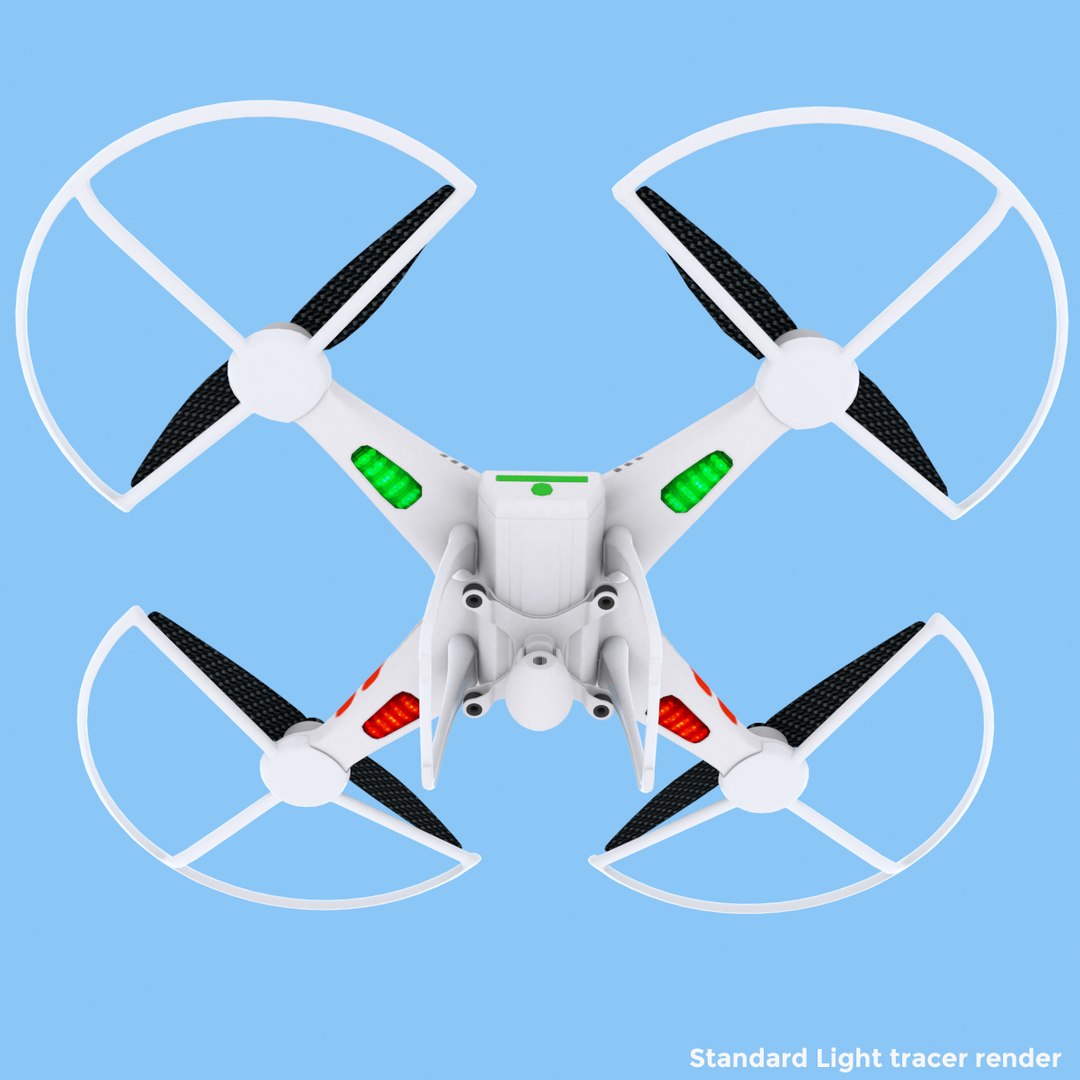
Model for standard light tracer render are saved with light setup as you see on marked preview pictures. Enjoy.
---------------
keywords:
RC quadrocopter dji phantom naza f350 fly video camera copter dron robot radio control props guard

Select Enhanced License

  • $10,000 in Legal Protection (Indemnification)
  • Uncapped Legal Protection (Indemnification)
  • Waiver from injunctive relief
  • Assignable model rights
  • $1,000,000 in Legal Protection (Indemnification)
  • Waiver from injunctive relief
  • Assignable model rights
  • $250,000 in Legal Protection (Indemnification)
  • Assignable model rights
Read more about enhanced license tiers, or contact us at enterprise@turbosquid.com. Already a Shutterstock Enterprise Customer? Contact your Shutterstock Sales Support Agent to talk about adding 3D.

About Conversion Requests

To submit a conversion request for a purchased asset, please complete our Conversion Request Form.

If you have not yet purchased a model, please review our Documentation about Conversions to learn about what limitations you may encounter with a conversion.

For any additional questions about a model’s suitability for conversion, please contact TurboSquid Support.

Loading...