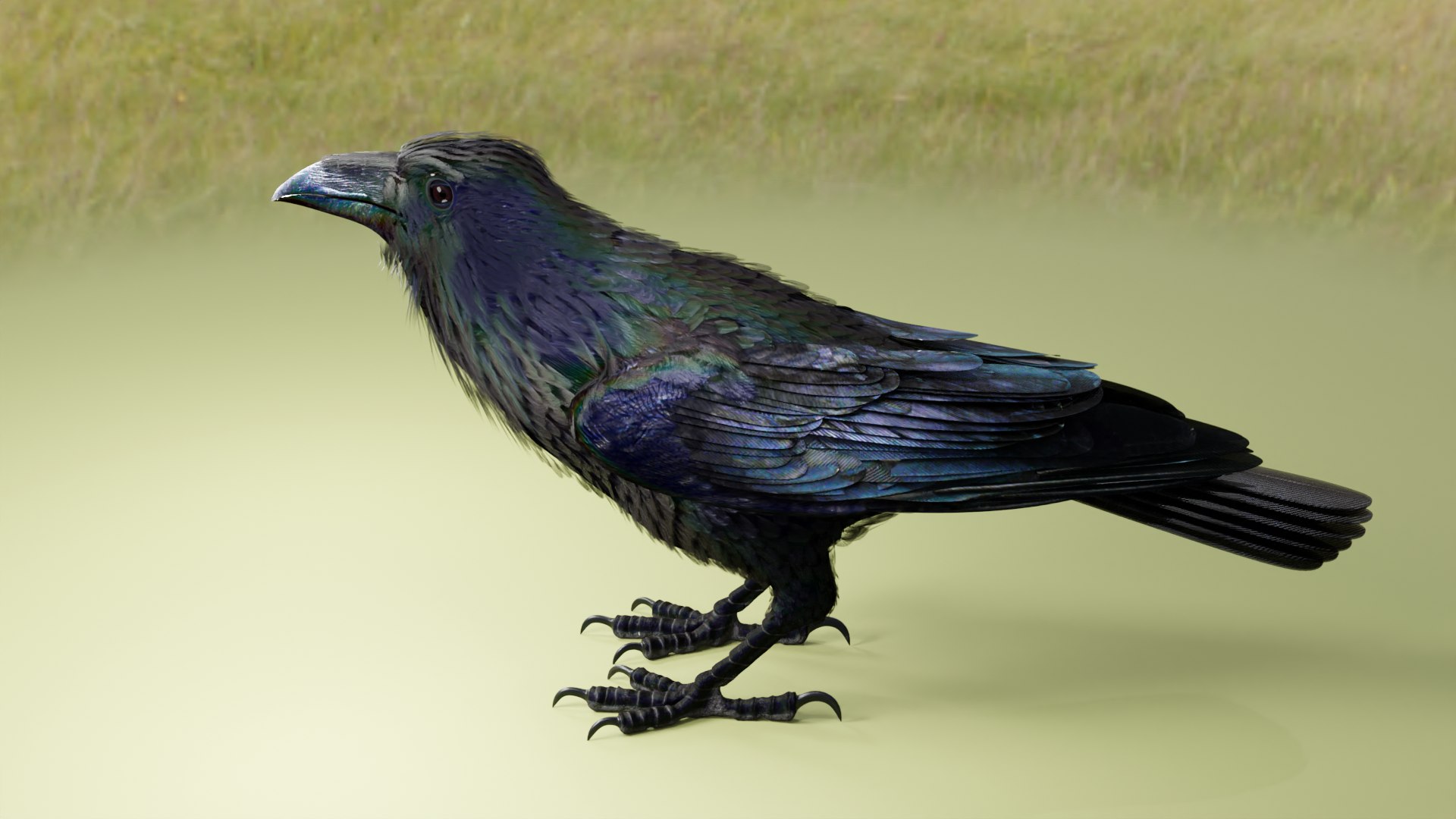
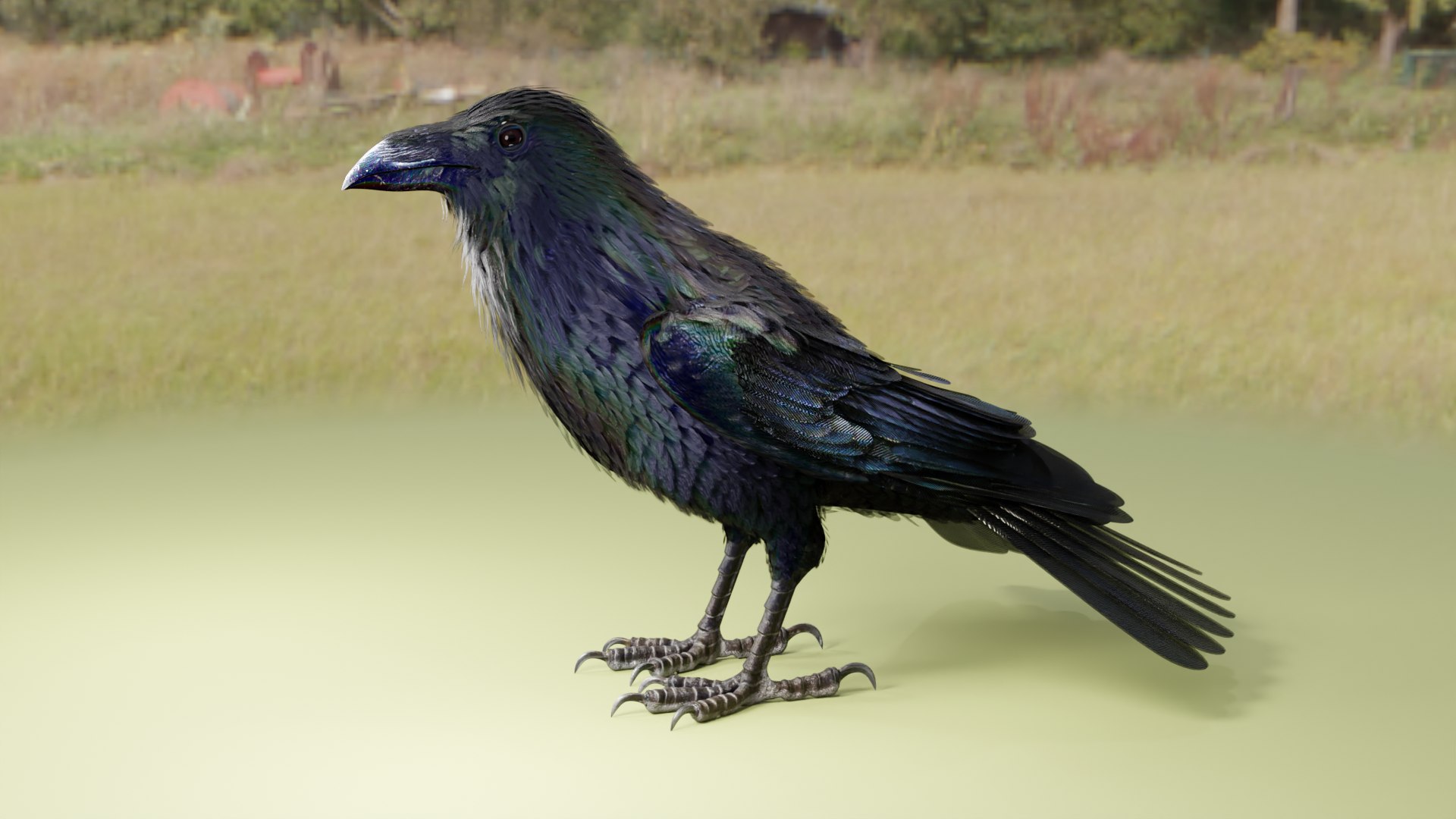
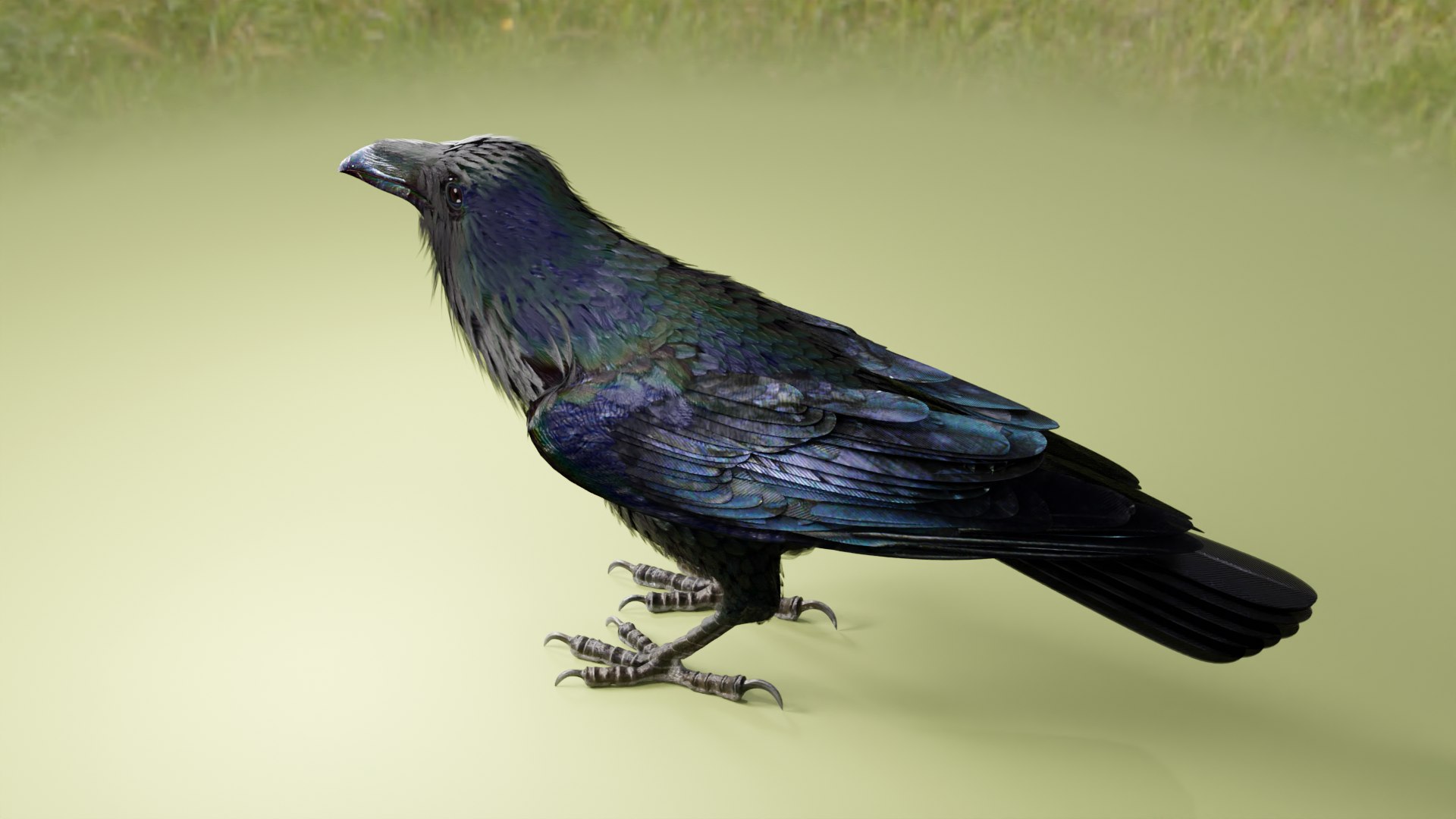
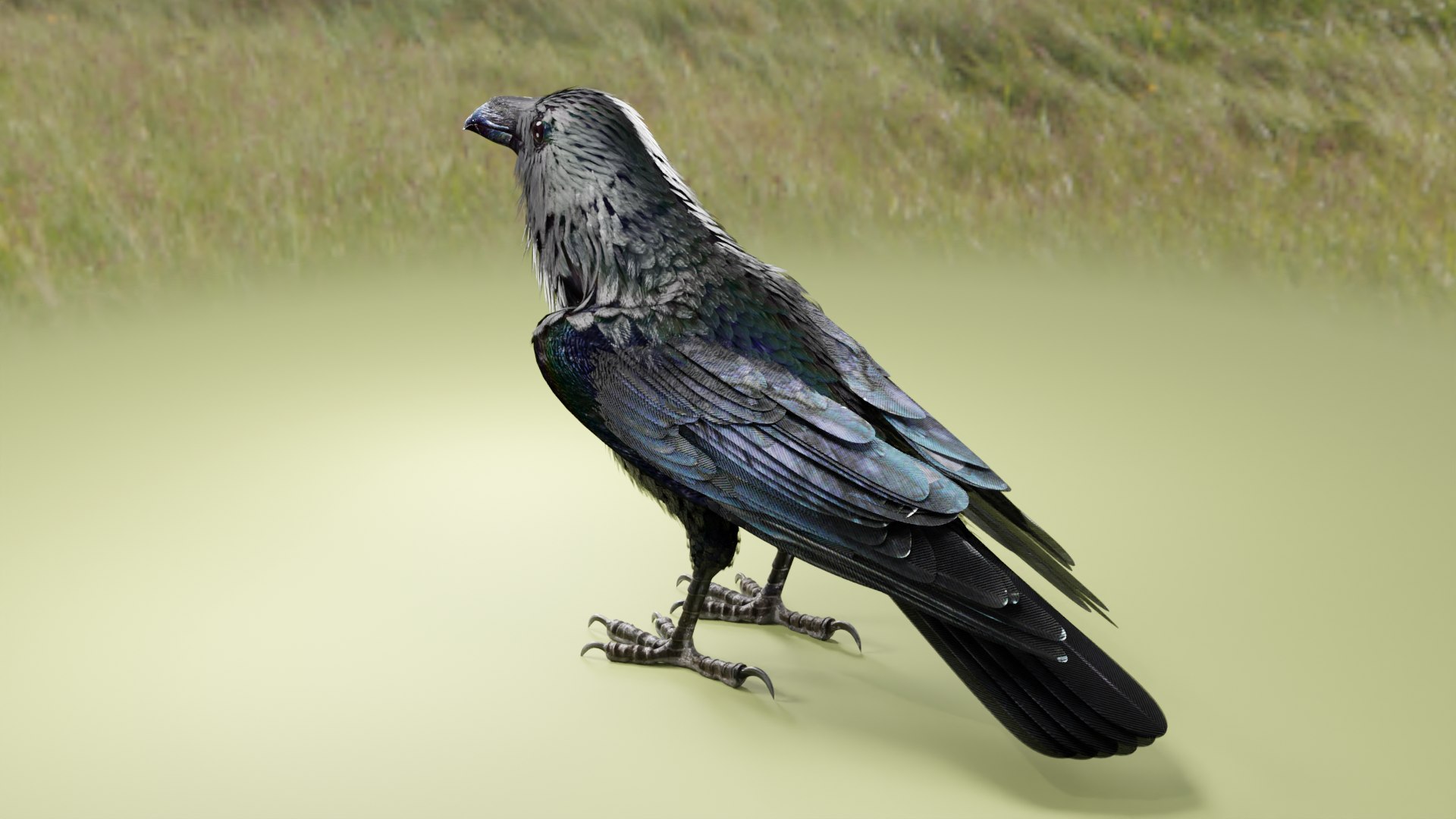
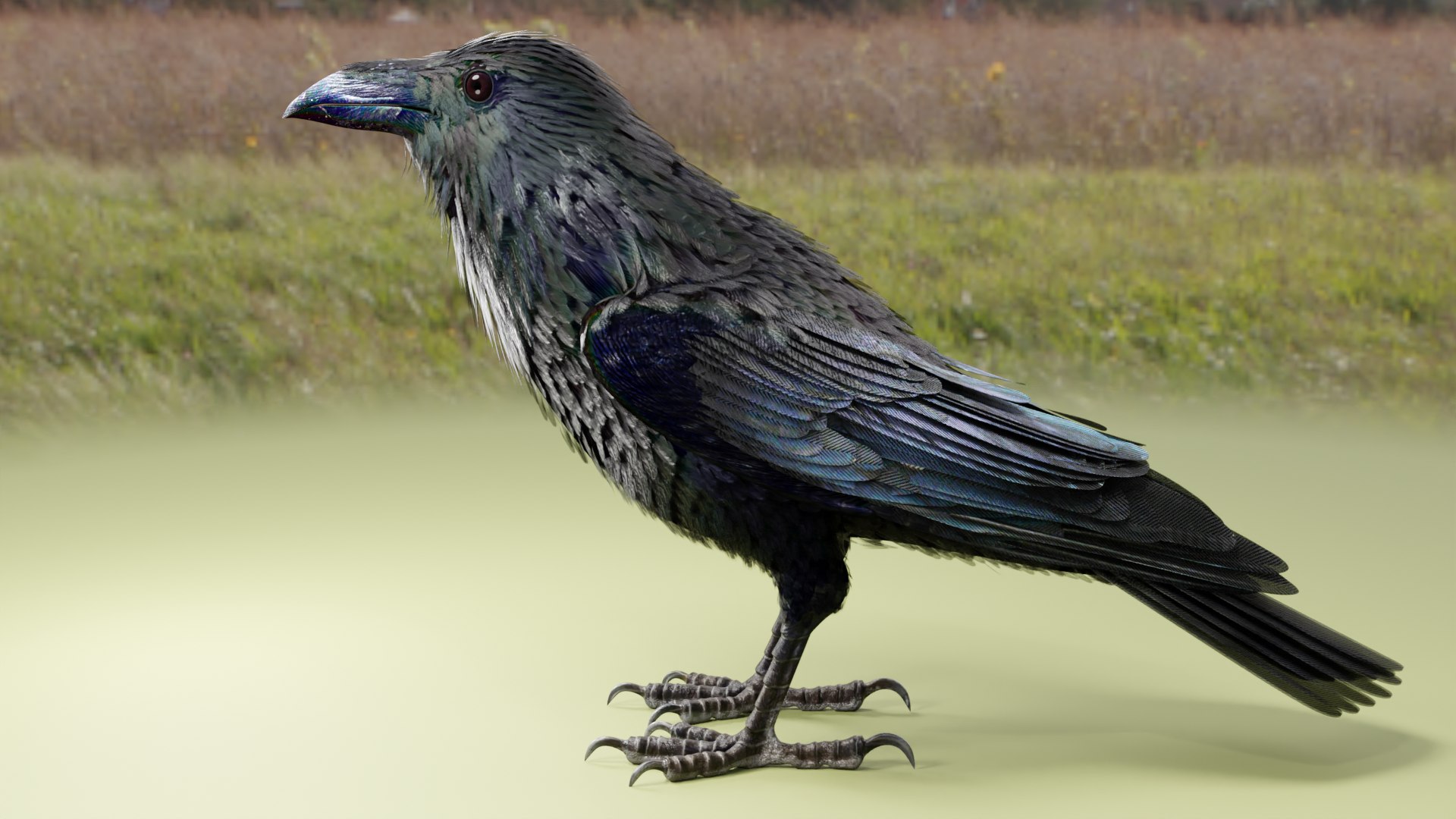
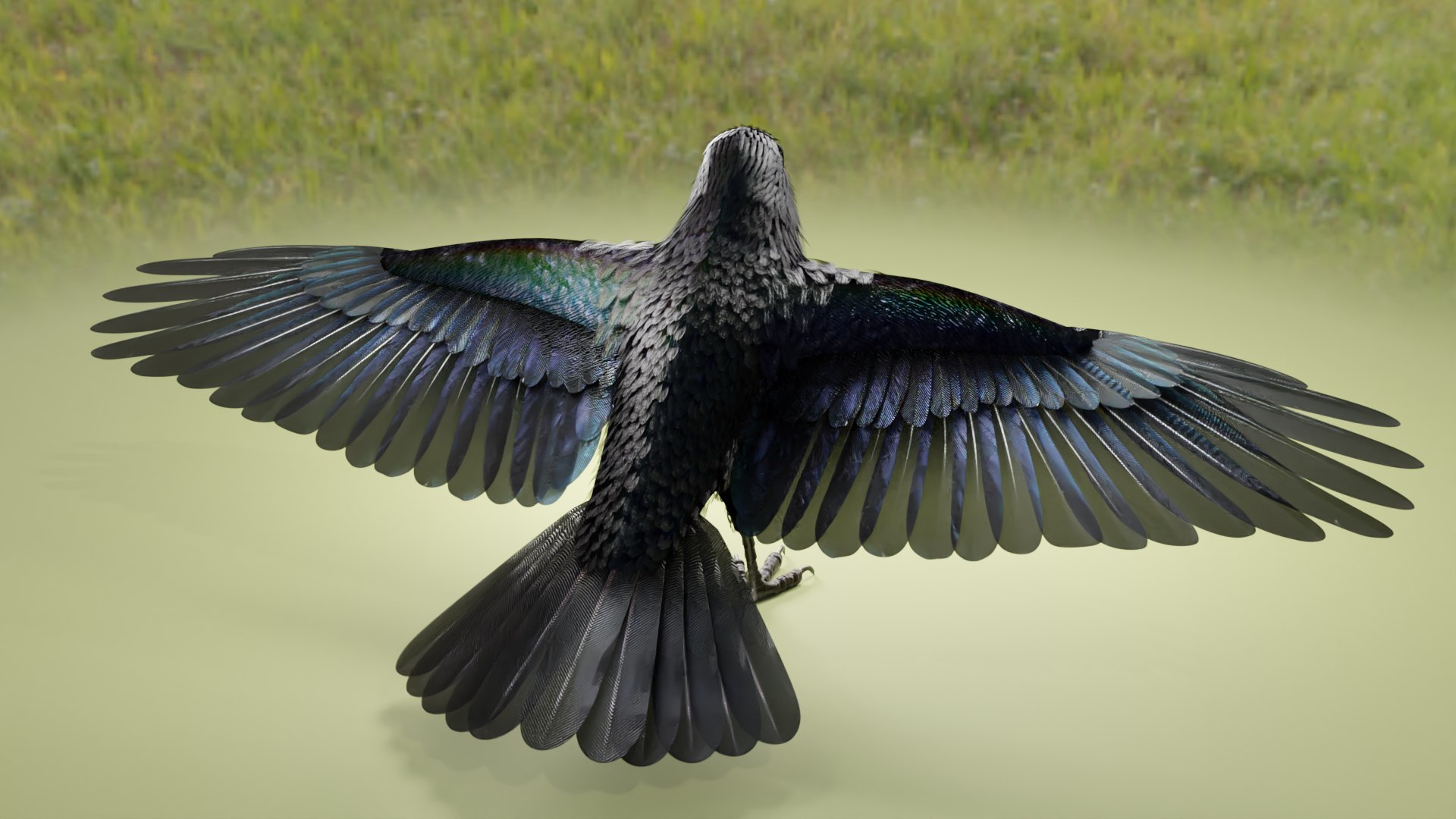
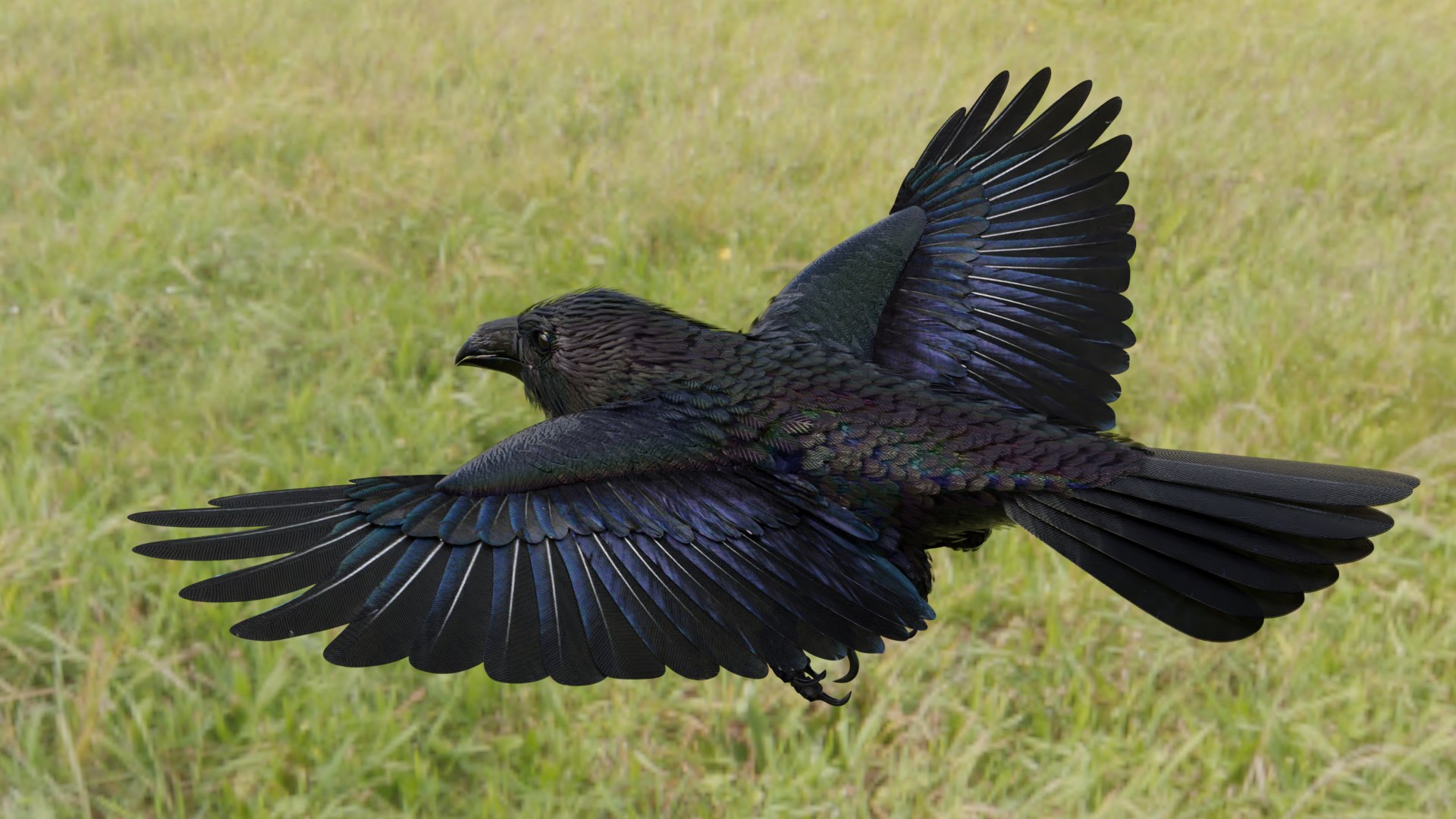
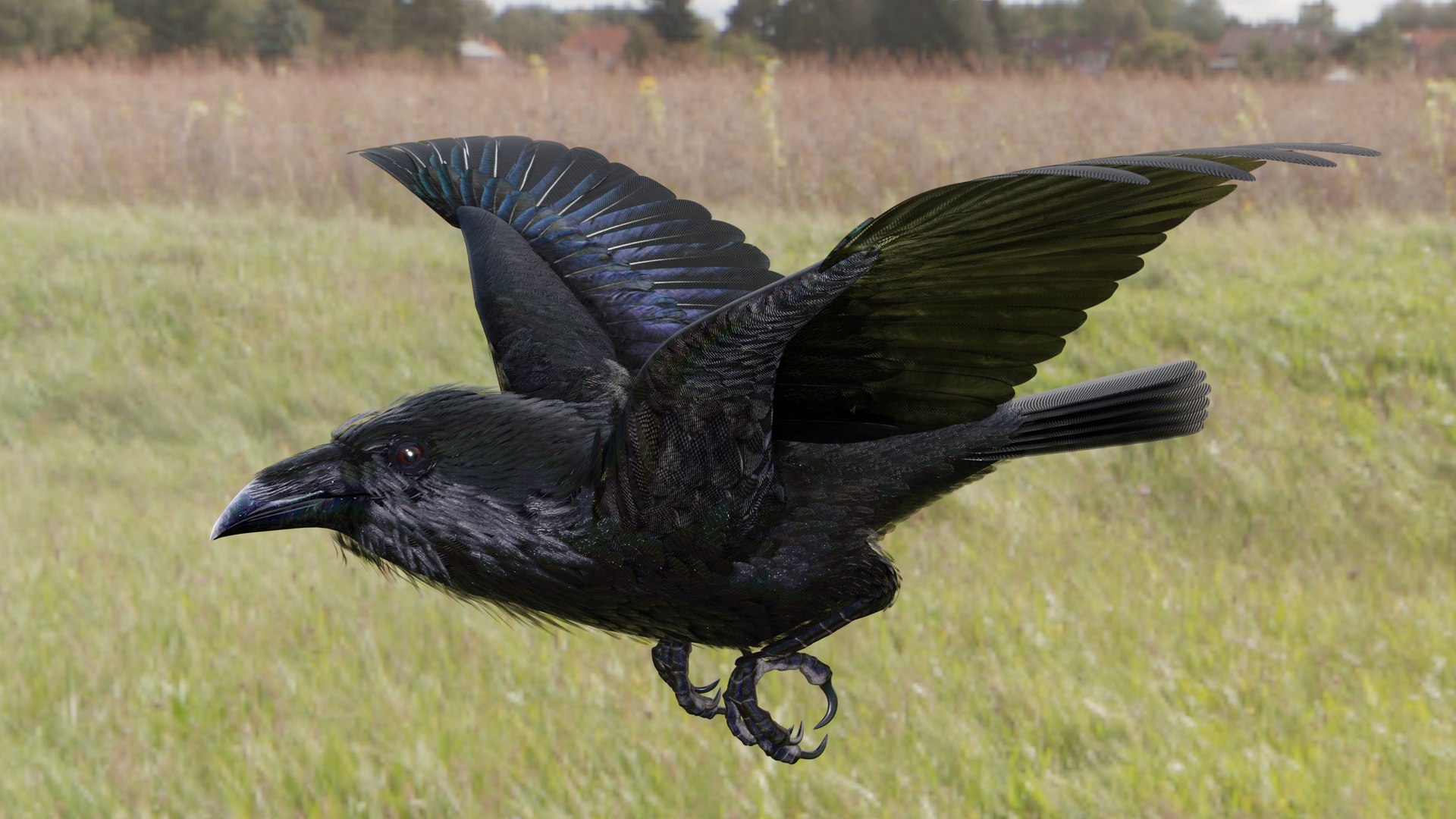
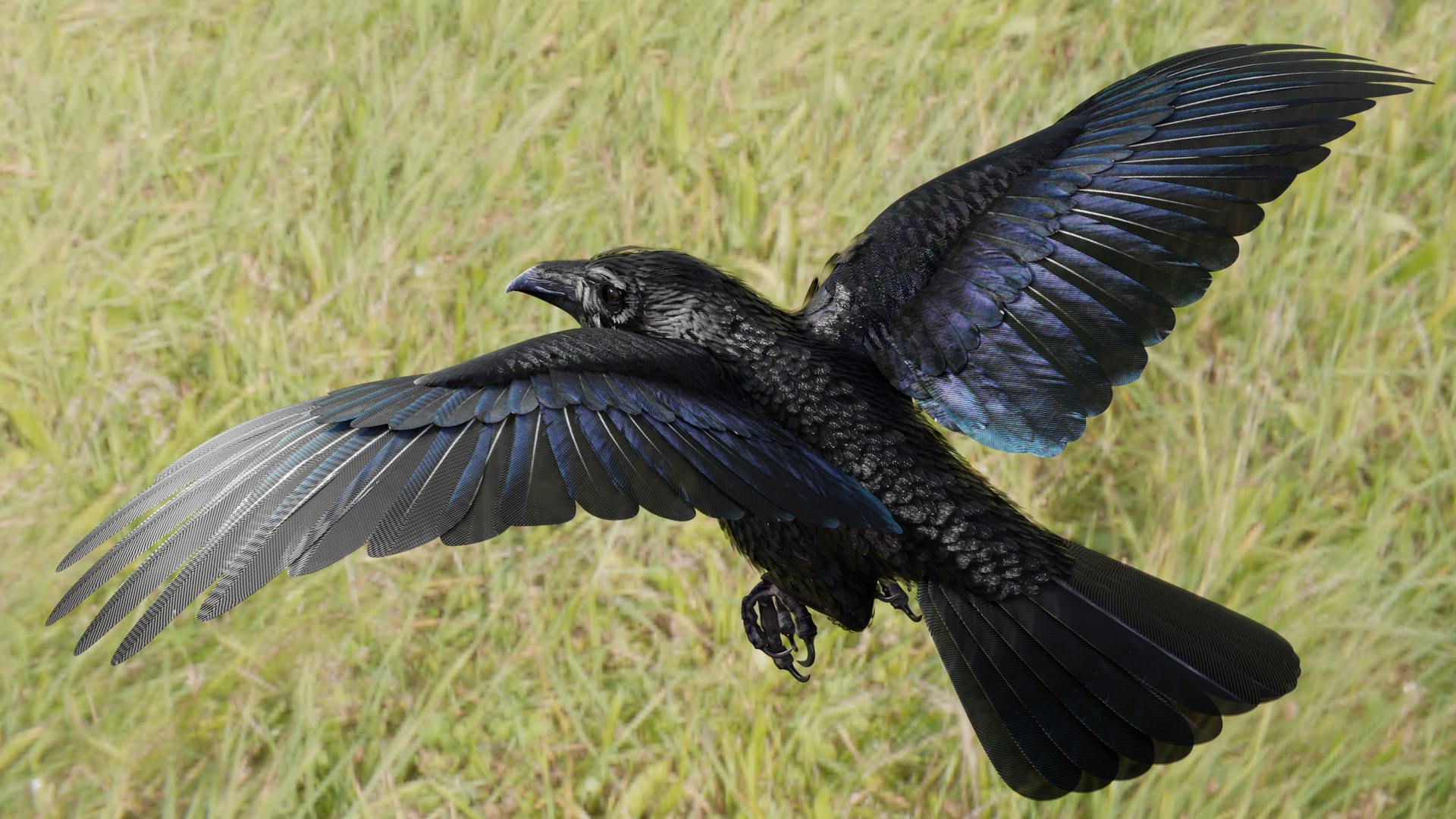
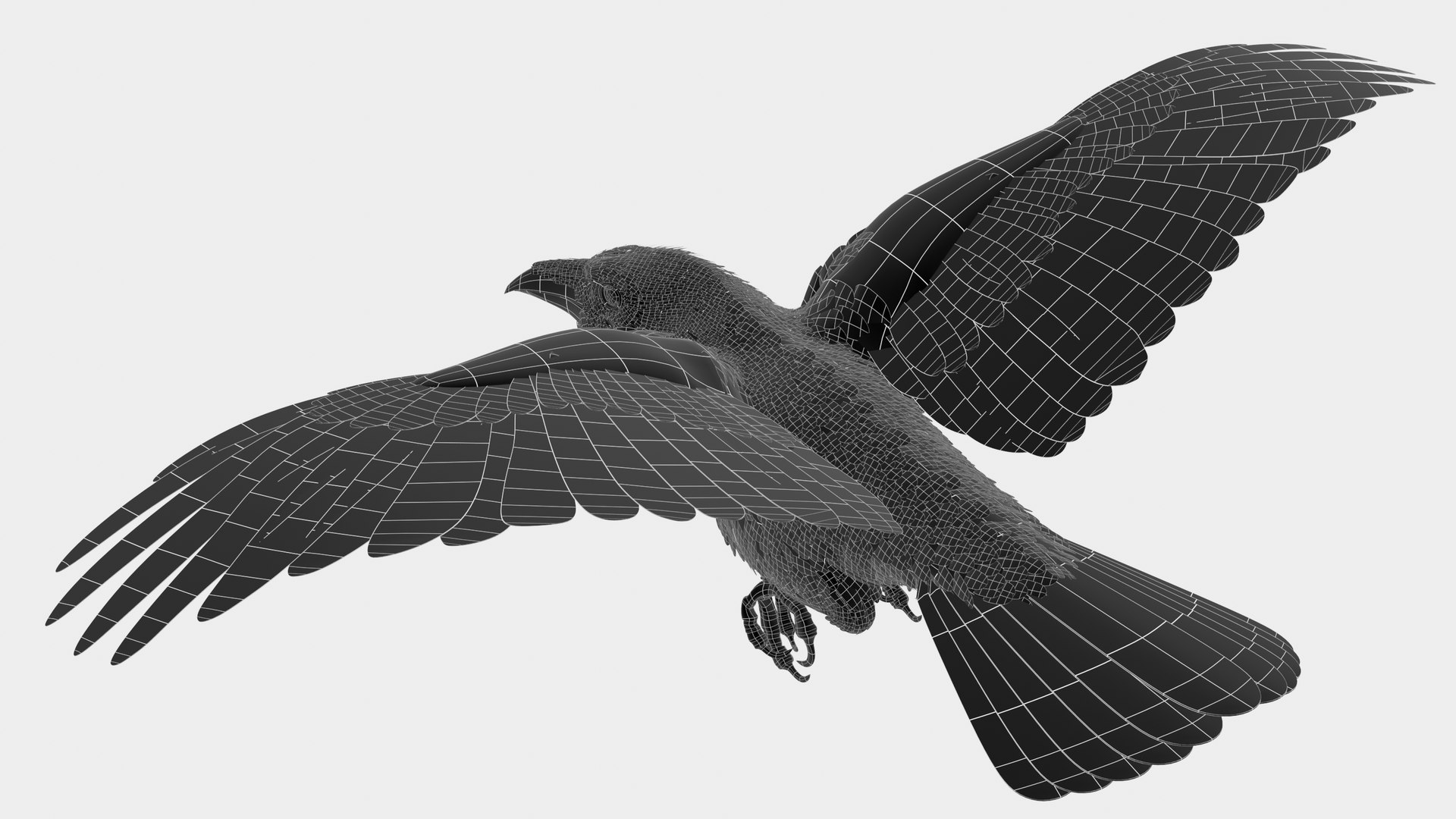
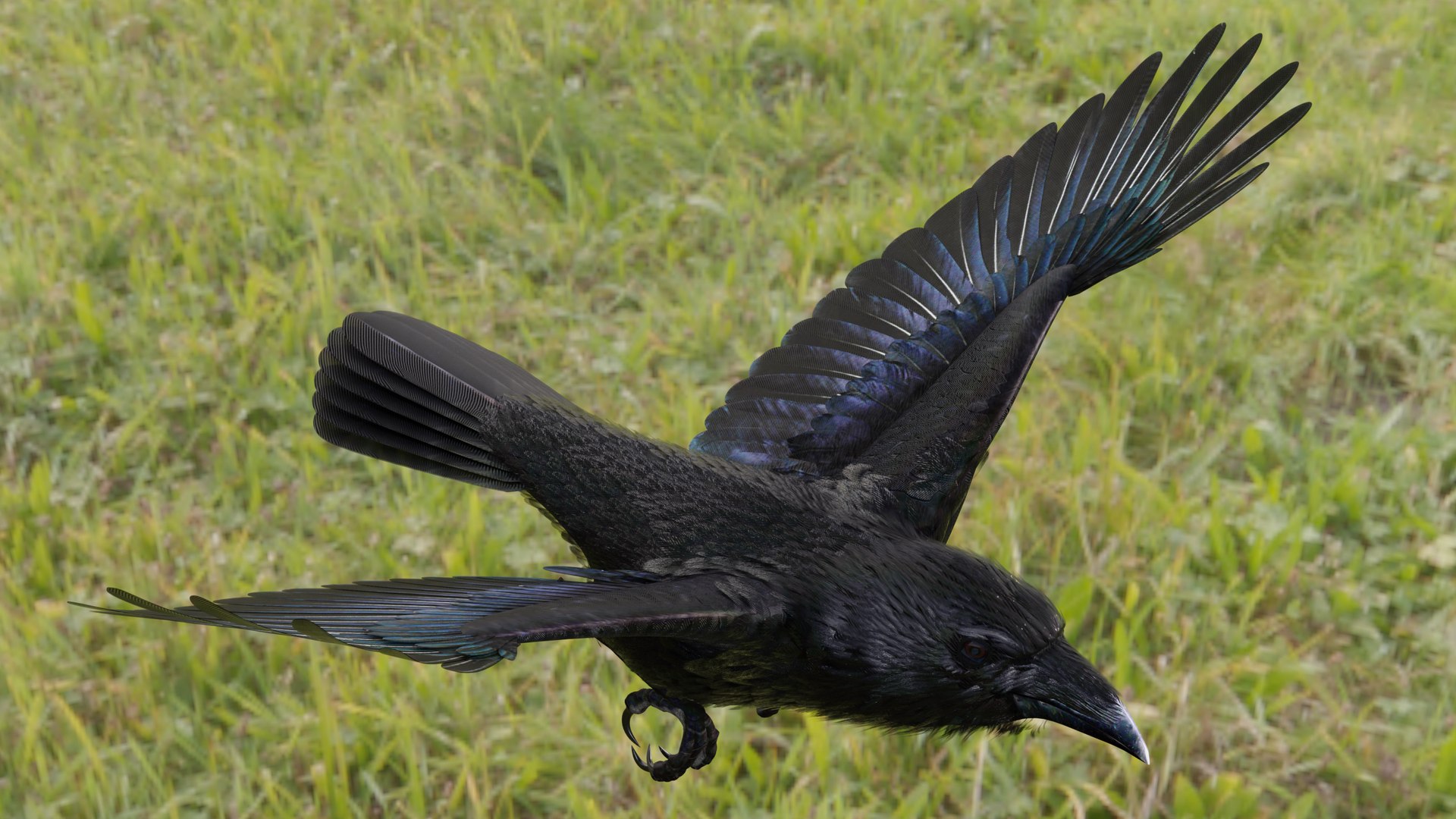
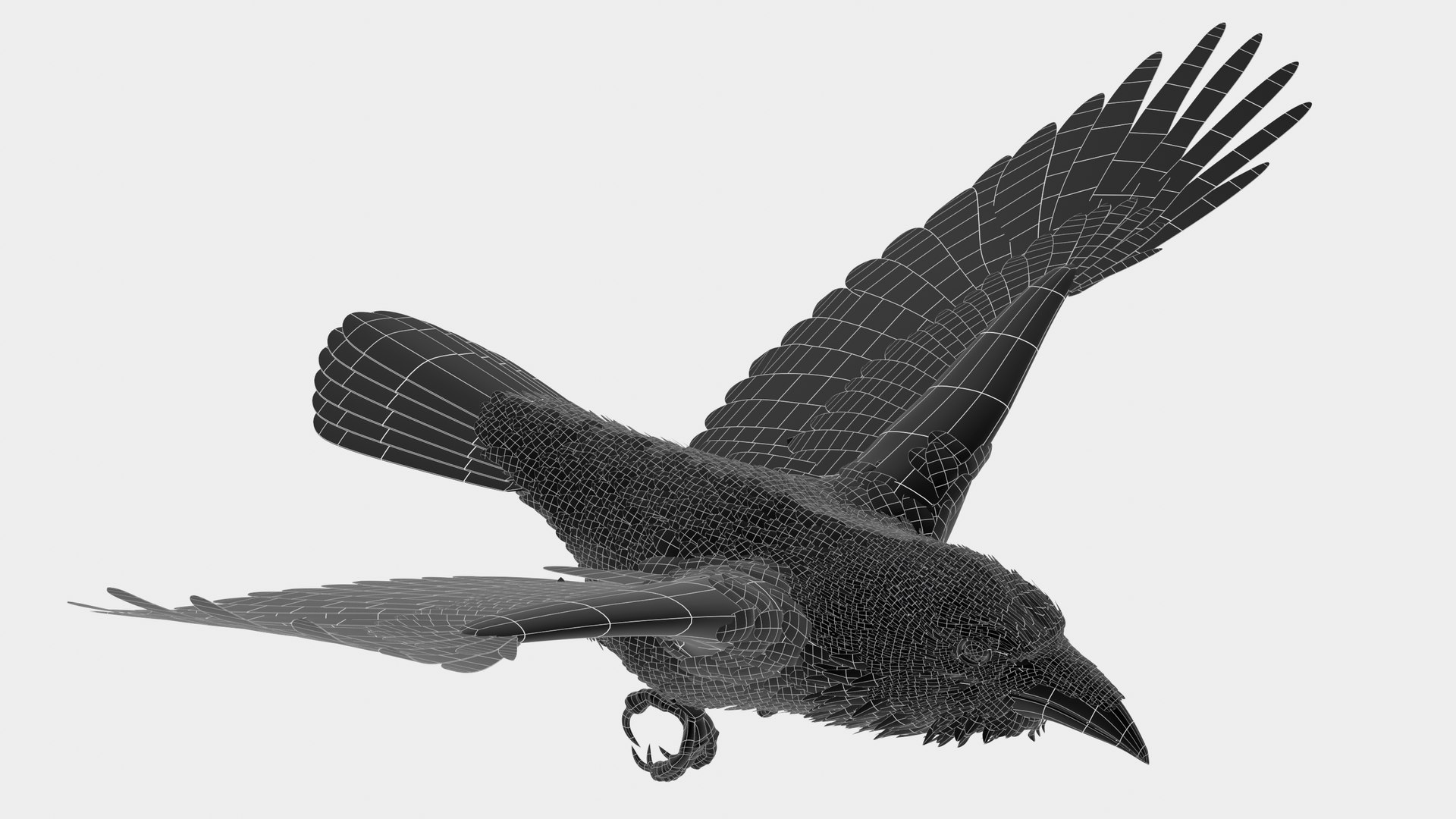
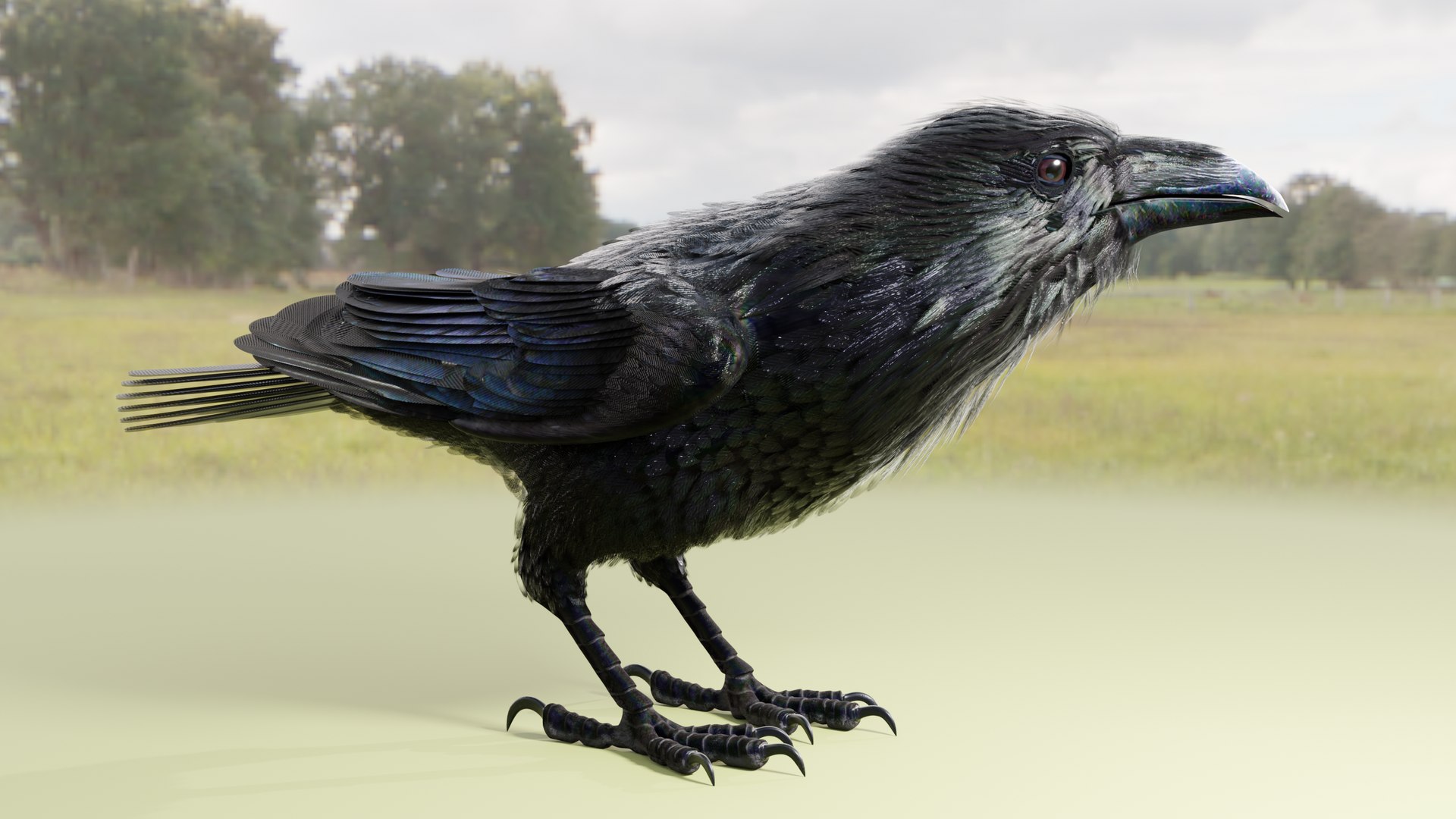
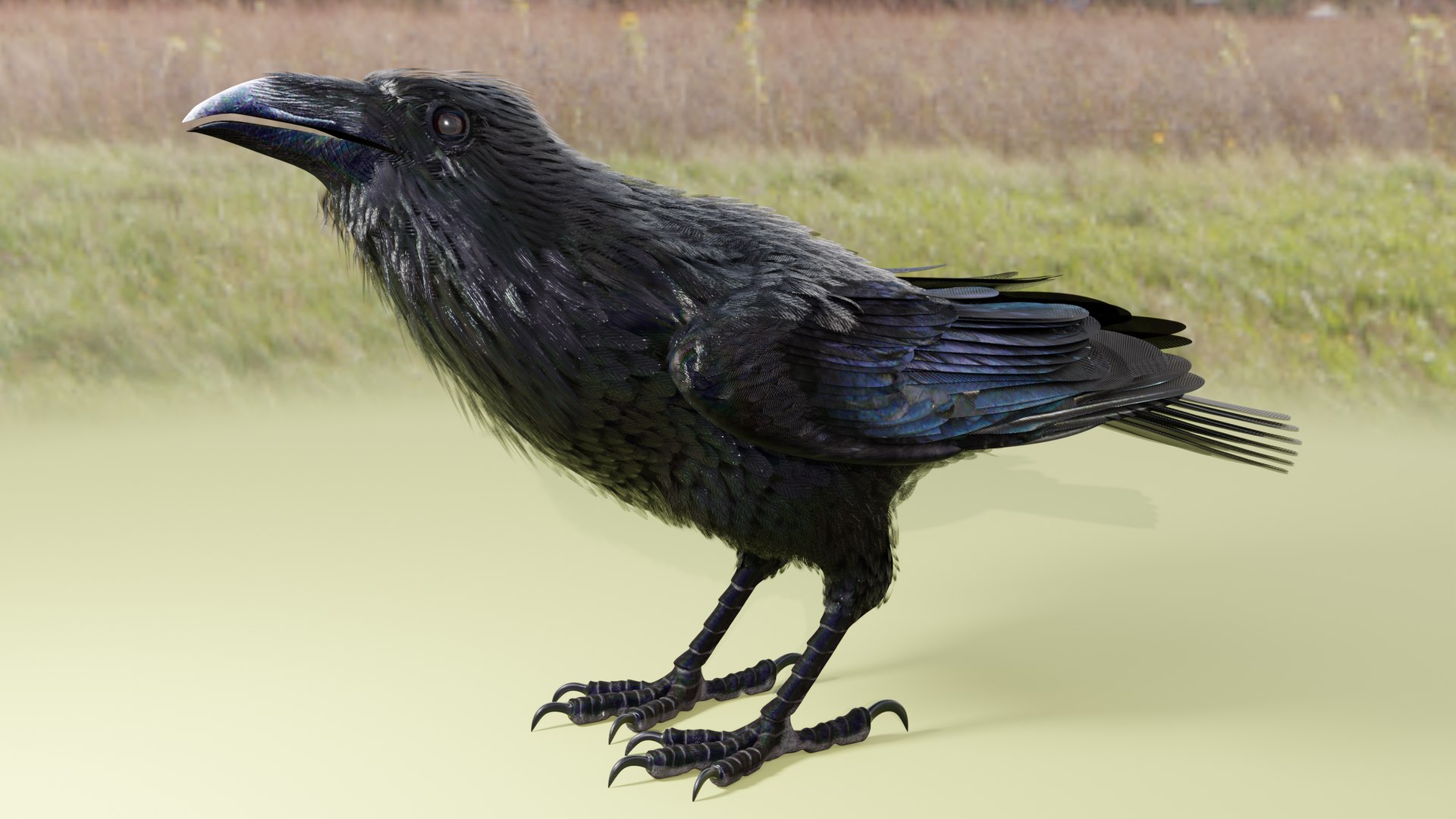
Common Raven
Rigged and Animated for:
Blender
Blender FBX
OBJ
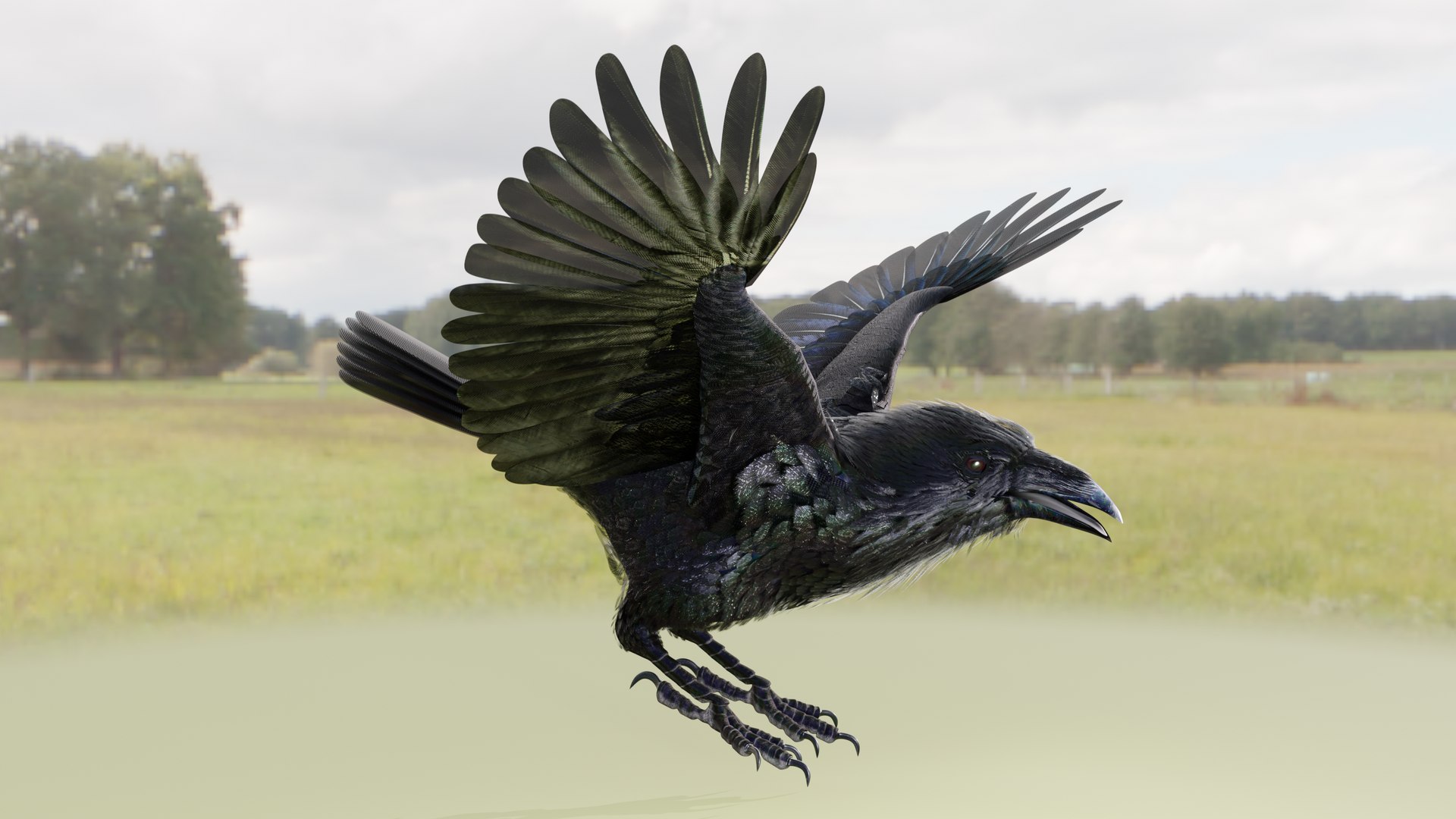
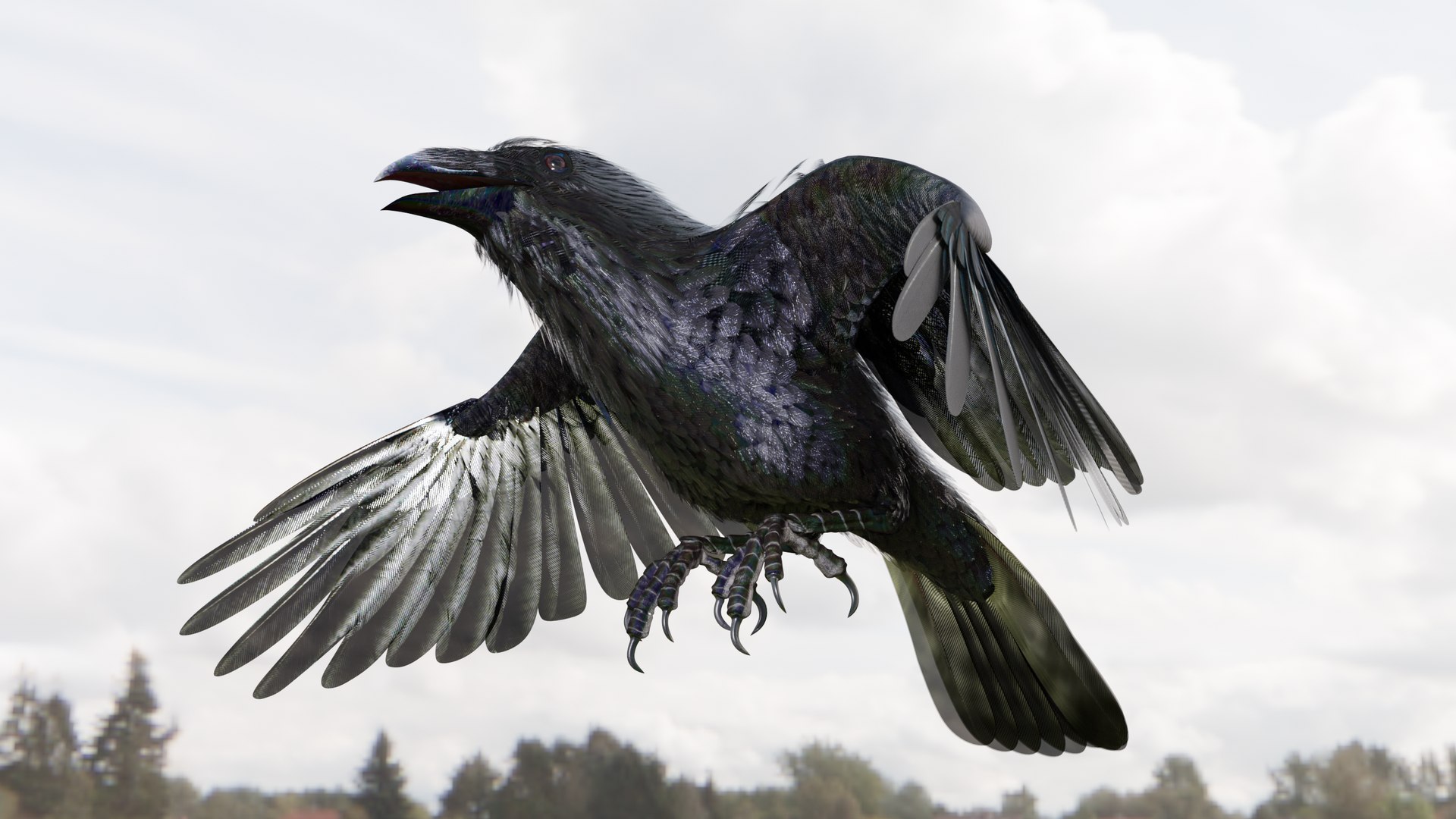
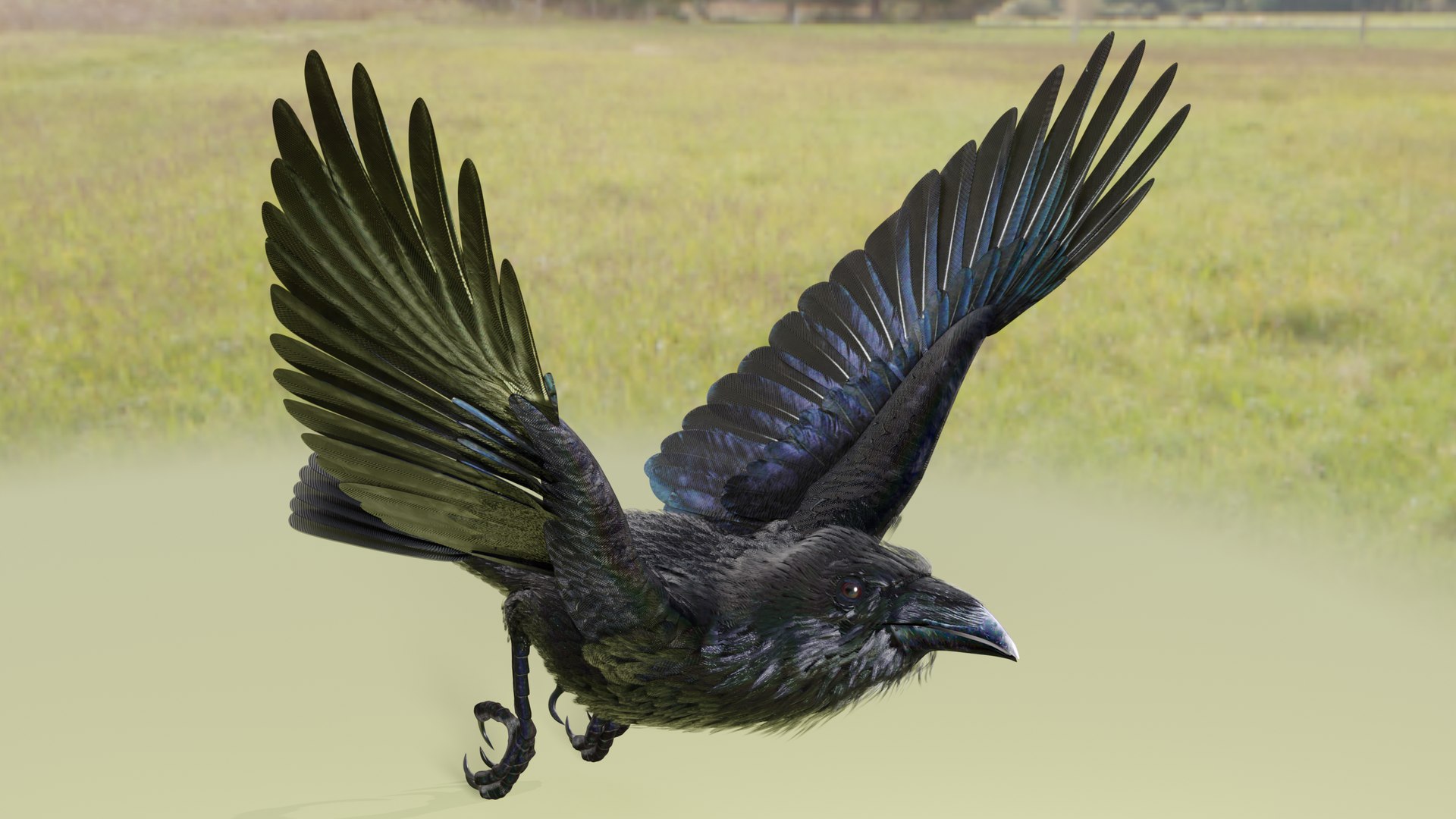
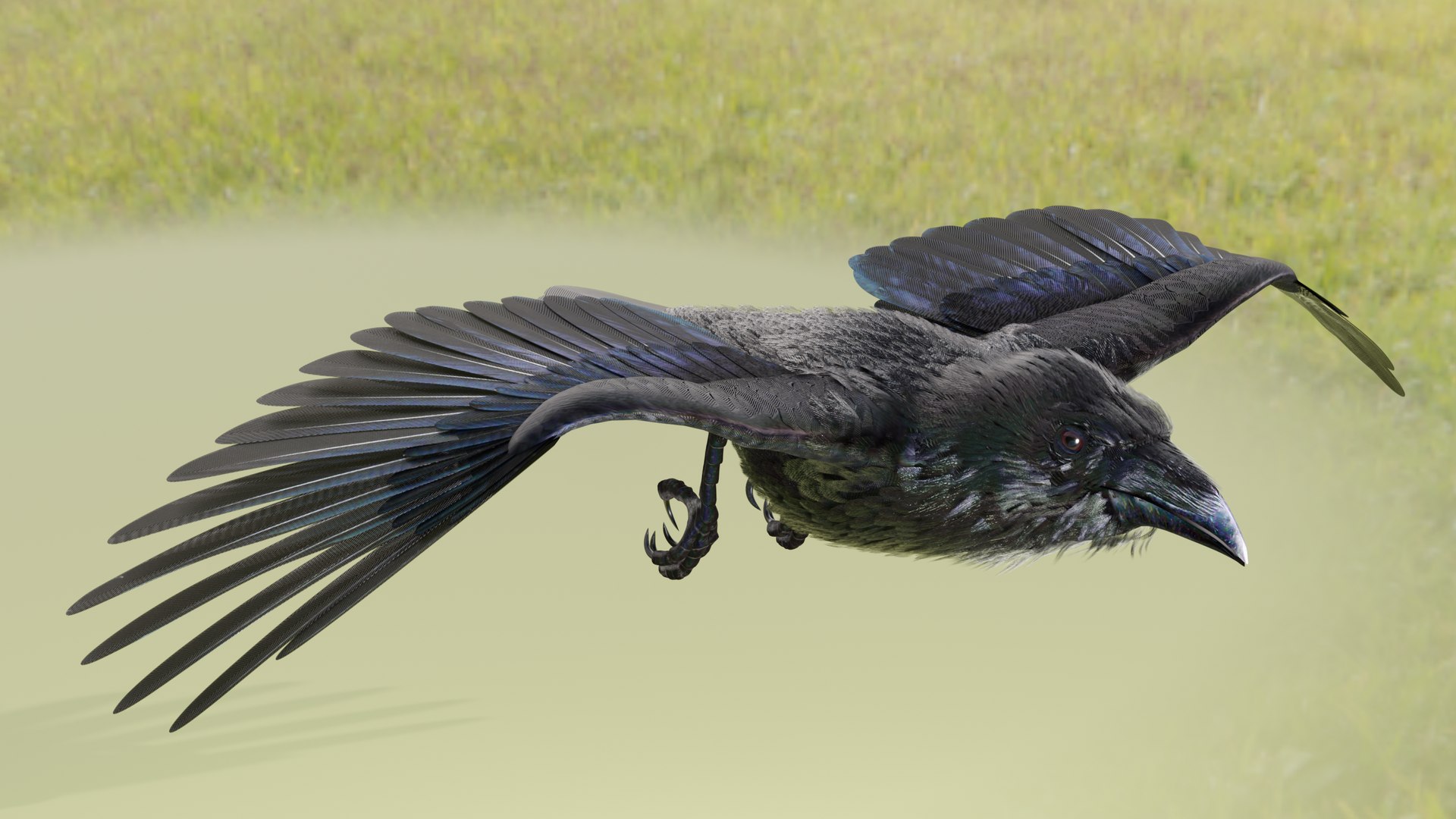
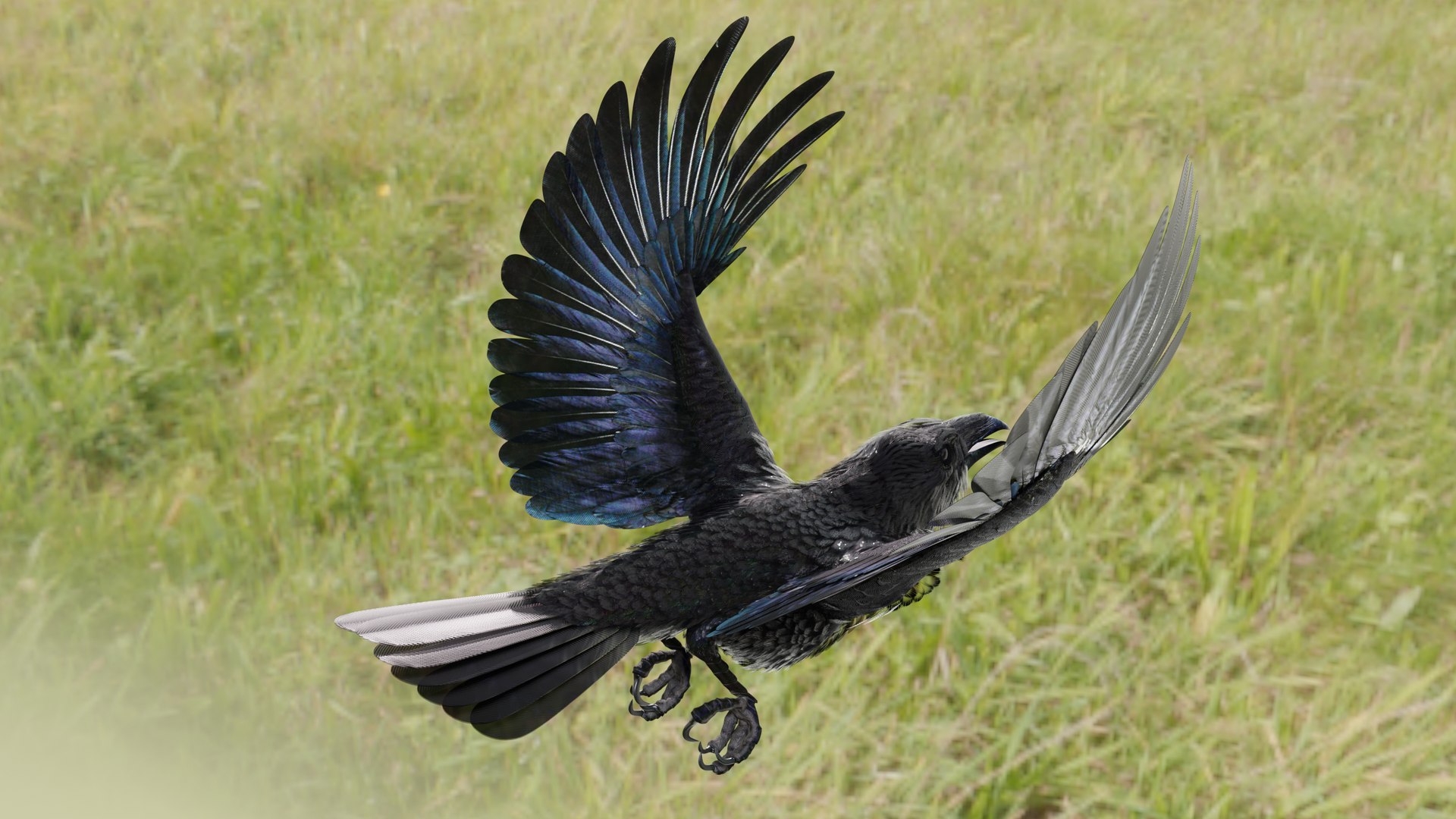
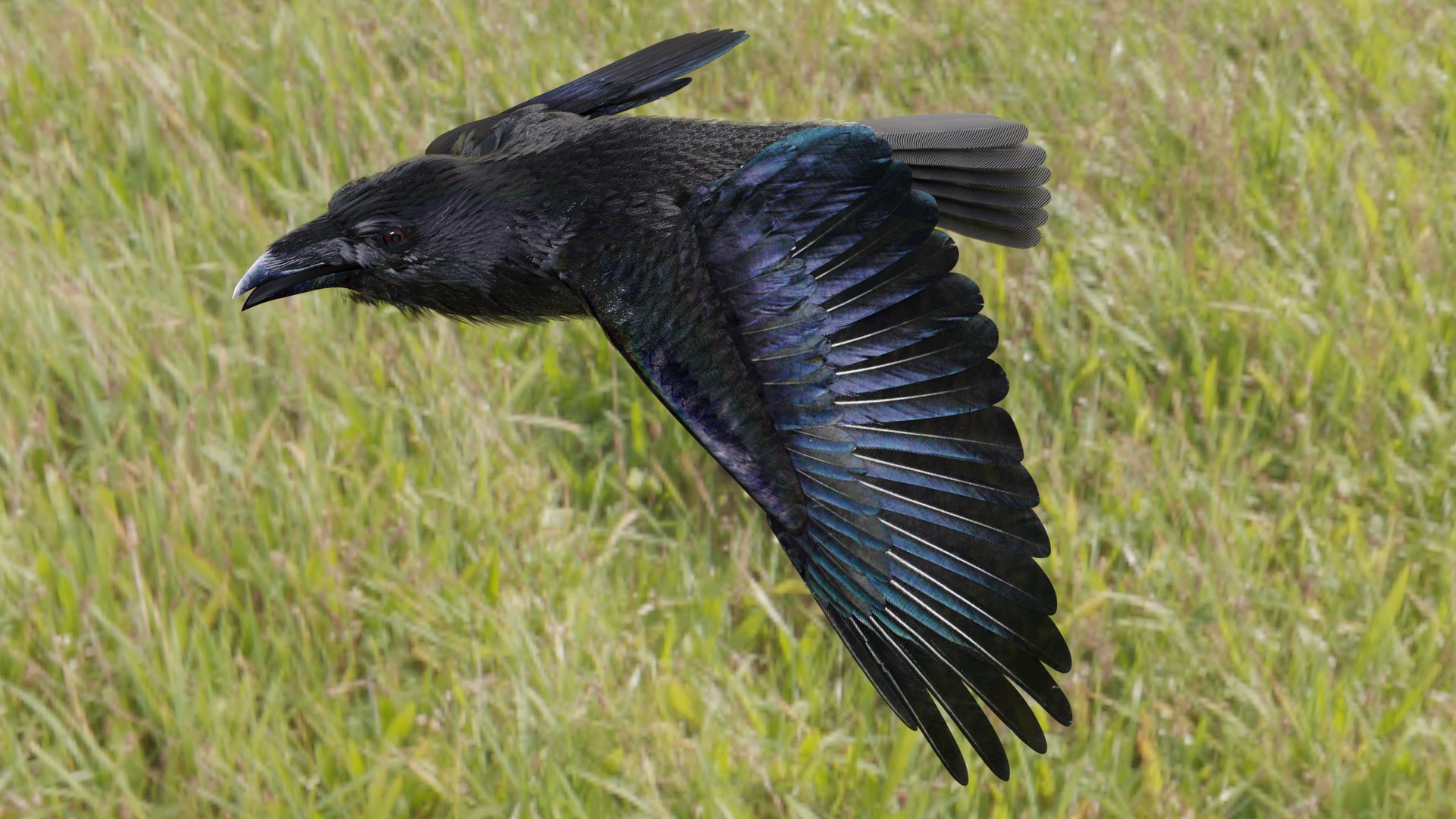
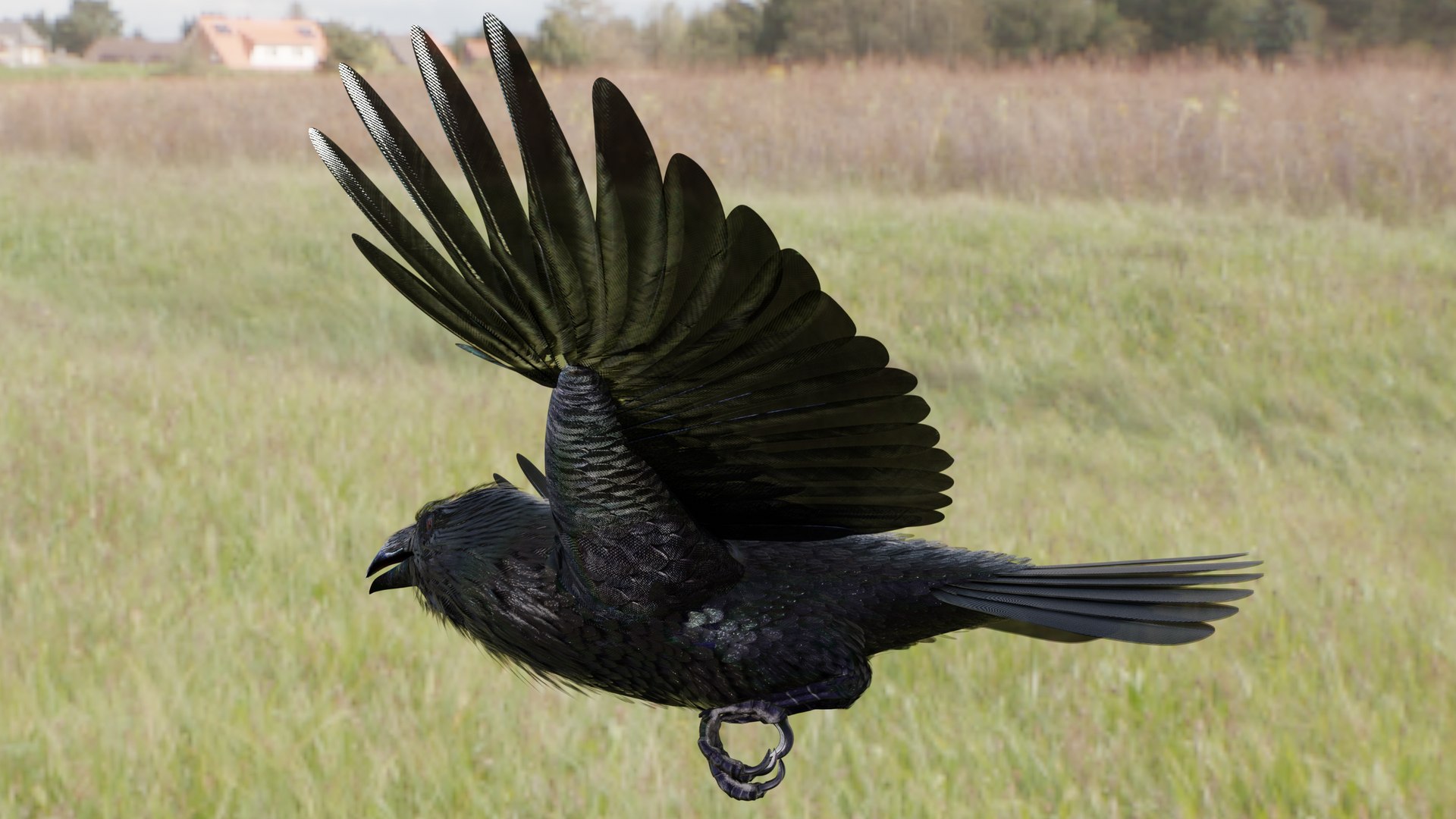
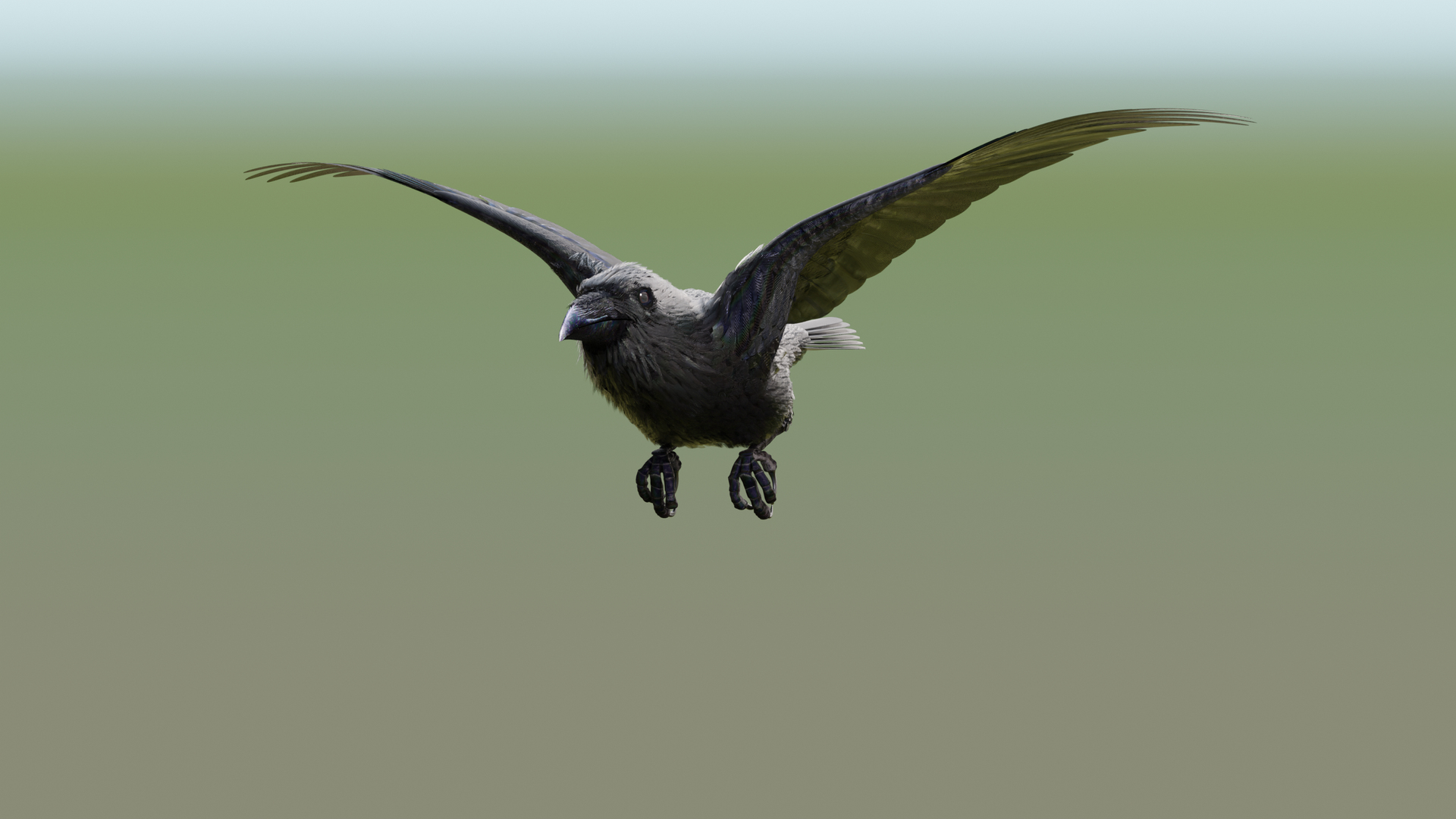
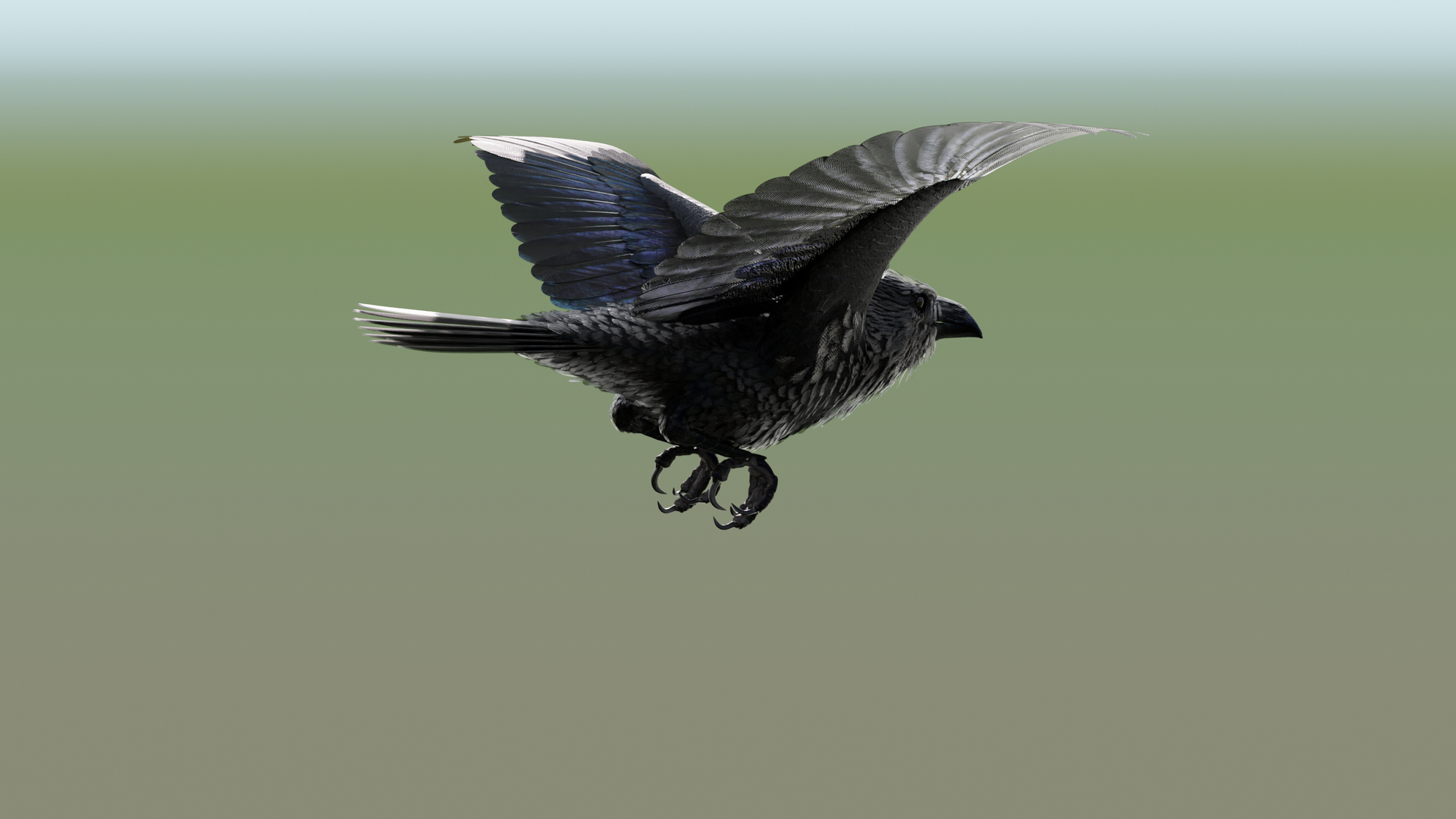
The models come with several pre-animated scenes to get you started.
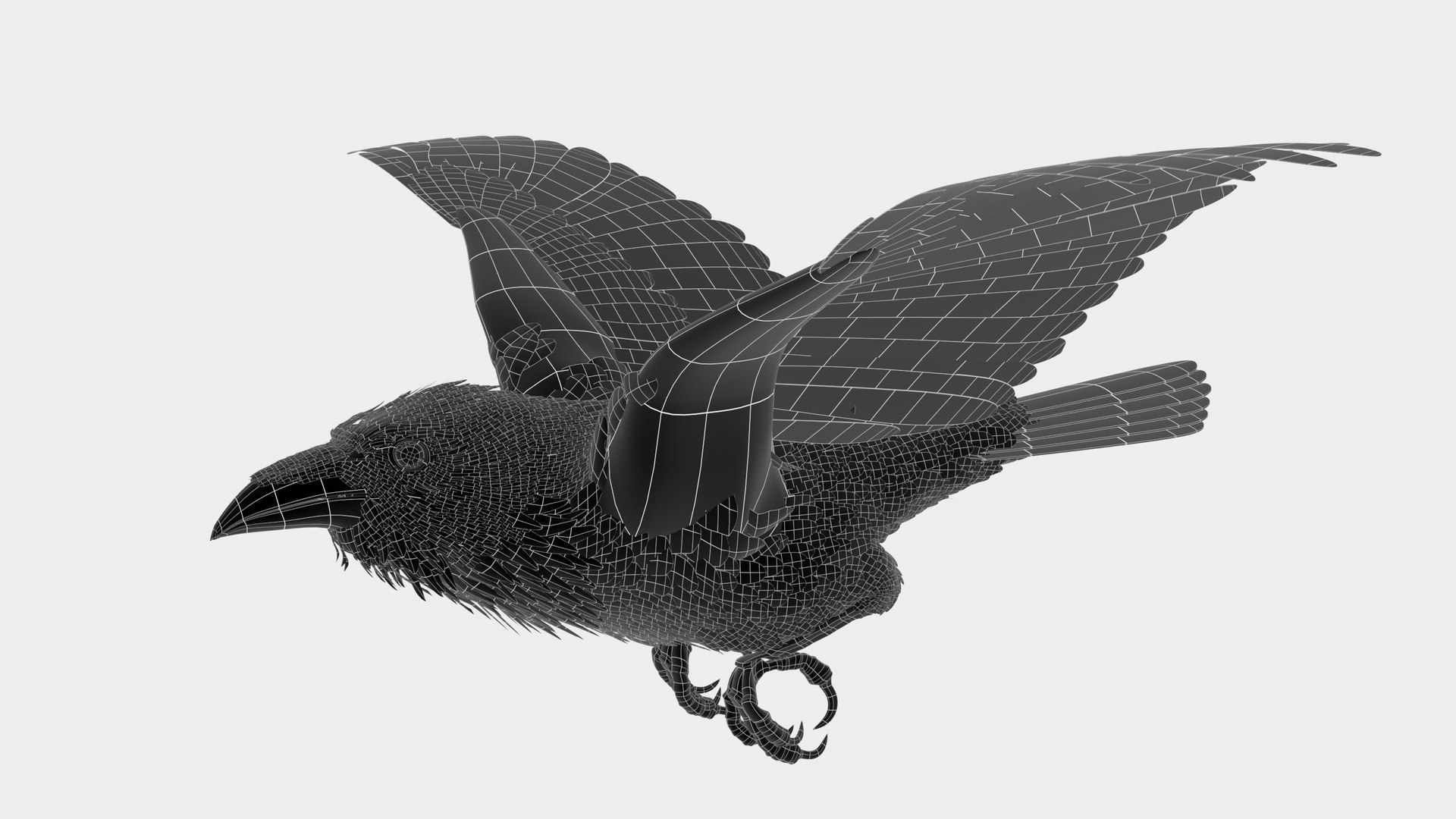
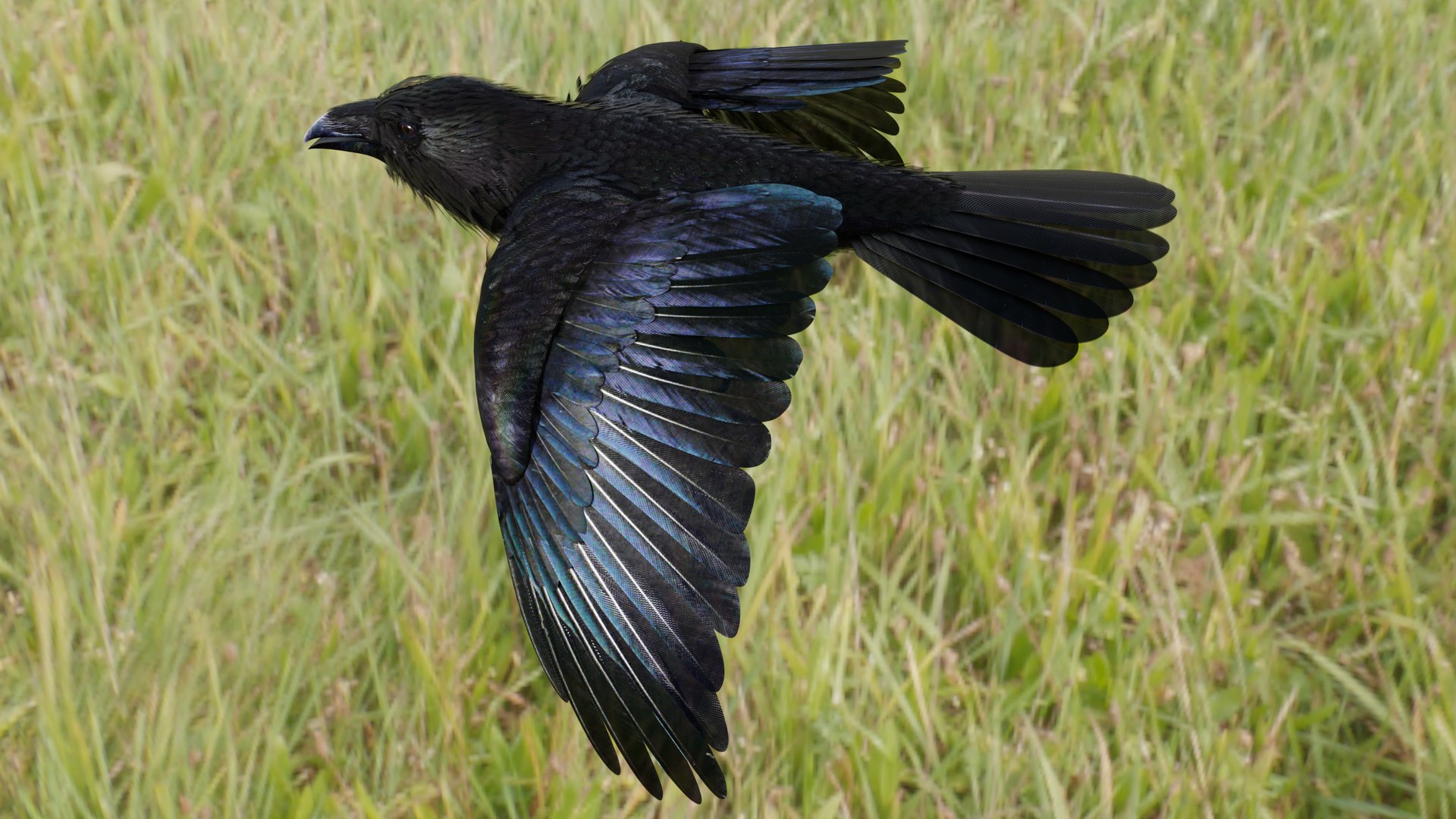
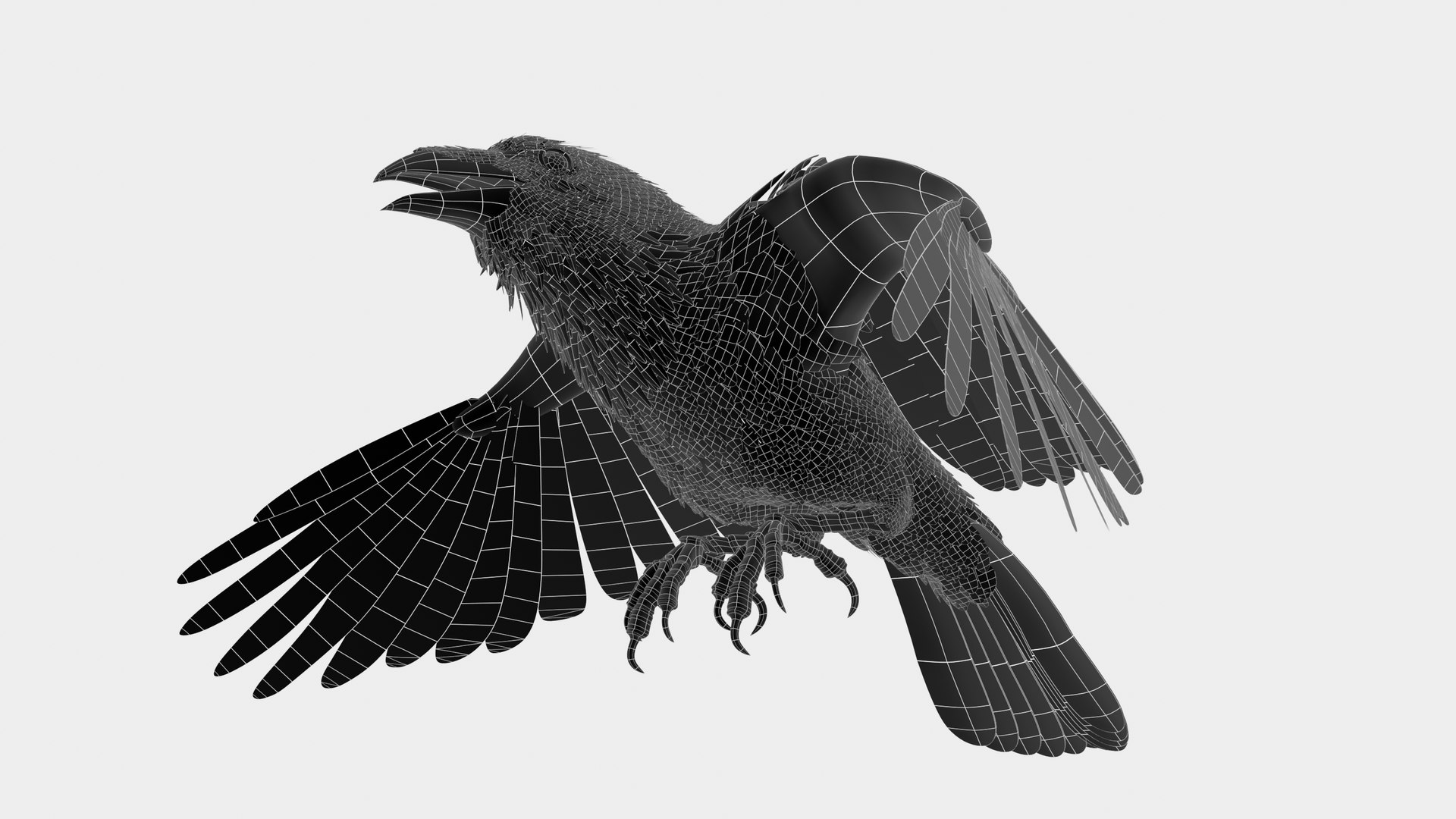
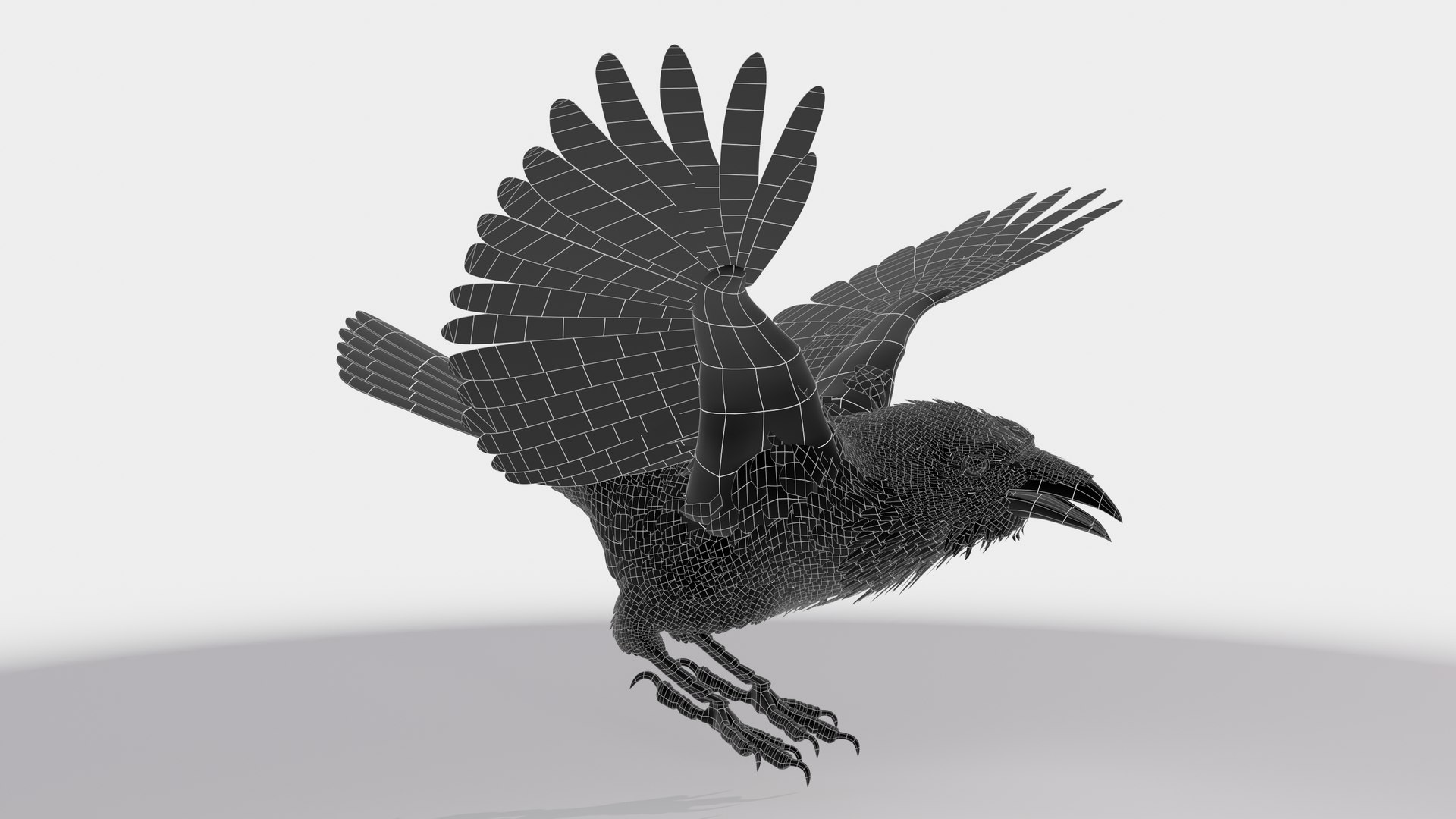
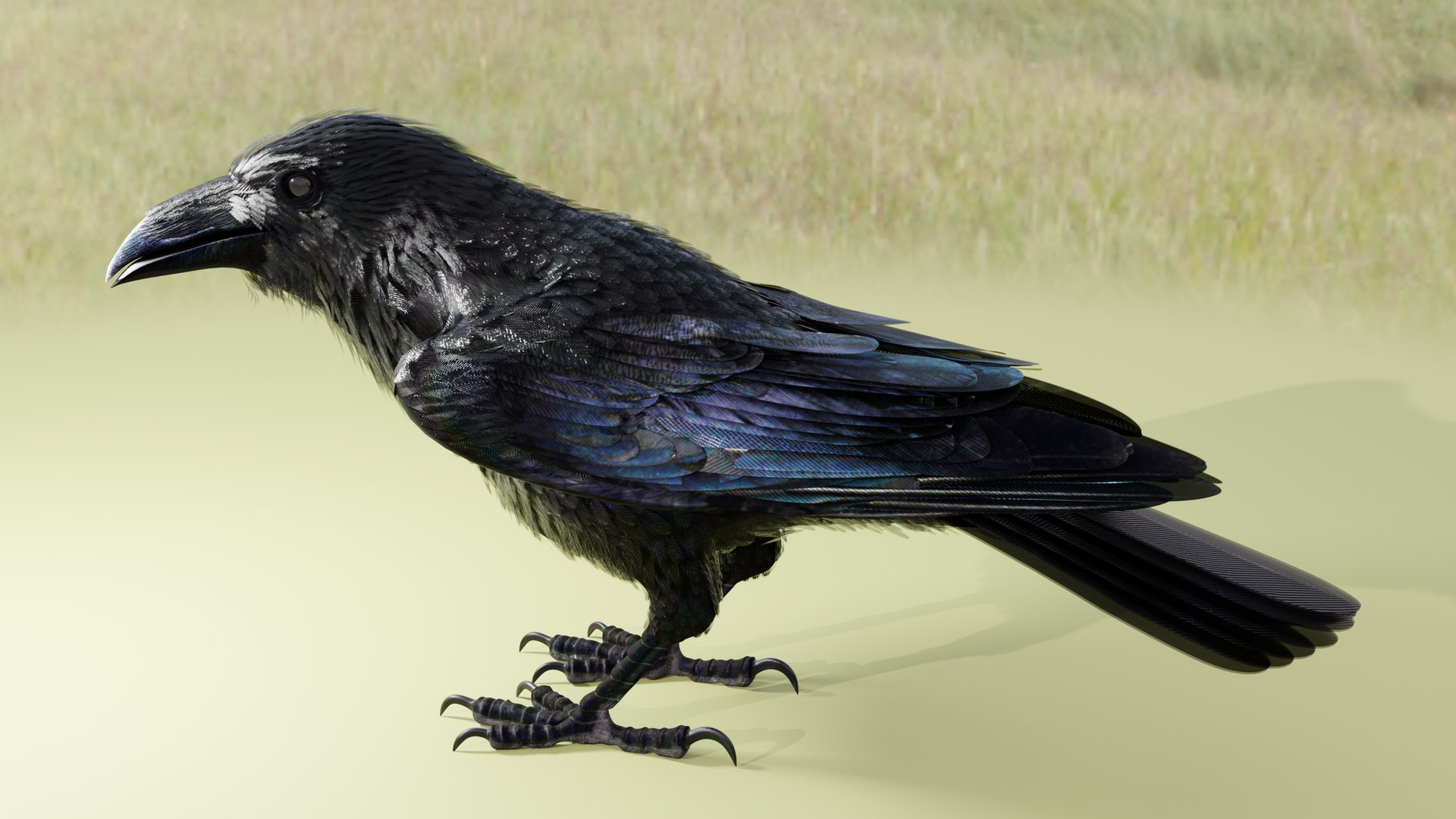
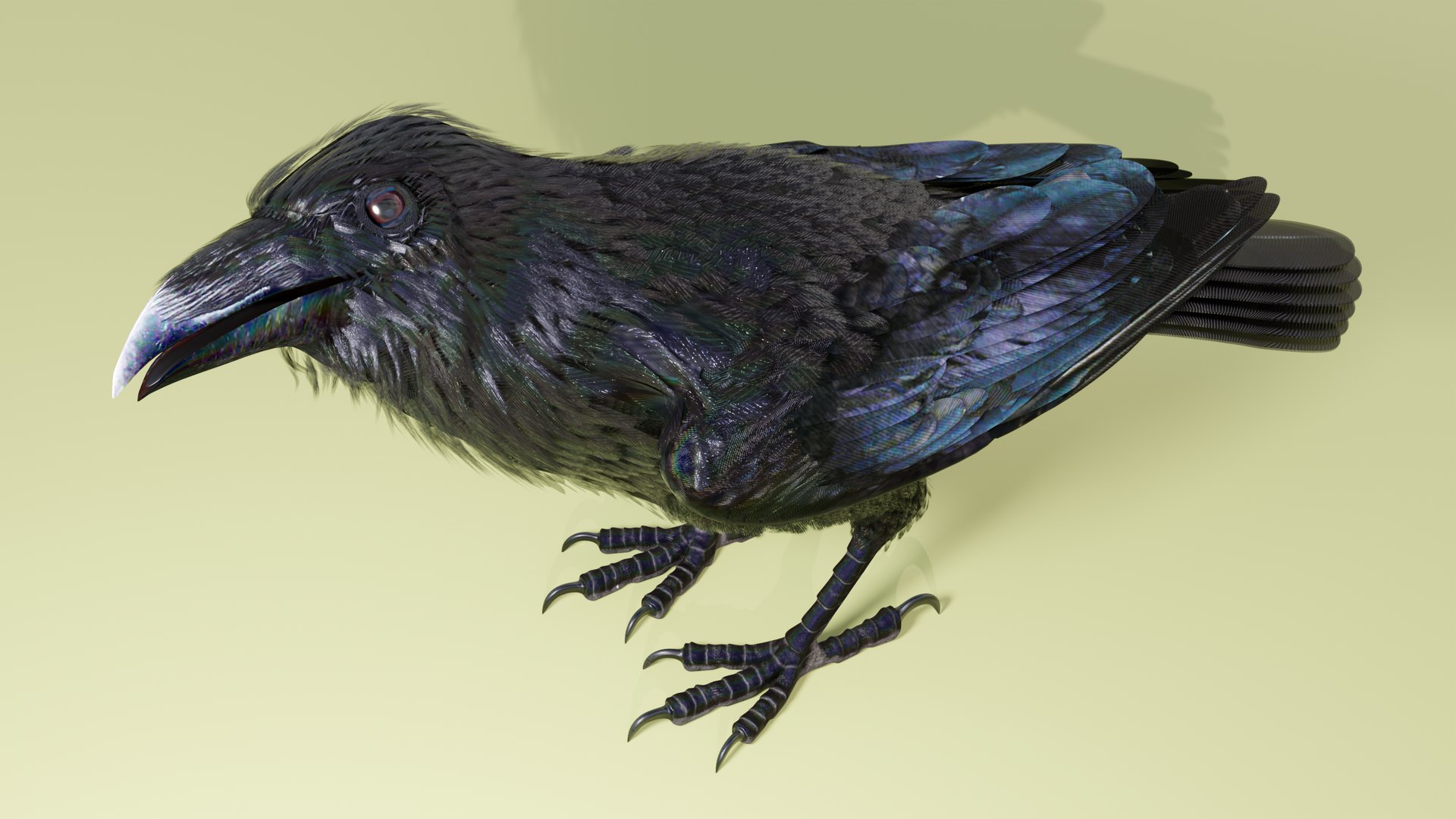
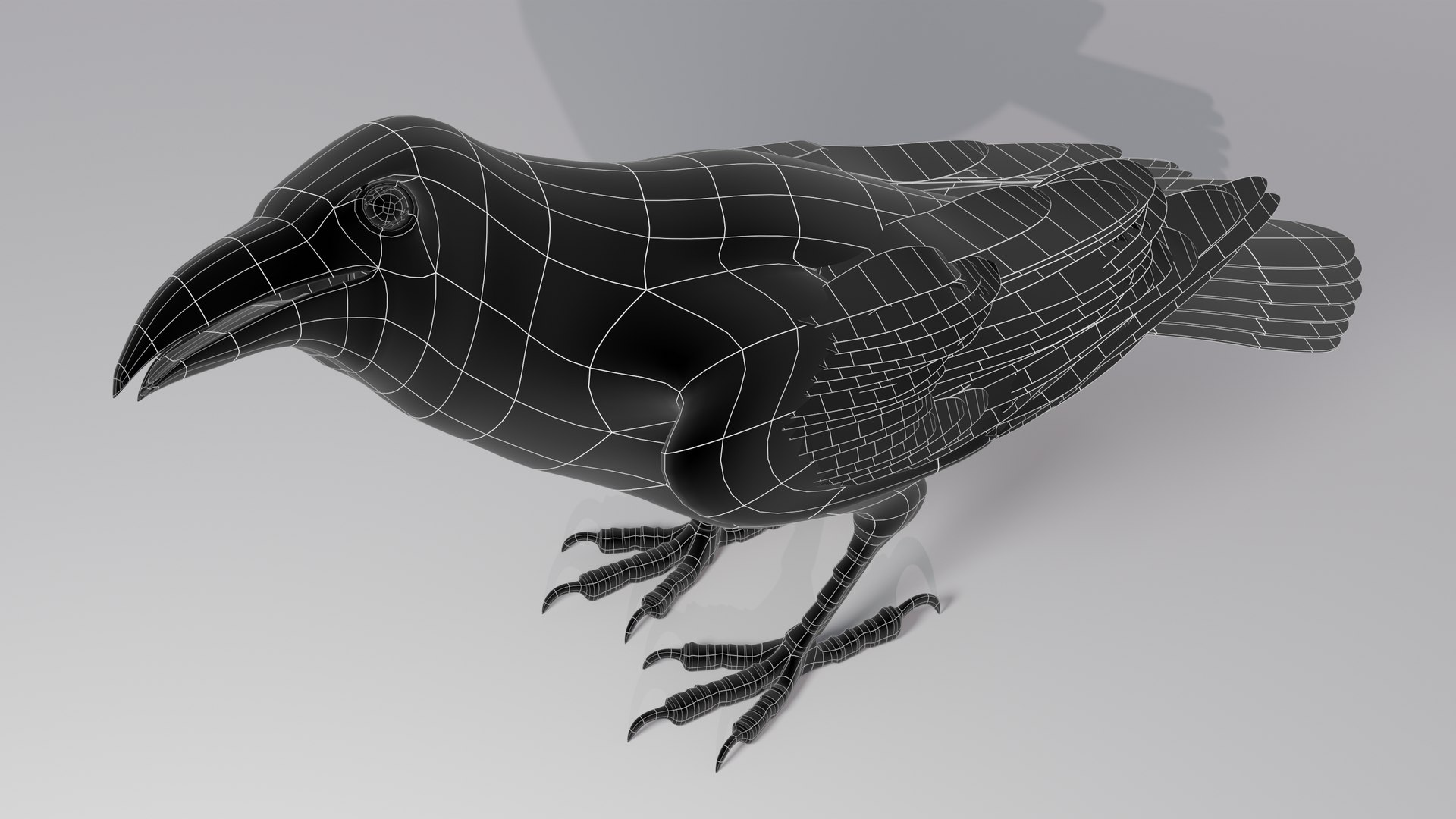
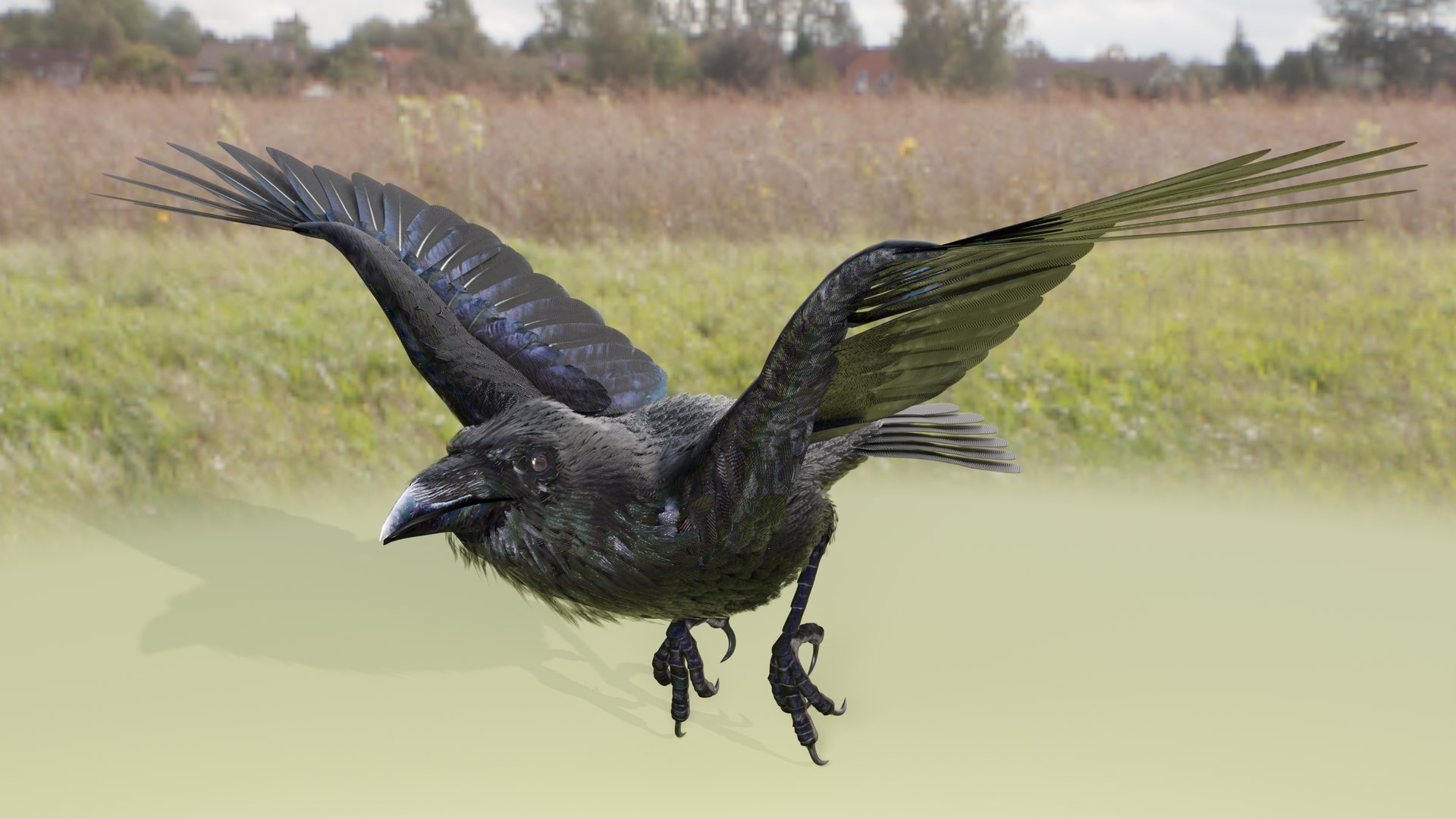
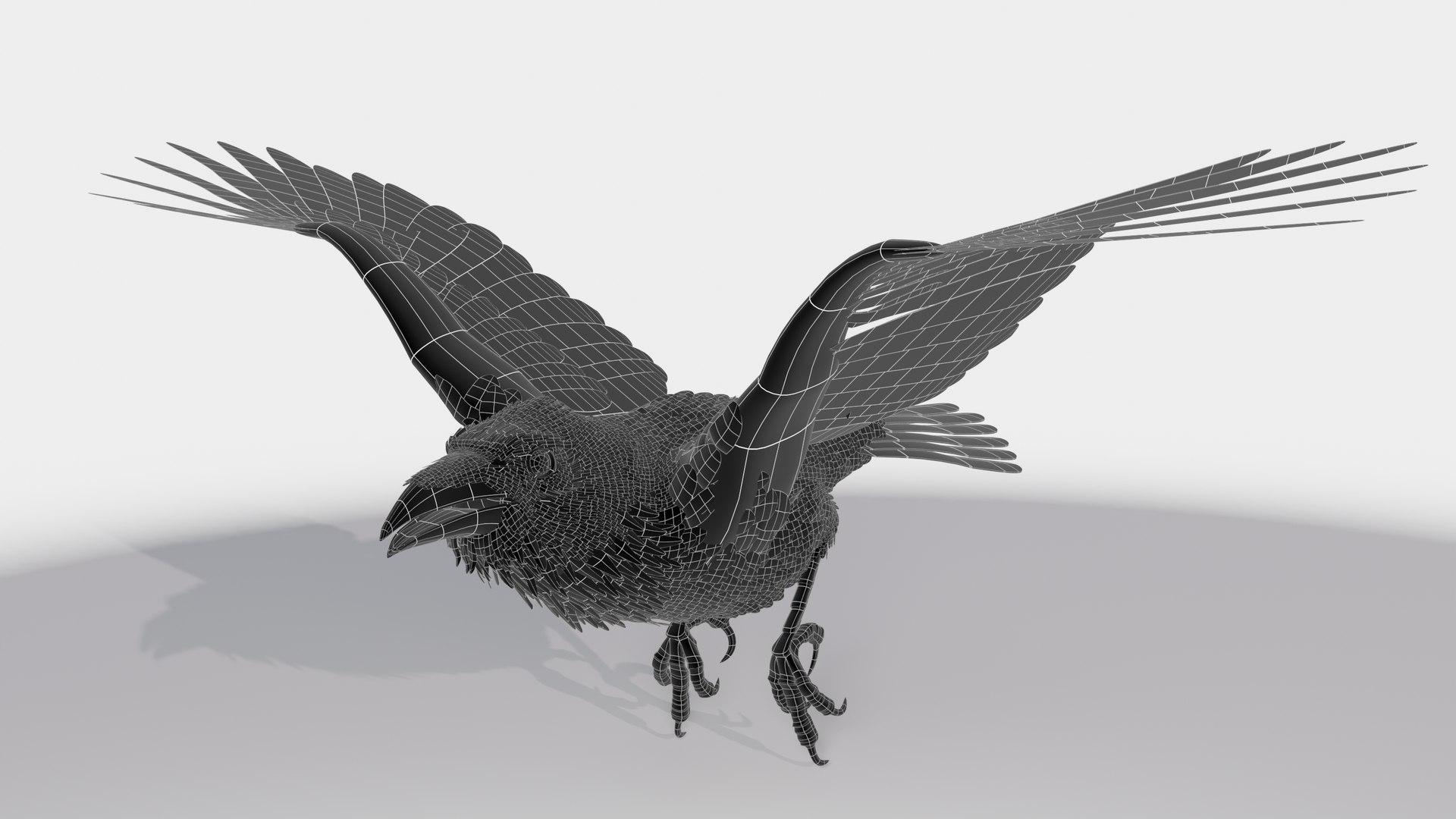
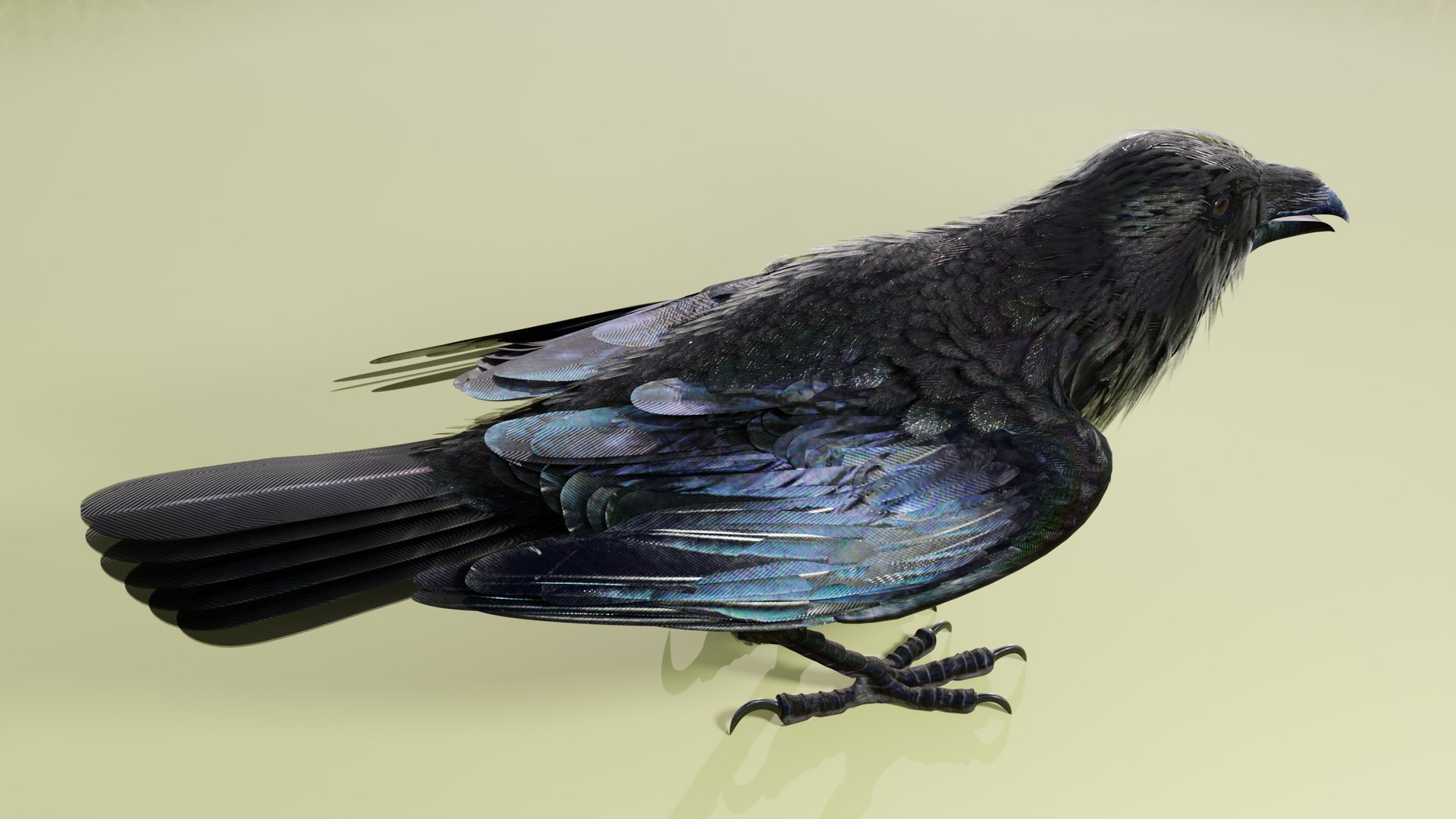
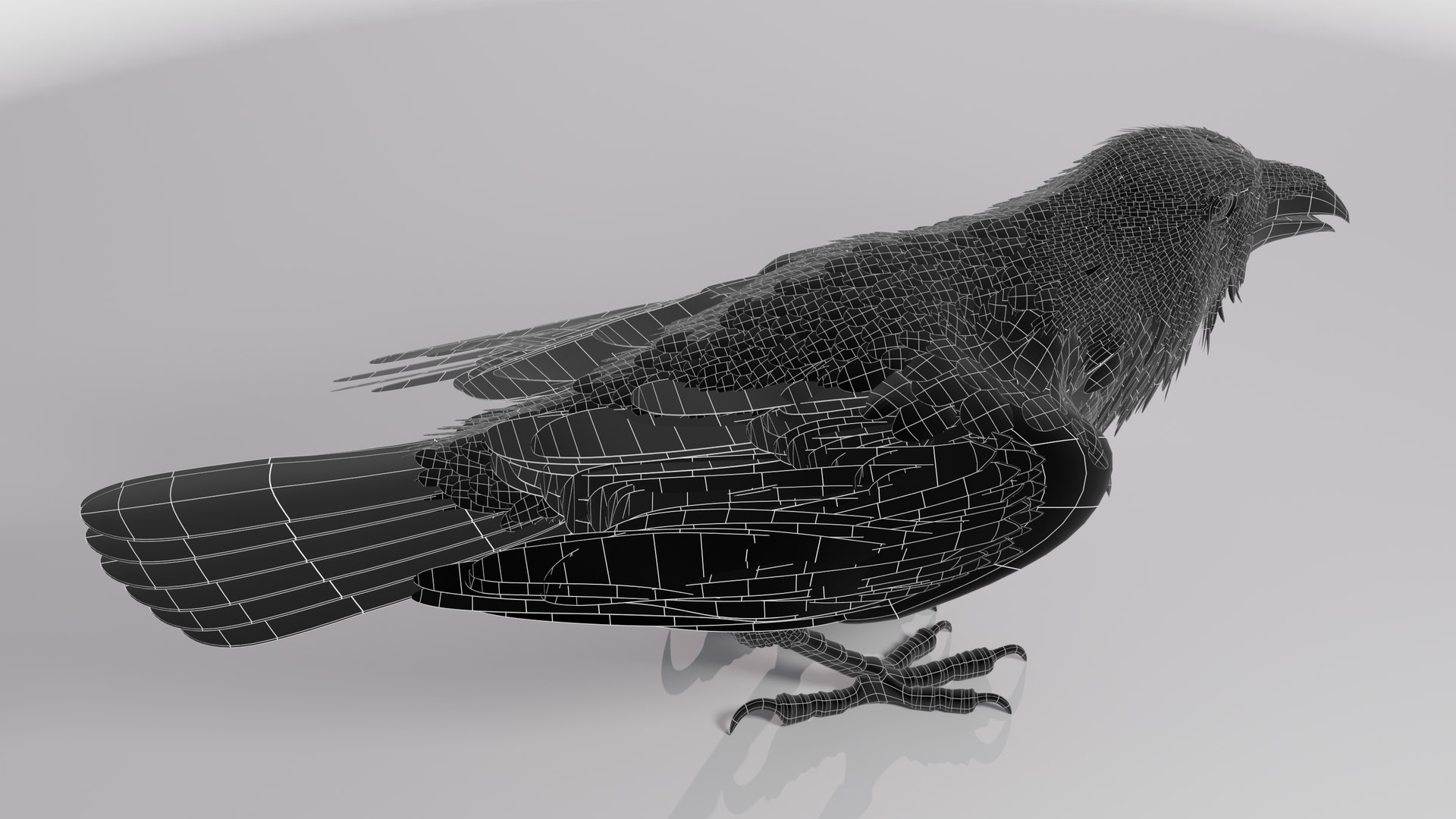
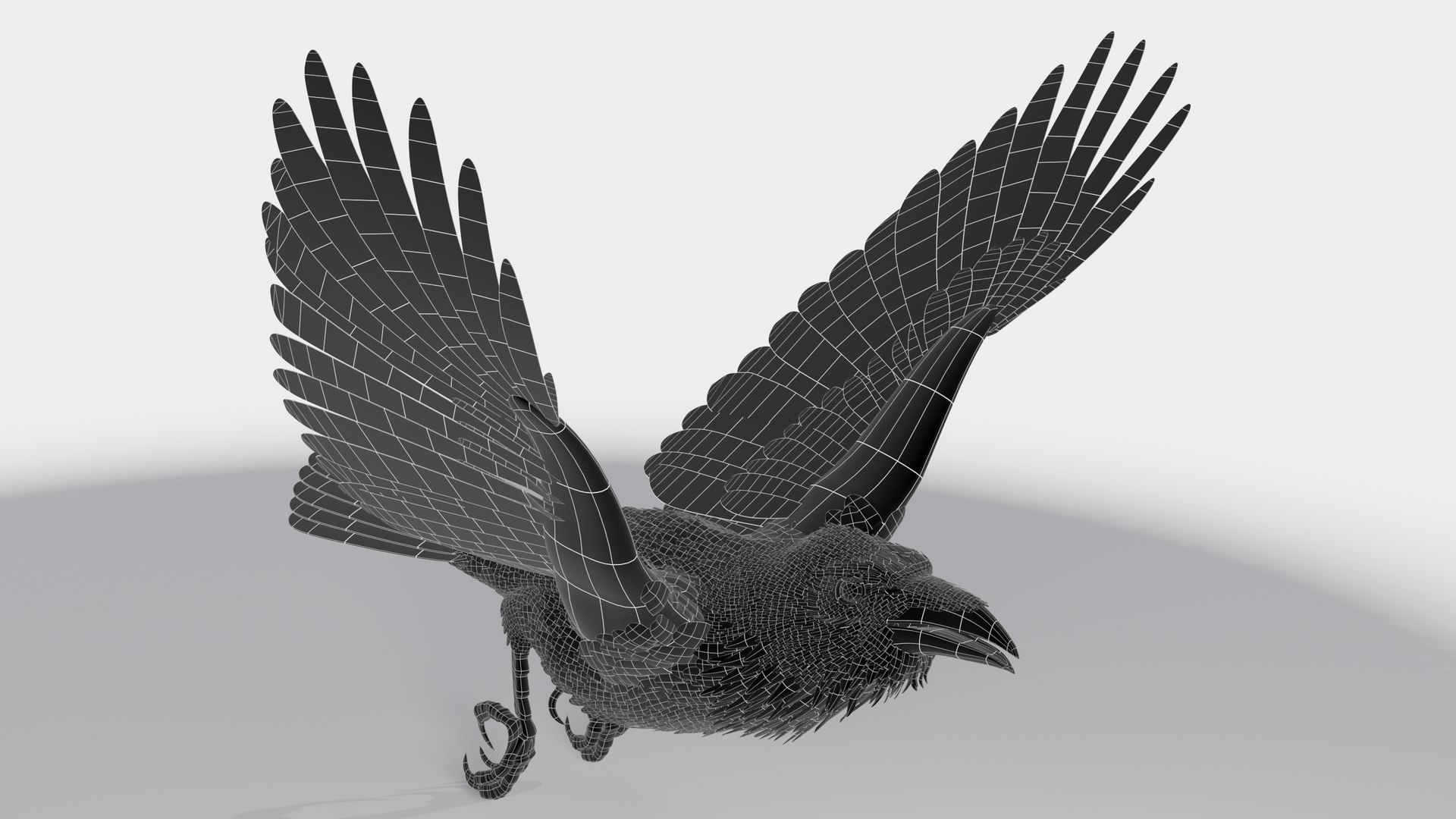
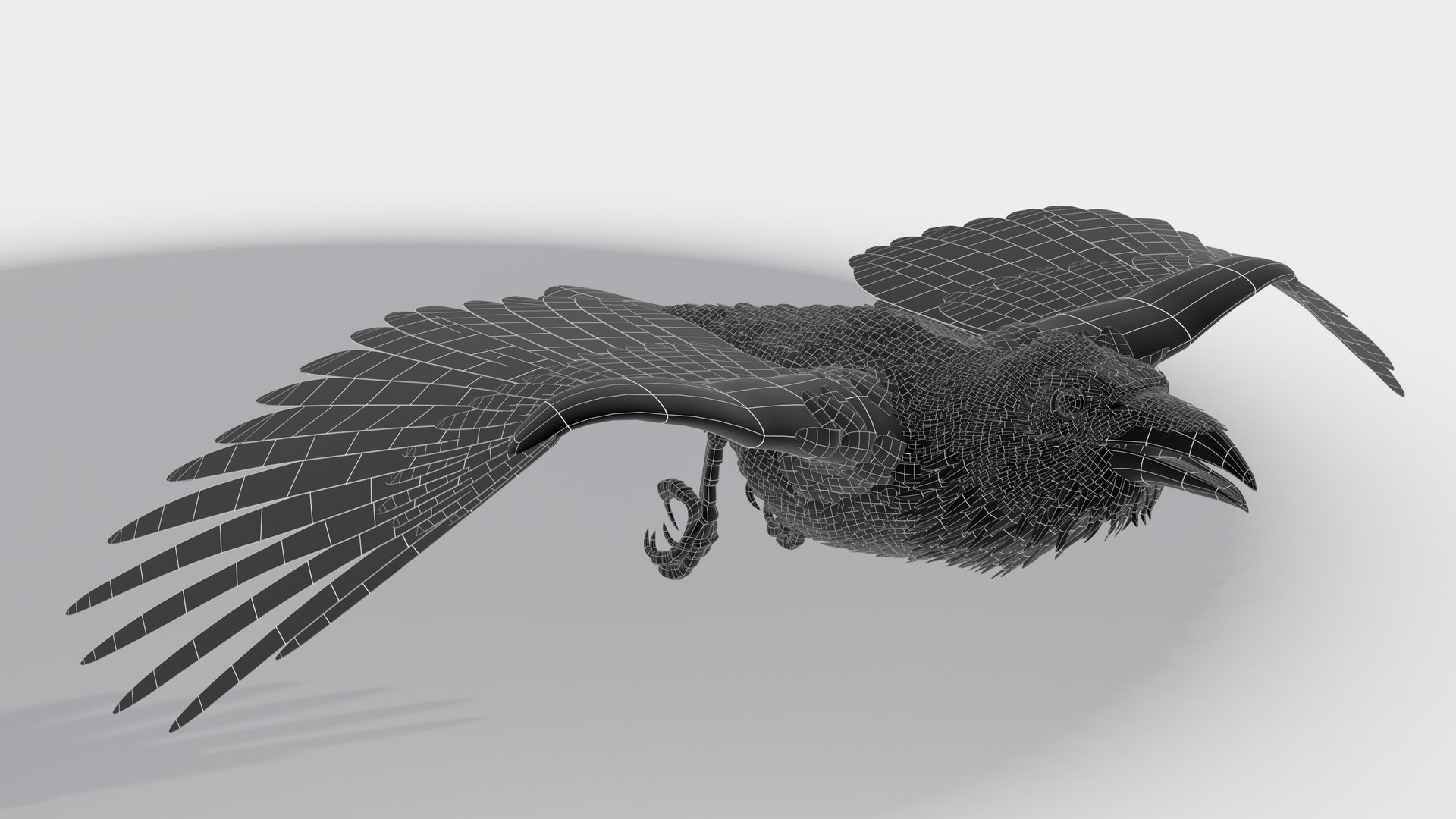
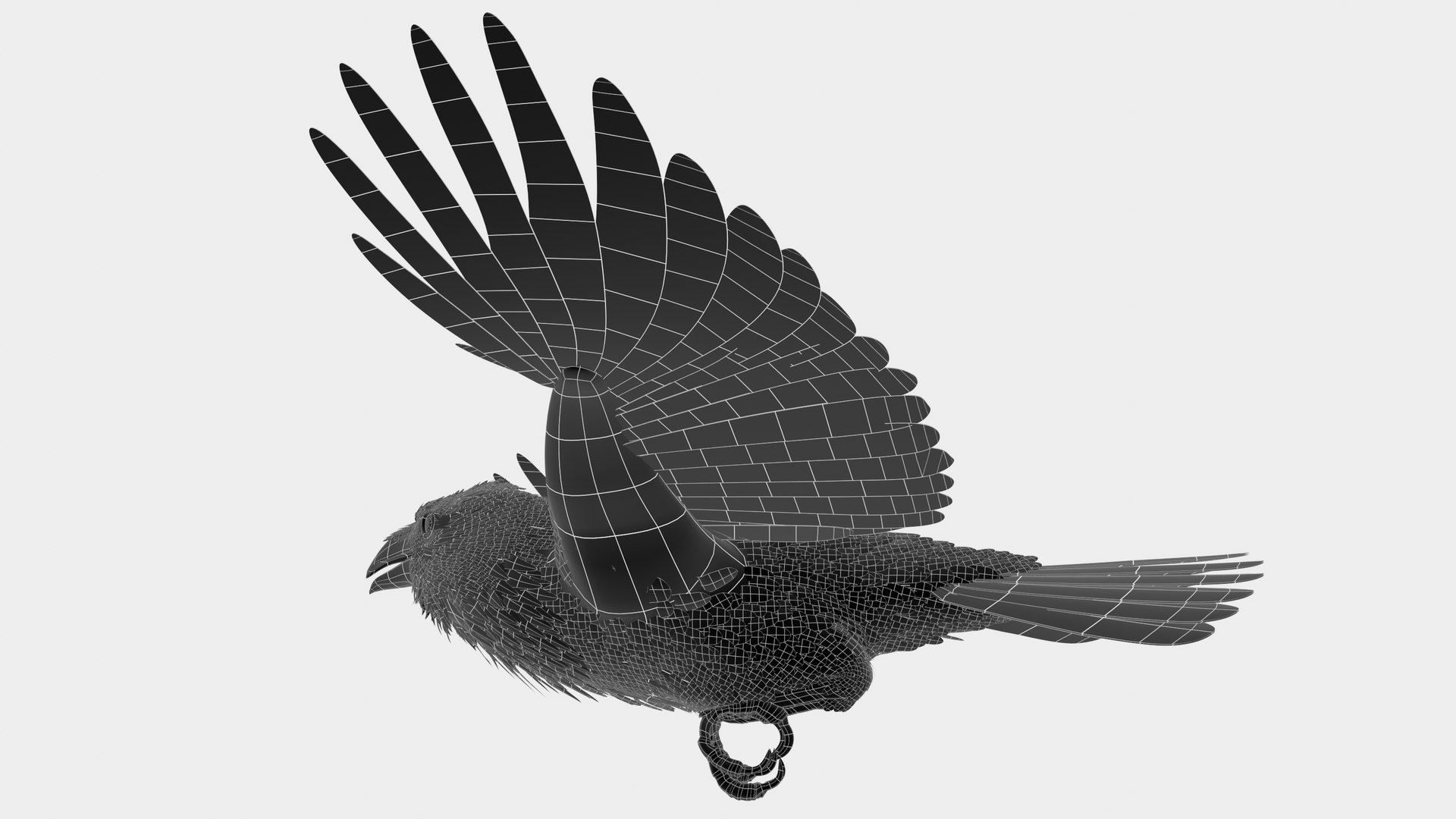
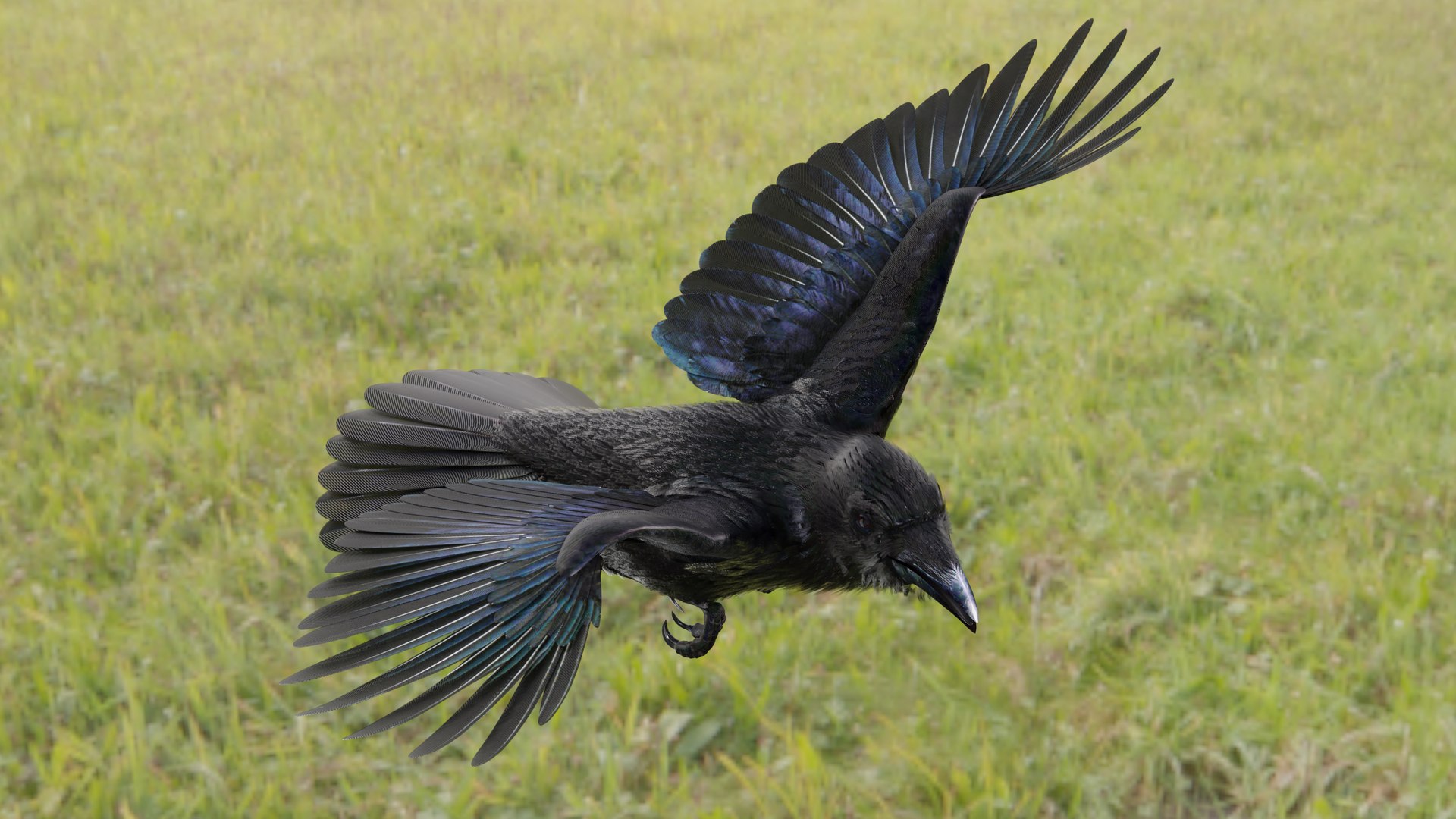
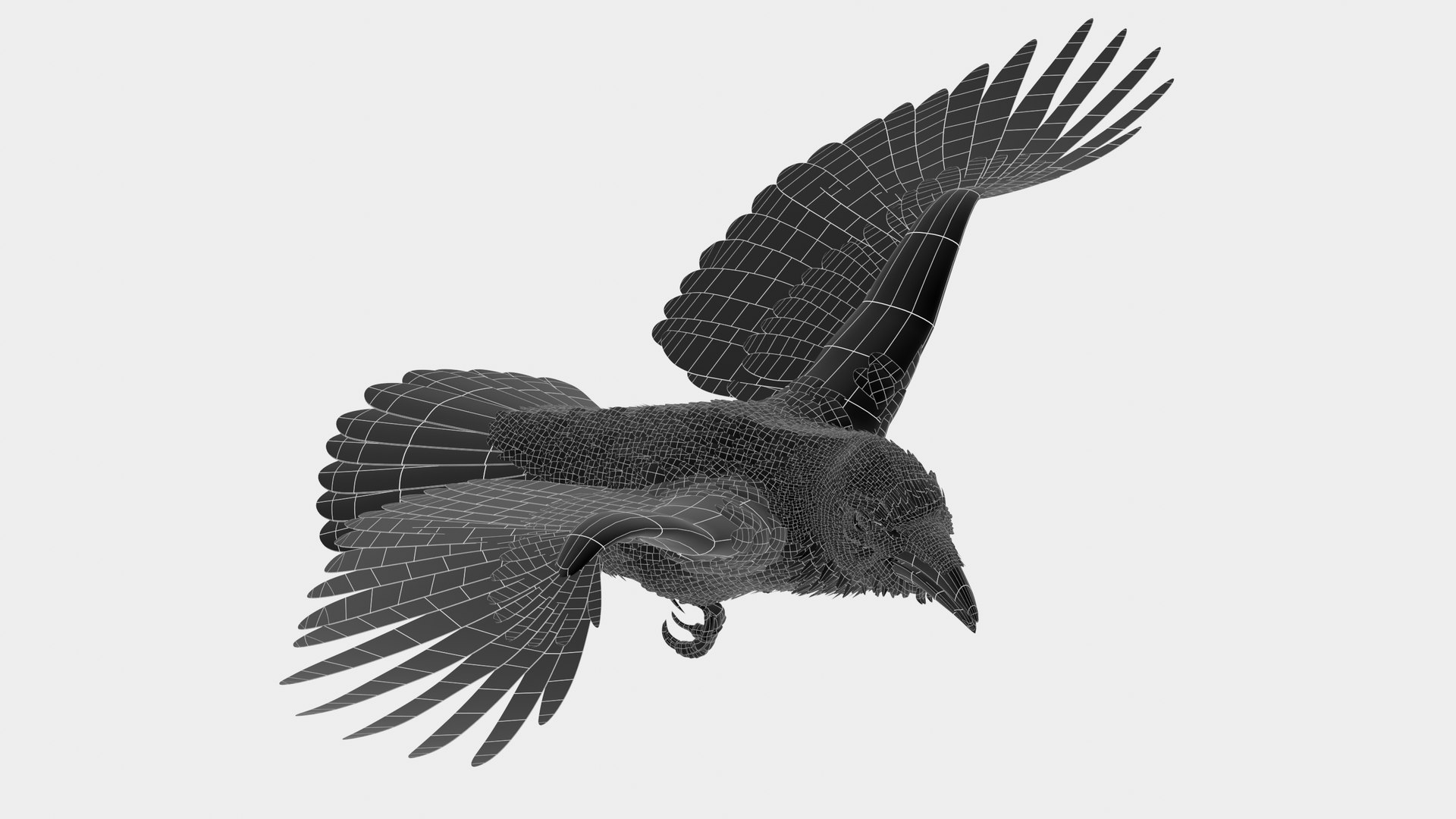
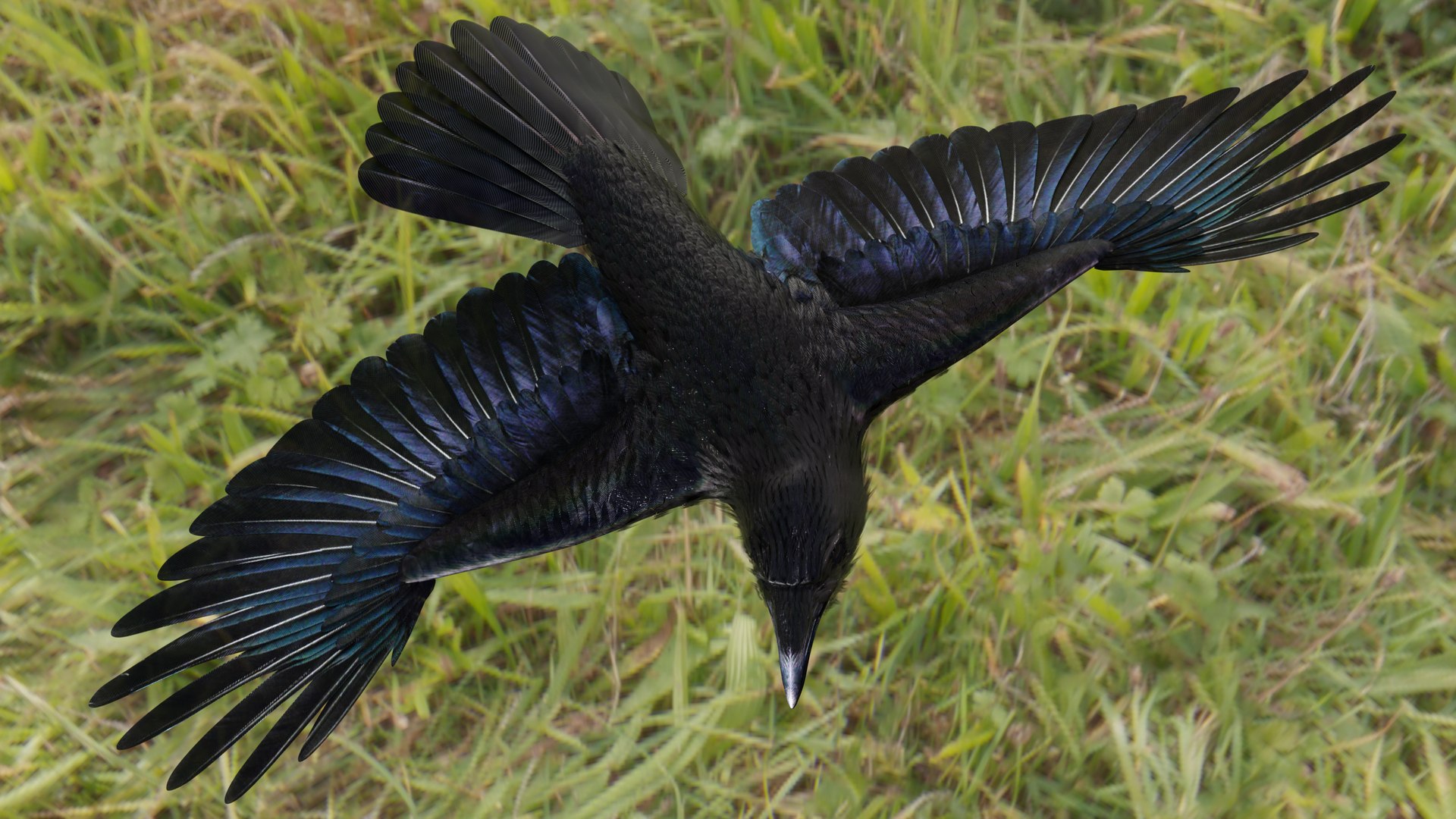
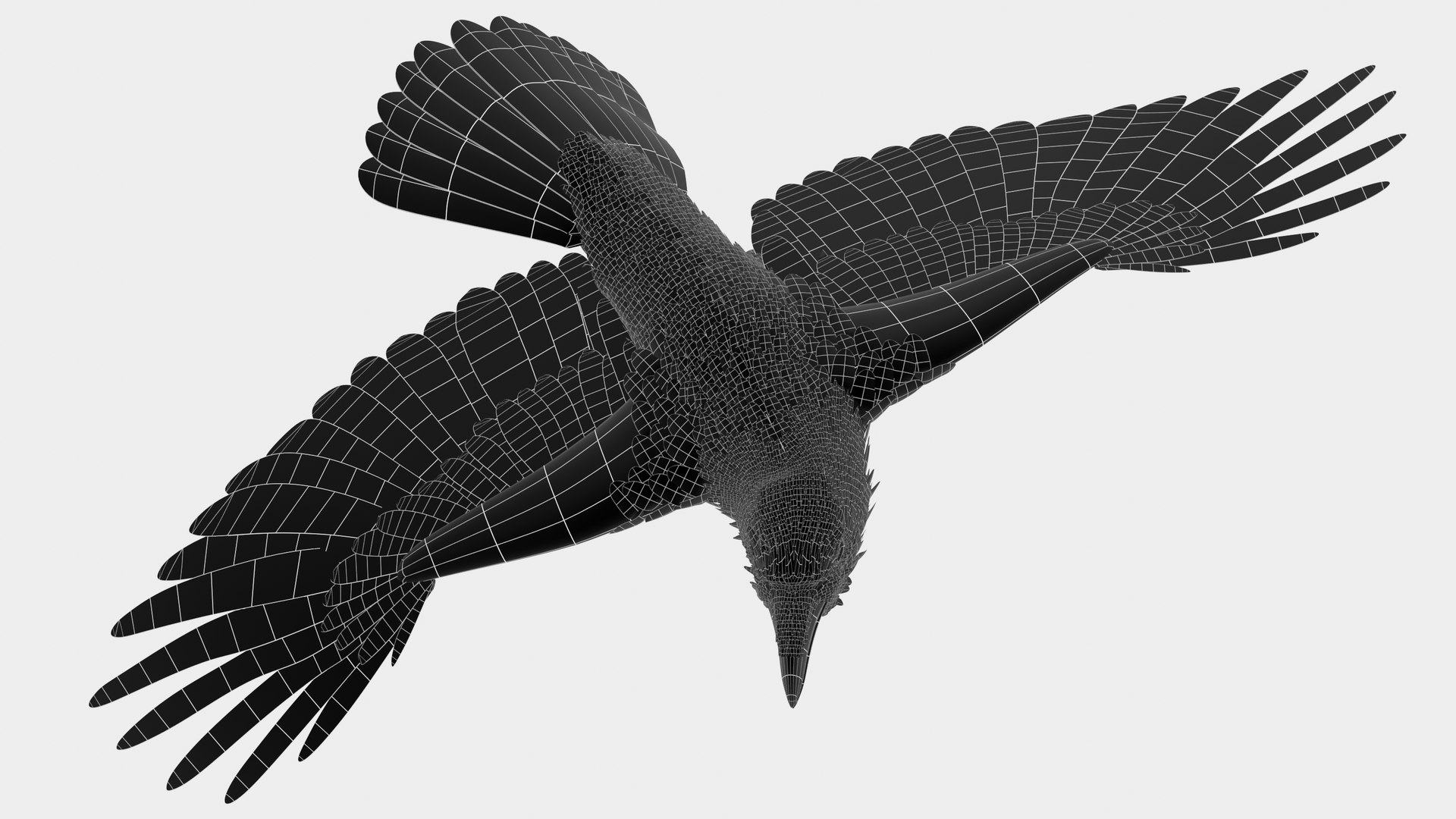
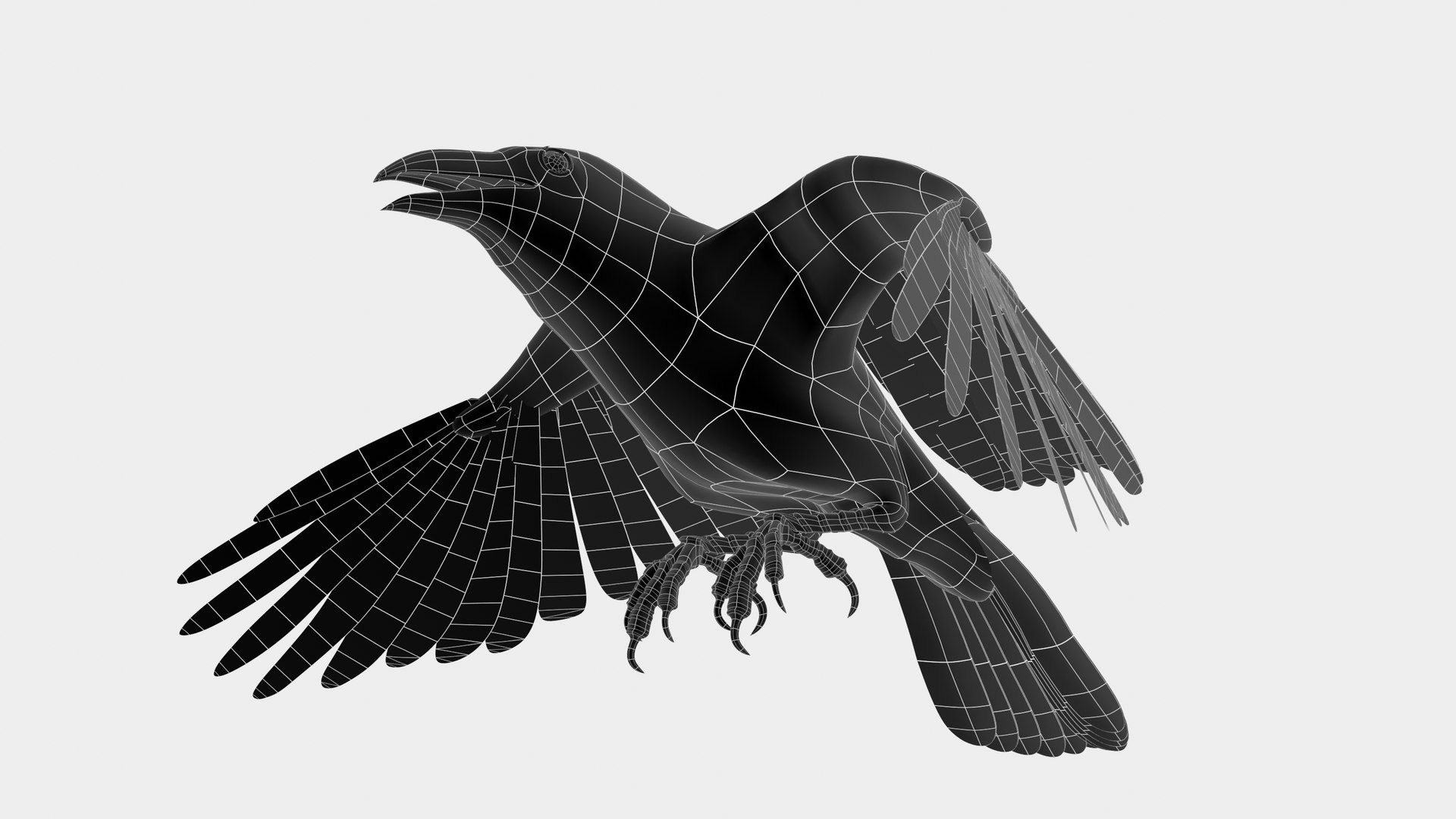
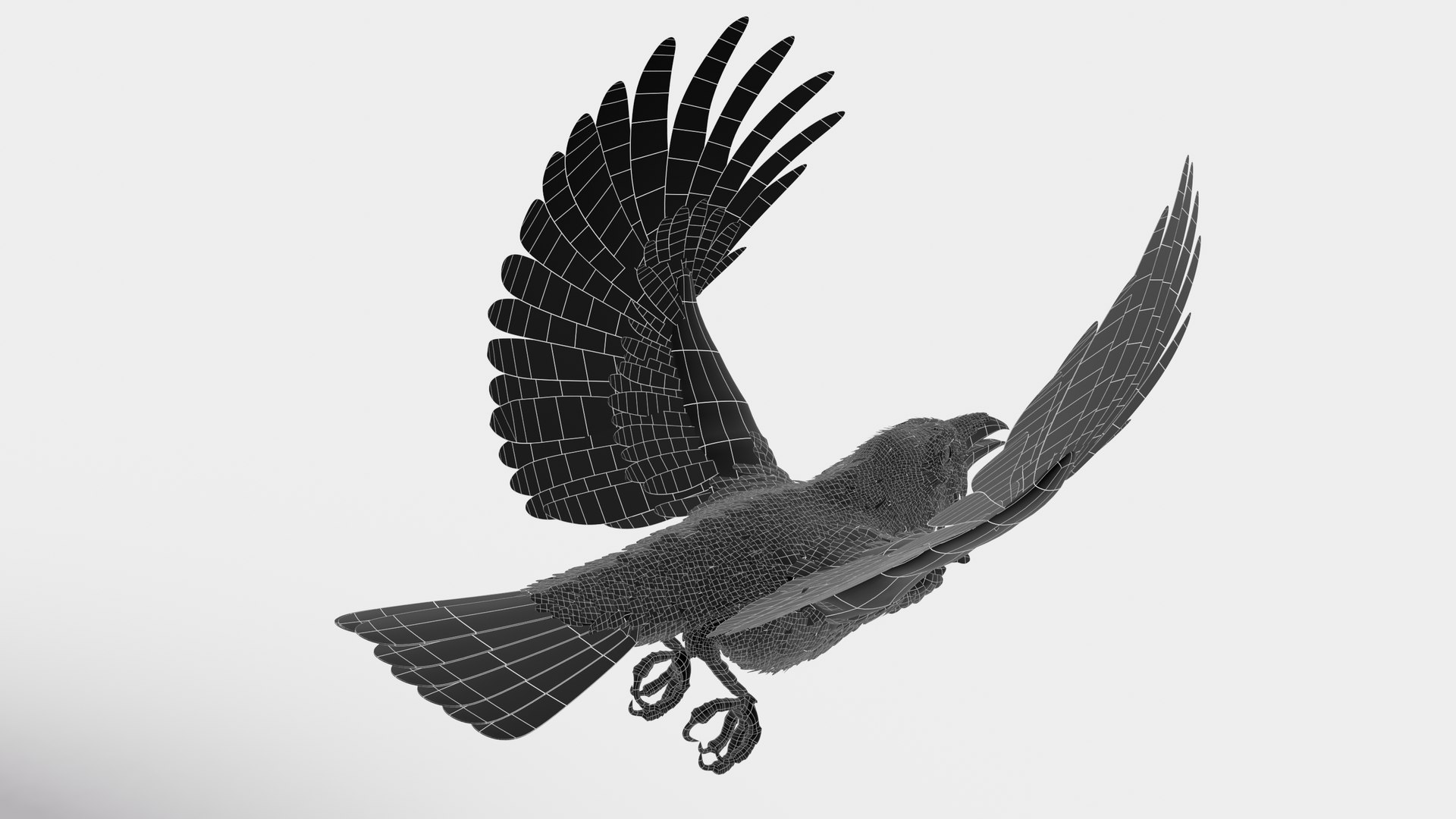
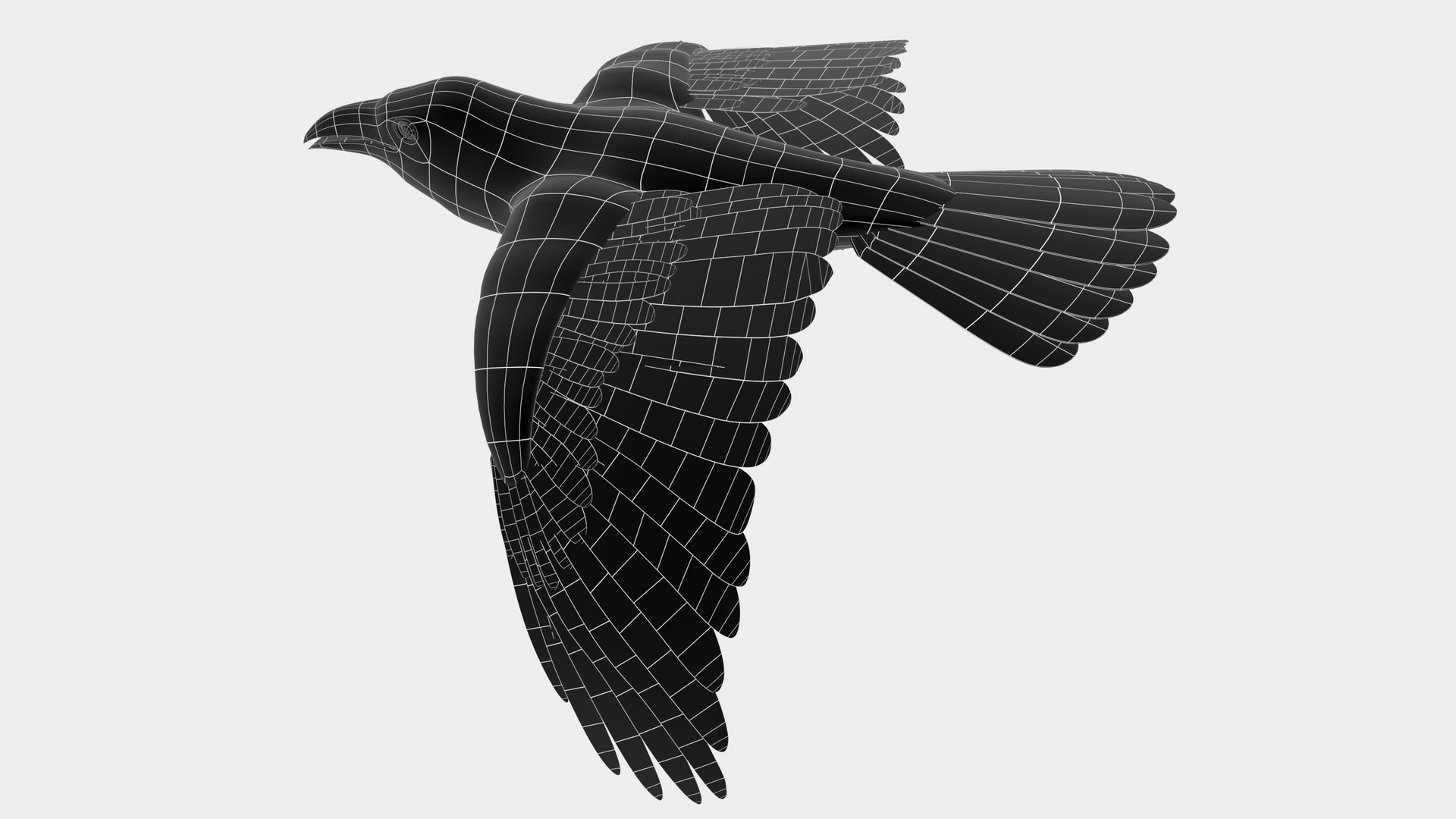
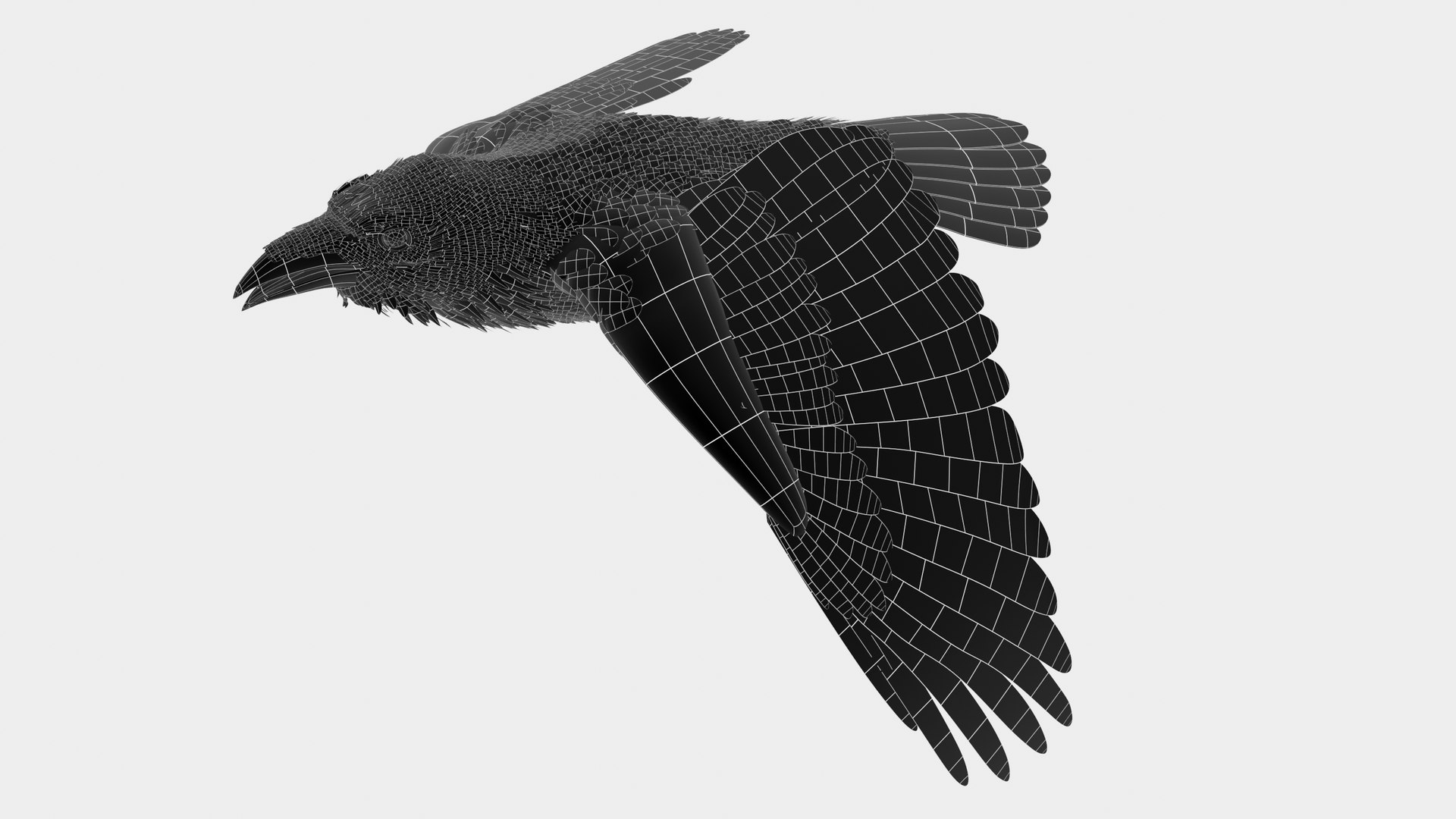
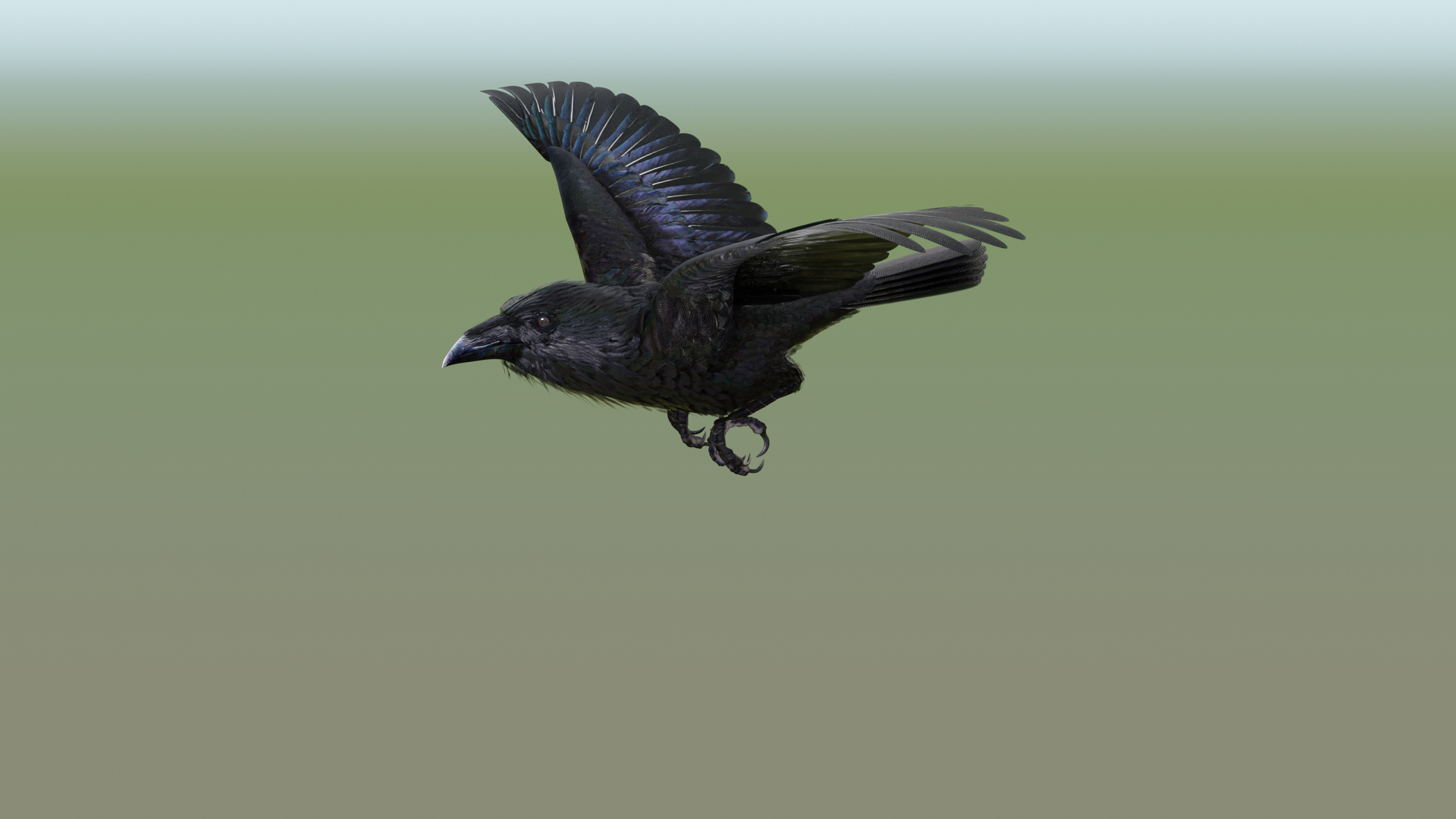
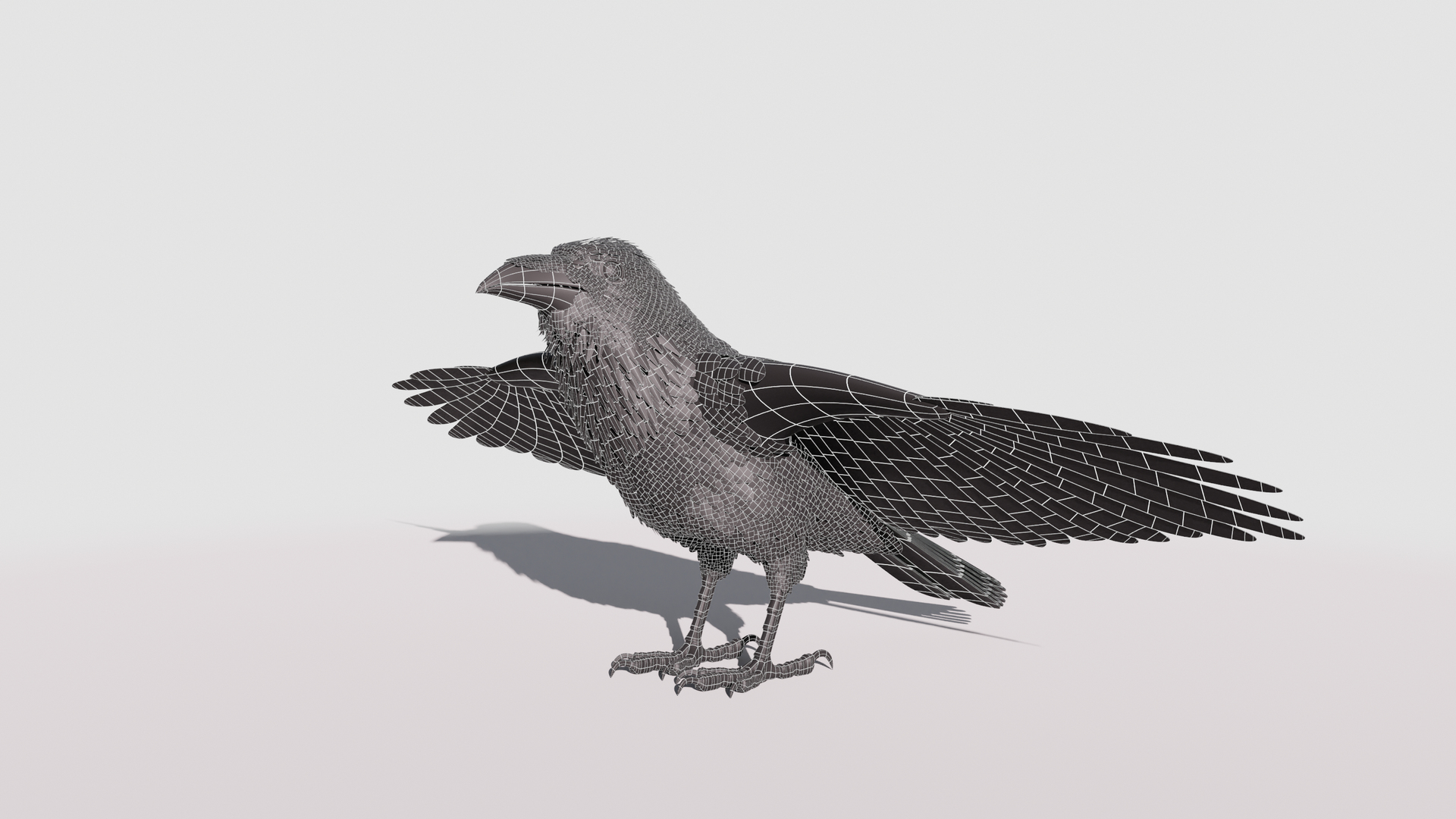
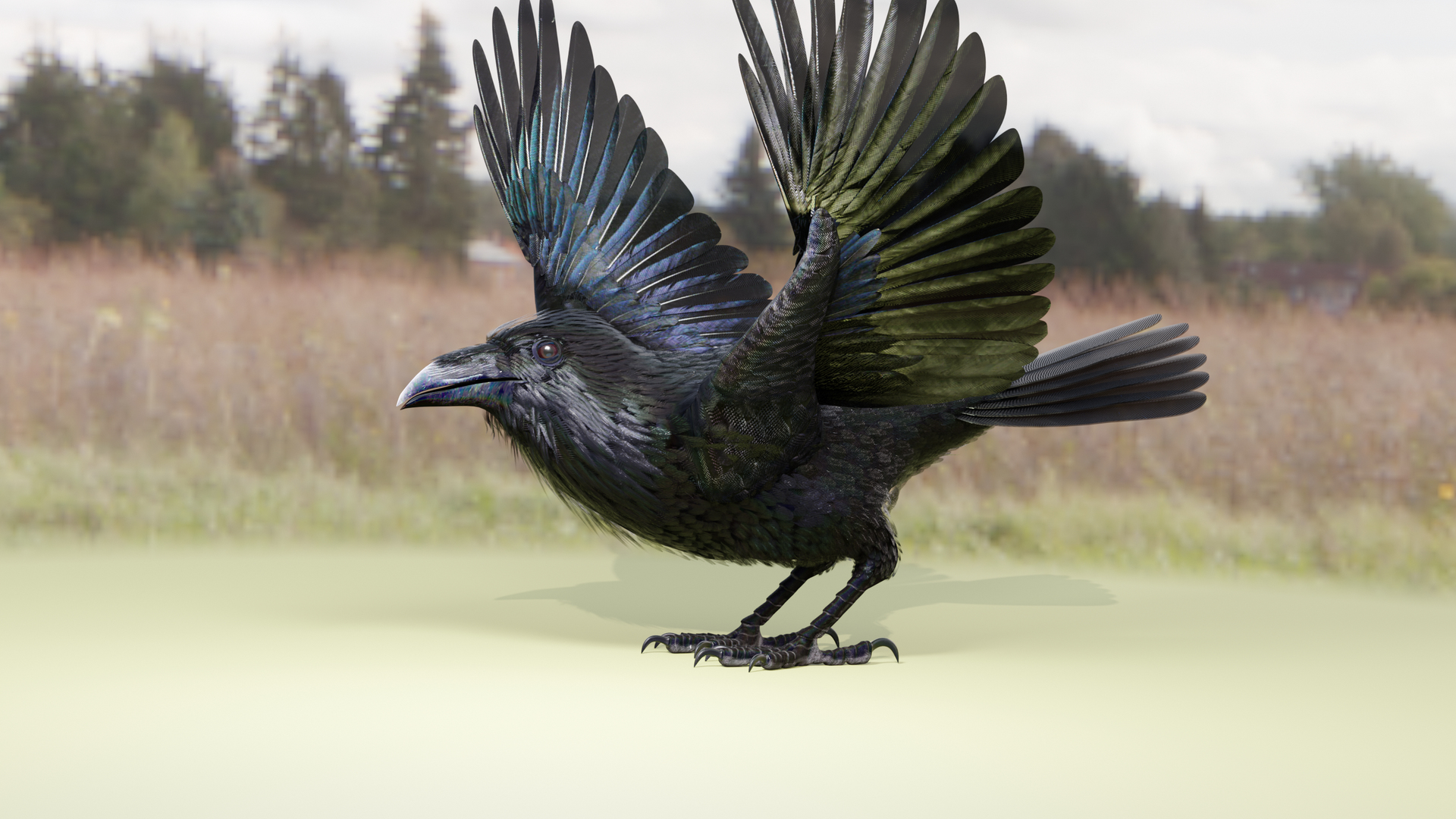
The feathers are geometry so they render fast and no plugins are needed.
The wings are animated using the 3 bones within each. The wings are folded using one of several morph targets.
You can also make adjustments, like spreading the wing tip feathers and spreading the tail using morph targets (Shape Keys).
I have provided several scene files to get you started:
RAVEN_9C_ZERO-FIN
RAVEN_9C_Color LandTakeOff-FIN
RAVEN_9C_FlyLoop-FIN
PIX-RAVEN_9C_SIG
RAVEN_9C_Morphs-02
The main controlling object is the 'ROOT MAIN' bone (Rigify-like position control), LT Foot, RT Foot
4 Wing-Arm Controls on each wing
5 Octagon shapes along the body from Head to tail to control the body movements
Each toe has 3 joint controls
and a beak control
Behind each leg are some square shapes - these control the 'knee' positions on the legs if your leg bends the wrong wang find and move these controllers to fix the issue.
XXXXXXXXXX Morph targets (Shape Keys).
The 'Mouth' phonemes are controlled by 8 Morph targets or Shape Keys:
located when you select the mesh and go to 'Object Data Properties' => 'Shape Keys'
But the mouth can be opened and closed with a bone as well.
The wings are controlled by 3 bones each and 11 morph positions to manipulate the wing
There are 36 morphs or Blend shapes for the model:
Basis
Eye Ridge-01
Eye Ridge-02
Beak Wide Base
BEAK2
BEAK3-XXX
BEAK4
BEAK5 Long
>AI
>E
>FV
>CDGJKNSTYZ
>LT
>0
›U
>WQ
Body For Flight EyeLid_Opened
Iris Opened
Eyebrows UP
Eyebrows DN1
Eyebrows DN2
Eyebroes DN3
Neck FEA Out
Top of Head FEA
Back of Head Shape
-TailSpread
-WingTipSpread01
-WingTipSpread02
-WingTips-DN
-WingFold-01a
-WinfgFold-02
-WinfgFold-03
-WingFold-04
-WingFolded-01
-WingFolded-02-xxx
-WingFolded-02b
-WingFolded-03-High
xxxxxxxxxxxxxxxxx
The Tail spread is controlled via Morph target 'TailSpread', the Tail bone controls position and rotation.
The toes are controlled by 12 bones on each foot.
To fold the wings use the morphs (shape keys) noted above.
But if you have positioned the wings by moving the bones, AND you try to use morph targets to fold them, you WILL have some pretty weird distortions that will freak you out.
Don't panic, the solution is to 'zero' out your wing bone positions, as or just before you apply the 'Morph' targets.
-------------
Raven
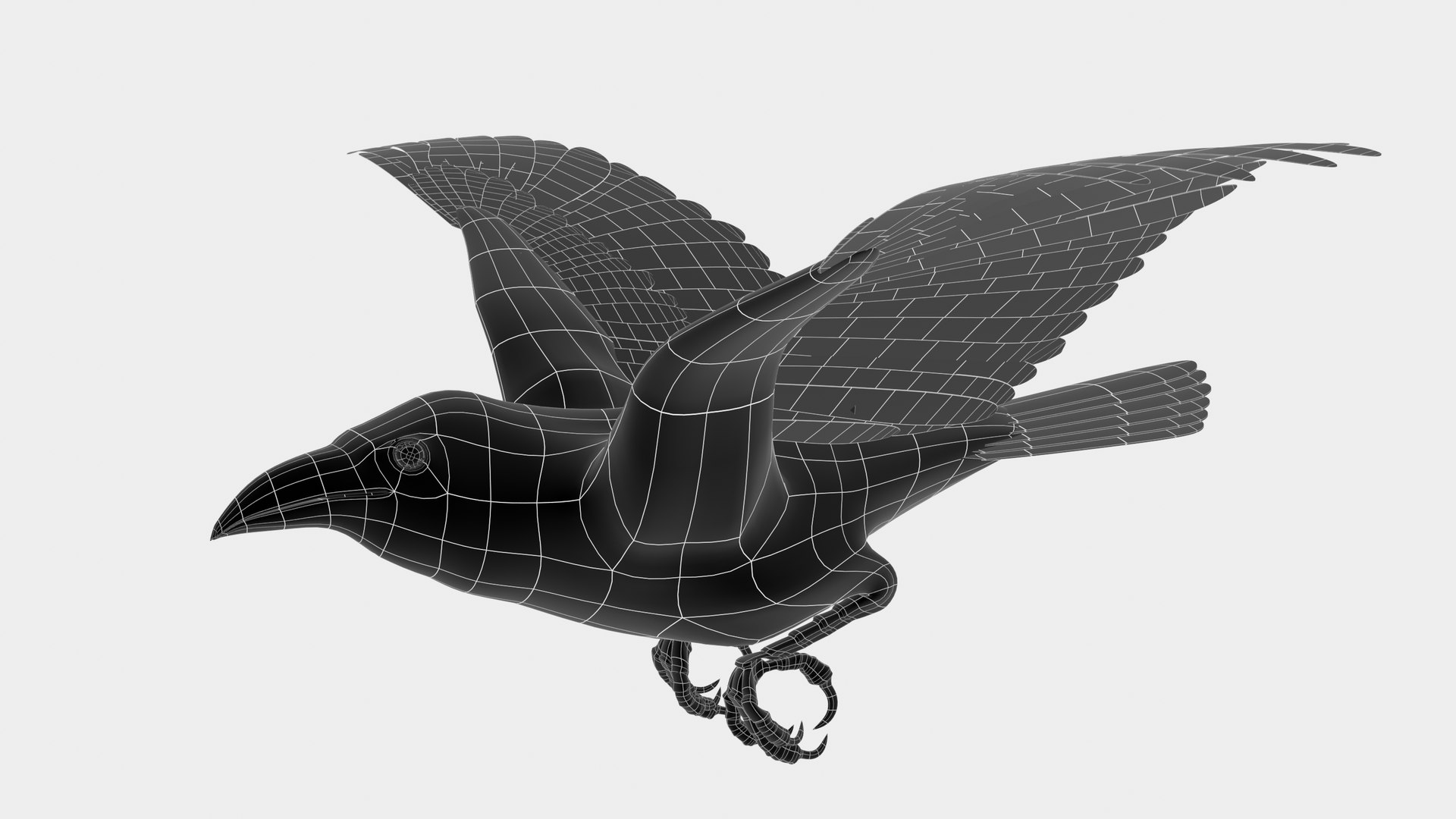
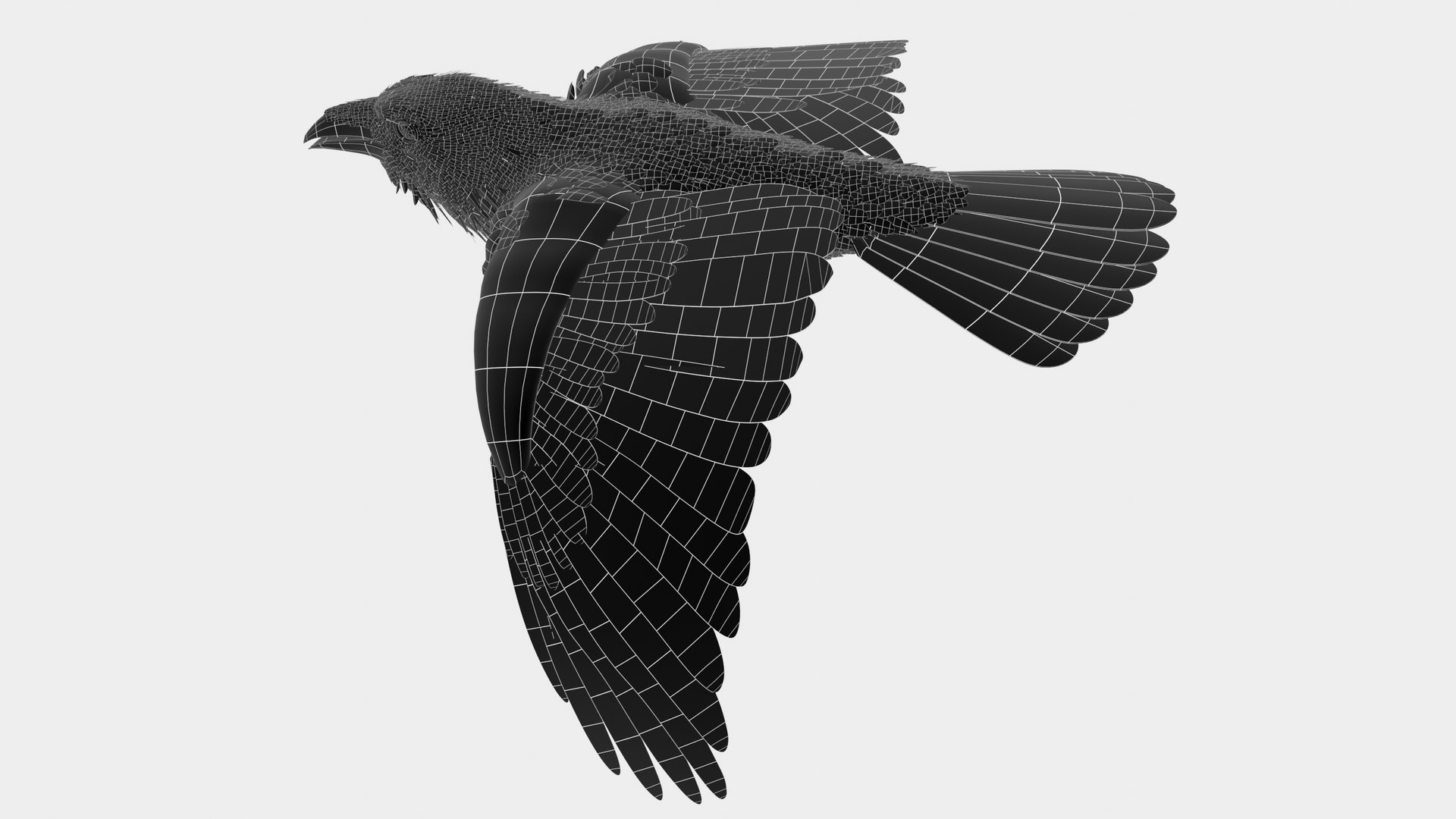
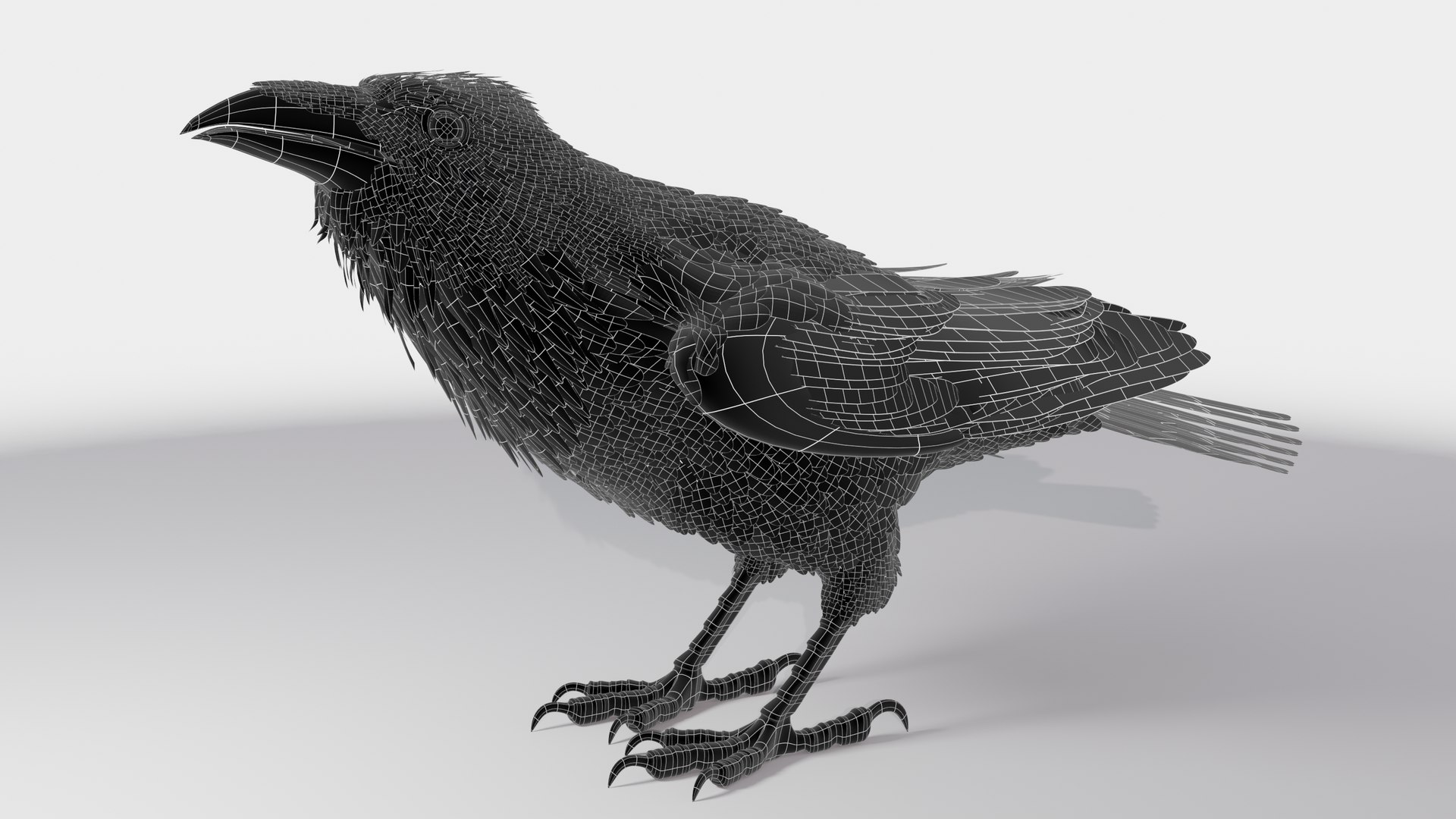
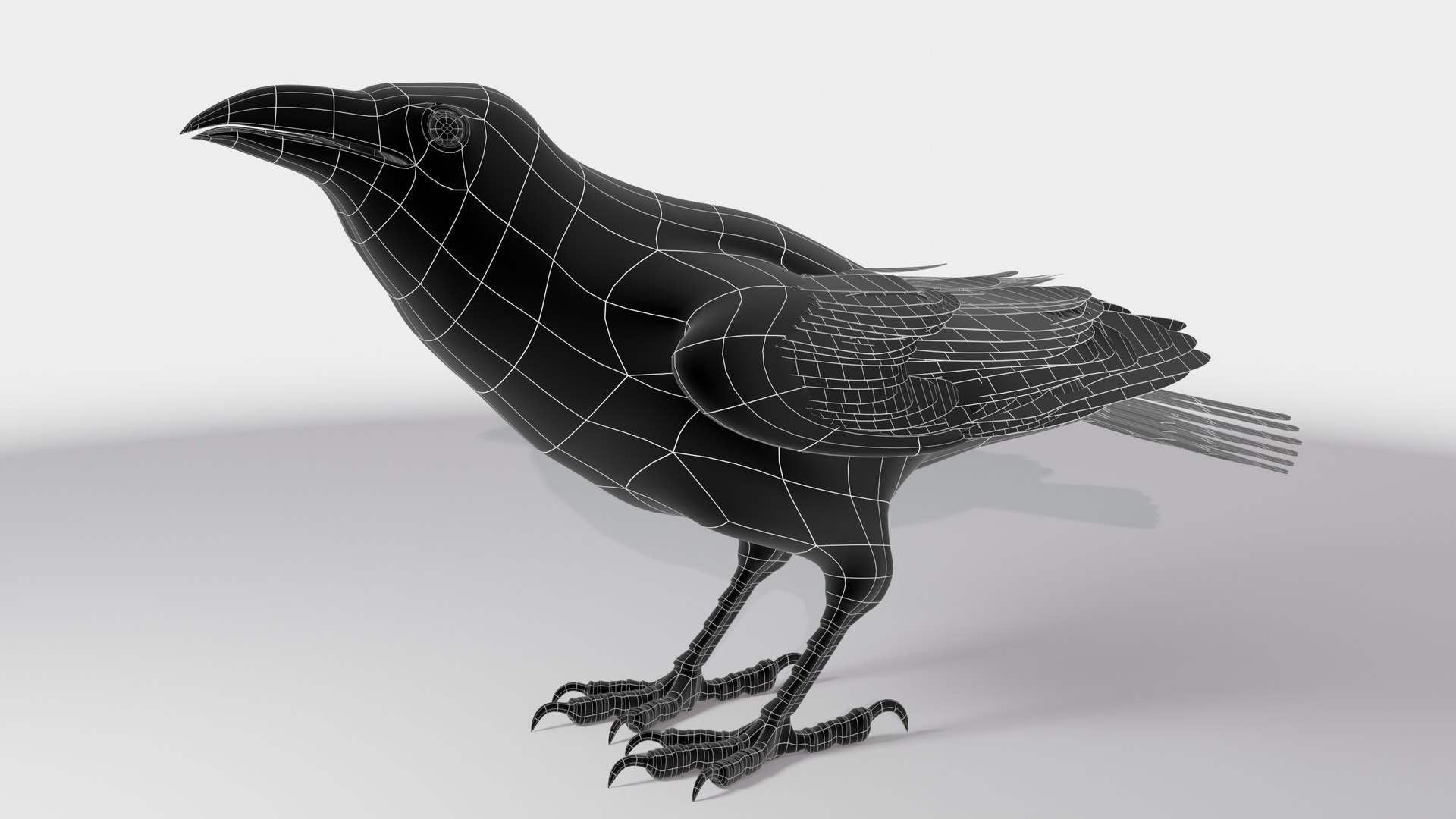
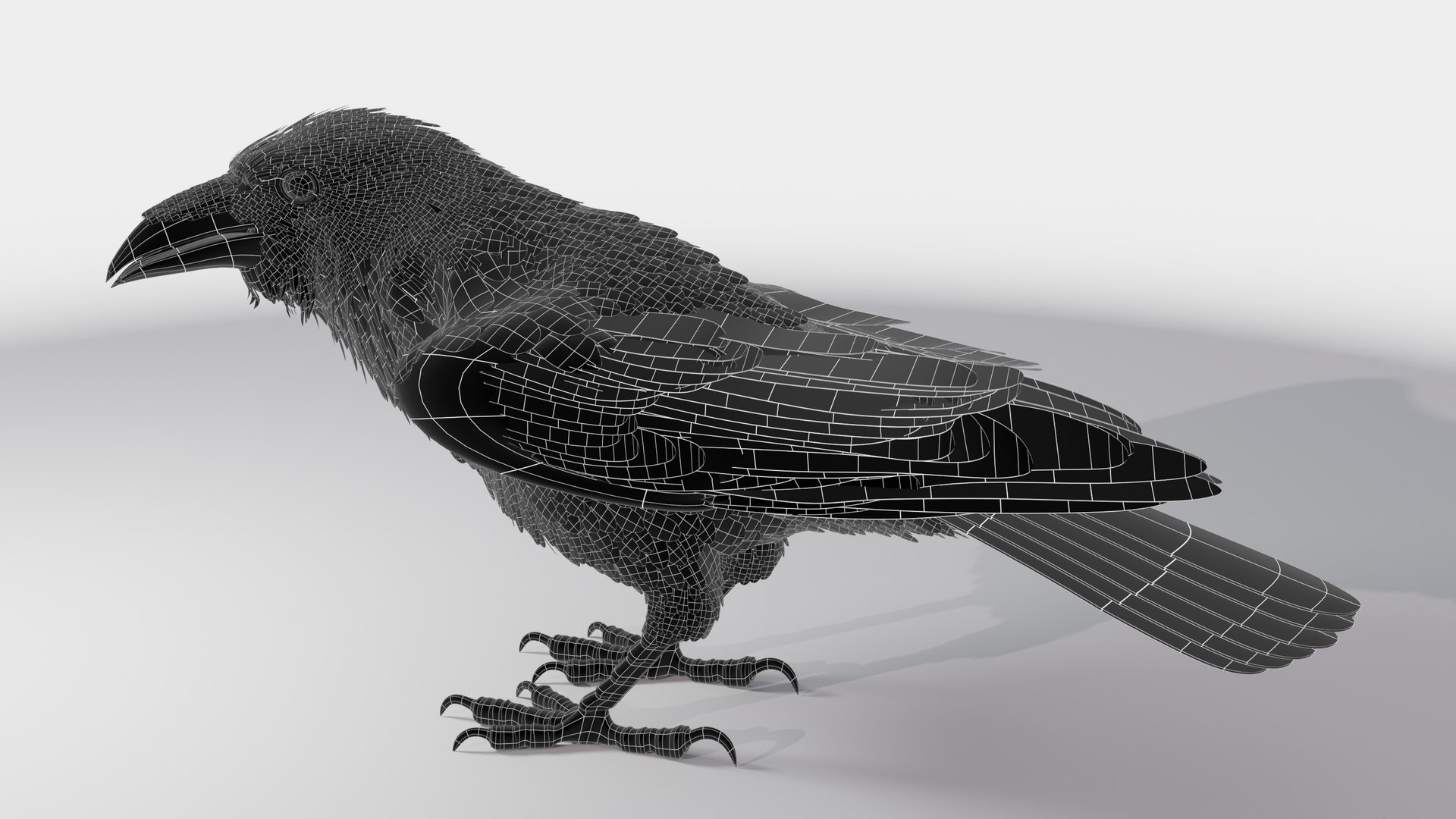
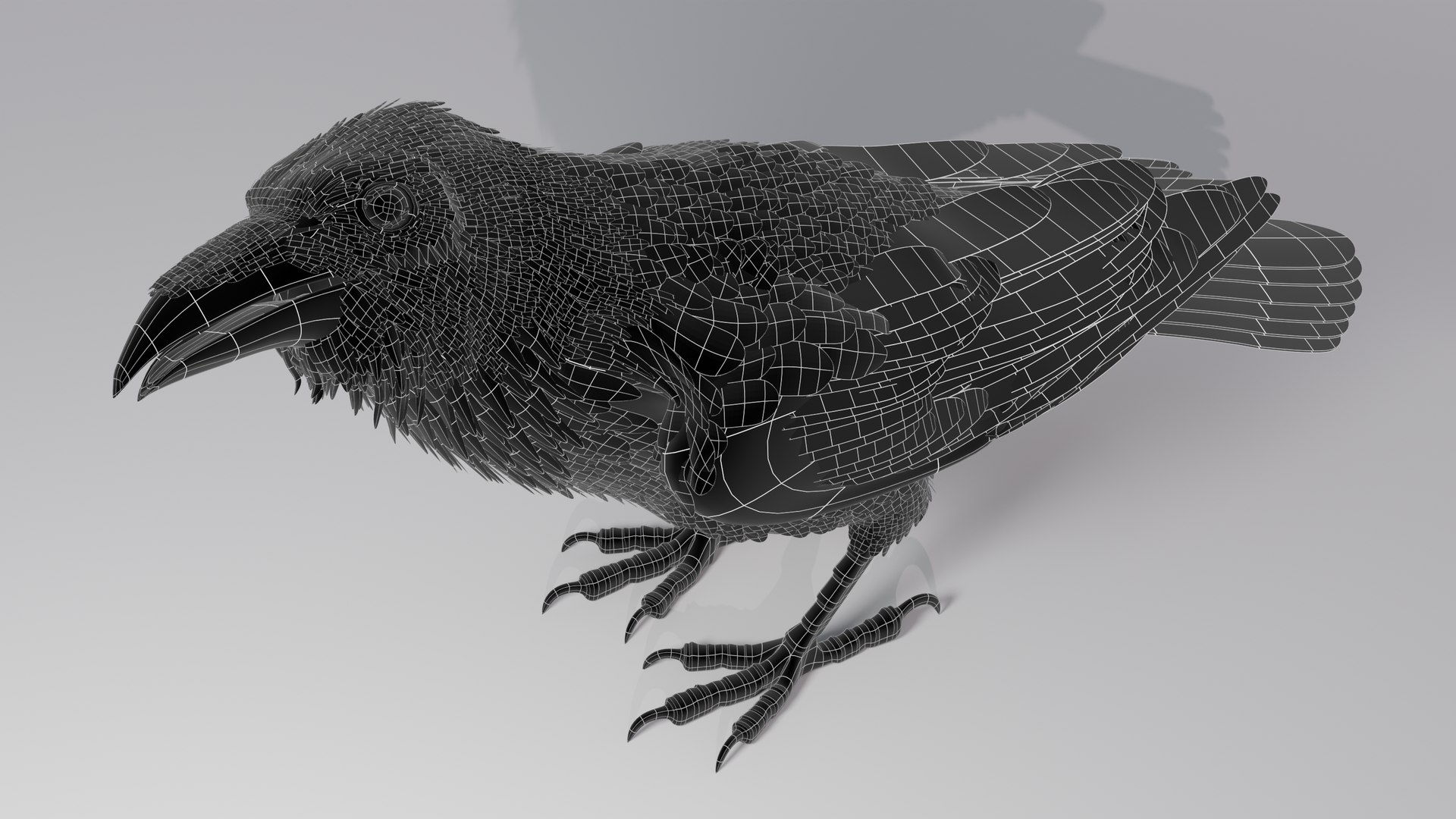
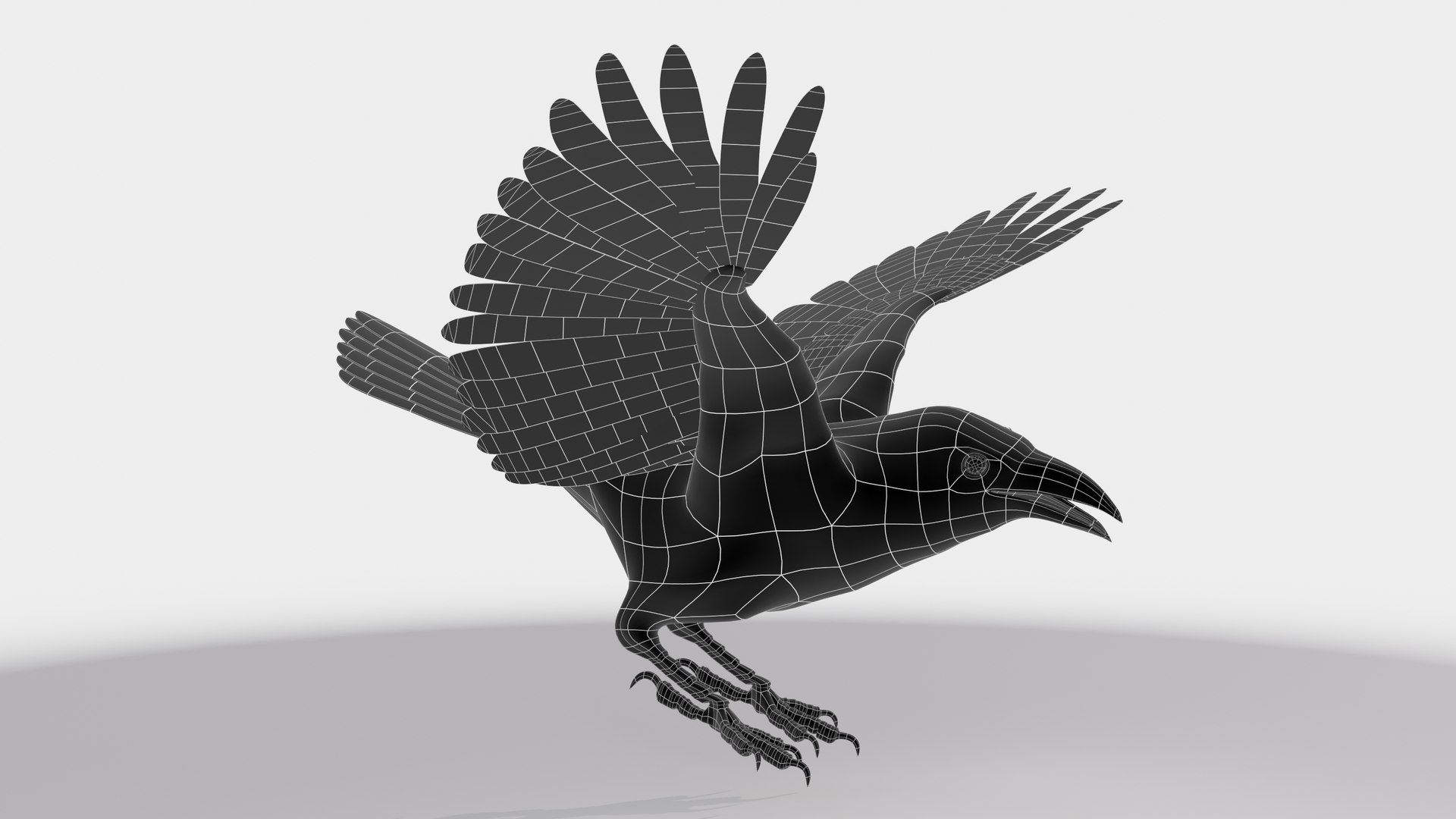
52608 verticies
30475 polygons
-------------
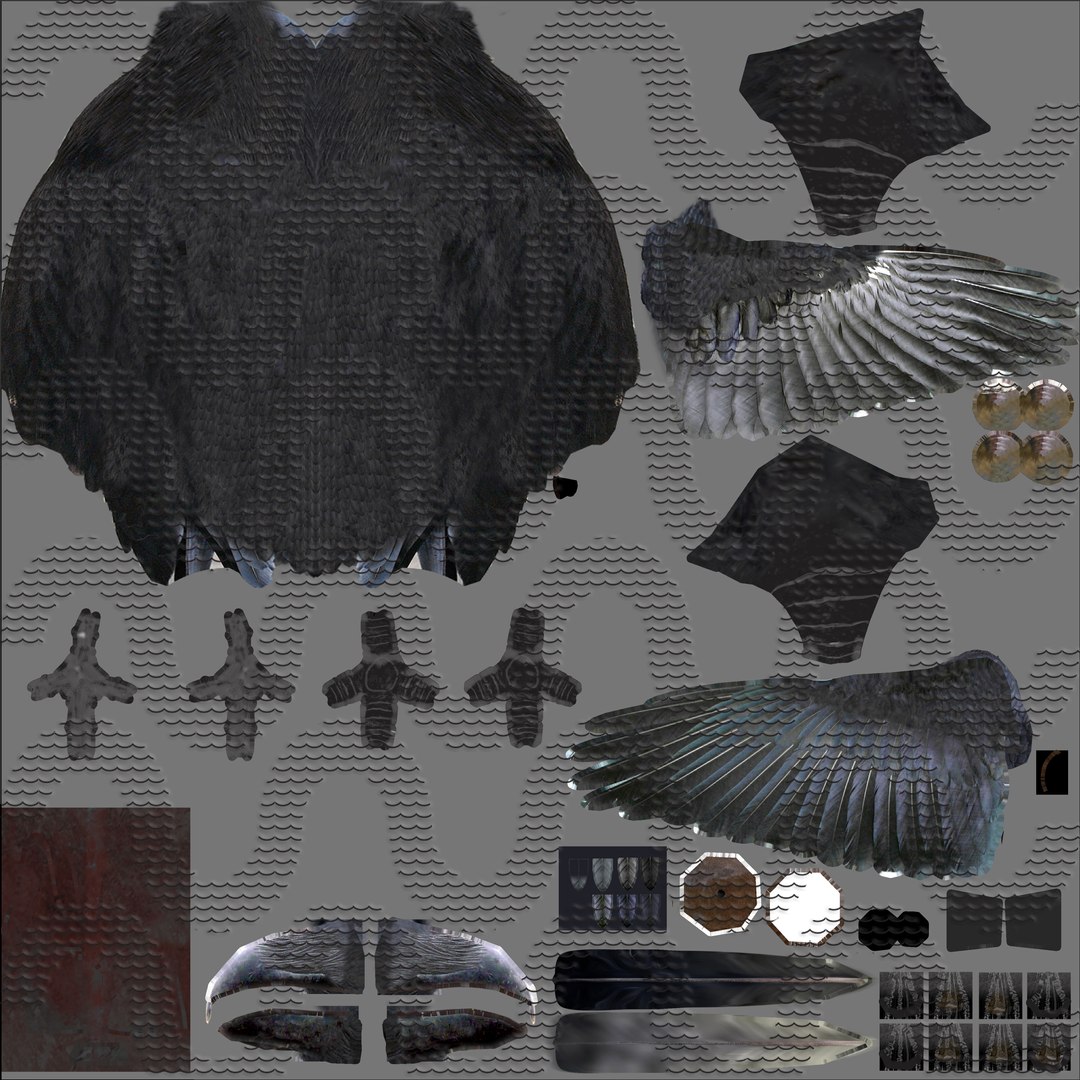
the maps are RGB or greyscale, 144pi, 4096 X 4096
Youtube Samples:
RAVEN Morphs: https://youtu.be/EABcQpMNh7M
RAVEN FlyLoop Cam03: https://youtu.be/wms9JFHq88E
RAVEN FlyLoop Cam02: https://youtu.be/yIiGabQftF0
RAVEN FlyLoop Cam01: https://youtu.be/CVOv7me-s60
Ravin Color TT: https://youtu.be/1hoUKuQNWsE
Raven WIRE TT: https://youtu.be/7GGuUWB-64w
RAVEN Color LandTakeOff: https://youtu.be/i6x2FKj4nxc
RAVEN Morphs: https://youtu.be/yUYxLo0iRxM