
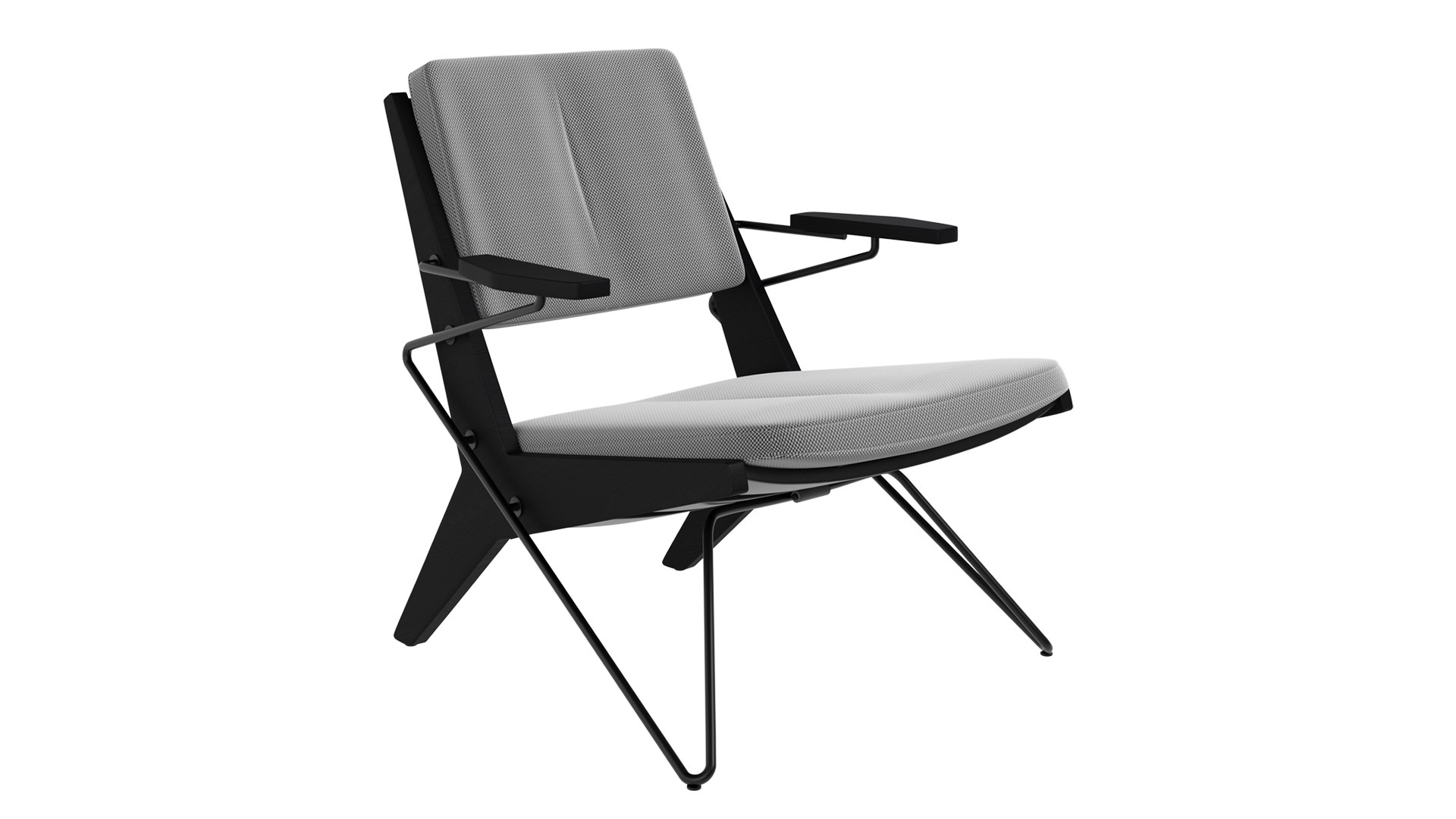
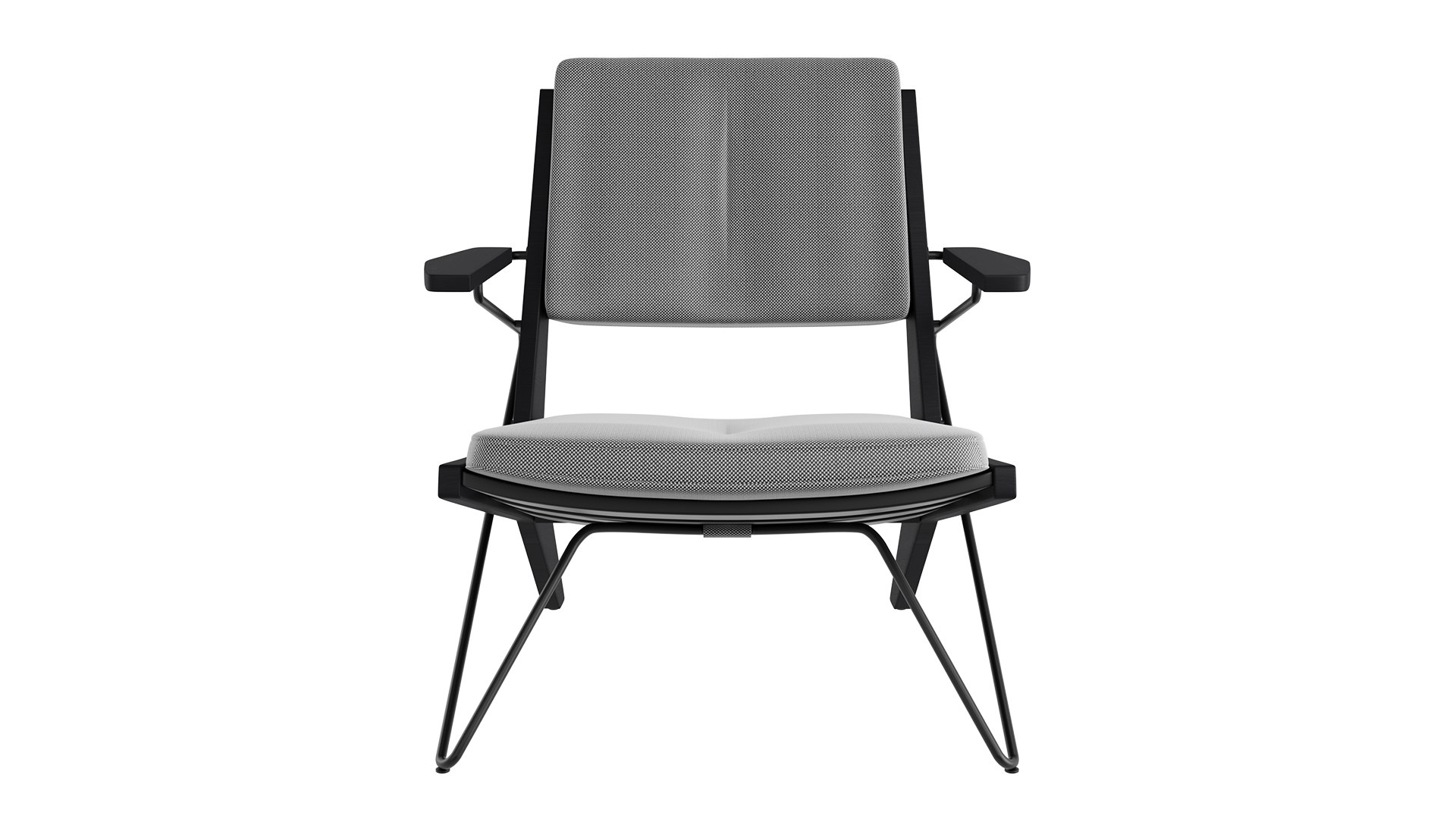
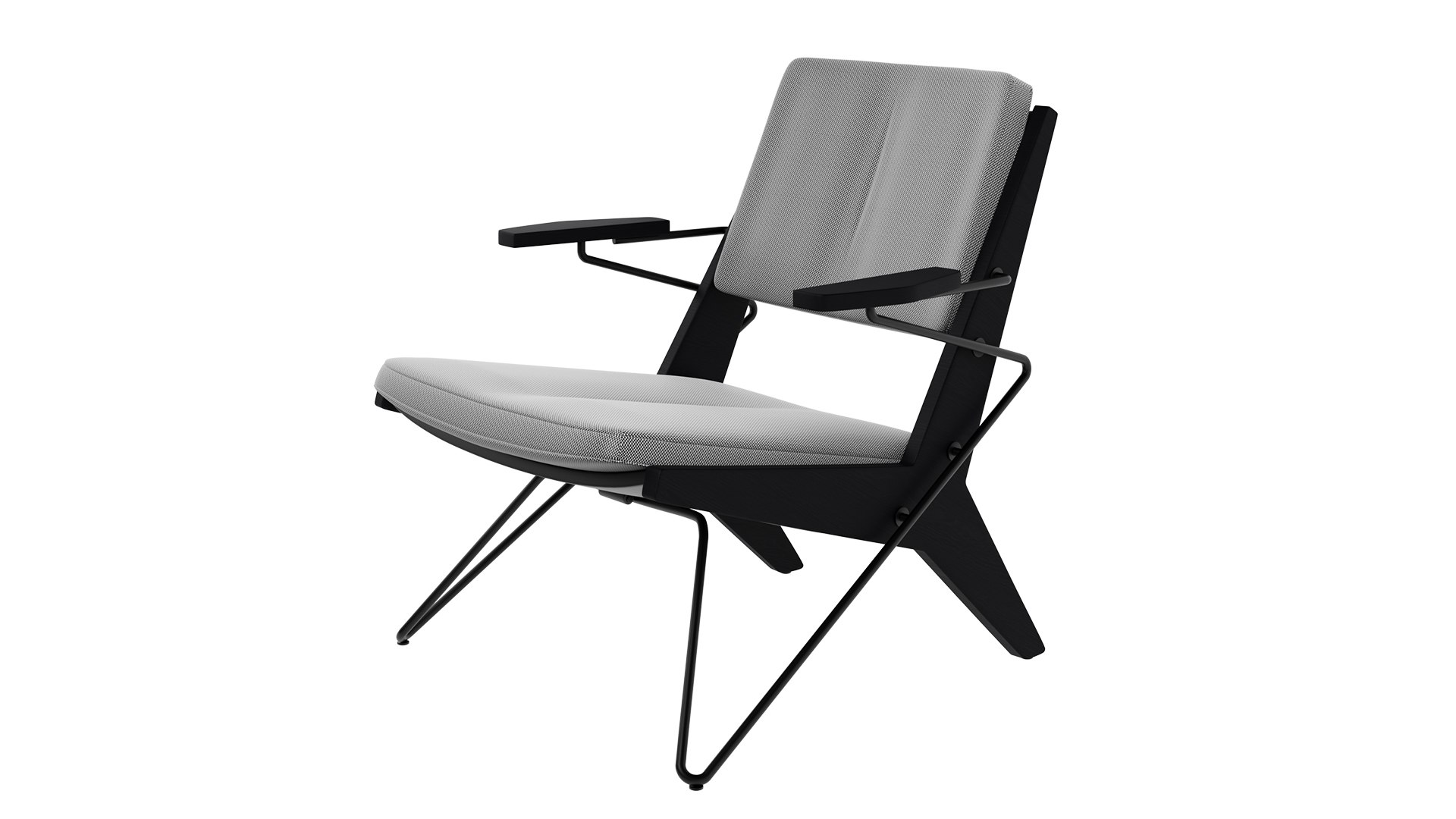
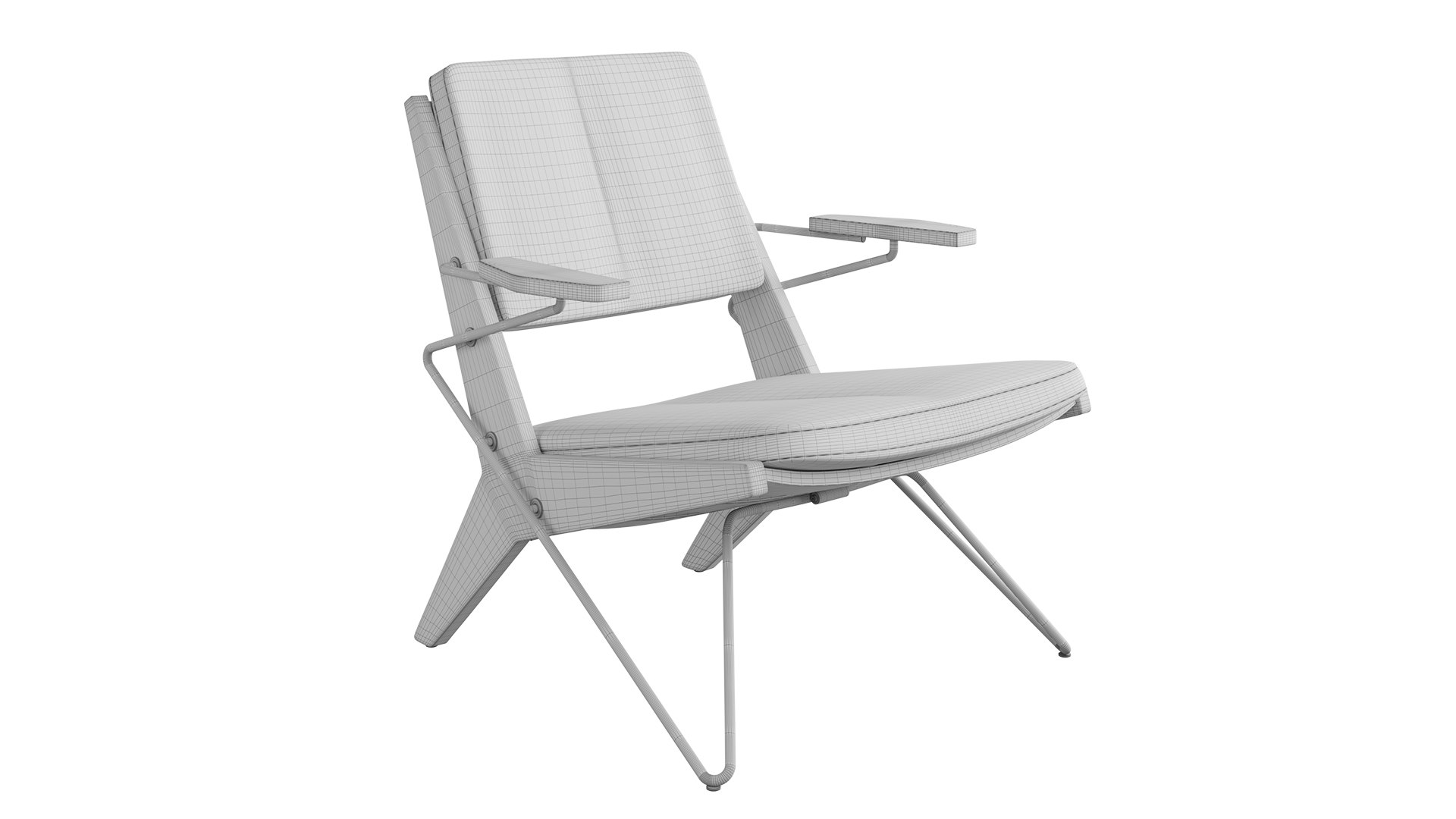
Prostoria Toggle Easy Lounge chair

$5

Standard License | Upgrade License
Editorial Uses Only
Formats (5)
Native | 3ds Max 2021 | Corona 11
OBJ
3ds Max Texture
FBX
Other Files
Prostoria-Toggle-chair-001.jpg Prostoria-Toggle-chair-002.jpg Prostoria-Toggle-chair-004.jpg Prostoria-Toggle-chair-003.jpg
Specifications
Publish Date June 27, 2026
Product ID 2586265
Polygons 71,312
Vertices 71,360
Polygonal Quads/Tris Geometry
Textures
Materials
Mixed Unwrapped UVs
member avatar
o_hanami
5 Products | Contributor Since 2024
Have questions? Chat with us now.

Description

Toggle is a compact contemporary armchair with a sculptural wooden frame inspired by geometric, star-like forms. Clean architectural lines are softened with removable covered cushions, secured with distinctive strap fastenings and cylindrical Toggle connectors. The chair includes the option of wooden or steel front legs, and a range of wood finishes to choose from. The refined craftsmanship and versatile design makes it suitable for residential as well as commercial interiors.

Extra Information:

  • There is only one model with one fabric option.
  • Units: millimeters
  • All elements were merged together after UVW Maps as one object with different material IDs
  • No special plugin needed to open scene
  • Does not include Corona Light and Corona Light Objects
  • The model does not include any backgrounds or scenes used in preview images
  • Formats: 3DsMAX, OBJ, FBX

Select Enhanced License

  • $10,000 in Legal Protection (Indemnification)
  • Uncapped Legal Protection (Indemnification)
  • Waiver from injunctive relief
  • Assignable model rights
  • $1,000,000 in Legal Protection (Indemnification)
  • Waiver from injunctive relief
  • Assignable model rights
  • $250,000 in Legal Protection (Indemnification)
  • Assignable model rights
Read more about enhanced license tiers, or contact us at enterprise@turbosquid.com. Already a Shutterstock Enterprise Customer? Contact your Shutterstock Sales Support Agent to talk about adding 3D.

About Conversion Requests

To submit a conversion request for a purchased asset, please complete our Conversion Request Form.

If you have not yet purchased a model, please review our Documentation about Conversions to learn about what limitations you may encounter with a conversion.

For any additional questions about a model’s suitability for conversion, please contact TurboSquid Support.

Loading...