
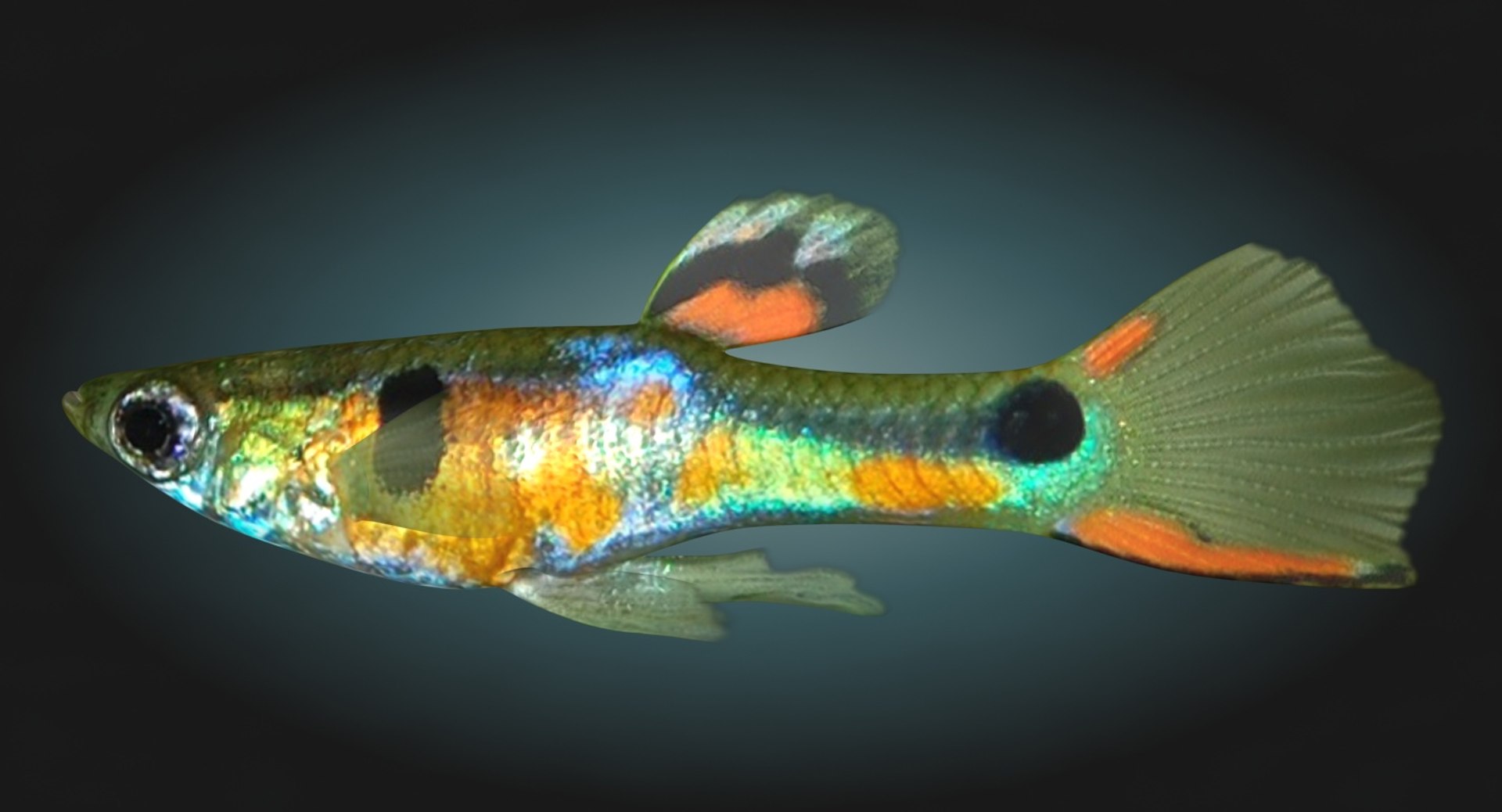
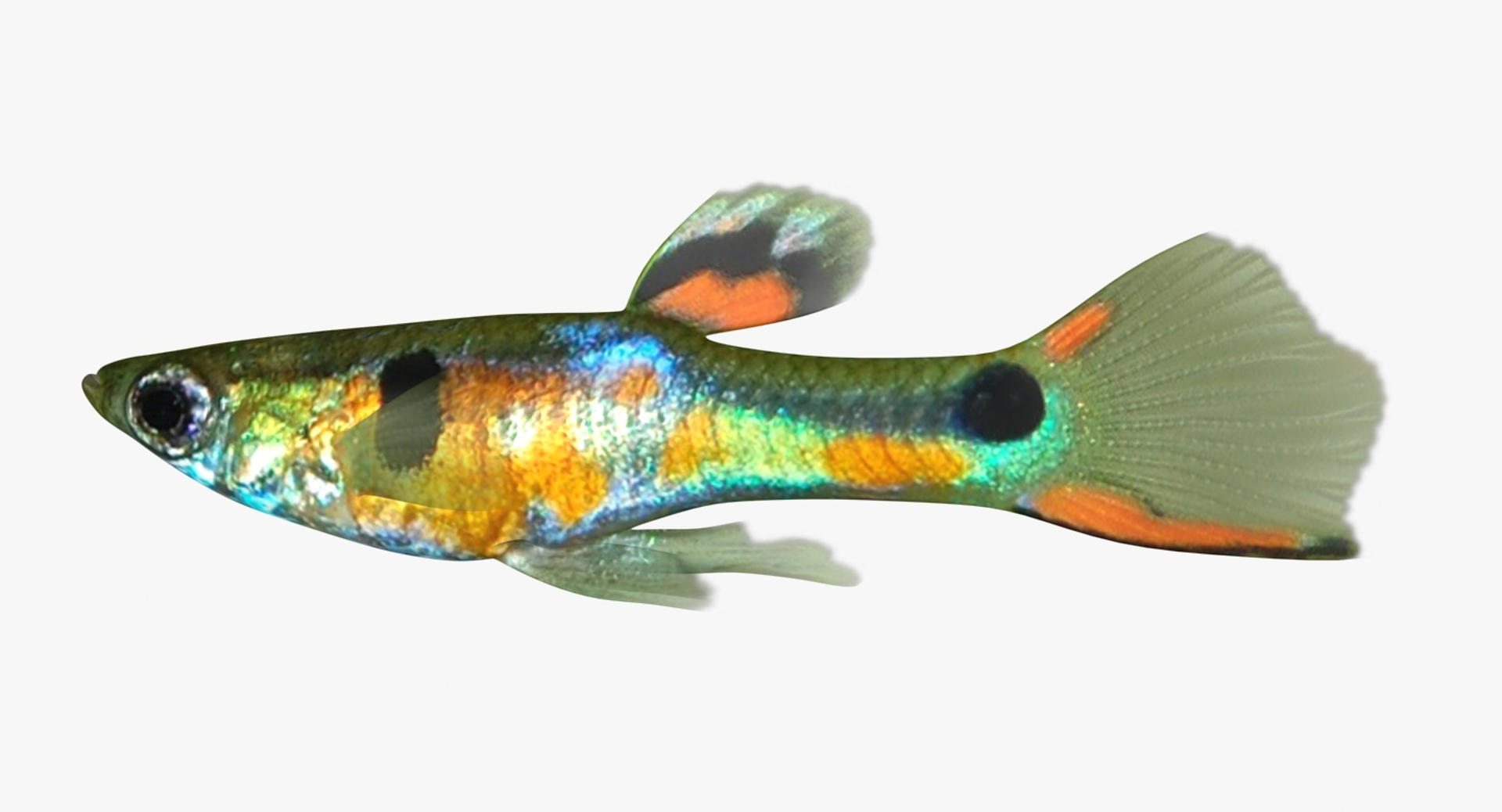
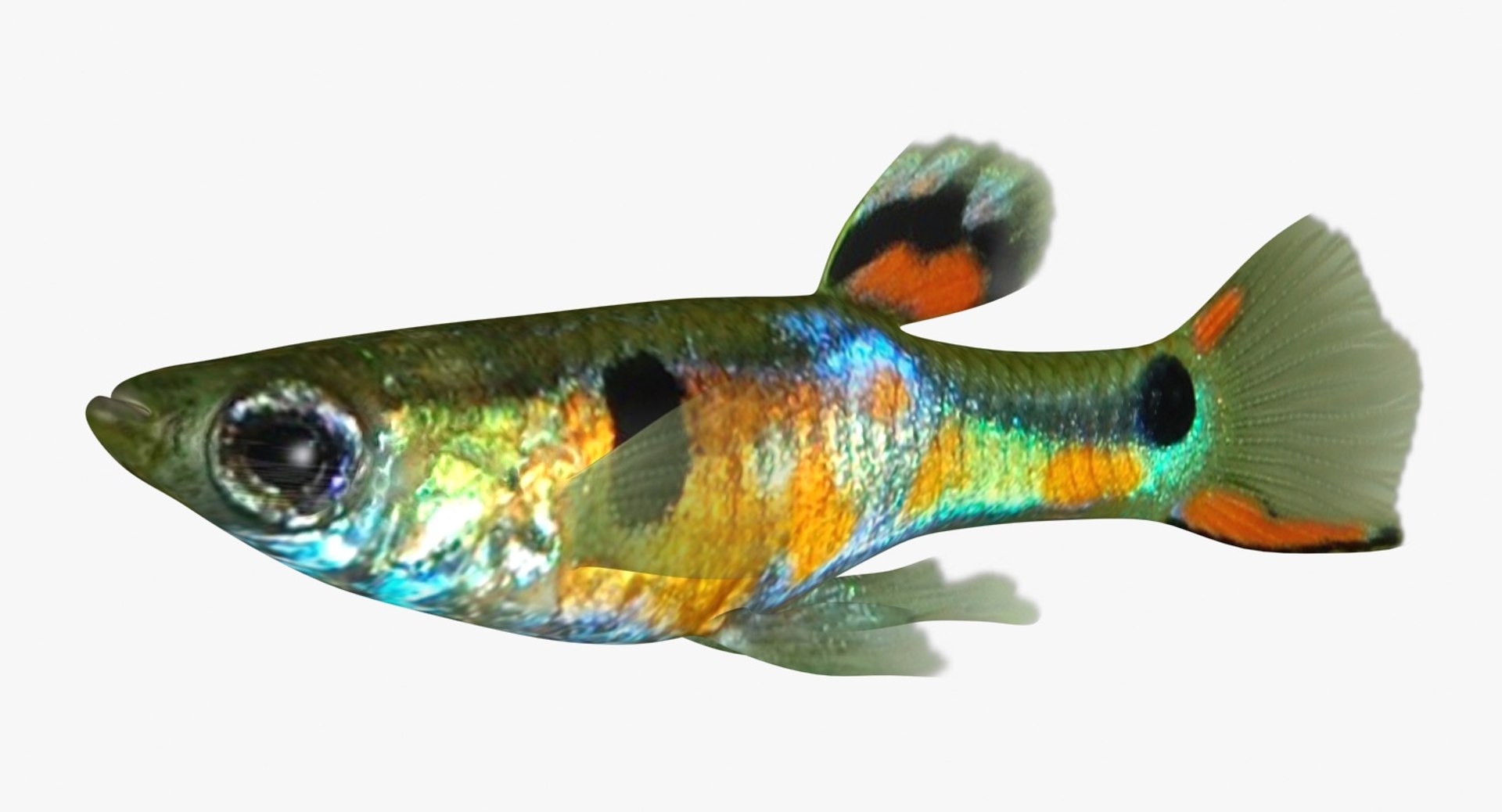
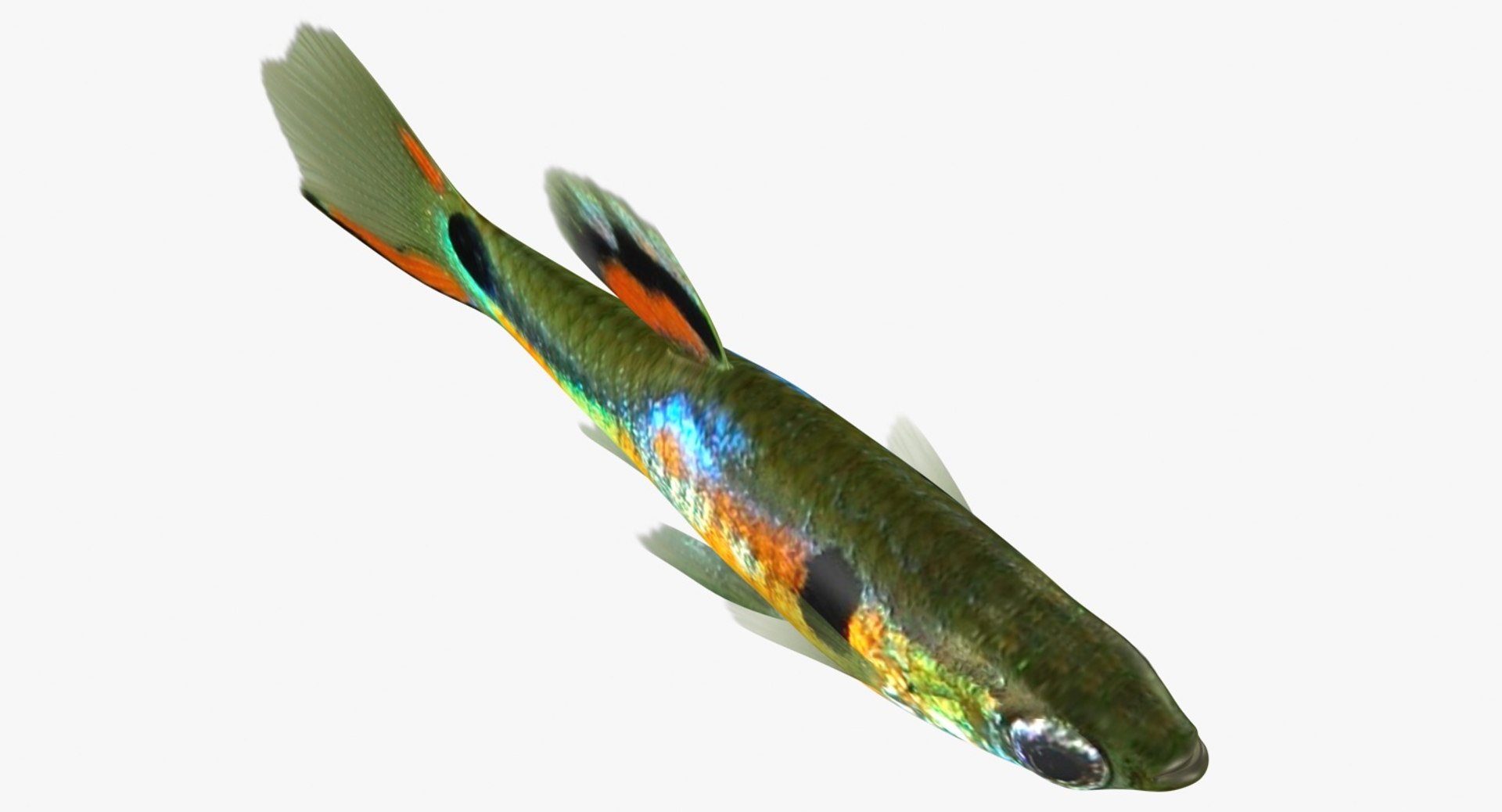
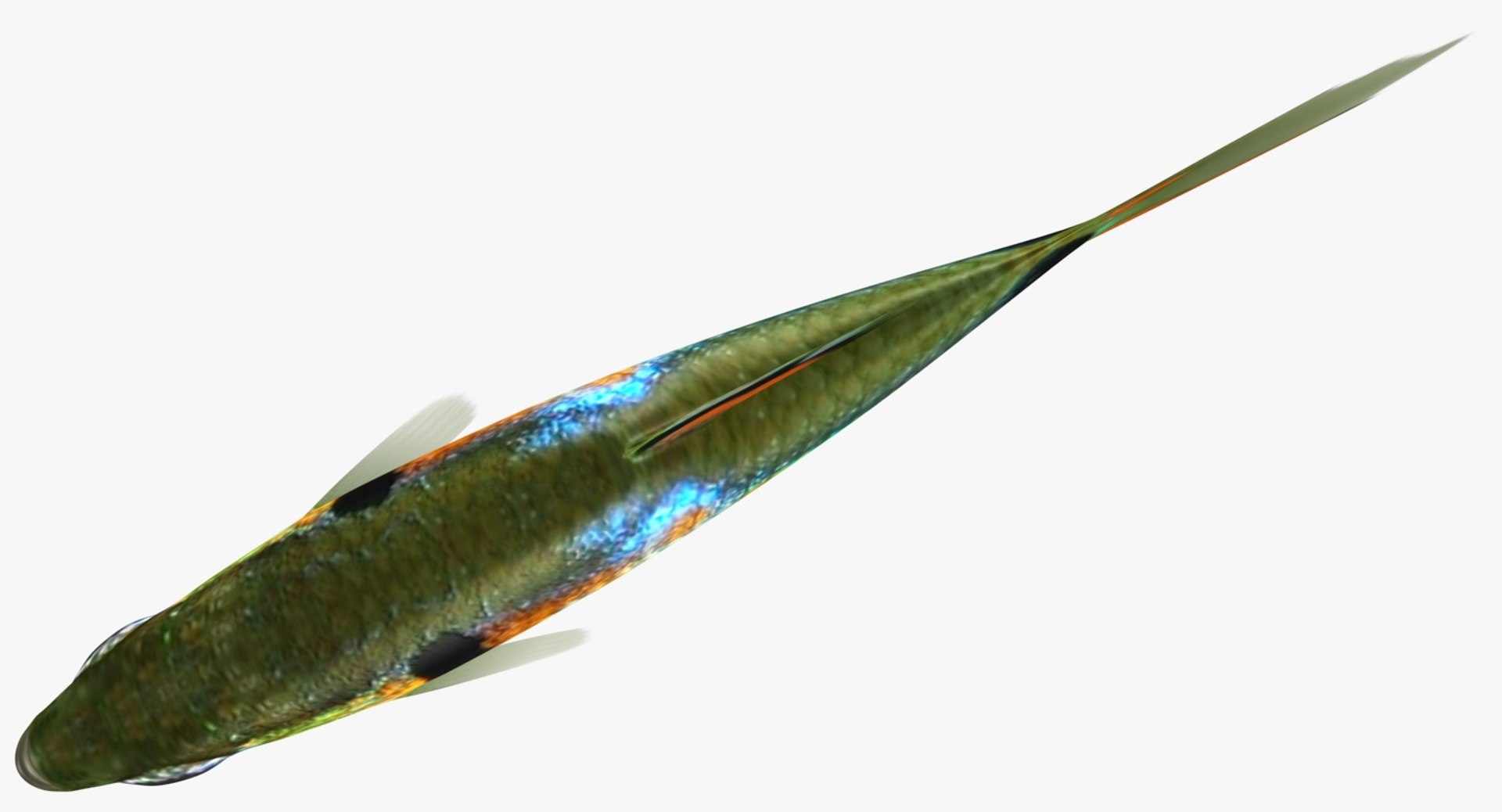
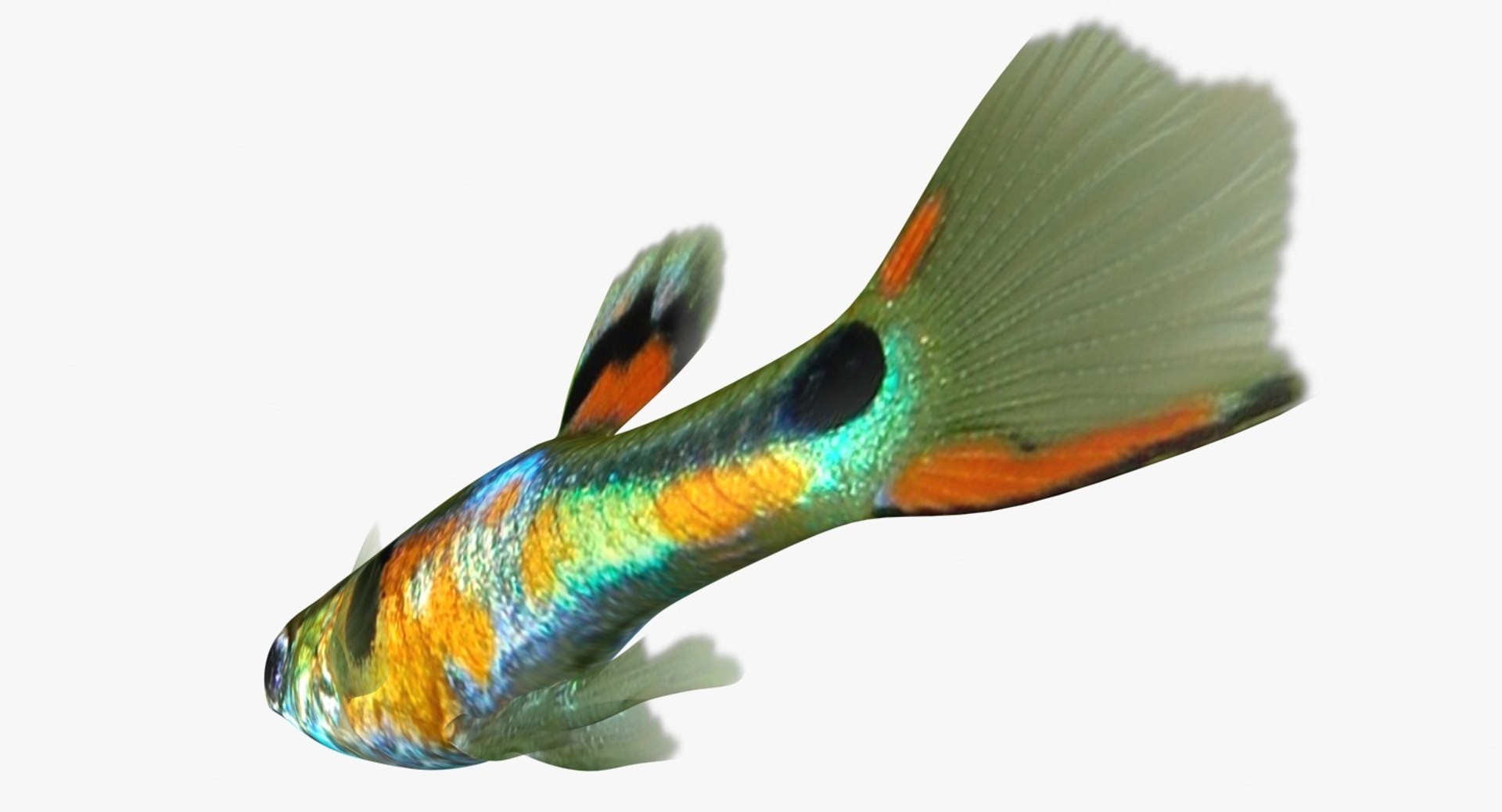
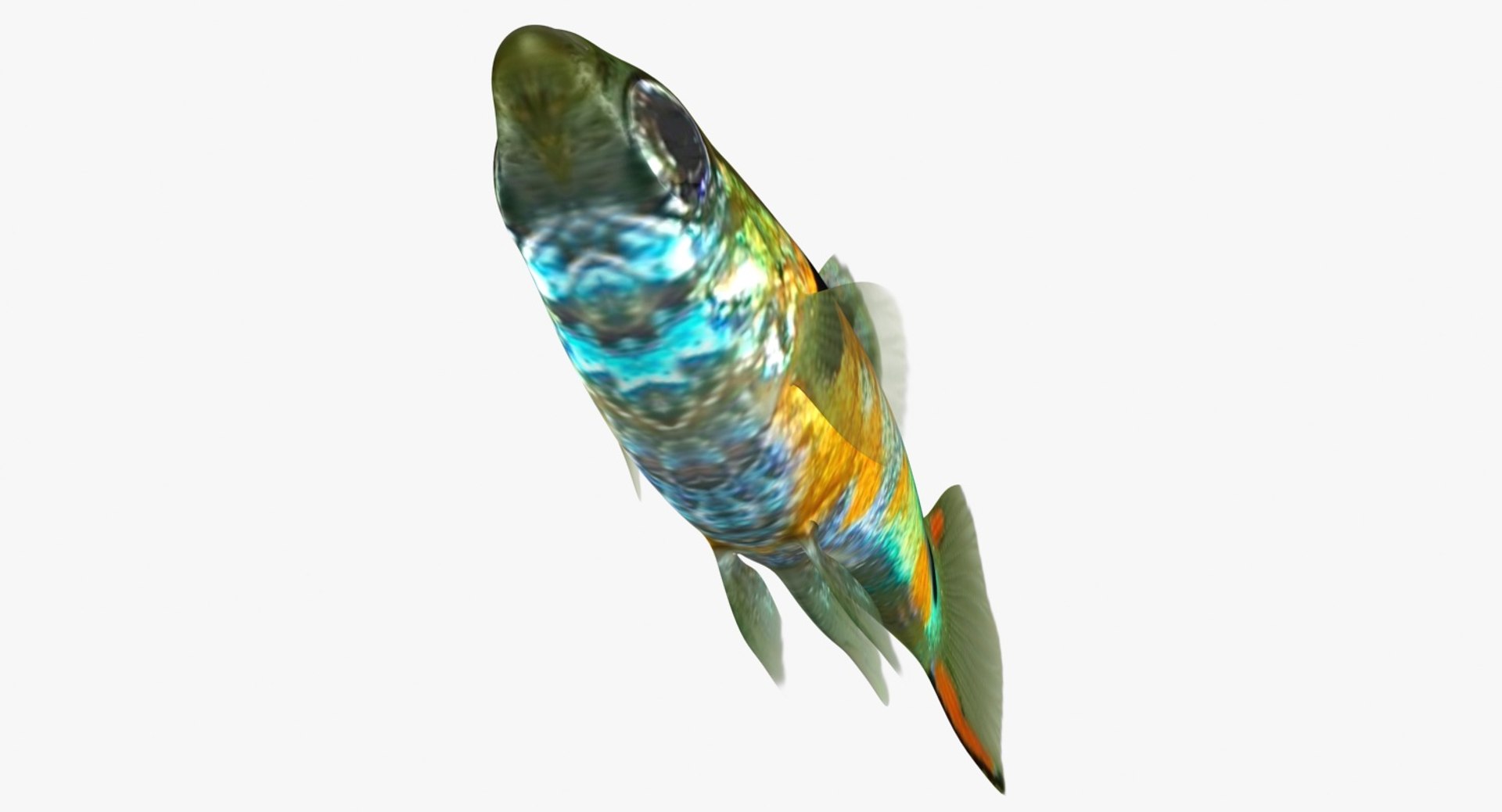
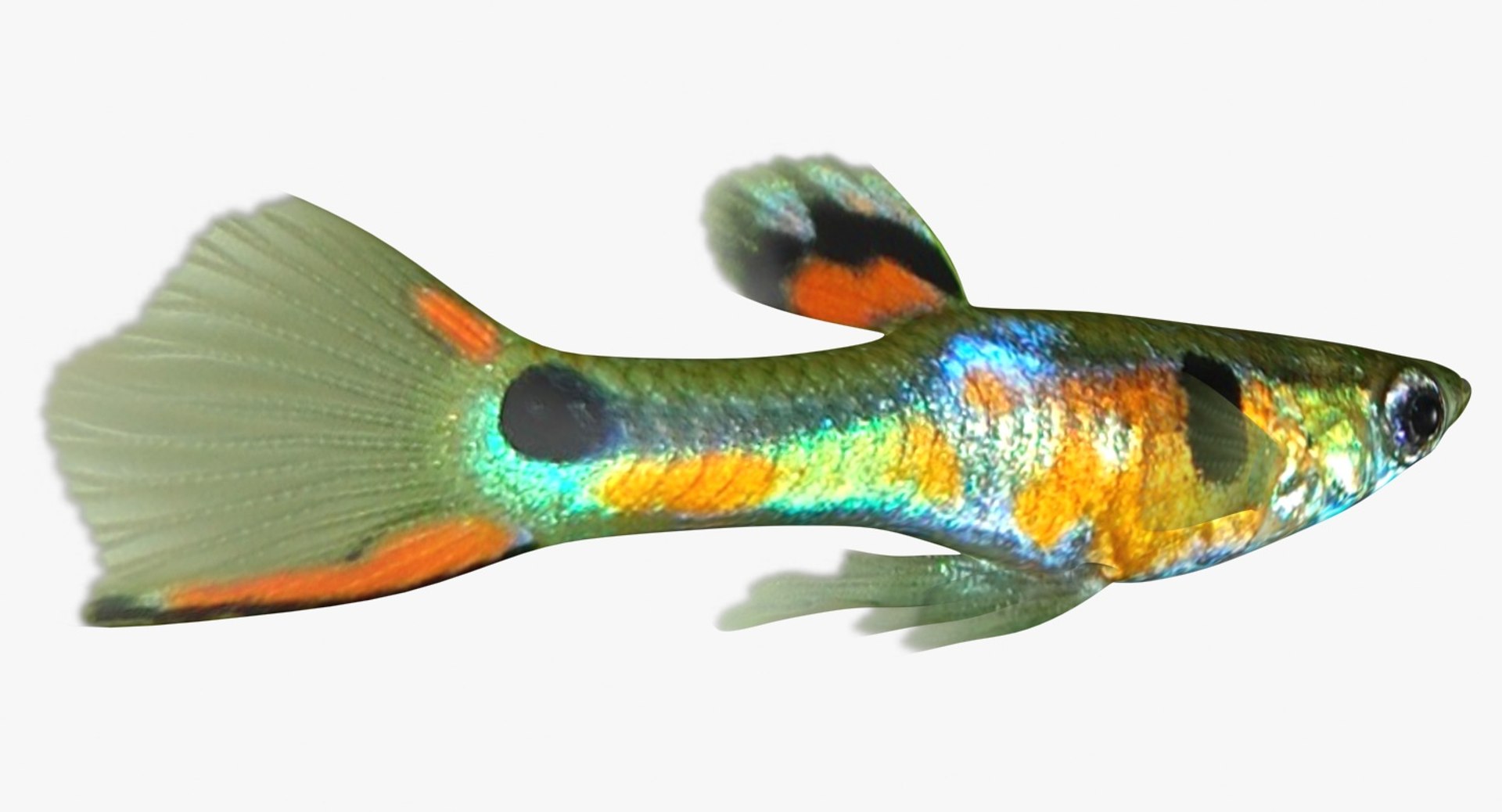
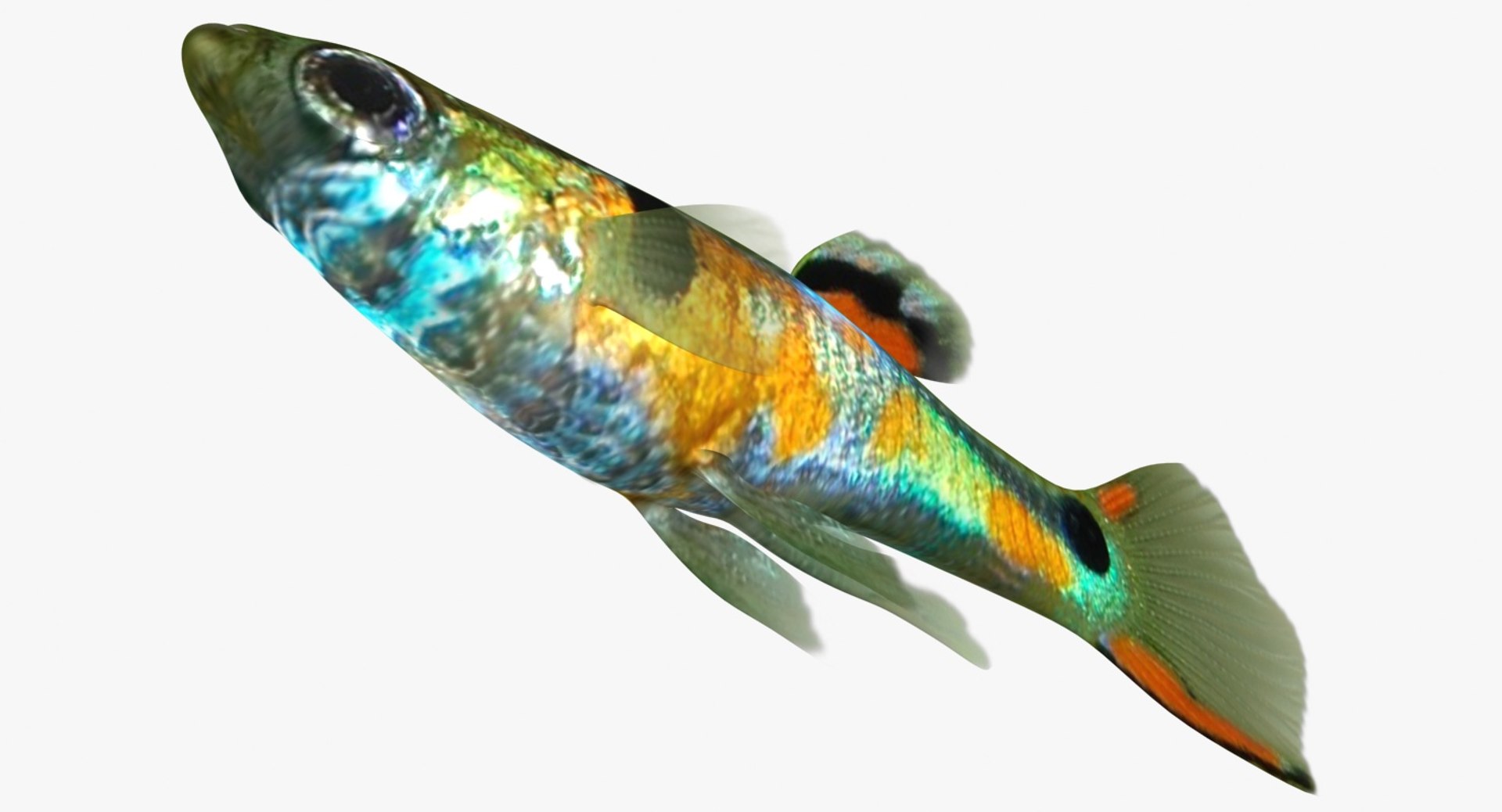
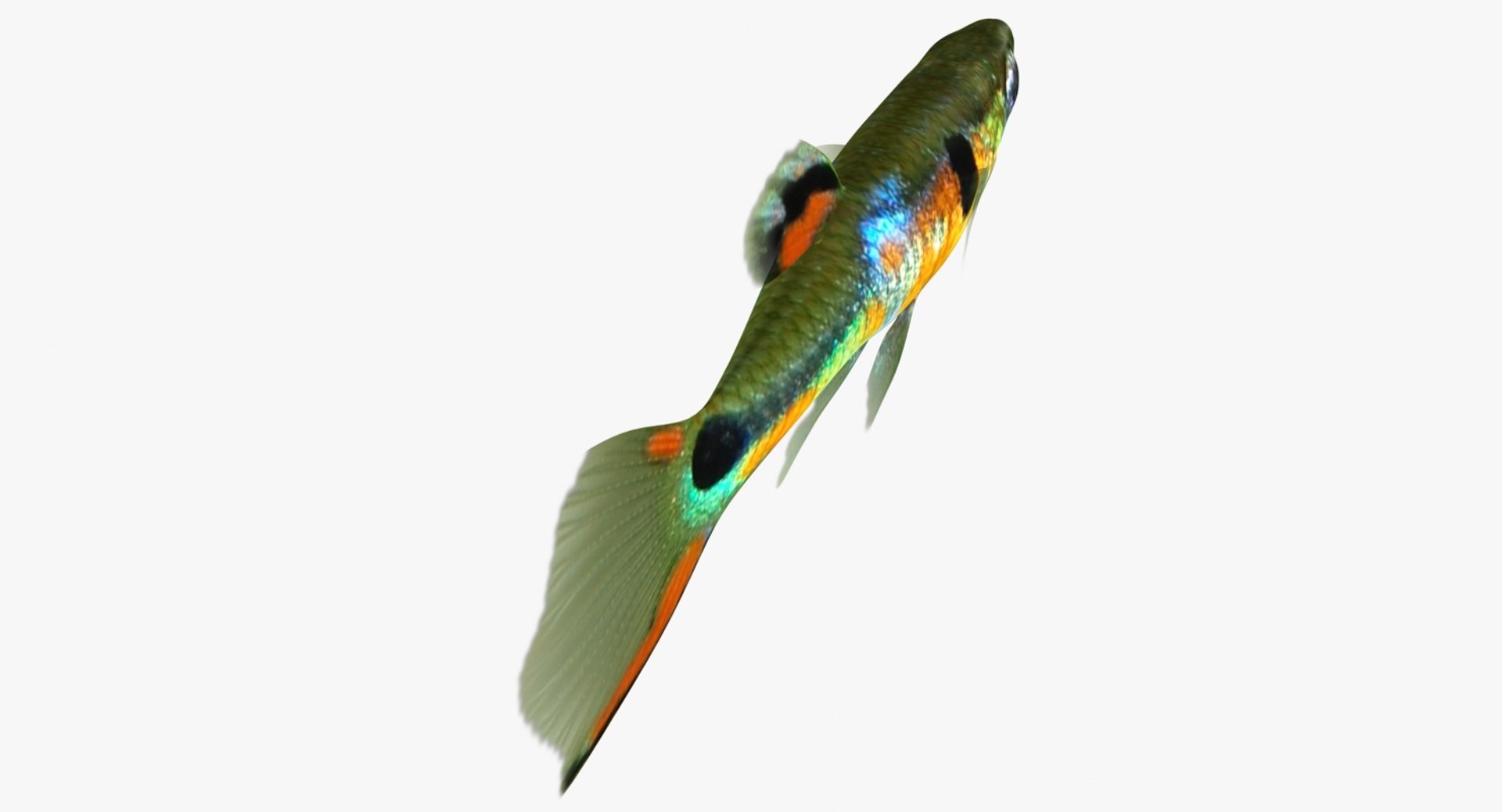
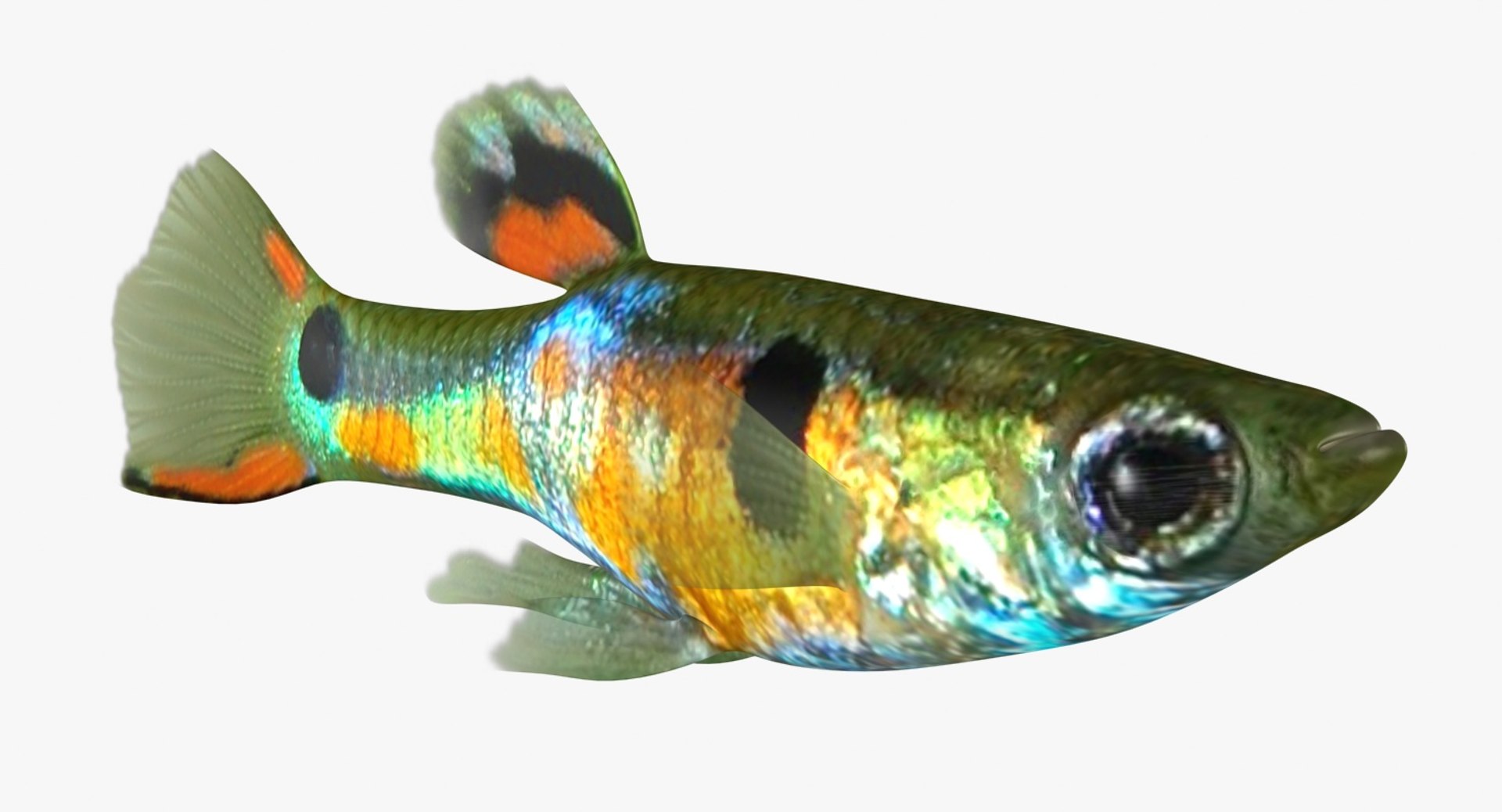
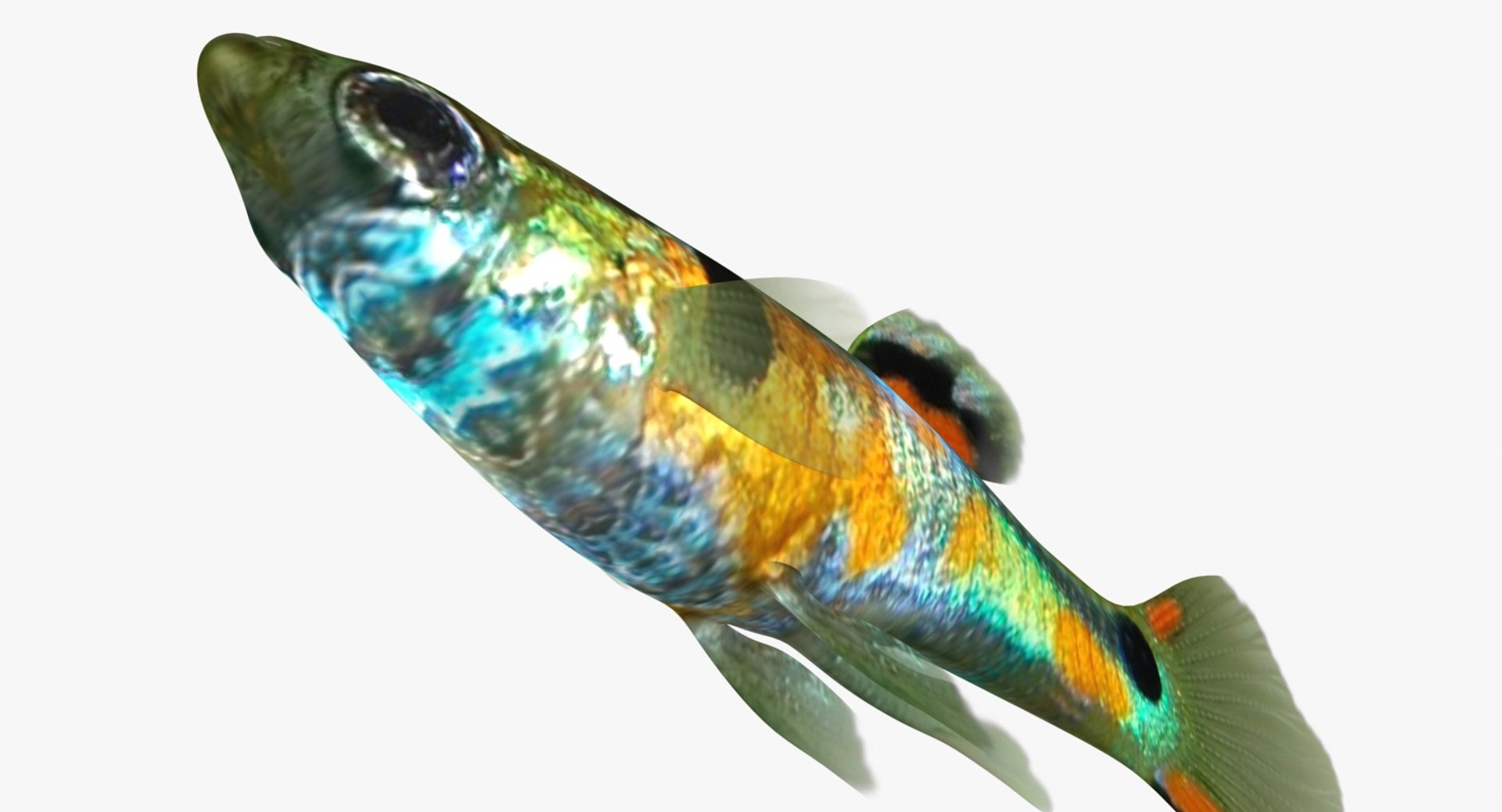
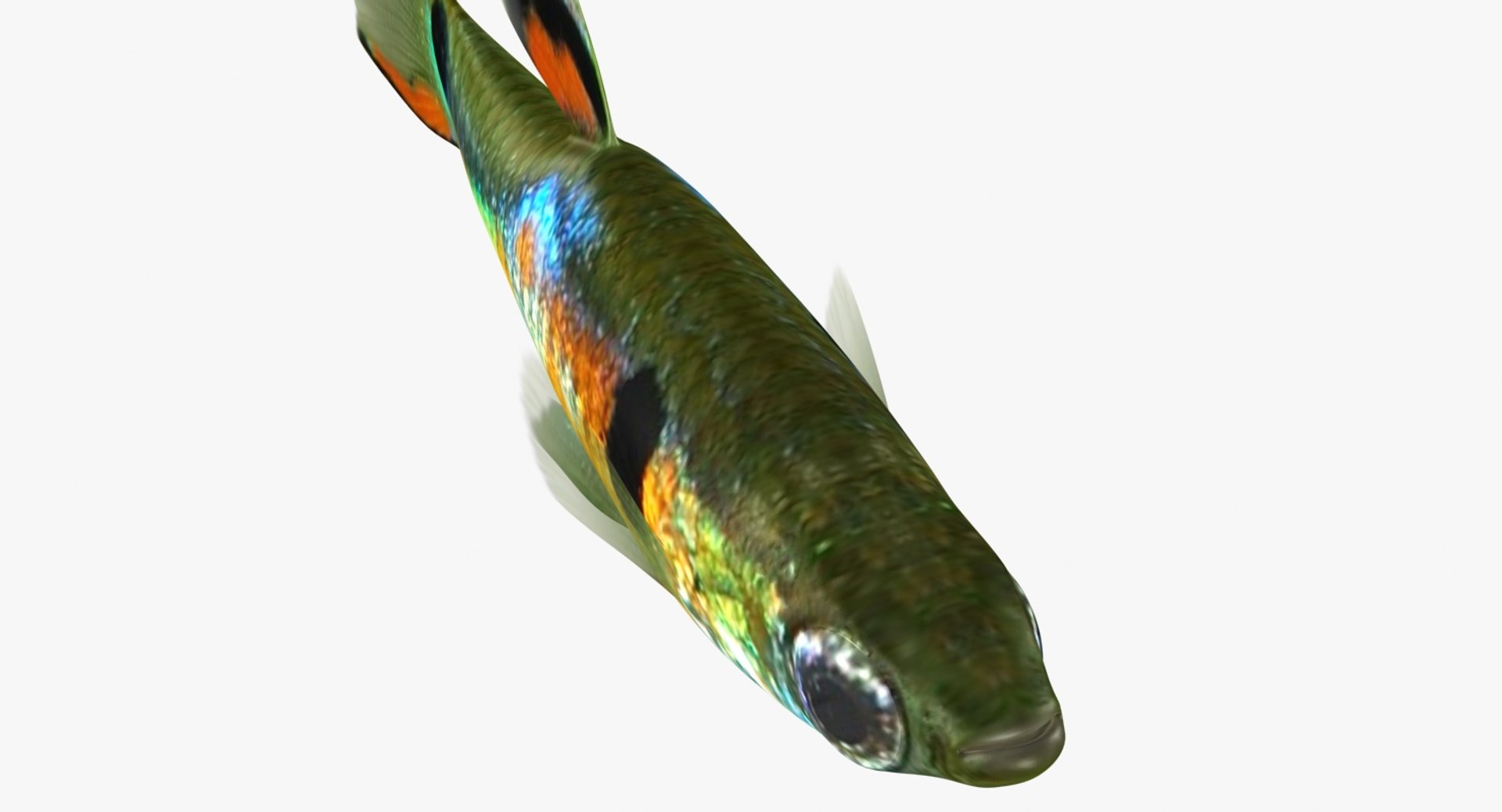
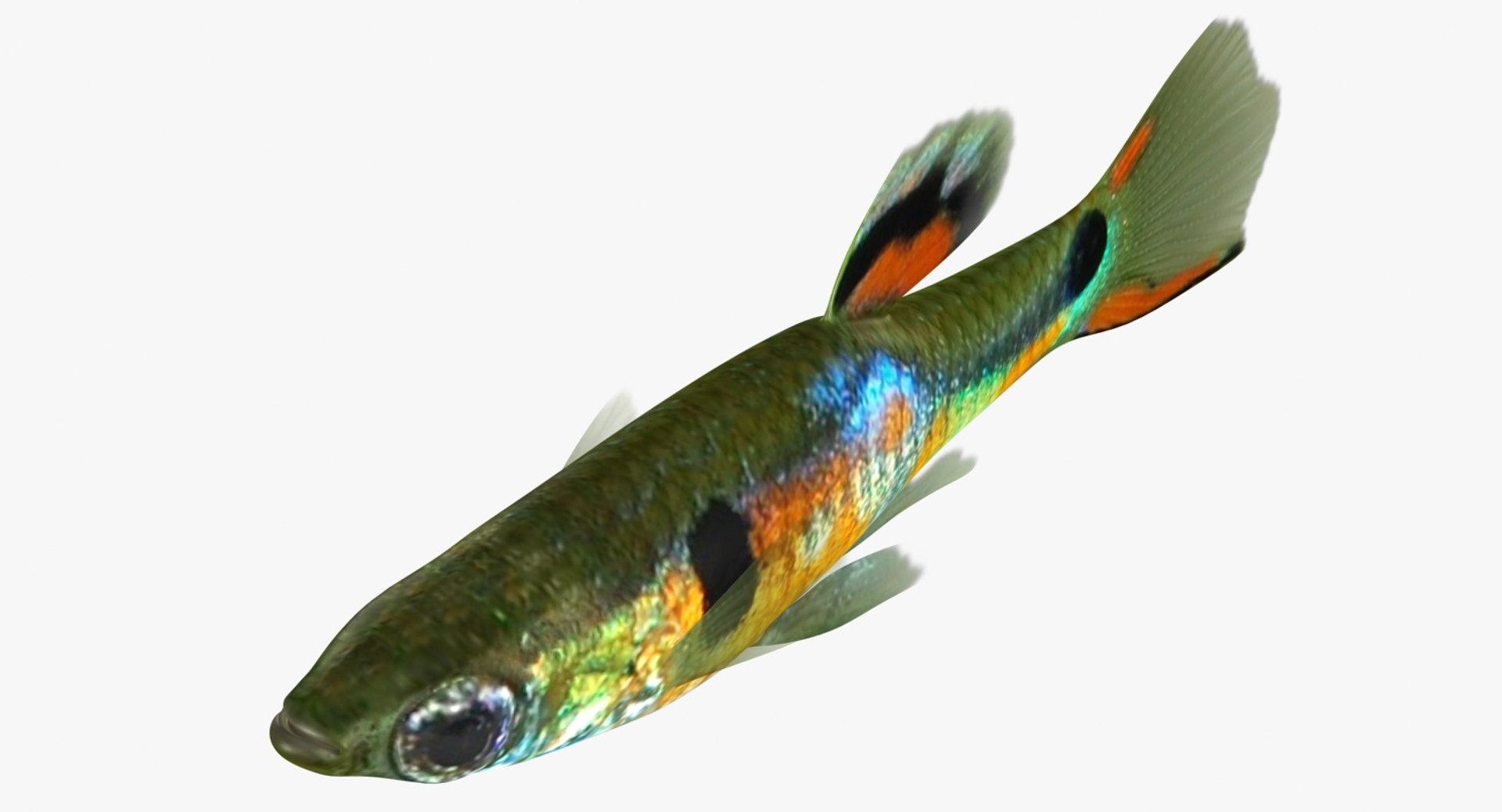
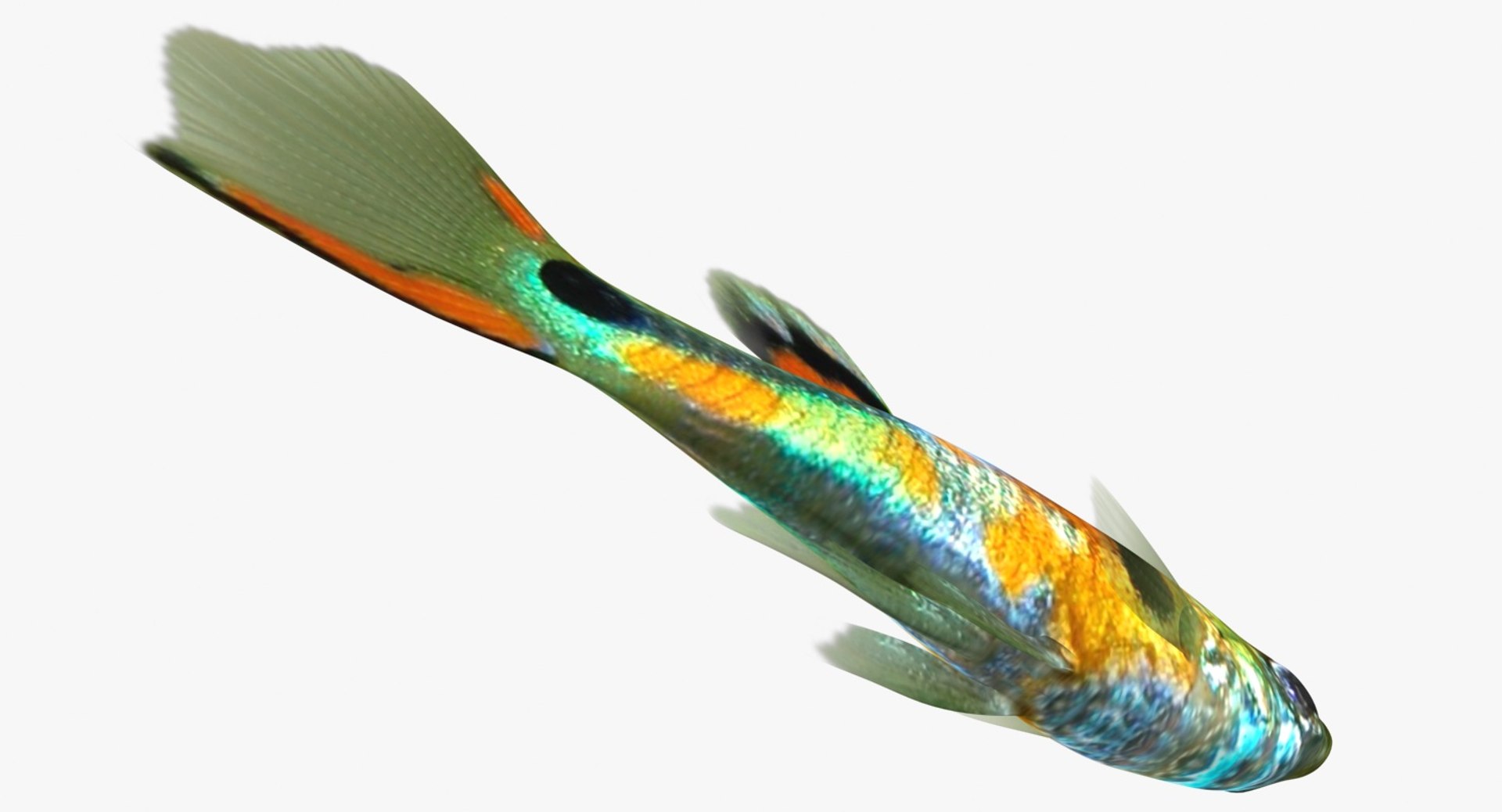
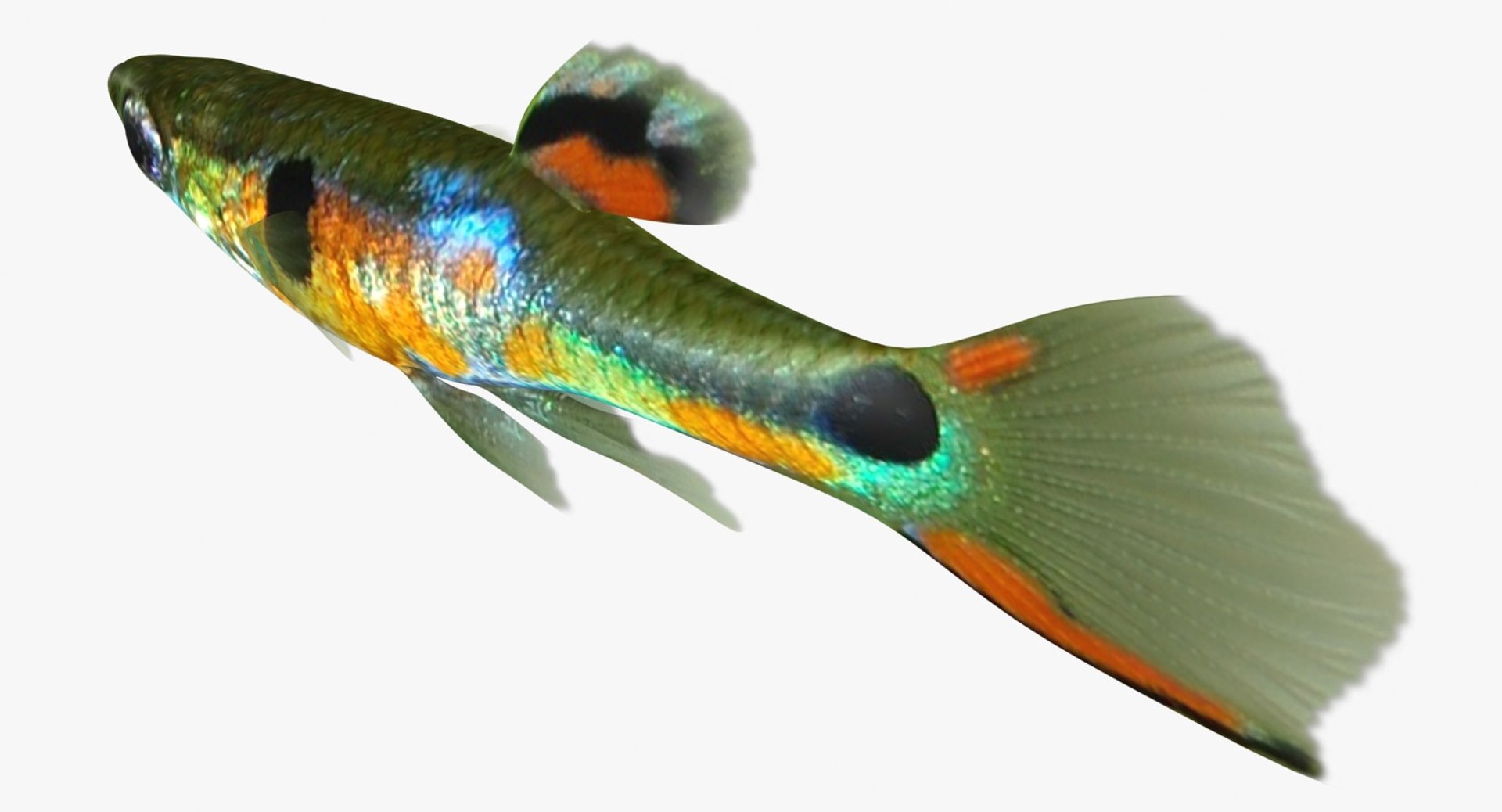
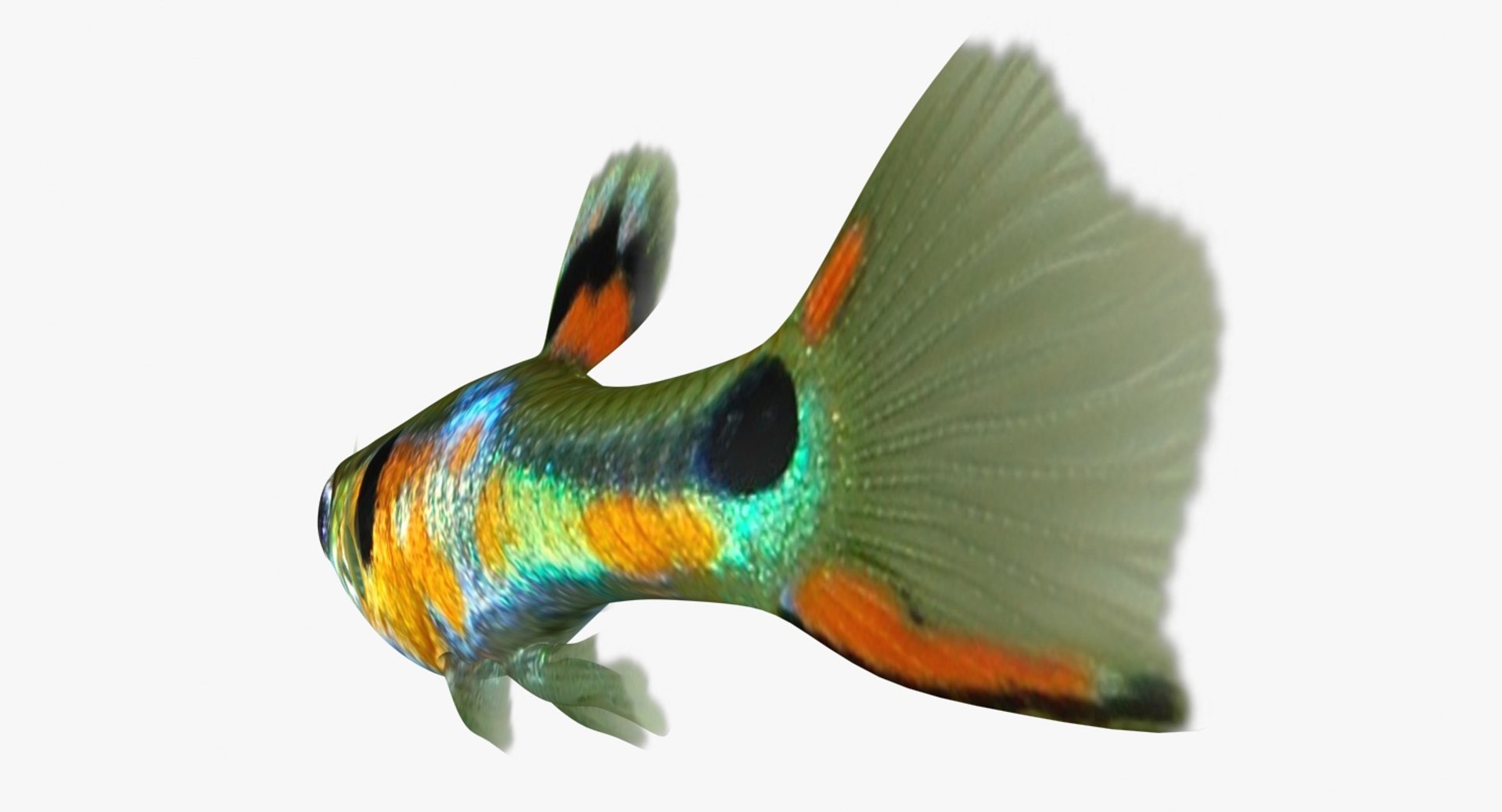
Poecilia Wingei

$39

Standard License | Upgrade License
Formats (15)
Free file format Conversions available
Native | 3ds Max 2010 | Default Scanline
Maya 2015 | V-Ray 3.2
3ds Max 2015 | mental ray
Cinema 4D R18 | Advanced Render
Maya 2015 | mental ray rendererVersion
3ds Max 2010 | V-Ray 2.30.01
OBJ
FBX
3D Studio
Specifications
Publish Date November 15, 2018
Product ID 1346689
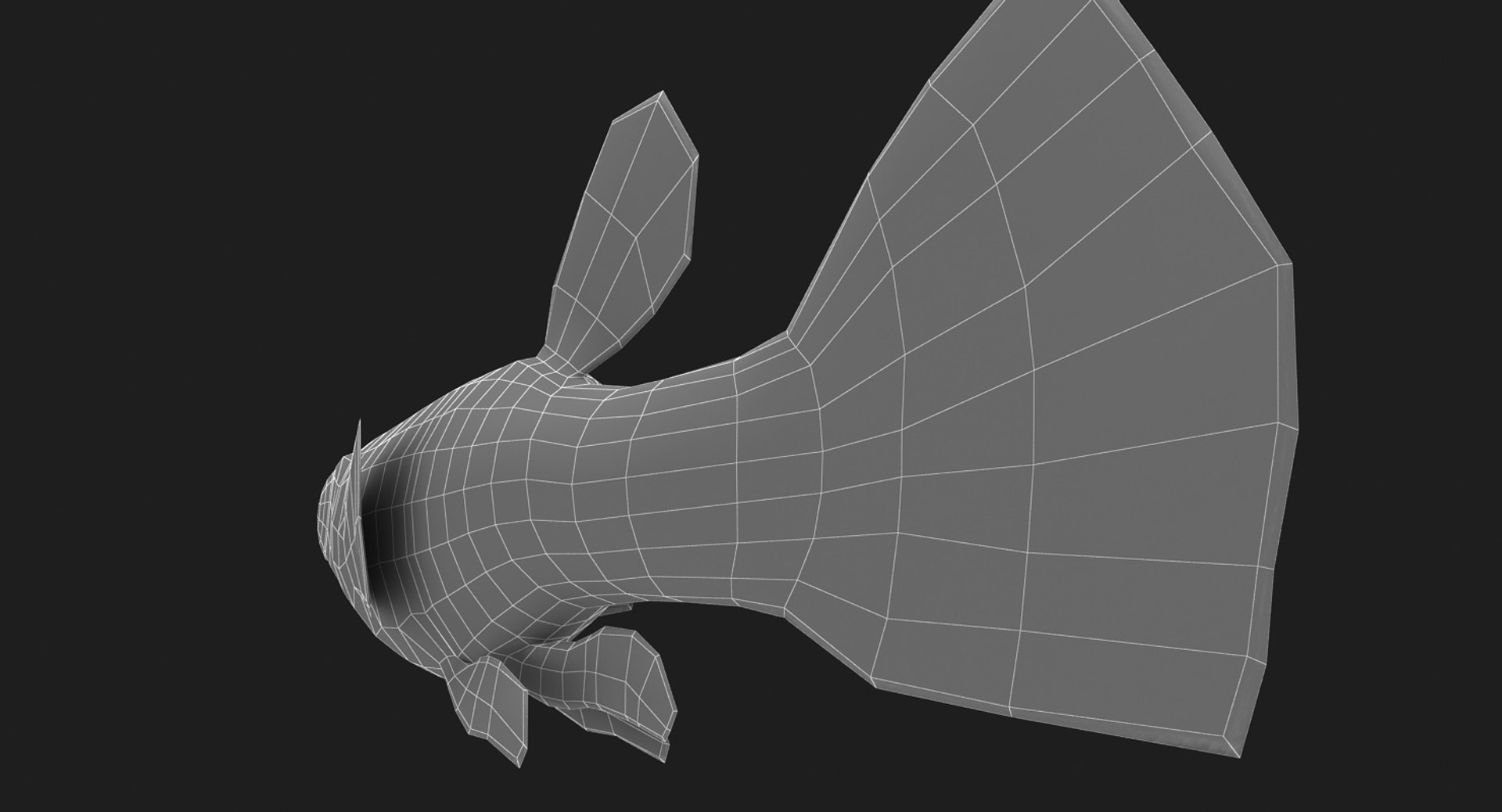
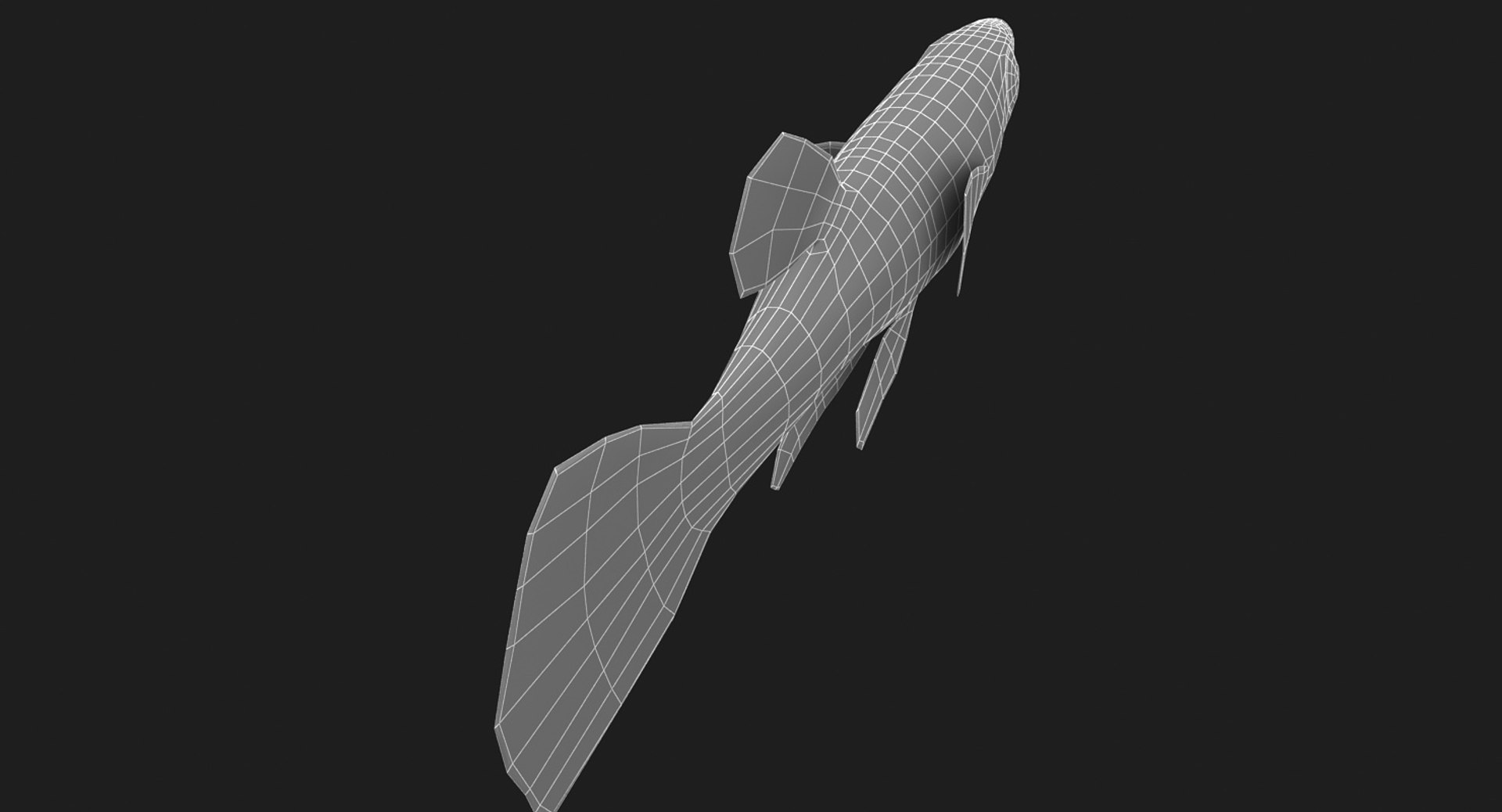
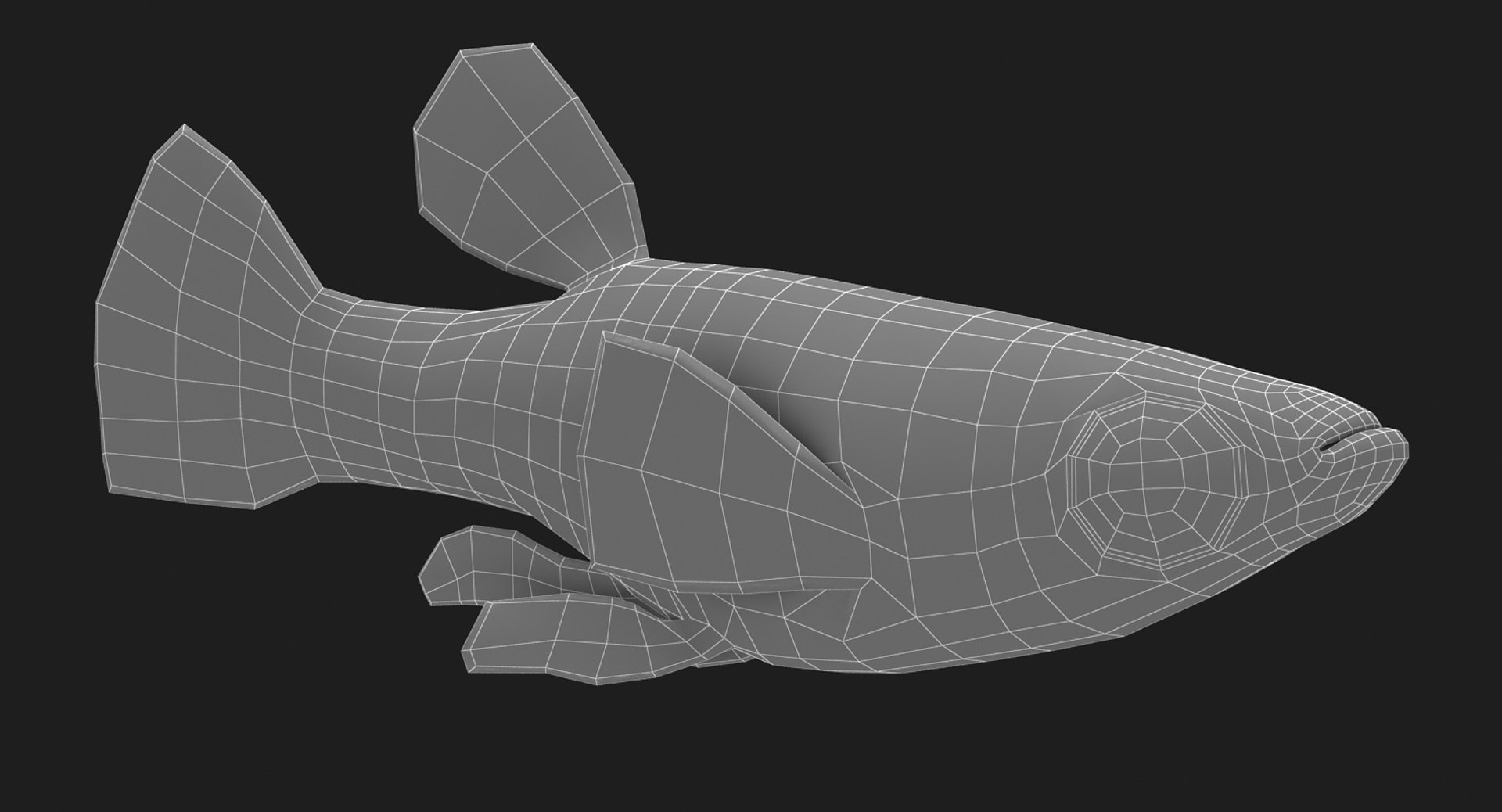
Polygons 1,096
Vertices 1,098
Polygonal Quads Only
Textures
Materials
UV Mapped
Non-overlapping Unwrapped UVs
PBR
StemCell Certified

member avatar
3dror
7316 Products | Contributor Since 2012
Have questions? Chat with us now.

Description

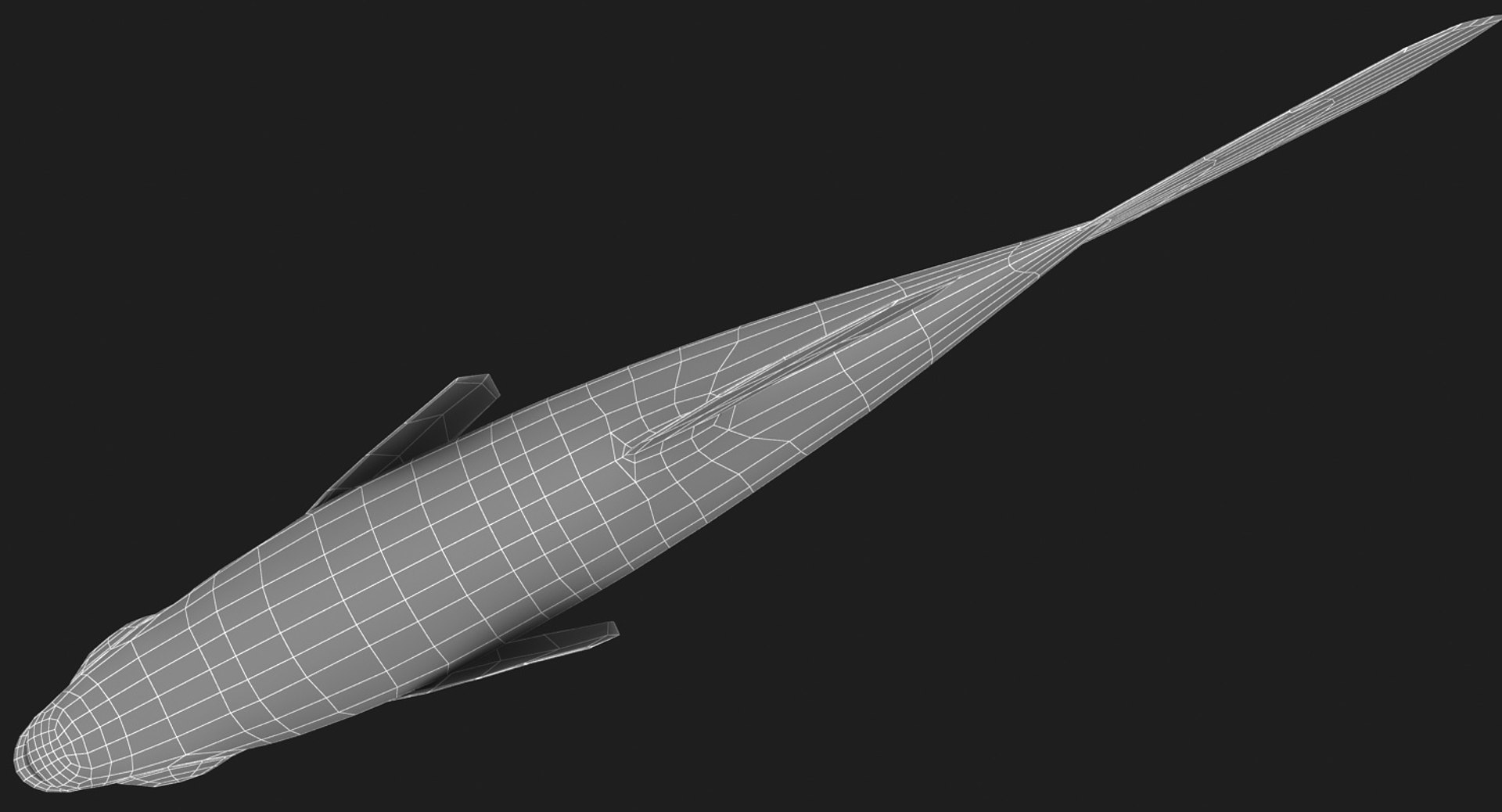
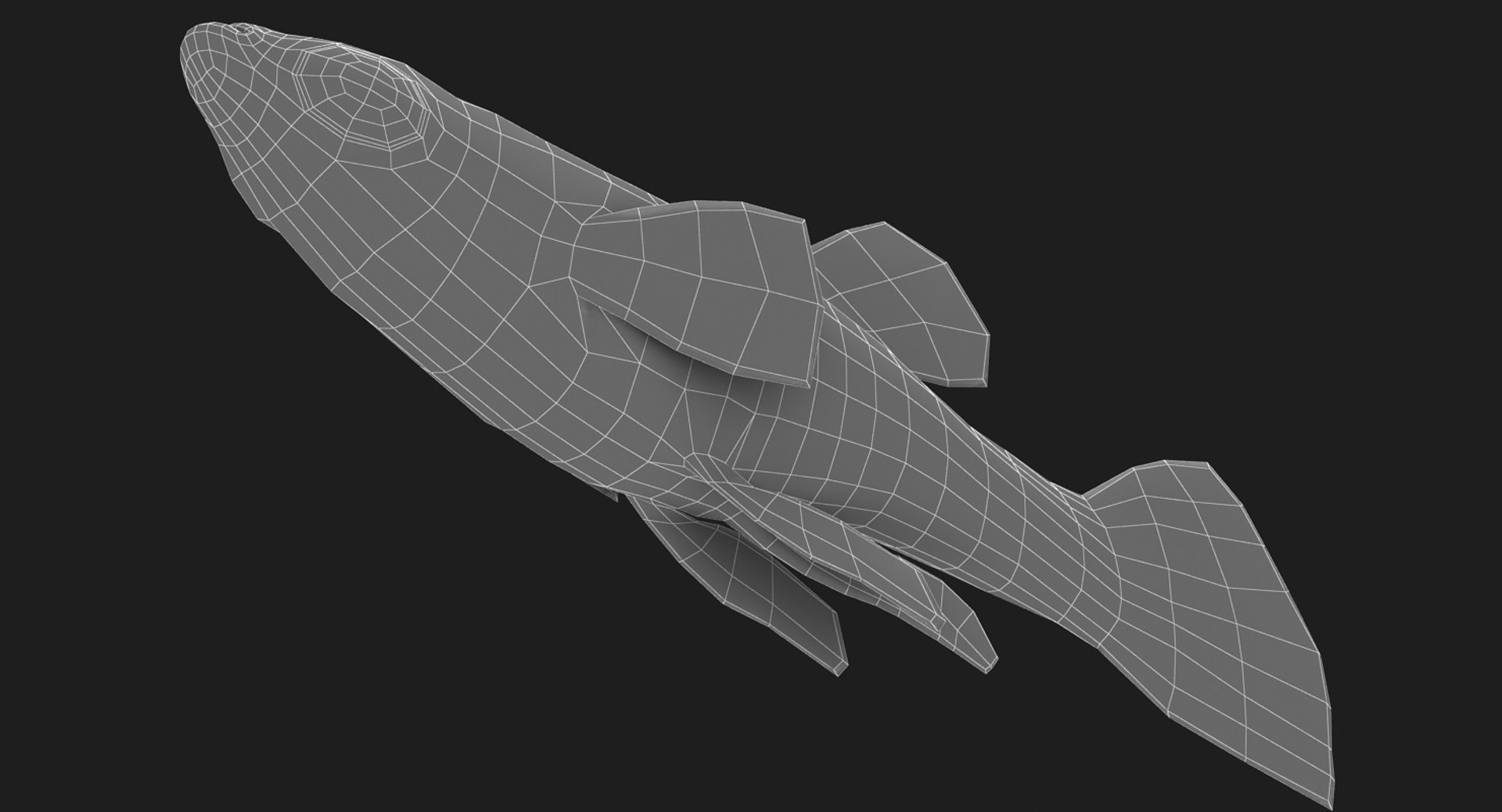
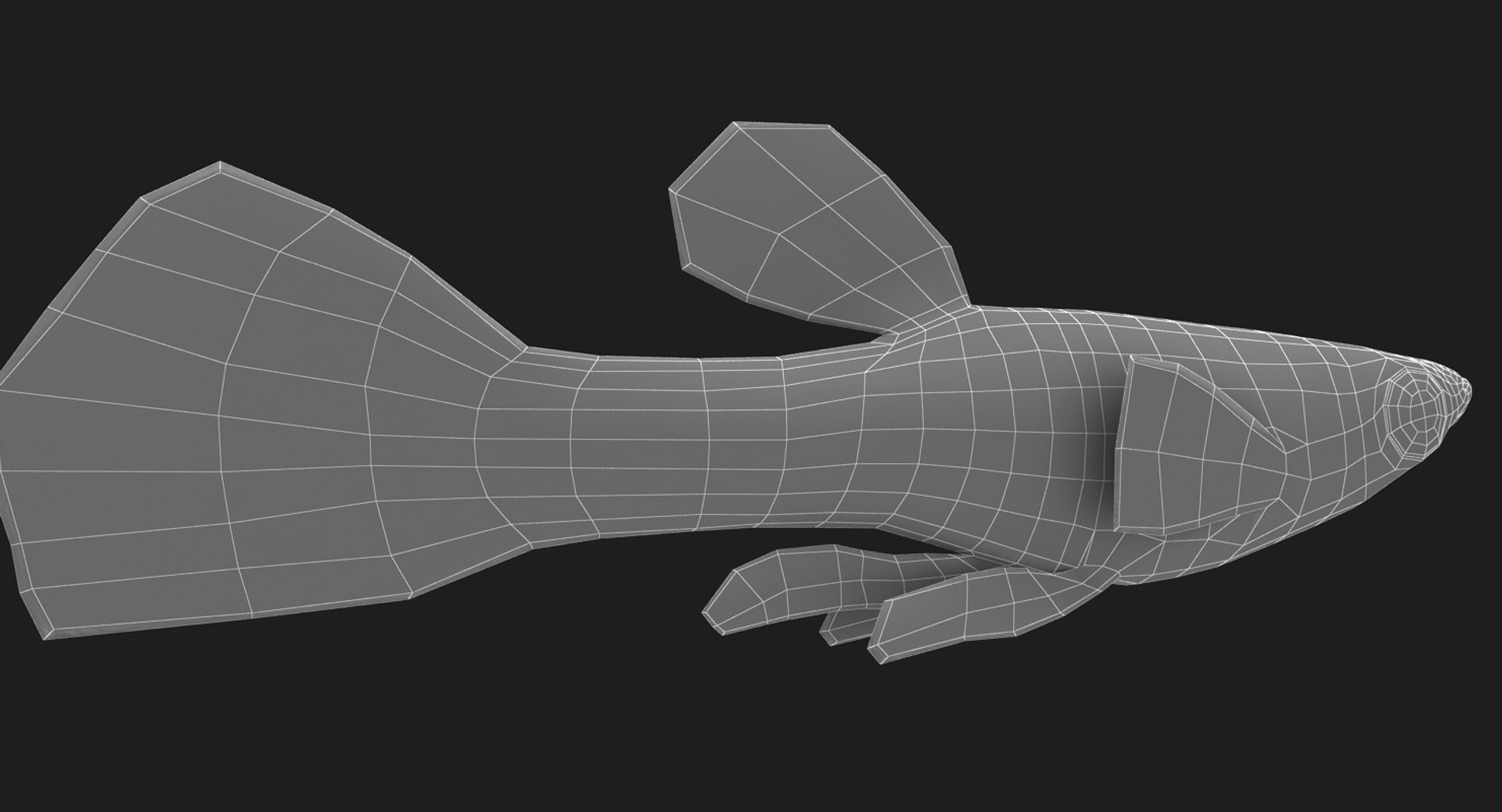
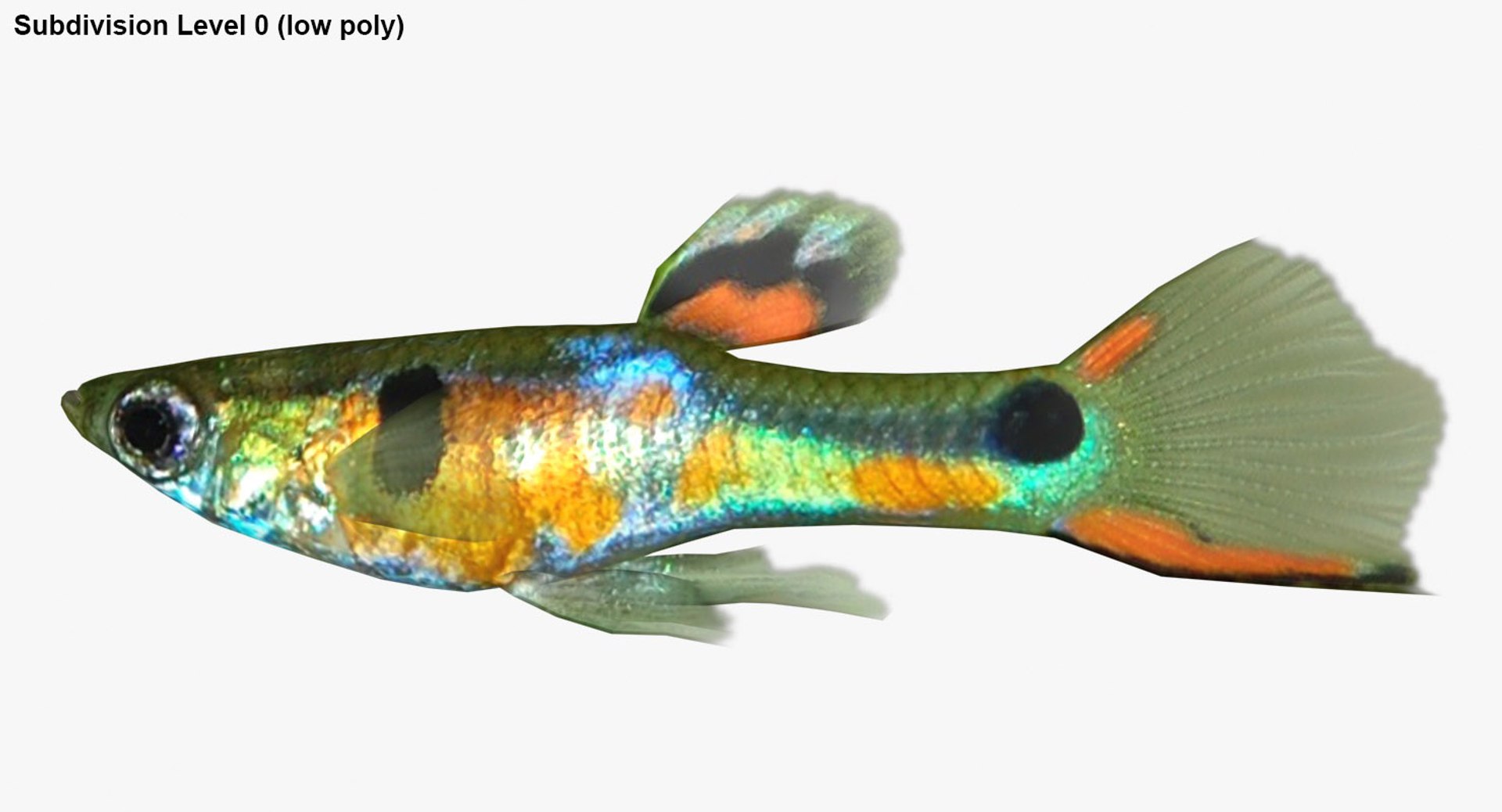
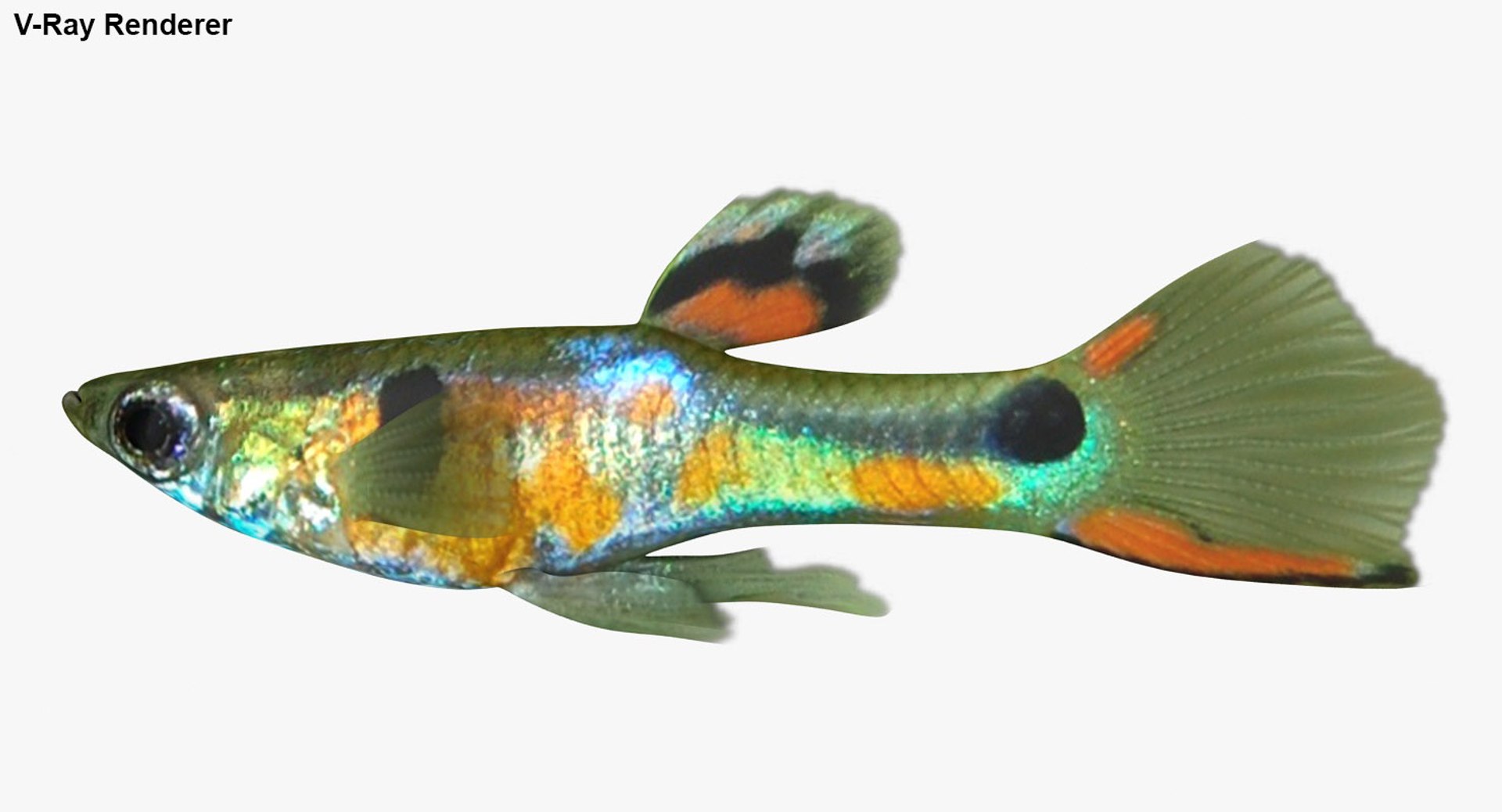
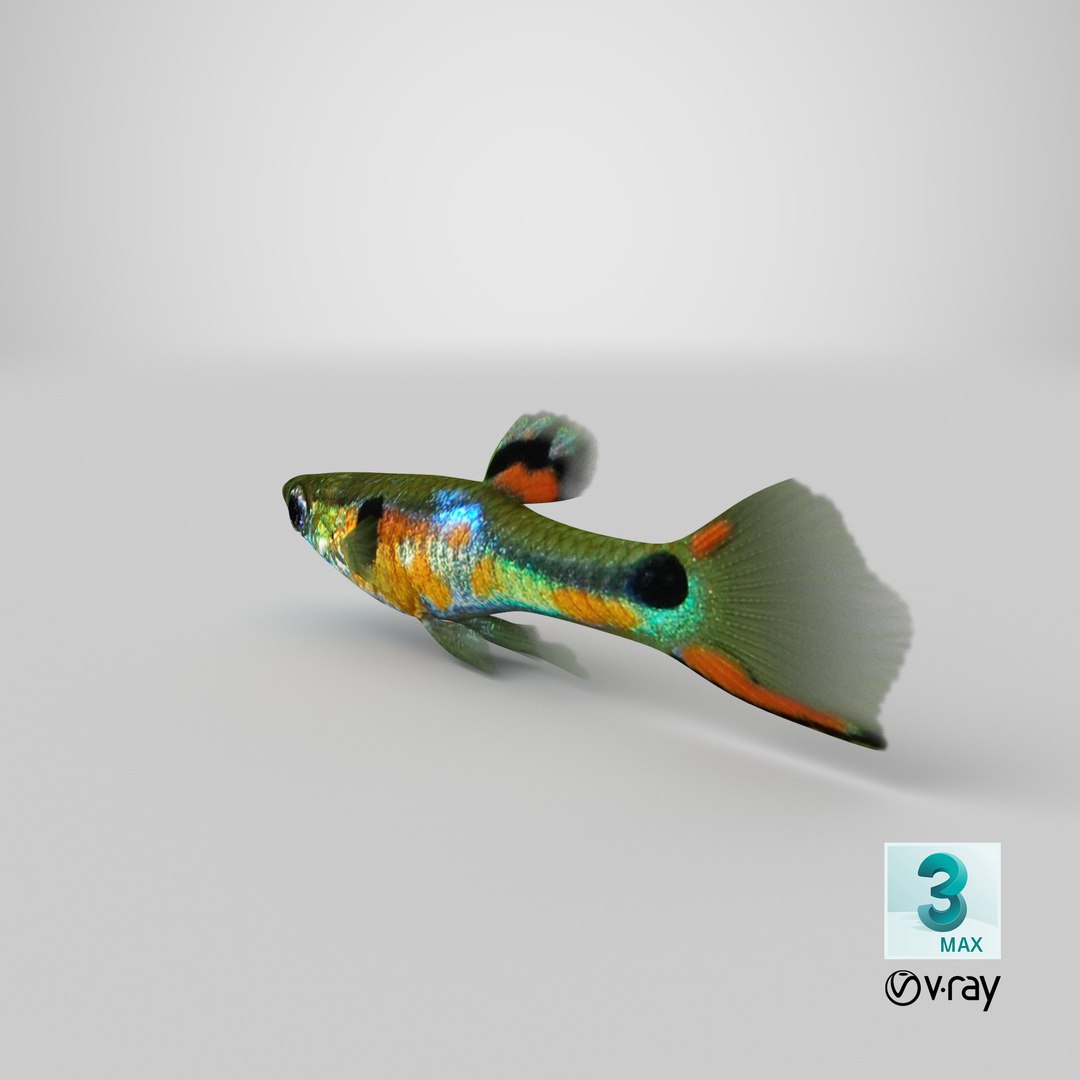
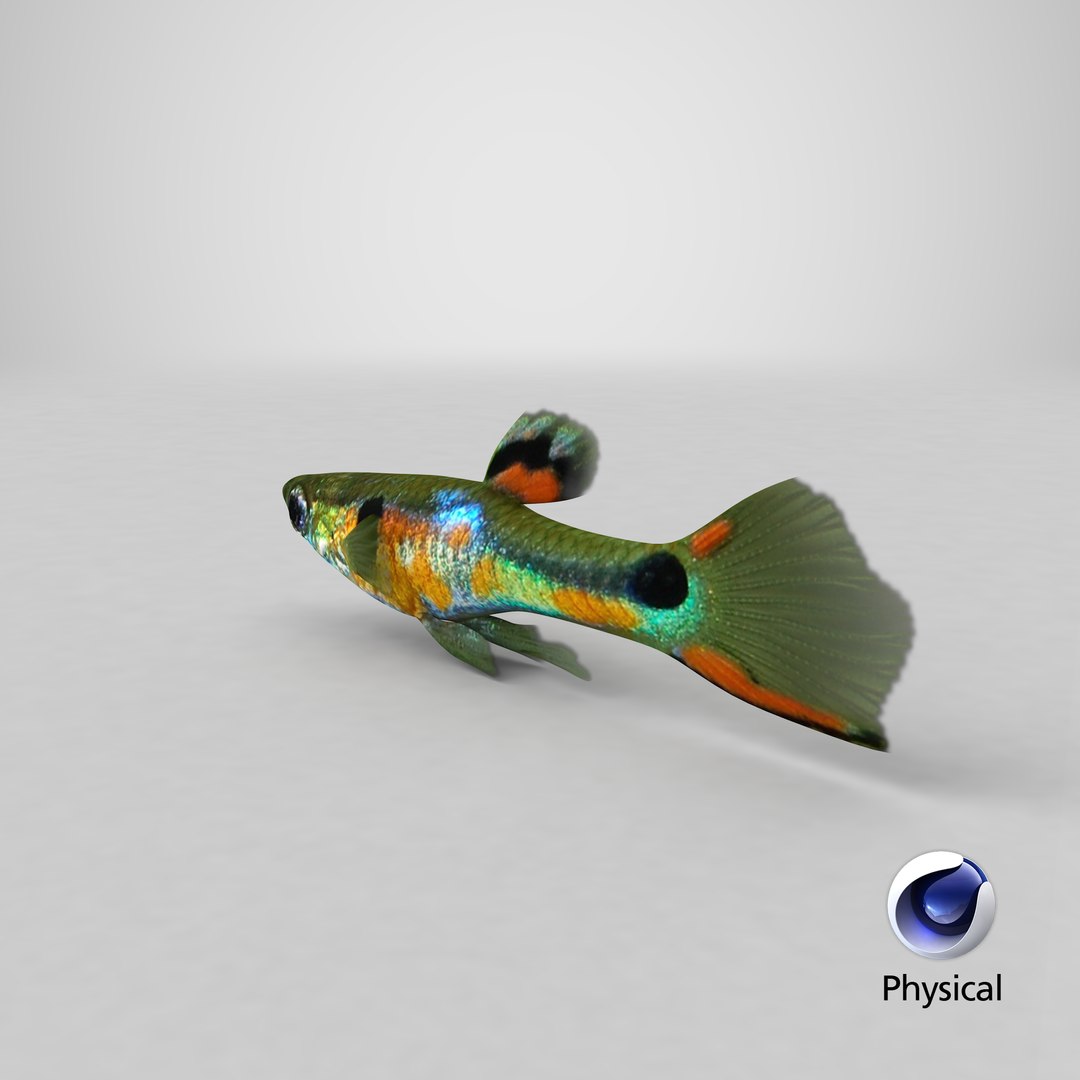
Realistic 3D model of the Poecilia Wingei

* The materials are available in the 3ds Max file format with Default Scanline and V-Ray Render

-Scene lighting is included, ready for instant rendering

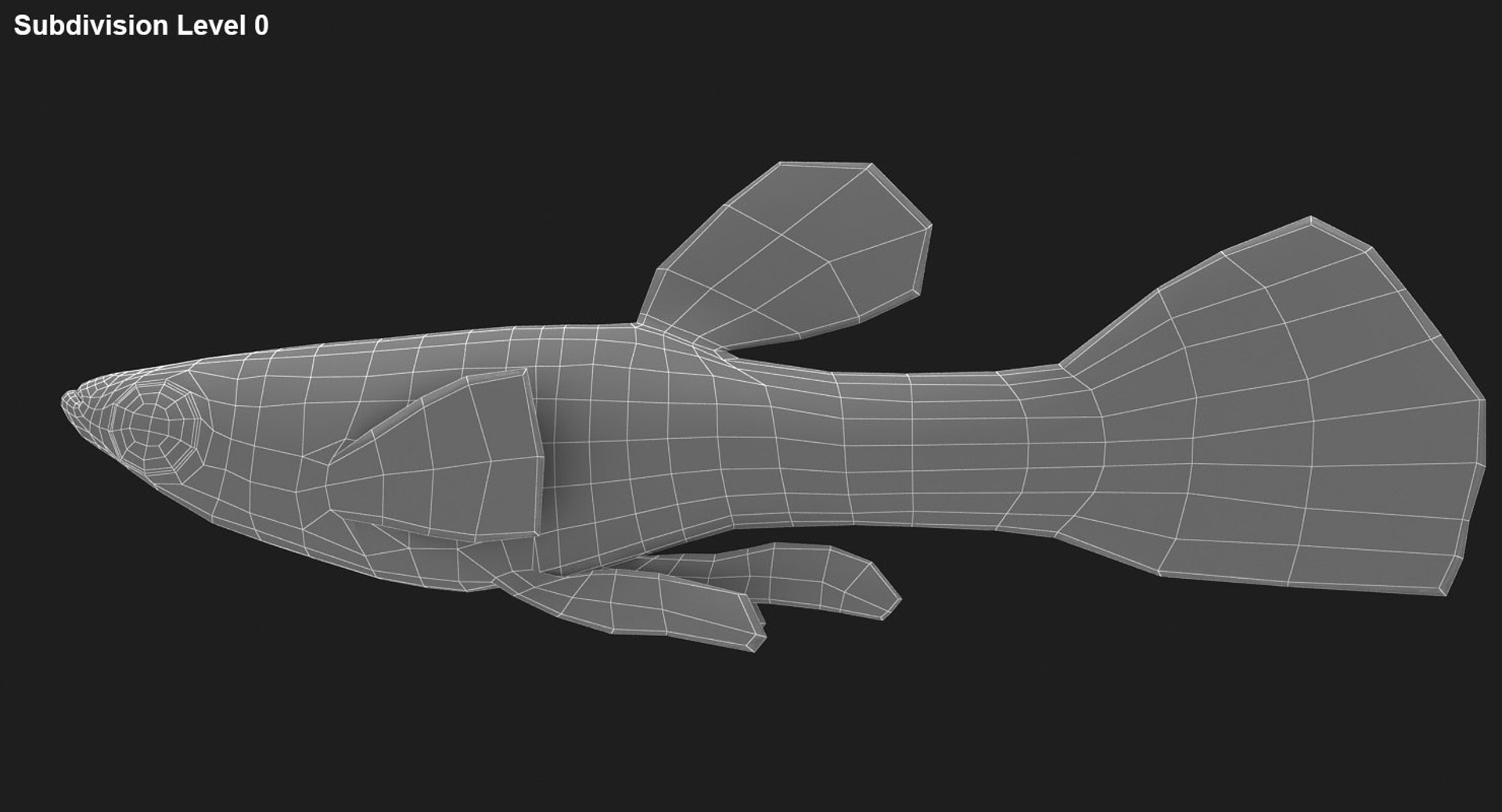
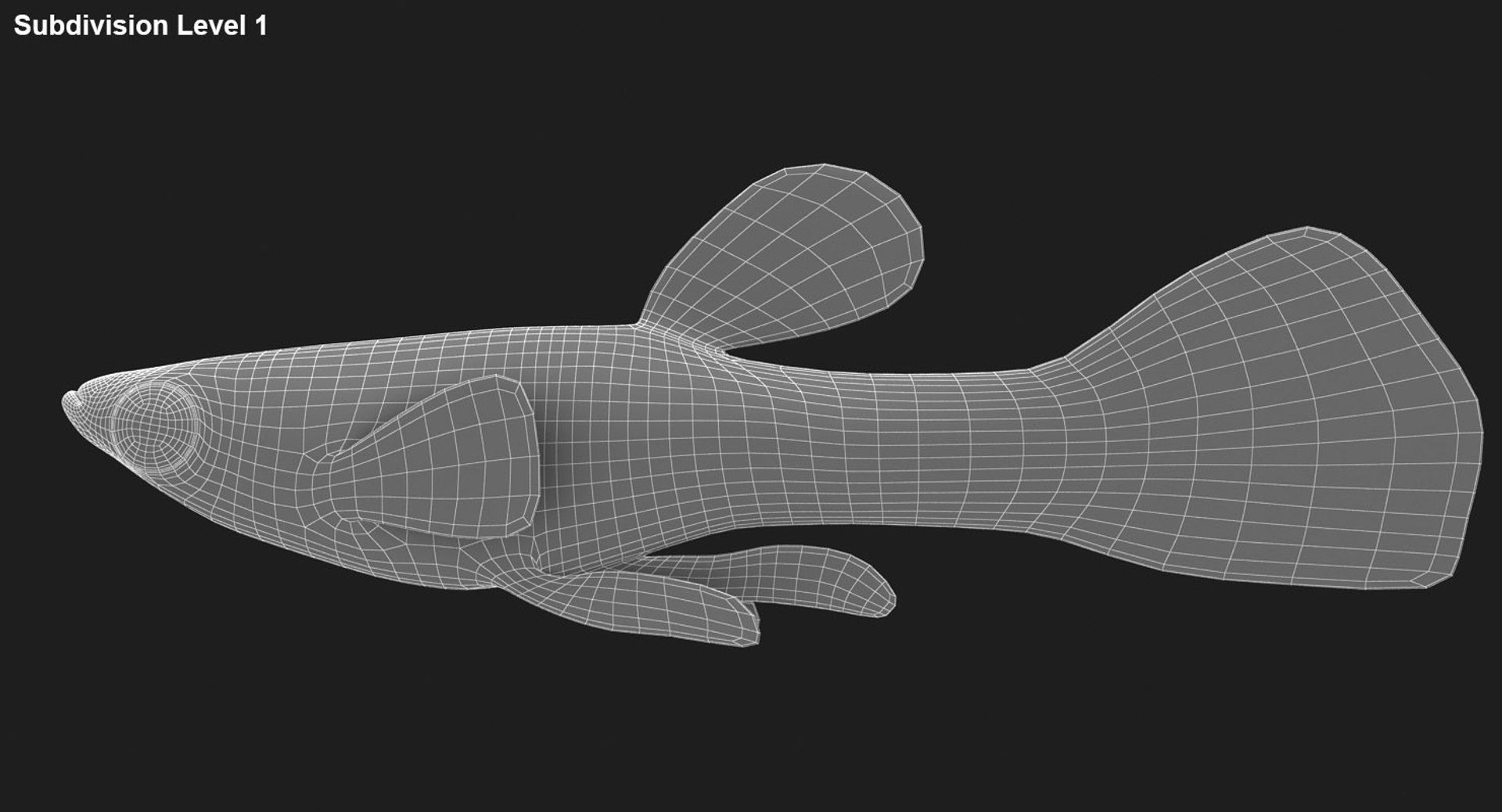
* The entire model is subdivided

-3ds Max files:
TurboSmooth modifier can be used to increase mesh resolution if necessary

-Two FBX files:
subdivision level 0
subdivision level 2 (render scene)
-Two OBJ files:
subdivision level 0
subdivision level 2
-Two 3DS files:
subdivision level 0
subdivision level 2

* Low poly model

Polygons smoothed: 35,072
Vertices smoothed: 17,538

* All the objects of the model are named

* All the materials are named

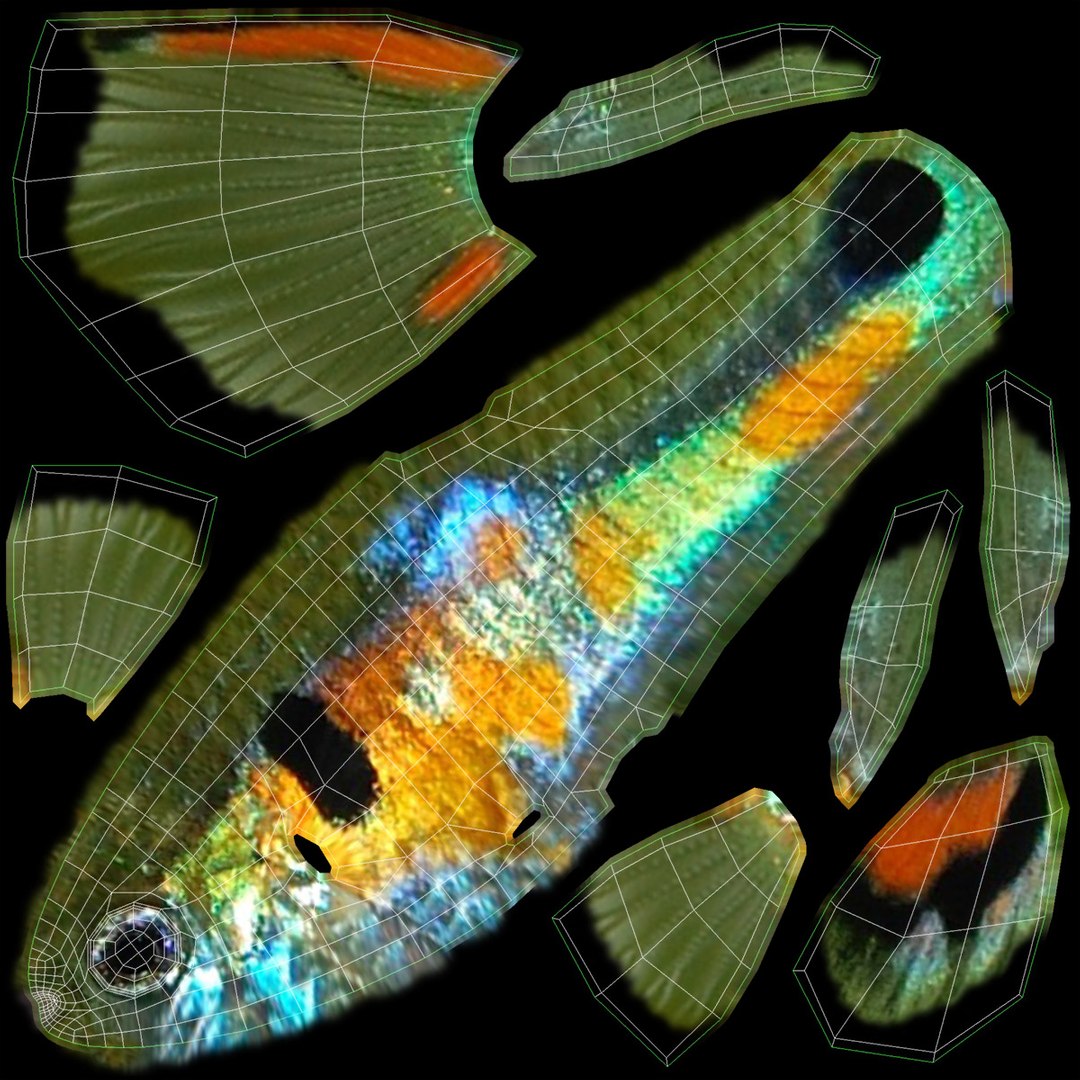
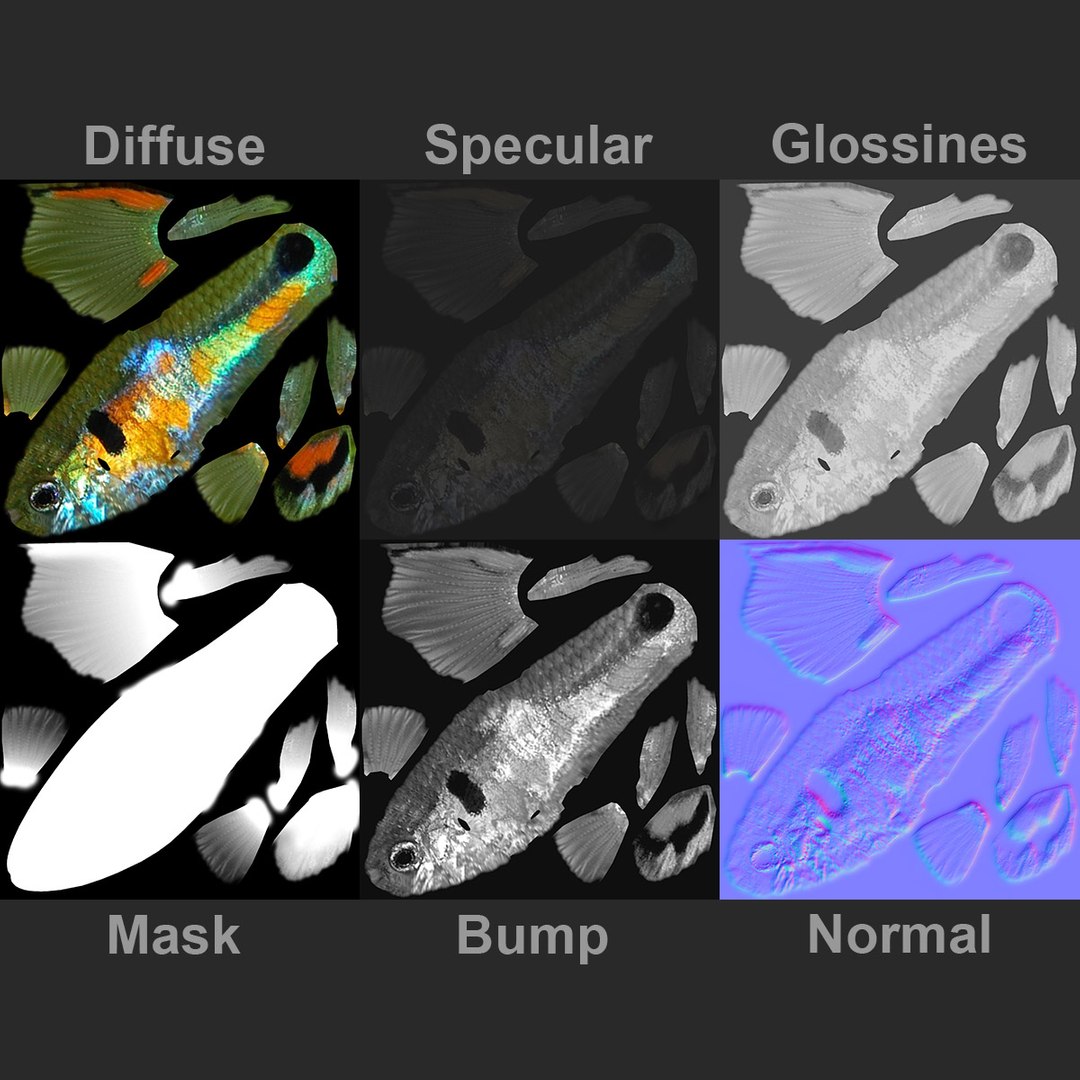
* Texture:
-Model Map
JPEG (.jpg)- 2048*2048
-Environment Map (Reflection)
V-Ray Renderer: HDRI- 5000*2500
Default Scanline Renderer: JPEG (.jpg)- 512*512

* Requires 3ds Max Version 2010 and higher

* Real-world scale (Millimeters)

Select Enhanced License

  • $10,000 in Legal Protection (Indemnification)
  • Uncapped Legal Protection (Indemnification)
  • Waiver from injunctive relief
  • Assignable model rights
  • $1,000,000 in Legal Protection (Indemnification)
  • Waiver from injunctive relief
  • Assignable model rights
  • $250,000 in Legal Protection (Indemnification)
  • Assignable model rights
Read more about enhanced license tiers, or contact us at enterprise@turbosquid.com. Already a Shutterstock Enterprise Customer? Contact your Shutterstock Sales Support Agent to talk about adding 3D.

About Conversion Requests

To submit a conversion request for a purchased asset, please complete our Conversion Request Form.

If you have not yet purchased a model, please review our Documentation about Conversions to learn about what limitations you may encounter with a conversion.

For any additional questions about a model’s suitability for conversion, please contact TurboSquid Support.

Loading...