
Pier

$59

Standard License | Upgrade License
Editorial Uses Only
Formats (4)
Free file format Conversions available
Native | 3ds Max 2017 | V-Ray 4.10.3
OBJ
FBX
3D Studio
Other Files
pier_part_1.spp Bench.spp pier_part_2.spp Textures.zip pier_part_5.spp pier_part_4.spp pier_part_3.spp
Specifications
Publish Date June 04, 2020
Product ID 1571731
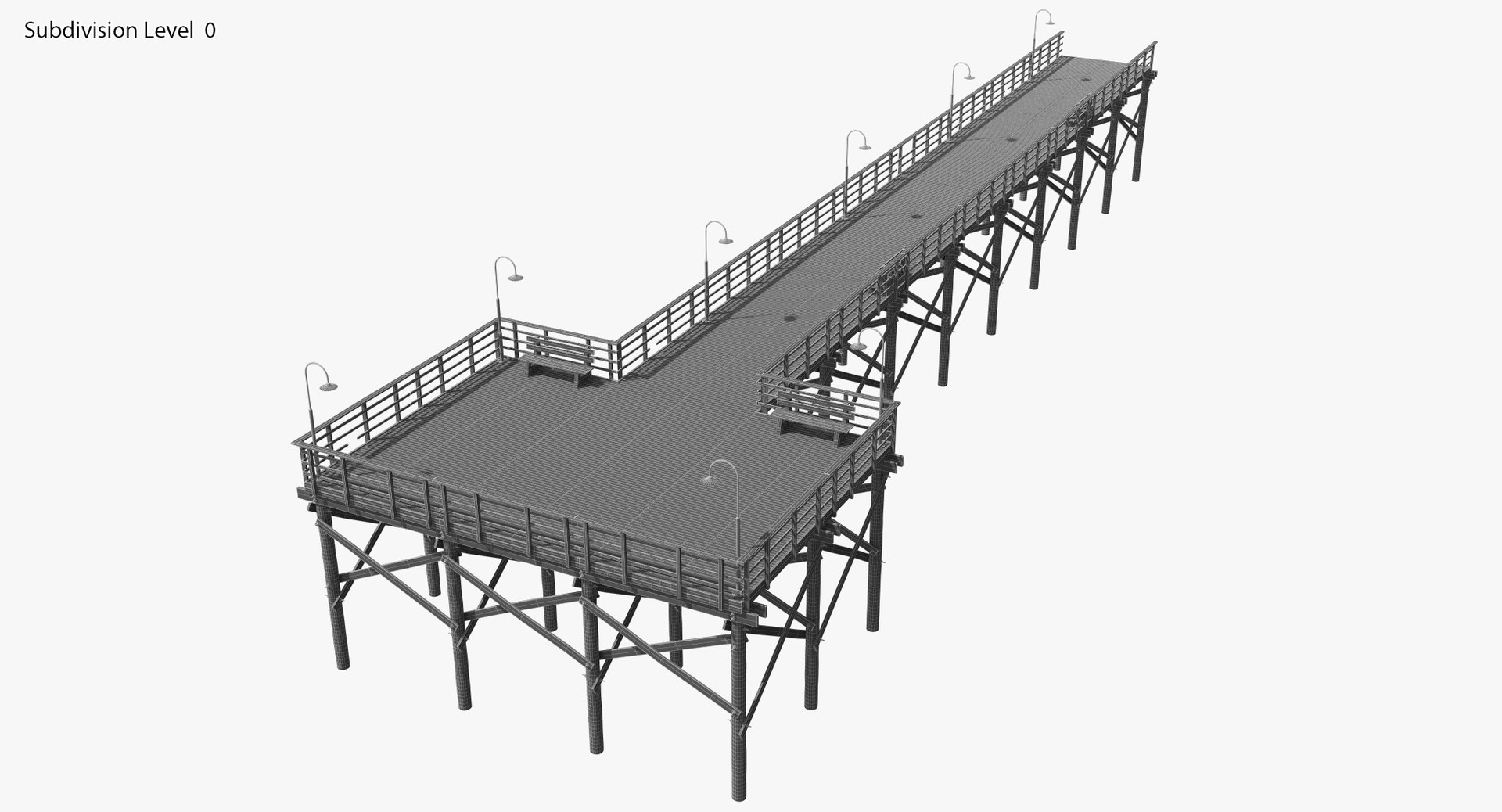
Polygons 157,164
Vertices 164,737
Polygonal Quads Only
Textures
Materials
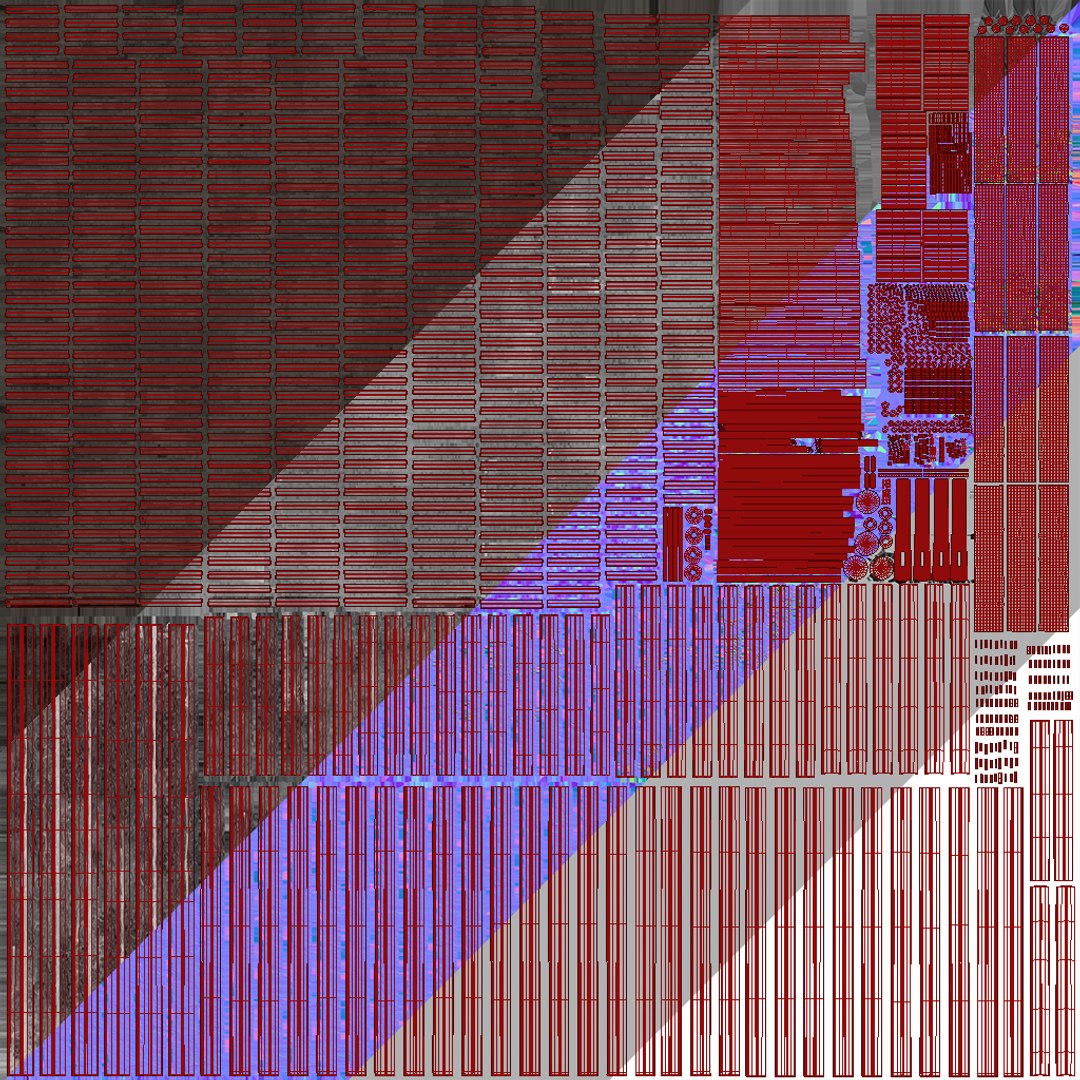
UV Mapped
Non-overlapping Unwrapped UVs
TurboSquid Exclusive

member avatar
George Kuuzik
84 Products | Contributor Since 2014
Have questions? Chat with us now.

Description

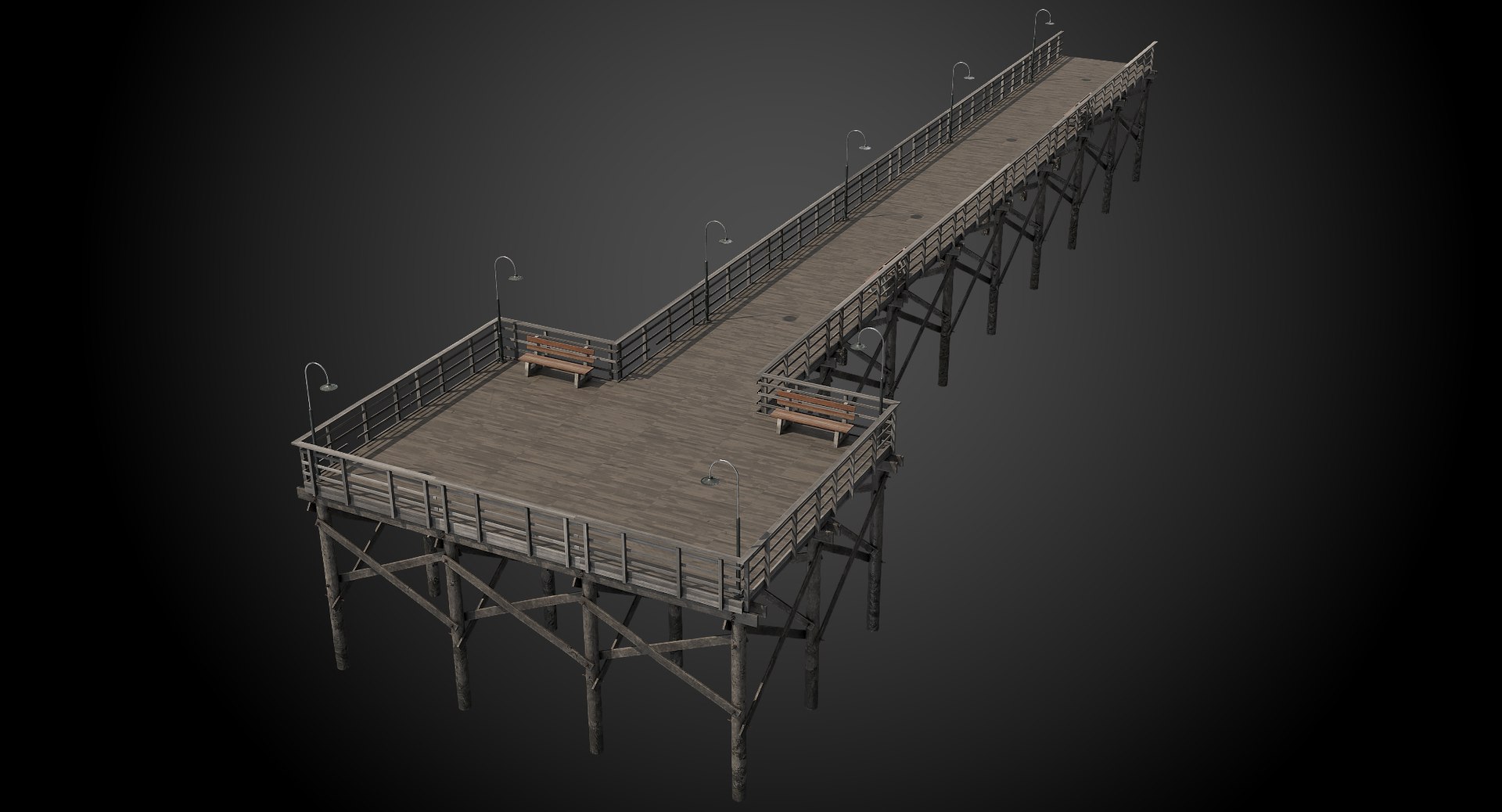
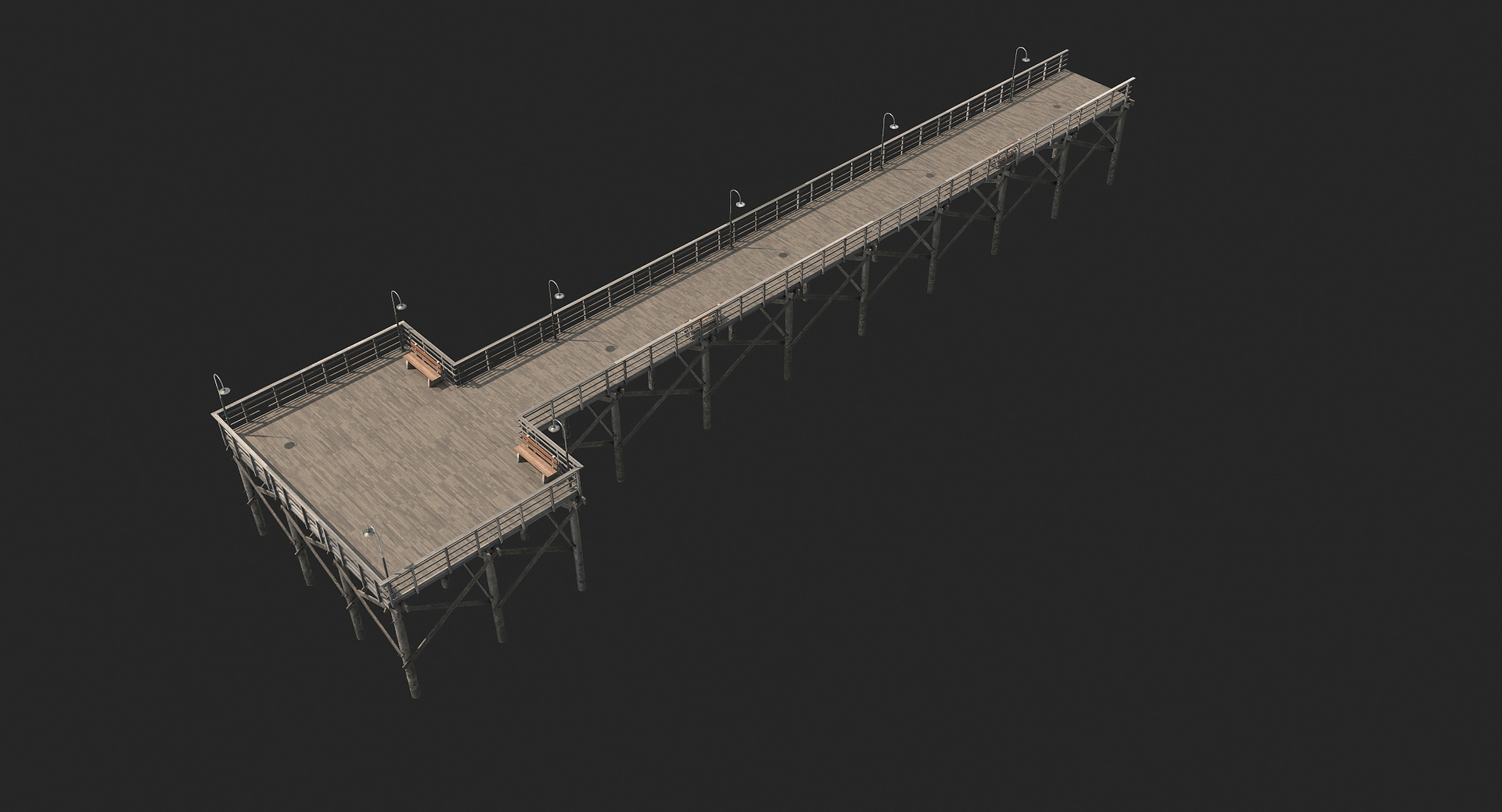
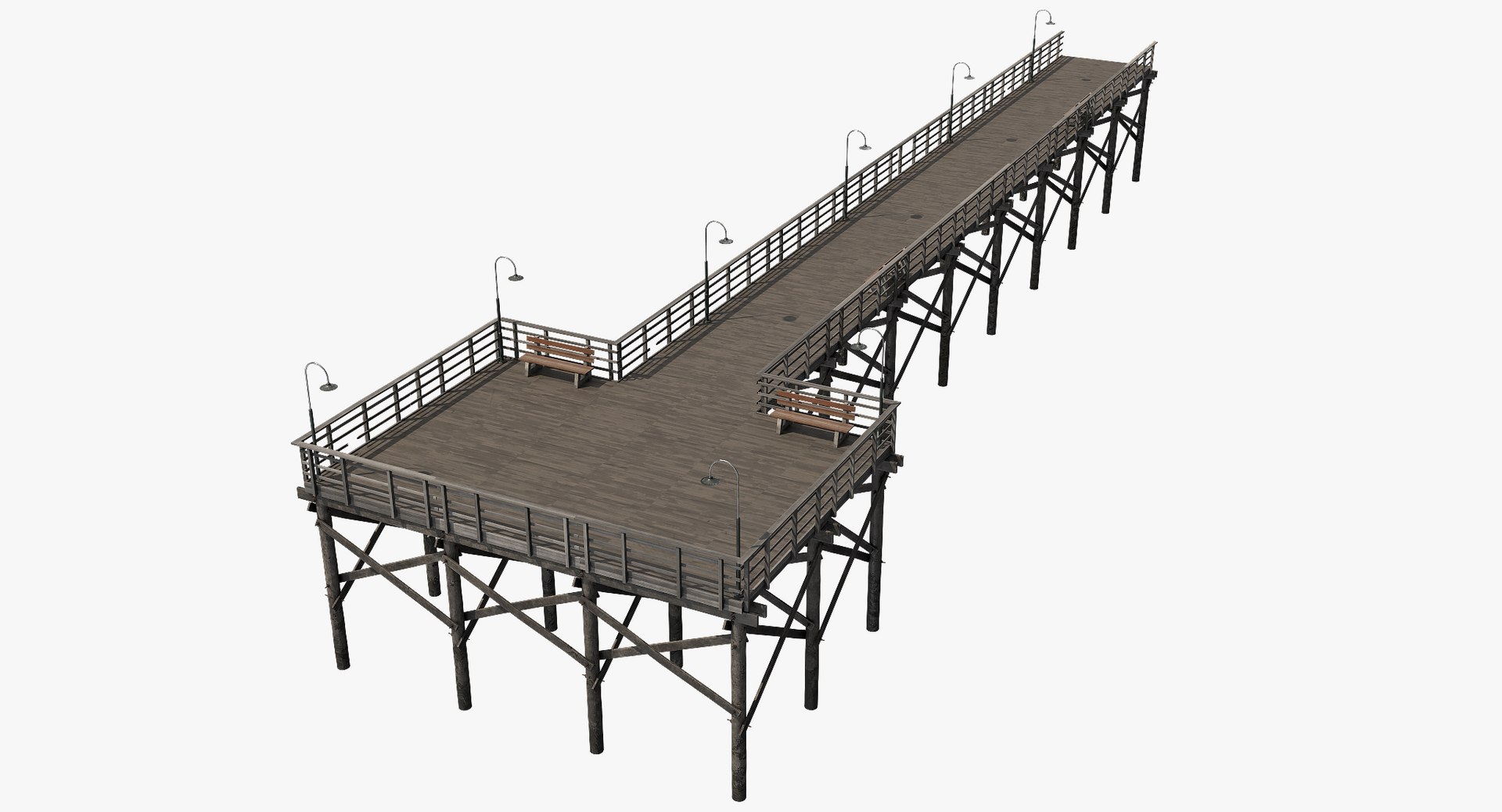
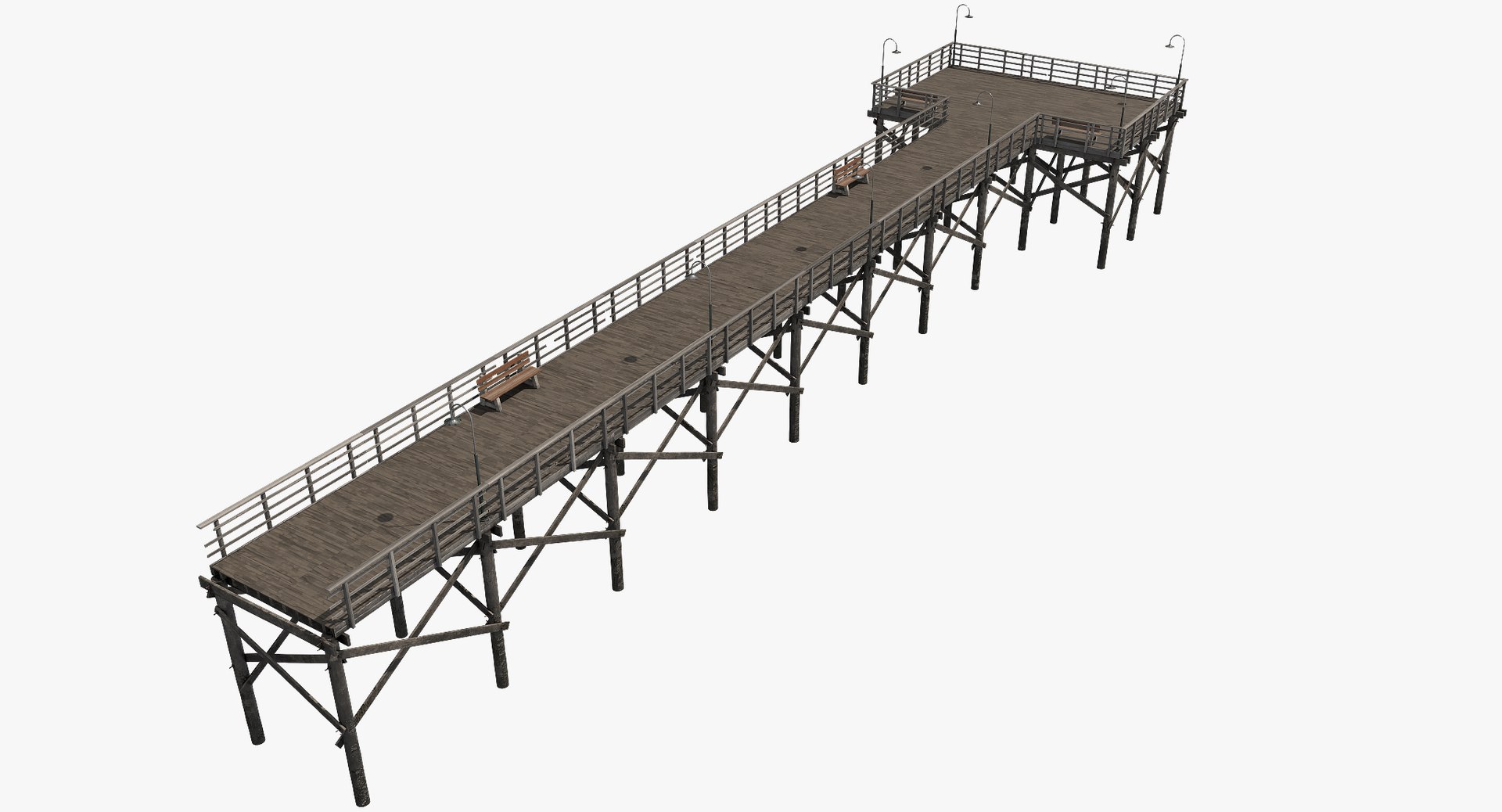
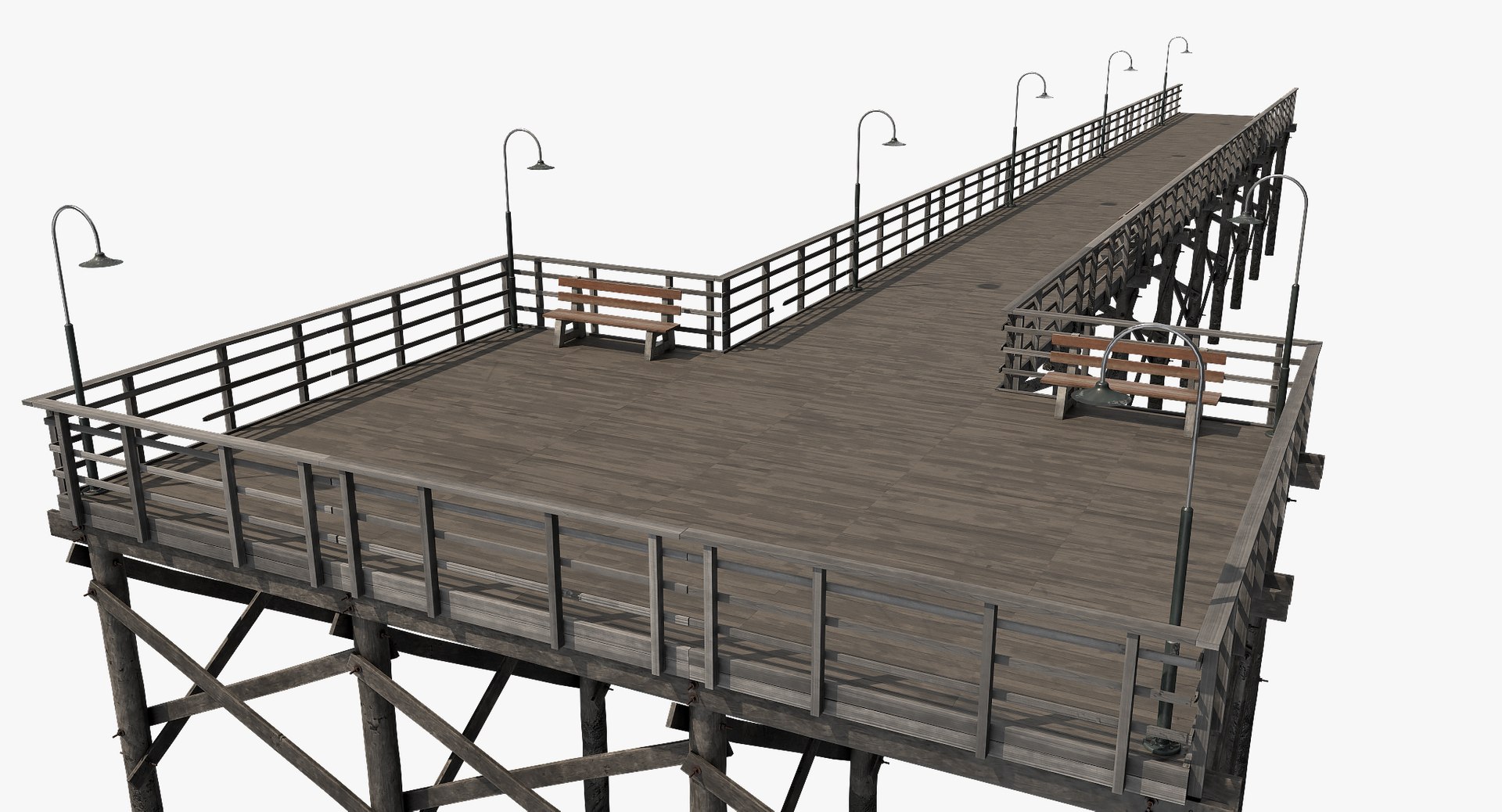
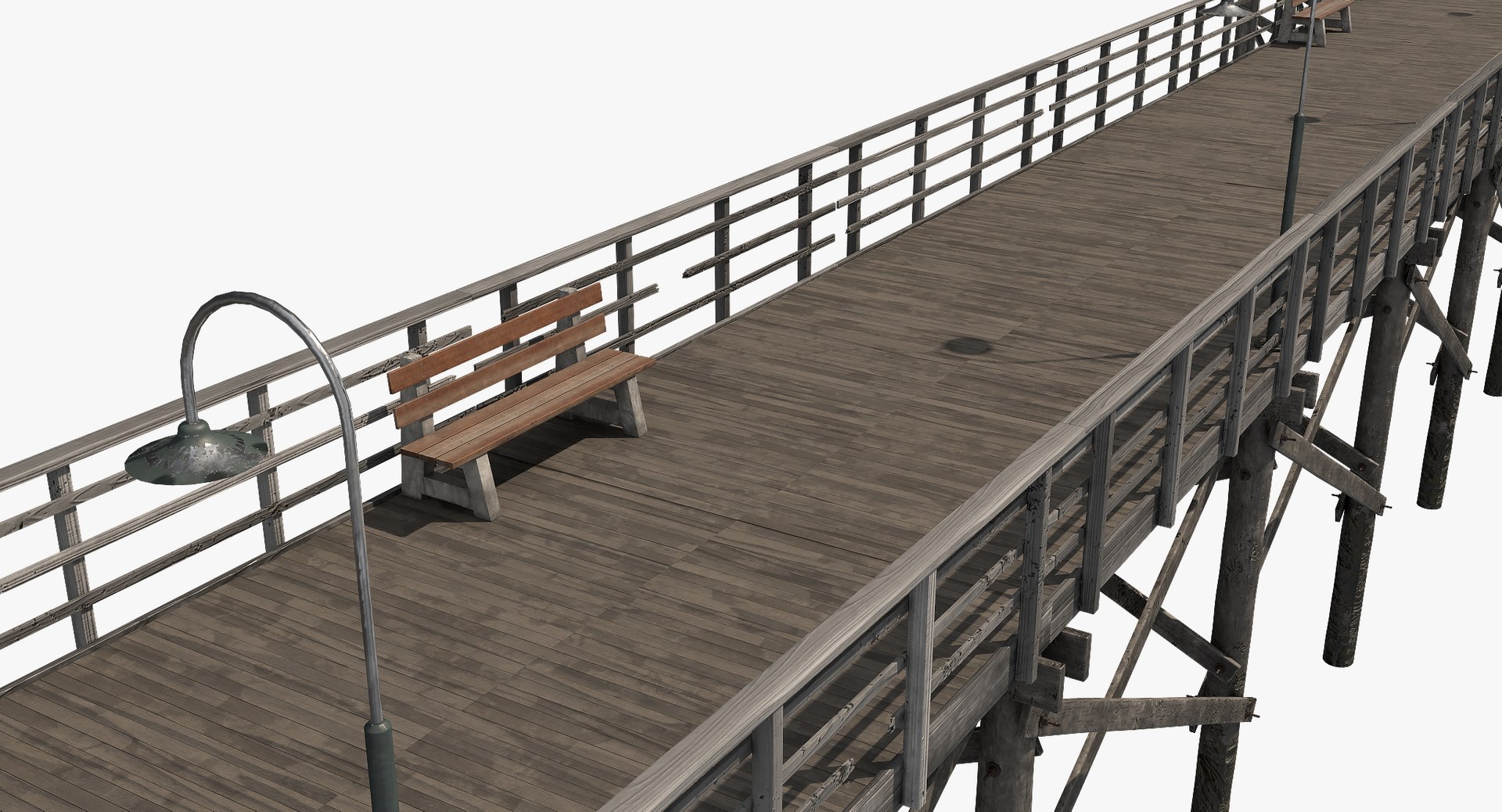
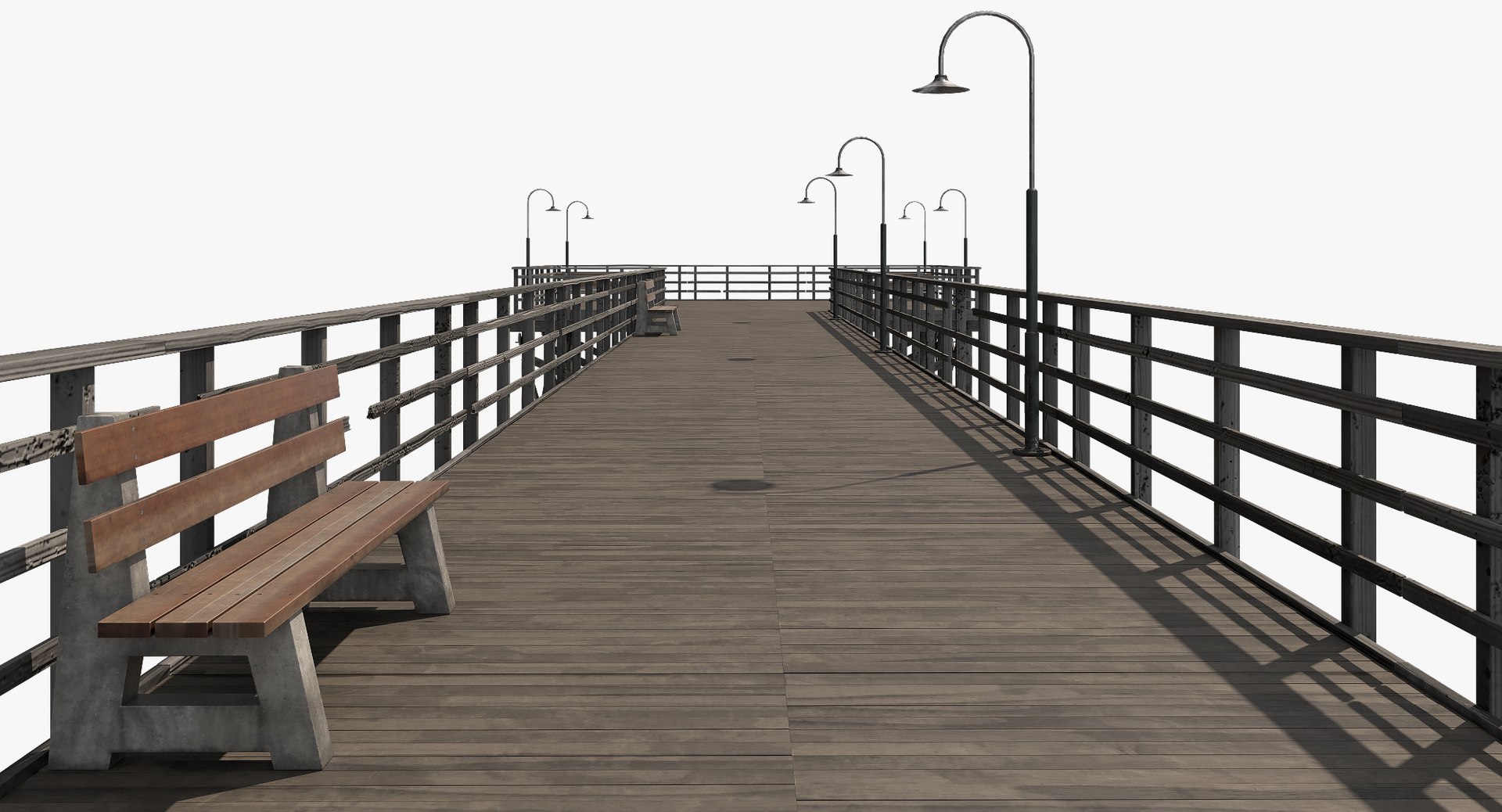
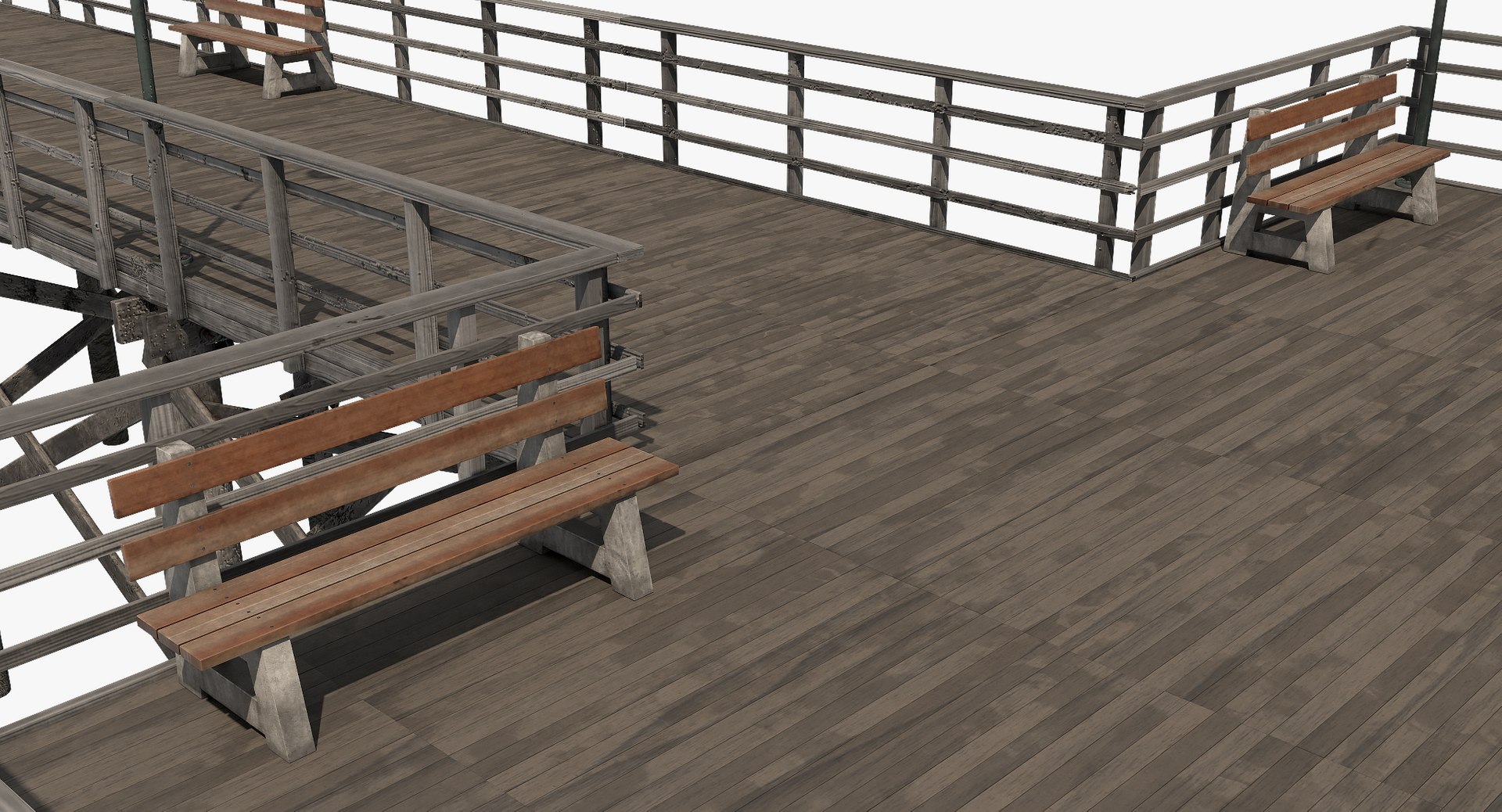
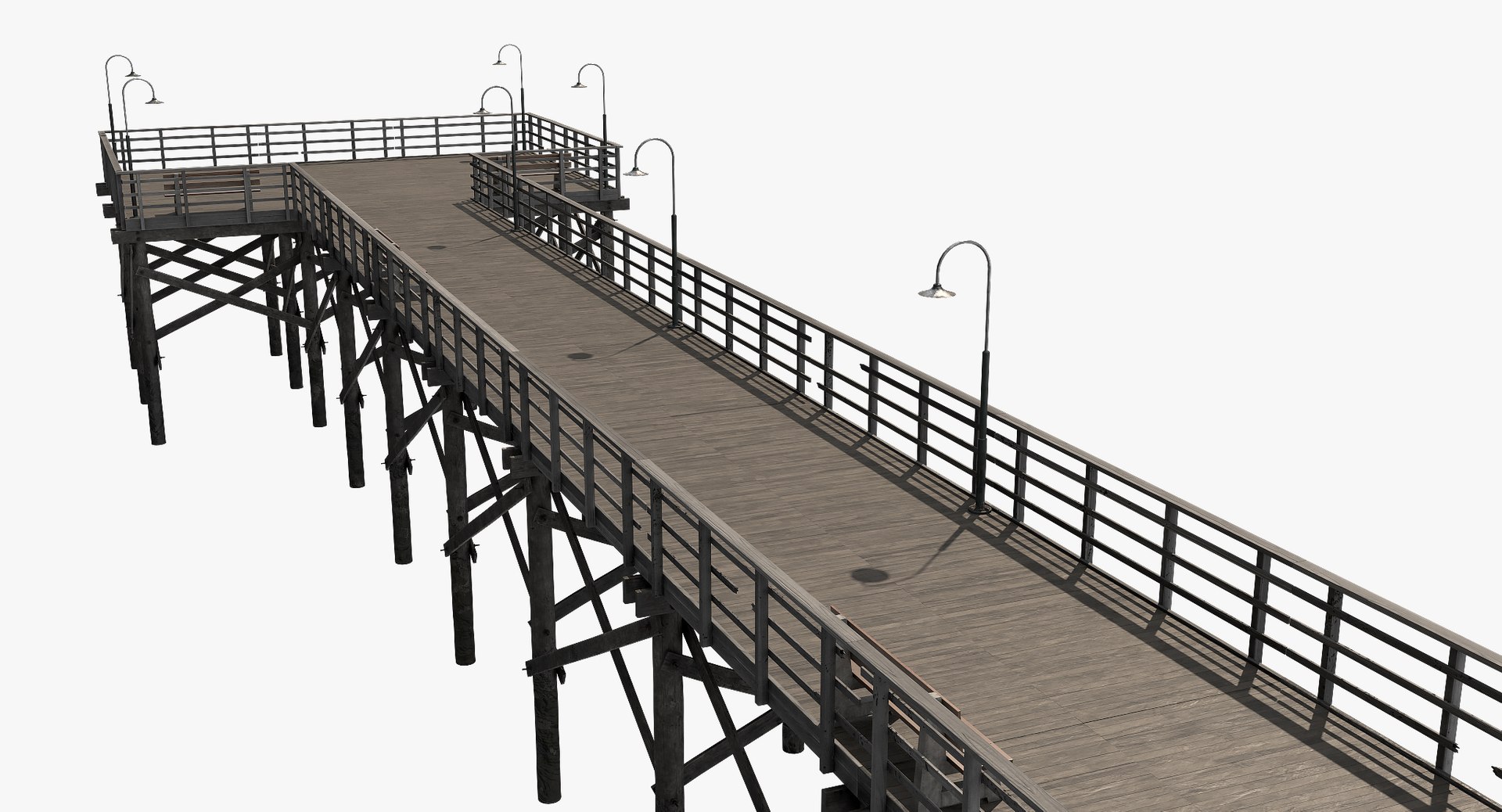
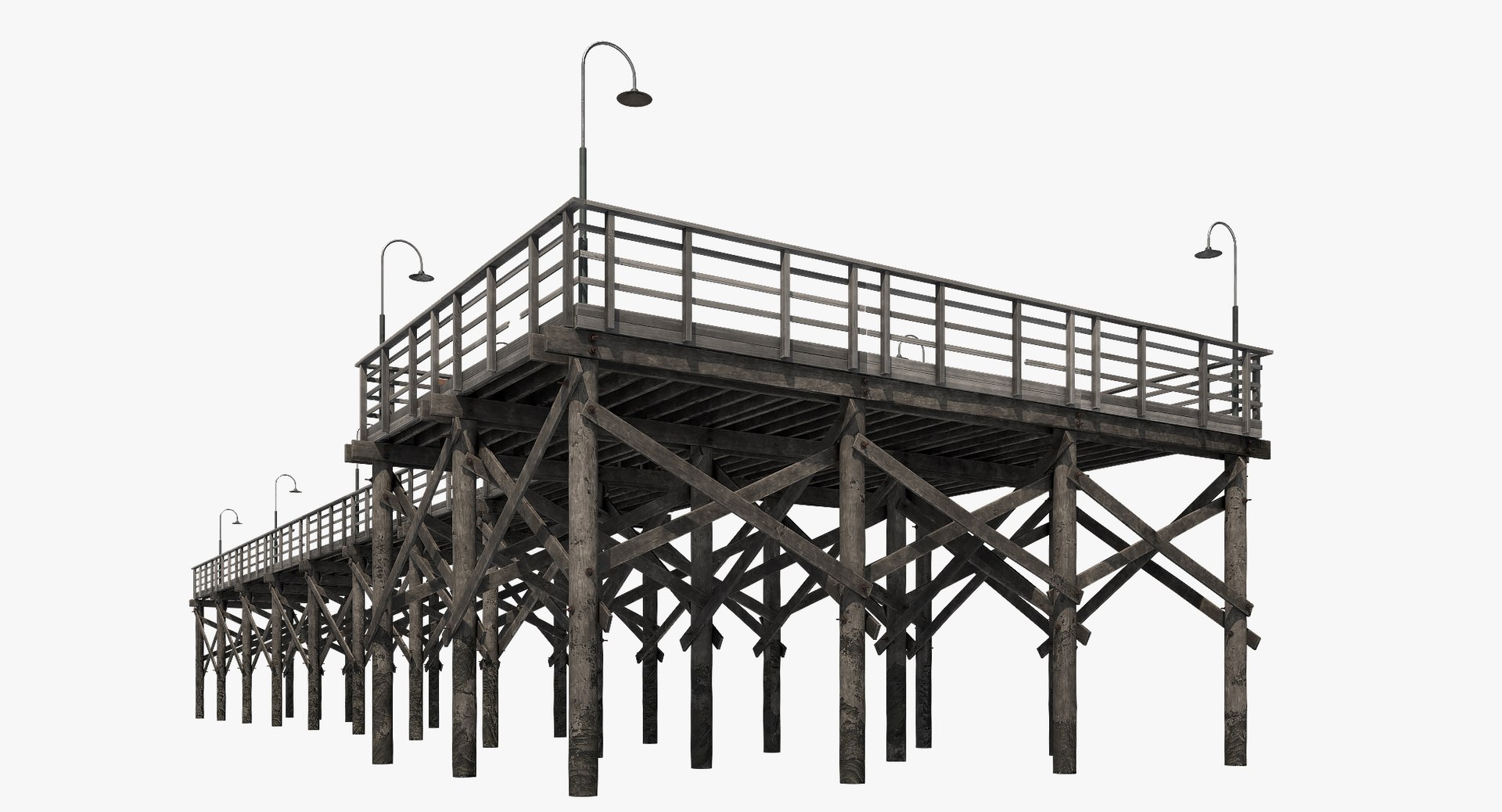
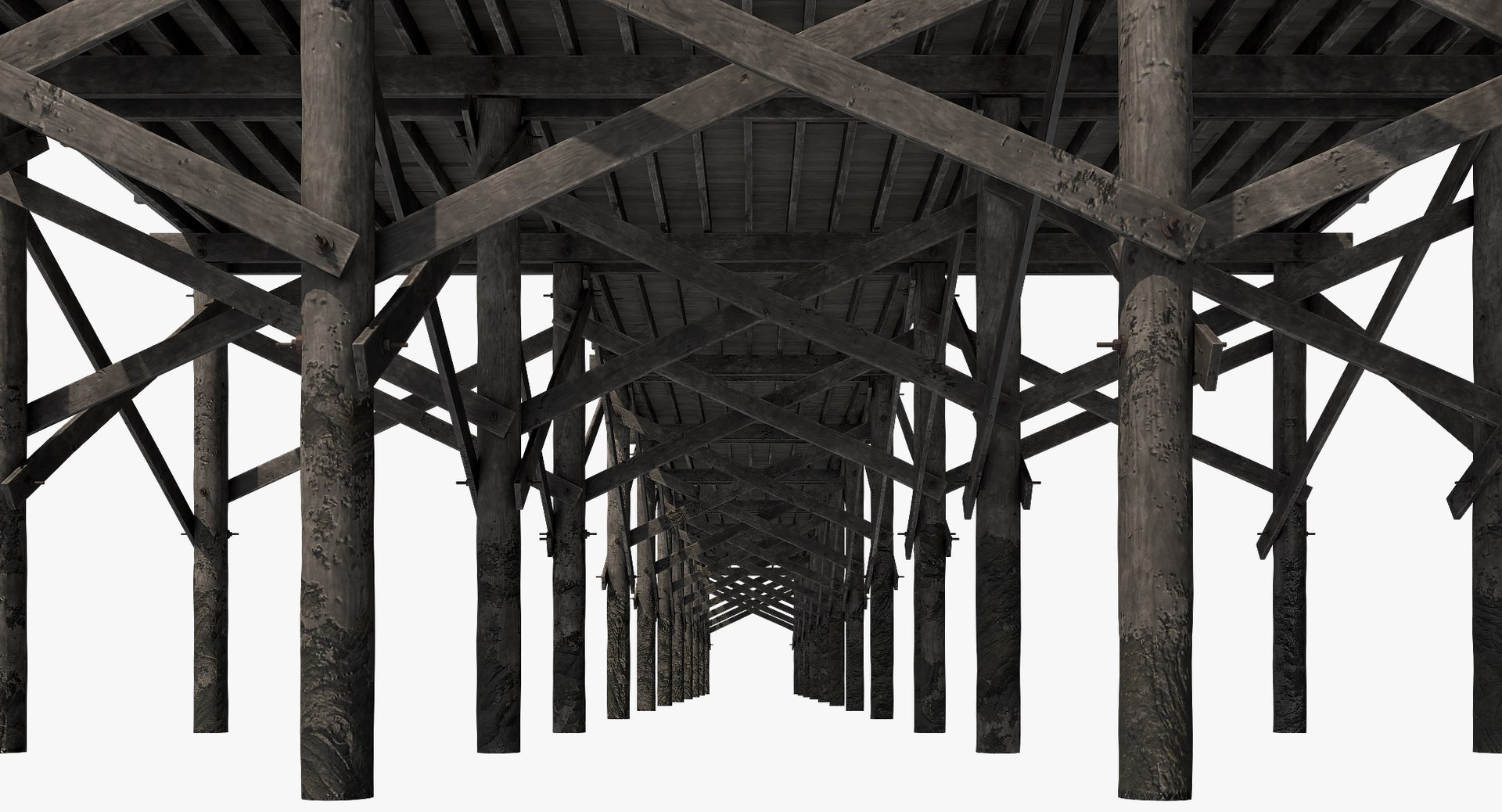
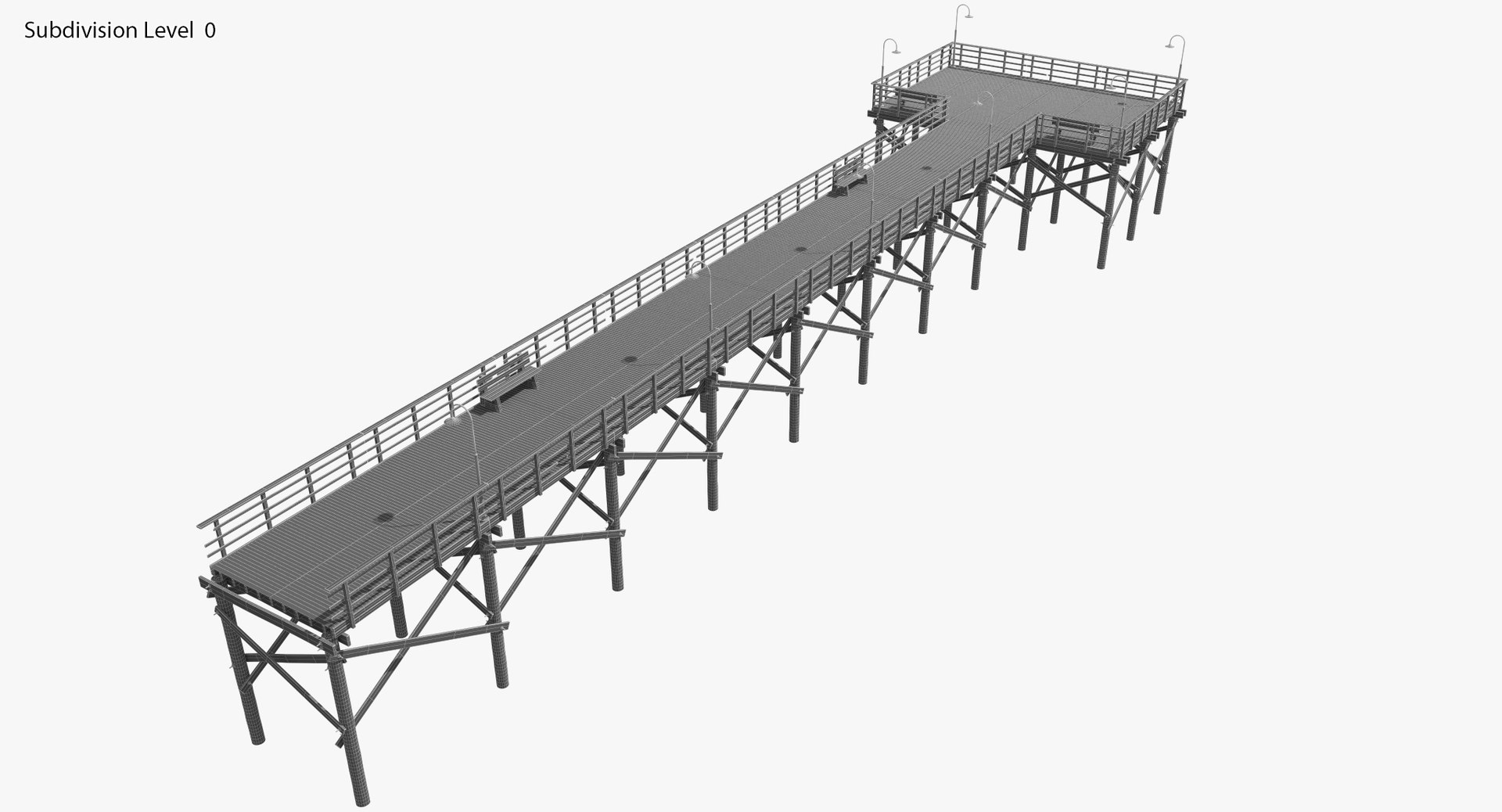
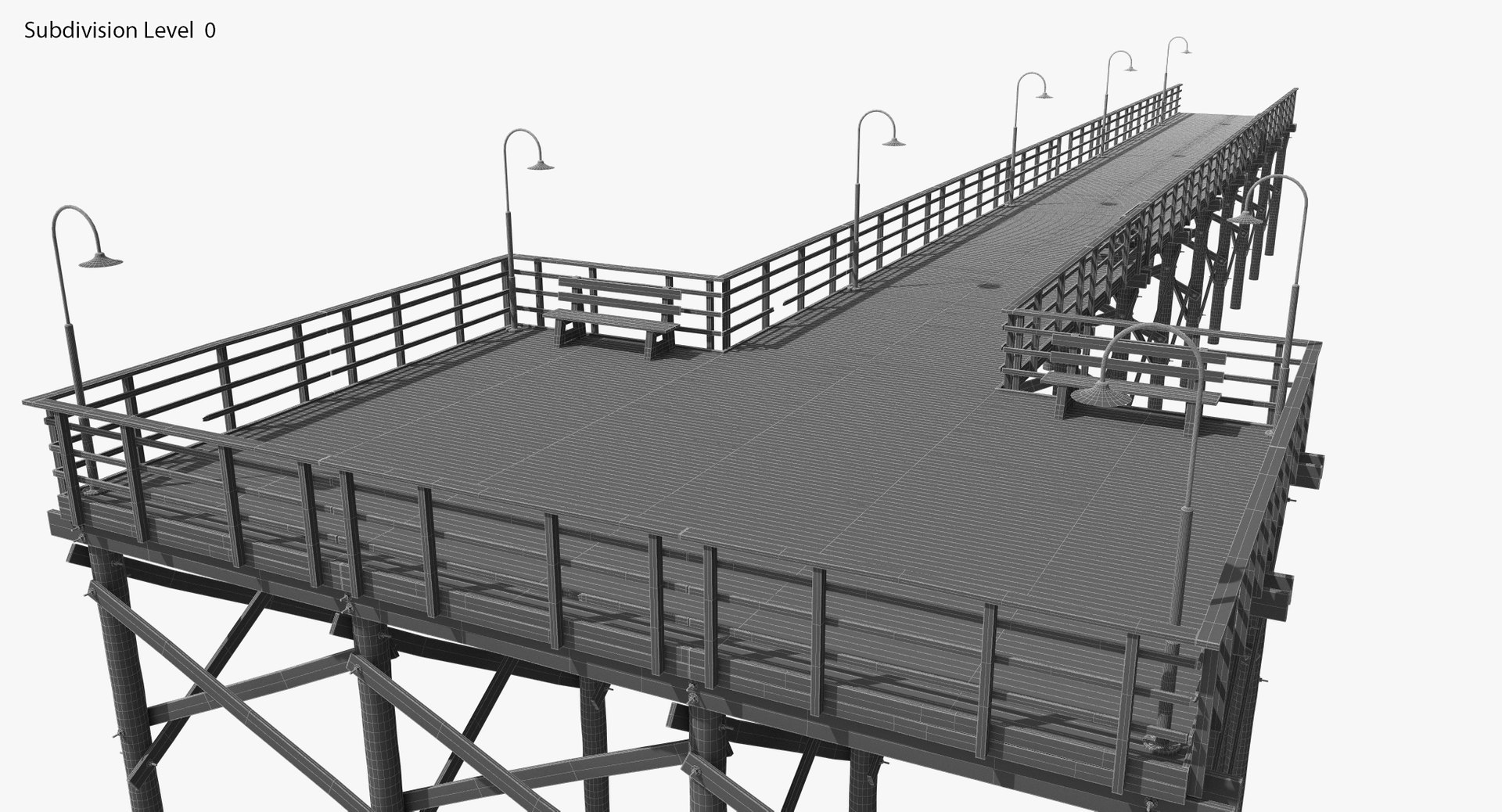
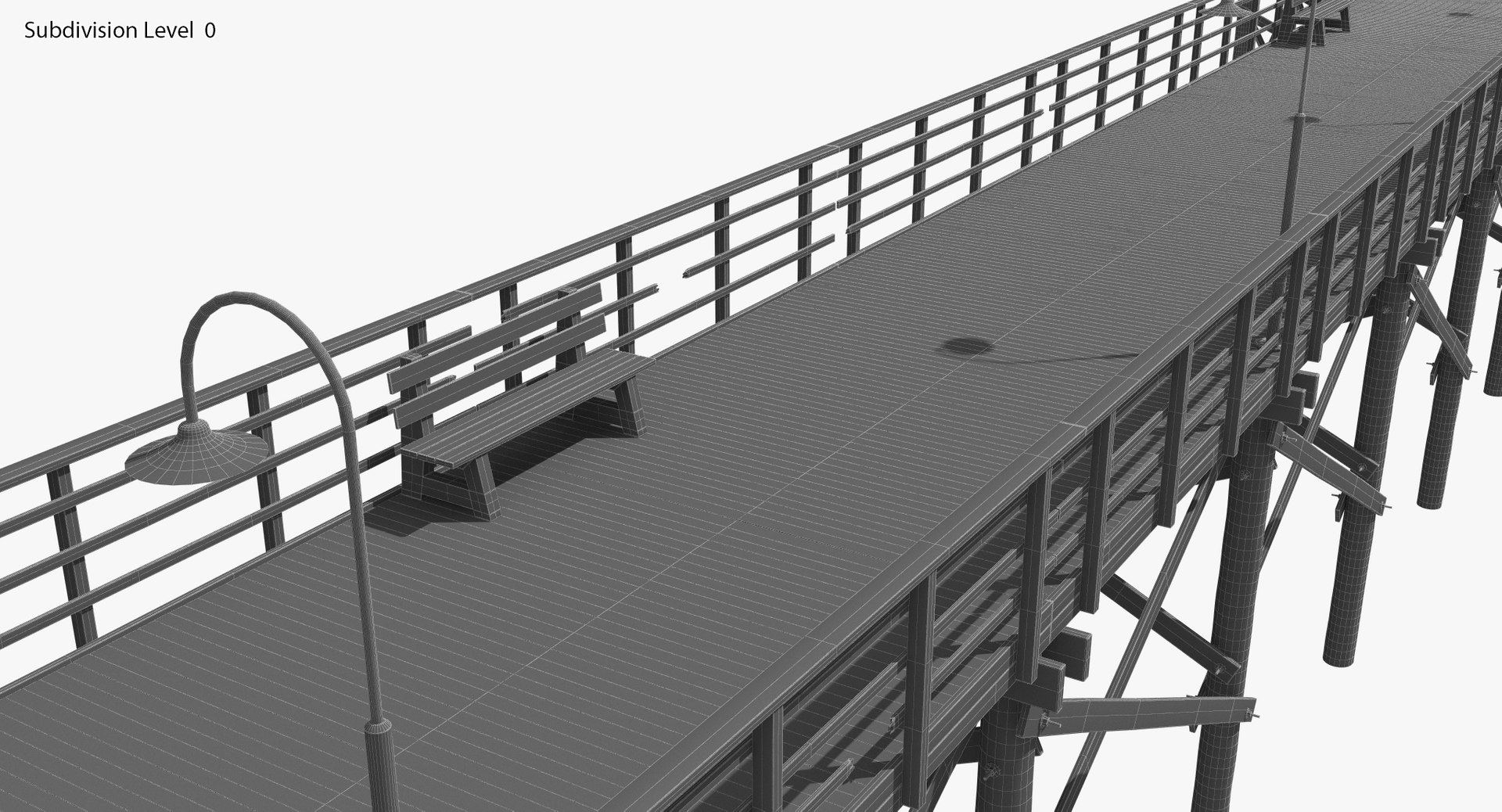
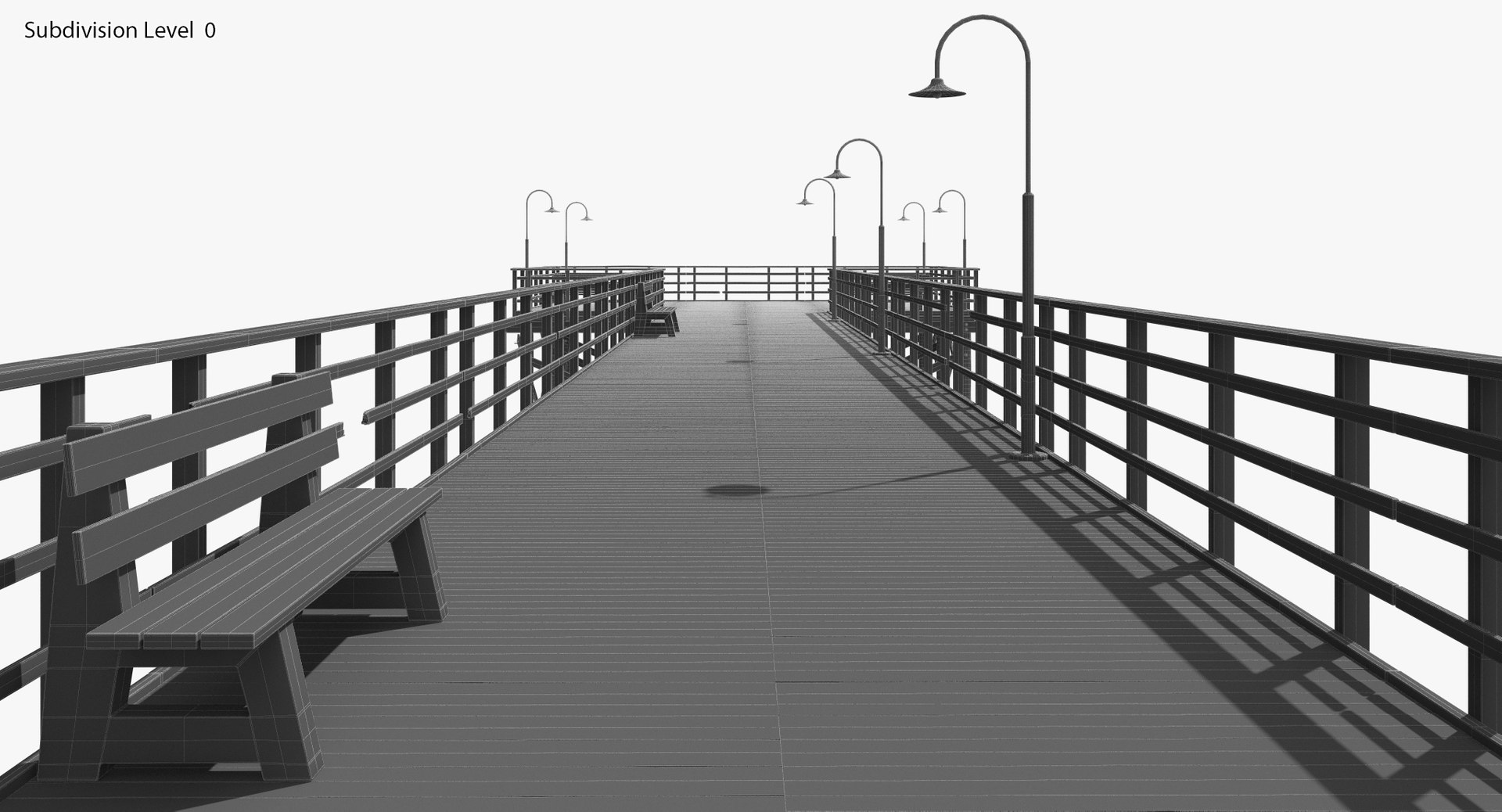
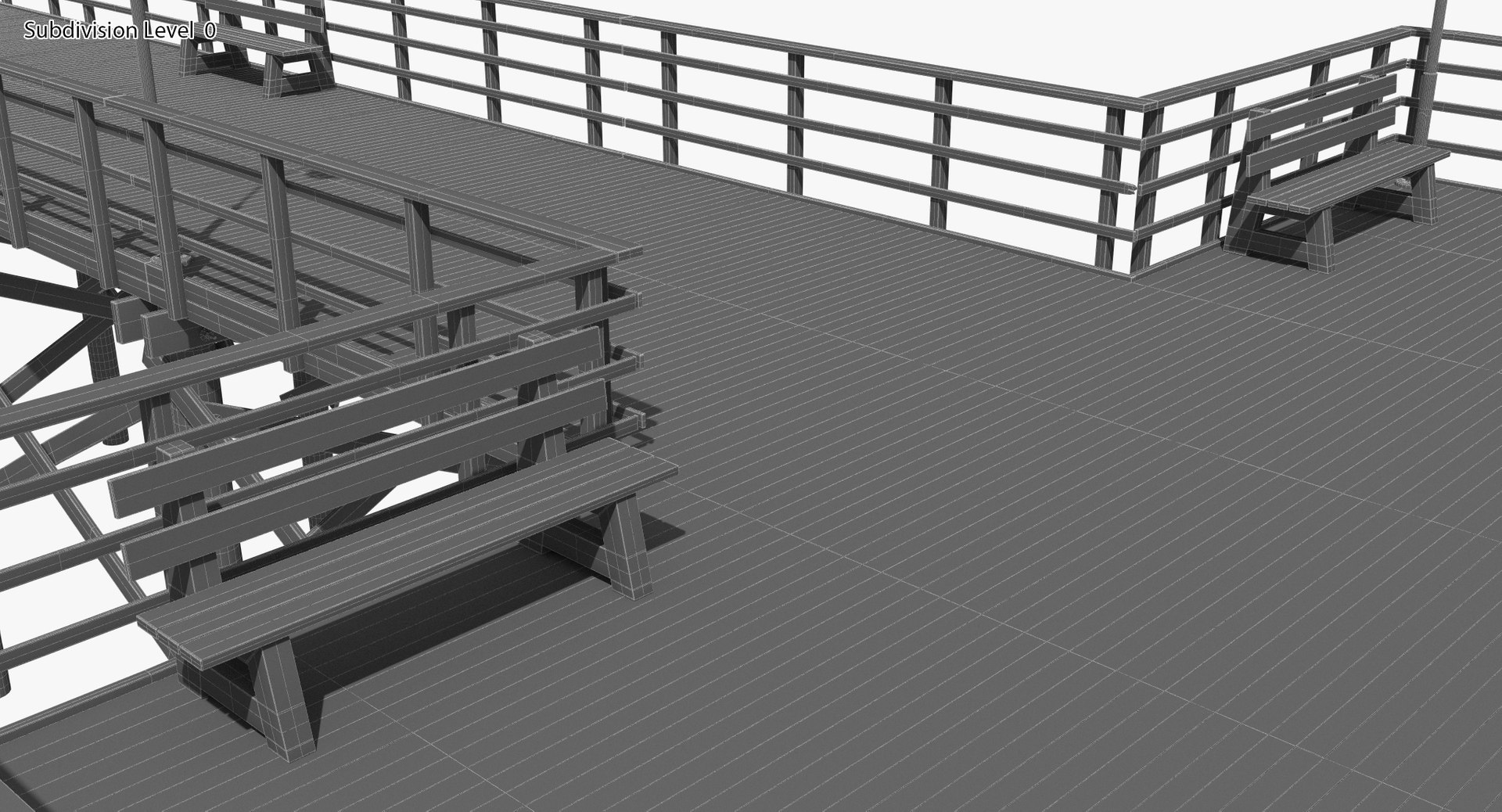
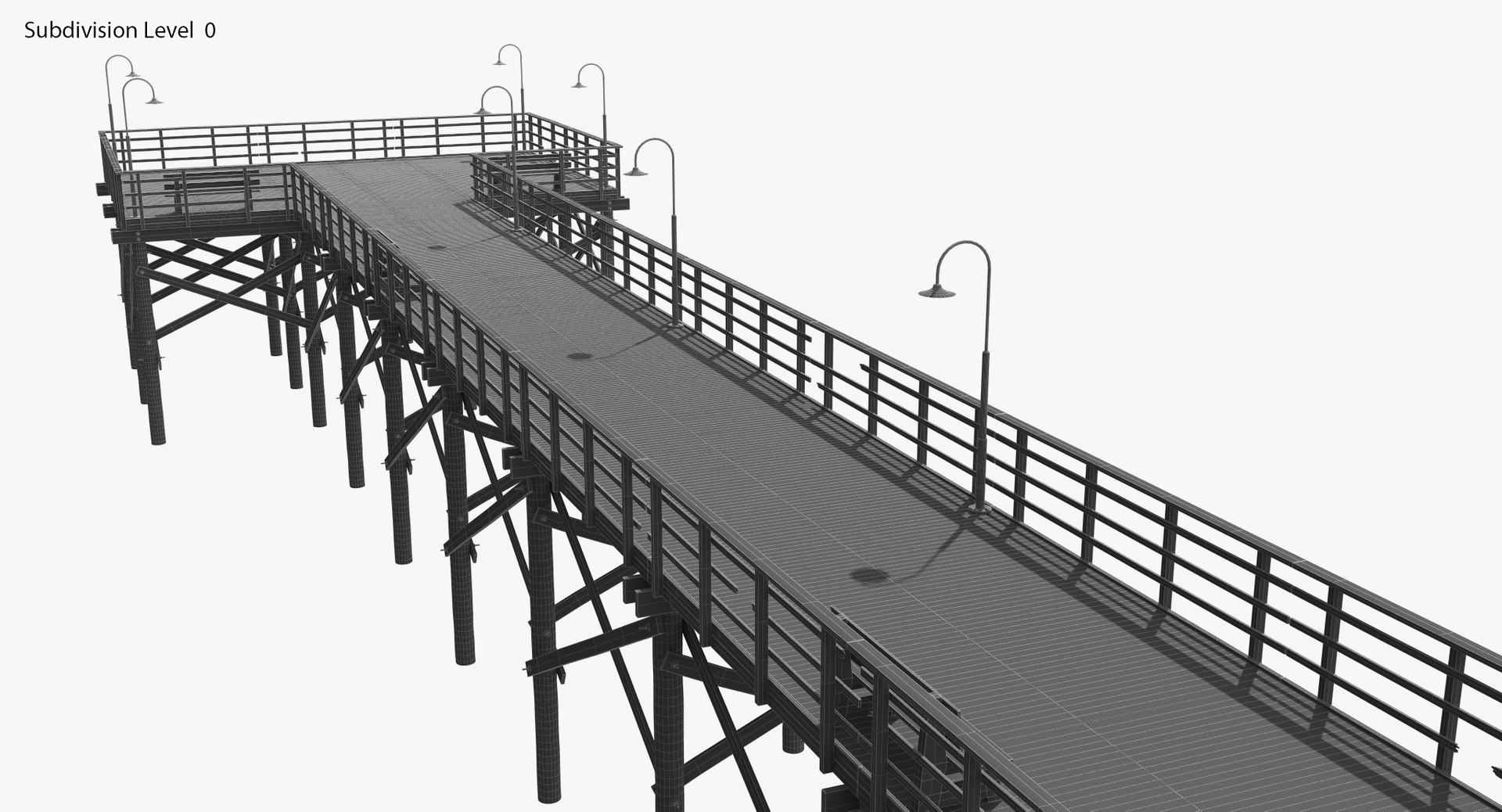
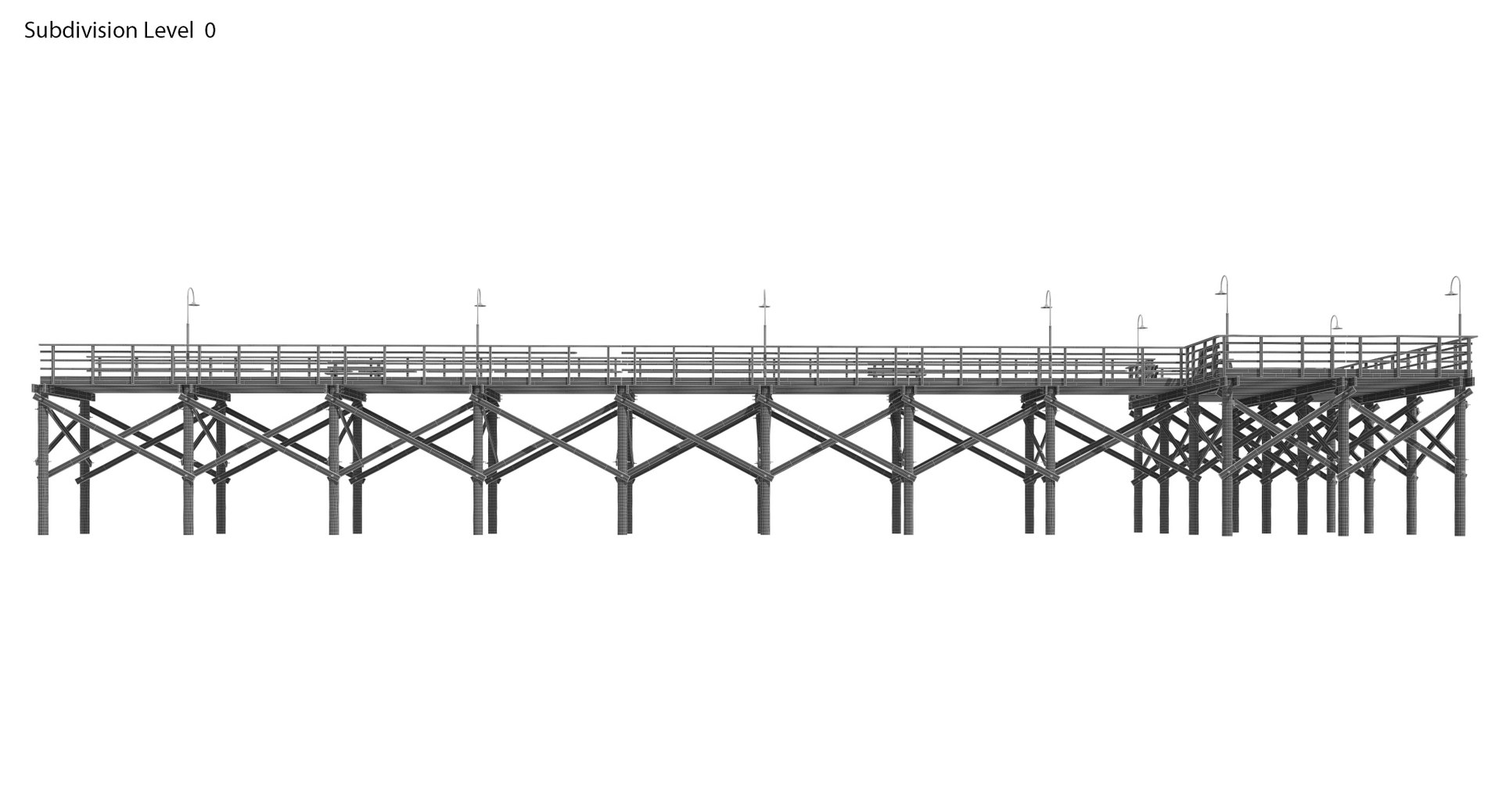
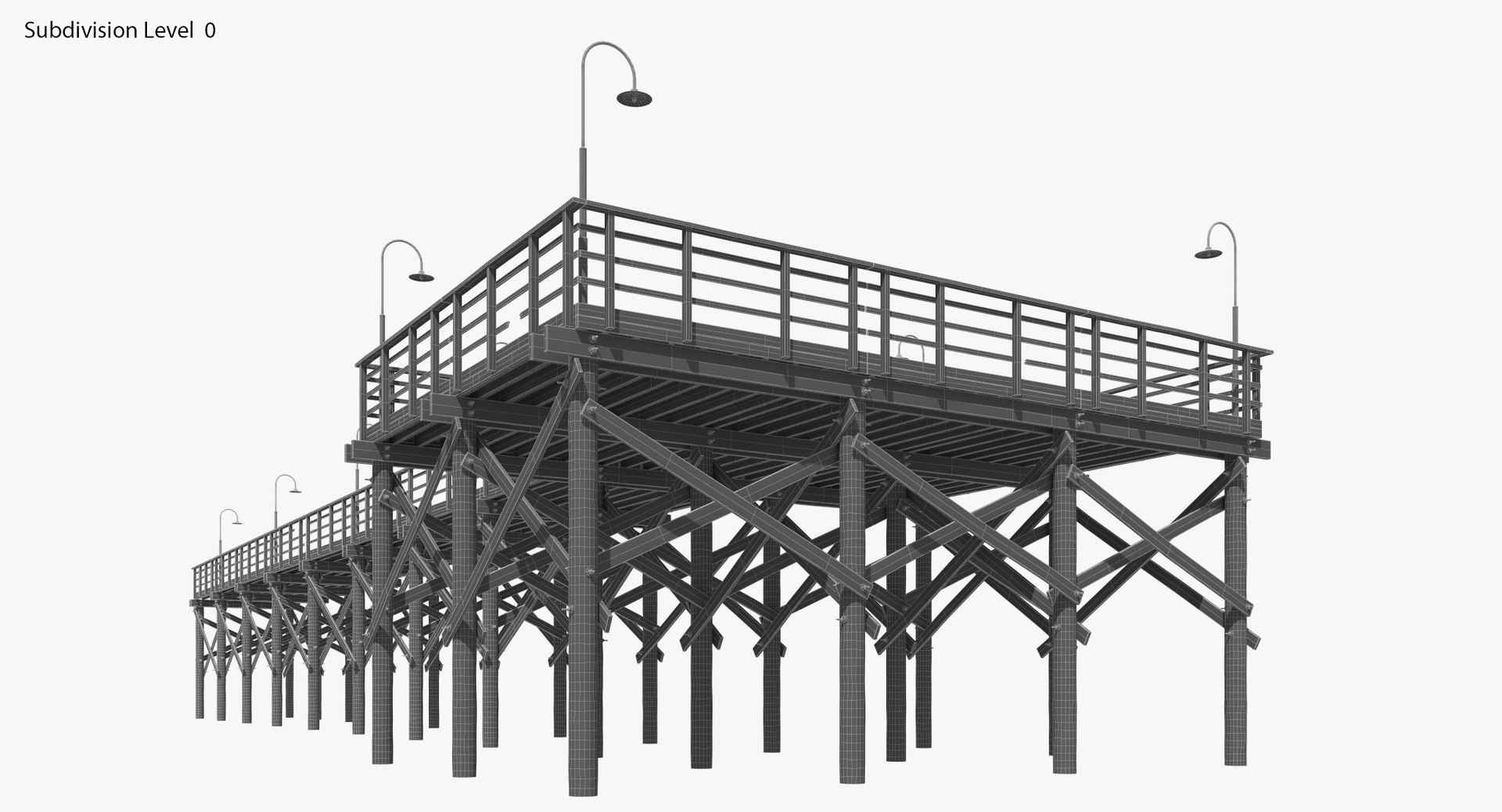
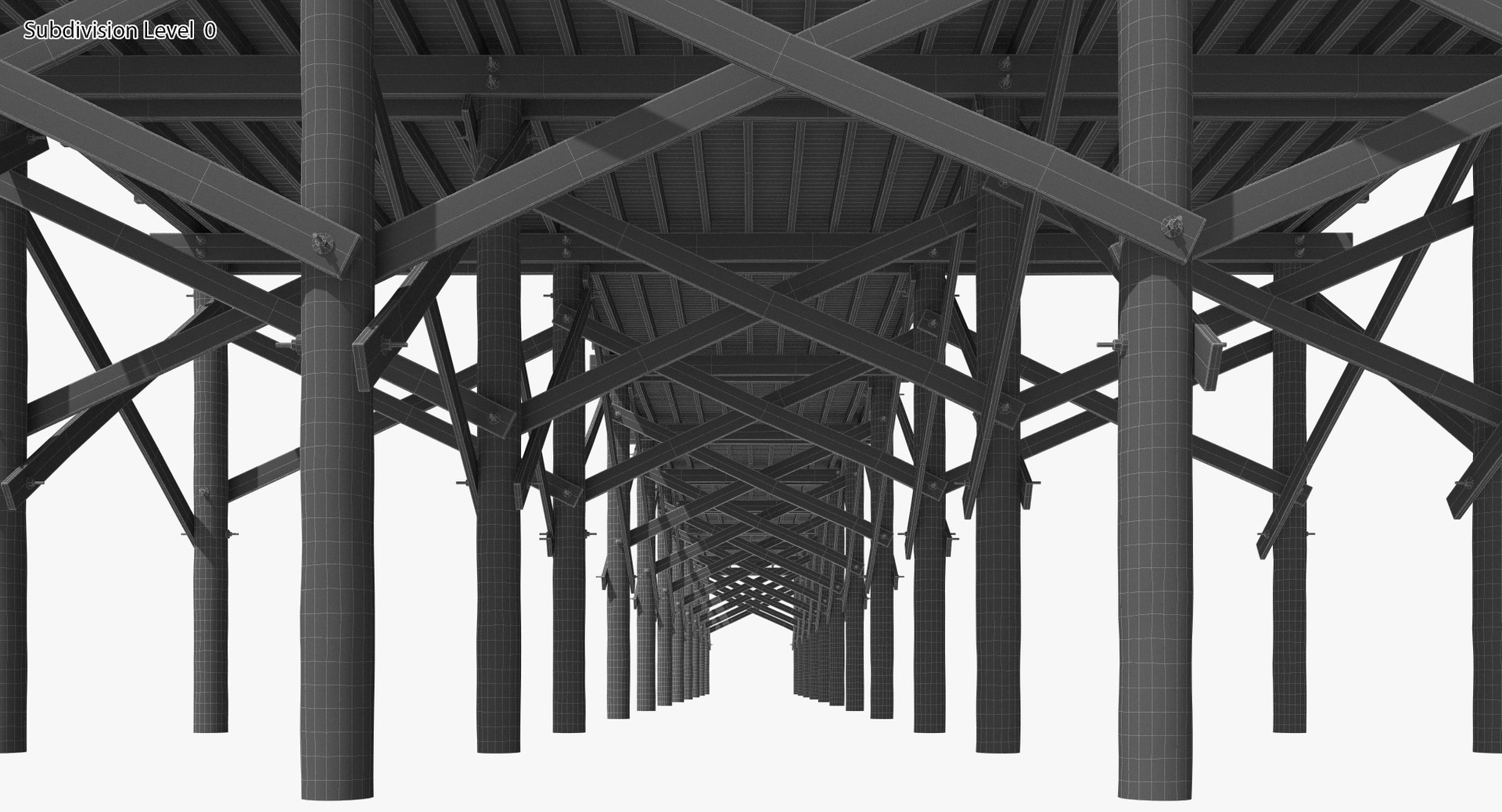
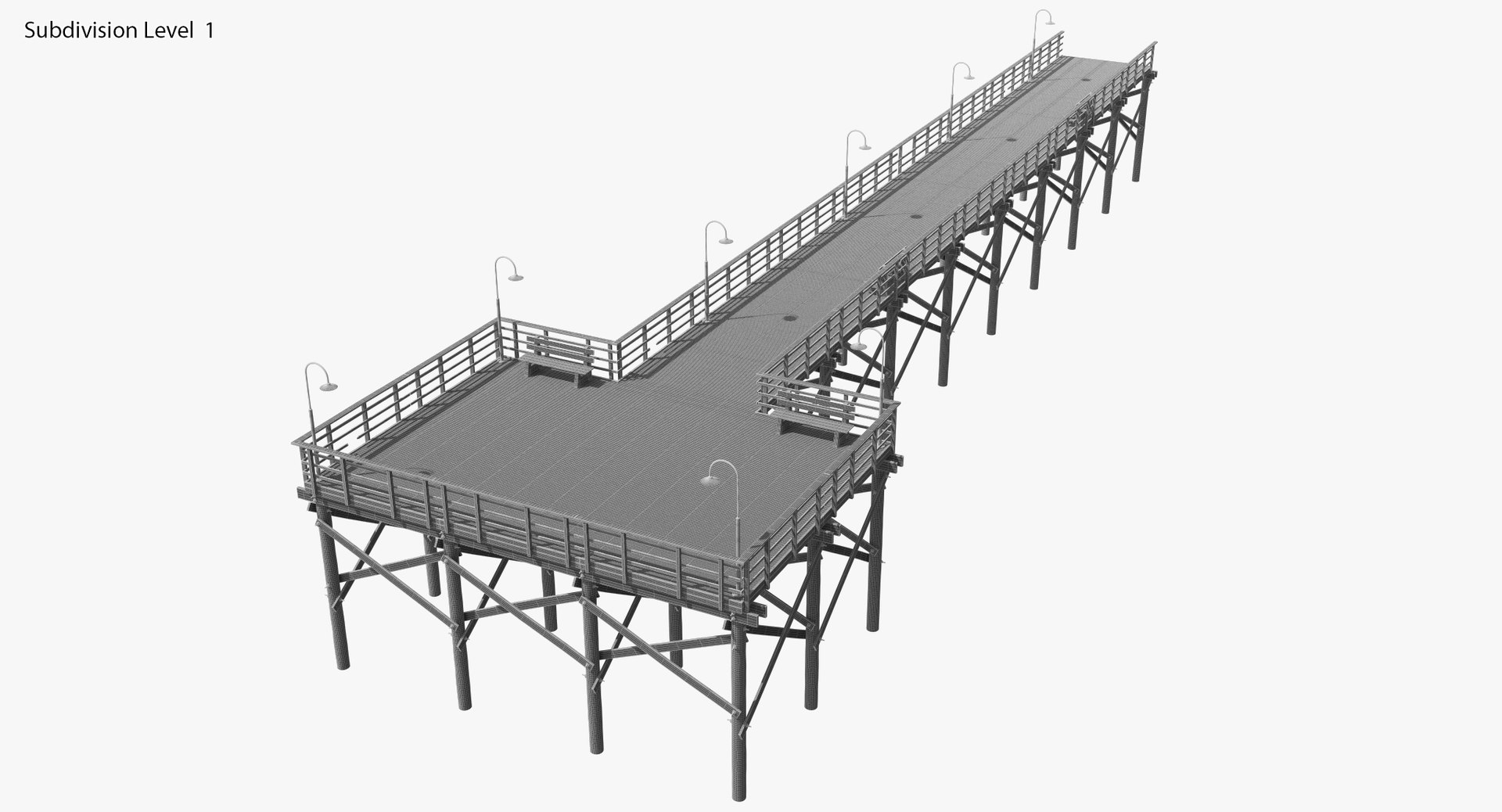
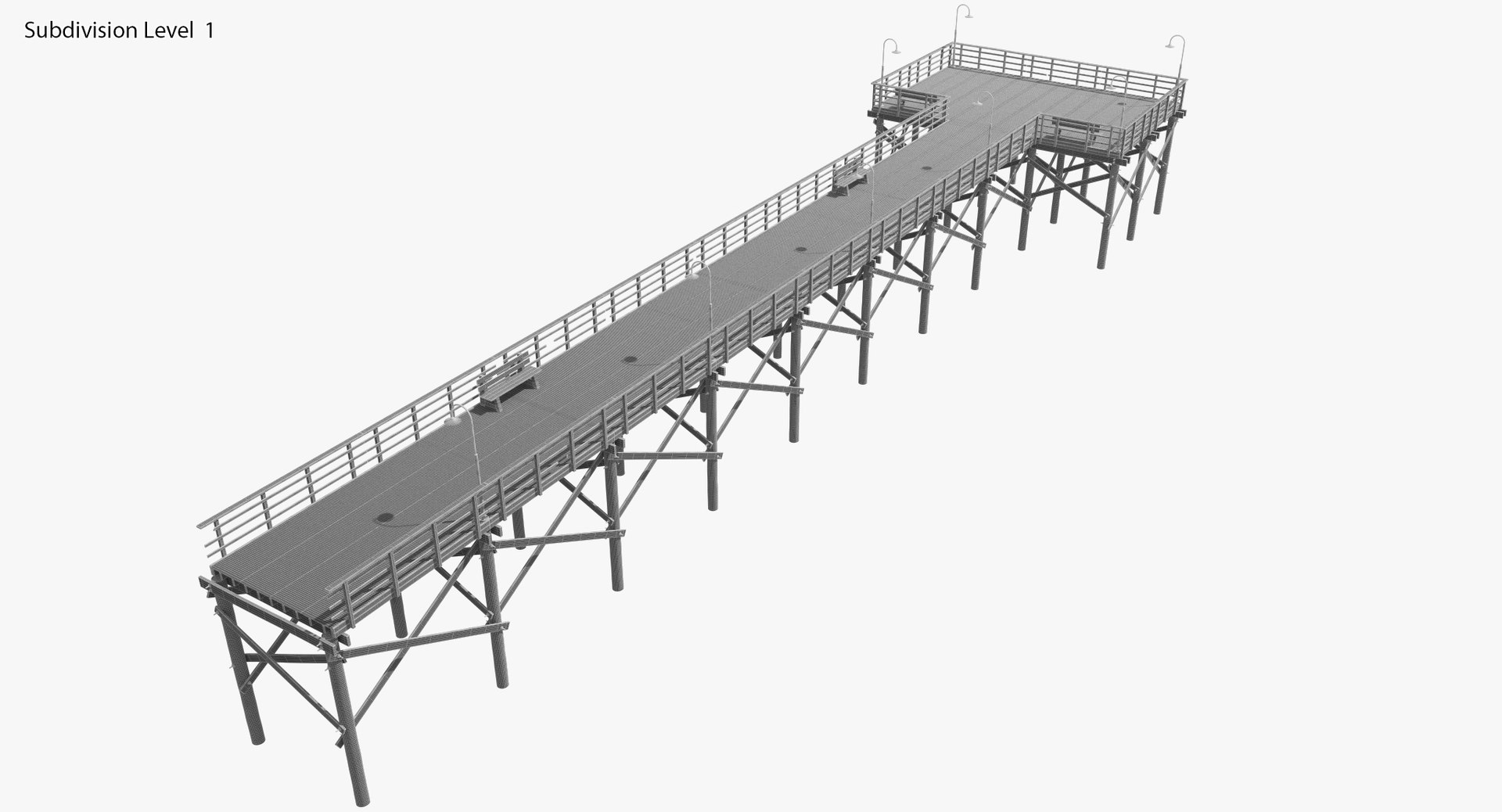
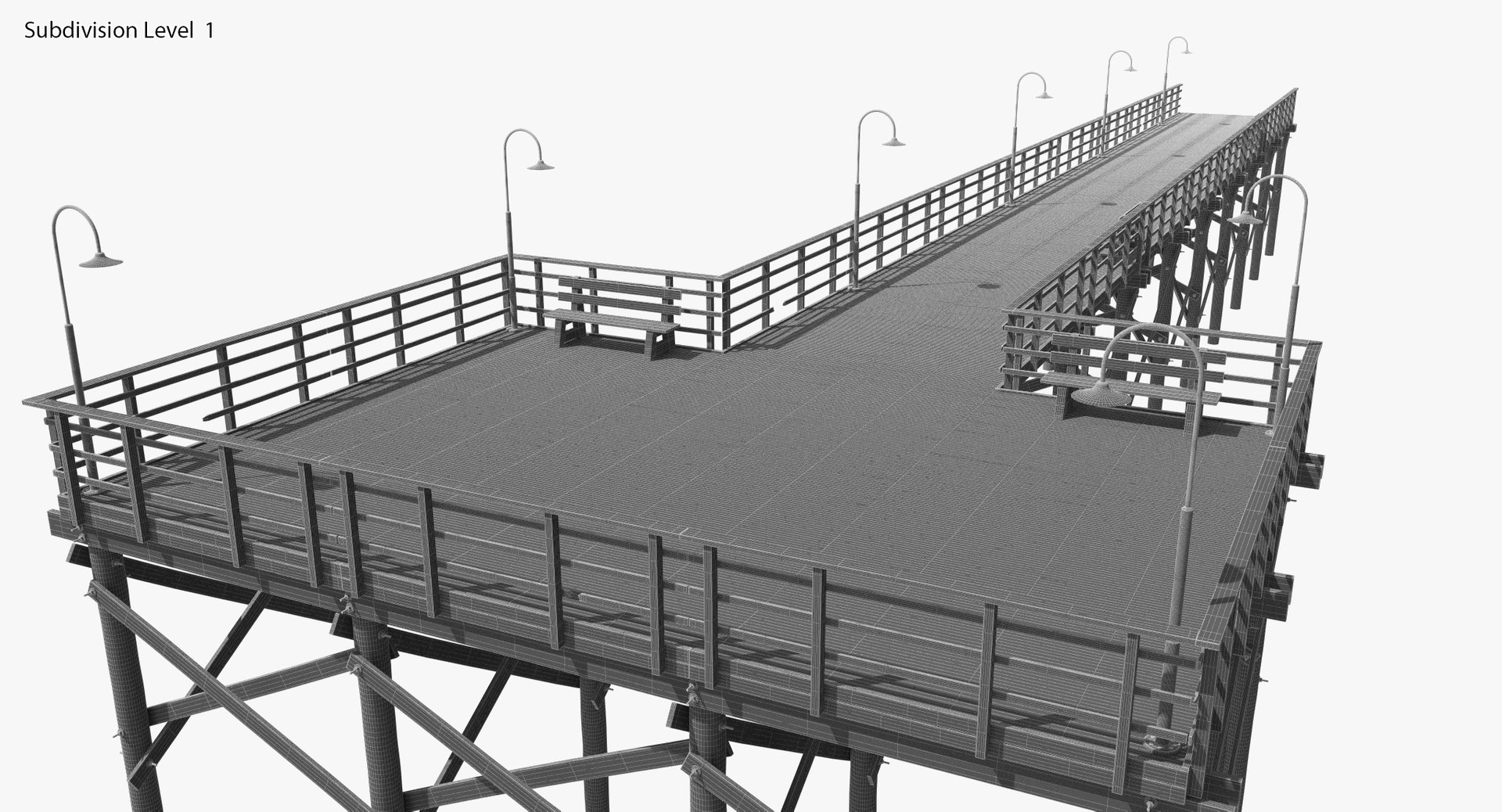
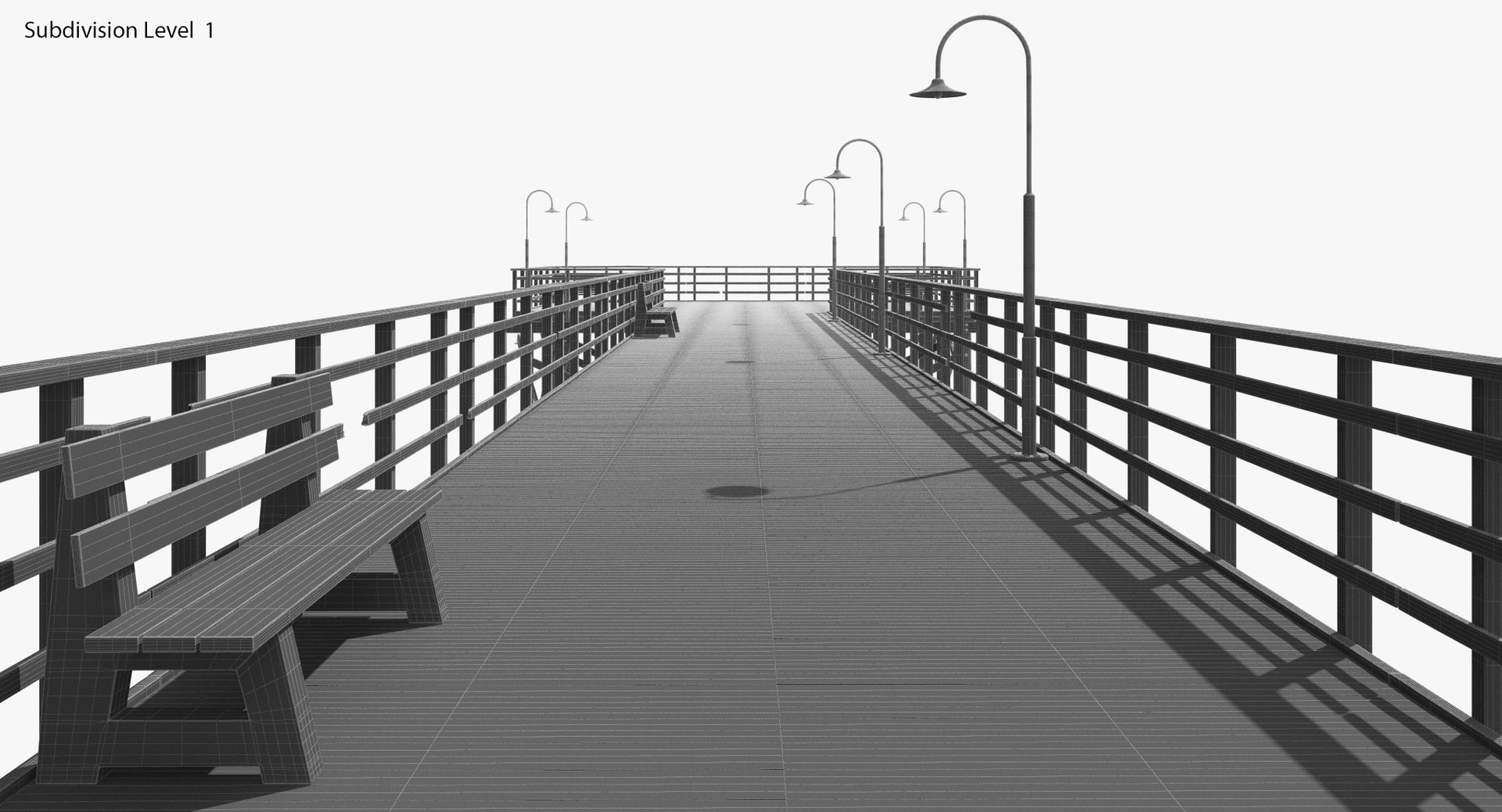
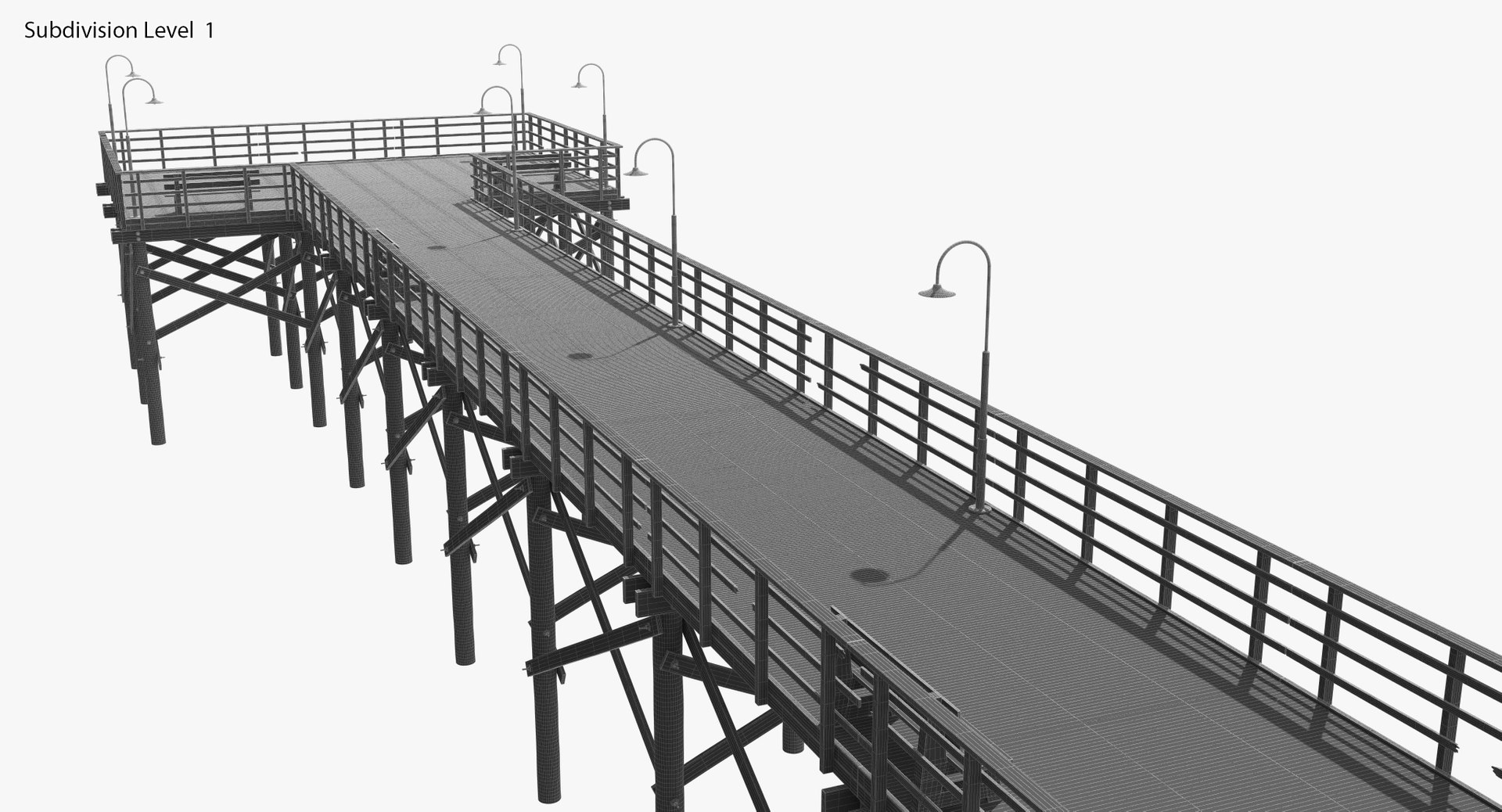
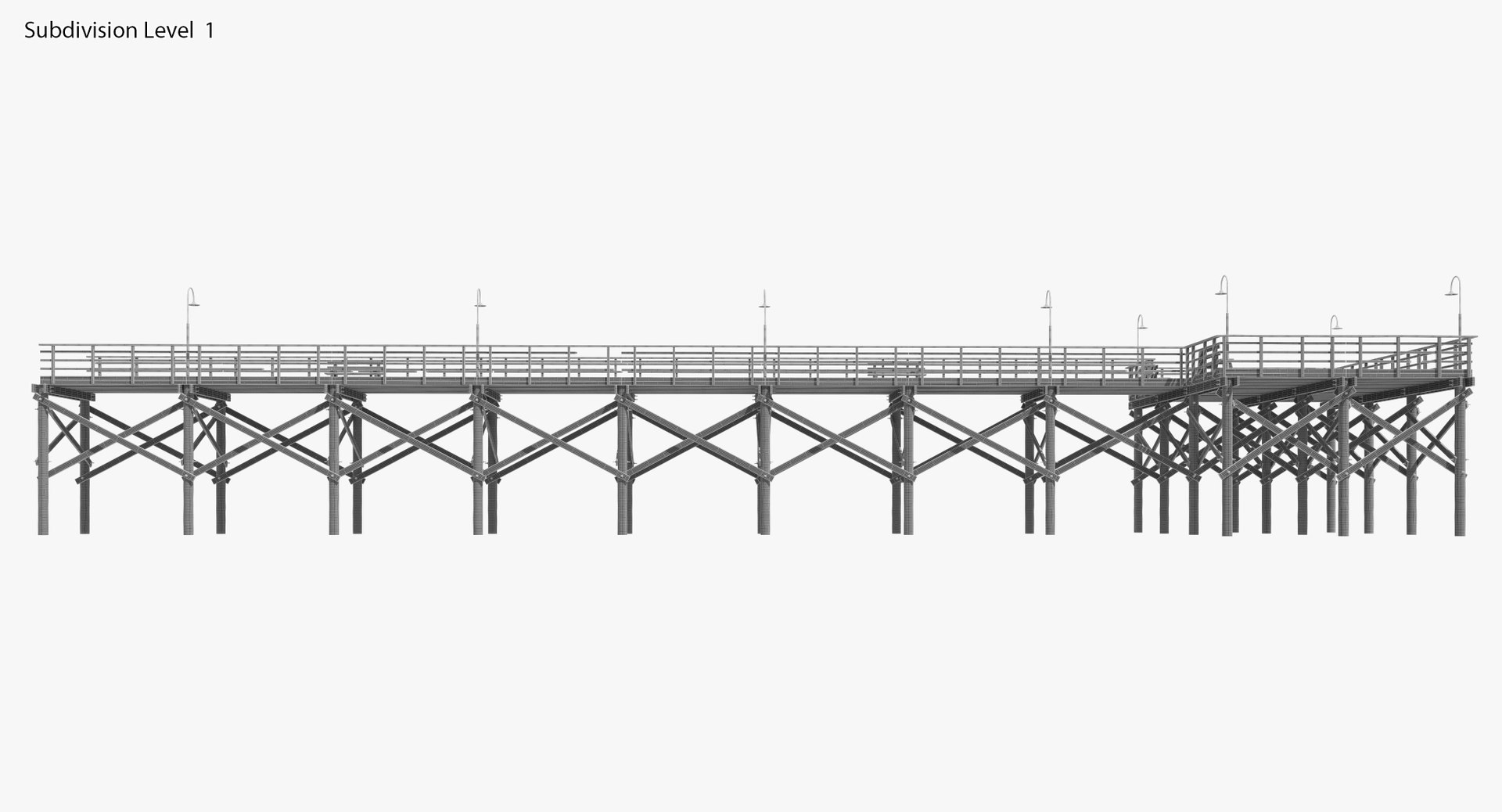
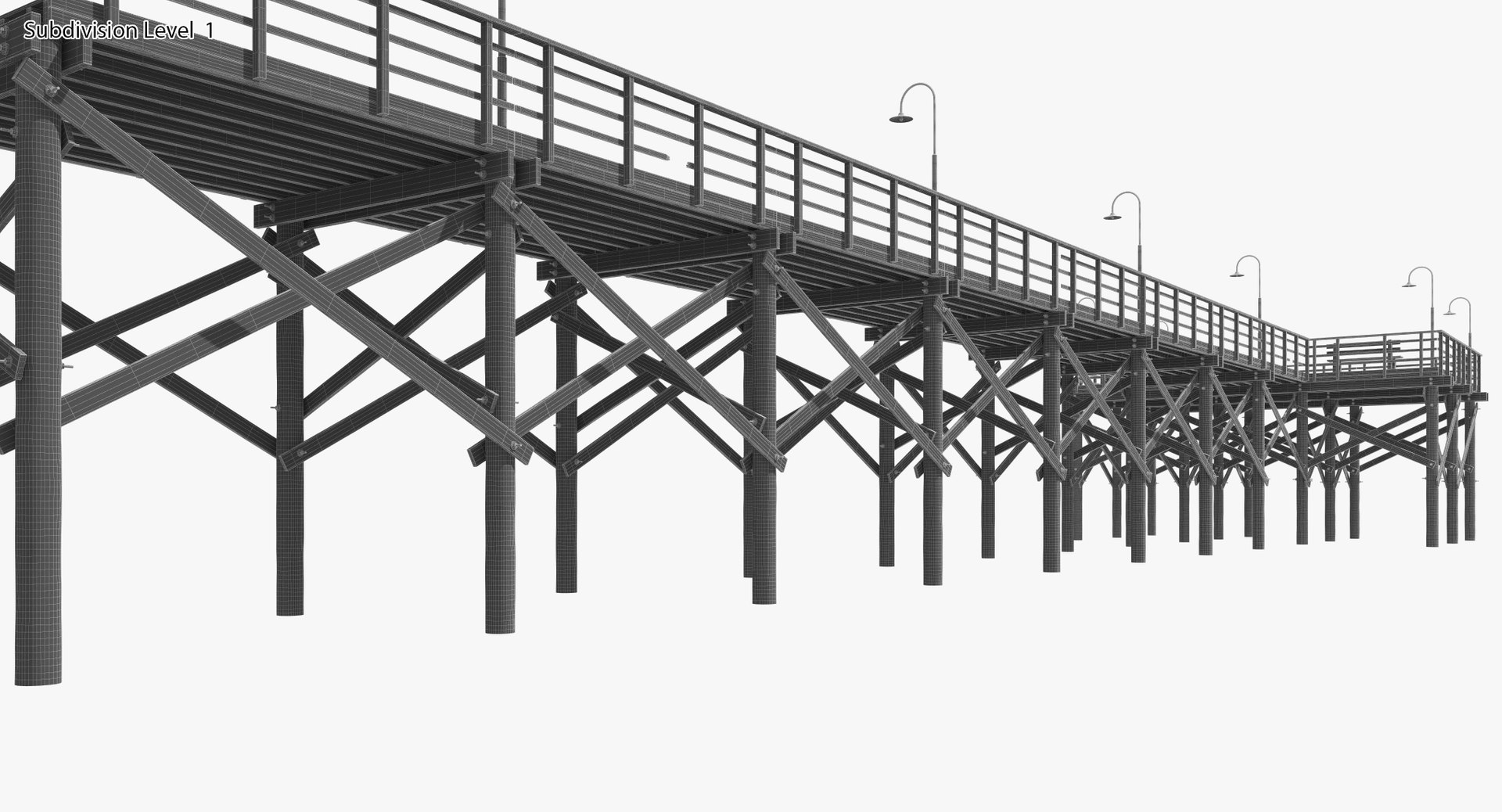
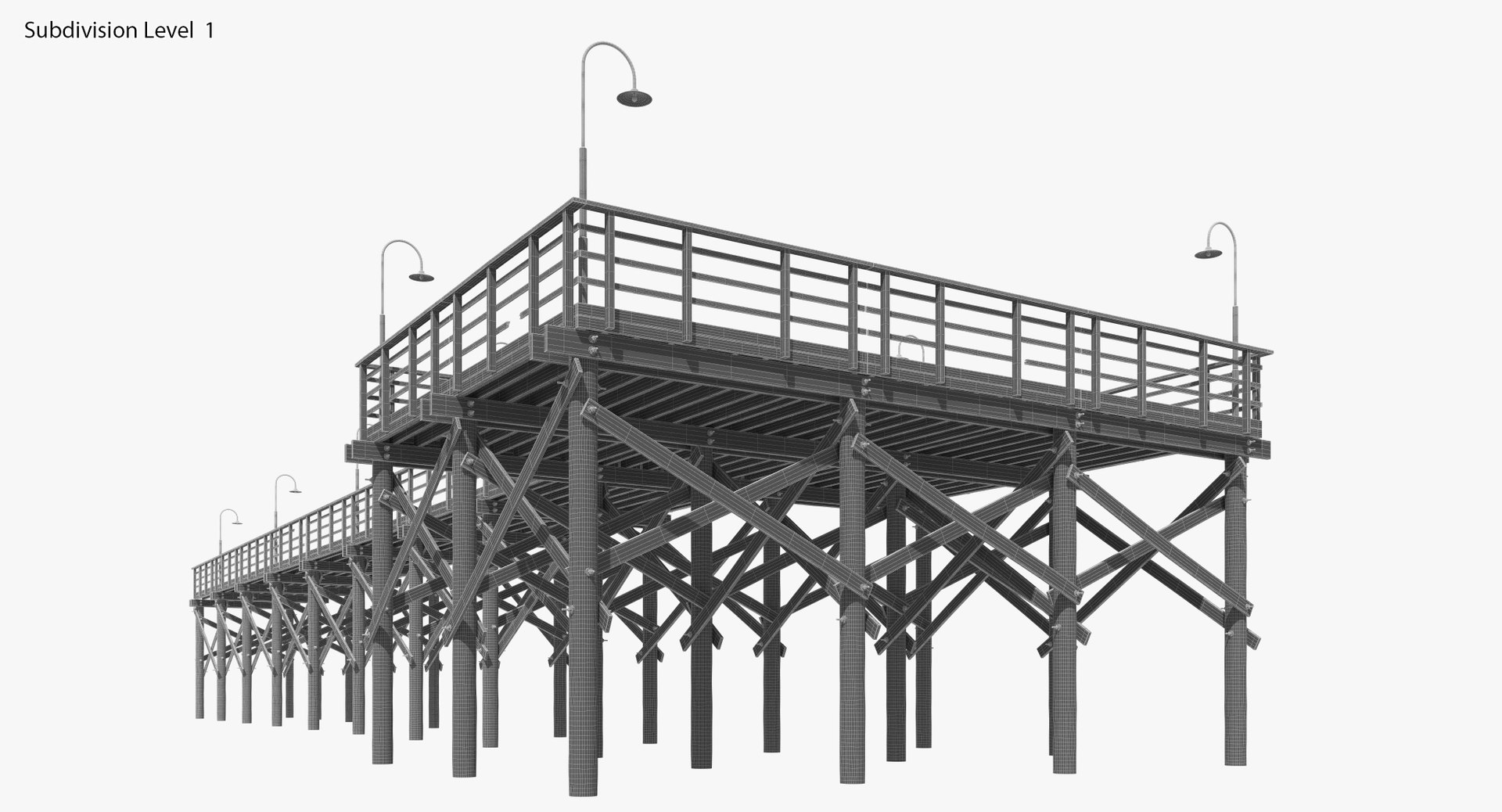
-Pier-
This is a V-Ray scene;
all materials are prepared for V-Ray
NOTE: This model contains poles (more than 5 edges that converge to a single vertex.)

- All model is a single Edit Poly element
- Model is based on real object
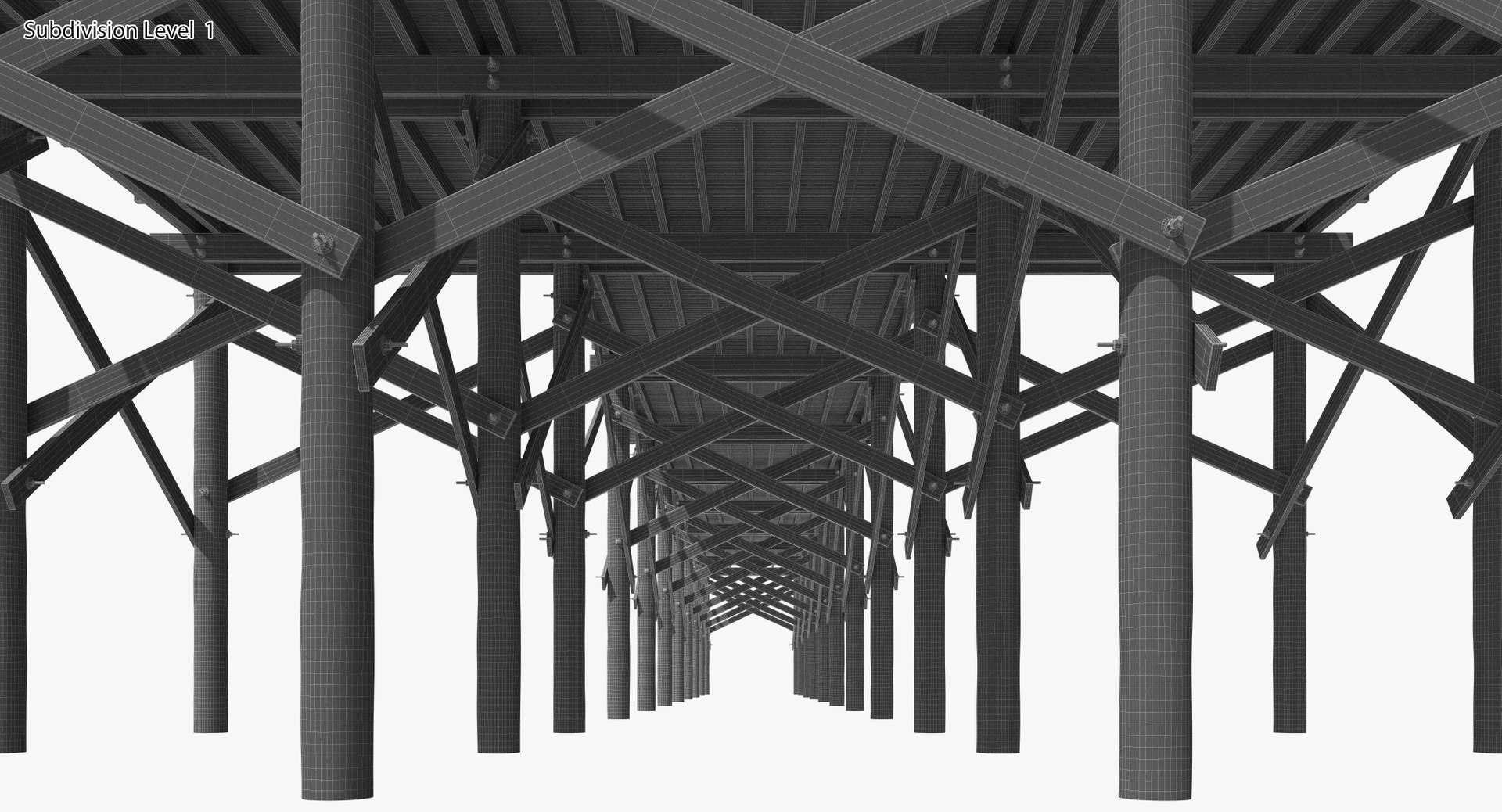
- High quality polygonal model
- Model is suitable for subdivision (need to use smoothing groups)
- Correctly scaled accurate representation of the original objects
- Model is fully textured with all materials applied.
- All textures and materials are included
- No special plugin needed to open scene
- Substance painter project include
- All scene element have individual id
-Pier parts 3, 4, 5 are ready to repeat, you can assemble a pier of any length


The model has real-world scale and is centered at 0,0,0.
Units: mm
Lights and hdri map are not included.


Maps res.

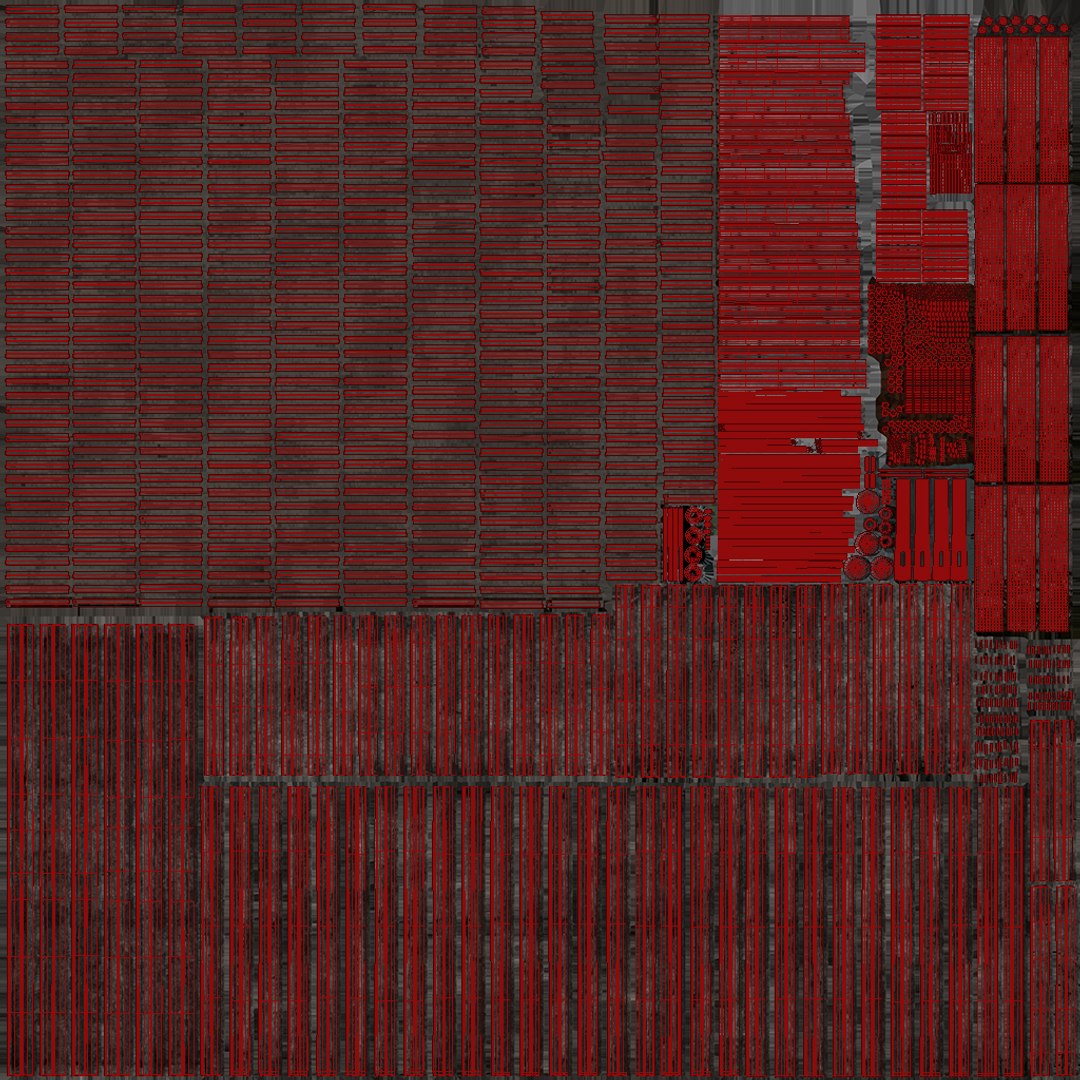
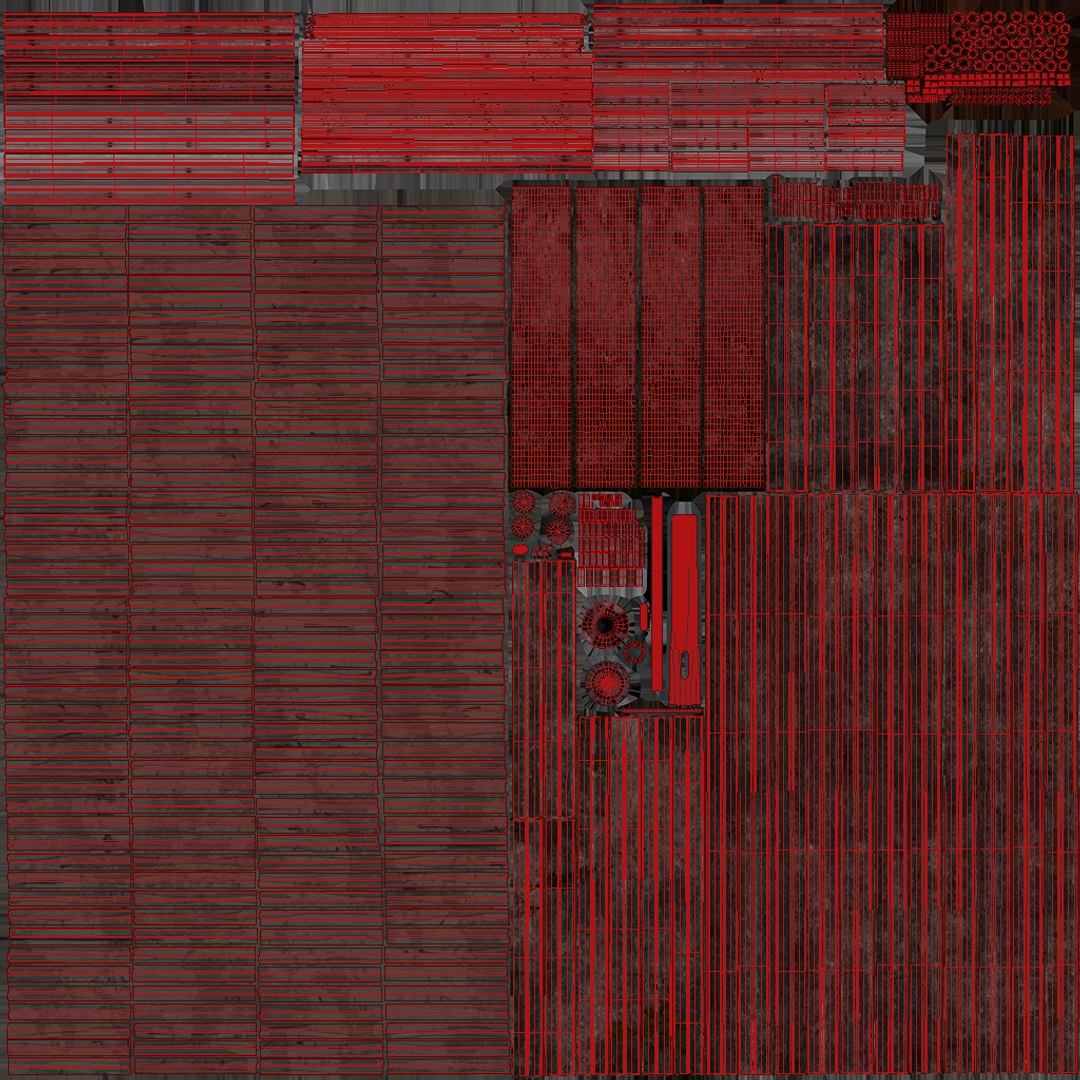
Pier part 1: 8192x8192
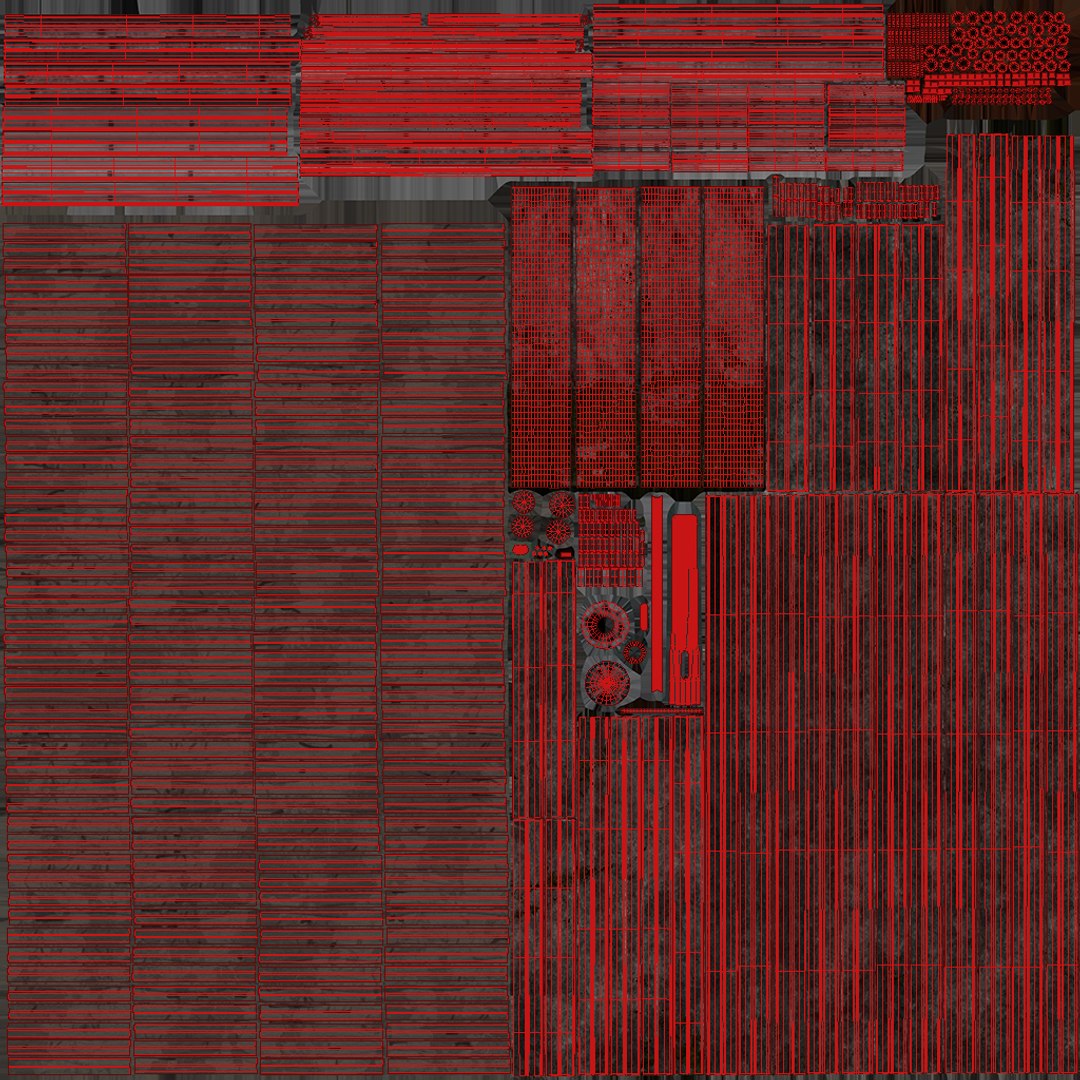
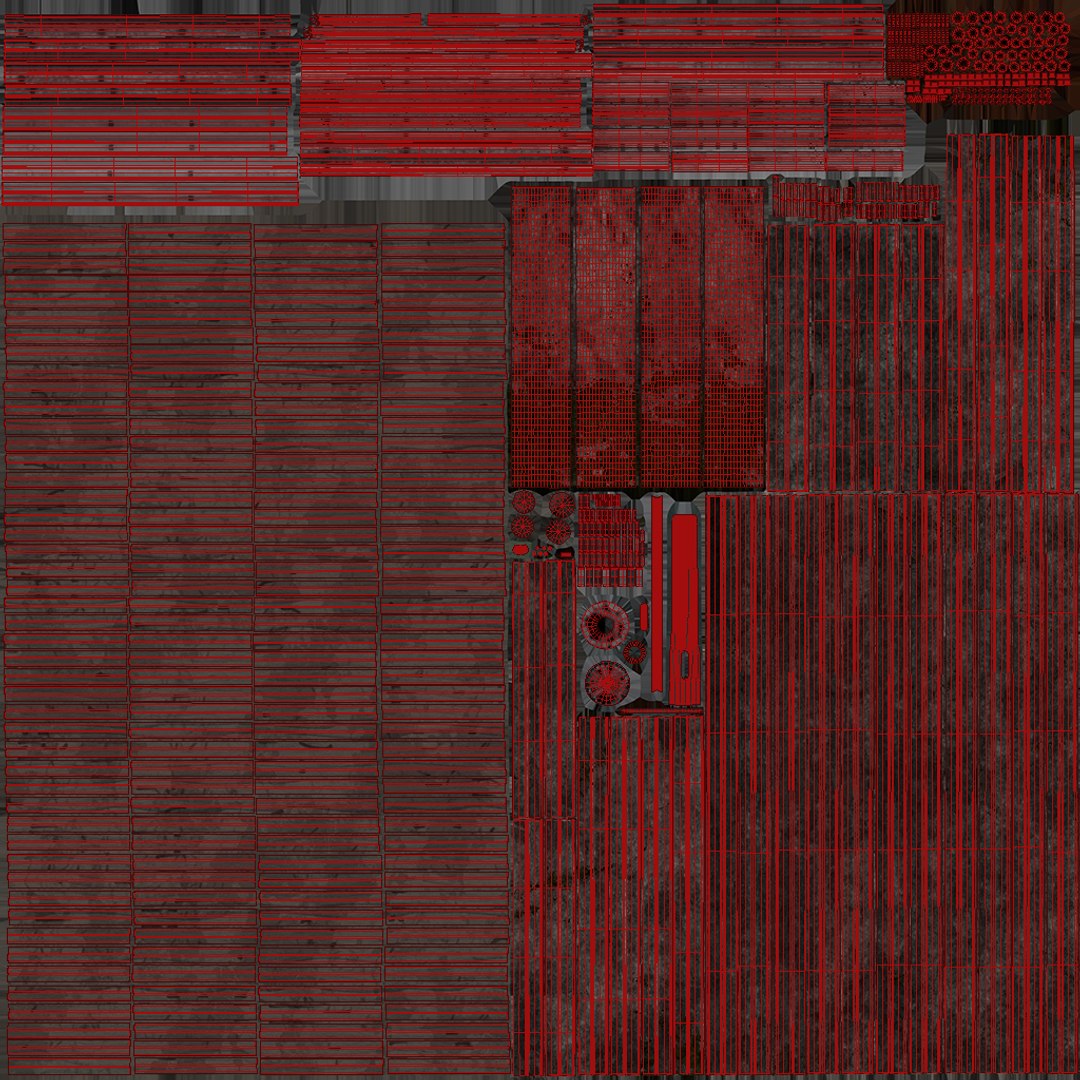
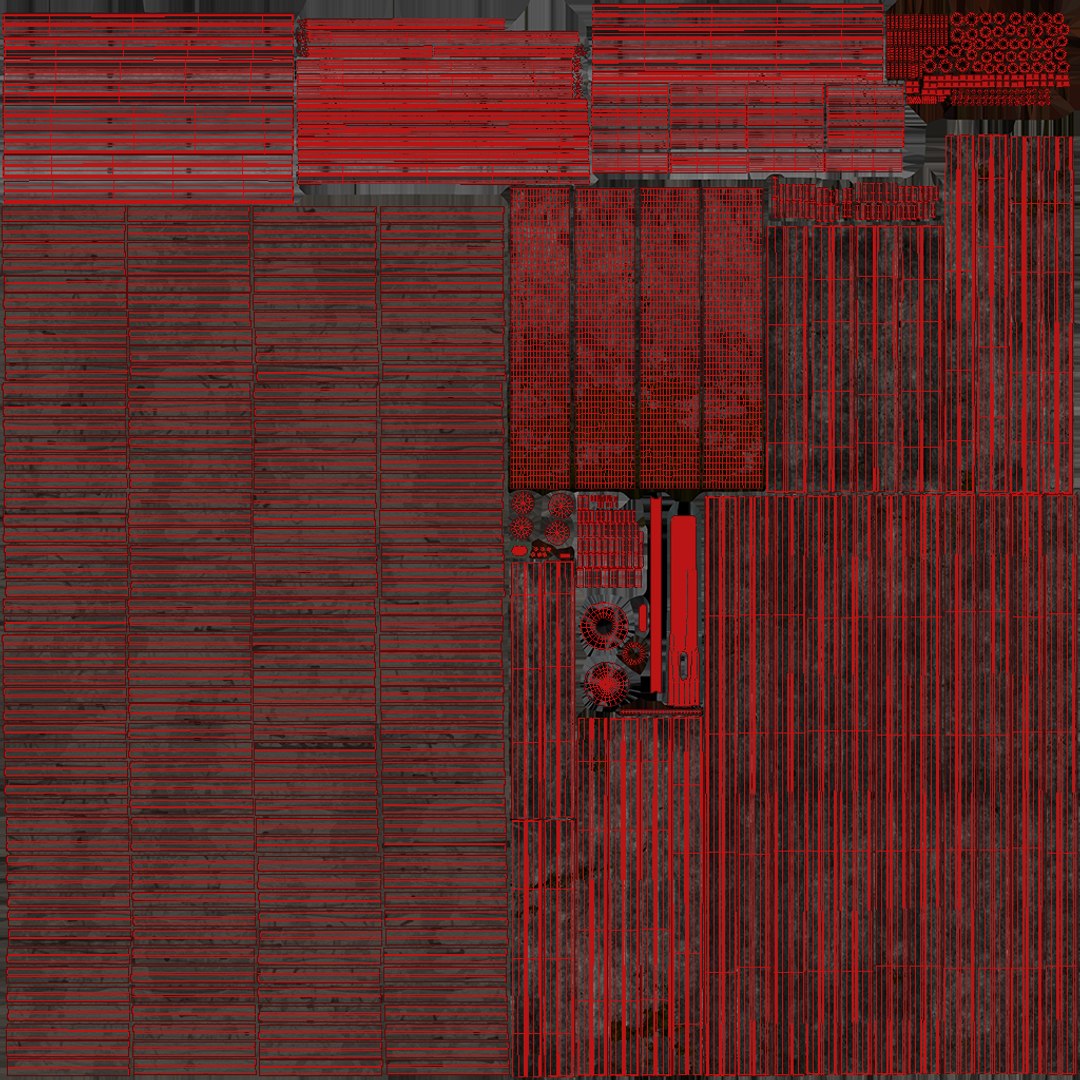
Pier part 2: 4096x4096
Pier part 3: 4096x4096
Pier part 4: 4096x4096
Pier part 5: 4096x4096
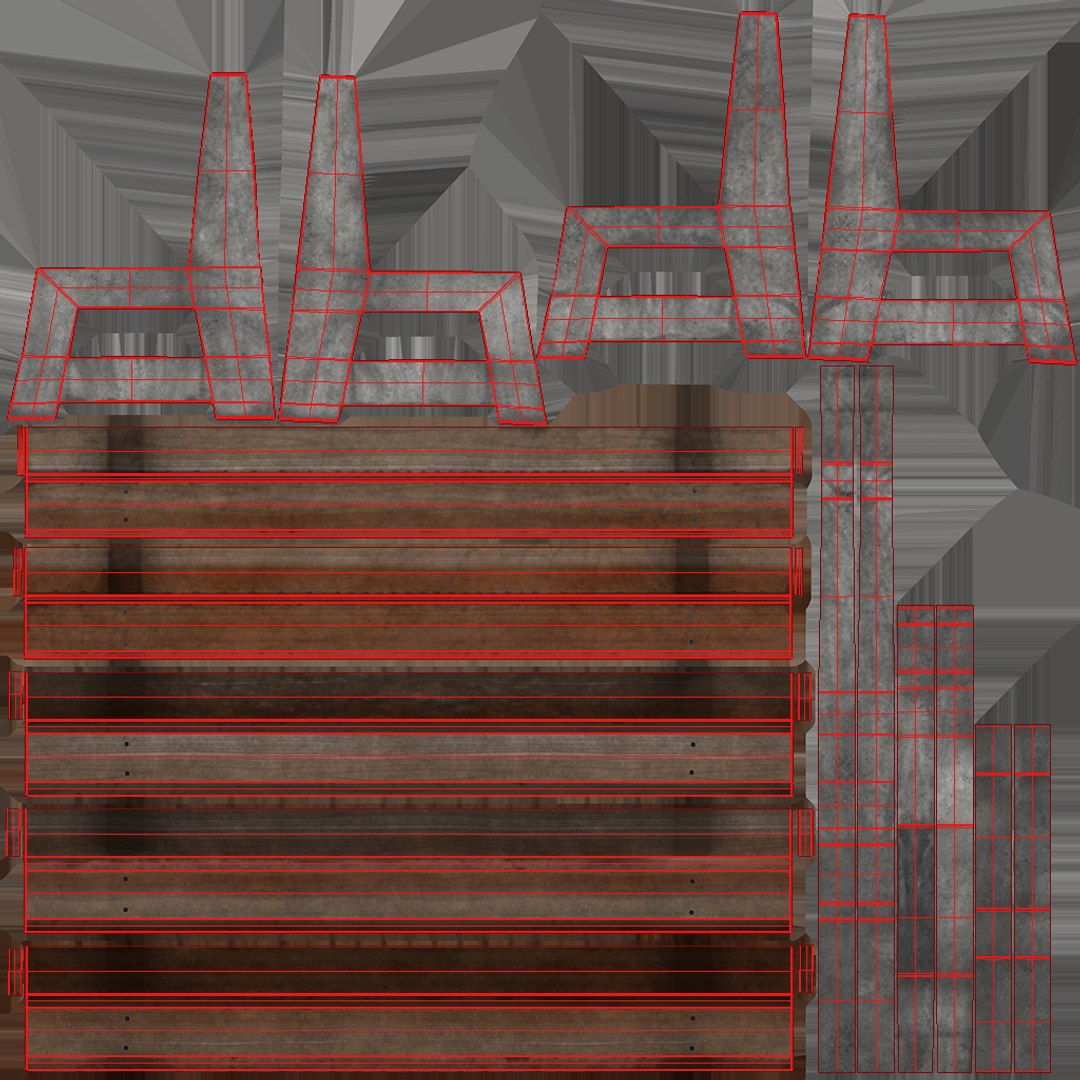
Bench: 2048x2048


Maps format .PNG


formats: 3dsmax 2017, OBJ, FBX, 3DS

Select Enhanced License

  • $10,000 in Legal Protection (Indemnification)
  • Uncapped Legal Protection (Indemnification)
  • Waiver from injunctive relief
  • Assignable model rights
  • $1,000,000 in Legal Protection (Indemnification)
  • Waiver from injunctive relief
  • Assignable model rights
  • $250,000 in Legal Protection (Indemnification)
  • Assignable model rights
Read more about enhanced license tiers, or contact us at enterprise@turbosquid.com. Already a Shutterstock Enterprise Customer? Contact your Shutterstock Sales Support Agent to talk about adding 3D.

About Conversion Requests

To submit a conversion request for a purchased asset, please complete our Conversion Request Form.

If you have not yet purchased a model, please review our Documentation about Conversions to learn about what limitations you may encounter with a conversion.

For any additional questions about a model’s suitability for conversion, please contact TurboSquid Support.

Loading...