Pickaxe - Modern

$4

Standard License | Upgrade License
Formats (3)
Native | Blender 3.4.1 | Cycles Render
OBJ
FBX
Other Files
PickaxeModern_AlbedoTransparency.png PickaxeModern_Normal.png PickaxeModern_AO.png PickaxeModern_MetallicSmoothness.png
Specifications
Publish Date March 03, 2023
Product ID 2035980
Polygons 524
Vertices 538
Polygonal Quads/Tris Geometry
Textures
Materials
UV Mapped
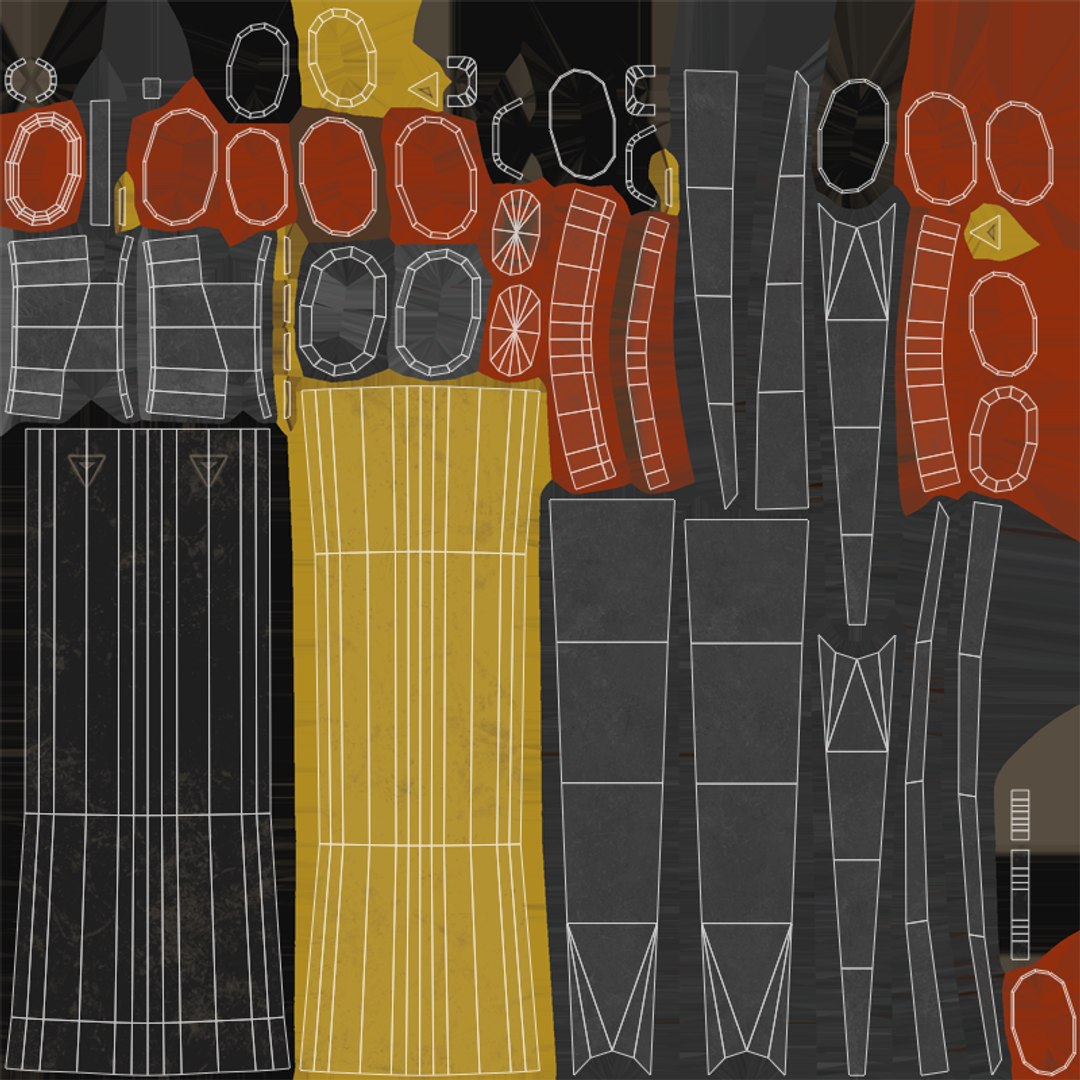
Non-overlapping Unwrapped UVs
PBR
TurboSquid Exclusive

member avatar
Arigasoft
58 Products | Contributor Since 2015
Have questions? Chat with us now.

Description

Enhance your best survival/crafting projects (game, render, advertising, design visualization, VR/AR...) with this awesome Modern Pickaxe !

Game-ready !

Low-poly but very high quality material for the best visual and performance. Ideal for VR/AR games !

PBR material ready-to-go optimized for multiple engines and rendering software (Unity, Unreal Engine, Crysoftware, Blender...)

Technical Details

-> 1 mesh optimized in poly-count :

- 538 Vertices | 524 Faces | 998 Tris
- Clean mesh, only planar quads and tris
- Smoothing group, pivot point and Position/Rotation/Scale already set
- Real-size object

-> 1 PBR Material

-> 4 Textures in 2k resolution :

- Albedo/Diffuse/Color map
- Metalic/Roughness map
- Normal map
- Ambient Occlusion map

-> UV Map clean and no-overlapping.

-> Modelized in Blender and textured in Substance Painter.

-> Multiple file available : .blend, .fbx, .obj

For any more informations, don't hesitate to contact me !

Select Enhanced License

  • $10,000 in Legal Protection (Indemnification)
  • Uncapped Legal Protection (Indemnification)
  • Waiver from injunctive relief
  • Assignable model rights
  • $1,000,000 in Legal Protection (Indemnification)
  • Waiver from injunctive relief
  • Assignable model rights
  • $250,000 in Legal Protection (Indemnification)
  • Assignable model rights
Read more about enhanced license tiers, or contact us at enterprise@turbosquid.com. Already a Shutterstock Enterprise Customer? Contact your Shutterstock Sales Support Agent to talk about adding 3D.

About Conversion Requests

To submit a conversion request for a purchased asset, please complete our Conversion Request Form.

If you have not yet purchased a model, please review our Documentation about Conversions to learn about what limitations you may encounter with a conversion.

For any additional questions about a model’s suitability for conversion, please contact TurboSquid Support.

Loading...