
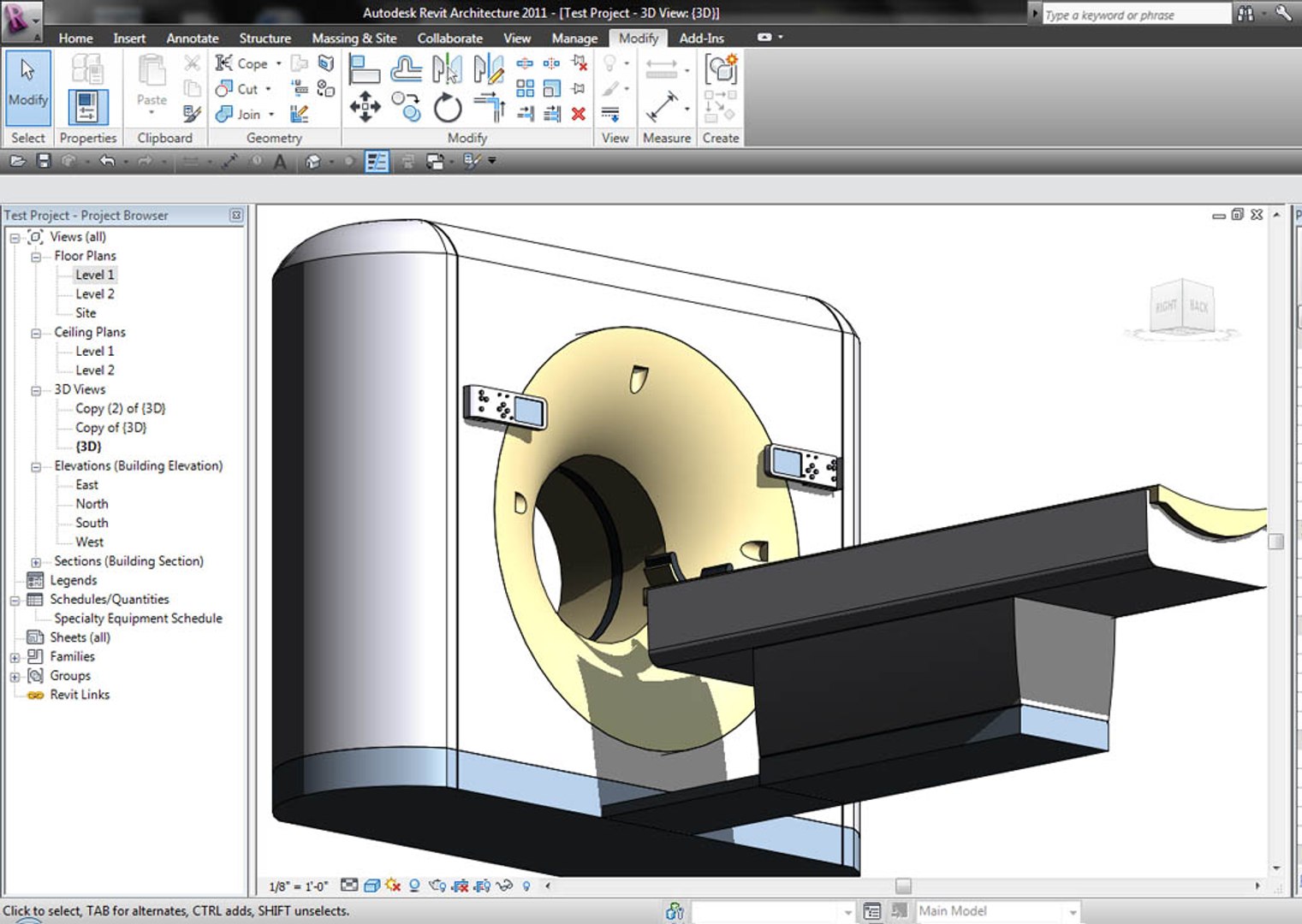
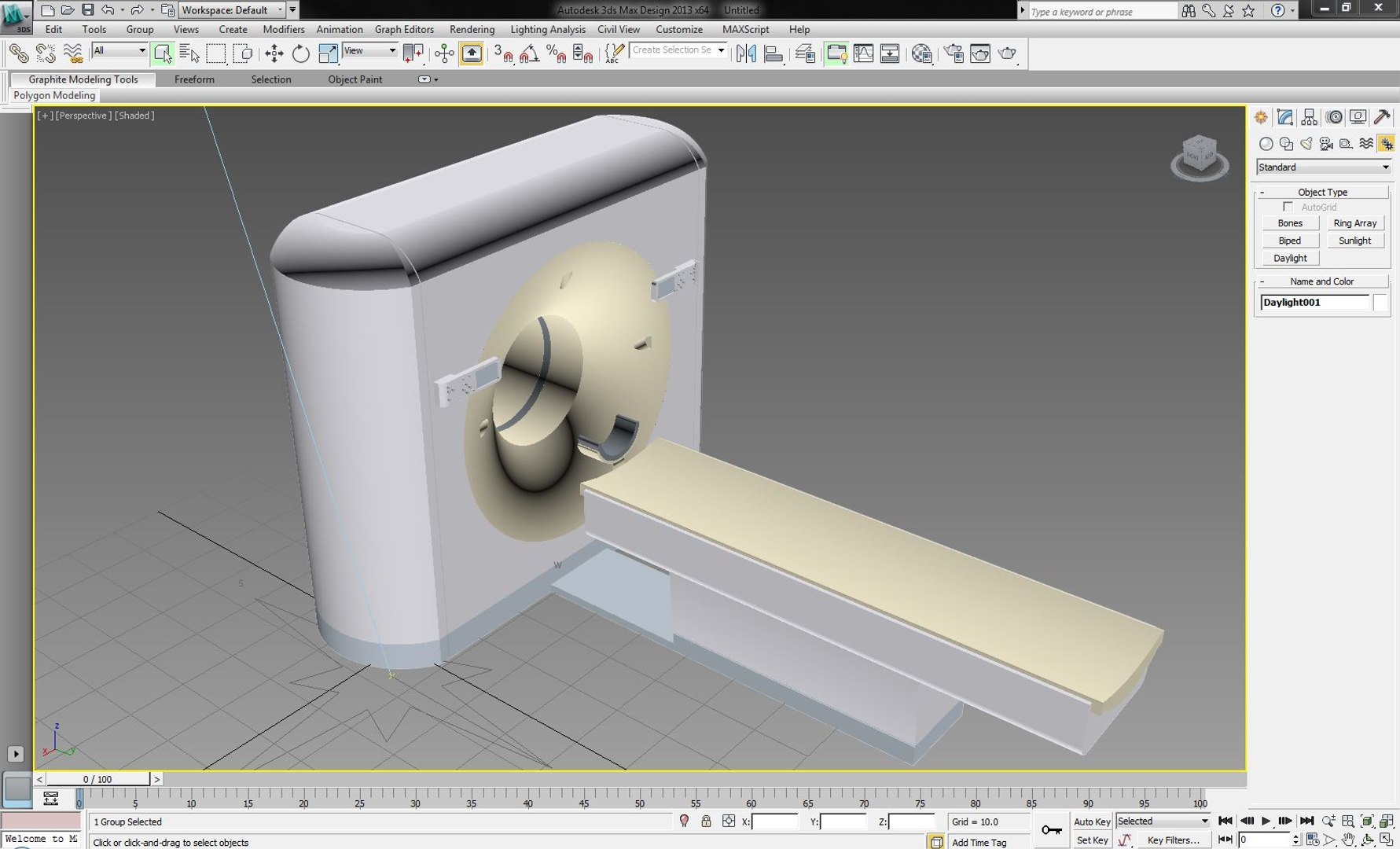
Philips Brilliance CT Scanner

$59

Standard License | Upgrade License
Editorial Uses Only
Formats (3)
Free file format Conversions available
3ds Max 2013 | mental ray
Revit Family
FBX
Specifications
Publish Date September 14, 2012
Product ID 693512
Polygons 40,000
Vertices 18,900
Nurbs
Textures
Materials
UV Mapped
Unknown Unwrapped UVs
TurboSquid Exclusive

member avatar
3D Medical Equipment
52 Products | Contributor Since 2010
Have questions? Chat with us now.

Description

Tired of having to build countless medical Revit Families and not getting enough detail or the right parameters? I've been there, spending hours debugging models in Revit. I am putting together a lost cost library to keep contractors, MEP engineers and architects from paying a BIM modeler to do what could be downloaded then quickly modified to your company's standards. The competition is fierce out there, and any edge like this could prove cost effective.

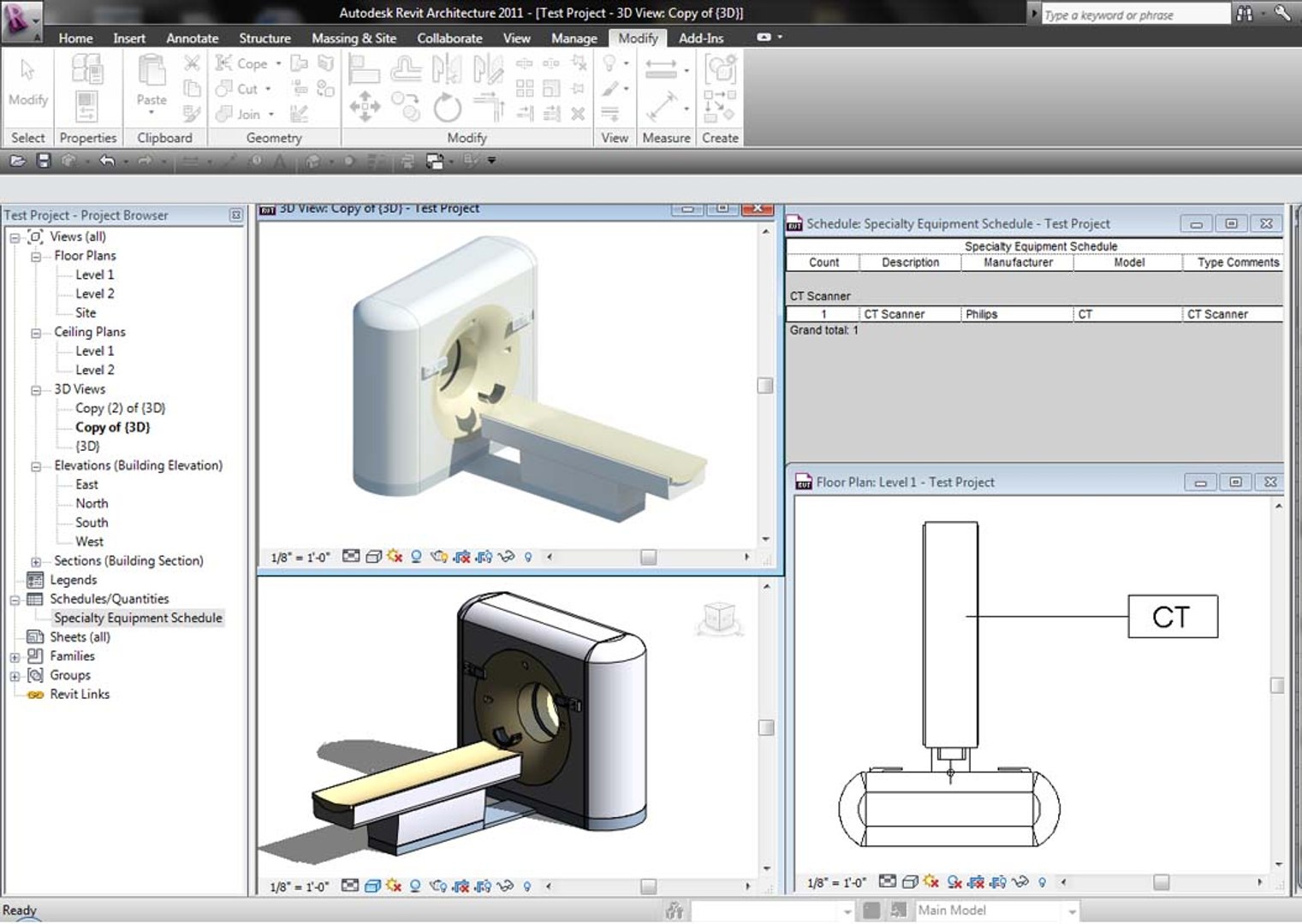
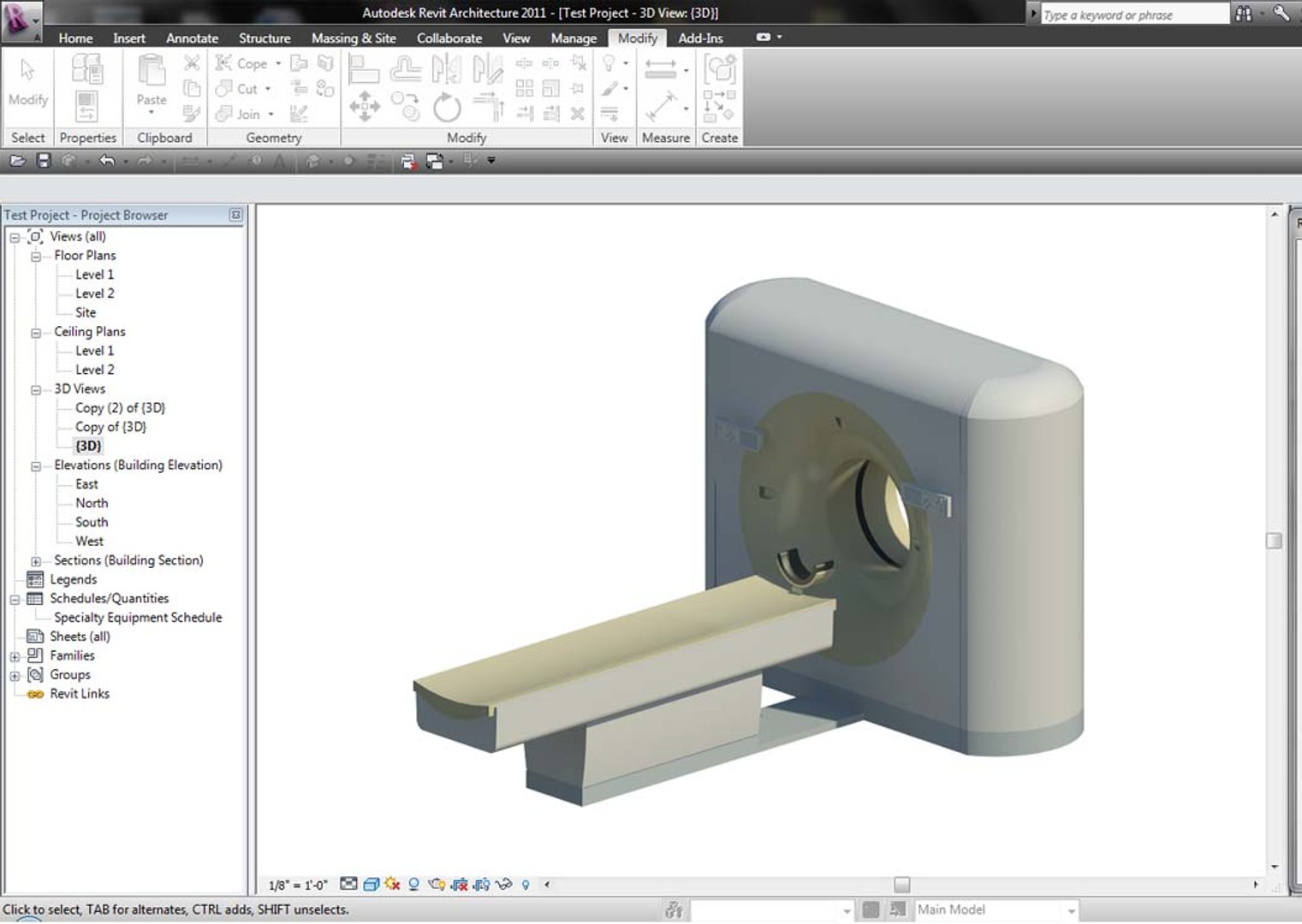
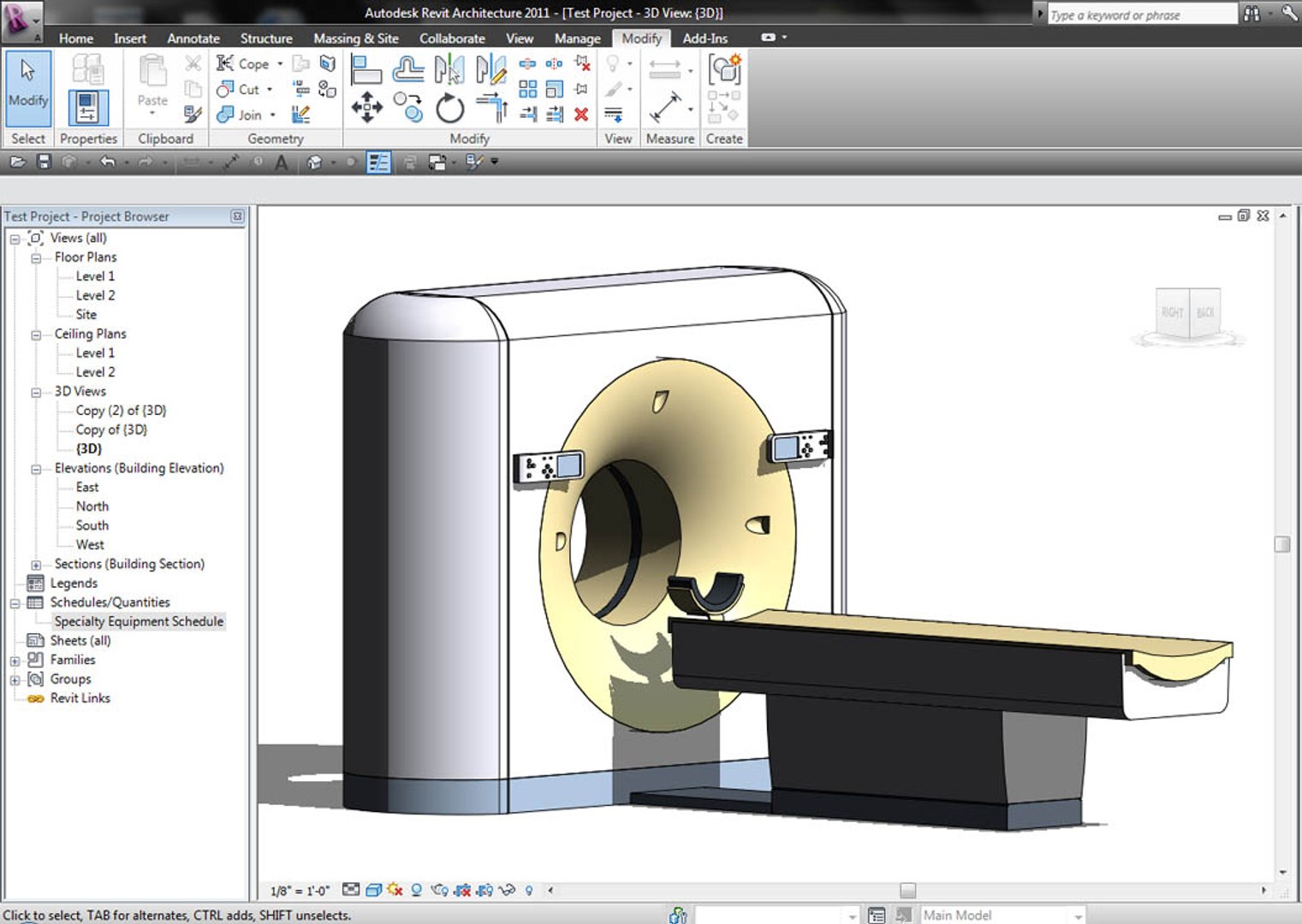
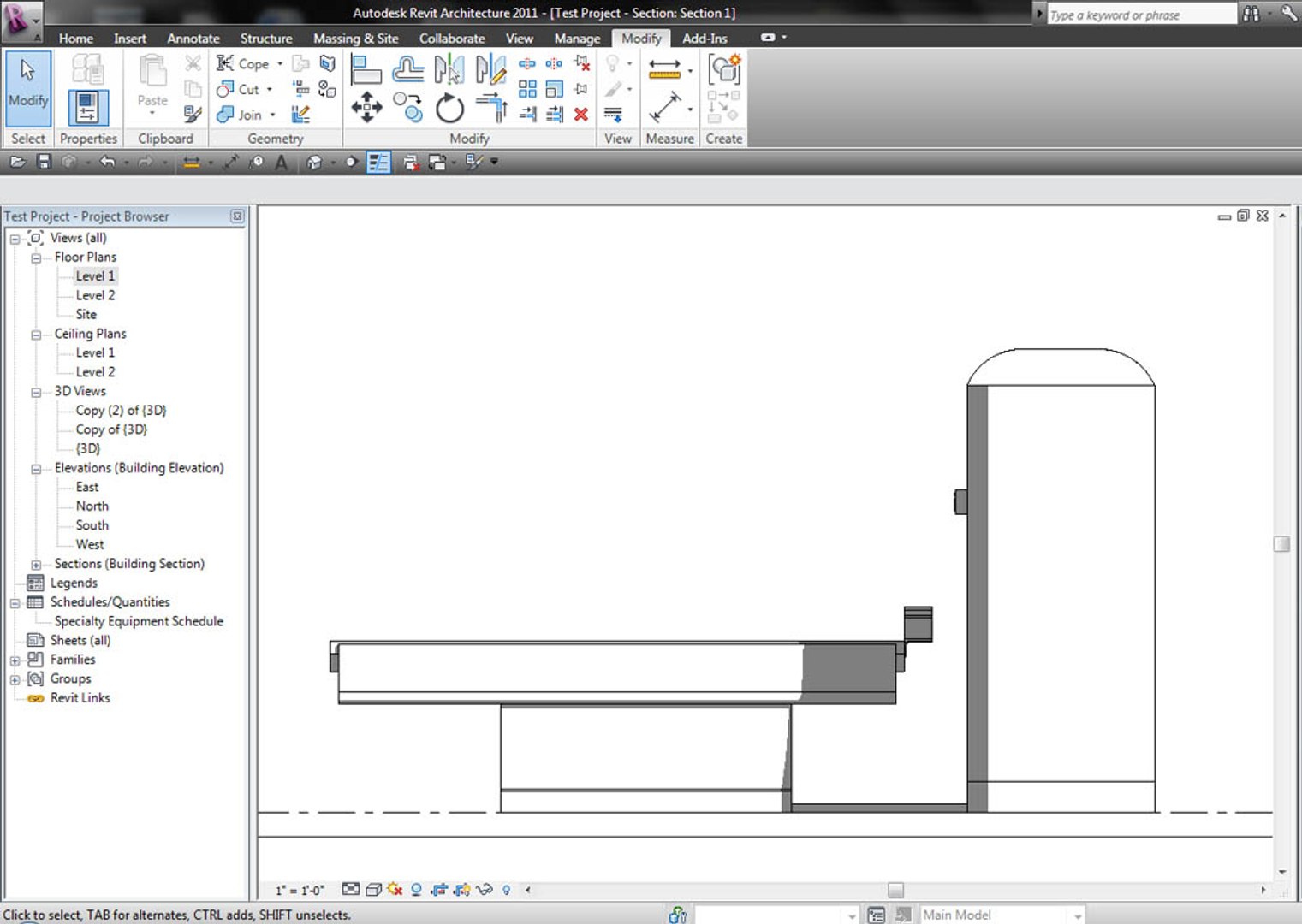
This model is based on Philips Brilliance 16 CT Scanner. It is dimensioned accurately to real-world dimensions. It is fully parametric (symbolic outline in plan, section, elevation), scheduled, tagable. All this in a 514Kb file and a fraction of what you'd pay a drafter hours to do! Like all my models, this is built 100% Revit, no CAD-adds here!


Short Description:
Revit Family based on existing medical equipment. Philips Brilliance 16 CT Scanner, fully parametric, drag and drop scheduling, materials applied.

Includes FBX and ready-ready 3dsMax file!

Select Enhanced License

  • $10,000 in Legal Protection (Indemnification)
  • Uncapped Legal Protection (Indemnification)
  • Waiver from injunctive relief
  • Assignable model rights
  • $1,000,000 in Legal Protection (Indemnification)
  • Waiver from injunctive relief
  • Assignable model rights
  • $250,000 in Legal Protection (Indemnification)
  • Assignable model rights
Read more about enhanced license tiers, or contact us at enterprise@turbosquid.com. Already a Shutterstock Enterprise Customer? Contact your Shutterstock Sales Support Agent to talk about adding 3D.

About Conversion Requests

To submit a conversion request for a purchased asset, please complete our Conversion Request Form.

If you have not yet purchased a model, please review our Documentation about Conversions to learn about what limitations you may encounter with a conversion.

For any additional questions about a model’s suitability for conversion, please contact TurboSquid Support.

Loading...