
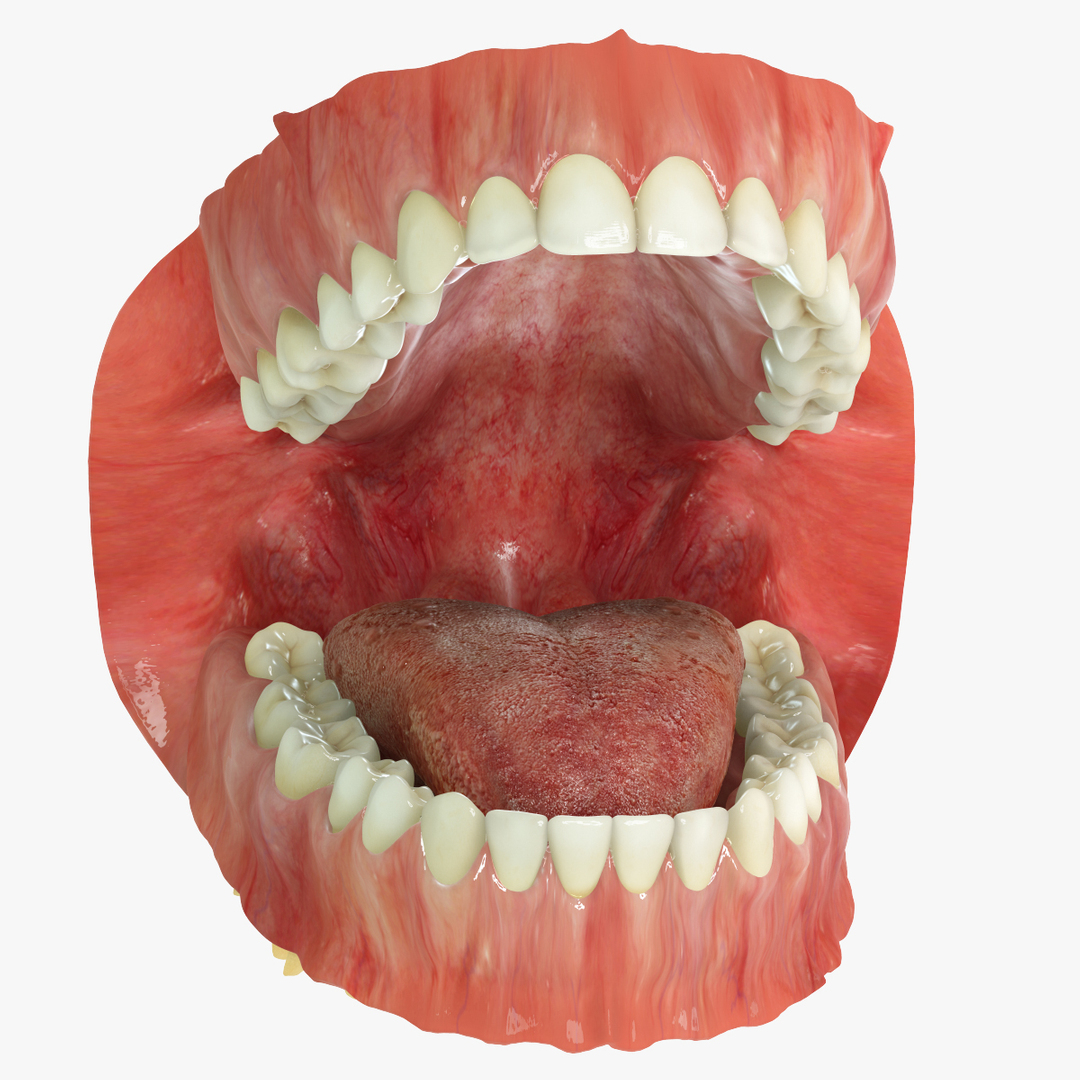
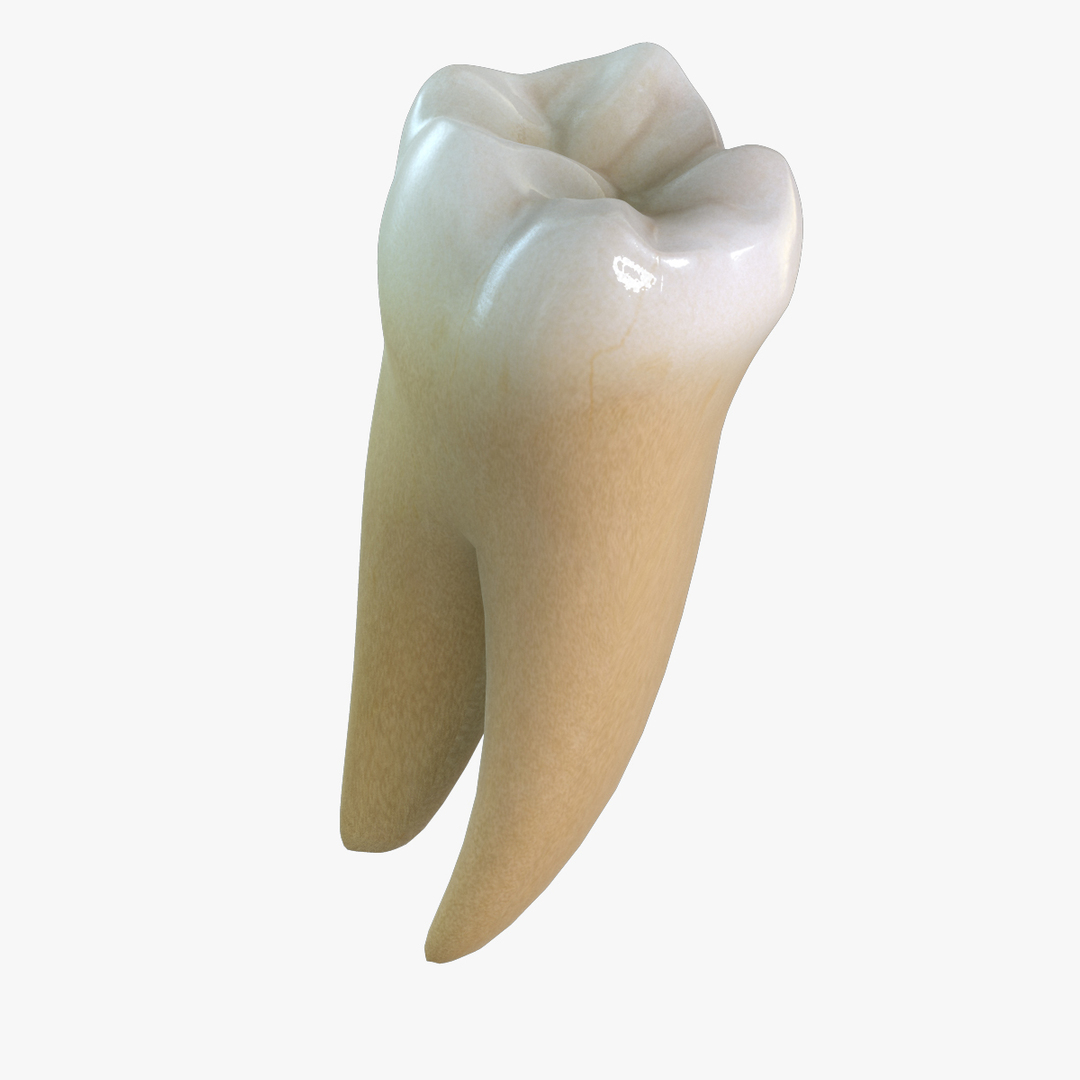
Permanent Dentition with Gums

$499

Standard License | Upgrade License
Formats (1)
Free file format Conversions available
Native | 3ds Max 9.0 | mental ray
Specifications
Publish Date January 04, 2011
Product ID 578272
Polygons 21,157
Vertices 21,824
Polygonal Quads Only
Textures
Materials
UV Mapped
Non-overlapping Unwrapped UVs
Rigged
Animated
TurboSquid Exclusive
member avatar
Nikola Dechev
269 Products | Contributor Since 2005
Have questions? Chat with us now.

Description

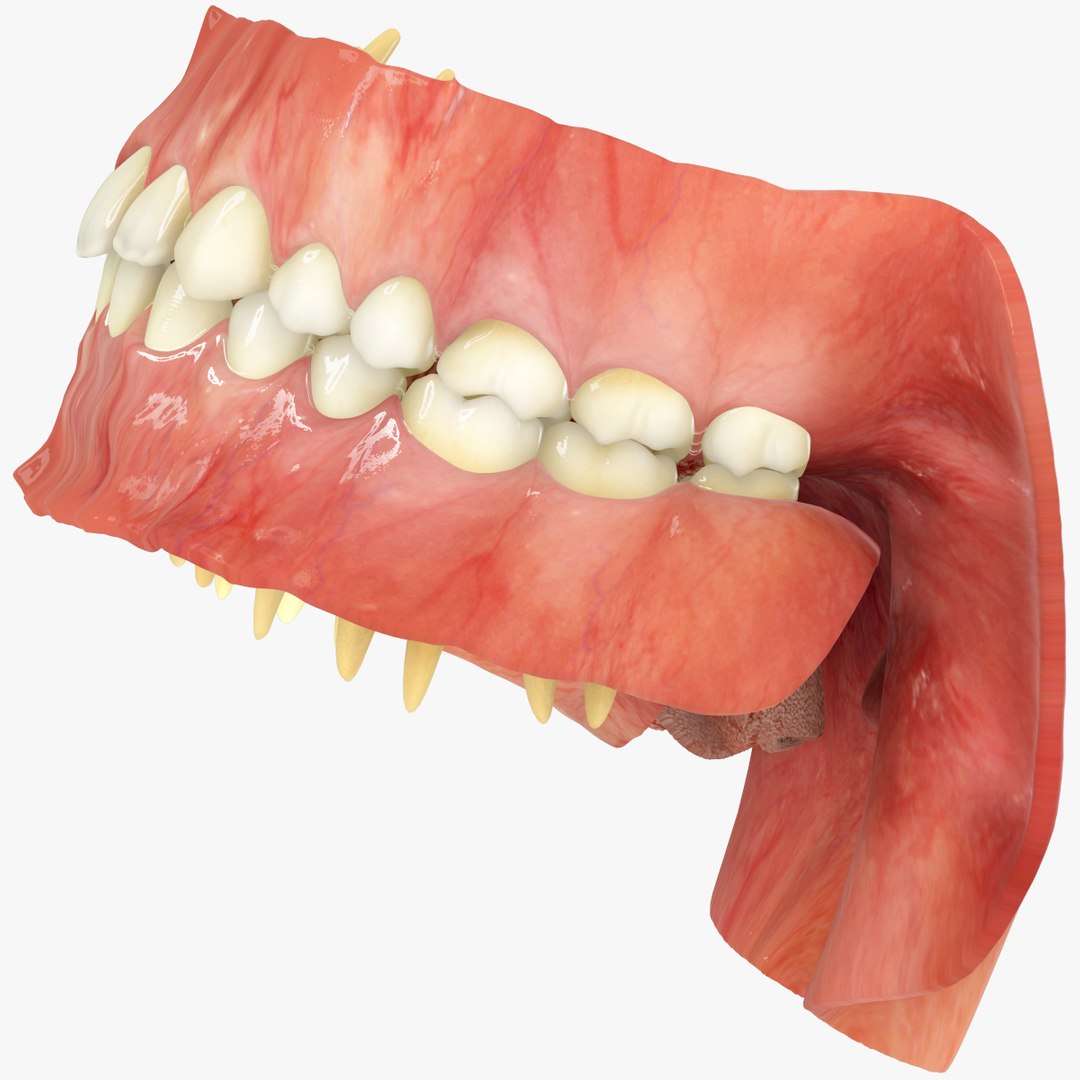
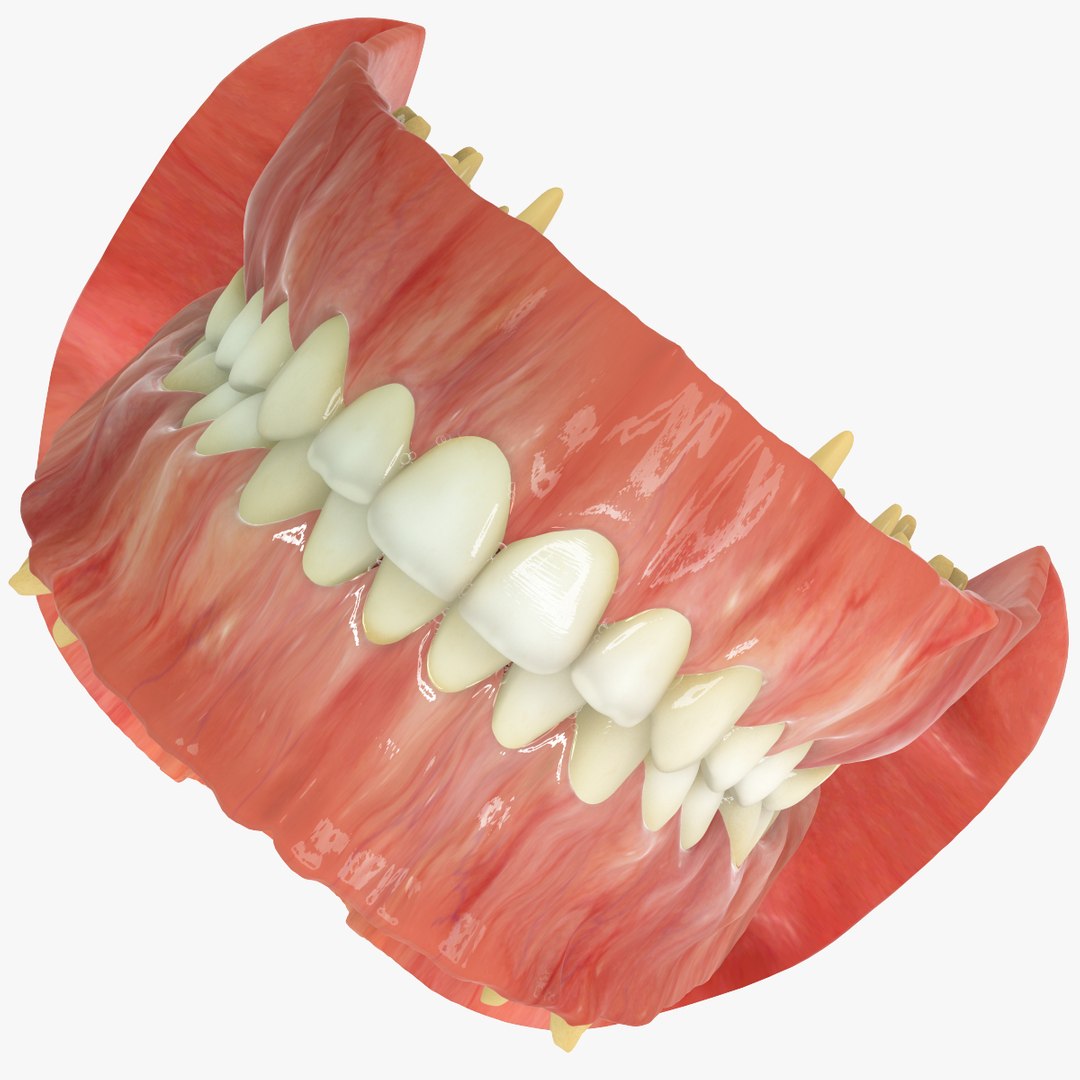
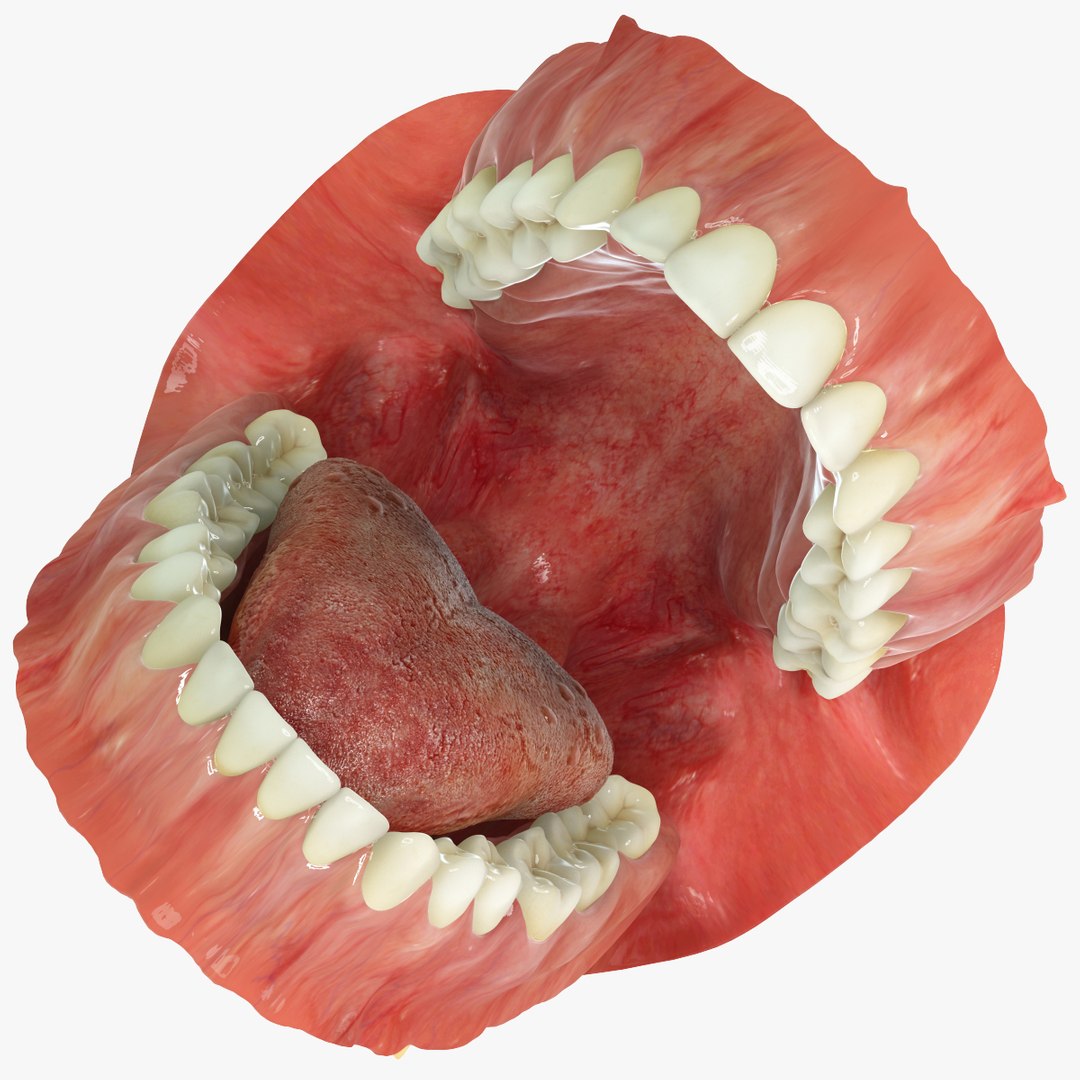
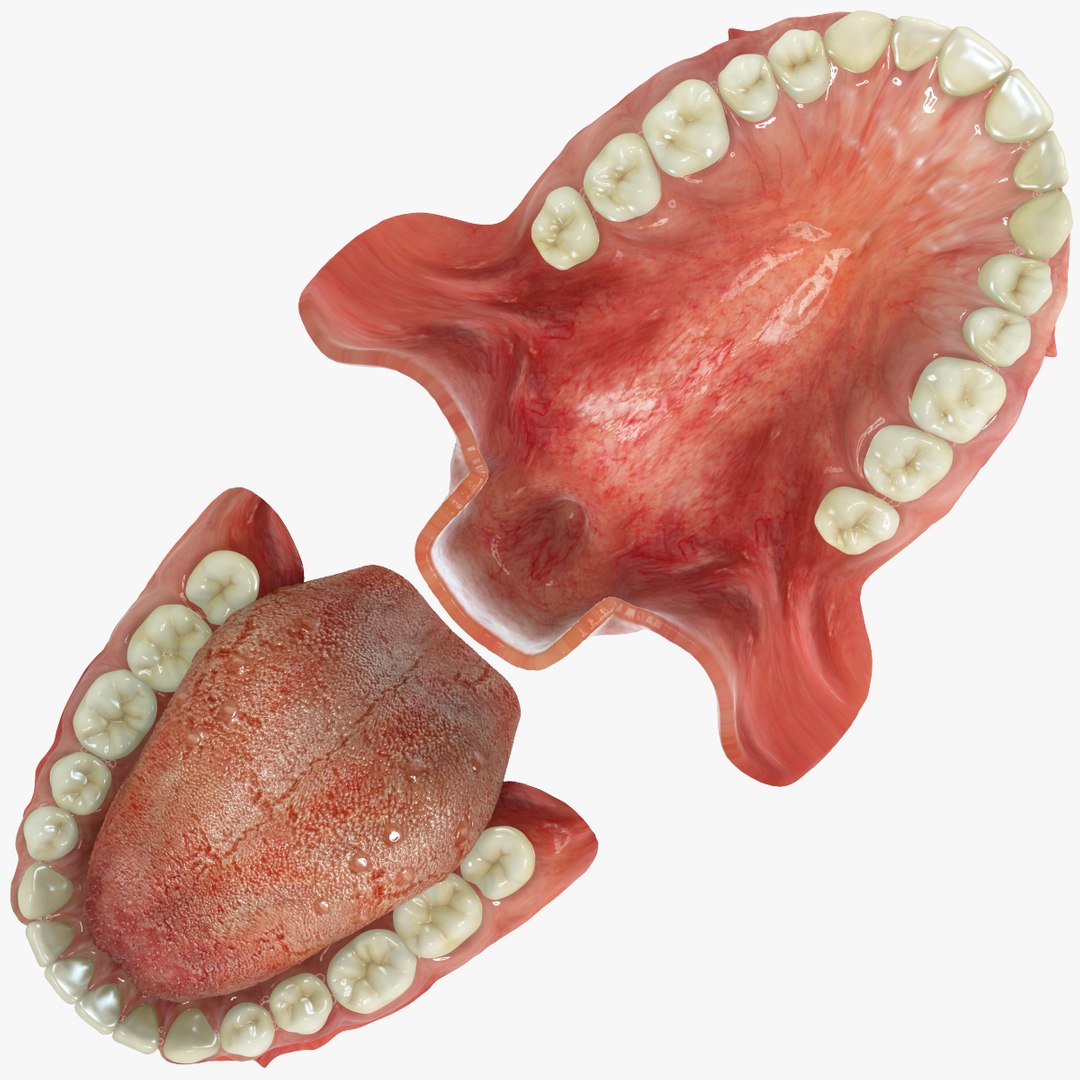
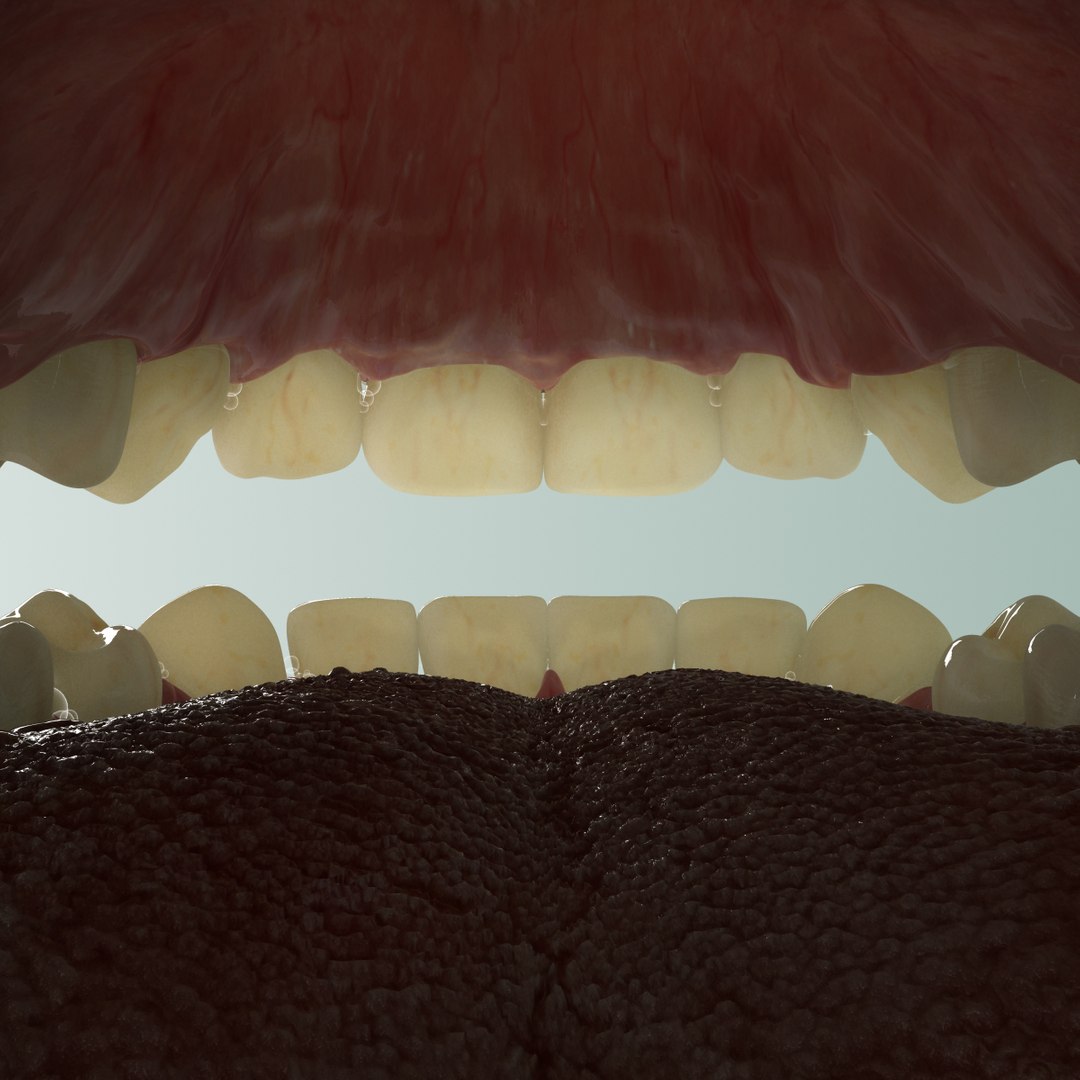
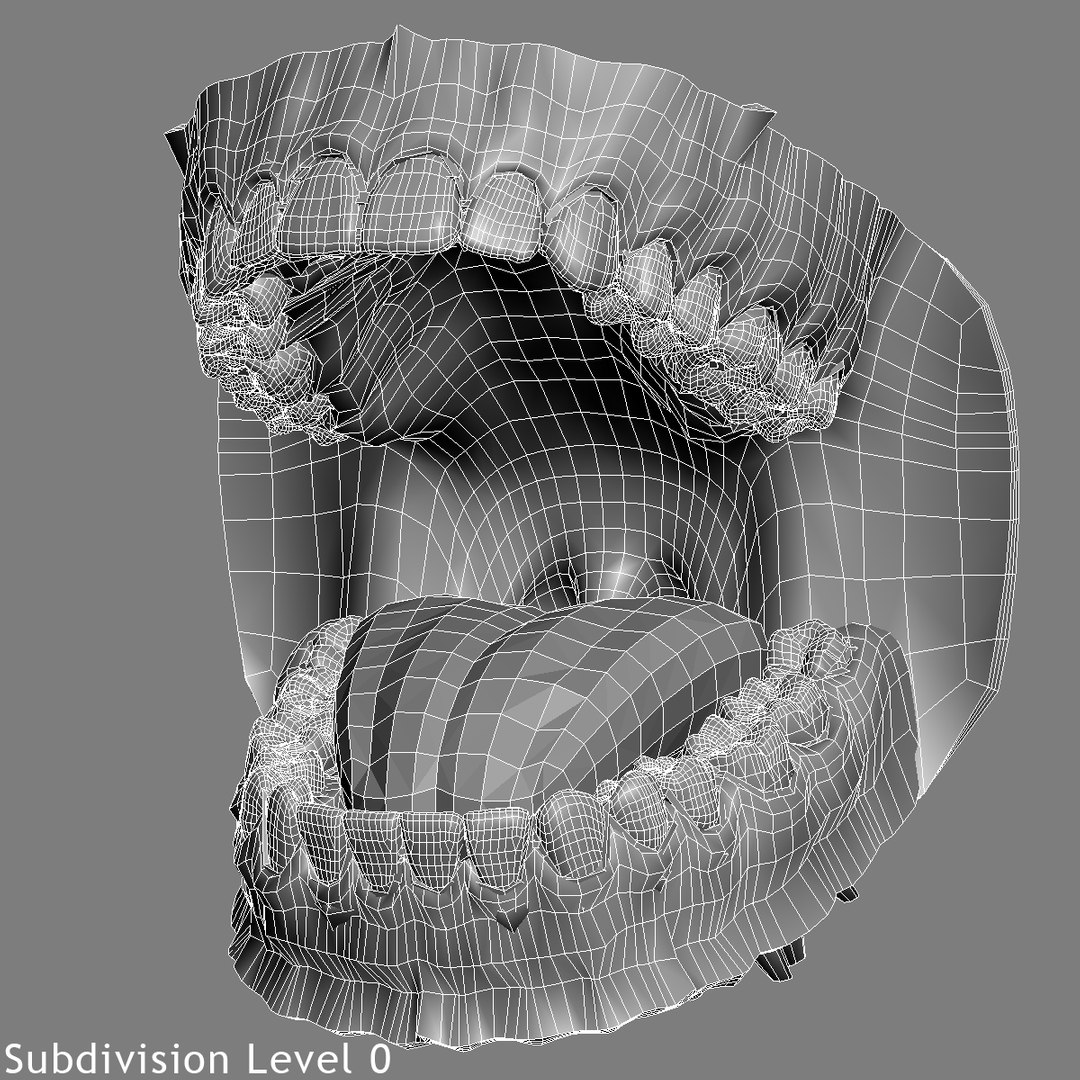
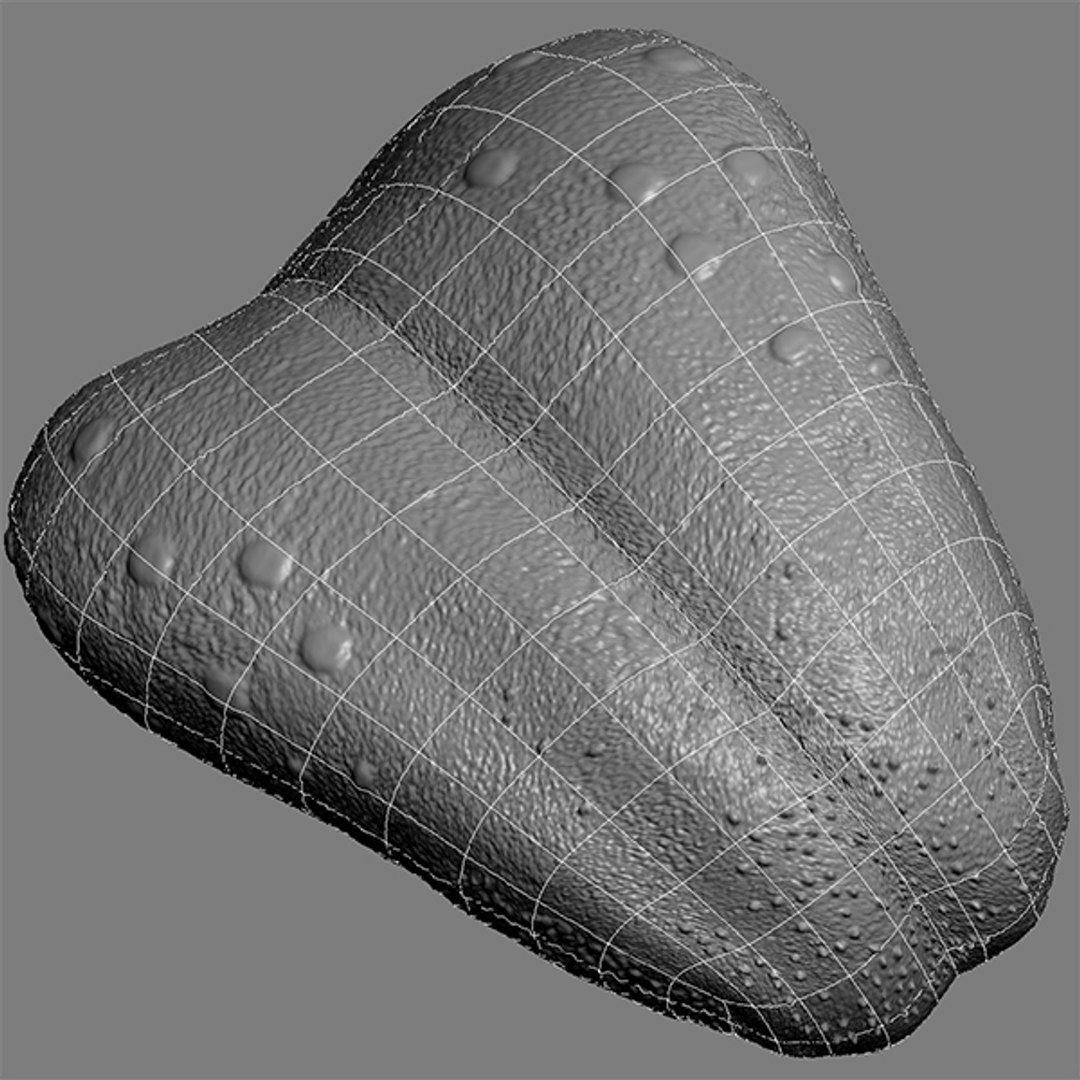
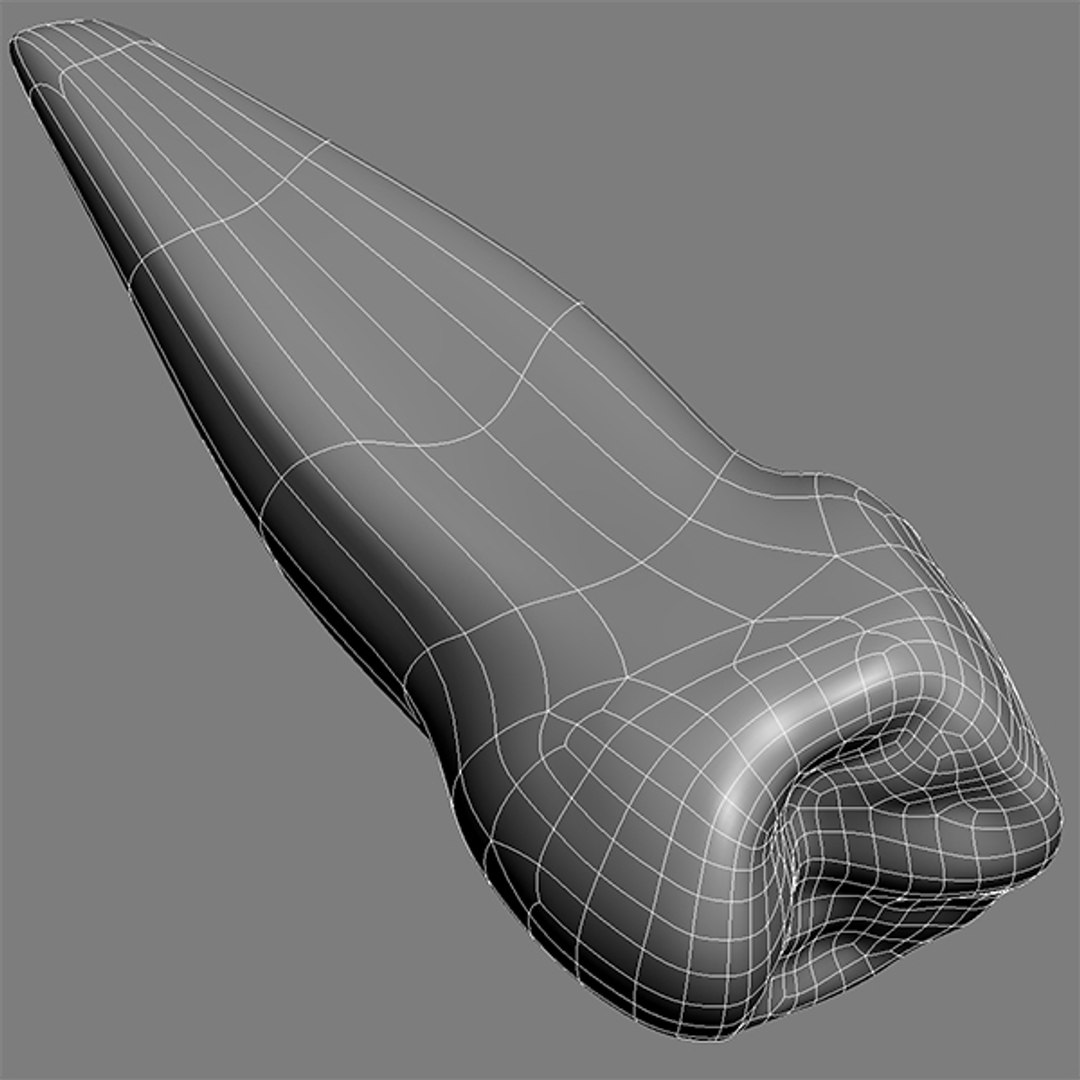
Photo realistic human mouth:

=====| USAGE |=====
- Anatomy
- Orthodontics
- Advertising
- Presentation
- Visualization
- High-res film close-ups
- Medicine

=====| FEATURES |=====
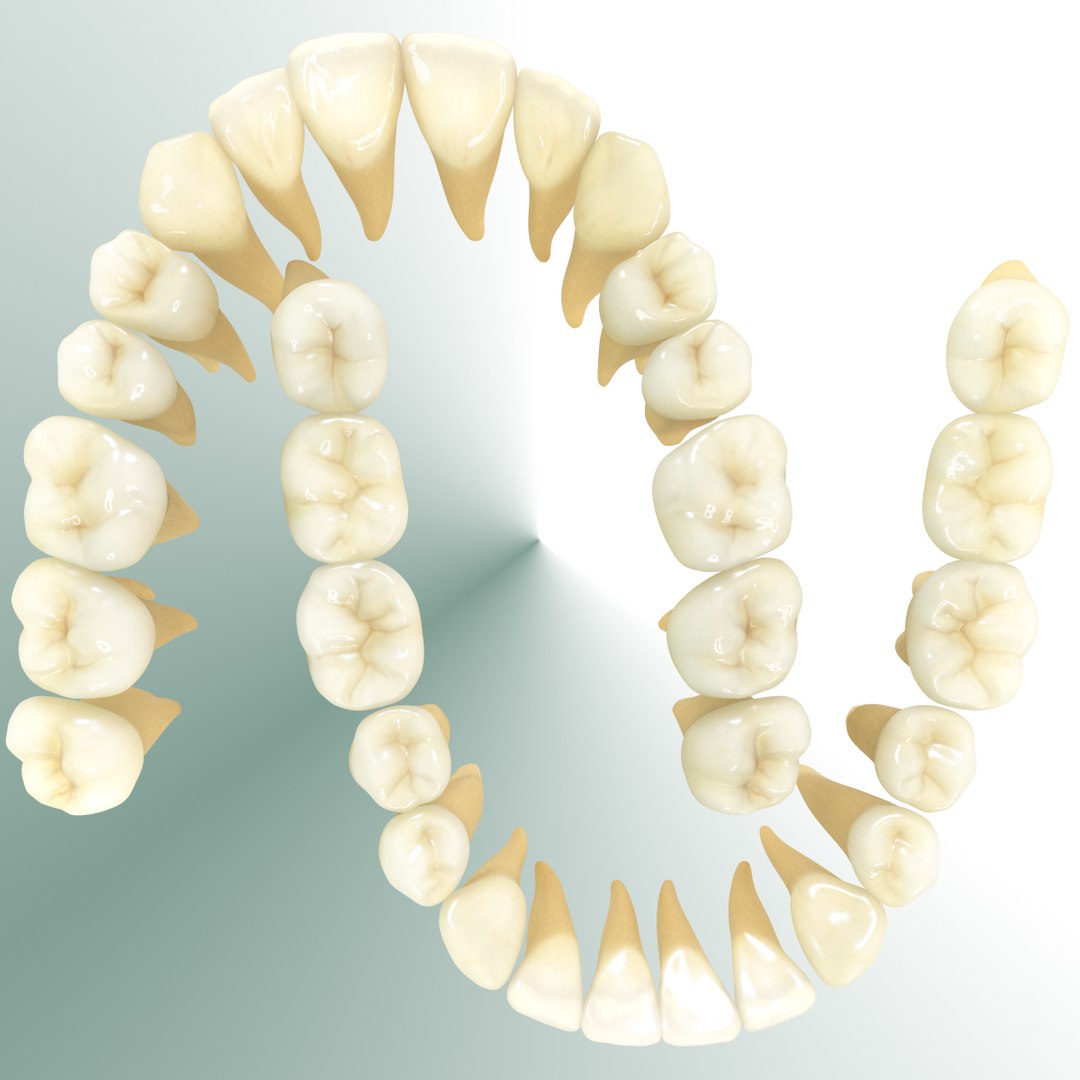
- All the v5.2 teeth in one package (price -50%) + GUMS and TONGUE
- Each tooth is separated and individually textured
- Scanned human dentition used as reference
- RIGGED with simple controllers
- Animation included (open-close)
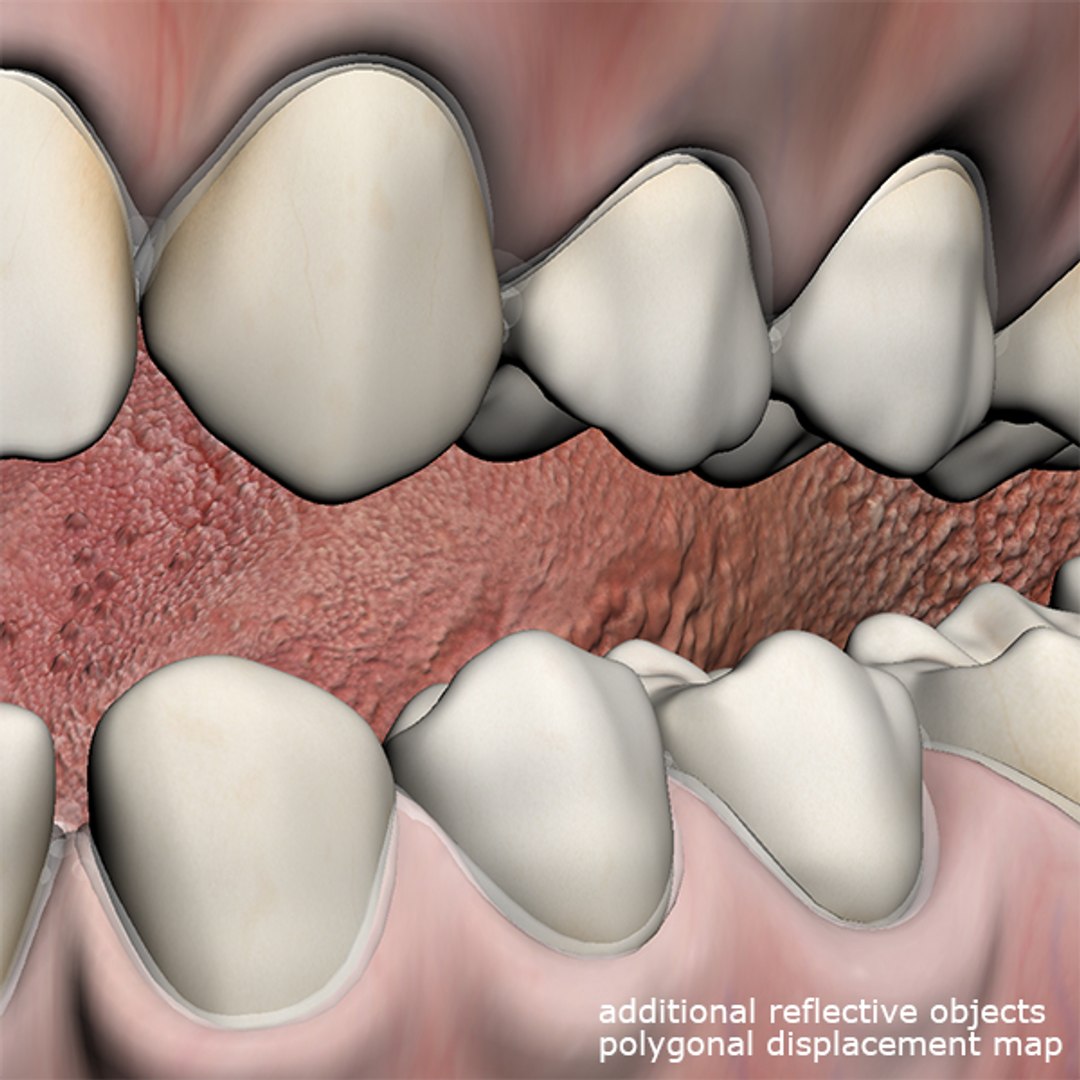
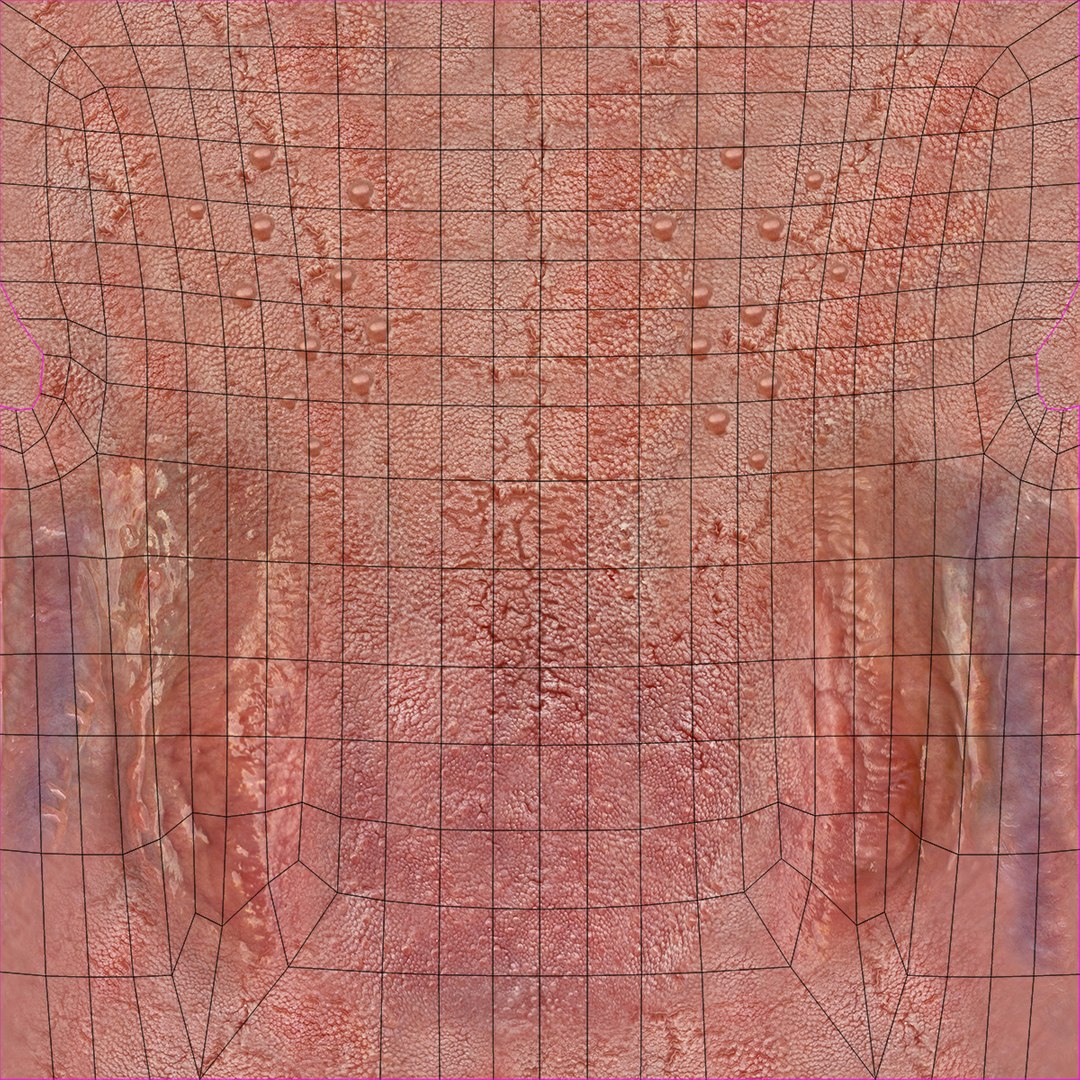
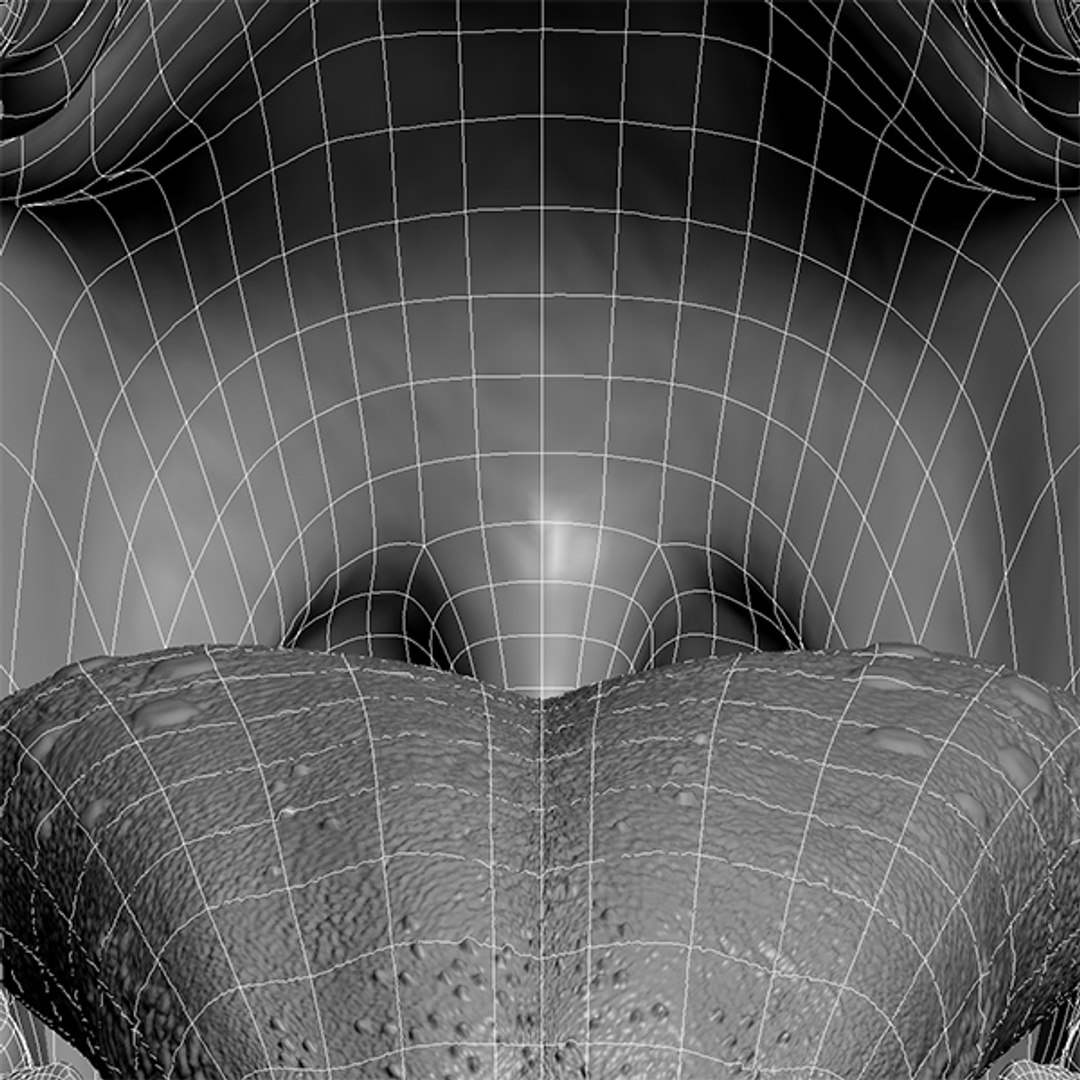
- DISPLACEMENT map to highlight details
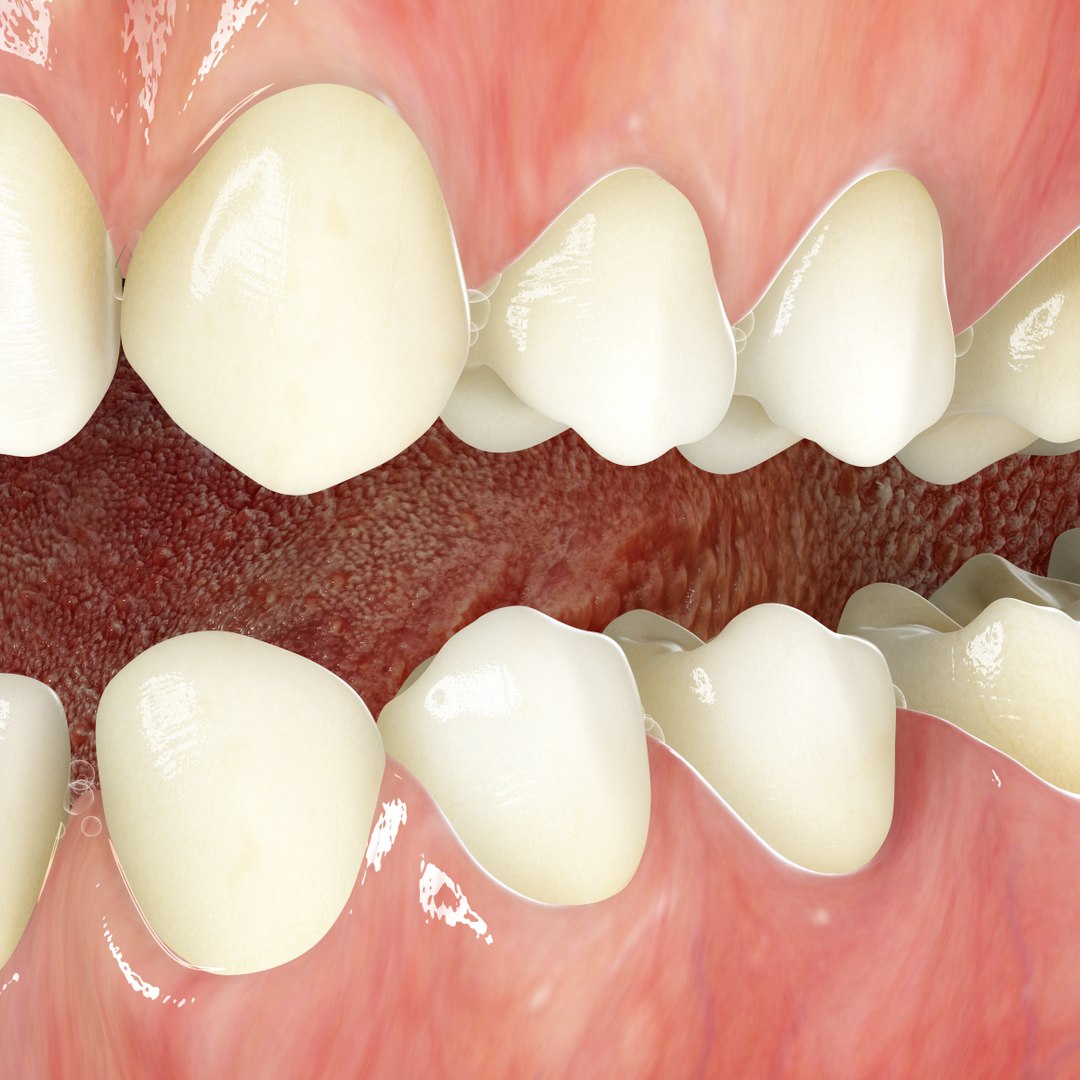
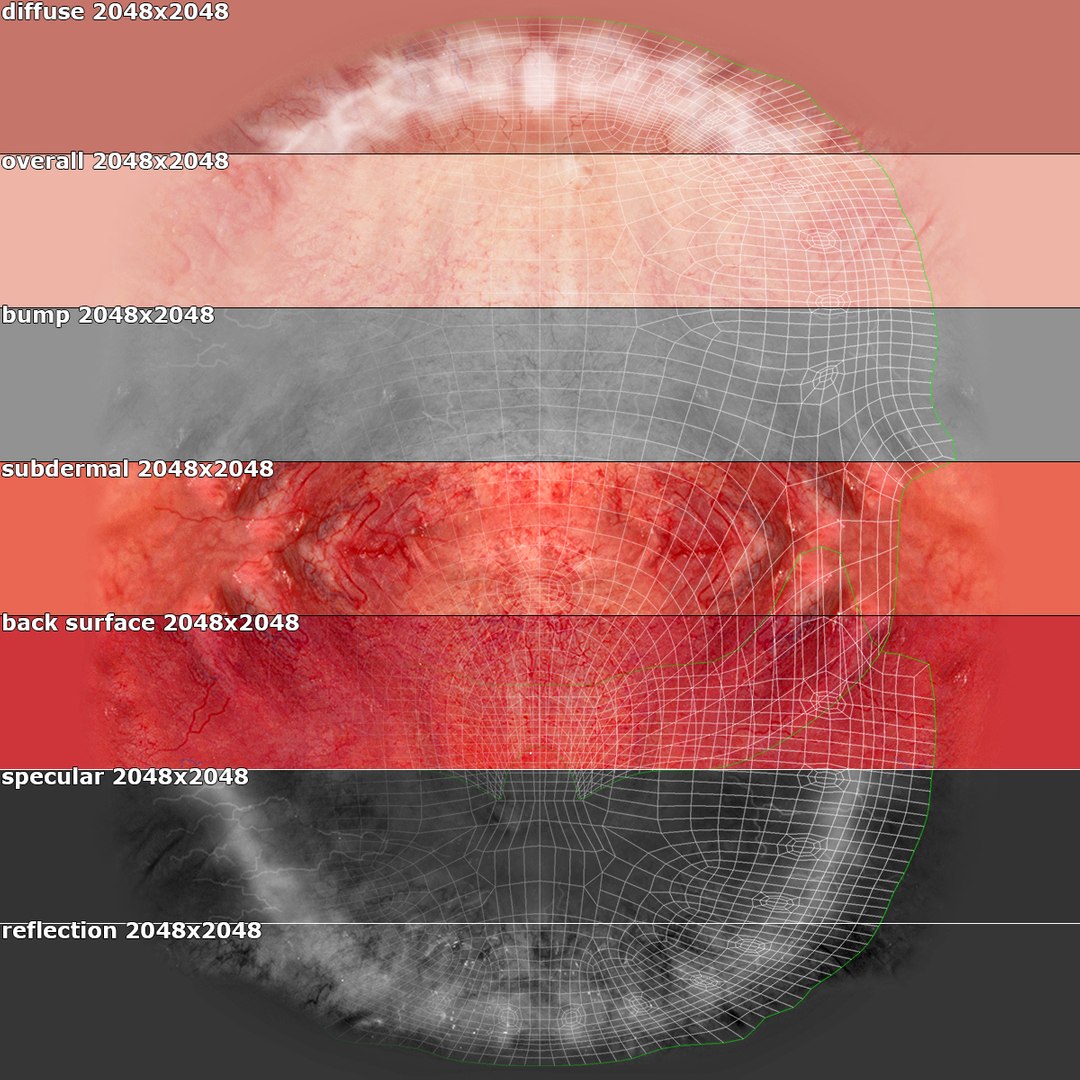
- SSS (Sub Surface Scattering) materials
- MAP layers (Color, Overall, Bump, Subdermal, BackSurface, Specular, Reflection, Displace)
- Extreme closeup details (v5.2)
- Flicker free animation solution (AO, Environment HDRI simulation)
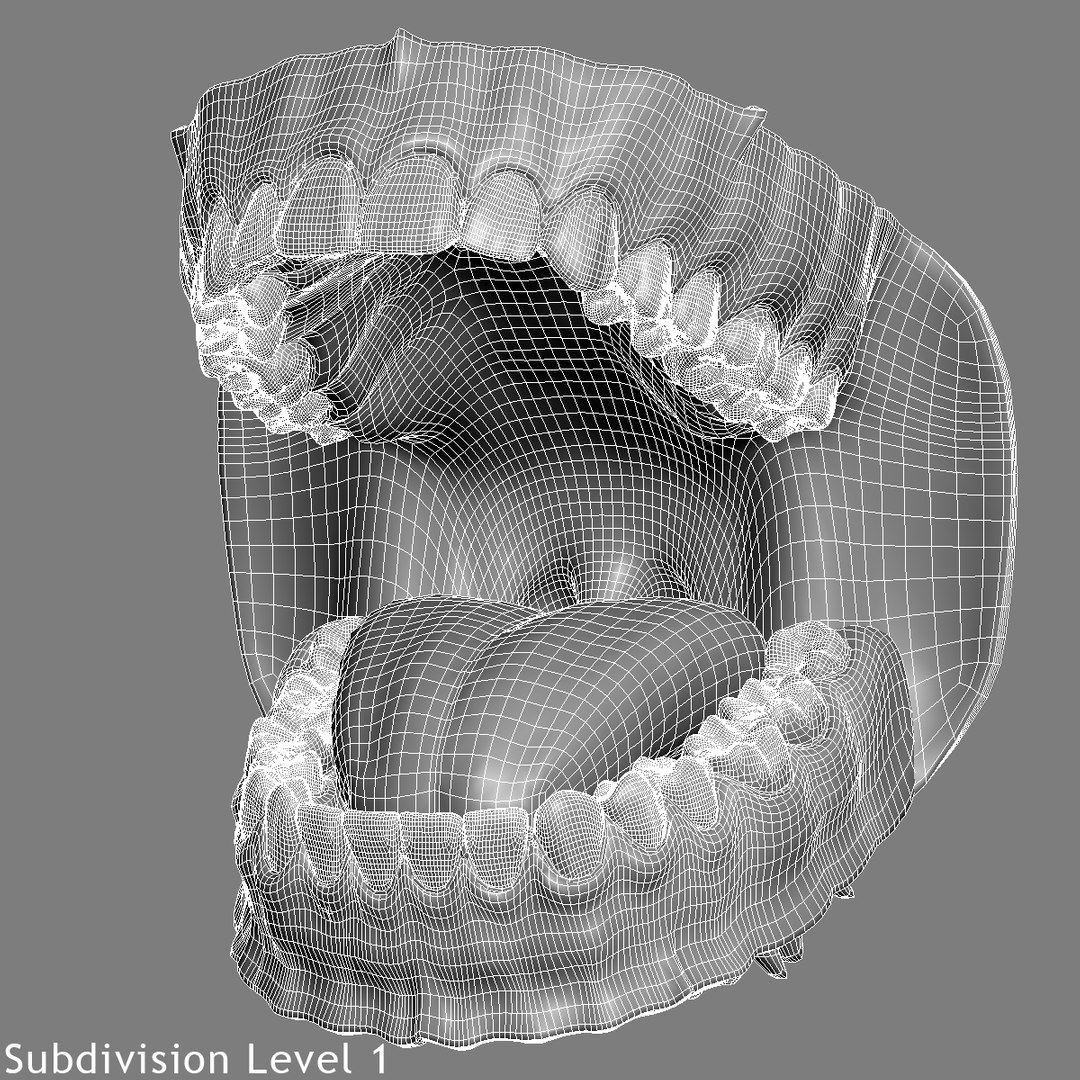
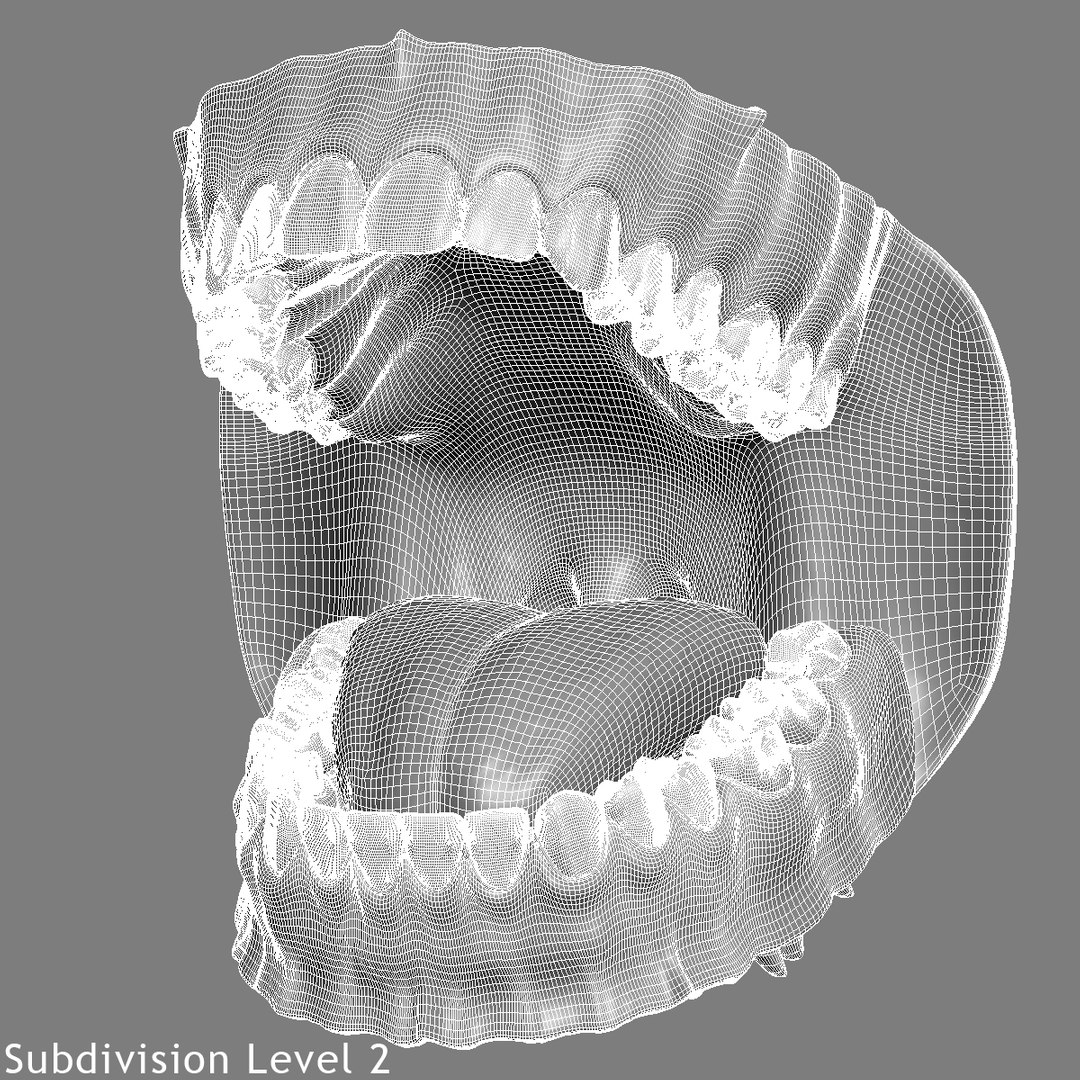
- Clean edge-loops based topology
- Geometry (Polygonal Quads only)
- 3ds Max 9.0 or higher compatible
- System Unit: cm

=====| SUPPORT |=====
- Contact the author via 'SUPPORT TICKET' for any questions
- You can update your previously purchased models

=====| POLY COUNT |=====
(21,157 polys, 21,824 verts)

=====| TEXTURES(127) |=====
4096x4096 (JPG x 8) - tongue
2048x2048 (JPG x 7) - gums
1024x1024 (JPG x 112) - teeth

Select Enhanced License

  • $10,000 in Legal Protection (Indemnification)
  • Uncapped Legal Protection (Indemnification)
  • Waiver from injunctive relief
  • Assignable model rights
  • $1,000,000 in Legal Protection (Indemnification)
  • Waiver from injunctive relief
  • Assignable model rights
  • $250,000 in Legal Protection (Indemnification)
  • Assignable model rights
Read more about enhanced license tiers, or contact us at enterprise@turbosquid.com. Already a Shutterstock Enterprise Customer? Contact your Shutterstock Sales Support Agent to talk about adding 3D.

About Conversion Requests

To submit a conversion request for a purchased asset, please complete our Conversion Request Form.

If you have not yet purchased a model, please review our Documentation about Conversions to learn about what limitations you may encounter with a conversion.

For any additional questions about a model’s suitability for conversion, please contact TurboSquid Support.

Loading...