
Perforated panels (Perforation 3D) Rg, Rv, Qg, Qv, Qd, Lgl, Lvl, Nr 152

$8

Standard License | Upgrade License
Formats (2)
Native | 3ds Max 2011 | V-Ray
3ds Max 2011 | Corona 1.6
Other Files
Perfo_Textures.zip
Specifications
Publish Date January 27, 2019
Product ID 1371798
Polygons 788,990
Vertices 499,459
Polygonal
Textures
Materials
UV Mapped
member avatar
flamenezo
2465 Products | Contributor Since 2019
Have questions? Chat with us now.

Description

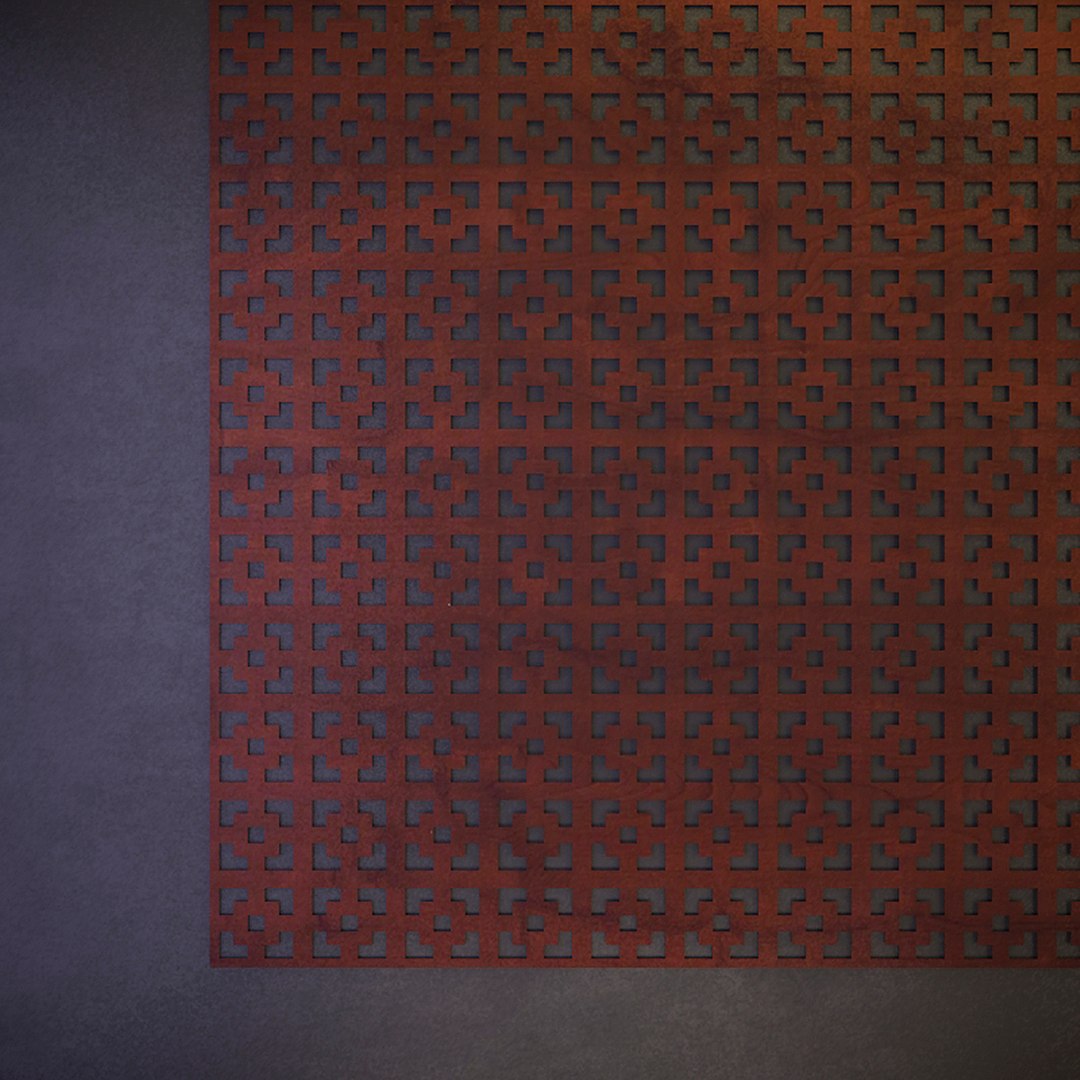
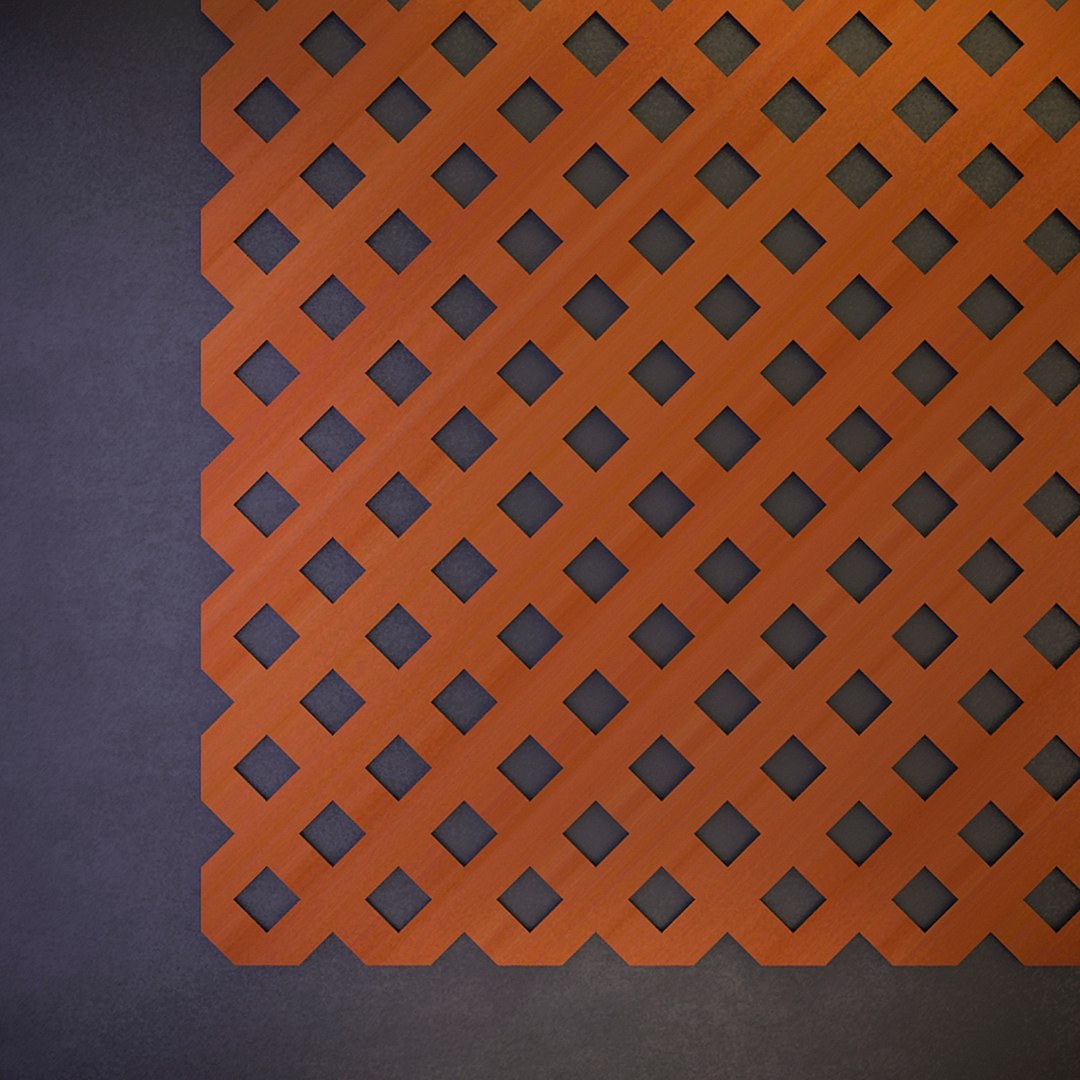
Perforated panels (Perforation 3D) Rg, Rv, Qg, Qv, Qd, Lgl, Lvl, Nr 152

Panels are an ornamental pattern - the panel is hidden on all sides.
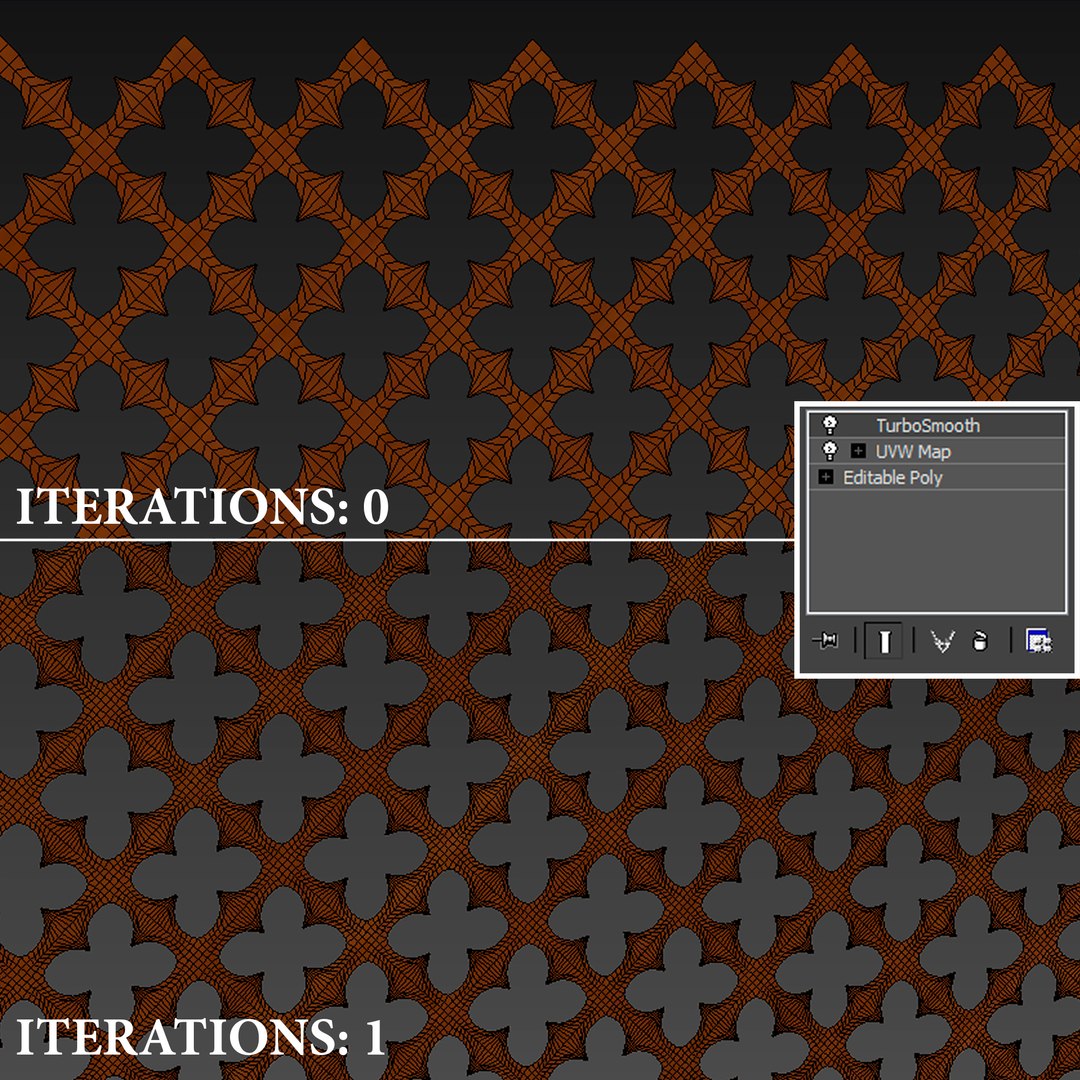
All holes are made by geometry (without boolean operations)

- change perforation radii (select internal border / use scaling)
- bend panel (use Bend modifier)
- increase panel size (Copy/Attach/Weld)

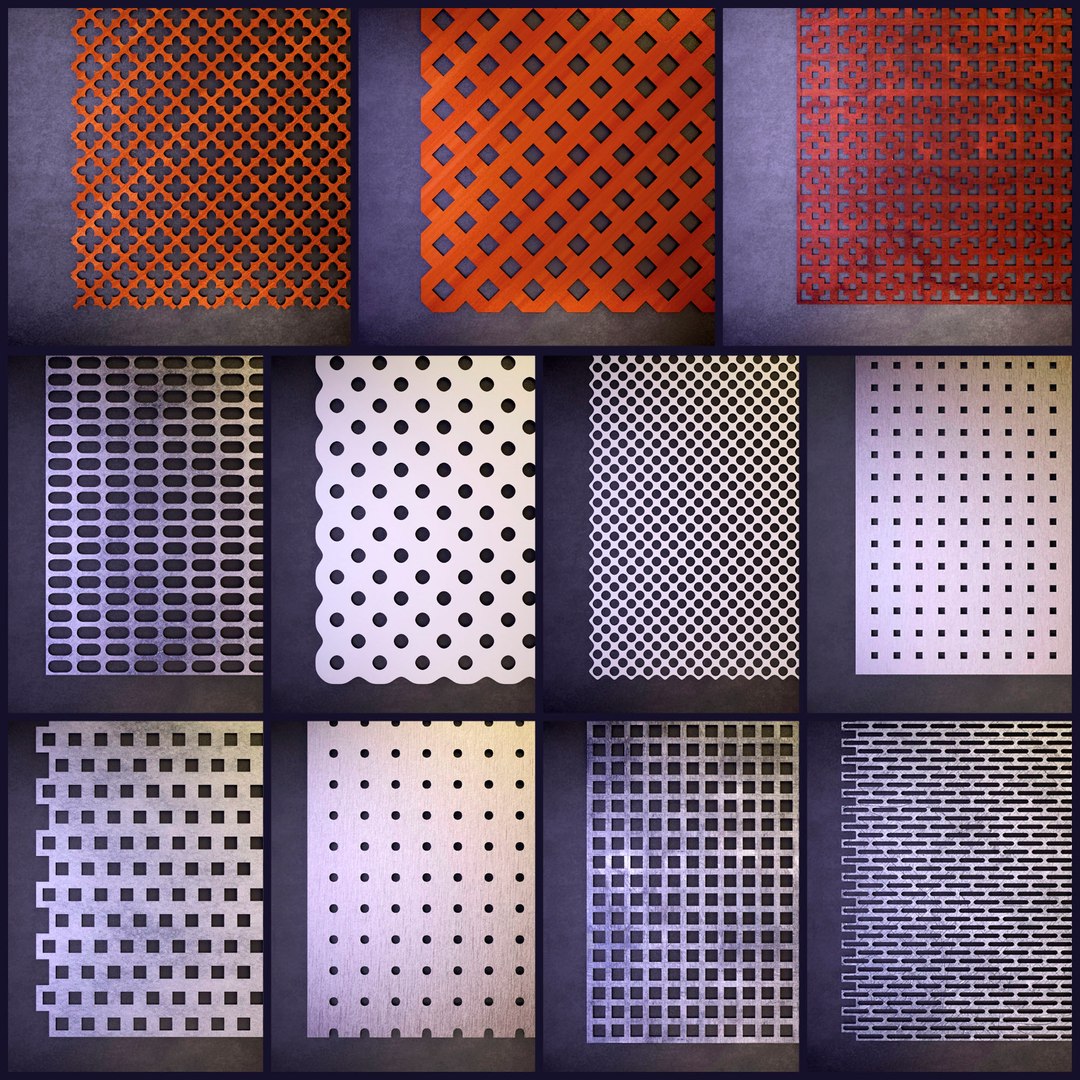
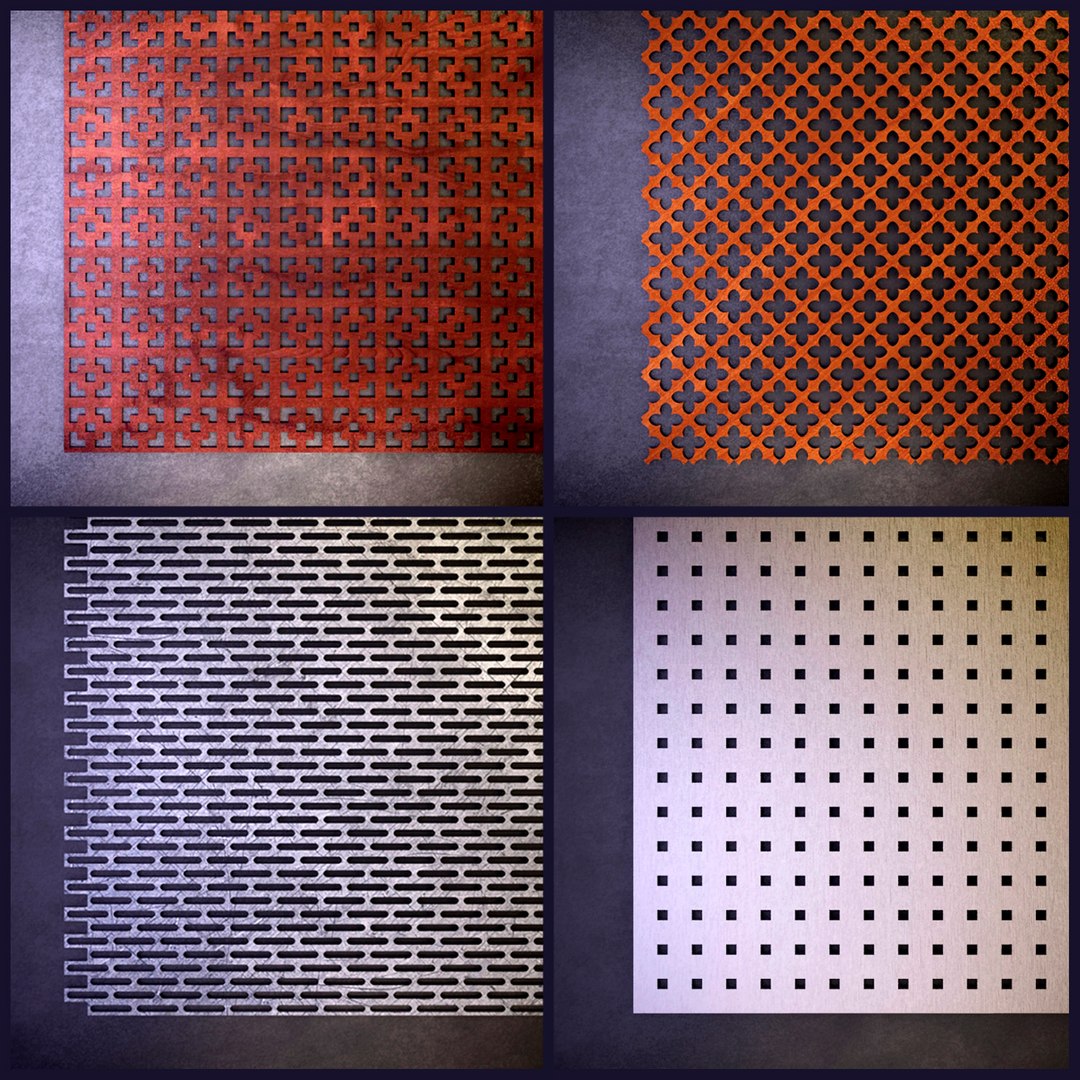
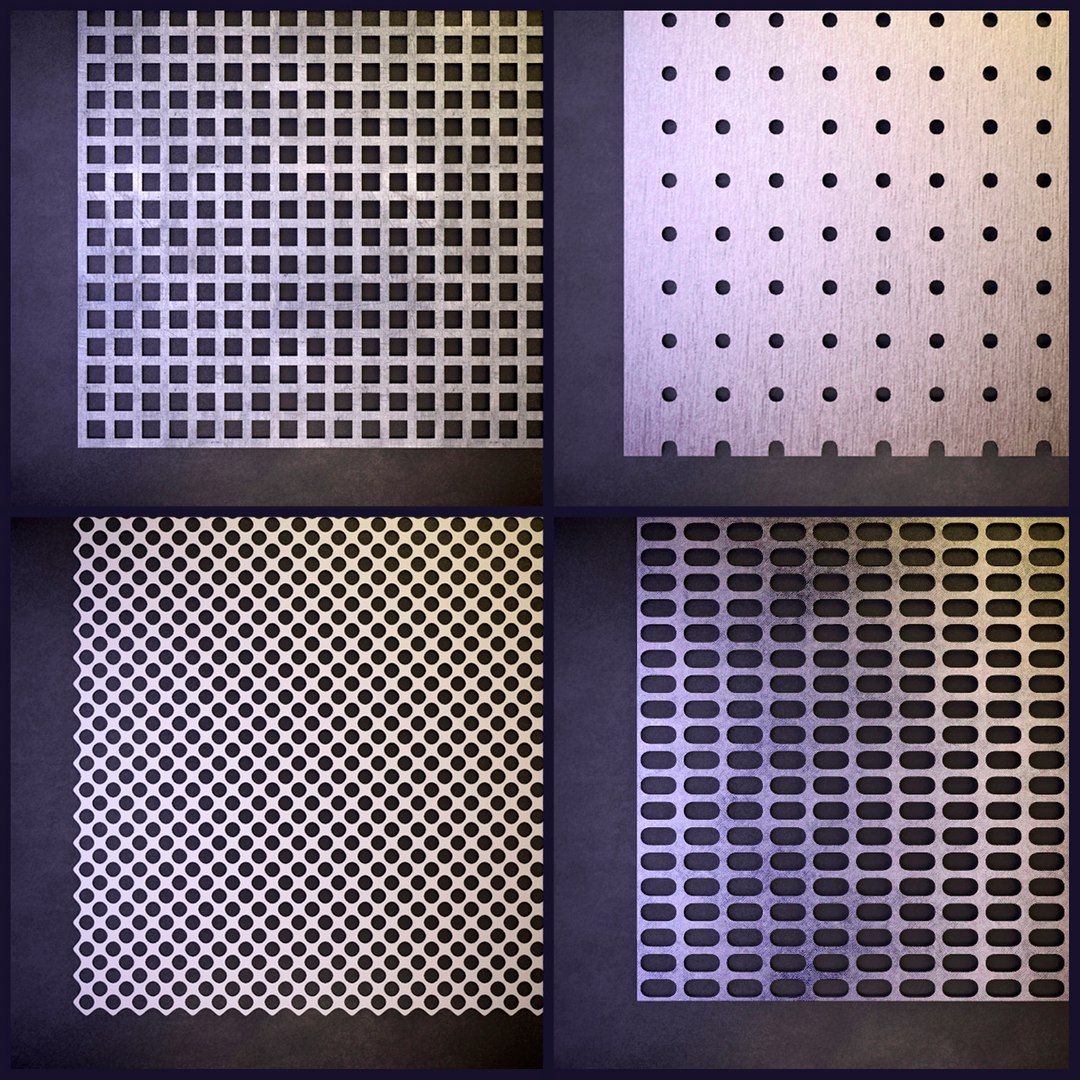
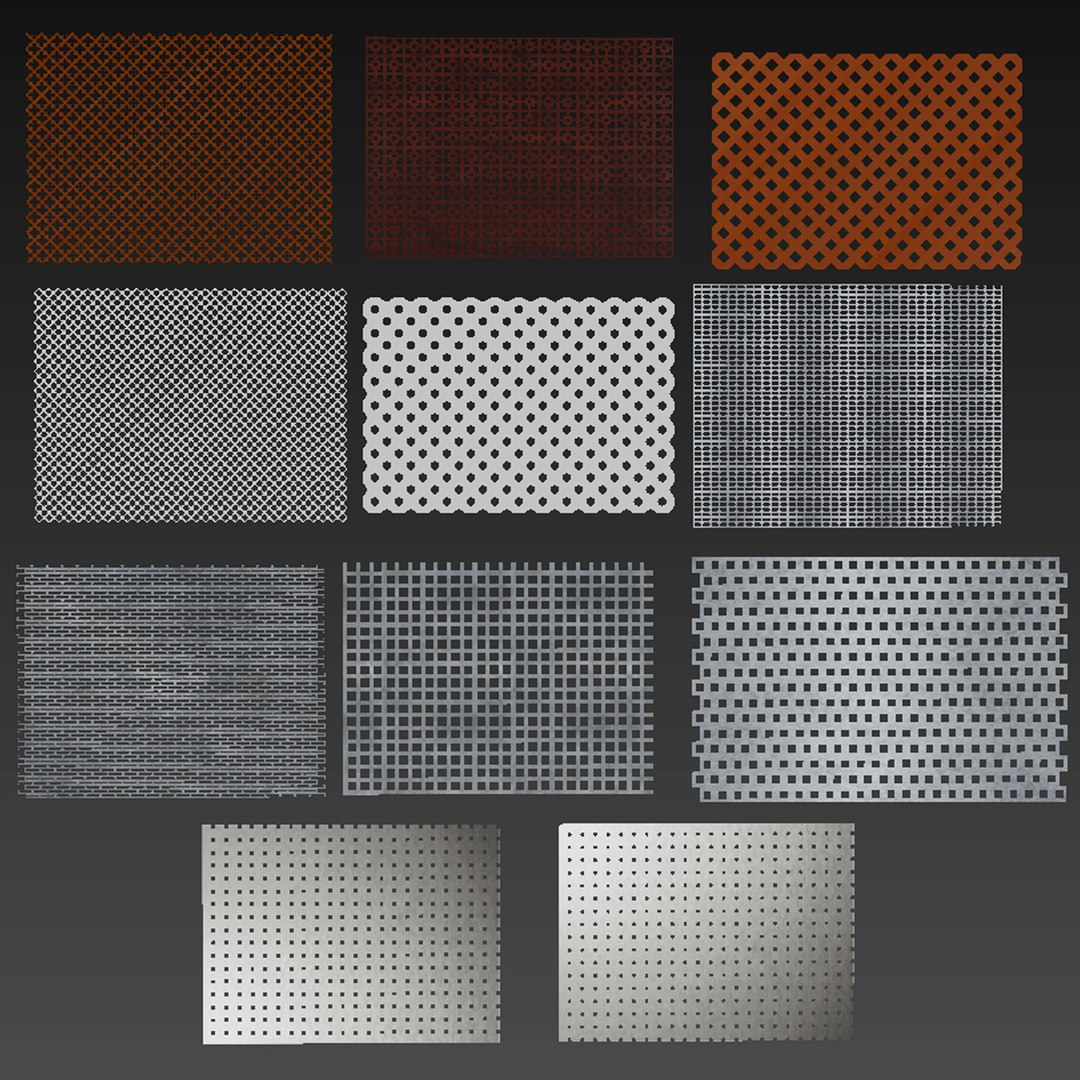
Distribution includes 11 panels:
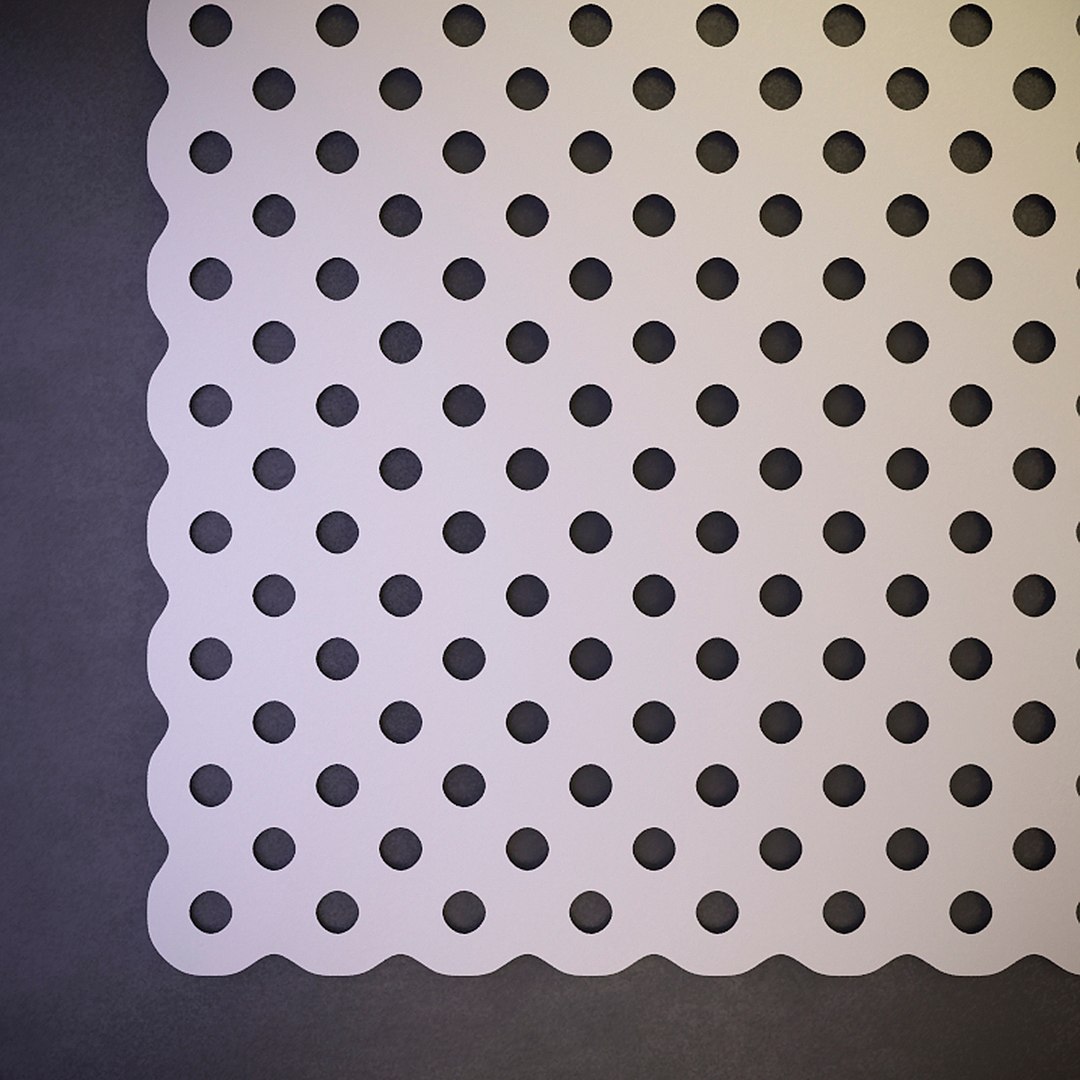
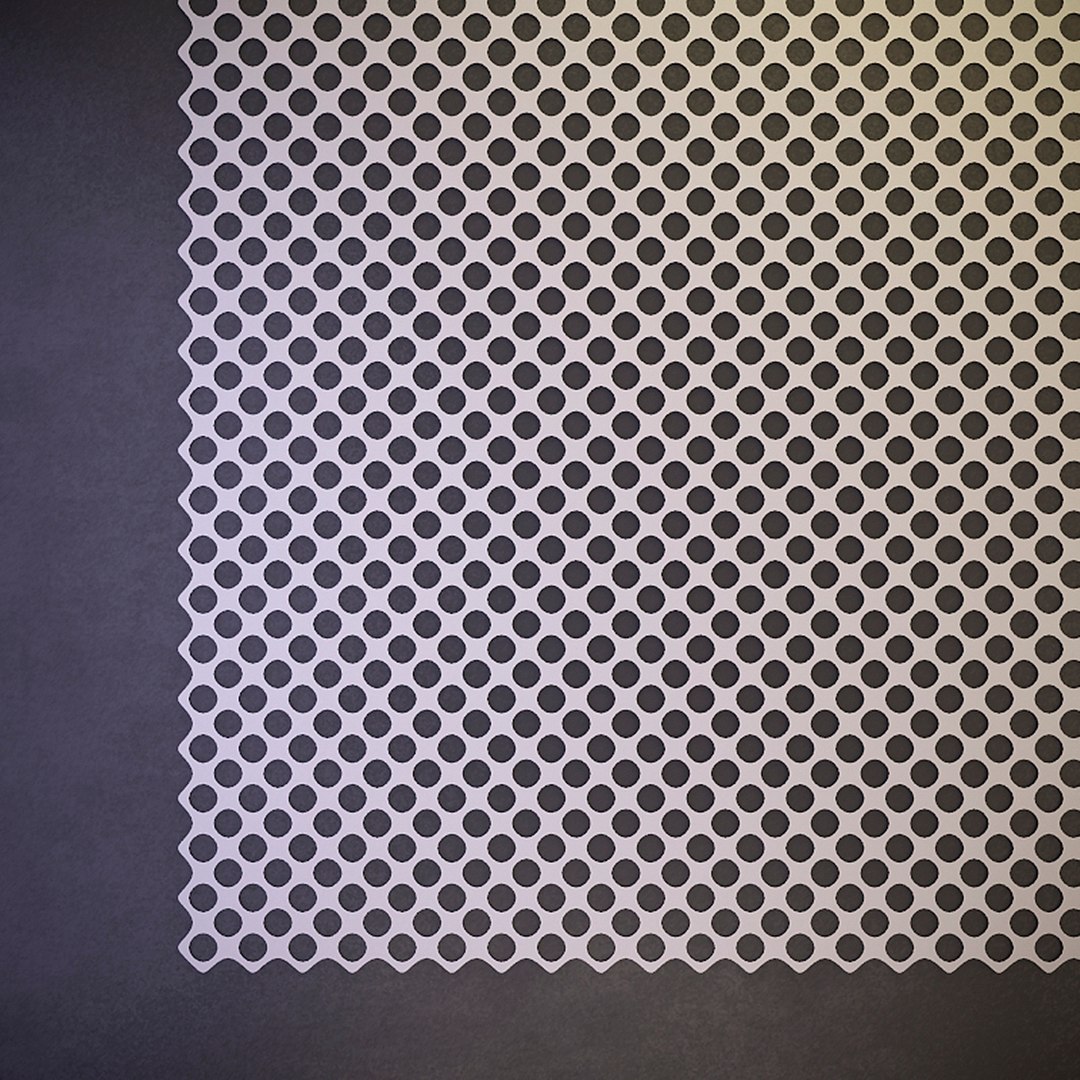
- Panels with texture for plastic - can be used as acoustic panels, as ceiling trim
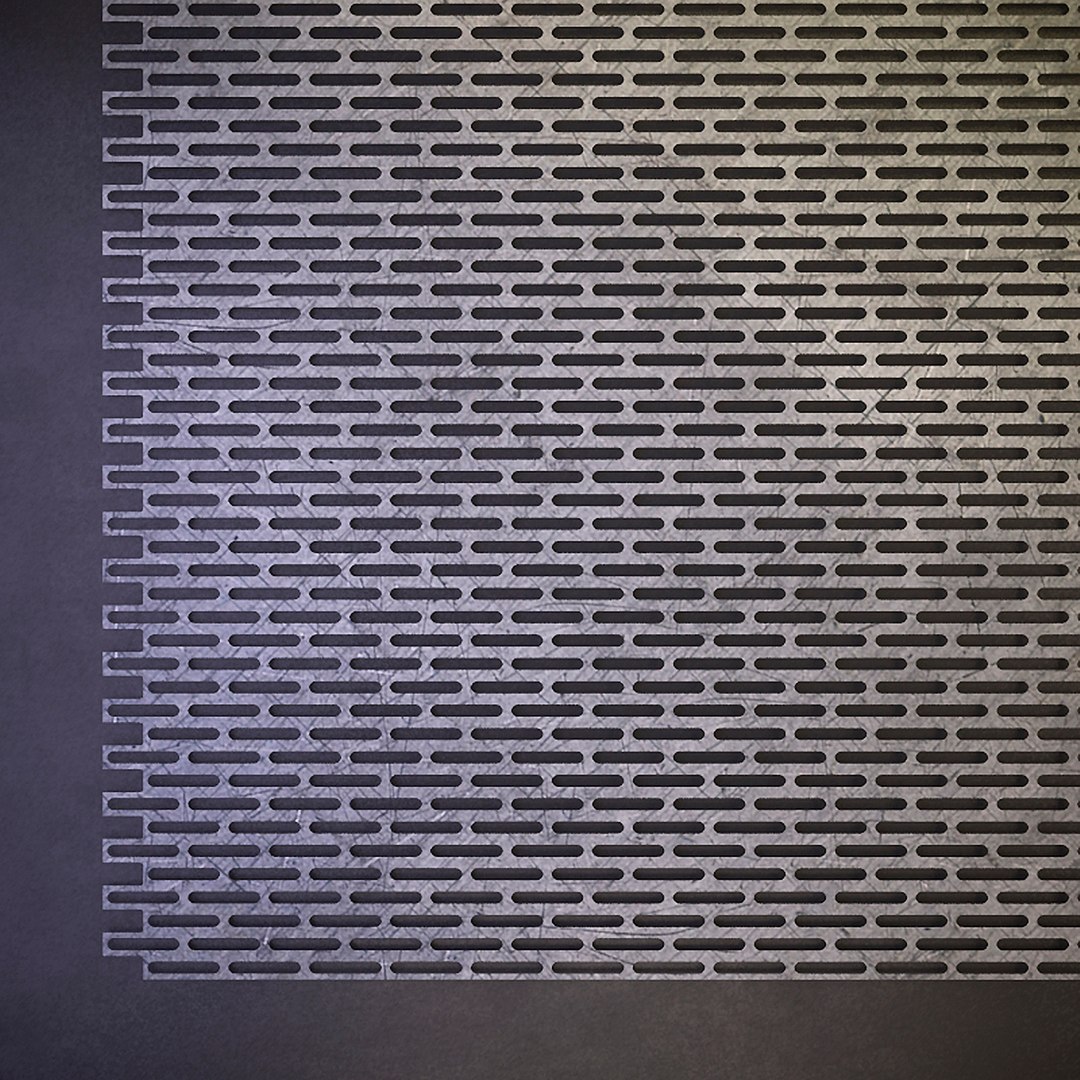
- Perforated metal sheet - can be used as an element of a stand (display case) in a store (supercrette), as an element of furniture (reception),
as a fence and a partition, as a lattice of air ducts and fans.
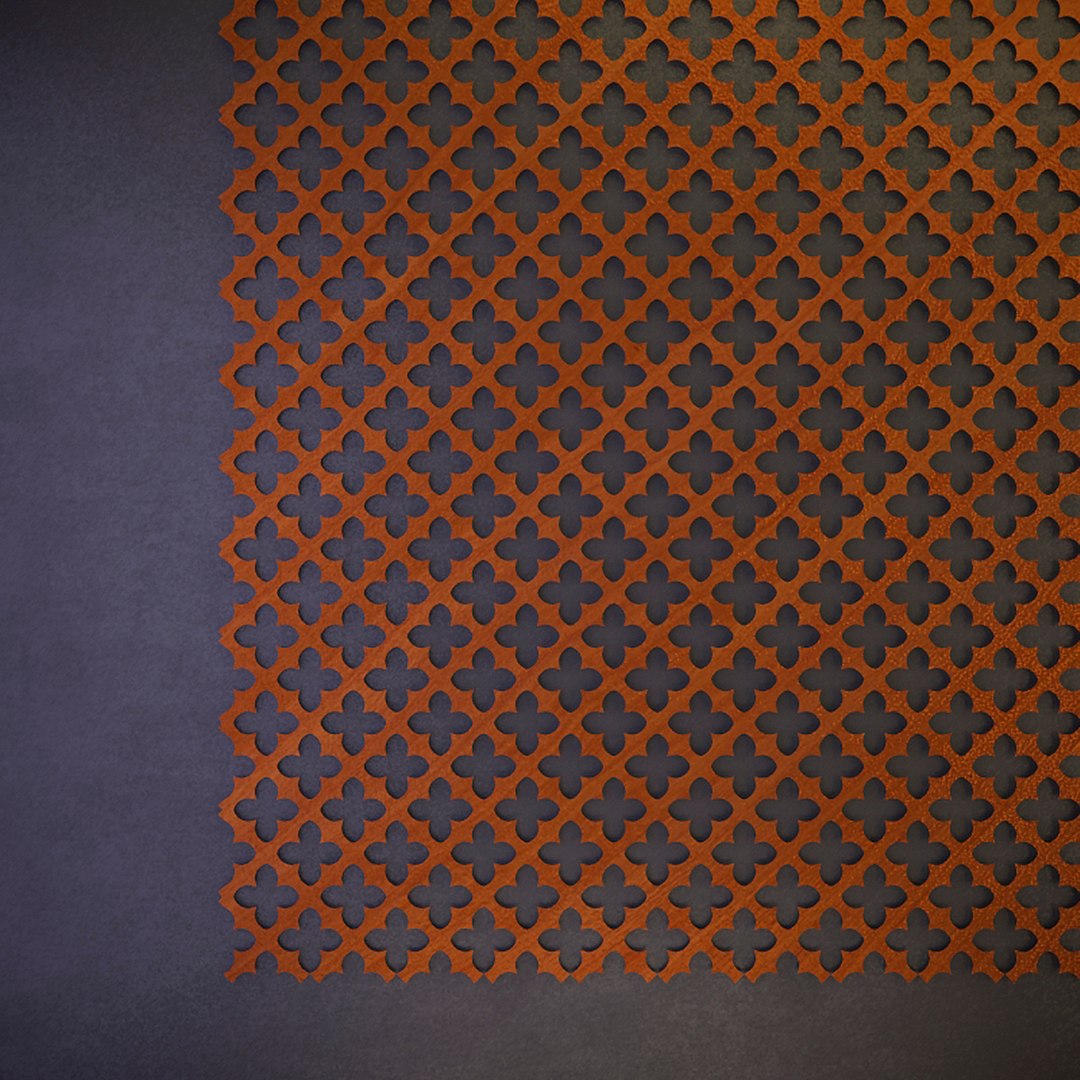
- Panels with the texture of wood - can be used as a screen (grille) for the battery (radiator), as a garden grille for gazebos.

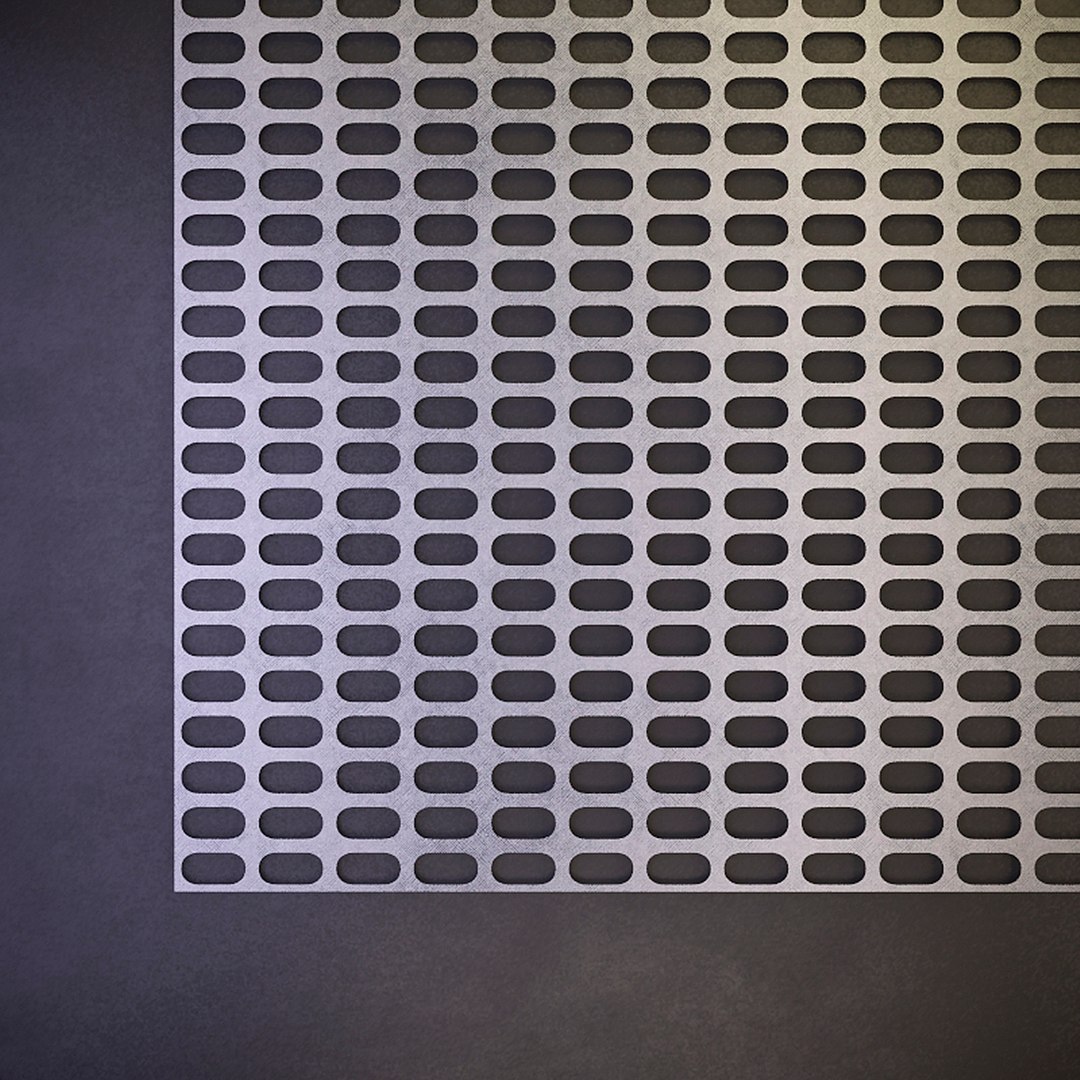
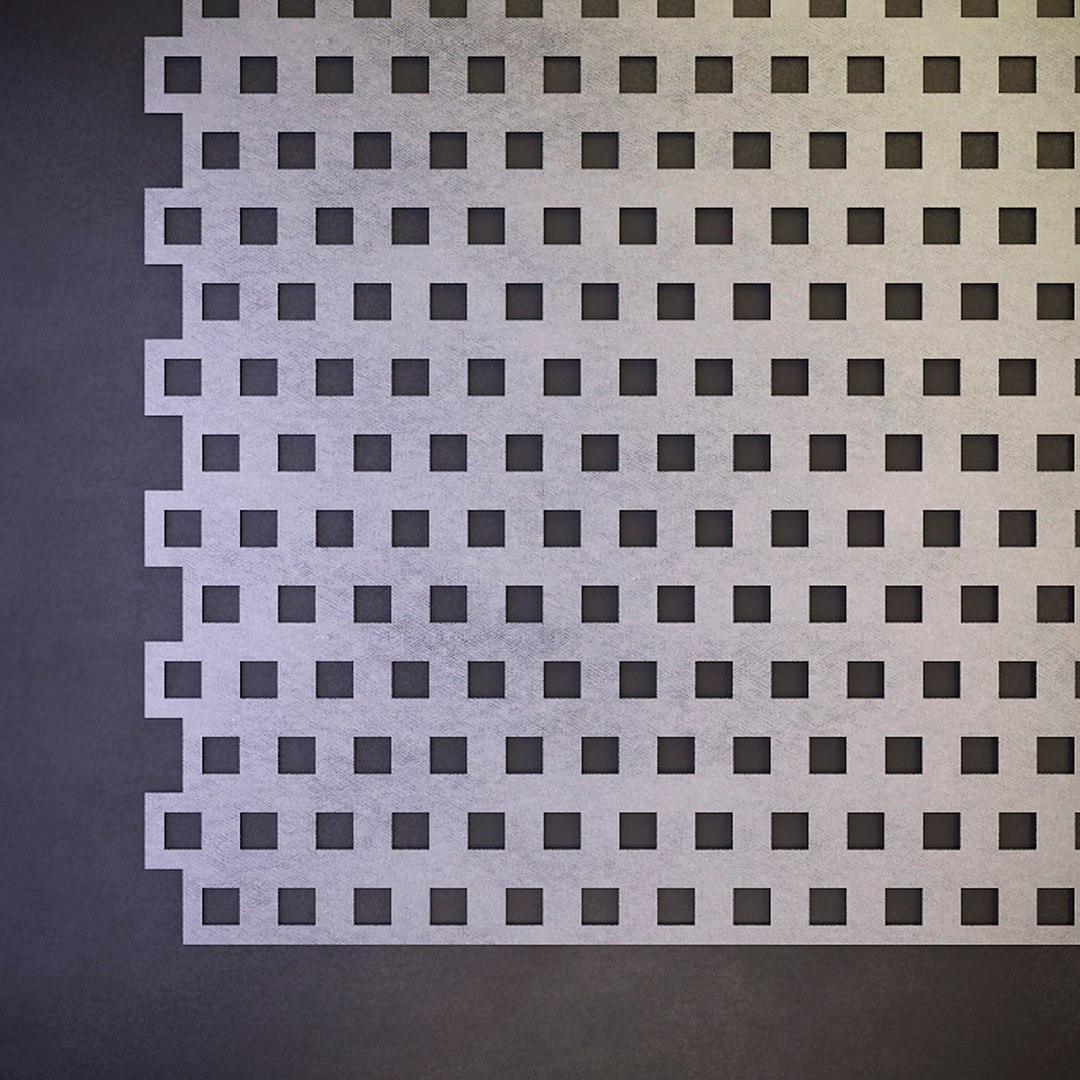
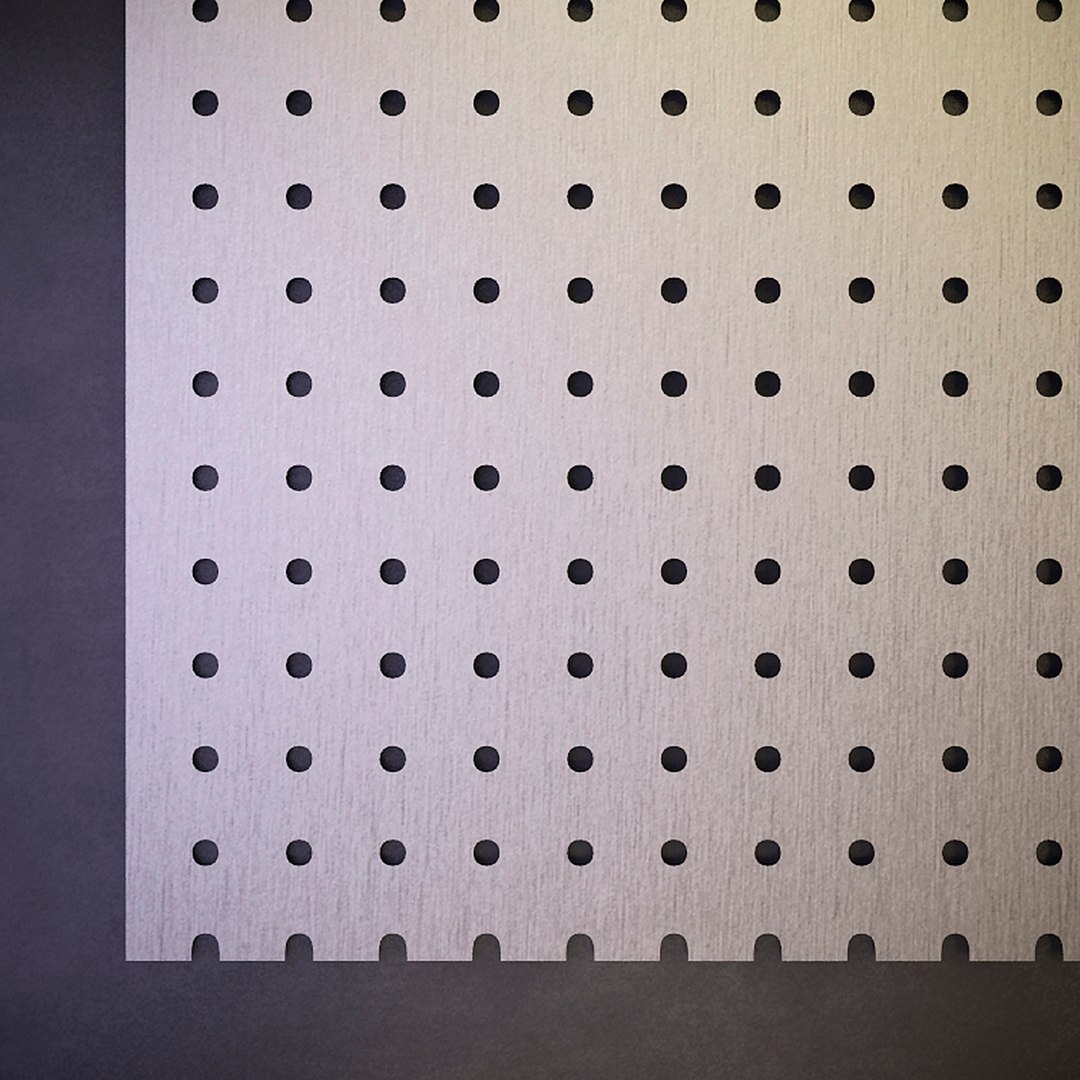
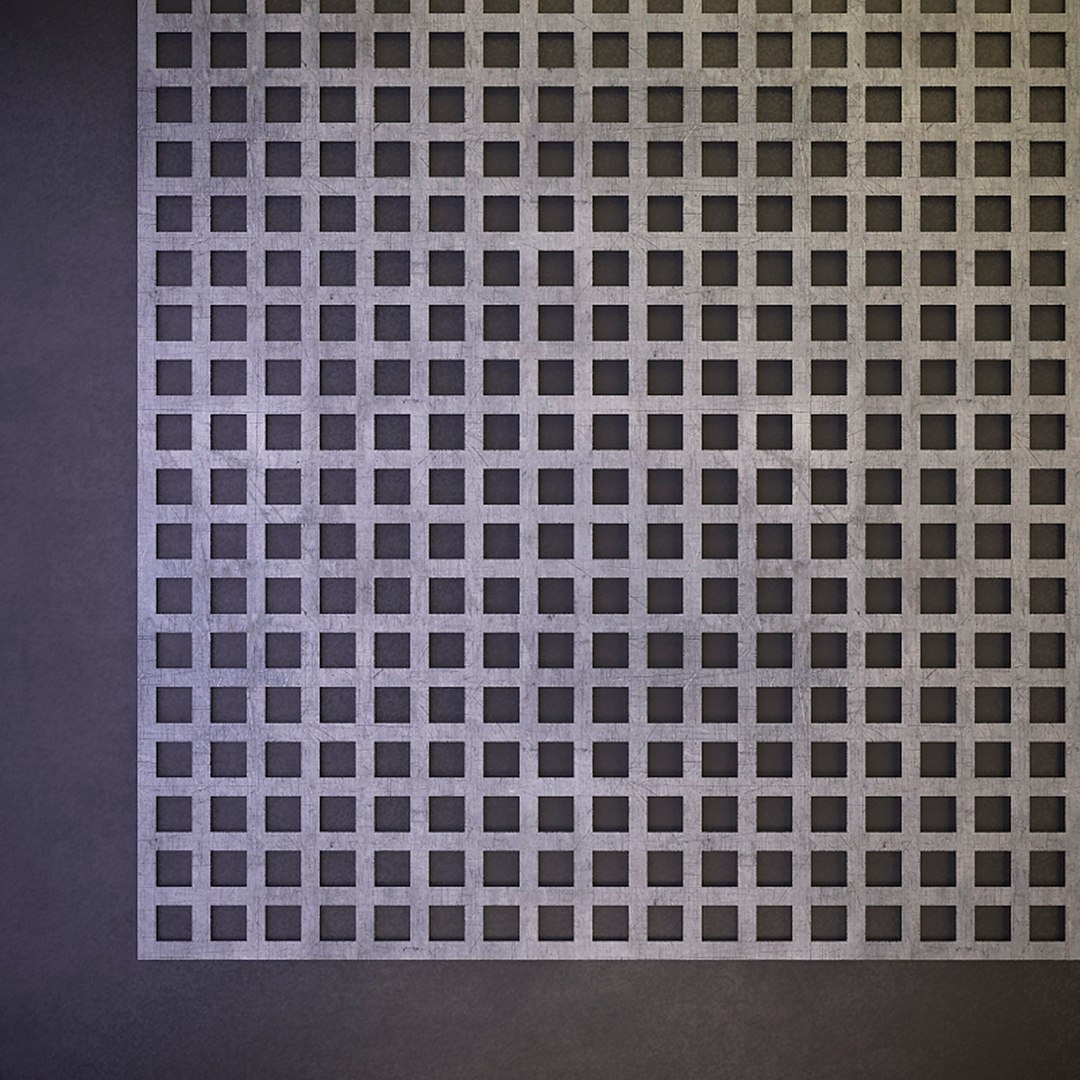
The panels have the following types of perforations:
- Round with straight rows (Rg) and with offset rows (Rv)
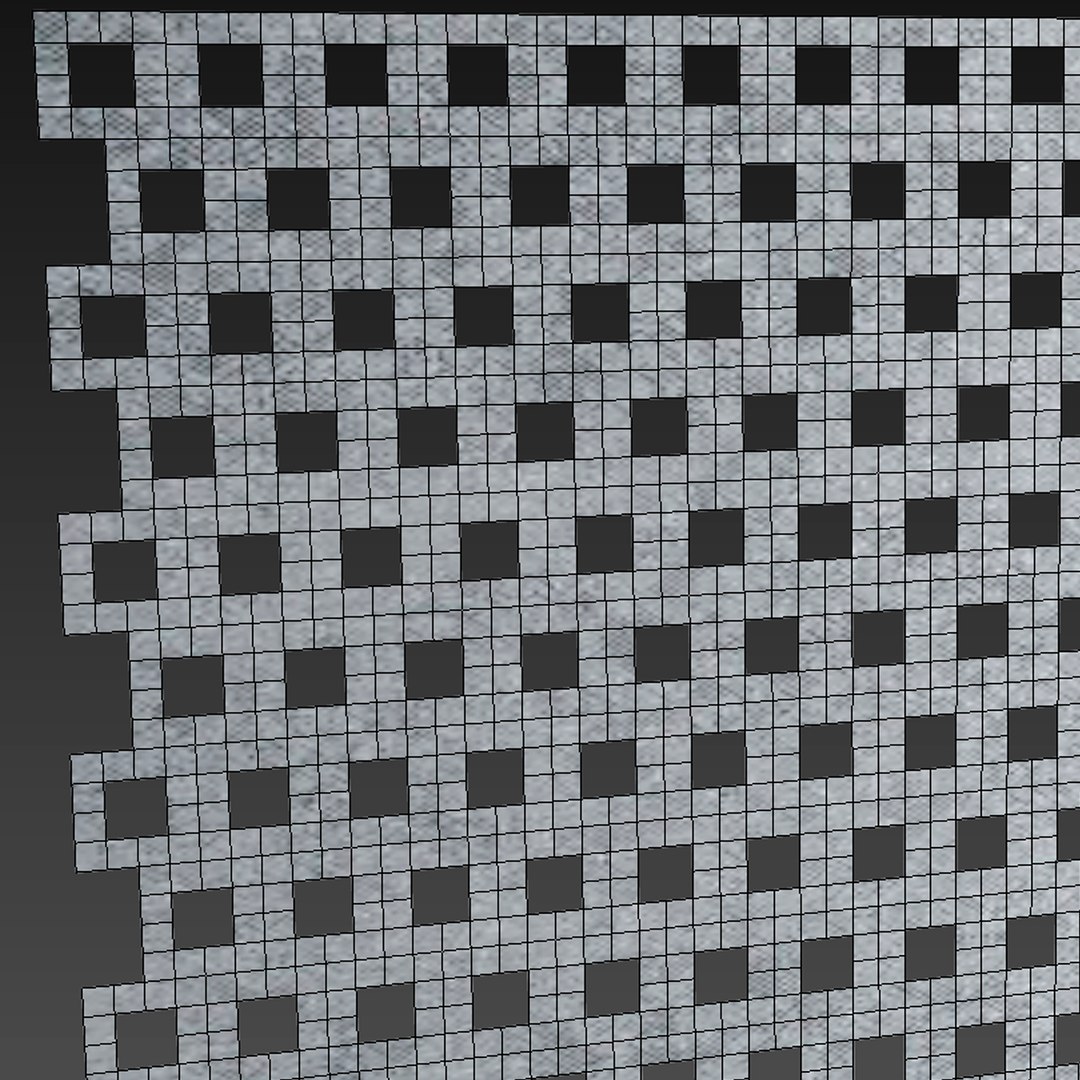
- Square with straight rows (Qg) and with offset rows (Qv)
- Square with diagonally biased rows (Qd)
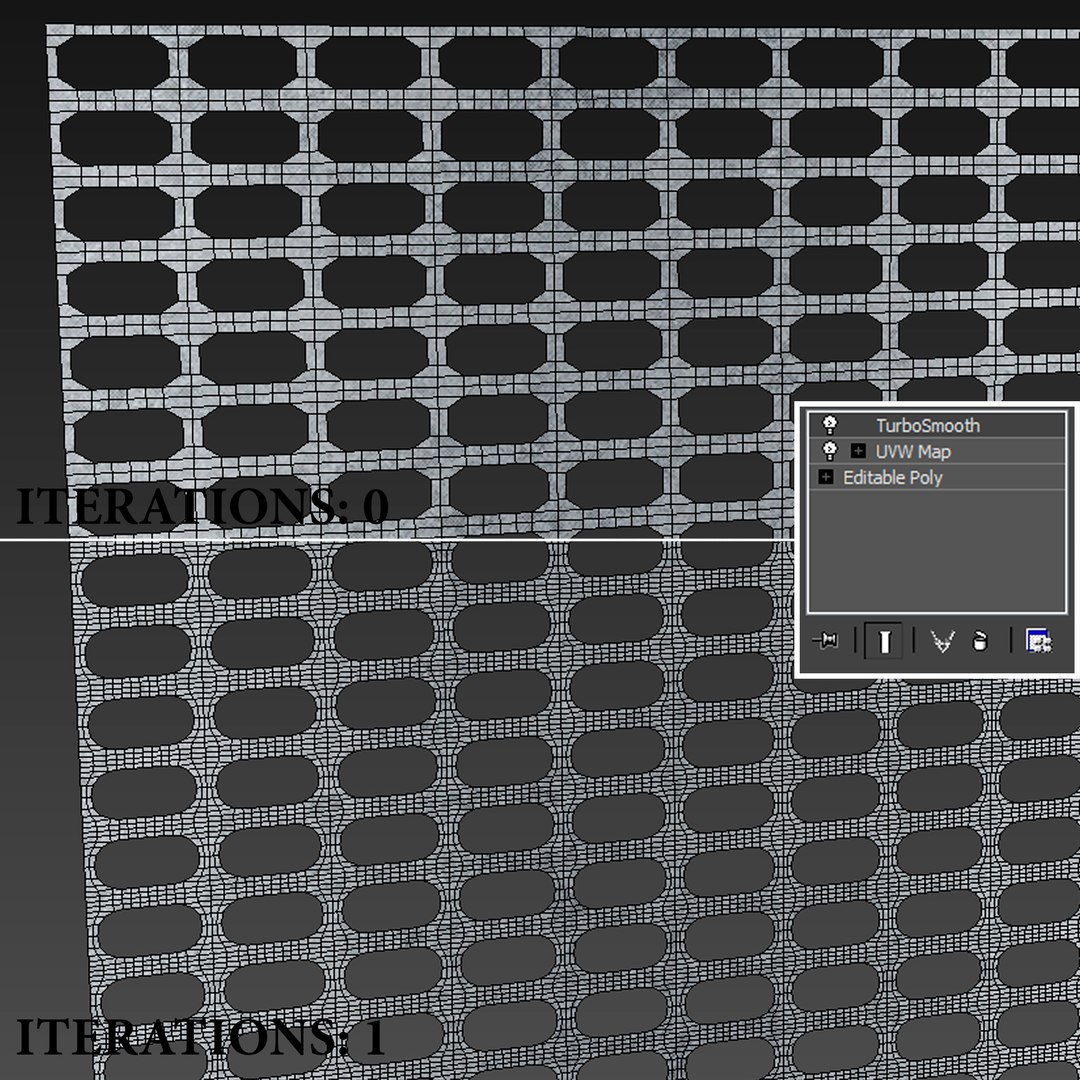
- Oblong with straight rows (Lgl) and with offset rows (Lvl)
- decorative (Nr 152)

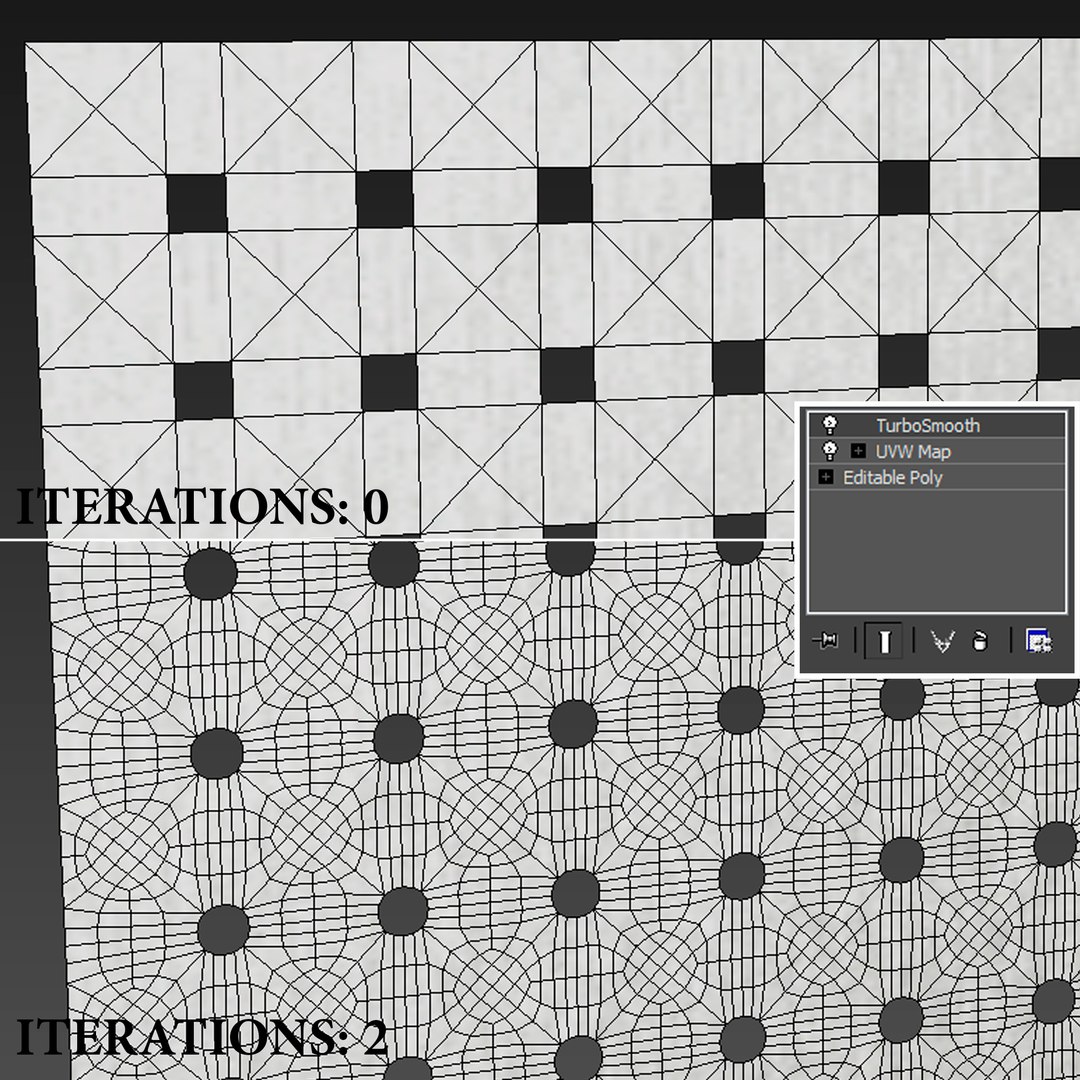
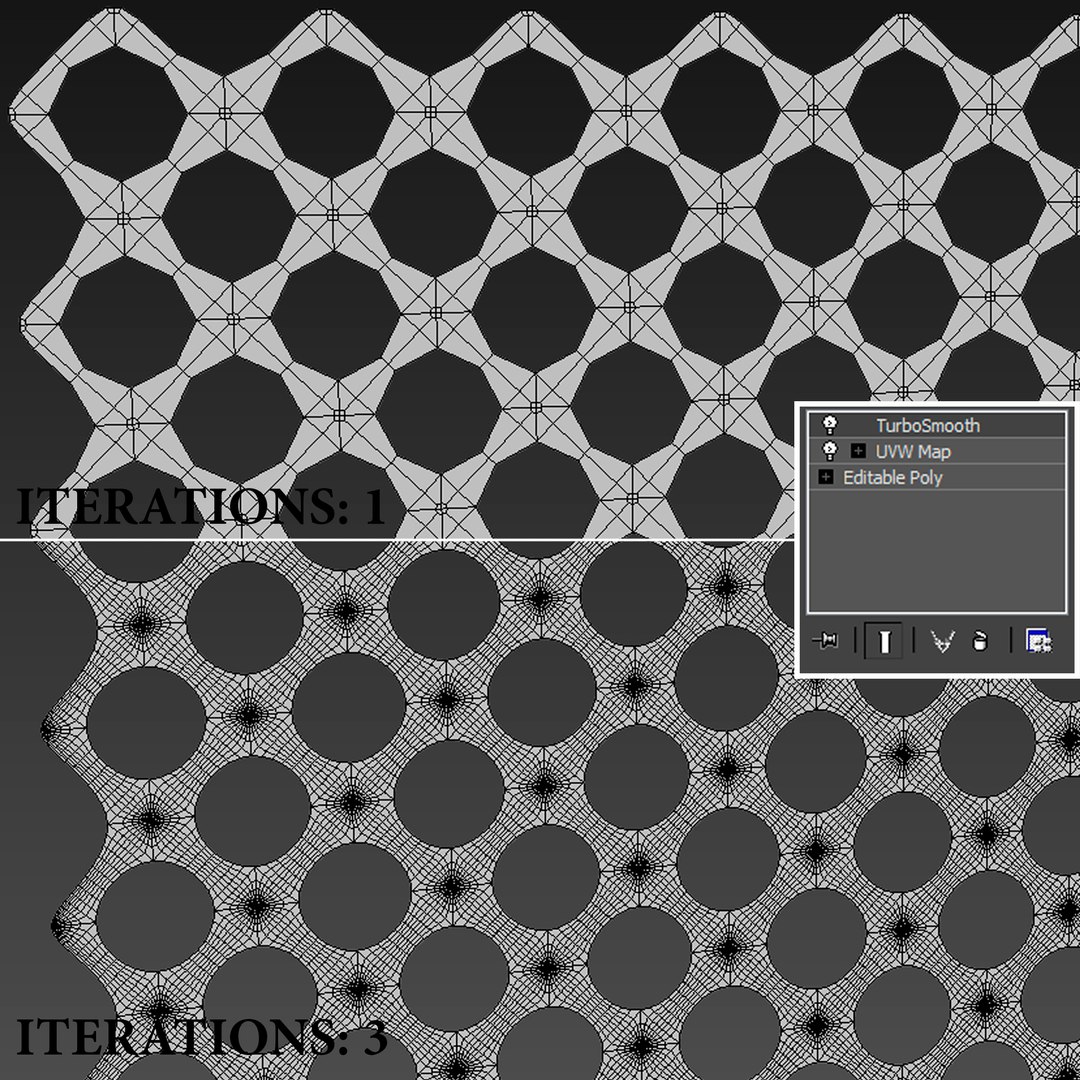
788990 Polys (Iteration 1)
!disable or enable Turbosmooth!

Archives: 3dmax (Vray, Corona), Textures

Select Enhanced License

  • $10,000 in Legal Protection (Indemnification)
  • Uncapped Legal Protection (Indemnification)
  • Waiver from injunctive relief
  • Assignable model rights
  • $1,000,000 in Legal Protection (Indemnification)
  • Waiver from injunctive relief
  • Assignable model rights
  • $250,000 in Legal Protection (Indemnification)
  • Assignable model rights
Read more about enhanced license tiers, or contact us at enterprise@turbosquid.com. Already a Shutterstock Enterprise Customer? Contact your Shutterstock Sales Support Agent to talk about adding 3D.

About Conversion Requests

To submit a conversion request for a purchased asset, please complete our Conversion Request Form.

If you have not yet purchased a model, please review our Documentation about Conversions to learn about what limitations you may encounter with a conversion.

For any additional questions about a model’s suitability for conversion, please contact TurboSquid Support.

Loading...