
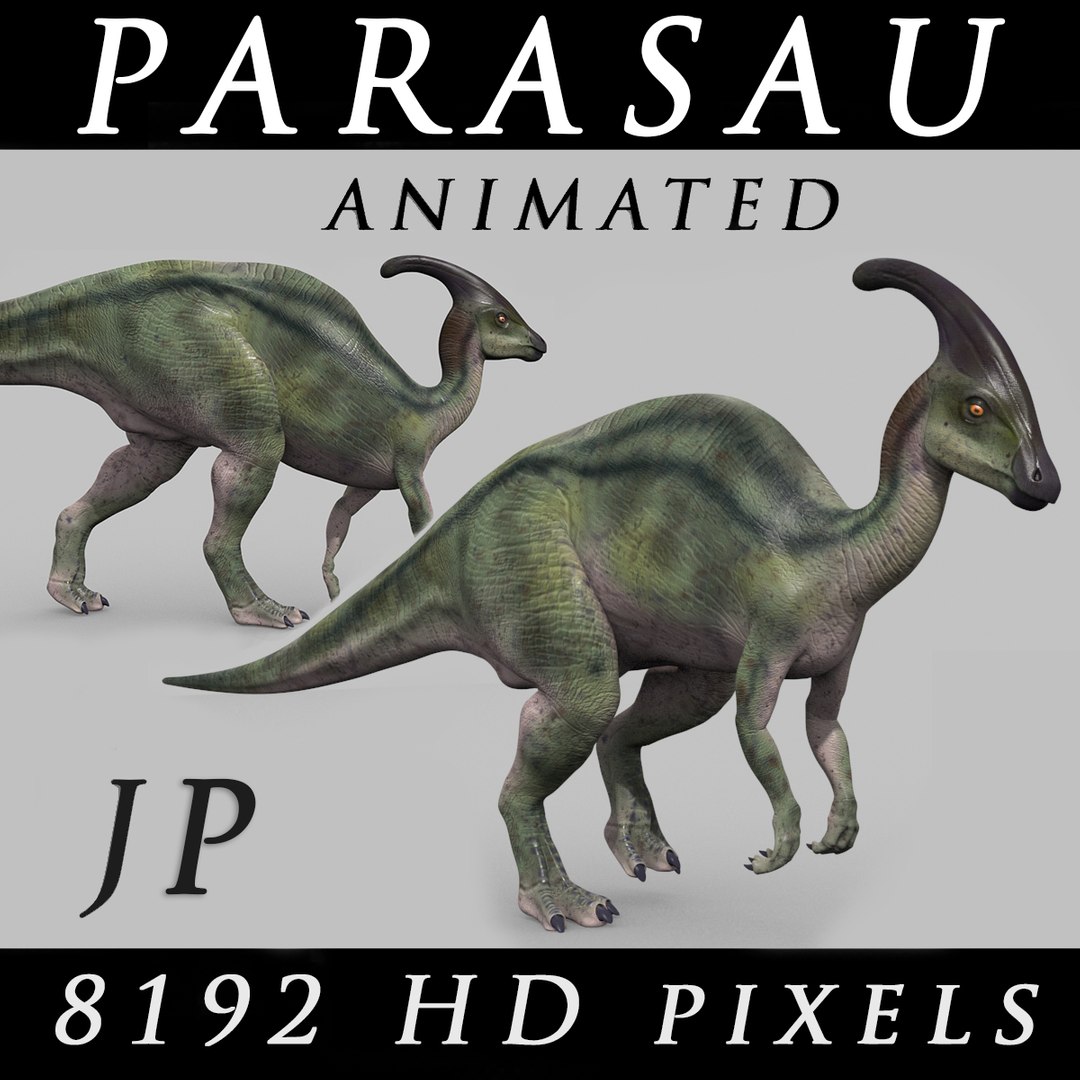

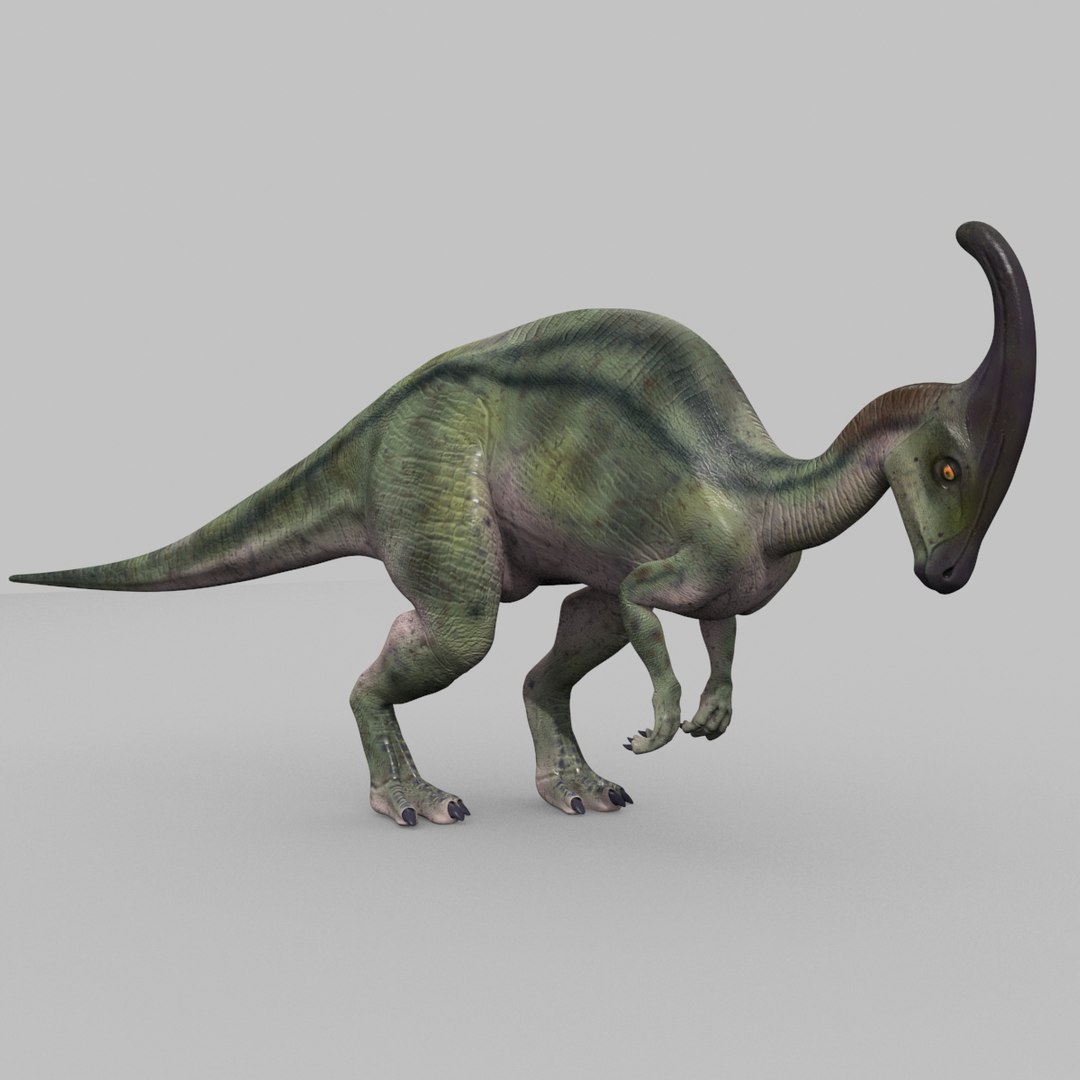
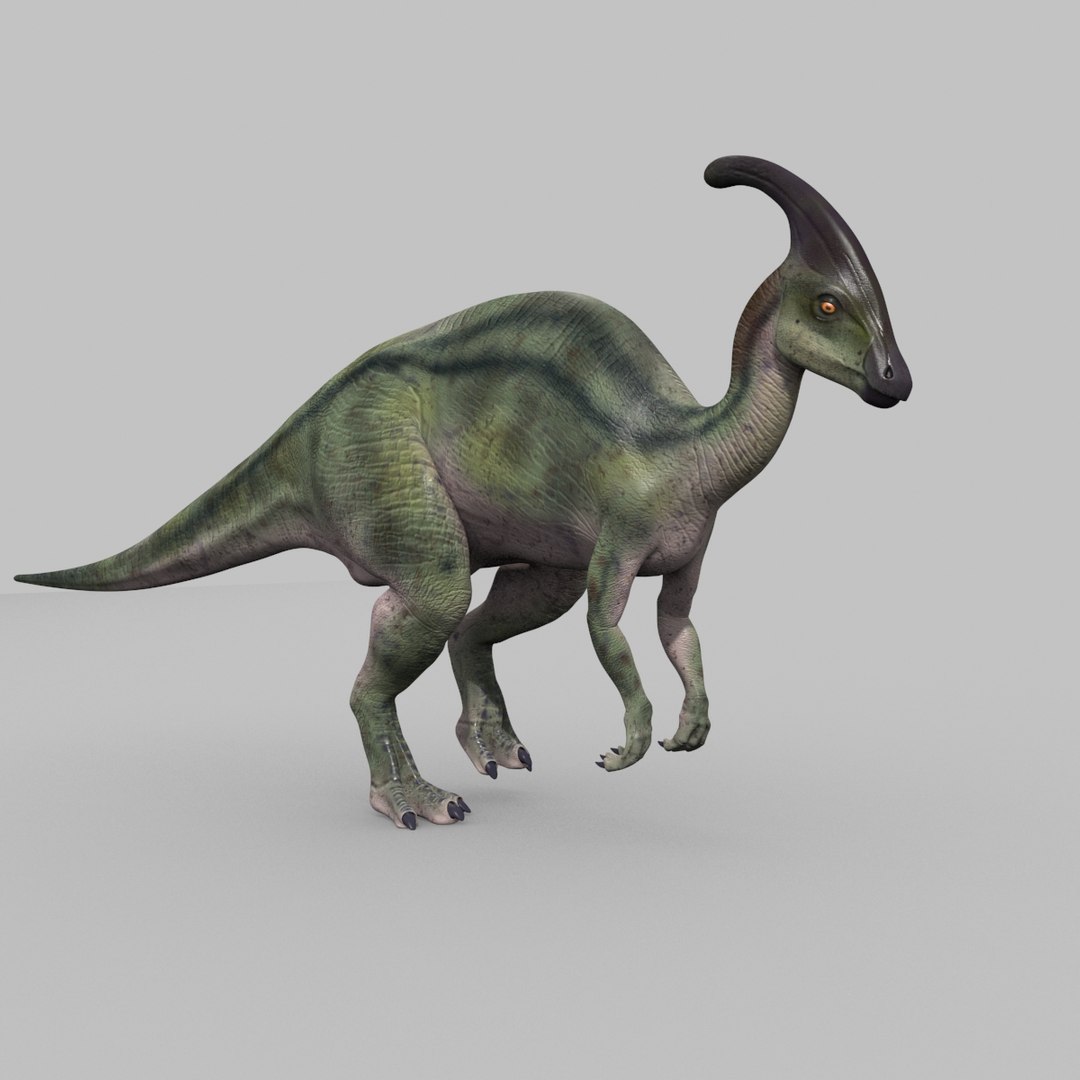
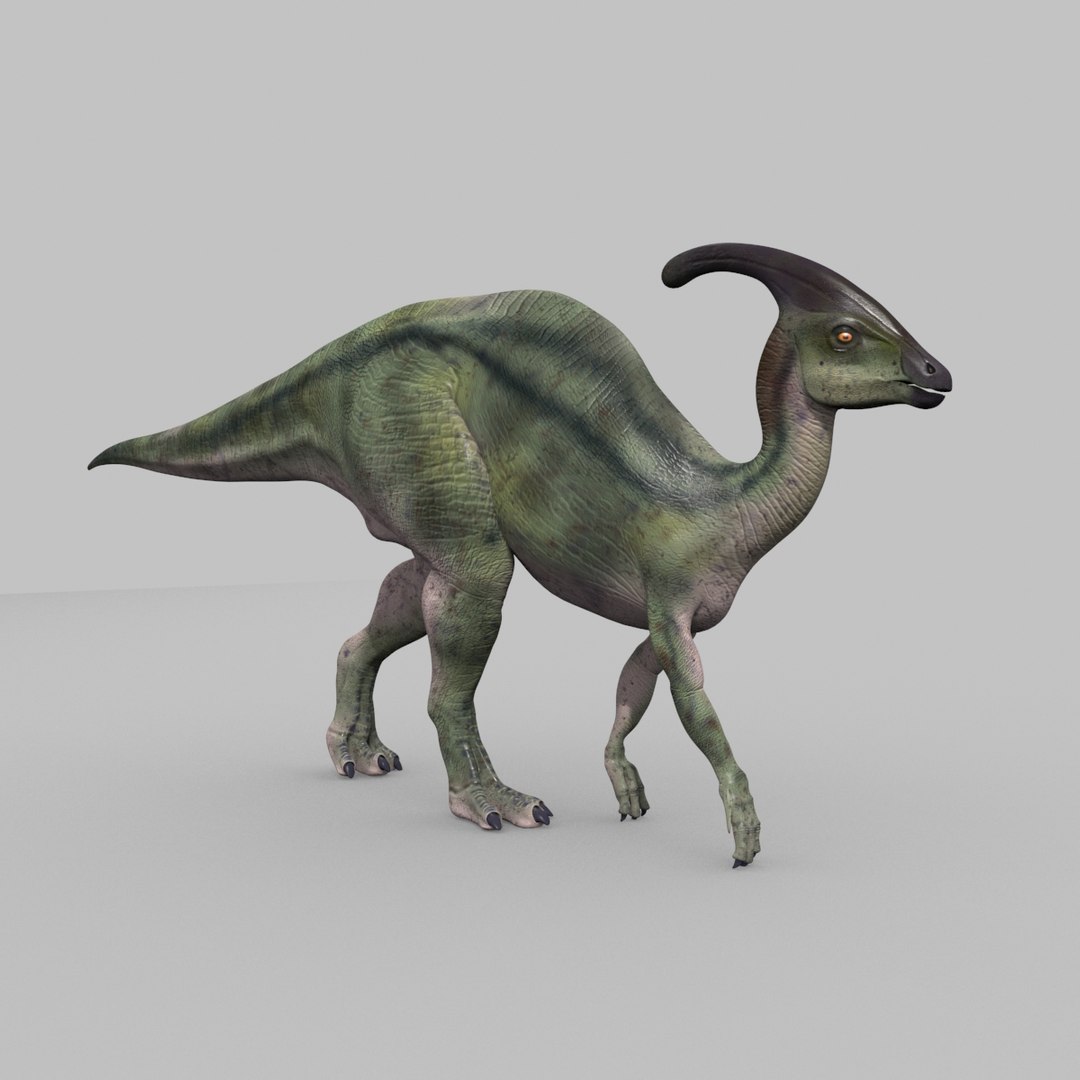
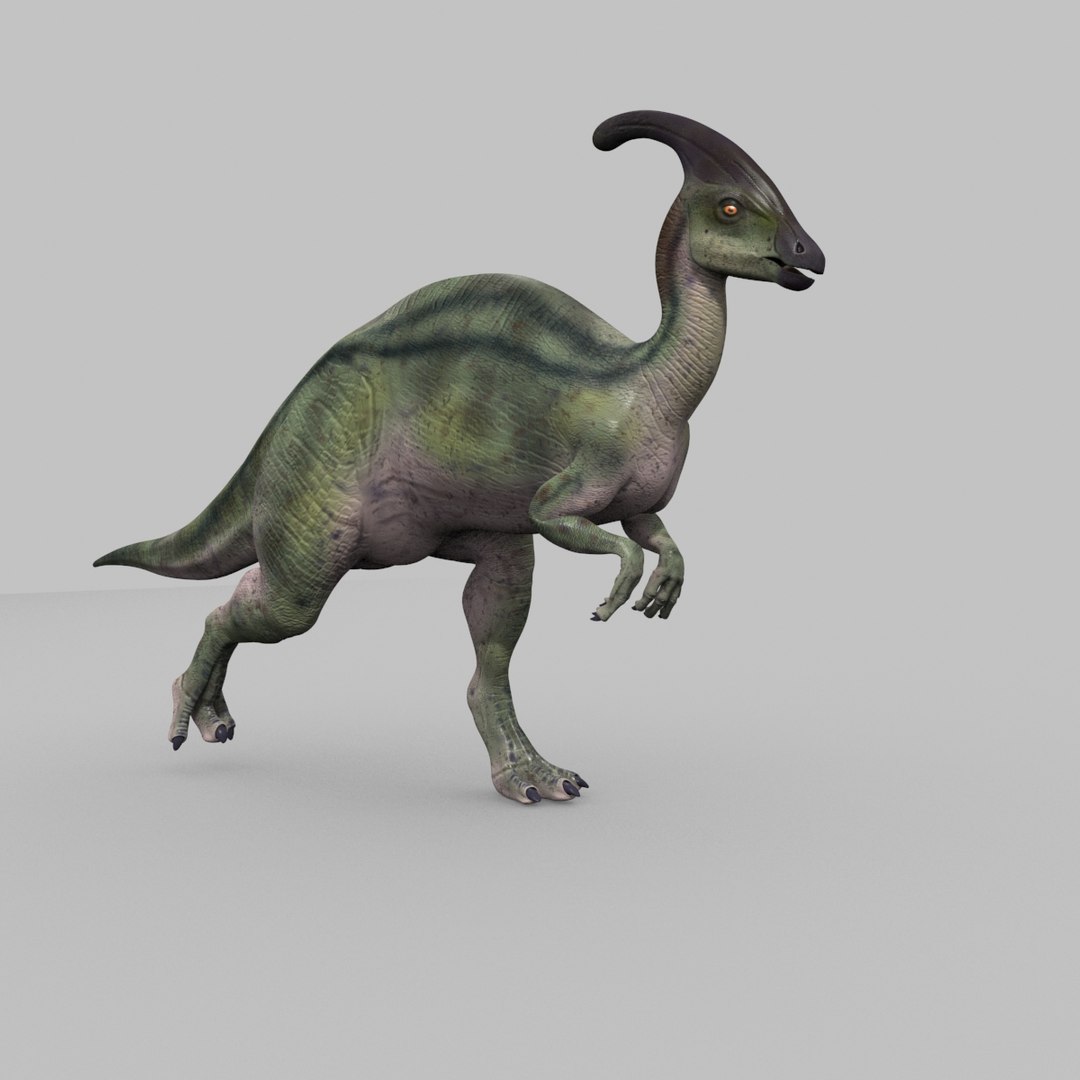
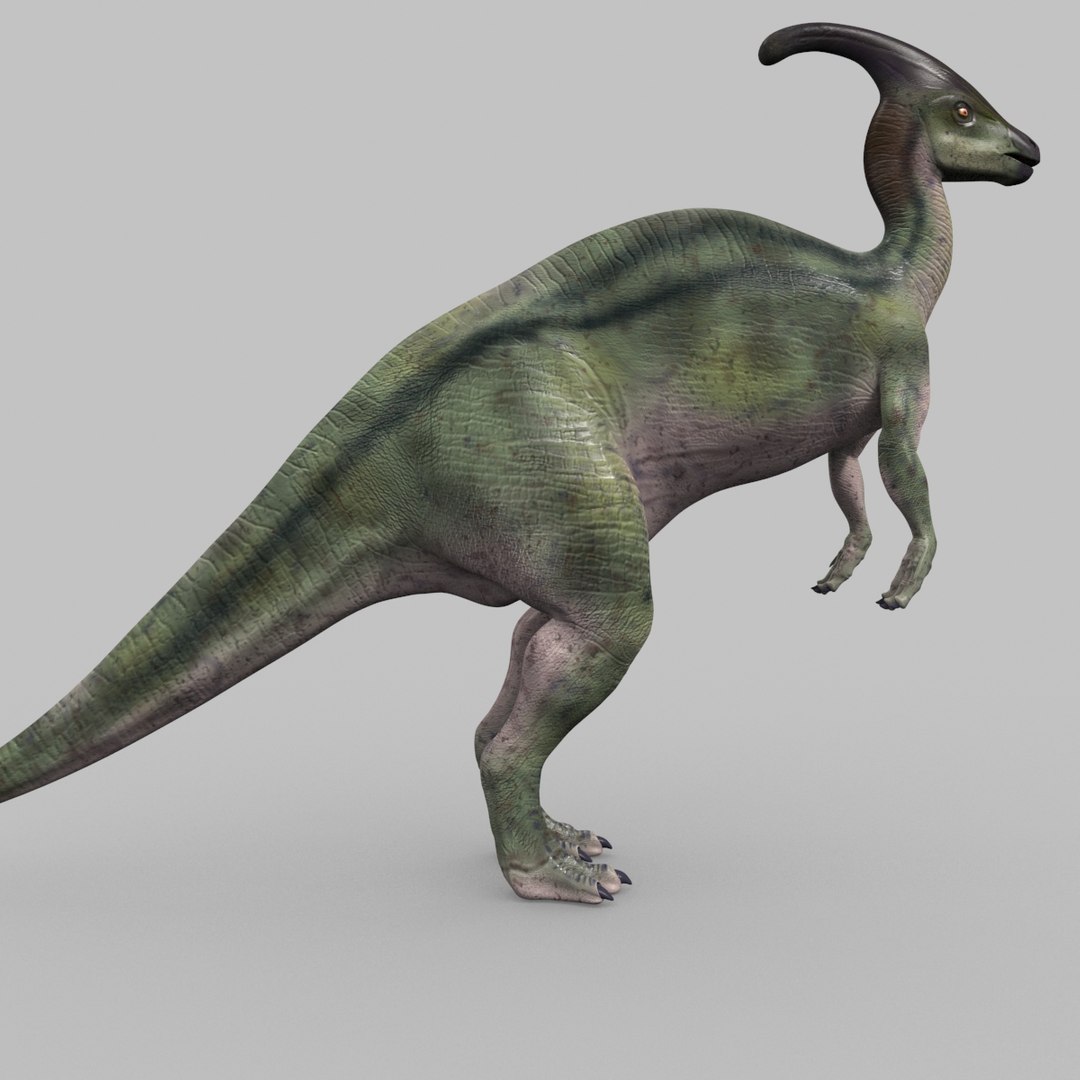
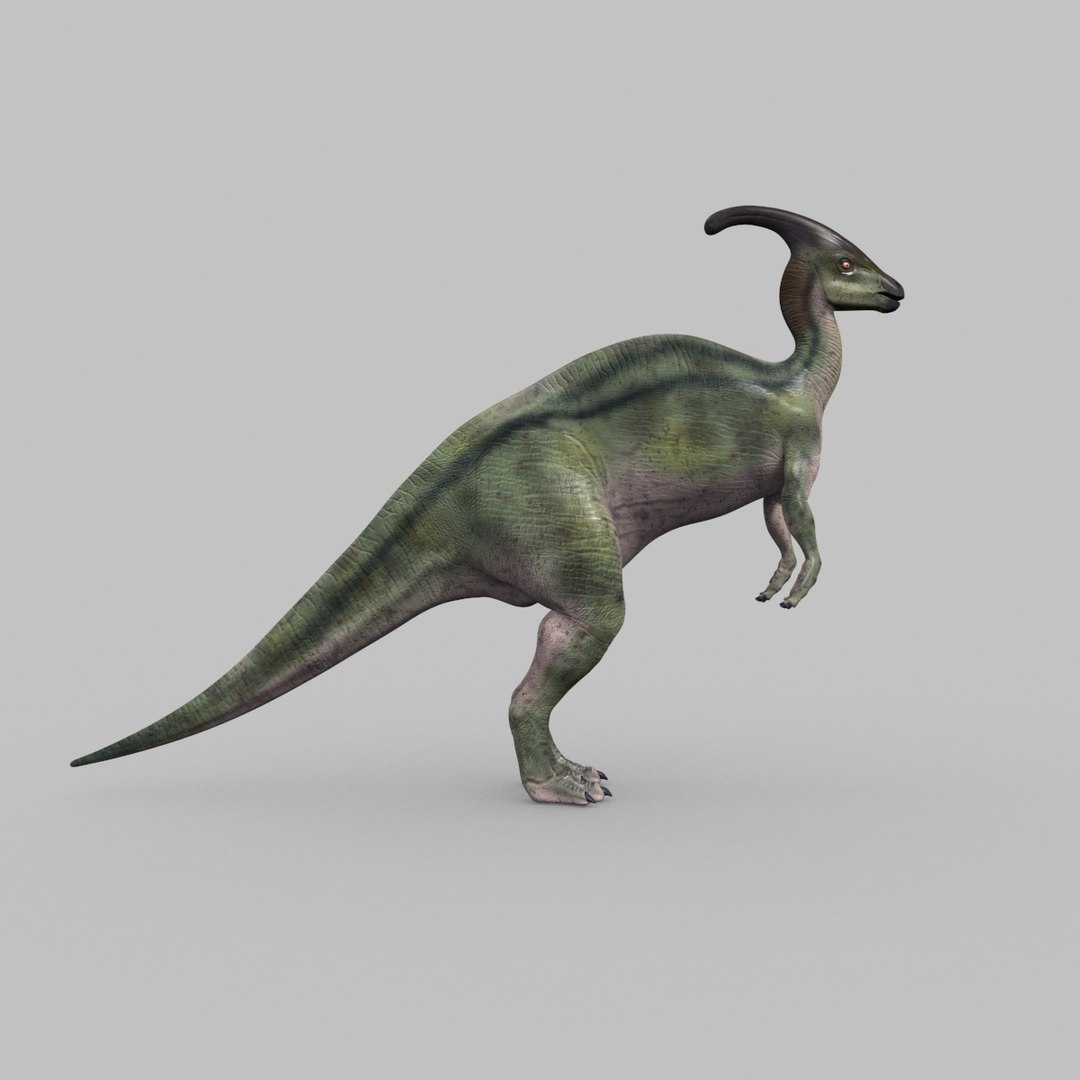
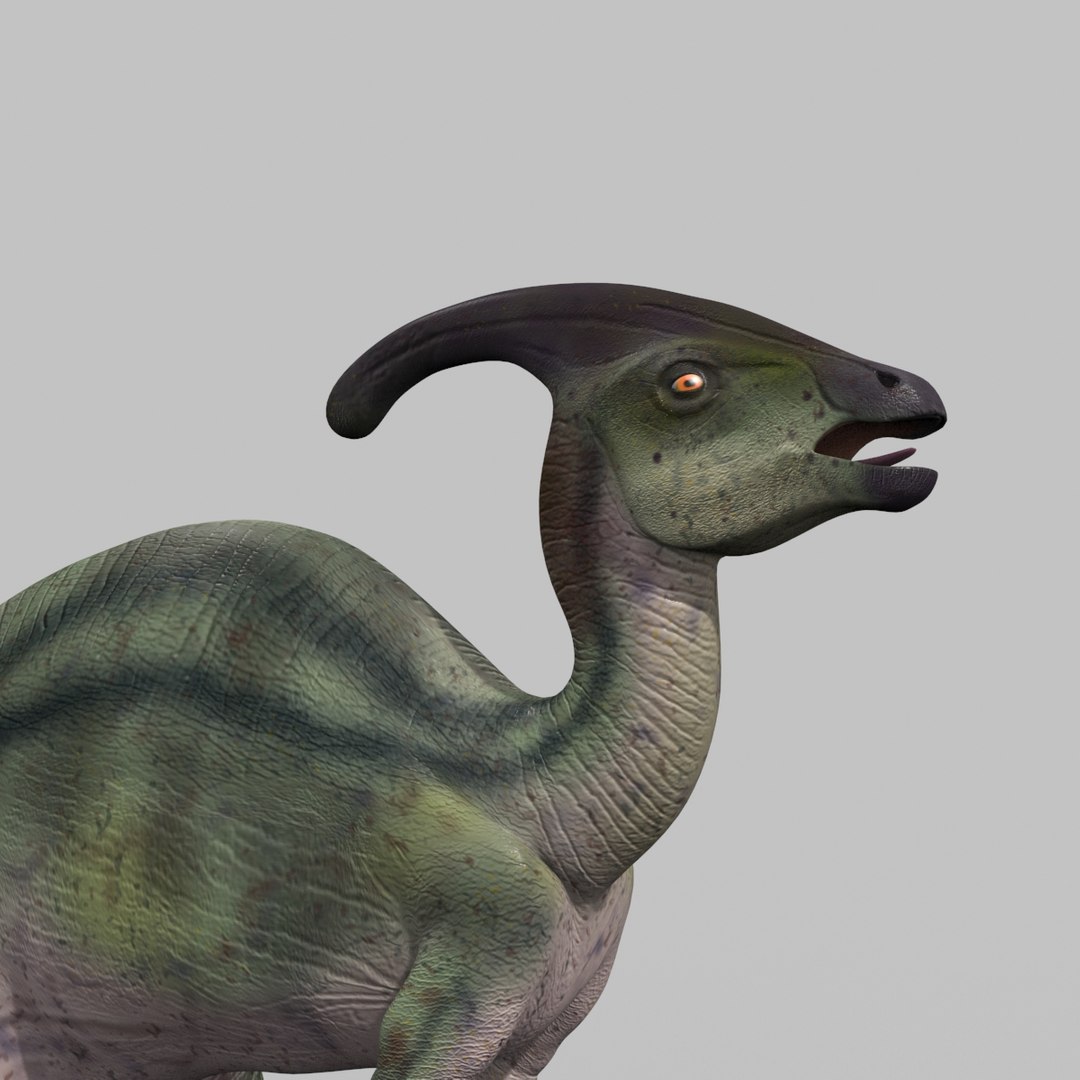
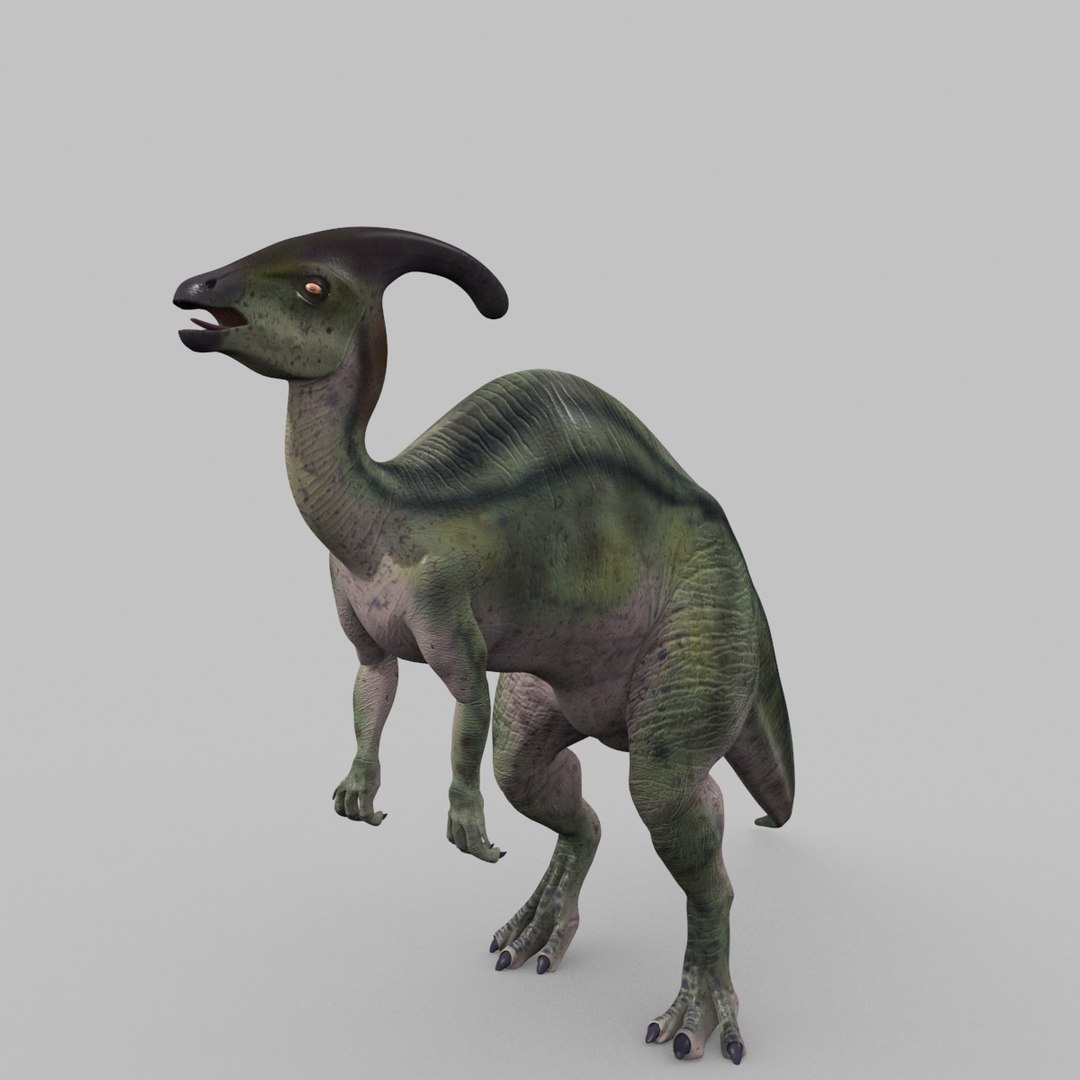
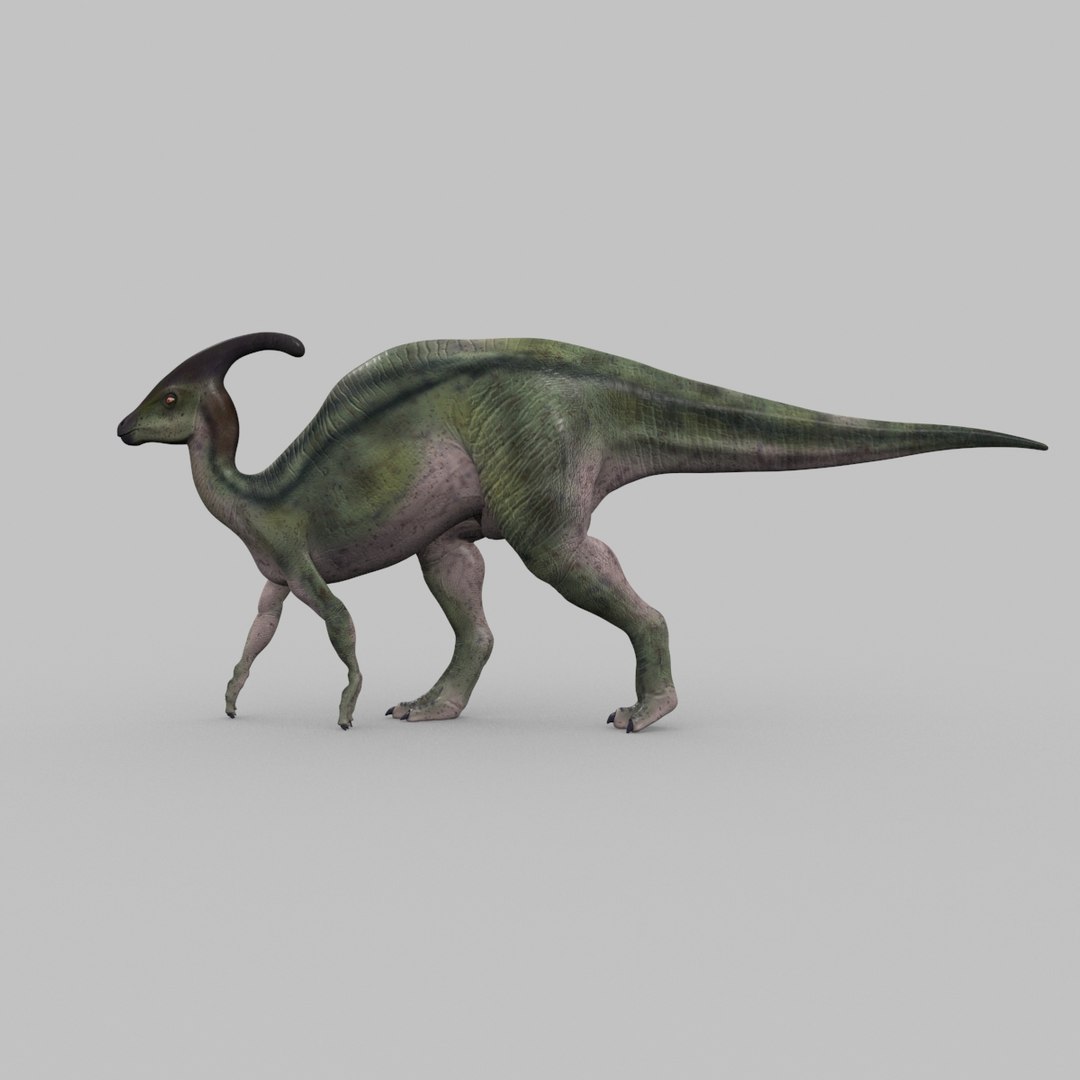
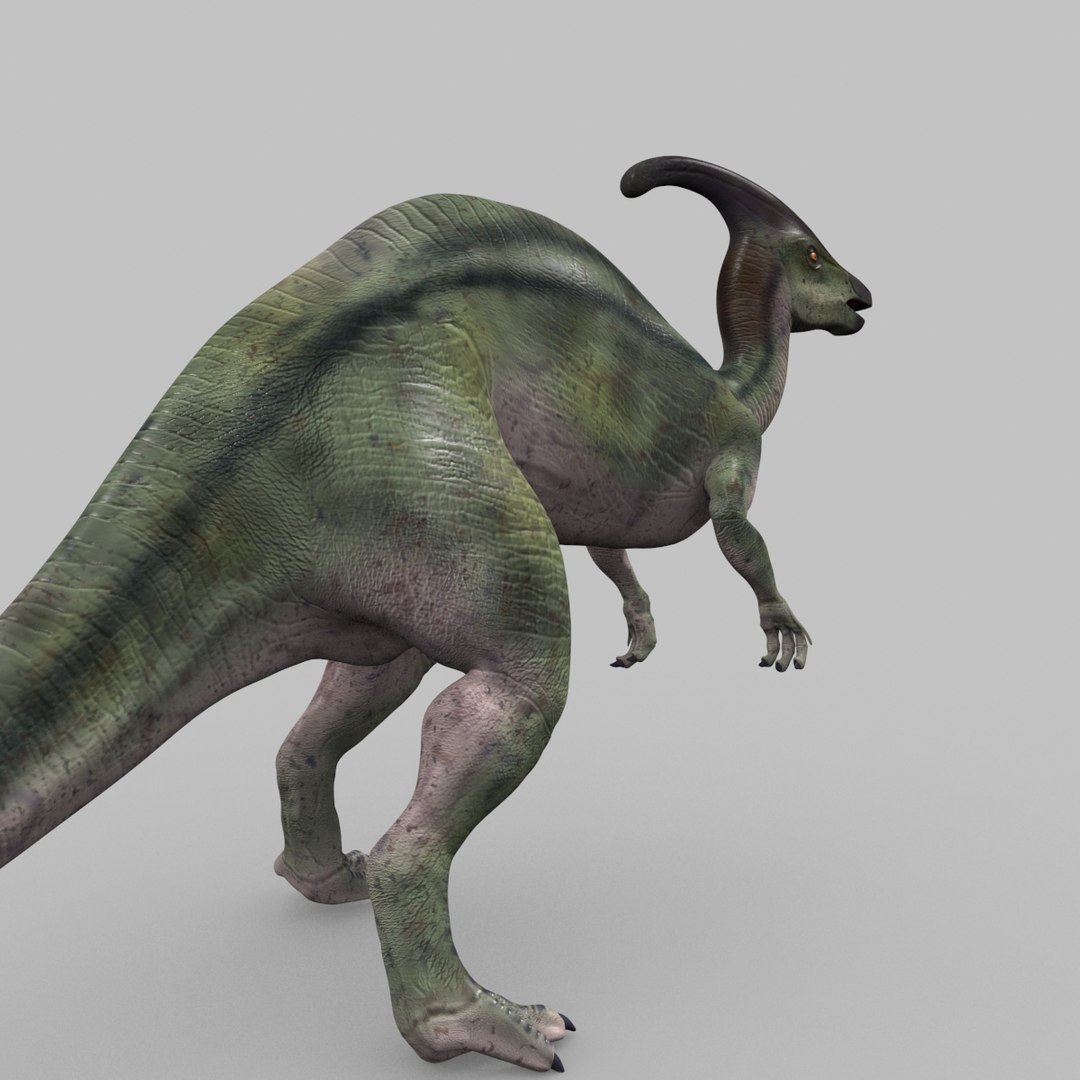
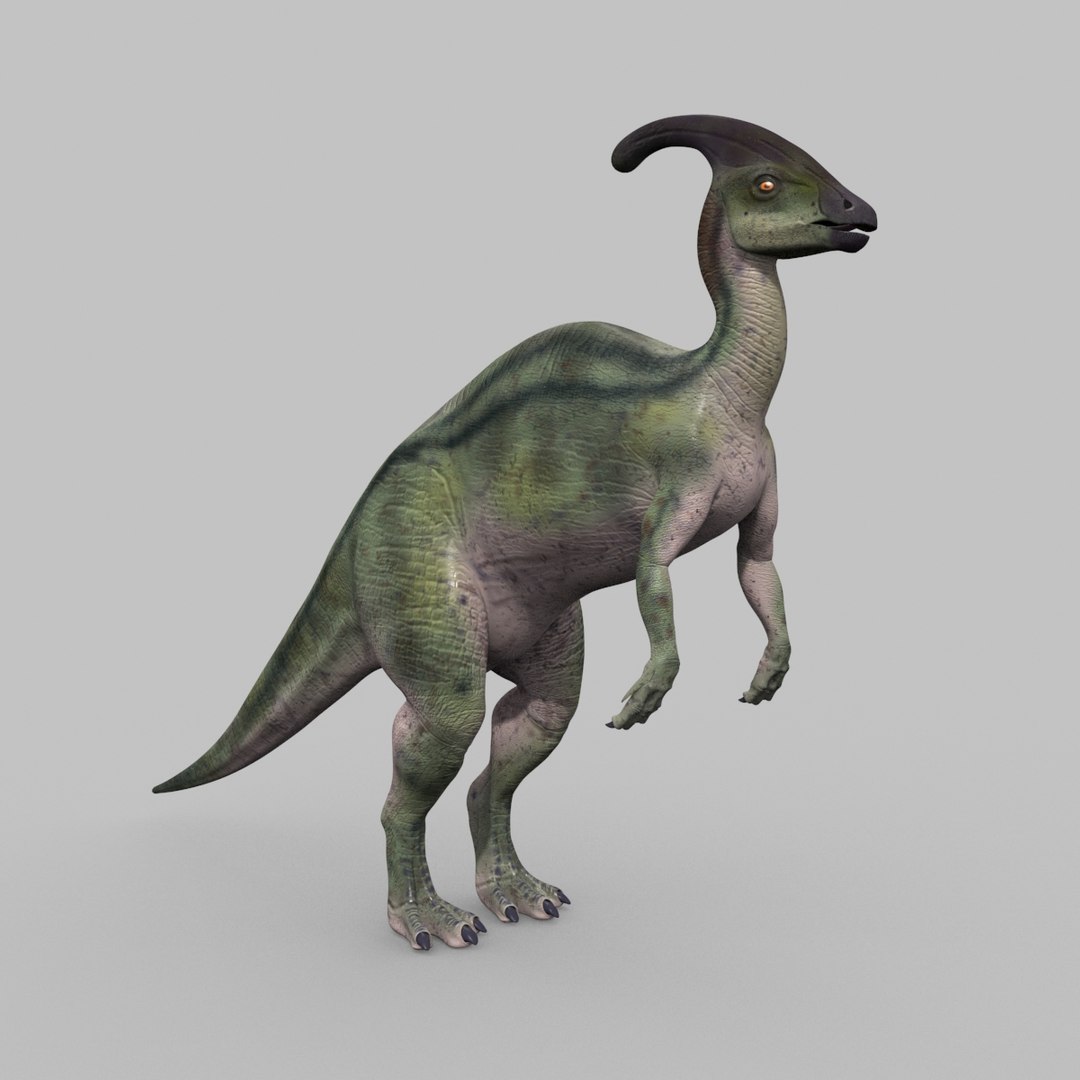
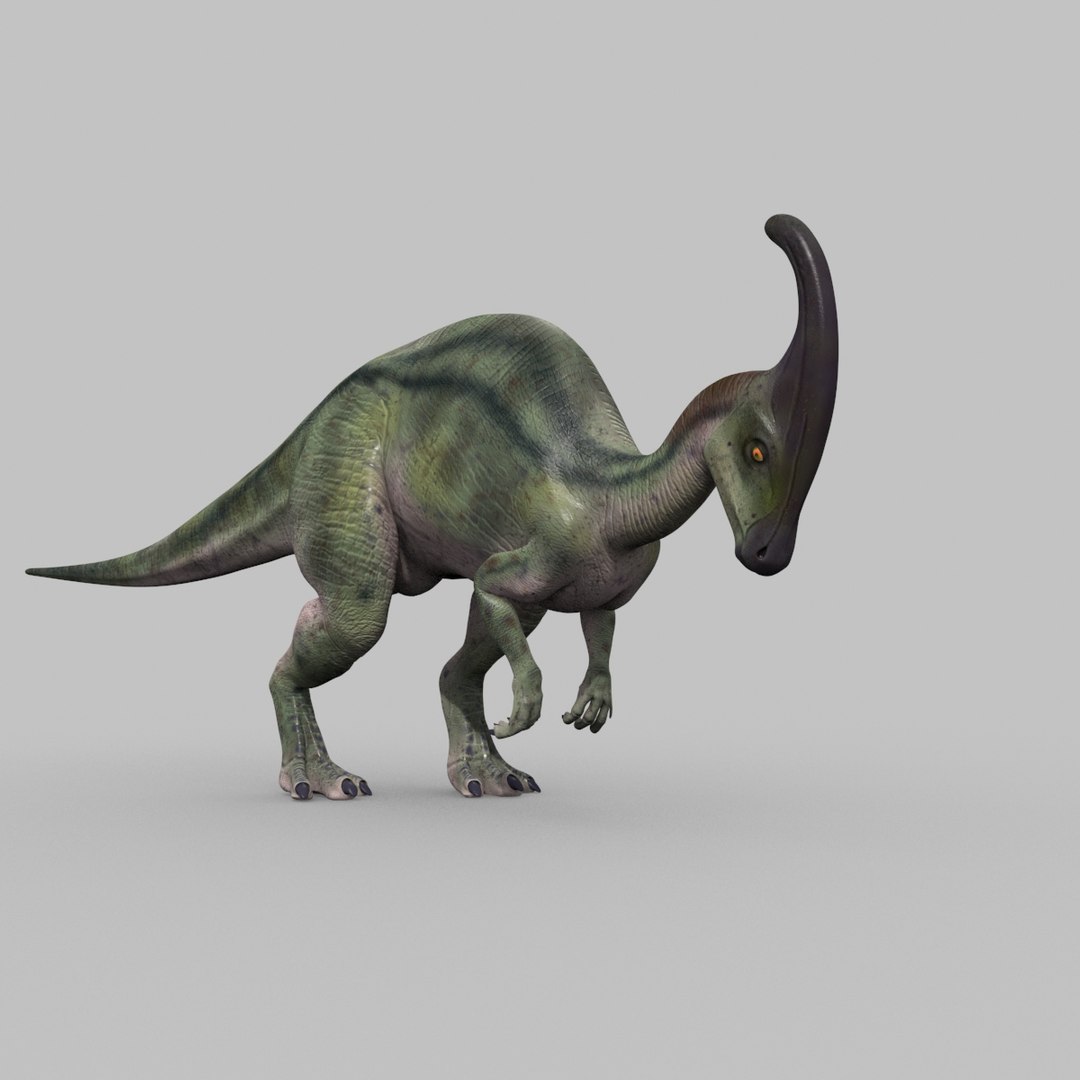
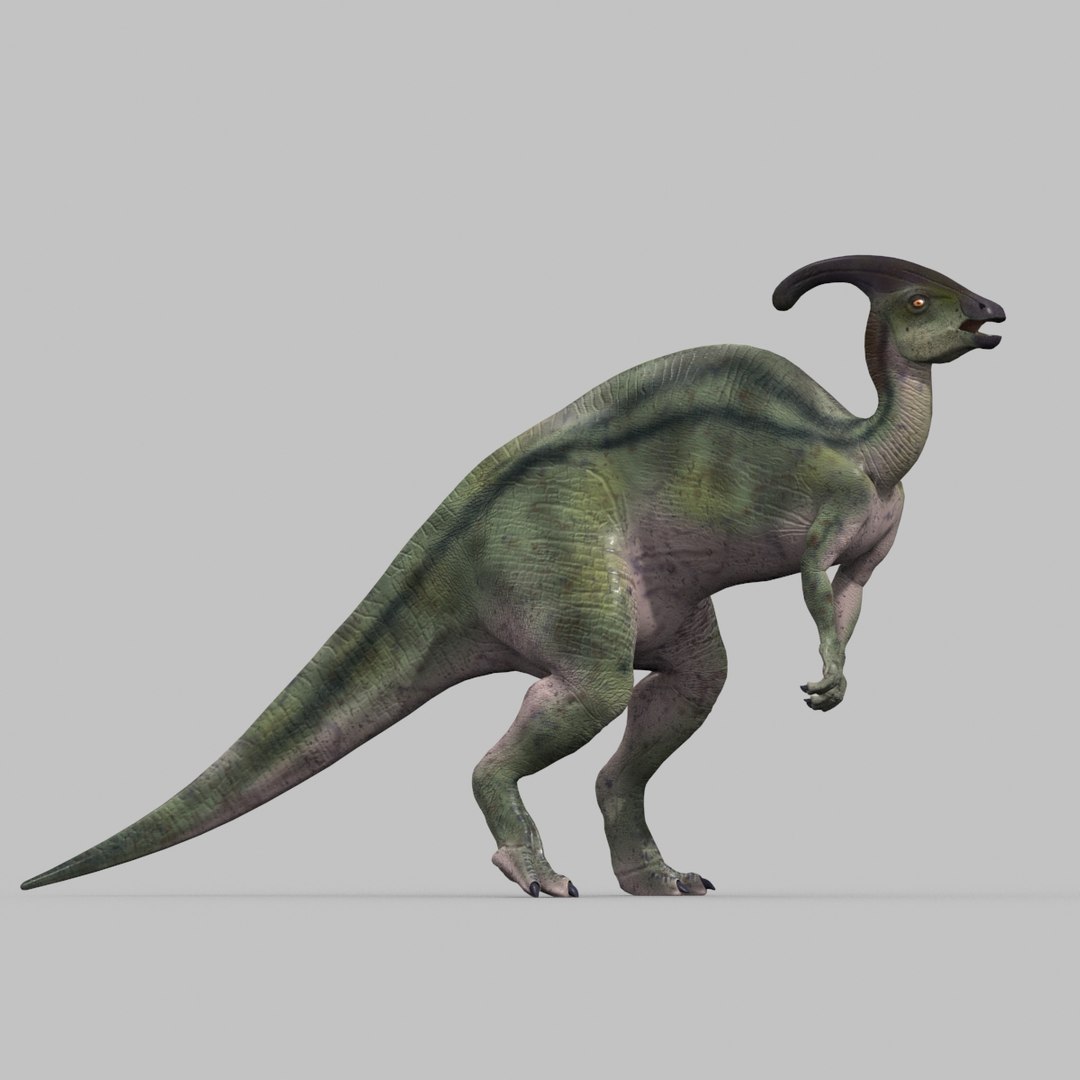
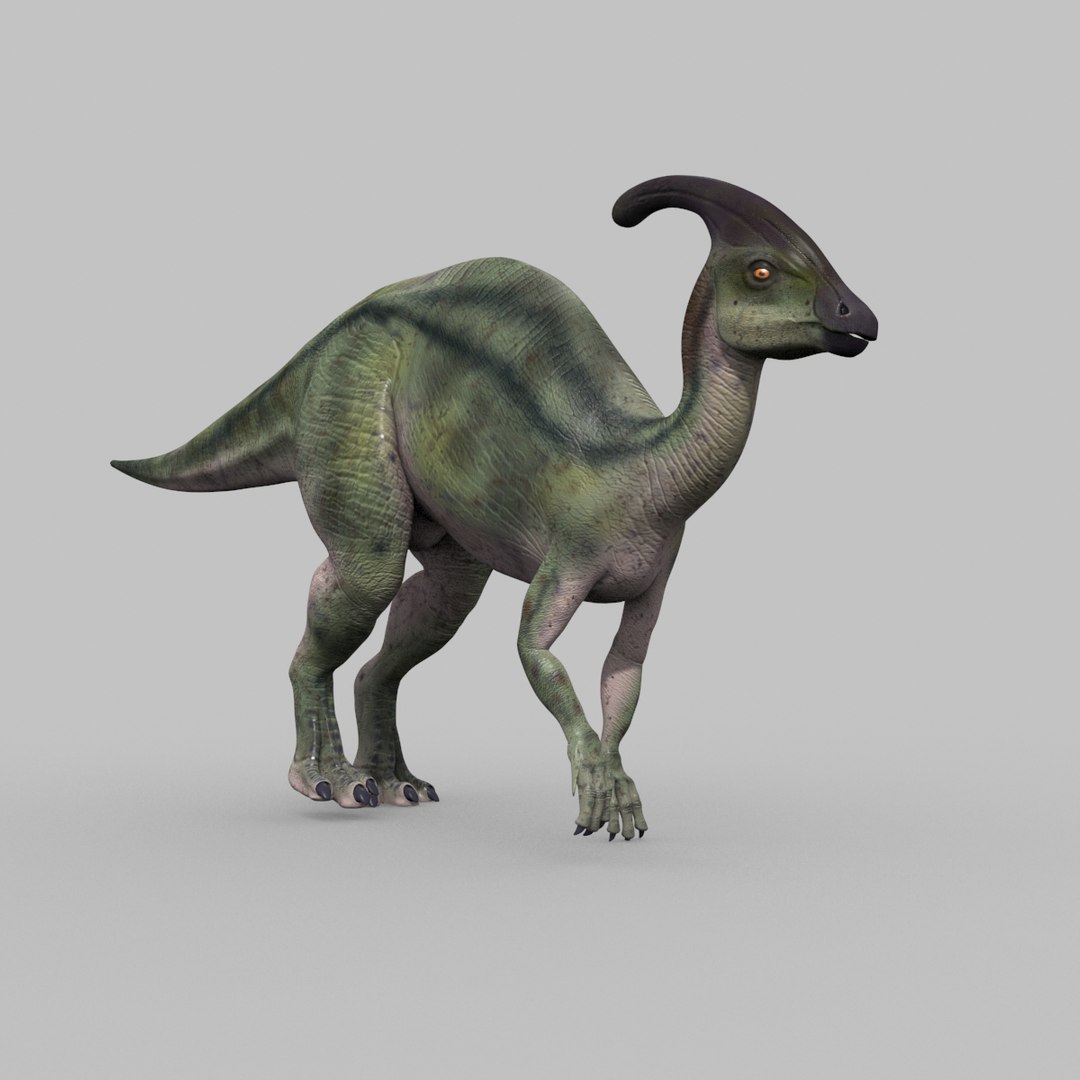
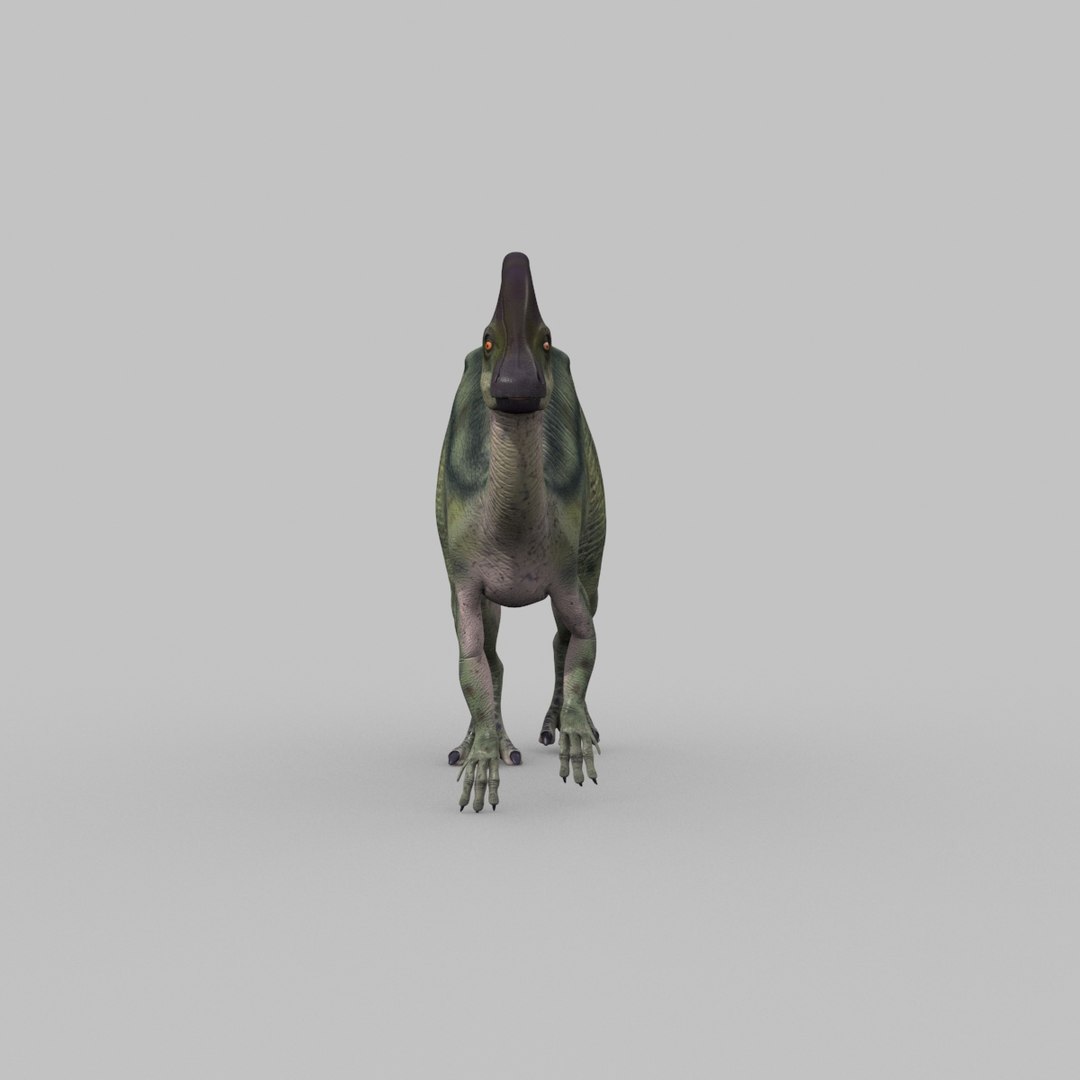
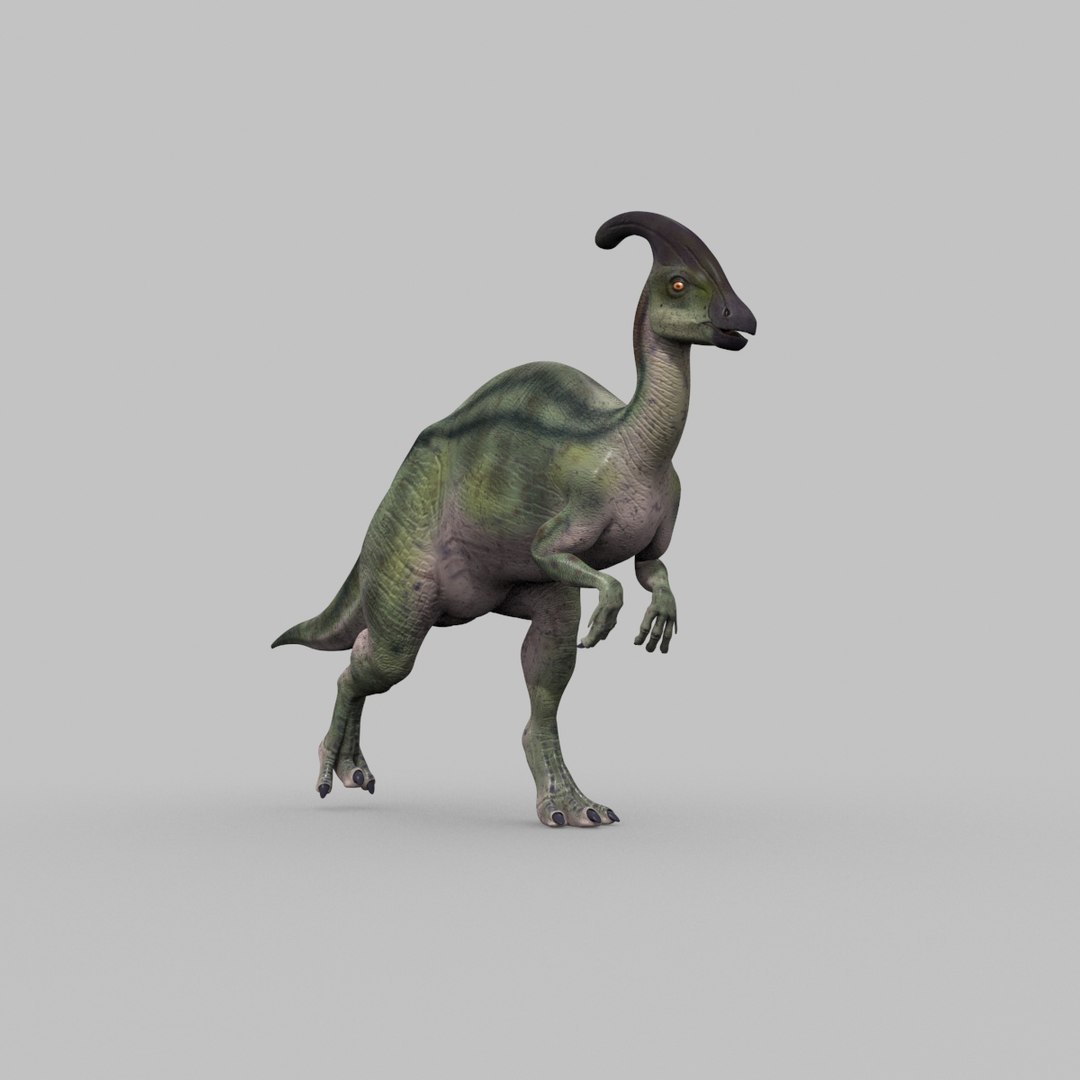
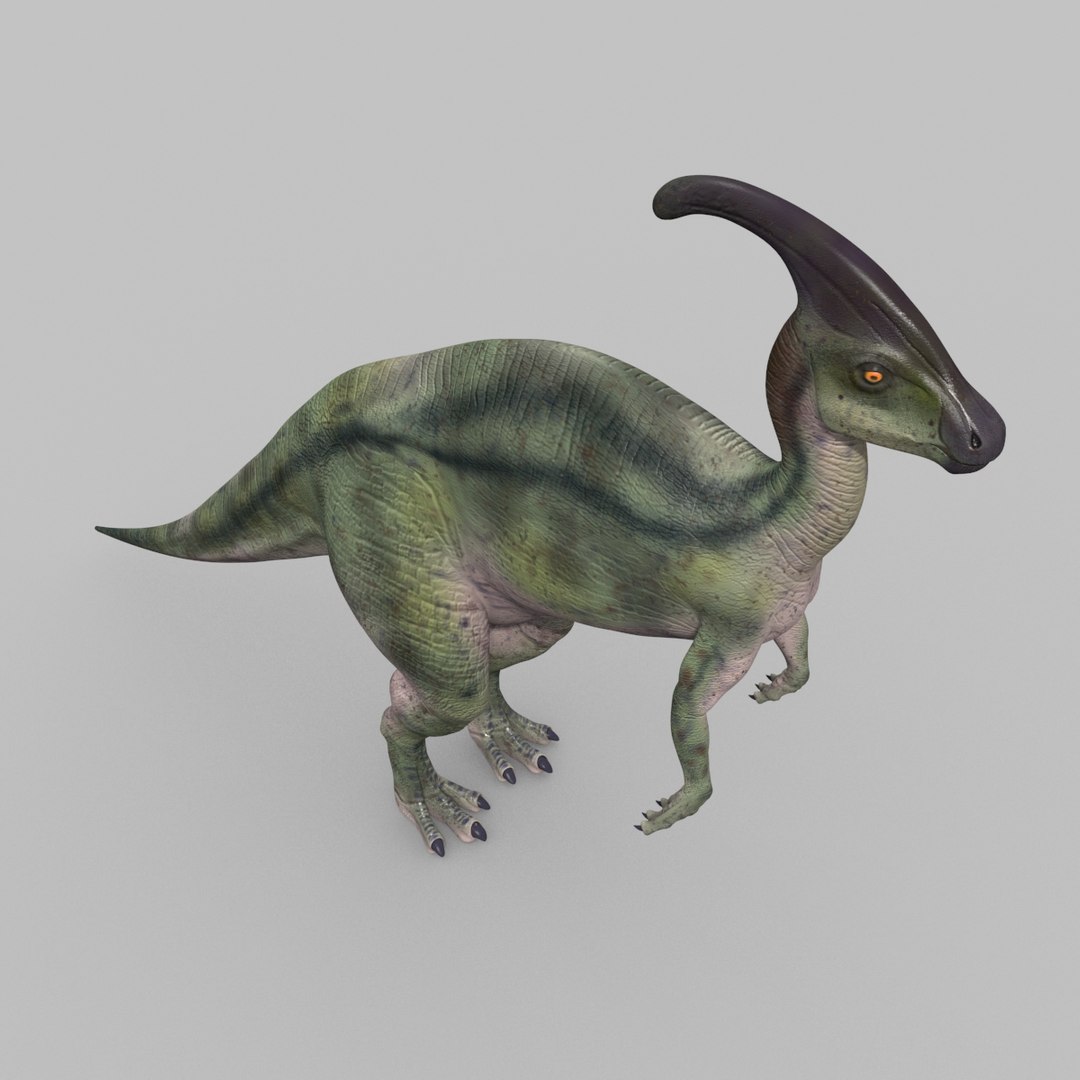
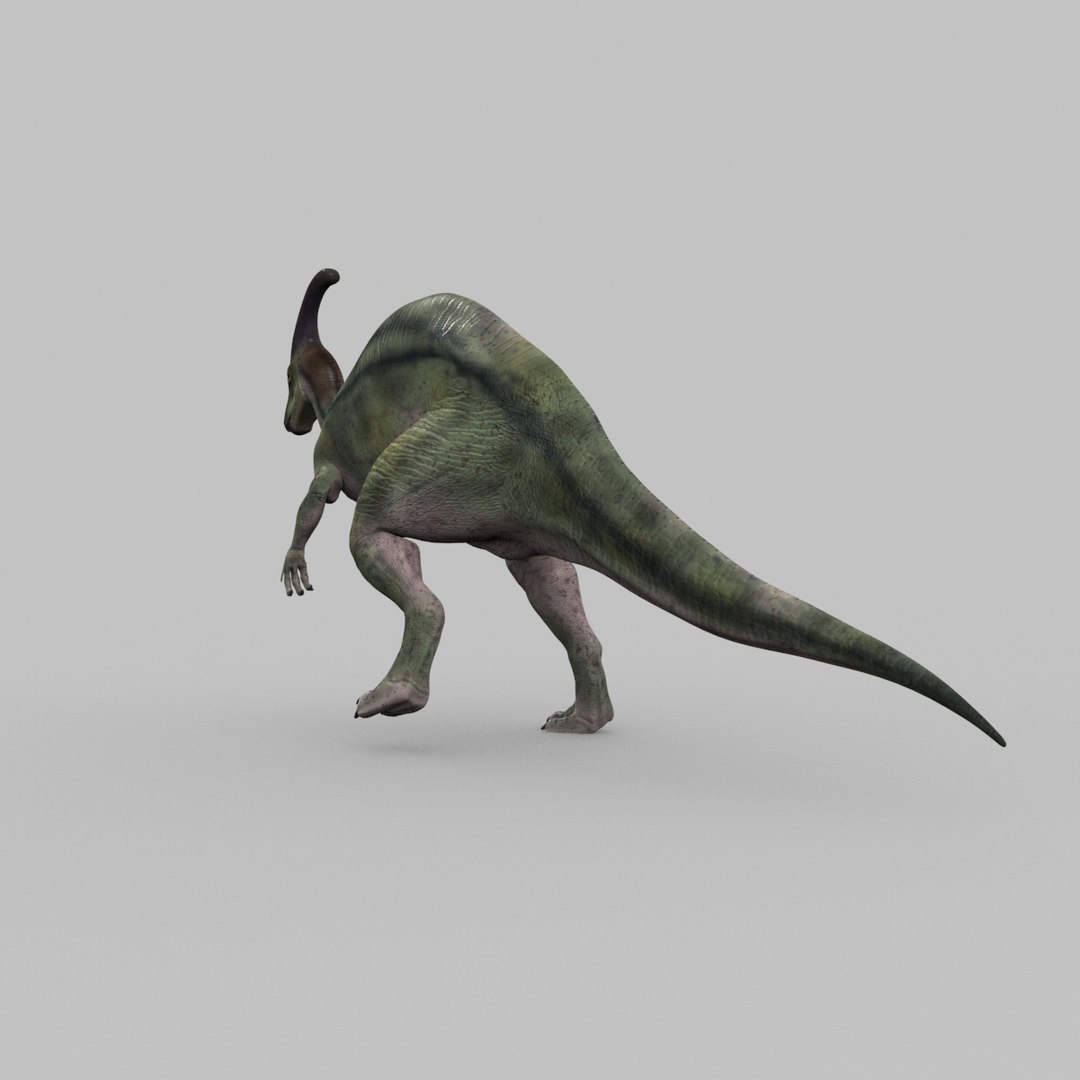
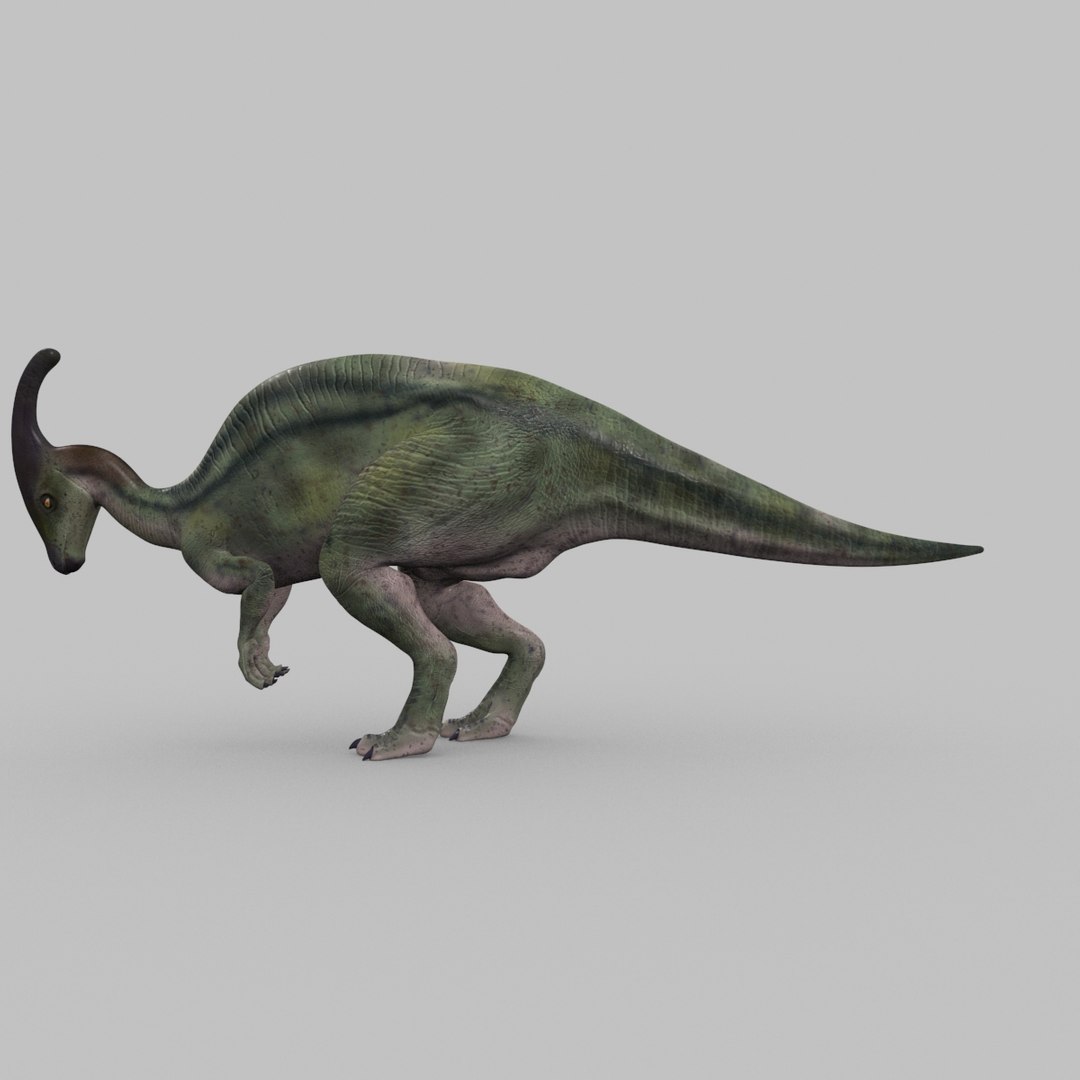
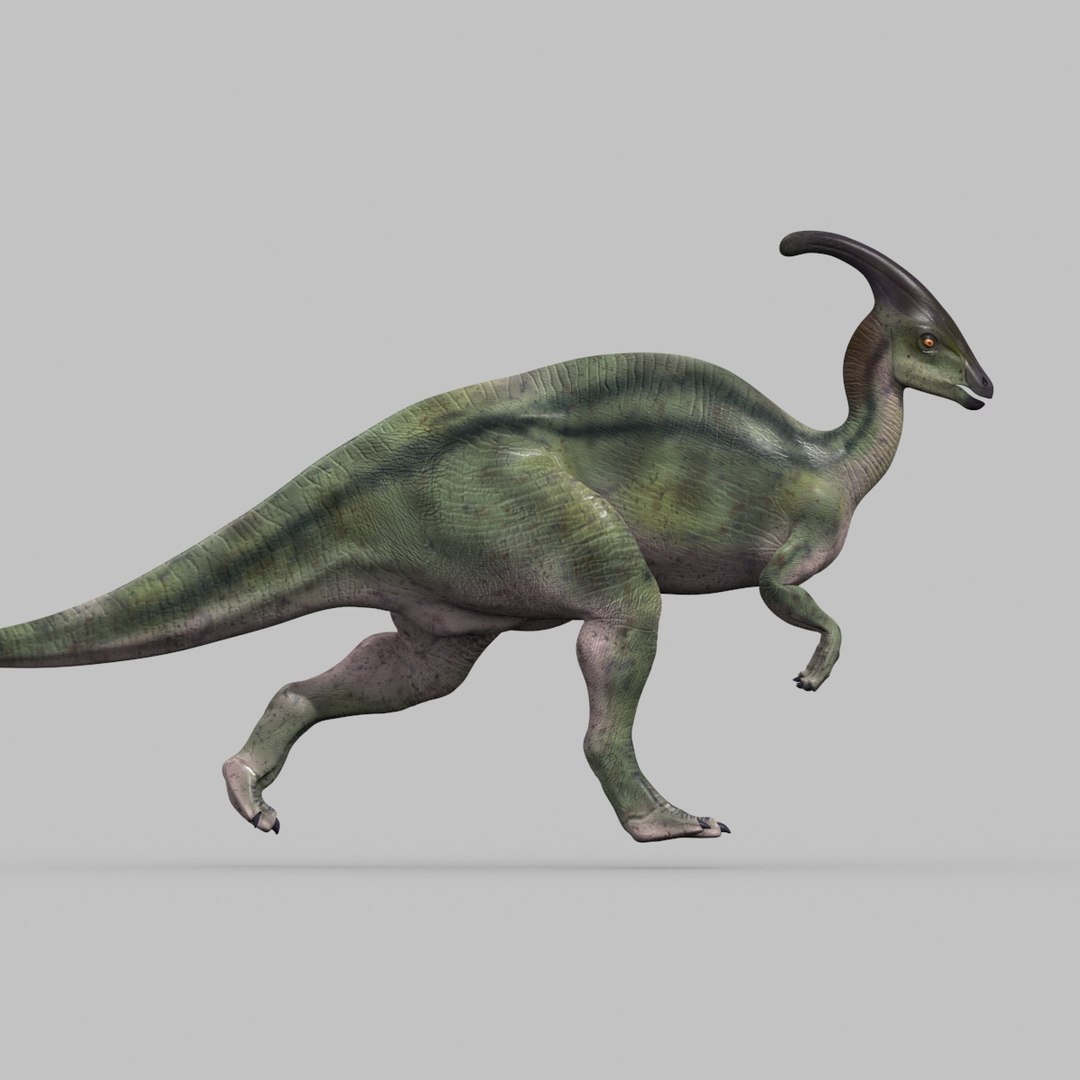
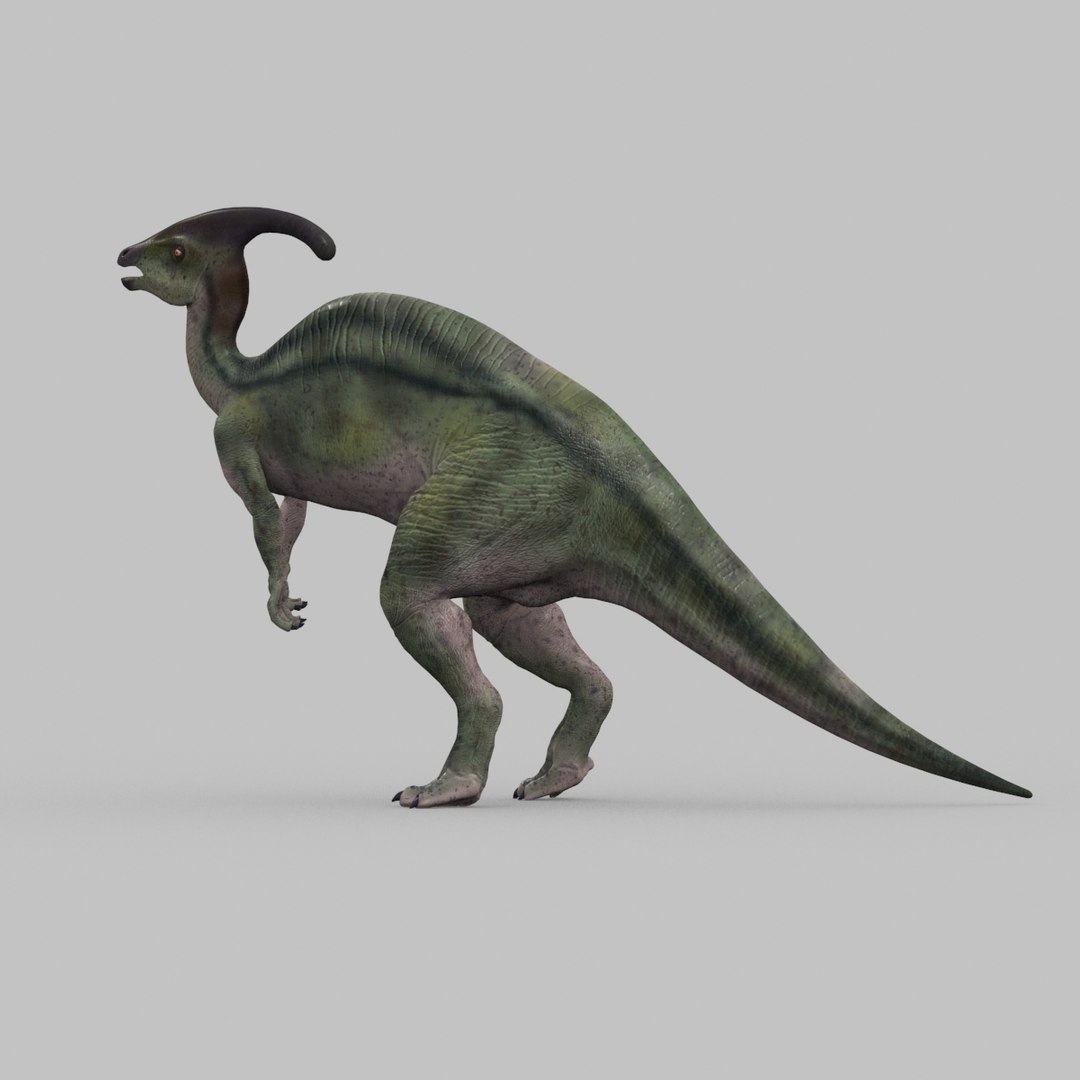
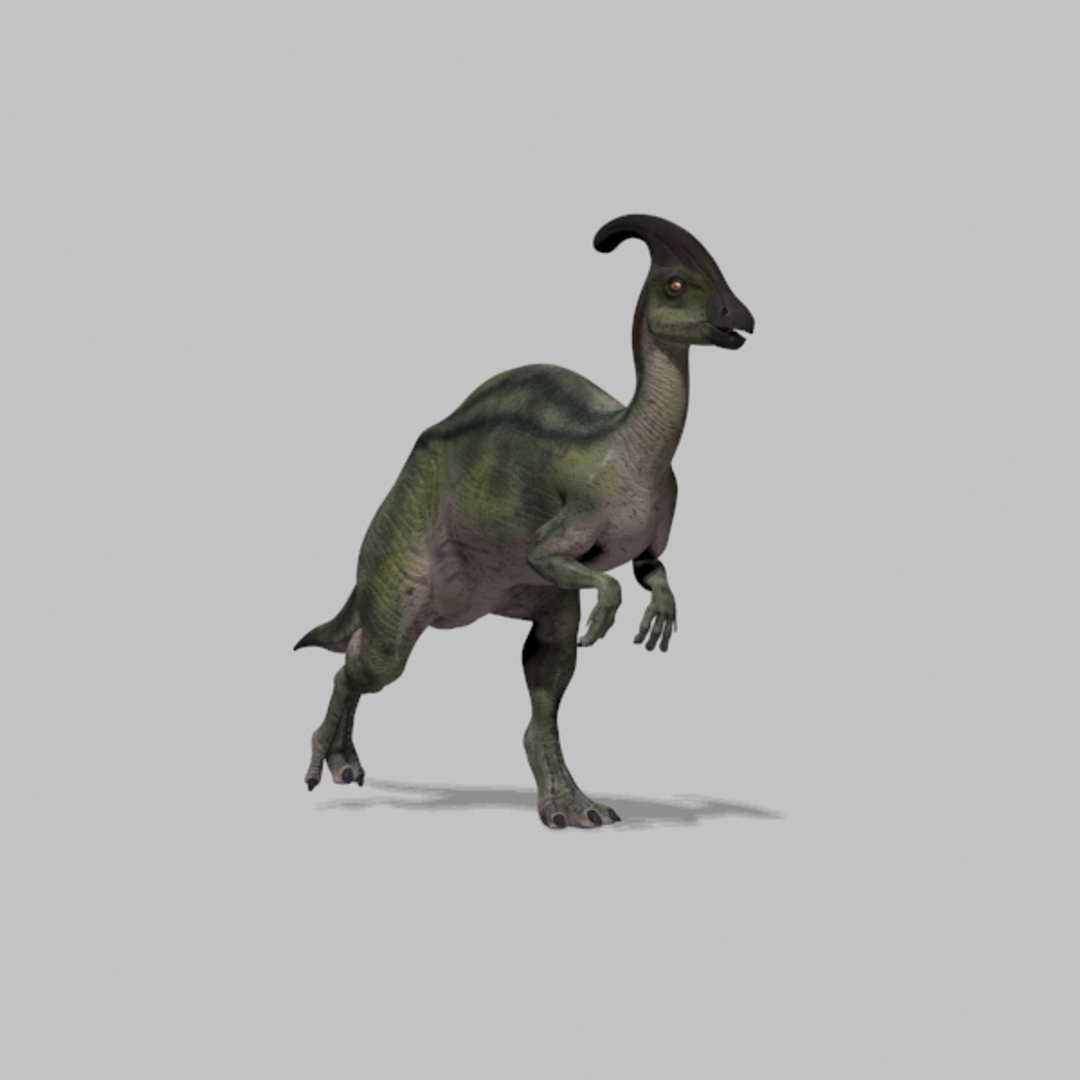
Parasaurolophus 8192 HD - 3d animated model

$59

Standard License | Upgrade License
Editorial Uses Only
Formats (2)
Free file format Conversions available
Native | 3ds Max 2017 and u | Default Scanline
FBX
Specifications
Publish Date October 18, 2018
Product ID 1338026
Polygons 17,612
Vertices 17,047
Polygonal
Textures
Materials
UV Mapped
Non-overlapping Unwrapped UVs
Rigged
Animated
member avatar
Virtual creator
221 Products | Contributor Since 2005
Have questions? Chat with us now.

Description

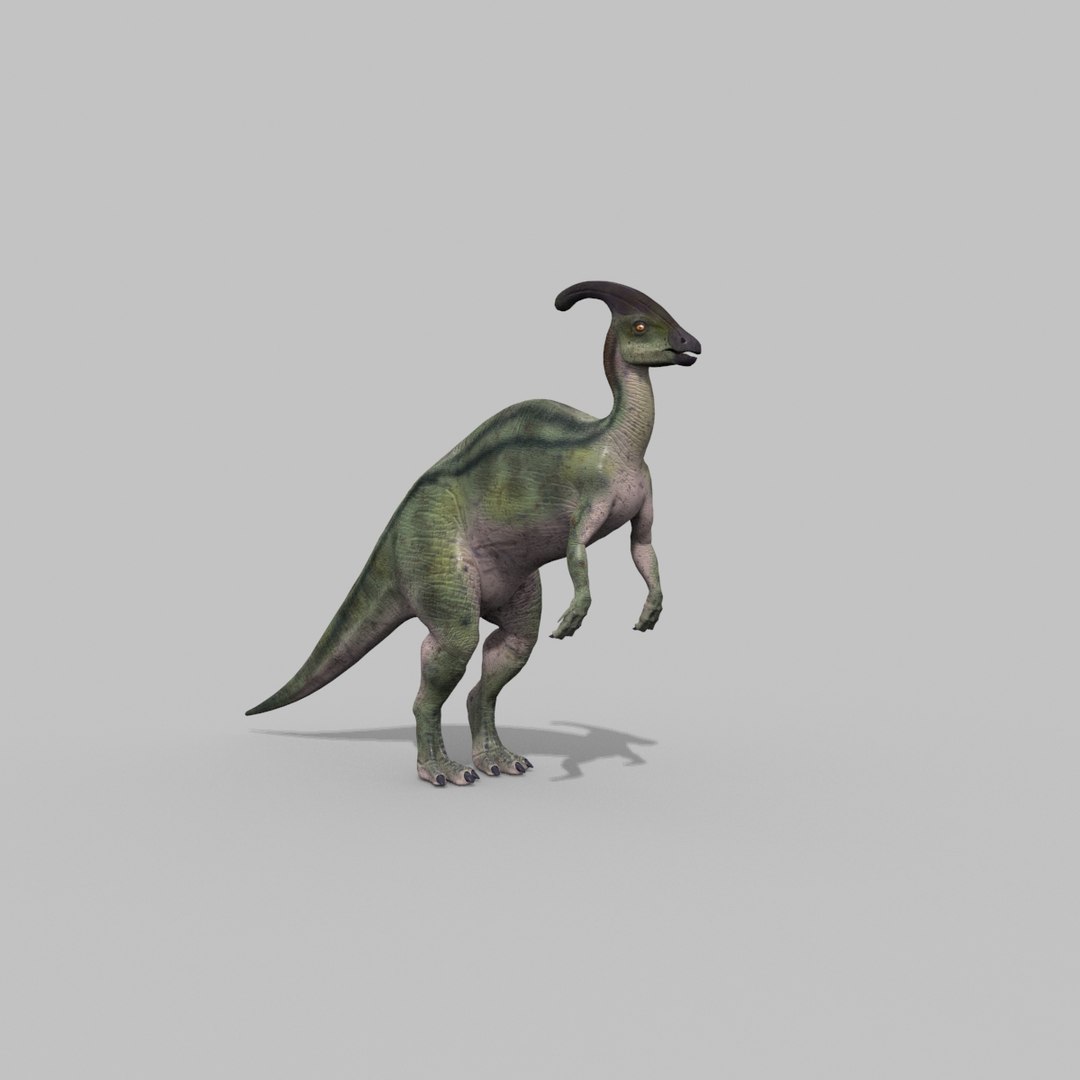
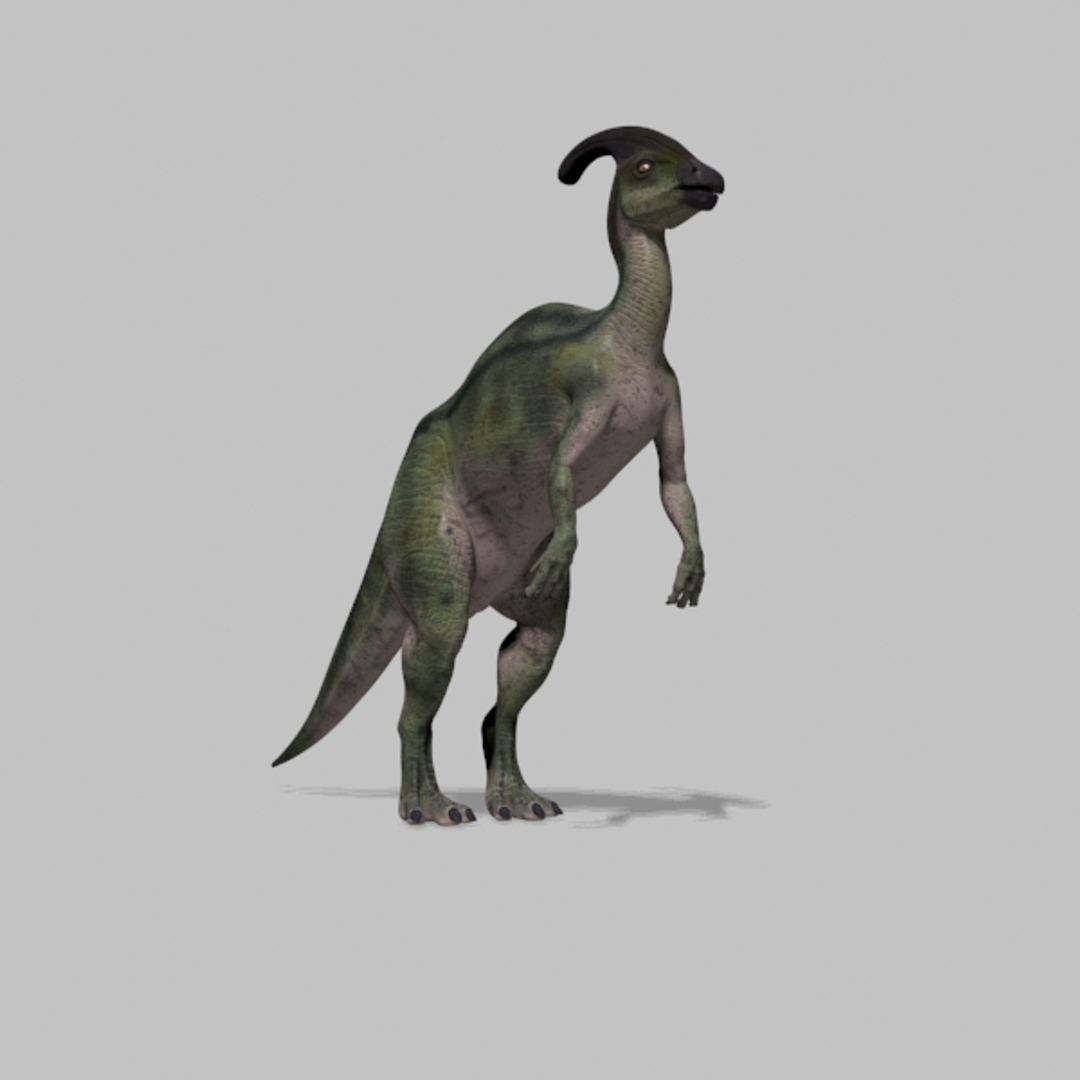
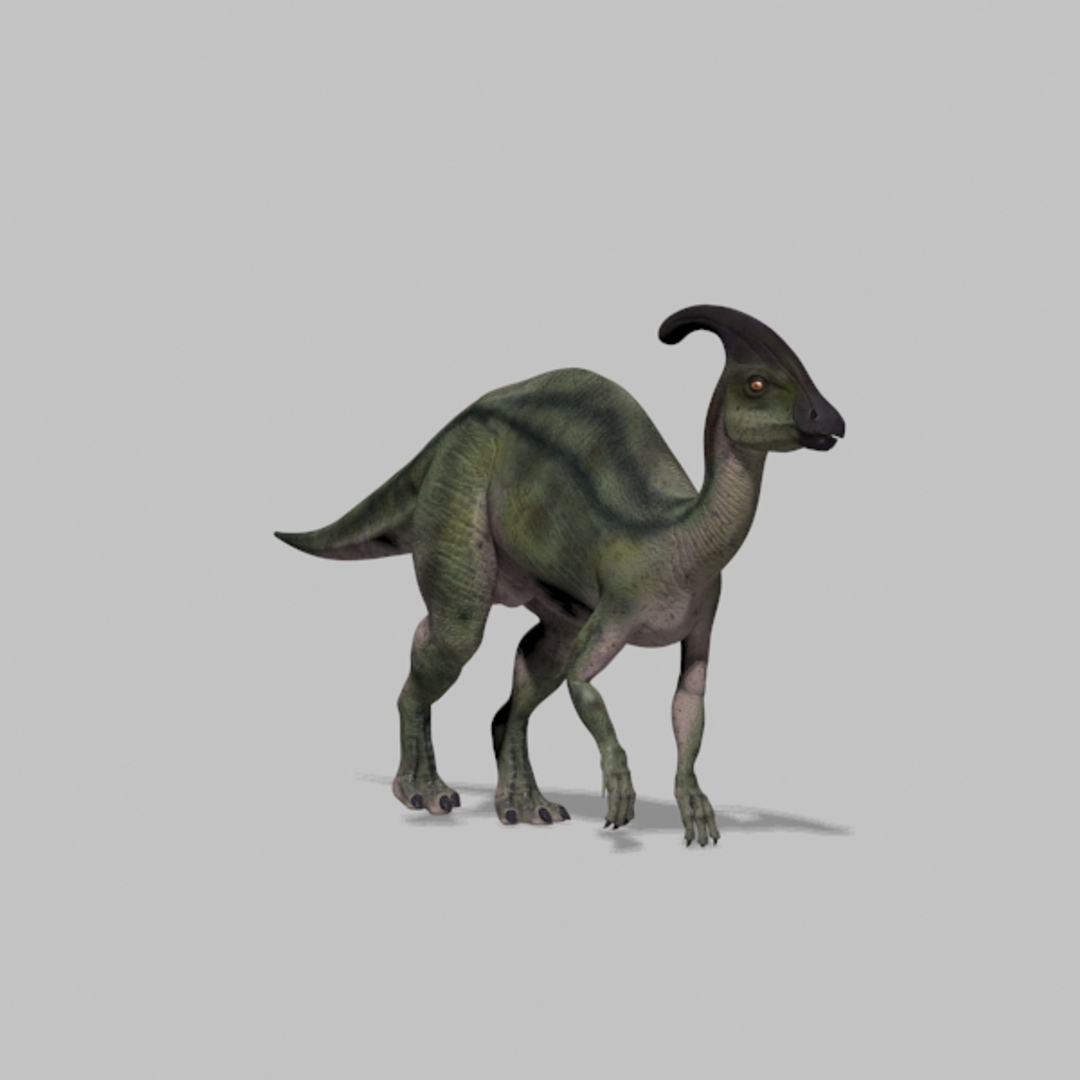
Realistic Jurassic Park style parasaurolophus 3d model


You get:


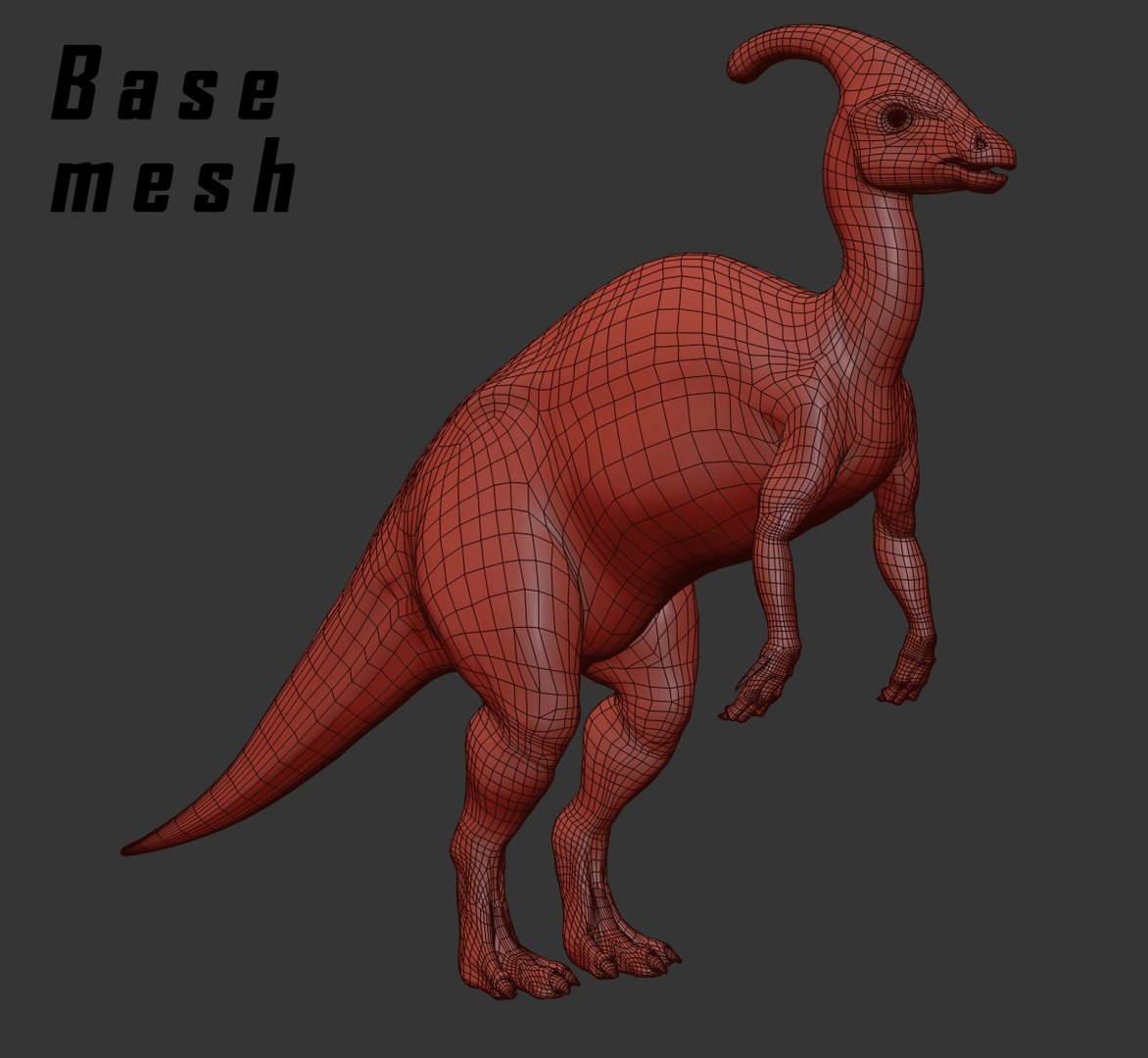
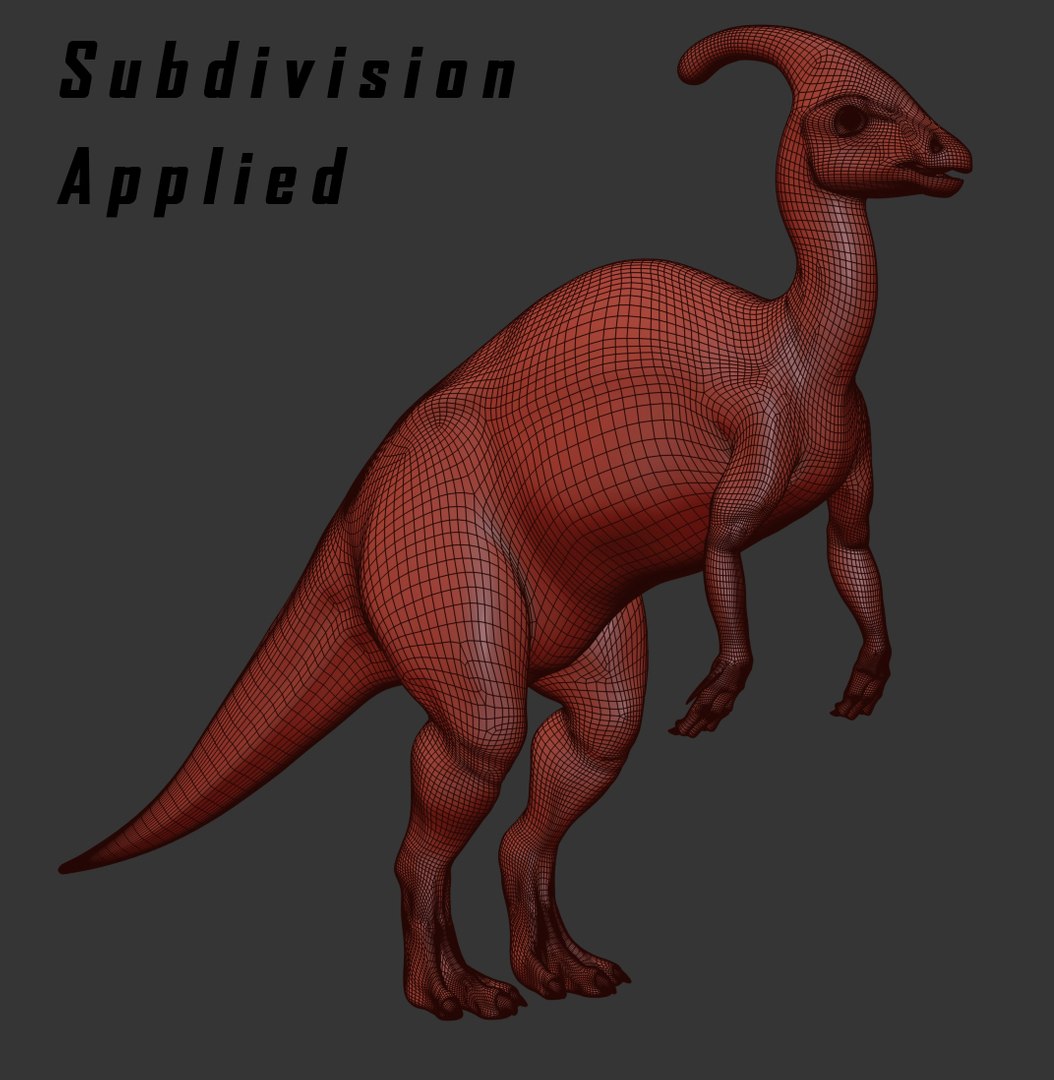
Good topology model scaled to 4,5m in height;

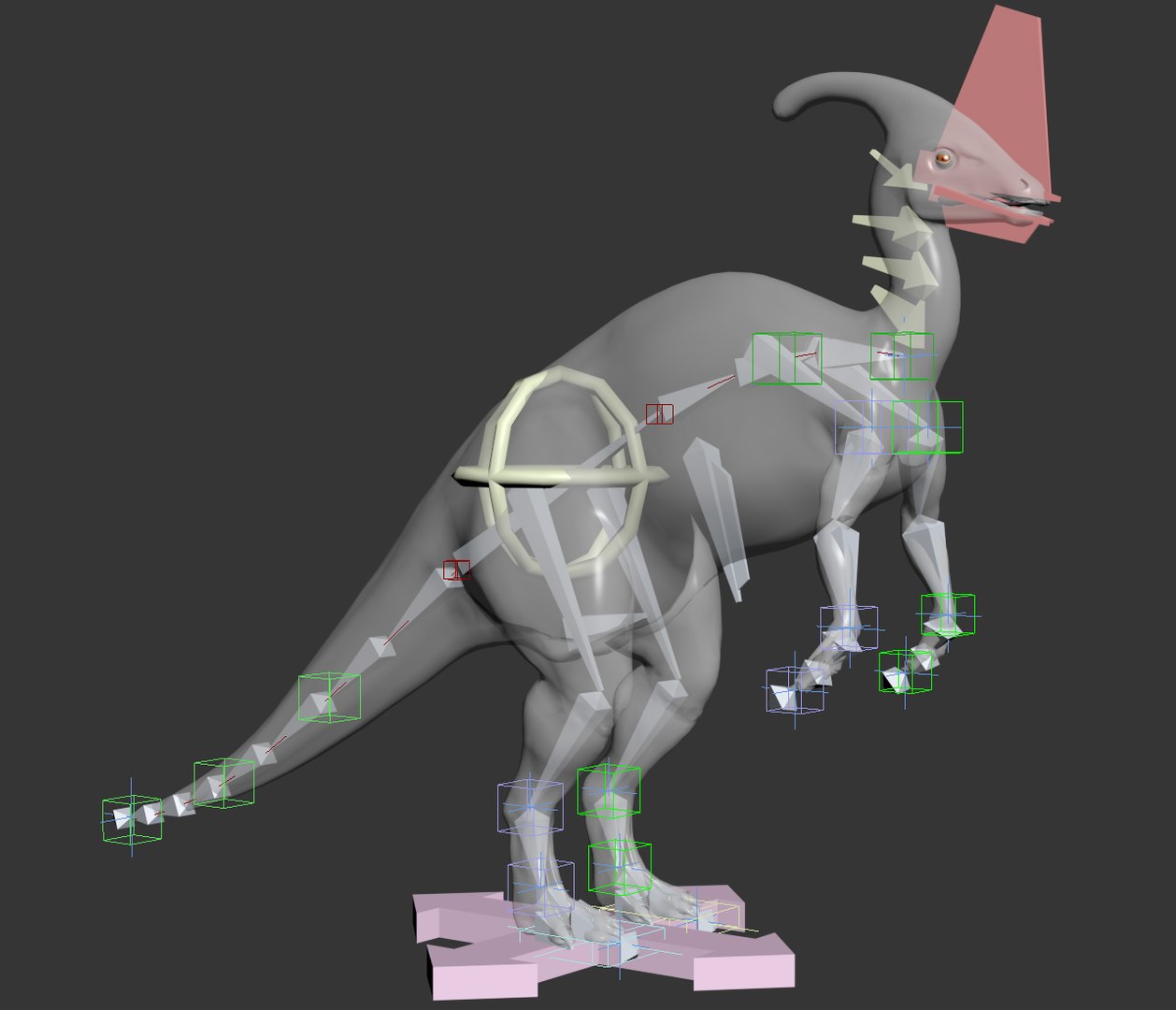
rig;

long walk and running loop animation;

iddle animation and agressive behavior;

all objects named and organized in layers;

3 large HD body maps

- 8192x8192 pixel diffuse map
- 8192x8192 pixel specular map
- 8192x8192 pixel bump map
- 8192x8192 pixel displacement map

FBX format.


Suitable for mesh subdivision.


Questions can be answered by the website administrator.


Thanks for your kind interest.


Notes:

When opening .max file, you should choose "adopt the files gamma and LUT settings" and also the "files measurement units" if asked.

The FBX file is mapped and rigged and animated and ready to use, but it is hard to create a different animation because the animation controllers dont get properly exported; you can however rotate bones. All frames are keyed due to export. Maps may or may not show in your software and may need to be re-applied (select objects - search map - apply). FBX file is also located inside the maxs format folder with all maps.

Select Enhanced License

  • $10,000 in Legal Protection (Indemnification)
  • Uncapped Legal Protection (Indemnification)
  • Waiver from injunctive relief
  • Assignable model rights
  • $1,000,000 in Legal Protection (Indemnification)
  • Waiver from injunctive relief
  • Assignable model rights
  • $250,000 in Legal Protection (Indemnification)
  • Assignable model rights
Read more about enhanced license tiers, or contact us at enterprise@turbosquid.com. Already a Shutterstock Enterprise Customer? Contact your Shutterstock Sales Support Agent to talk about adding 3D.

About Conversion Requests

To submit a conversion request for a purchased asset, please complete our Conversion Request Form.

If you have not yet purchased a model, please review our Documentation about Conversions to learn about what limitations you may encounter with a conversion.

For any additional questions about a model’s suitability for conversion, please contact TurboSquid Support.

Loading...