
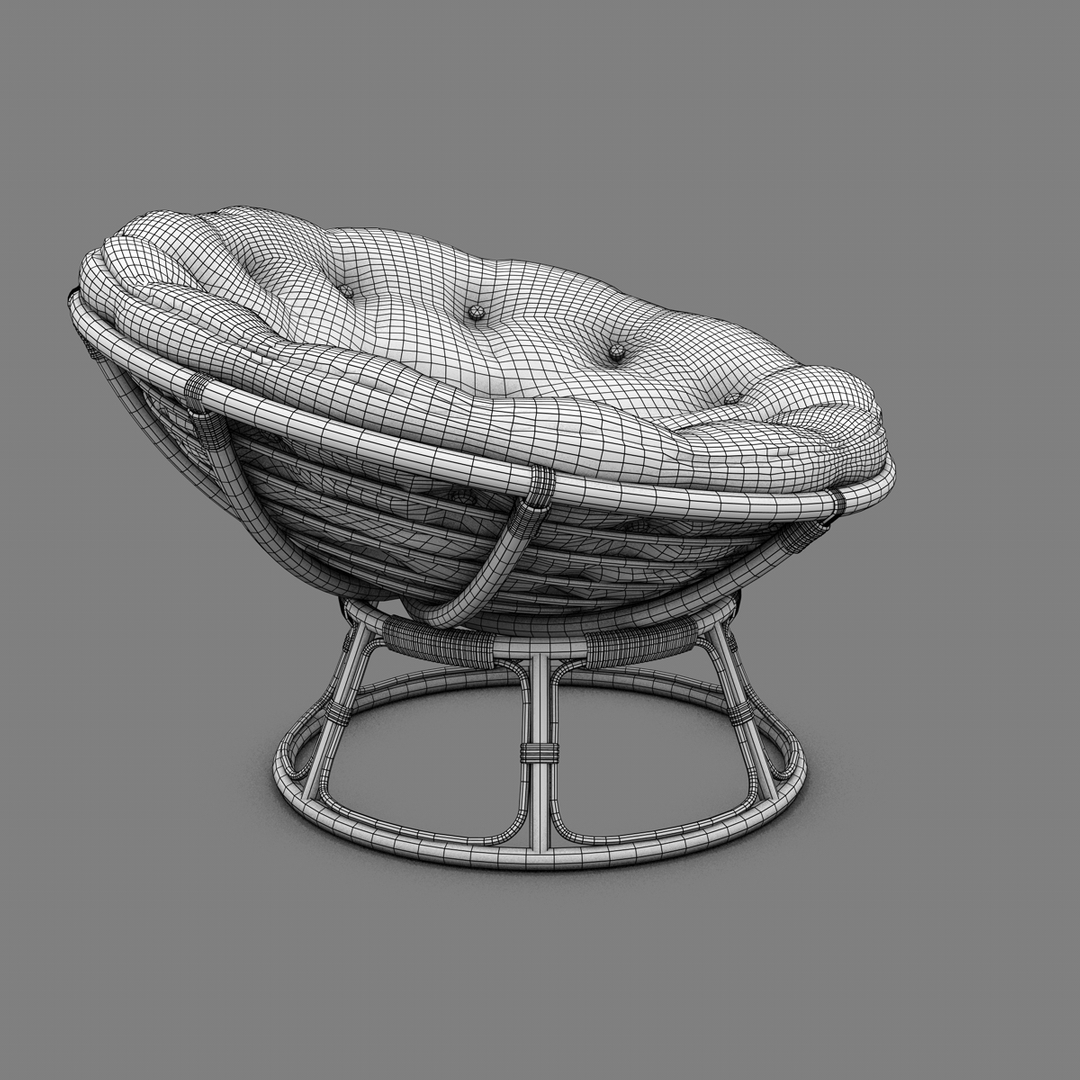
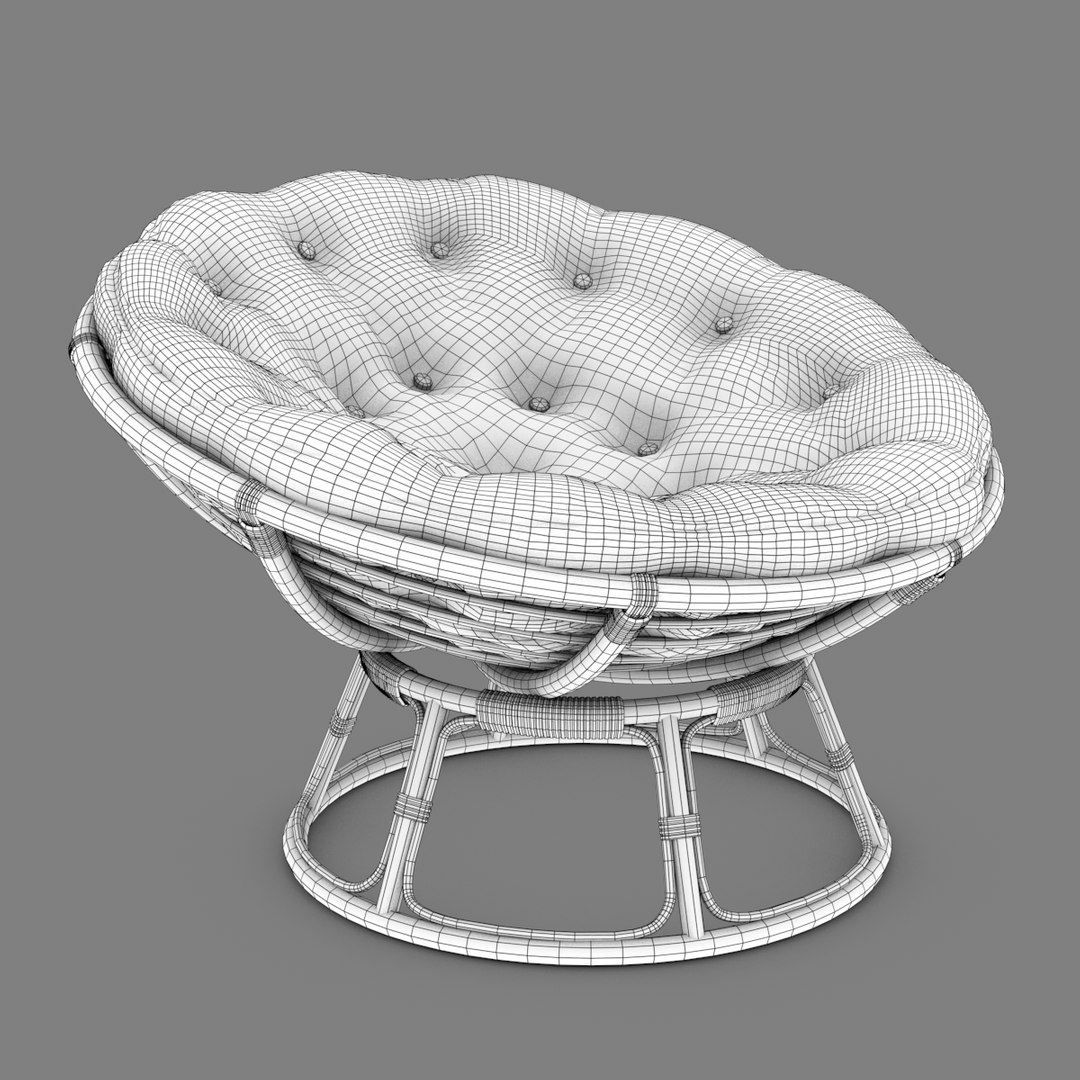
Papasan Rattan Chair

$59

Standard License | Upgrade License
Formats (7)
Free file format Conversions available
Native | Cinema 4D 12 | Advanced Render
Maya 2008 | mental ray
Cinema 4D 9.6 | Advanced Render
VRML
OBJ
FBX
Collada
Specifications
Publish Date August 27, 2011
Product ID 624828
Polygons 33,973
Vertices 34,848
Polygonal Quads Only
Textures
Materials
UV Mapped
Overlapping Unwrapped UVs
TurboSquid Exclusive

member avatar
Jamie Hamel Smith
40 Products | Contributor Since 2002
Have questions? Chat with us now.

Description

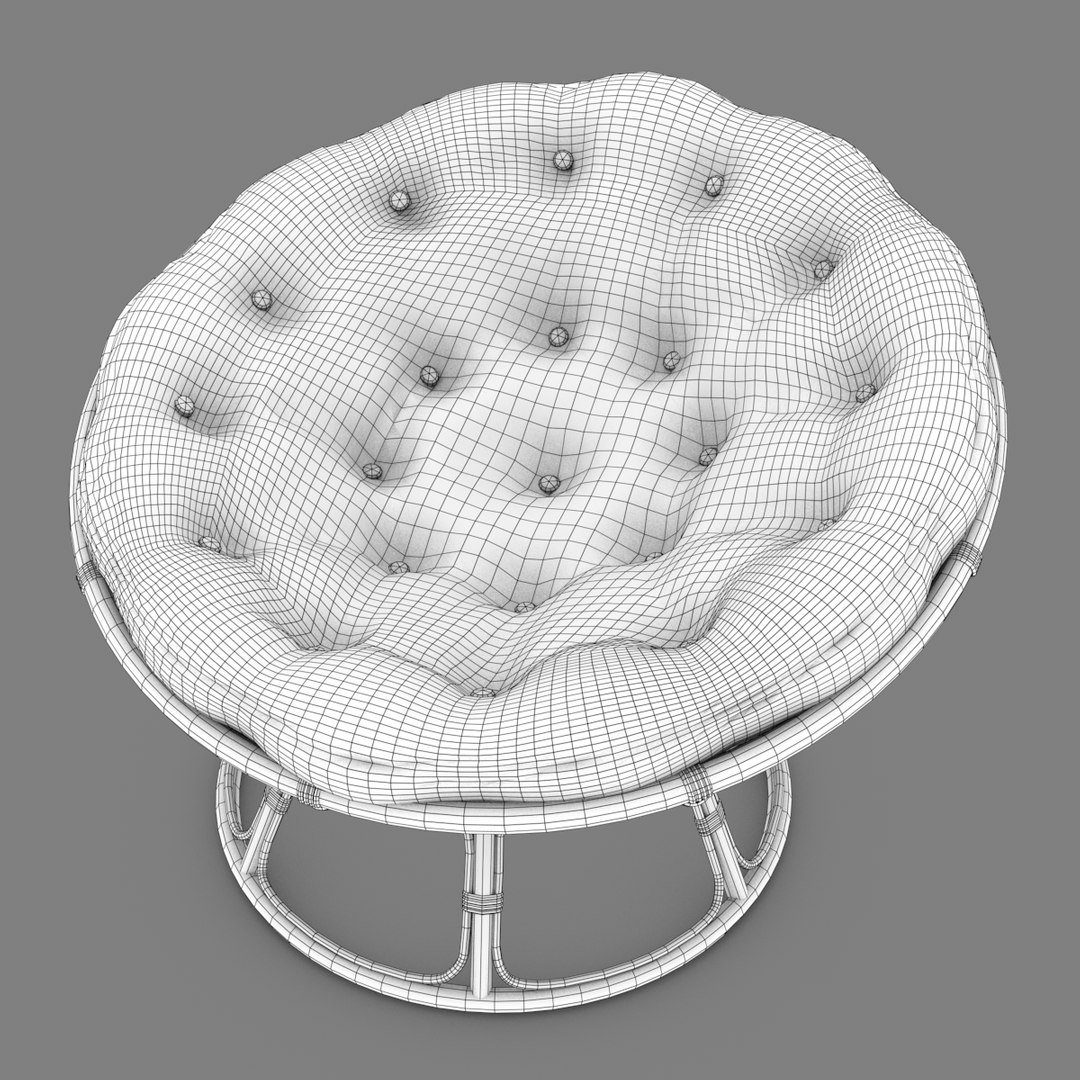
This Papasan Chair model was created at a detail level suitable for character animation or Architectural renderings.

The main formats (C4D & Maya) have materials that allow you to change the fabric color using the color picker, while the other formats include a green composite fabric texture for instant application or further modifications.

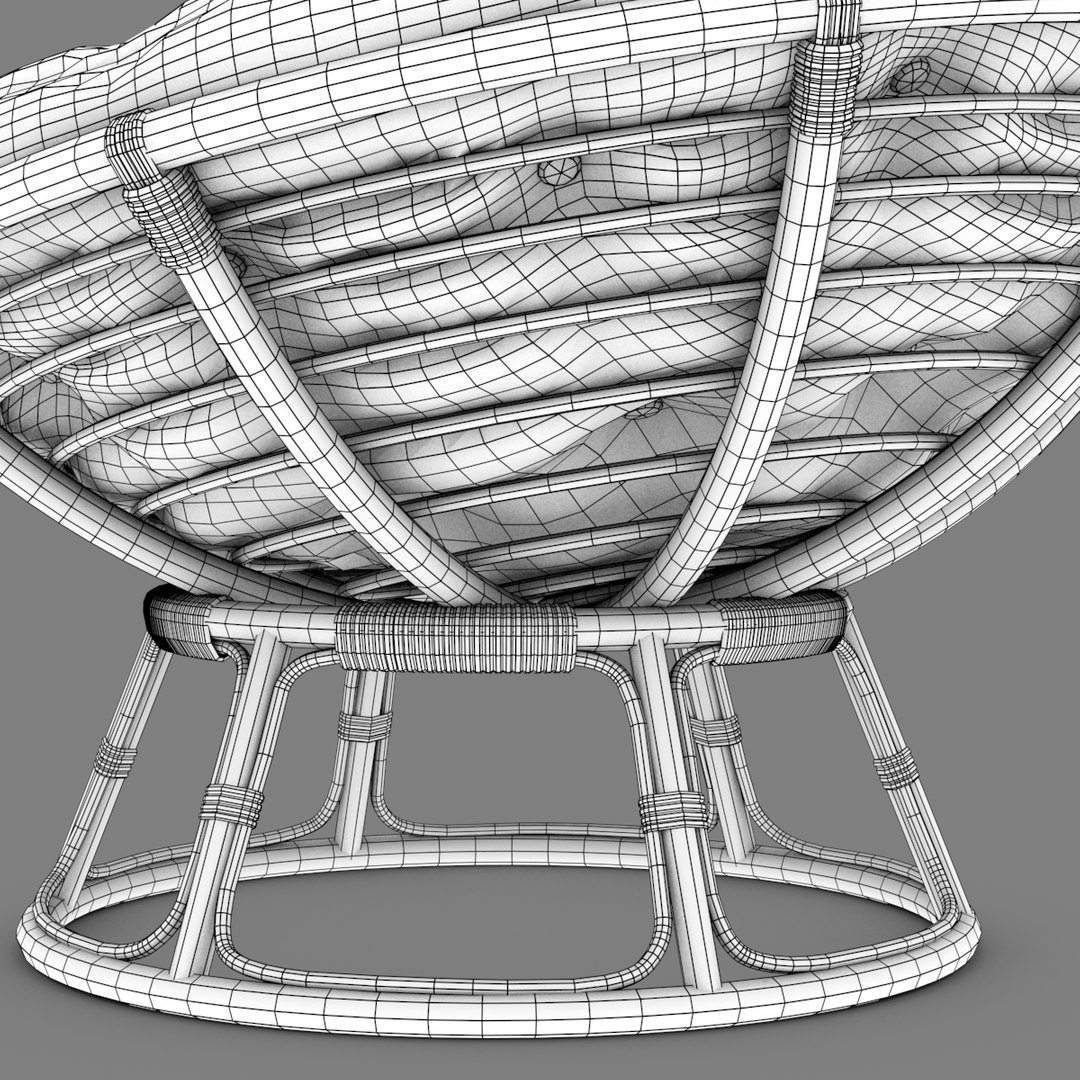
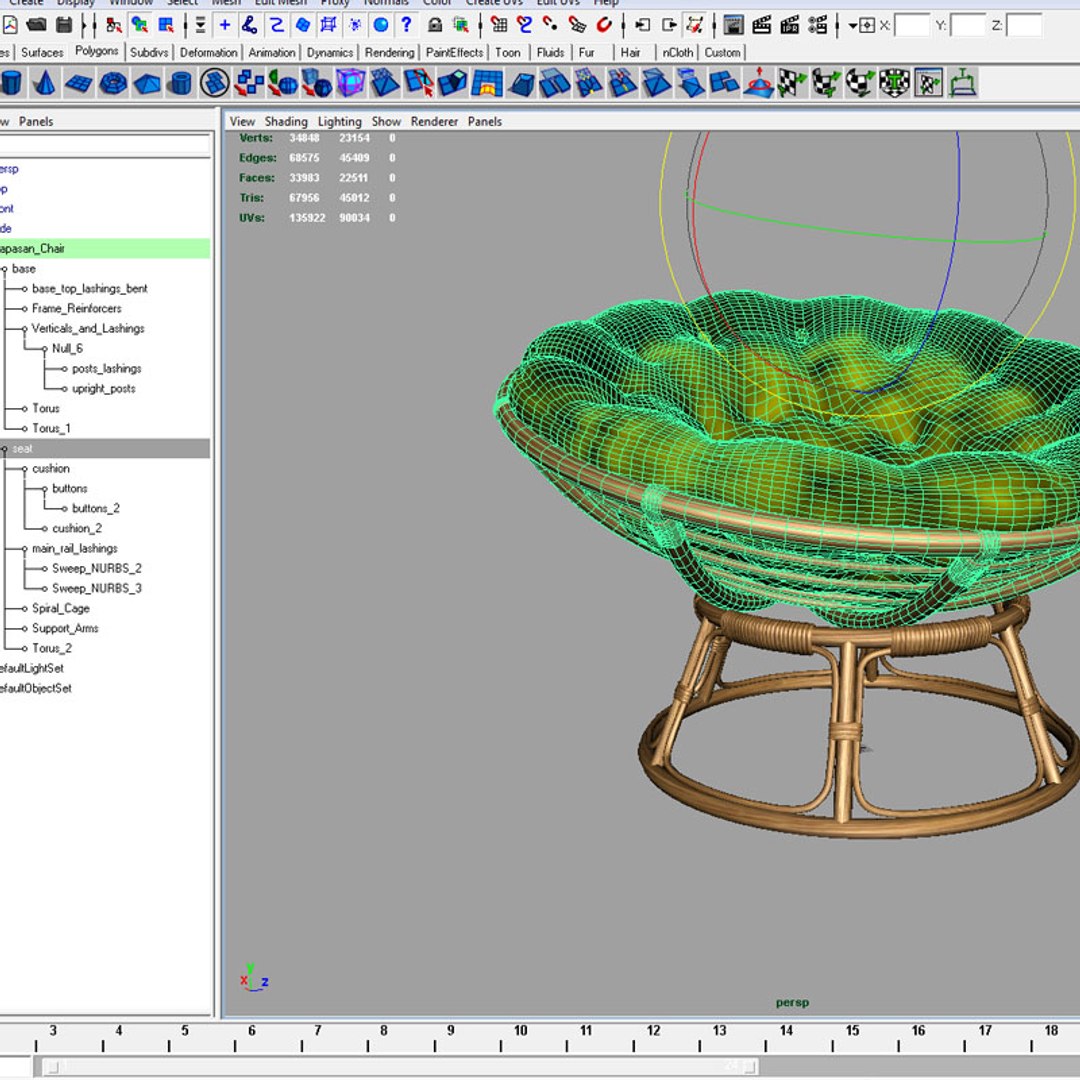
The Cinema 4D R12 file contains all of the construction history and deformers that were used in creation of the chair frame, so if you need more or less detail use that file and reduce the spline point counts.

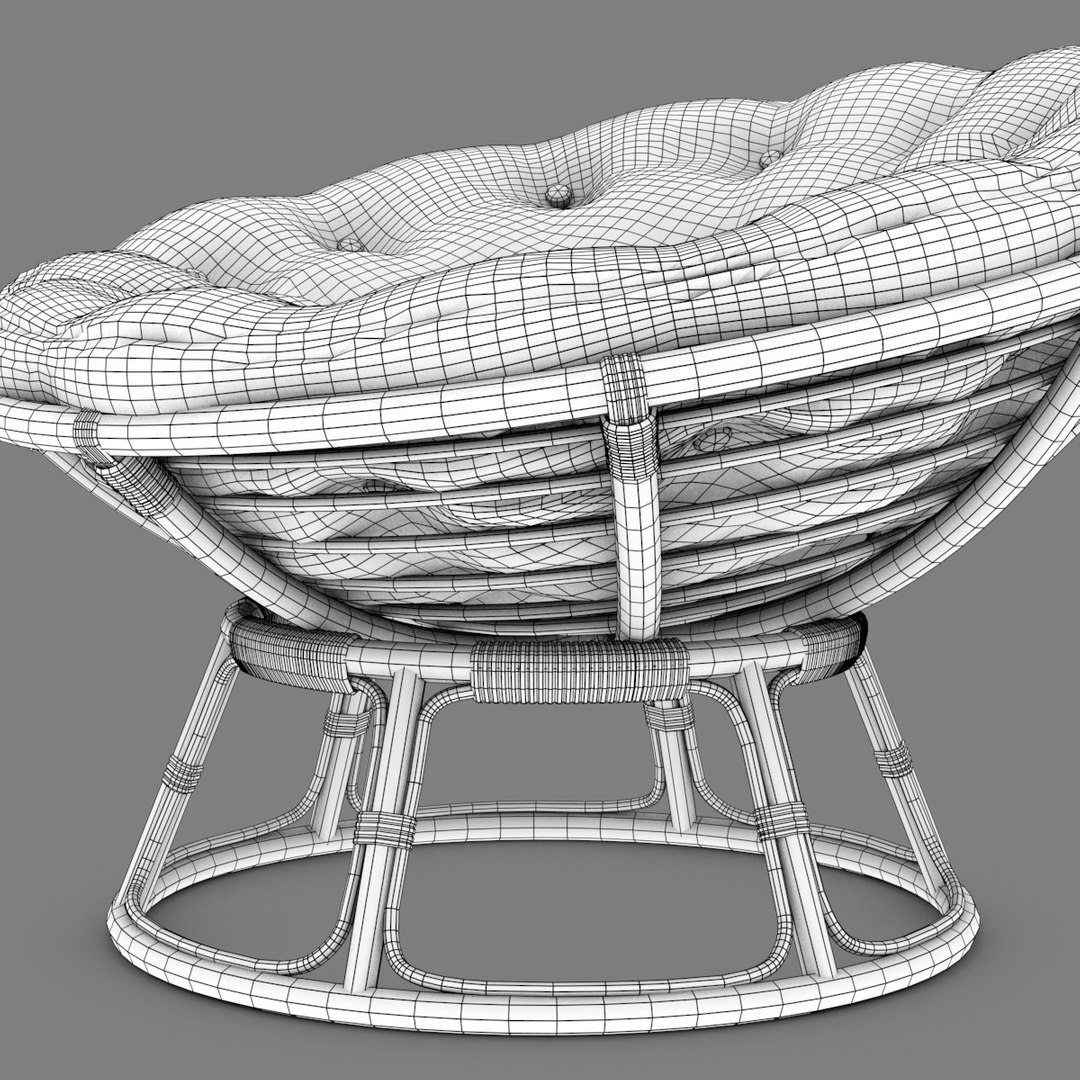
The pillow/cushion in all the formats is 100% quads (quadrangles) so if you need less detail, you can start deleting edge loops until you"ve hit your target poly-count.

ALL the file formats provided support UV coordinates, so no matter which file format you use, the texture should apply flawlessly. (You may have to create a new material and load the textures into their respective channels.) When exchanging file formats, this can hardly ever be avoided.

The preview images were rendered with Cinema 4D R12, using the advanced renderer.

No 3rd party plugins are required.

Select Enhanced License

  • $10,000 in Legal Protection (Indemnification)
  • Uncapped Legal Protection (Indemnification)
  • Waiver from injunctive relief
  • Assignable model rights
  • $1,000,000 in Legal Protection (Indemnification)
  • Waiver from injunctive relief
  • Assignable model rights
  • $250,000 in Legal Protection (Indemnification)
  • Assignable model rights
Read more about enhanced license tiers, or contact us at enterprise@turbosquid.com. Already a Shutterstock Enterprise Customer? Contact your Shutterstock Sales Support Agent to talk about adding 3D.

About Conversion Requests

To submit a conversion request for a purchased asset, please complete our Conversion Request Form.

If you have not yet purchased a model, please review our Documentation about Conversions to learn about what limitations you may encounter with a conversion.

For any additional questions about a model’s suitability for conversion, please contact TurboSquid Support.

Loading...