
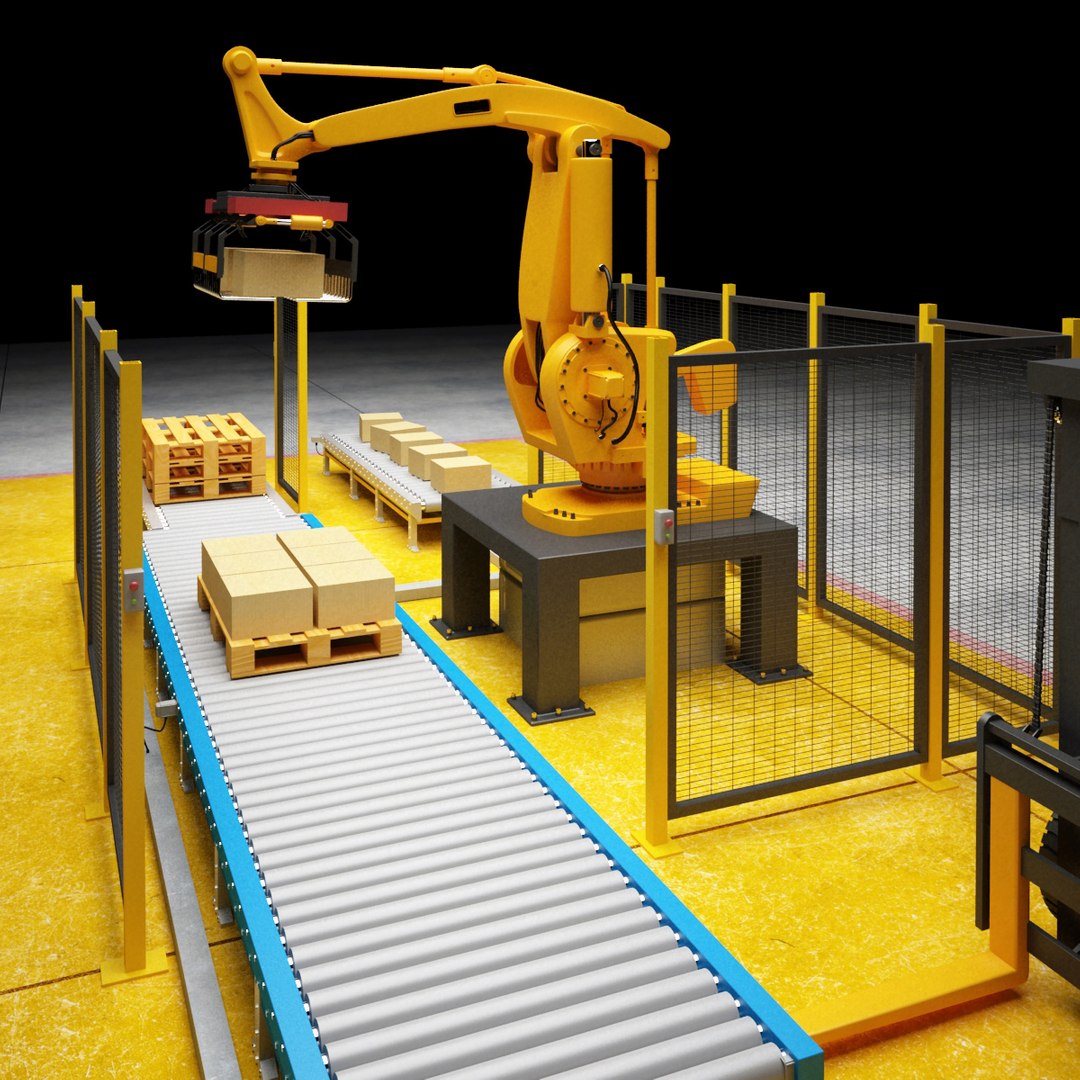
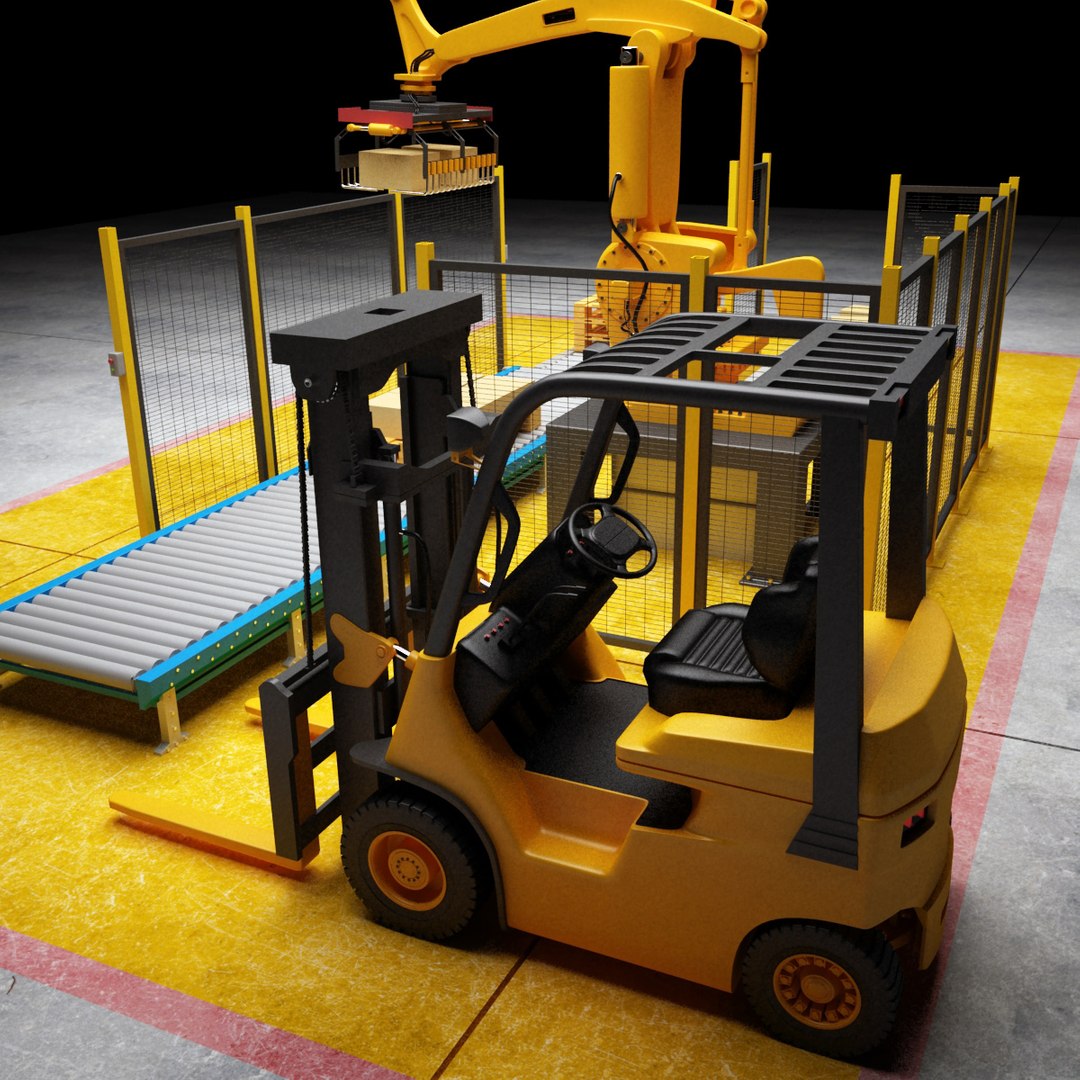
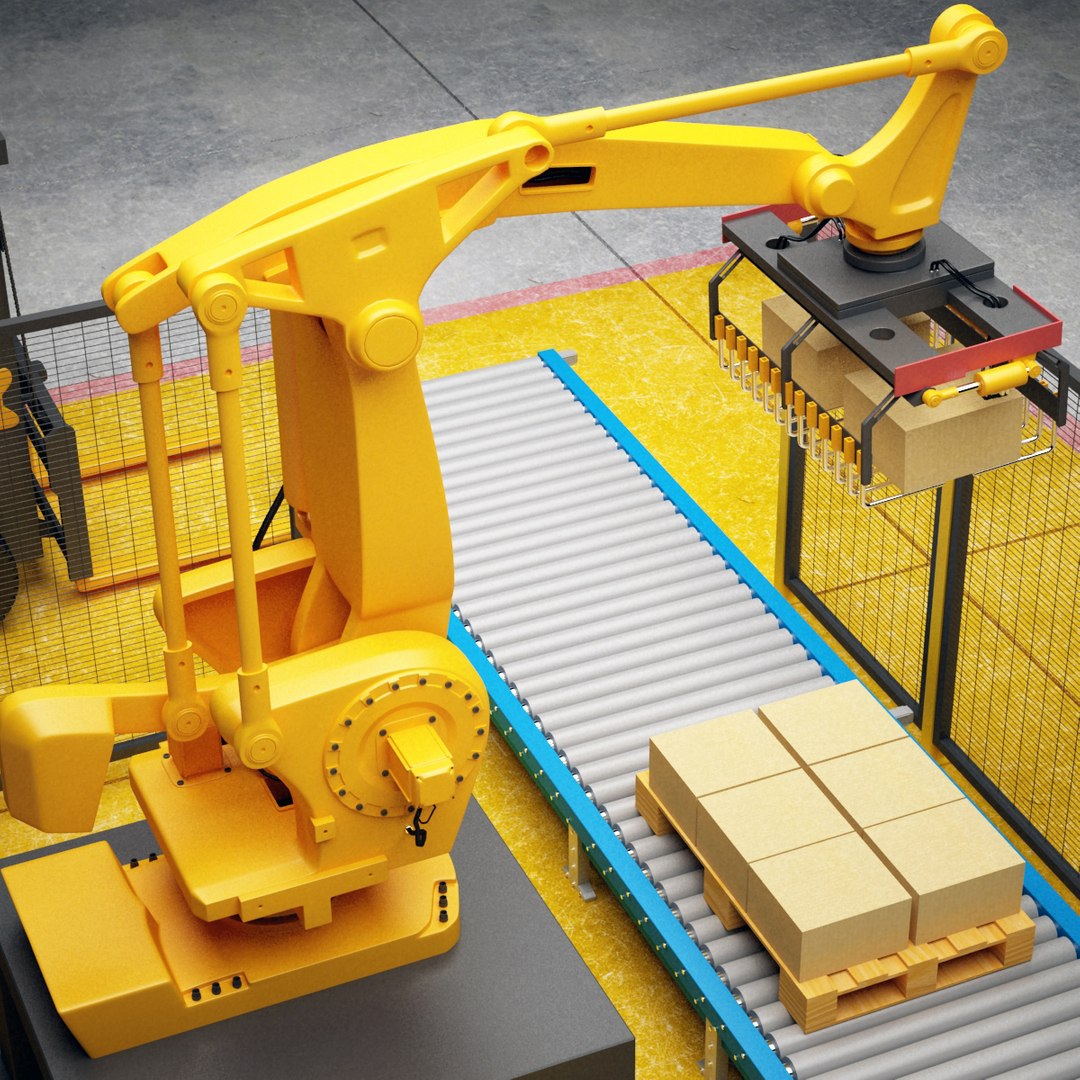
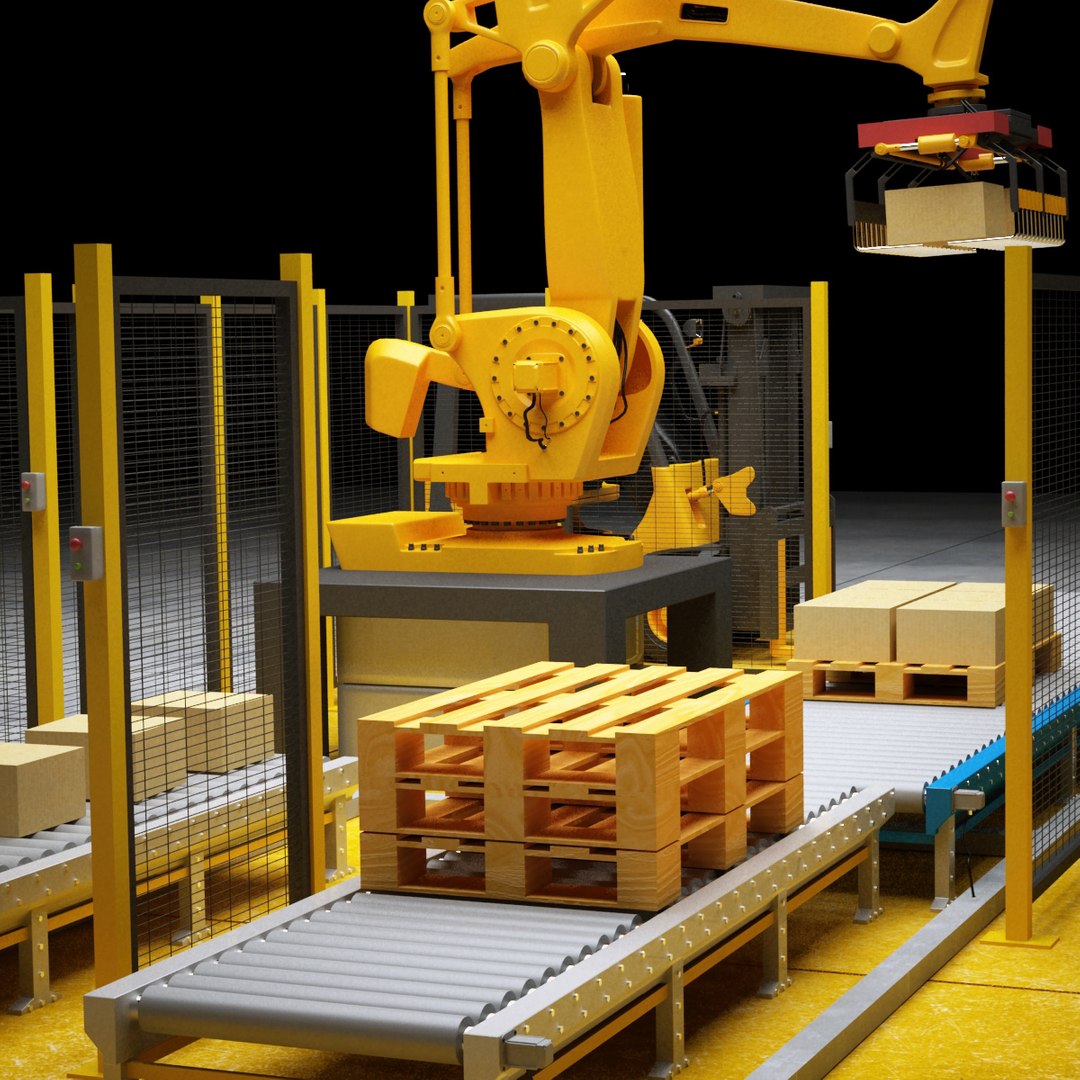
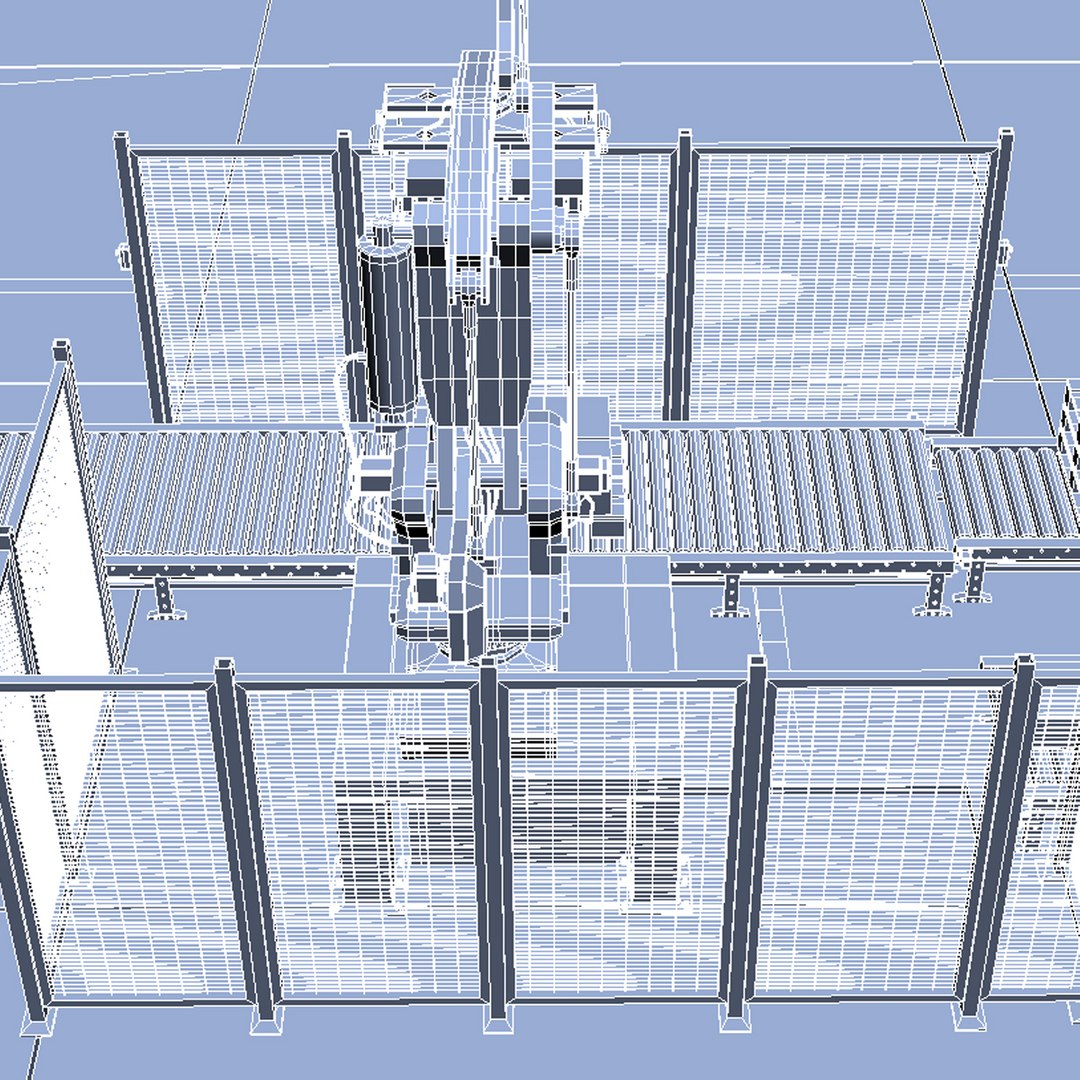
Palletizing Cell Scene

$90

Standard License | Upgrade License
Formats (3)
Native | 3ds Max 8 | V-Ray
3ds Max 8 | mental ray
3D Studio
Specifications
Publish Date November 12, 2011
Product ID 638856
Polygons 157,233
Vertices 168,057
Polygonal Quads/Tris Geometry
Textures
Materials

member avatar
QLEE
3742 Products | Contributor Since 2004
Have questions? Chat with us now.

Description

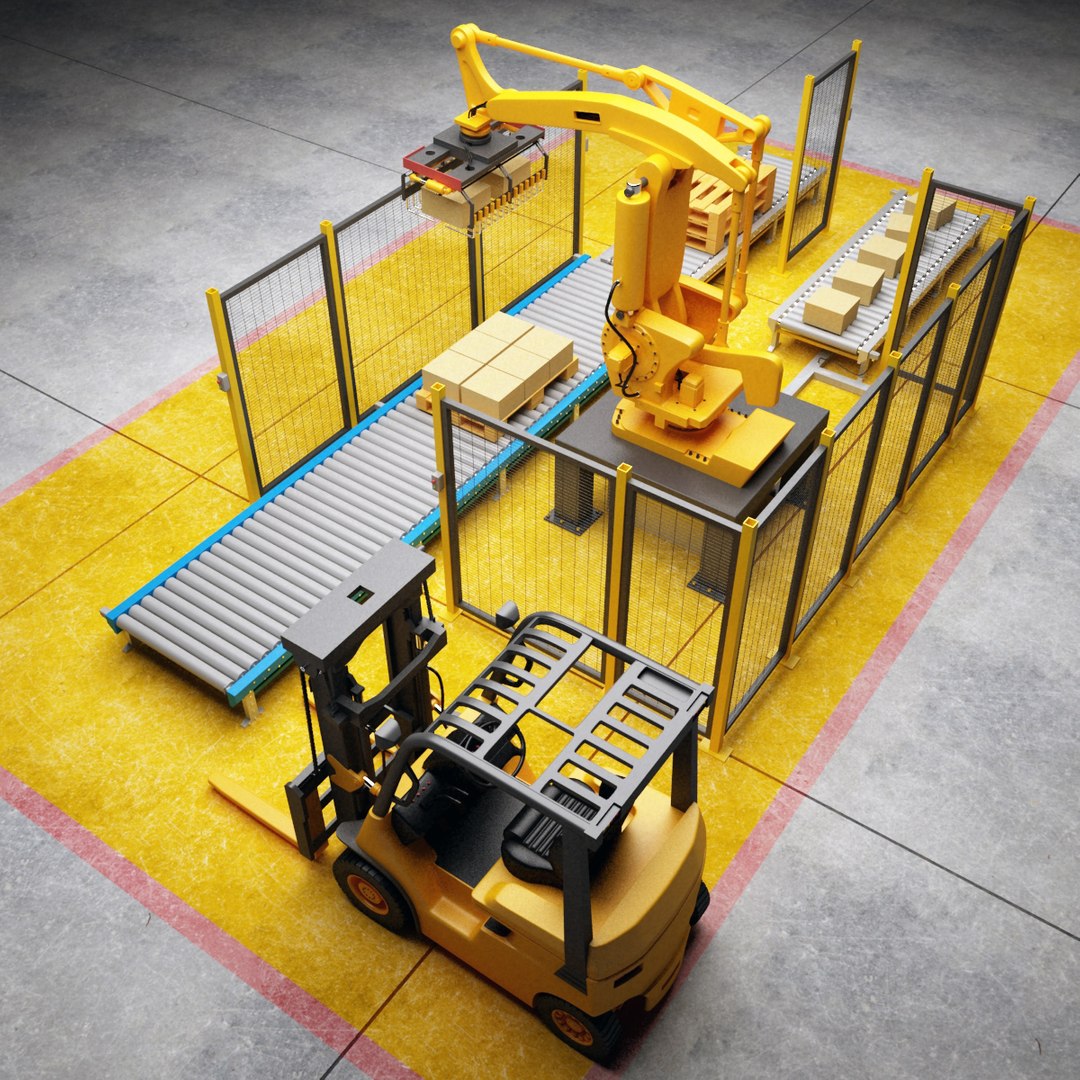
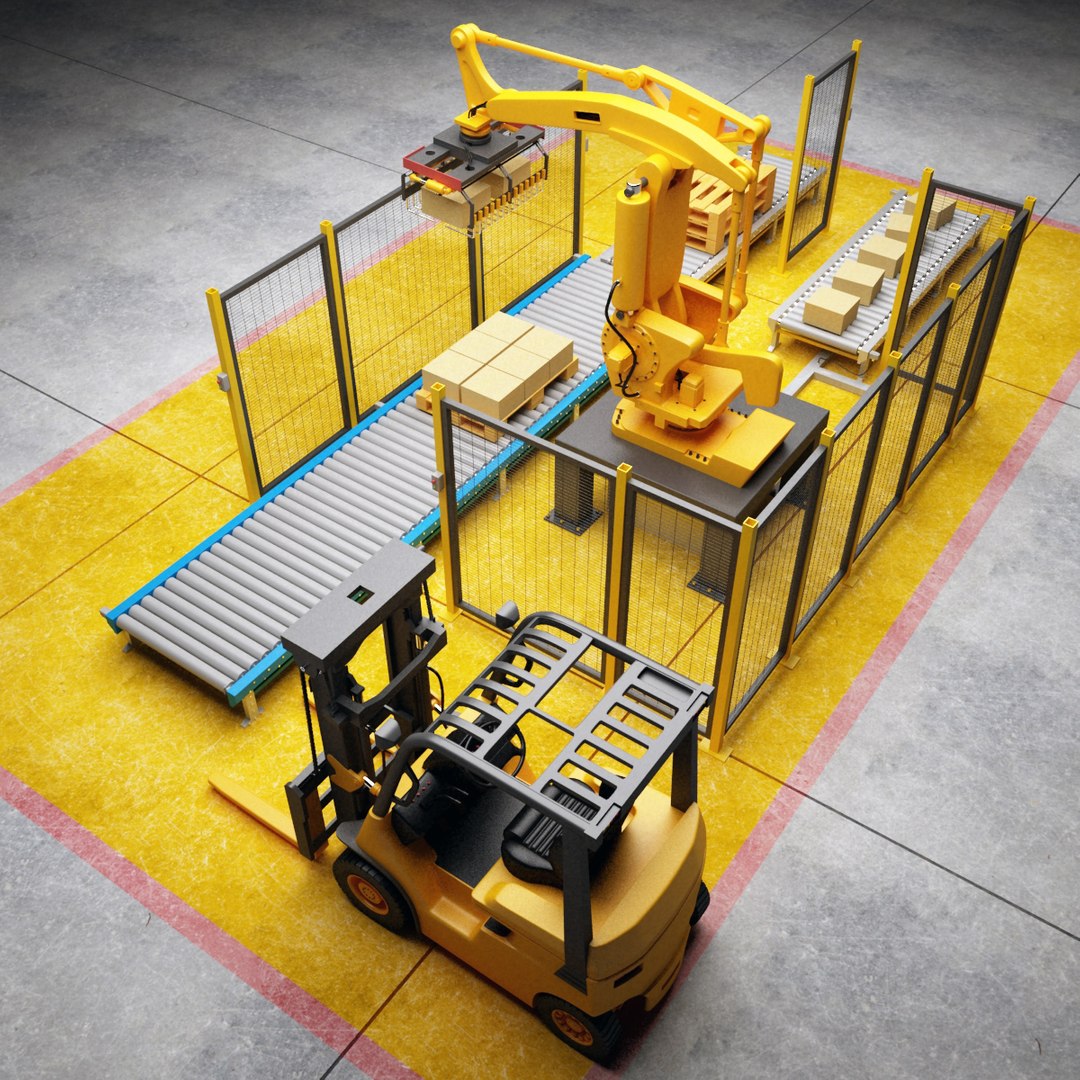
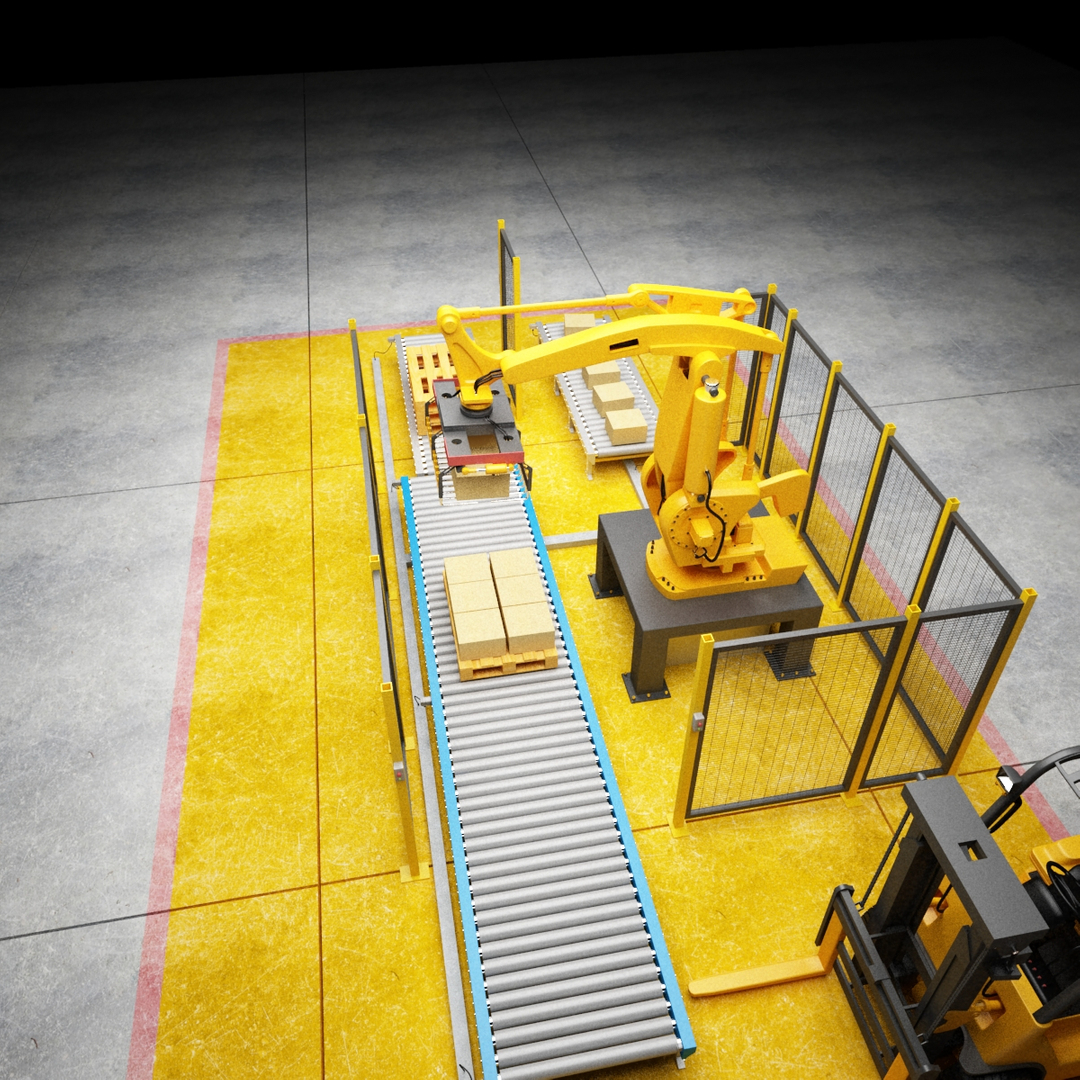
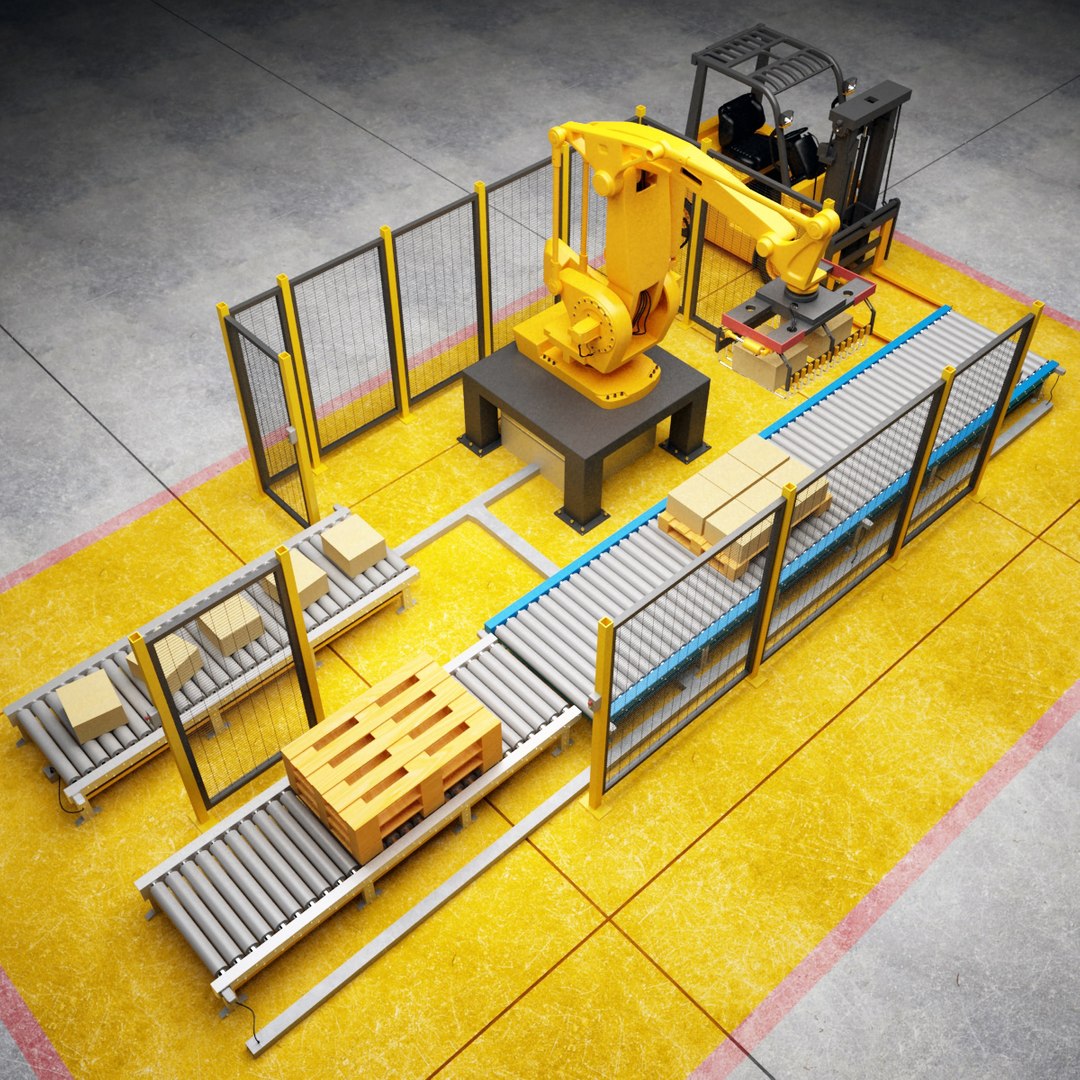
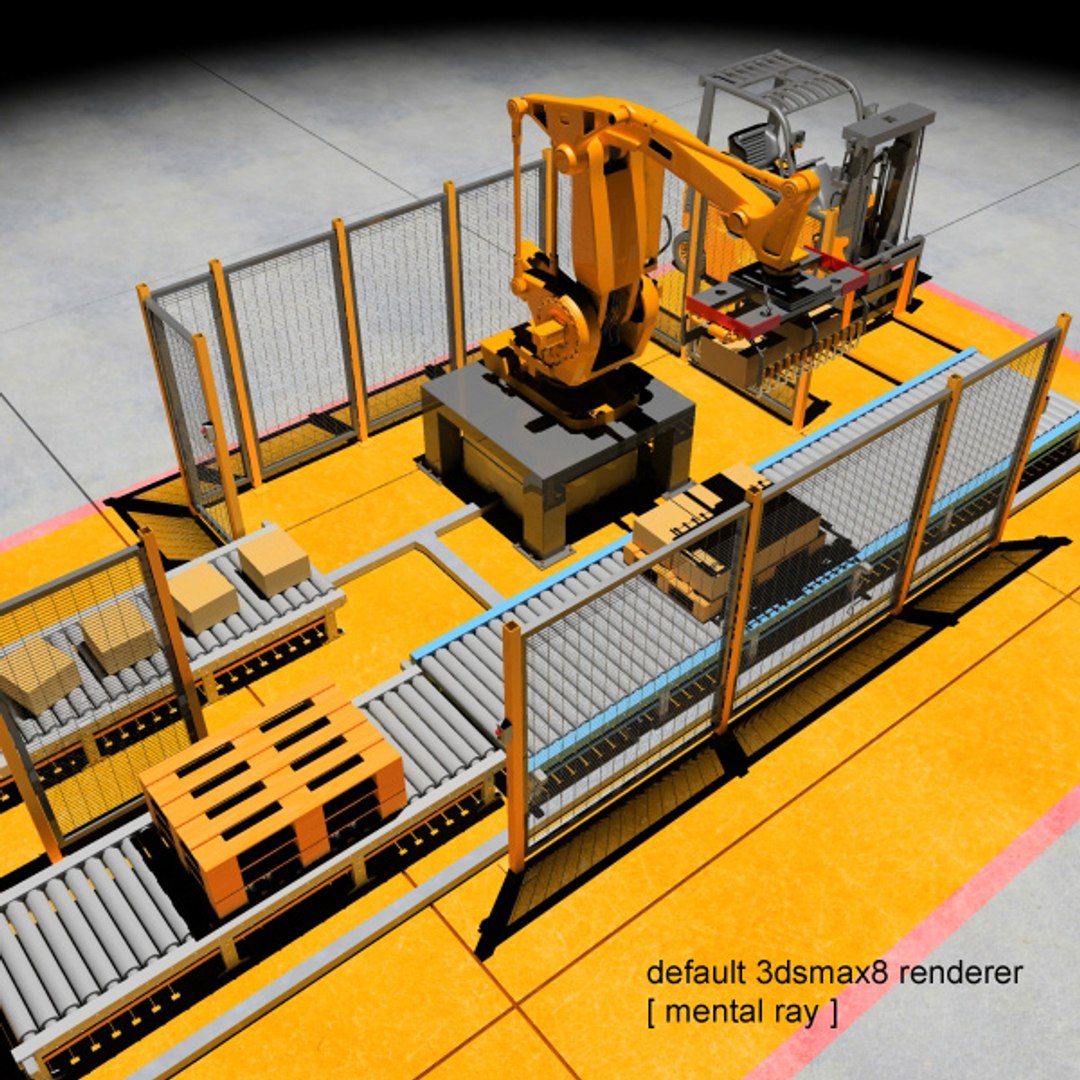
This is a model of a Palletizing Cell

* Originally created with 3ds Max 8


|| SPECS ||

* This model contains 360 separate objects
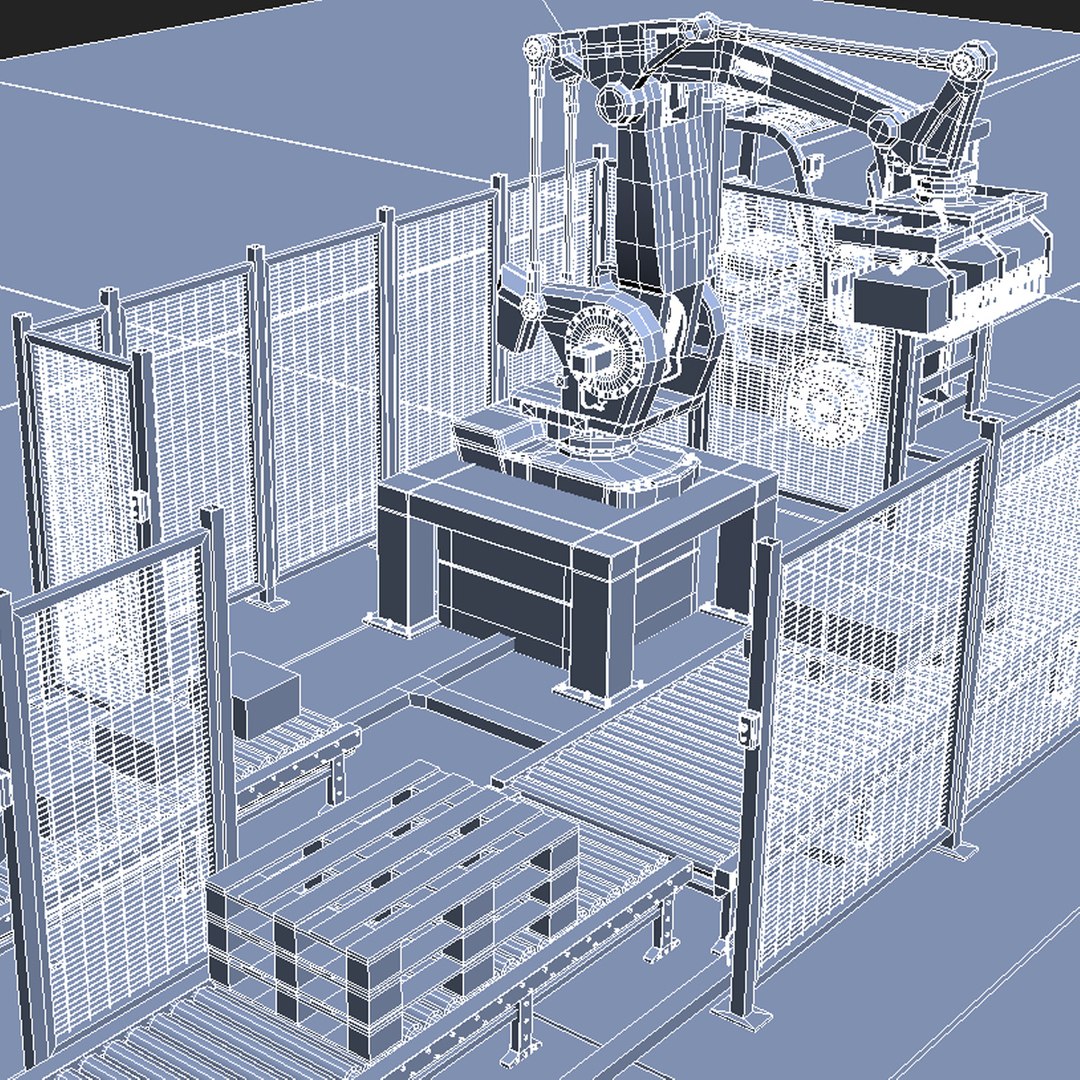
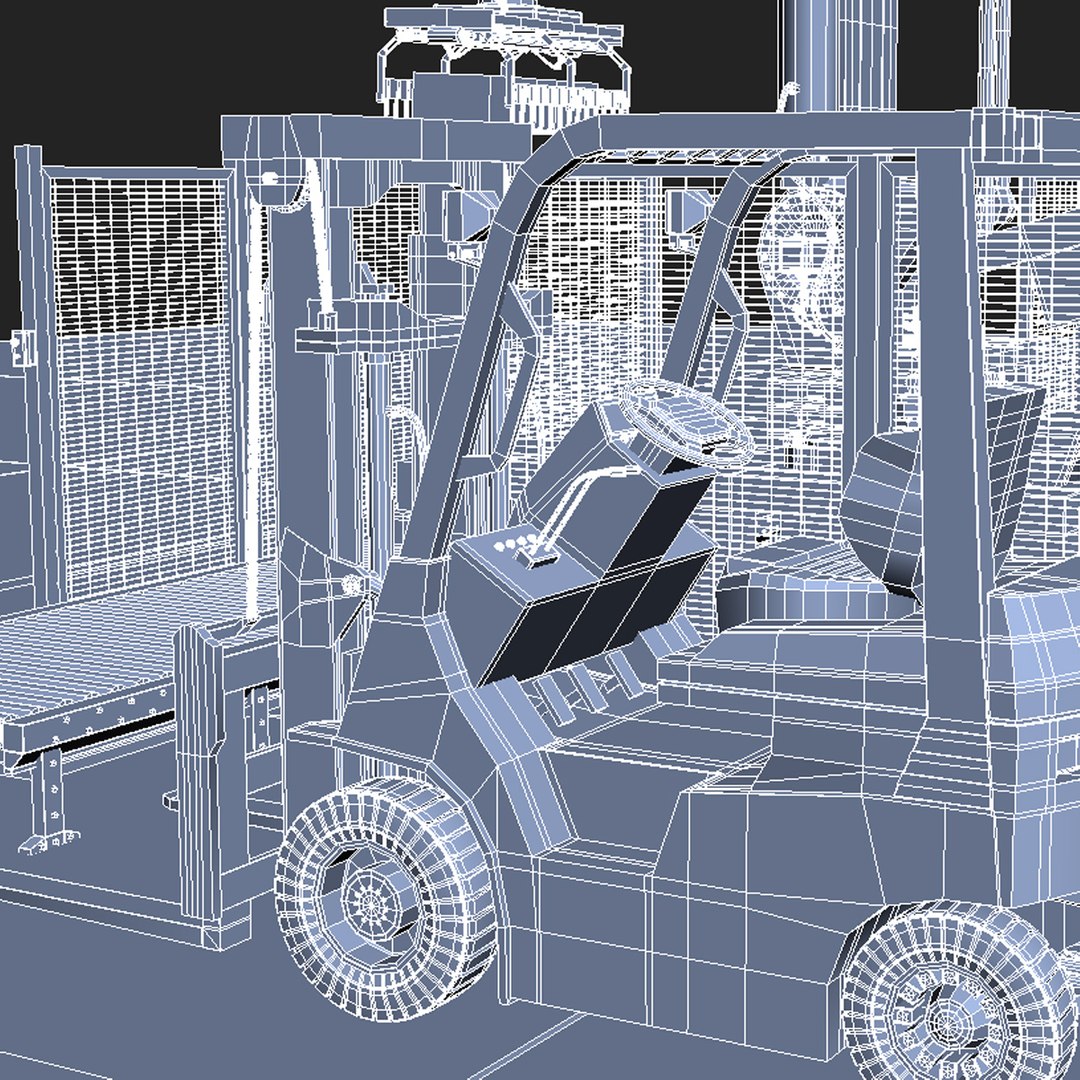
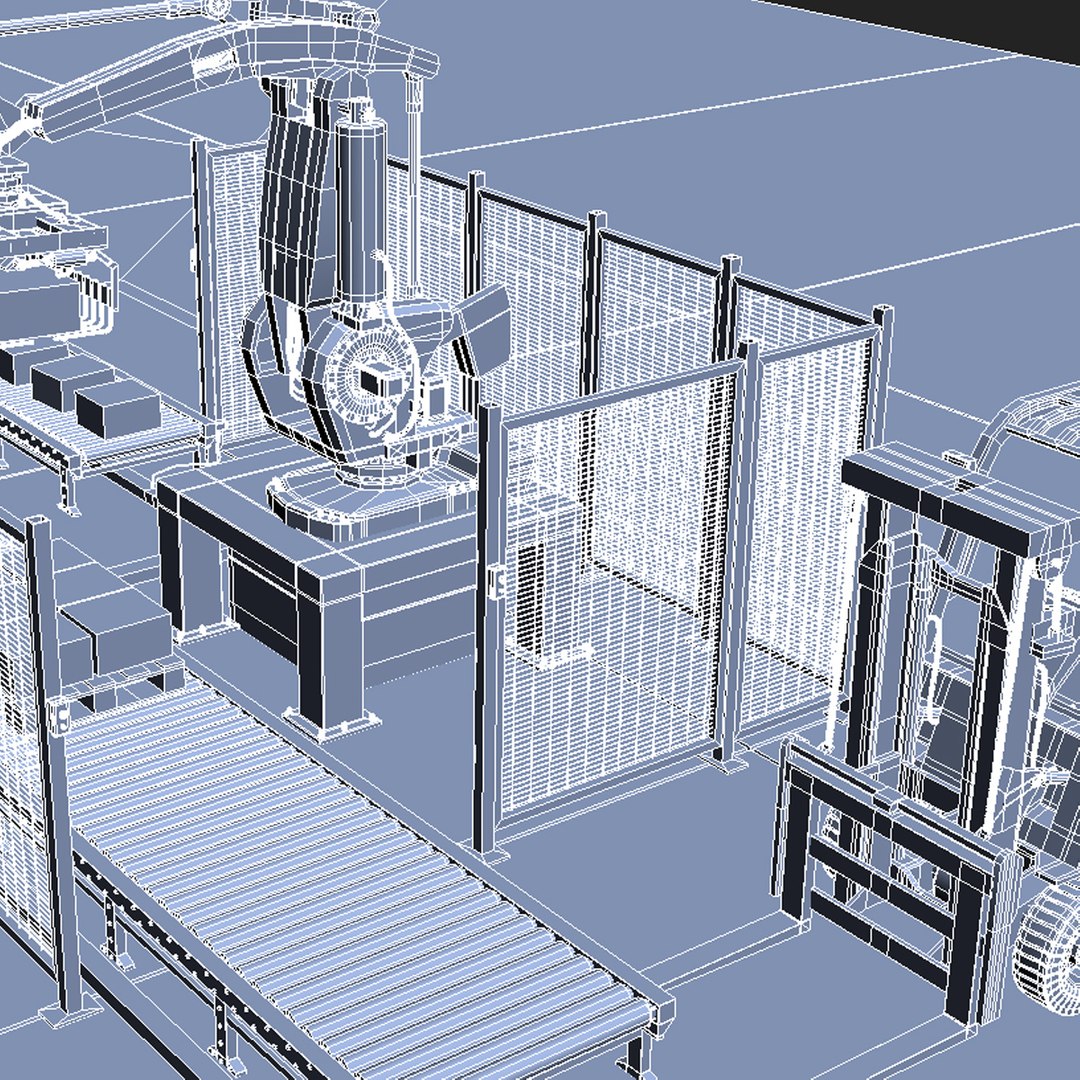
* This model contains 157233 polygons with TurboSmooth OFF
* This model contains 358219 polygons with TurboSmooth ON (set to 2 iterations.)
* This product includes 3ds Max 8 versions for V-Ray (separate downloads) and mental ray (no additional plug in needed, separate download)
* This model contain 96% with 4 sites, 4% polygons with 3 sites, no N-gons.

Scene Totals:
Objects: 367
Shapes: 0
Cameras: 7
Lights: 1
Helpers: 5
Space Warps: 0
Total: 380

Mesh Totals:

Verts: 371857
Faces: 358219

|| TEXTURES ||

* 1024x1024 JPG (4) – Main objects bump map
* 2048x2048 JPG (4) – Main objects bump map
* 1500x1500 JPG (4) – Main objects bump map


|| GENERAL ||

* Model is built to real-world scale
* Units used: Meters.Palletizing Robot model is 2,99 meters tall.
* Scene objects are organized by layers and groups


|| ADDITIONAL NOTES ||

* 3ds file format does not have textures/materials applied and will not render like the preview images.
* File formats other than 3ds Max exported as base mesh (not smoothed)

Select Enhanced License

  • $10,000 in Legal Protection (Indemnification)
  • Uncapped Legal Protection (Indemnification)
  • Waiver from injunctive relief
  • Assignable model rights
  • $1,000,000 in Legal Protection (Indemnification)
  • Waiver from injunctive relief
  • Assignable model rights
  • $250,000 in Legal Protection (Indemnification)
  • Assignable model rights
Read more about enhanced license tiers, or contact us at enterprise@turbosquid.com. Already a Shutterstock Enterprise Customer? Contact your Shutterstock Sales Support Agent to talk about adding 3D.

About Conversion Requests

To submit a conversion request for a purchased asset, please complete our Conversion Request Form.

If you have not yet purchased a model, please review our Documentation about Conversions to learn about what limitations you may encounter with a conversion.

For any additional questions about a model’s suitability for conversion, please contact TurboSquid Support.

Loading...