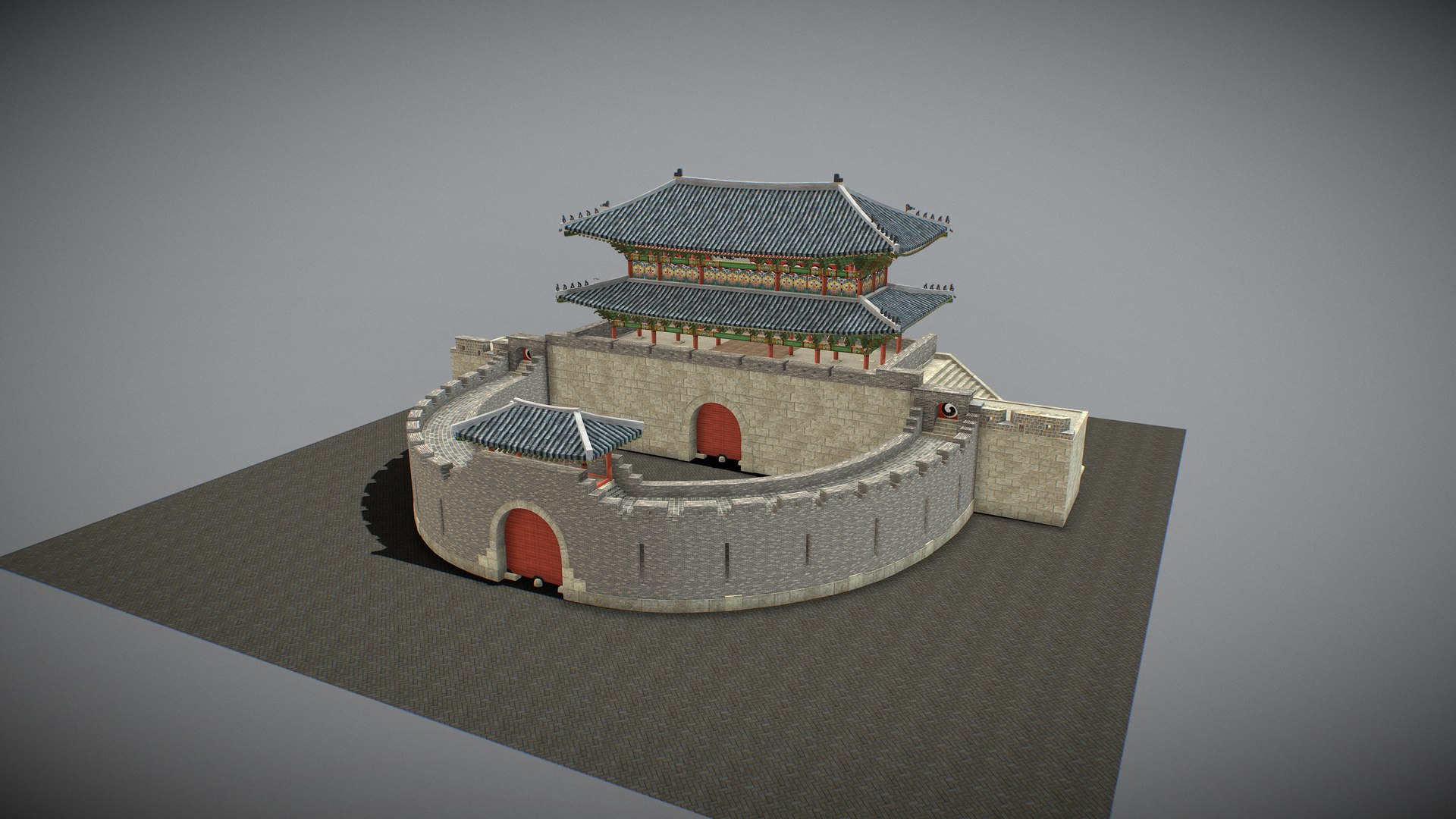
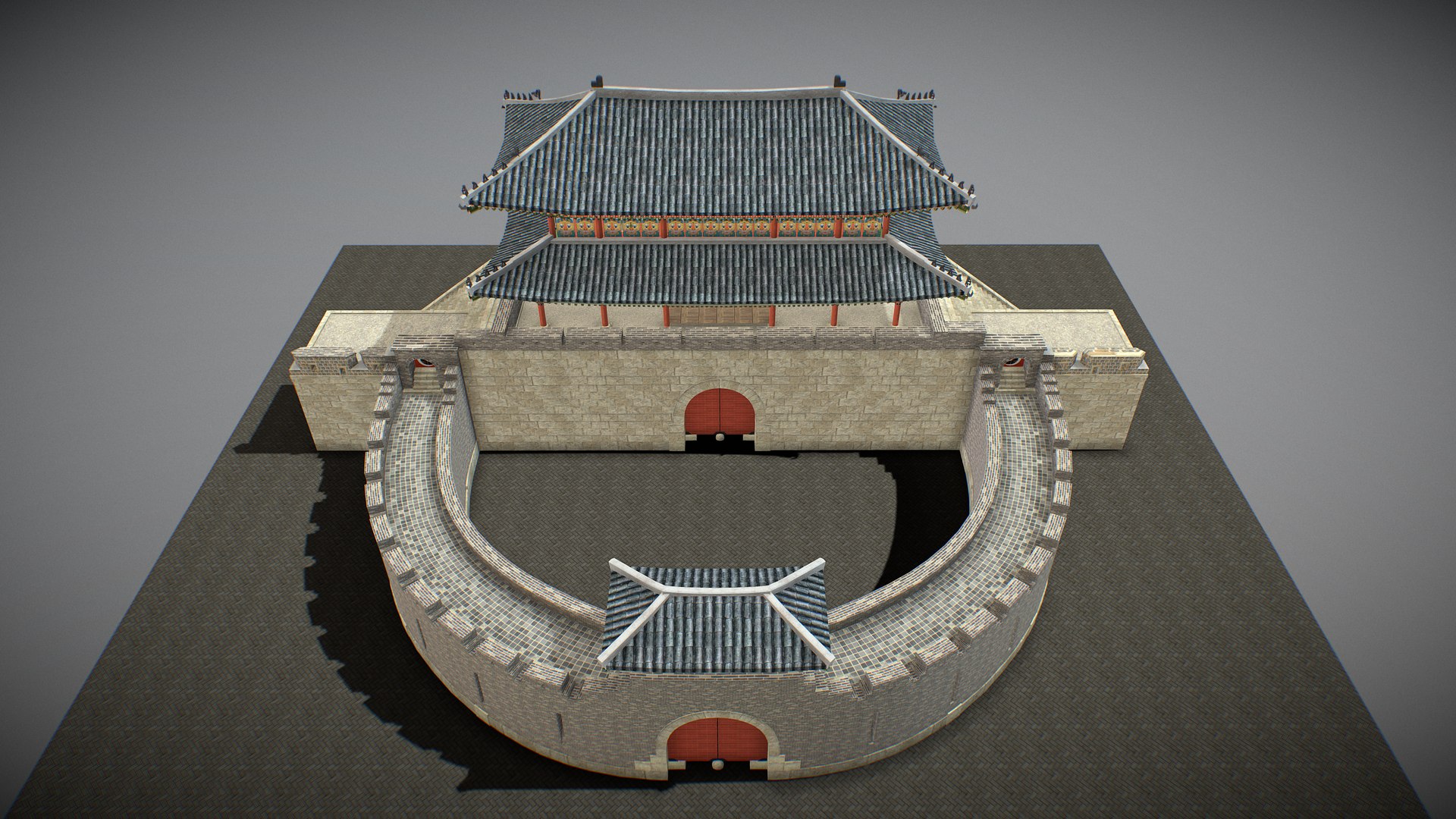
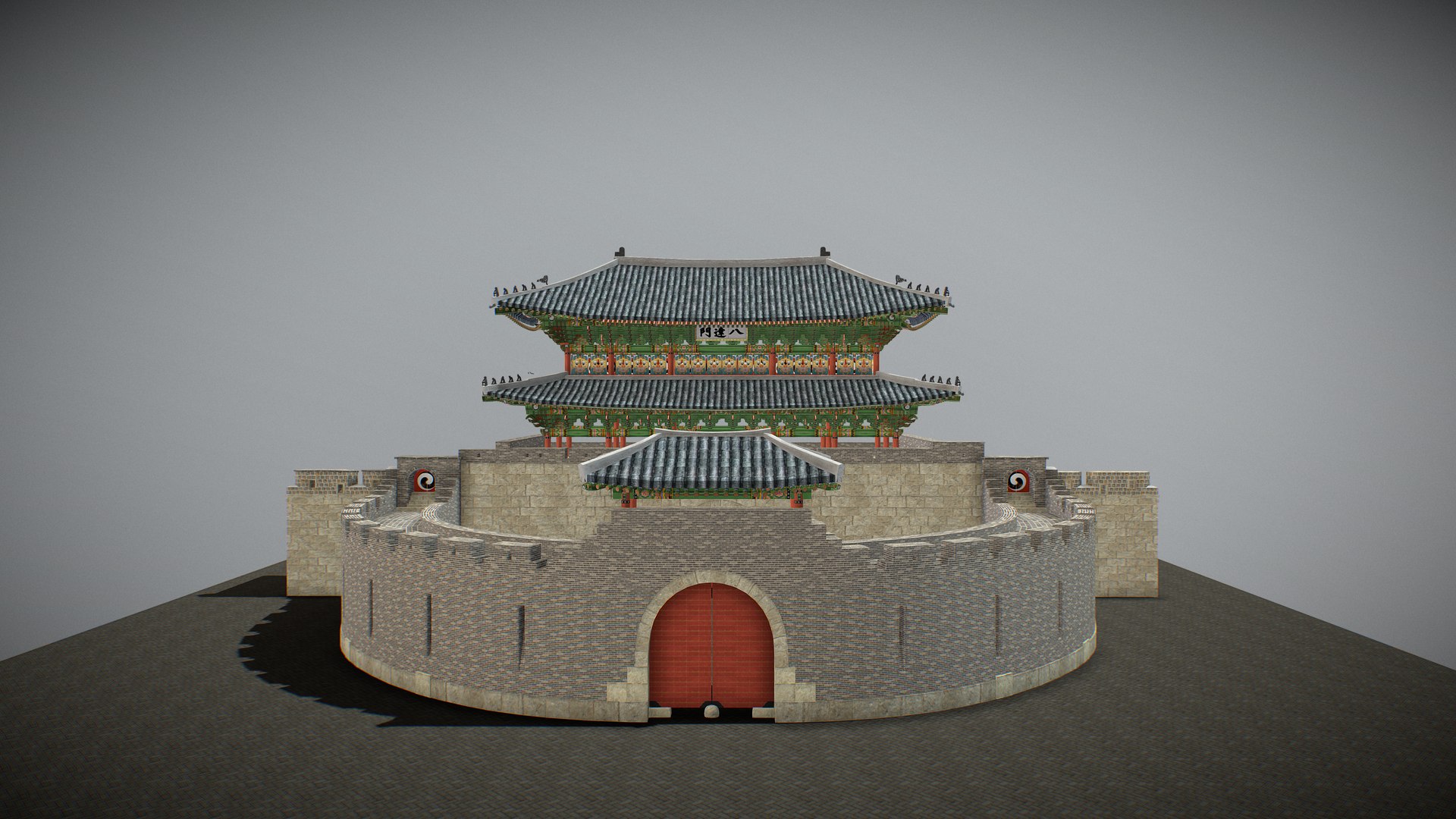
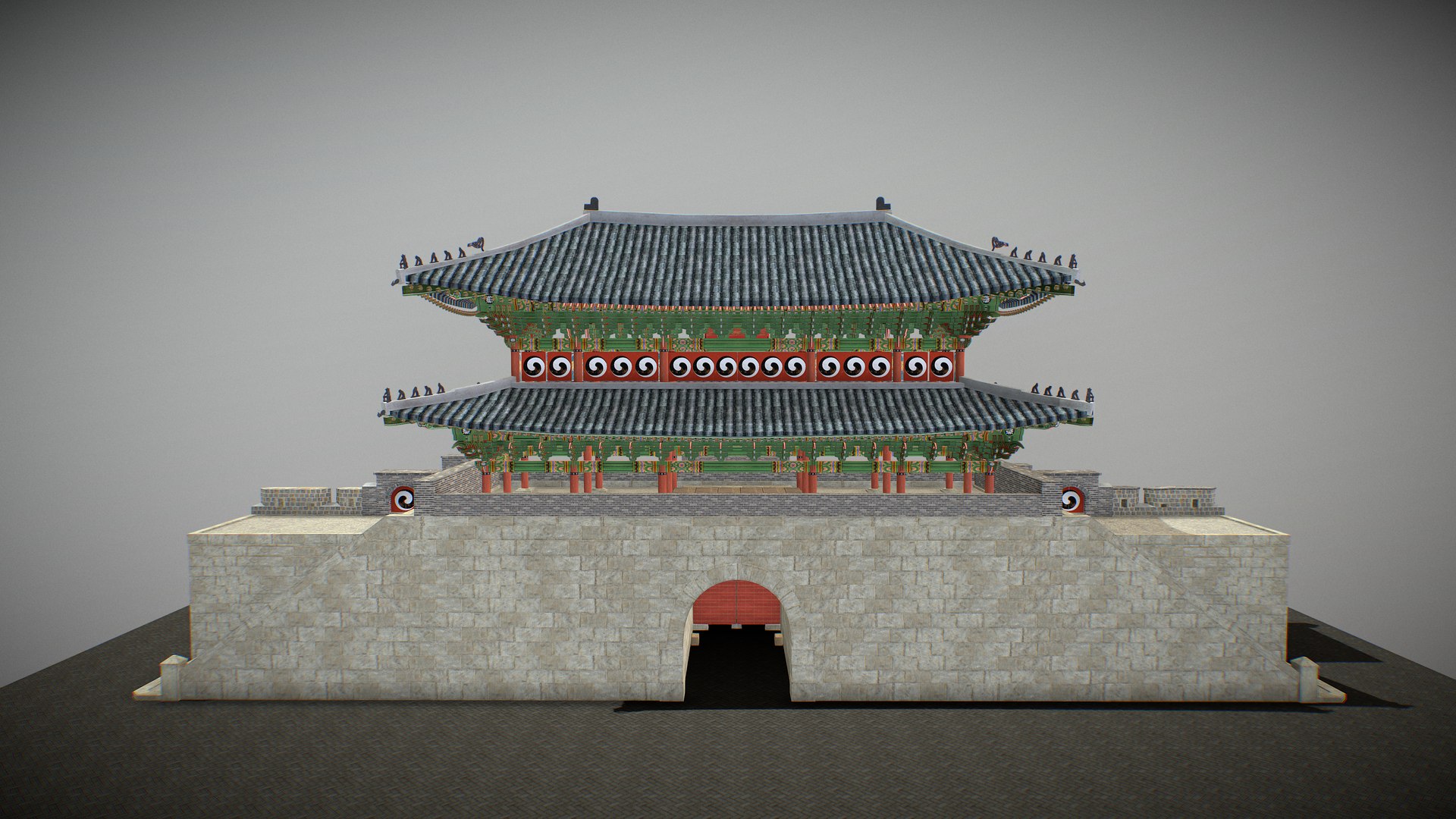
Paldalmun Gate

$29

Standard License | Upgrade License
Formats (6)
Free file format Conversions available
Native | 3ds Max 2020 | Other 2020
Blender 2020 | Other 2020
FBX 2020
glTF 2020
OBJ 2020
STL 2020
Other Files
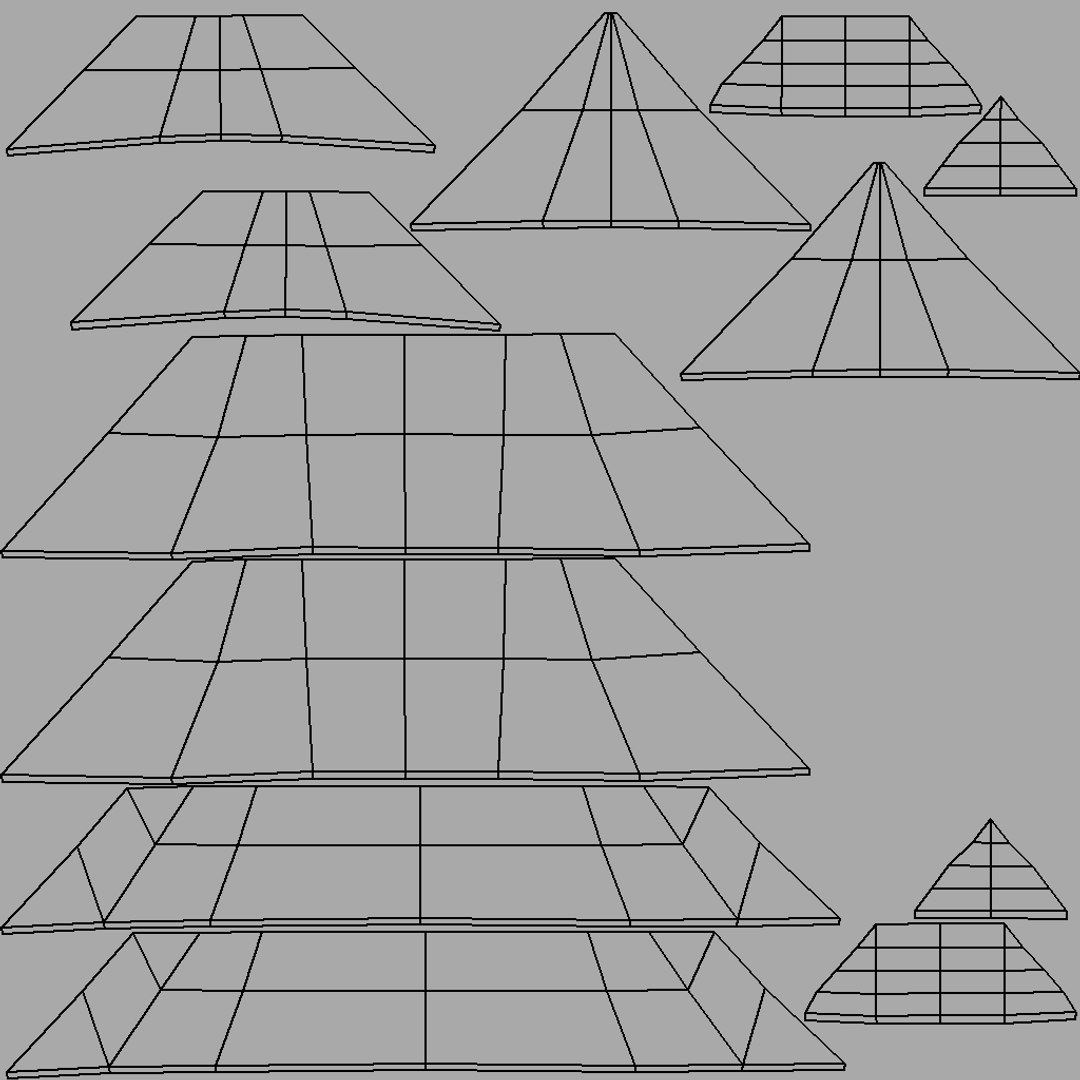
T_BaDaMen_004_M.png T_BaDaMen_003_D.png T_BaDaMen_002_D.png T_BaDaMen_001_D.png T_BaDaMen_005_D.png T_BaDaMen_003_N.png T_BaDaMen_003_M.png T_BaDaMen_002_R.png T_BaDaMen_004_D.png T_BaDaMen_002_M.png T_BaDaMen_002_N.png T_BaDaMen_003_R.png T_BaDaMen_004_R.png T_BaDaMen_004_N.png
Specifications
Publish Date September 01, 2025
Product ID 2455741
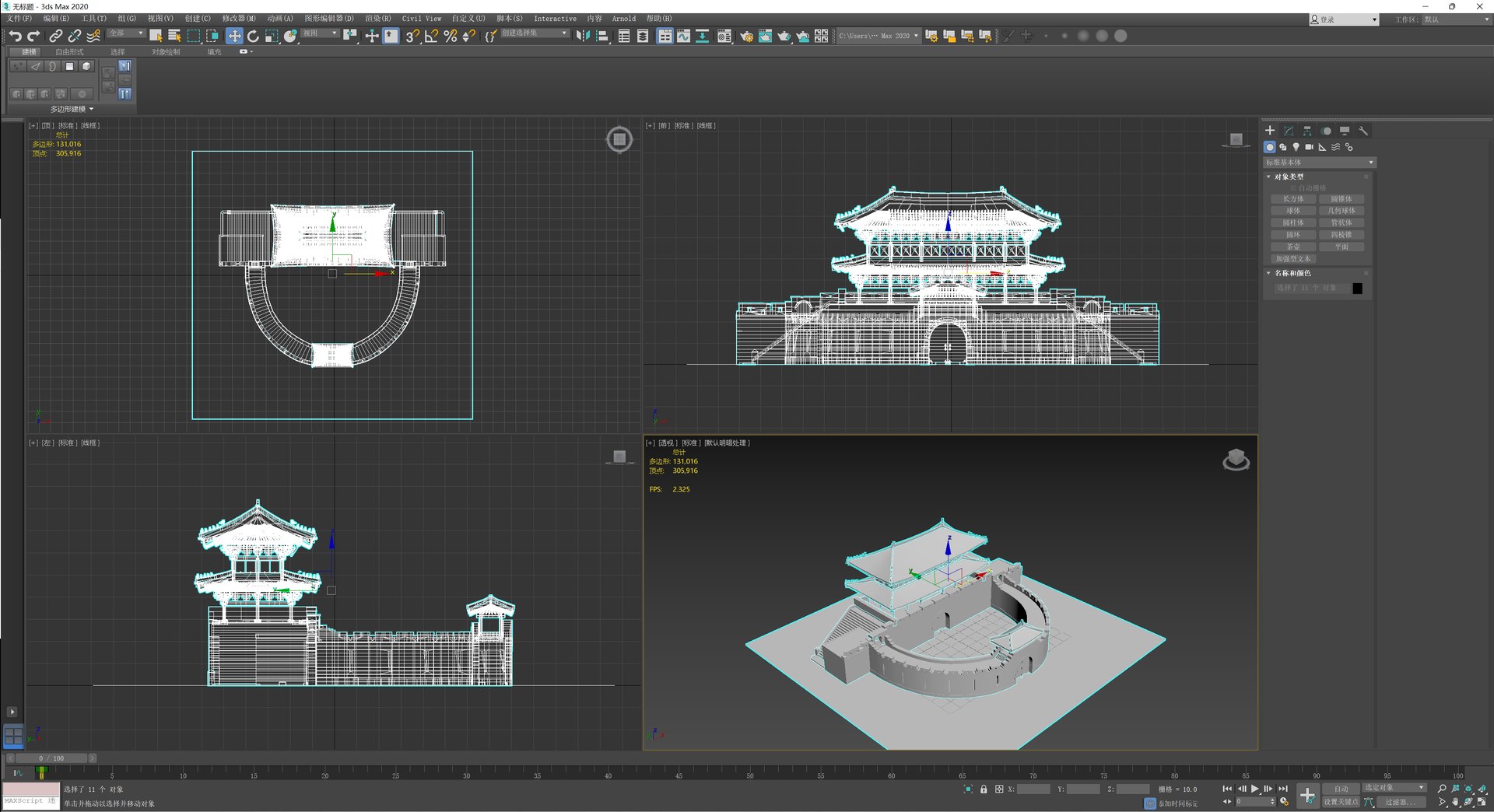
Polygons 131,016
Vertices 305,916
Polygonal Quads Only
Textures
Materials
UV Mapped
Non-overlapping Unwrapped UVs
PBR
Real-Time
member avatar
Jeremy_
176 Products | Contributor Since 2022
Have questions? Chat with us now.

Description

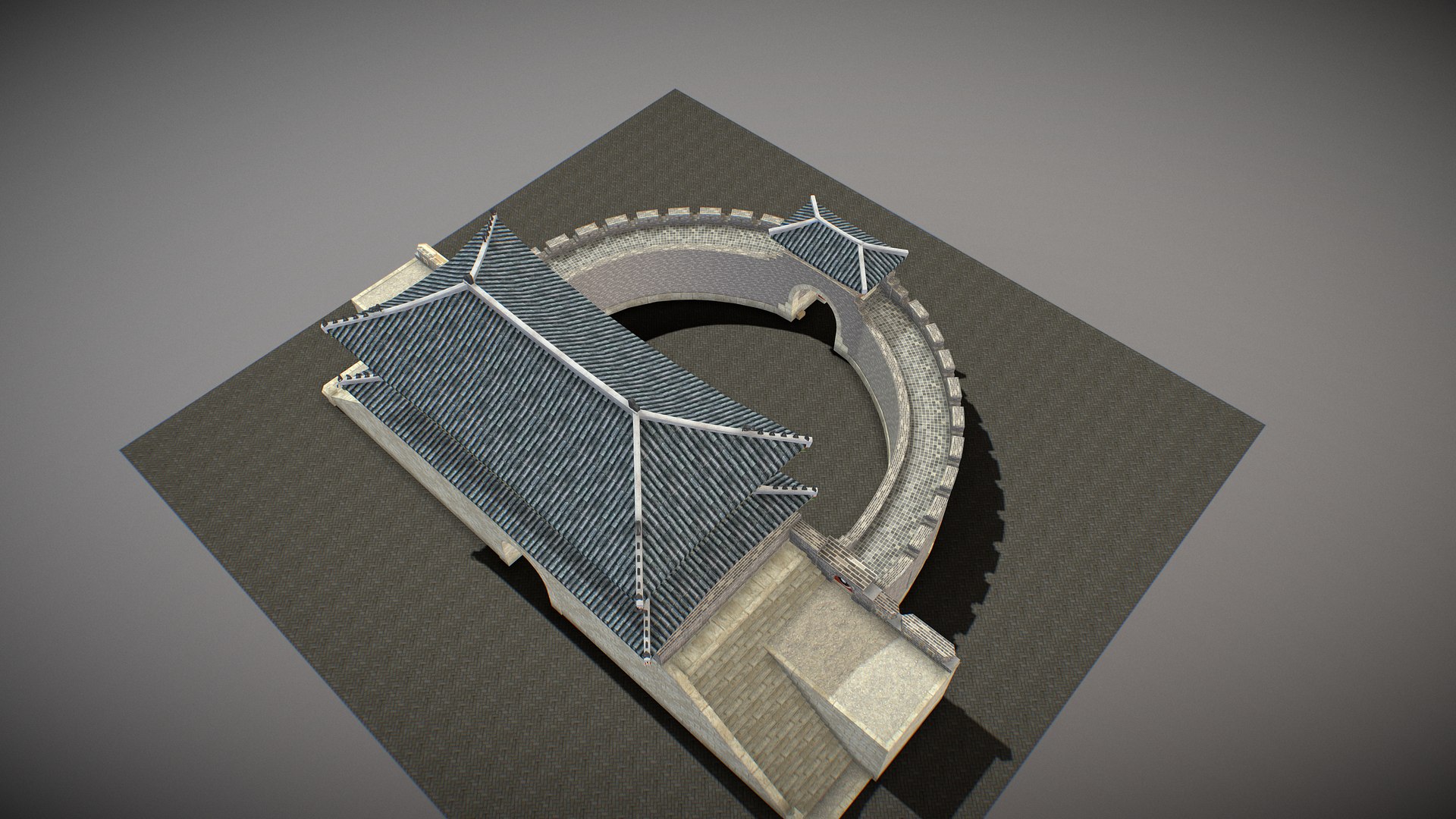
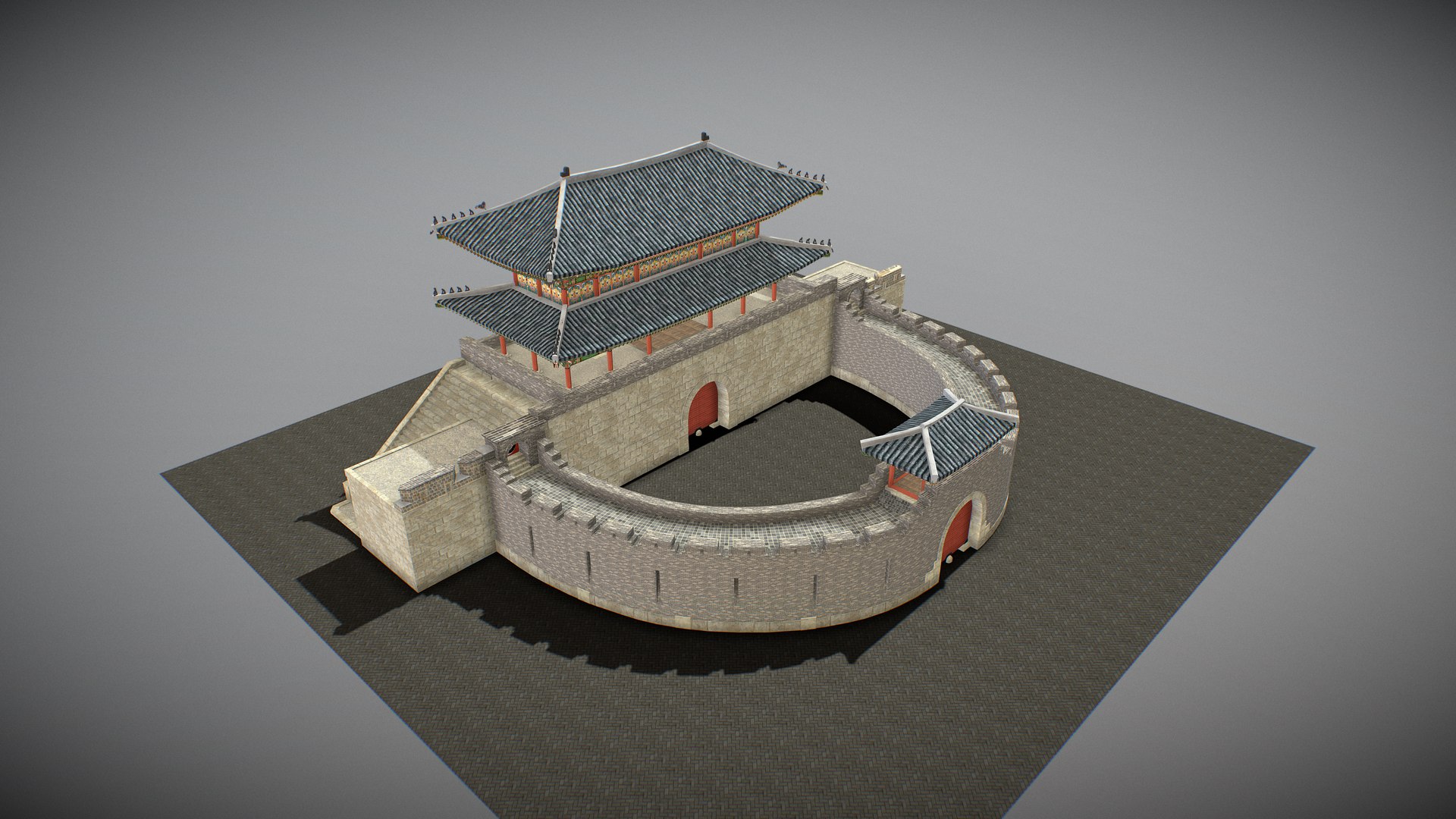
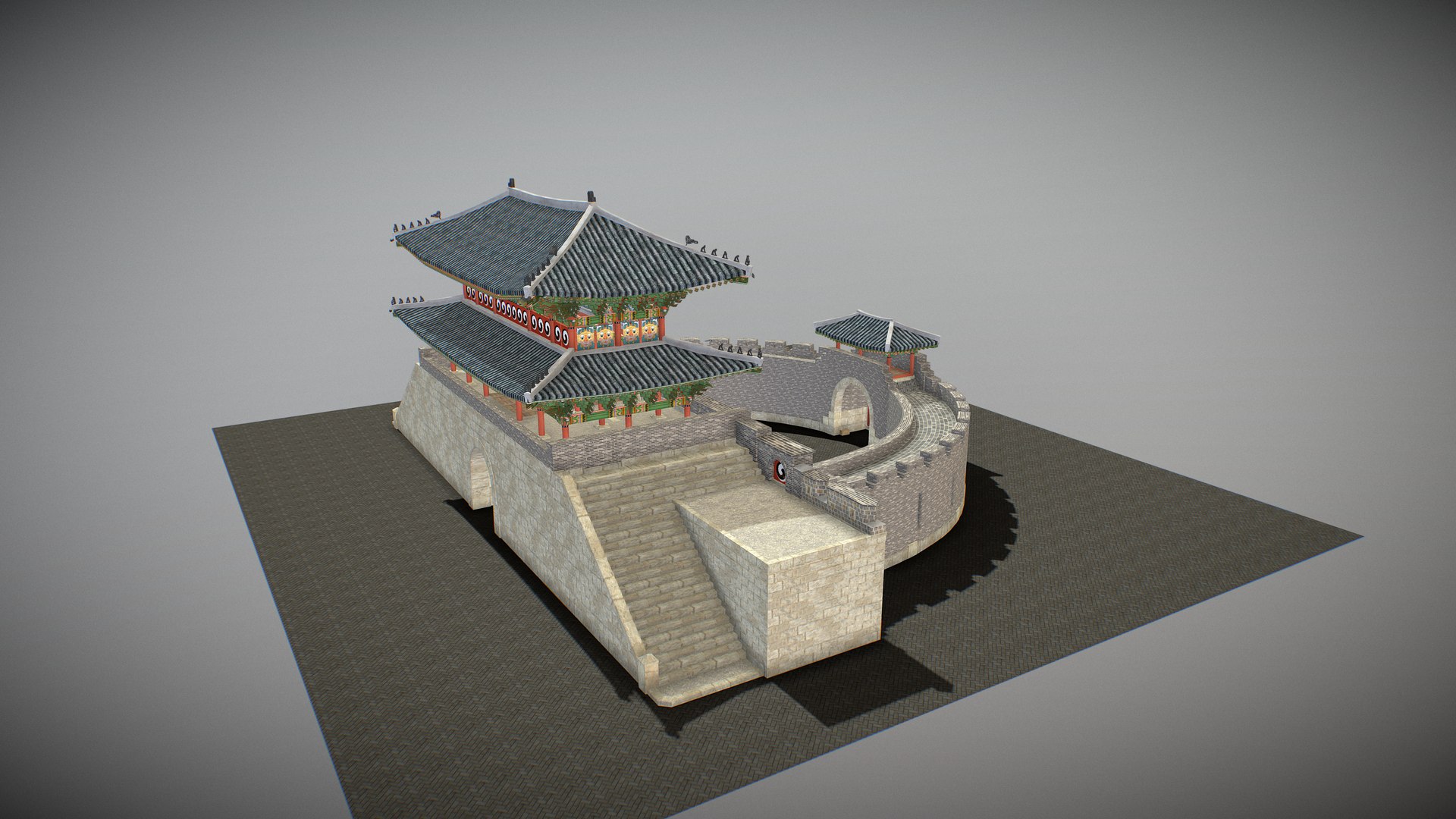
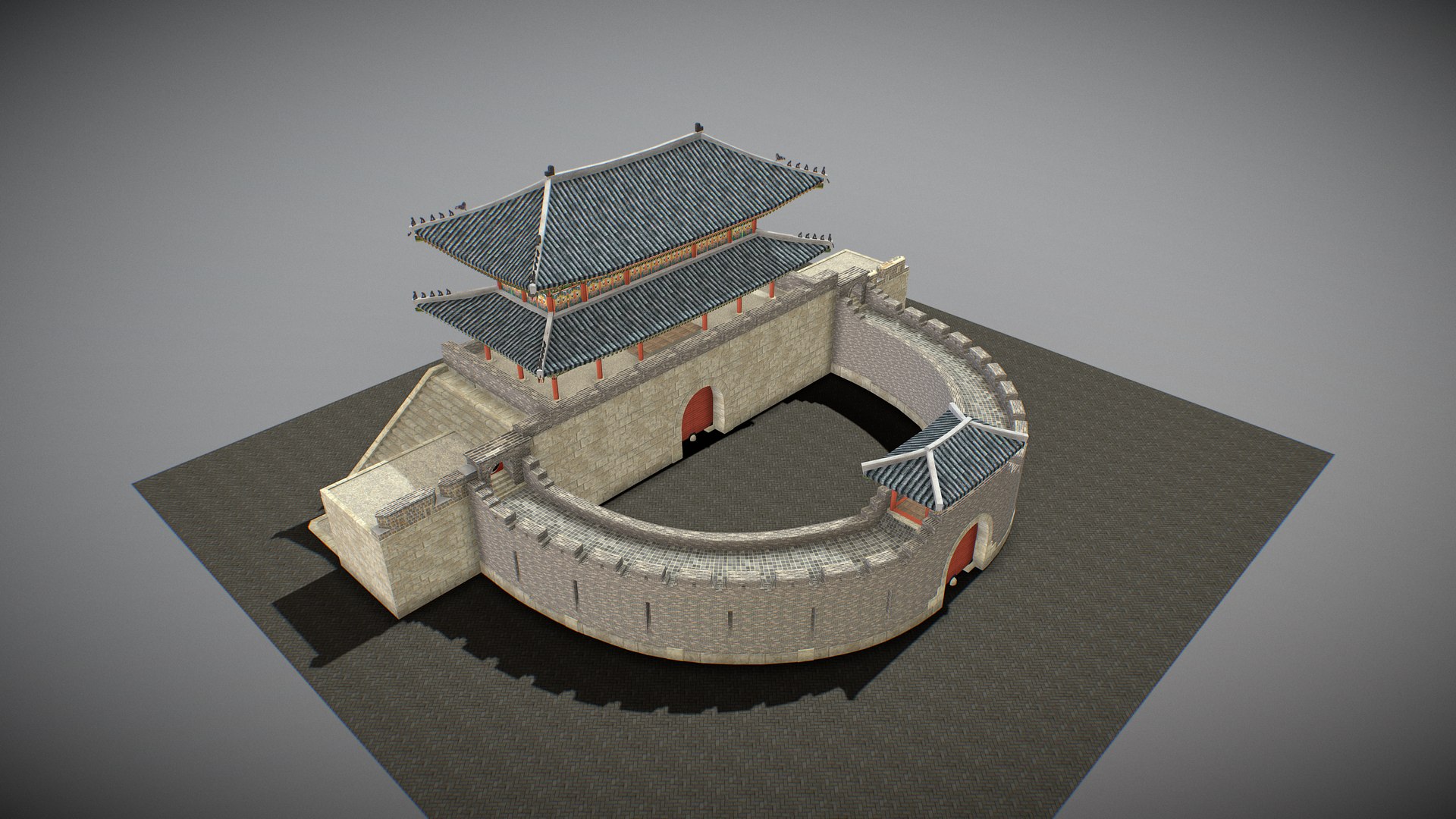
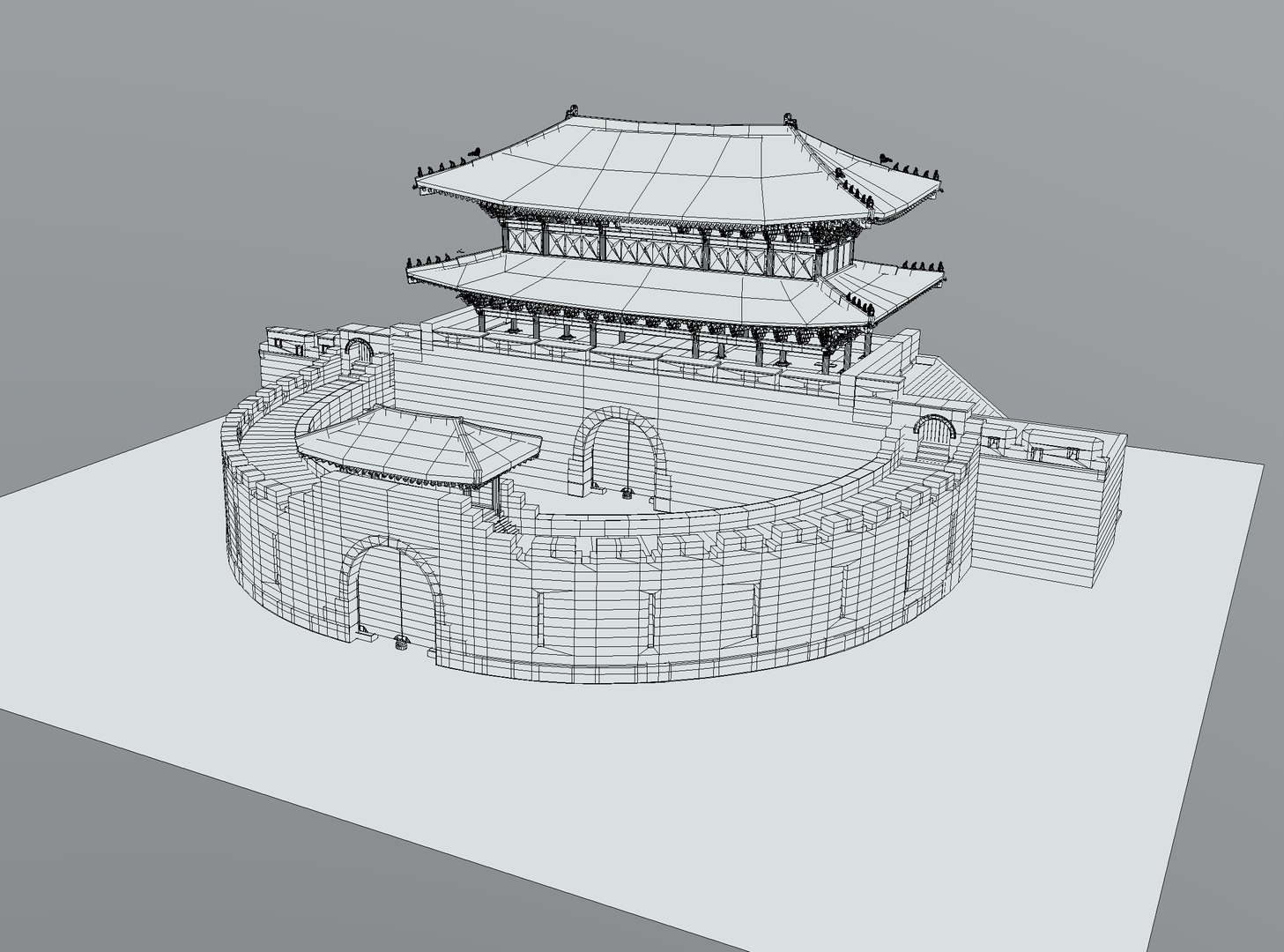
The Paldalmun Gate is the southern gate of the defensive walls of Hwaseong Fortress. The gate was built in the 18th century during the reign of King Jeongjo in the Joseon Dynasty. It is also known as Nammun, and is named after the nearby mountain. The gate has a crescent shape (ongseong) second defensive wall built around its main gate entrance as an additional barrier to invaders. The ongseong forms the curved part of a half-circle with an entrance leading into an open area and from there an entrance through the main straight wall.
Triangles: 131016. Vertices: 305916
(Viewer Setting above are just a preview and may vary drastically depending on your lighting and shading setup on the final application)

Select Enhanced License

  • $10,000 in Legal Protection (Indemnification)
  • Uncapped Legal Protection (Indemnification)
  • Waiver from injunctive relief
  • Assignable model rights
  • $1,000,000 in Legal Protection (Indemnification)
  • Waiver from injunctive relief
  • Assignable model rights
  • $250,000 in Legal Protection (Indemnification)
  • Assignable model rights
Read more about enhanced license tiers, or contact us at enterprise@turbosquid.com. Already a Shutterstock Enterprise Customer? Contact your Shutterstock Sales Support Agent to talk about adding 3D.

About Conversion Requests

To submit a conversion request for a purchased asset, please complete our Conversion Request Form.

If you have not yet purchased a model, please review our Documentation about Conversions to learn about what limitations you may encounter with a conversion.

For any additional questions about a model’s suitability for conversion, please contact TurboSquid Support.

Loading...