
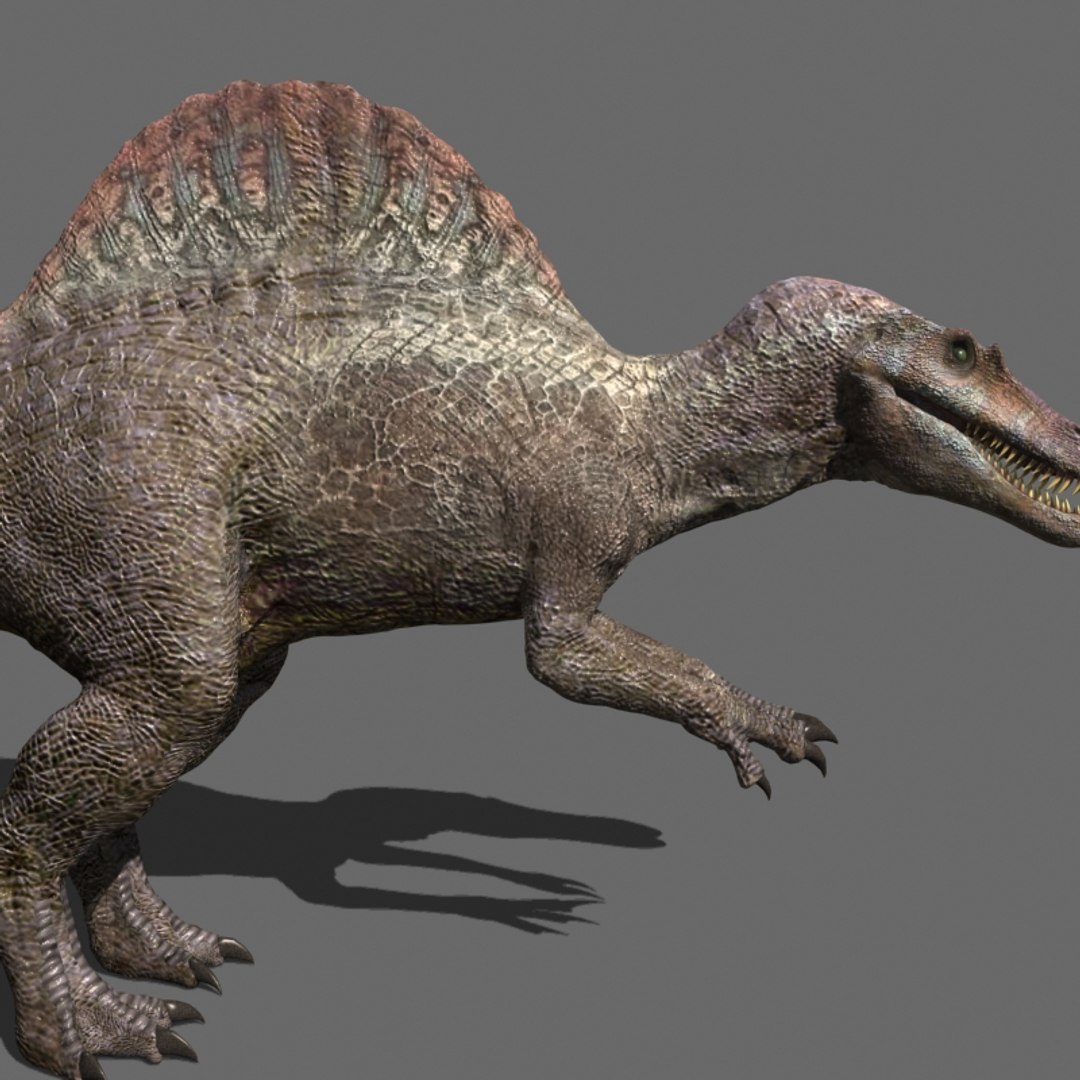
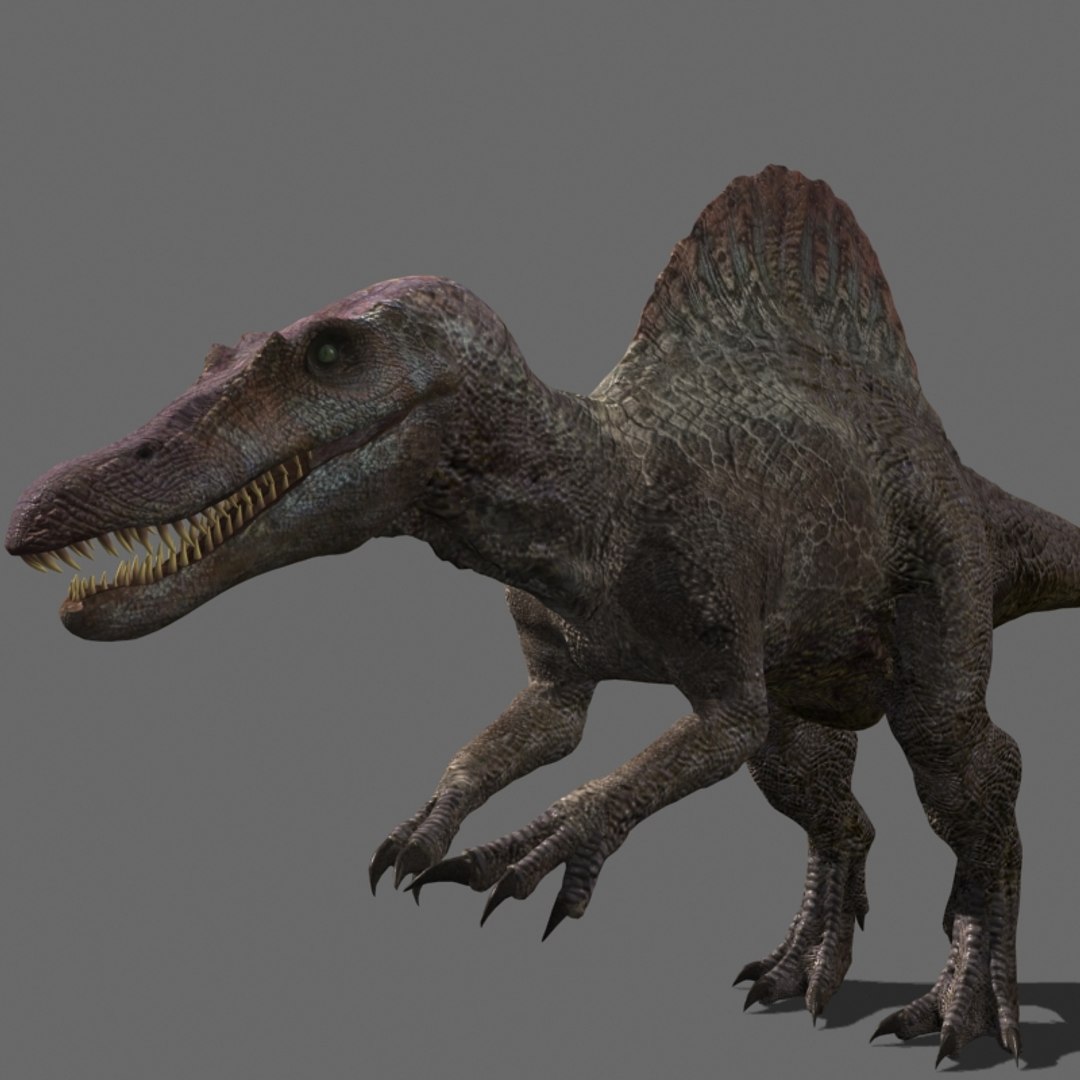
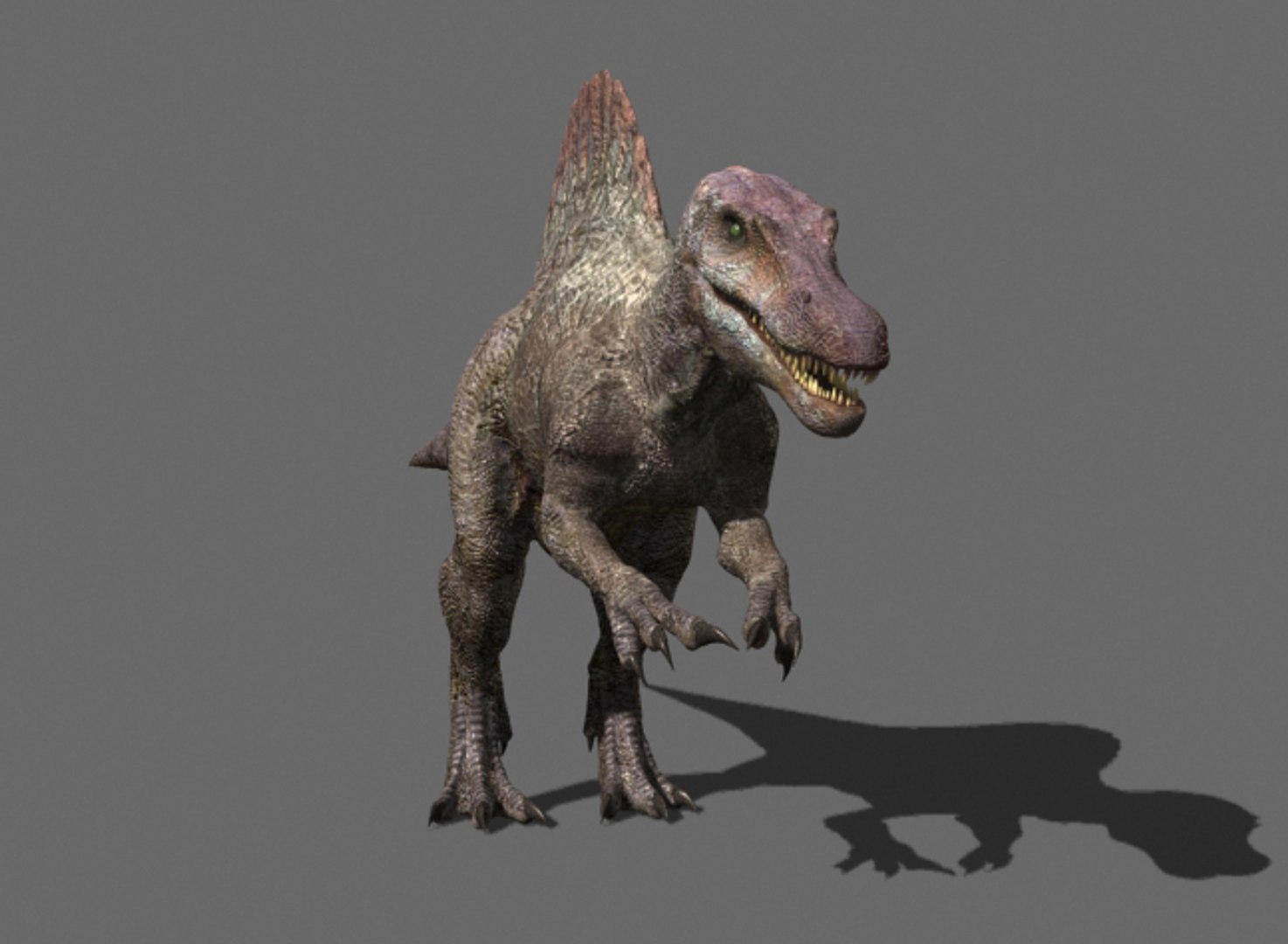
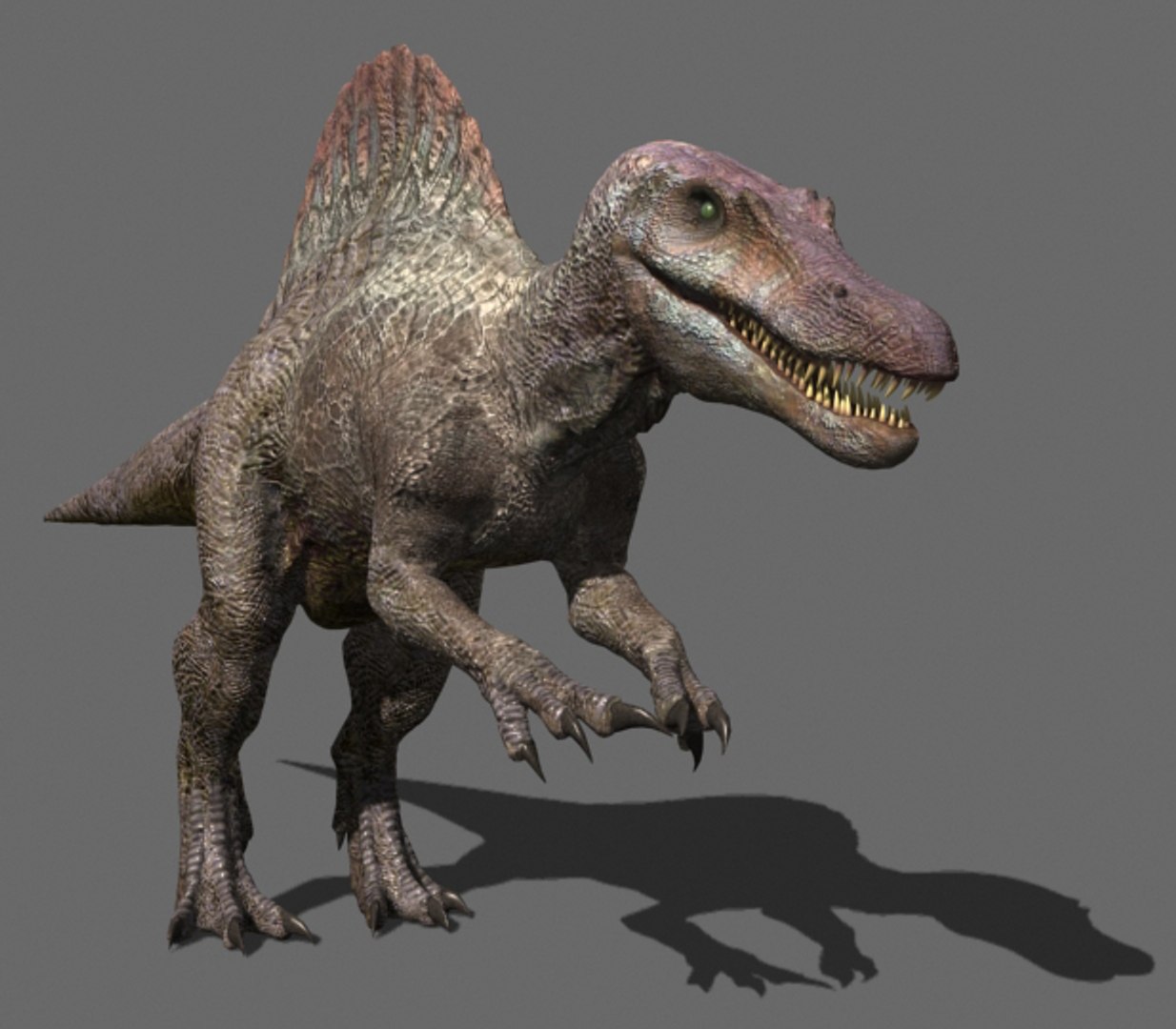
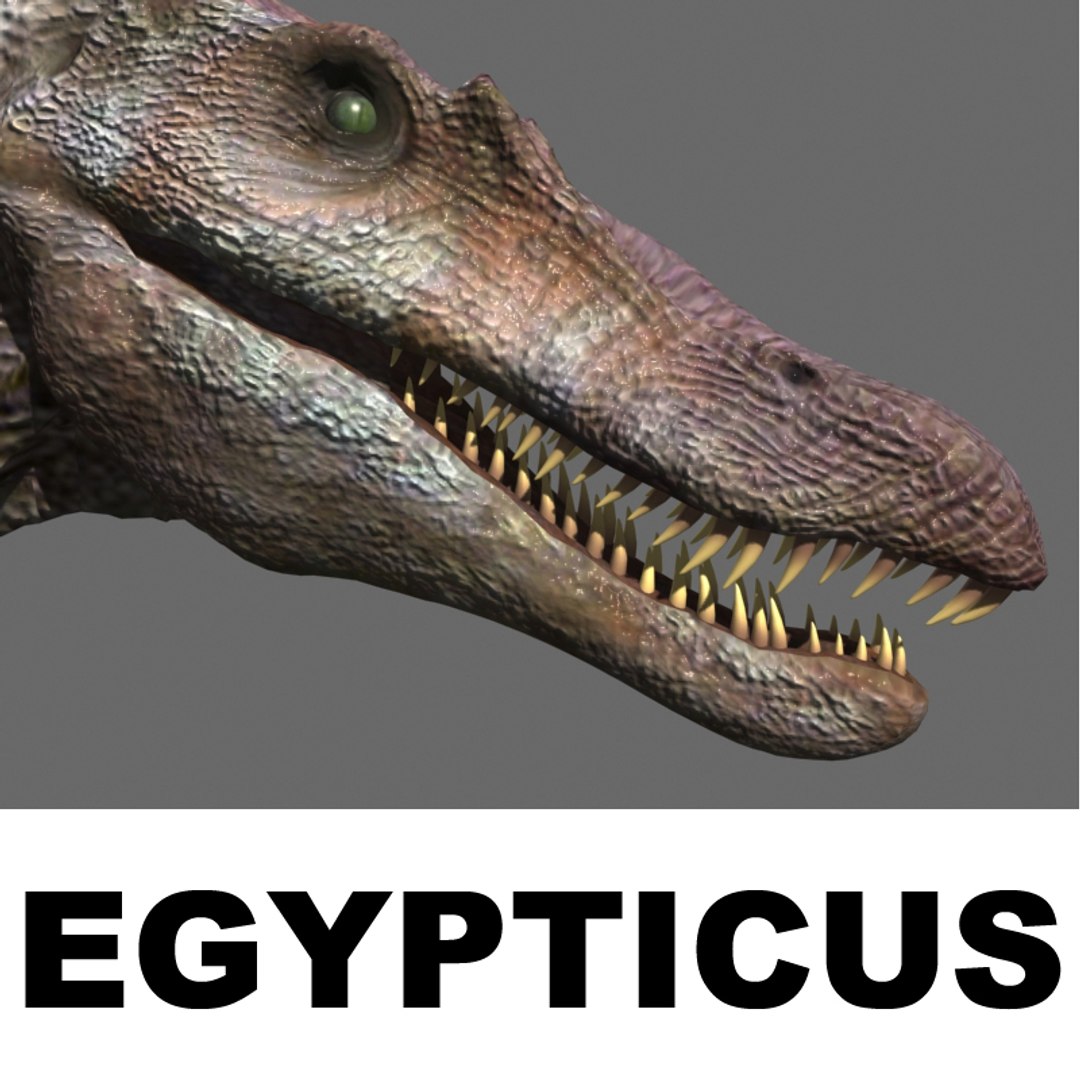
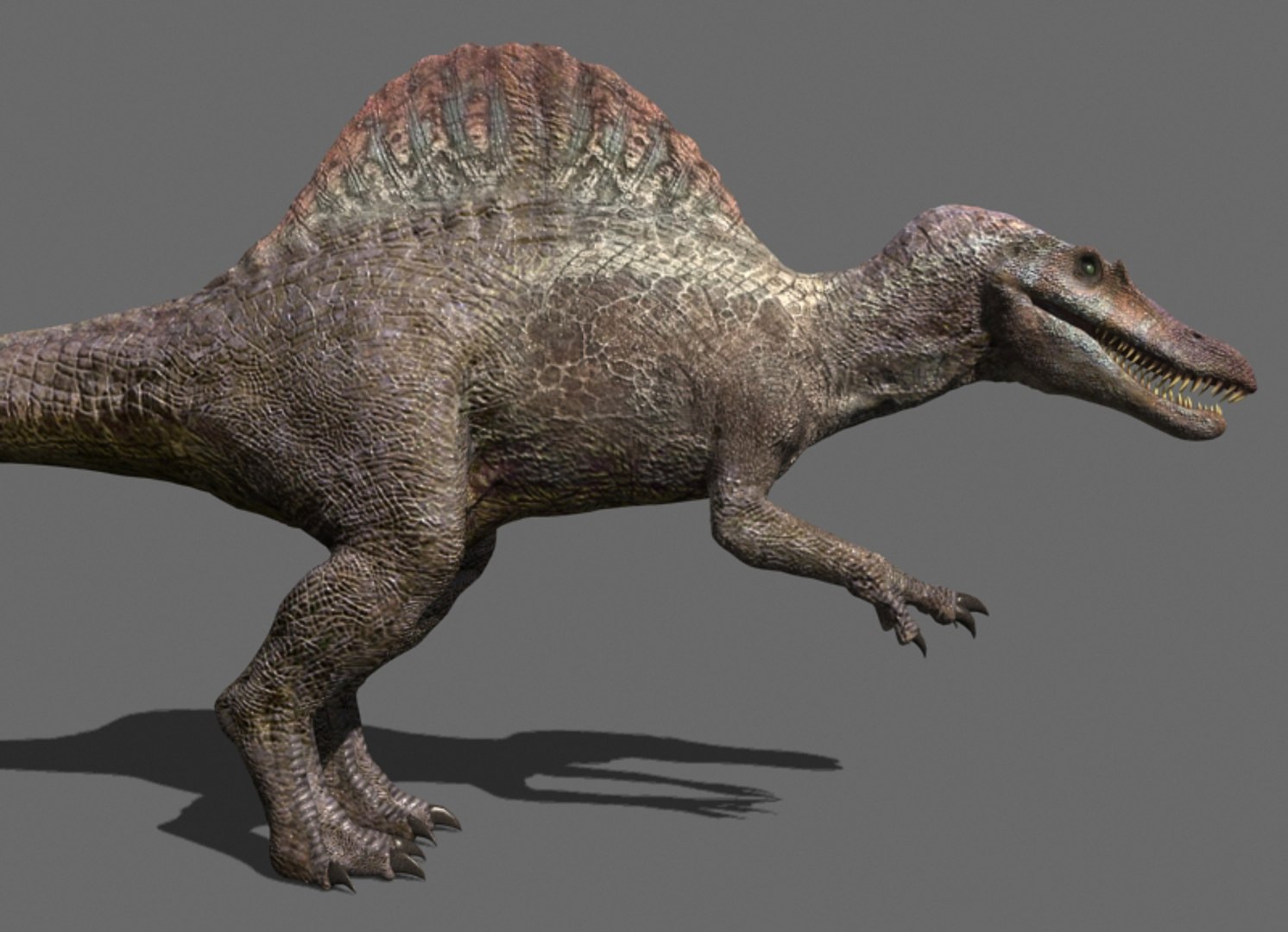
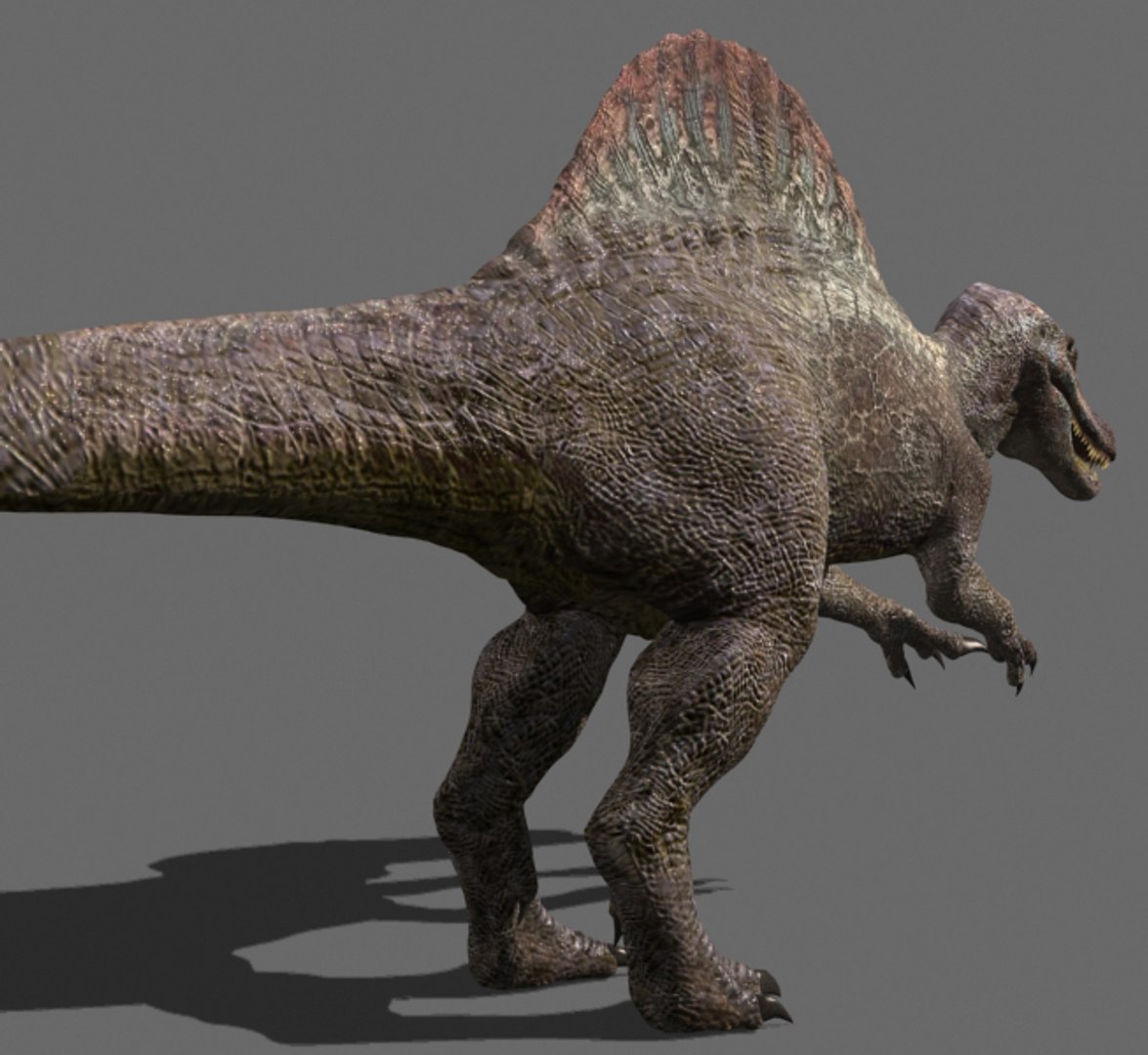
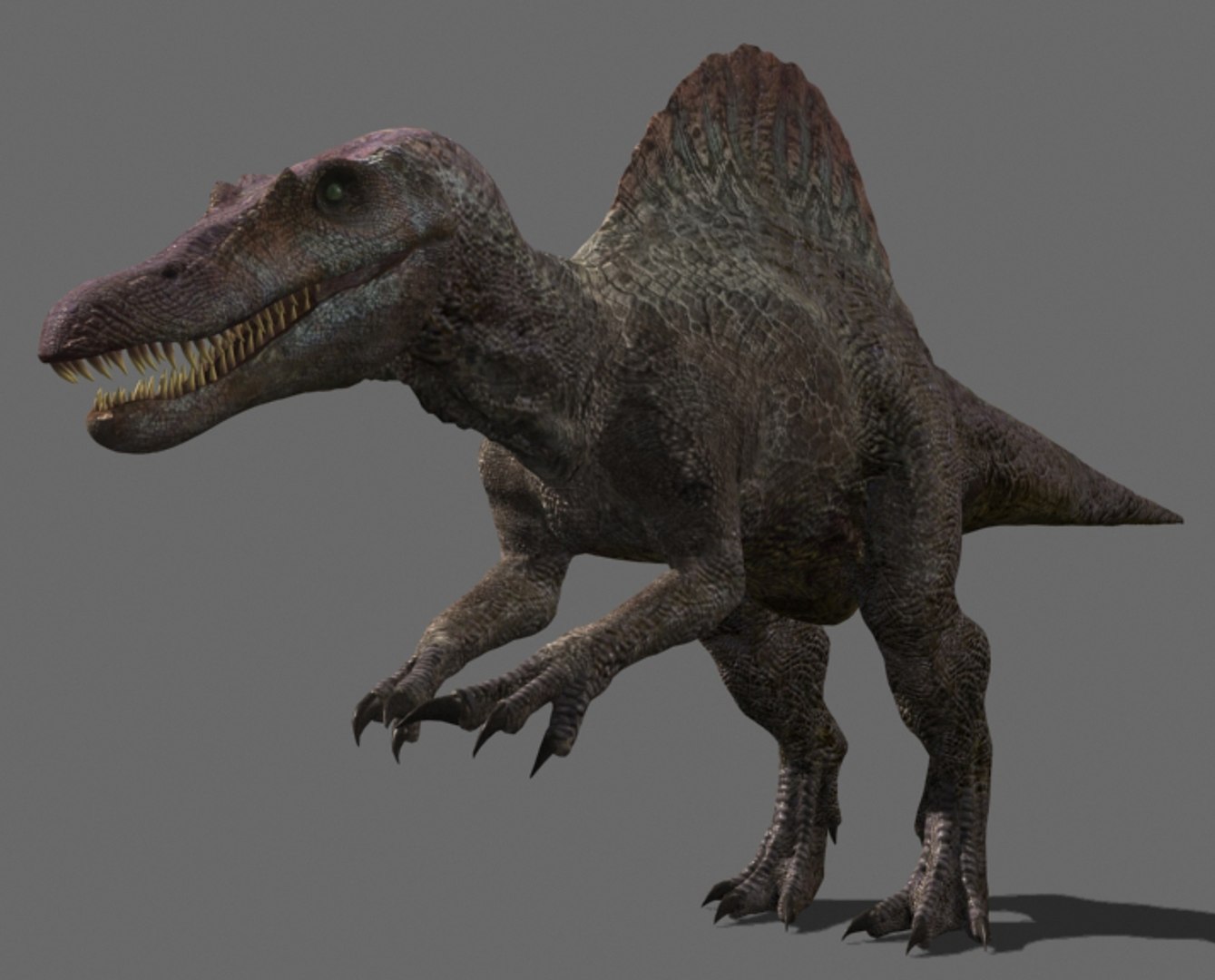
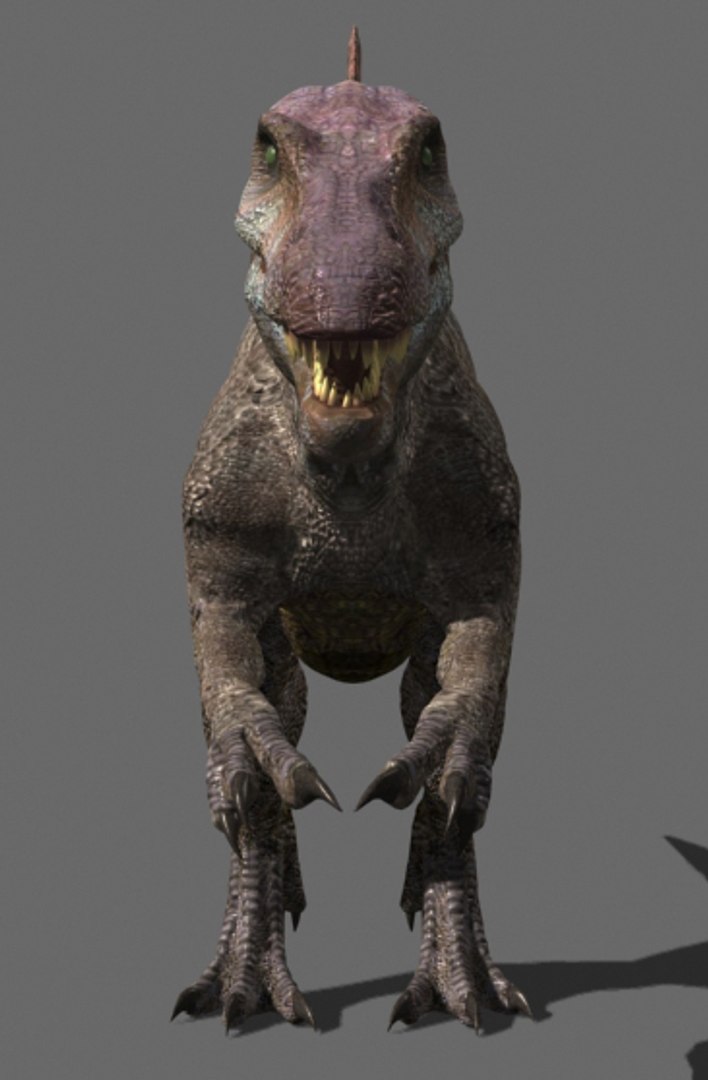
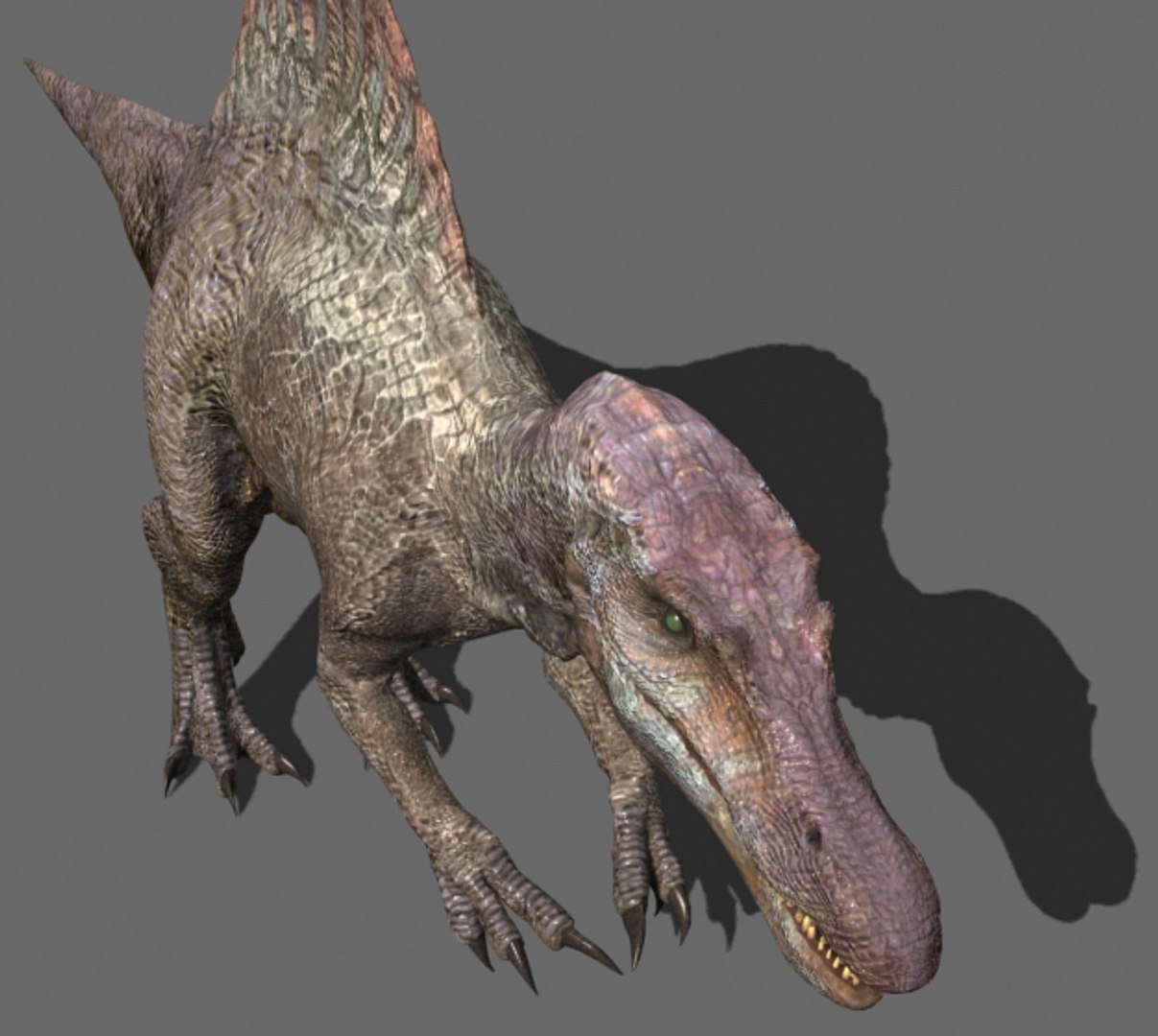
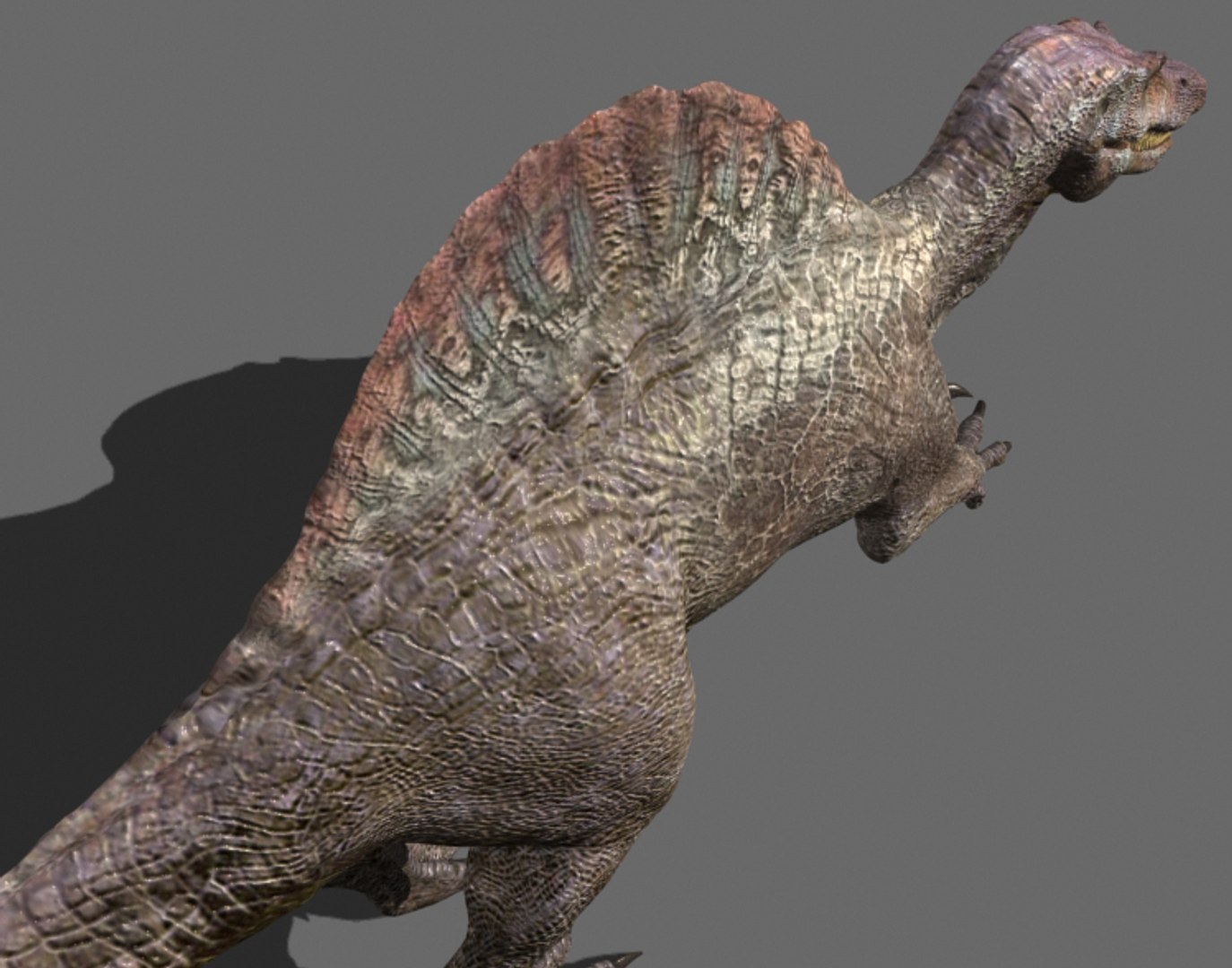
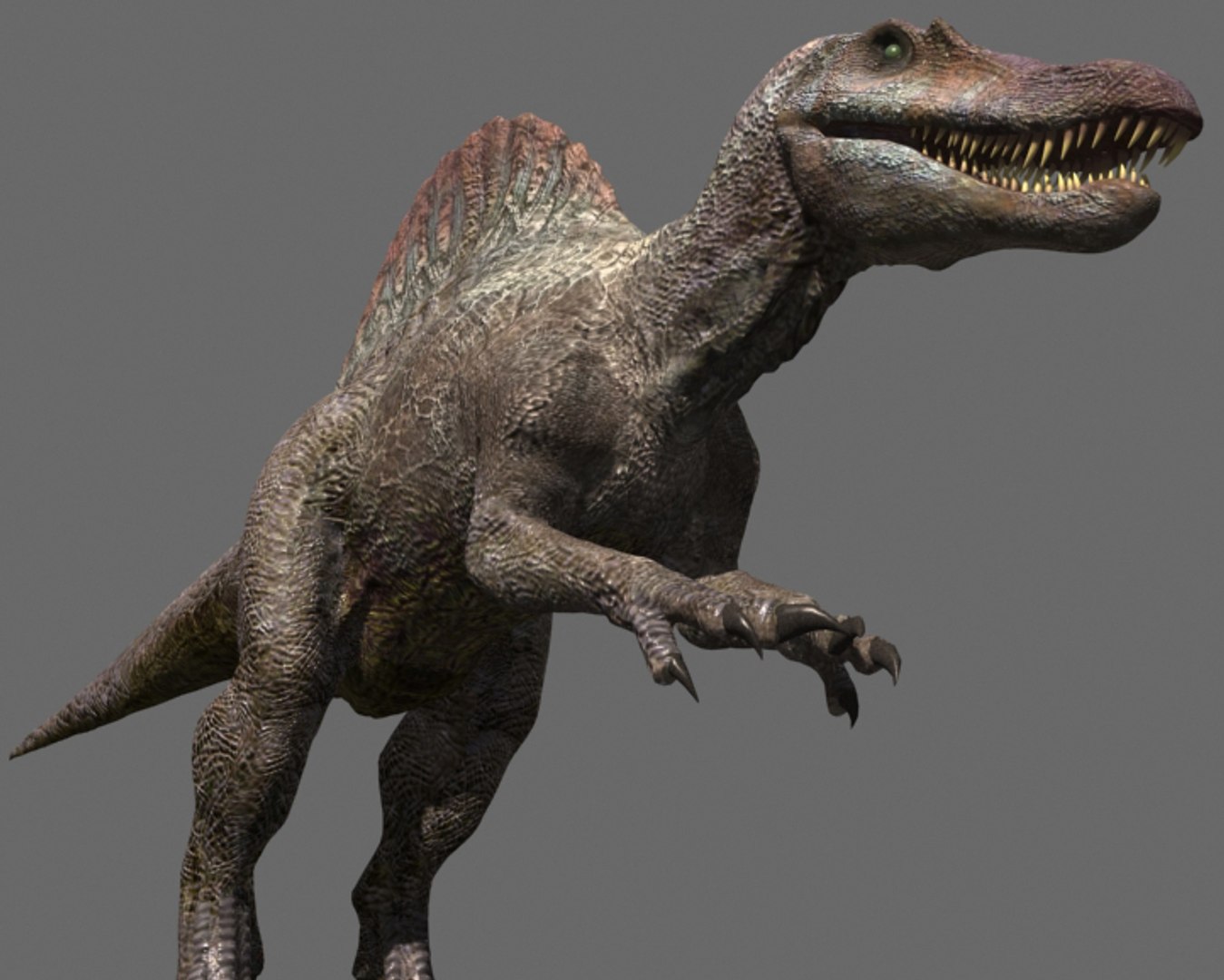
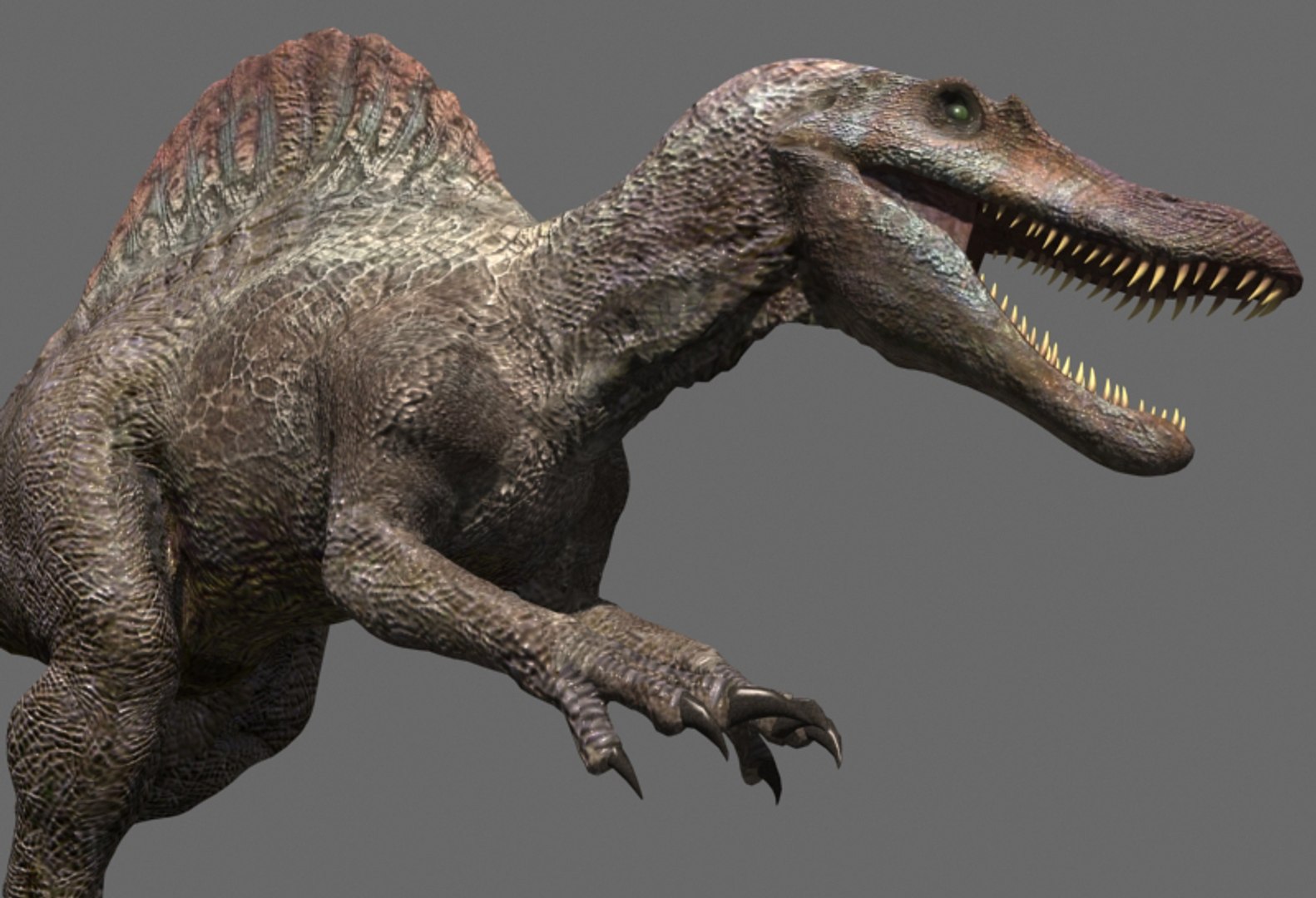
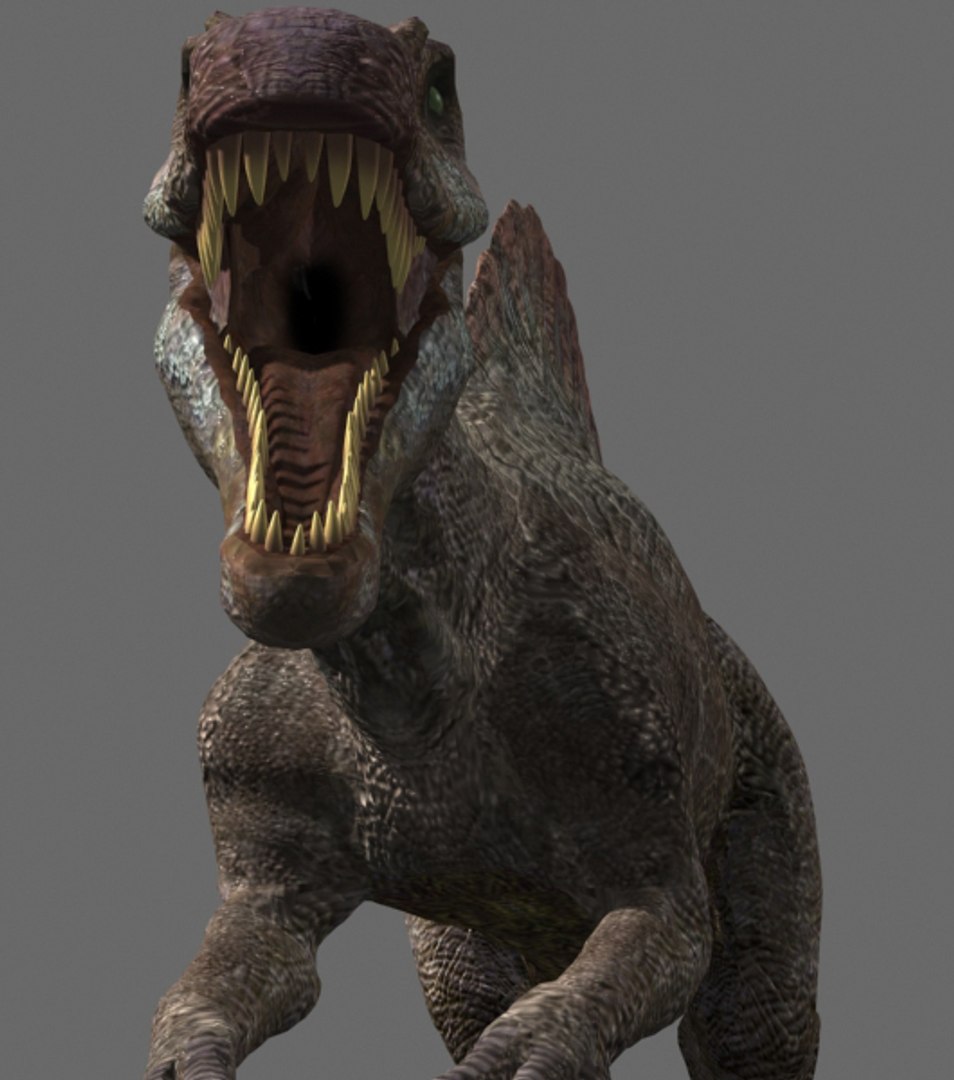
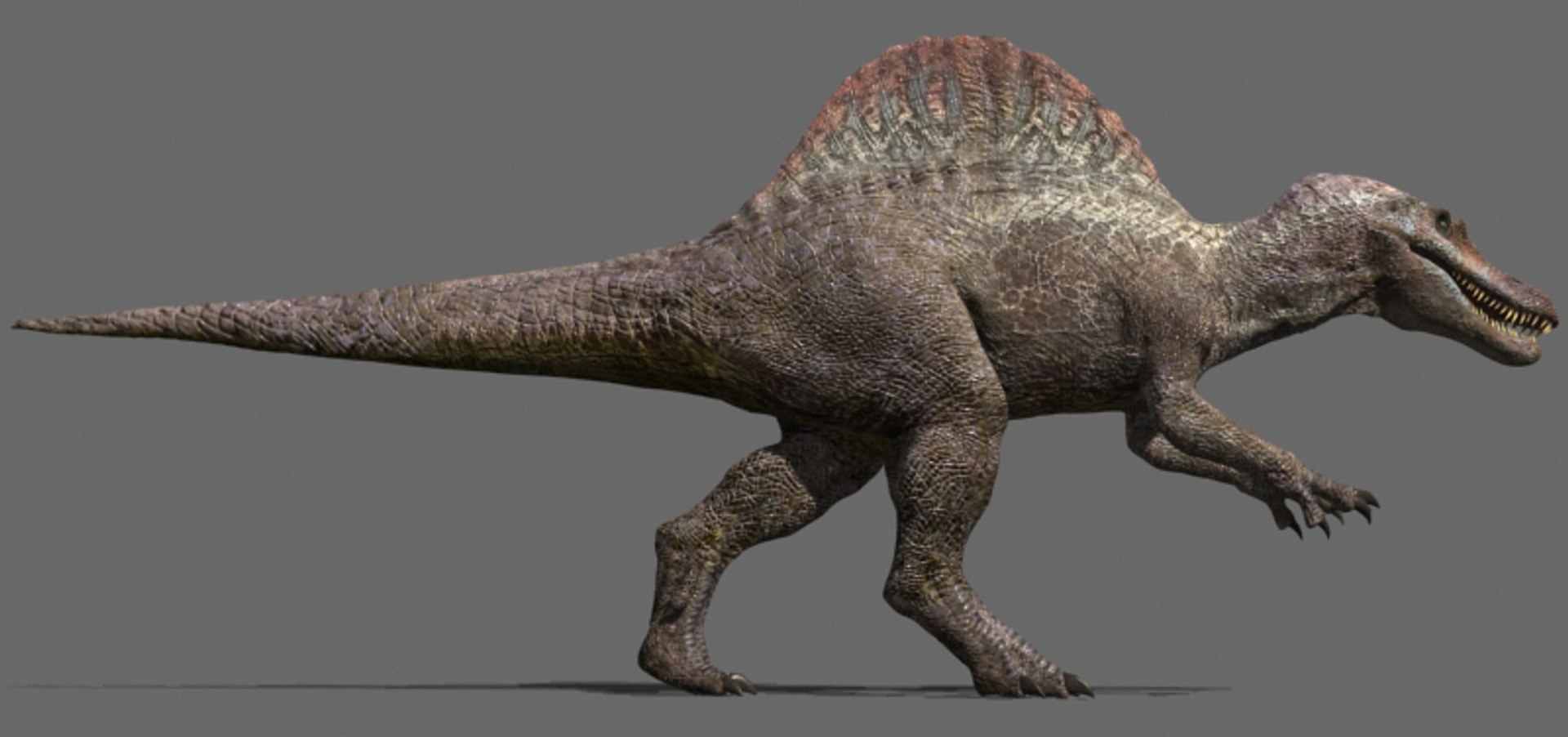
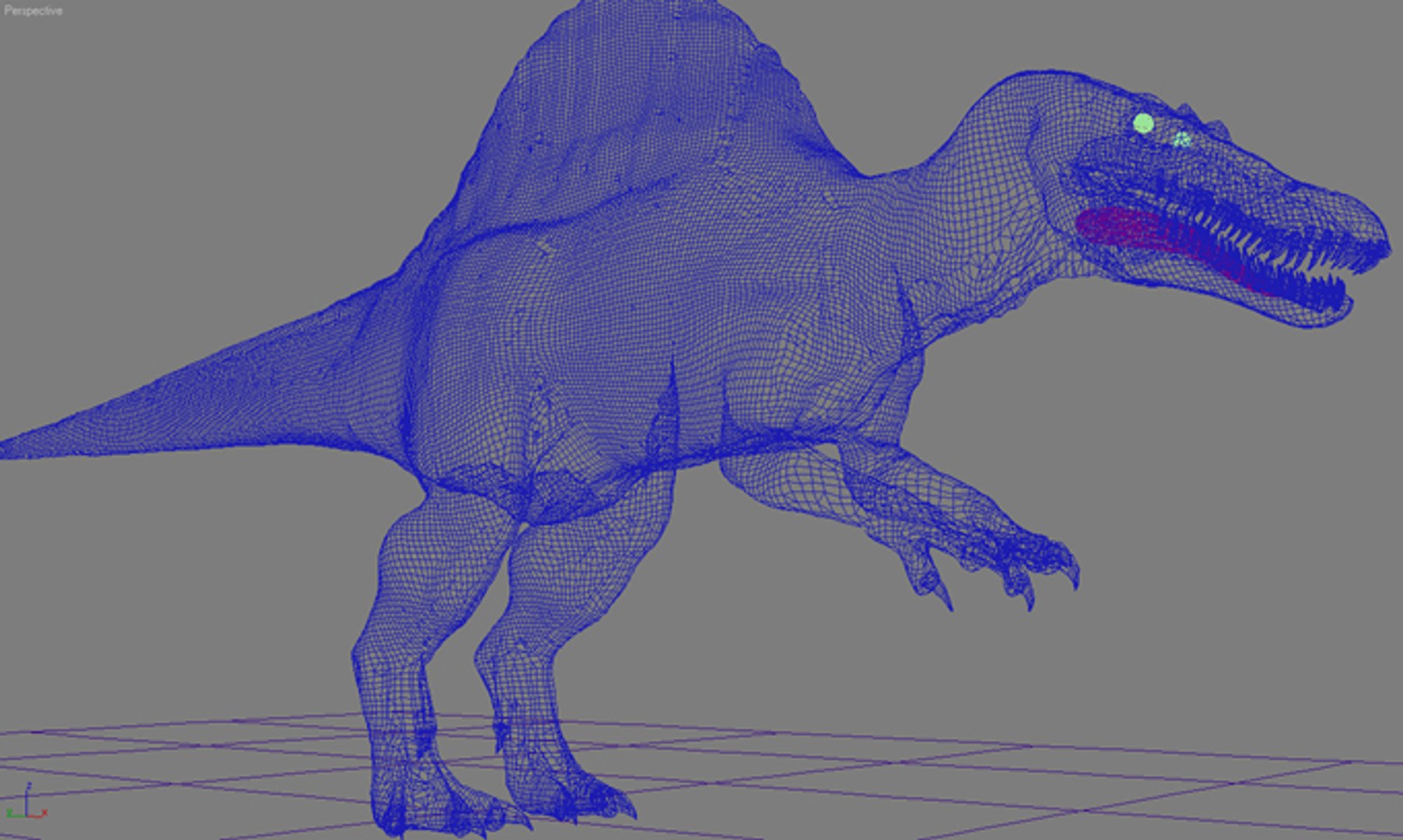
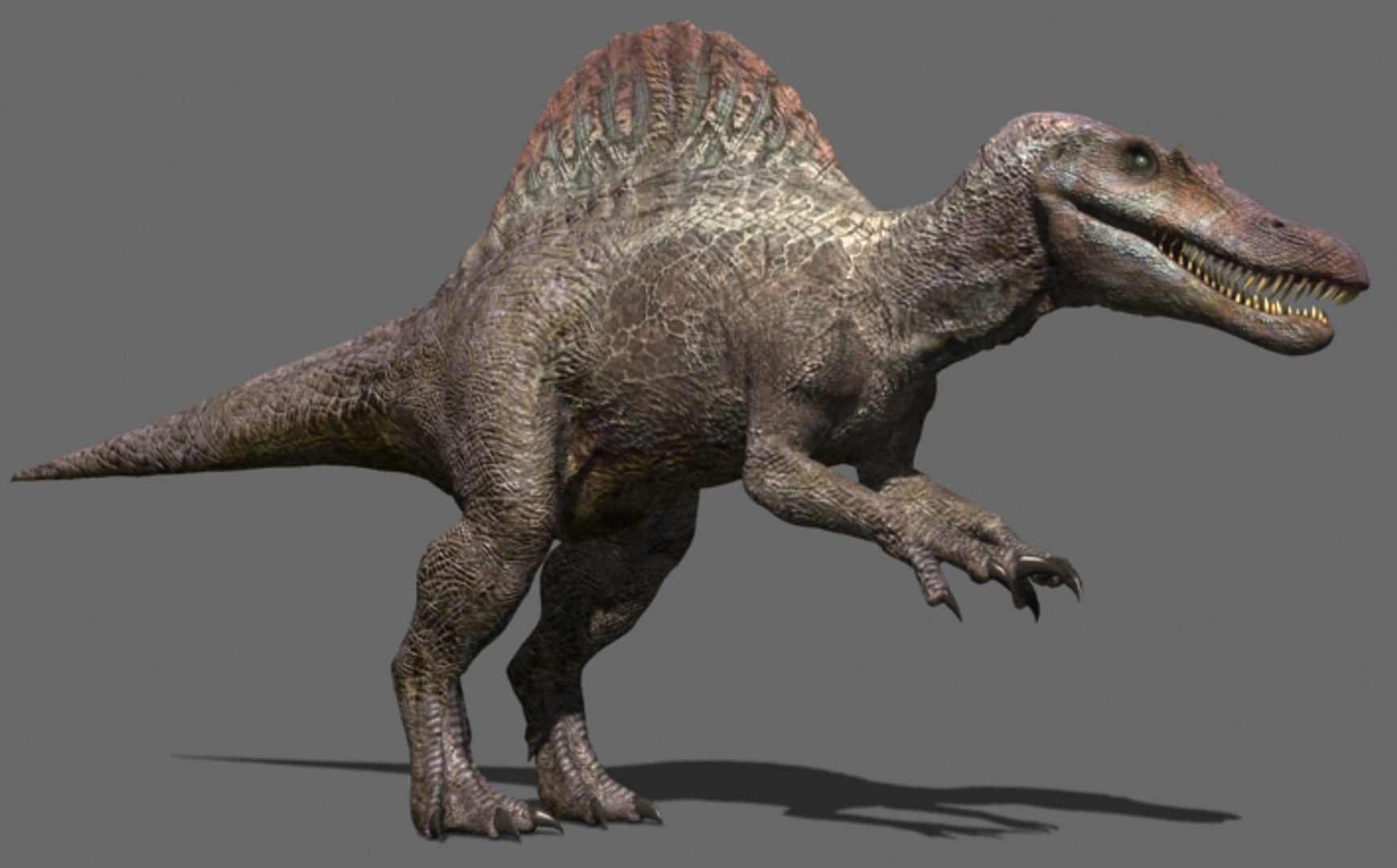
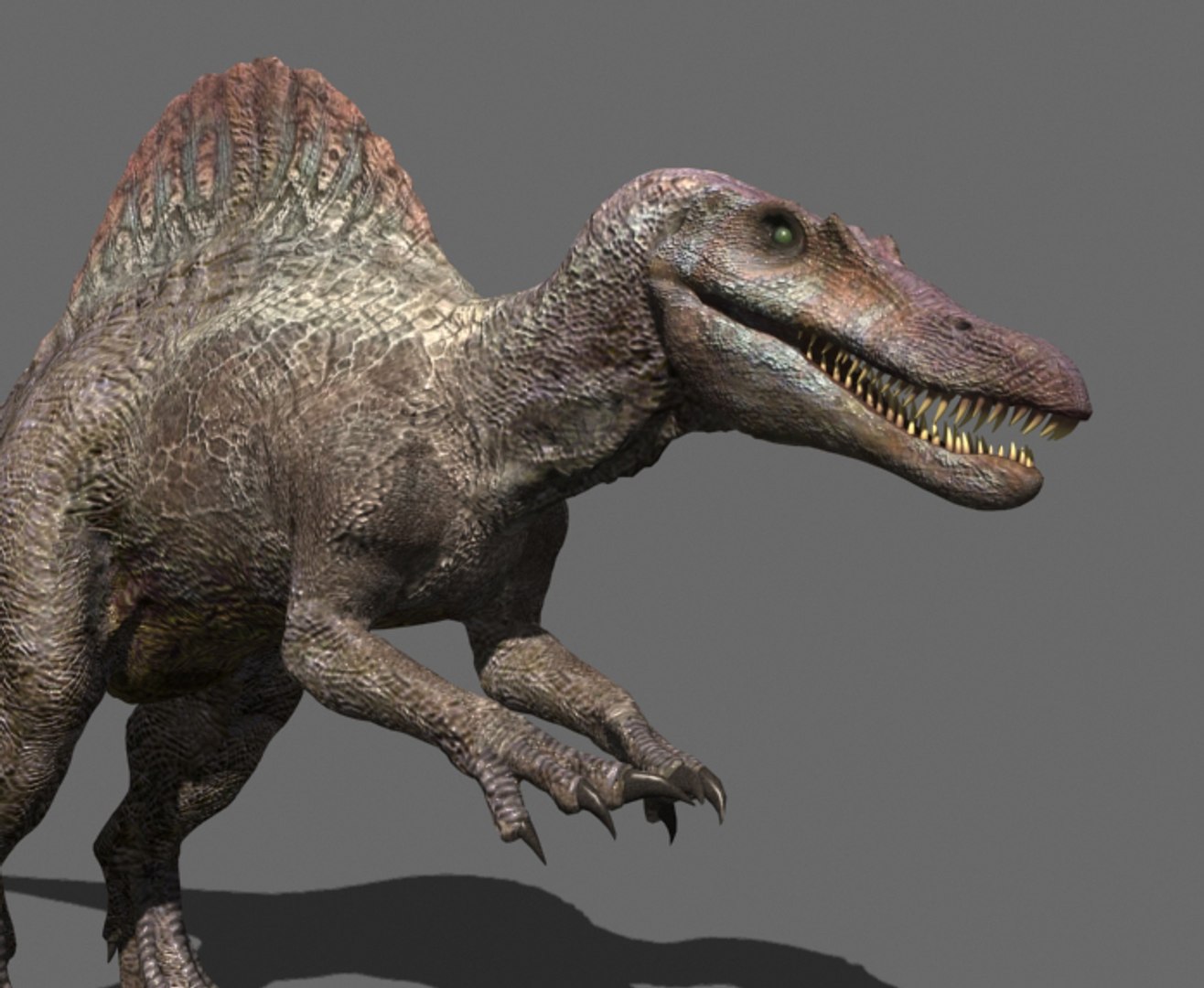
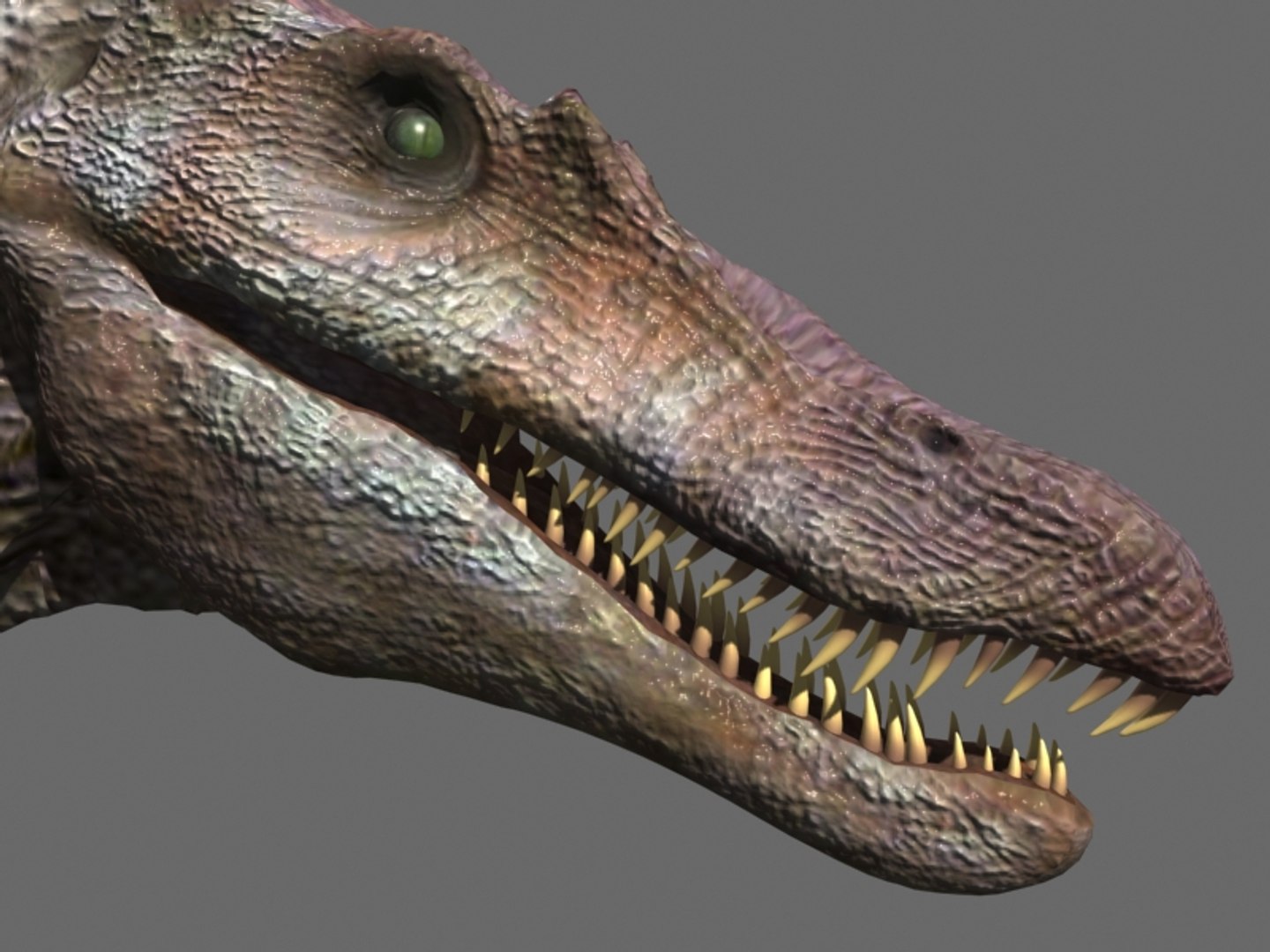
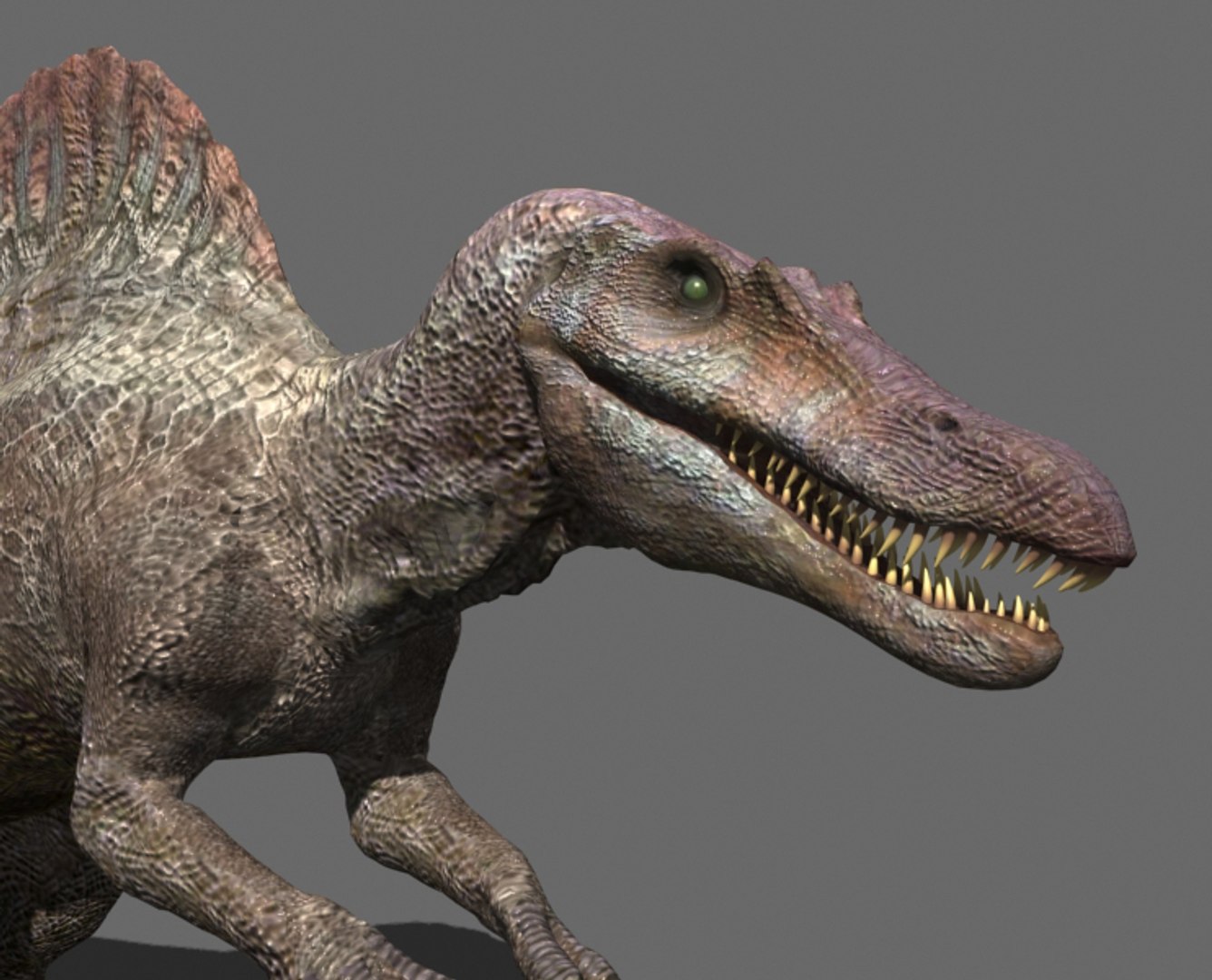
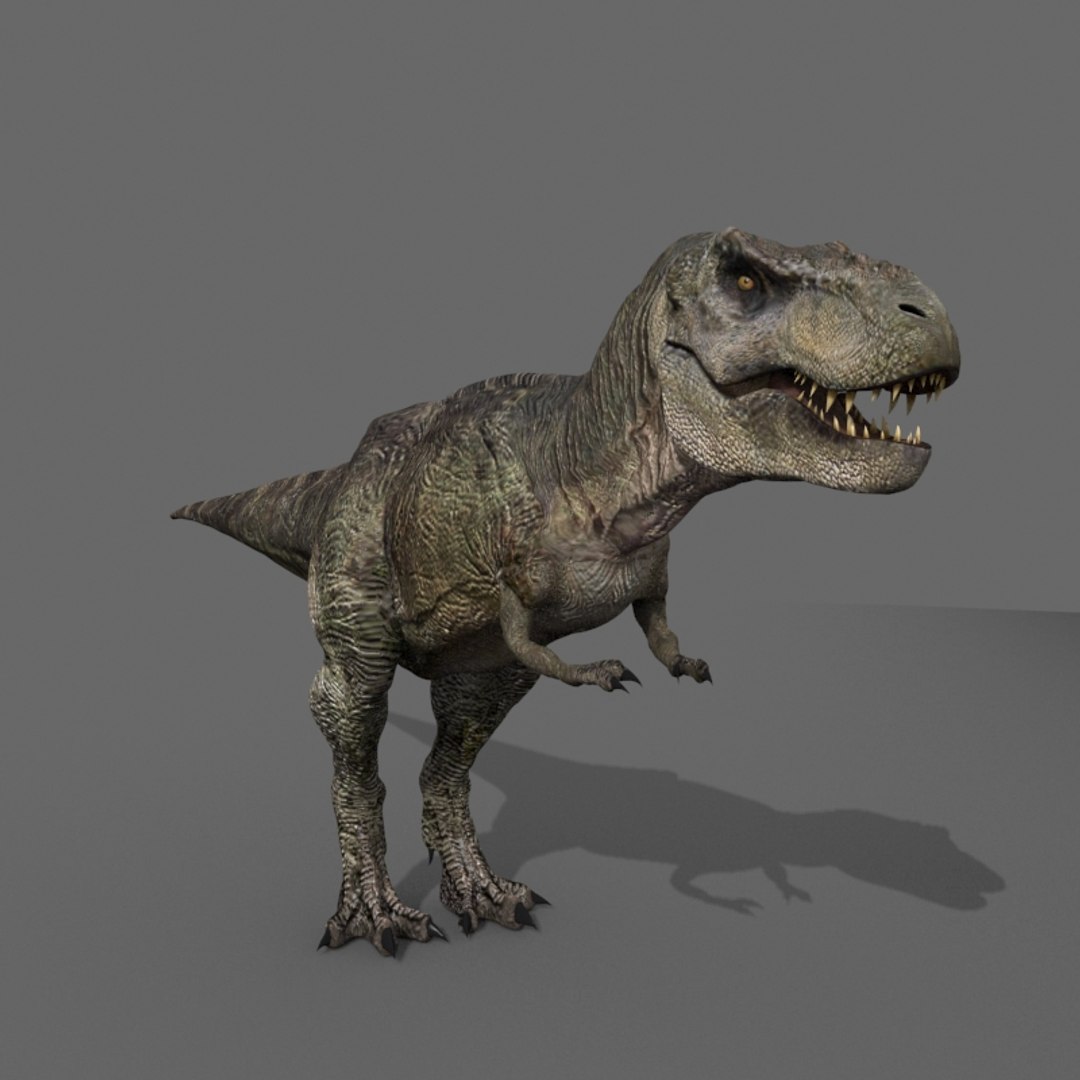
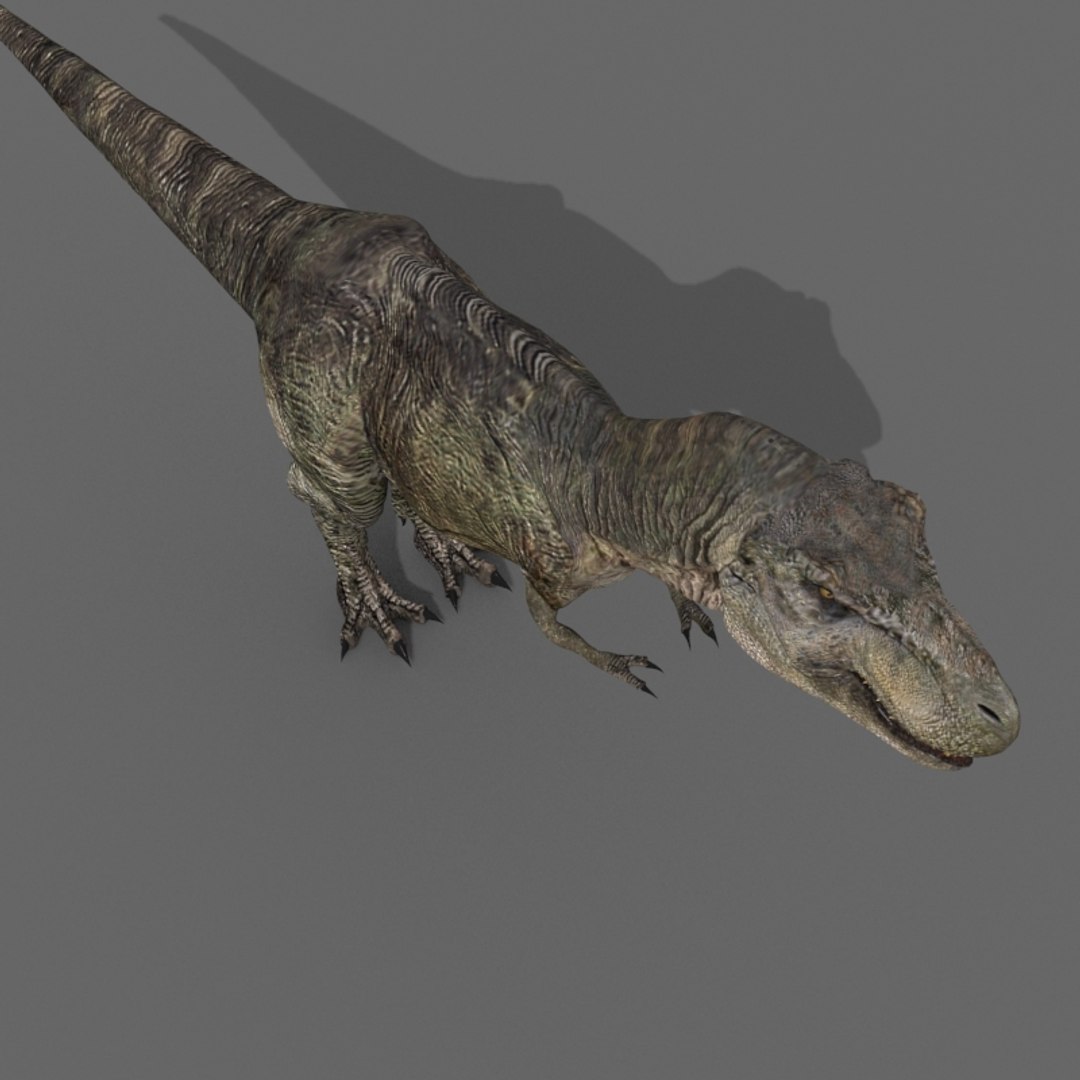
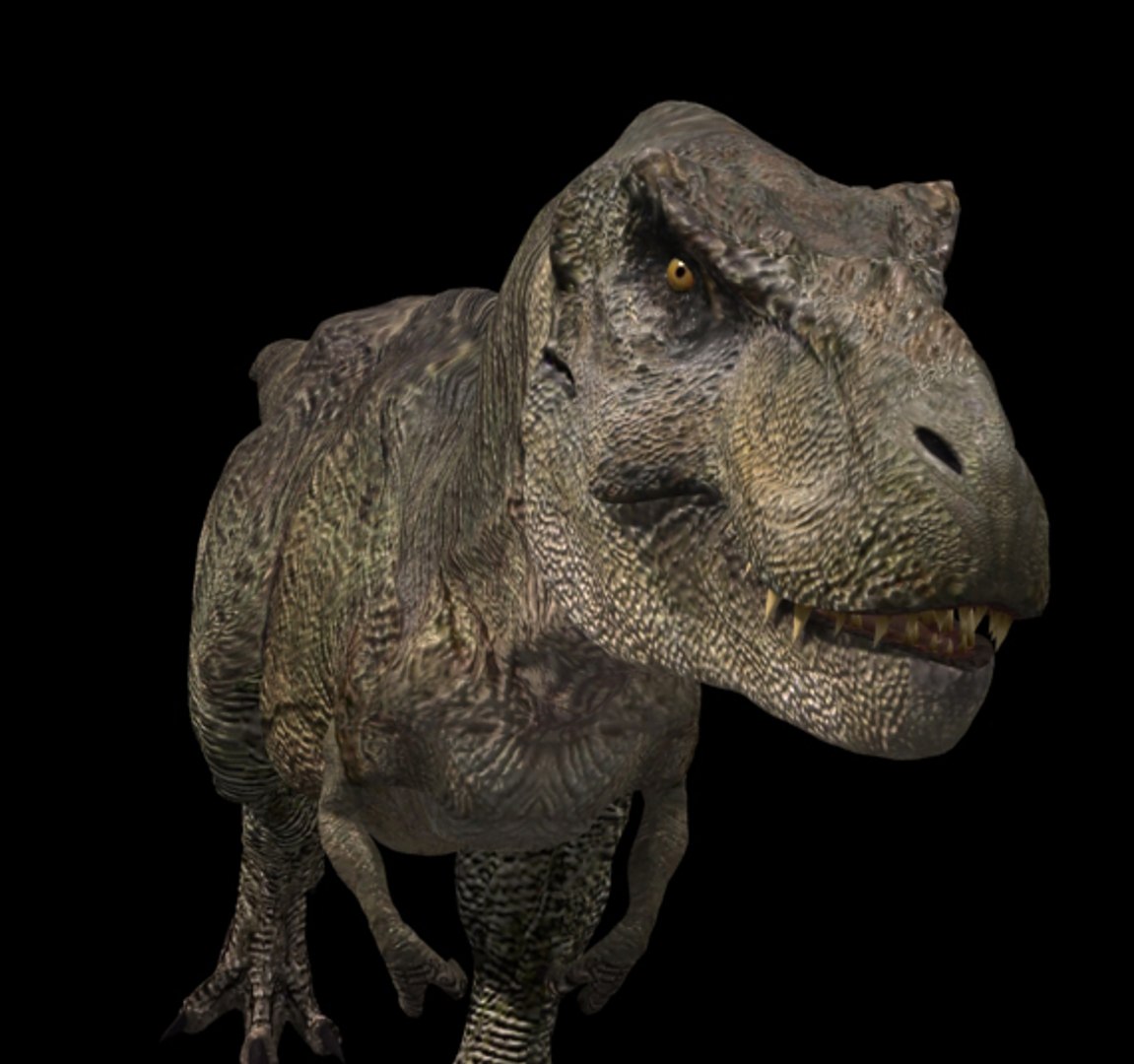
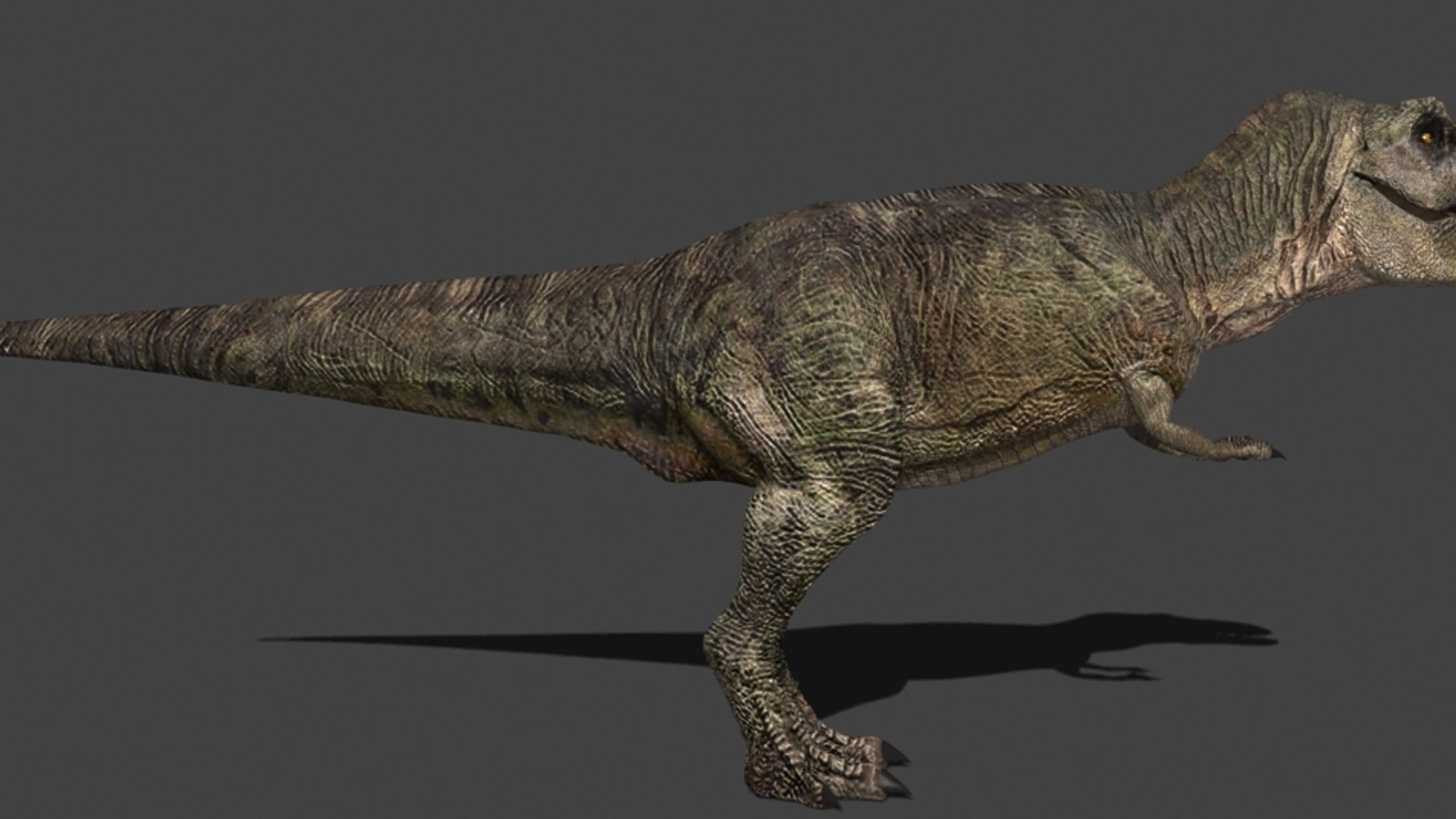
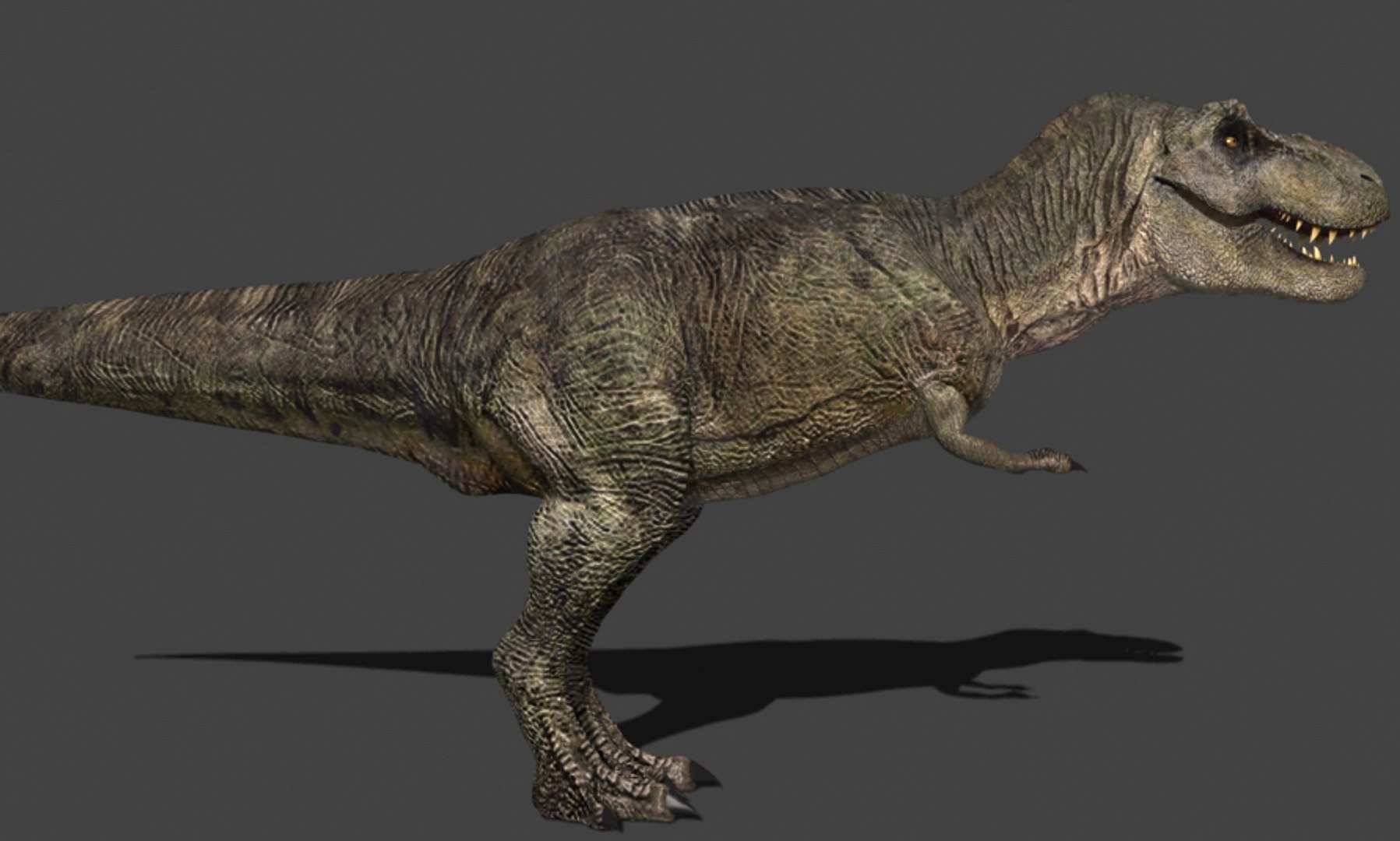
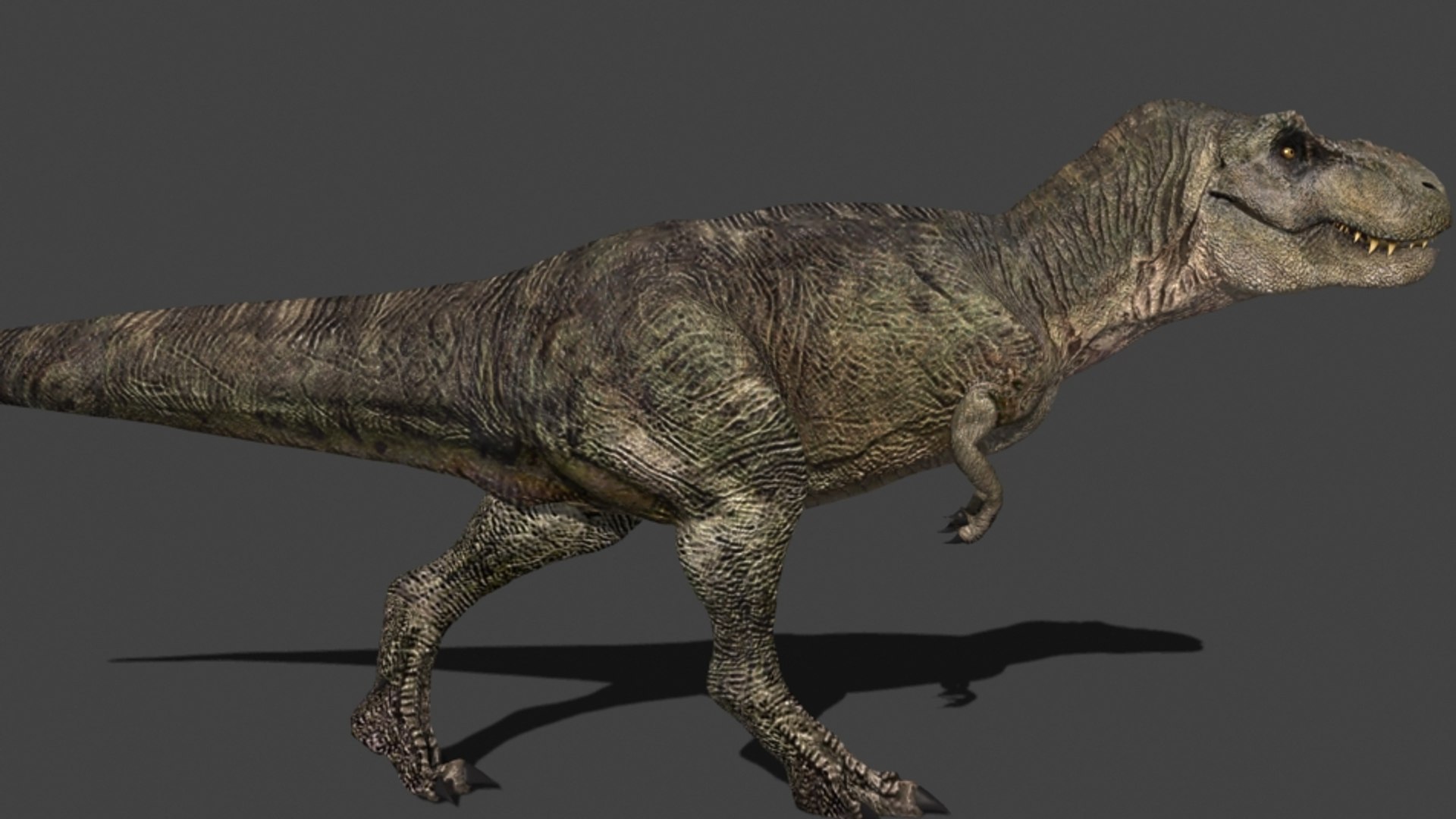
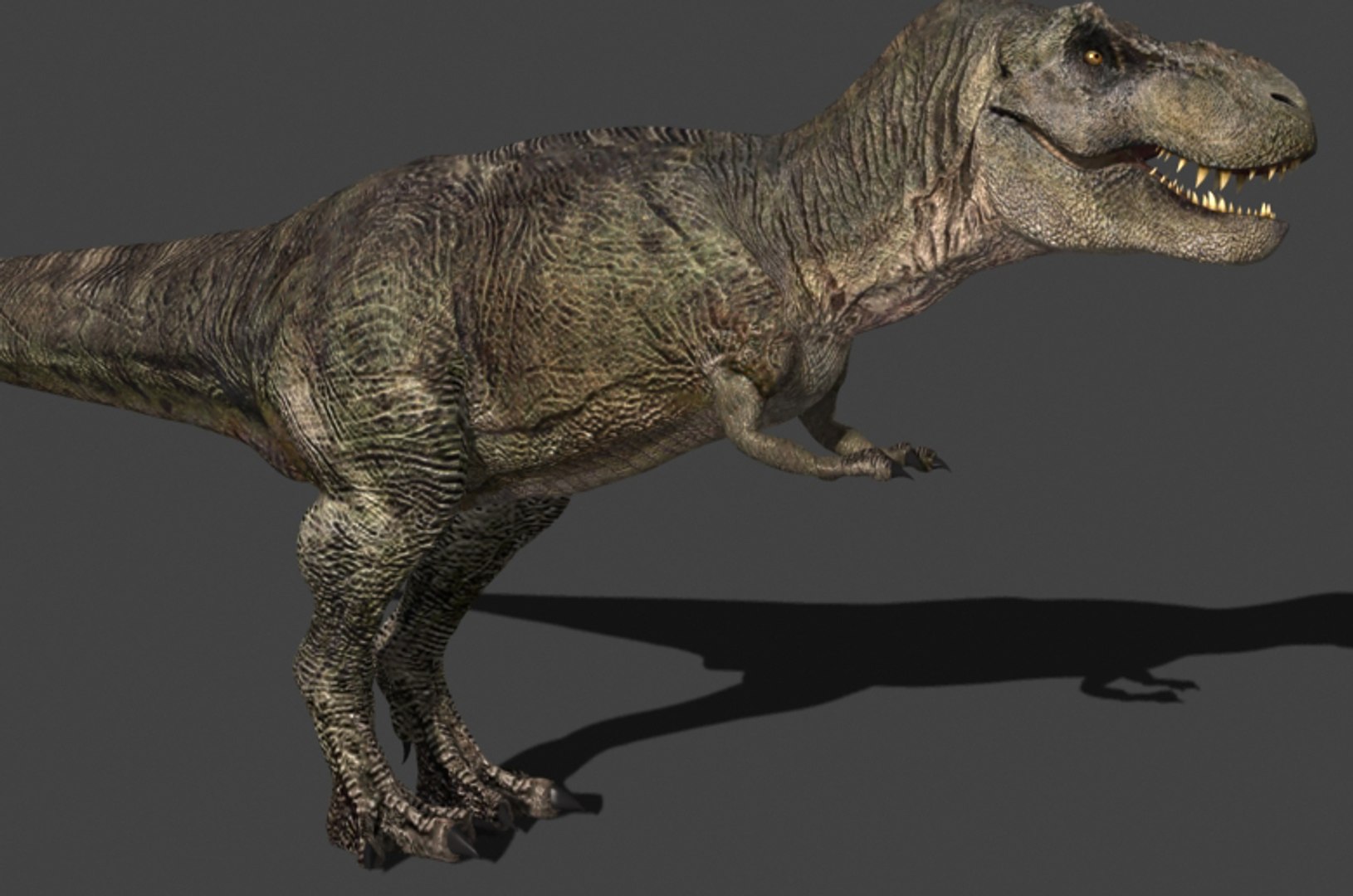
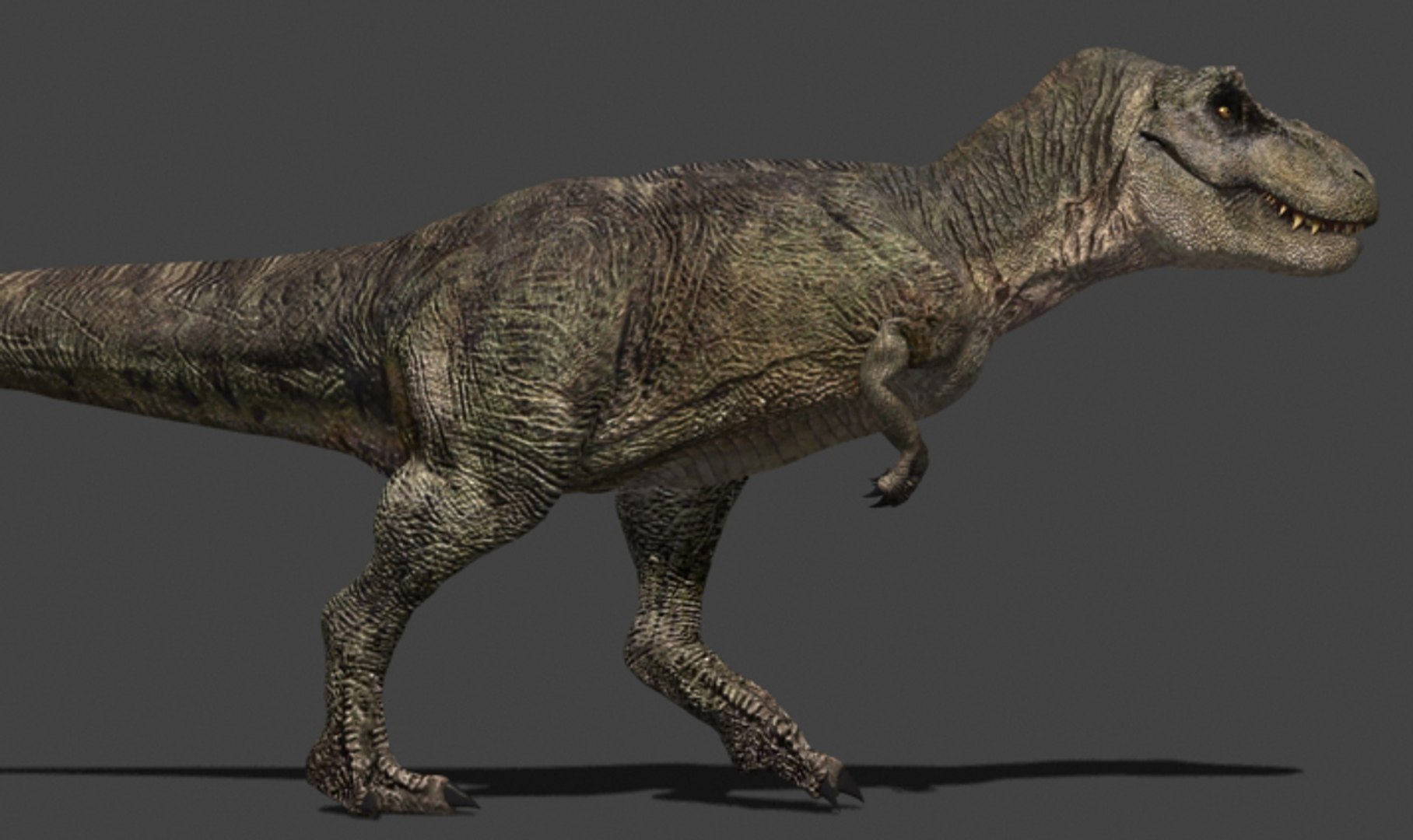
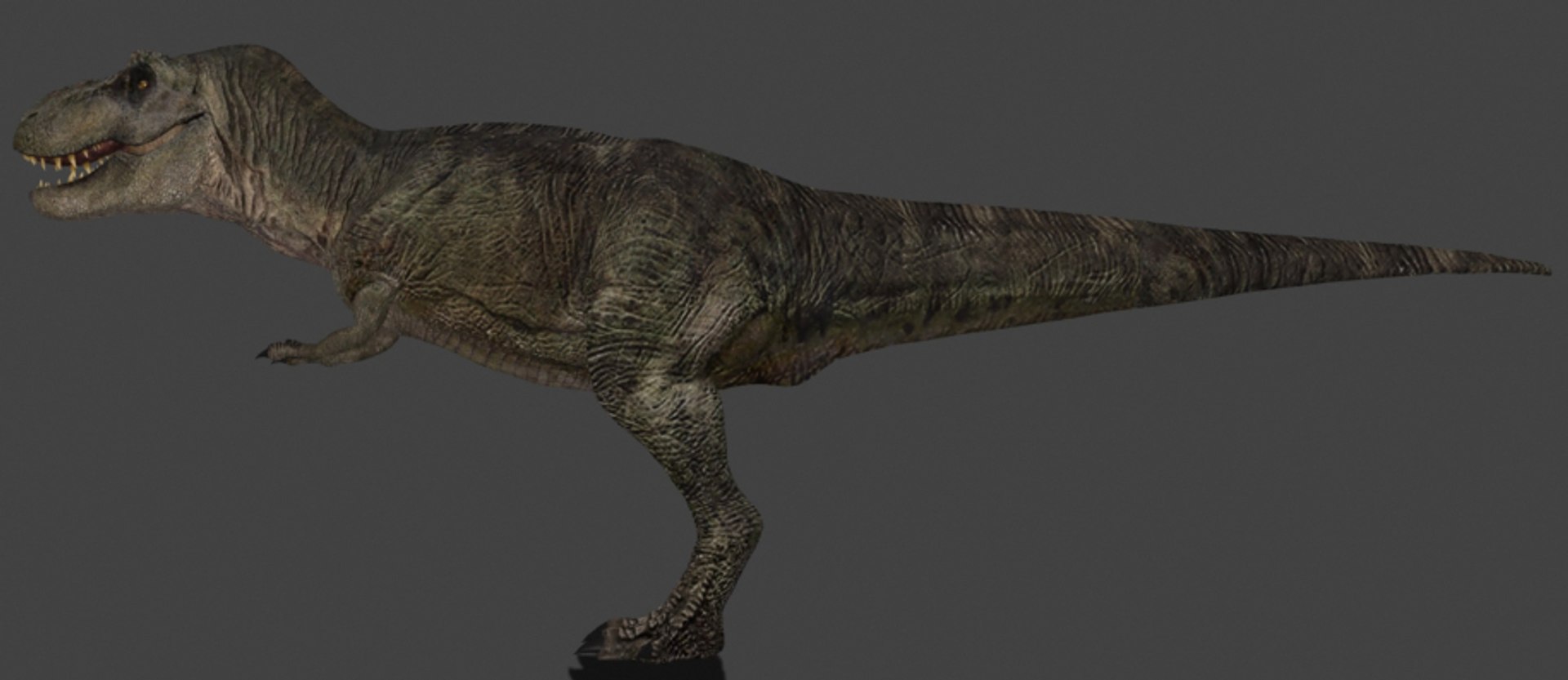
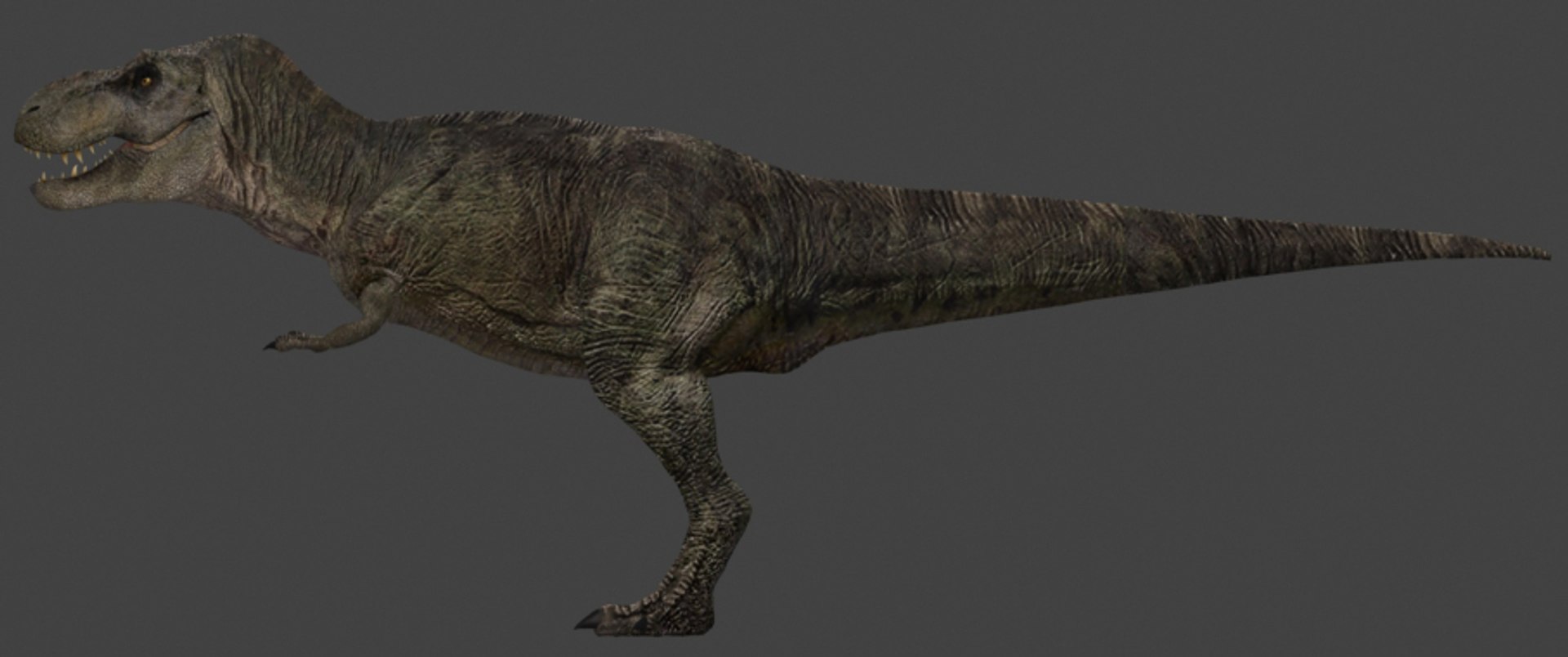
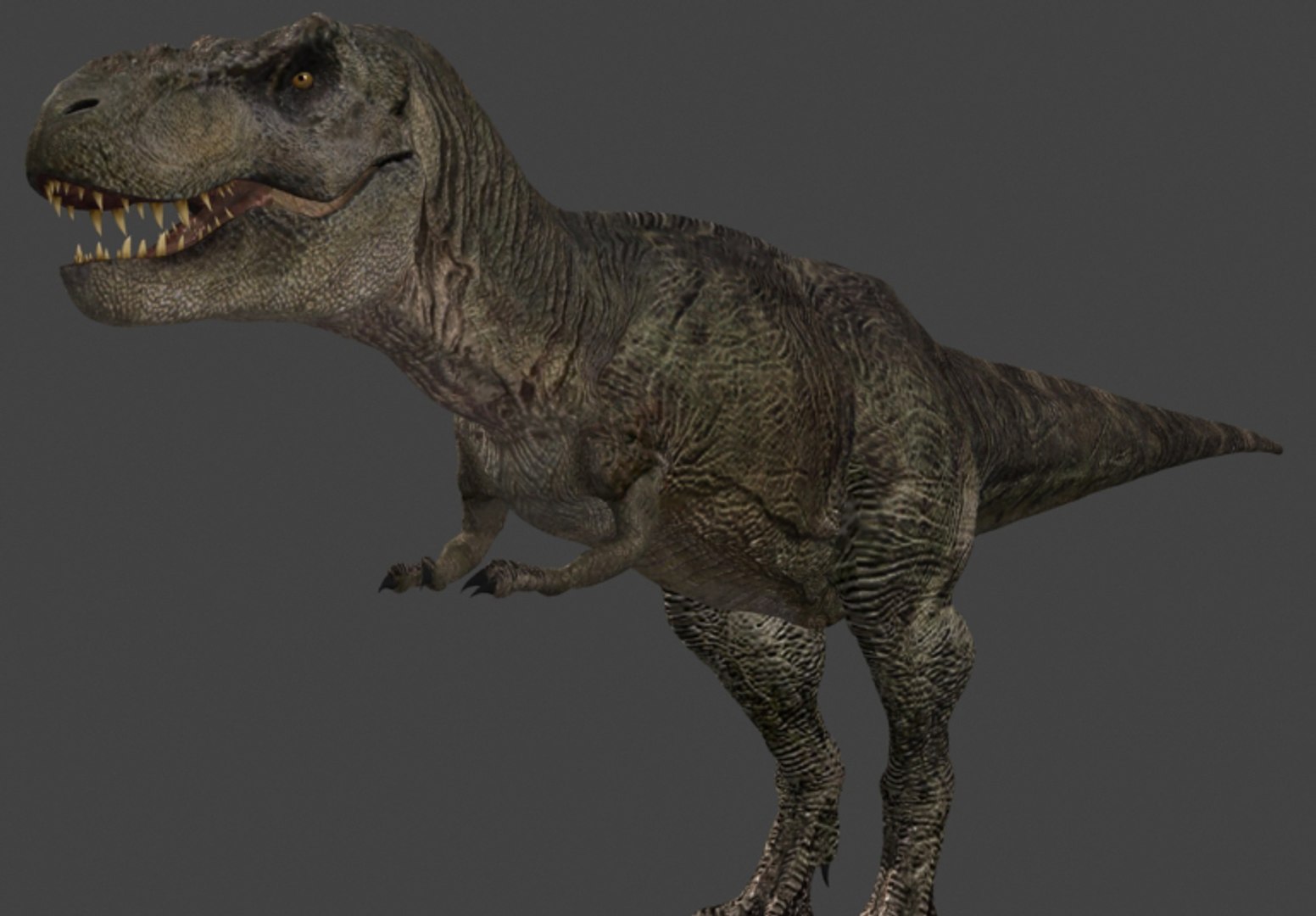
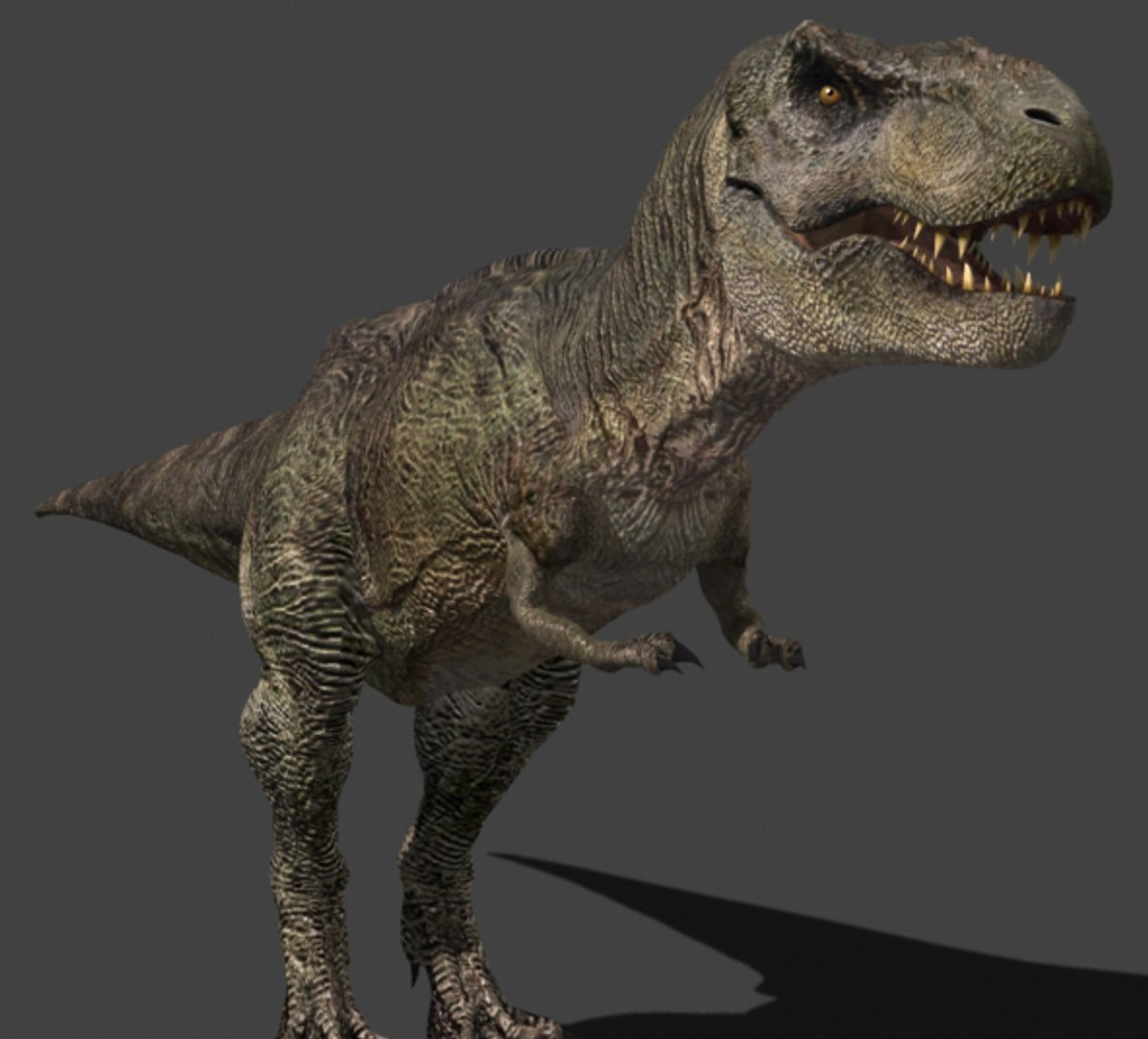
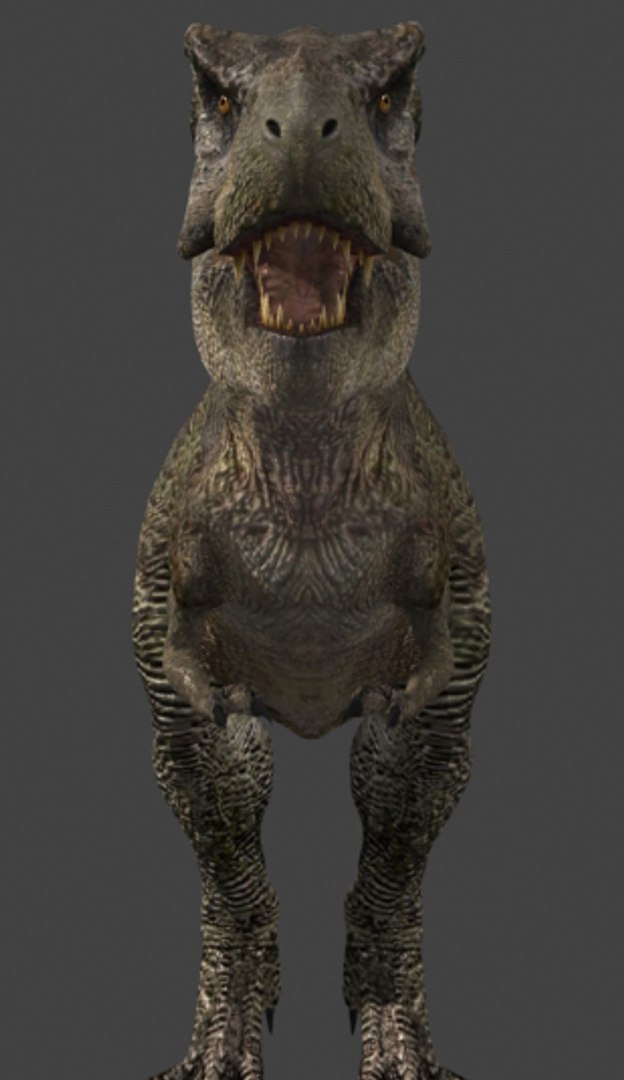
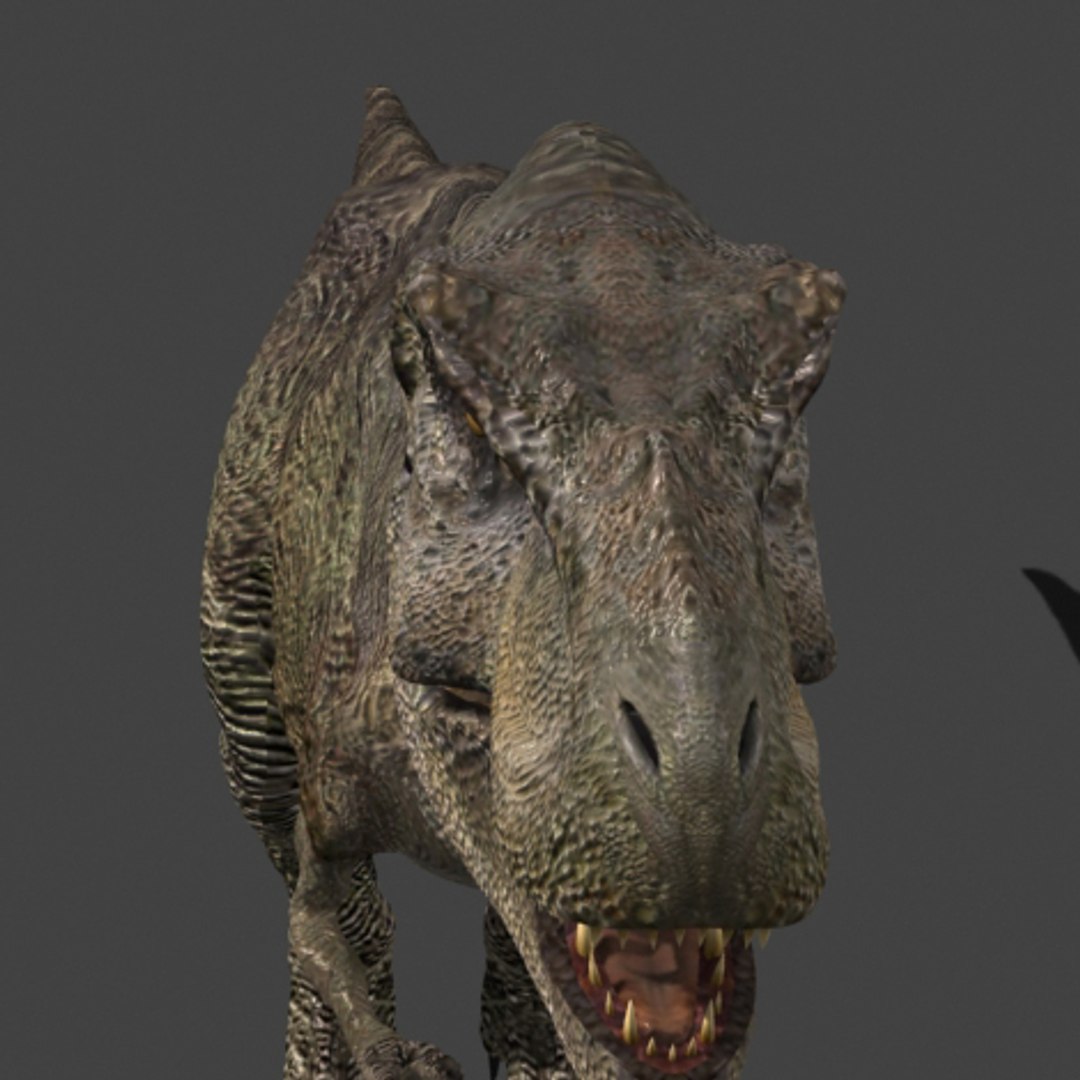
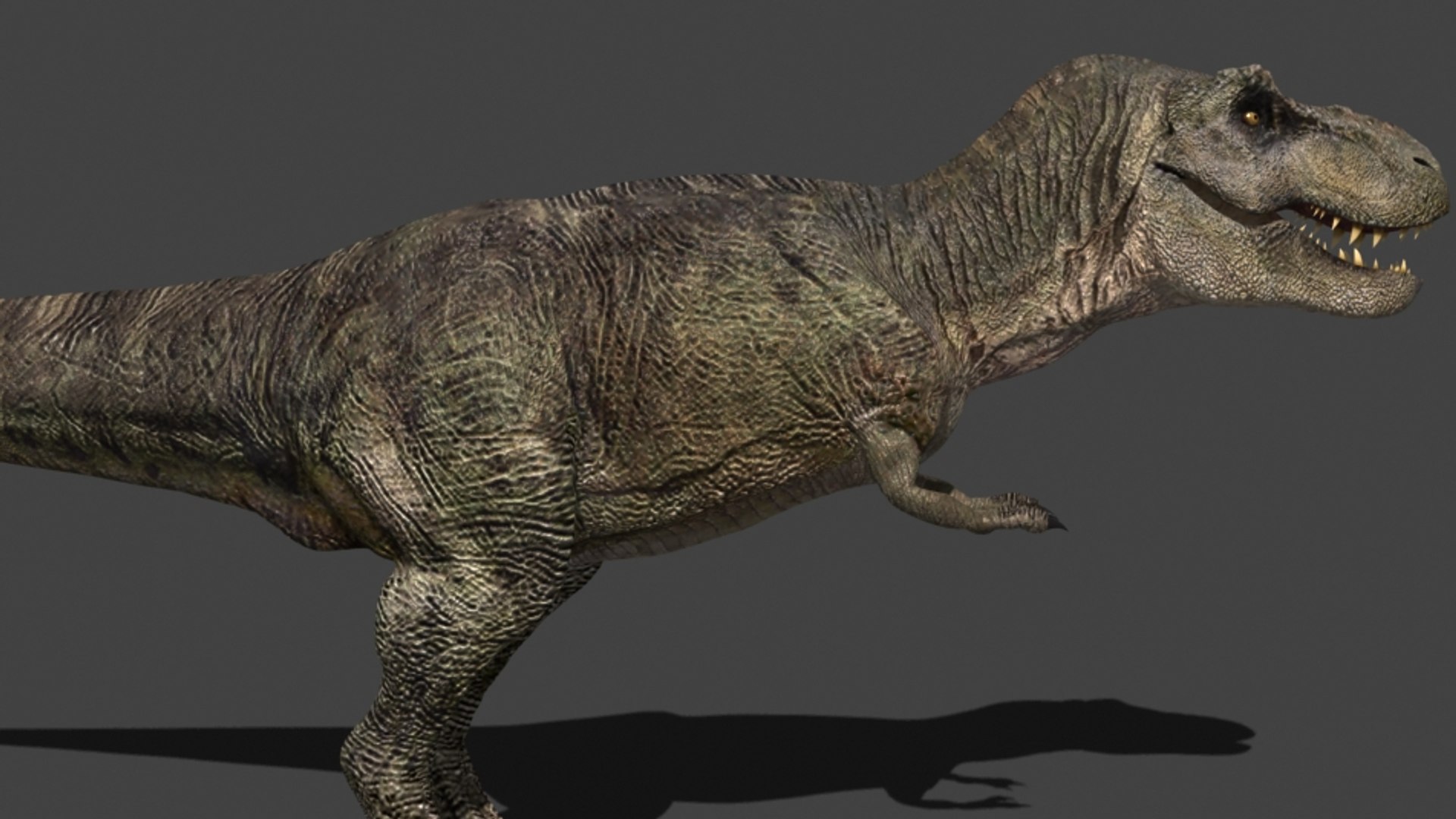
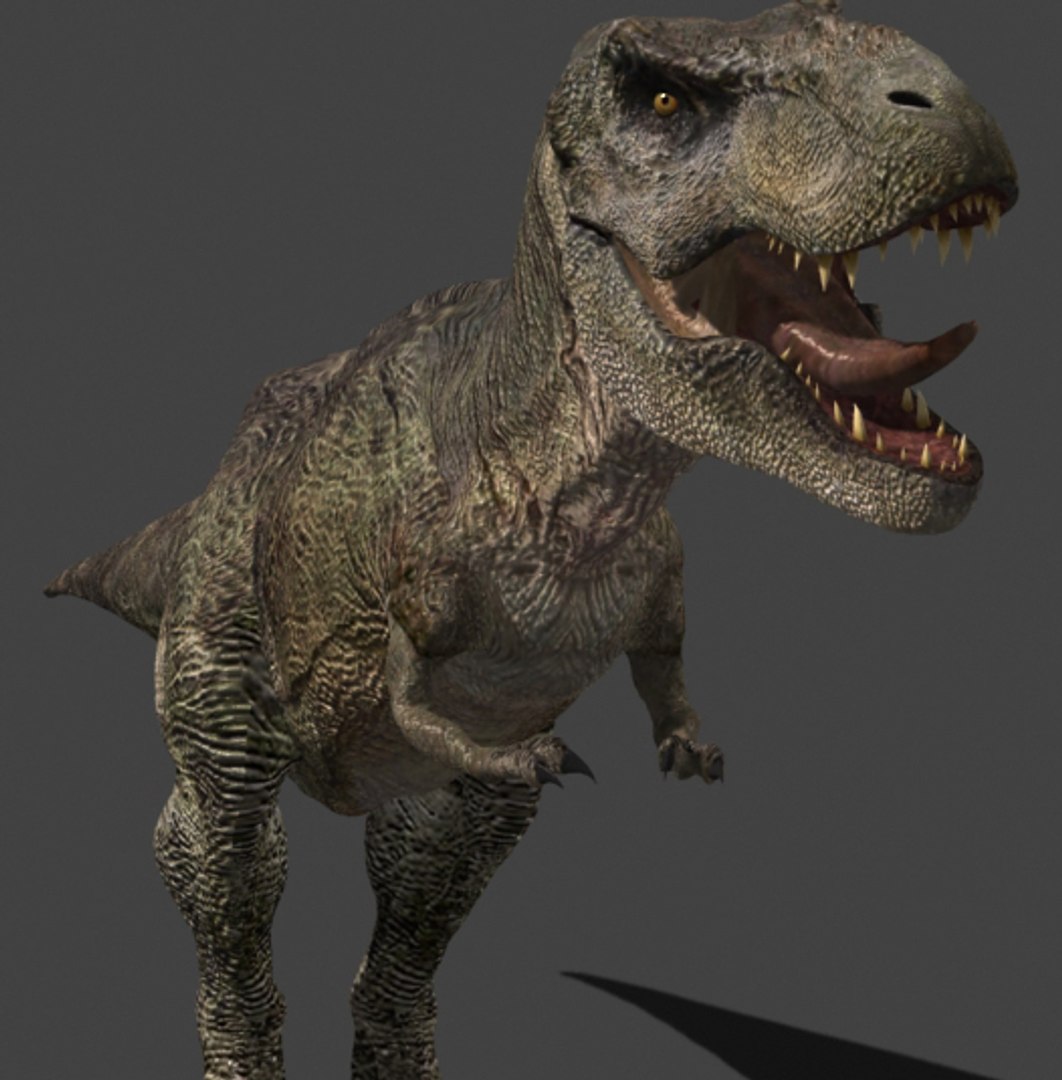
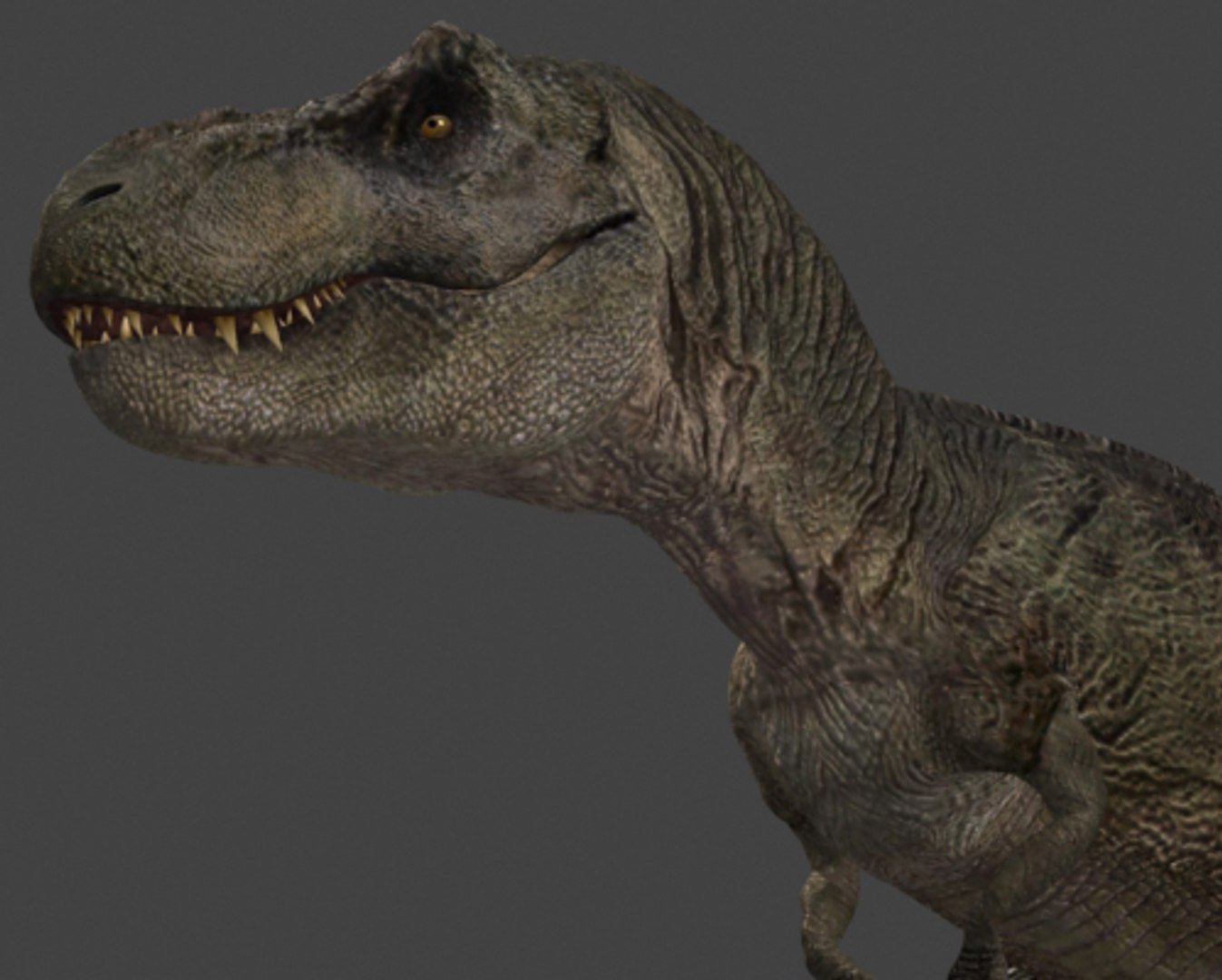
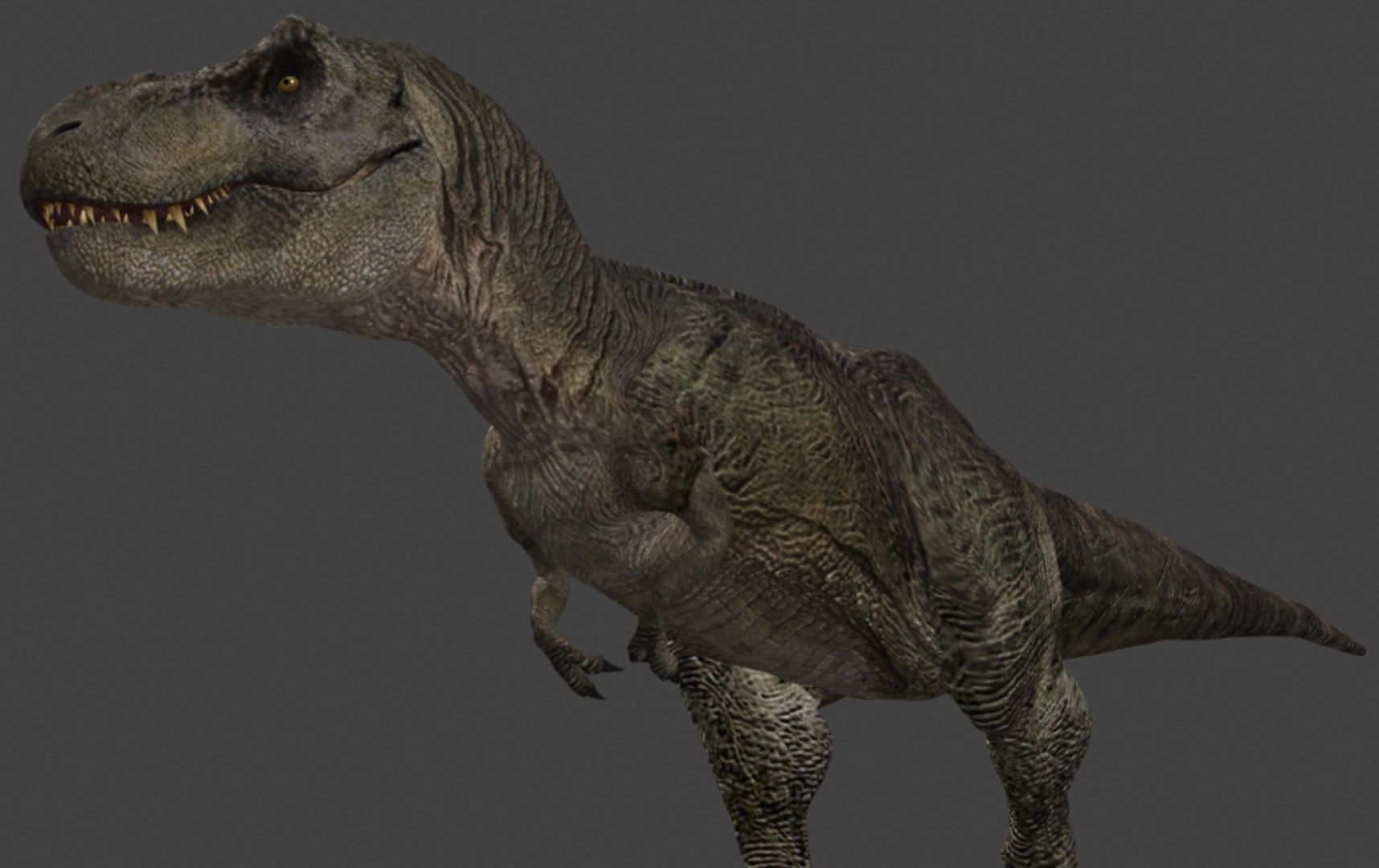
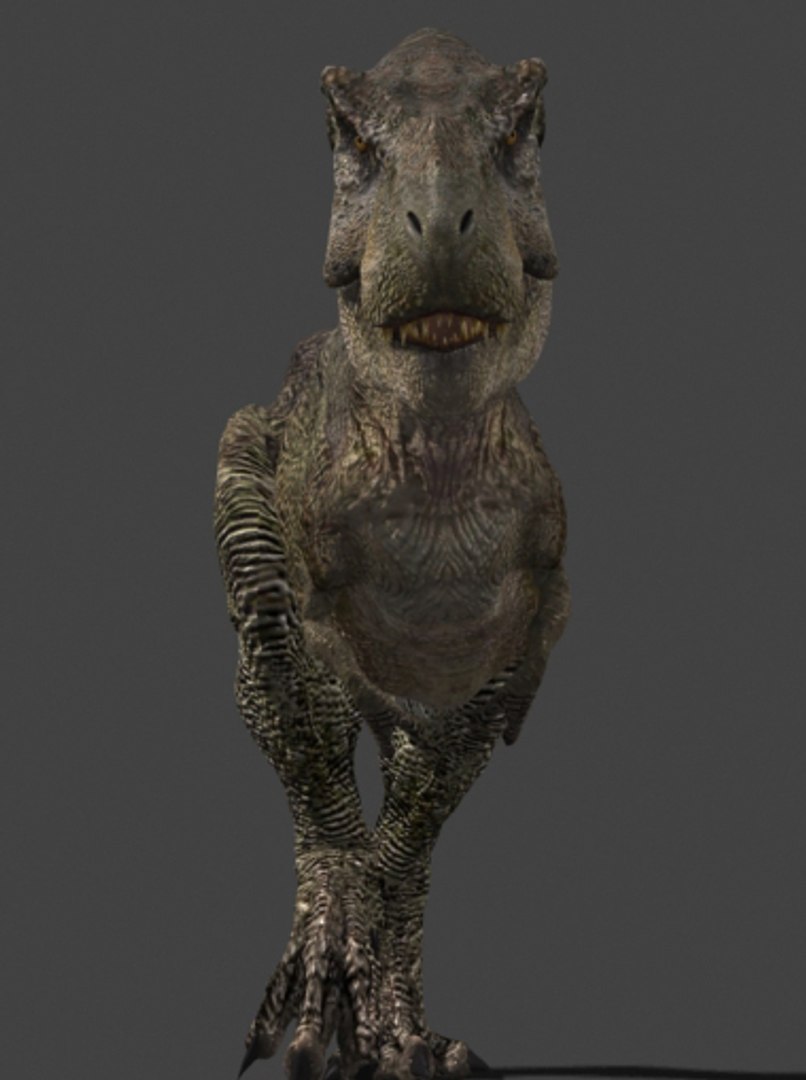
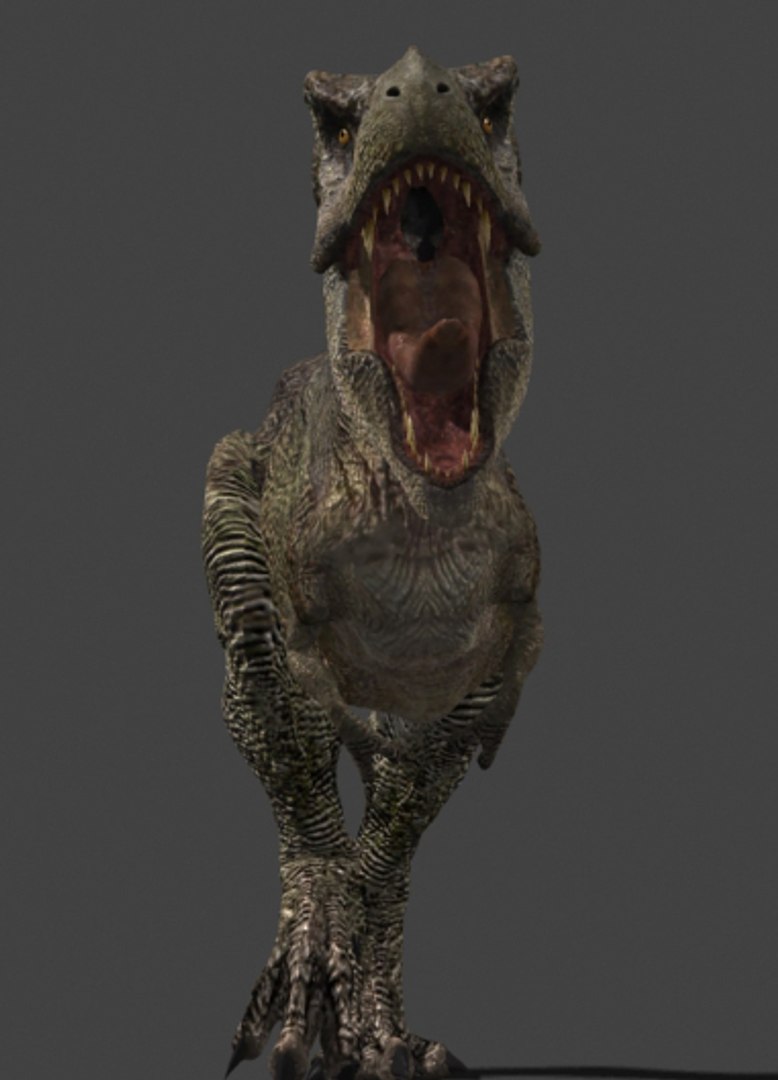
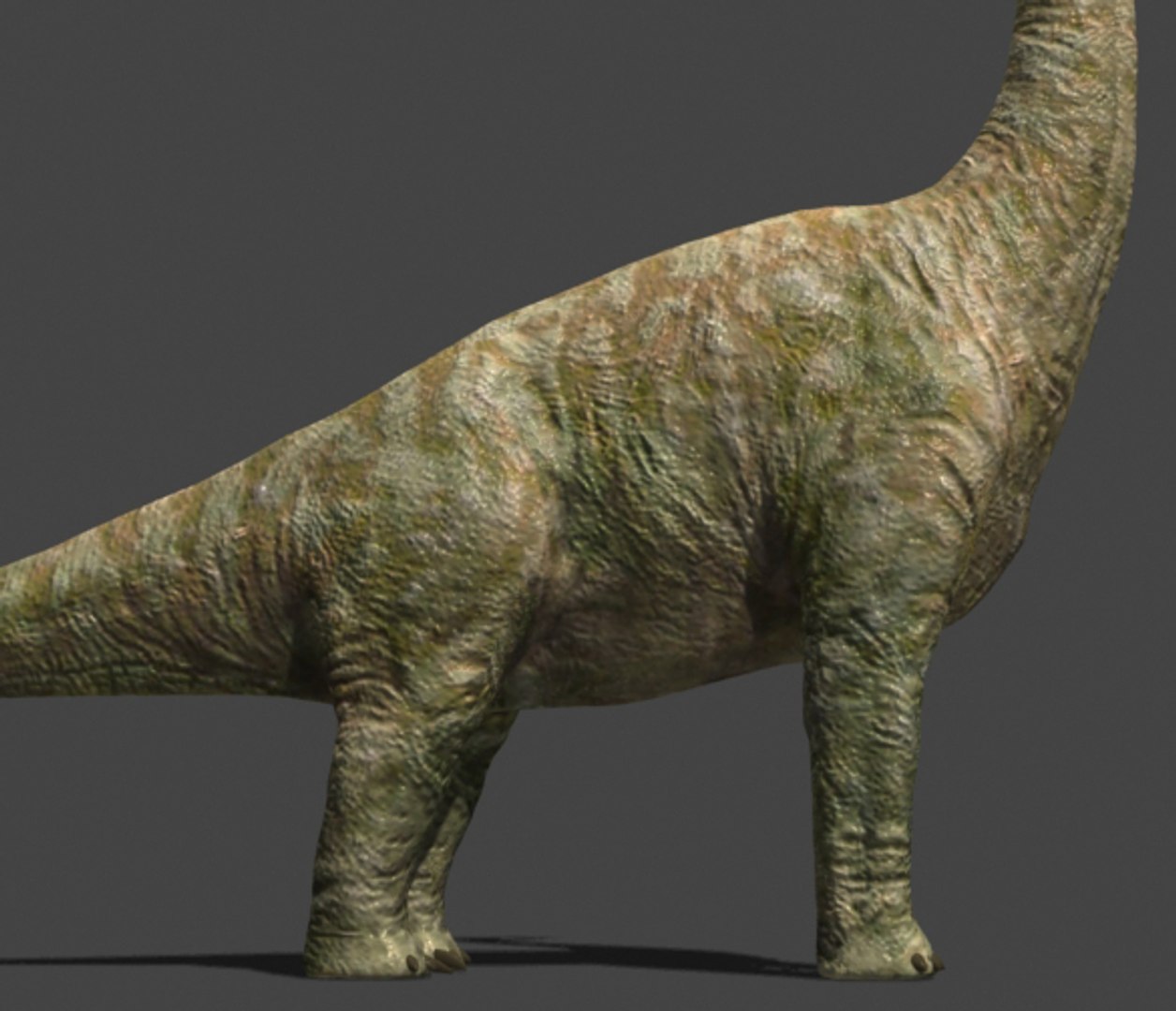
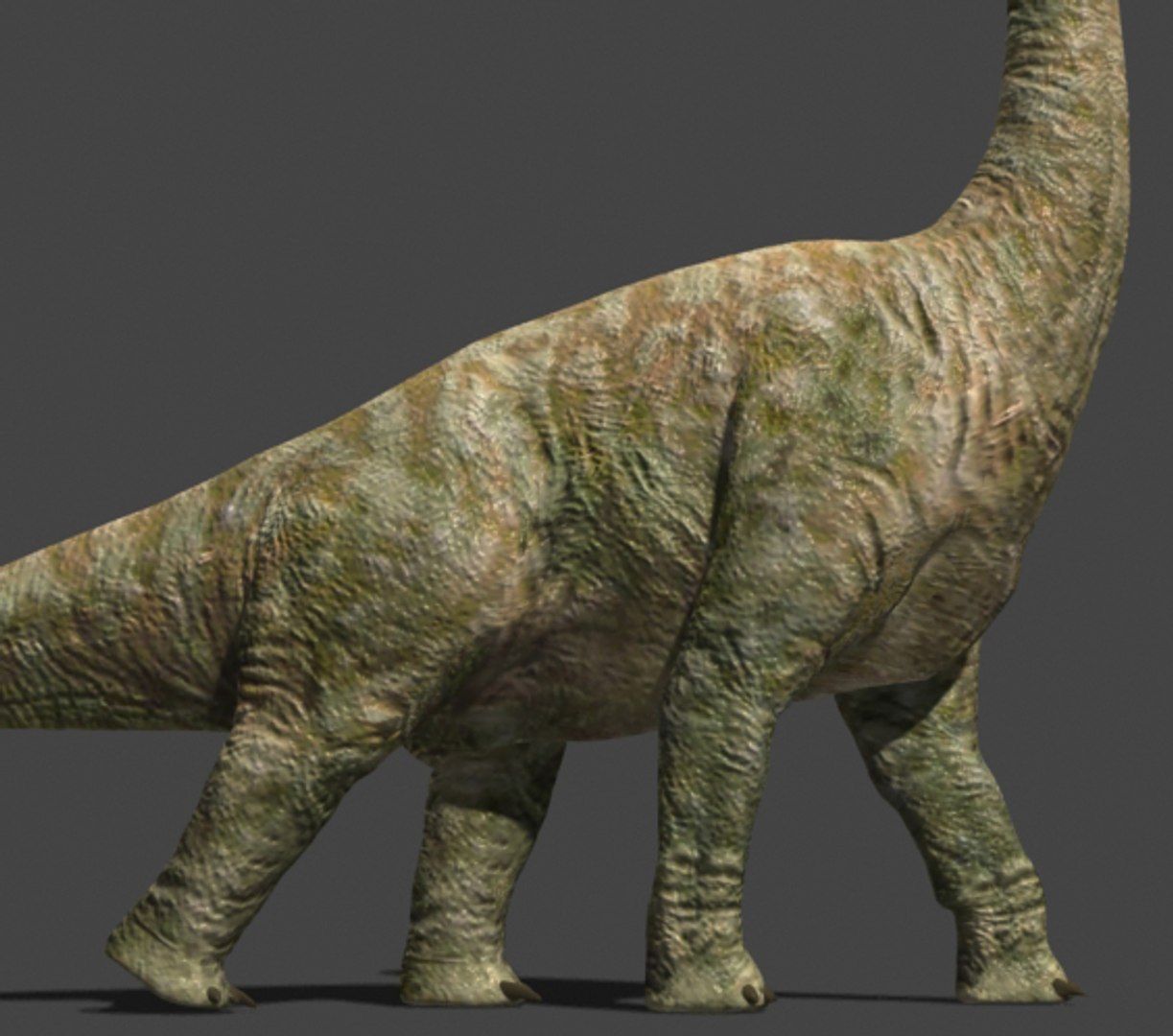
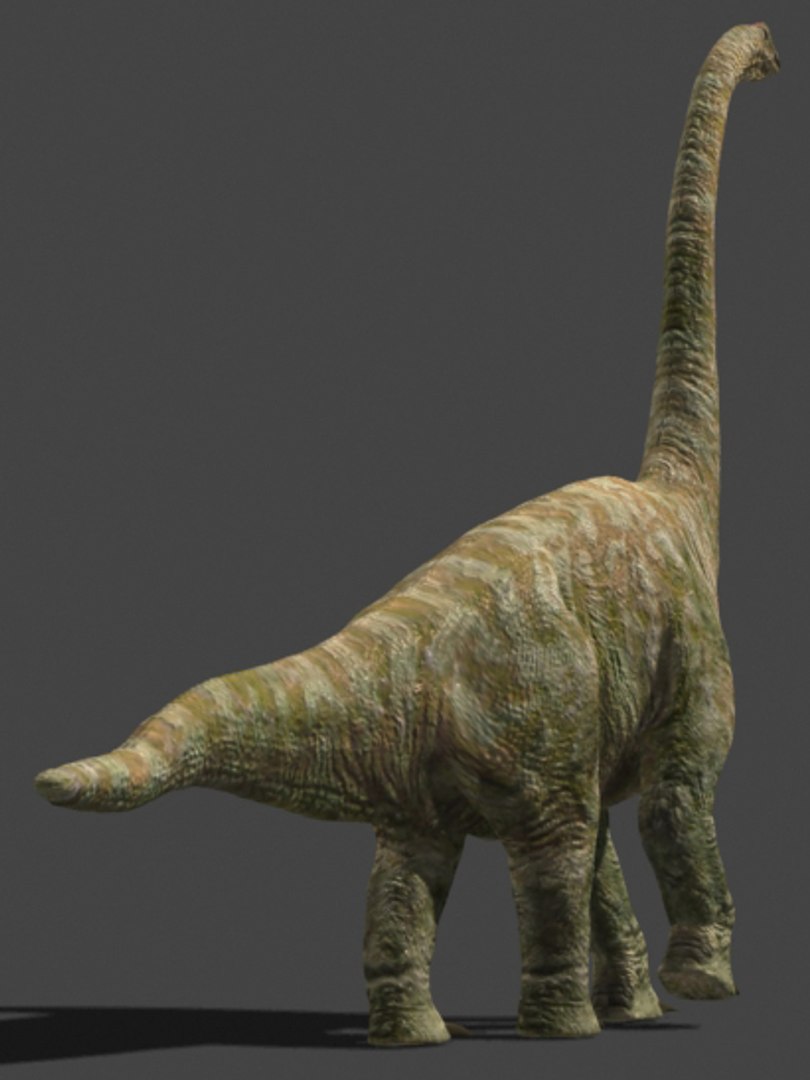
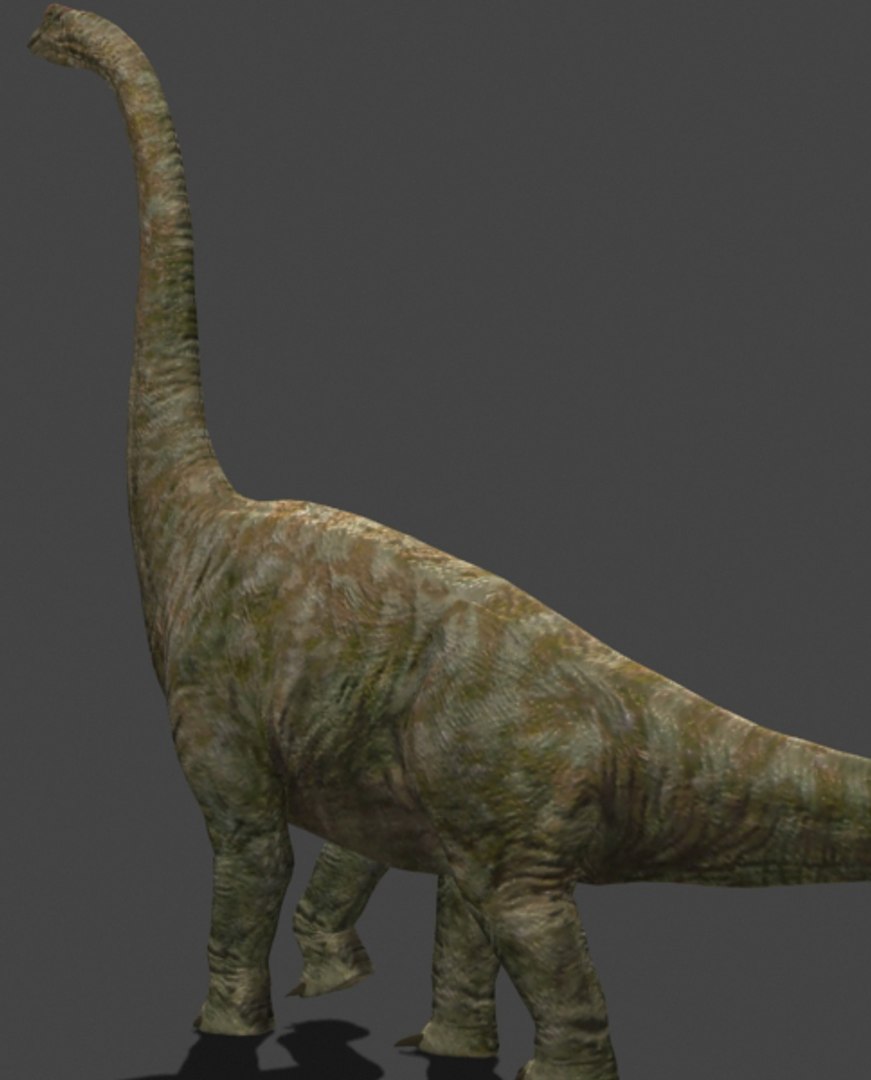
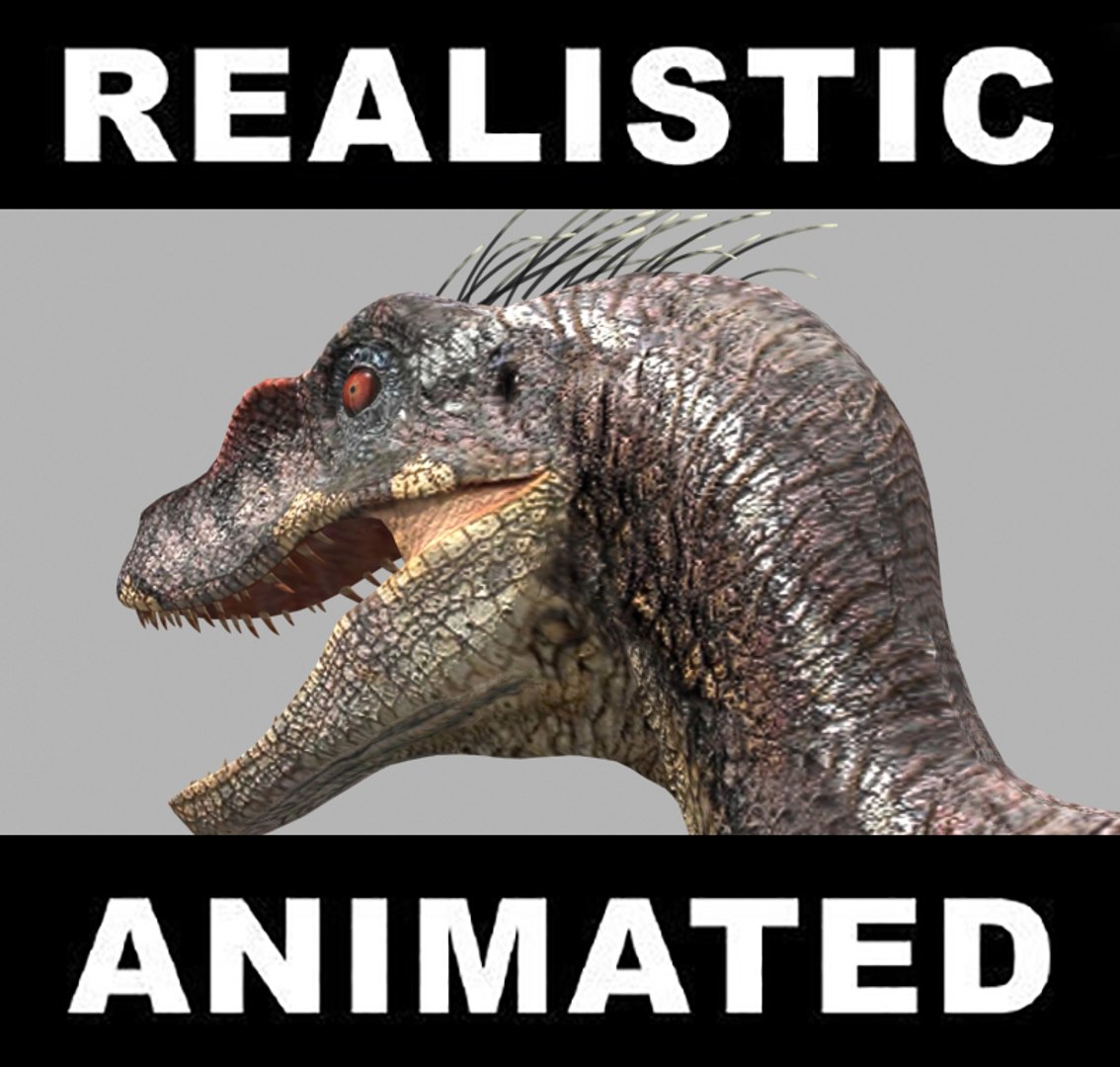
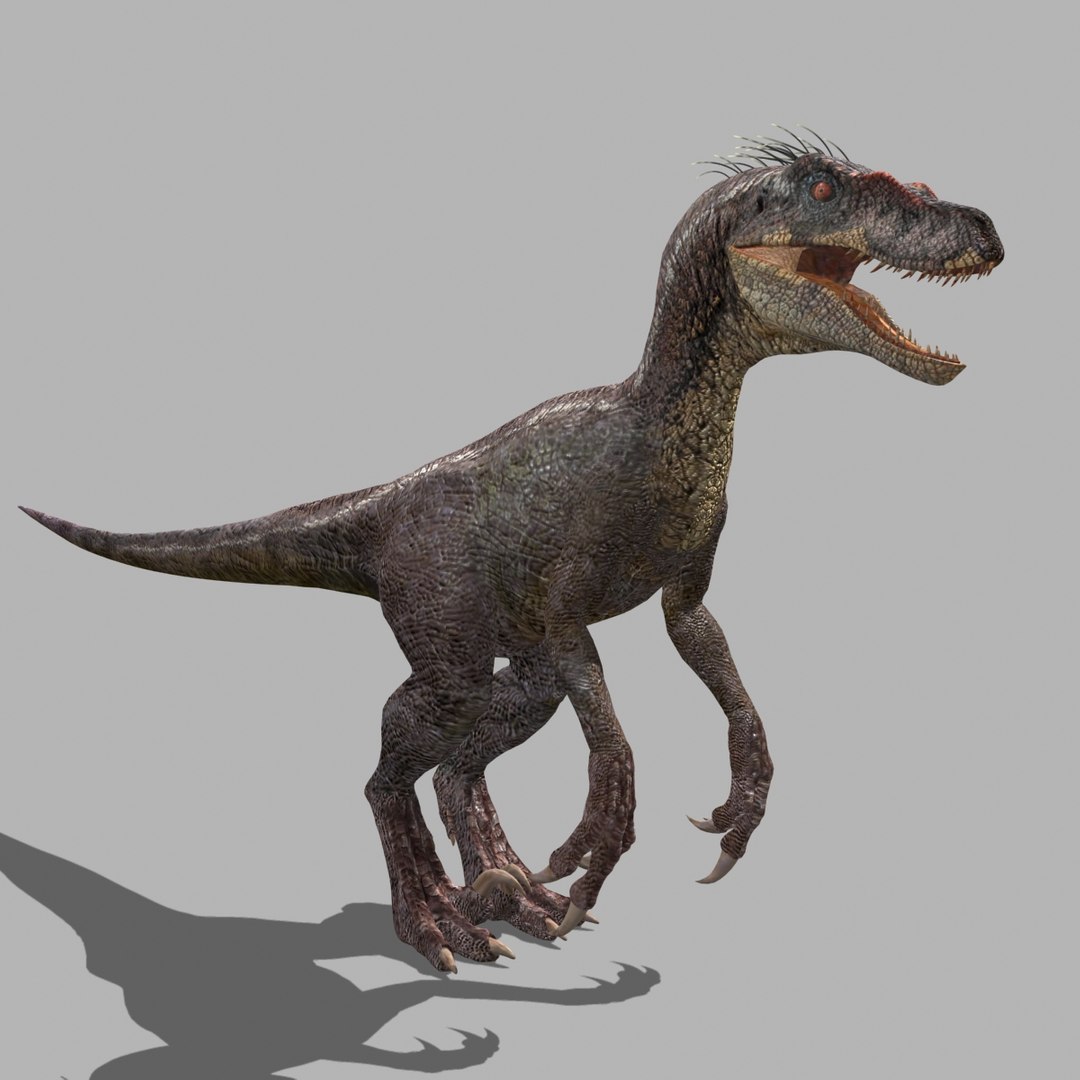
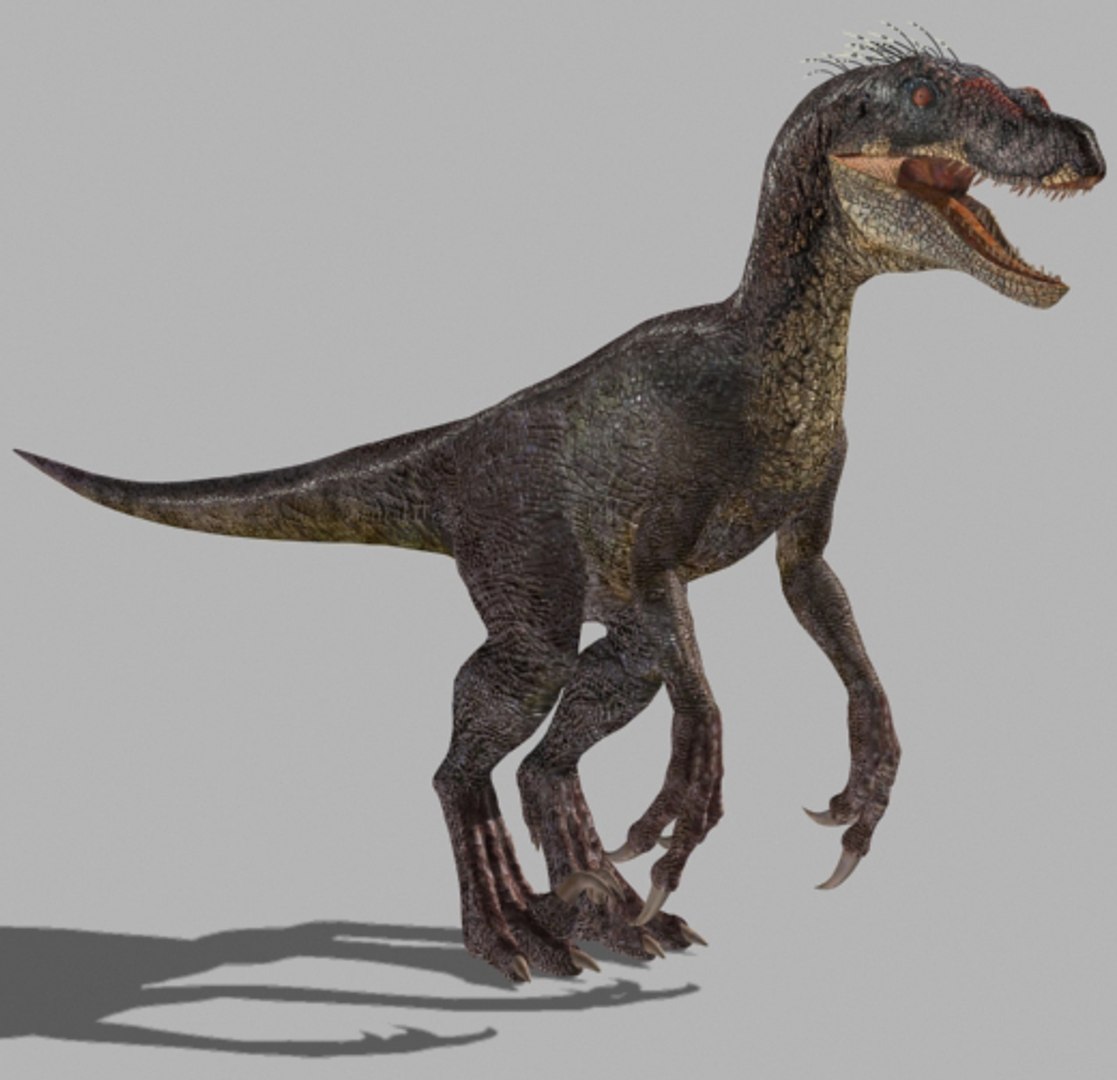
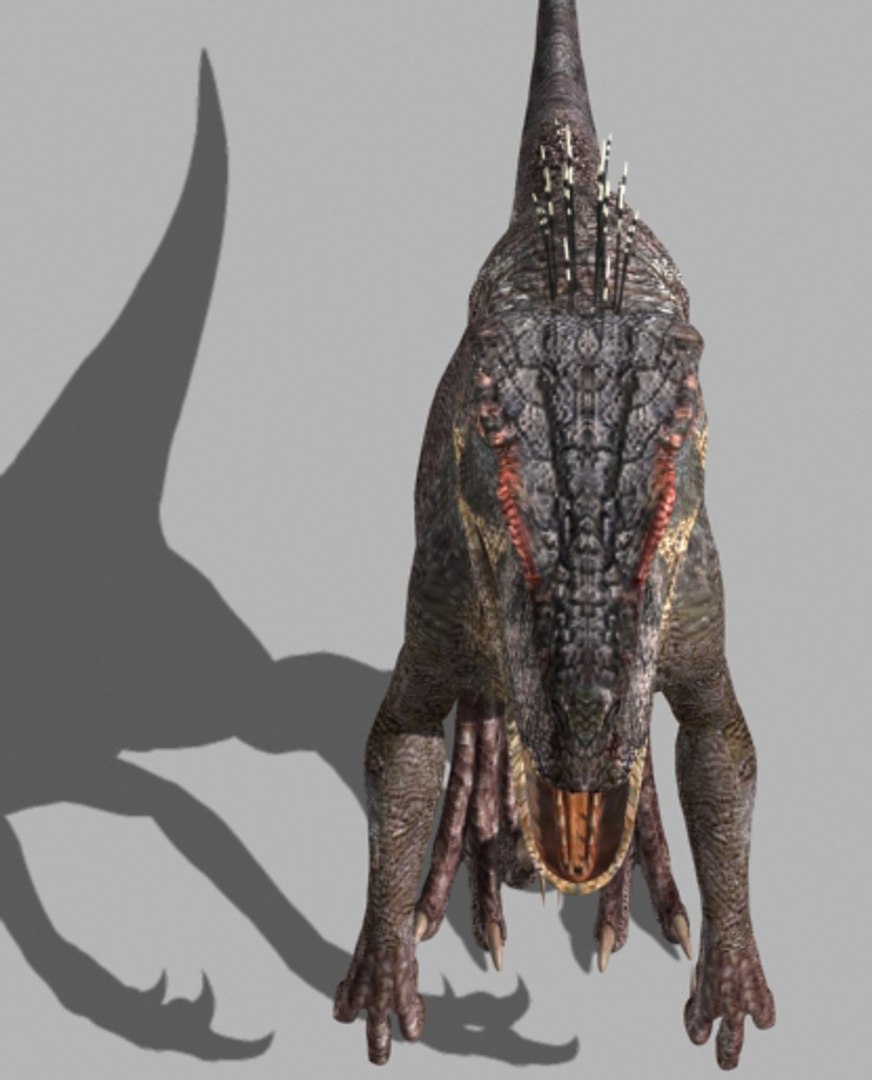
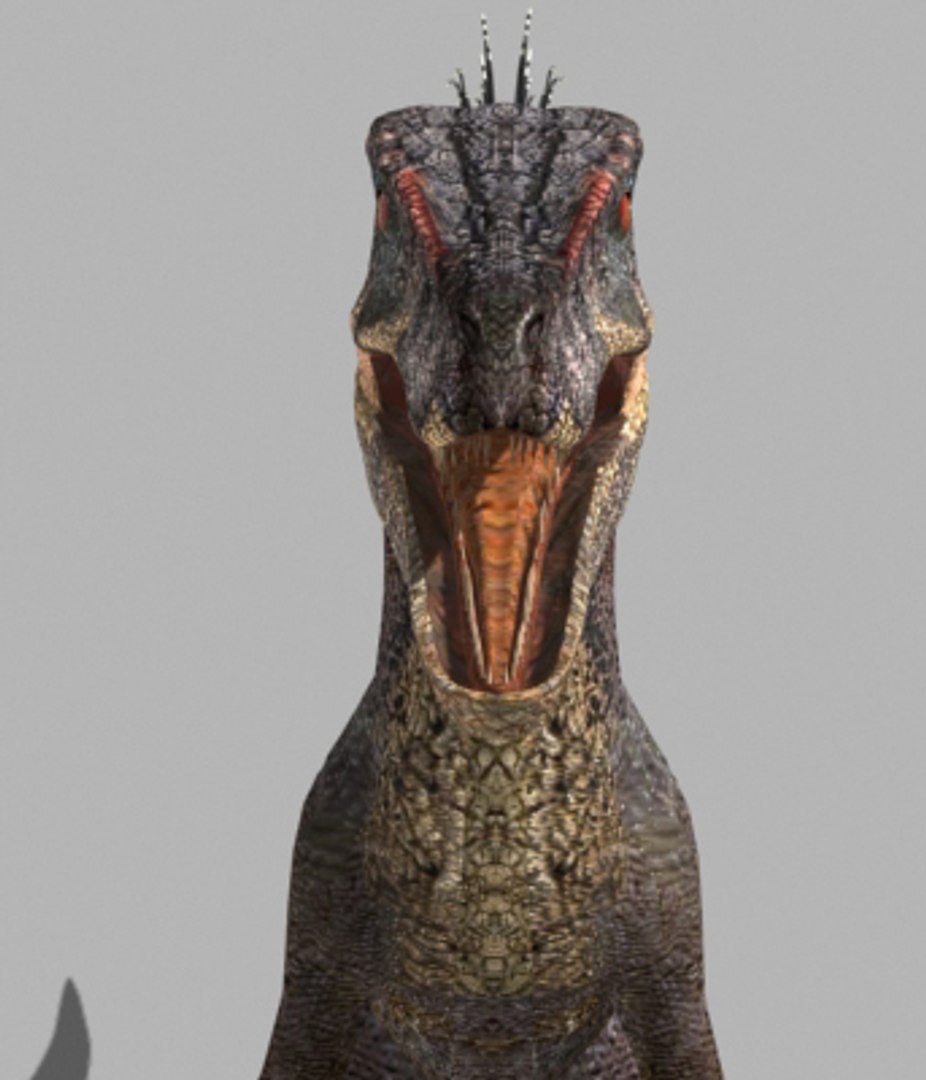
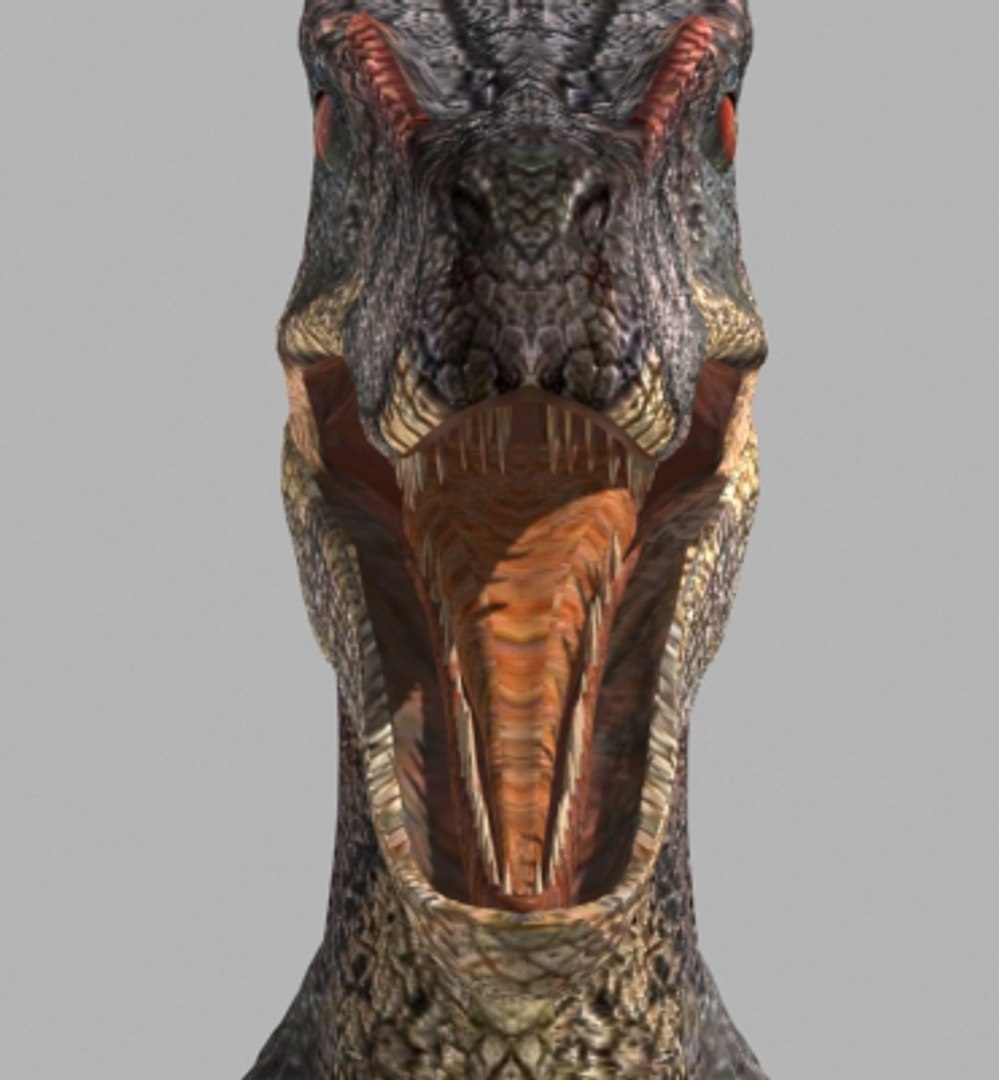
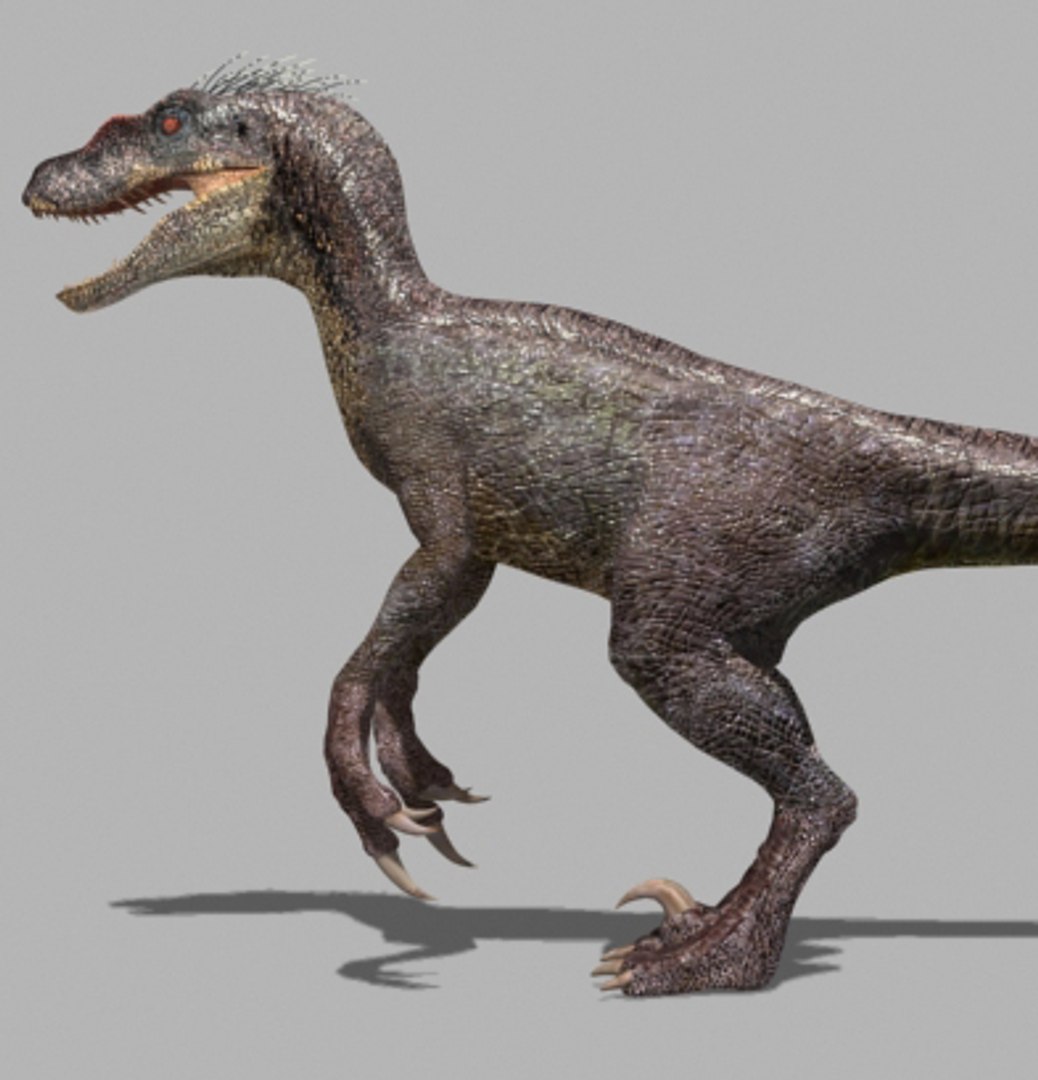
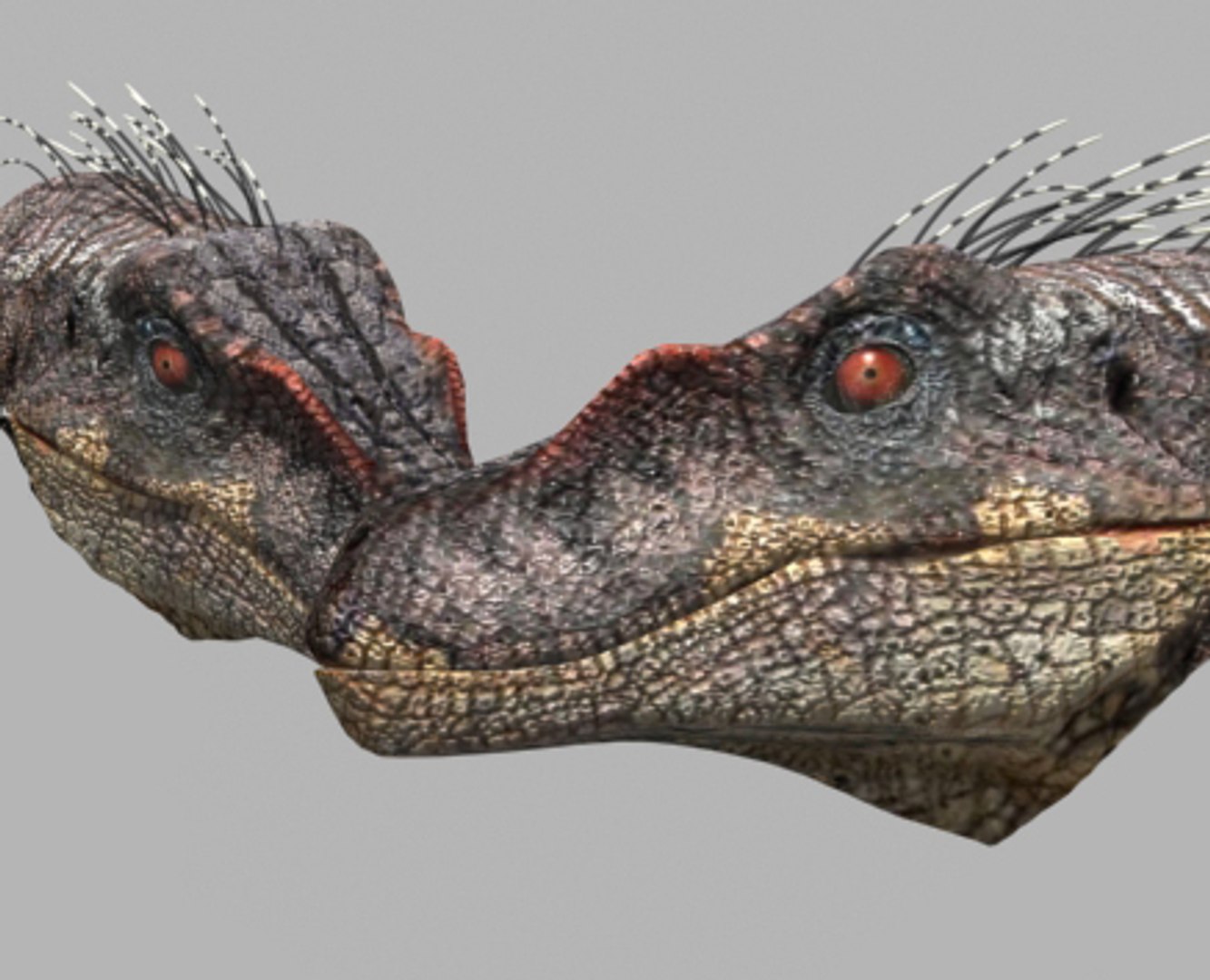
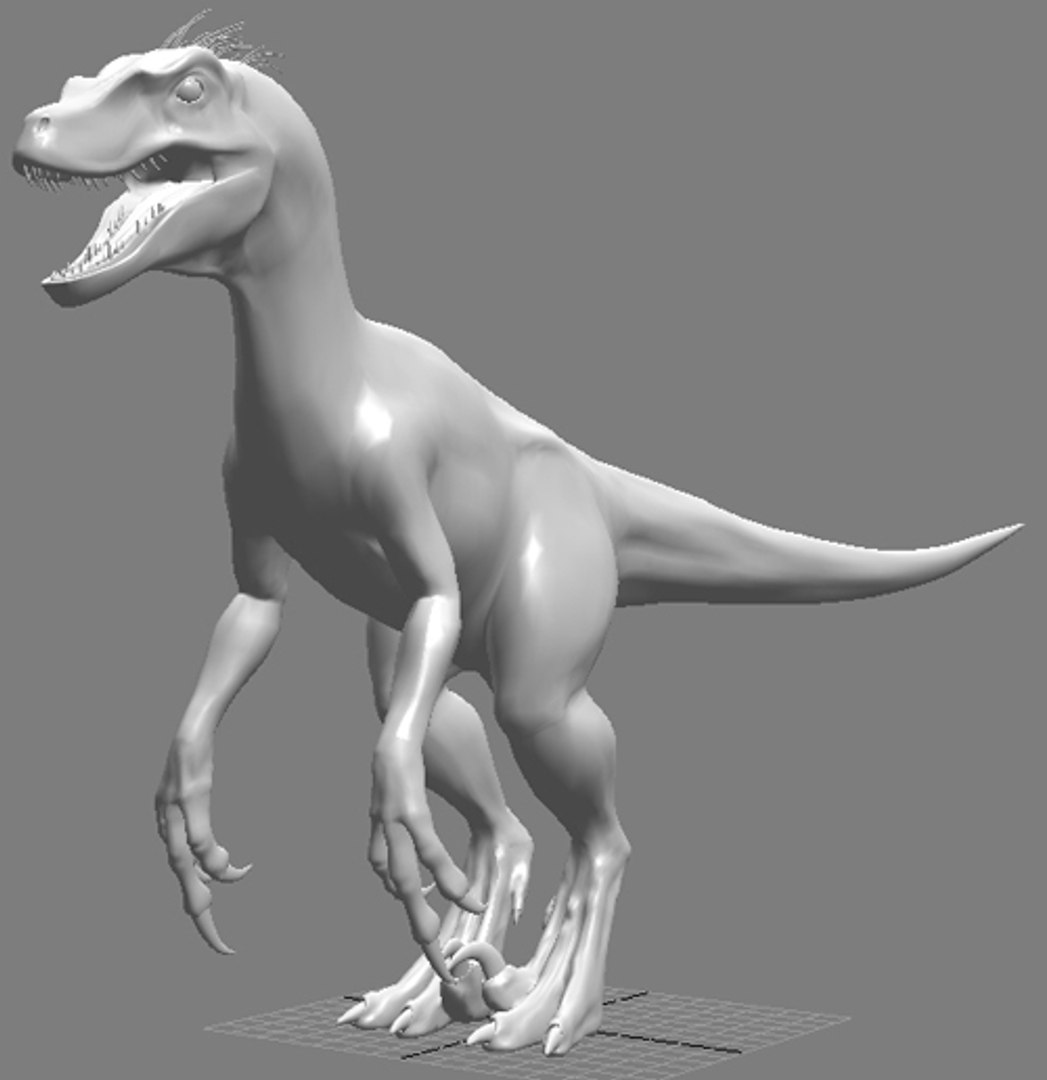
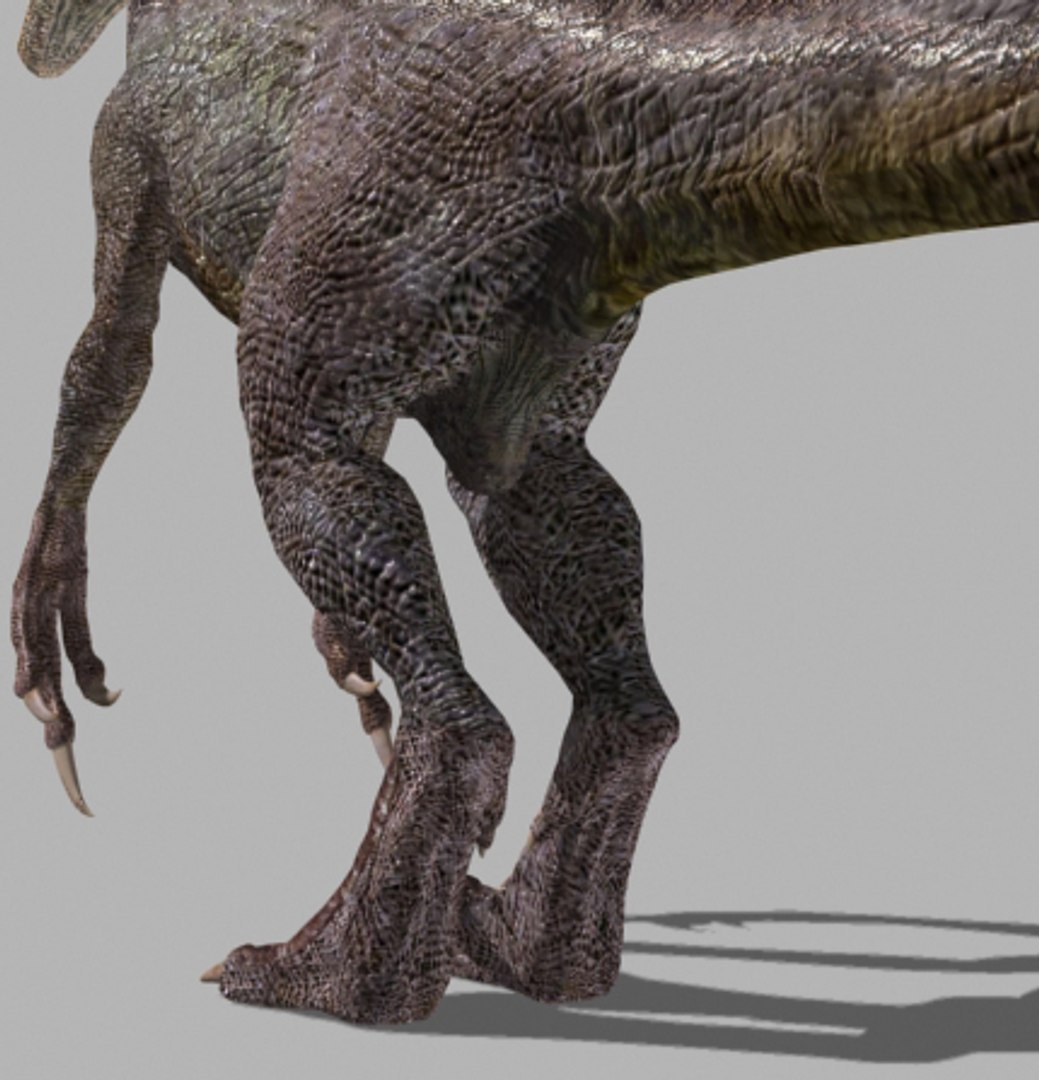
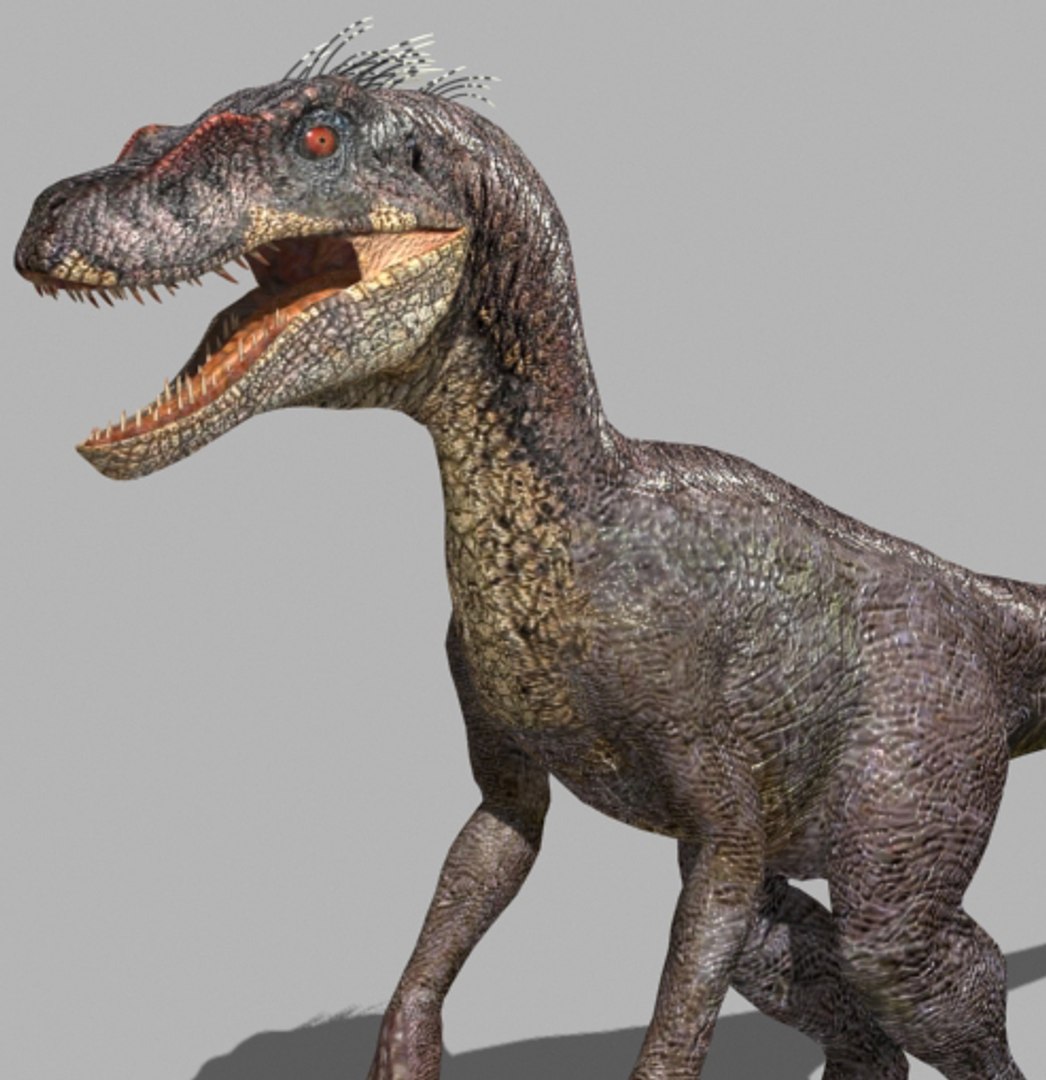
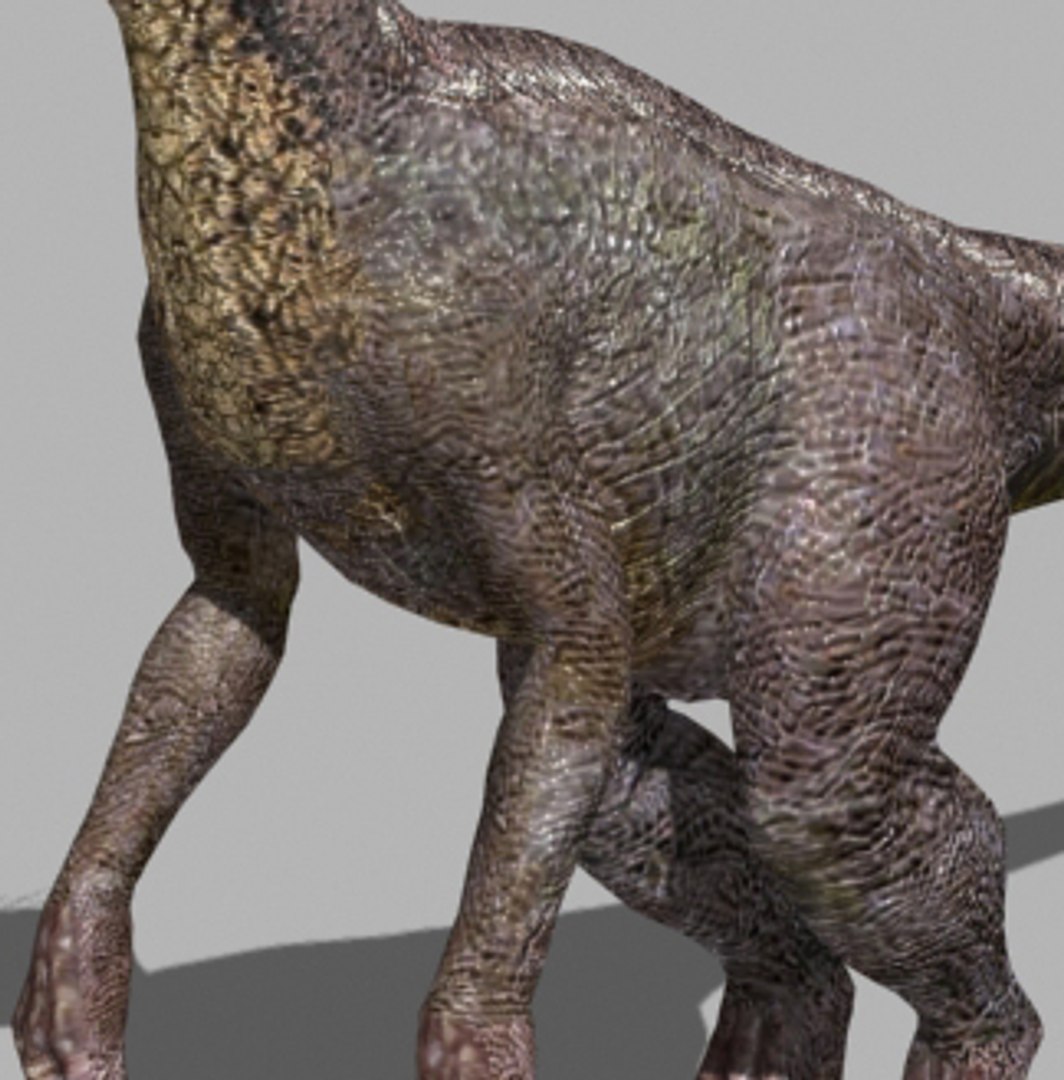
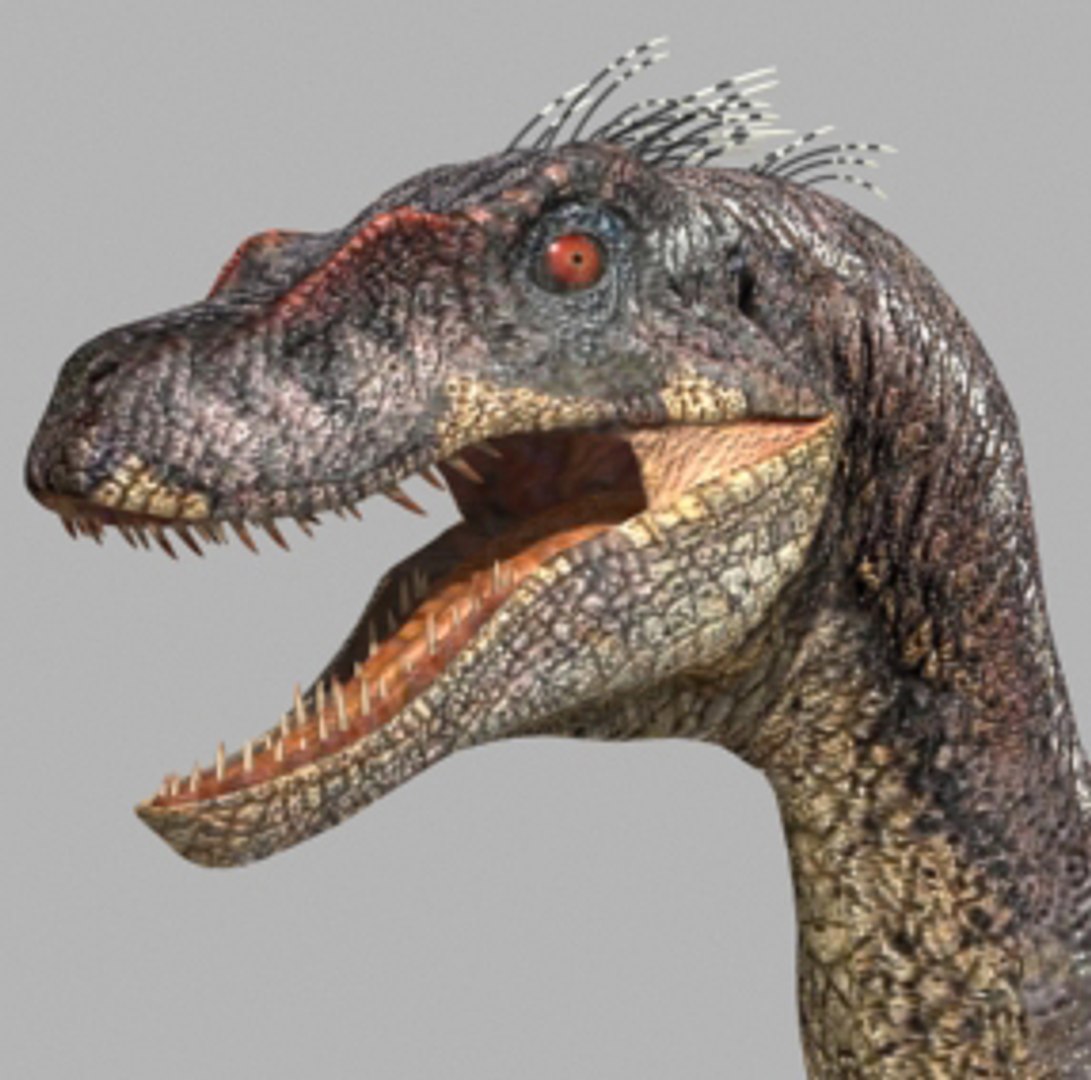
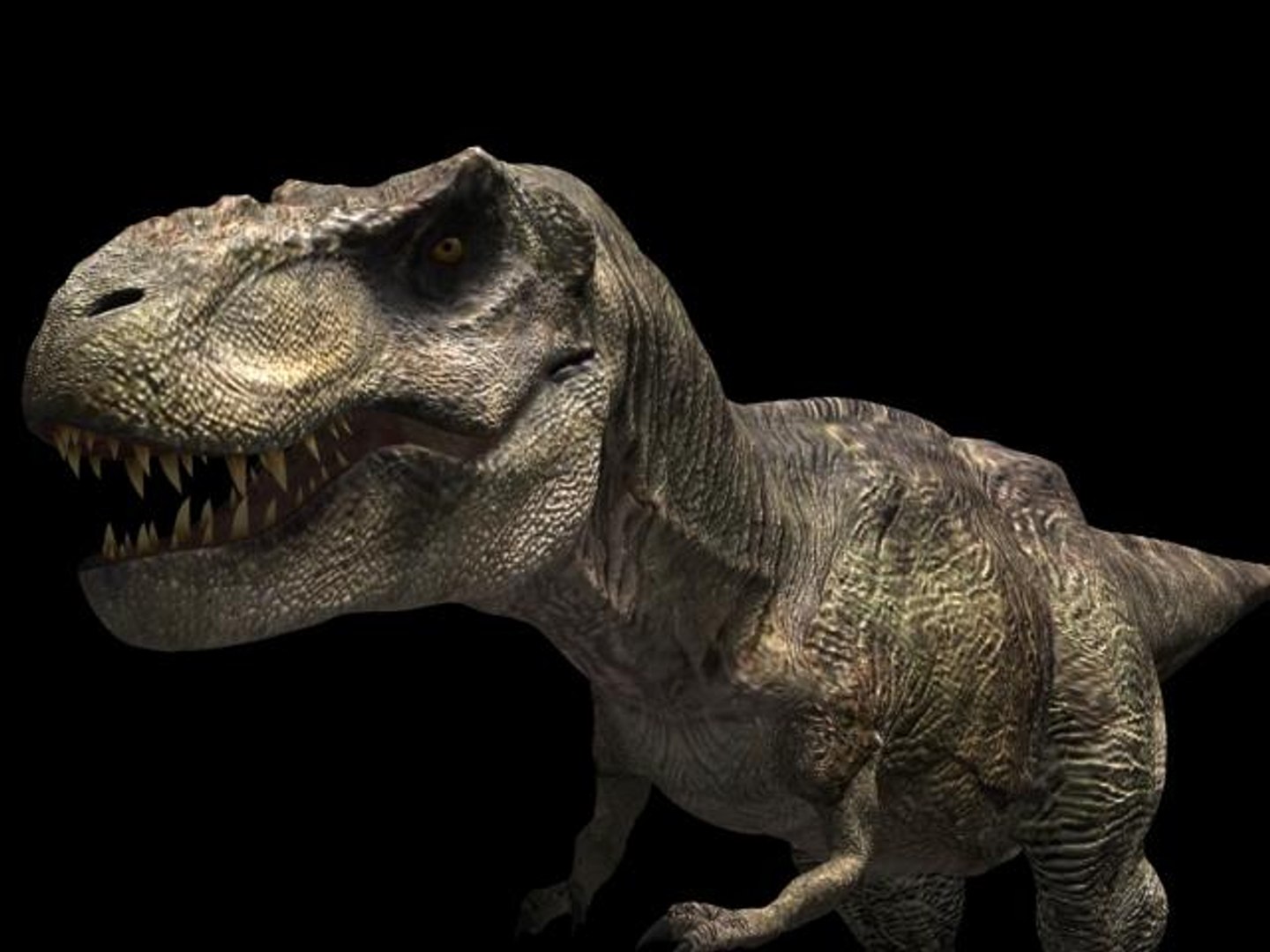
Incredible JP Dinosaur PACK

$69

Standard License | Upgrade License
Formats (15)
Native | 3ds Max 2017 & up | Default Scanline
3ds Max 2013 & up | Default Scanline
3ds Max 2017 & up | Default Scanline
OBJ
FBX
Specifications
Publish Date November 03, 2010
Product ID 566585
Polygons 1
Vertices 1
Polygonal
Textures
Materials
UV Mapped
Unknown Unwrapped UVs
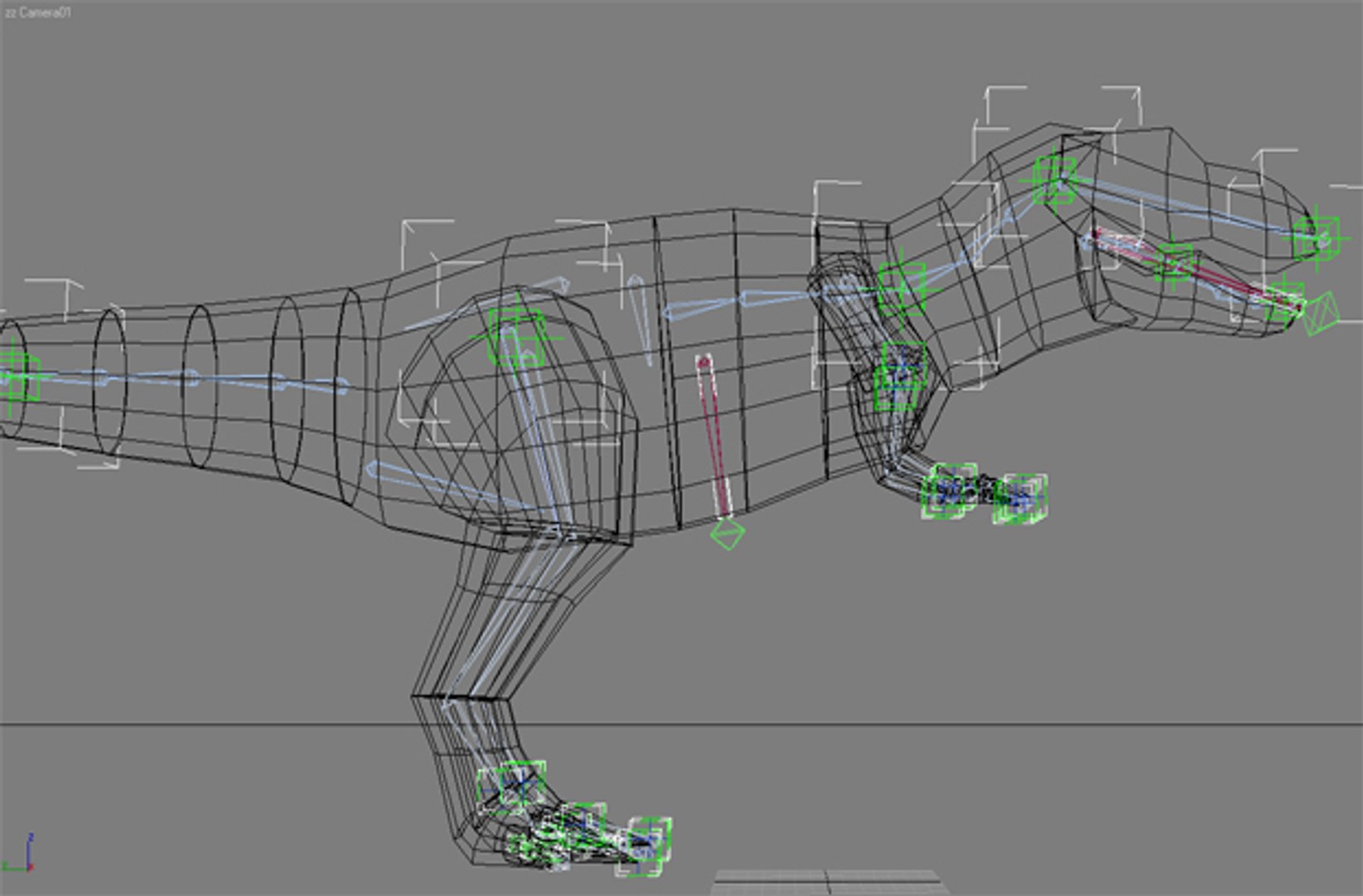
Rigged
Animated
member avatar
Virtual creator
222 Products | Contributor Since 2005
Have questions? Chat with us now.

Description

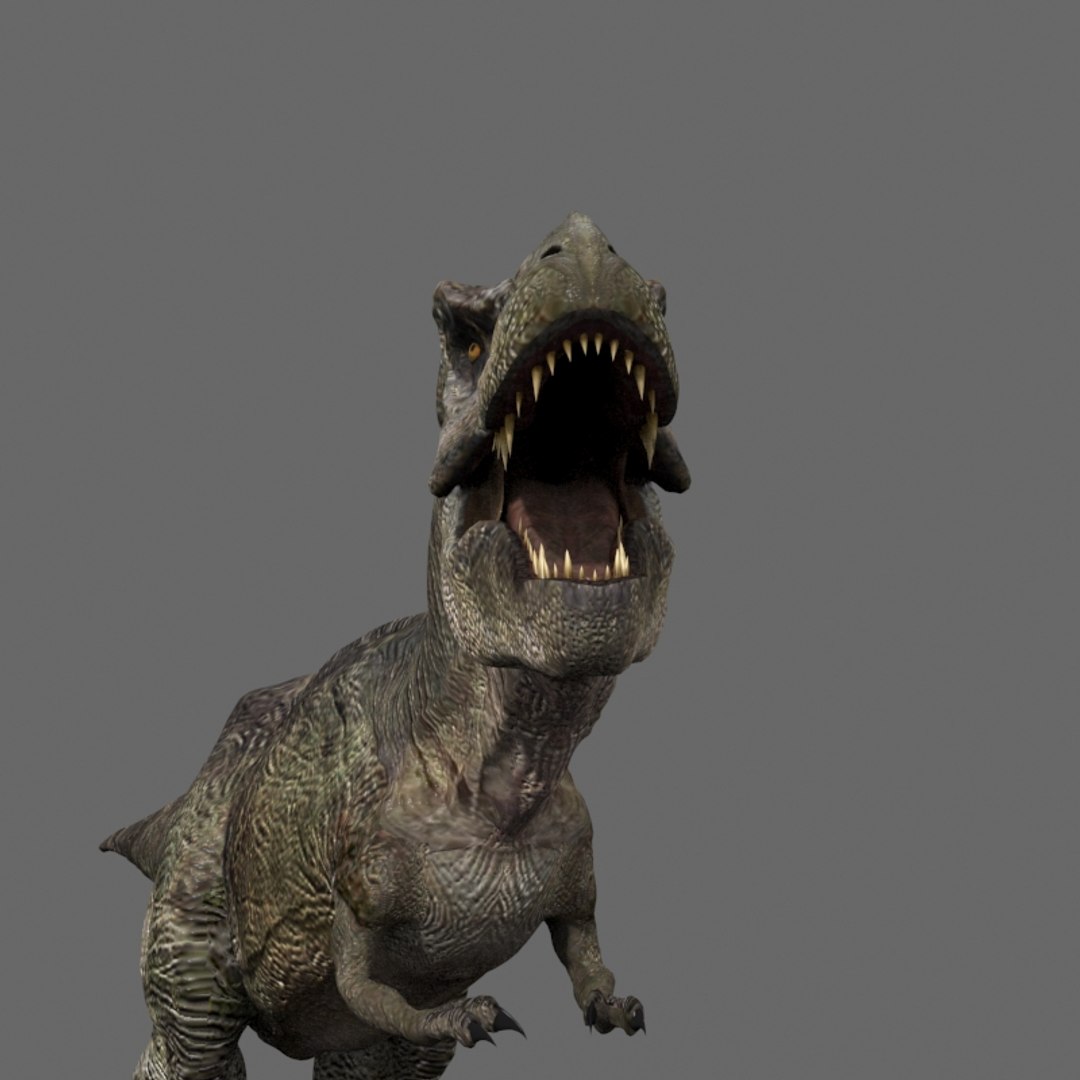
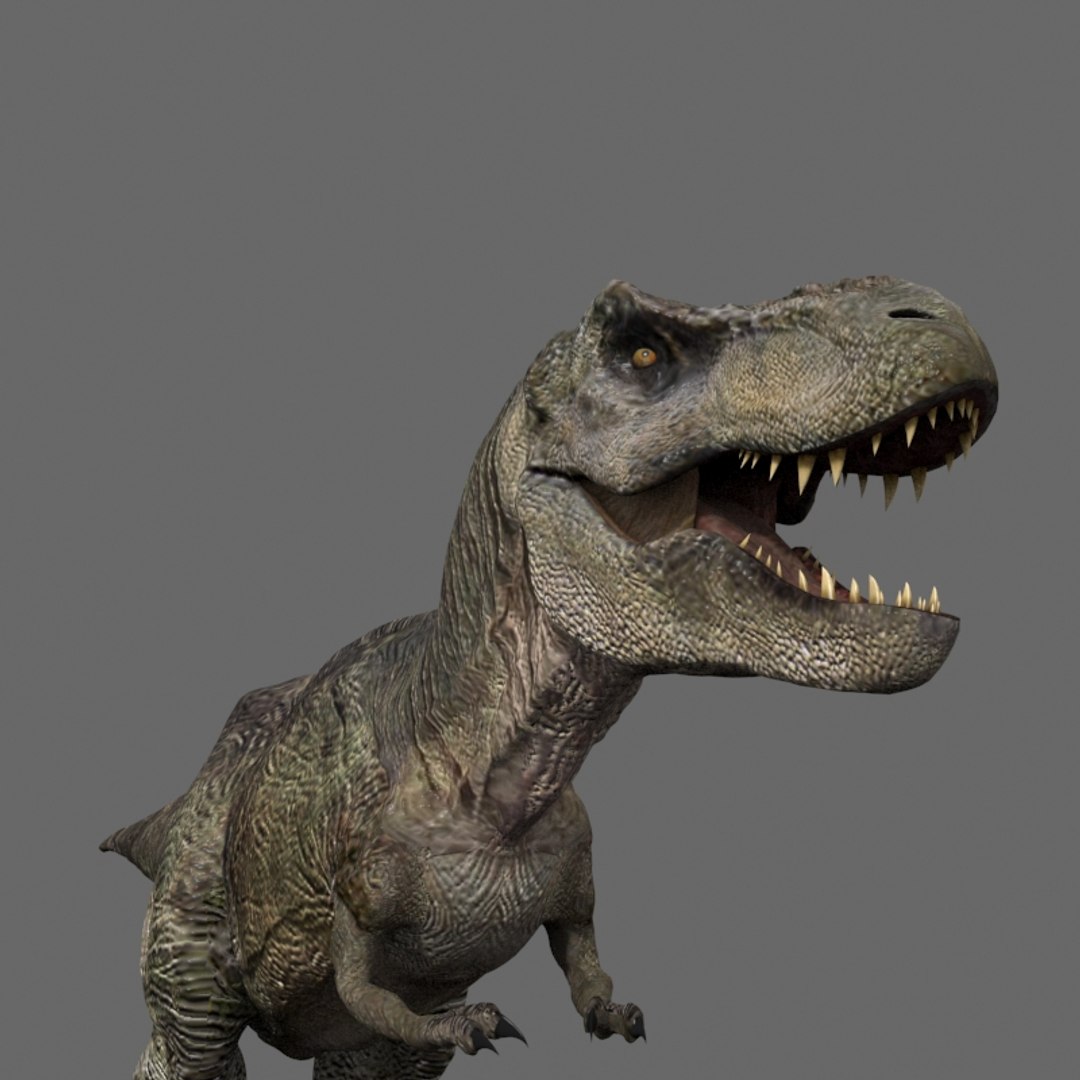
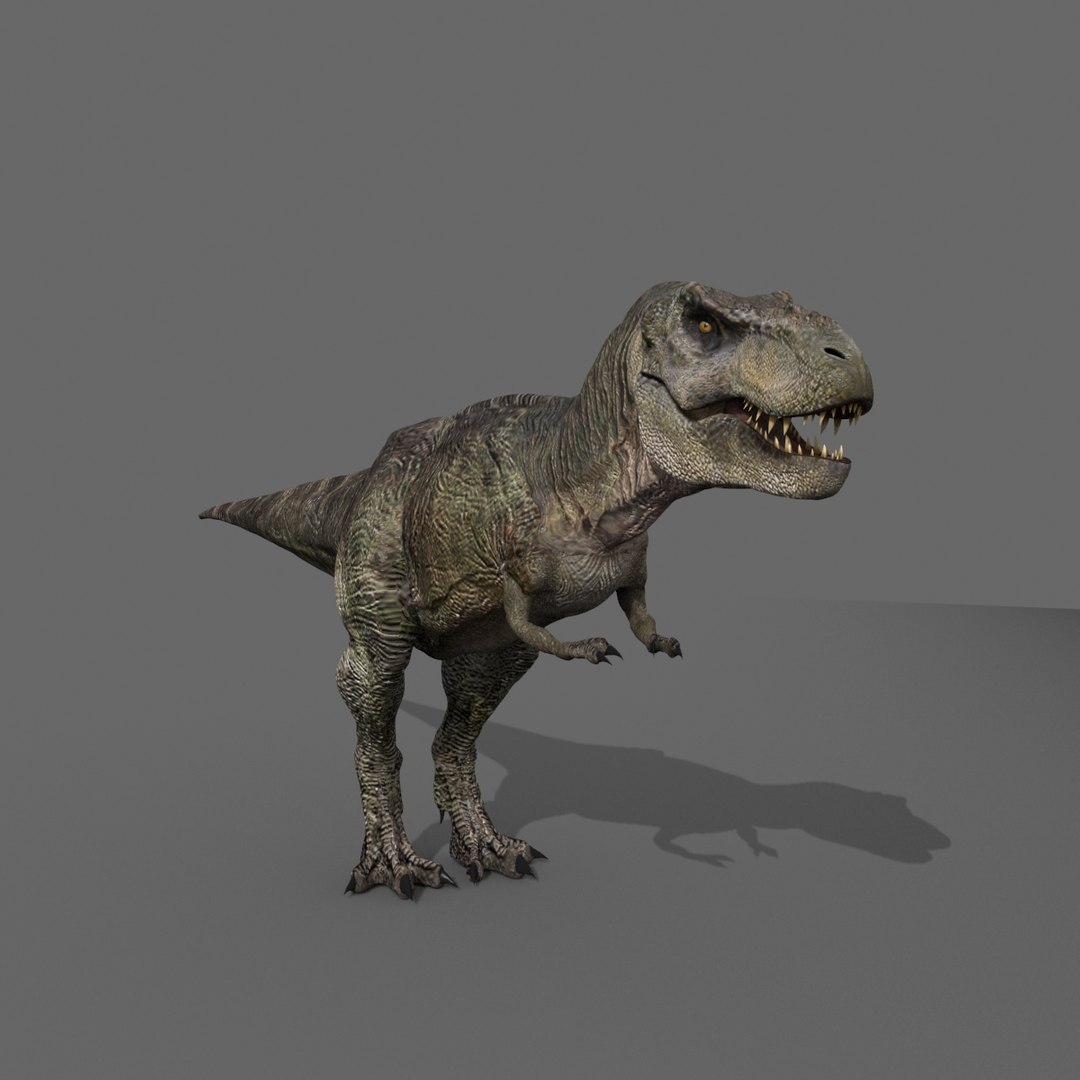
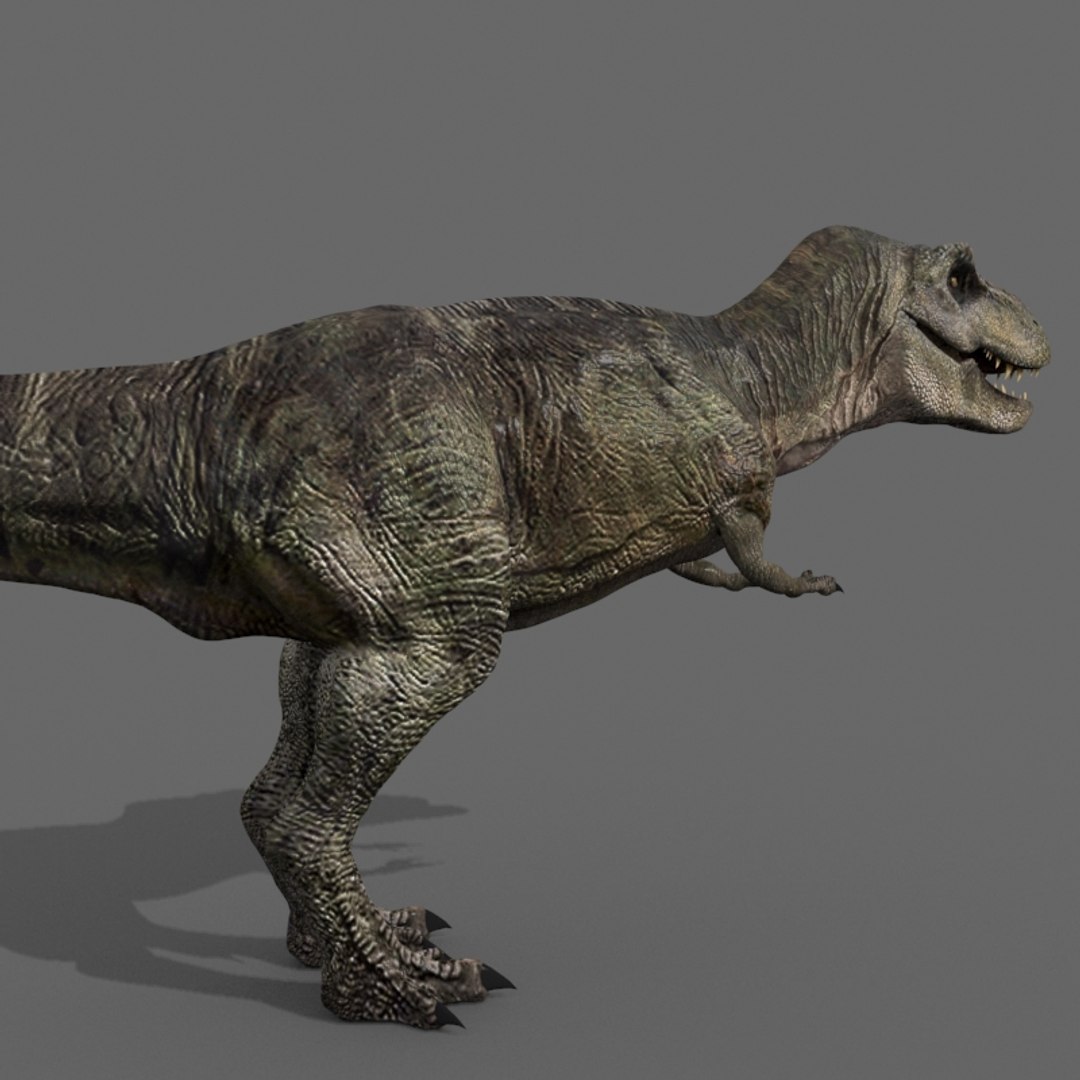
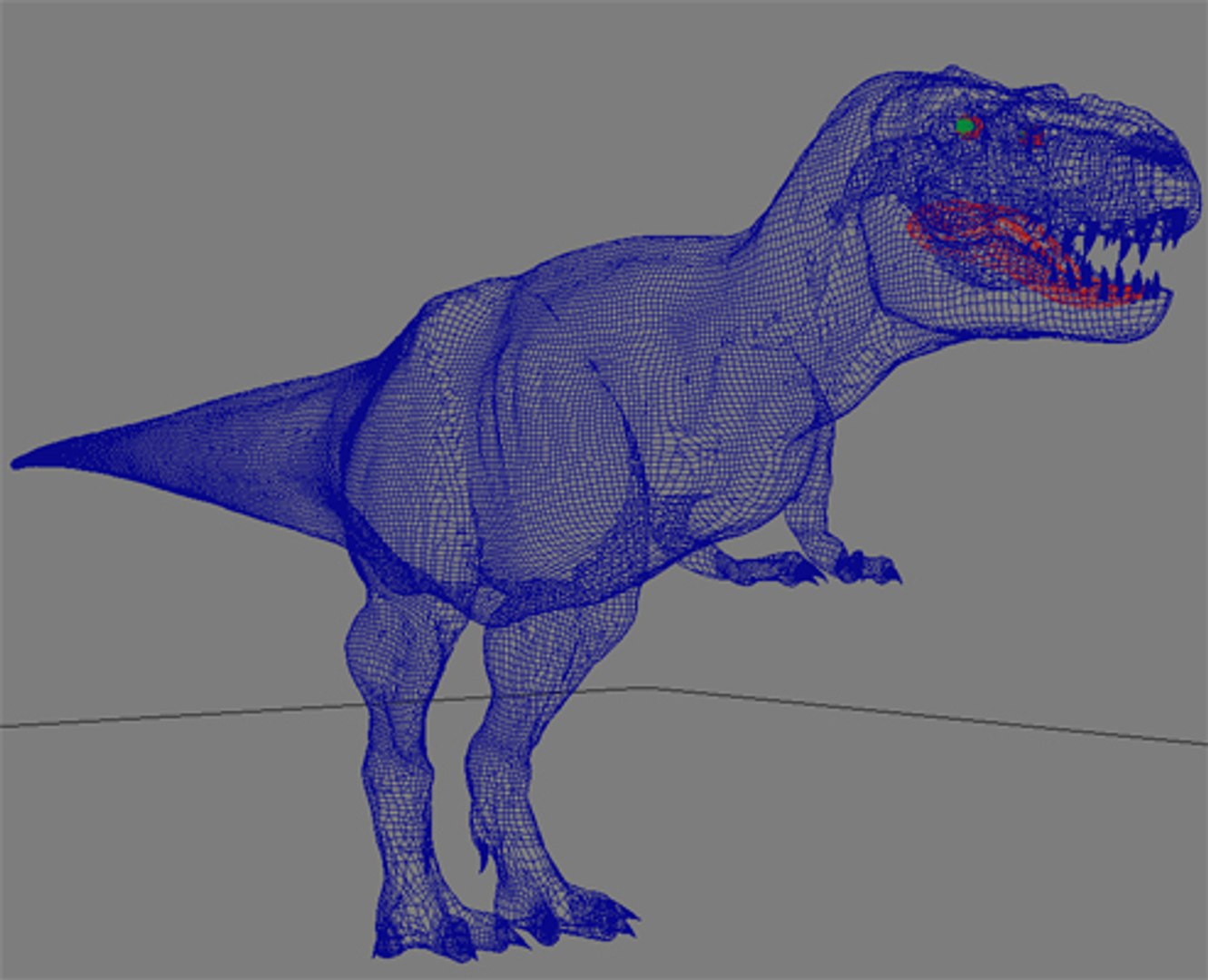
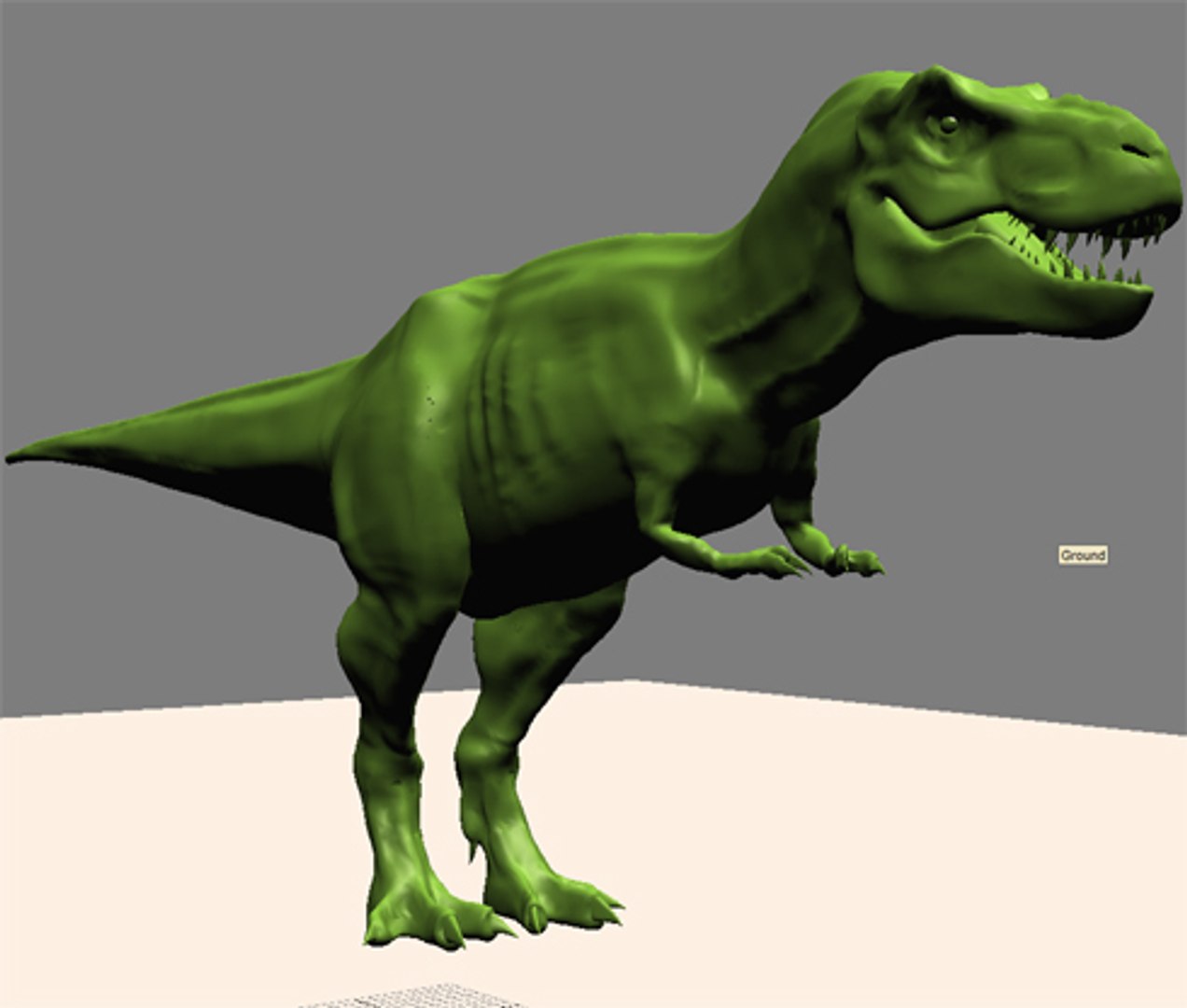
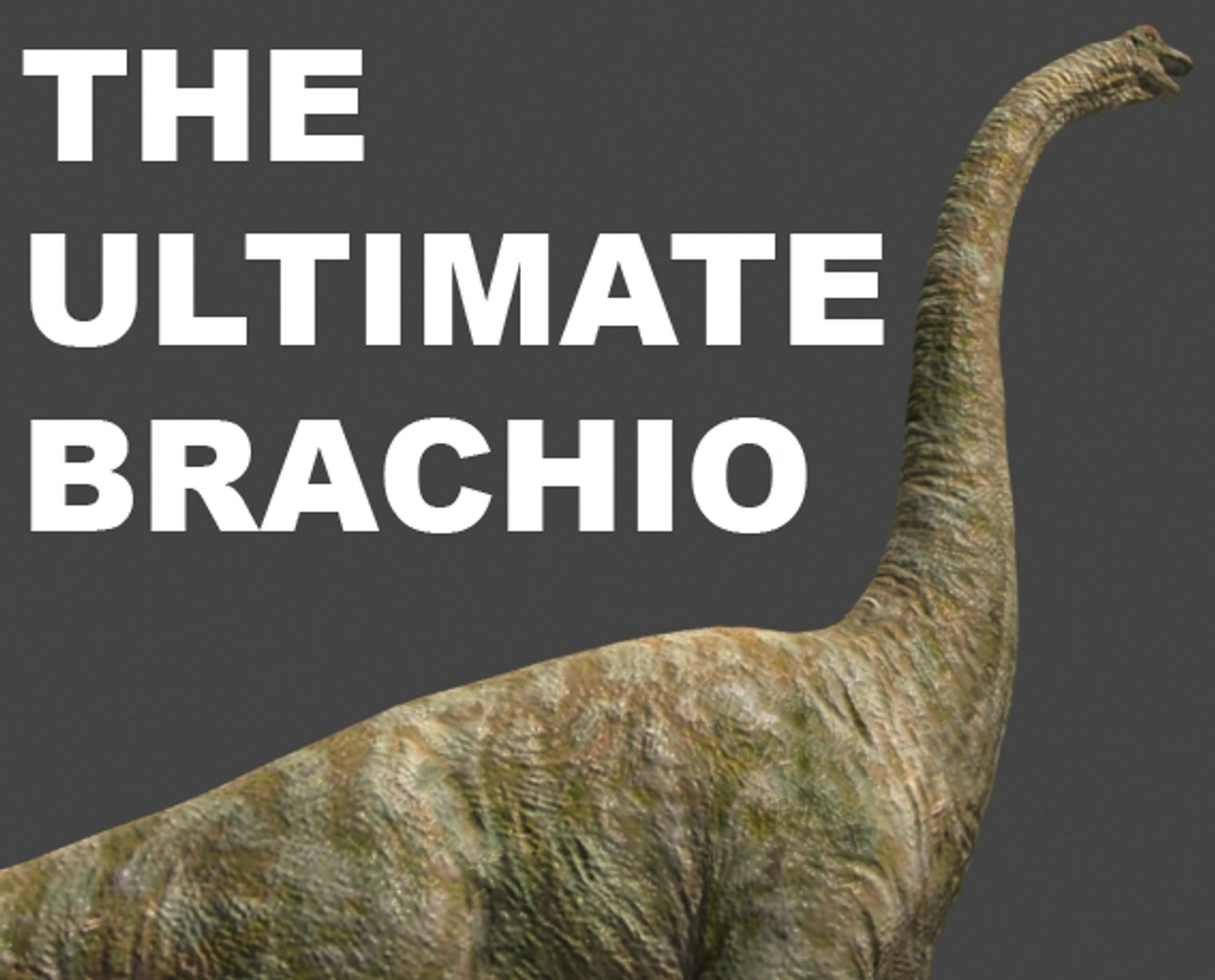
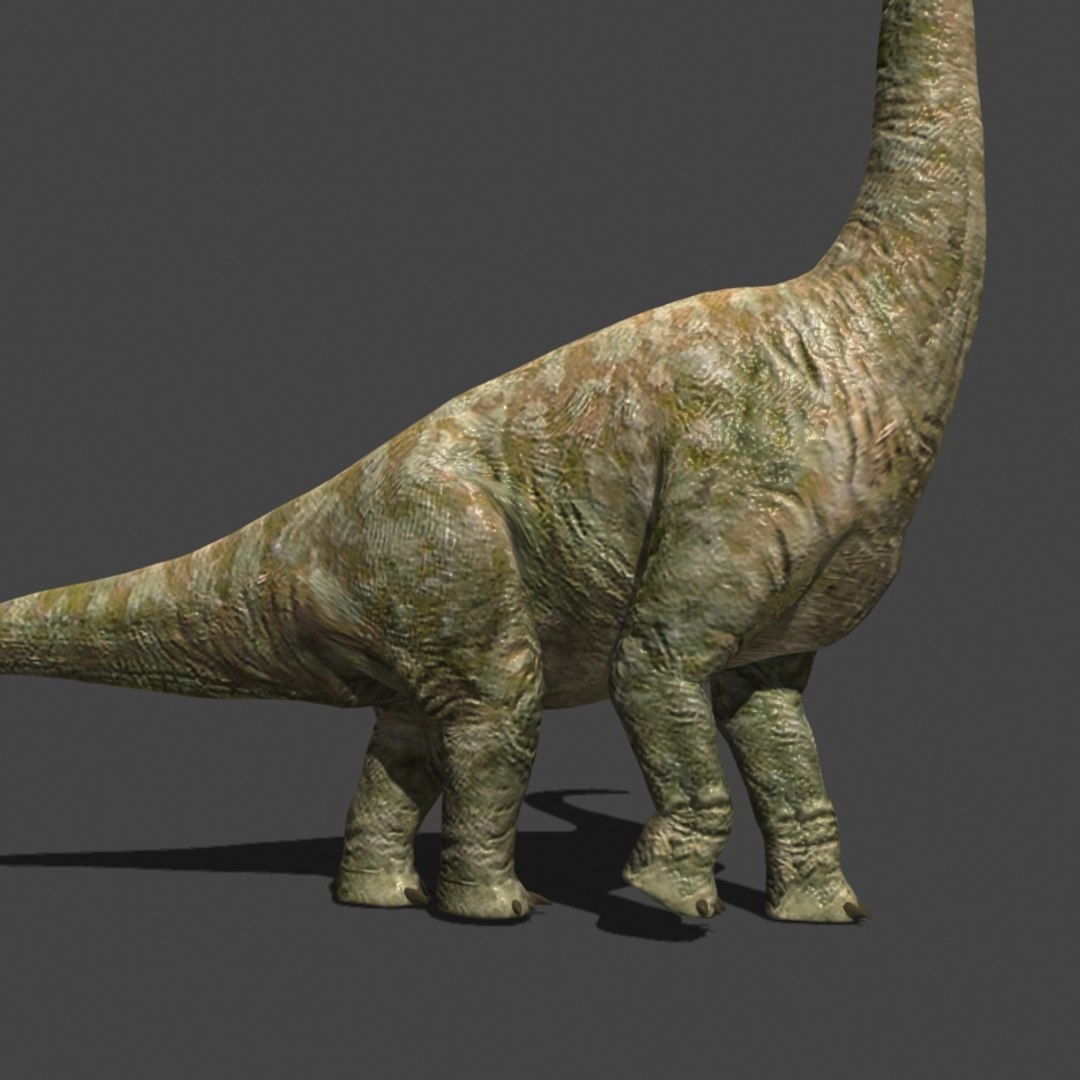
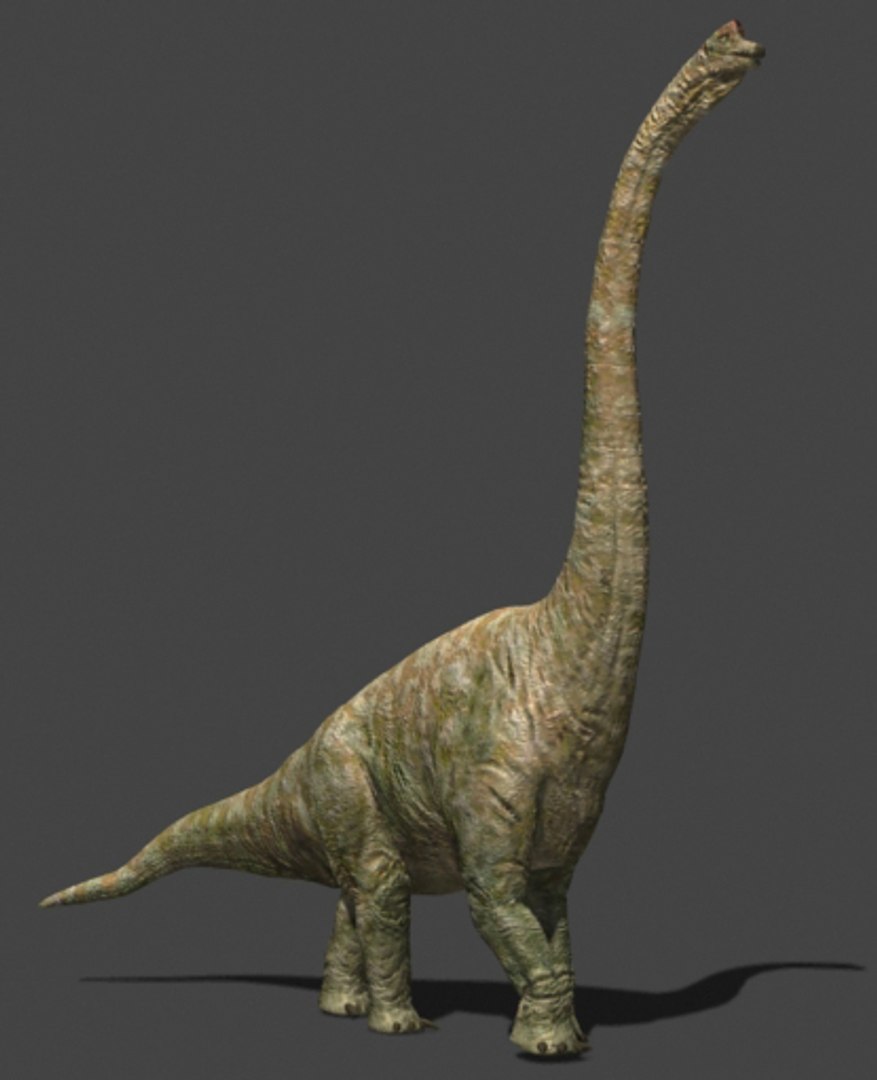
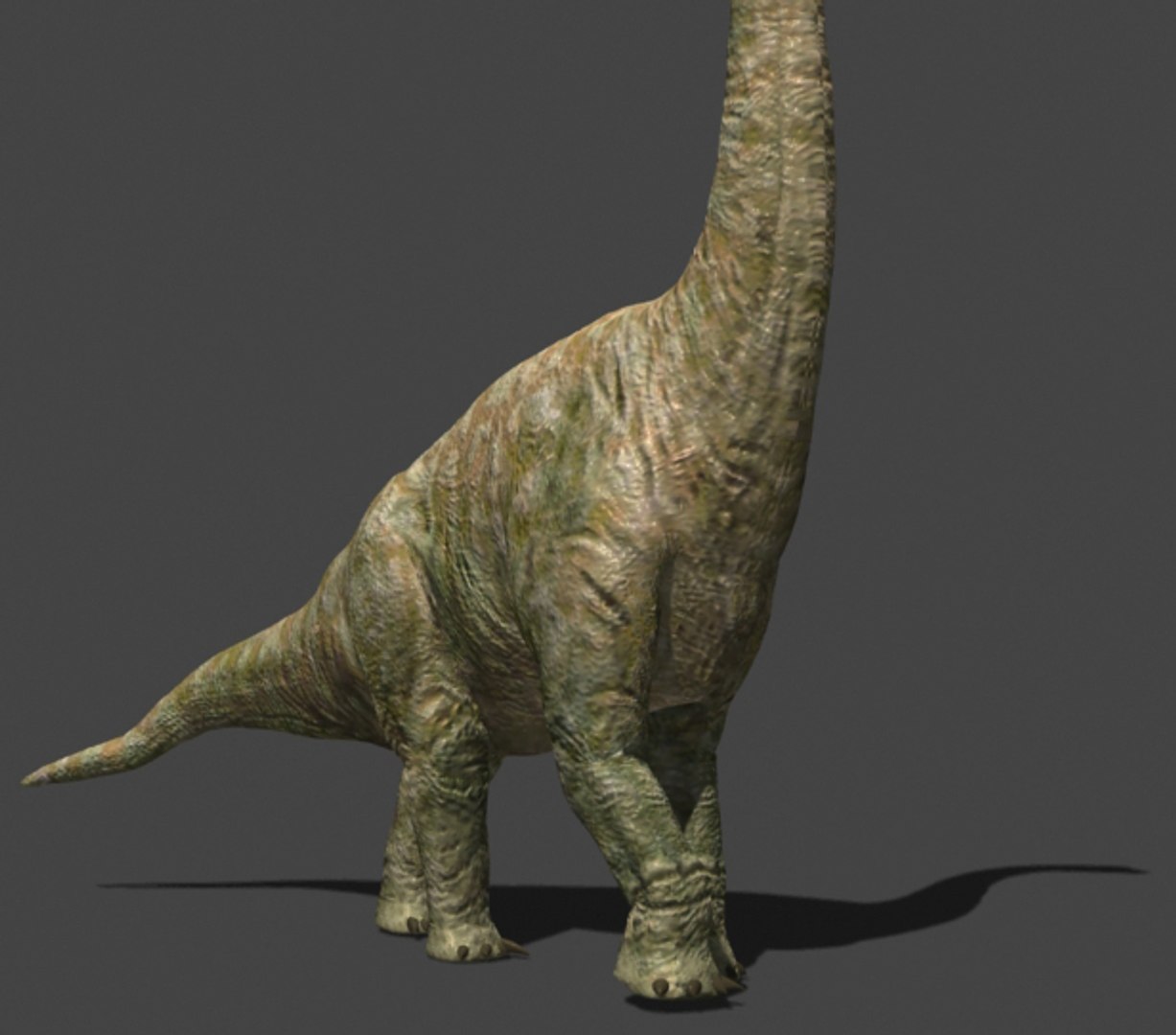
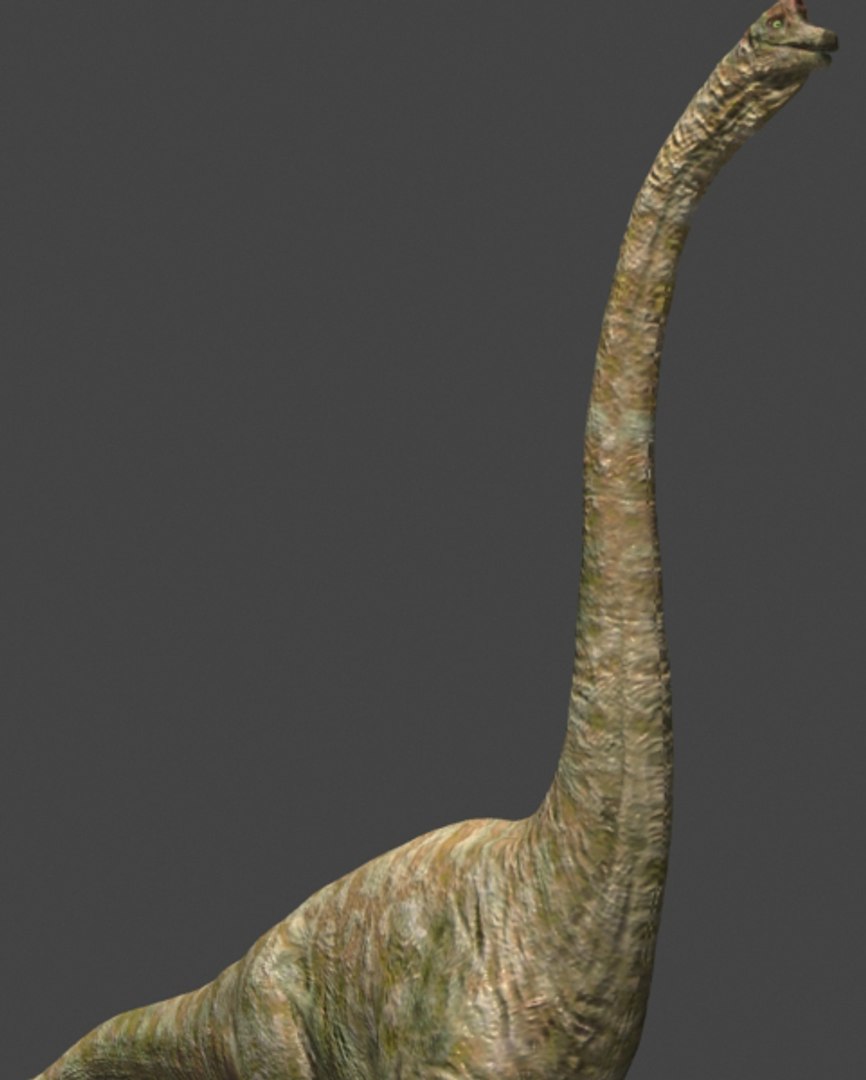
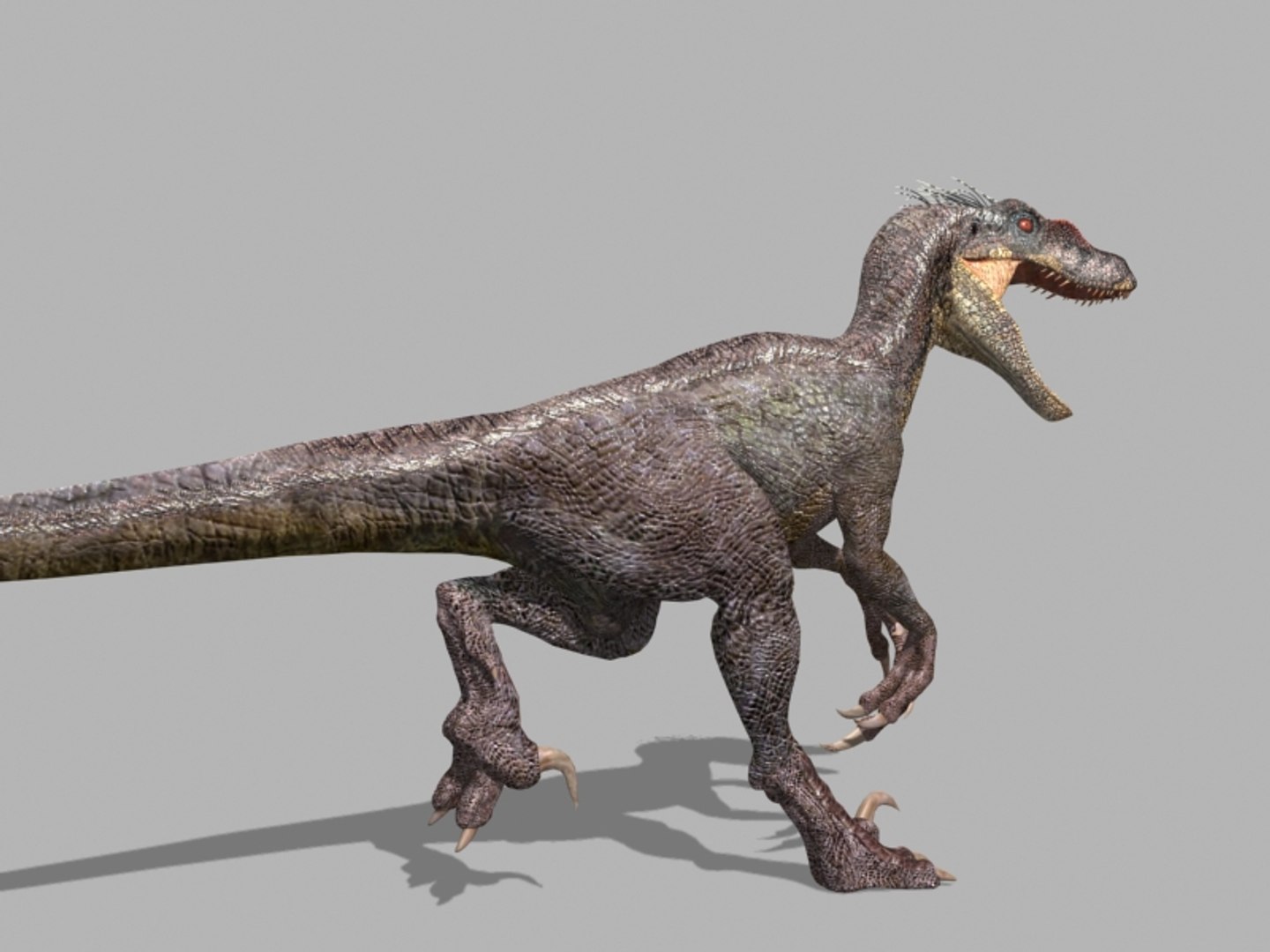
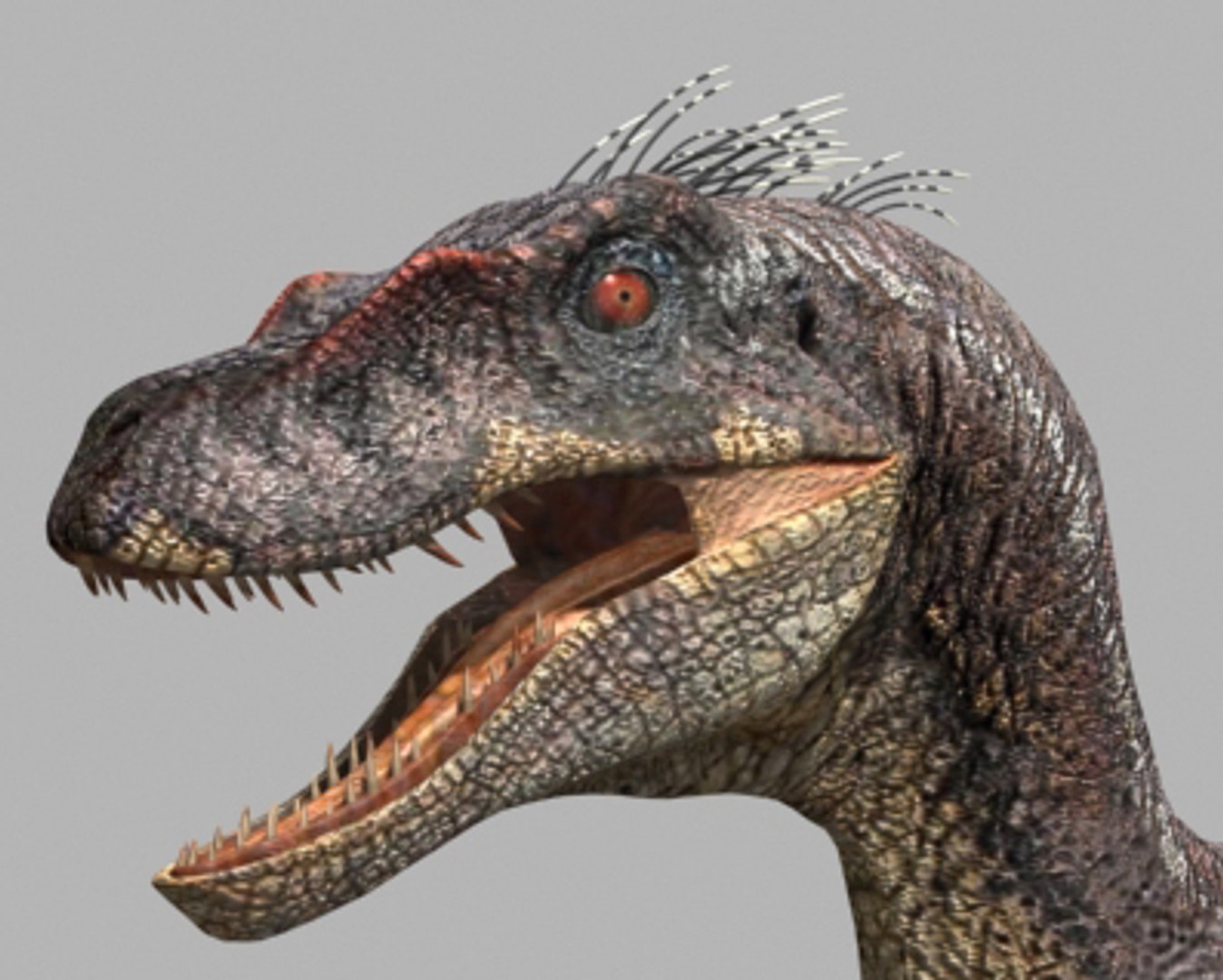
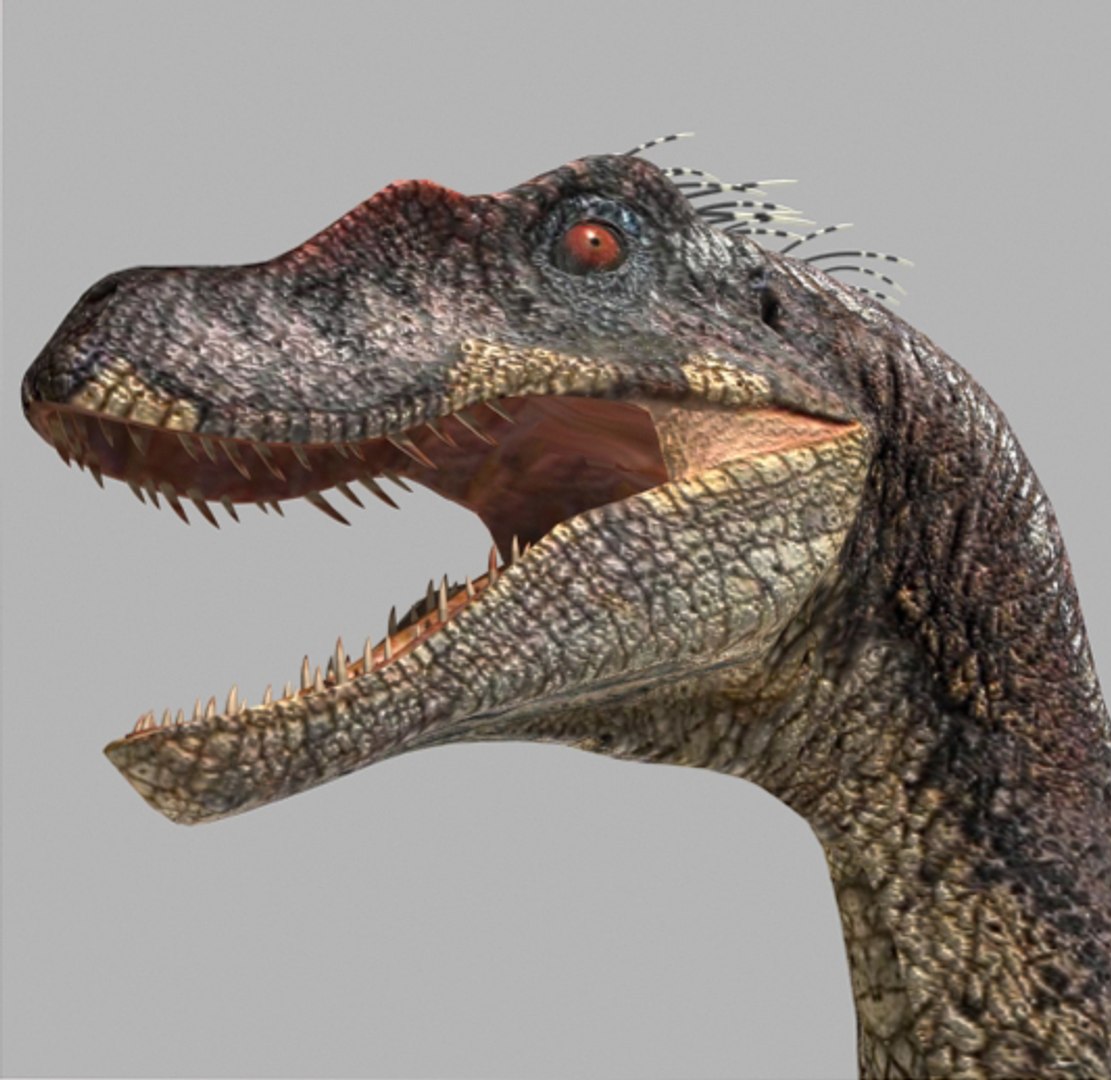
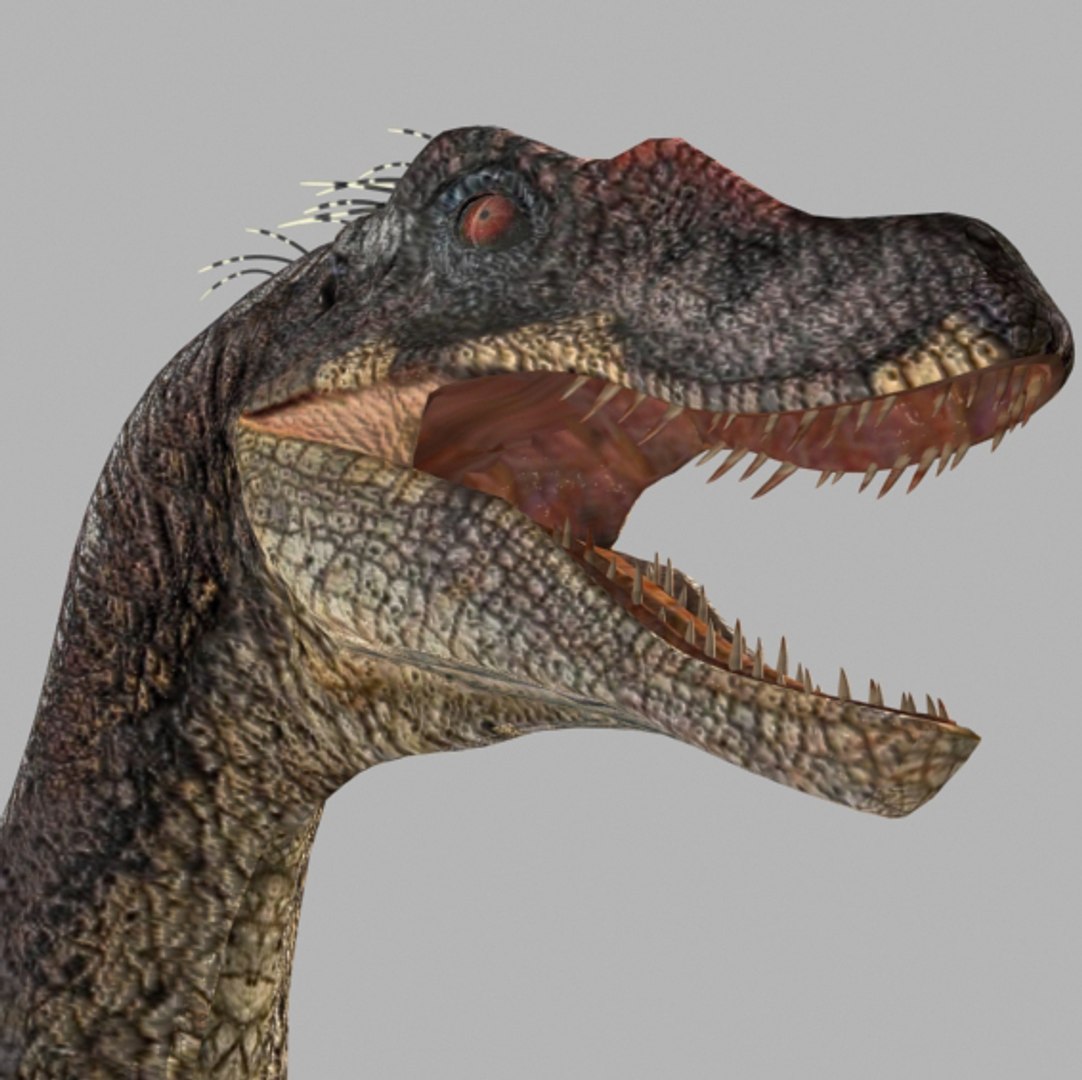
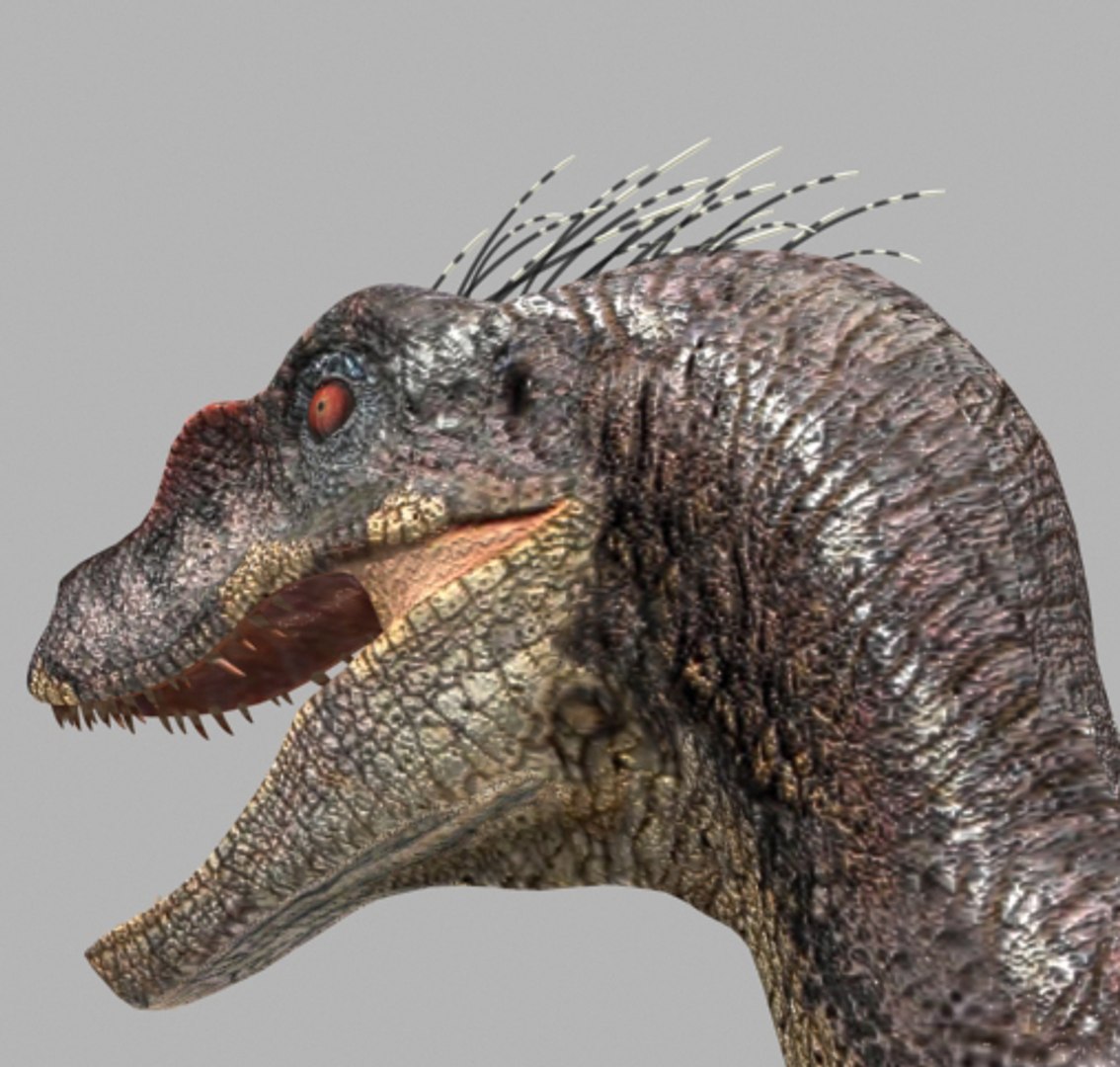
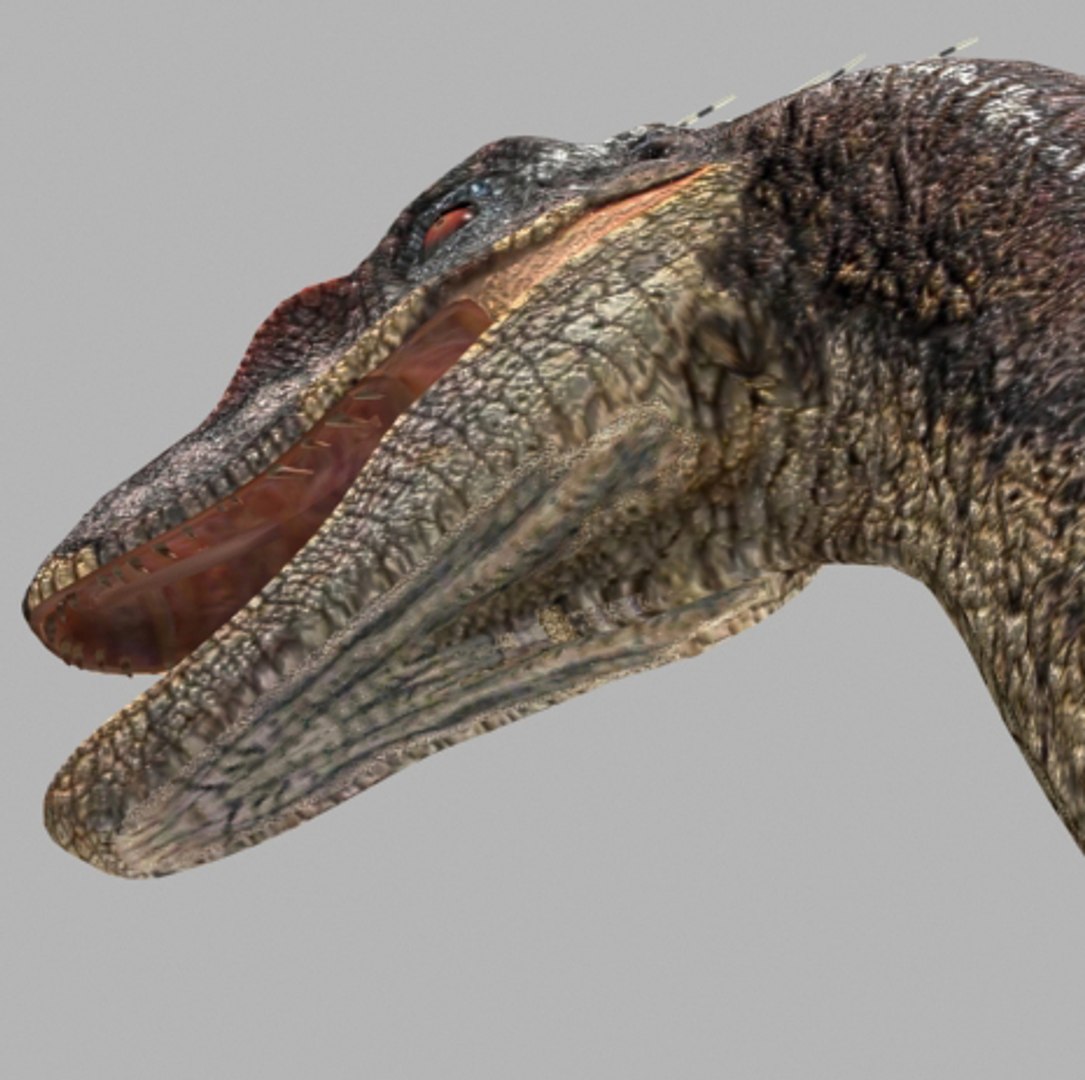
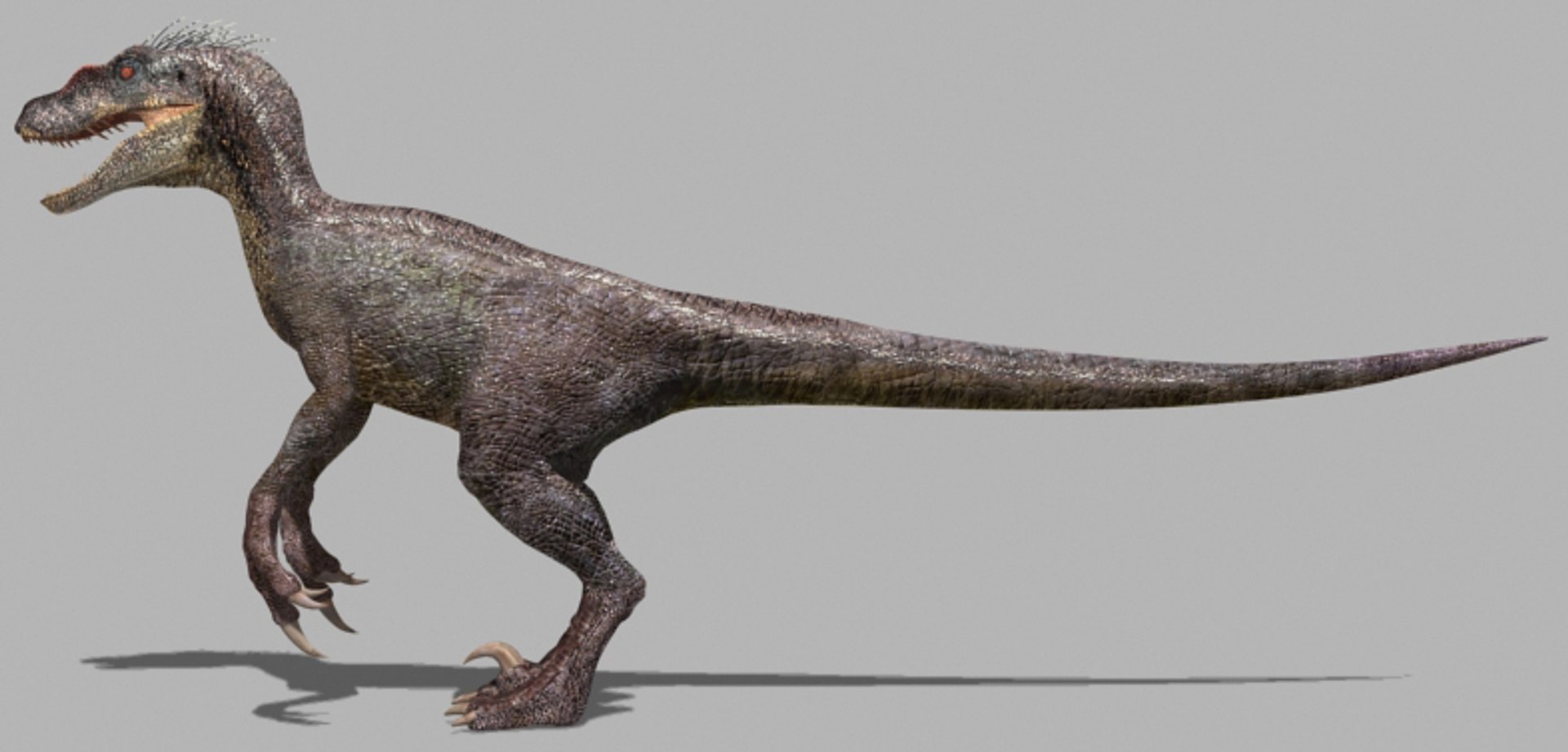
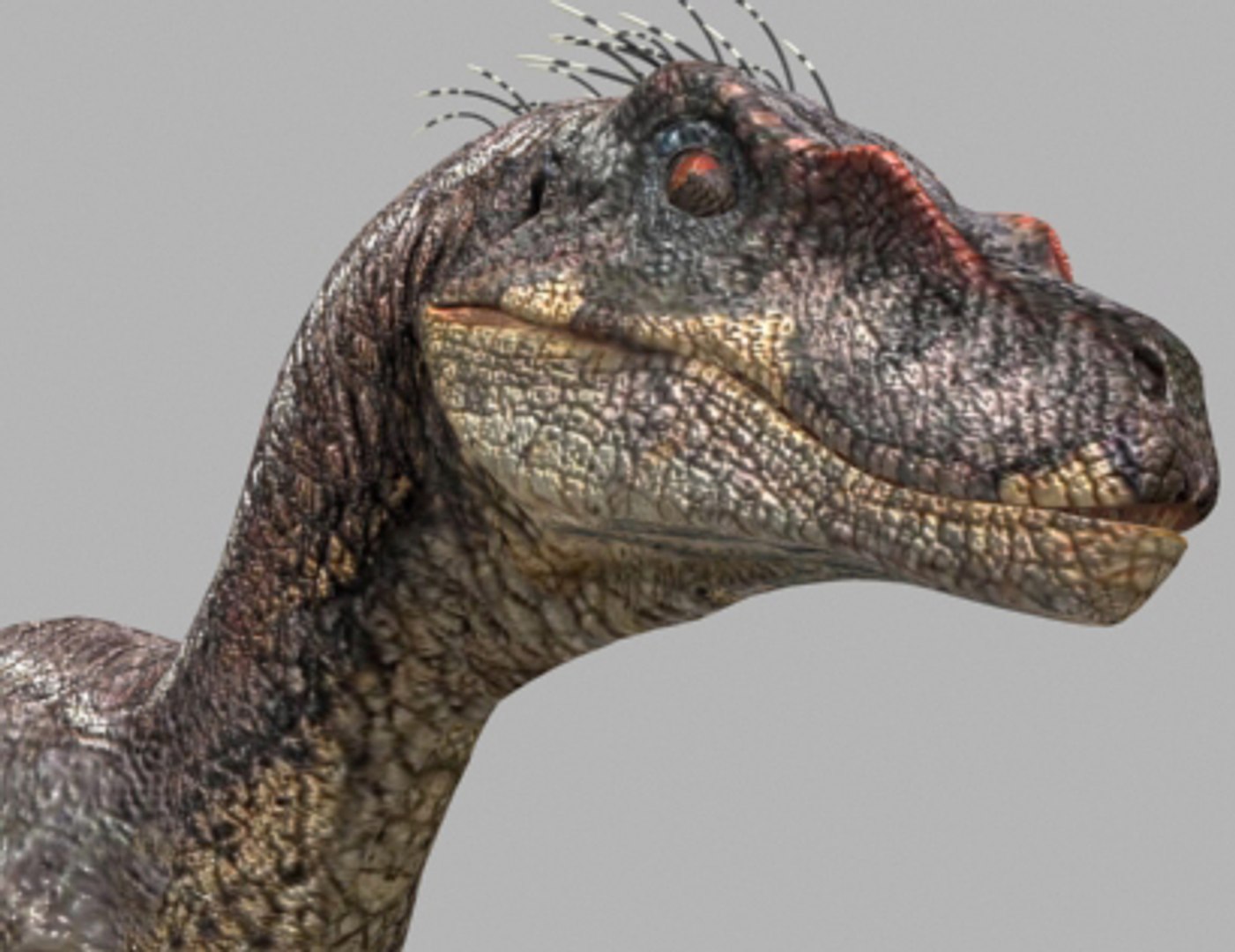
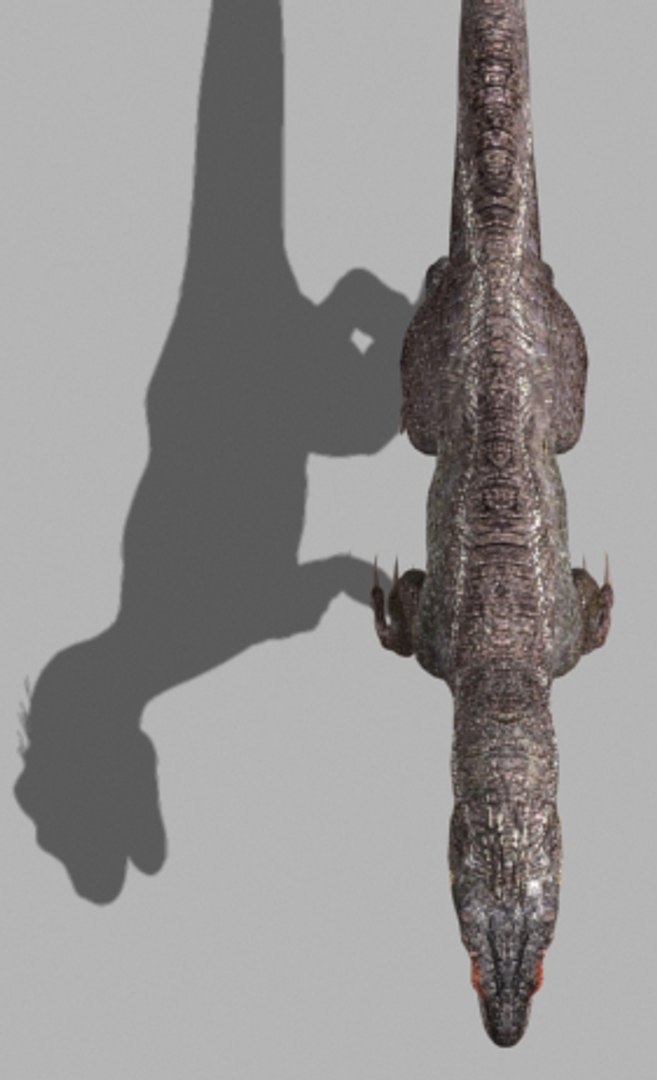
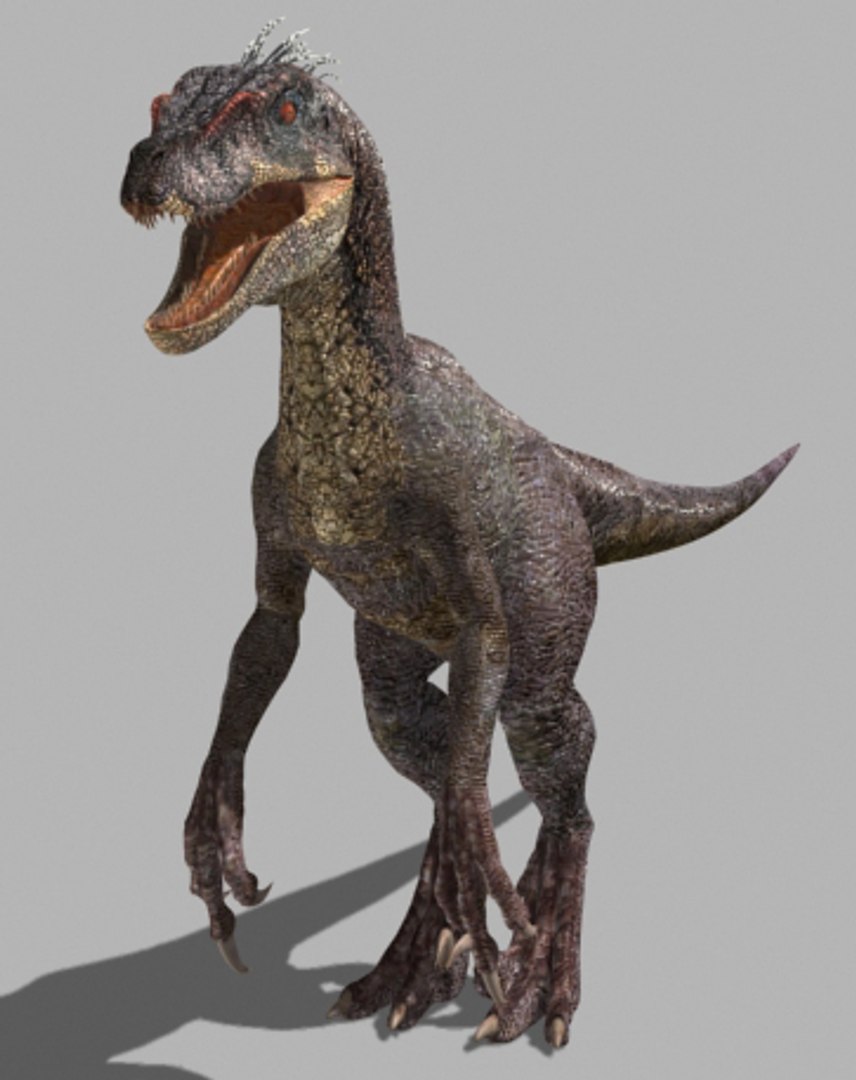
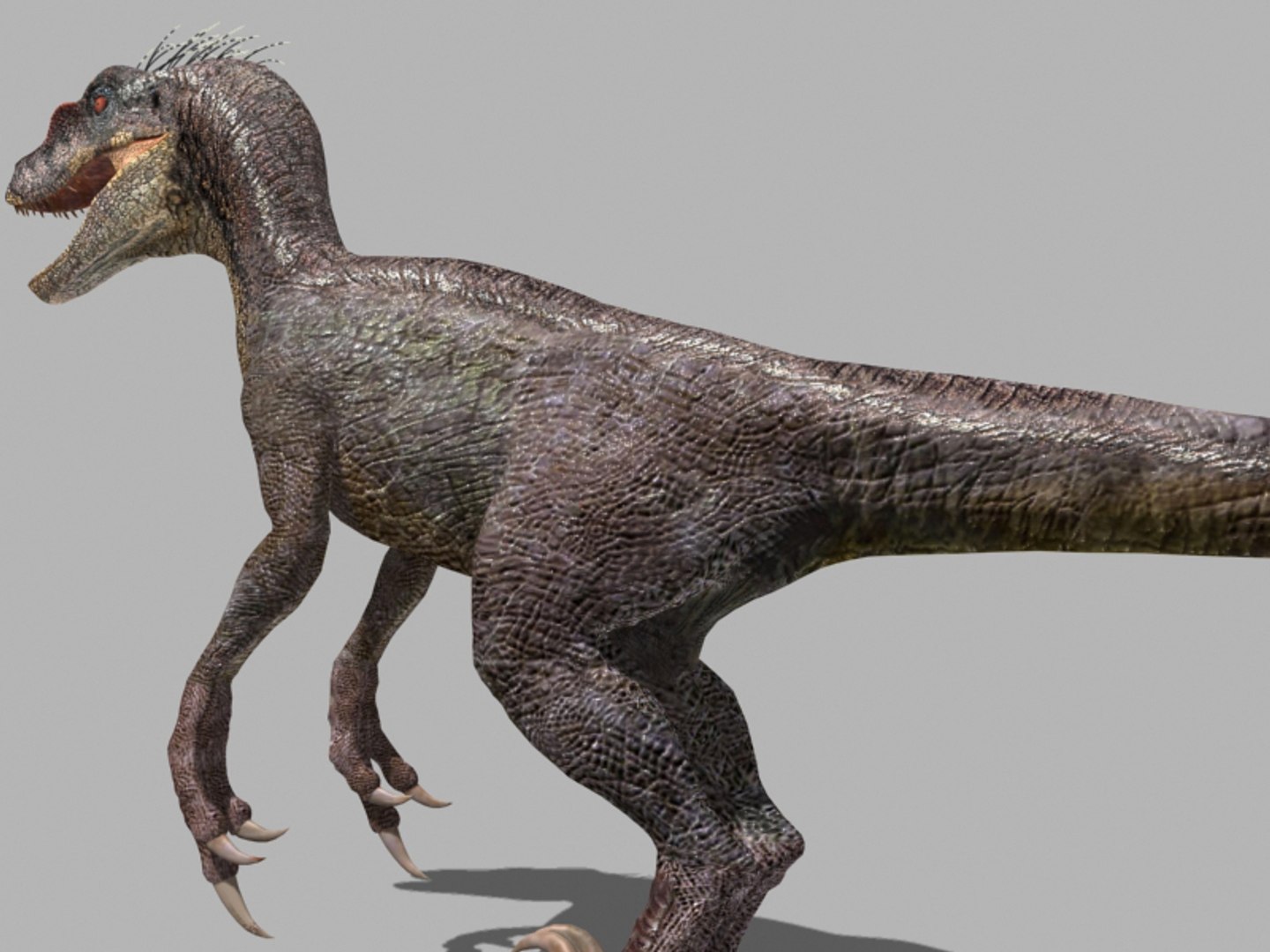
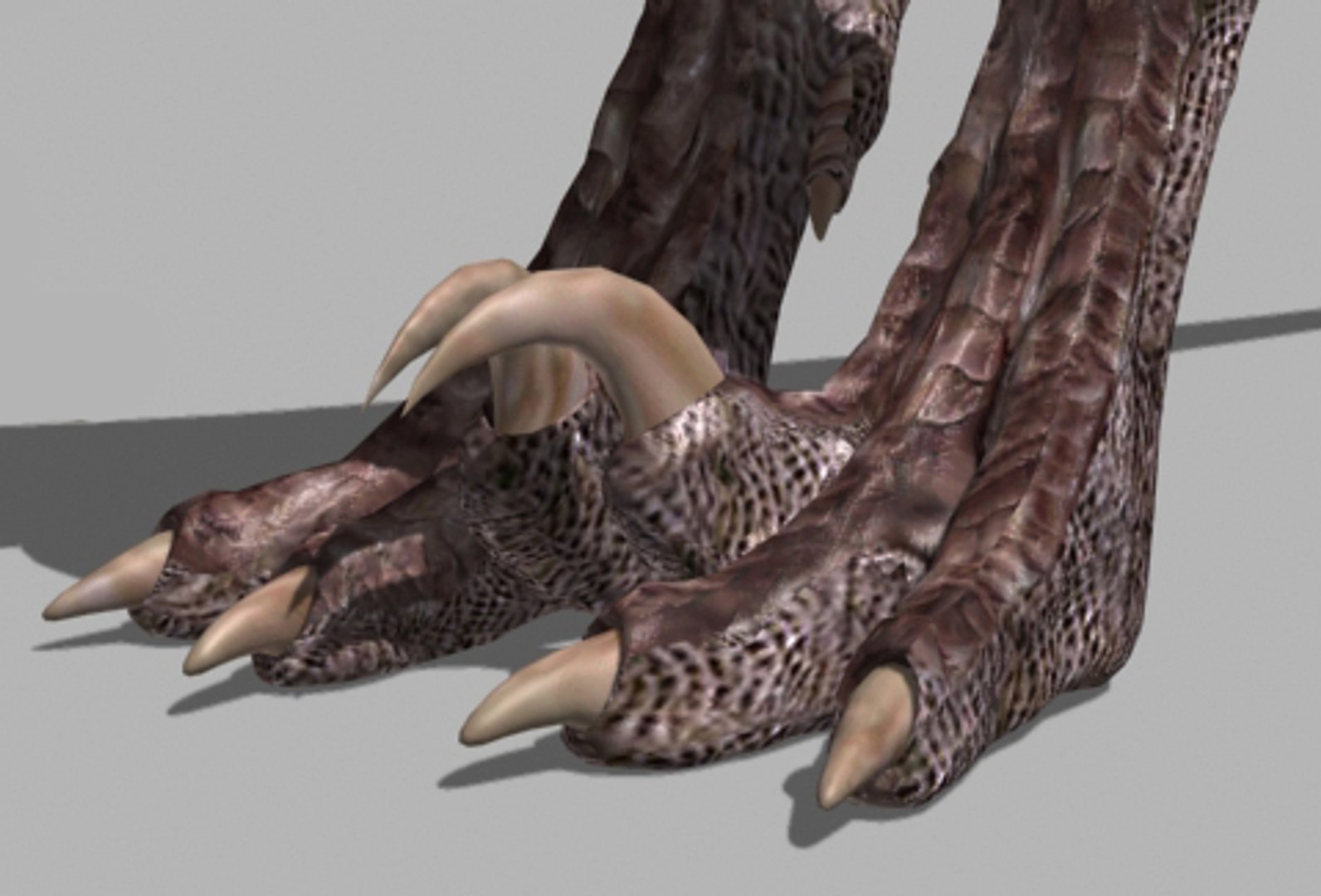
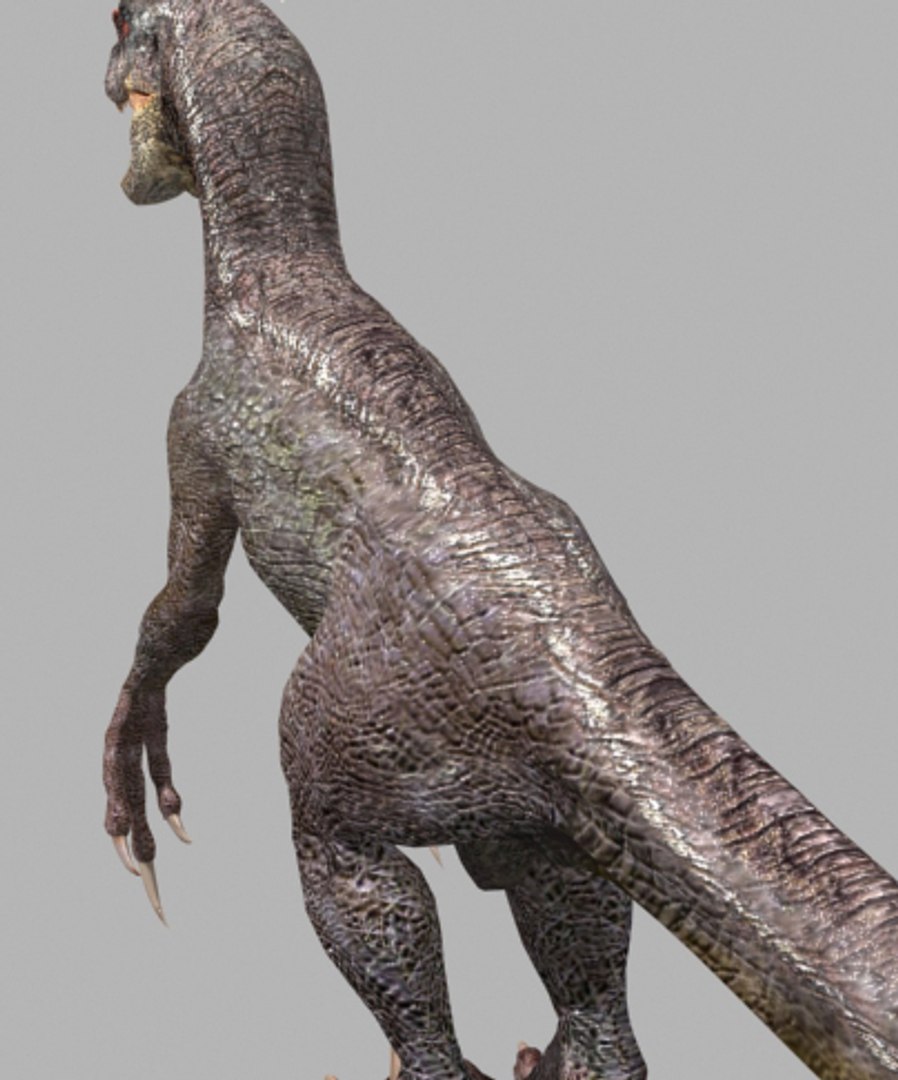
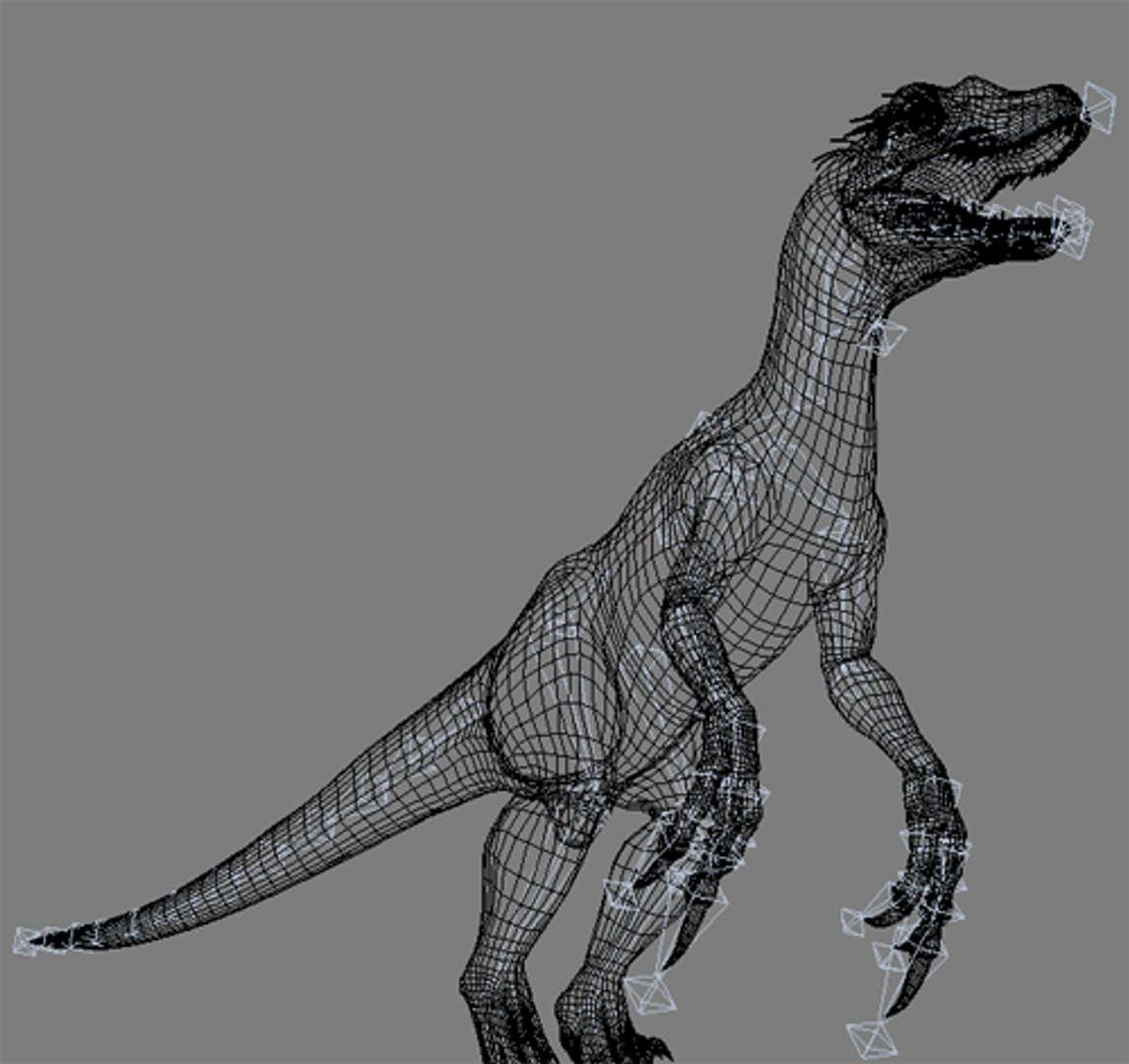
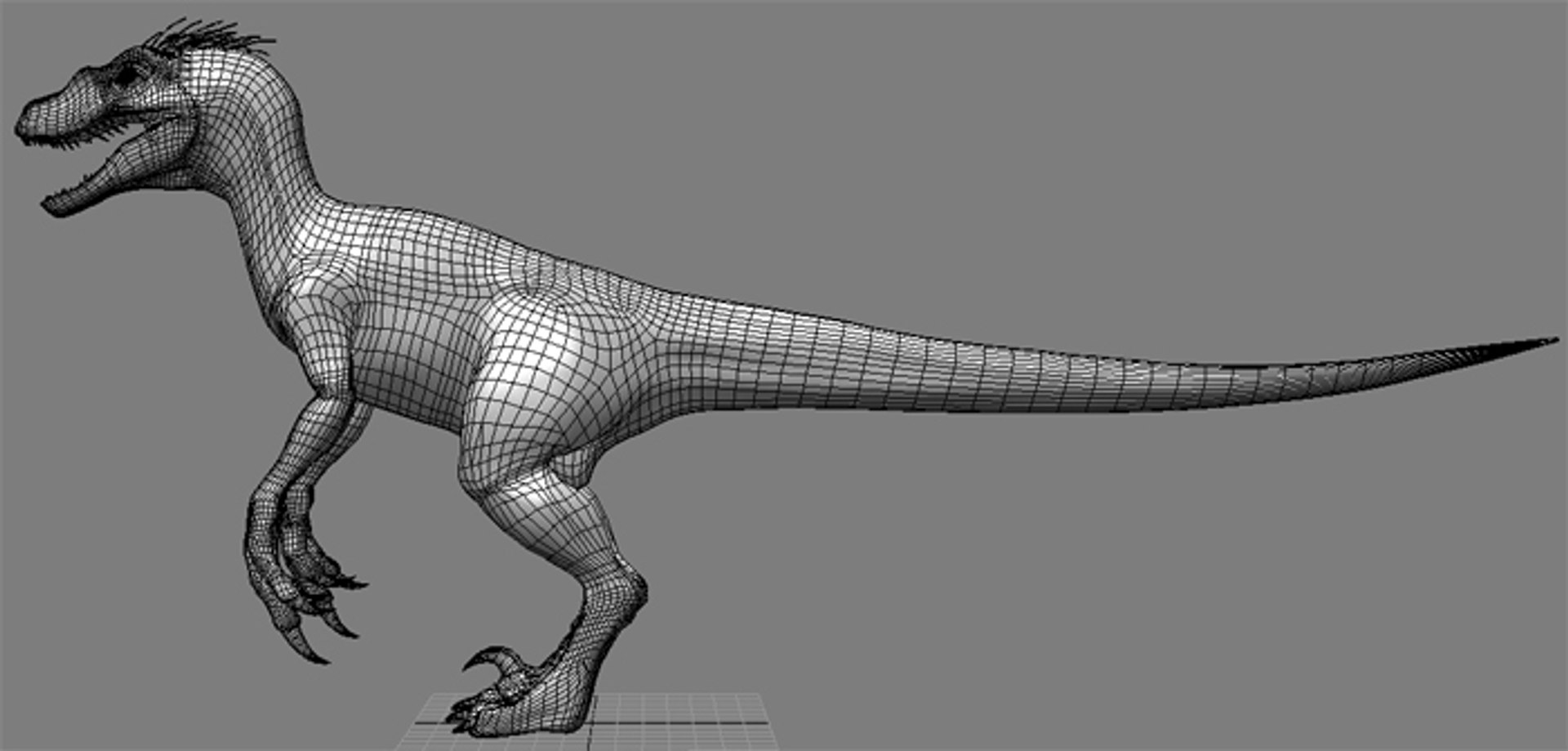
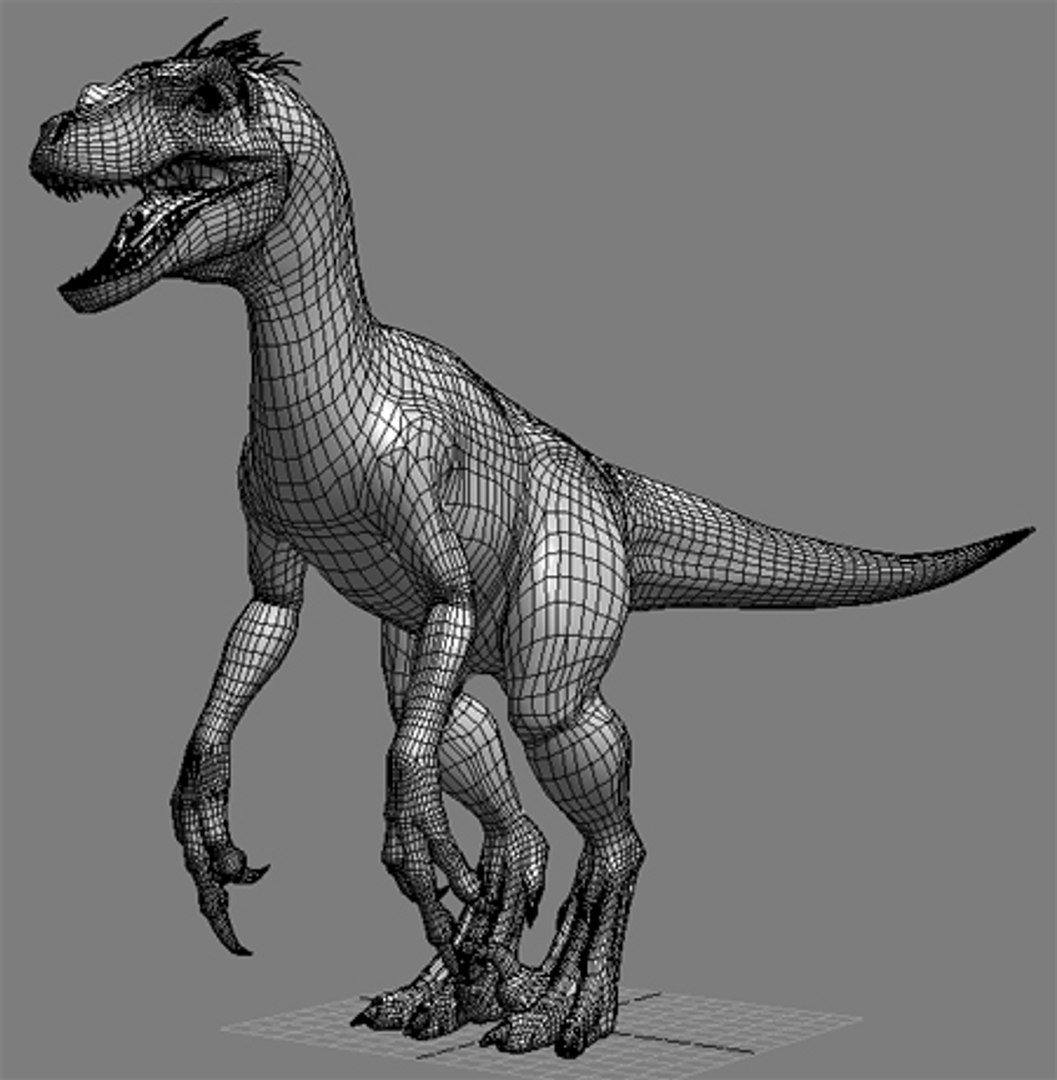
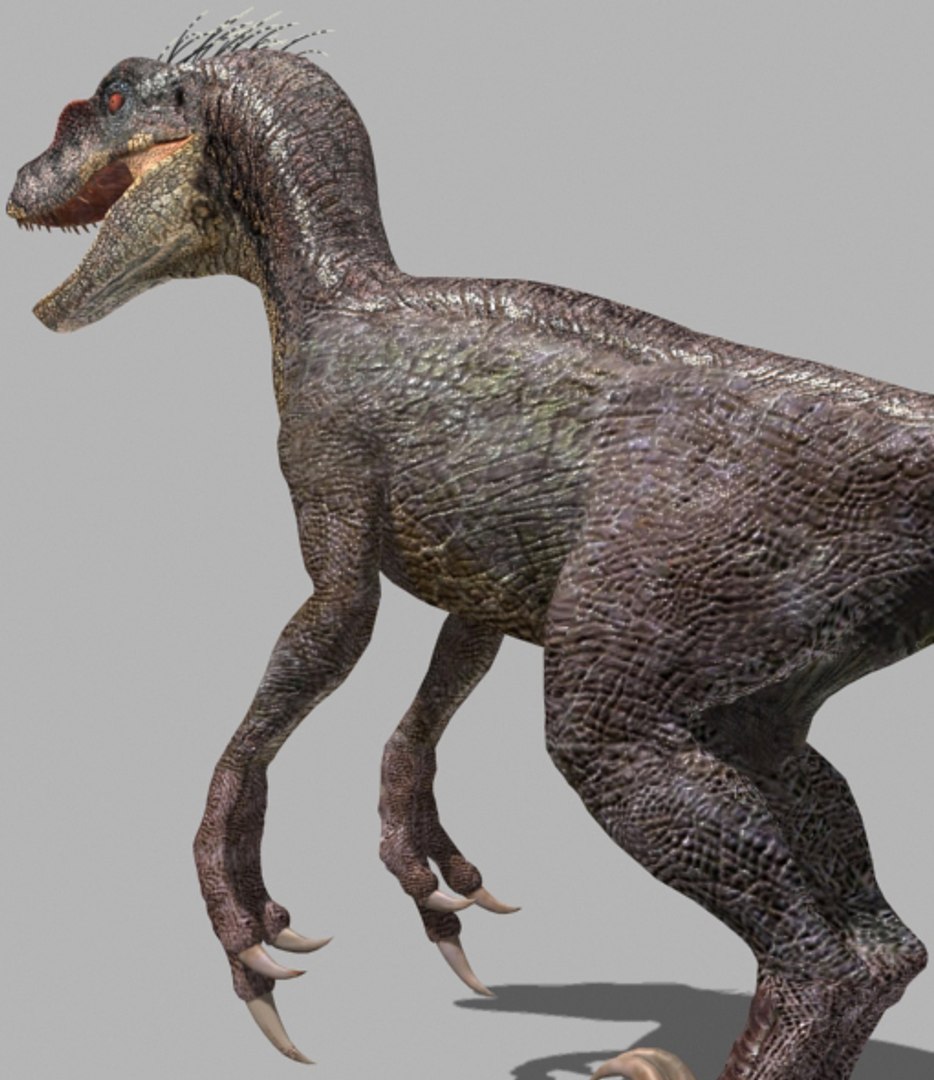
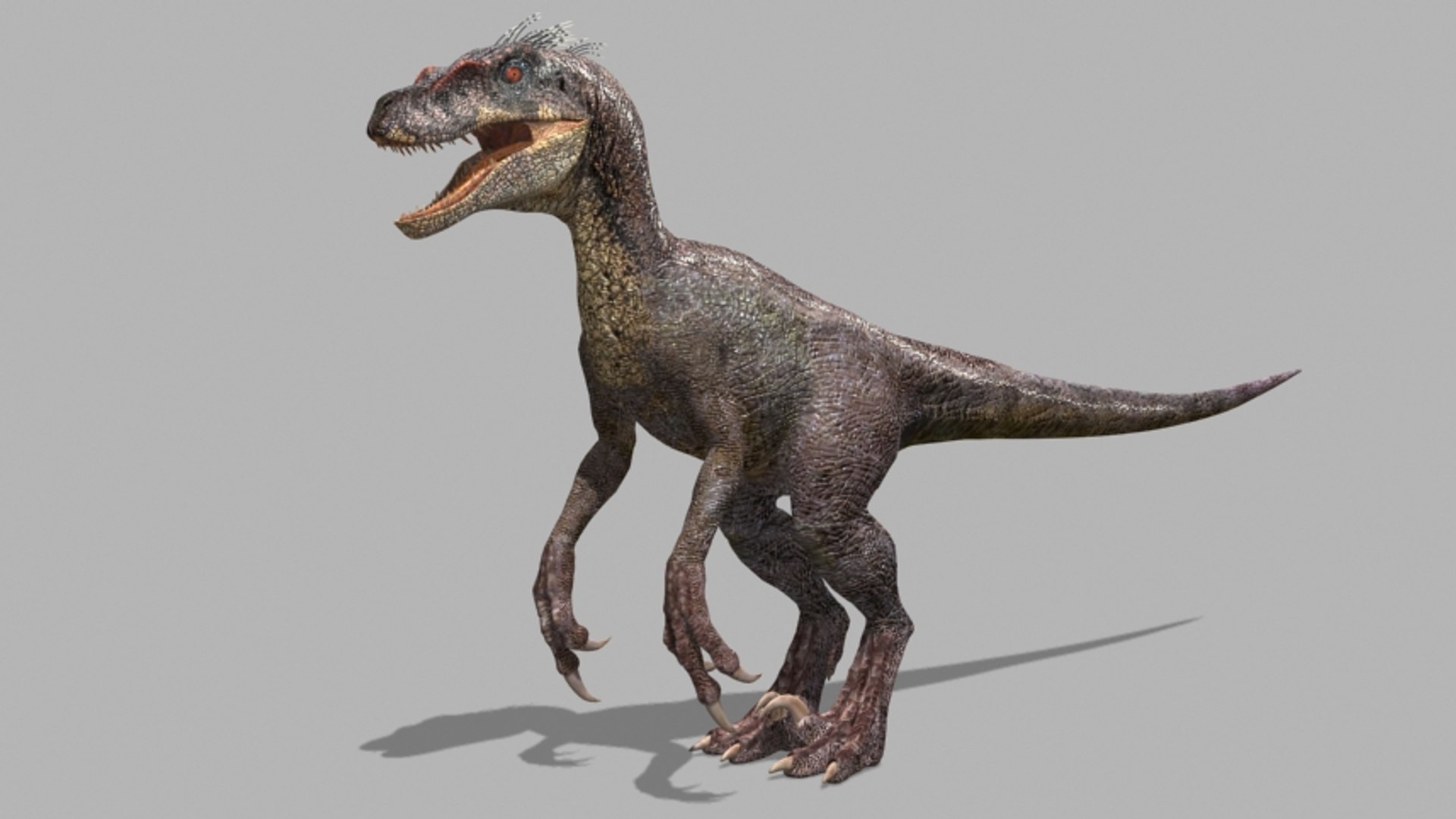
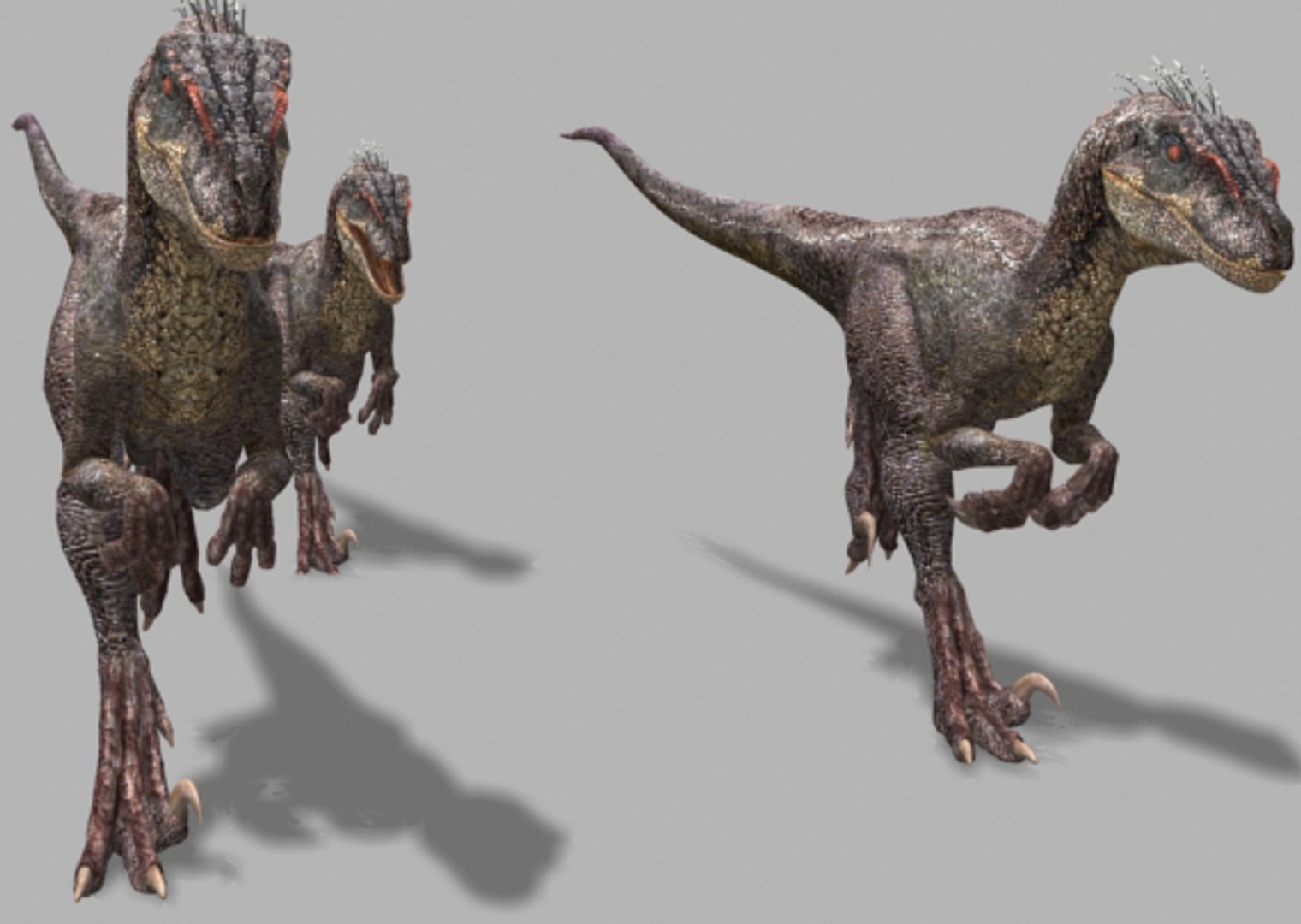
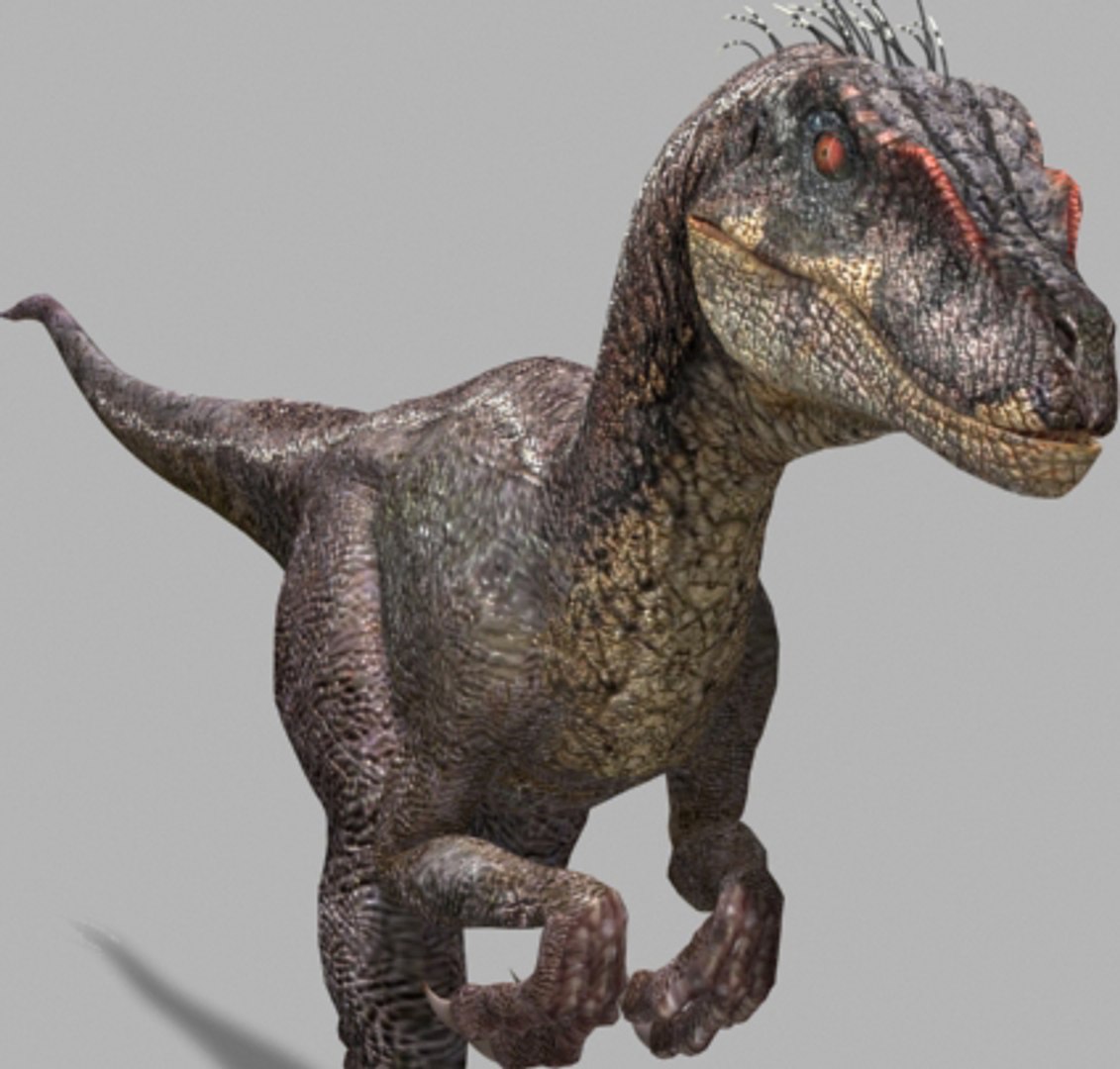
THIS UNIQUE HIGH-POLY AND DETAILED PACK WORKS
WITH VARIOUS VERSIONS OF 3DS MAX!

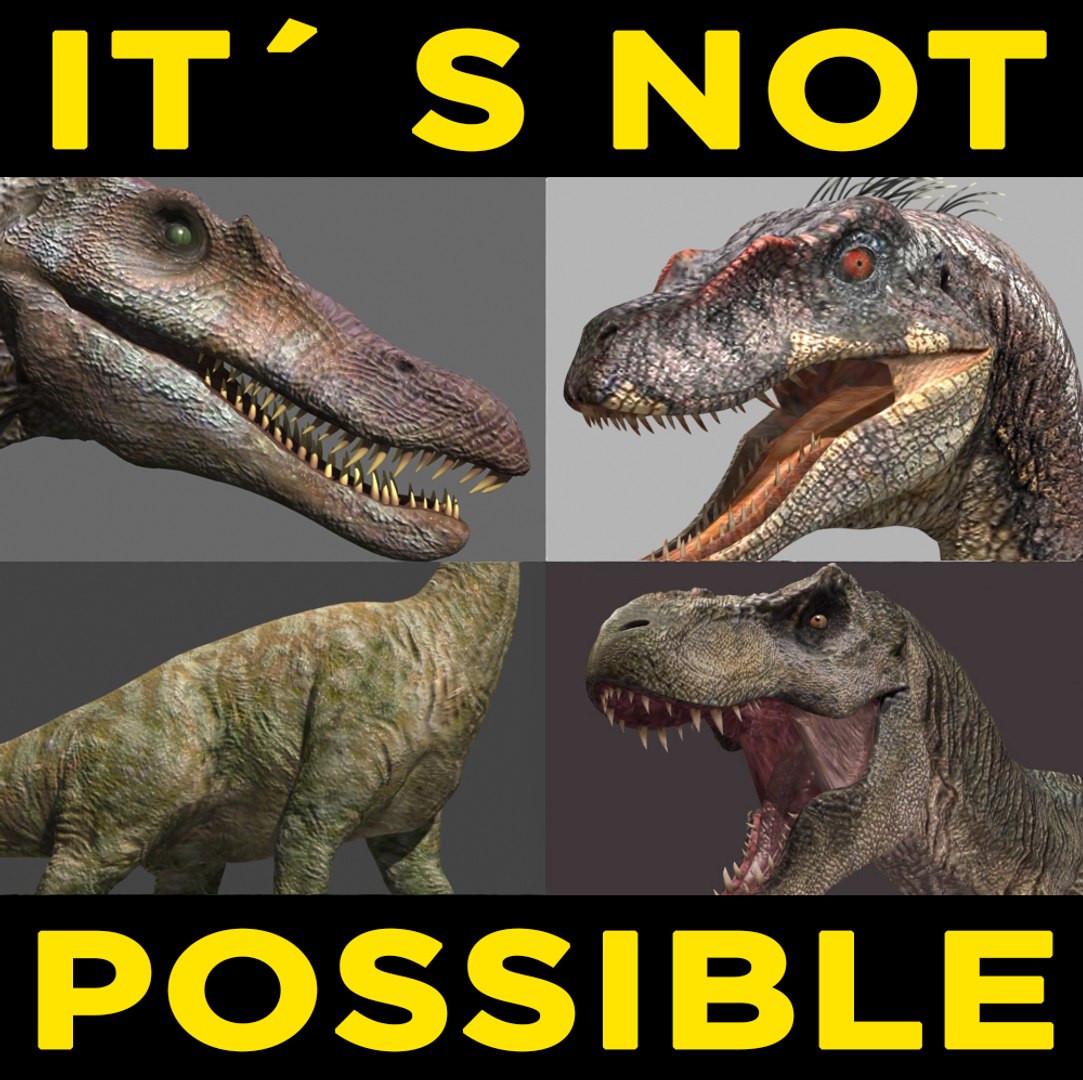
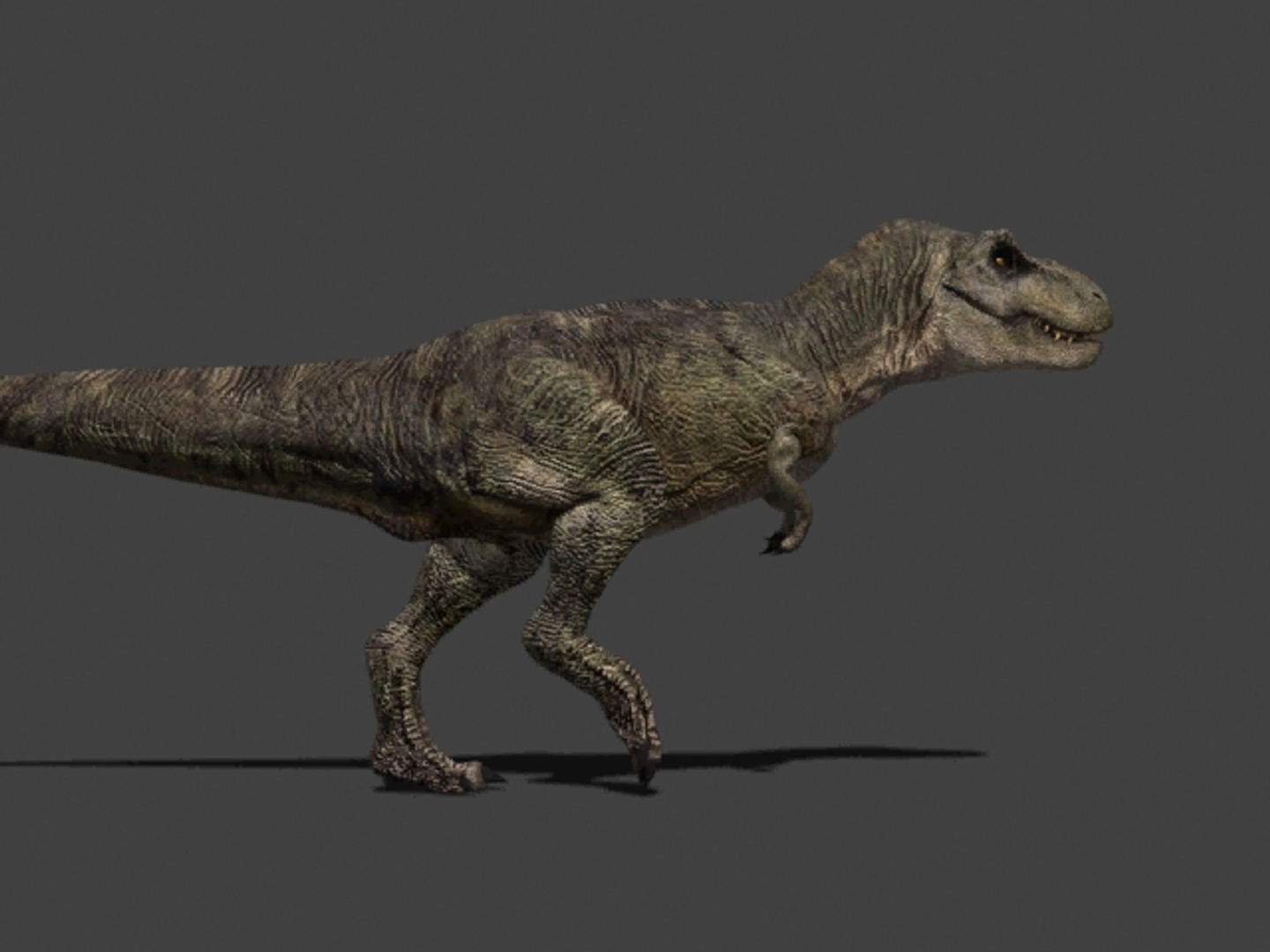
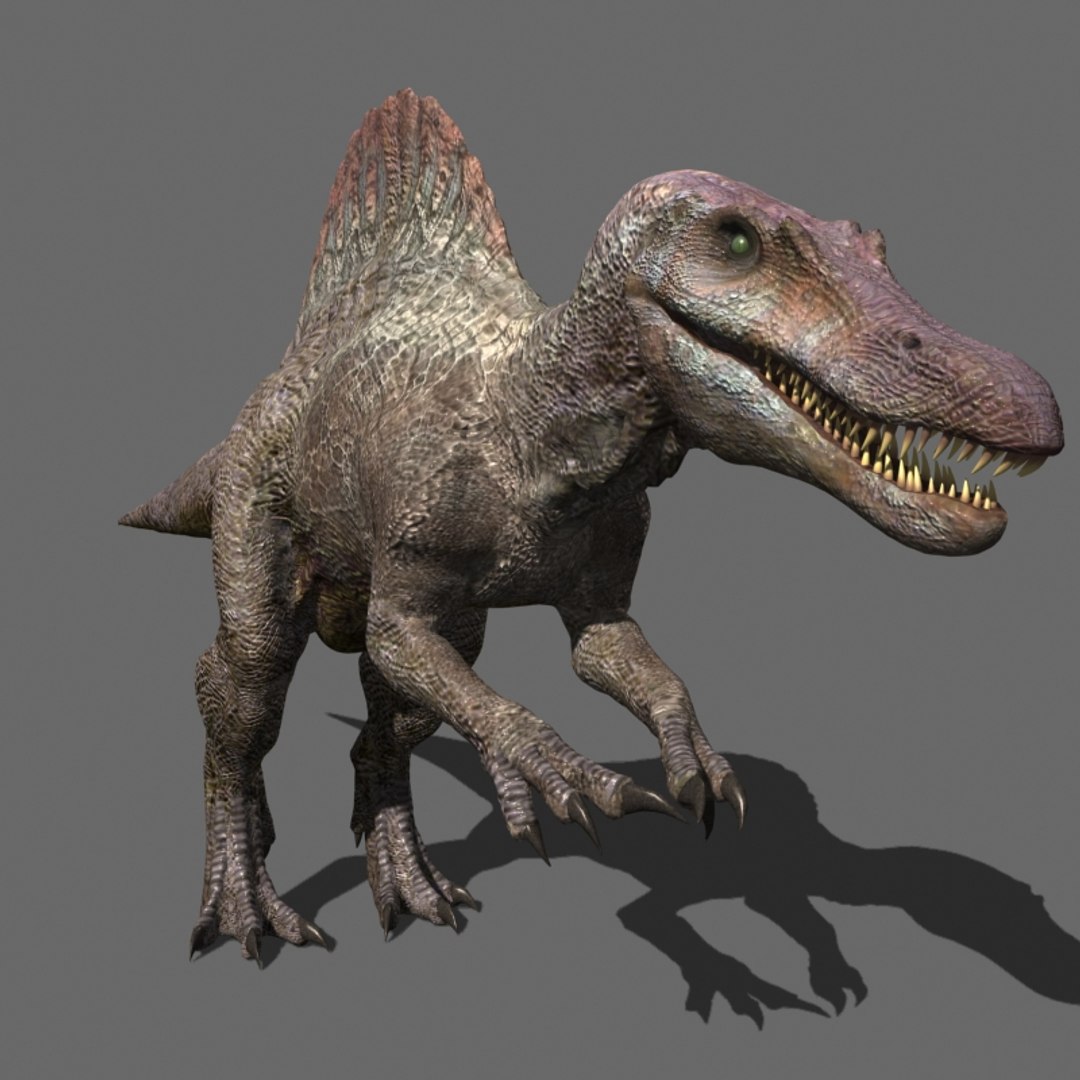
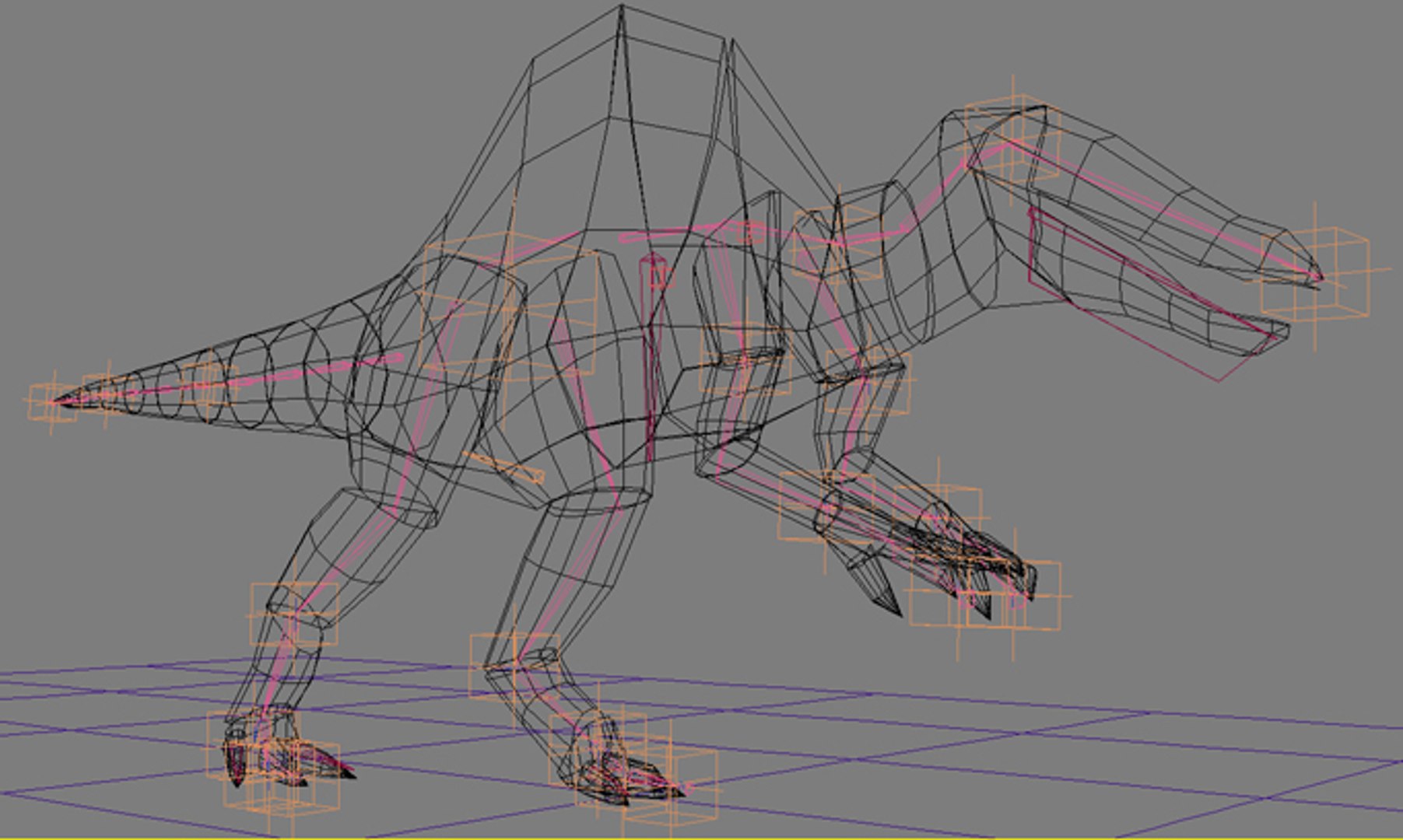
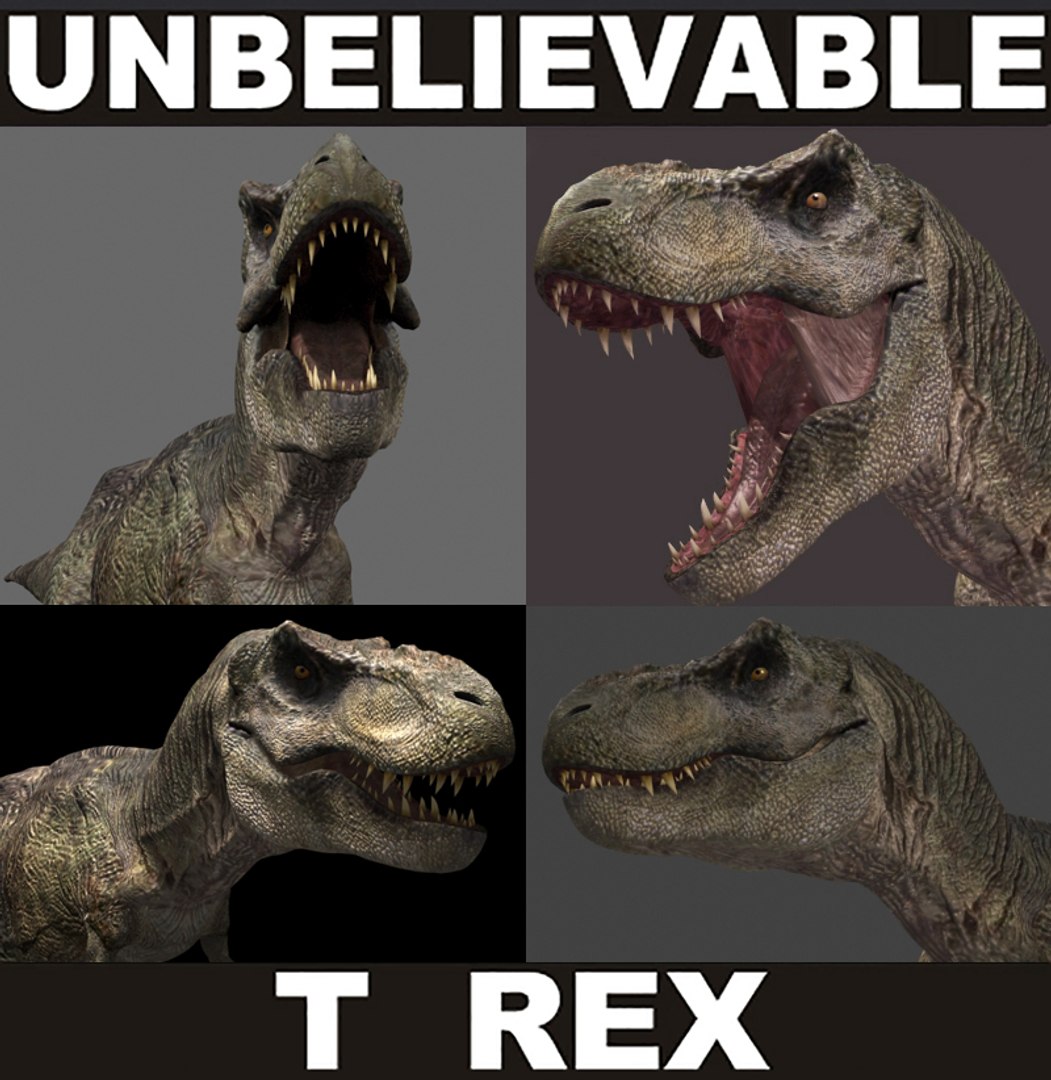
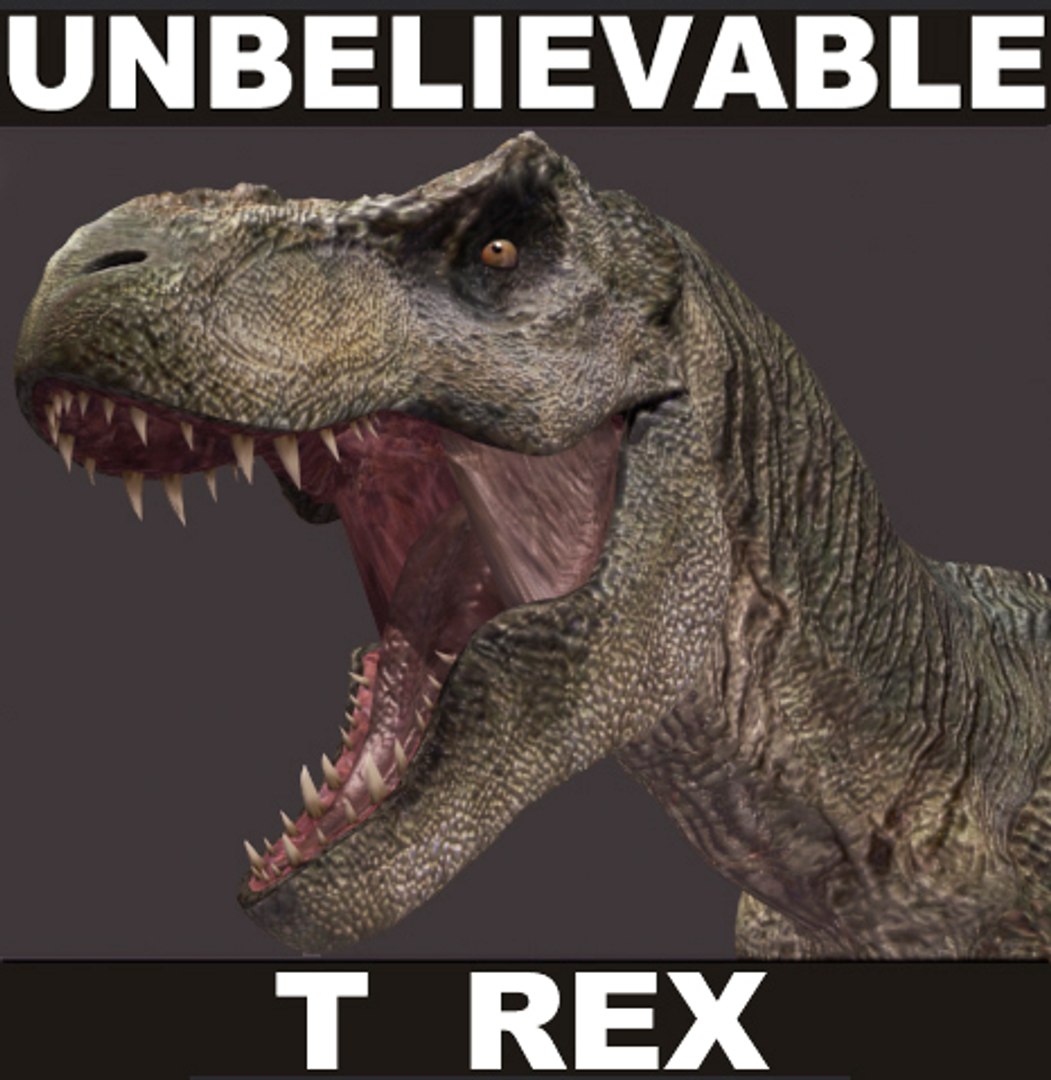
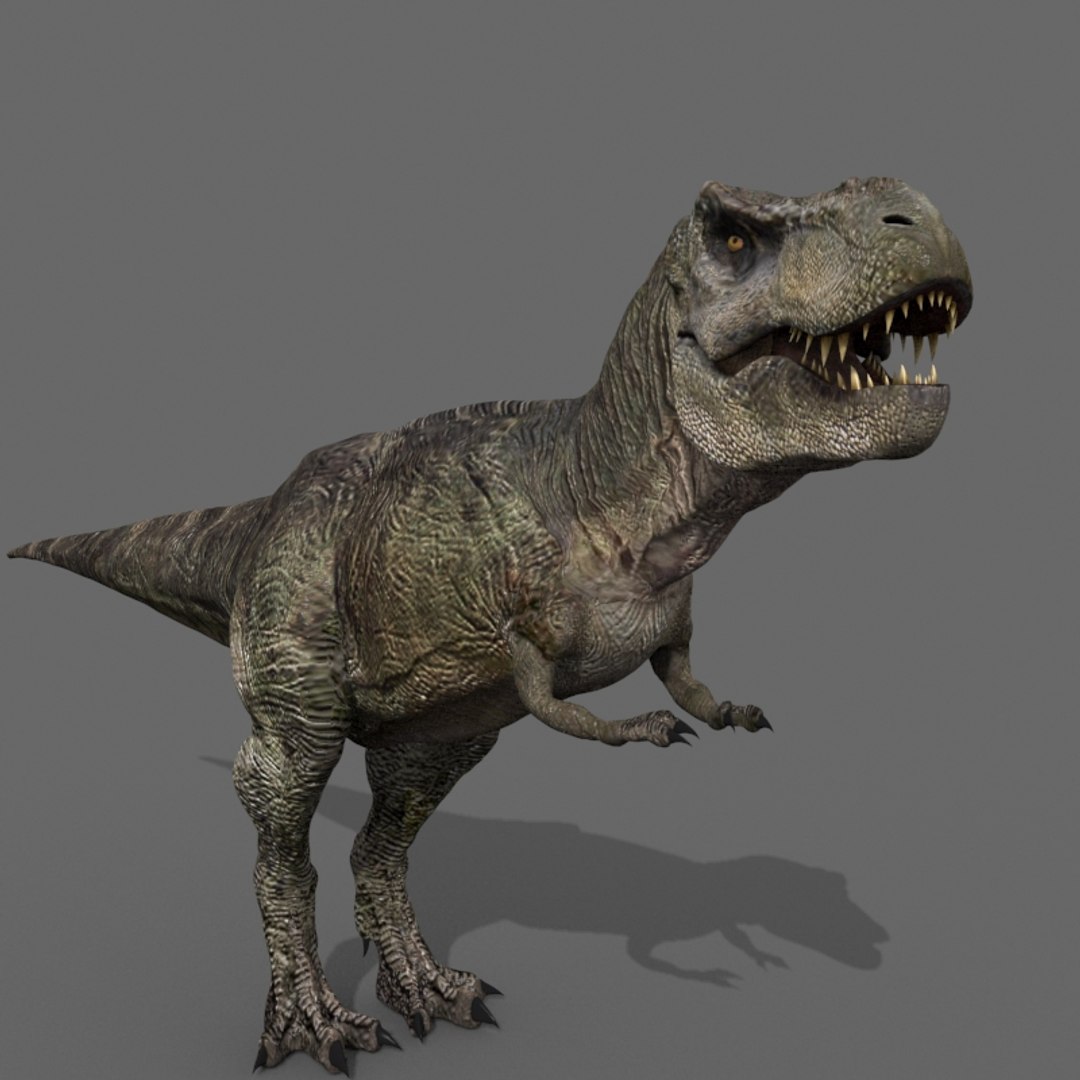
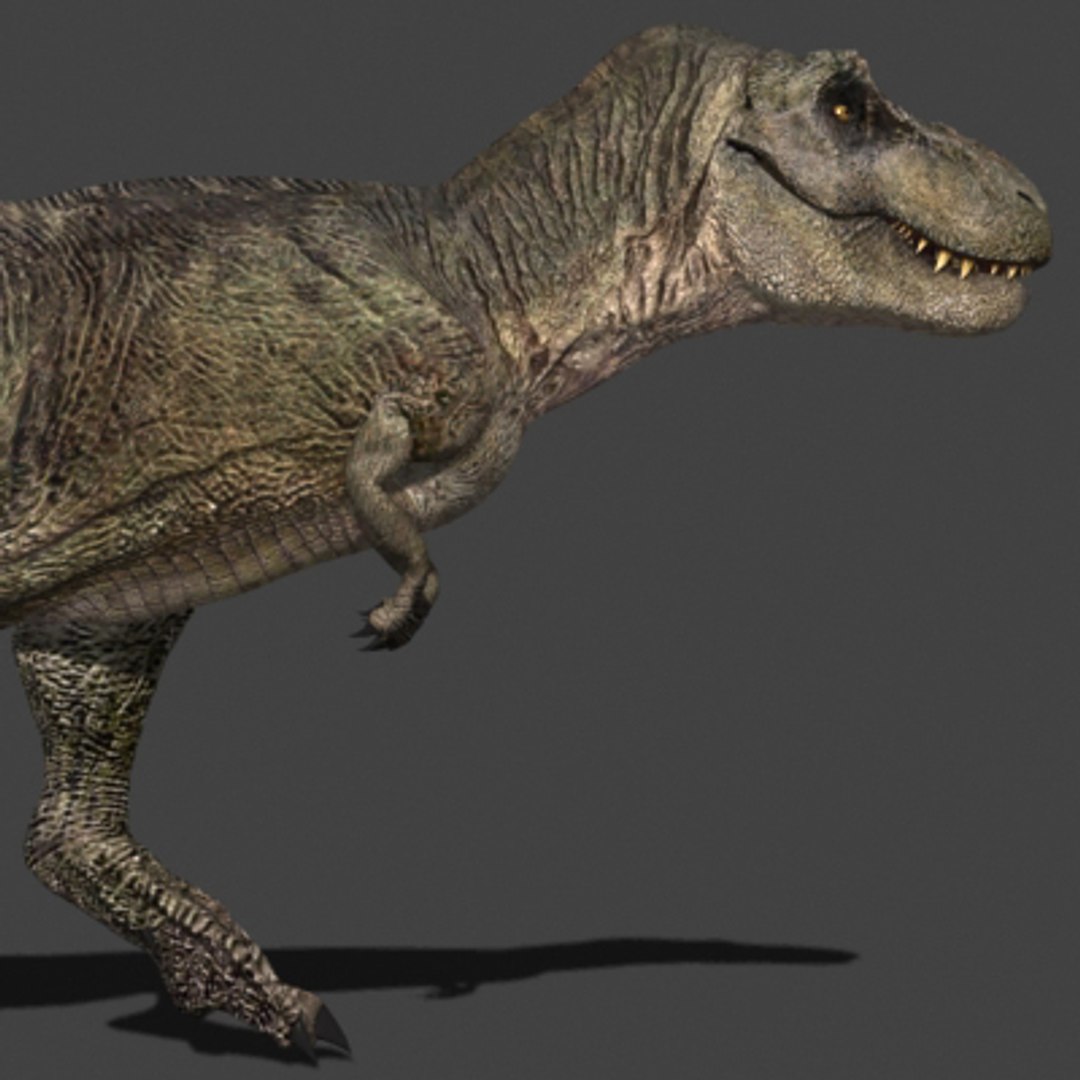
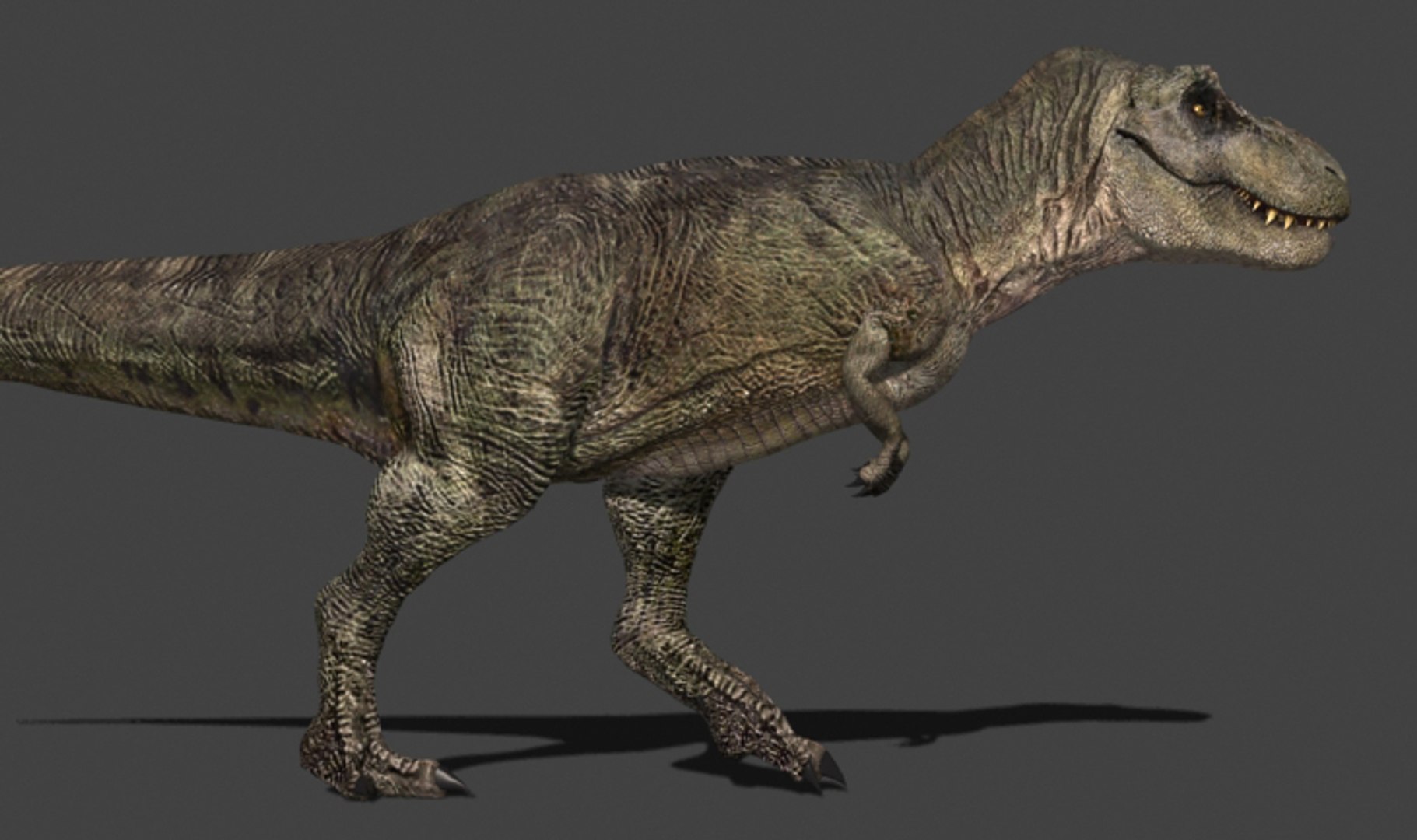
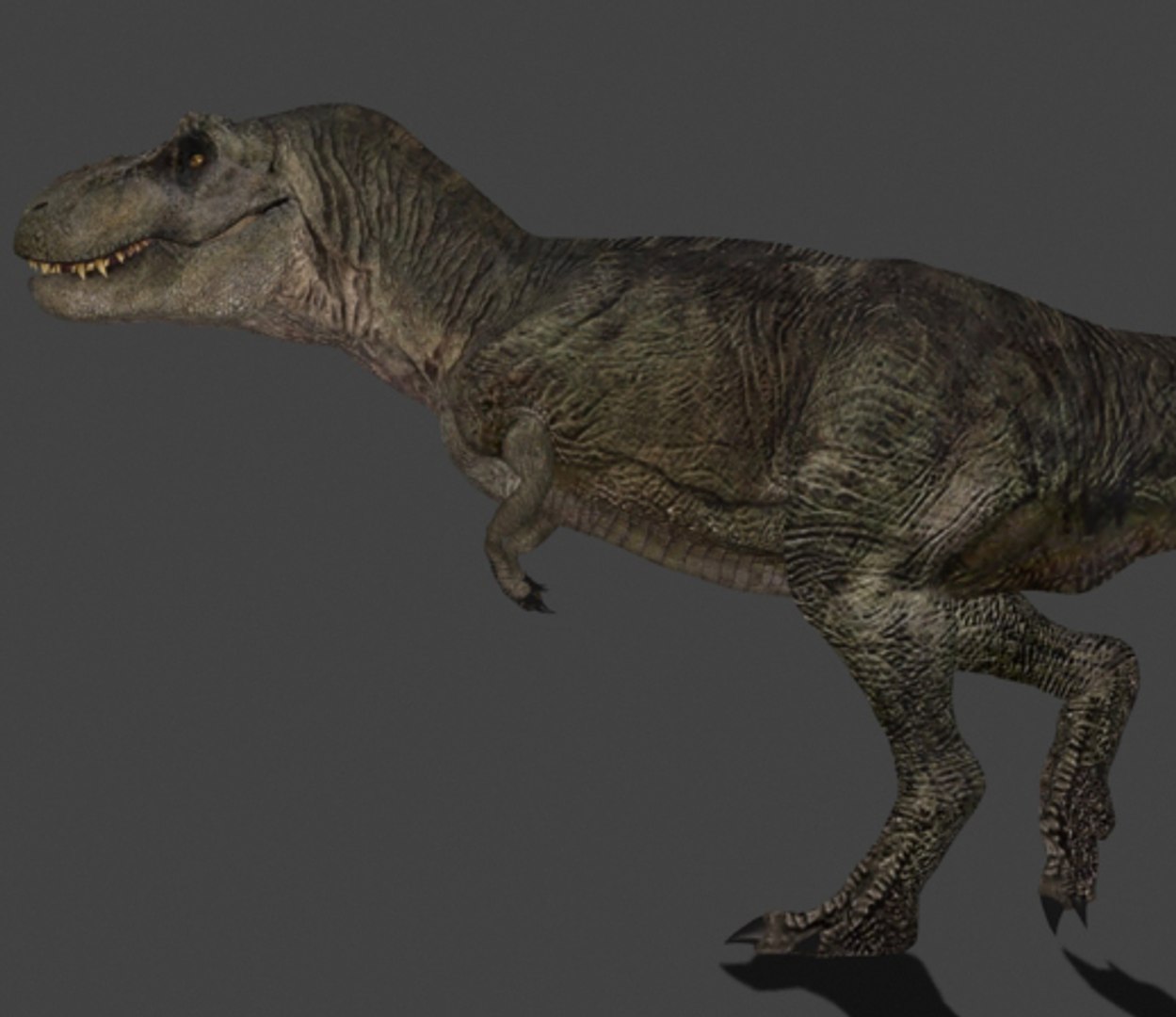
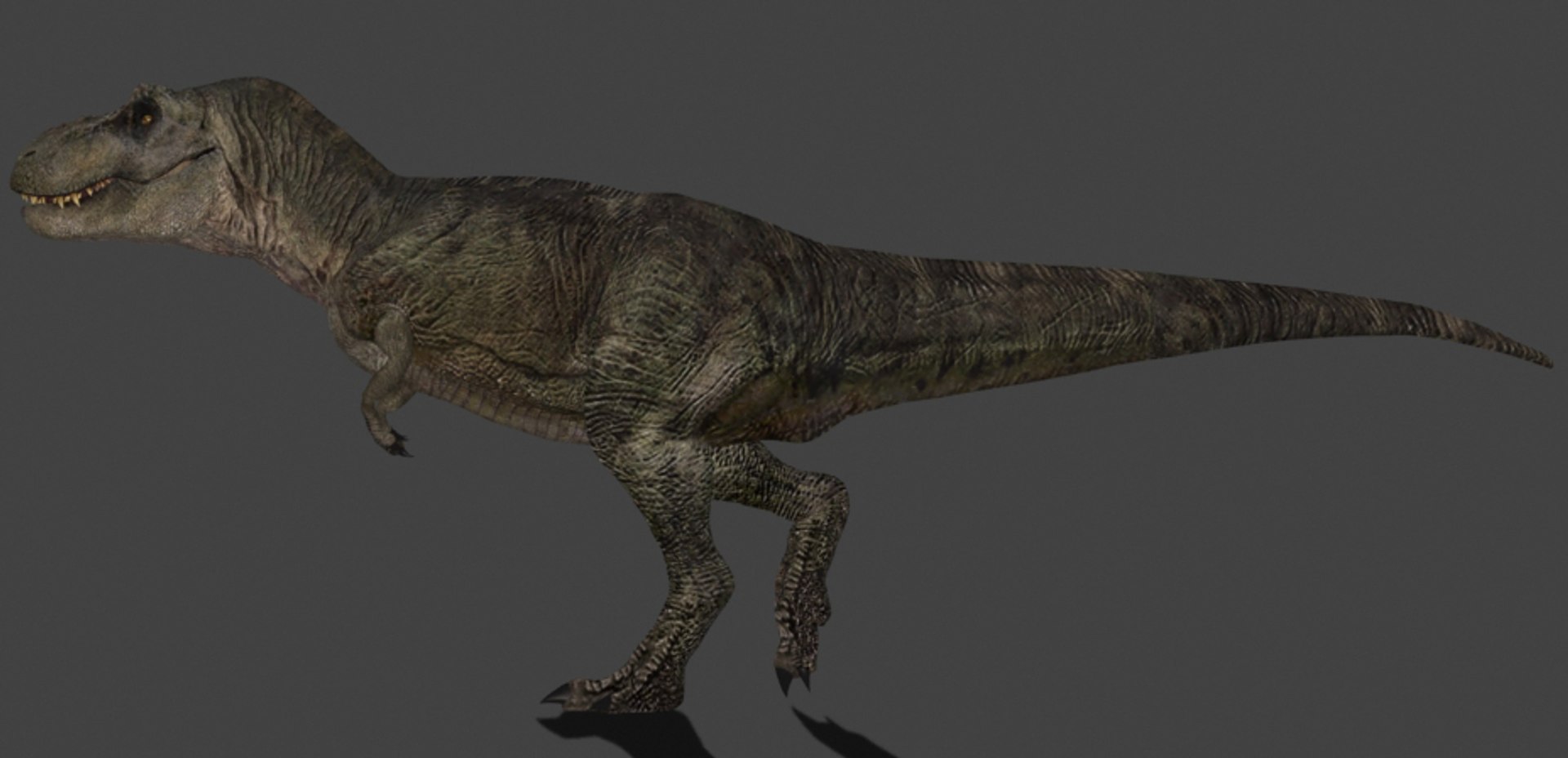
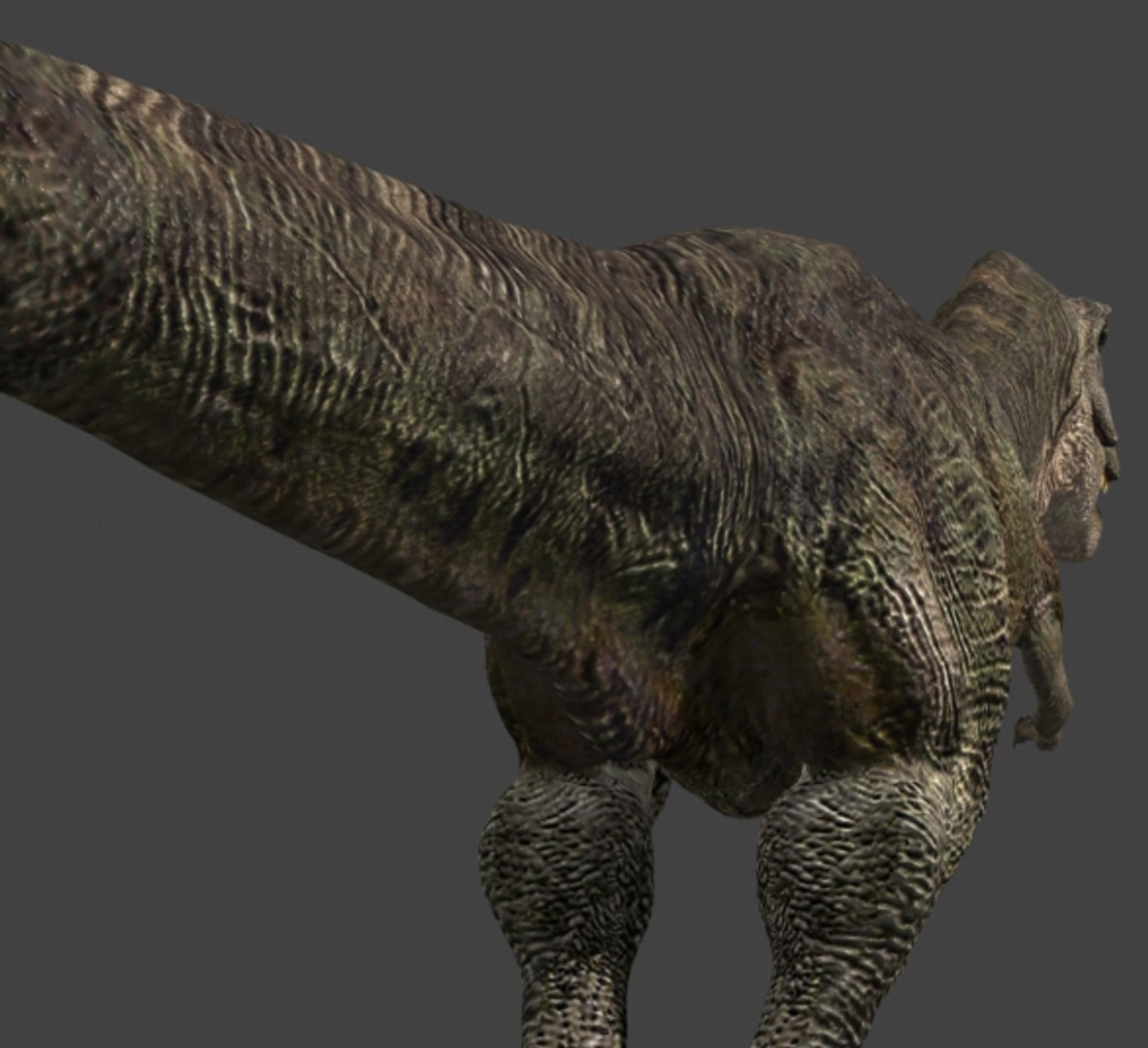
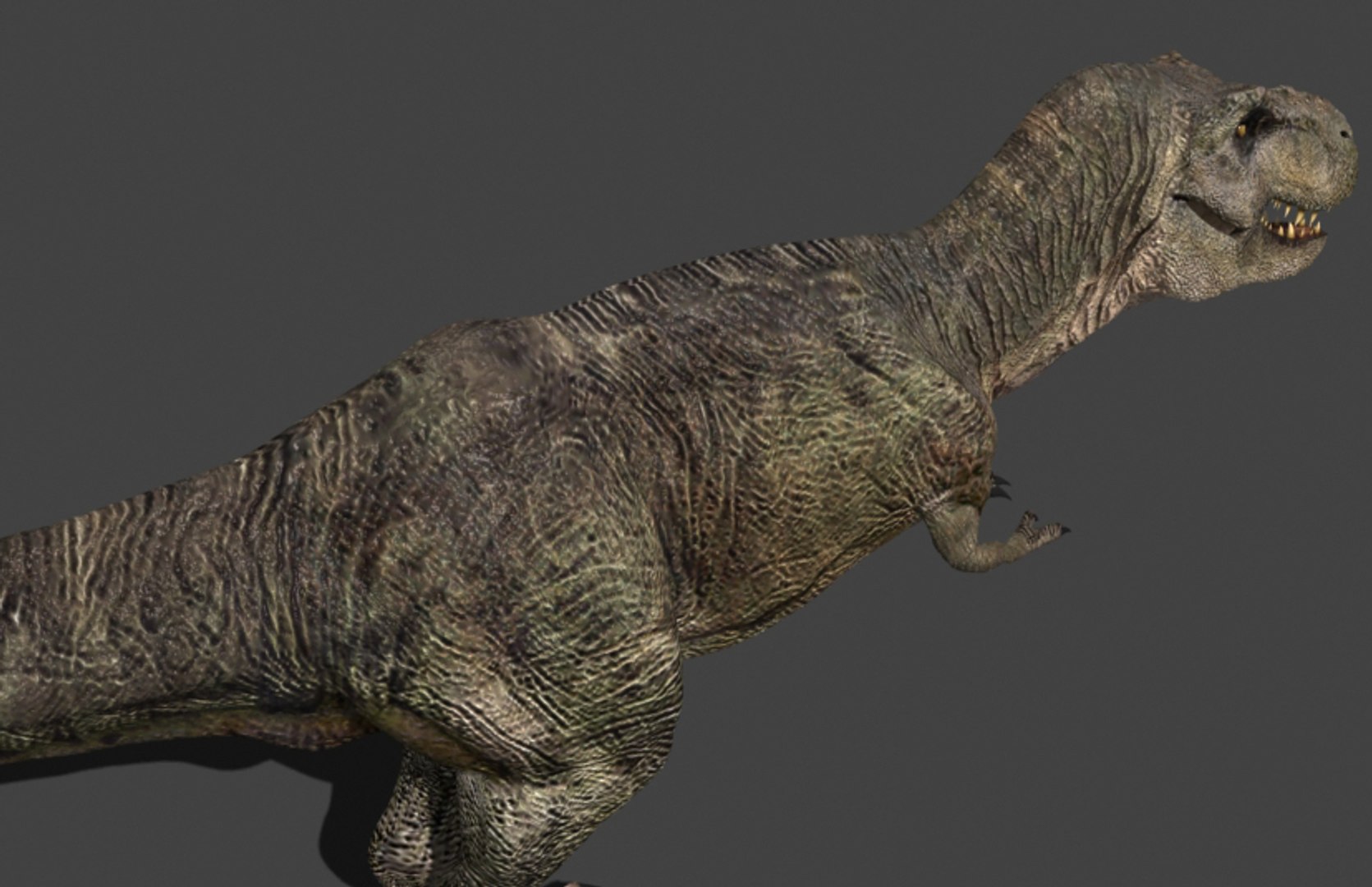
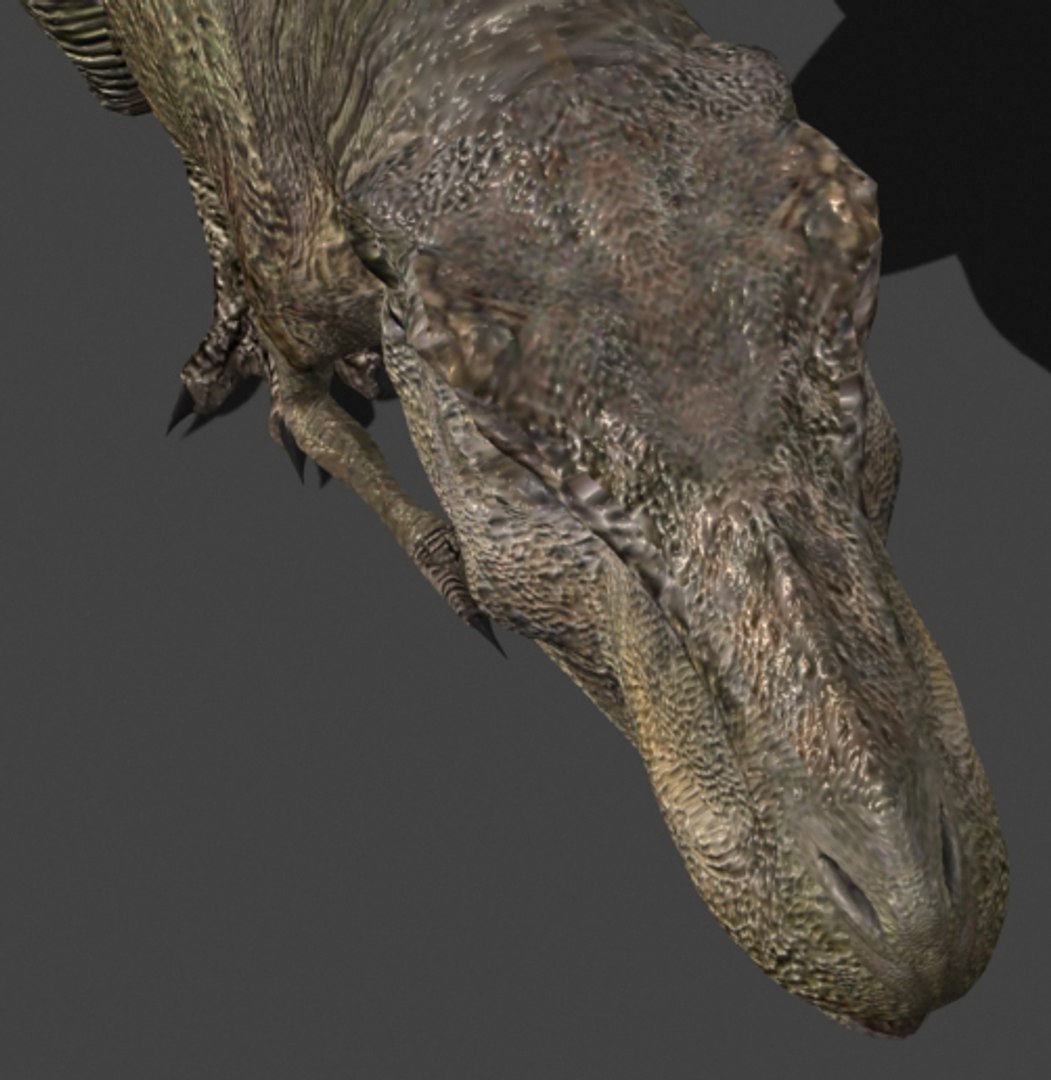
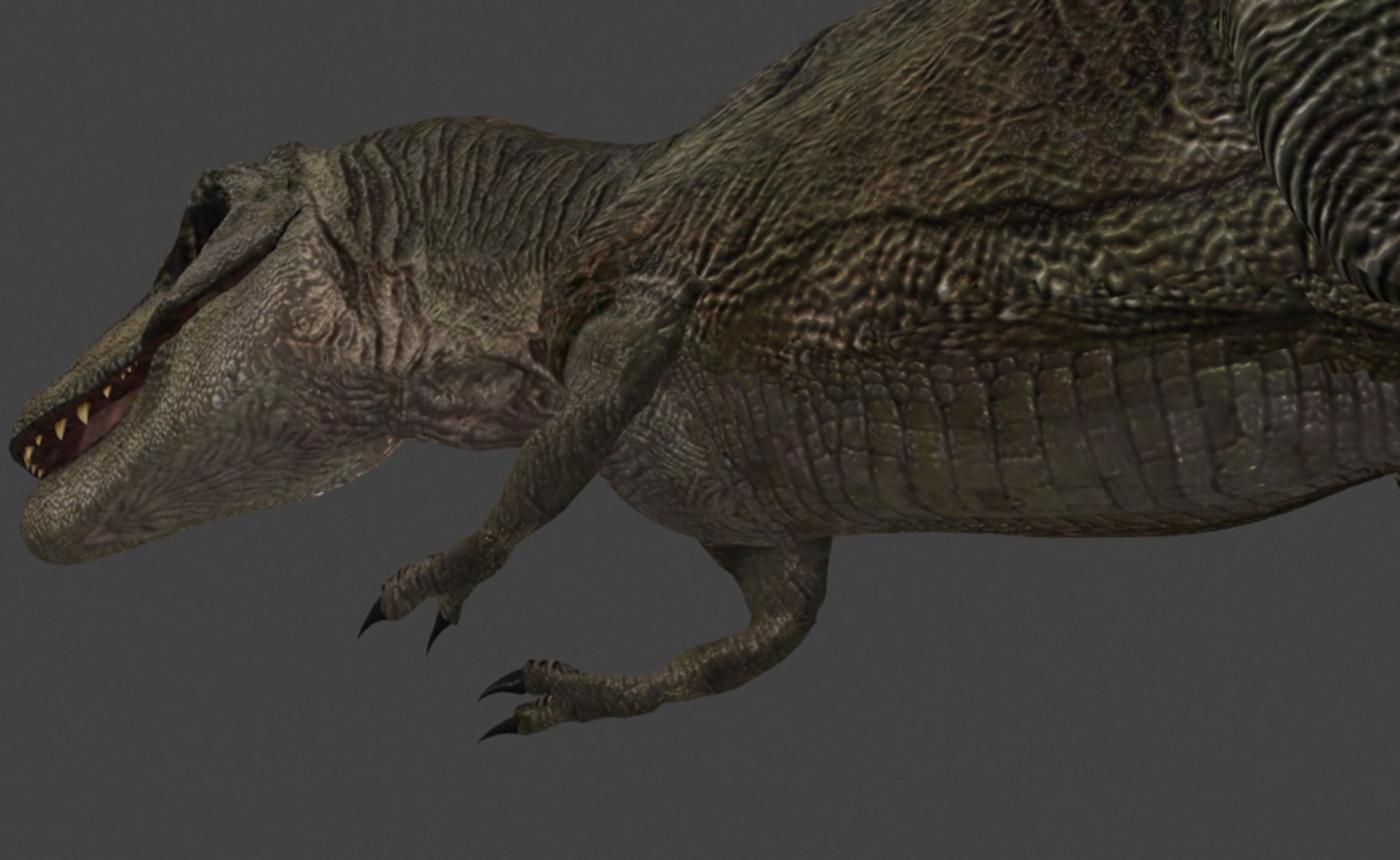
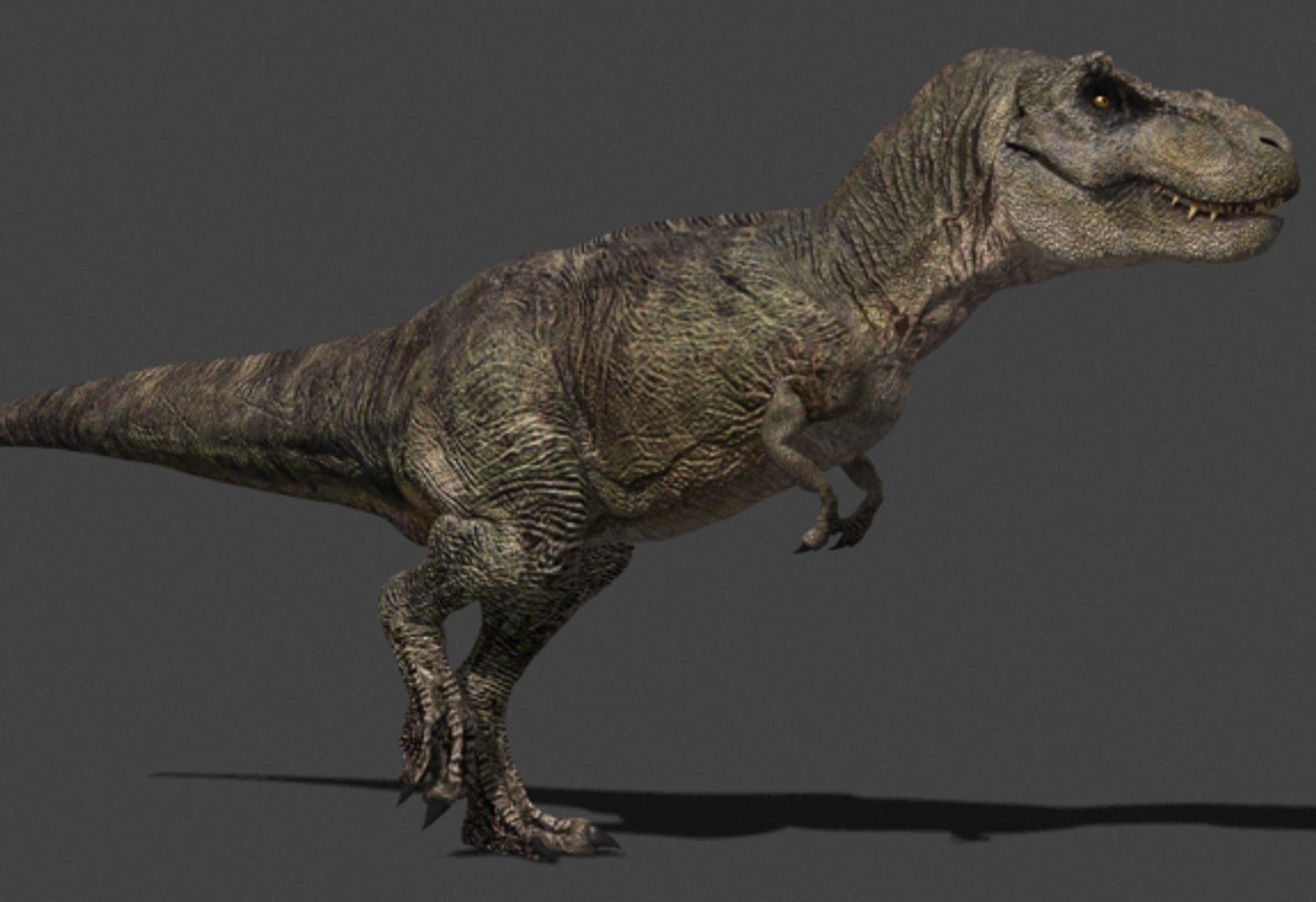
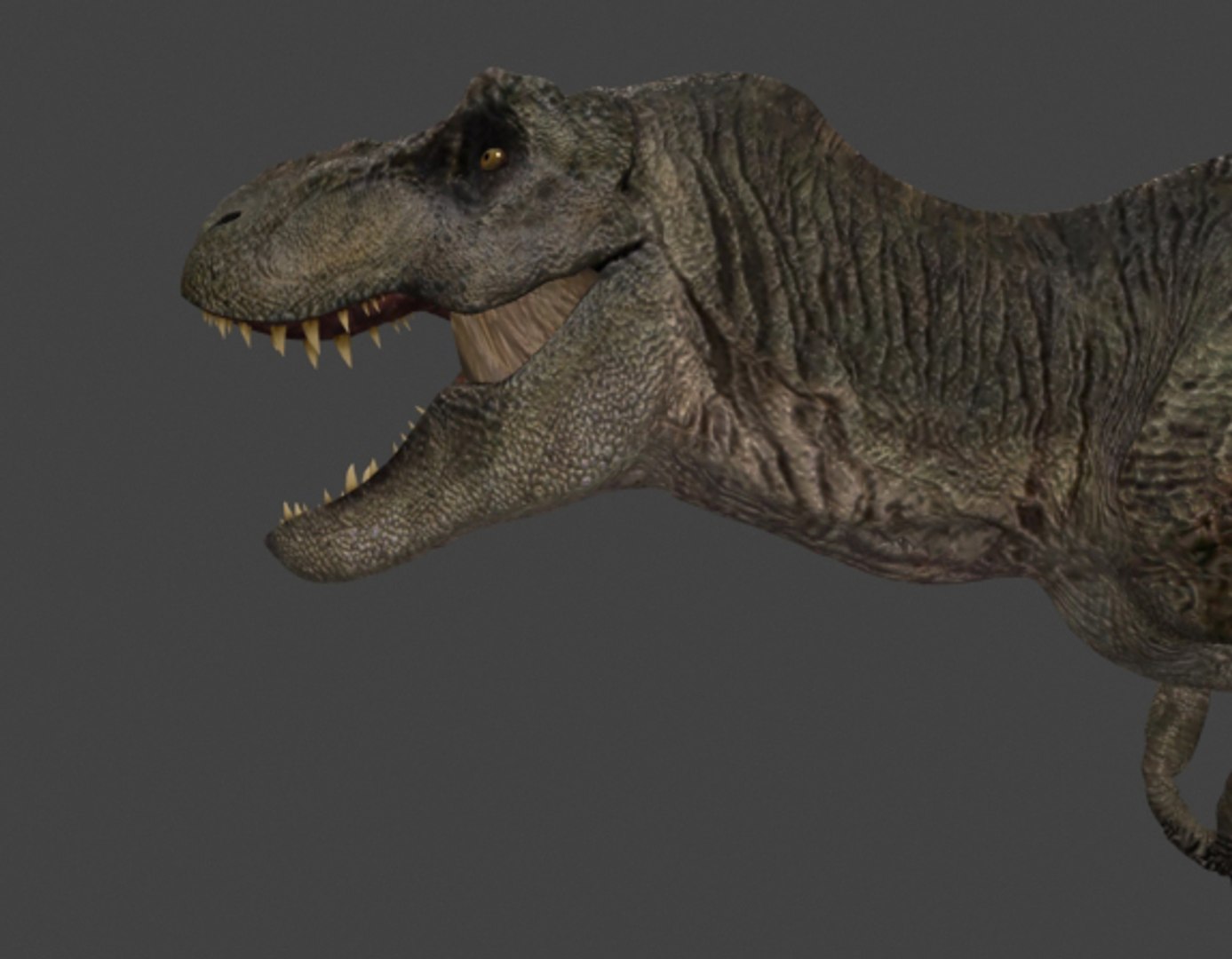
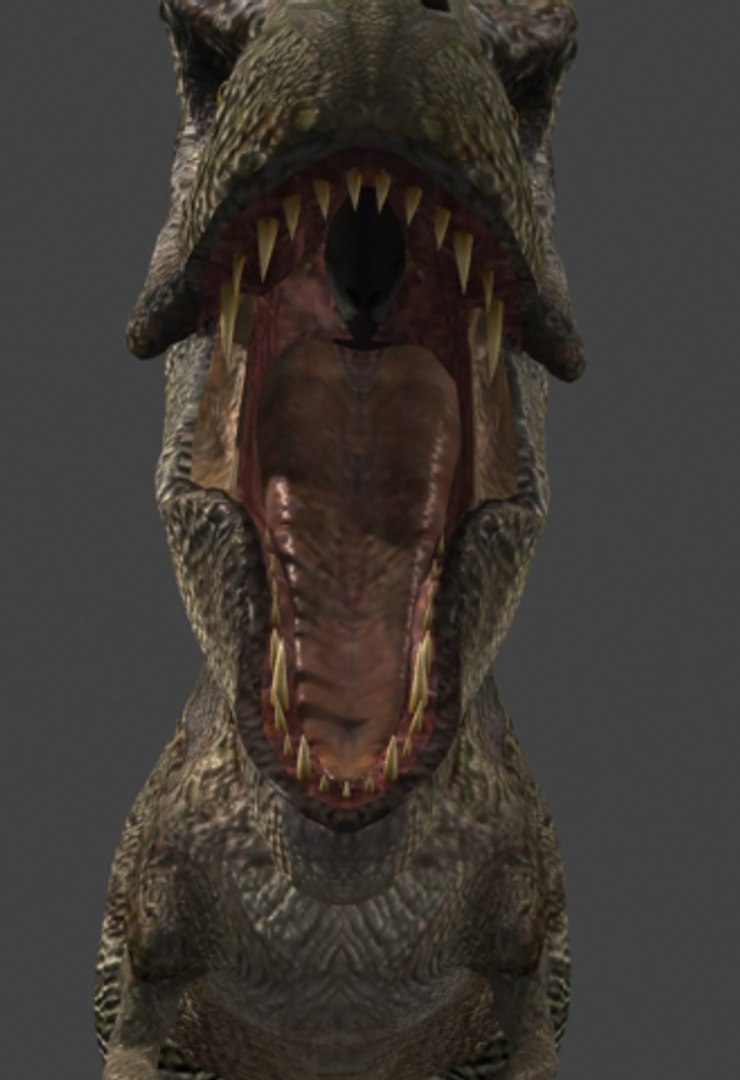
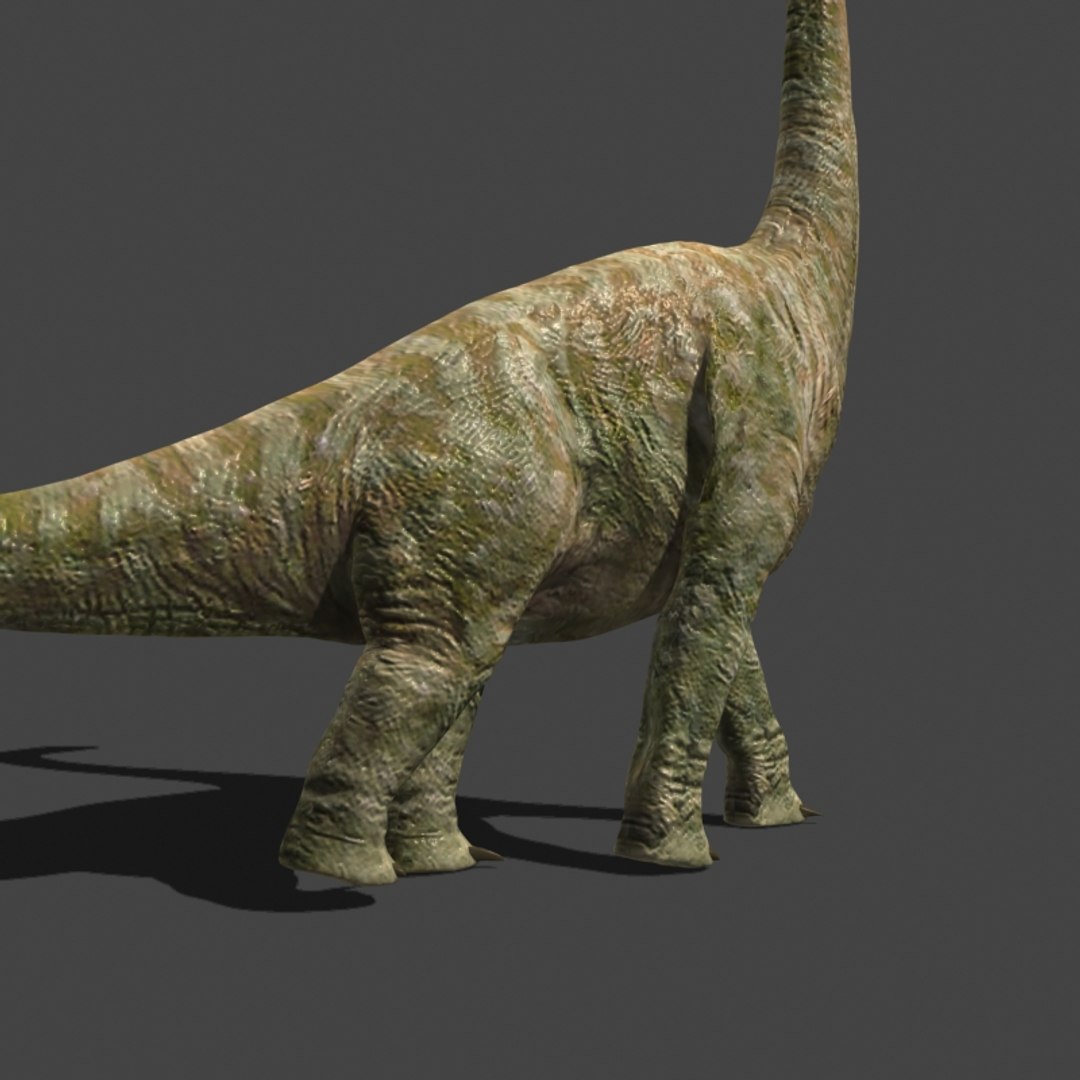
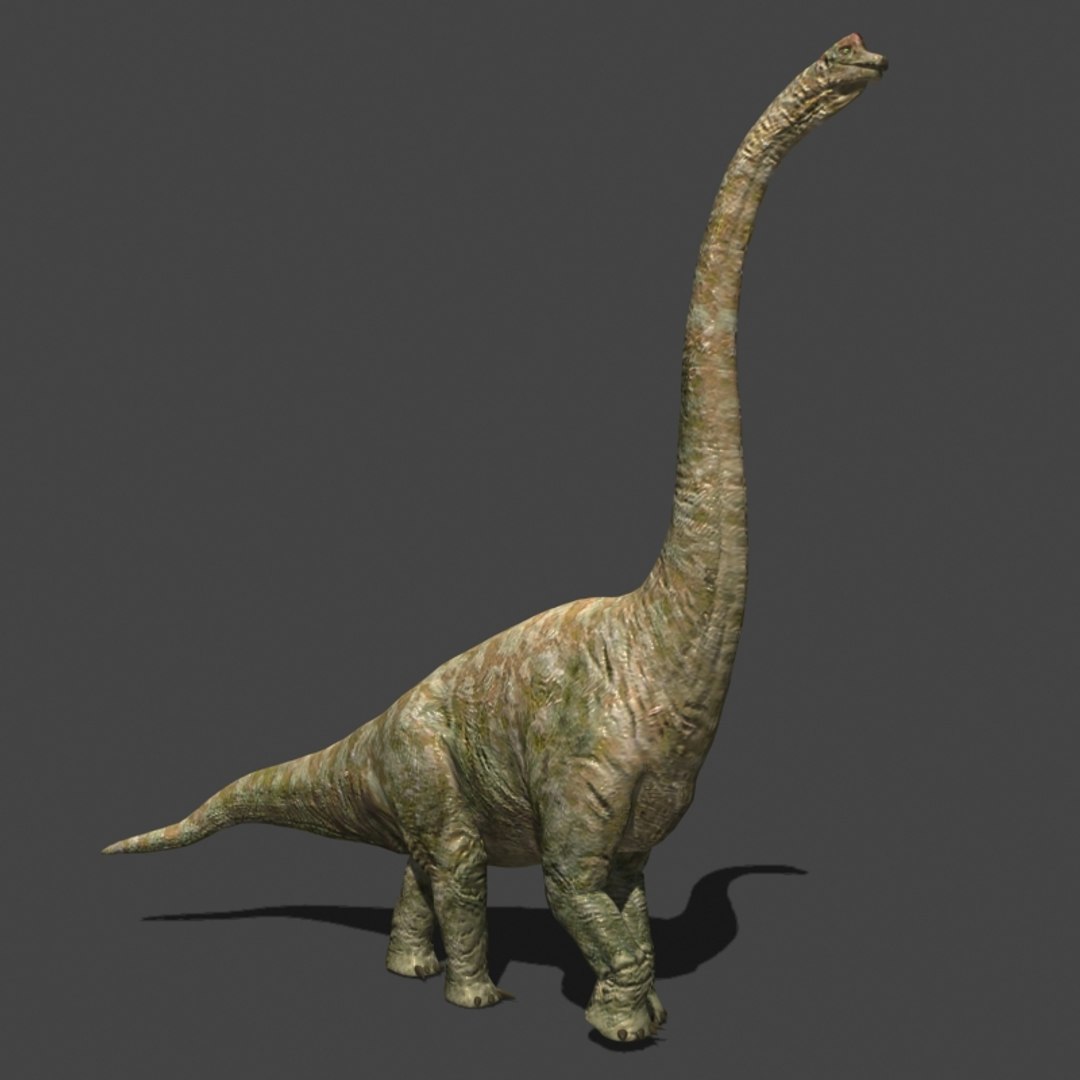
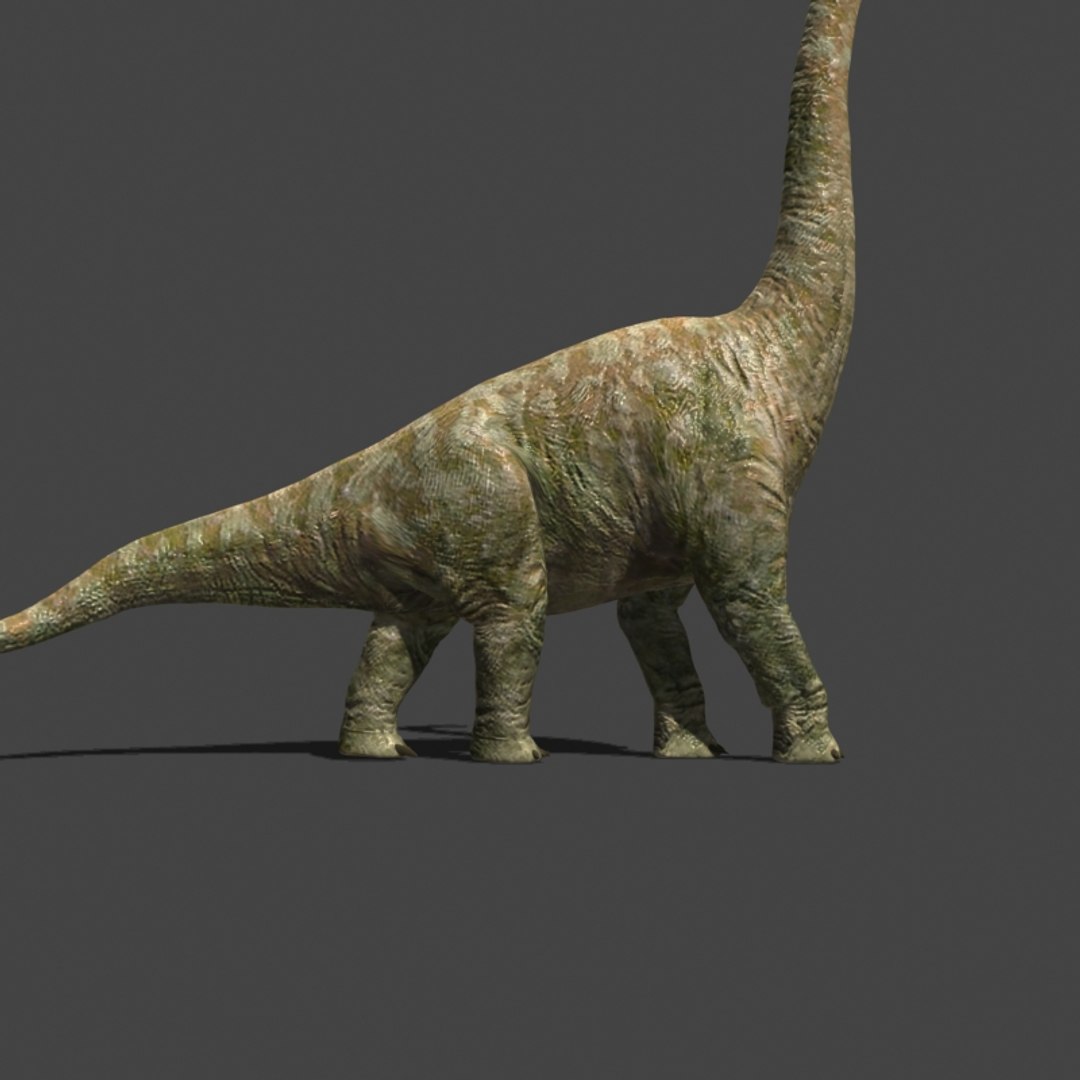
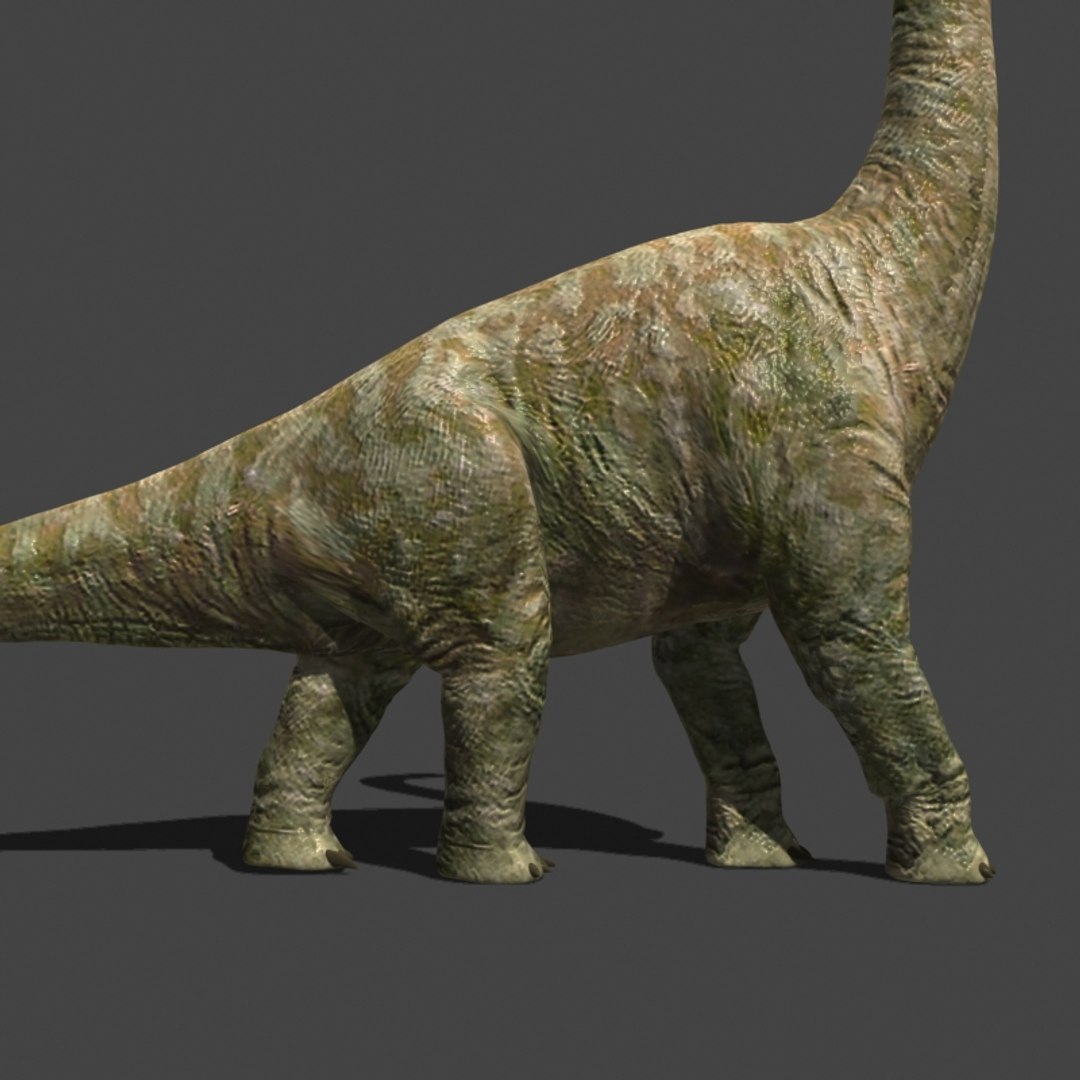
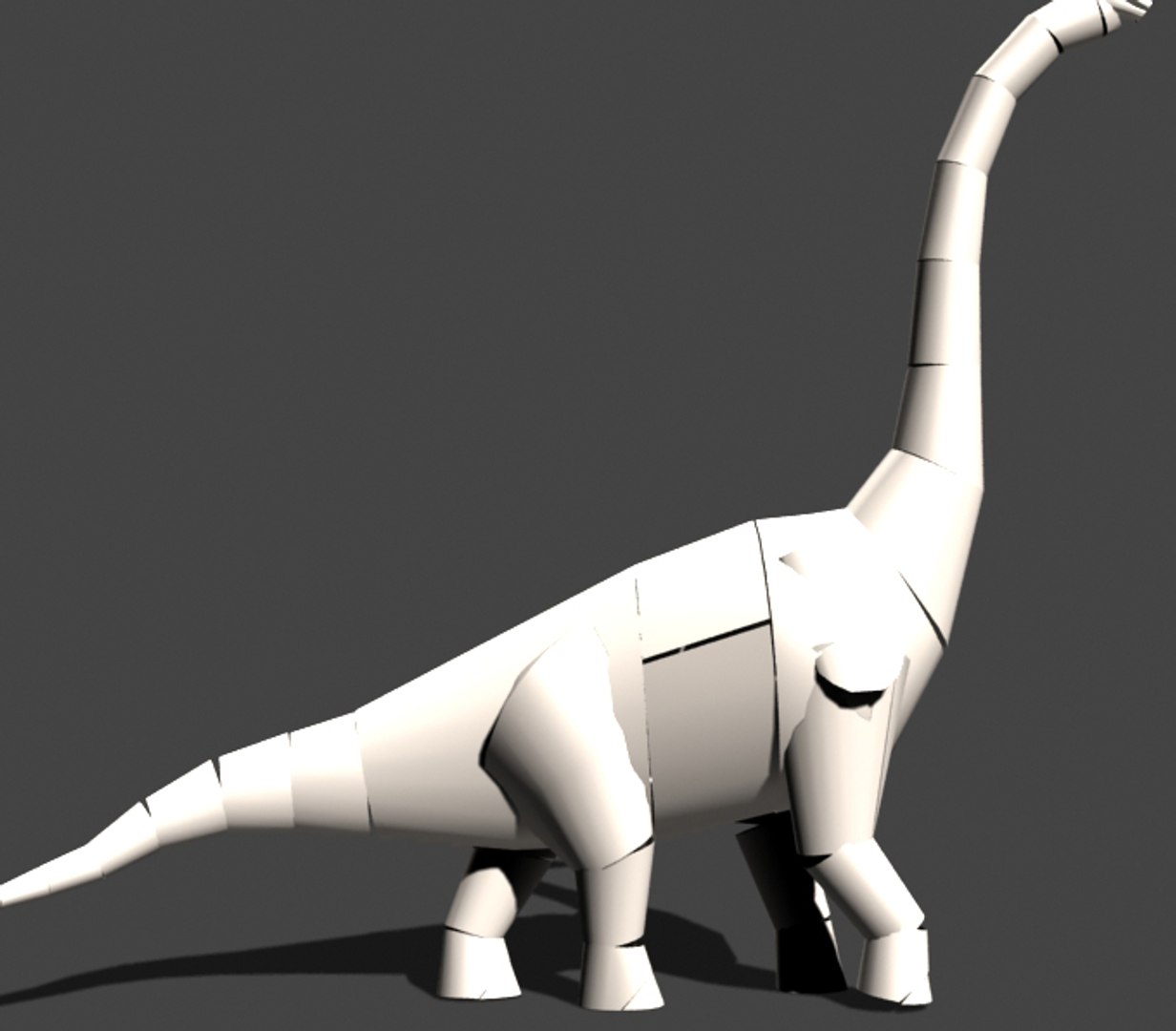
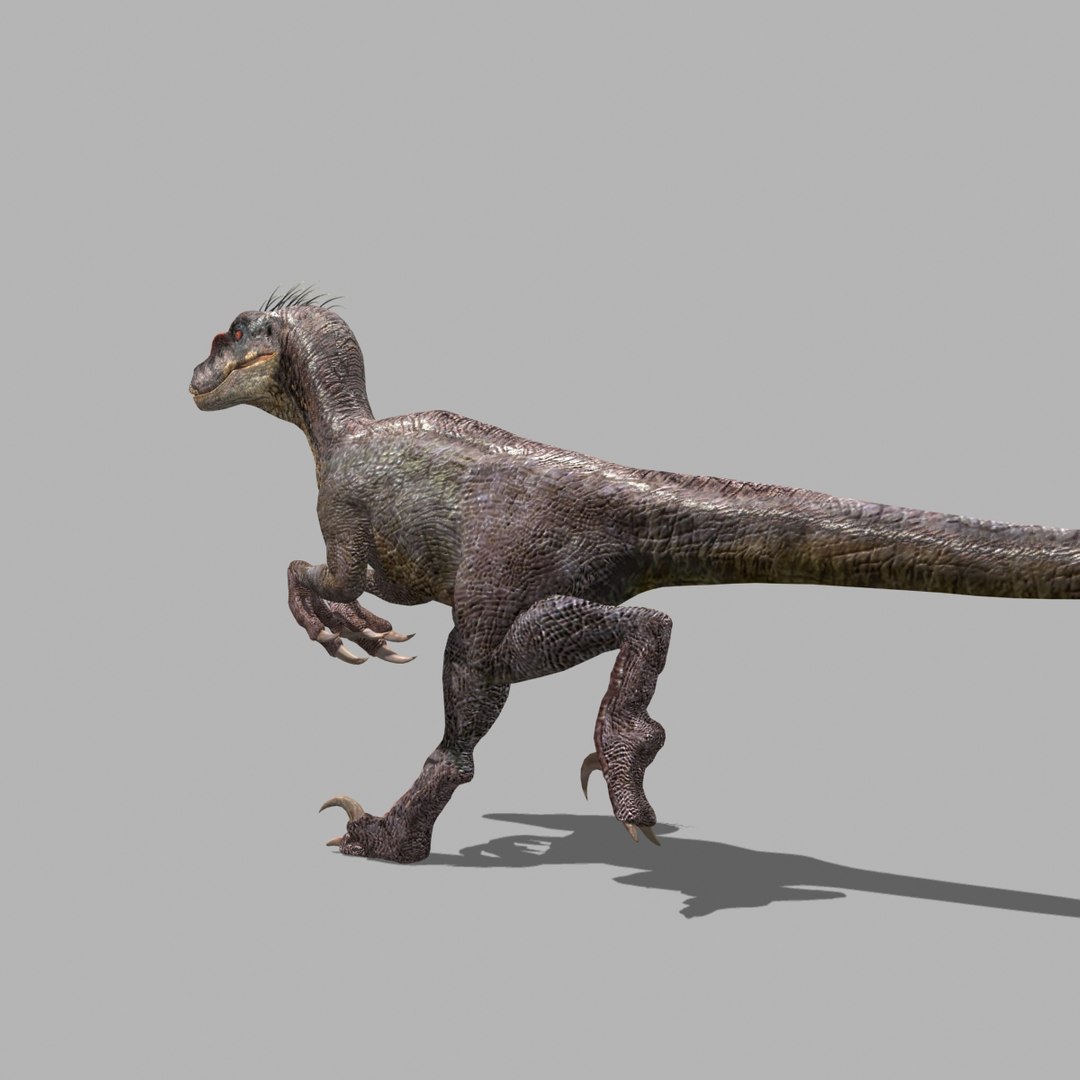
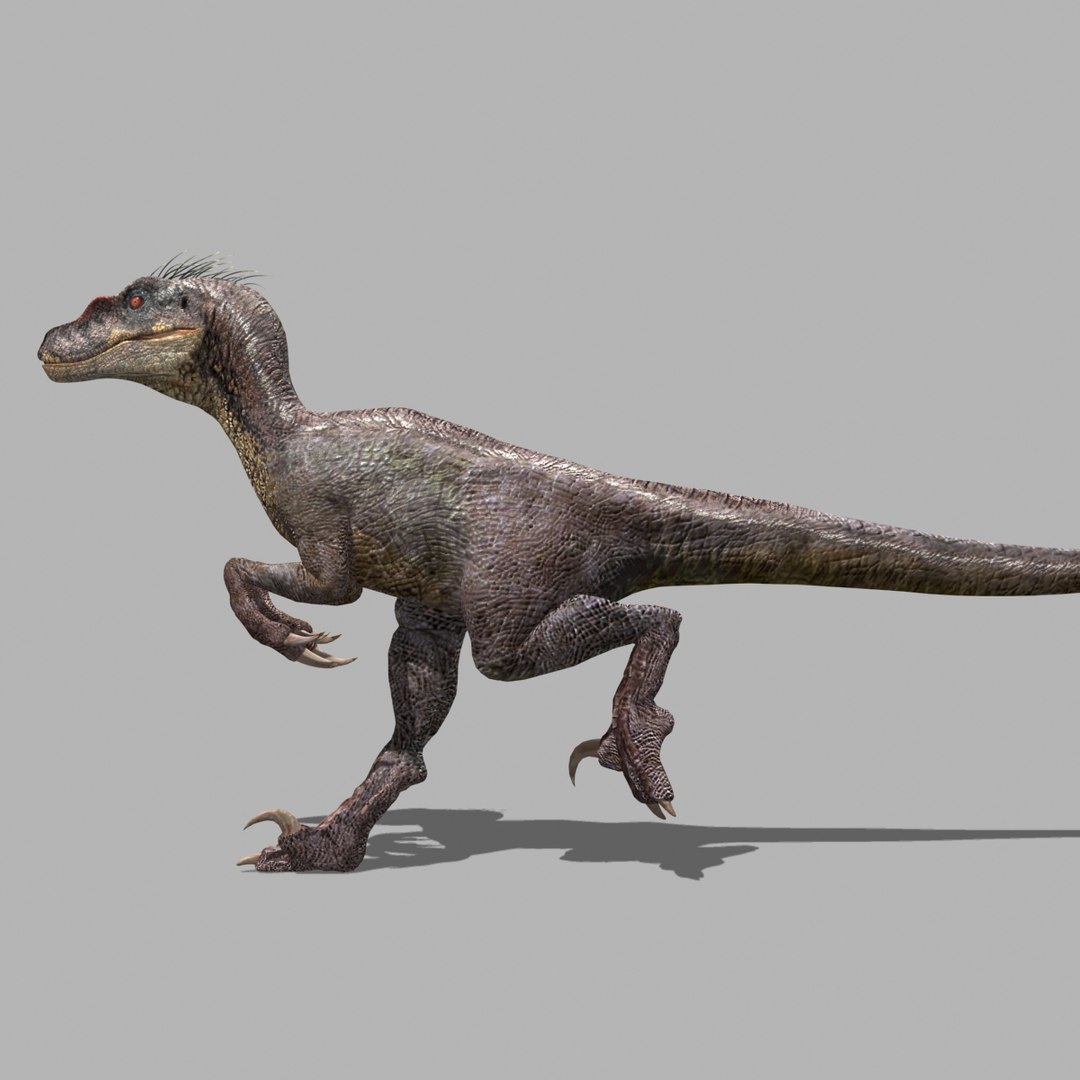
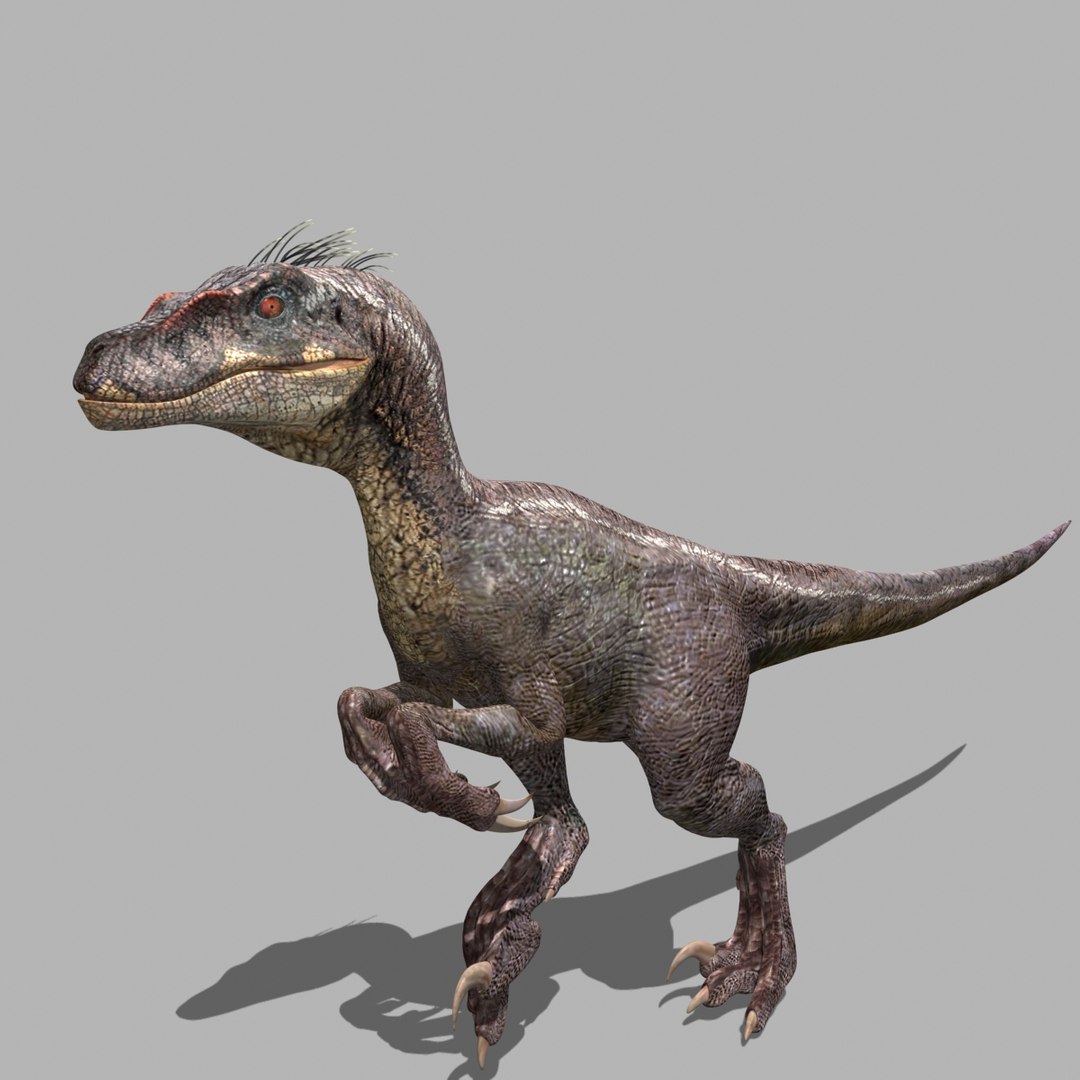
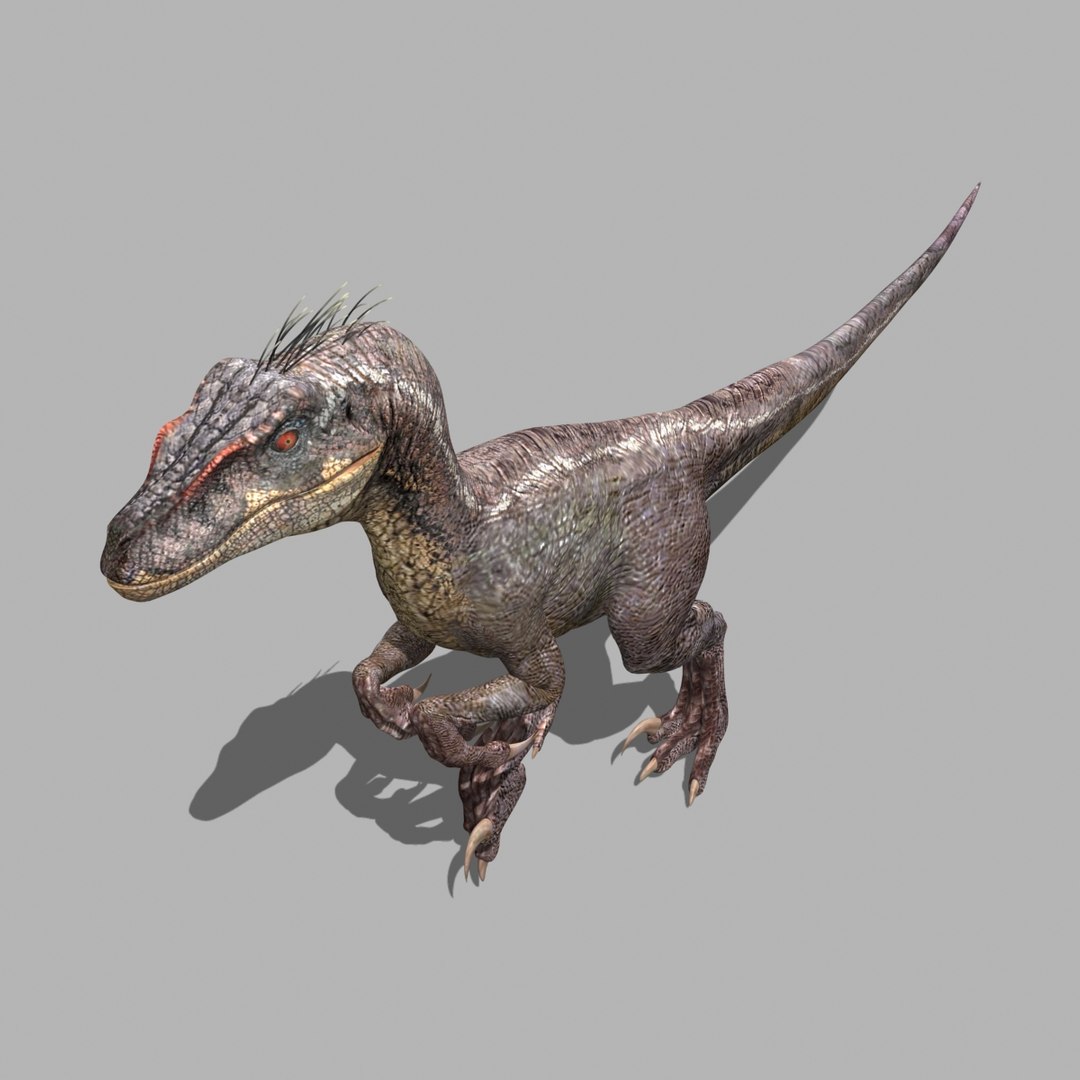
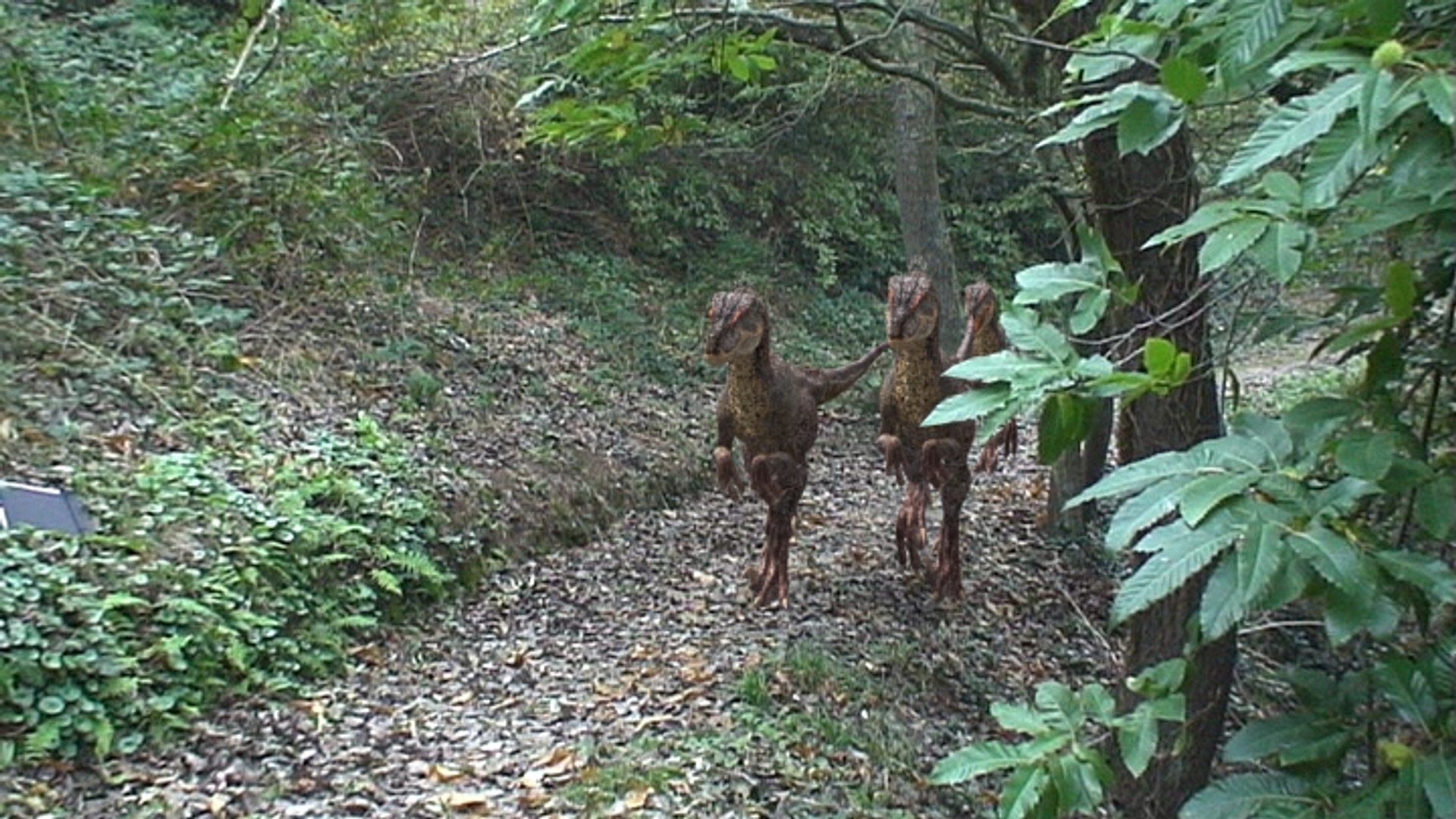
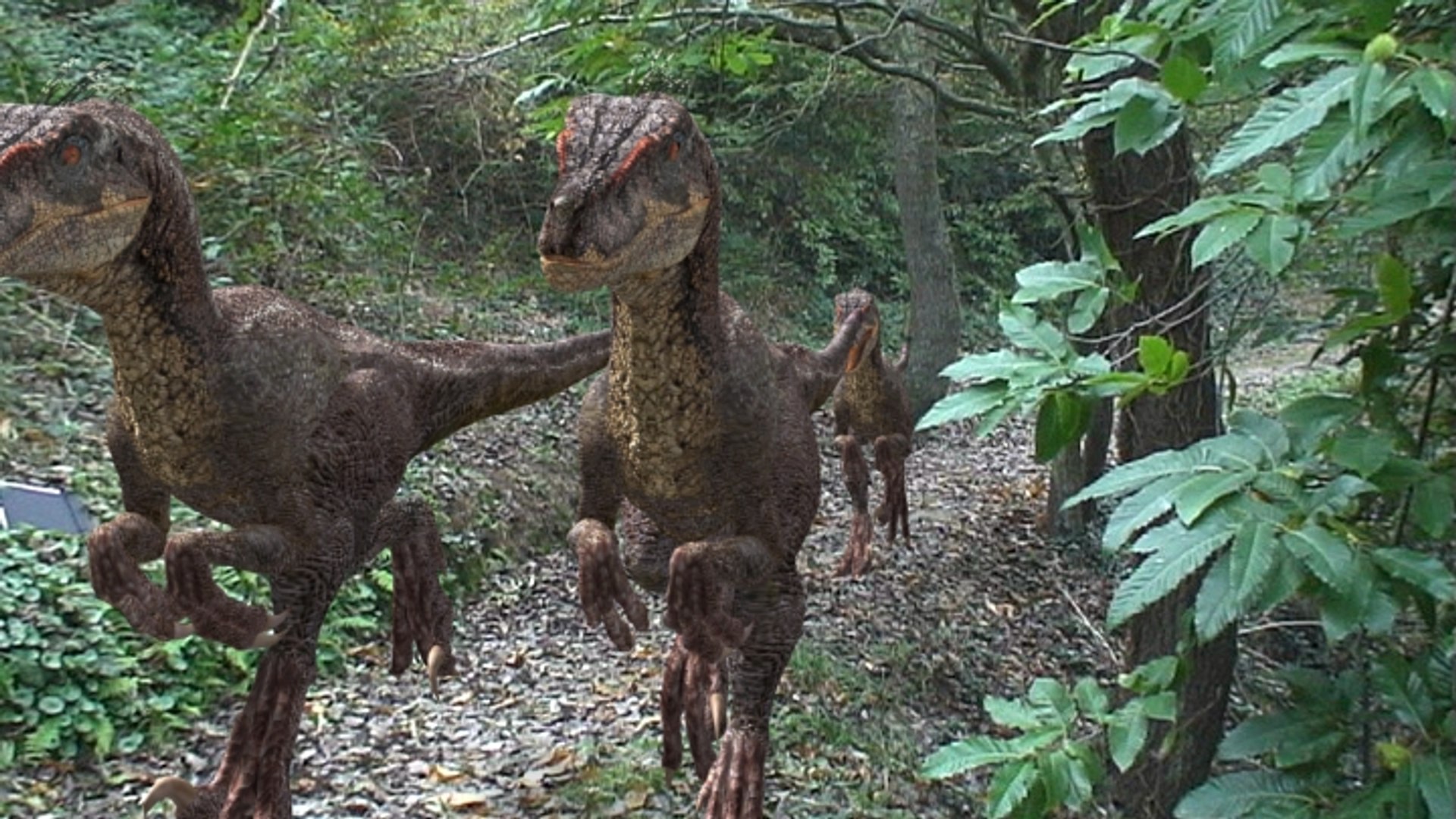
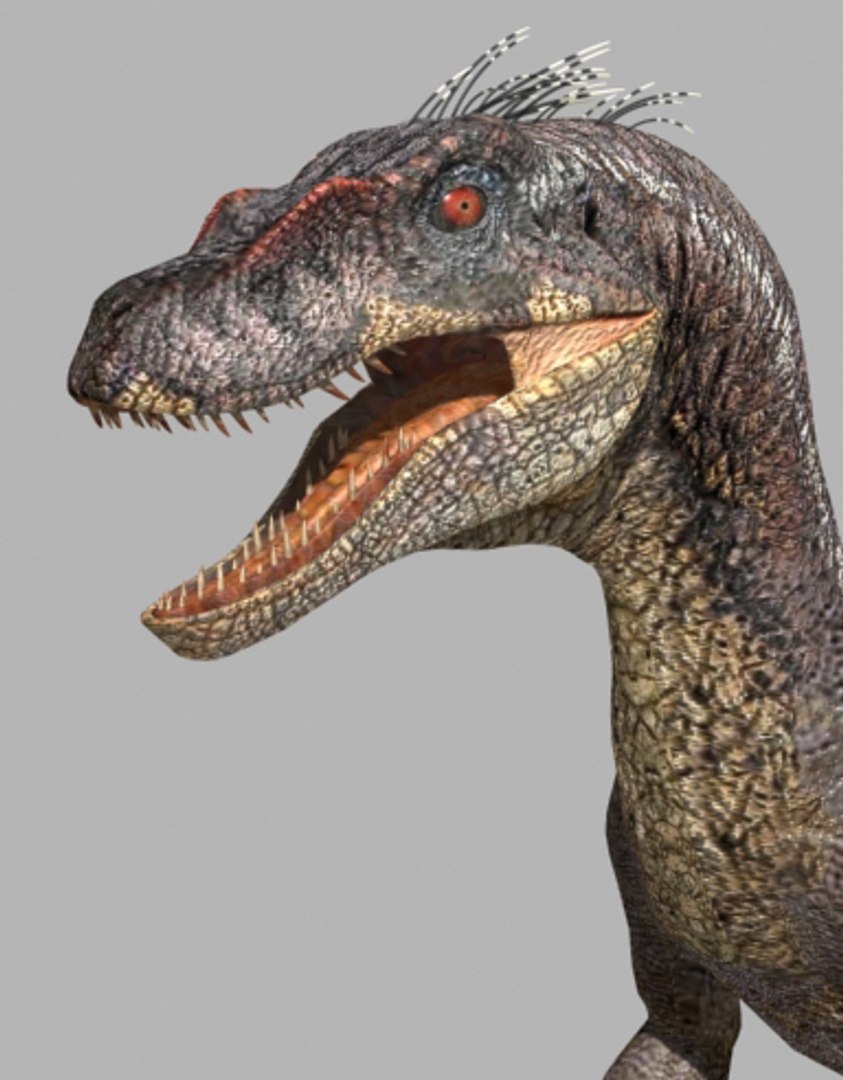
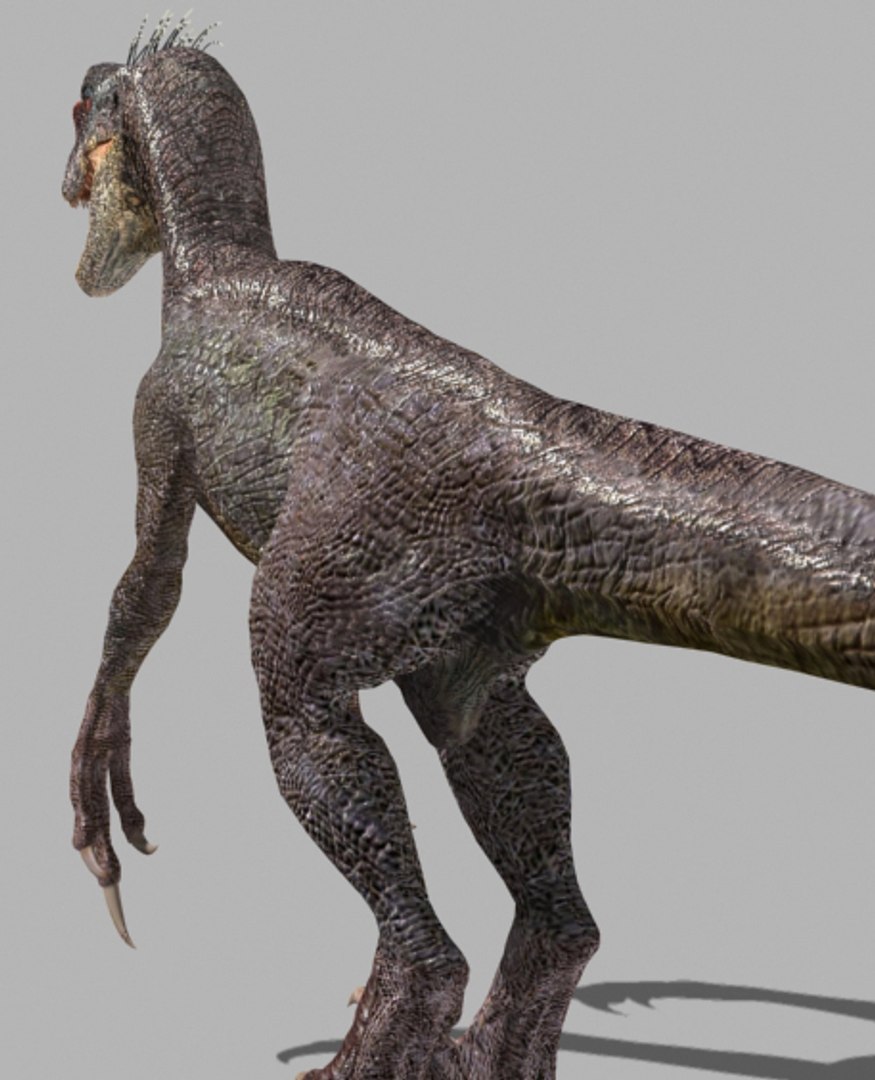
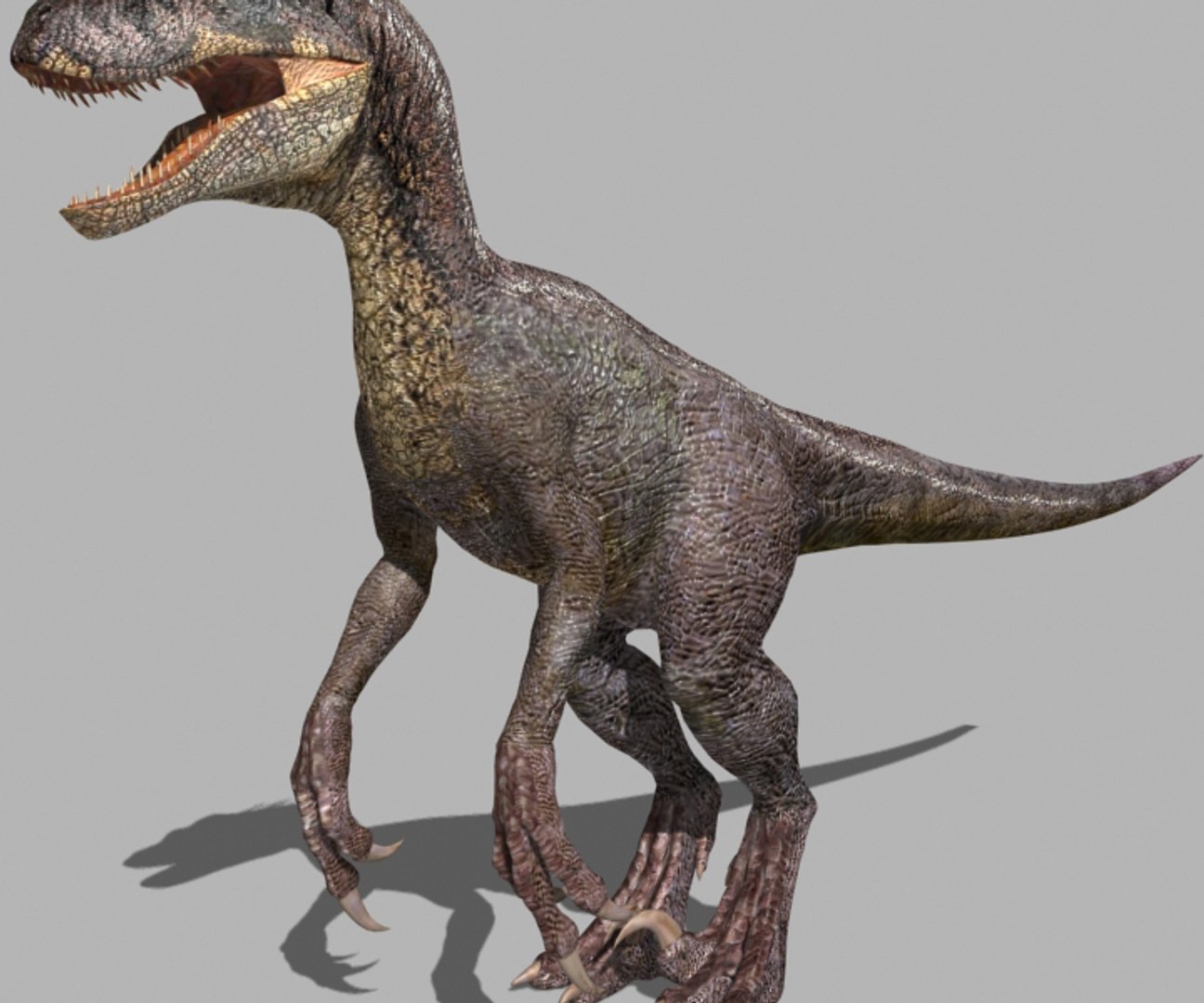
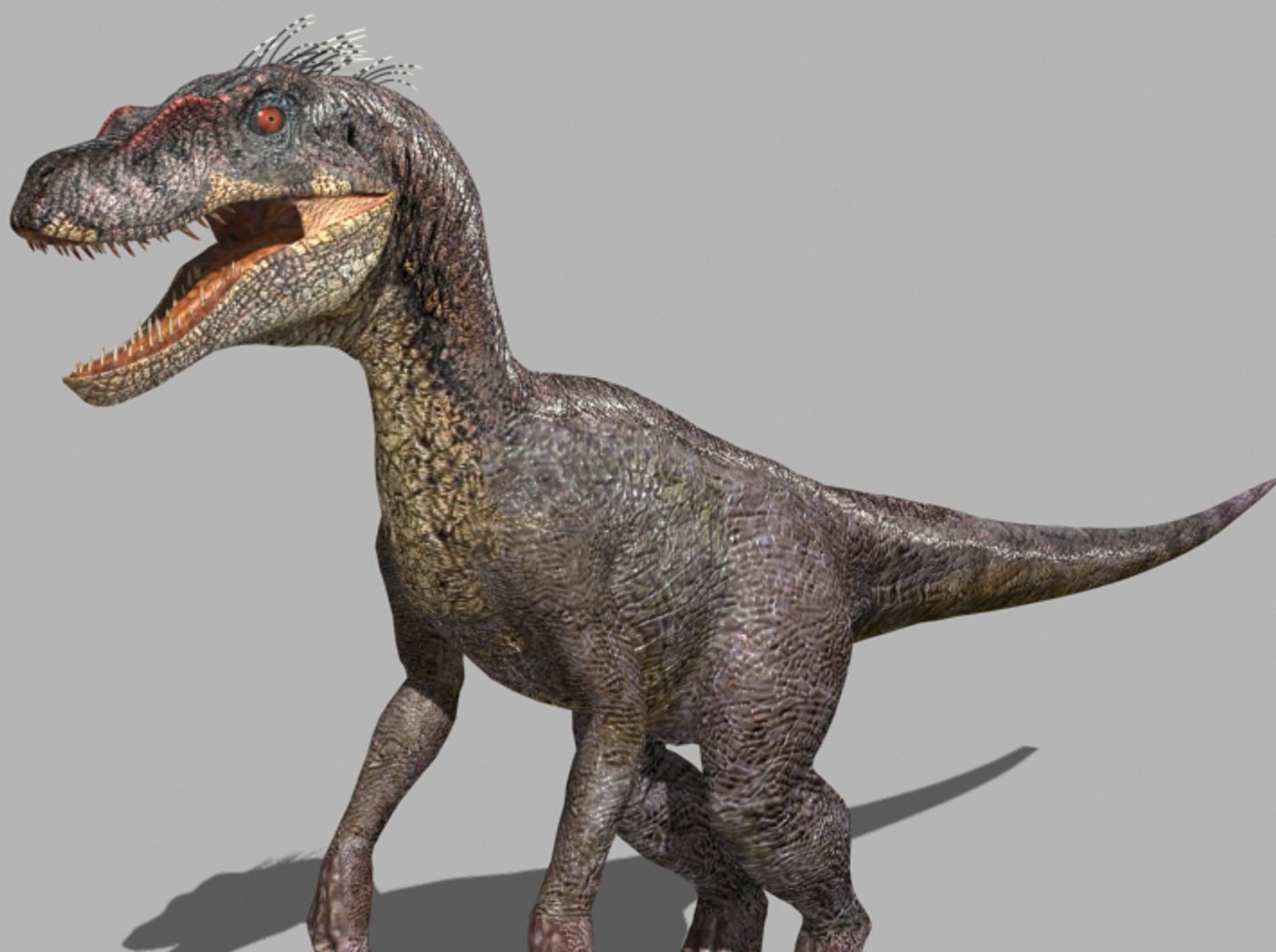
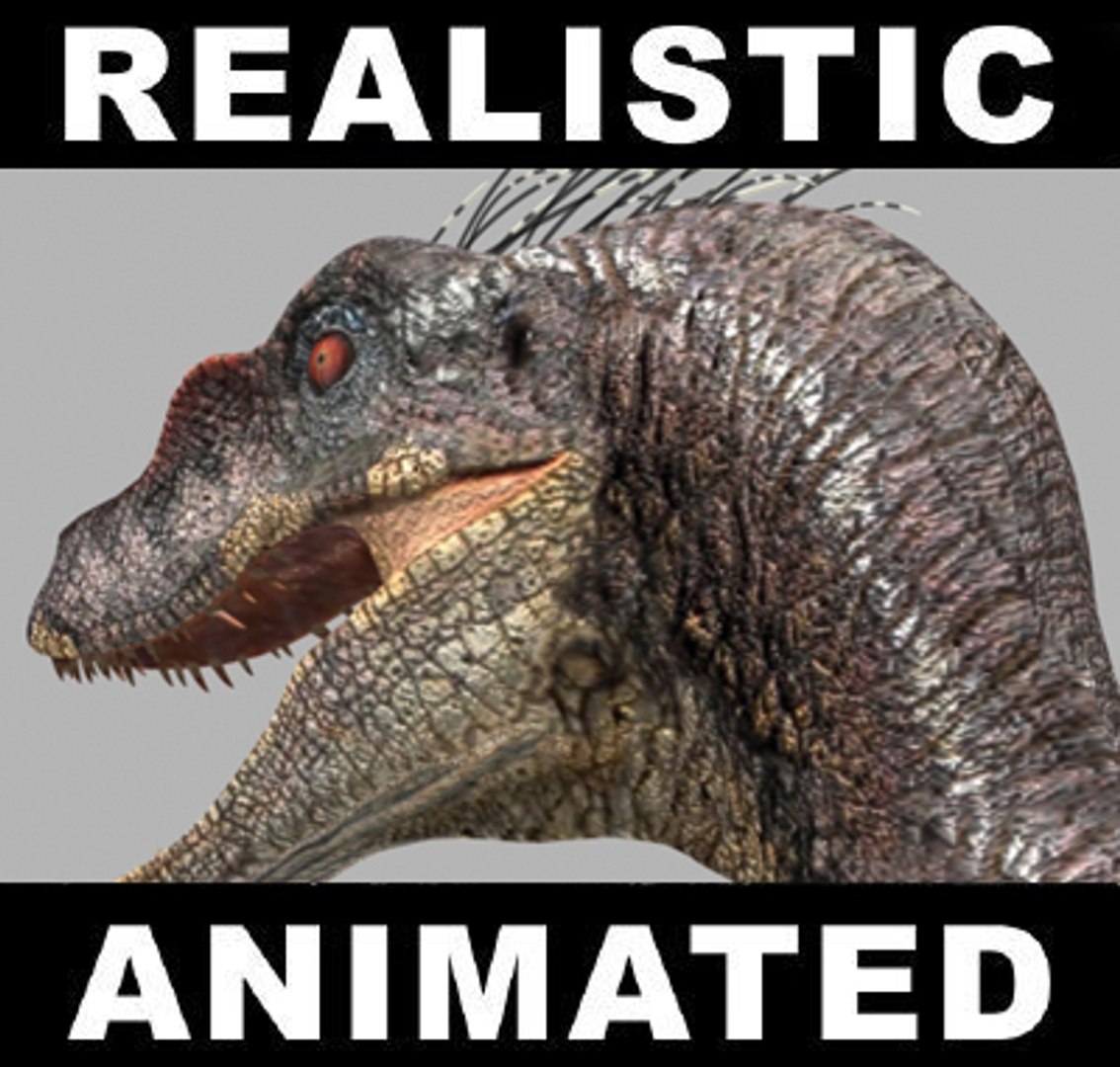
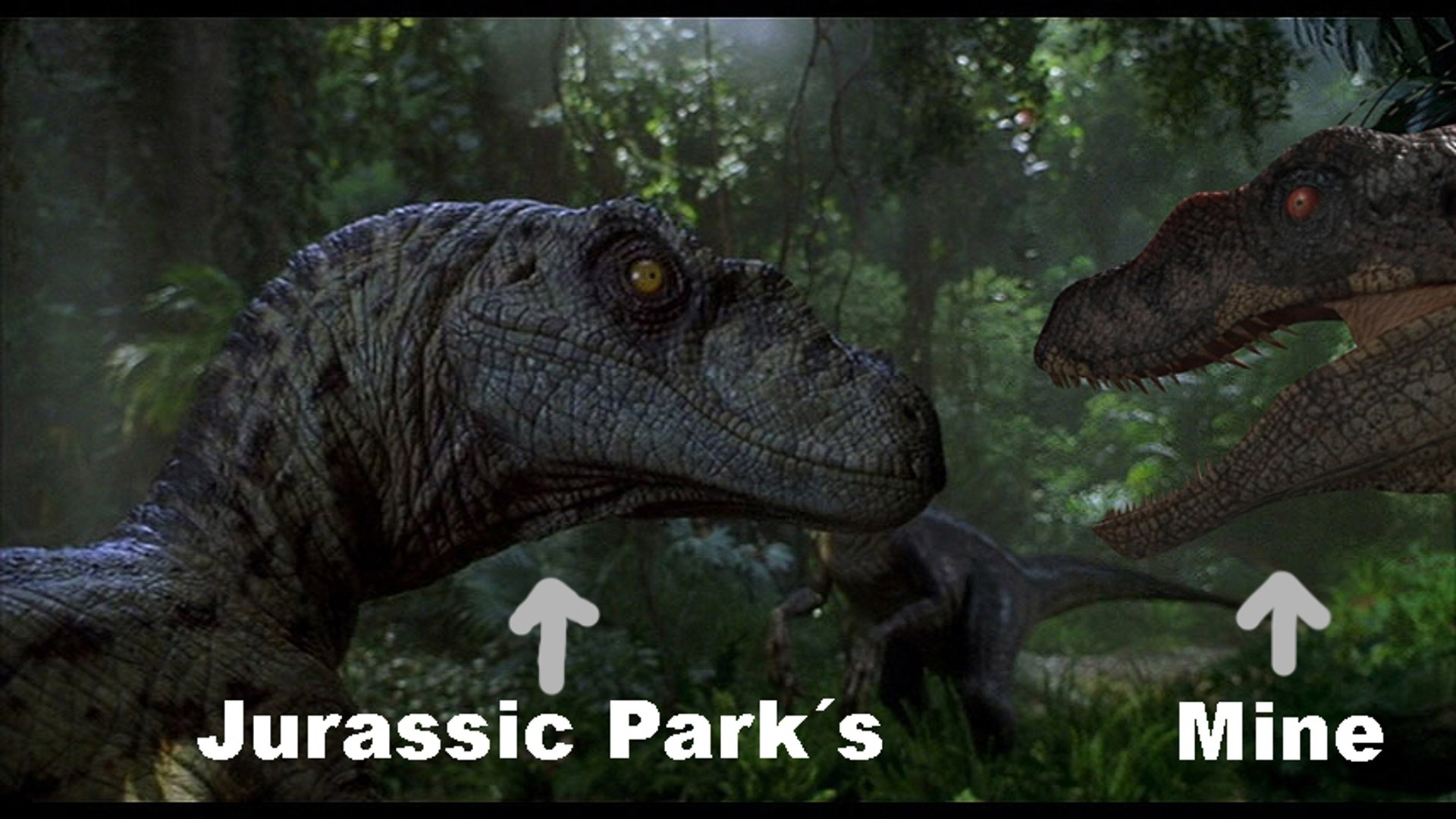
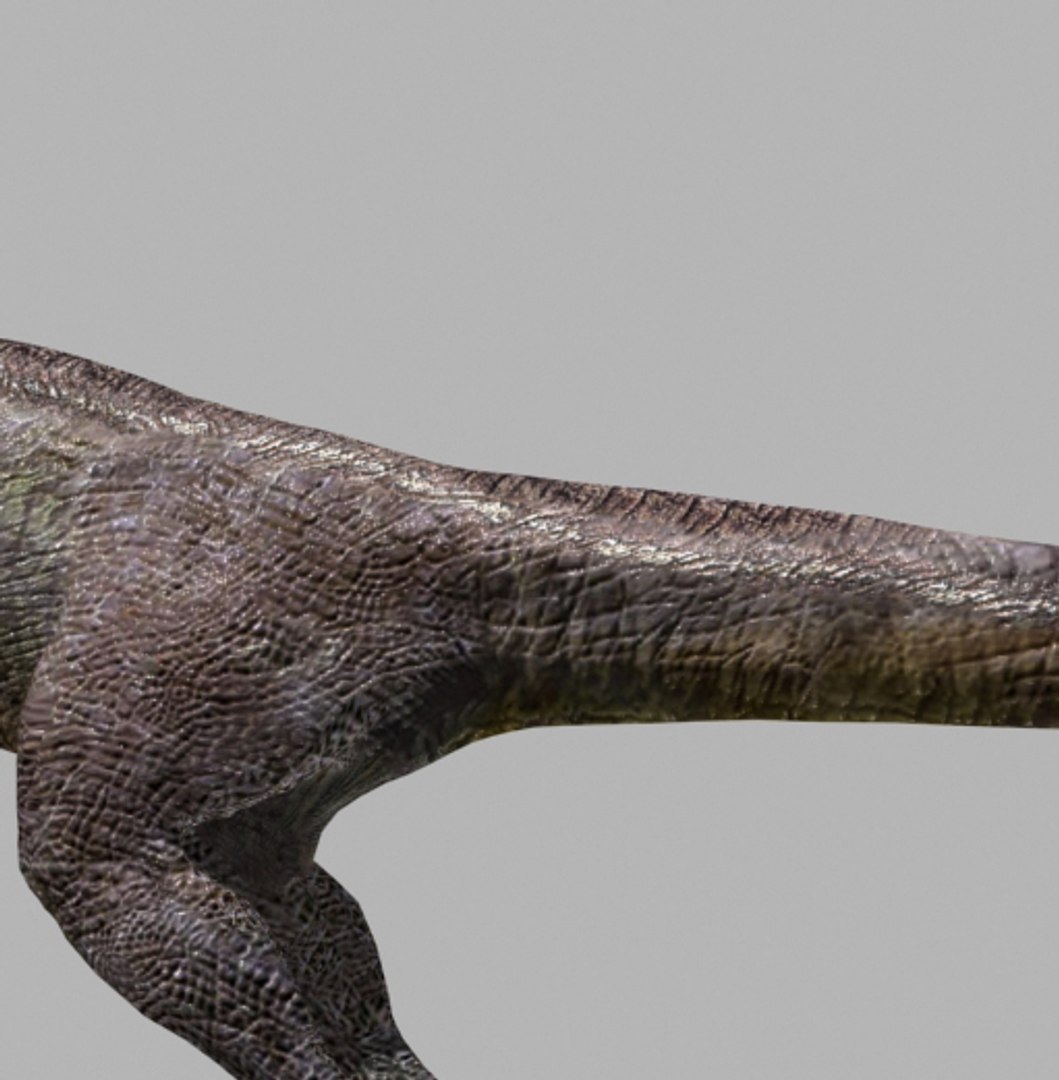
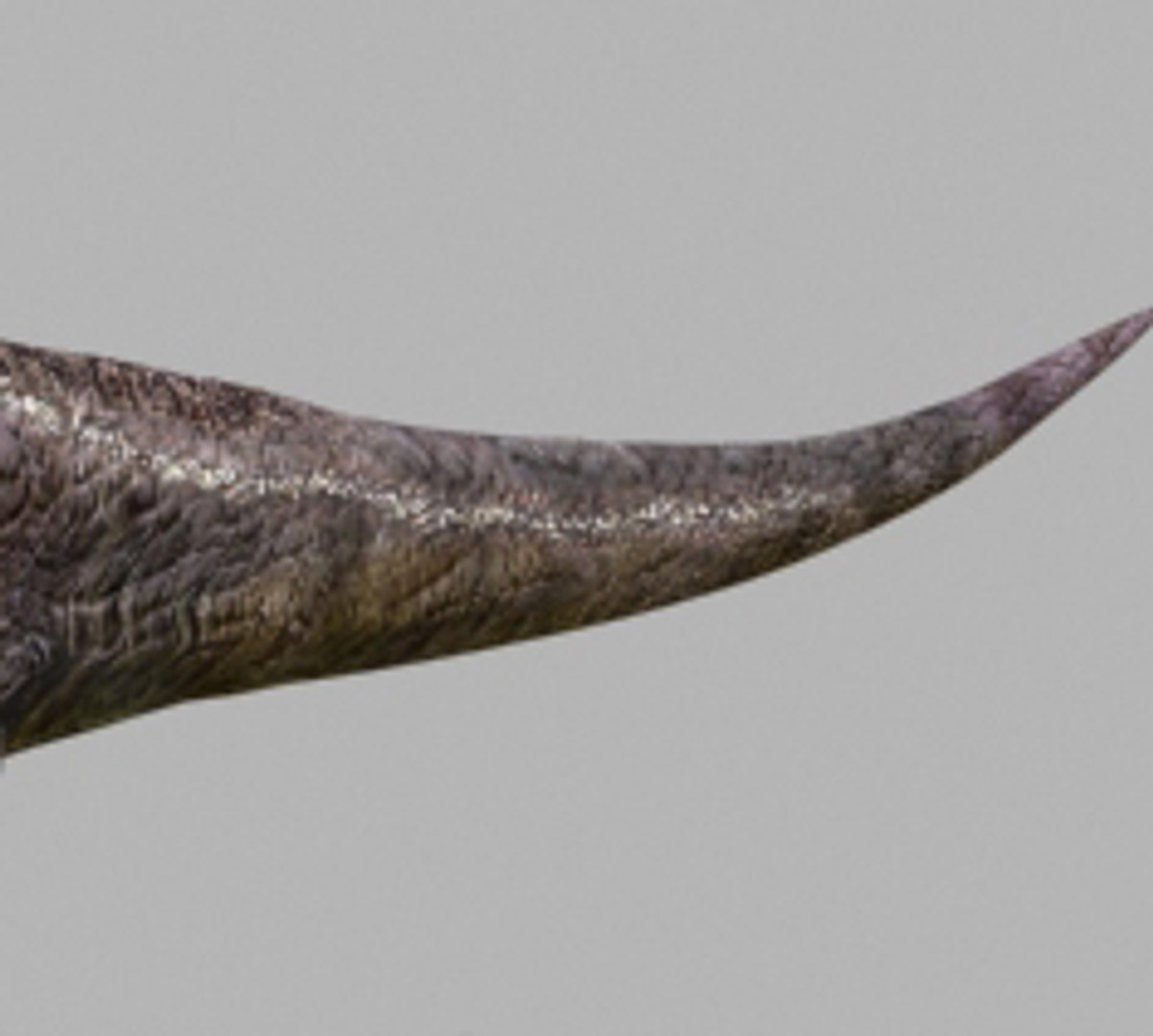
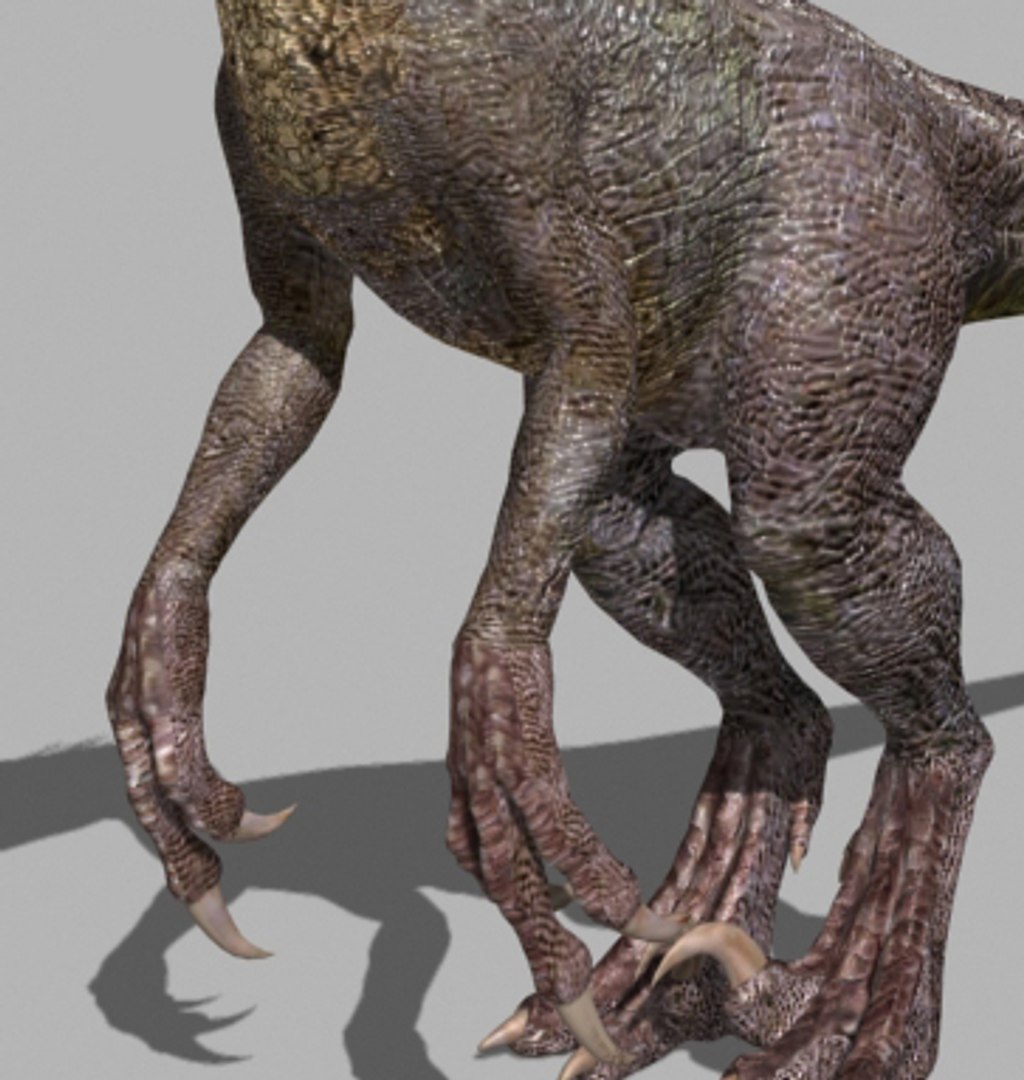
Ultra realistic and Ultra cheap! My God! How on earth did I have the patience to do this? You can also see these 4 beasts moving in the animations below. I also have other interesting models. Thank you.

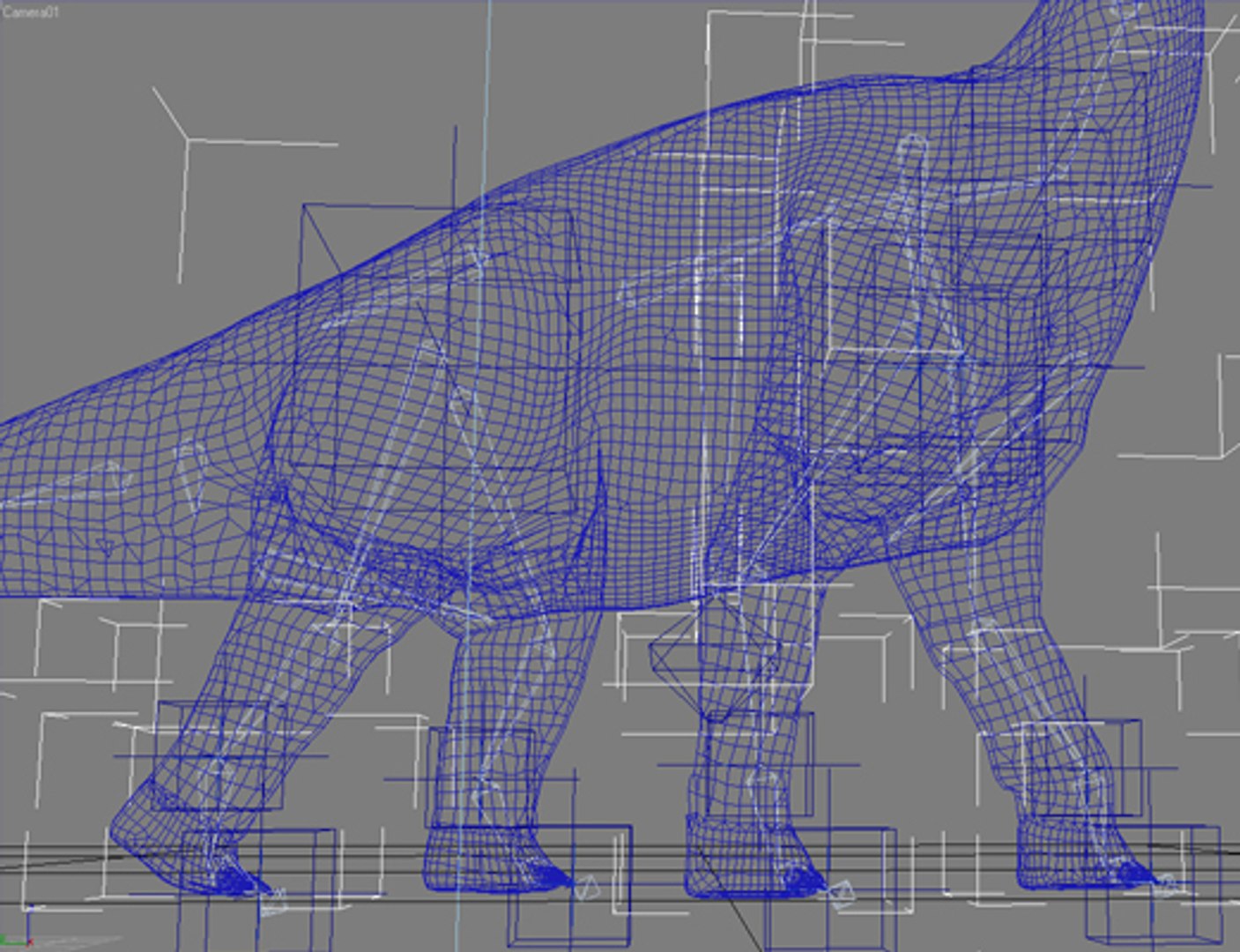
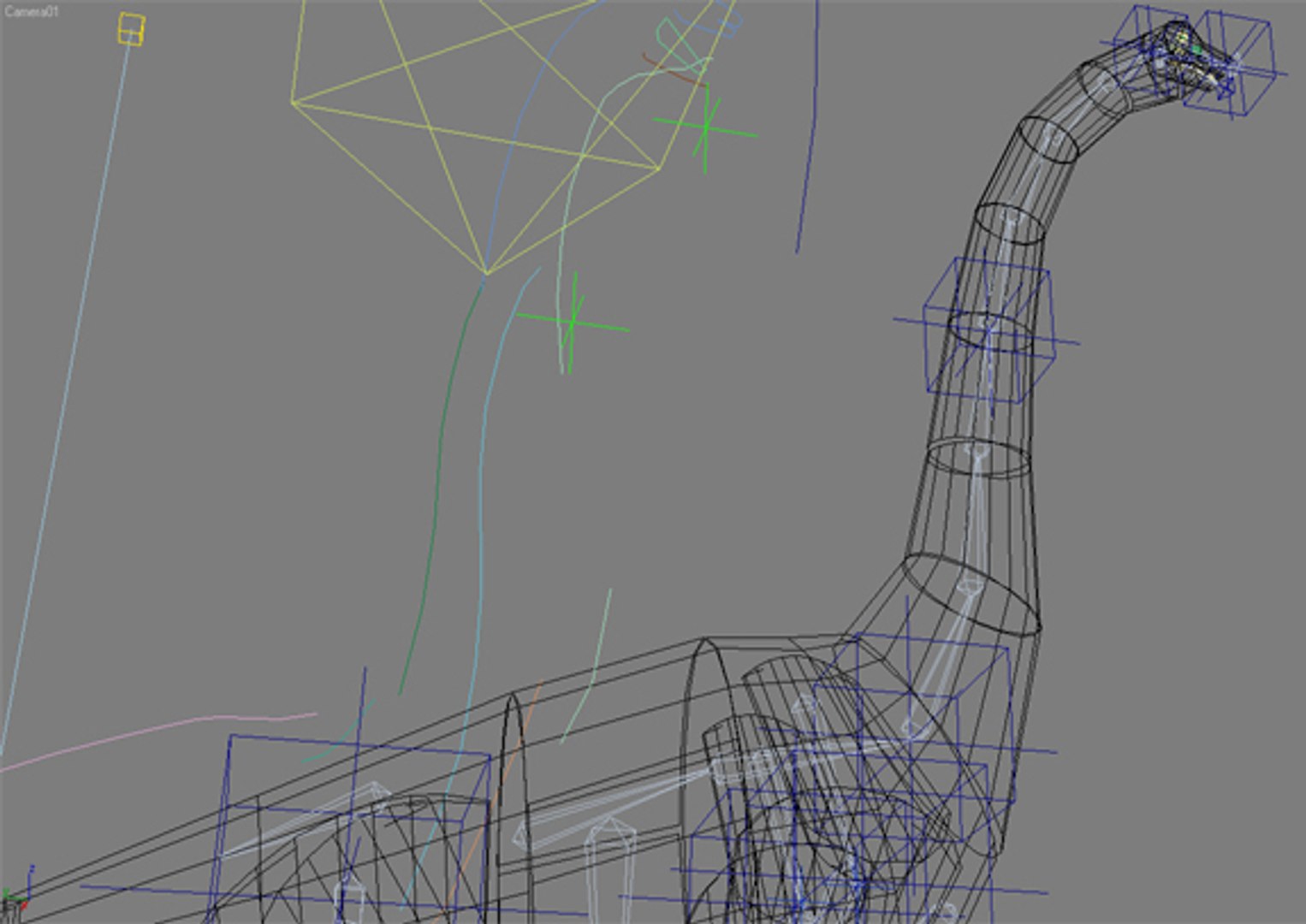
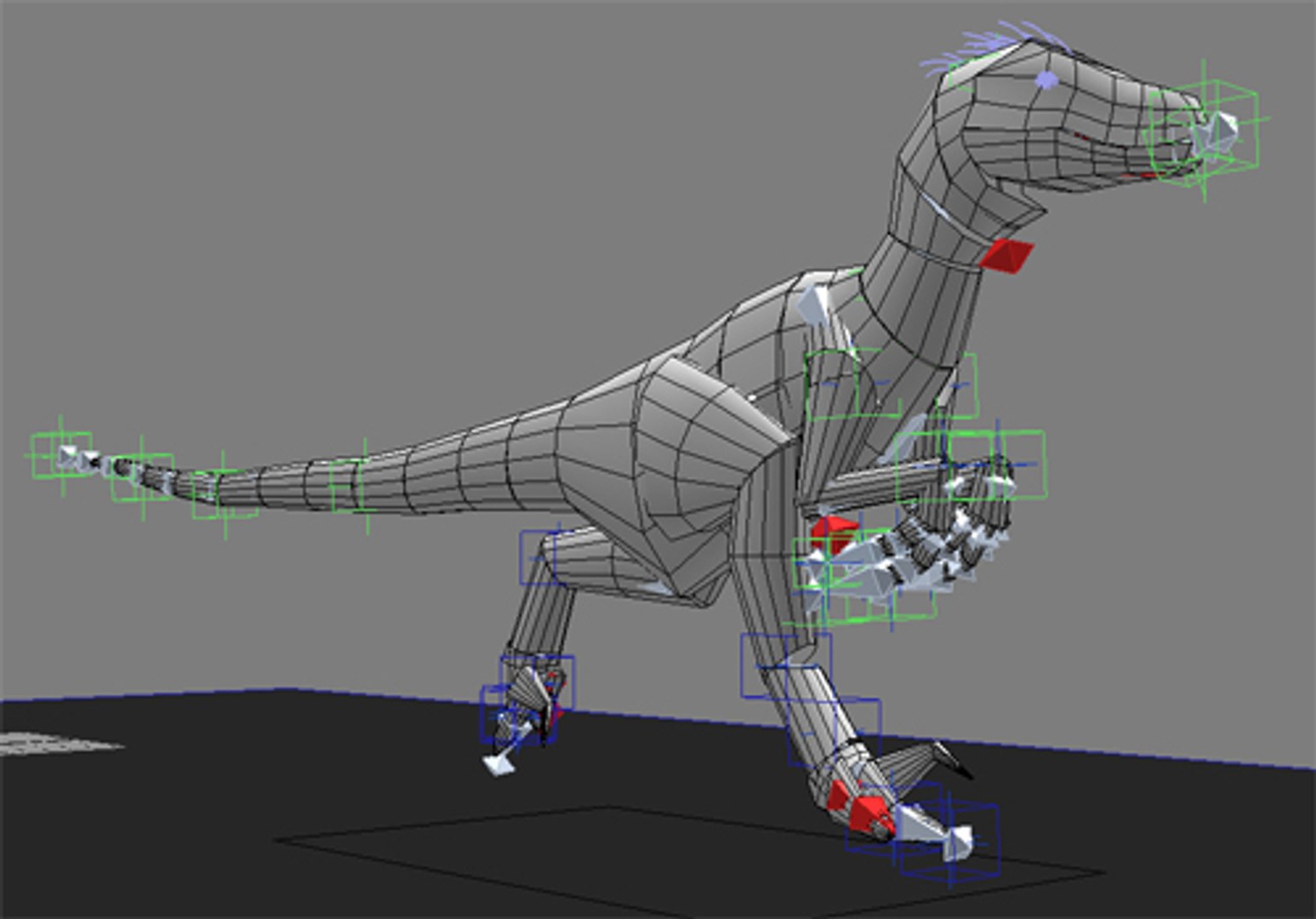
Note: Please be ware that all IK chains and cinematics in the world have certain limitations. You cannot pull or push them too much. Im telling you this because there are customers who dont know much about character animation.


IMPORTANT NOTE: The models may not show any maps in the viewports, but if you render them you will see the texture maps. The 2013 versions are available but 2018 is better. I also just found out that the 2018 versions look even better with a bit of negative bumping in material editor, instead of positive.


ATTENTION: The OBJ models are not rigged or animated. If, for some reason, they appear without texture when imported, dont worry, youll need to go to your material editor and select and apply the maps that come with the models. The mapping coordinates are all saved.

Select Enhanced License

  • $10,000 in Legal Protection (Indemnification)
  • Uncapped Legal Protection (Indemnification)
  • Waiver from injunctive relief
  • Assignable model rights
  • $1,000,000 in Legal Protection (Indemnification)
  • Waiver from injunctive relief
  • Assignable model rights
  • $250,000 in Legal Protection (Indemnification)
  • Assignable model rights
Read more about enhanced license tiers, or contact us at enterprise@turbosquid.com. Already a Shutterstock Enterprise Customer? Contact your Shutterstock Sales Support Agent to talk about adding 3D.

About Conversion Requests

To submit a conversion request for a purchased asset, please complete our Conversion Request Form.

If you have not yet purchased a model, please review our Documentation about Conversions to learn about what limitations you may encounter with a conversion.

For any additional questions about a model’s suitability for conversion, please contact TurboSquid Support.

Loading...