
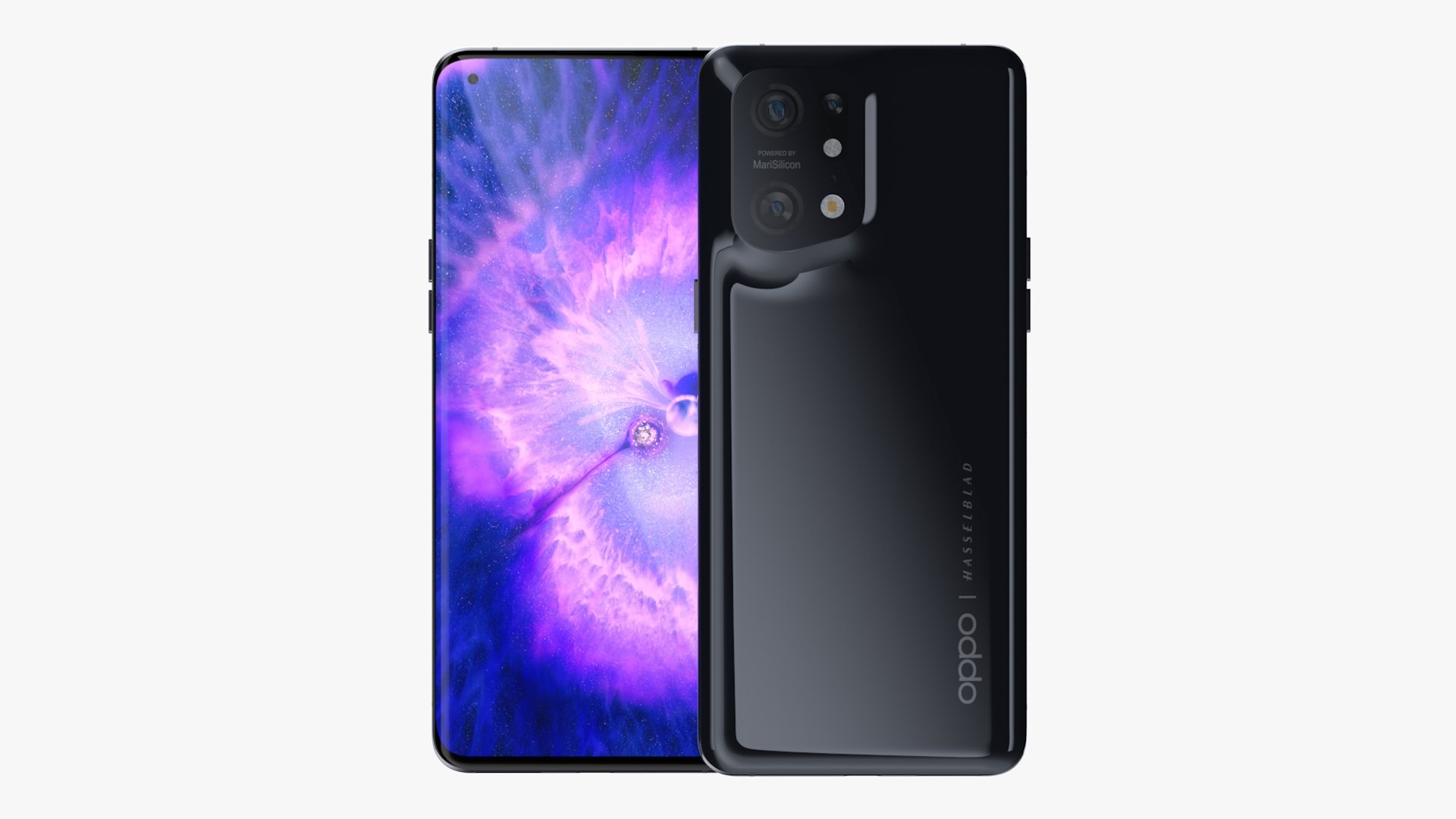
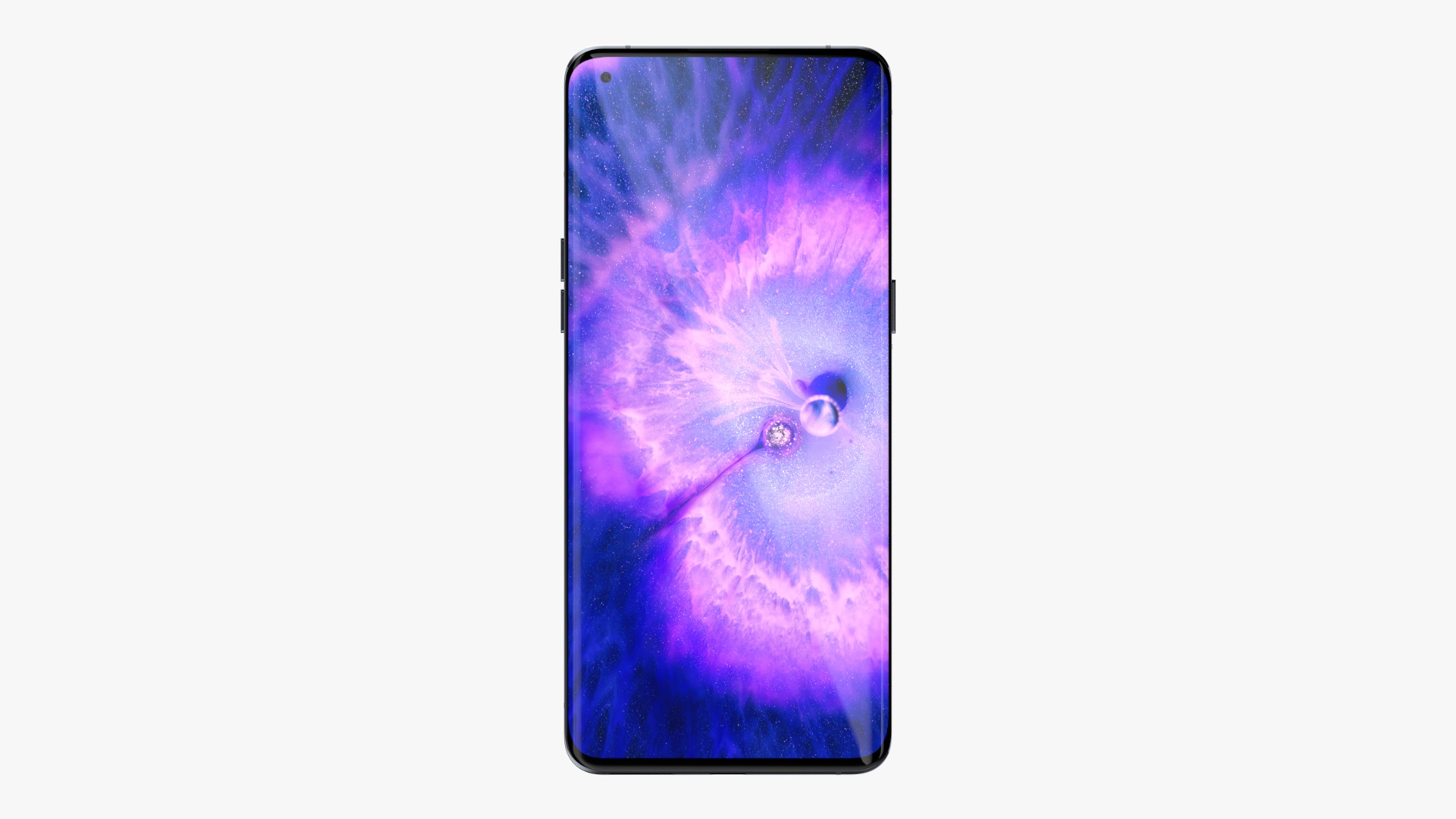
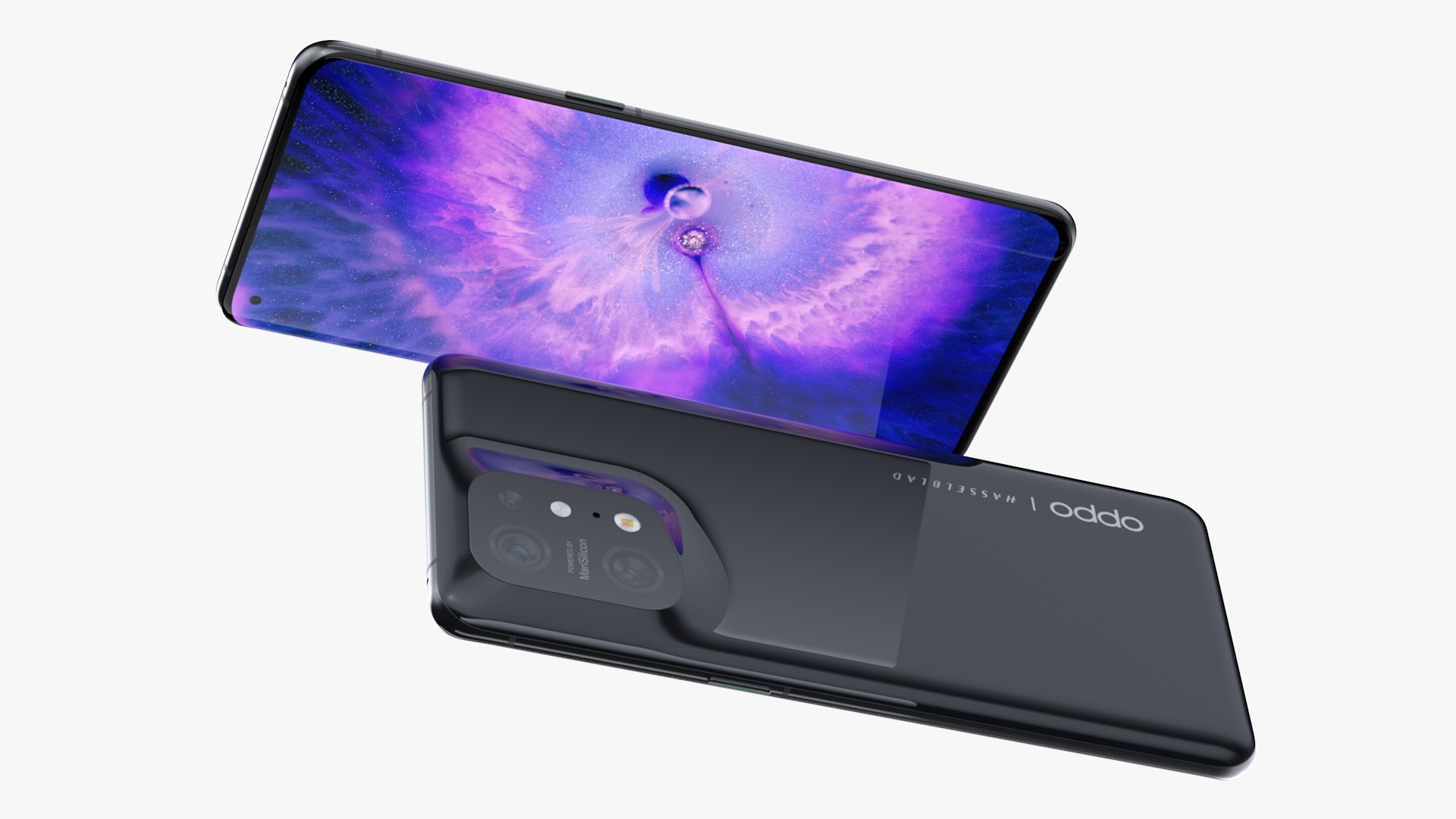
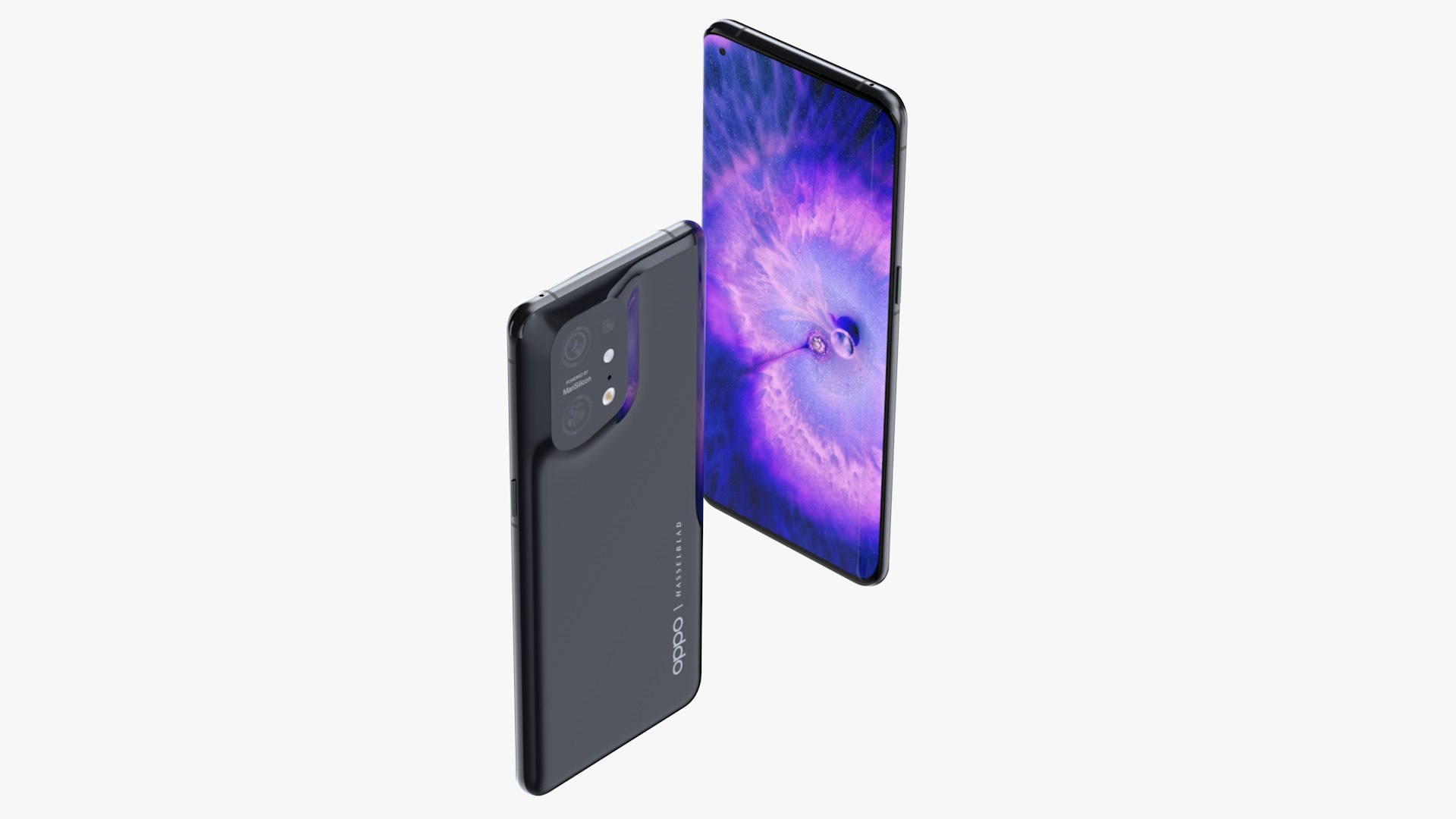
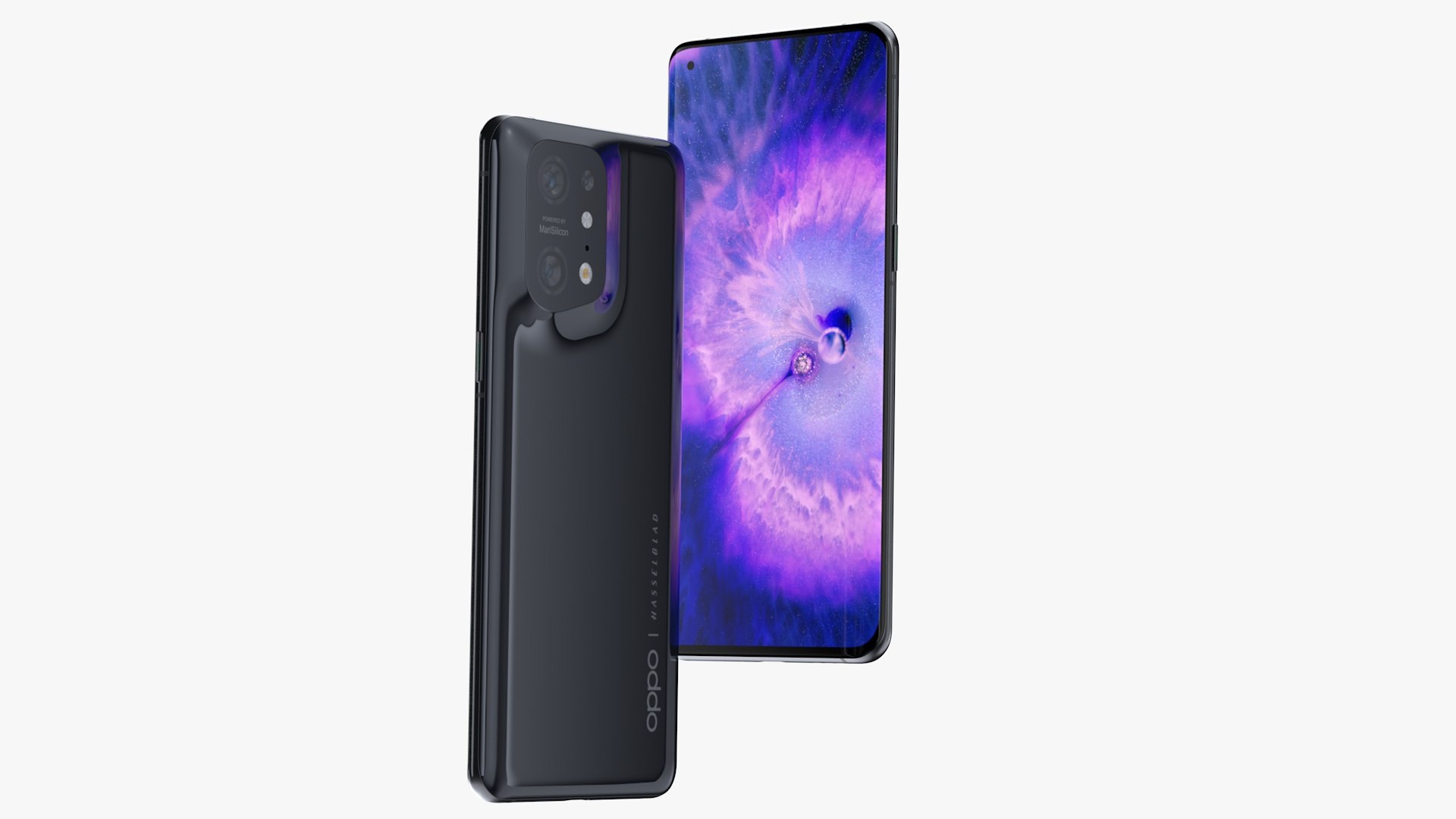
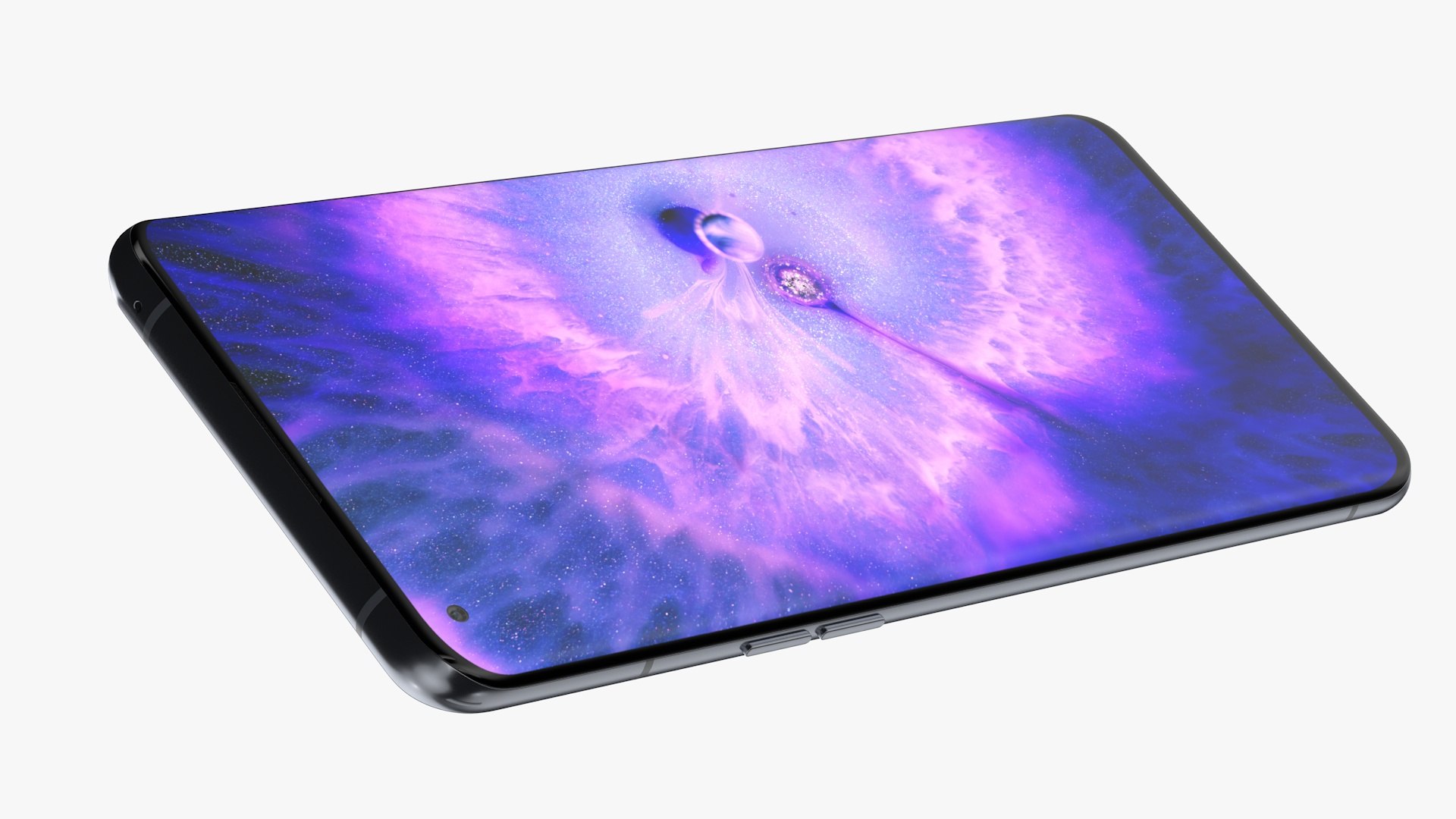
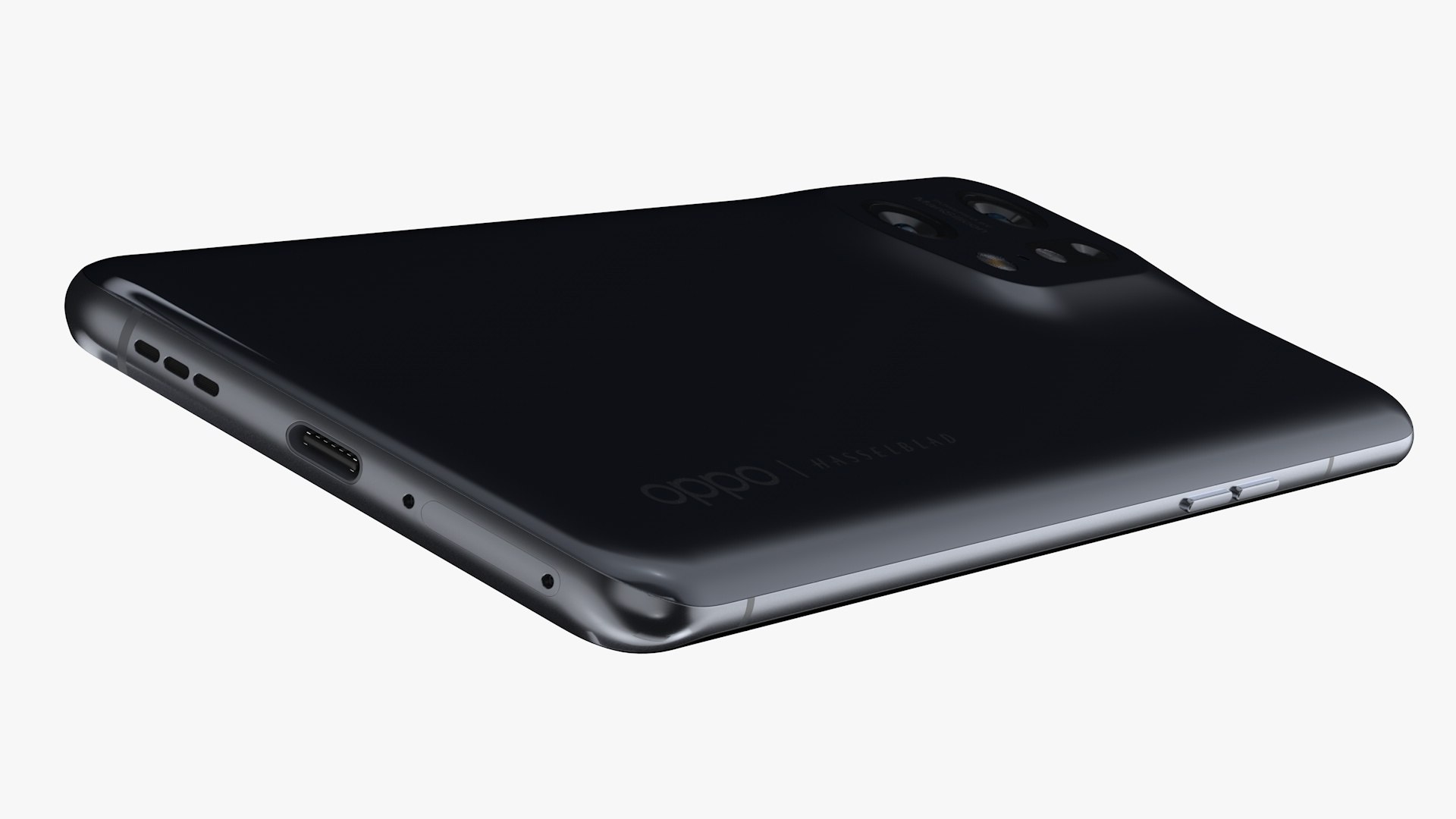
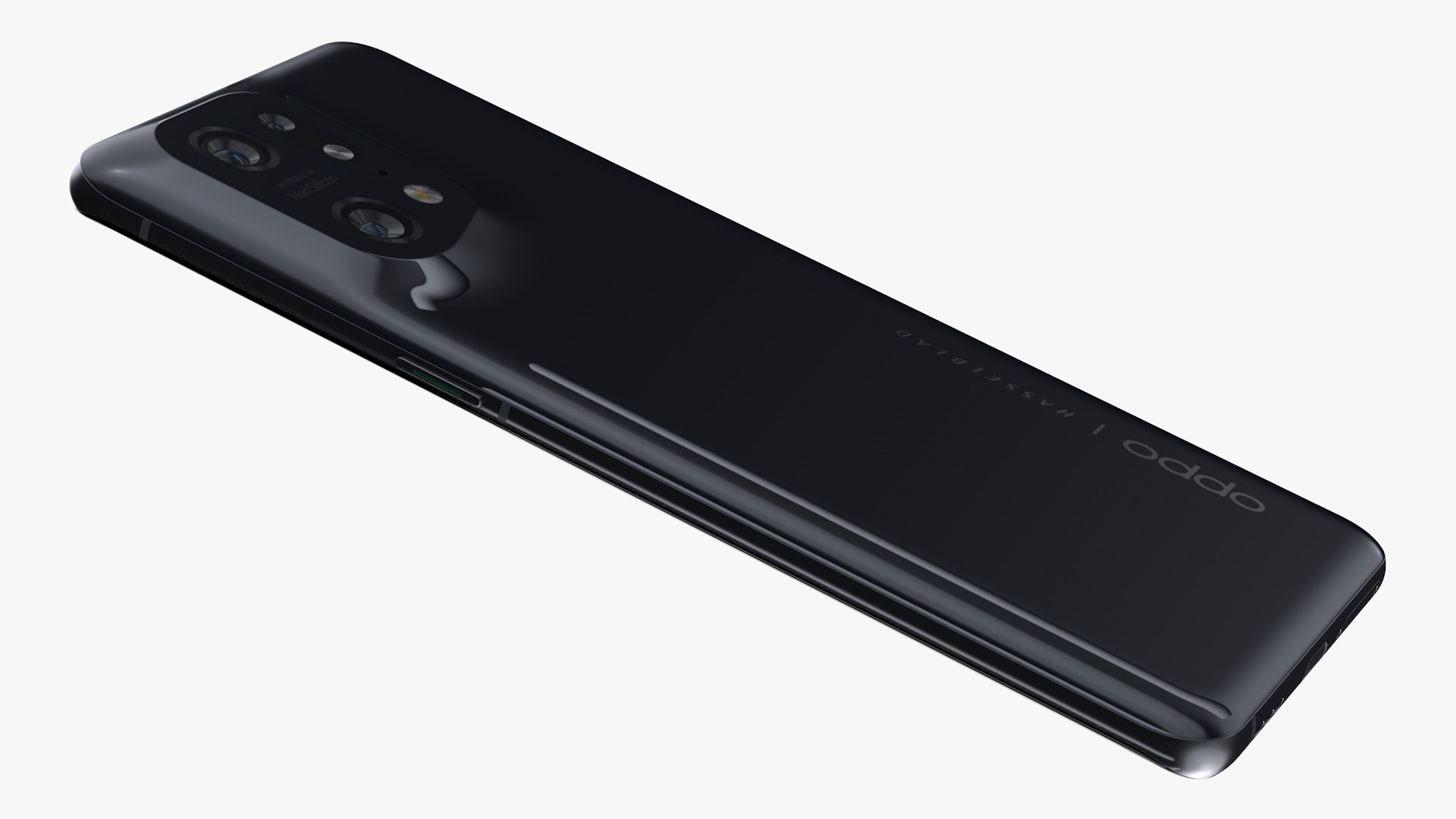
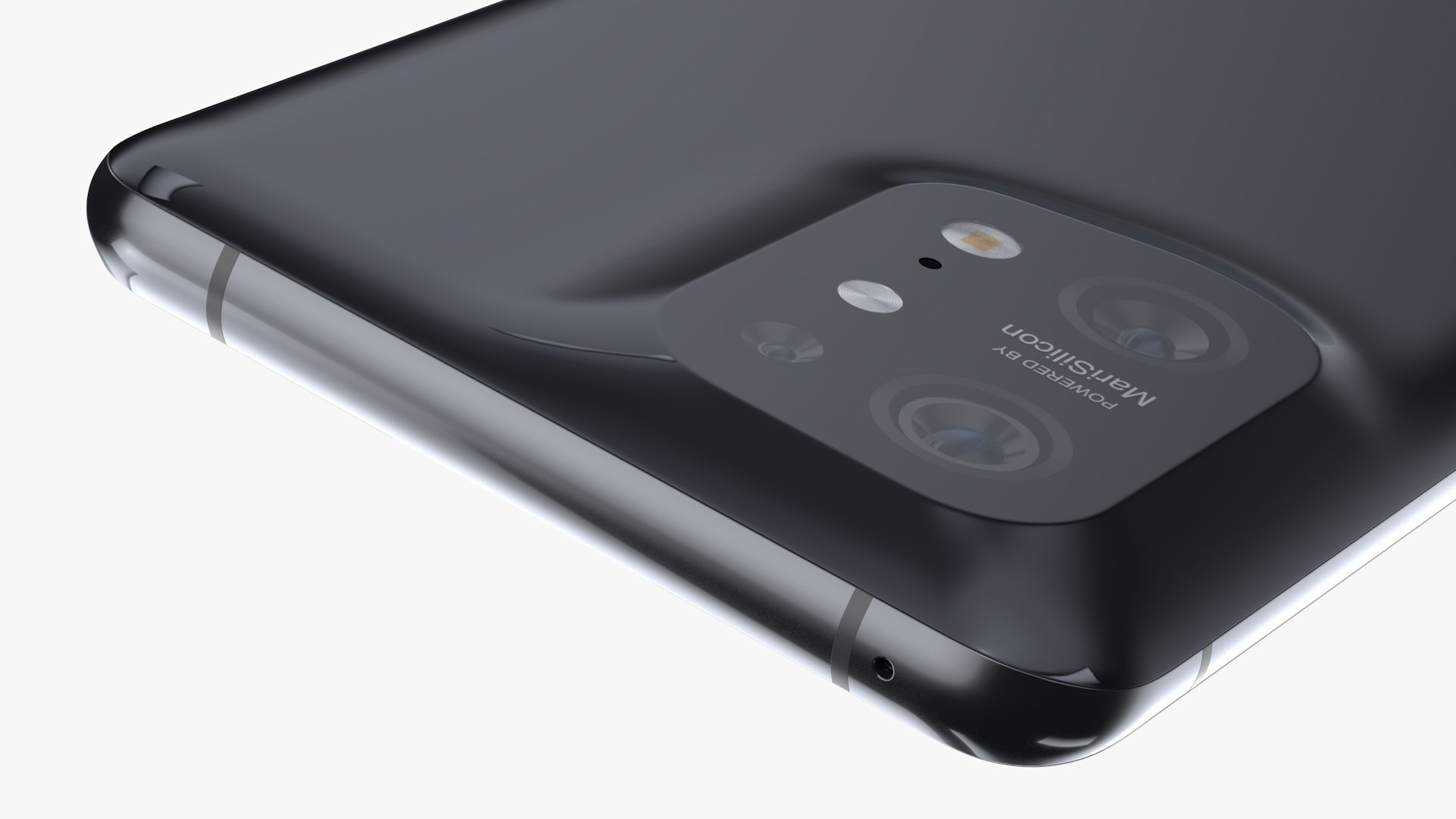
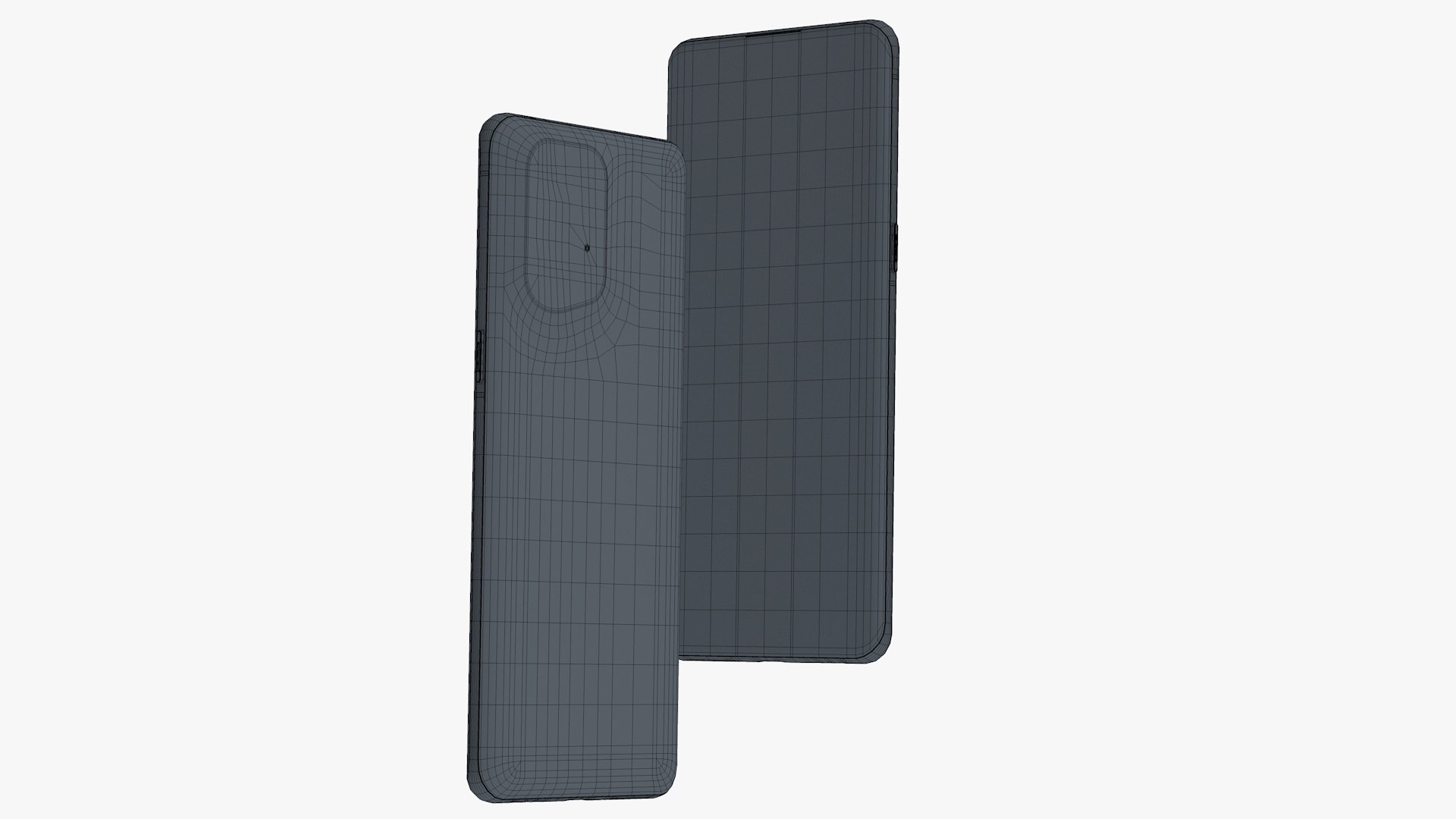
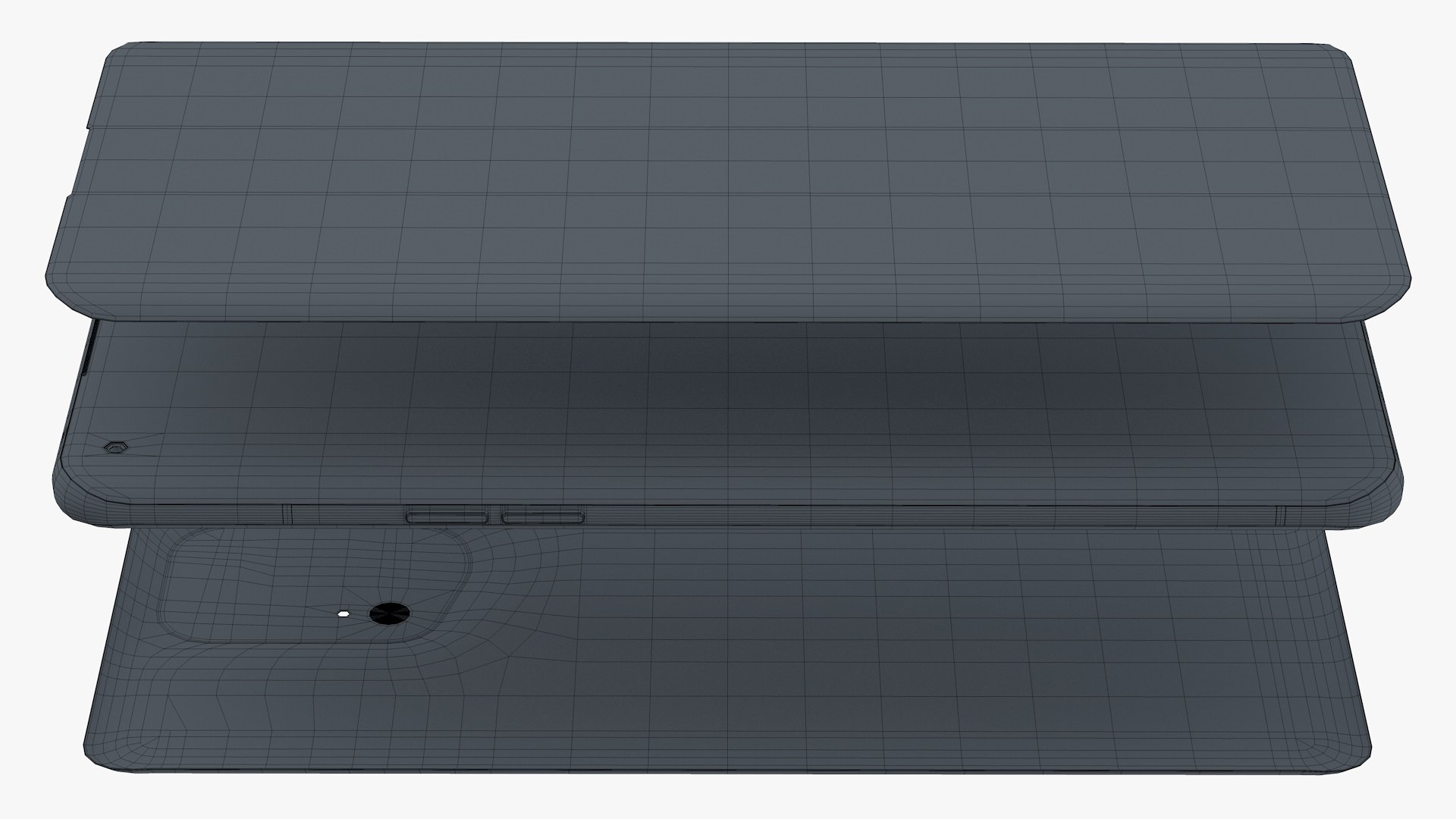
OPPO Find X5 Pro Ceramic Black

$39

Standard License | Upgrade License
Editorial Uses Only
Formats (4)
Free file format Conversions available
Native | Cinema 4D r20 | Advanced Render
3D Studio
FBX
OBJ
Specifications
Publish Date February 12, 2022
Product ID 1853927
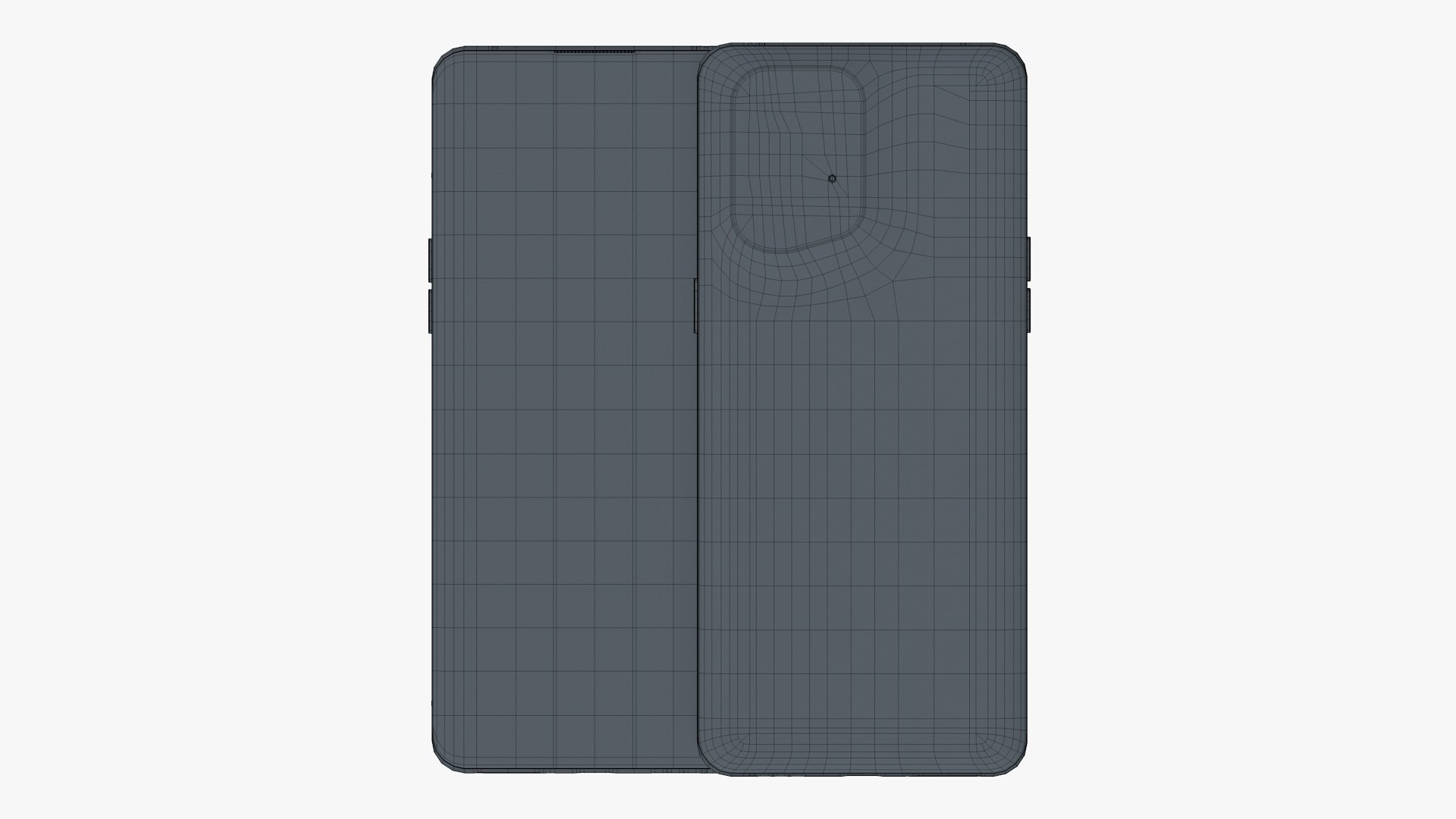
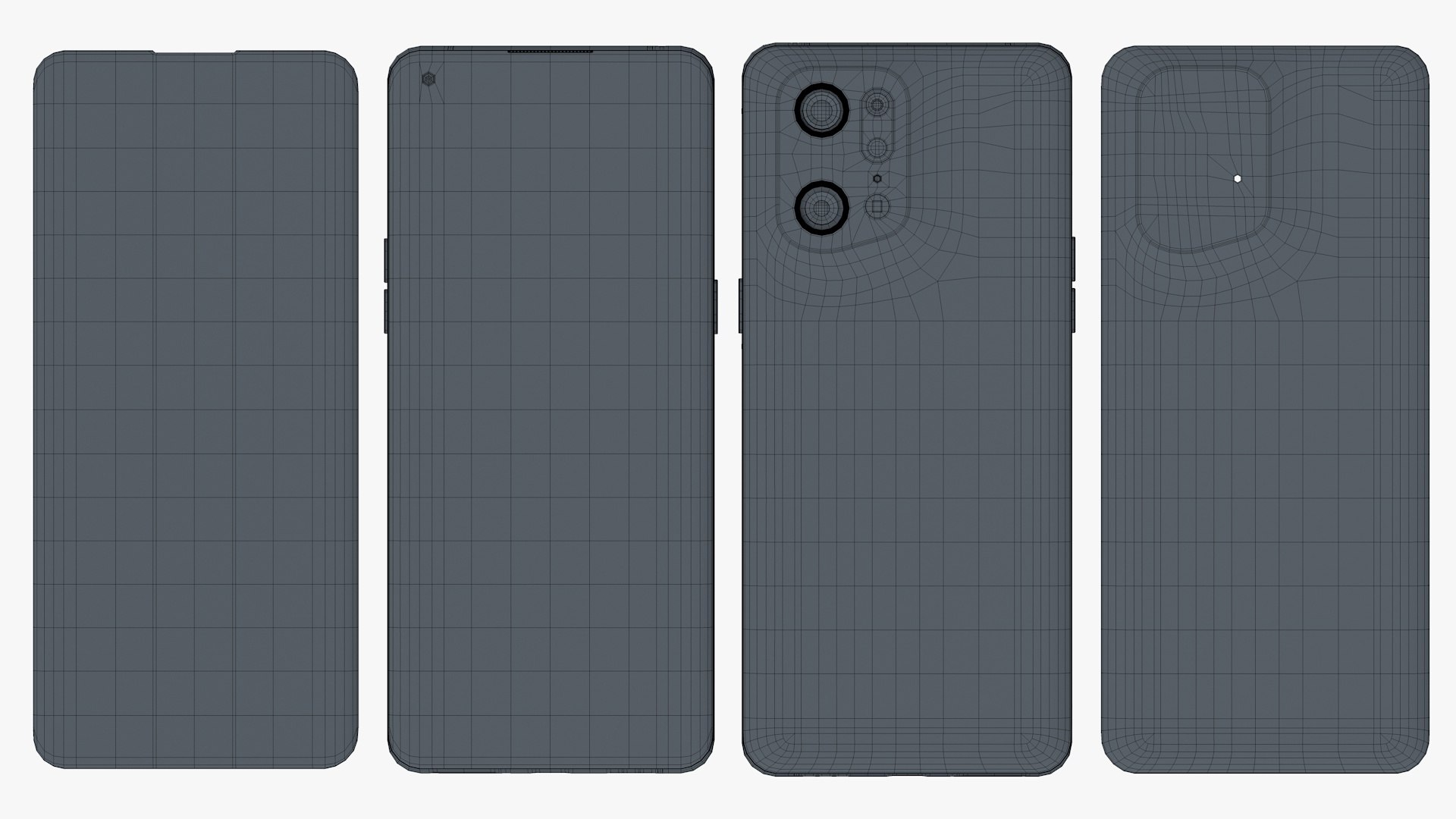
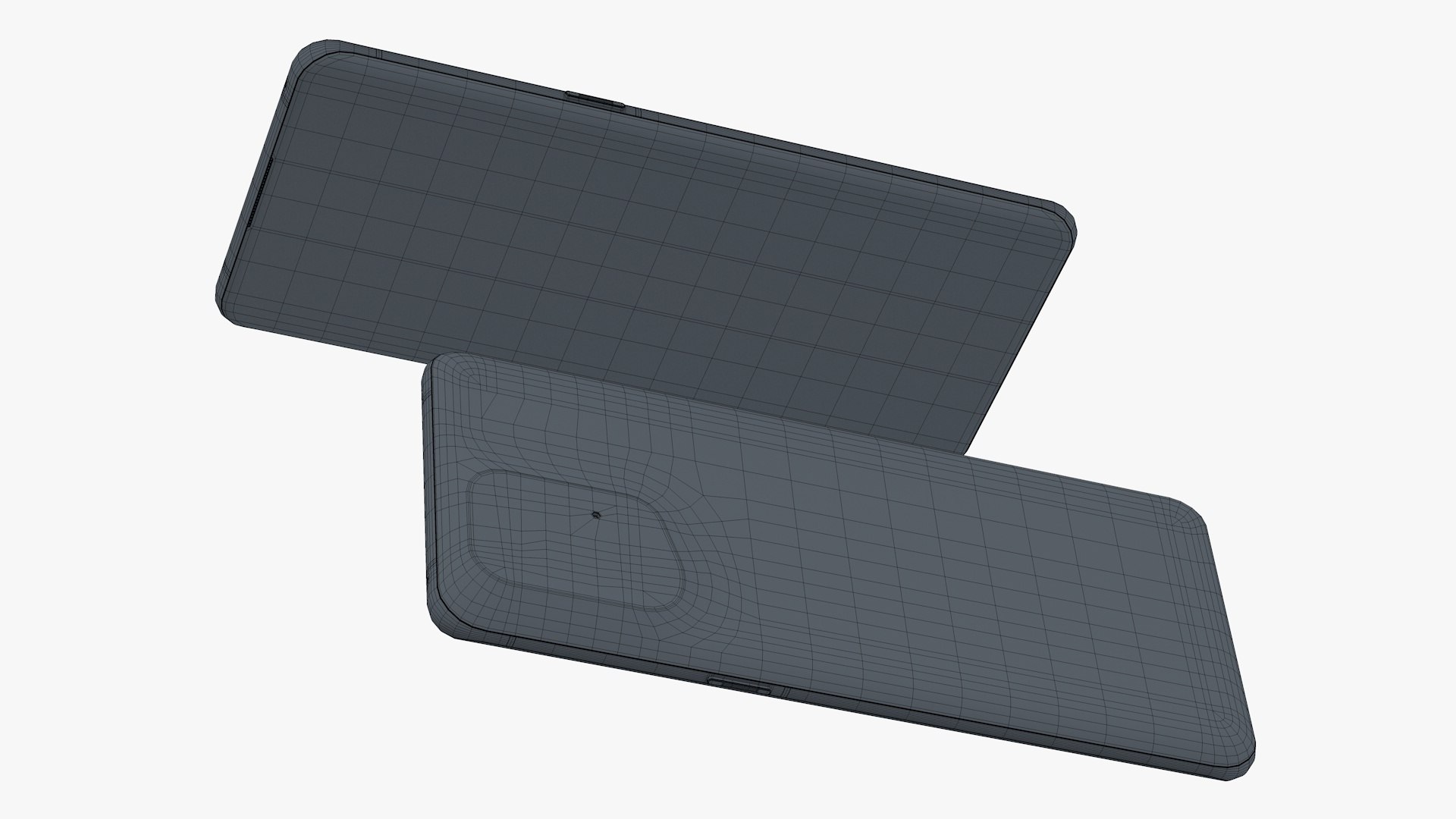
Polygons 51,534
Vertices 53,932
Polygonal Quads/Tris Geometry
Textures
Materials
UV Mapped
Non-overlapping Unwrapped UVs
TurboSquid Exclusive

member avatar
T_haseeb
1458 Products | Contributor Since 2014
Have questions? Chat with us now.

Description

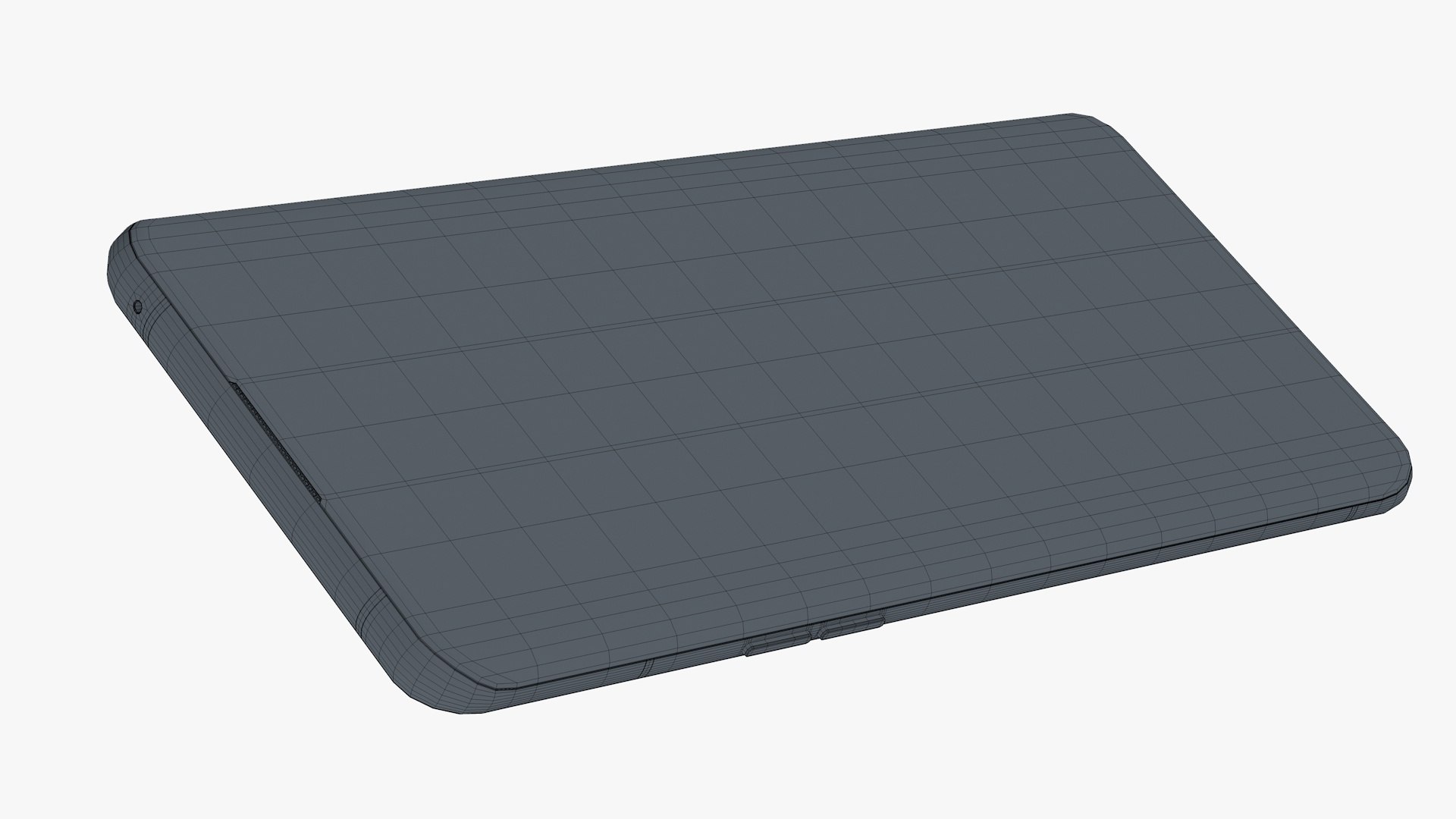
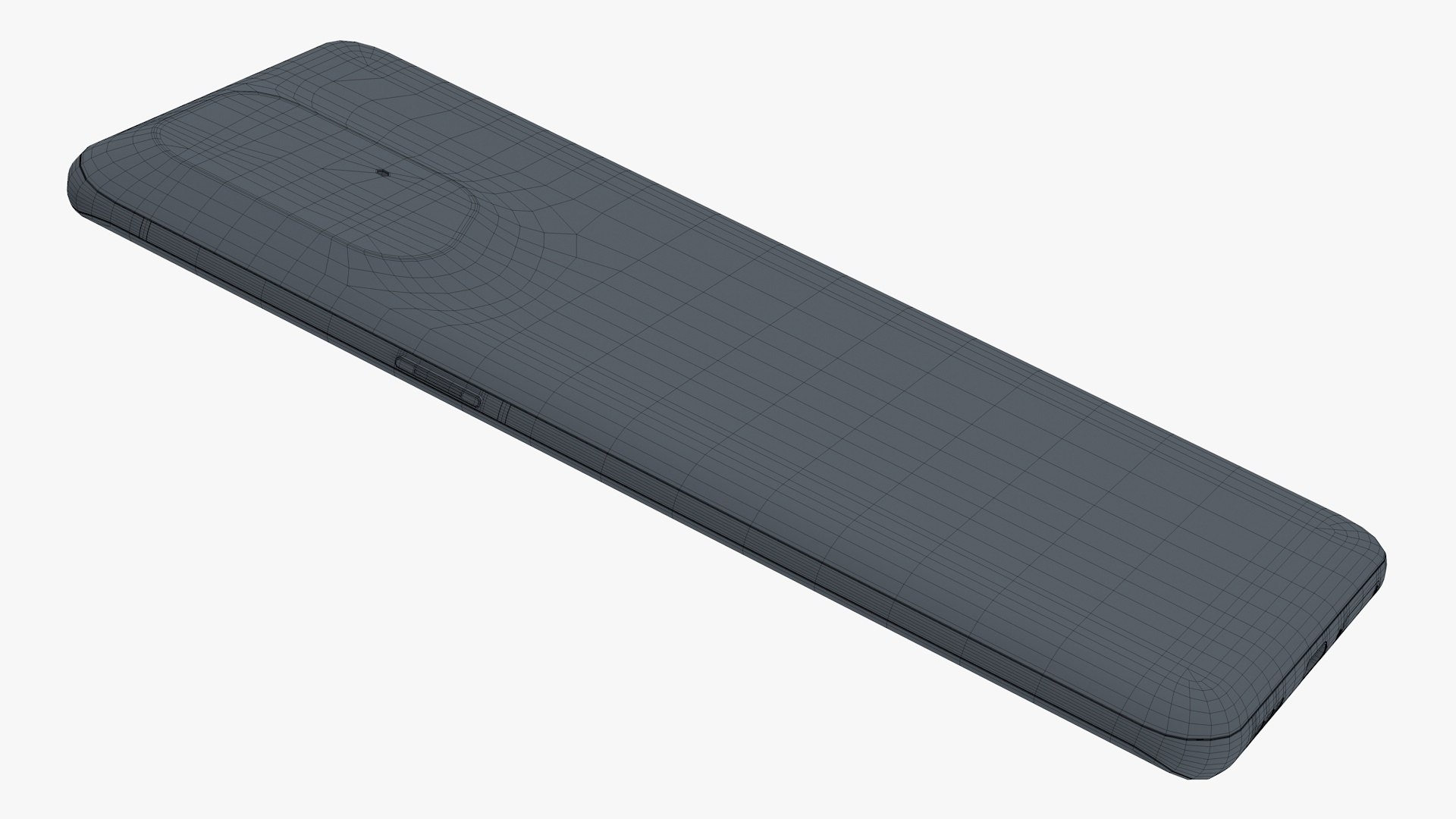
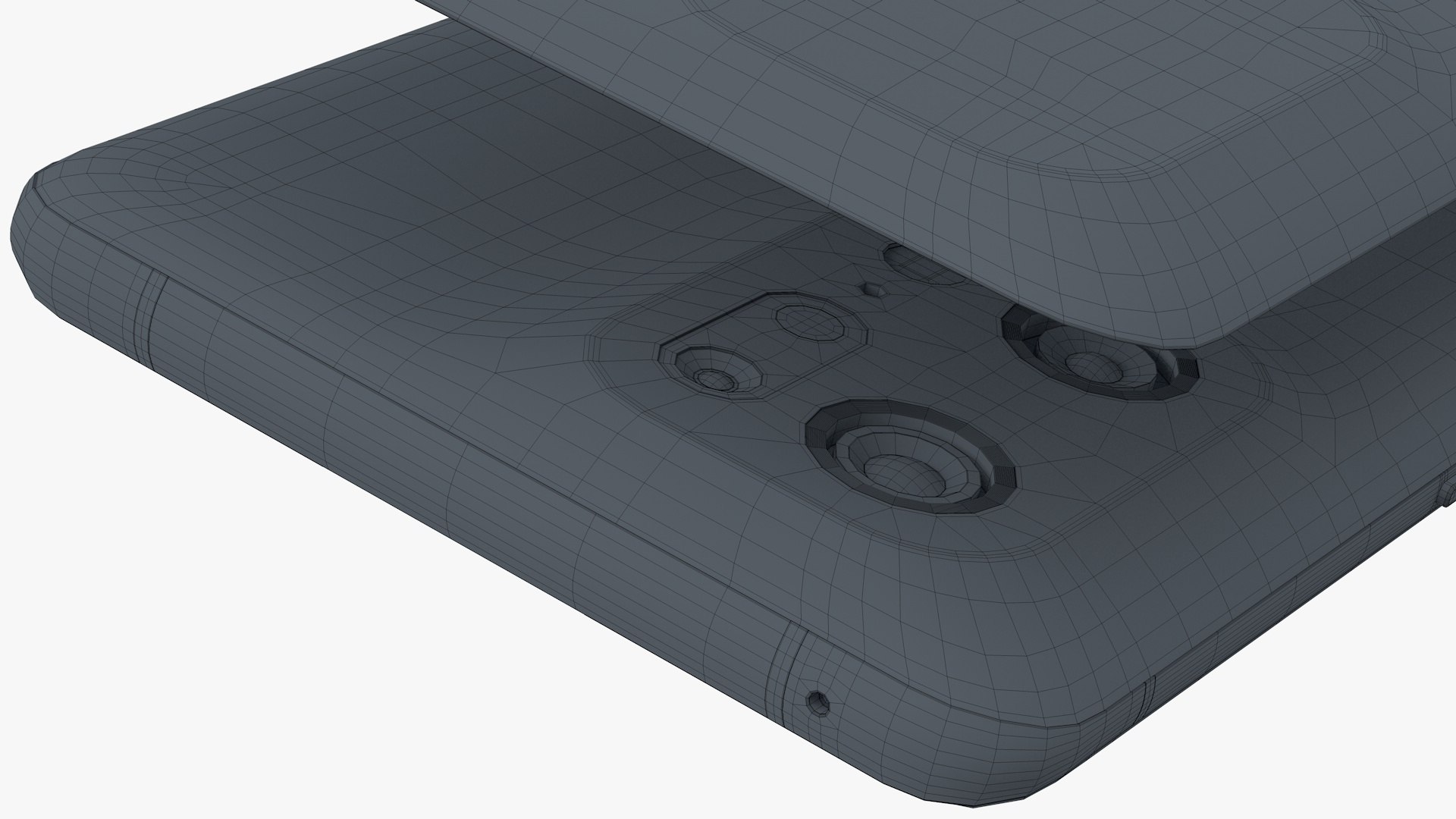
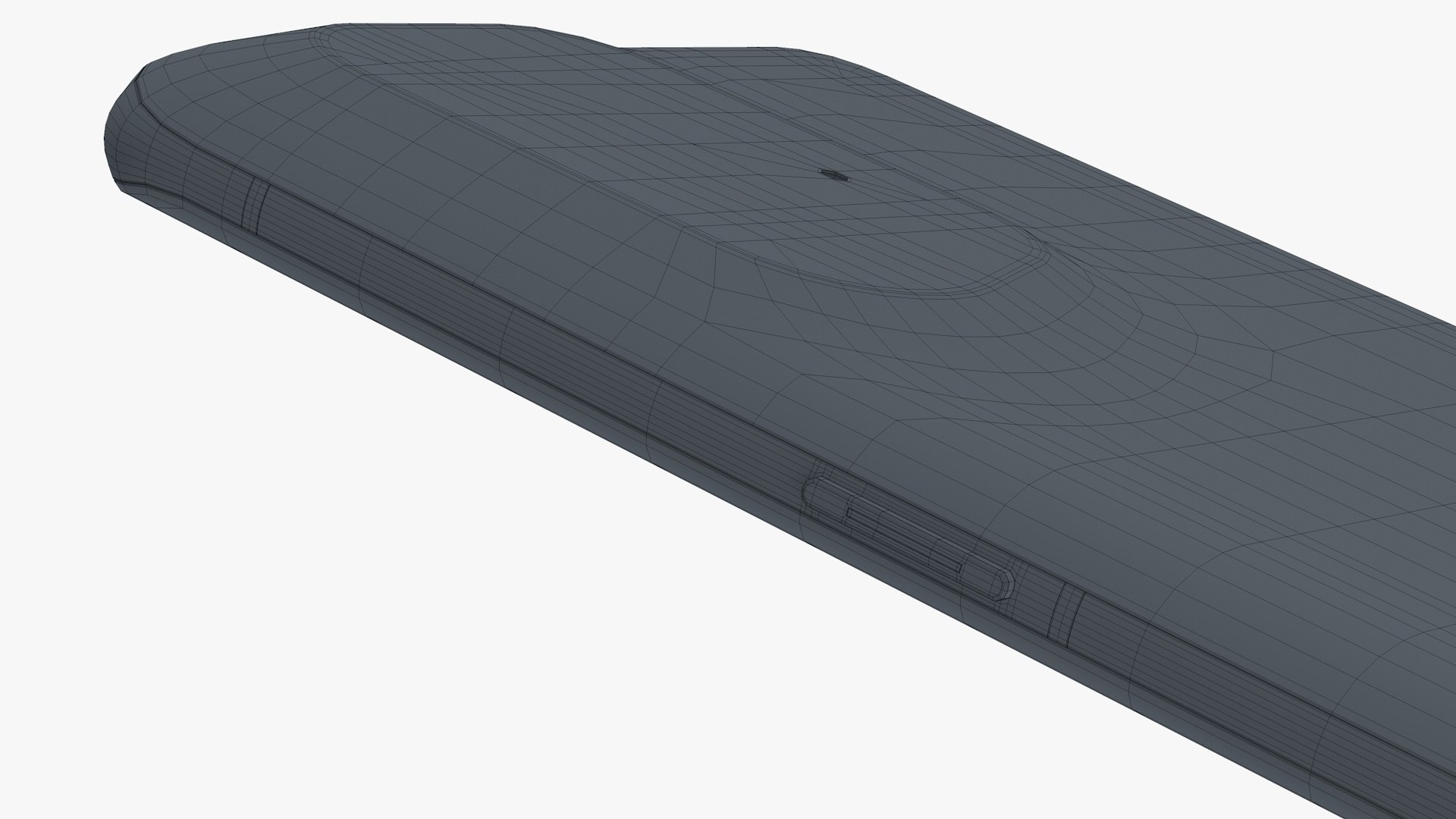
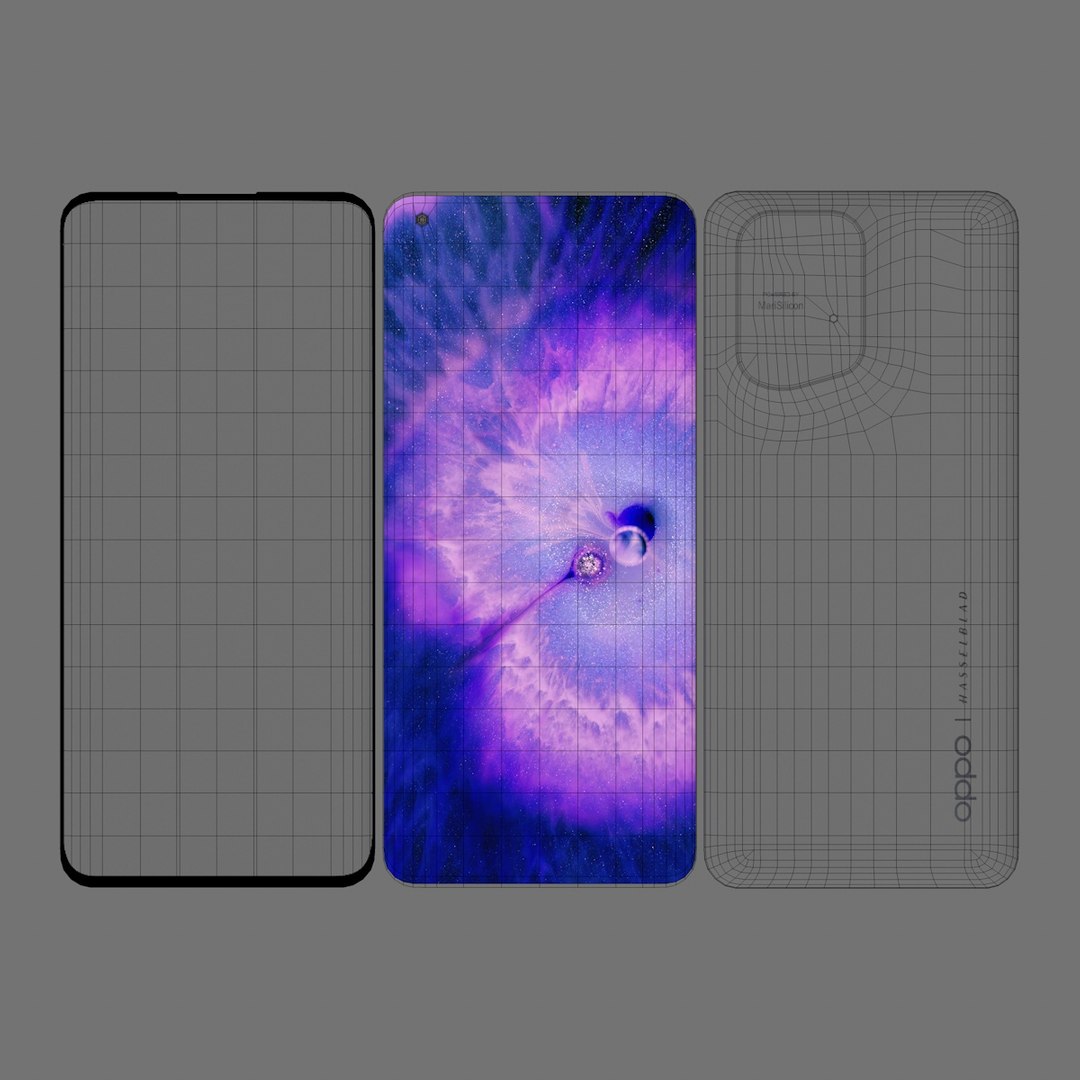
Highly detailed 3D model of OPPO Find X5 Pro in Ceramic Black colors.

Main features:

- Originally created with Cinema 4D r20
- Separate objects like Frame, screen glass, and back. The total number of objects is 12 for a single phone model and a total of 22 for the scene that displays in the signature image. All objects are intelligently named
- Unit system is set to centimeters. Real-world scale
- All textures and materials are included and assigned
-5 textures, and they have a max resolution of 11500px x 2340px
-Lighting scene setup is also included
- Previews rendered in Cinema 4D r20

Special notes:

- .obj format is recommended for import in other 3d software. If your software doesn't support .obj format, please use 3ds format; .obj format was exported from Cinema 4D. The geometry for .obj format is set to quads.
- .c4d files can be loaded in Cinema 4D r13 or higher.
- but the materials are created using layered reflection channel of Cinema 4d and therefore Cinema 4D's r16 or higher version is recommended.

- If you like this model then feel free to check out my other models too, and have a nice day.

Select Enhanced License

  • $10,000 in Legal Protection (Indemnification)
  • Uncapped Legal Protection (Indemnification)
  • Waiver from injunctive relief
  • Assignable model rights
  • $1,000,000 in Legal Protection (Indemnification)
  • Waiver from injunctive relief
  • Assignable model rights
  • $250,000 in Legal Protection (Indemnification)
  • Assignable model rights
Read more about enhanced license tiers, or contact us at enterprise@turbosquid.com. Already a Shutterstock Enterprise Customer? Contact your Shutterstock Sales Support Agent to talk about adding 3D.

About Conversion Requests

To submit a conversion request for a purchased asset, please complete our Conversion Request Form.

If you have not yet purchased a model, please review our Documentation about Conversions to learn about what limitations you may encounter with a conversion.

For any additional questions about a model’s suitability for conversion, please contact TurboSquid Support.

Loading...