
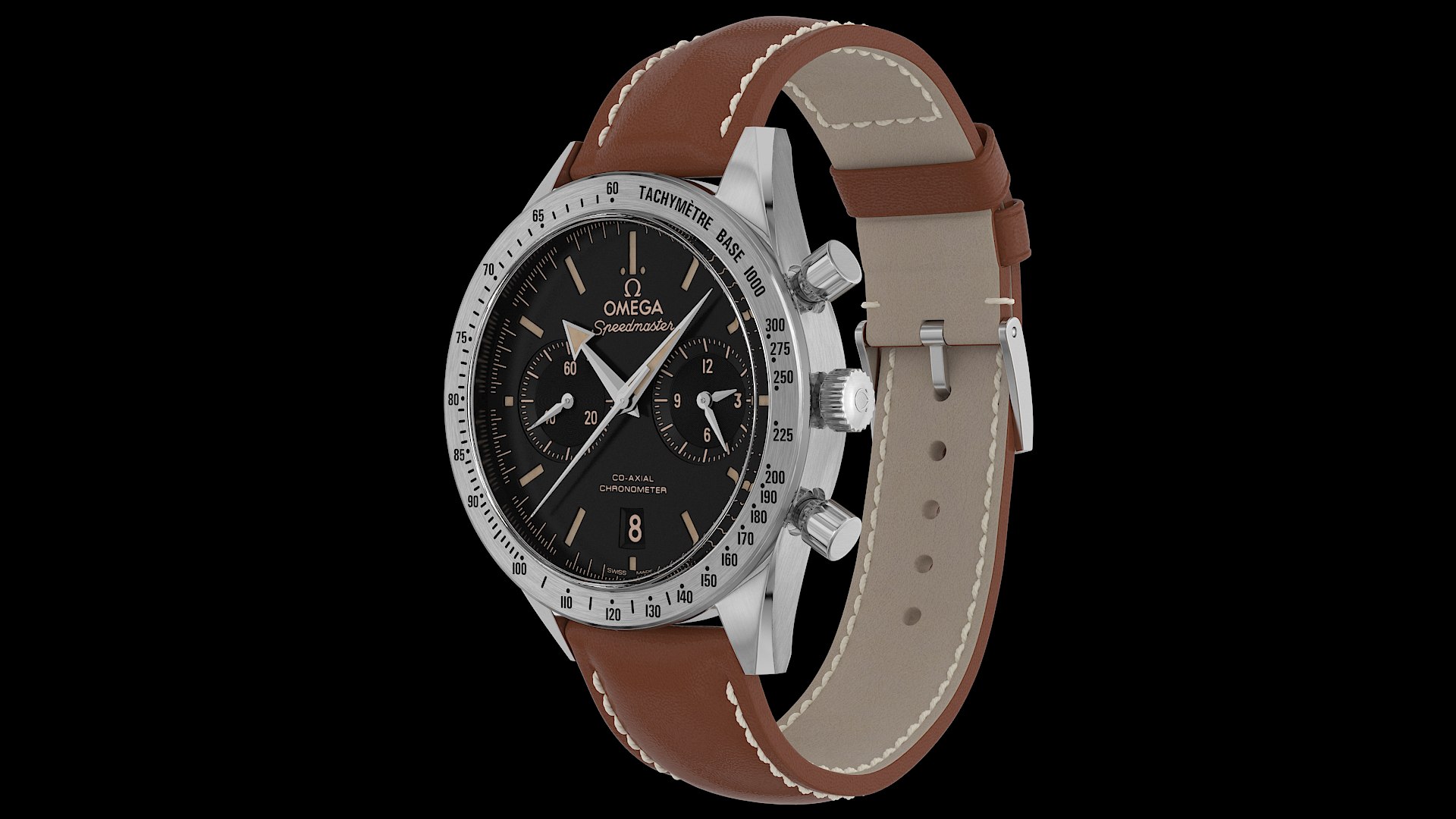
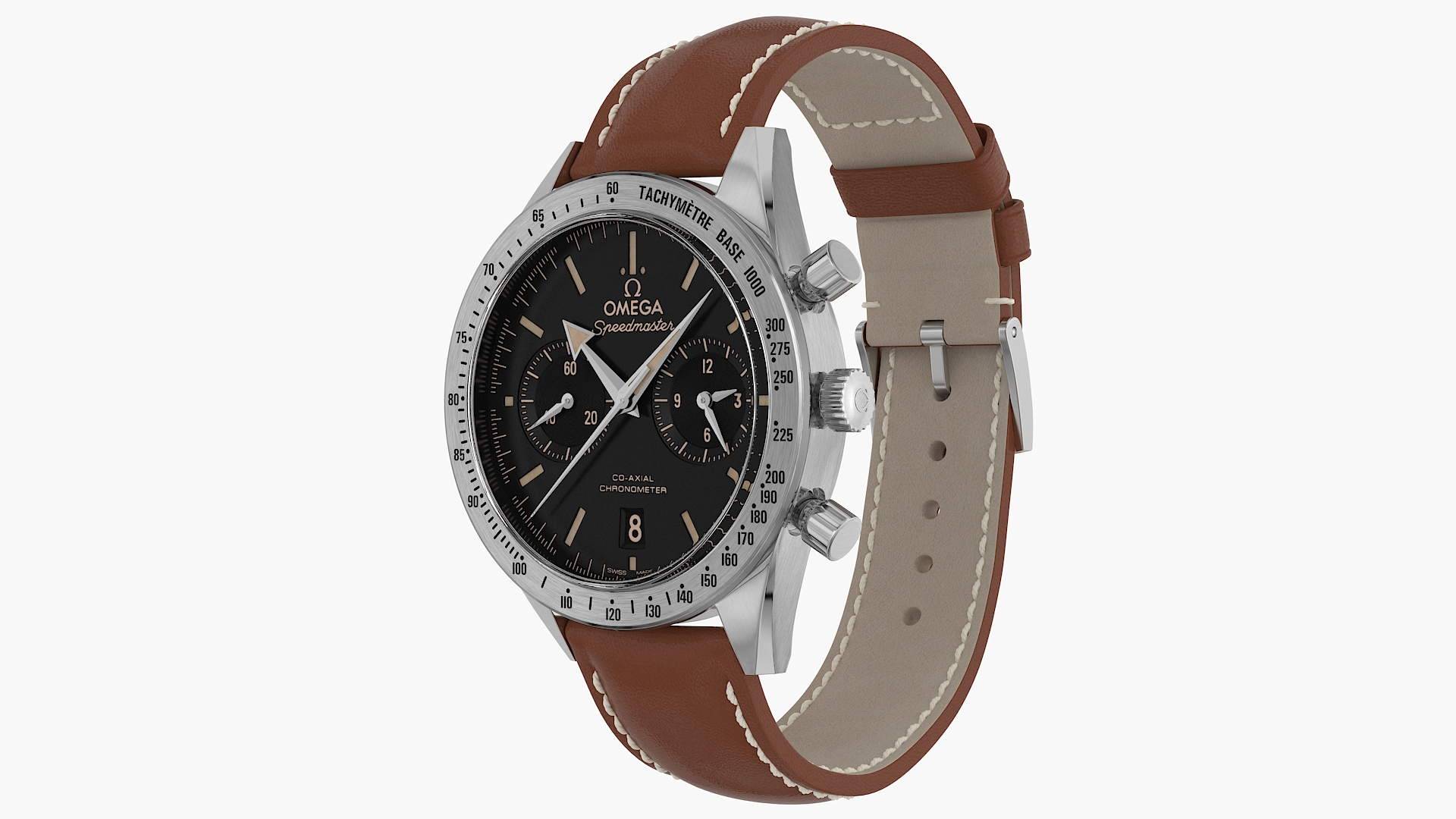
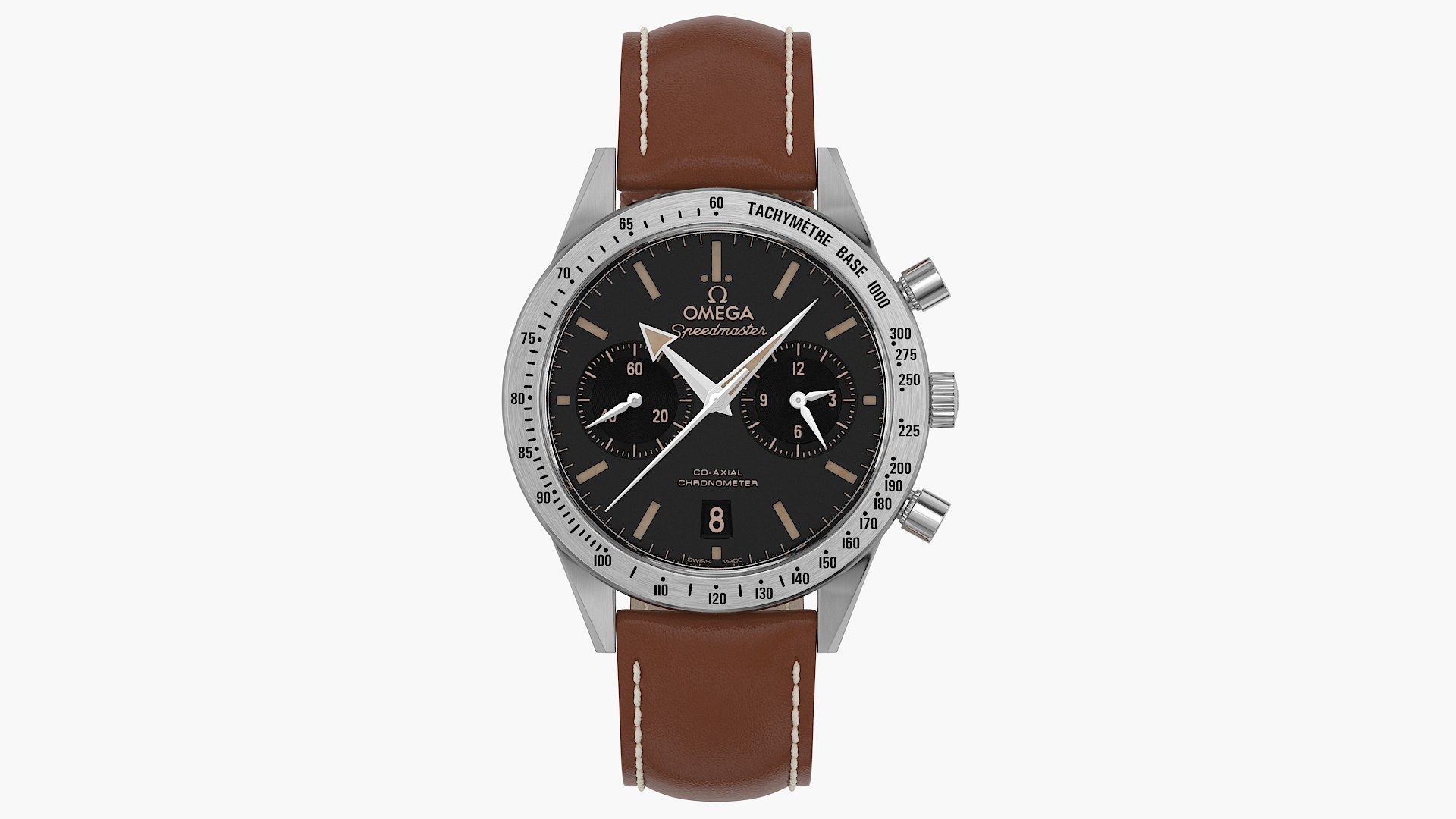
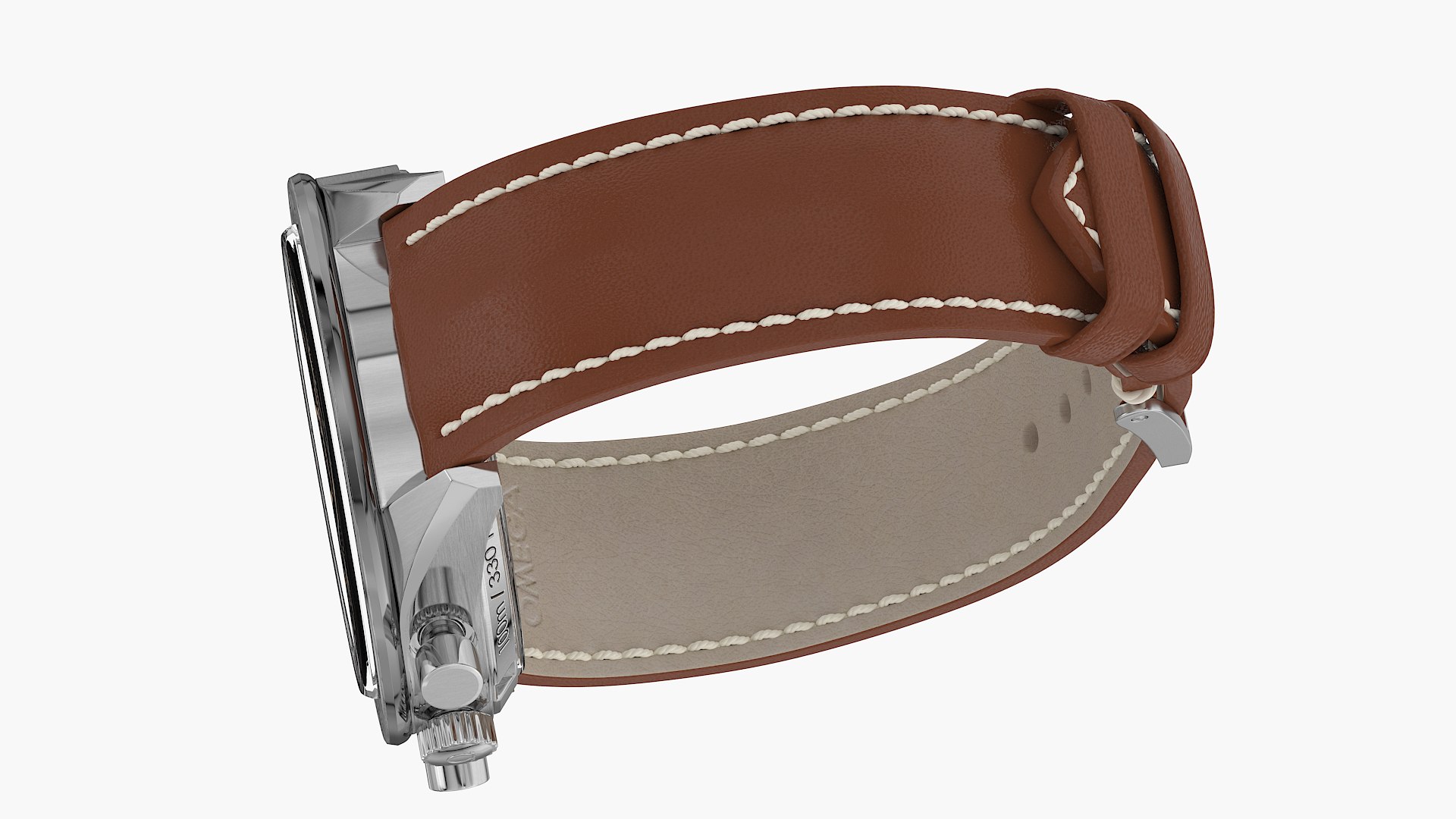
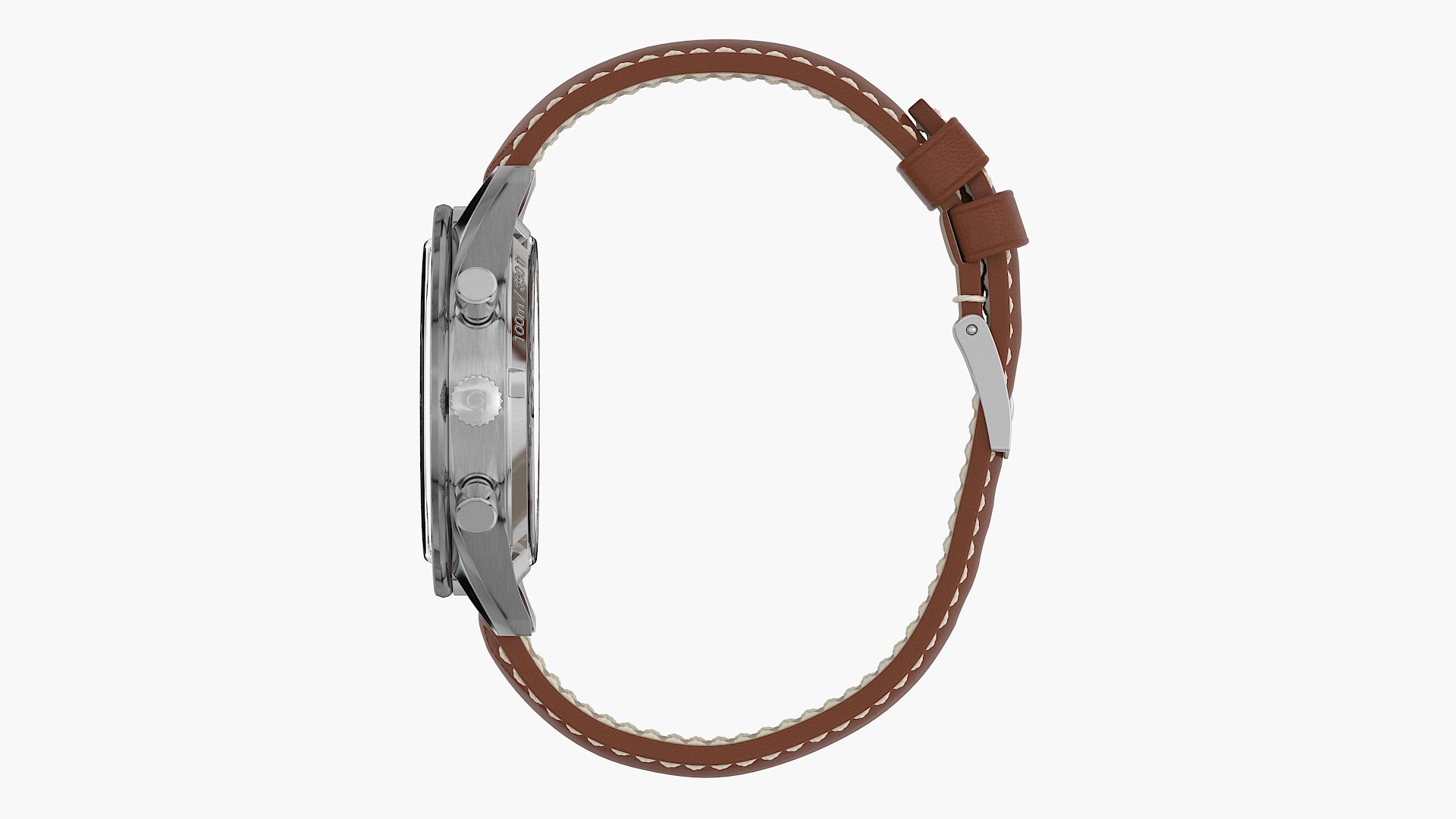
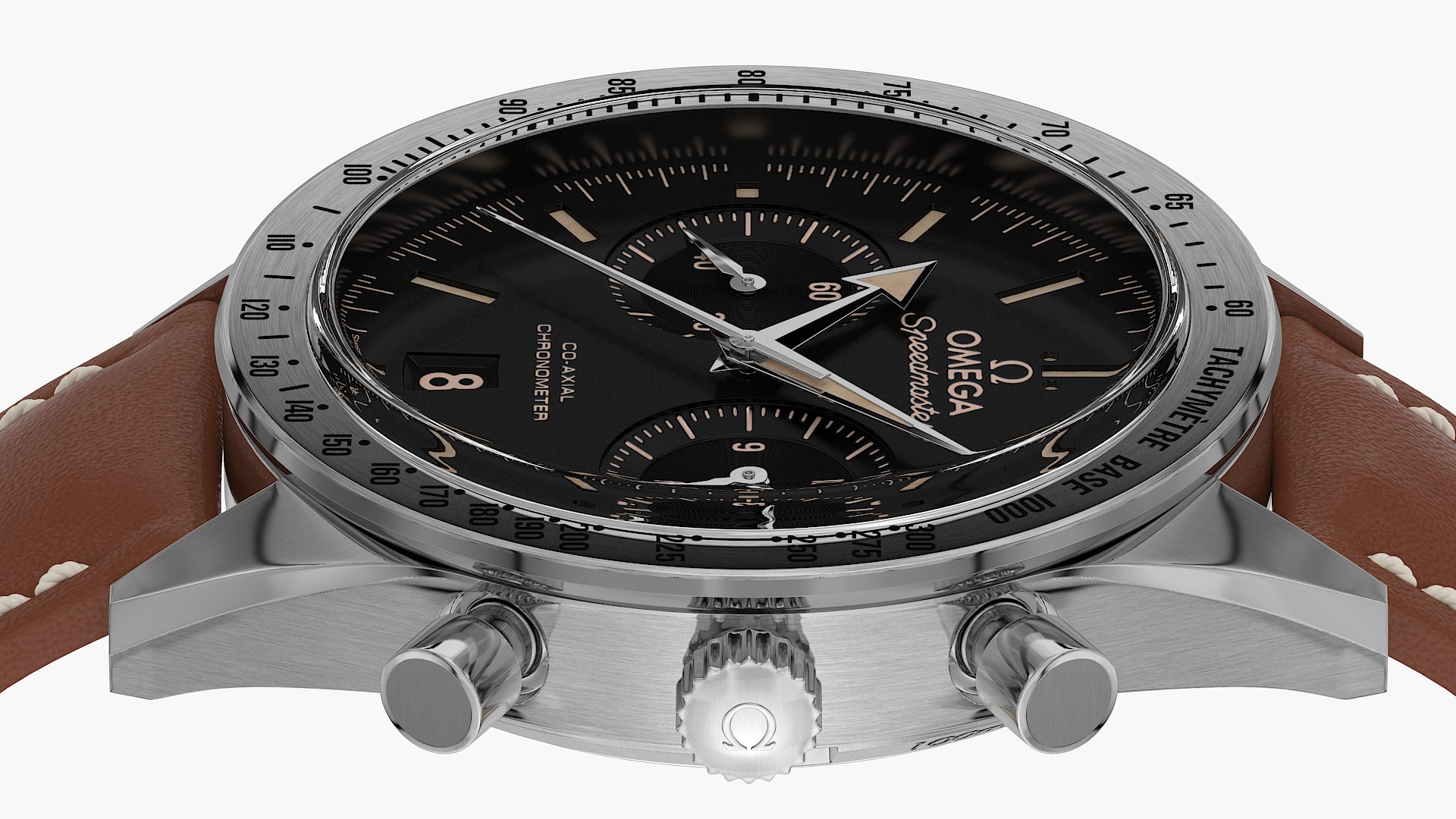
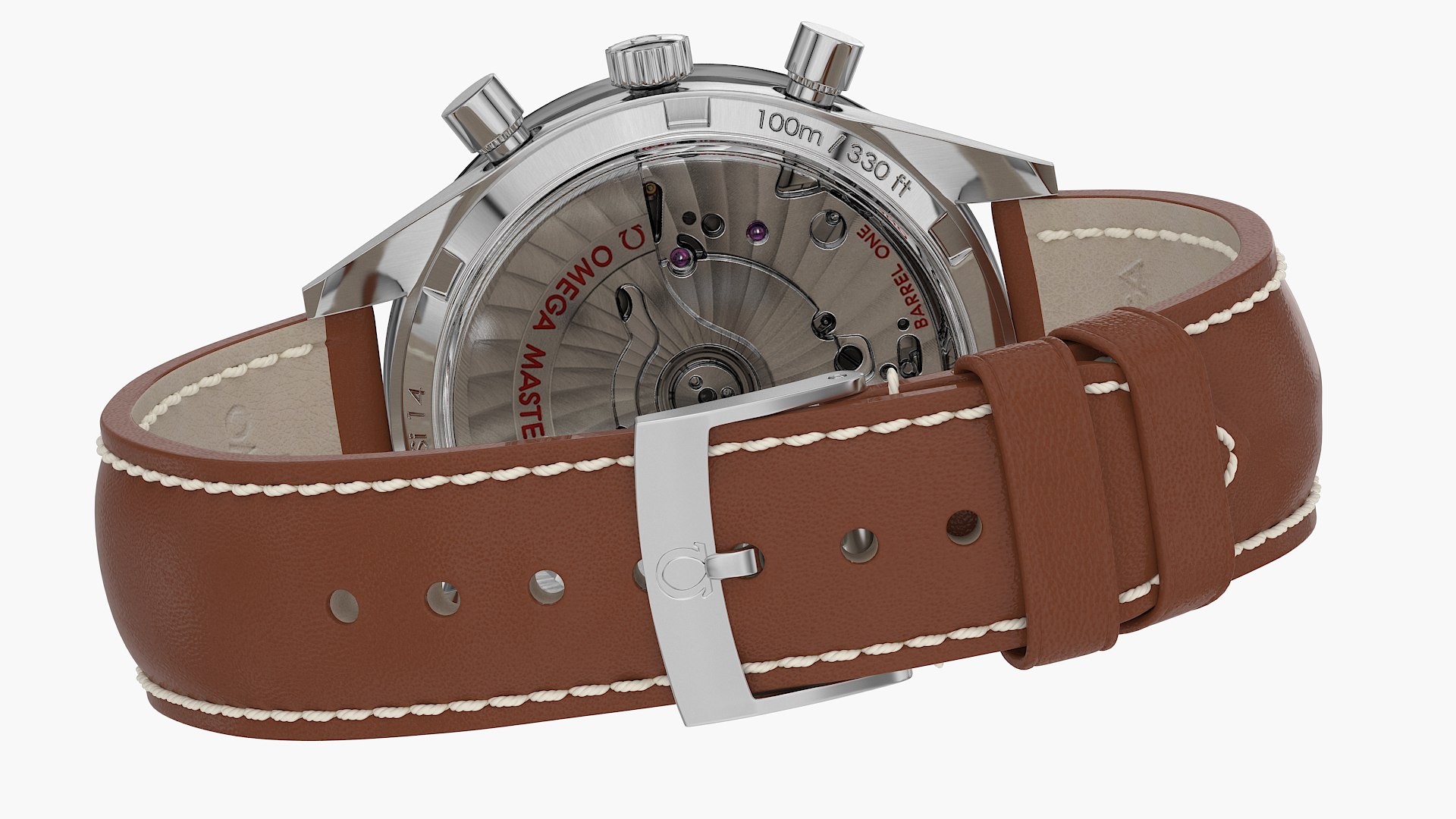
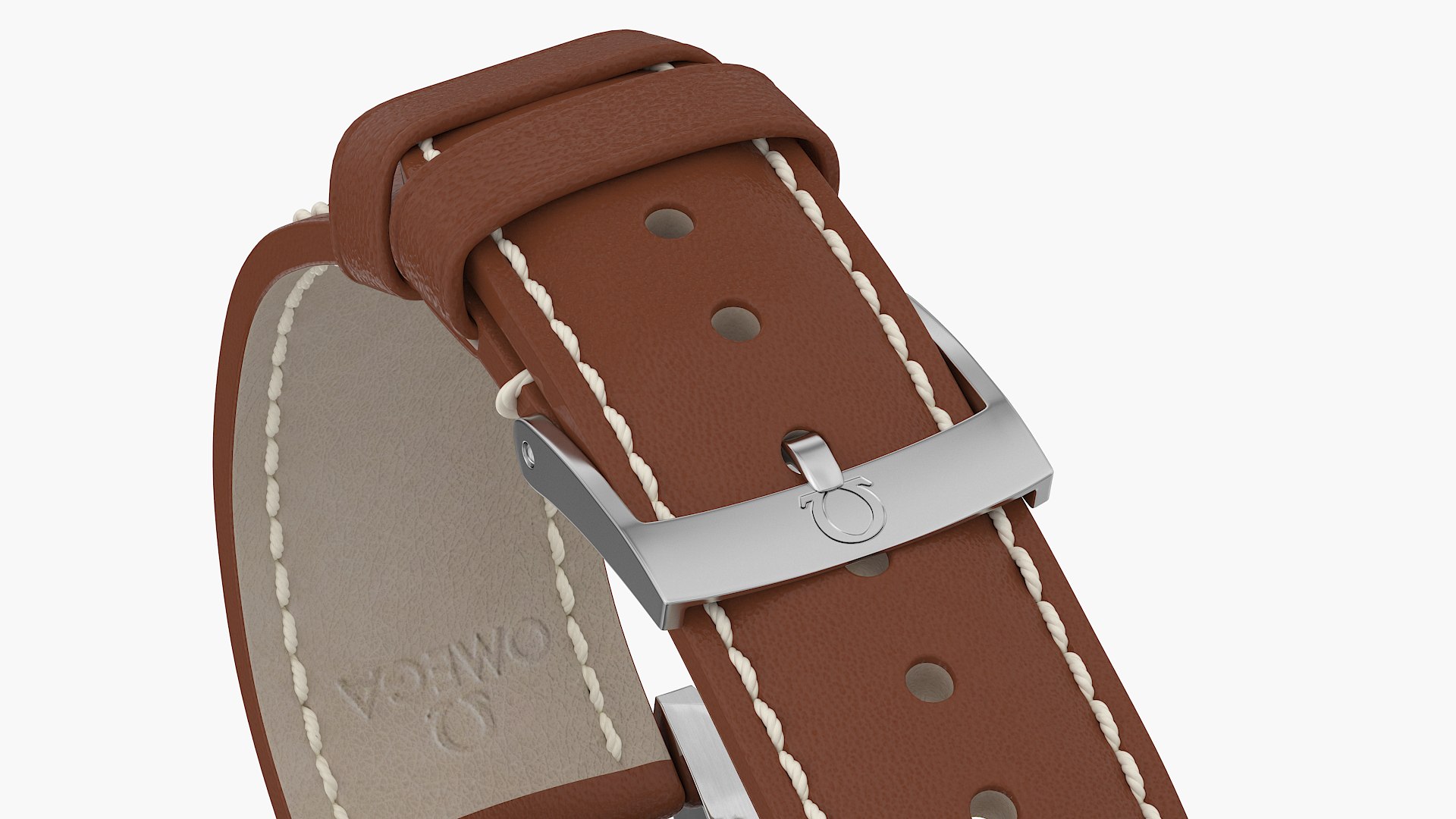
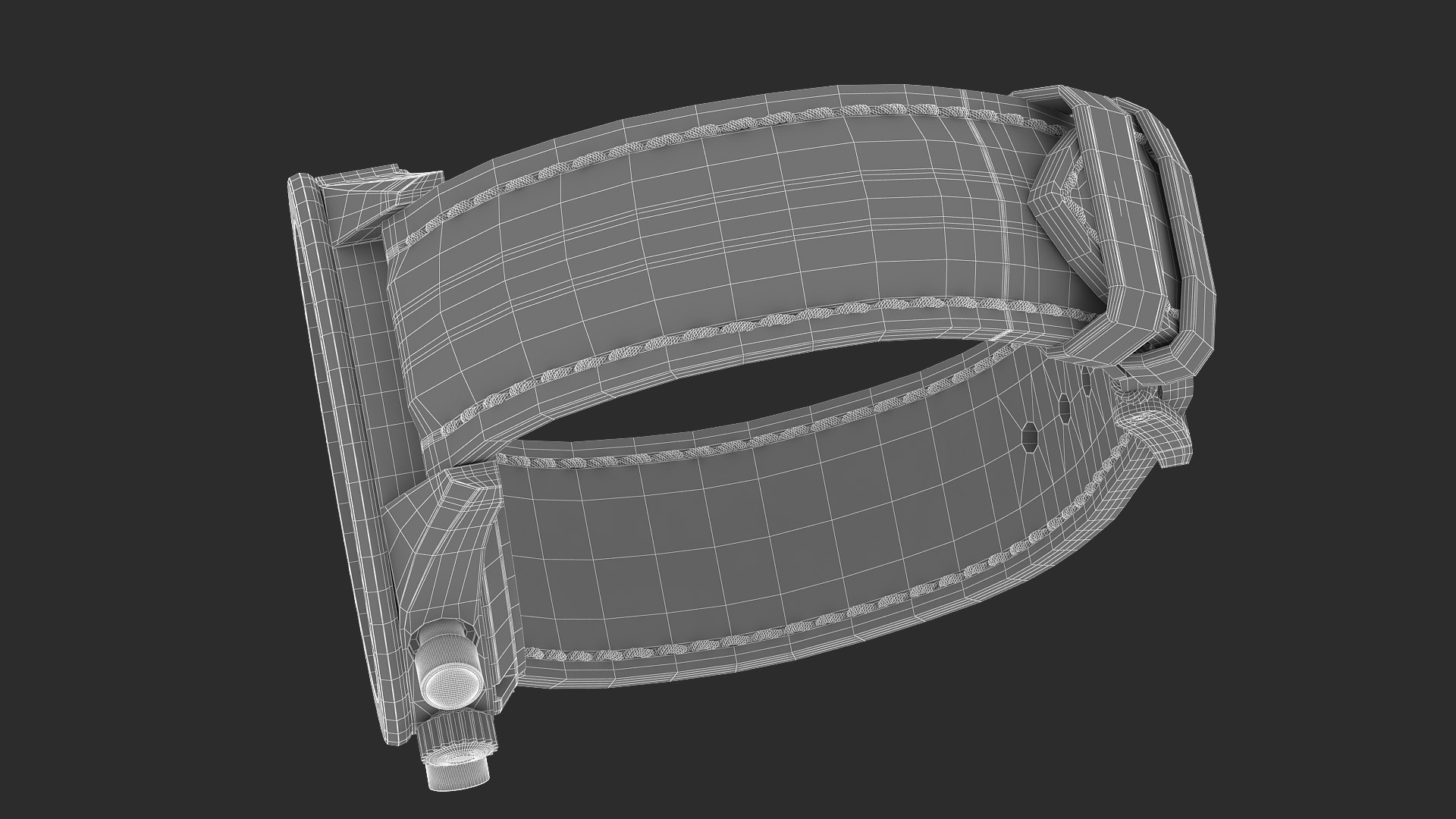
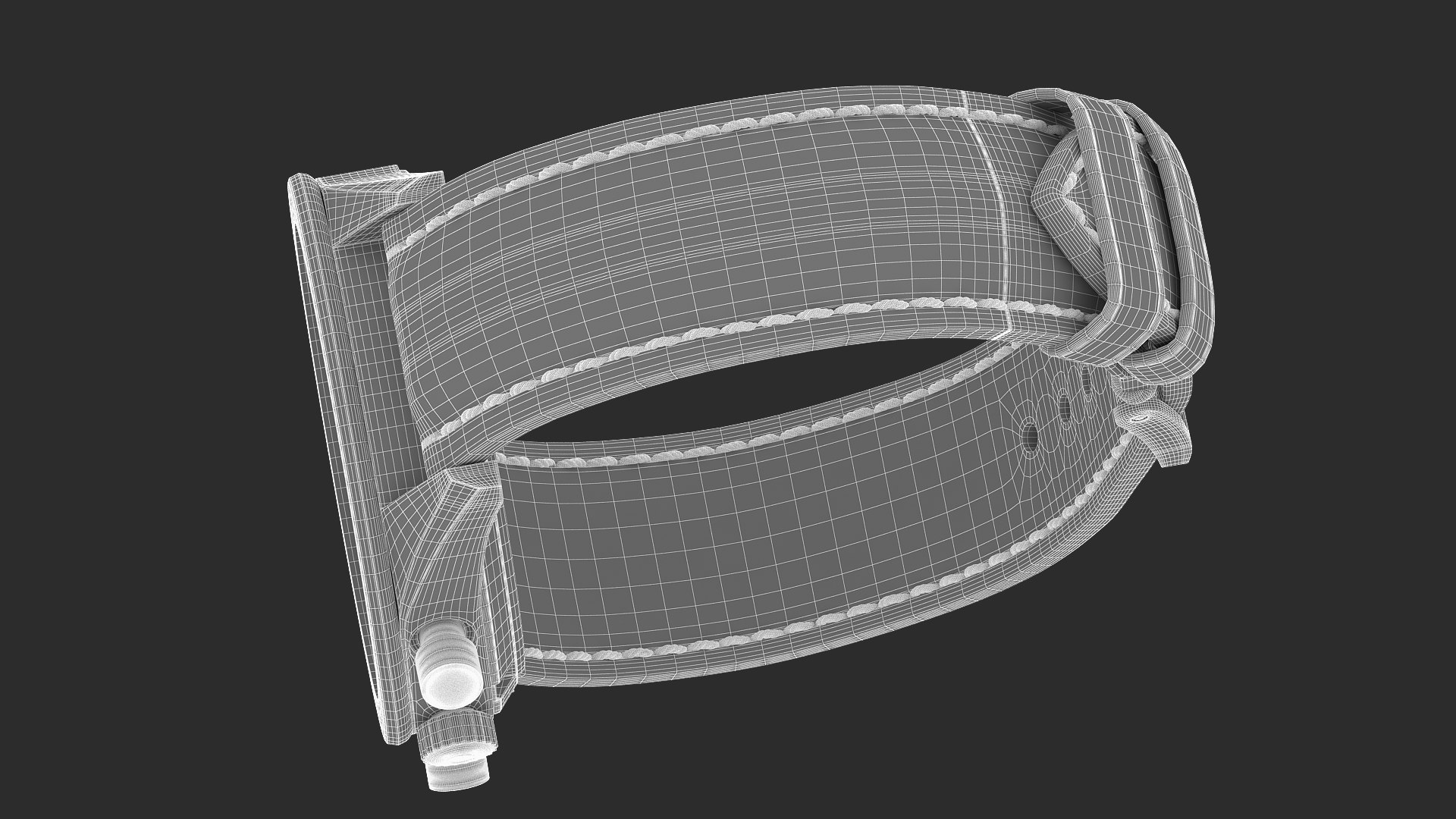
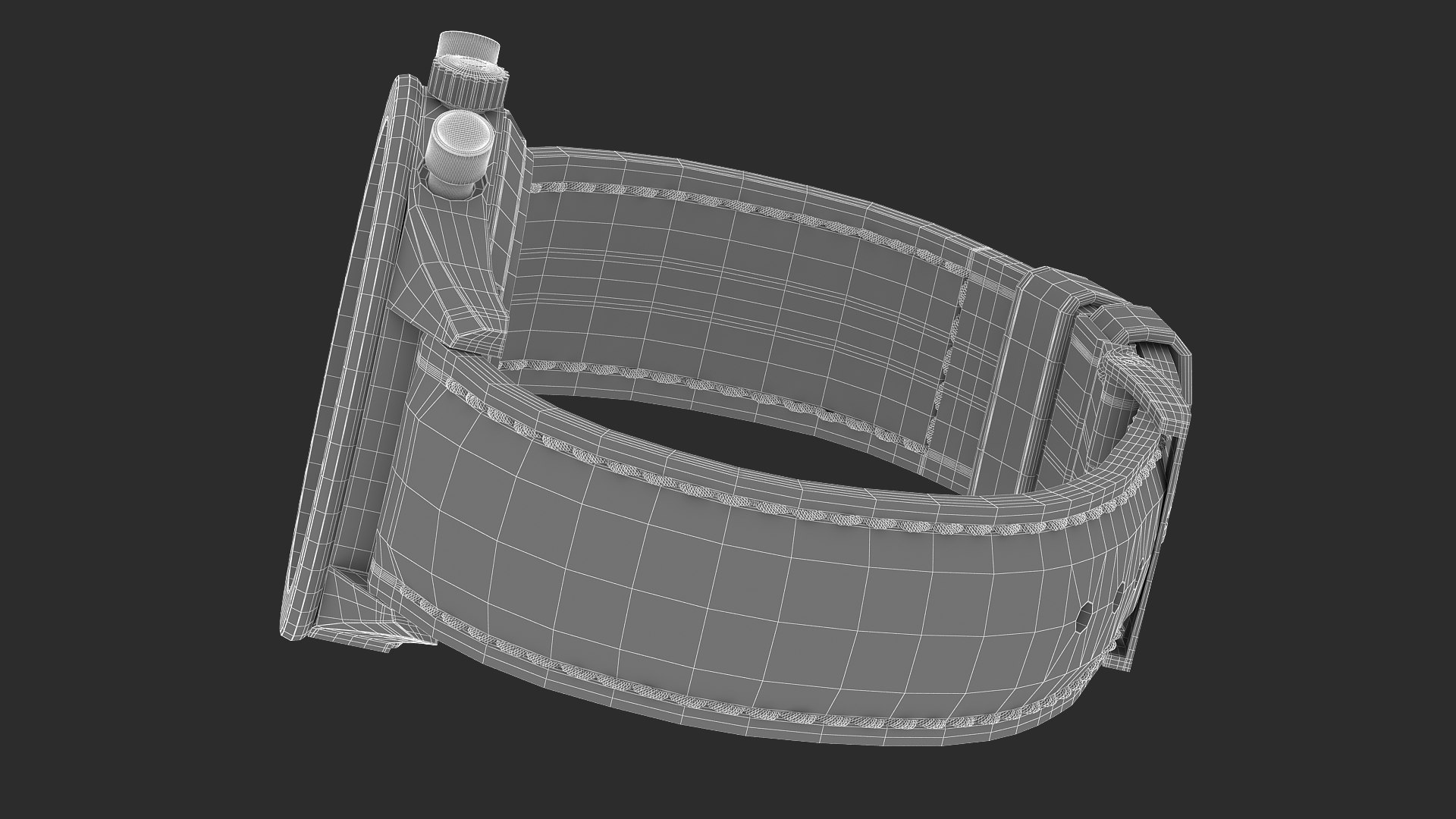
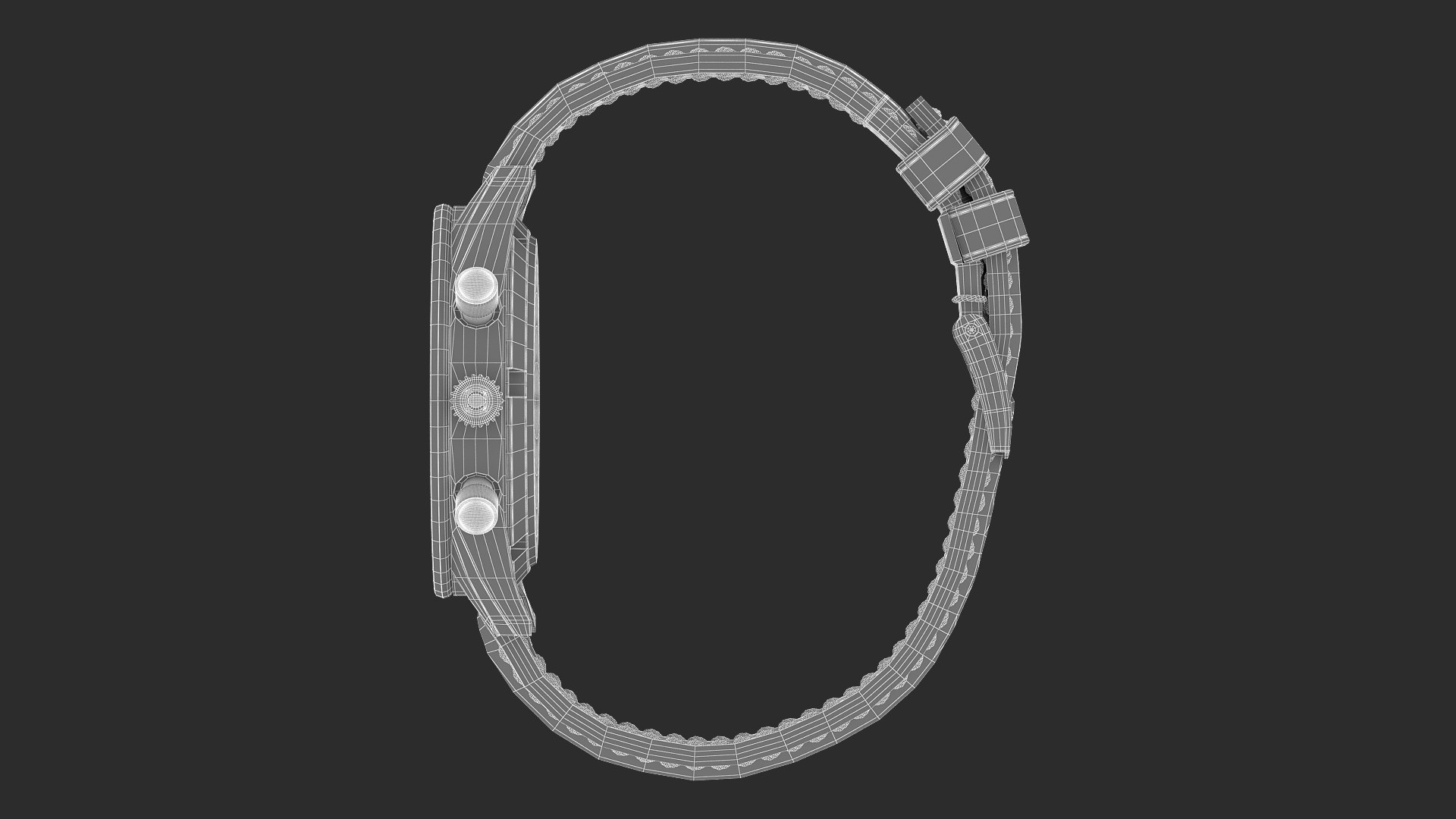
Omega Speedmaster 57 Closed Leather Bracelet

$89

Standard License | Upgrade License
Editorial Uses Only
Formats (3)
Free file format Conversions available
Native | 3ds Max 2016 | V-Ray 3.2
FBX
OBJ
Other Files
Co Axial DIsplacement Settings.zip
Specifications
Publish Date August 05, 2020
Product ID 1601551
Polygons 173,590
Vertices 180,622
Polygonal Quads/Tris Geometry
Textures
Materials
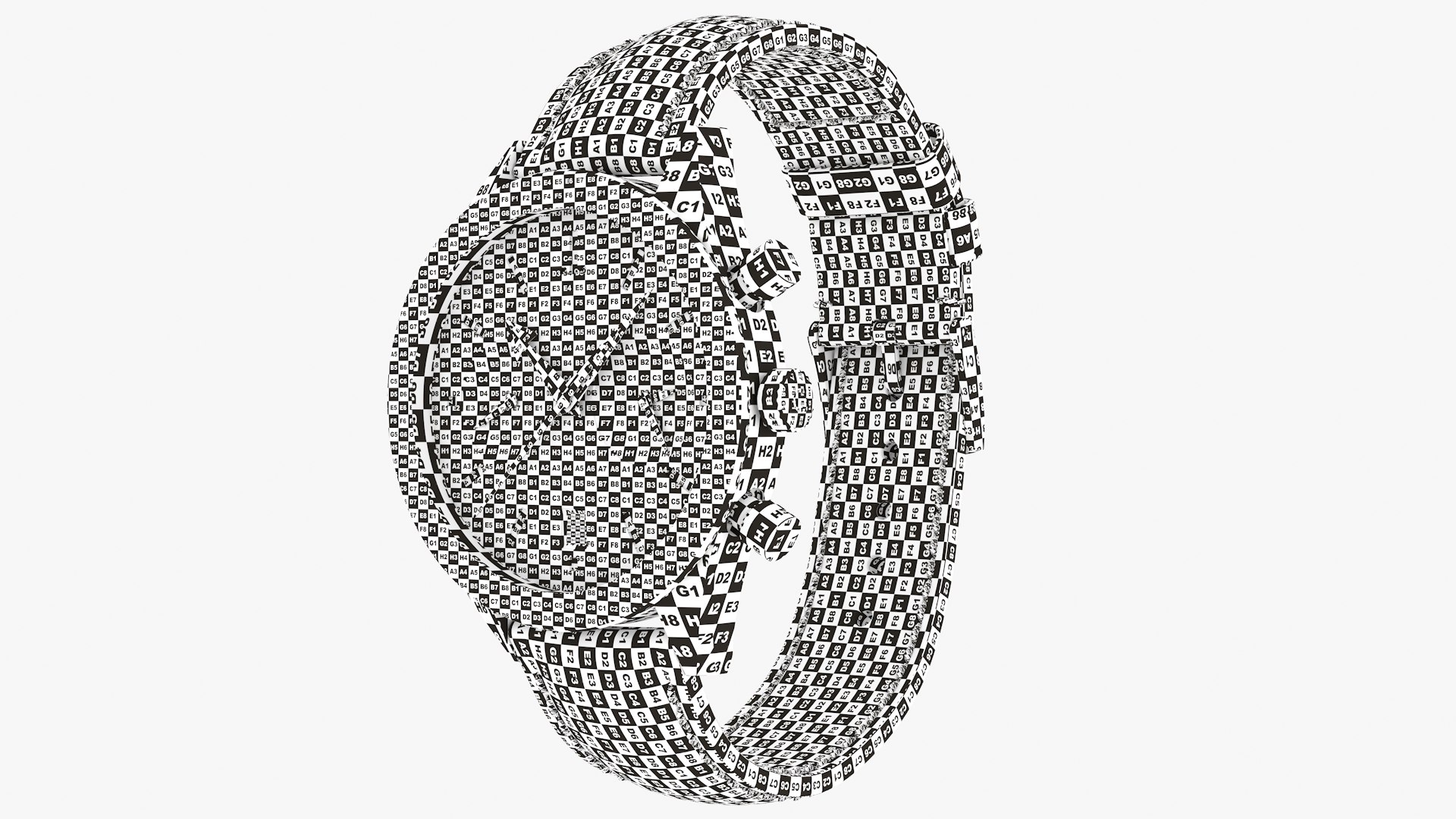
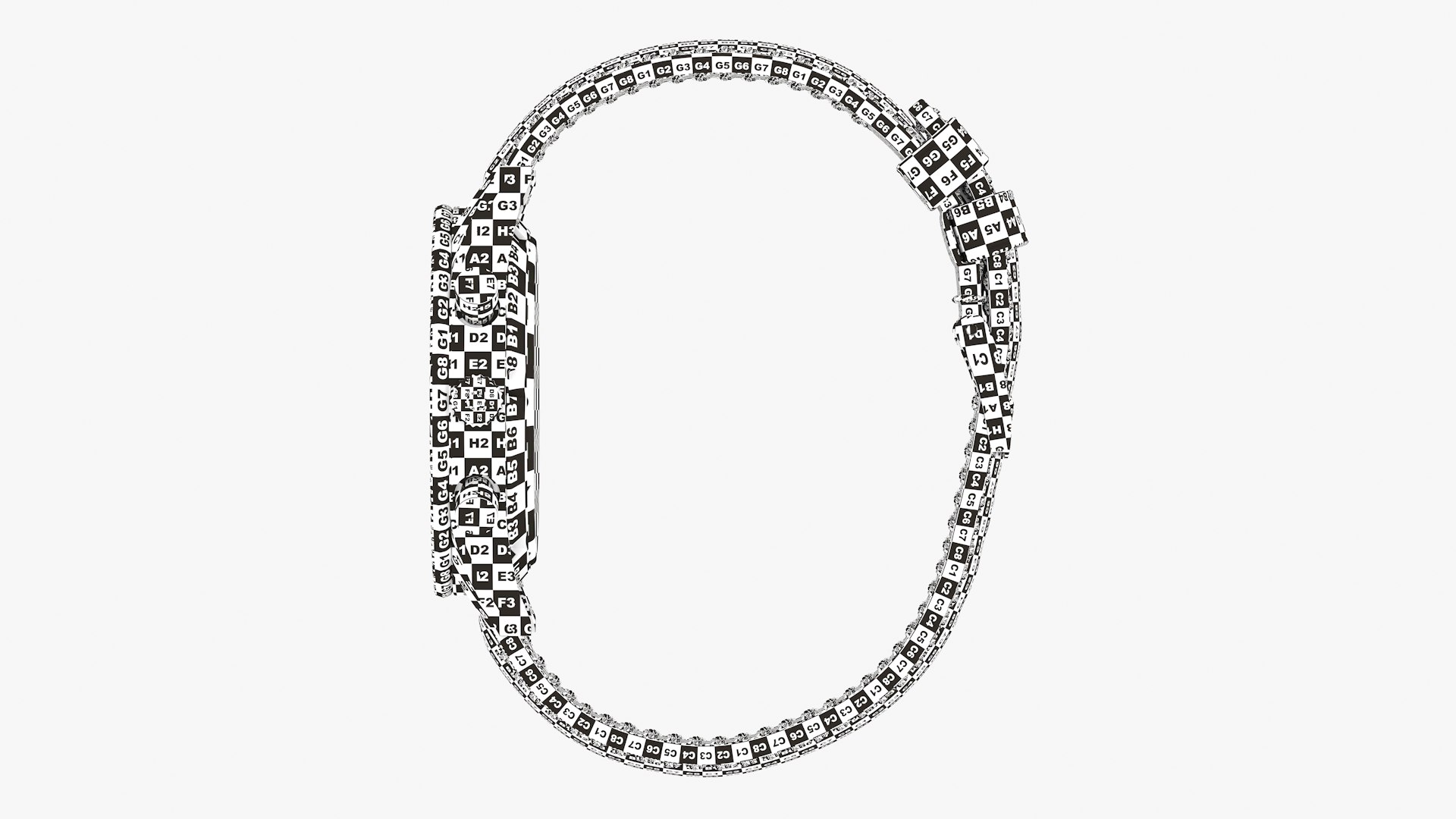
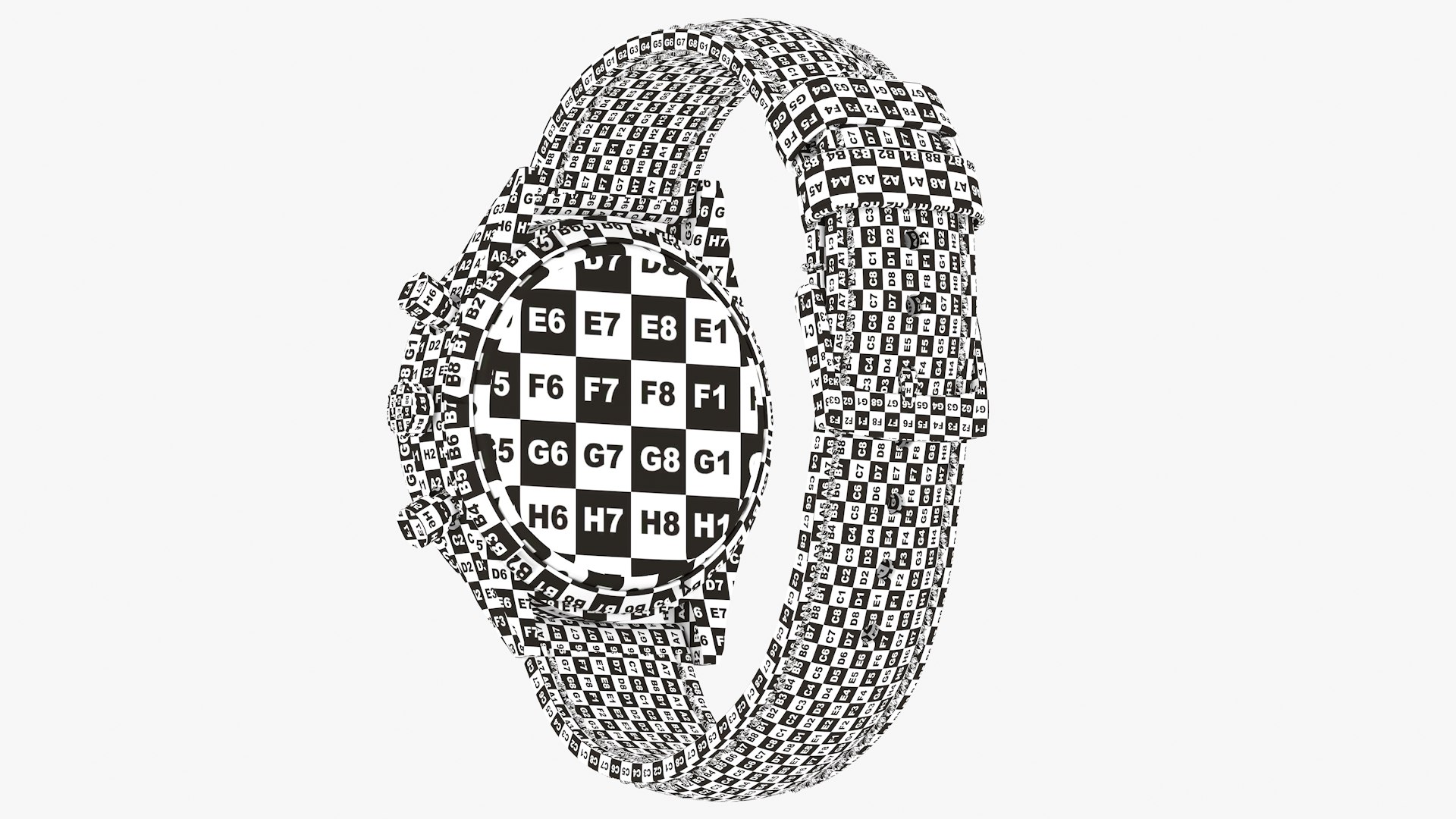
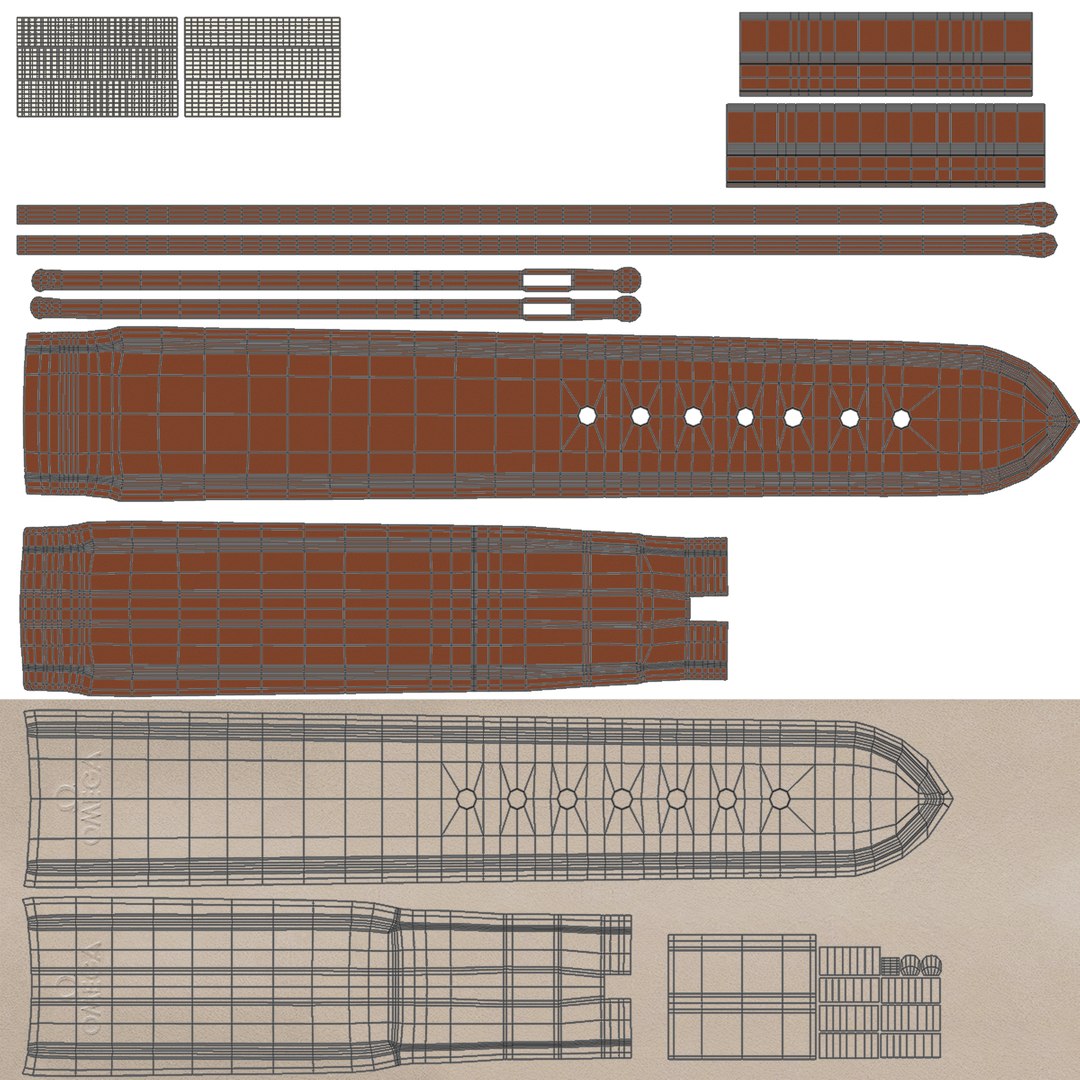
UV Mapped
Mixed Unwrapped UVs
TurboSquid Exclusive

member avatar
JonDaCosta
1282 Products | Contributor Since 2010
Have questions? Chat with us now.

Description

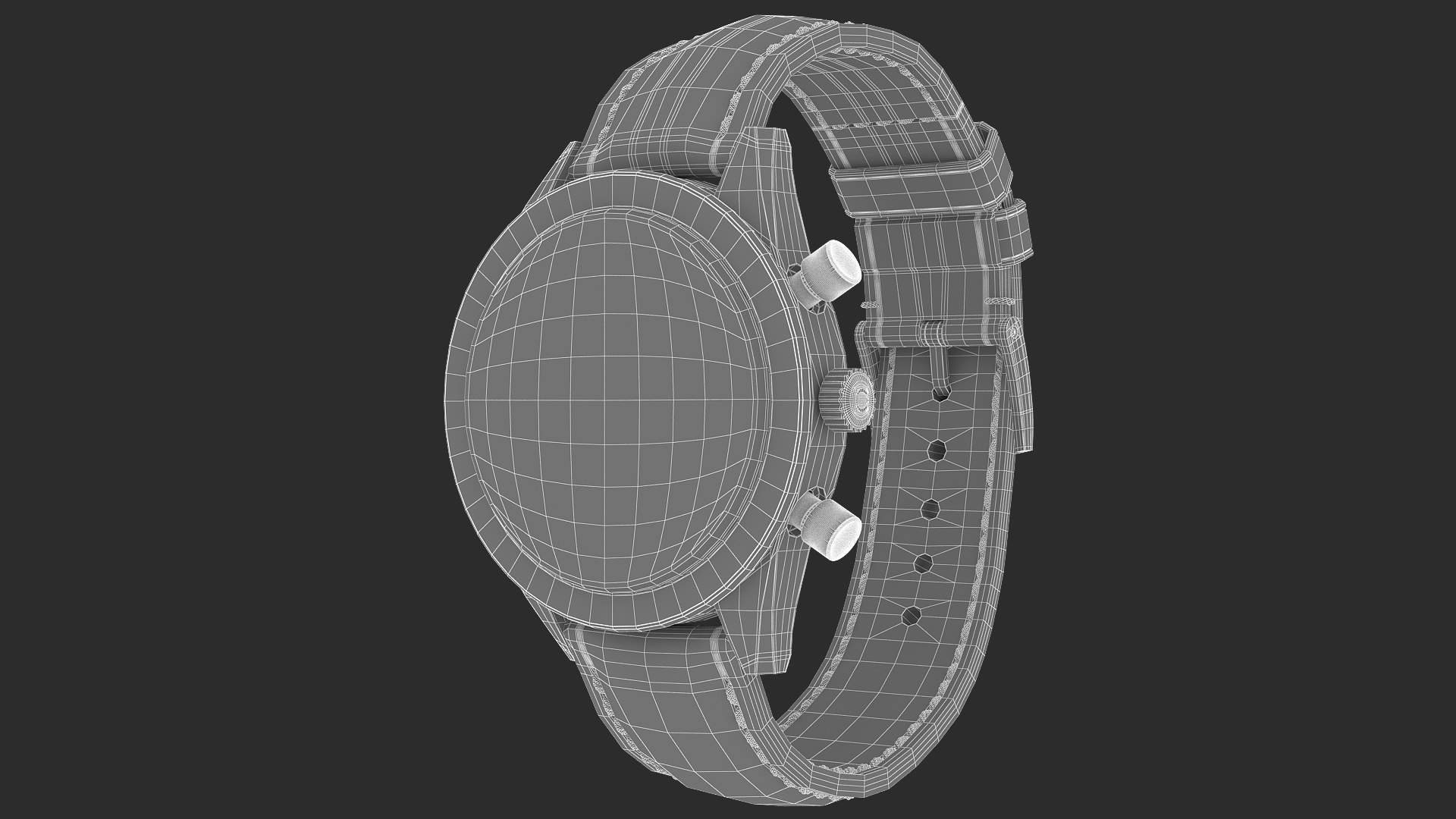
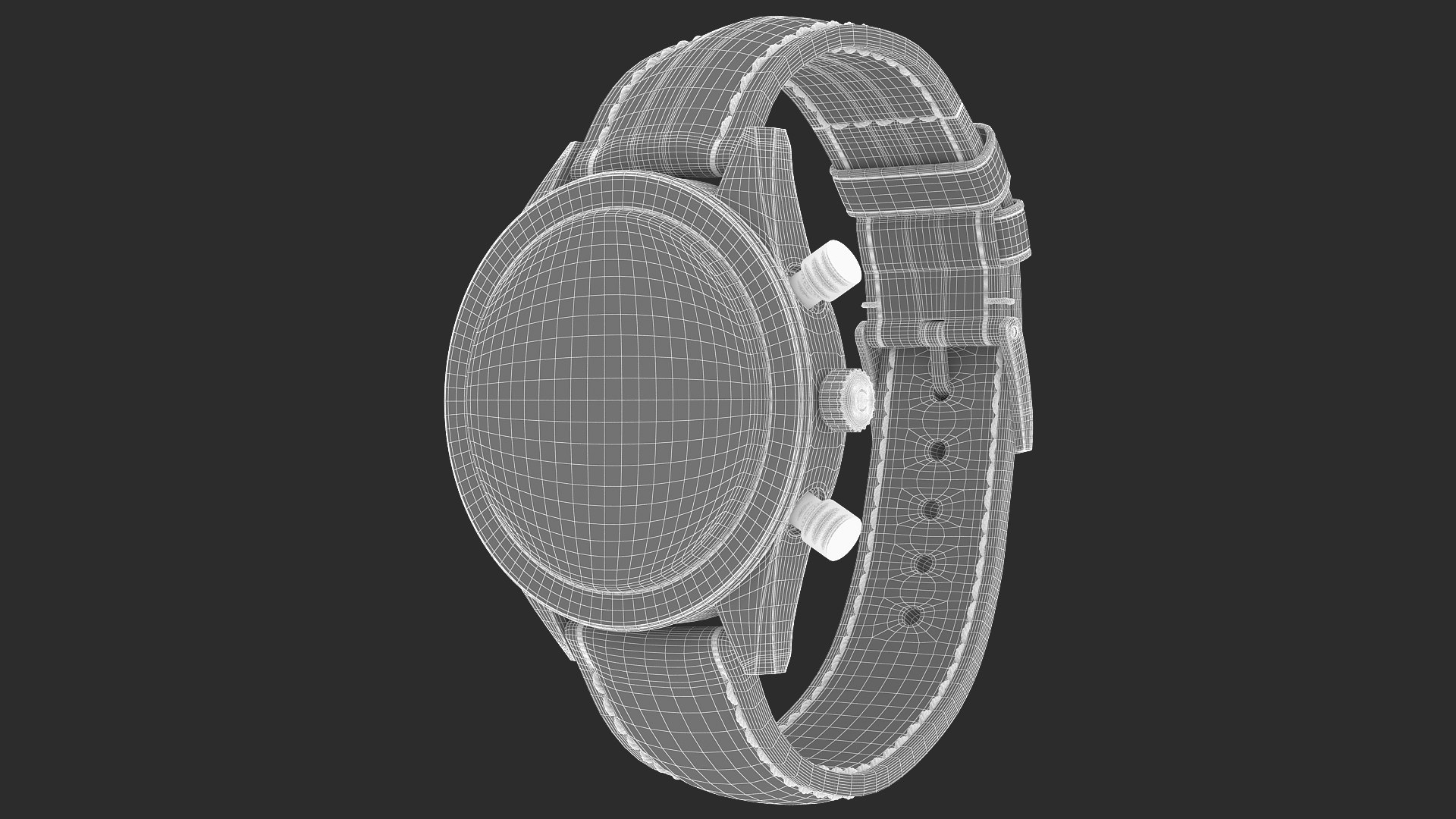
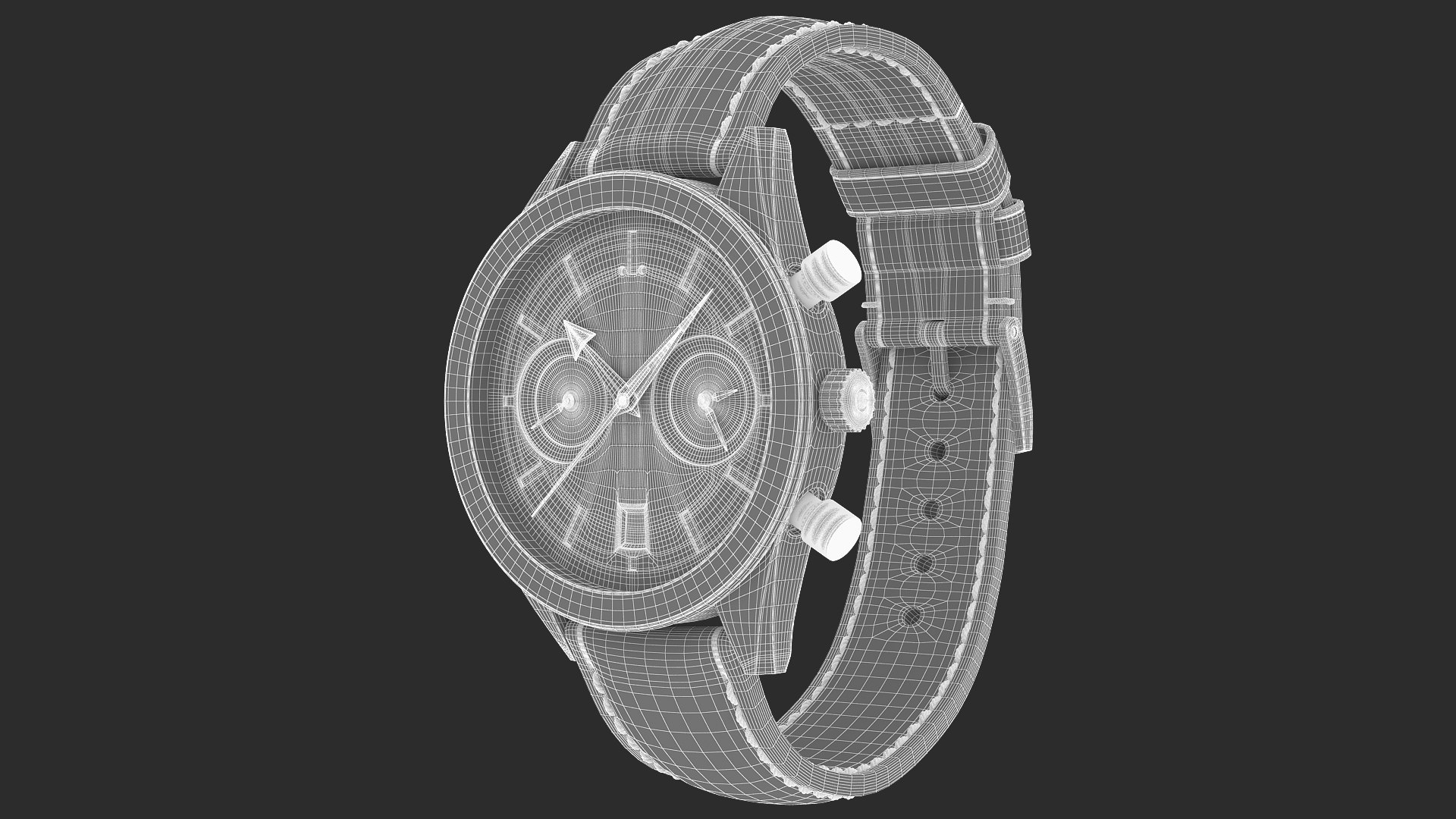
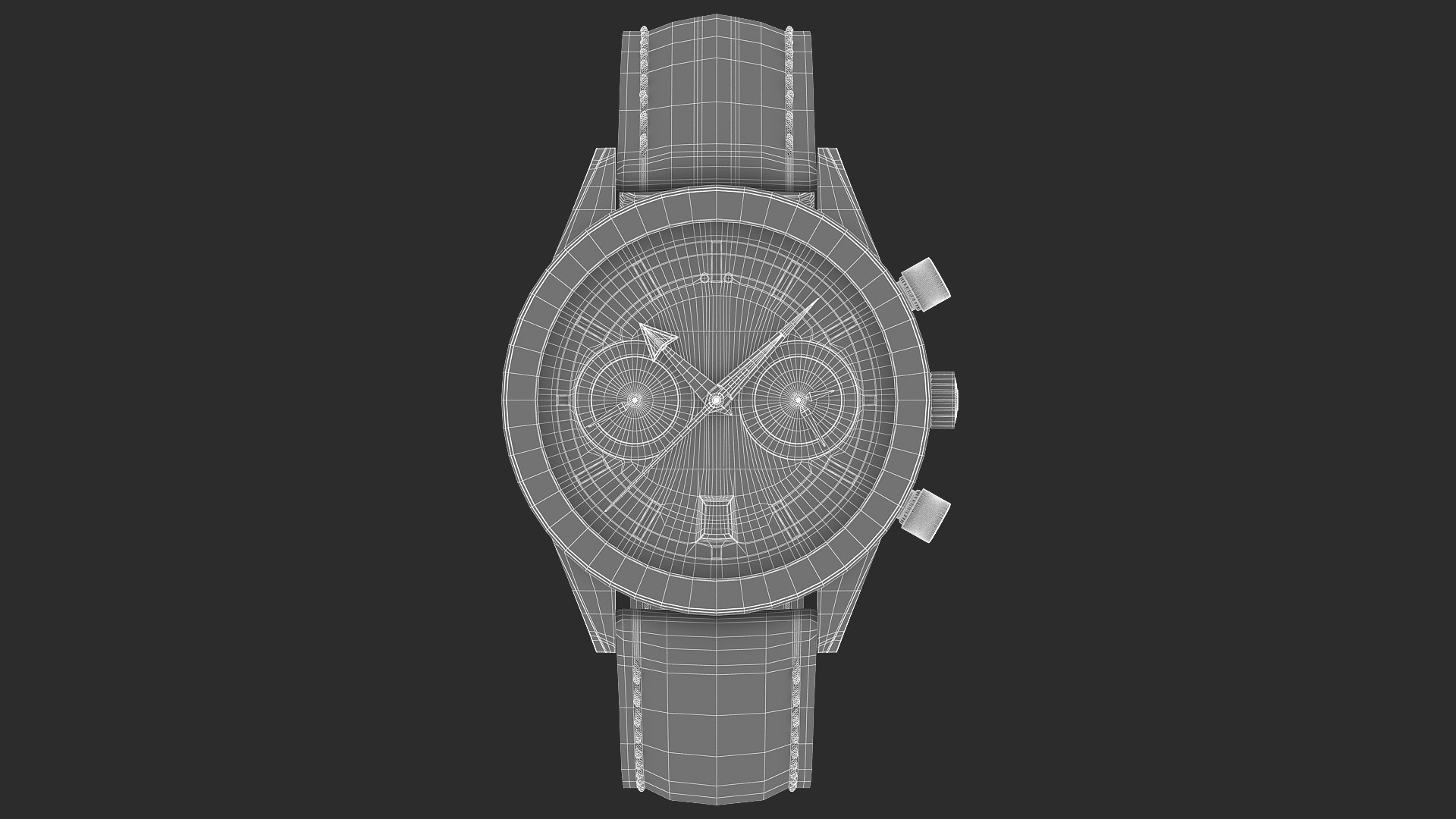
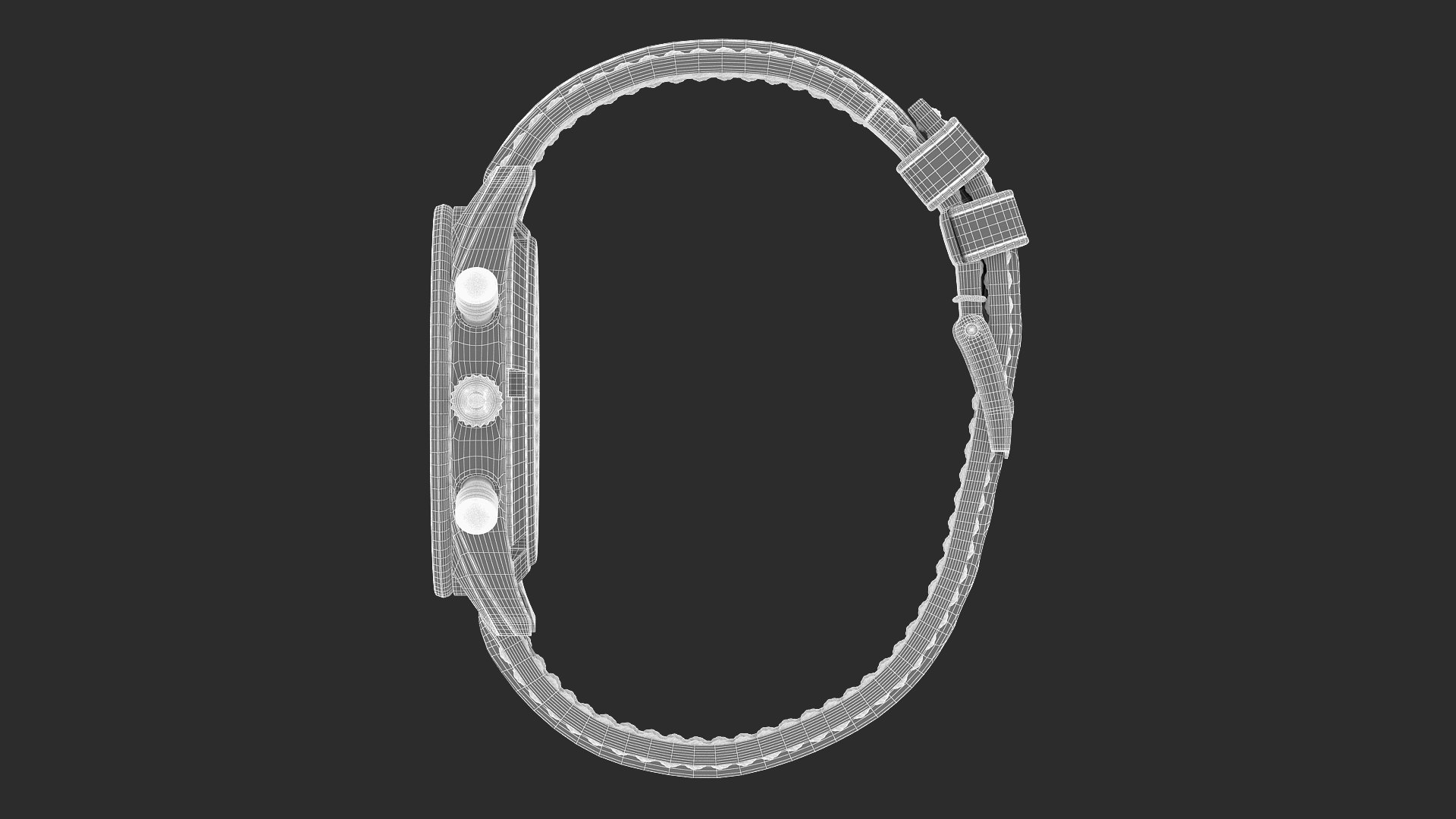
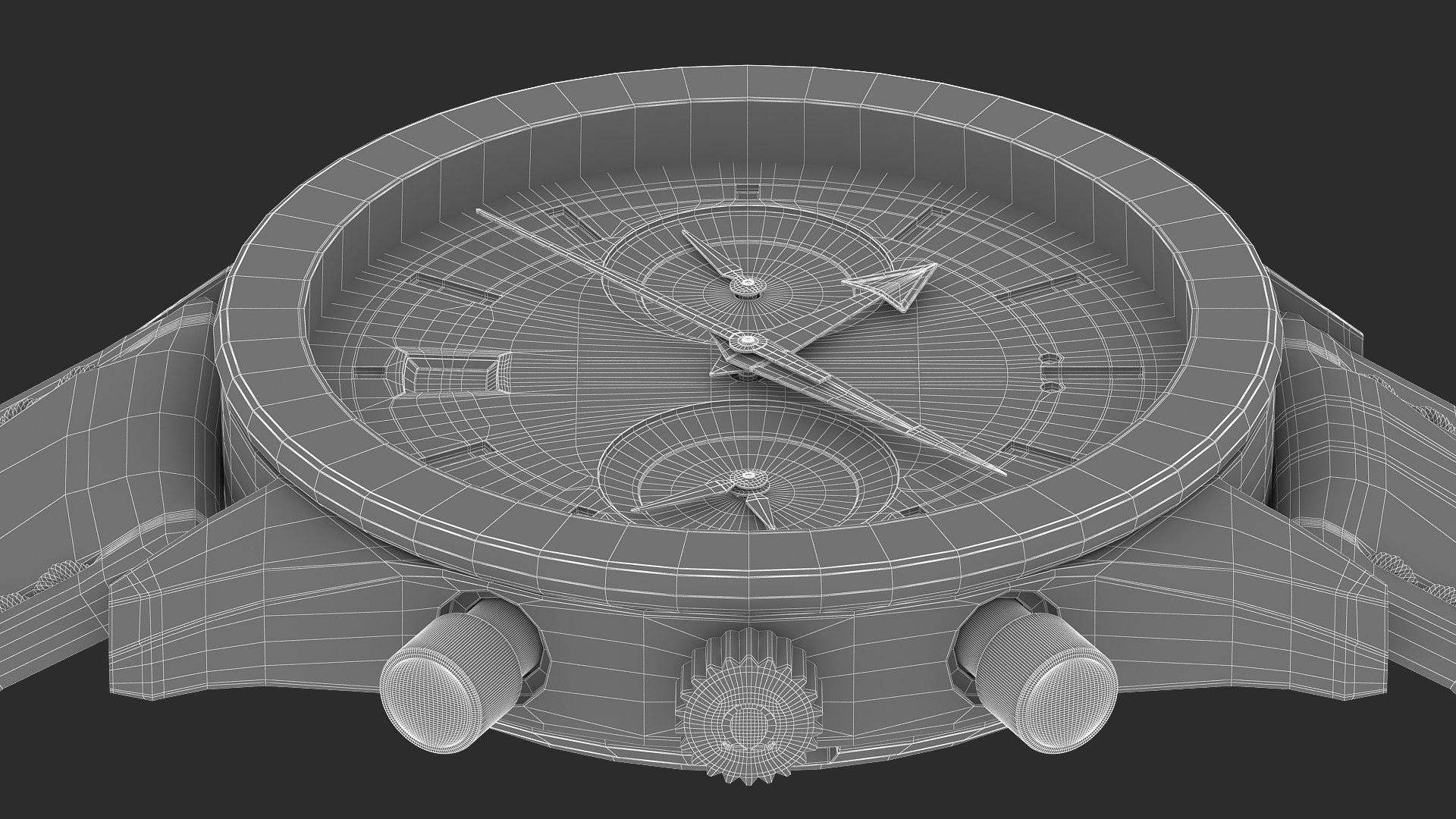
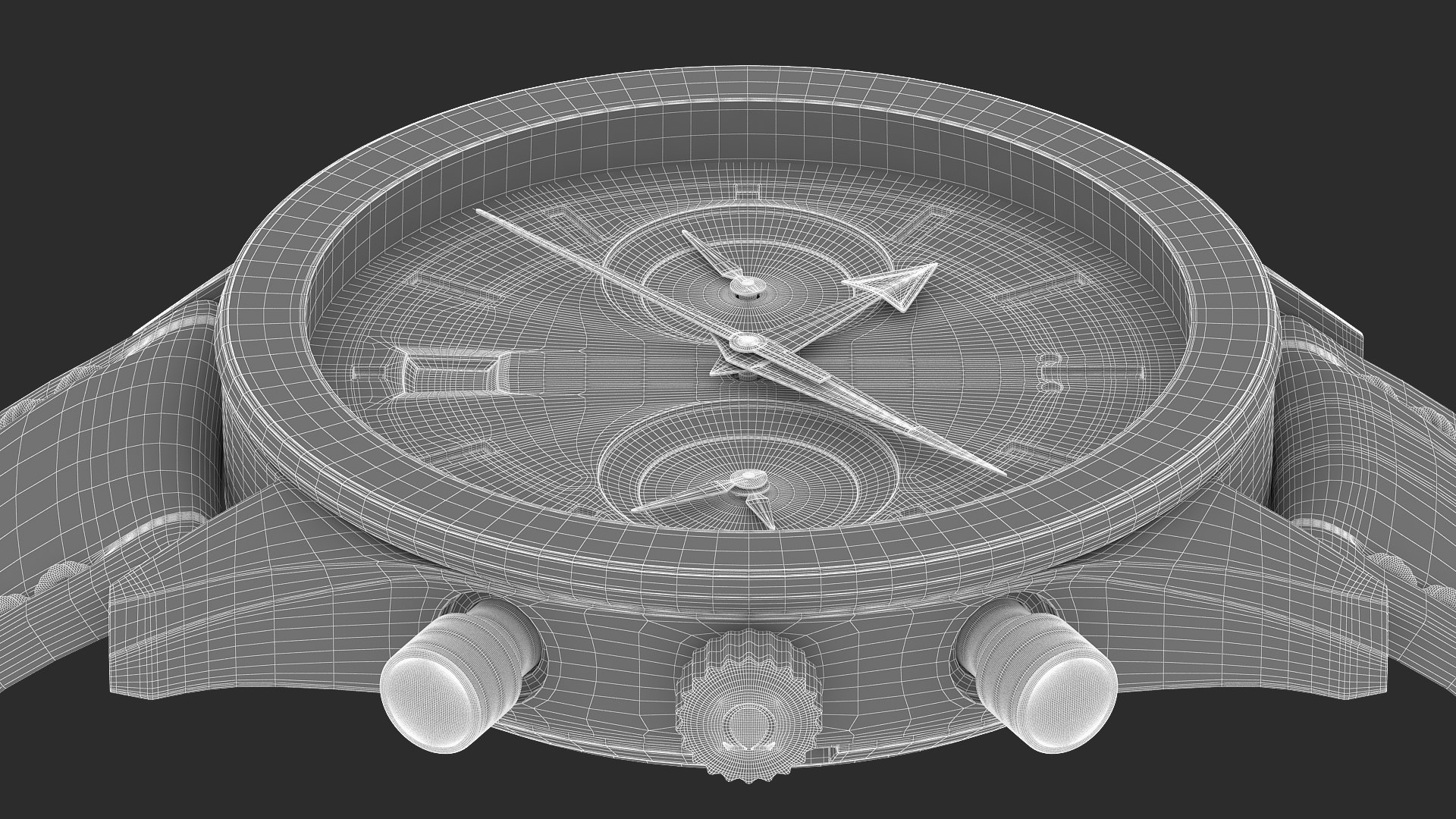
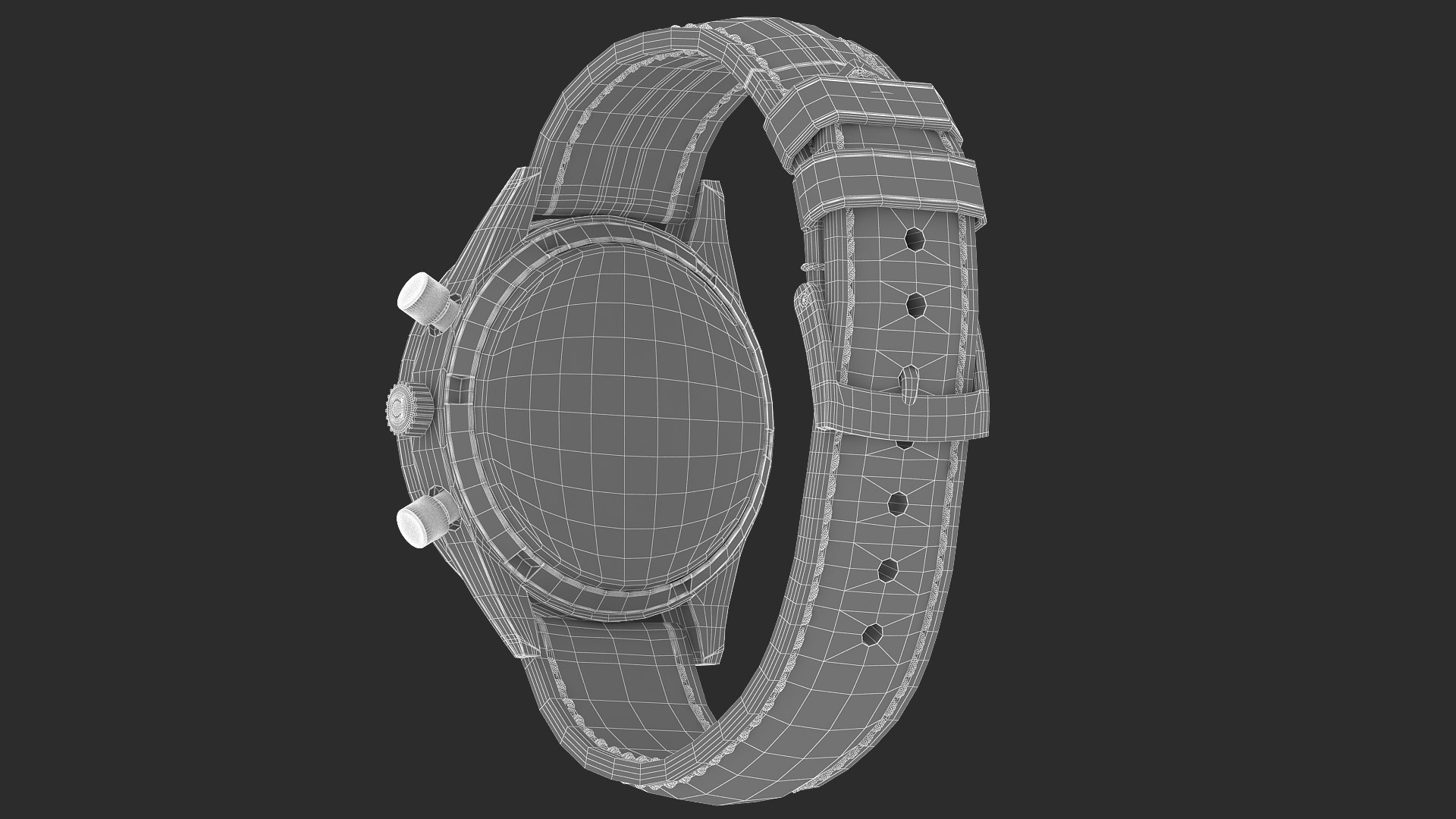
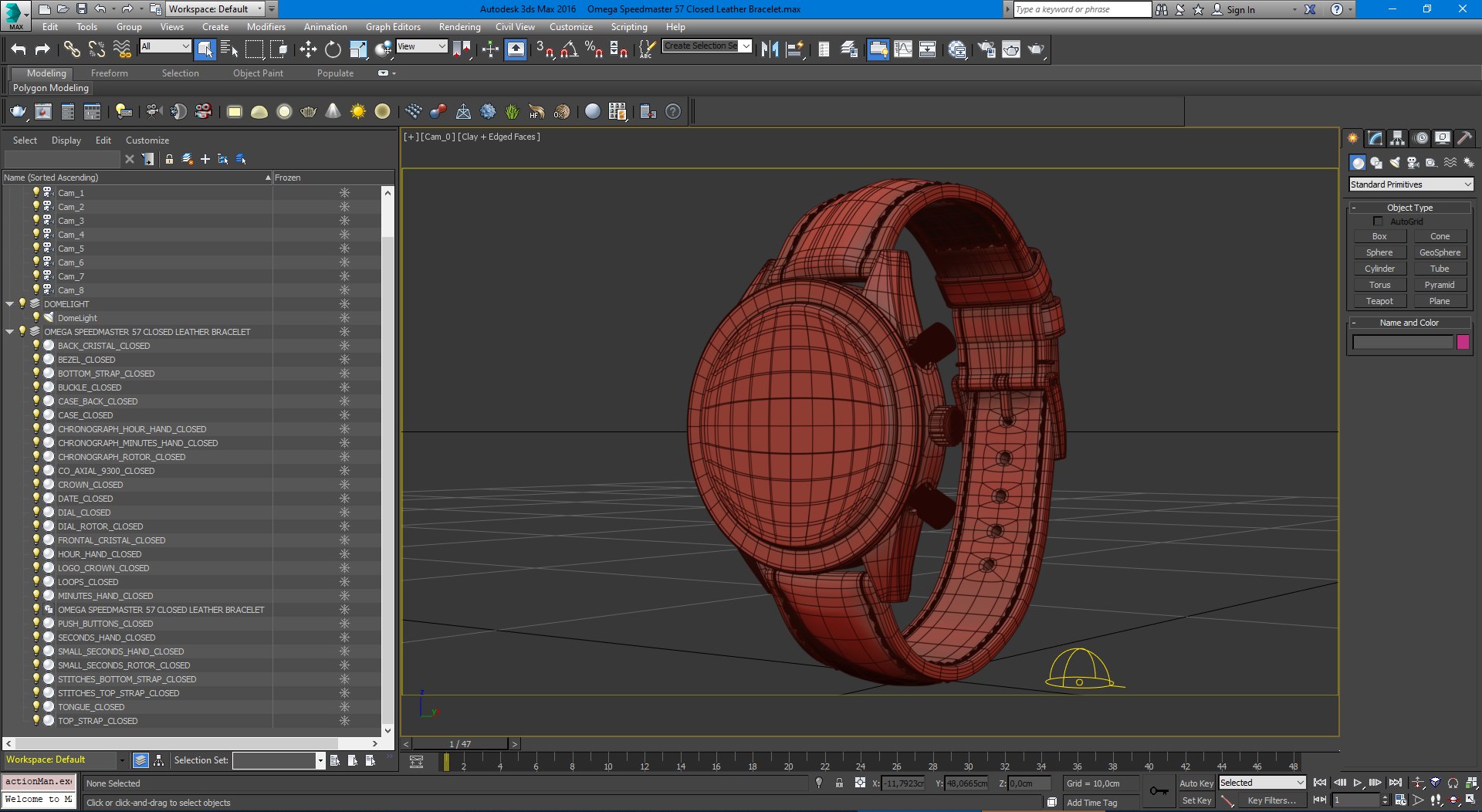
Realistic Omega Speedmaster 57

Model ready to render in 3ds Max (V-Ray).
This model is detailed for very closeup renders.

Simple setup, only 2 materials inside the scene.

Clean geometry, mostly quads and a few triangles, no Ngons.

All model mesh parts are subdividable.
All model mesh parts are uv mapped and uvs are organized for better texture usage.

World Units used - Cm

Model Dimensions (With Strap):
4.5 cm / 1.7 Inches Width
7.9 cm / 3.1 Inches Height
6.2 cm / 2.4 Inches Lenght

HDRIs supplied with this scene:
Omega SM Studio.hdr (1500*750)

You can rotate the environment to achieve different light and reflection effects.

Depending of your 3d aplication you may need to rotate the HRDI environment to 90 or -90 degrees.

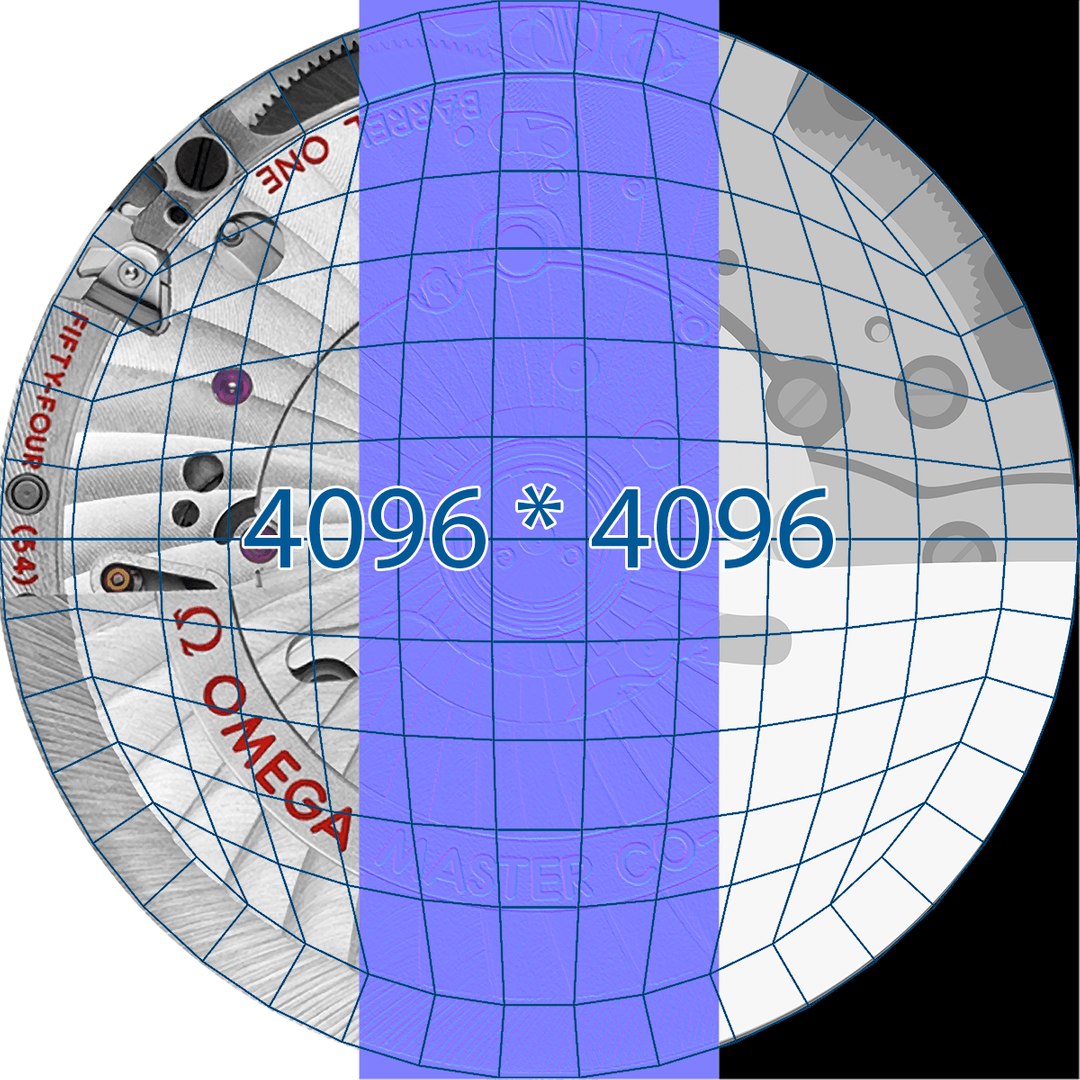
Texture maps - lossless PNG (4096*4096) for
Diffuse Color
Reflection color
Reflection glossiness
Reflection IOR fresnel
Refraction Color
Normal
Bump map
Displacement

More models available in my gallery.
If you like this model please take some time to rate it.
Thank you.

Select Enhanced License

  • $10,000 in Legal Protection (Indemnification)
  • Uncapped Legal Protection (Indemnification)
  • Waiver from injunctive relief
  • Assignable model rights
  • $1,000,000 in Legal Protection (Indemnification)
  • Waiver from injunctive relief
  • Assignable model rights
  • $250,000 in Legal Protection (Indemnification)
  • Assignable model rights
Read more about enhanced license tiers, or contact us at enterprise@turbosquid.com. Already a Shutterstock Enterprise Customer? Contact your Shutterstock Sales Support Agent to talk about adding 3D.

About Conversion Requests

To submit a conversion request for a purchased asset, please complete our Conversion Request Form.

If you have not yet purchased a model, please review our Documentation about Conversions to learn about what limitations you may encounter with a conversion.

For any additional questions about a model’s suitability for conversion, please contact TurboSquid Support.

Loading...