
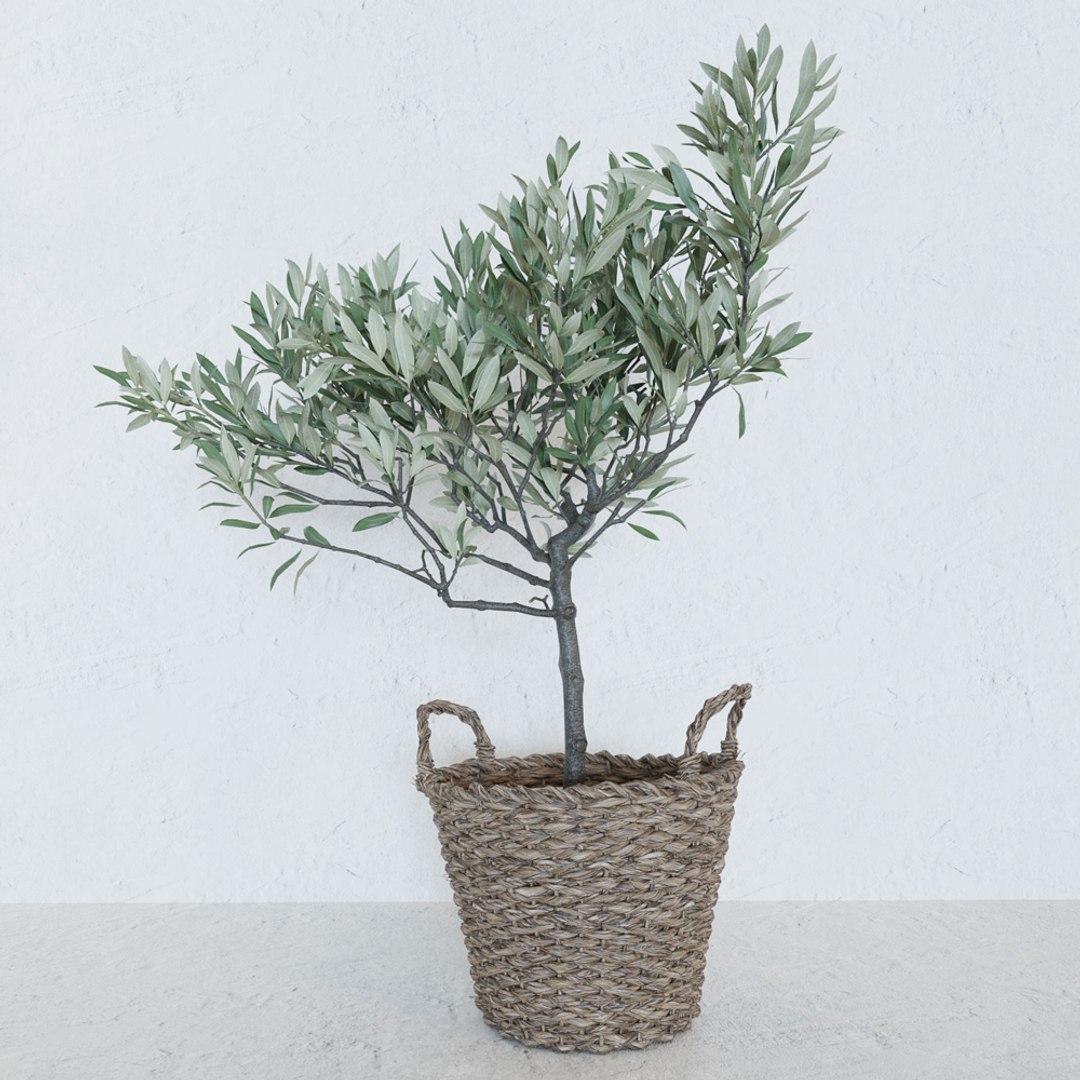
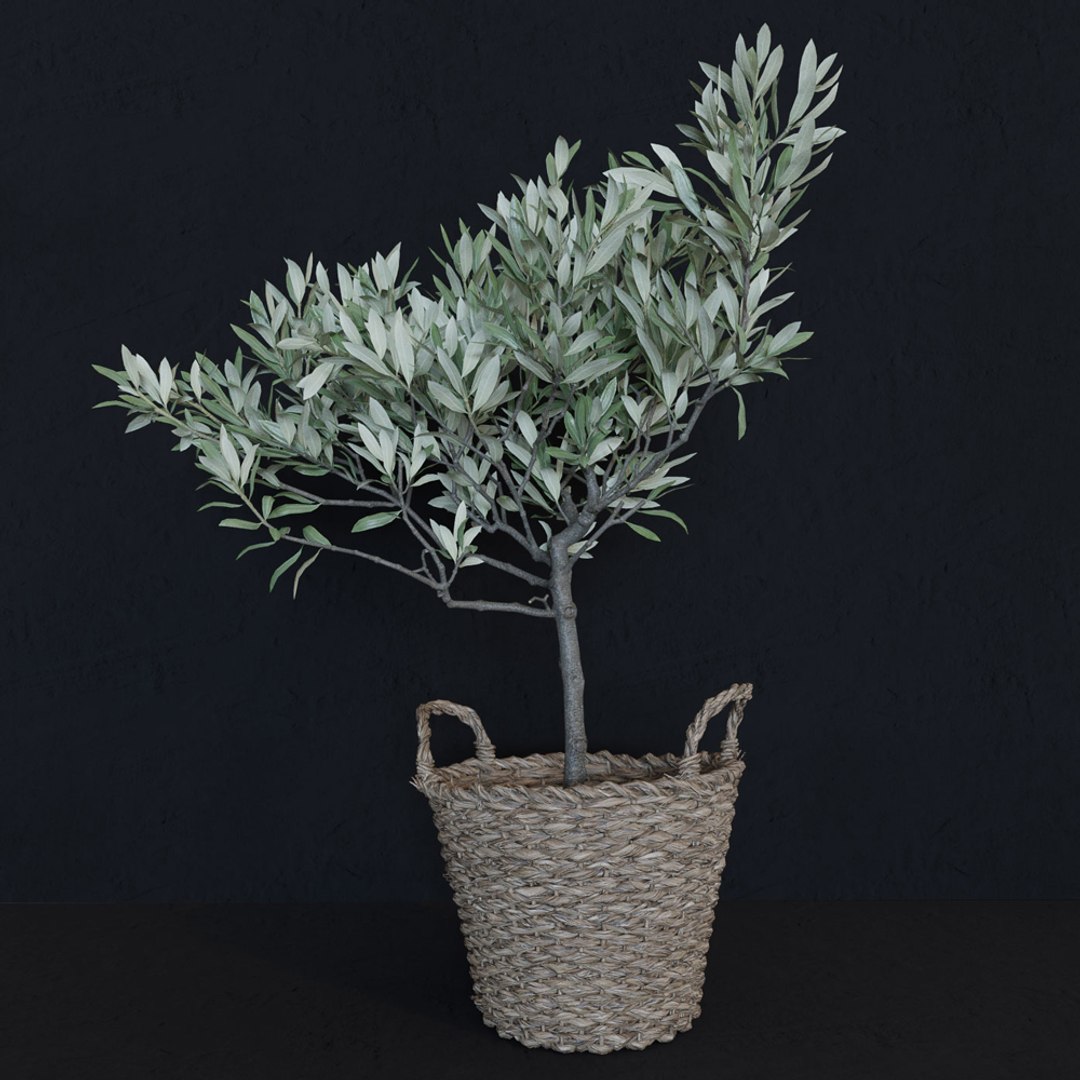
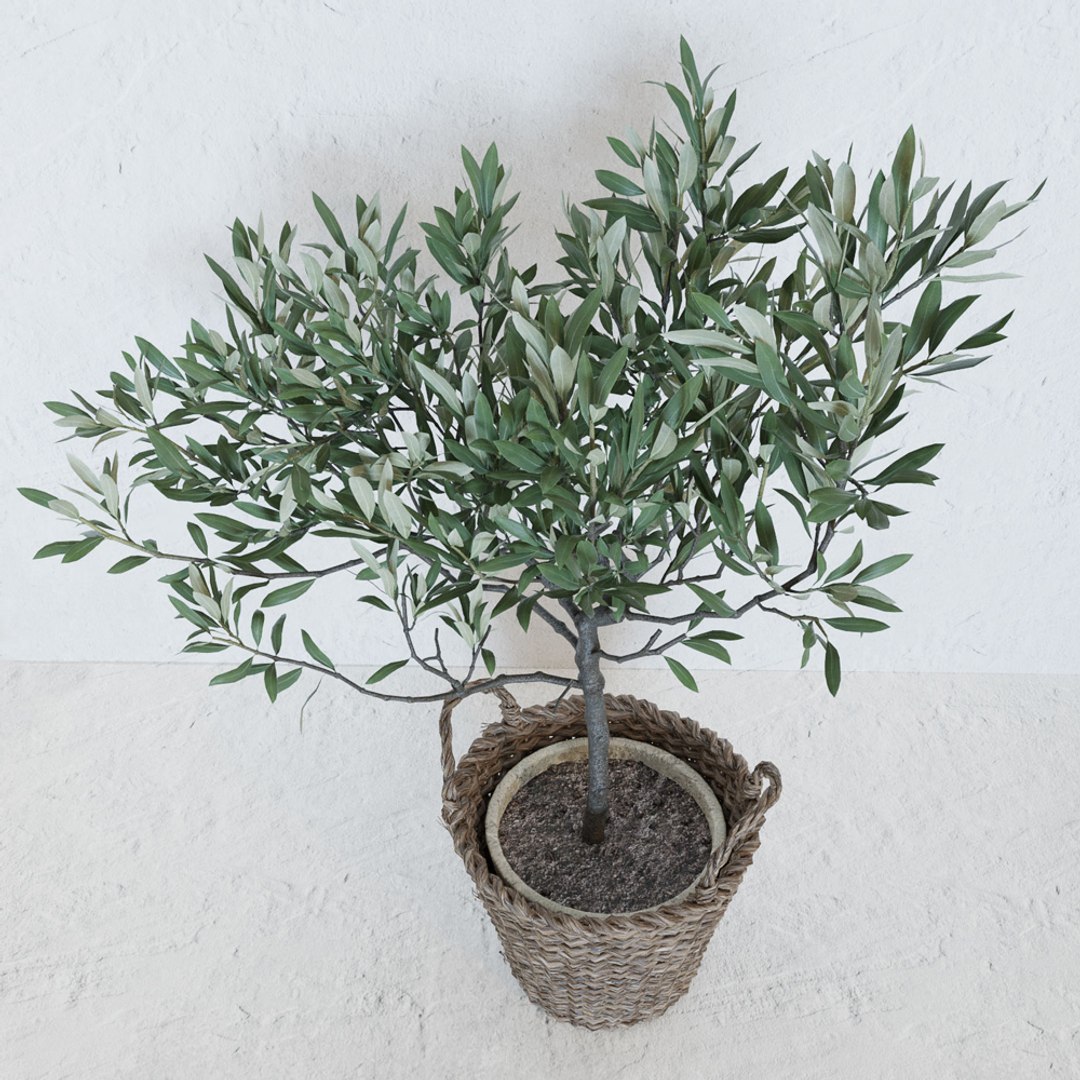
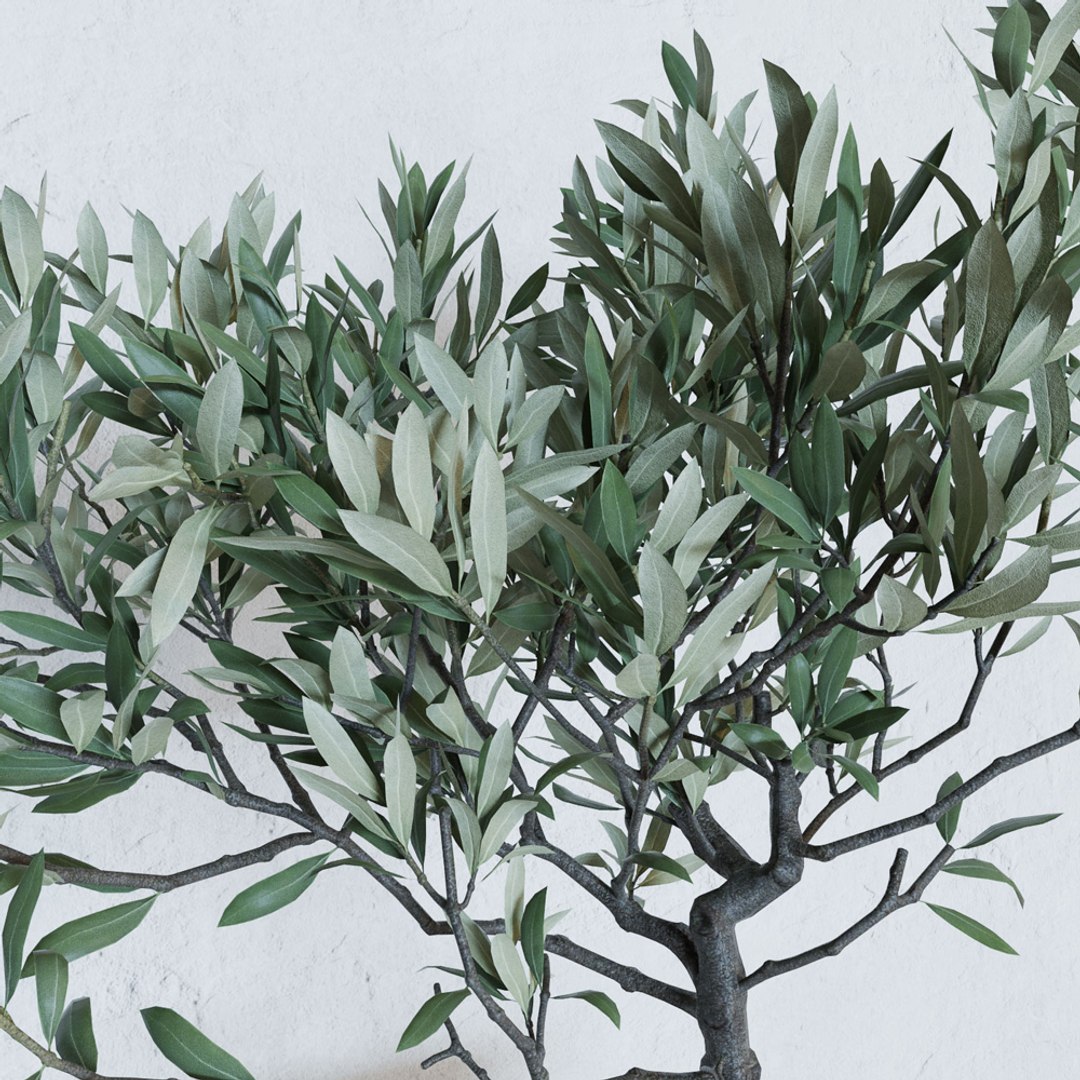
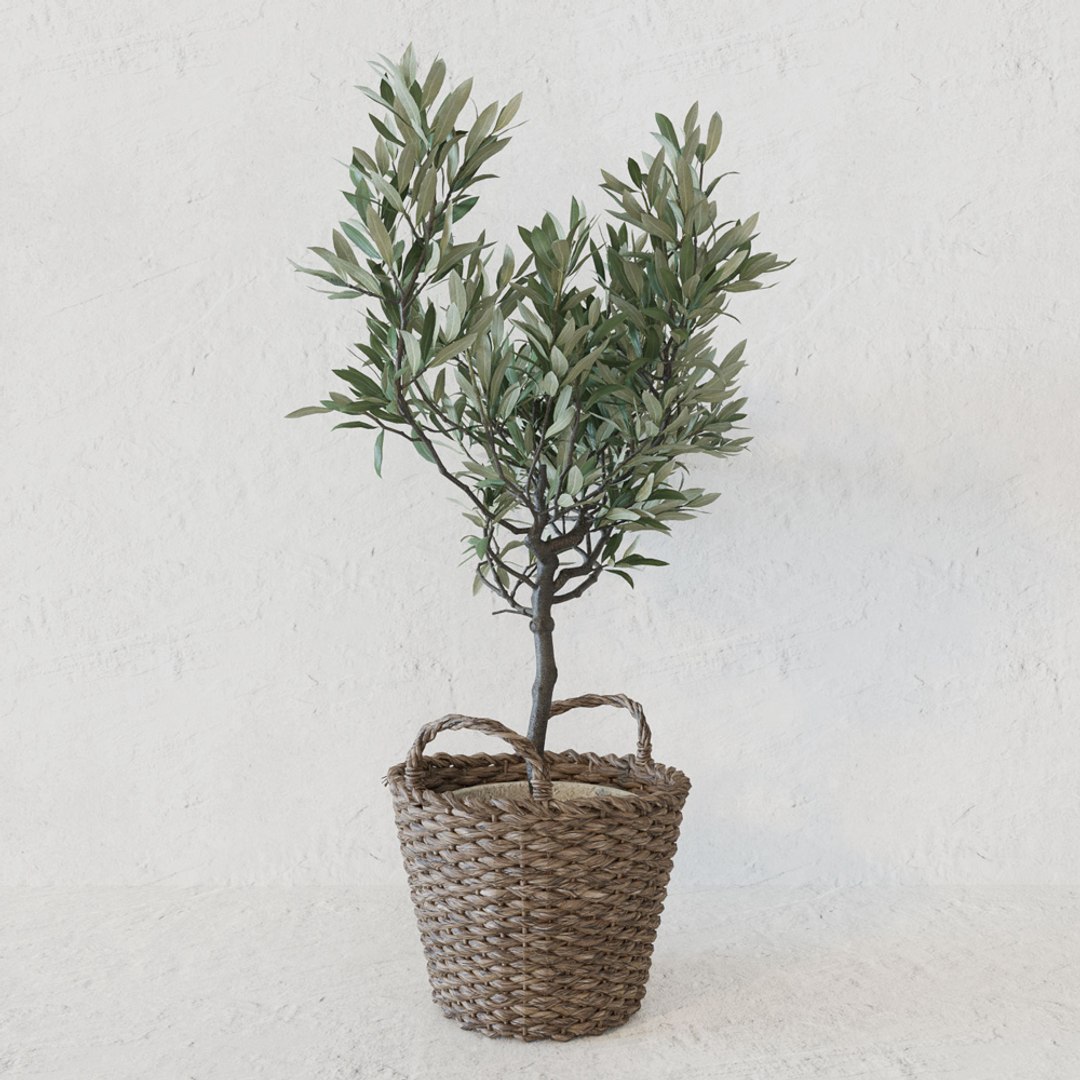
Olive tree in a basket

$10

Standard License | Upgrade License
Formats (5)
Native | Blender 4.2 | Cycles Render
Blender 2.79 | Cycles Render
3ds Max 2016 | Corona 1.3
FBX
OBJ
Other Files
Olive tree in a basket_TEXTURES.zip
Specifications
Publish Date April 12, 2018
Product ID 1276023
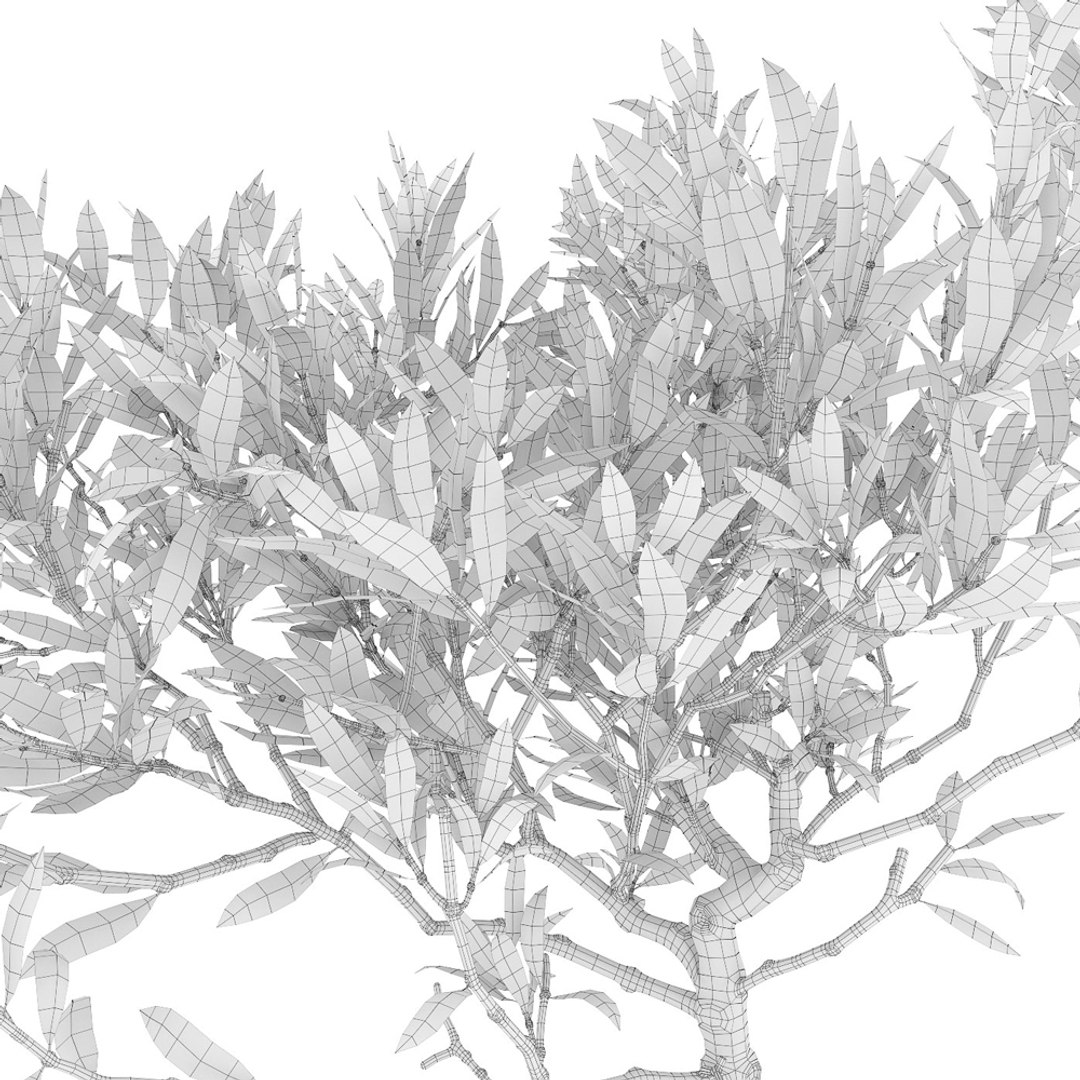
Polygons 128,829
Vertices 139,529
Polygonal Quads/Tris Geometry
Textures
Materials
UV Mapped
Mixed Unwrapped UVs

member avatar
wazzabi
40 Products | Contributor Since 2015
Have questions? Chat with us now.

Description

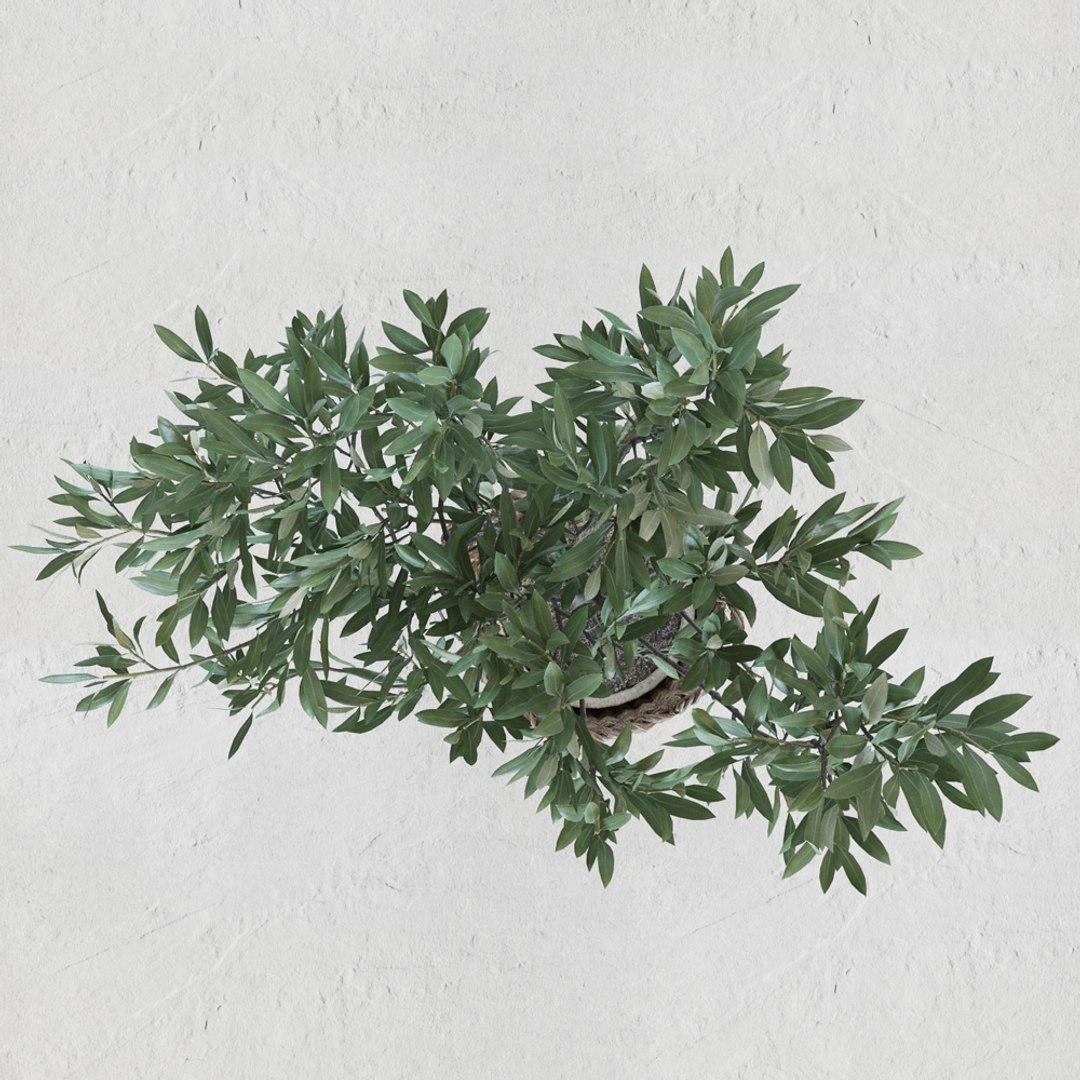
3d model olive tree in a basket.
created Blender Version 2.79

updated version Blender Version 4.2
Blender scene - cycles render.

Unit presets - metric.
works in a blender Eevee render
Geometry: Polygonal Quads/Tris
subdivision level - Vertices:139529, Polygons:128829

Objects UV mapping (mixed).

_ objects 3d scene _
1. name:(basket), number of seats:(1), material (1), map:(diffuse, bump, normal-map) tiling-5
2. name:(leaf), number of seats:(1), material 2-side (1), map:(diffuse, normal-map)
3. name:(pot), number of seats:(1), material (1), map:(diffuse, normal-map)
4. name:(branch), number of seats:(1), material (1), map:(diffuse, normal-map)


_ textures _
325x631 - number of seats:(4)
1024x1024 - number of seats:(2)
2048x2048 - number of seats:(5)

_ All formats _
*FBX, *OBJ formats has a very basic materials this models may have a different result then advertising images.
Materials will need to be recreated and textures reapplied for exchange formats.

3ds MAX 2016 (corona render 1.3)

Unzip the file and textures into a shared folder.

Select Enhanced License

  • $10,000 in Legal Protection (Indemnification)
  • Uncapped Legal Protection (Indemnification)
  • Waiver from injunctive relief
  • Assignable model rights
  • $1,000,000 in Legal Protection (Indemnification)
  • Waiver from injunctive relief
  • Assignable model rights
  • $250,000 in Legal Protection (Indemnification)
  • Assignable model rights
Read more about enhanced license tiers, or contact us at enterprise@turbosquid.com. Already a Shutterstock Enterprise Customer? Contact your Shutterstock Sales Support Agent to talk about adding 3D.

About Conversion Requests

To submit a conversion request for a purchased asset, please complete our Conversion Request Form.

If you have not yet purchased a model, please review our Documentation about Conversions to learn about what limitations you may encounter with a conversion.

For any additional questions about a model’s suitability for conversion, please contact TurboSquid Support.

Loading...