
Olive Tree

$34

Standard License | Upgrade License
Formats (6)
Free file format Conversions available
Native | 3ds Max 8 | Default Scanline
Lightwave 10 | Default Scanline
3ds Max 8 | V-Ray 1.5
3D Studio
FBX
OBJ
Specifications
Publish Date October 06, 2013
Product ID 772394
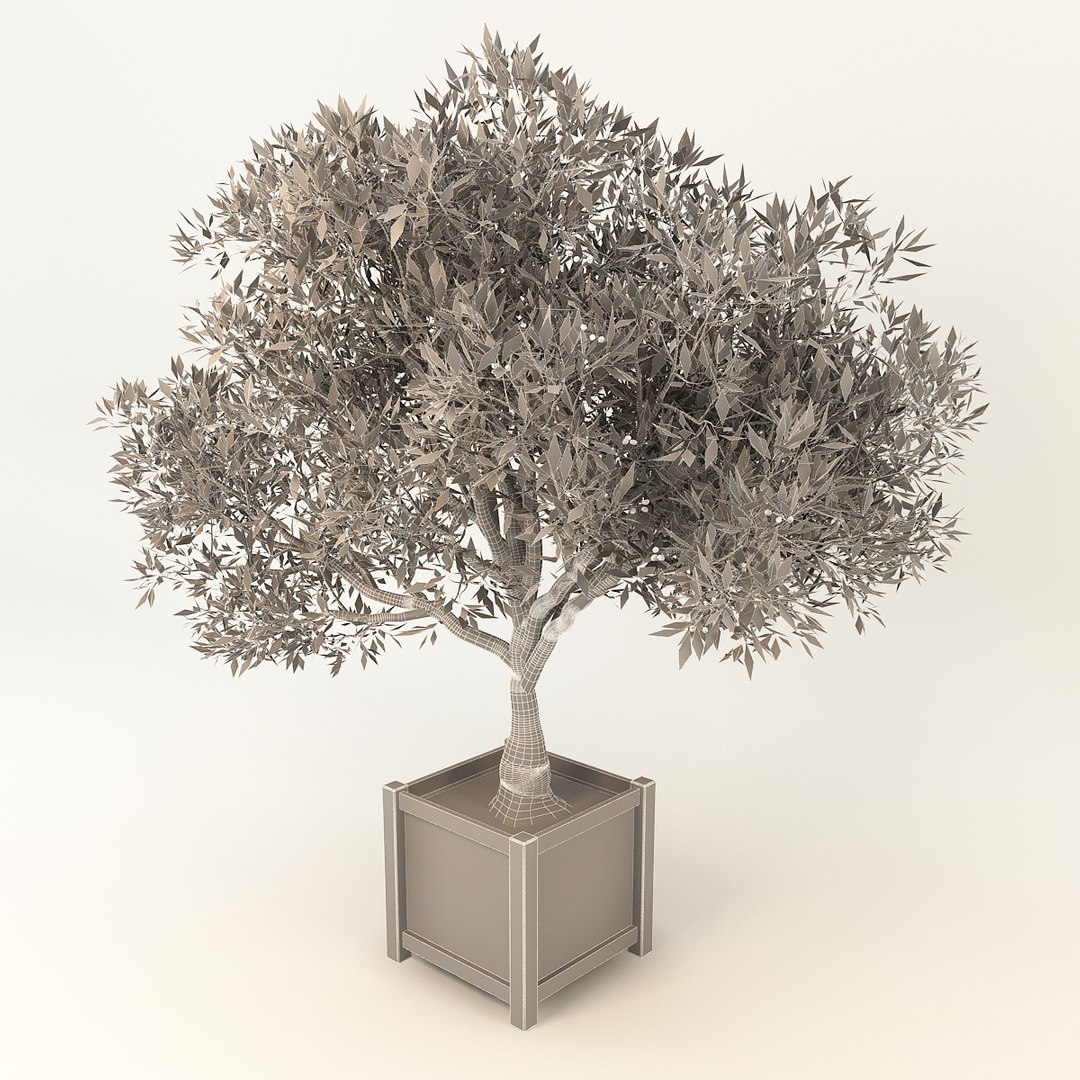
Polygons 189,378
Vertices 263,513
Polygonal Quads/Tris Geometry
Textures
Materials
UV Mapped
TurboSquid Exclusive

member avatar
3 D E
191 Products | Contributor Since 2002
Have questions? Chat with us now.

Description

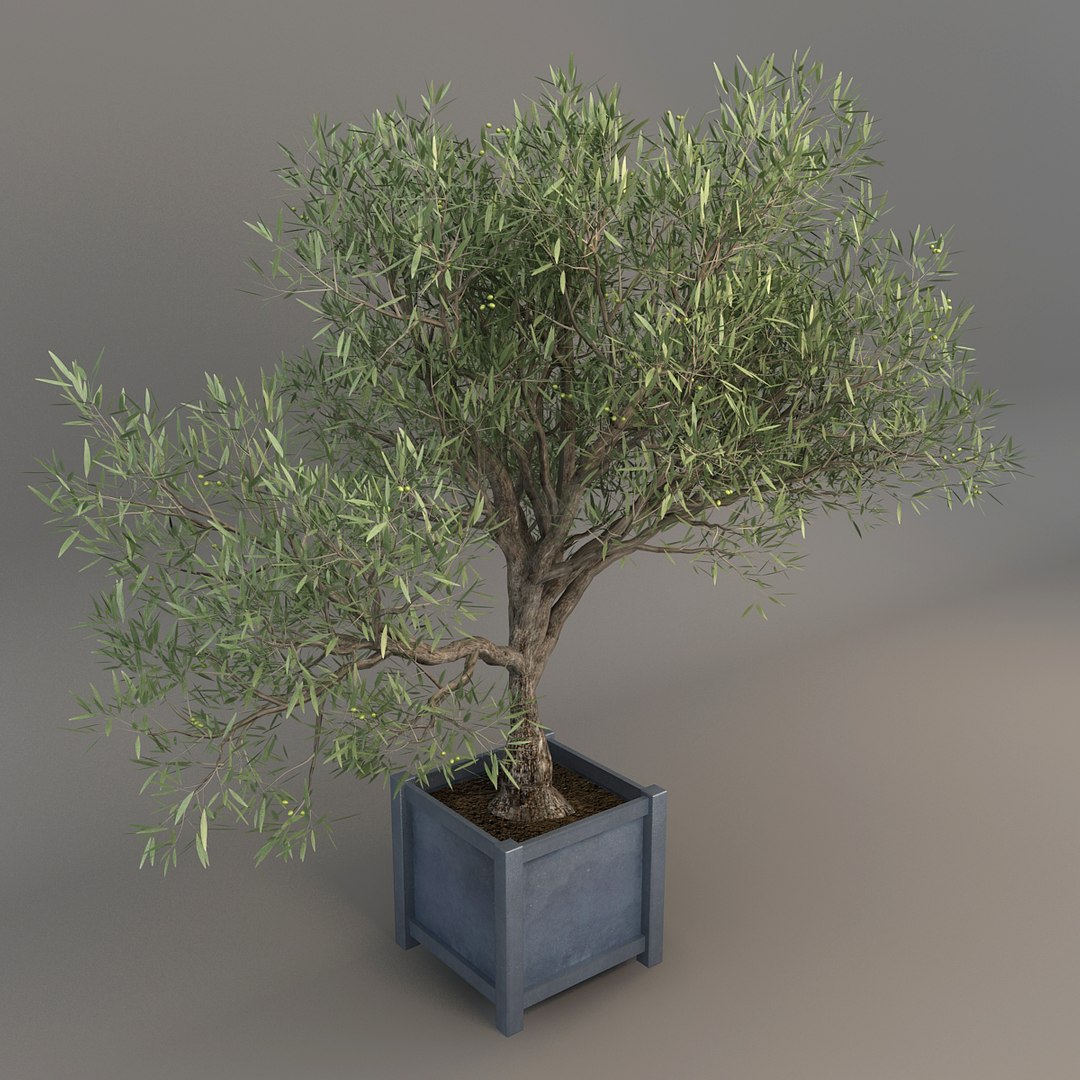
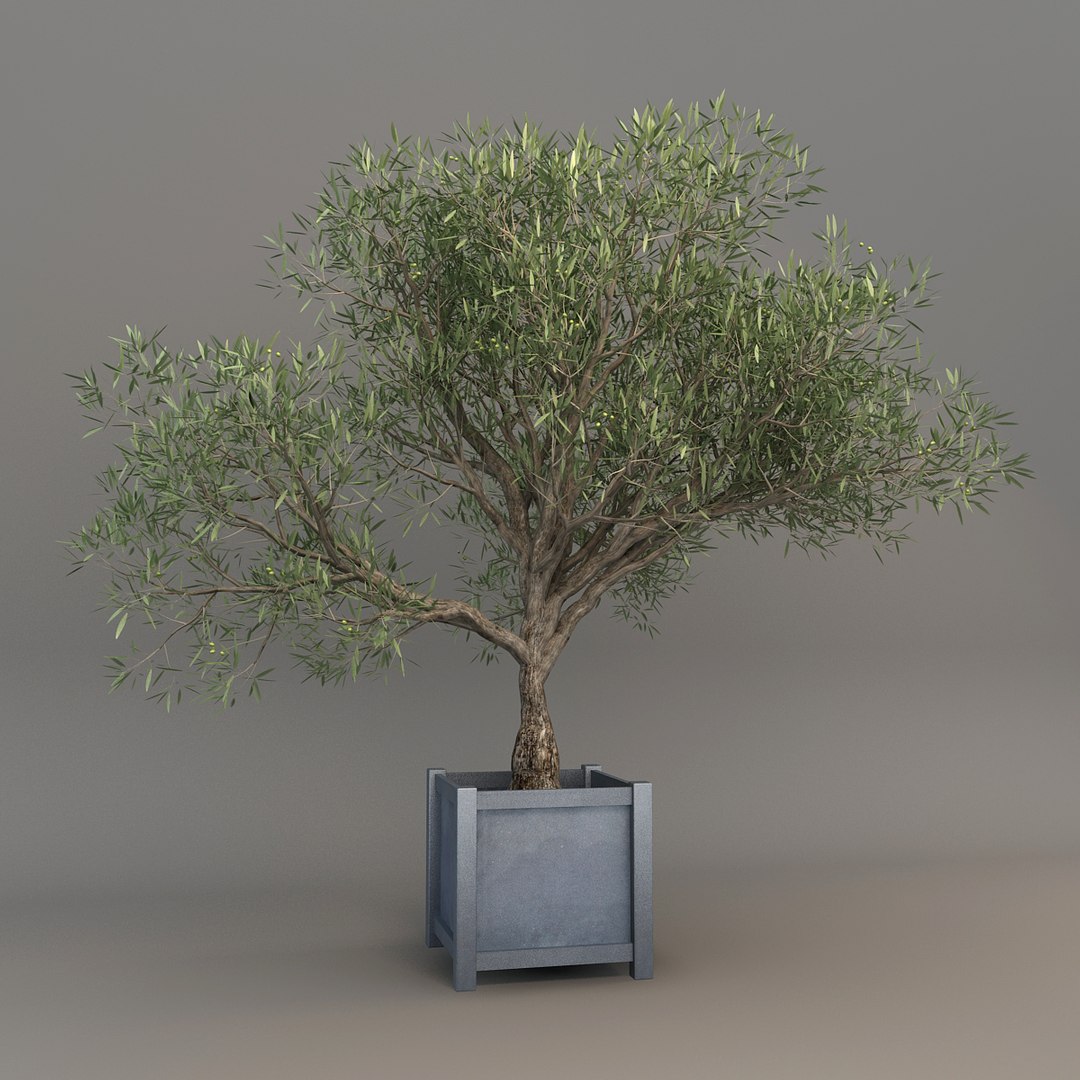
A great model of an olive tree. handy for both interior and exterior scenes. The V-Ray settings are setup for resonably fast rendering - useful for time saving !
Ready to drop into any scene or be used as a stand-alone prop.
Carefully detailed and cleanly structured objects.
Fully detailed, real world scale and exact proportions.
Multiple file formats including 3ds Max Scanline version with no lighting.
(Studio setup not included).

Features:

• Professional quality model designed for ease of use – No cleaning up necessary, just drop your model into the scene and start rendering !
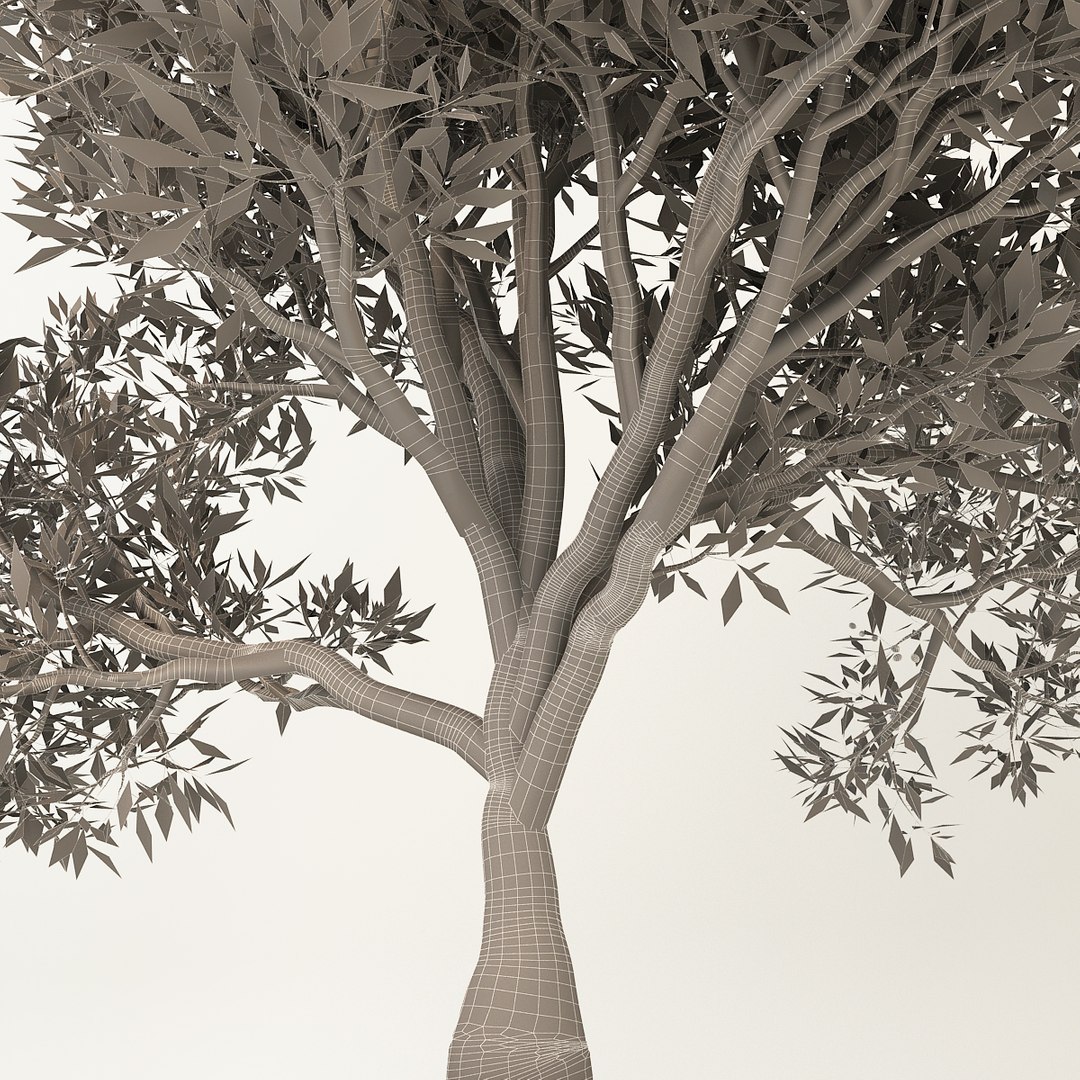
• Carefully modeled polygonal structure using mostly quads !
• Realistic and correctly scaled !
• Excellent polygon & texture efficiency !
• Easy scene management – 3ds Max models grouped or attached for easy selection & objects are logically named !

Multiple file formats: .MAX / .3DS / .MAX V-Ray / .OBJ / .LWO / .FBX

Native file is 3ds Max (.max) Renders shown were created in 3ds Max with V-Ray render engine.
OBJ & LWO formats were converted from the .3DS file

The LightWave file consists of all tris, has 365934 polygons, and 276551 vertices.

Select Enhanced License

  • $10,000 in Legal Protection (Indemnification)
  • Uncapped Legal Protection (Indemnification)
  • Waiver from injunctive relief
  • Assignable model rights
  • $1,000,000 in Legal Protection (Indemnification)
  • Waiver from injunctive relief
  • Assignable model rights
  • $250,000 in Legal Protection (Indemnification)
  • Assignable model rights
Read more about enhanced license tiers, or contact us at enterprise@turbosquid.com. Already a Shutterstock Enterprise Customer? Contact your Shutterstock Sales Support Agent to talk about adding 3D.

About Conversion Requests

To submit a conversion request for a purchased asset, please complete our Conversion Request Form.

If you have not yet purchased a model, please review our Documentation about Conversions to learn about what limitations you may encounter with a conversion.

For any additional questions about a model’s suitability for conversion, please contact TurboSquid Support.

Loading...