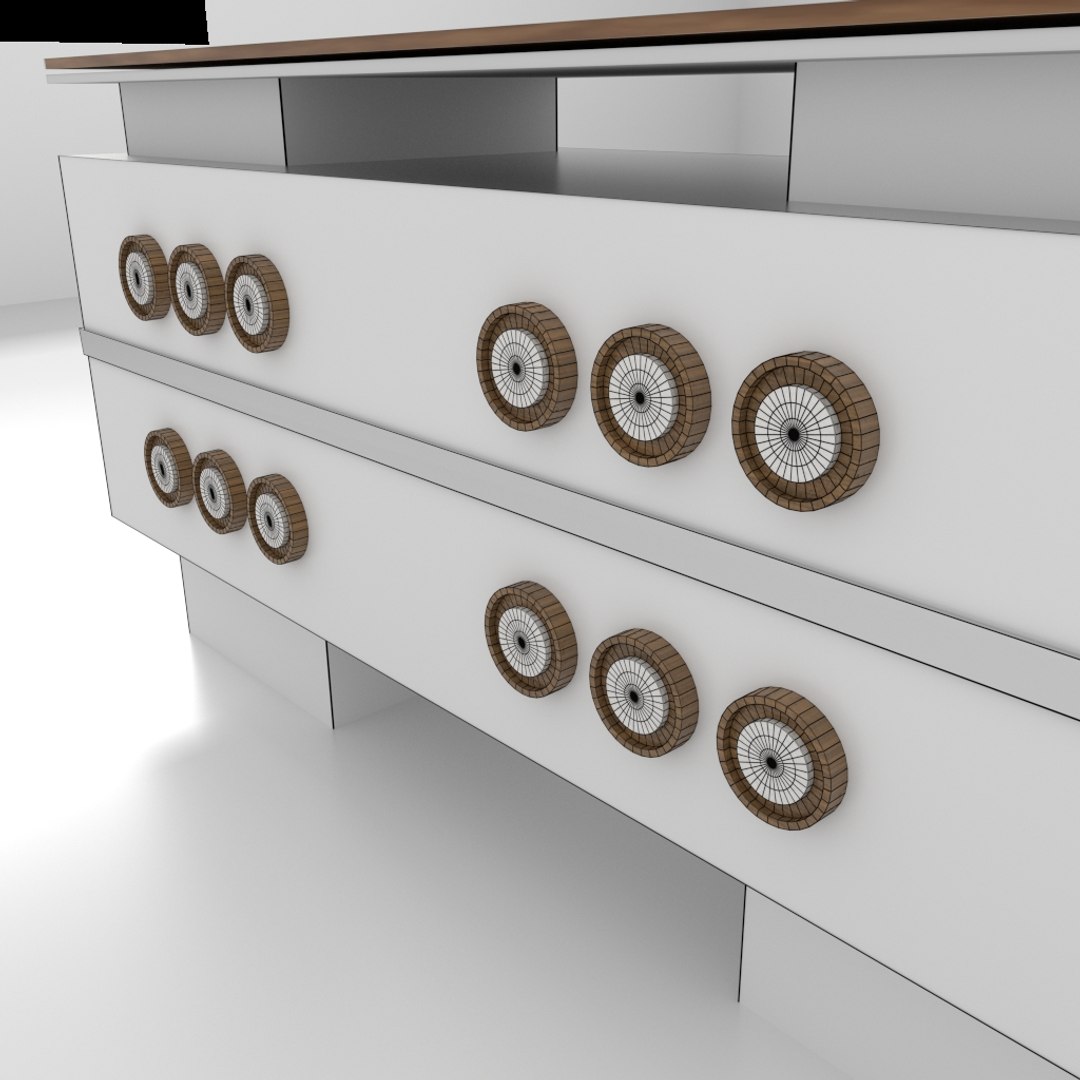
Office Table 1

$5

Standard License | Upgrade License
Formats (5)
Native | Blender 2.76
3D Studio
Other Textures
OBJ
Collada
Other Files
bedroom.hdr table1.mtl roadtreesmtnrck.hdr
Specifications
Publish Date January 13, 2016
Product ID 994846
Polygons 9,389
Vertices 15,204
Polygonal Quads/Tris Geometry
Textures
Materials
UV Mapped
Non-overlapping Unwrapped UVs
member avatar
MVG86
253 Products | Contributor Since 2014
Have questions? Chat with us now.

Description

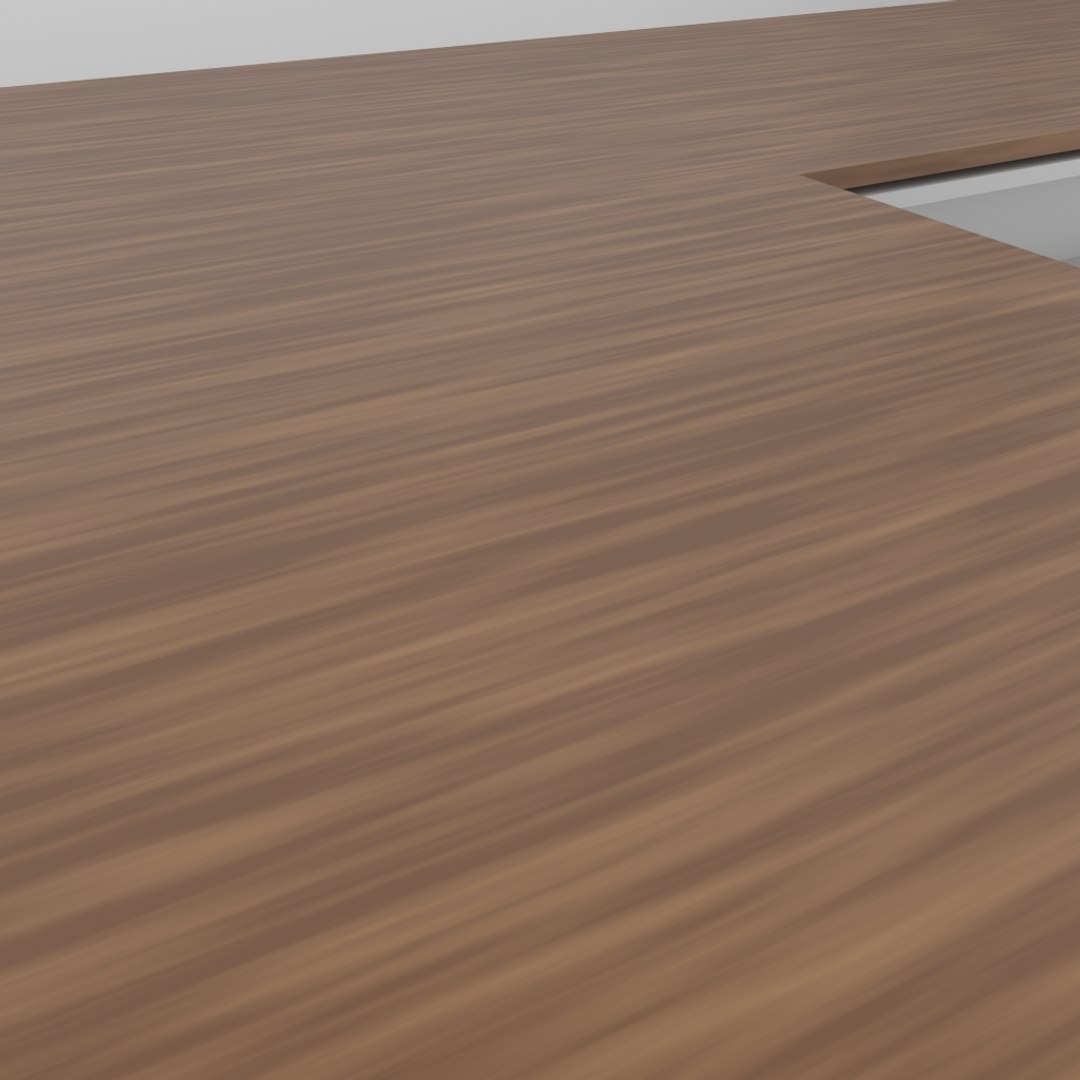
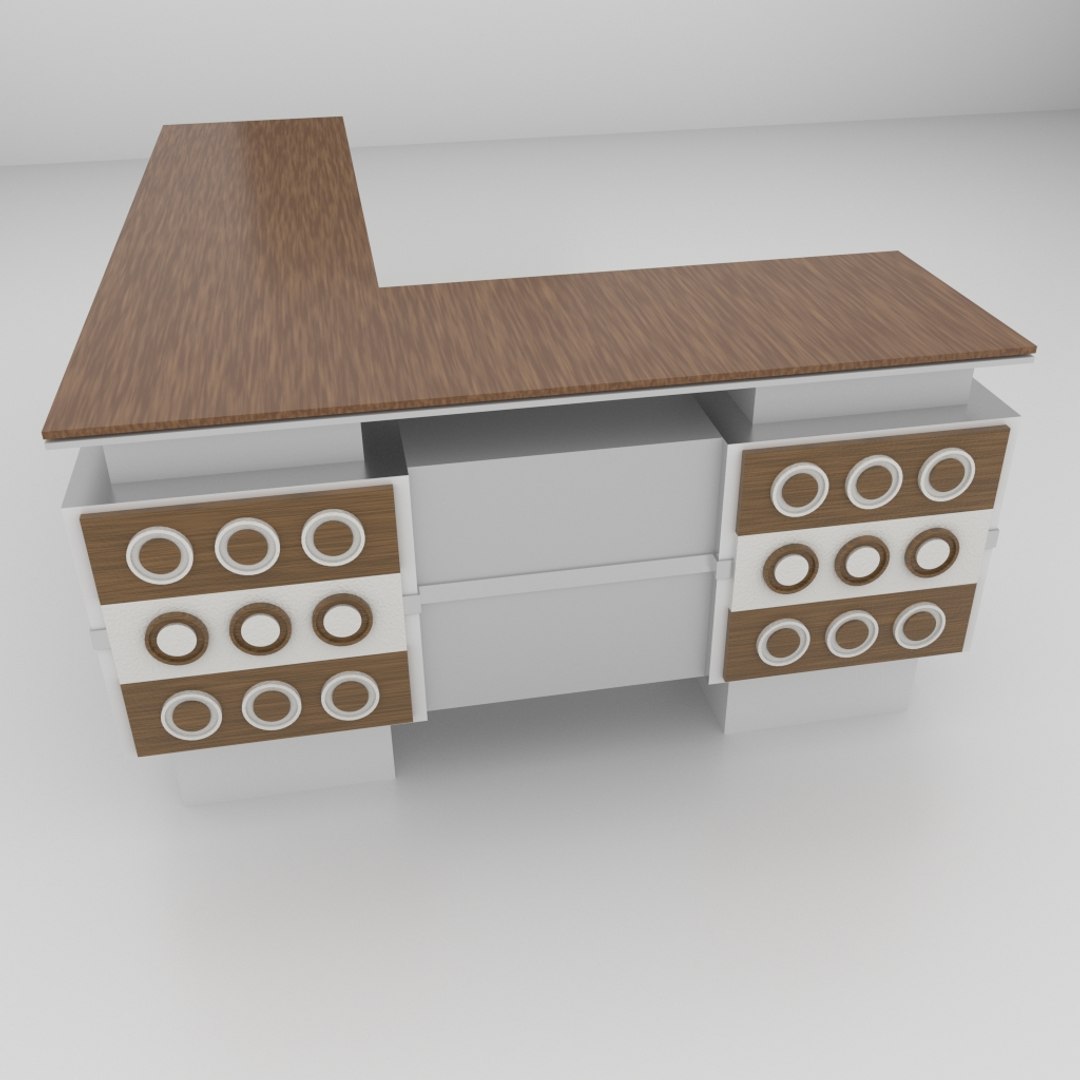
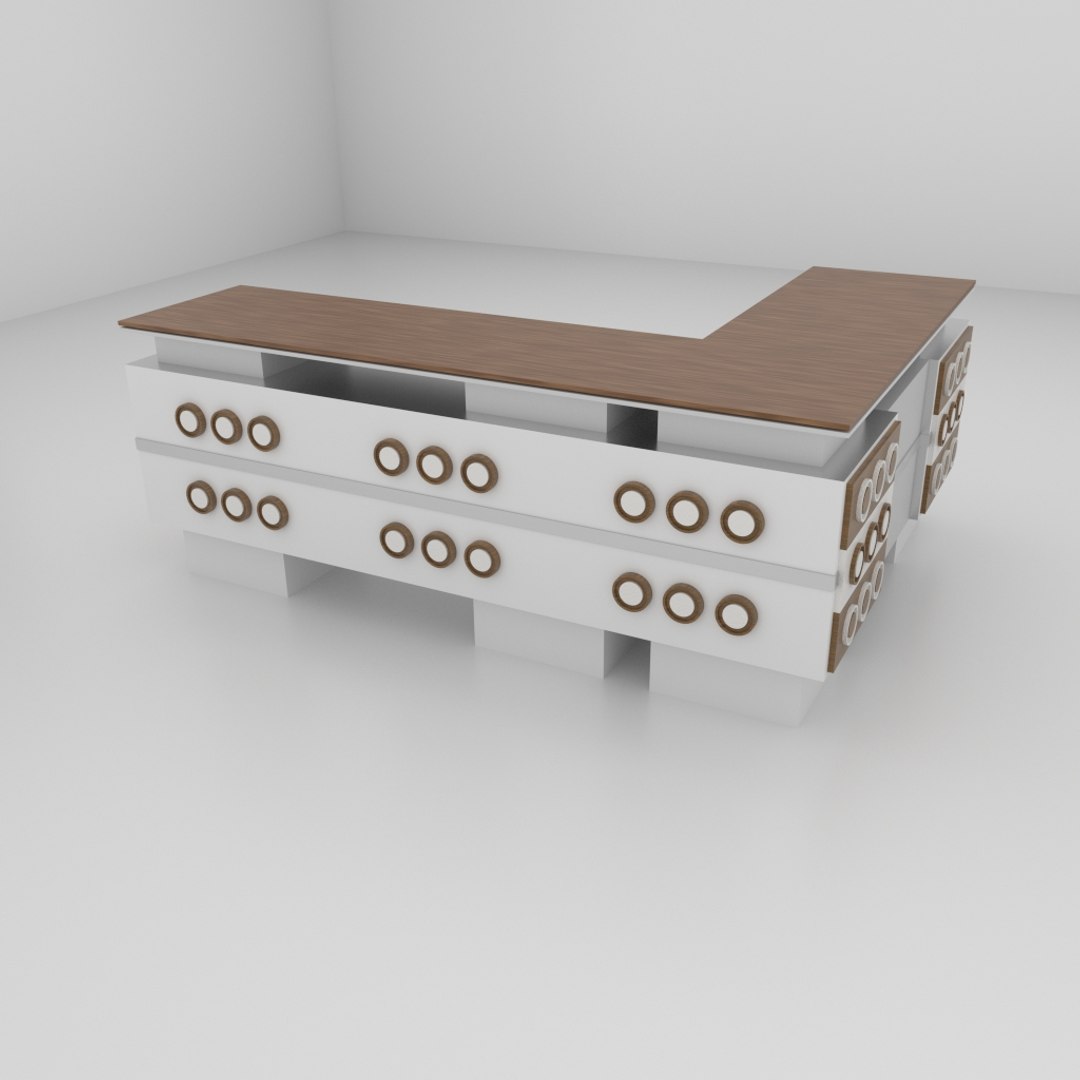
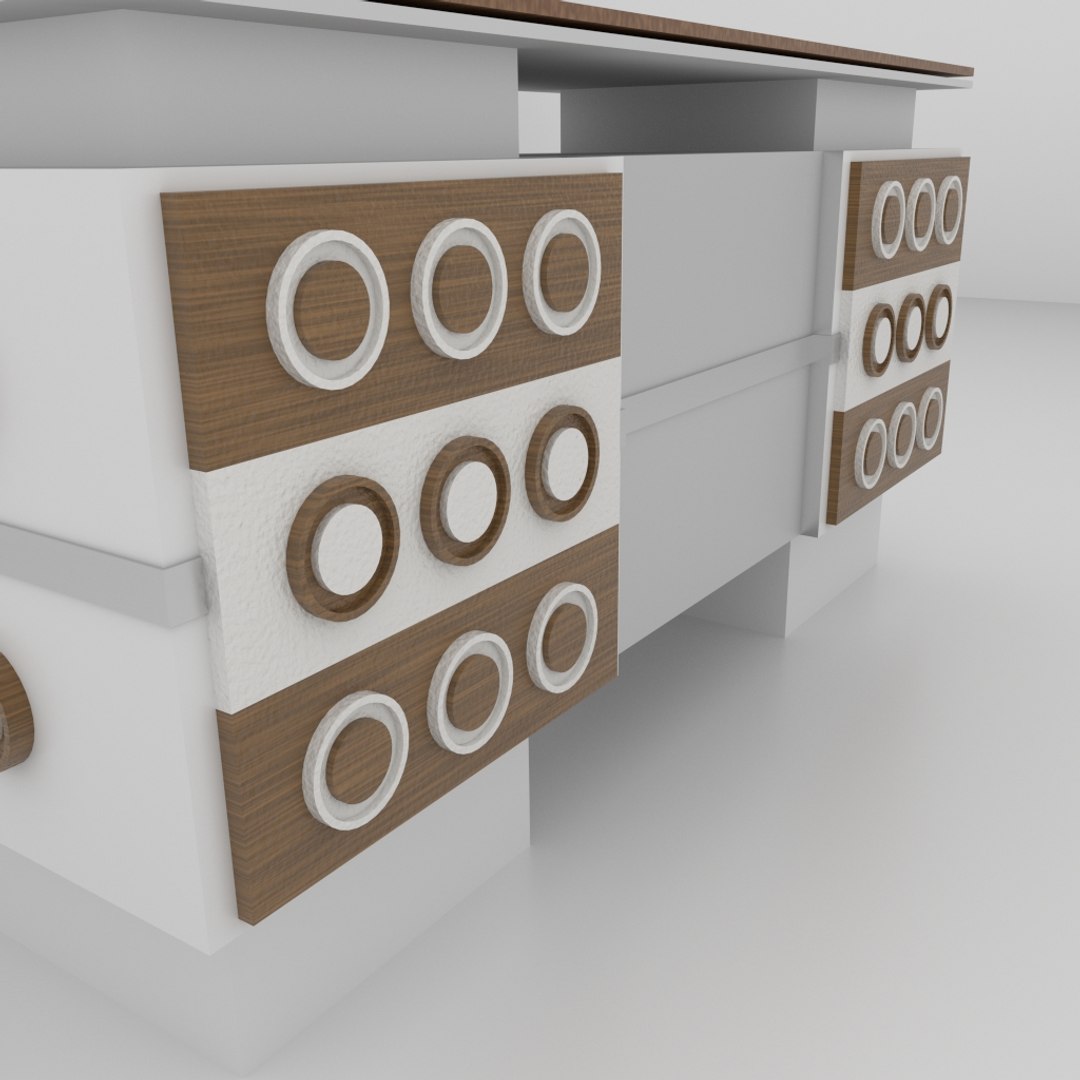
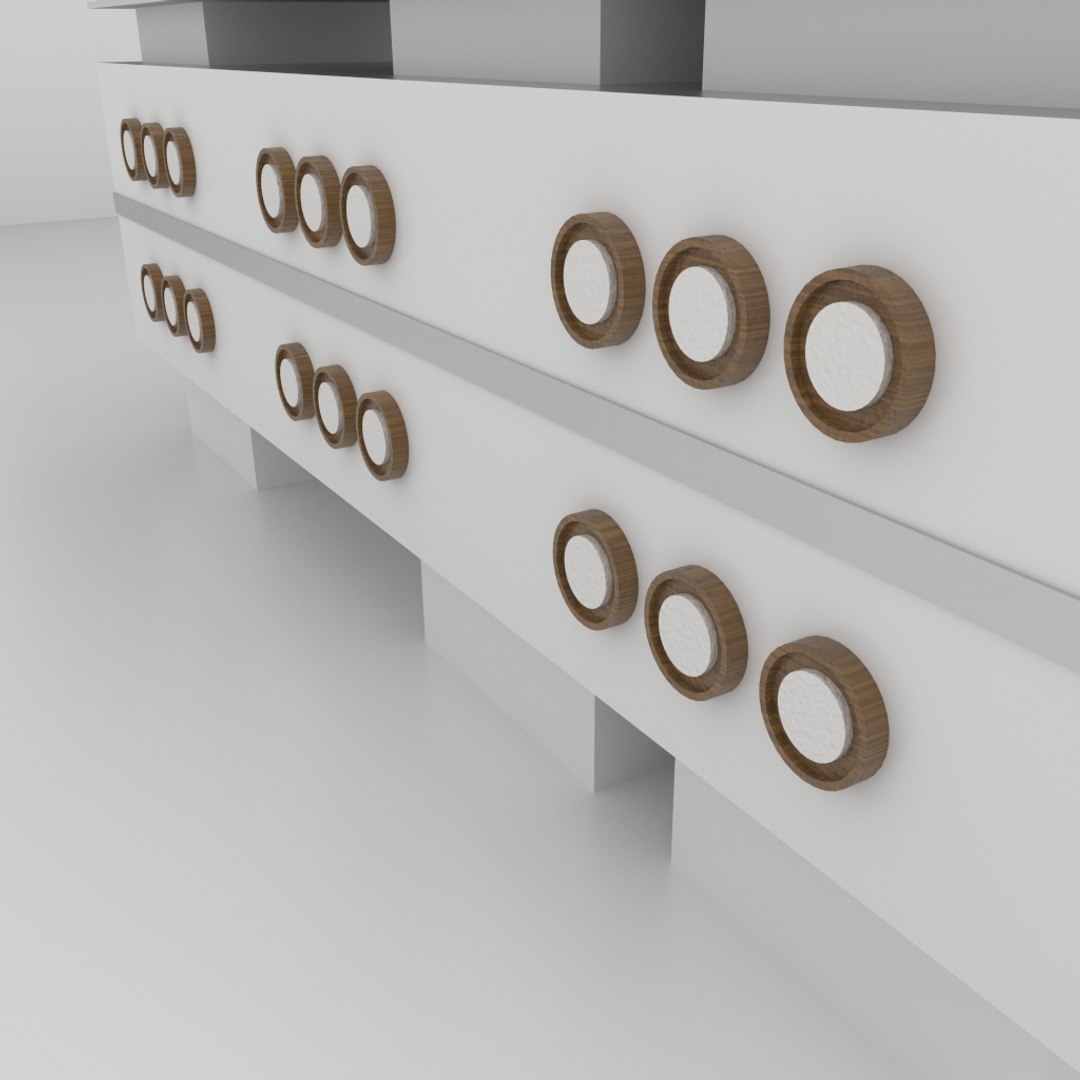
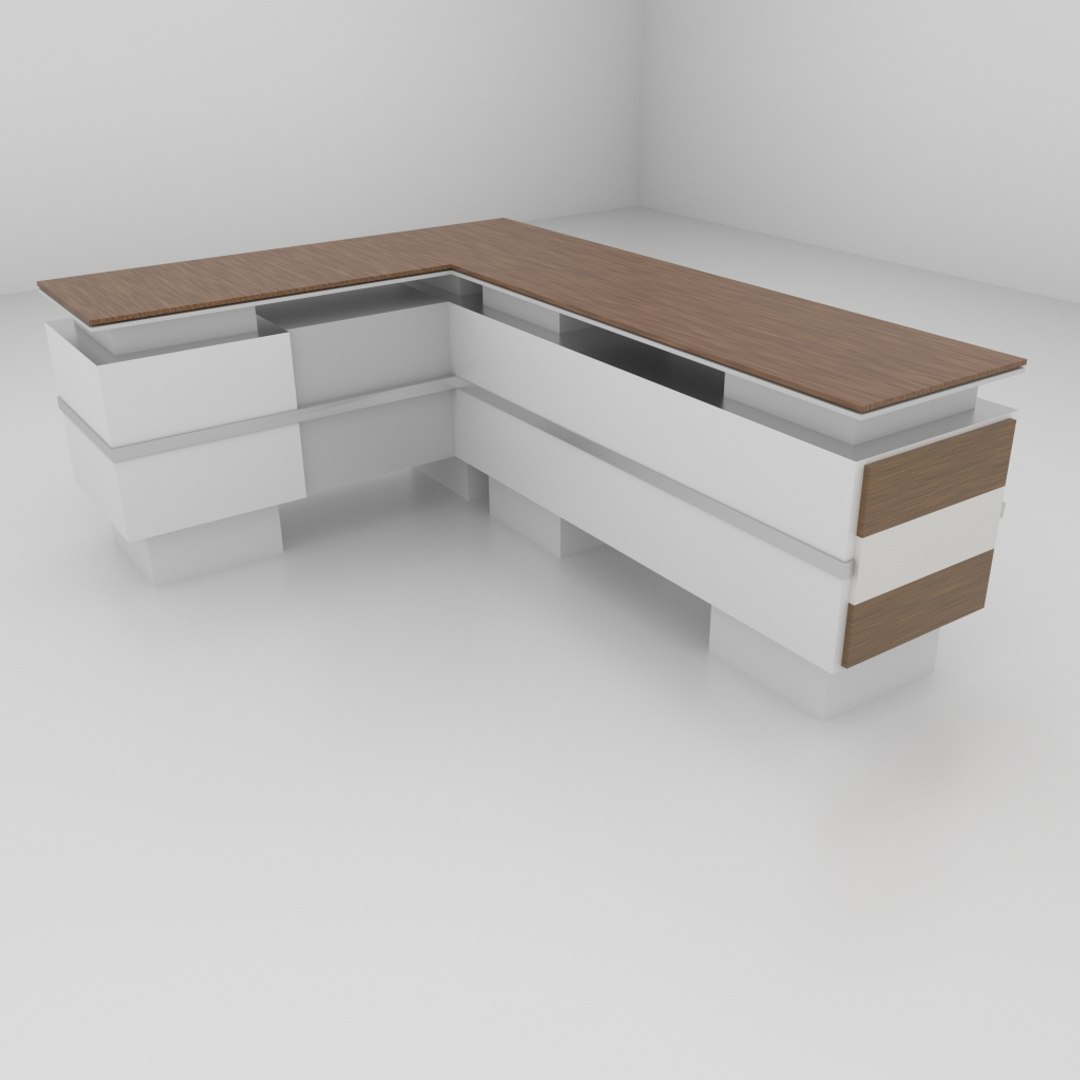
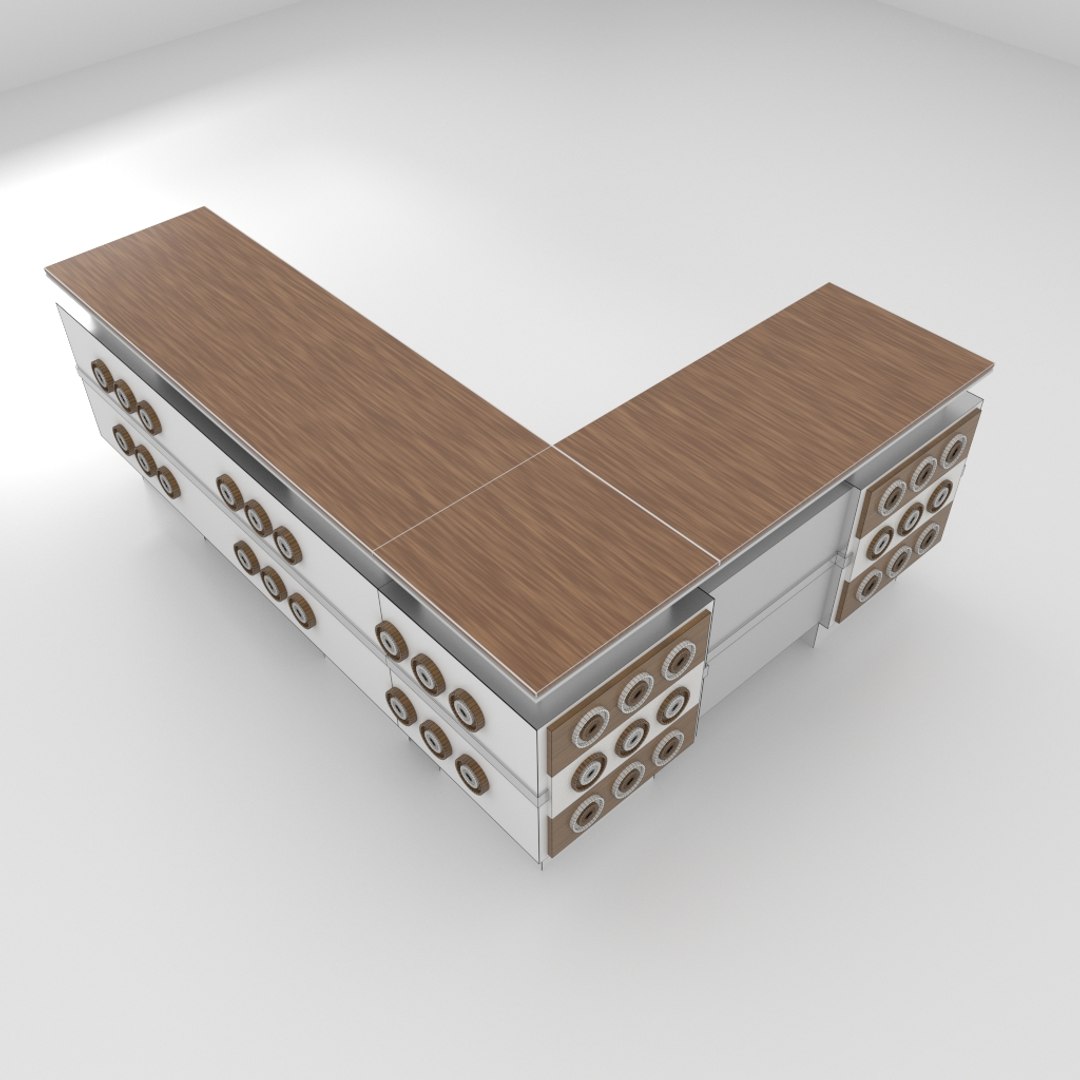
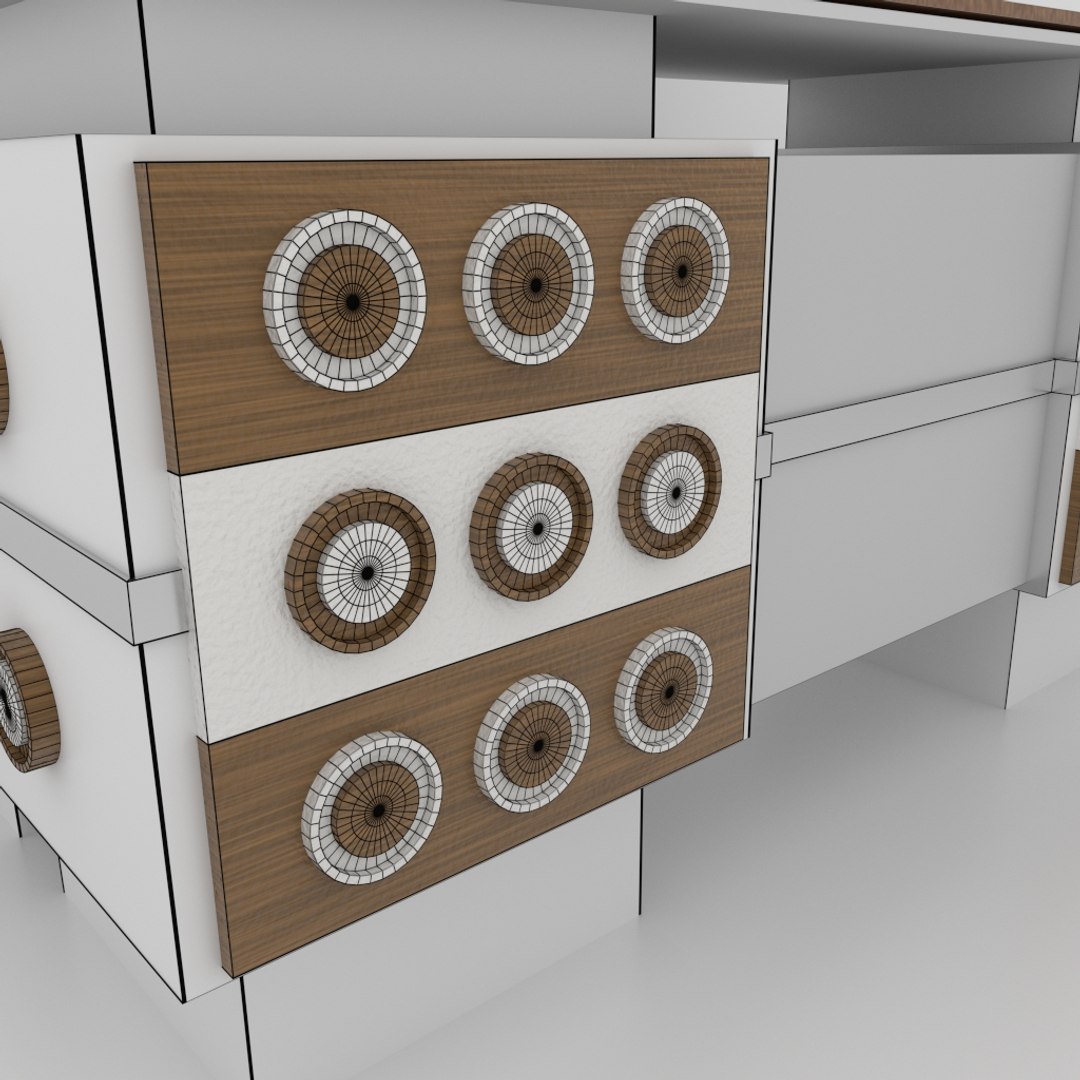
A simple wood table with circular design. Made in blender and rendered in cycles. All textures are procedural.
It has been exported to various other formats as well. It will work in most cases, if not you can do one of the following three things --
1. contact turbosquid to convert the file to the format of your choice.
2. contact me so that i will experiment and fix the issue.
3. do it yourself by downloading and opening it in blender (its free), and then exporting it yourself by changing the settings.

Layer Contents -->
-- Layer 1 - Main table 3d model (most modifiers applied except subsurf in some cases)
-- Layer 11 - Chair 3d model copy (most modifiers not applied)
-- Layer 2 - Simple room, with window.
-- Layer 5 - Lights, portals etc.

** The poly count can be reduced by either lowering the no of subdivisions, or by using the decimate modifier in blender.
-- Note that the entire scene uses just procedural textures.
-- Accompanied are two procedurally generated HDR images. You can find them in the supporting items.


-- You can also check out my profile for other good quality products.

Select Enhanced License

  • $10,000 in Legal Protection (Indemnification)
  • Uncapped Legal Protection (Indemnification)
  • Waiver from injunctive relief
  • Assignable model rights
  • $1,000,000 in Legal Protection (Indemnification)
  • Waiver from injunctive relief
  • Assignable model rights
  • $250,000 in Legal Protection (Indemnification)
  • Assignable model rights
Read more about enhanced license tiers, or contact us at enterprise@turbosquid.com. Already a Shutterstock Enterprise Customer? Contact your Shutterstock Sales Support Agent to talk about adding 3D.

About Conversion Requests

To submit a conversion request for a purchased asset, please complete our Conversion Request Form.

If you have not yet purchased a model, please review our Documentation about Conversions to learn about what limitations you may encounter with a conversion.

For any additional questions about a model’s suitability for conversion, please contact TurboSquid Support.

Loading...