
Bic Lighter Pack

$39

Standard License | Upgrade License
Editorial Uses Only
Formats (5)
Free file format Conversions available
Native | 3ds Max 2009 | V-Ray 1.50 sp2
3ds Max 2009 | Default Scanline
3ds Max 2009 | mental ray
OBJ
FBX
Other Files
readme.txt
Specifications
Publish Date December 06, 2011
Product ID 642941
Polygons 2,677
Vertices 2,994
Polygonal Quads/Tris Geometry
Textures
Materials
UV Mapped
TurboSquid Exclusive

member avatar
3OID
26 Products | Contributor Since 2011
Have questions? Chat with us now.

Description

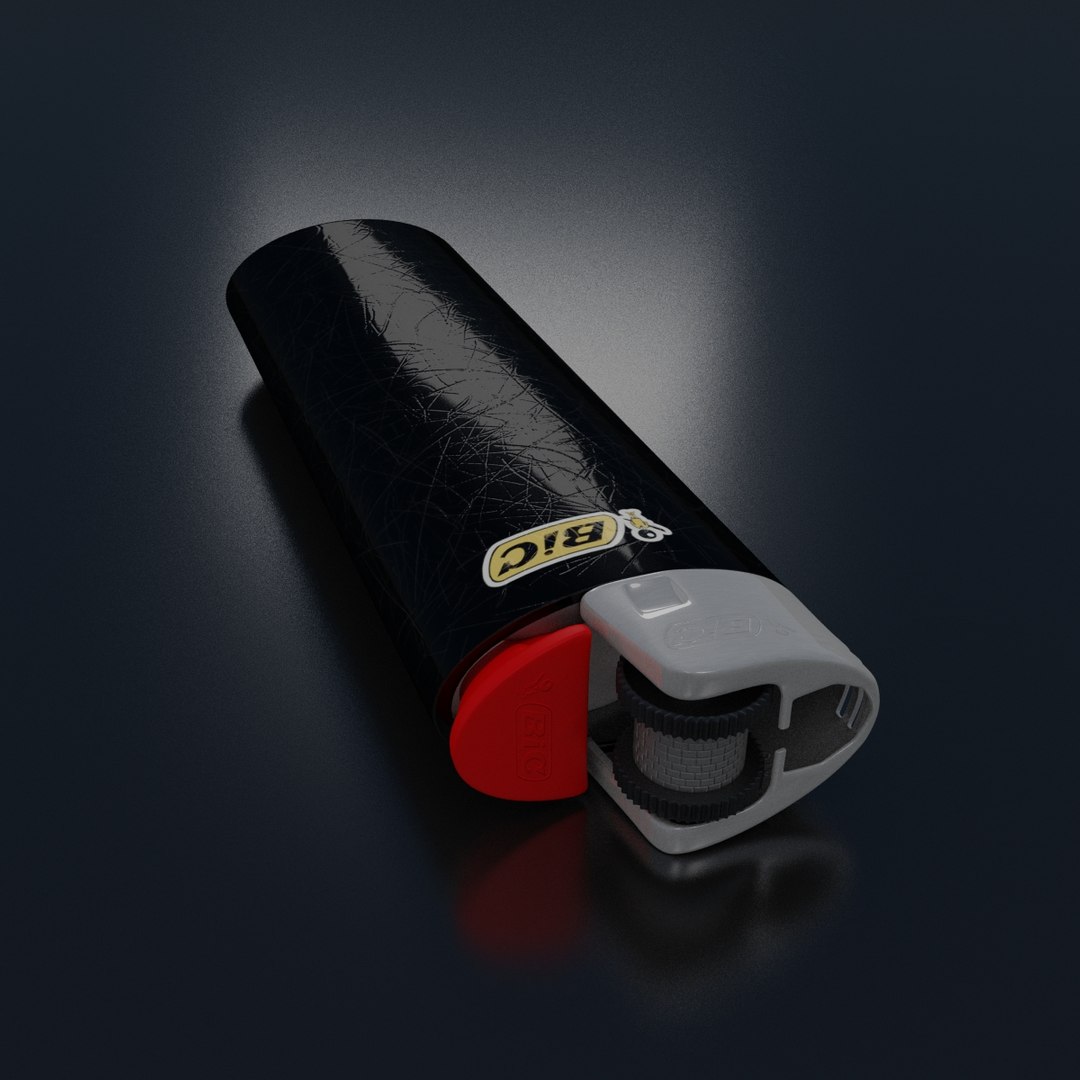
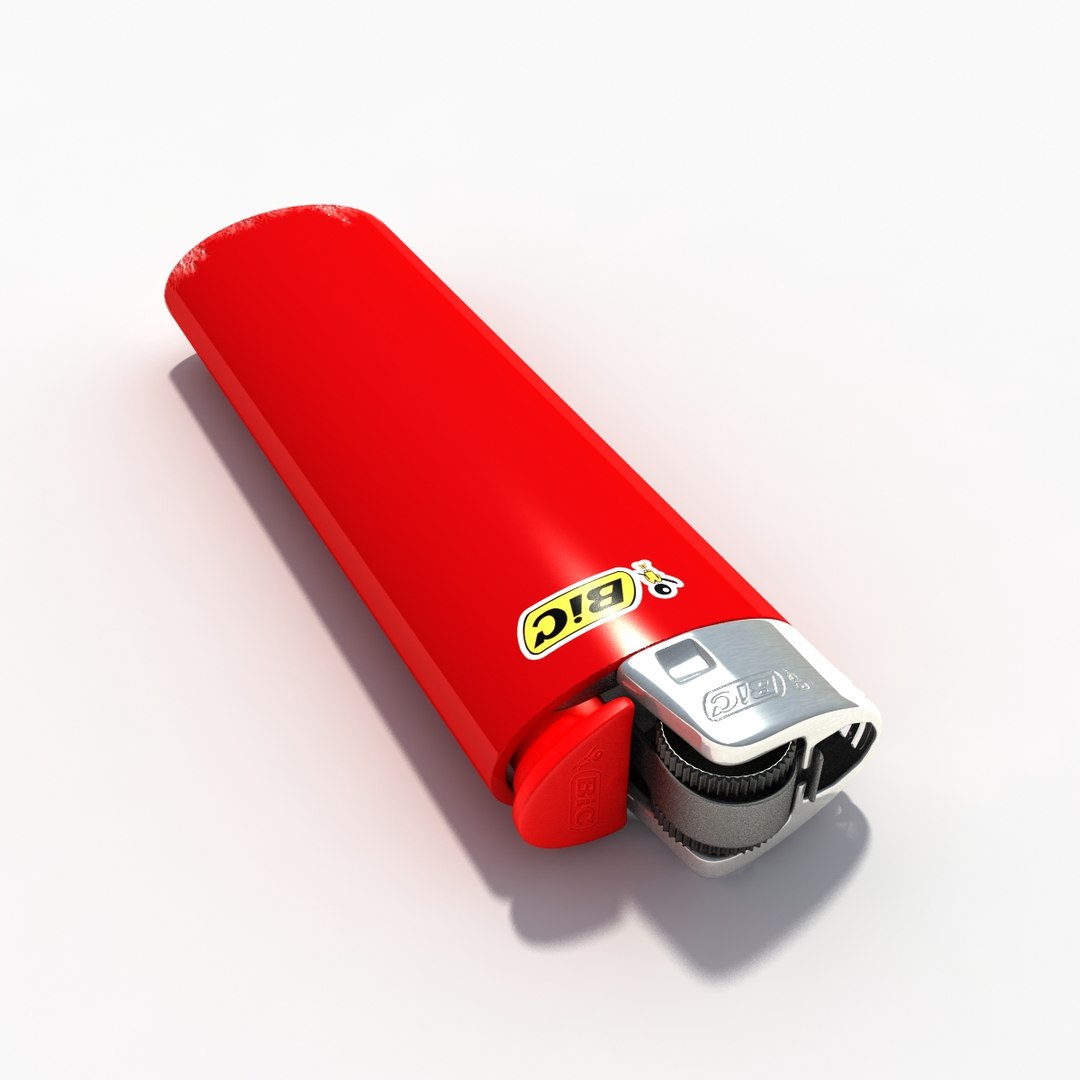
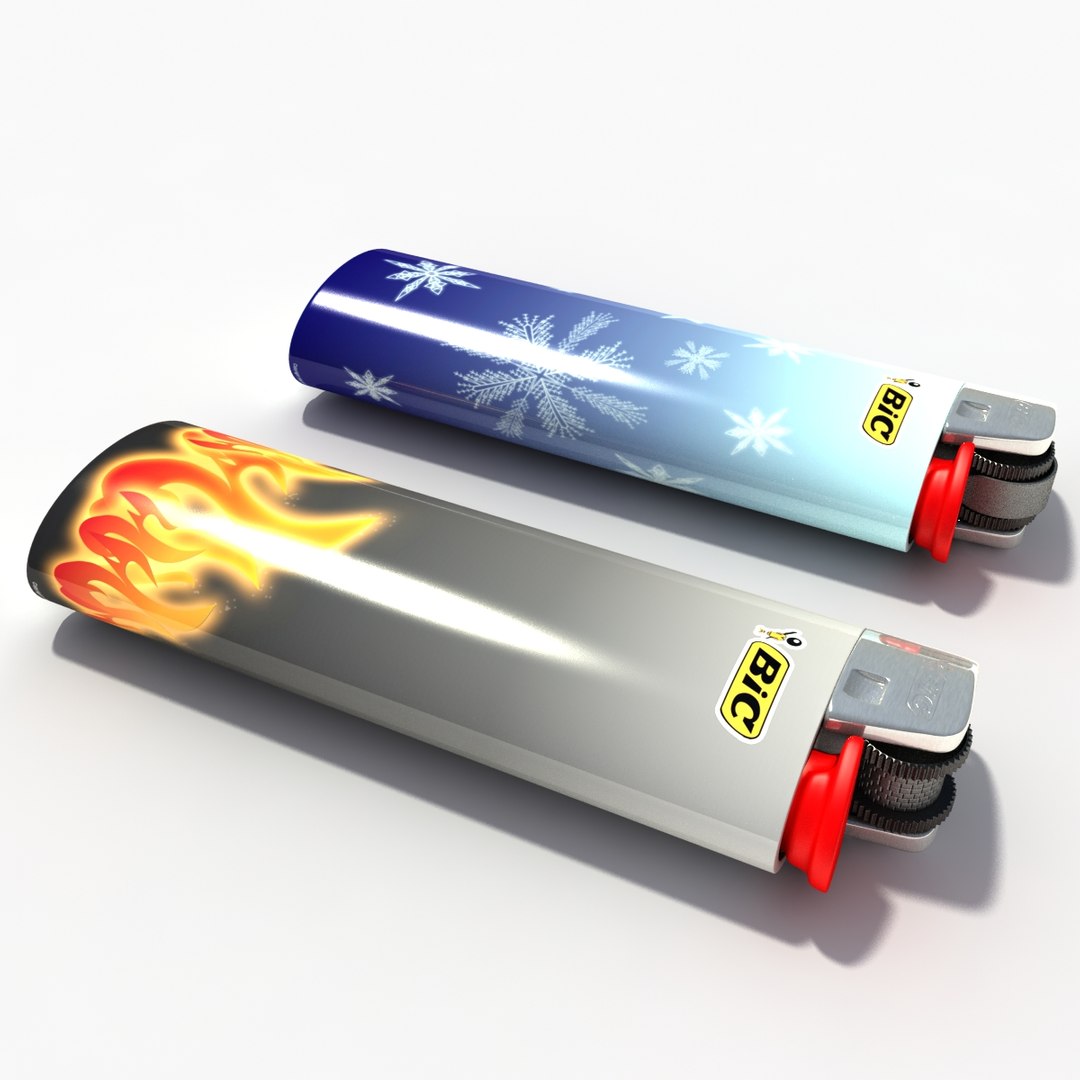
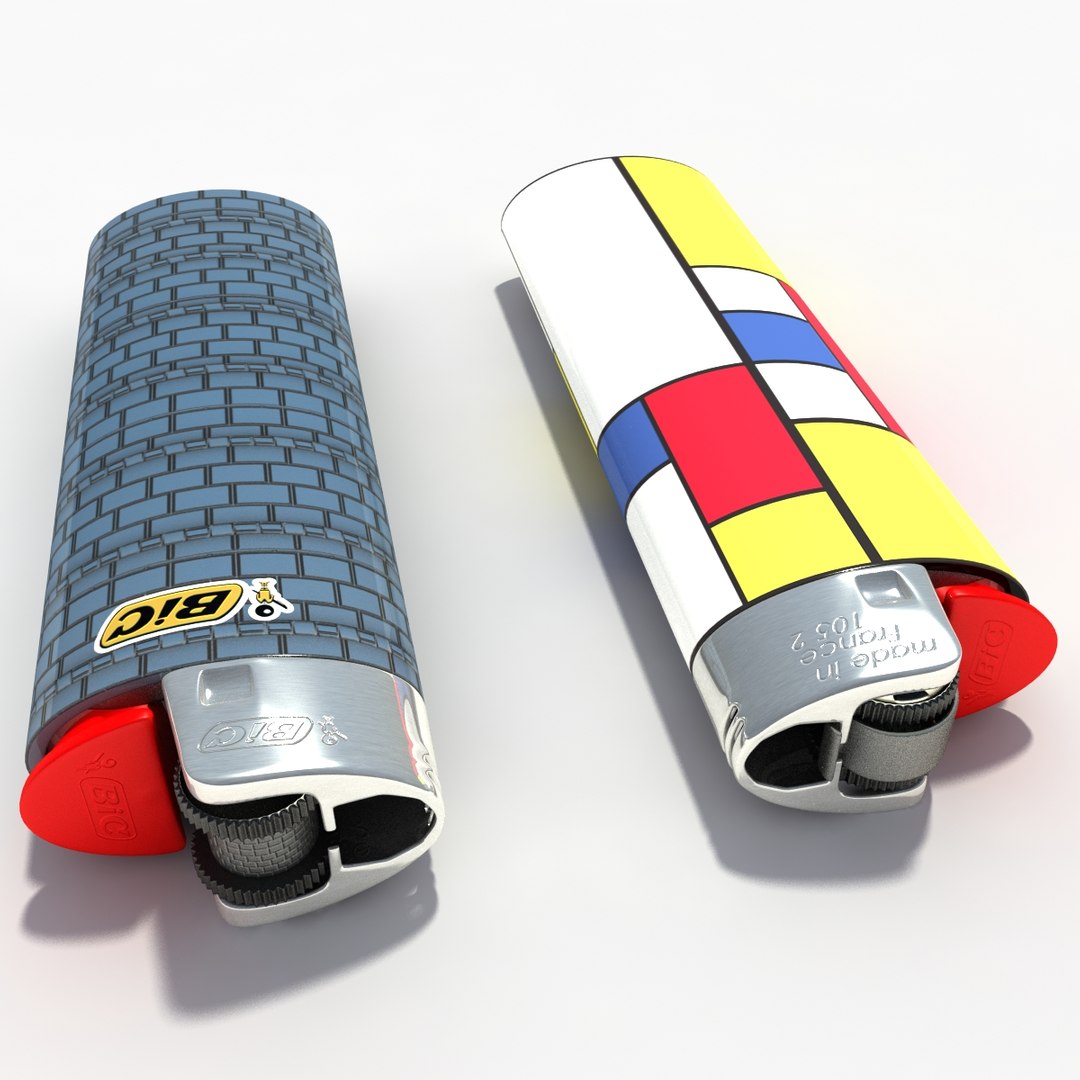
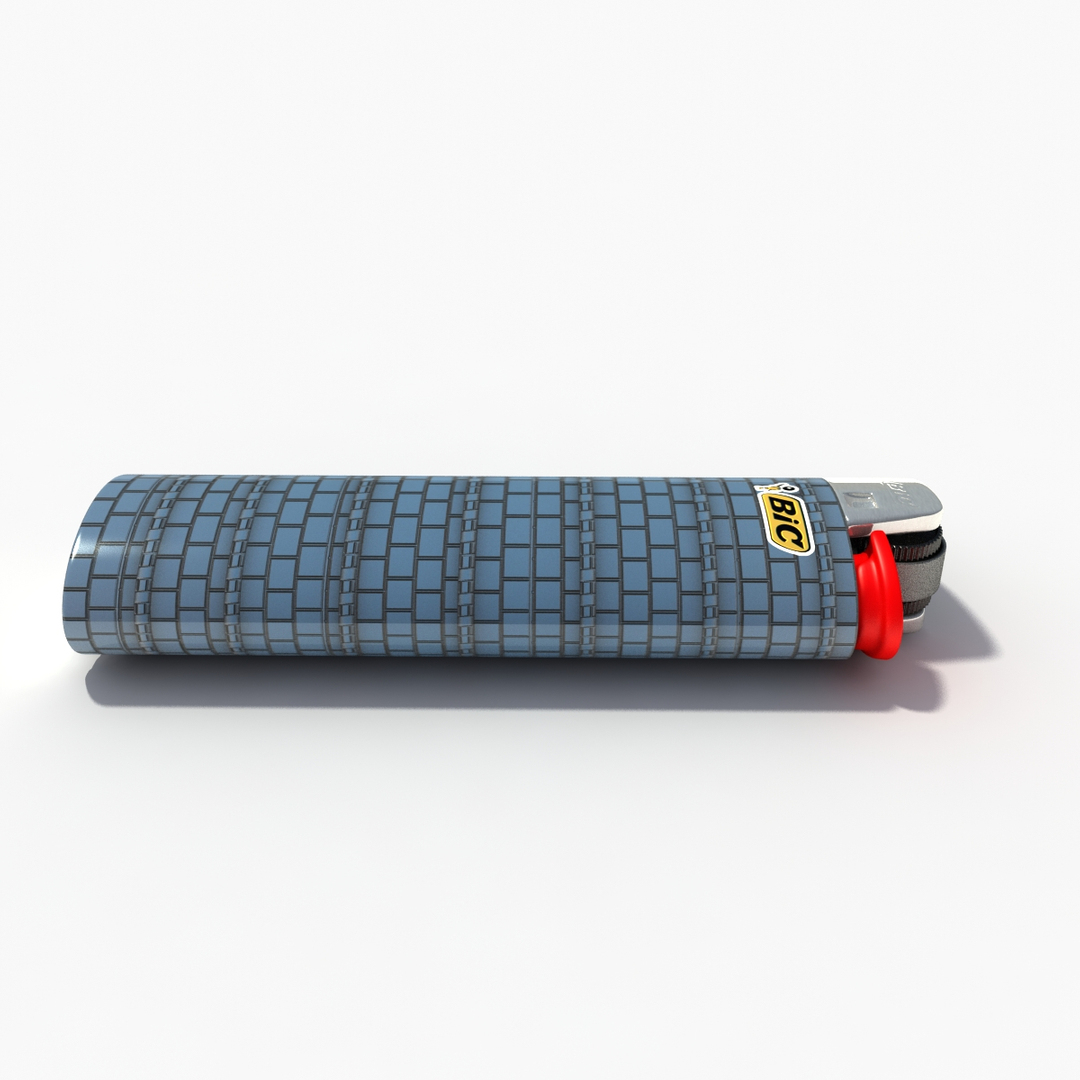
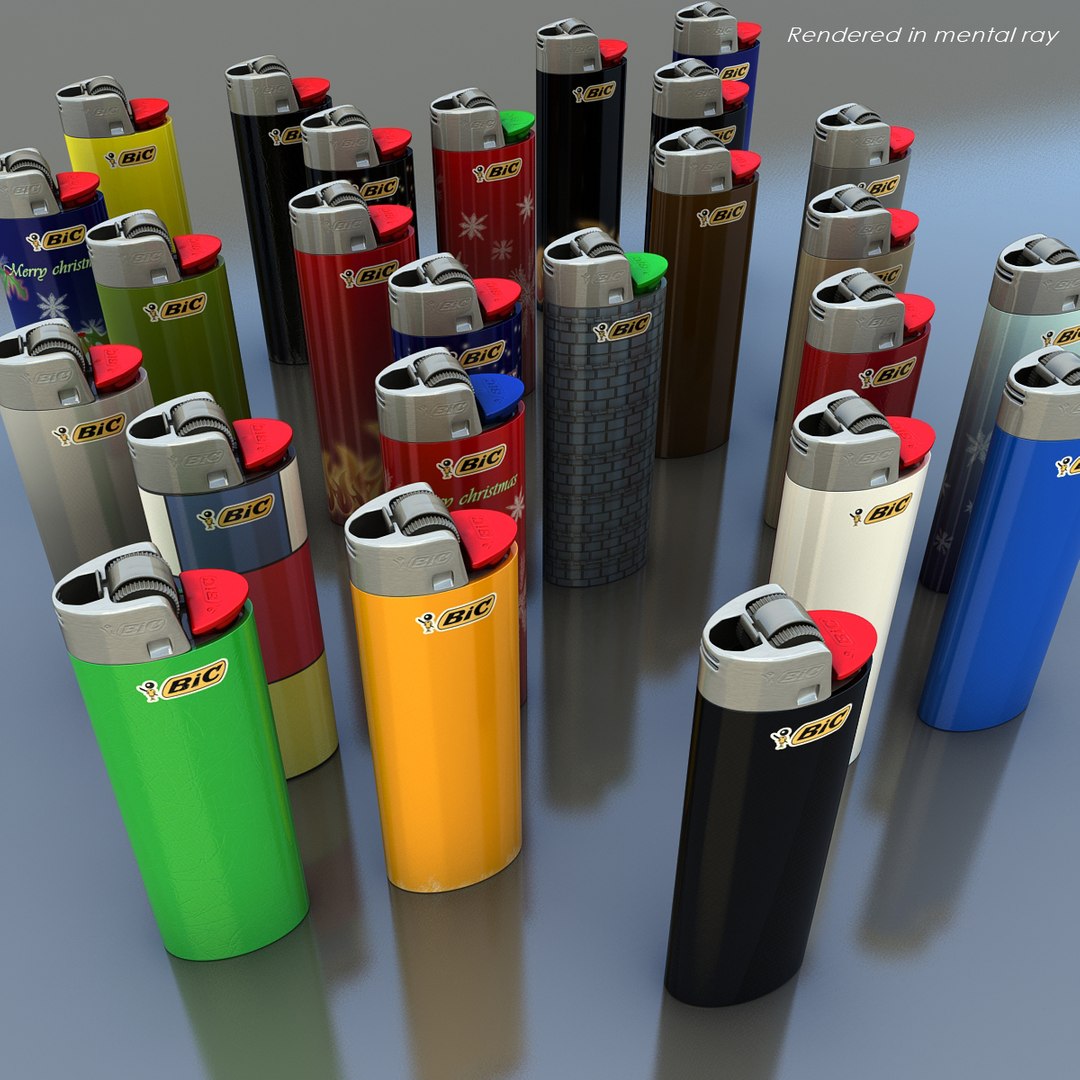
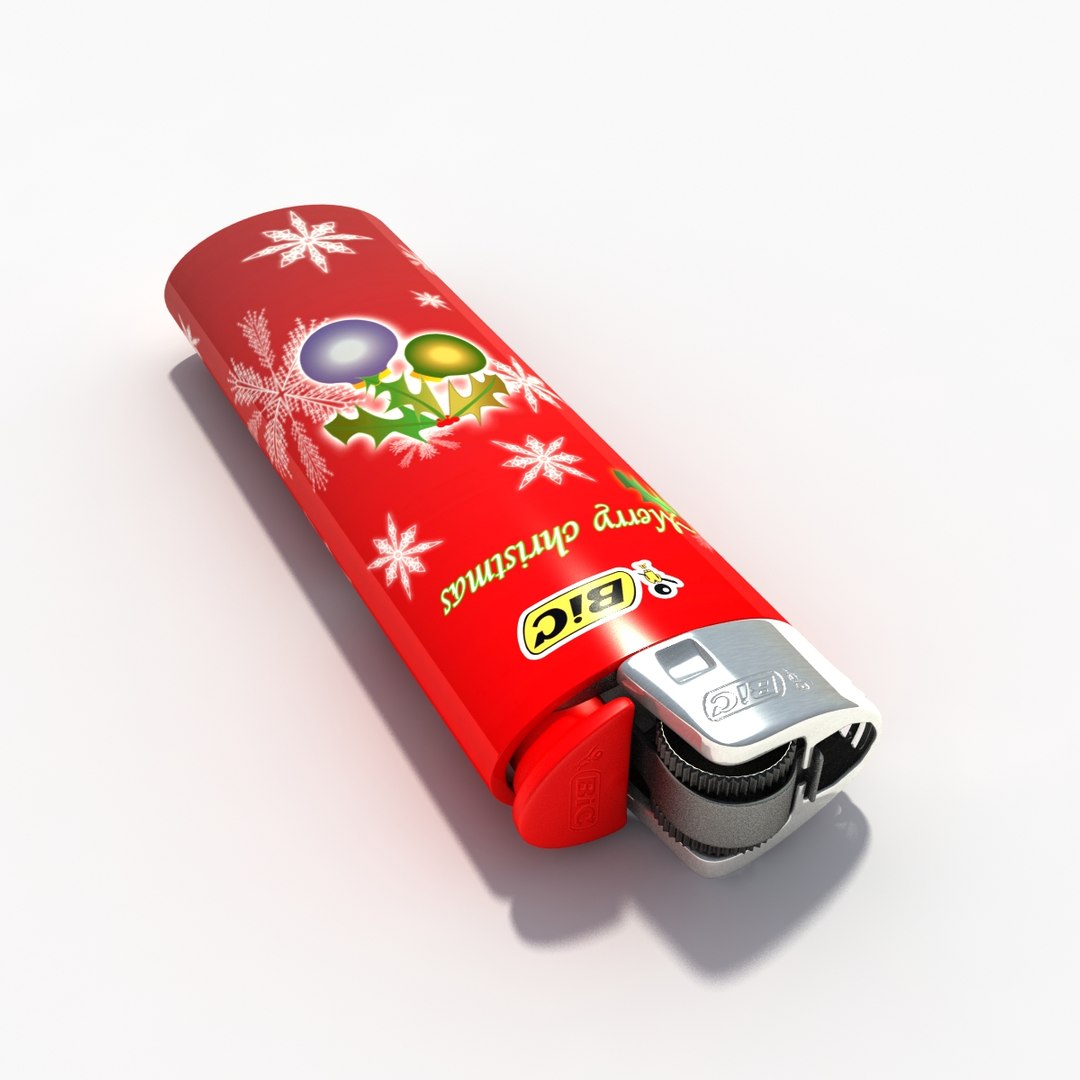
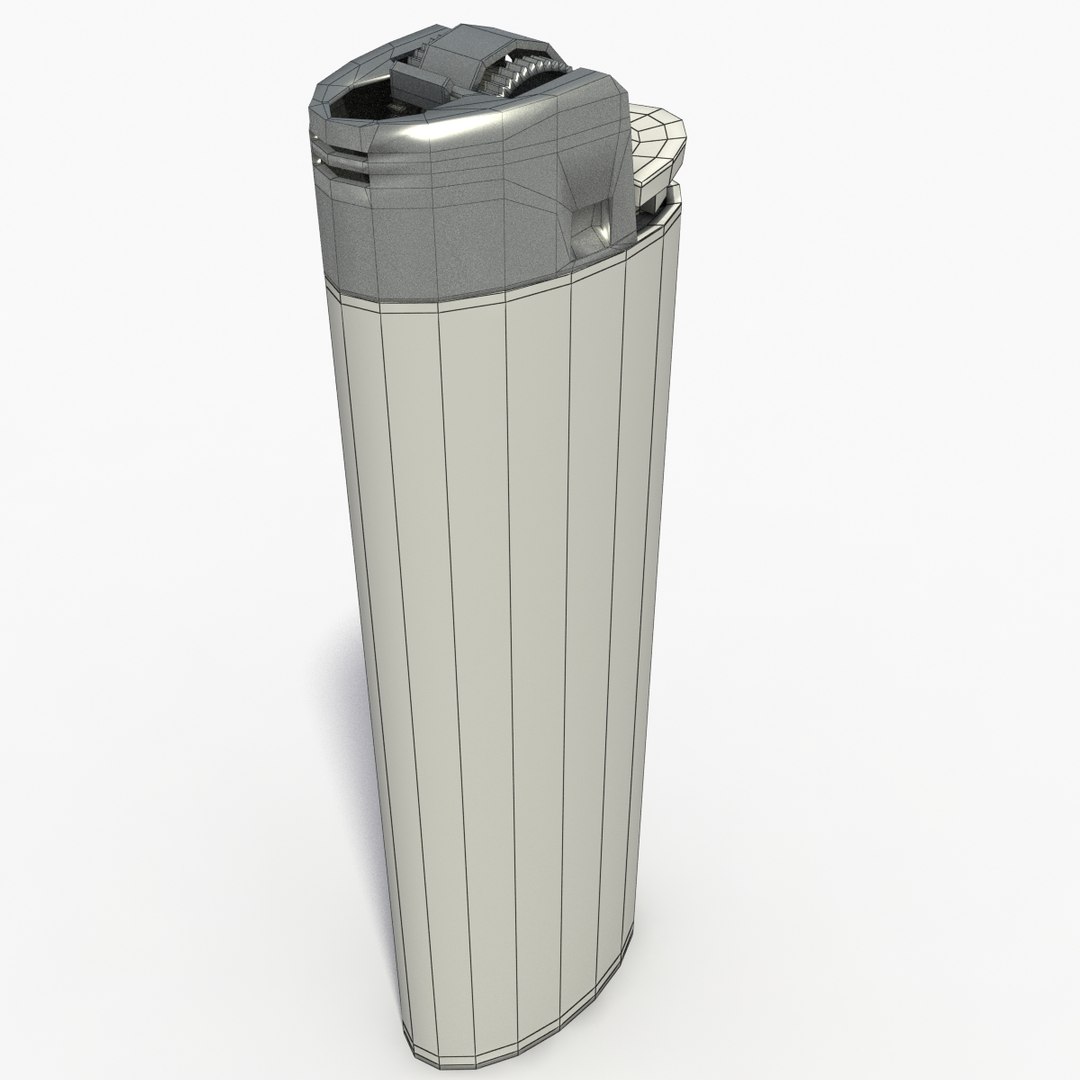
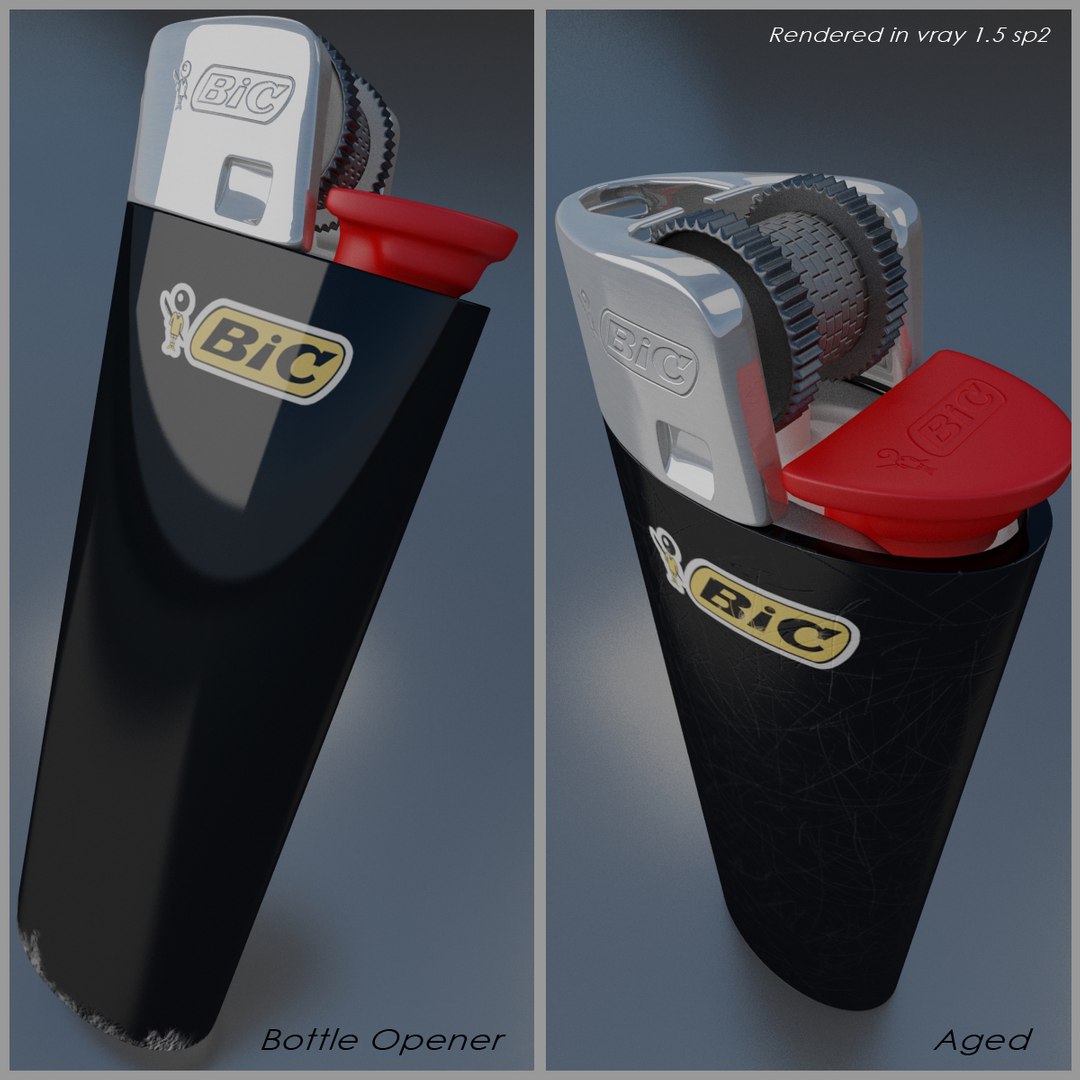
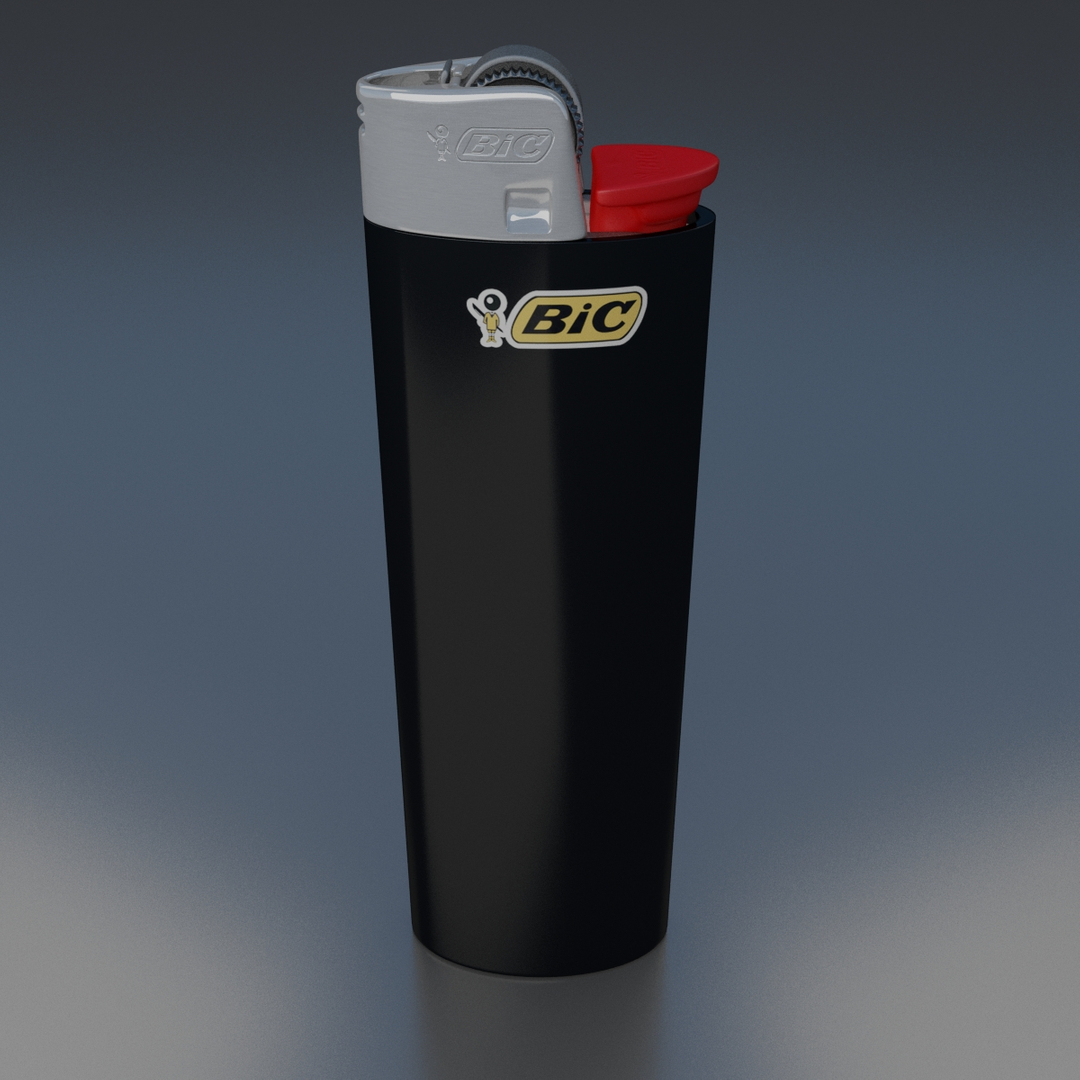
A Bic lighter for Vray and Mental ray that has many texture options, 4 models with different subdivions and a grouped model containing all seperate parts with modifiers. The polycount in the discription is the count of the lowest model.

Low:
polys:2677
verts:2994

Mid:
polys:7128
verts:7727

High-1:
Polys:26247
verts:26733

High-2:
Polys:63738
verts:64353

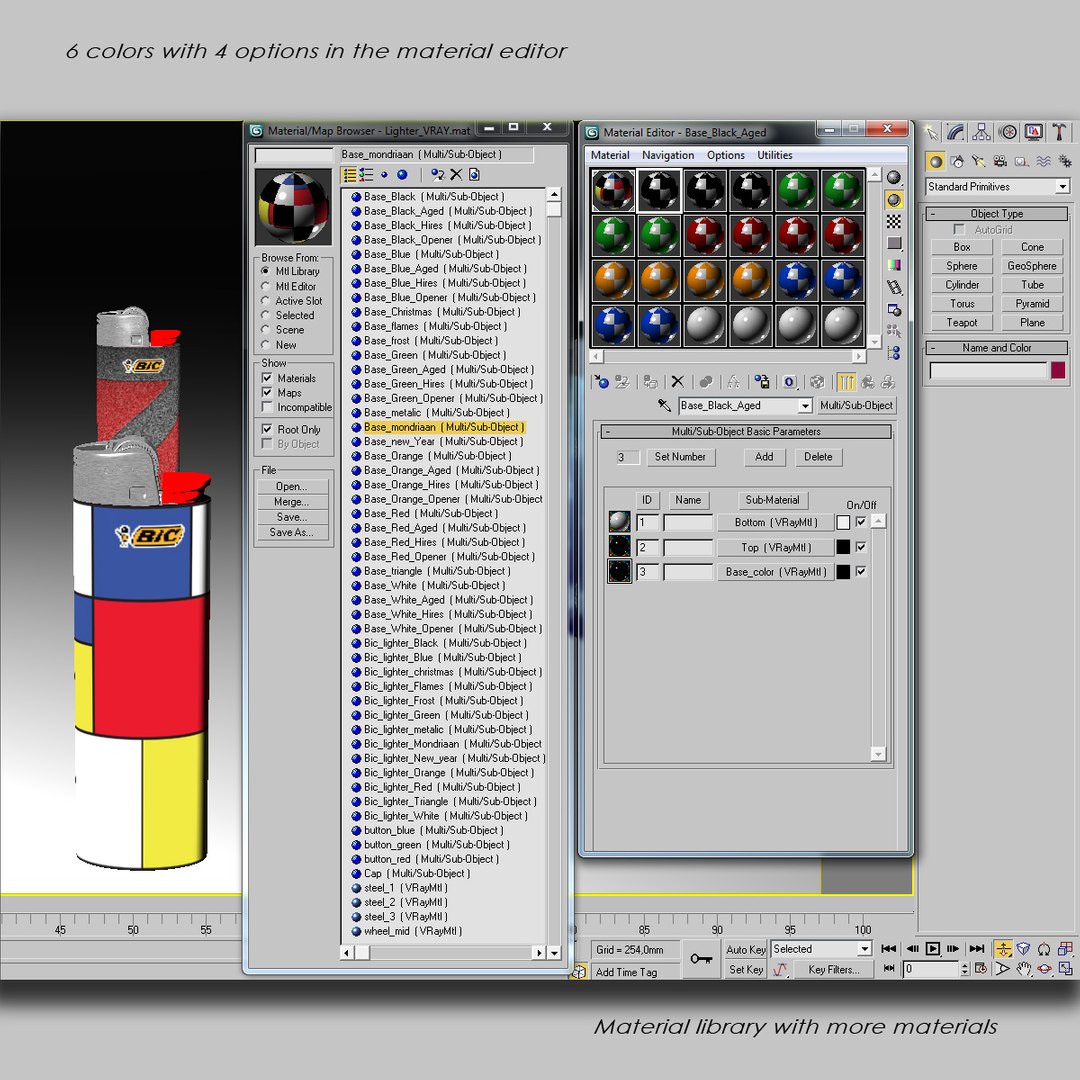
The scene comes with 6 color varations in the material editor who each have 4 material options (normal, aged, bottle opener and Hires)

The textures for the base are 1300 x 1400 pixels except for the hi-resmap which is 3000 x 3231.

Aditional materials are located within the included material library.

A bonus folder with even more textures is also within this product but you have to put those textures in the right slots (not within the library).

Render scenes are also included (The ones that say rendered in vray or mental ray)

A scanline scene with a high poly model (black base and textures) is also present but without material options (textures have to be put in the right target slots manualy).

Select Enhanced License

  • $10,000 in Legal Protection (Indemnification)
  • Uncapped Legal Protection (Indemnification)
  • Waiver from injunctive relief
  • Assignable model rights
  • $1,000,000 in Legal Protection (Indemnification)
  • Waiver from injunctive relief
  • Assignable model rights
  • $250,000 in Legal Protection (Indemnification)
  • Assignable model rights
Read more about enhanced license tiers, or contact us at enterprise@turbosquid.com. Already a Shutterstock Enterprise Customer? Contact your Shutterstock Sales Support Agent to talk about adding 3D.

About Conversion Requests

To submit a conversion request for a purchased asset, please complete our Conversion Request Form.

If you have not yet purchased a model, please review our Documentation about Conversions to learn about what limitations you may encounter with a conversion.

For any additional questions about a model’s suitability for conversion, please contact TurboSquid Support.

Loading...