Oasis_Day&night

$299

Standard License | Upgrade License
Editorial Uses Only
Formats (1)
Free file format Conversions available
Native | 3ds Max 2009 | V-Ray 1.5
Previews

Download a preview

Sign in or create a TurboSquid account to download preview files.

Selected file:

Other Files
Oasis_night_pro_rev1.zip resource_file.zip Cruise_ship_help.pdf
Specifications
Publish Date January 04, 2015
Product ID 883482
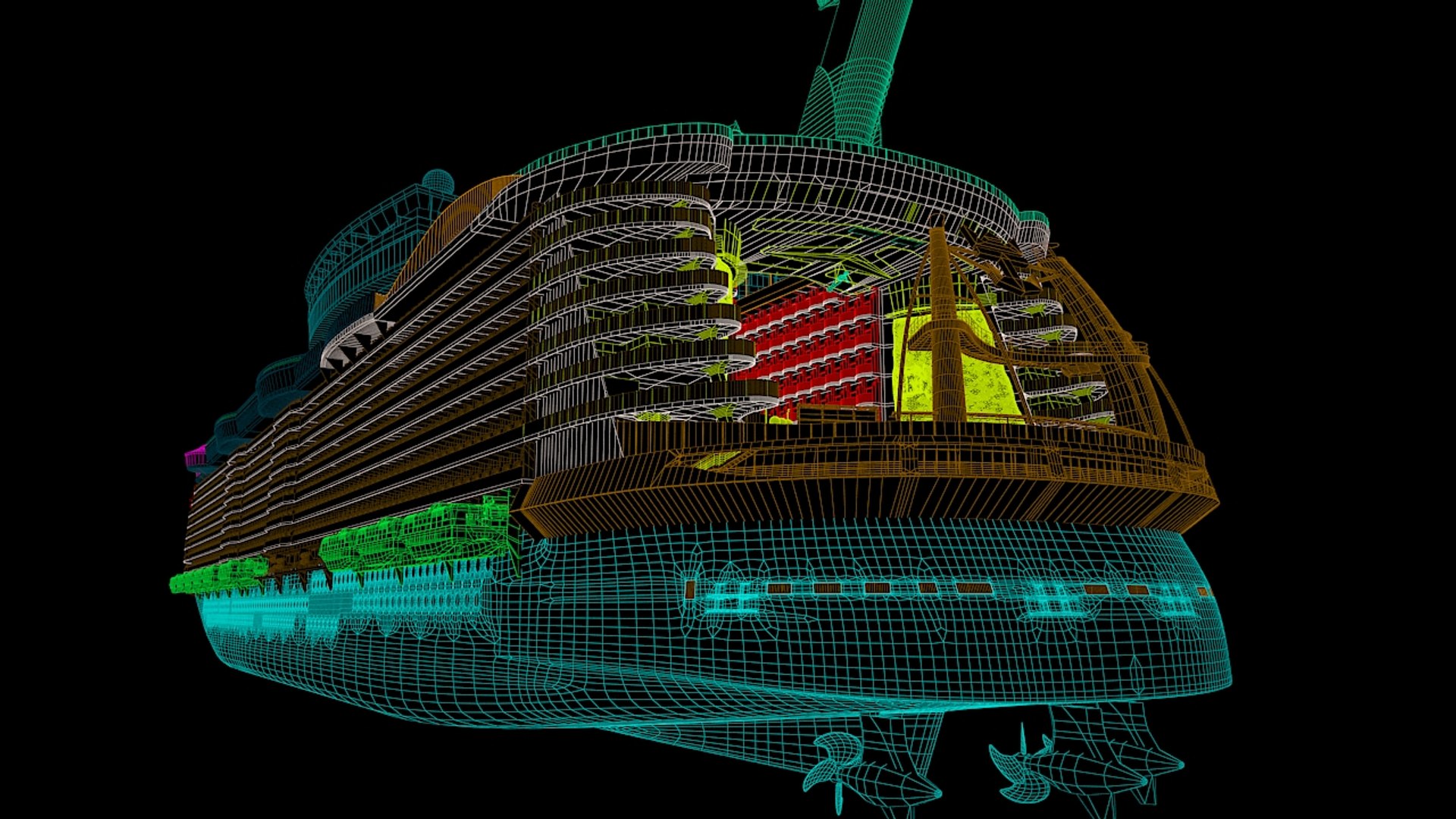
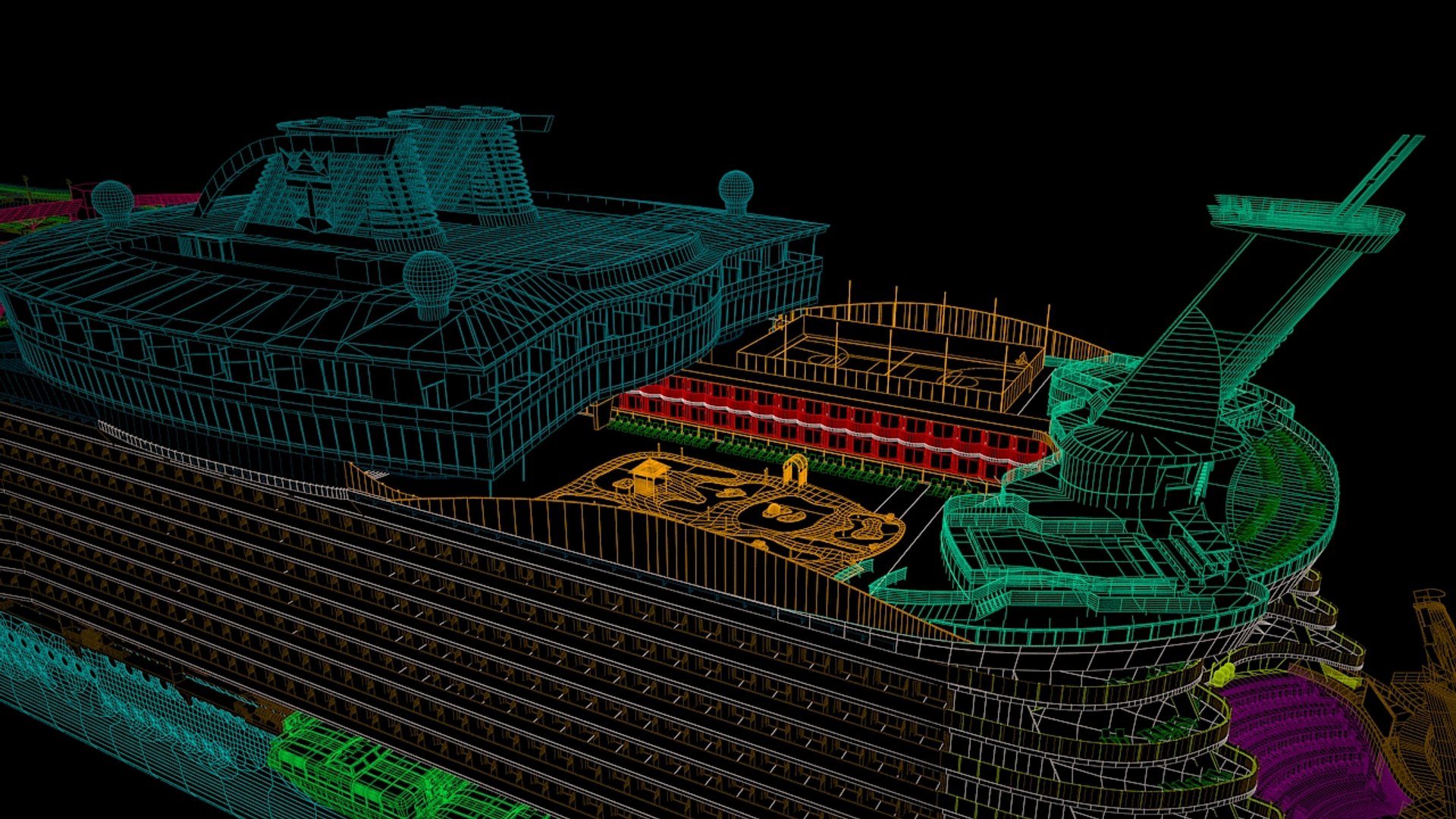
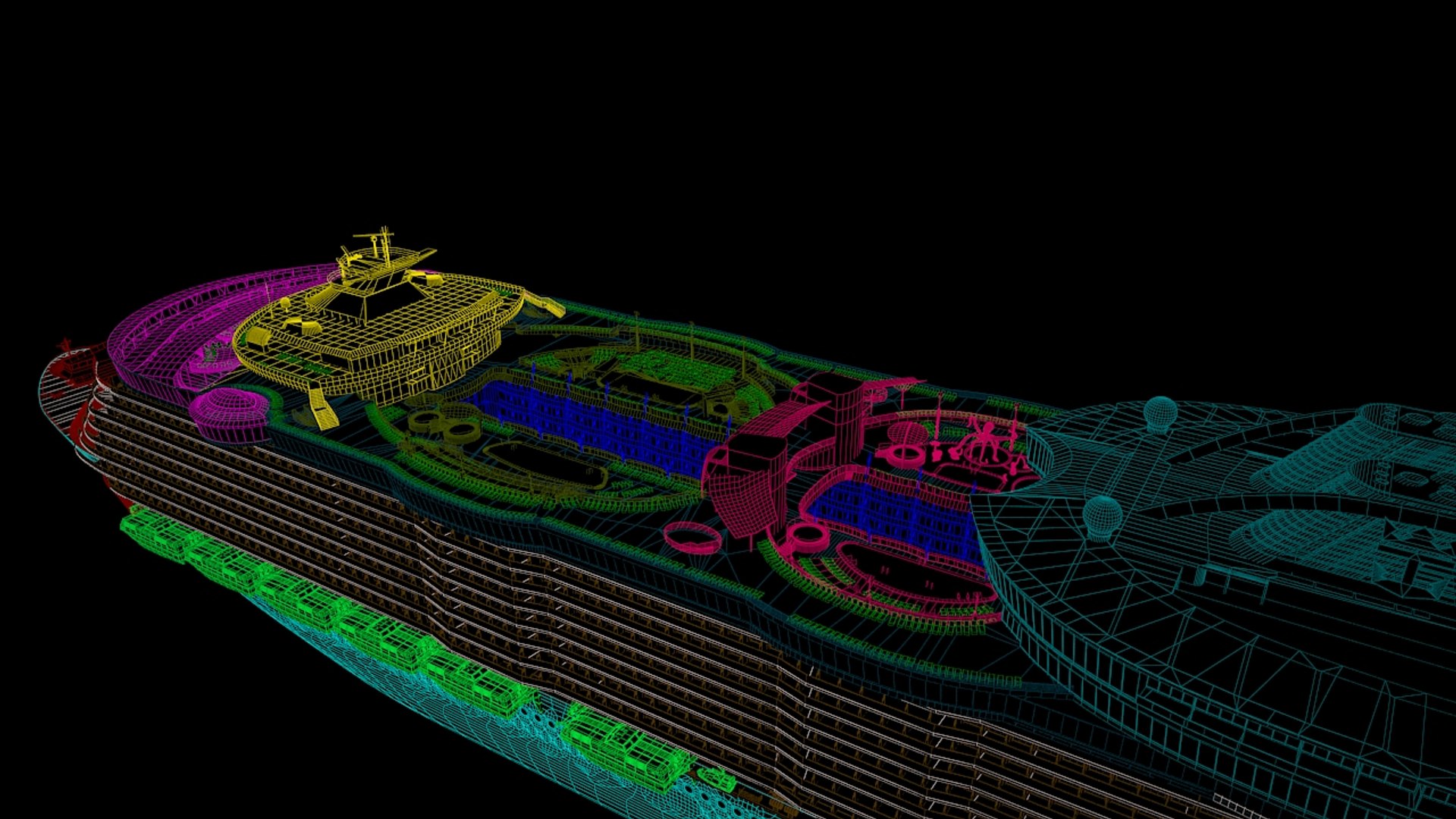
Polygons 1,853,468
Vertices 1,991,840
Polygonal
Textures
Materials
UV Mapped
Mixed Unwrapped UVs
Animated
TurboSquid Exclusive
member avatar
ACE_POLY
58 Products | Contributor Since 2003
Have questions? Chat with us now.

Description

3dsmax 2009 + Vray 1.5 .
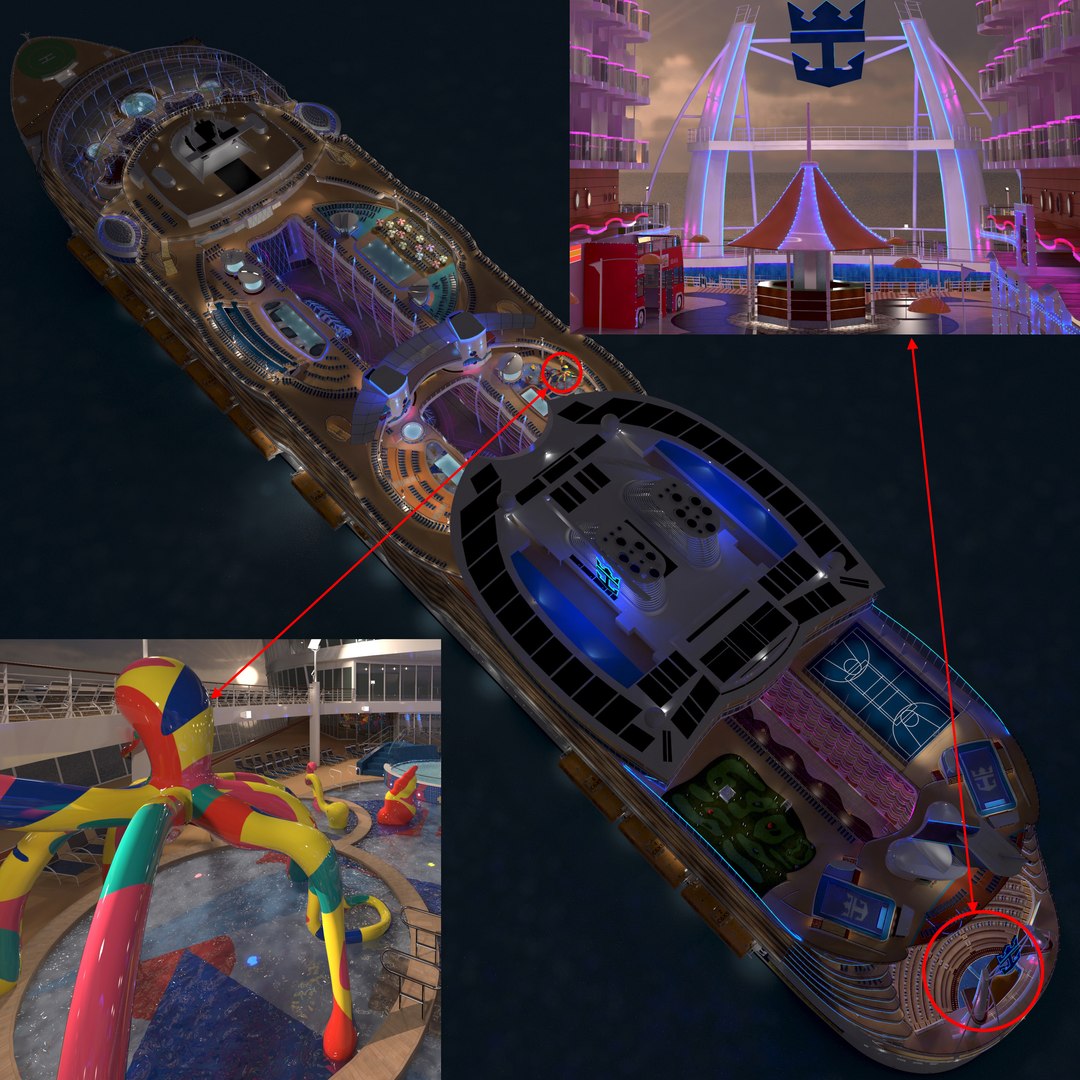
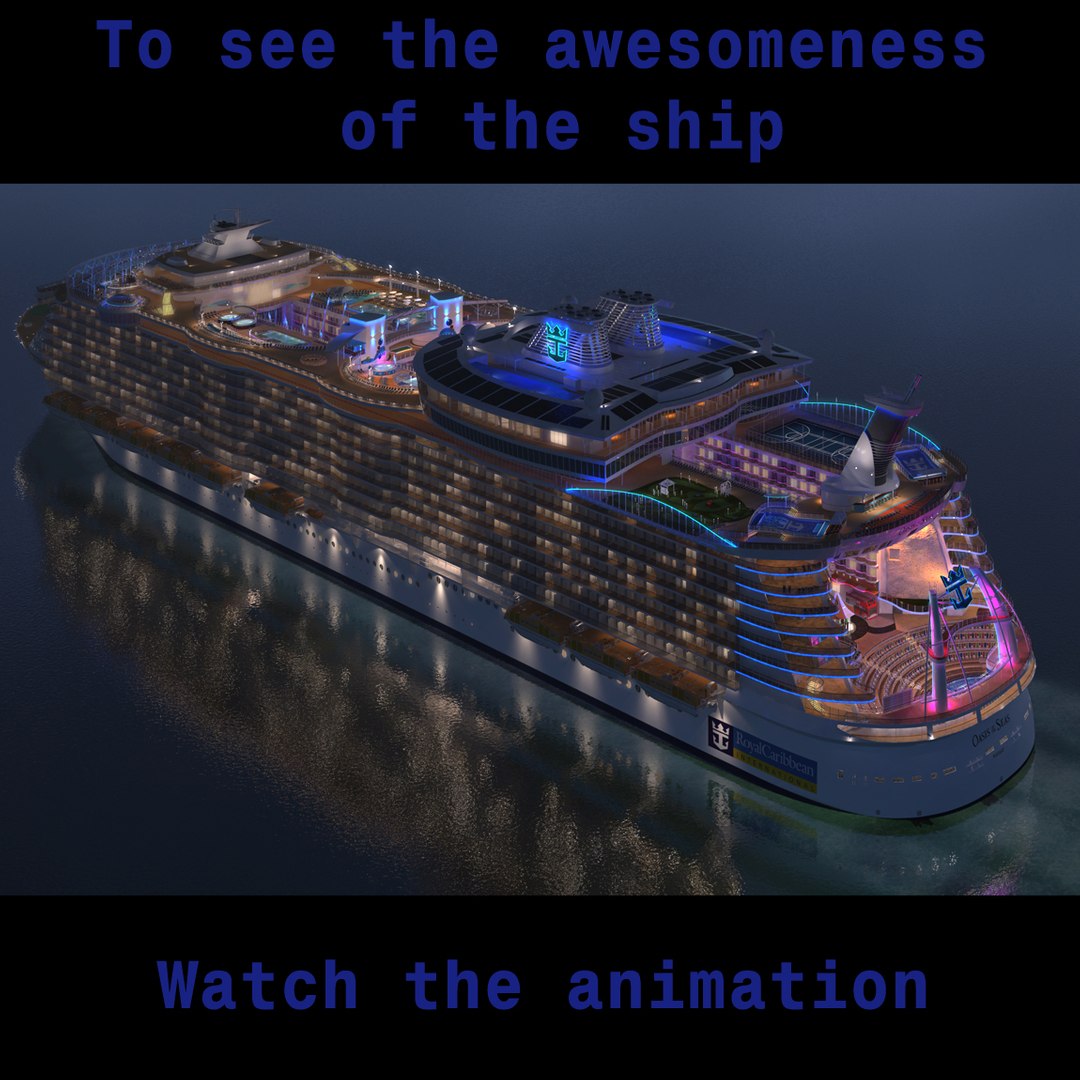
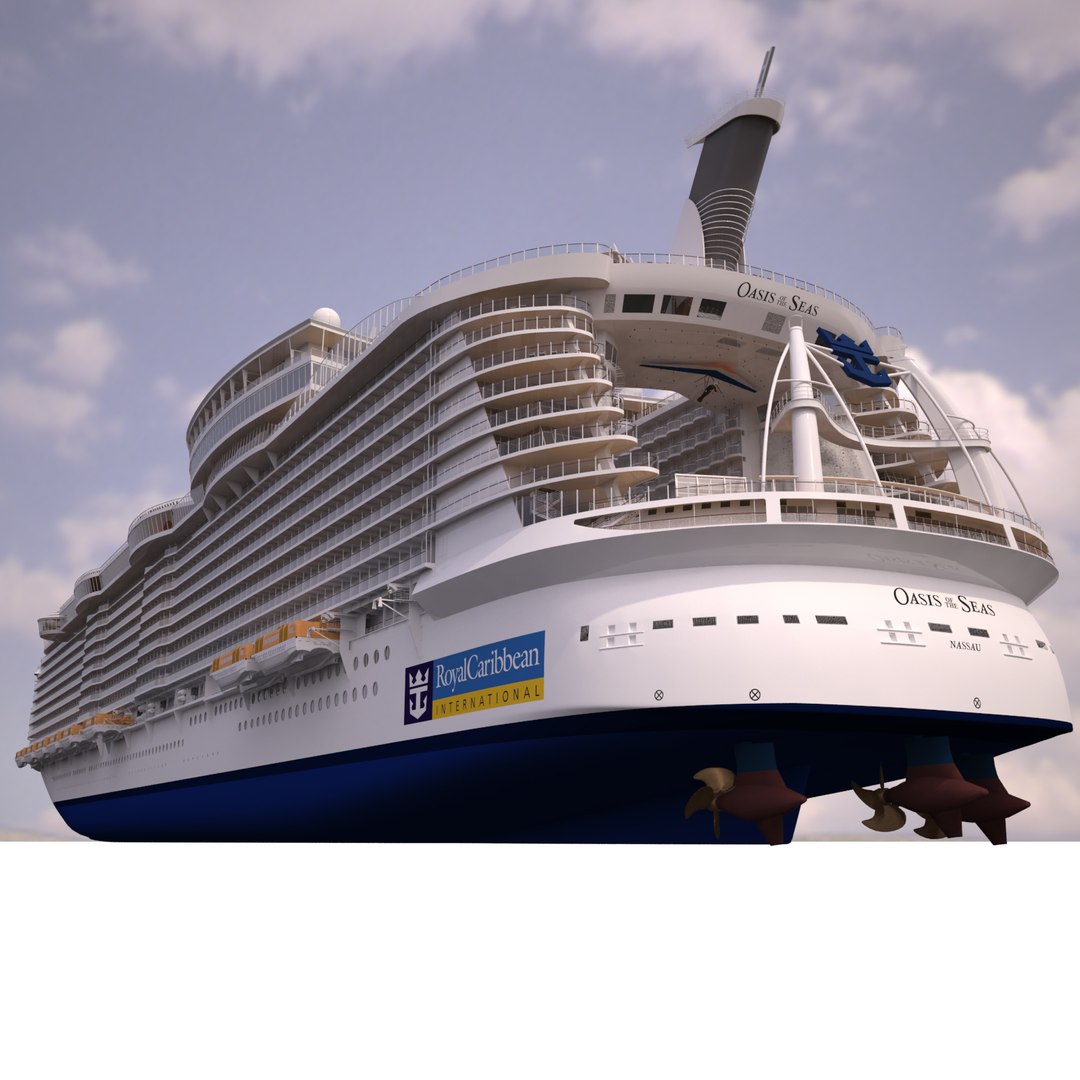
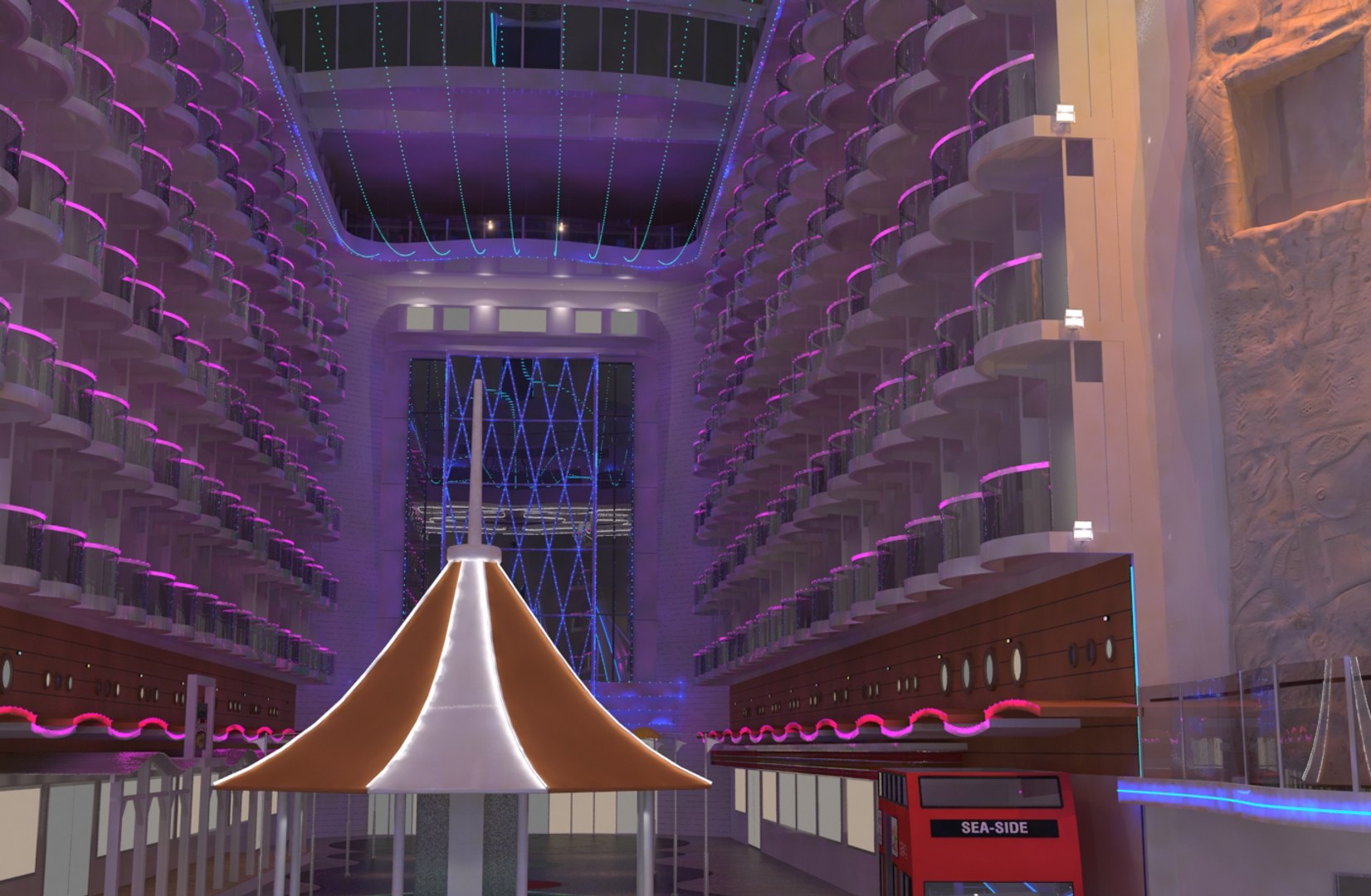
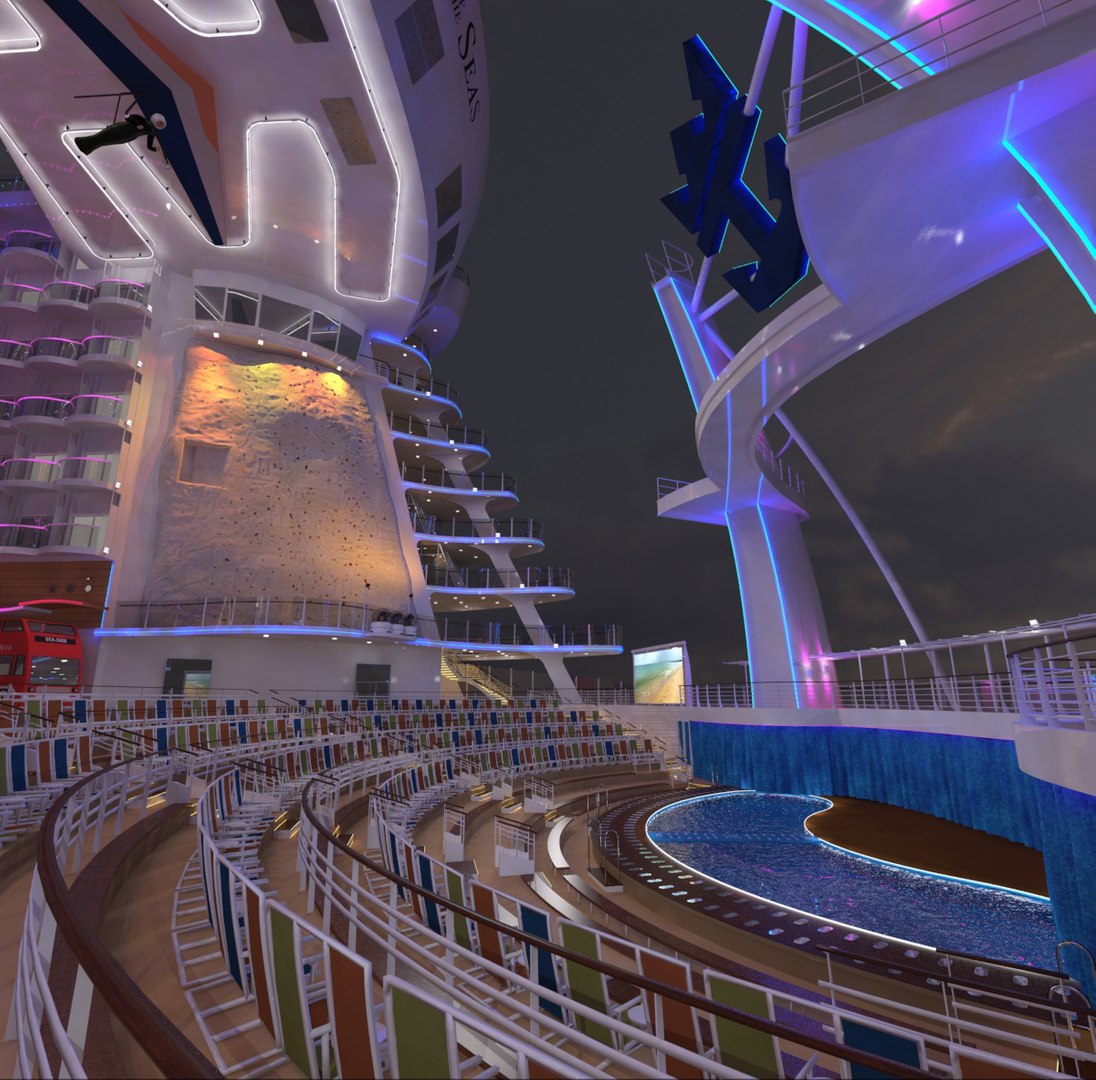
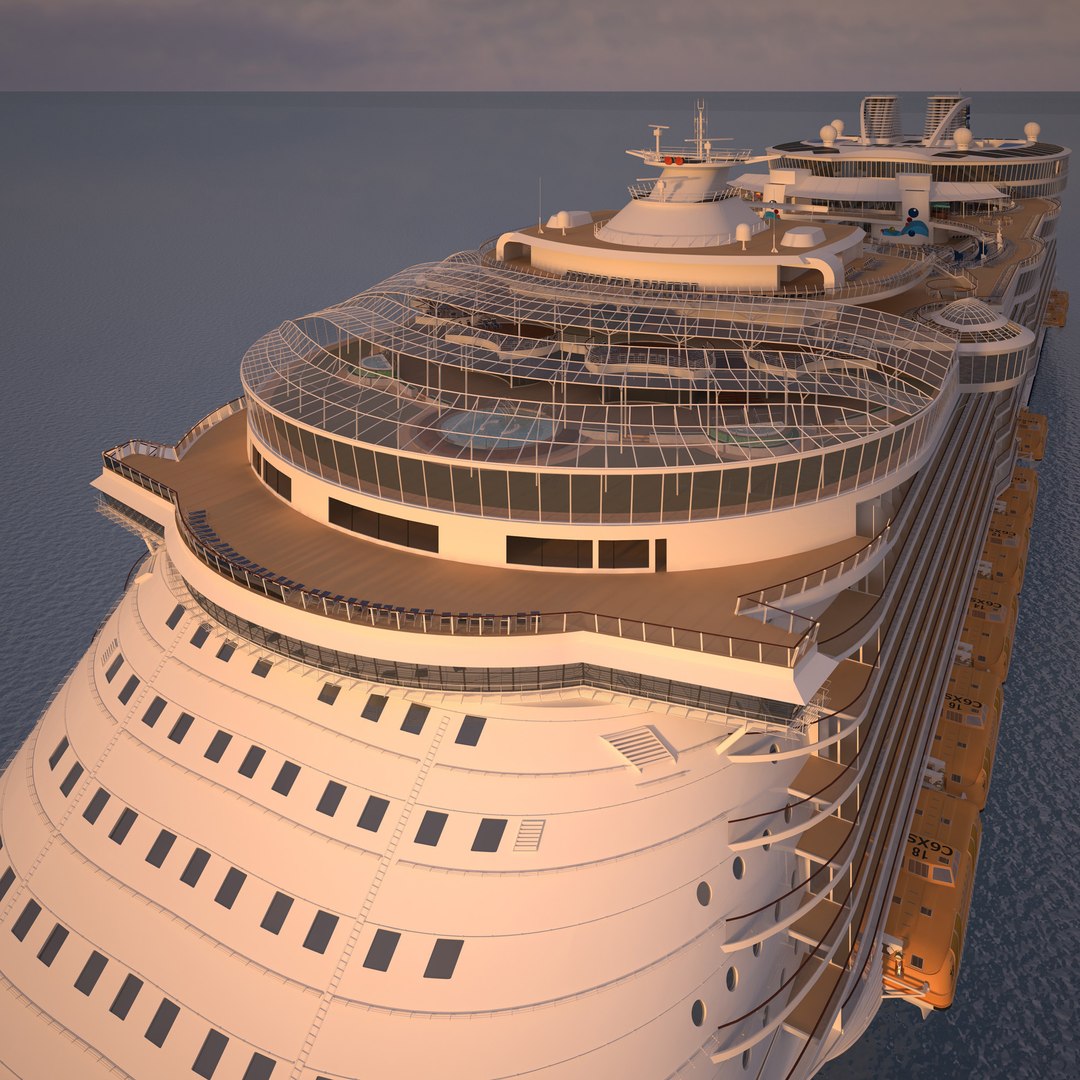
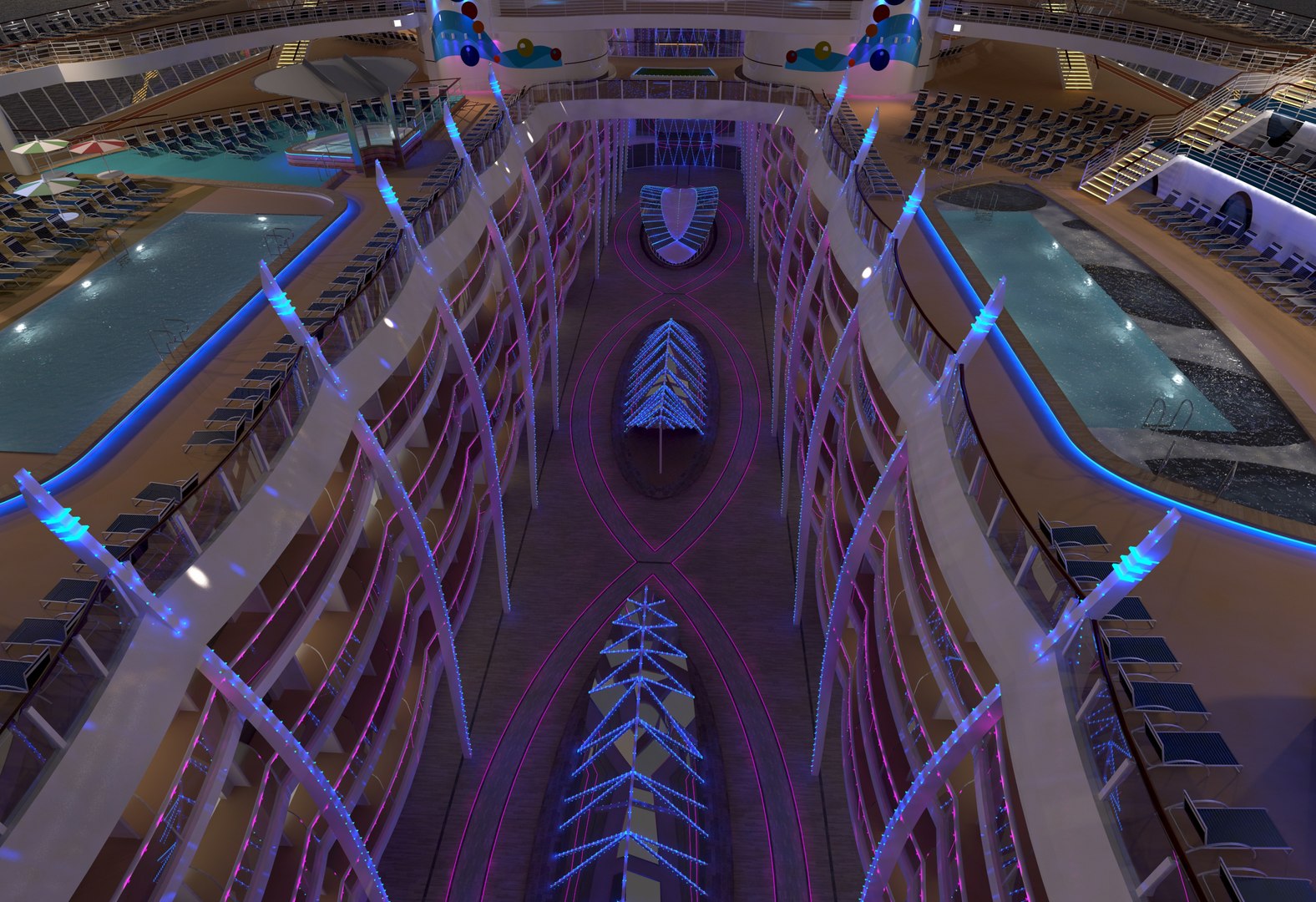
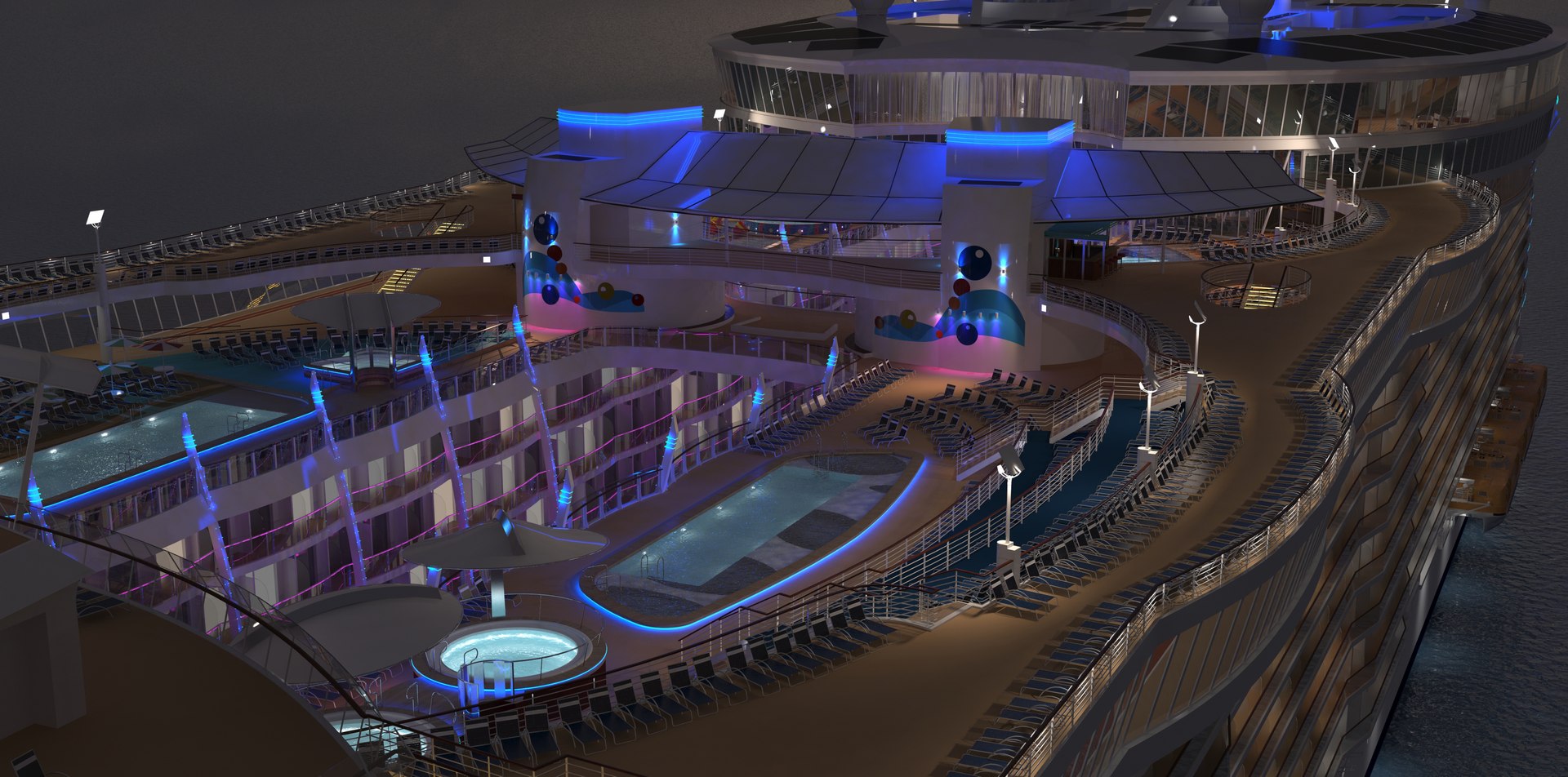
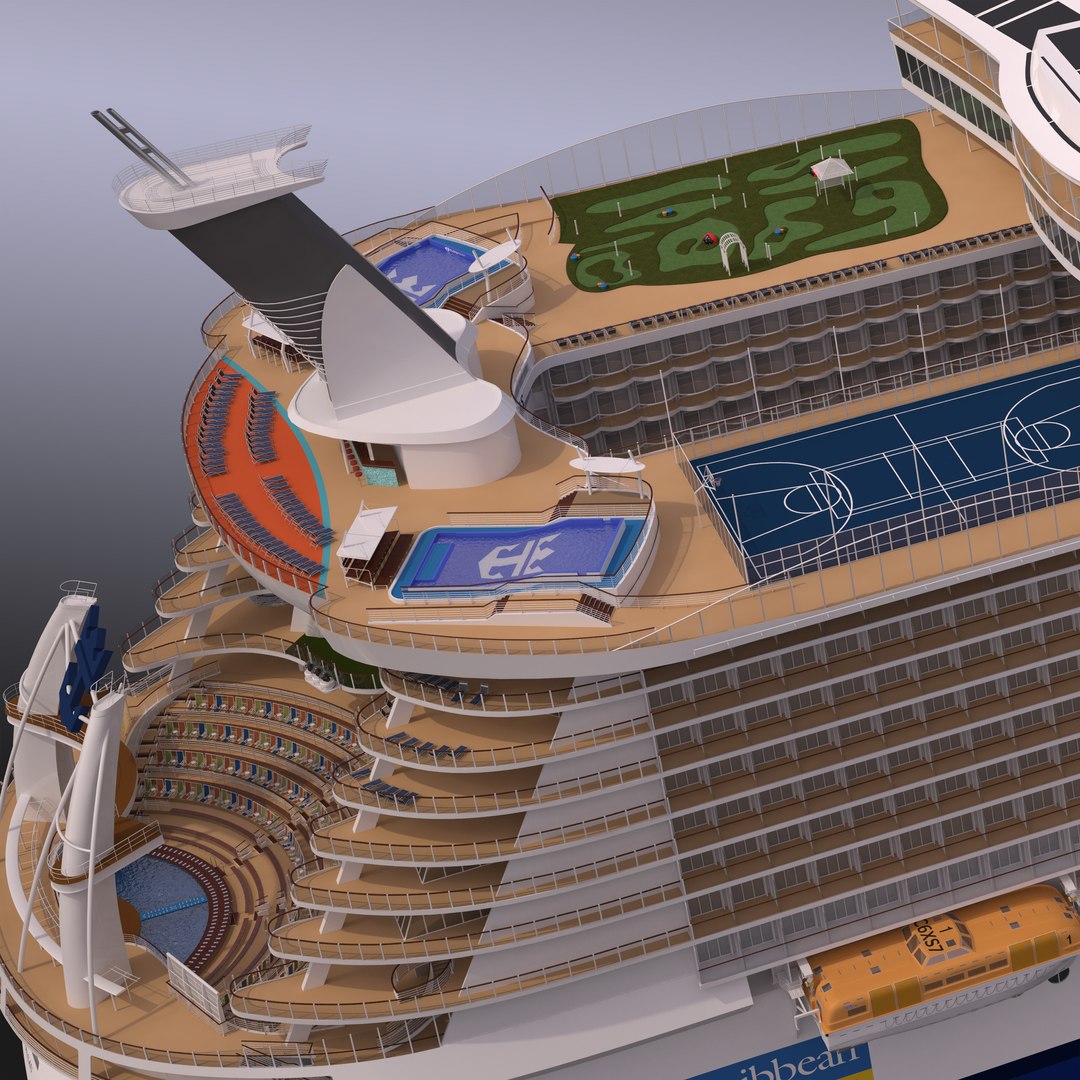
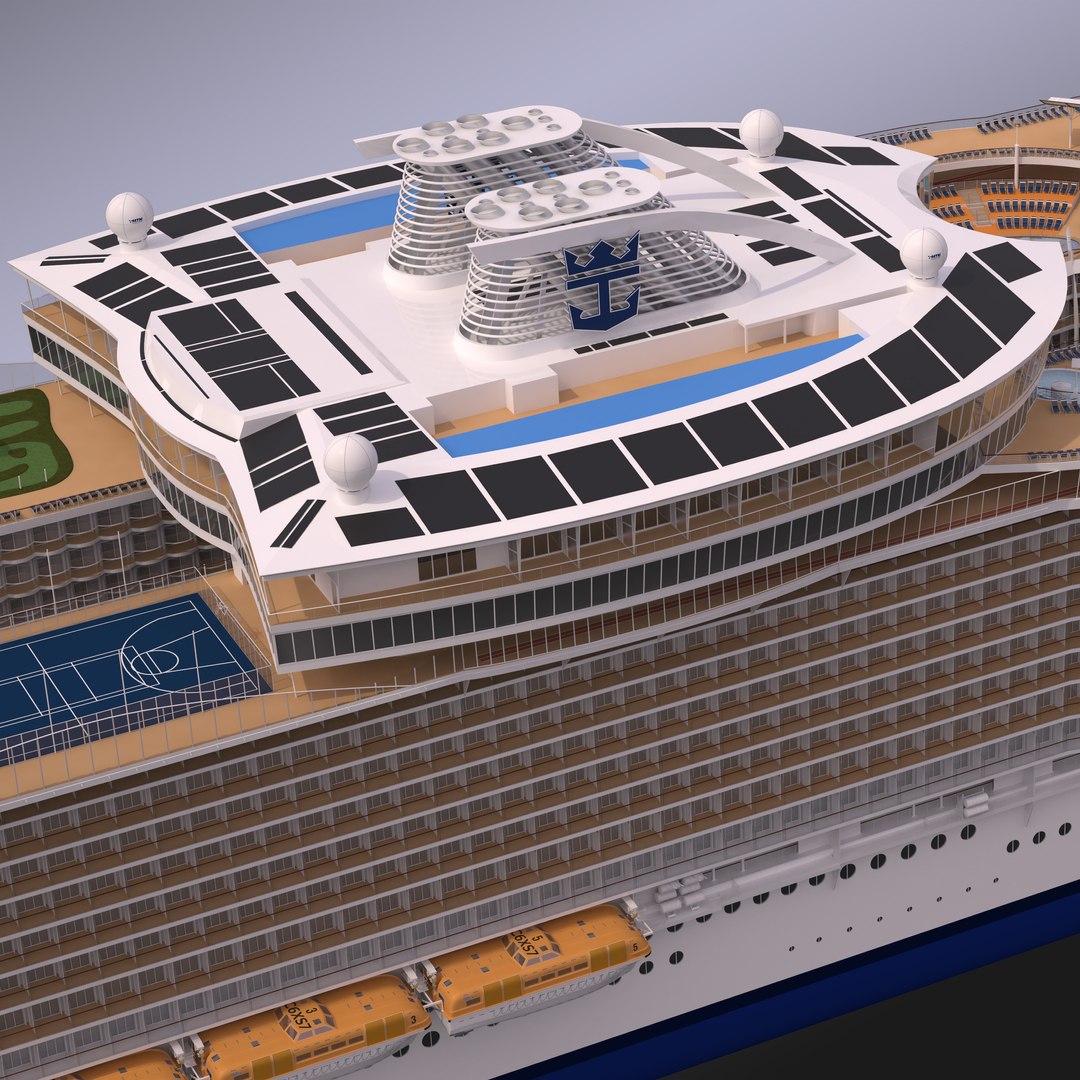
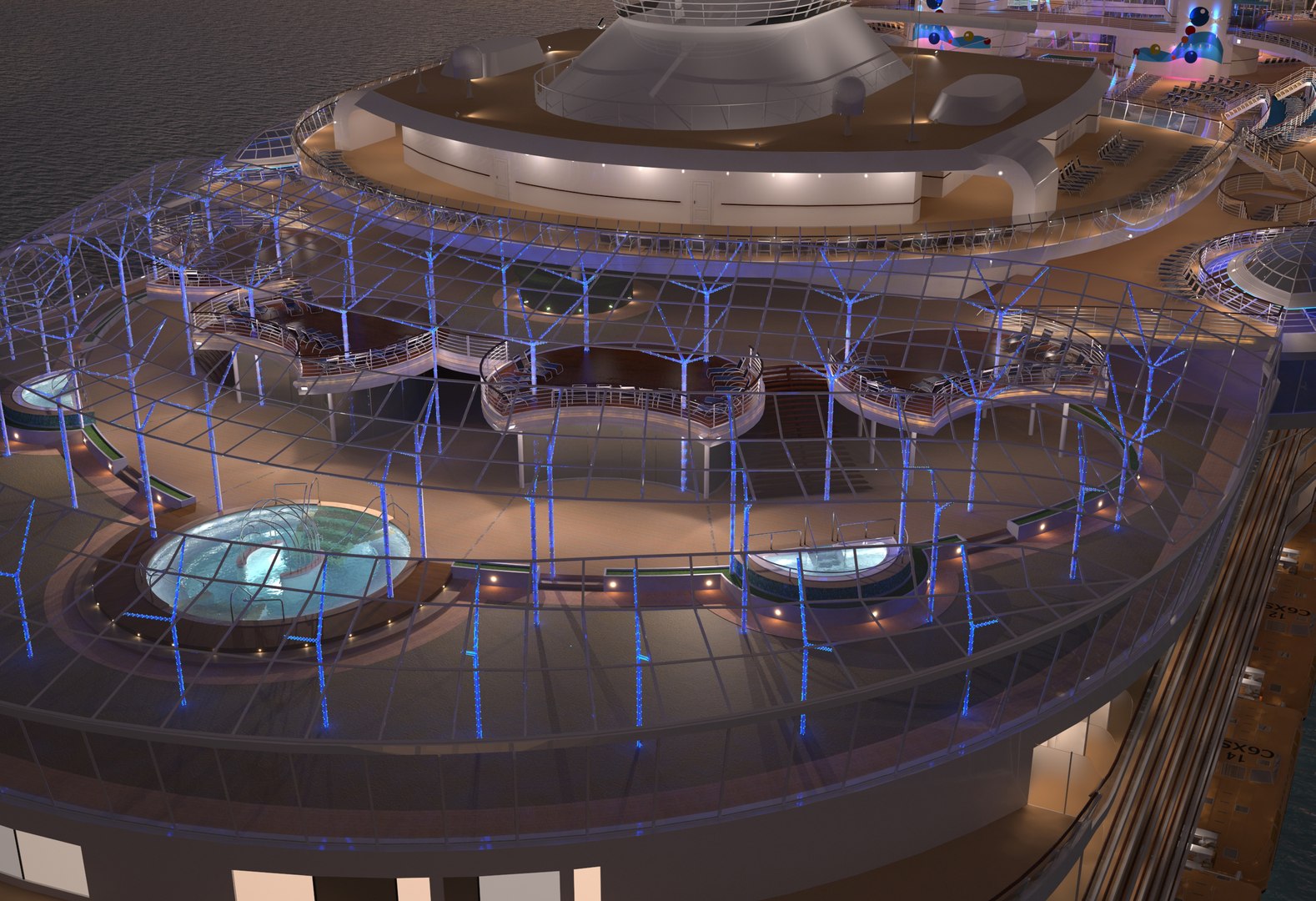
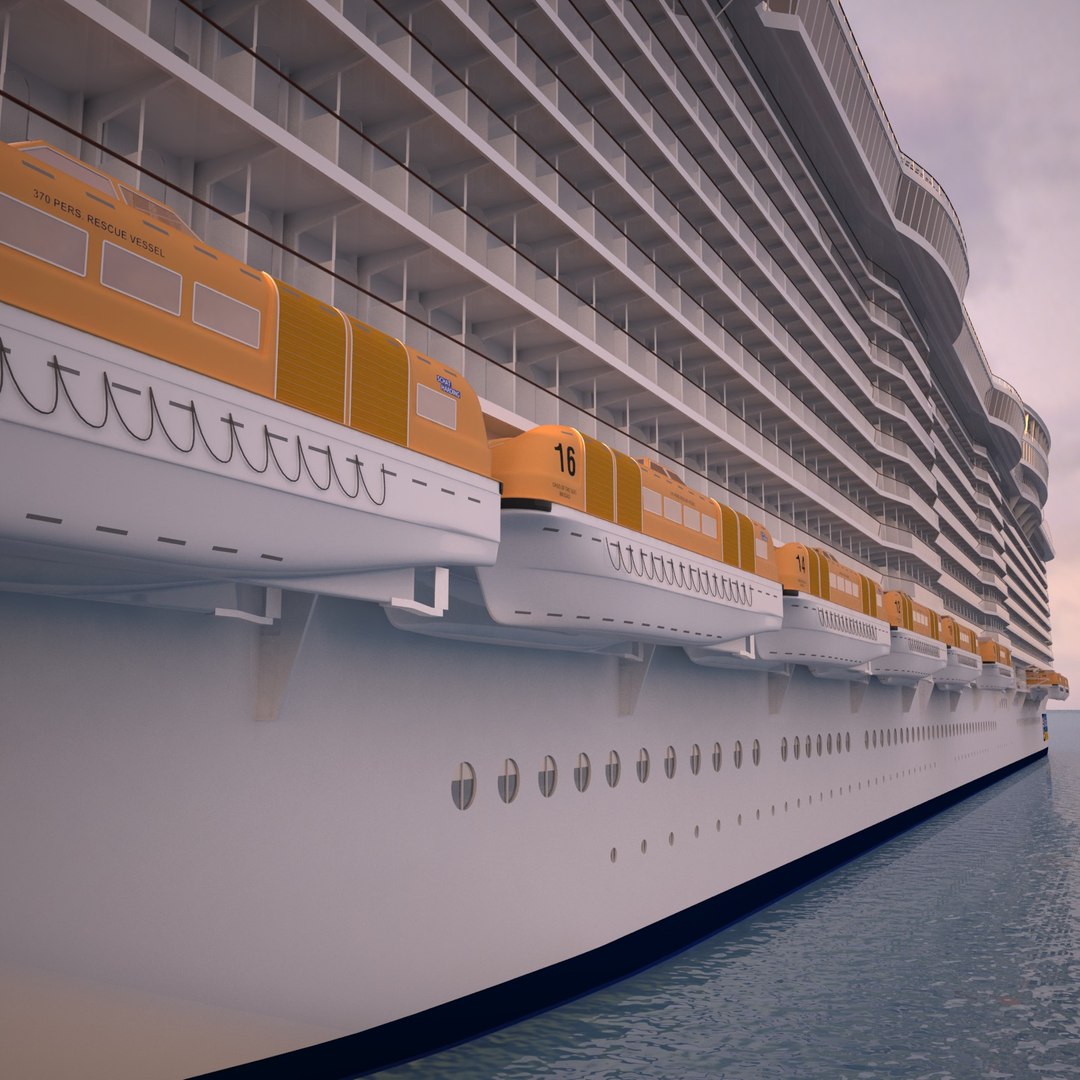
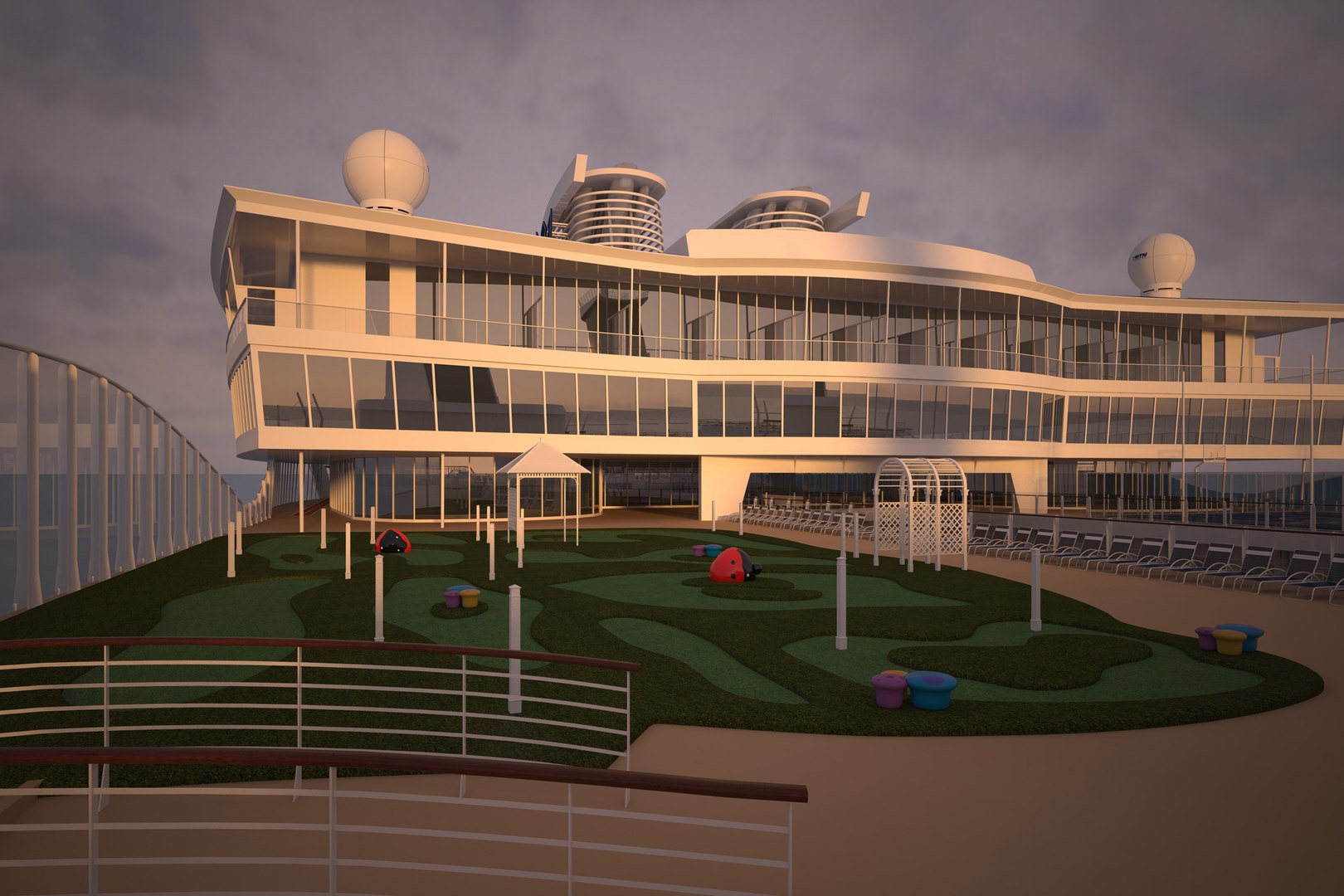
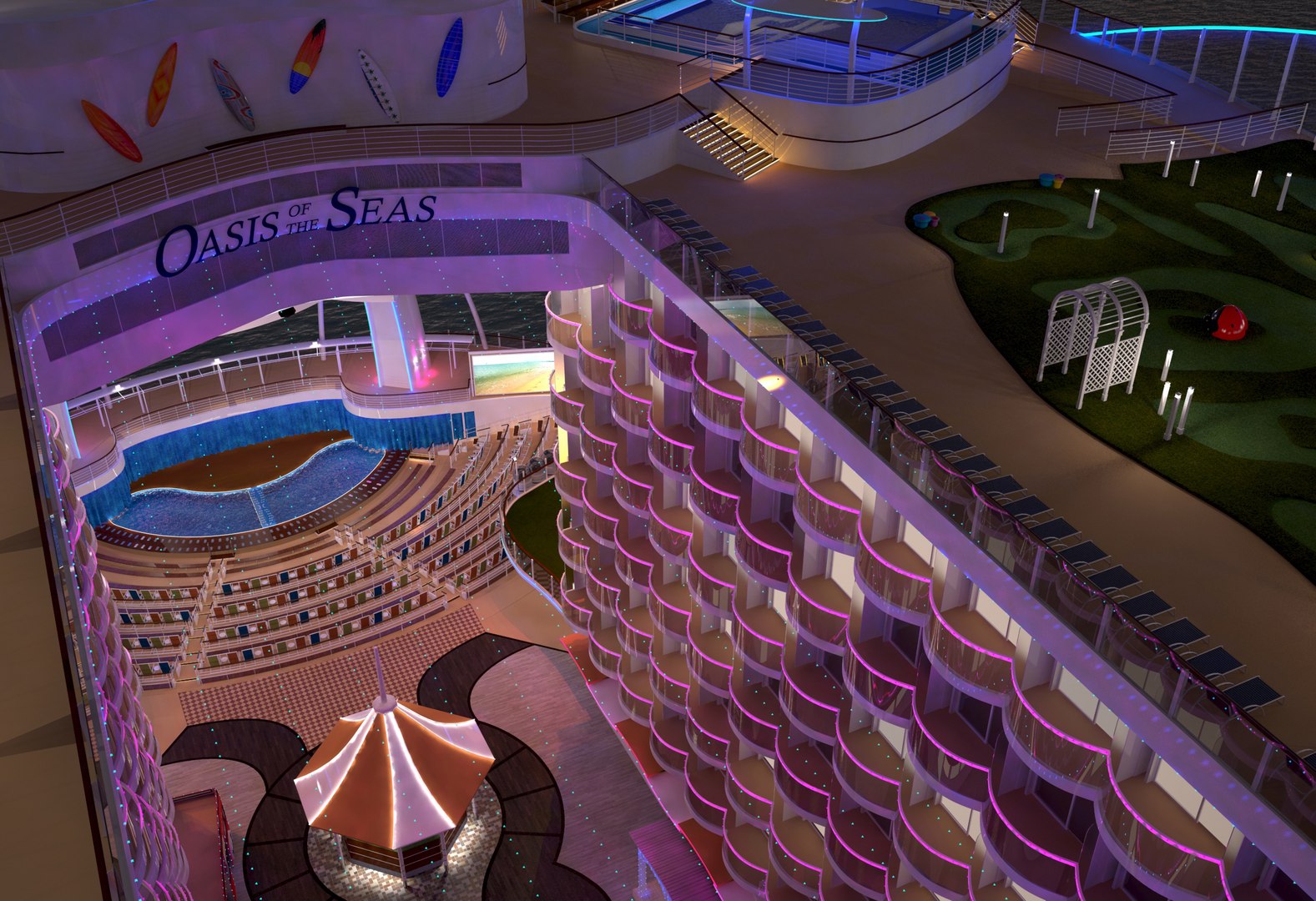
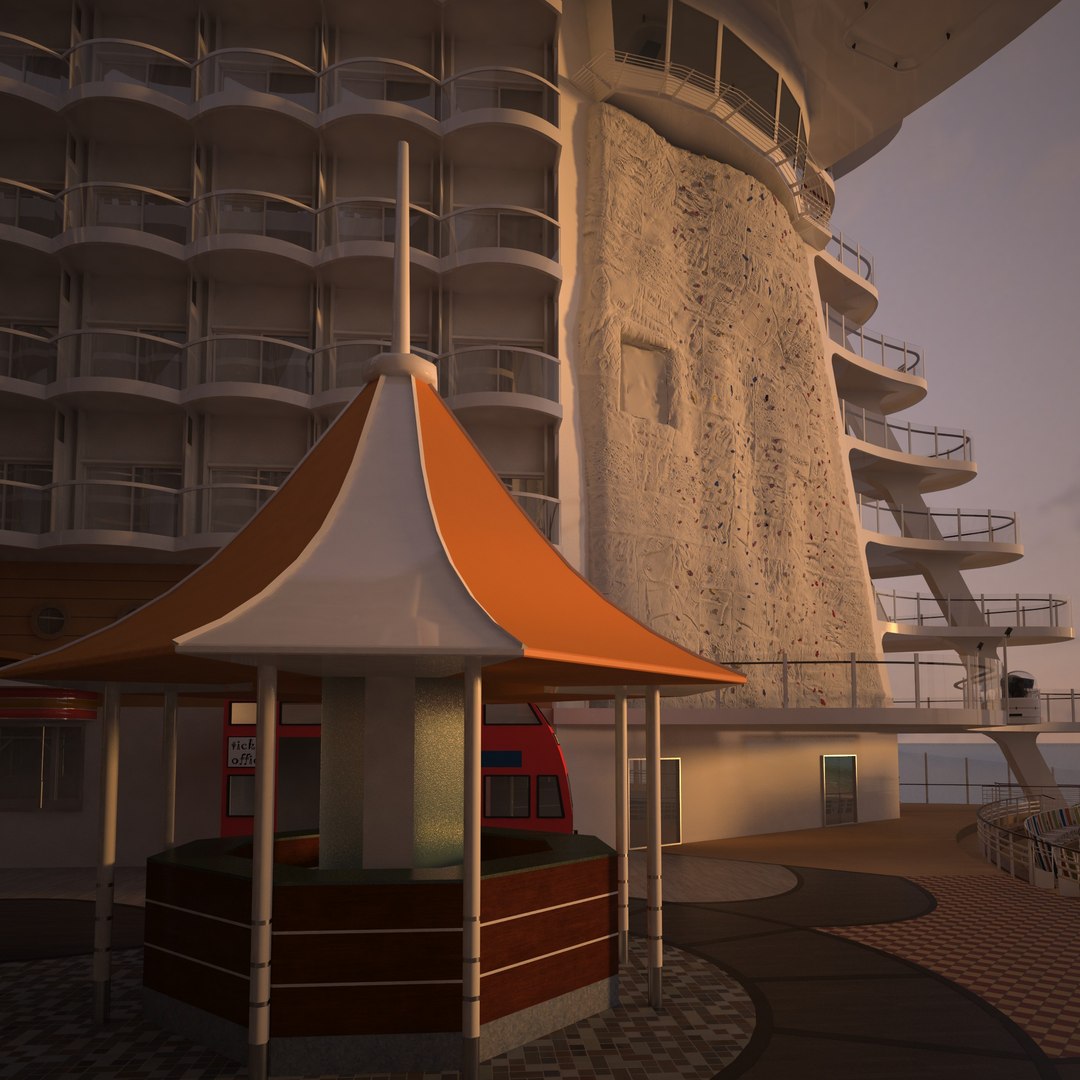
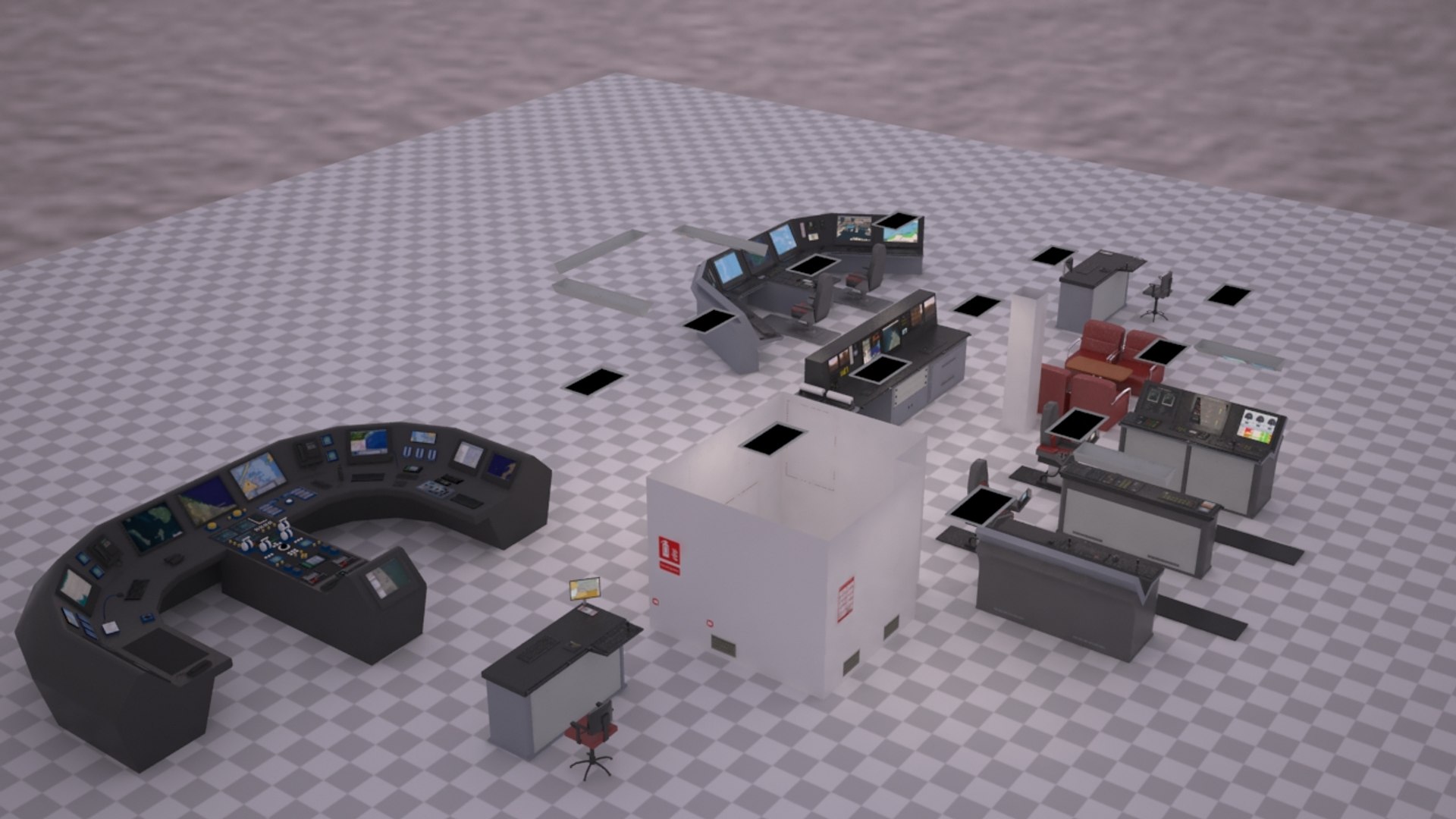
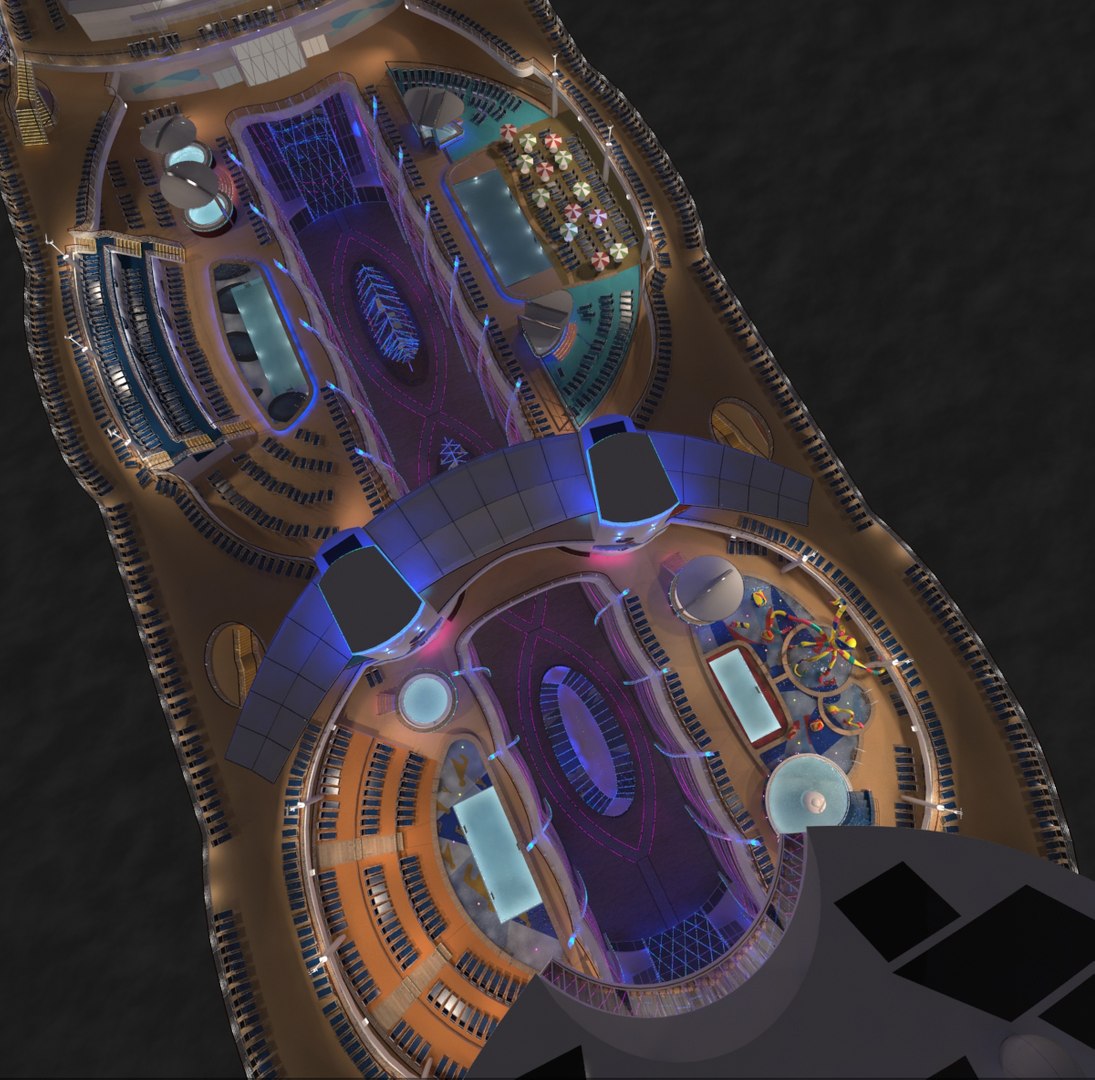
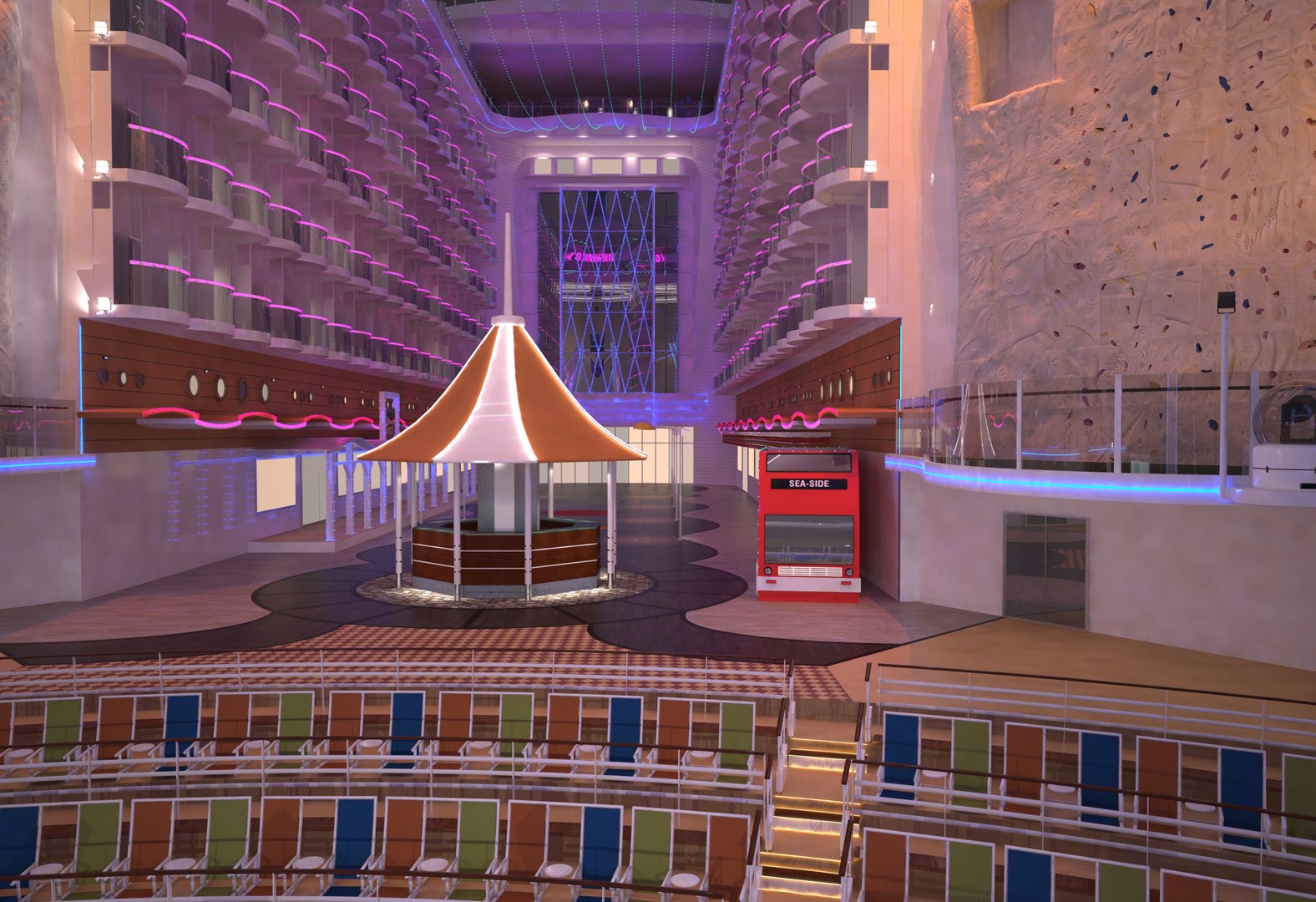
World's biggest cruise ship; Both day and night versions with animated wake.
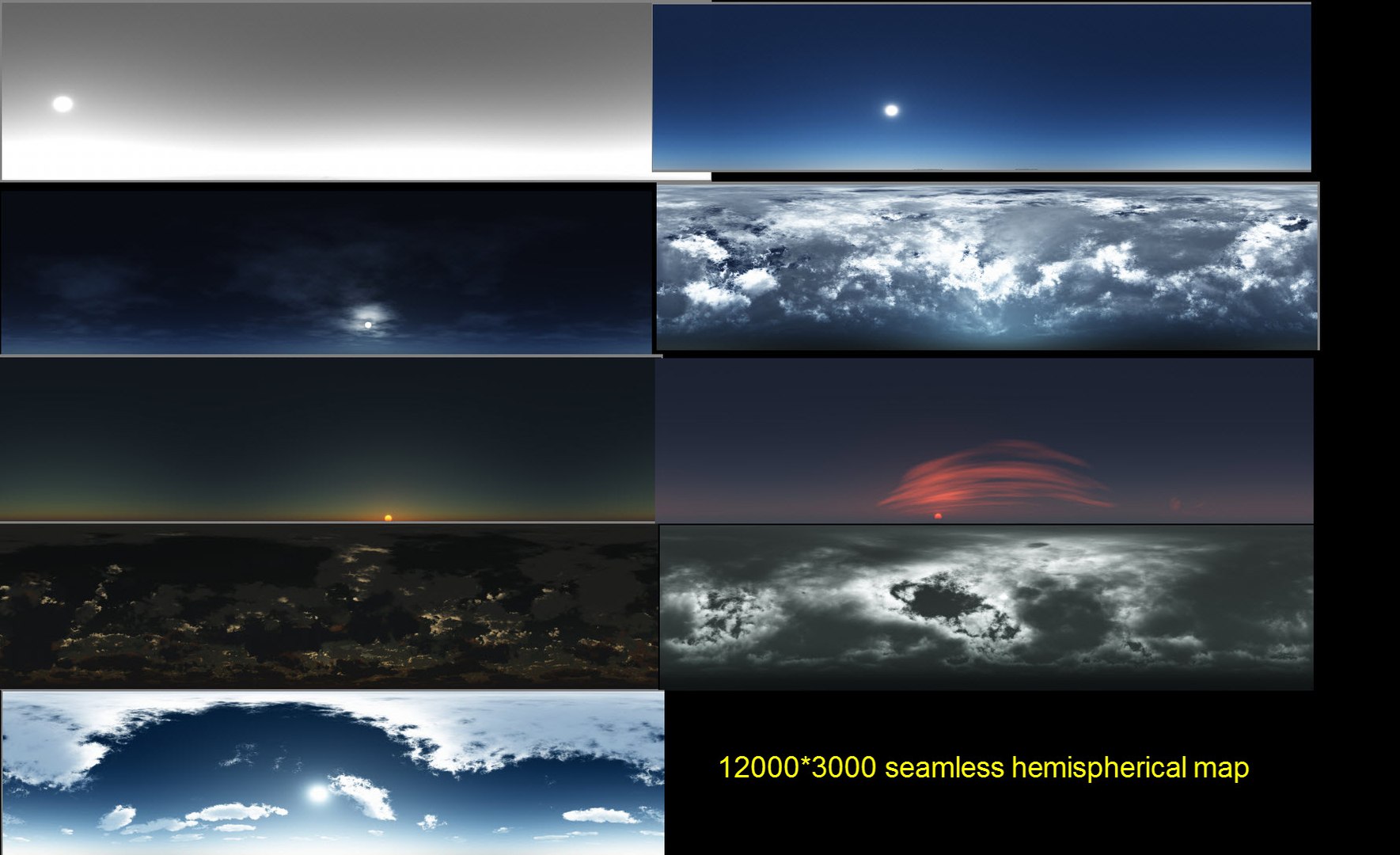
9 environment maps(12000*3000 seamless hemispherical map).
1 click switching between environments via "scene states"
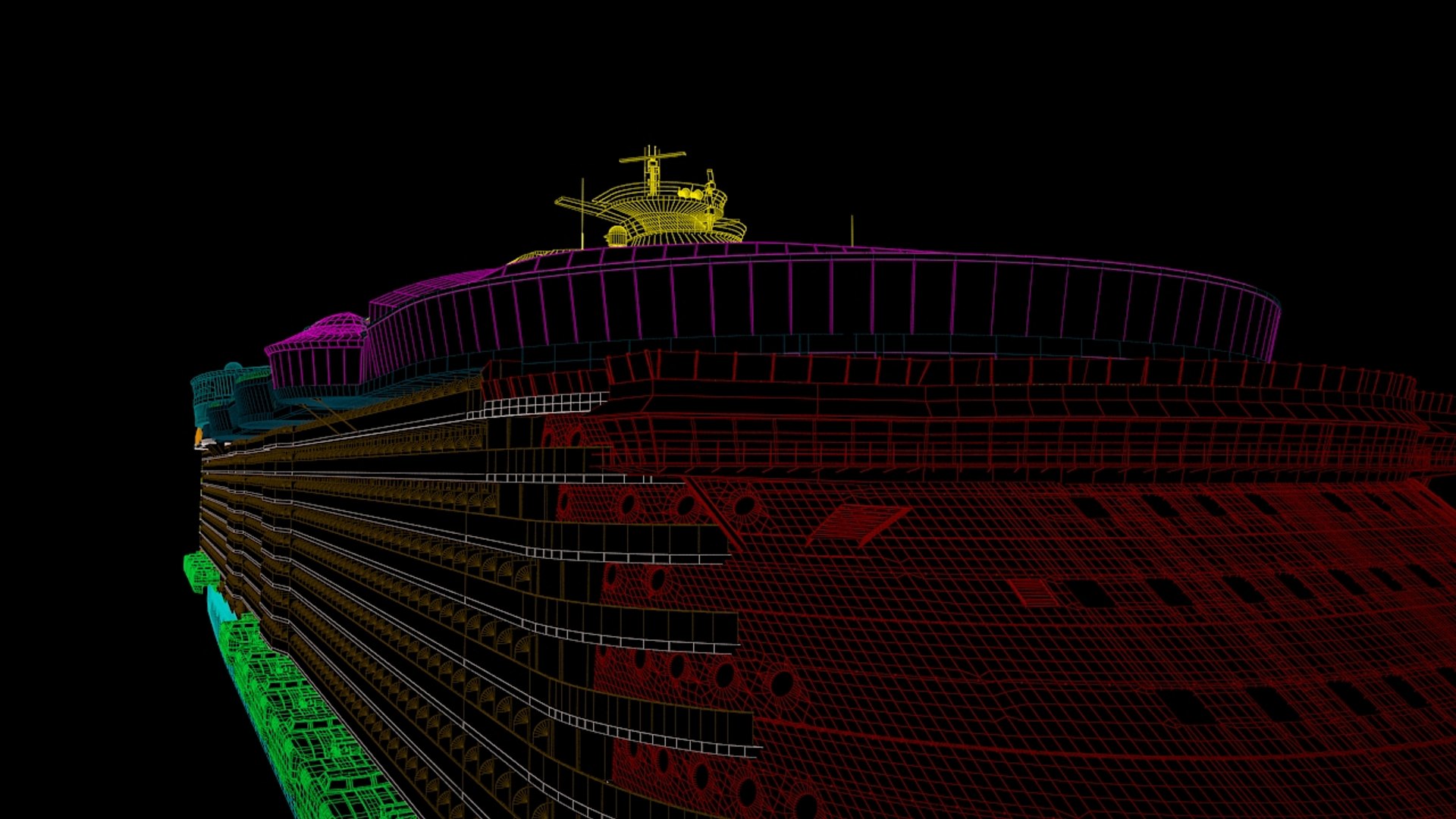
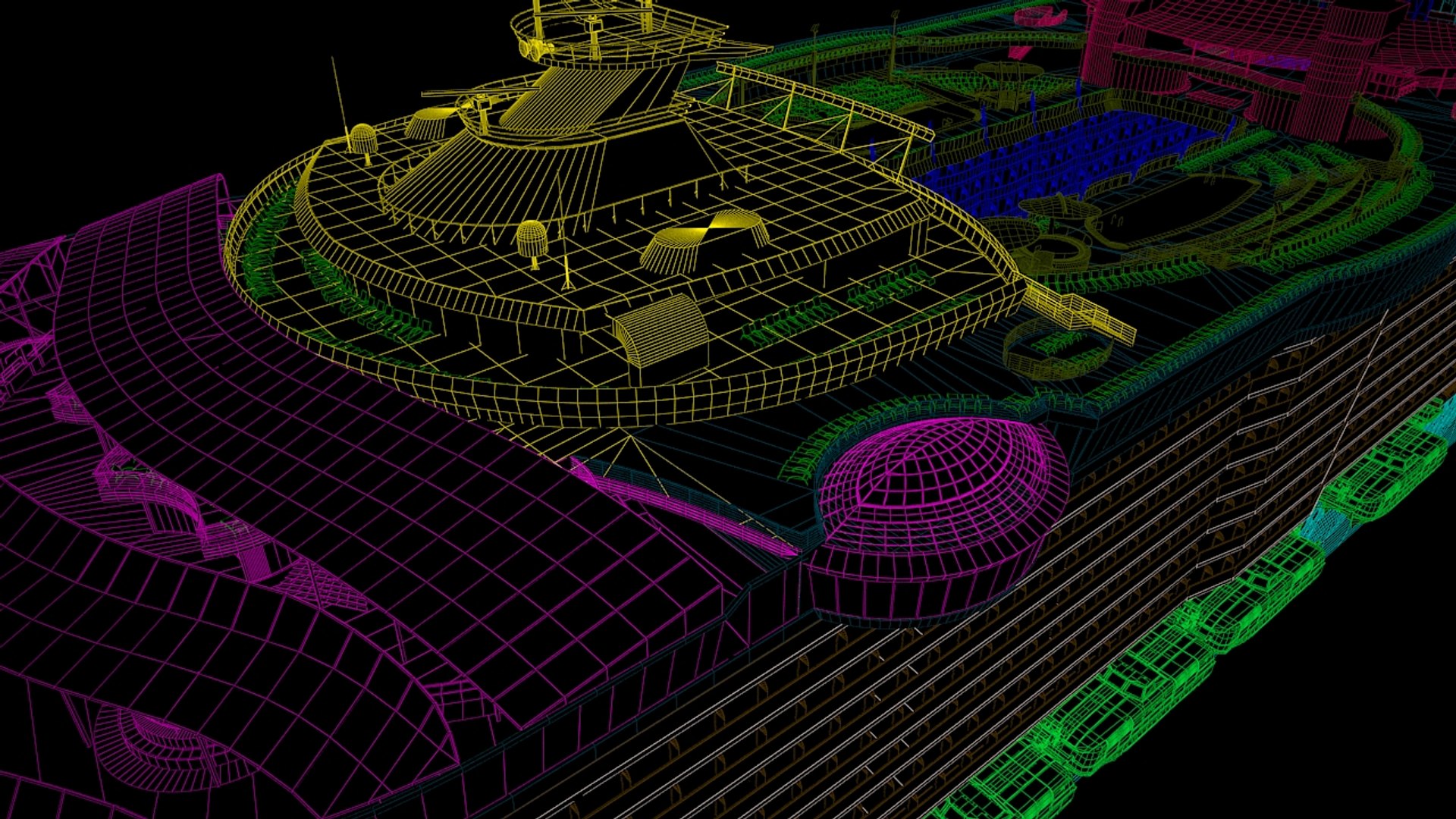
97% quad model; Some objects are subdividable: in "subdiv" Name Set
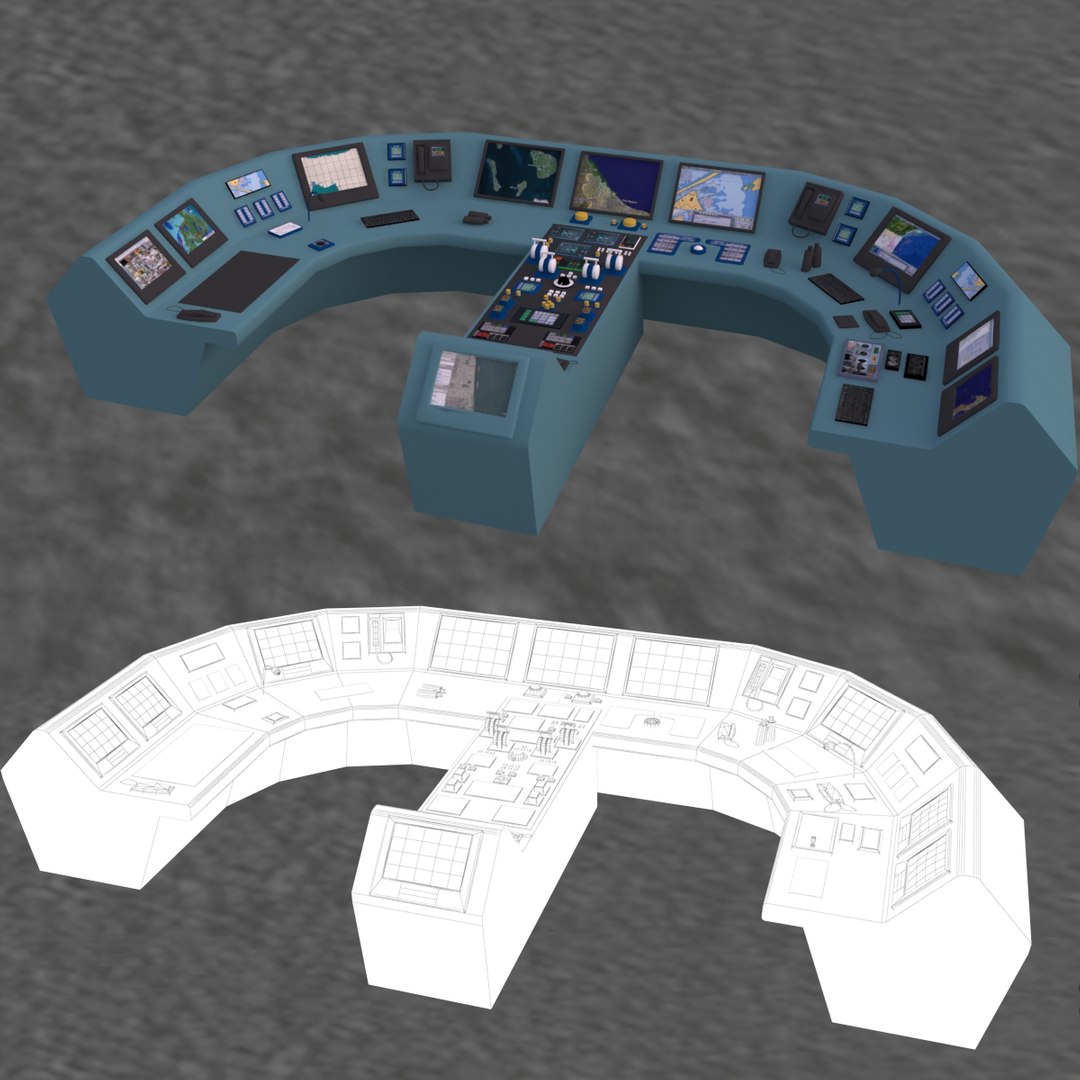
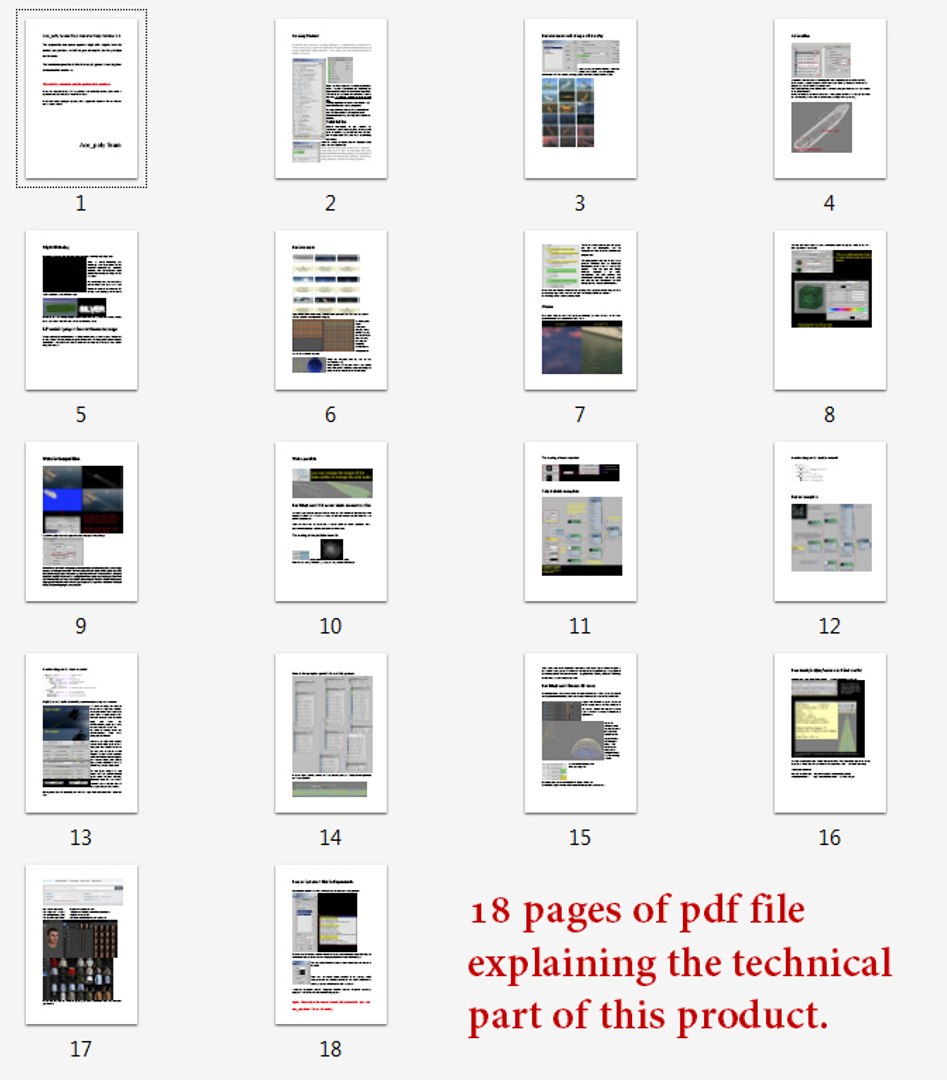
18 pages pdf help file explaining some technical aspects of this product( how the evnironment, wake particle, wake material are constructed, how objects are organized etc)
If your prefered 3d application has particle system that rival particle flow of 3dsmax, then you can reconstruct the particle wake by reading the pdf file.


Ace_poly team.
2015.22.07

Night version updated. Download newer version from supporting items section.
Jan 13 2016

There are two "collection product" containing this model that are selling at huge discount. Check them out.

Select Enhanced License

  • $10,000 in Legal Protection (Indemnification)
  • Uncapped Legal Protection (Indemnification)
  • Waiver from injunctive relief
  • Assignable model rights
  • $1,000,000 in Legal Protection (Indemnification)
  • Waiver from injunctive relief
  • Assignable model rights
  • $250,000 in Legal Protection (Indemnification)
  • Assignable model rights
Read more about enhanced license tiers, or contact us at enterprise@turbosquid.com. Already a Shutterstock Enterprise Customer? Contact your Shutterstock Sales Support Agent to talk about adding 3D.

About Conversion Requests

To submit a conversion request for a purchased asset, please complete our Conversion Request Form.

If you have not yet purchased a model, please review our Documentation about Conversions to learn about what limitations you may encounter with a conversion.

For any additional questions about a model’s suitability for conversion, please contact TurboSquid Support.

Loading...