
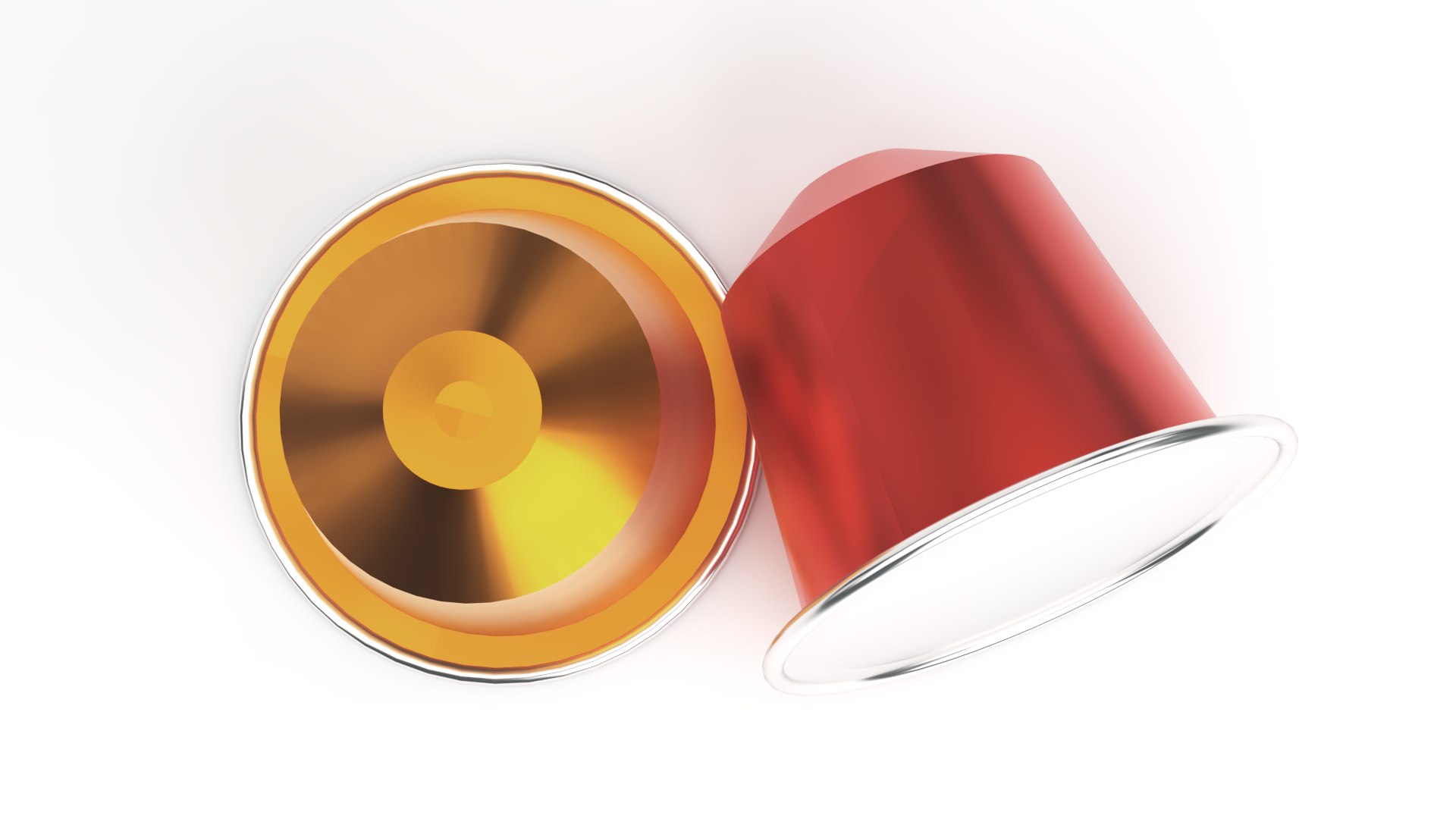
Nespresso coffee capsule pod

$7

Standard License | Upgrade License
Editorial Uses Only
Formats (18)
3ds Max 2020 | V-Ray
3ds Max 2021 | V-Ray
3ds Max 2022 | V-Ray
3ds Max 2023 | V-Ray
3ds Max 2023 | V-Ray 6.10.04
SketchUp 2019 | Other
Blender 3.5 | Blender Render
Blender 2.93 LTS | Blender Render
OBJ
FBX
3D Studio
Other Textures
Collada
STL
Specifications
Publish Date April 11, 2023
Product ID 2055104
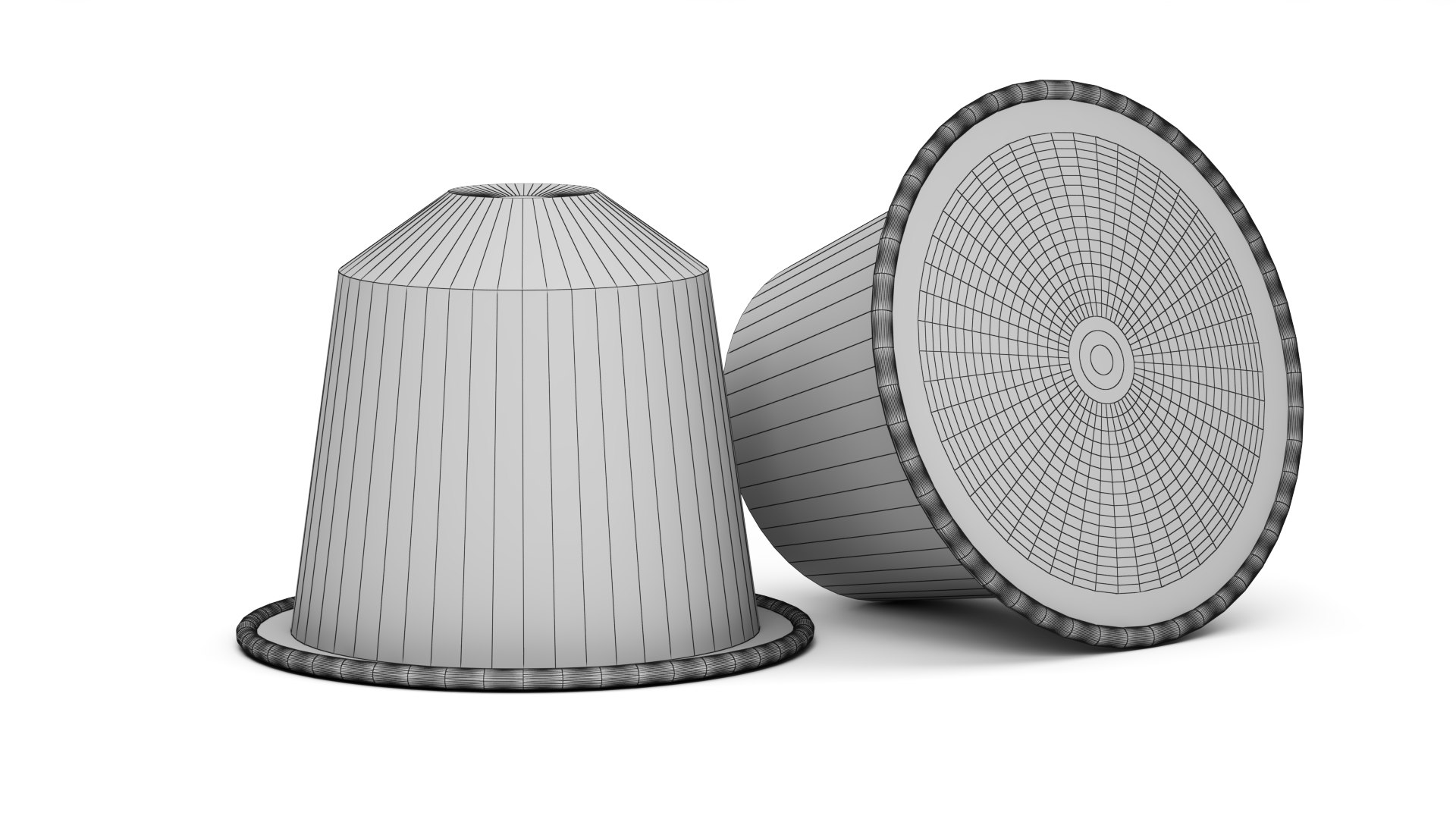
Polygons 13,628
Vertices 6,818
Polygonal Ngons Used
Materials

member avatar
archi3dch
103 Products | Contributor Since 2023
Have questions? Chat with us now.

Description

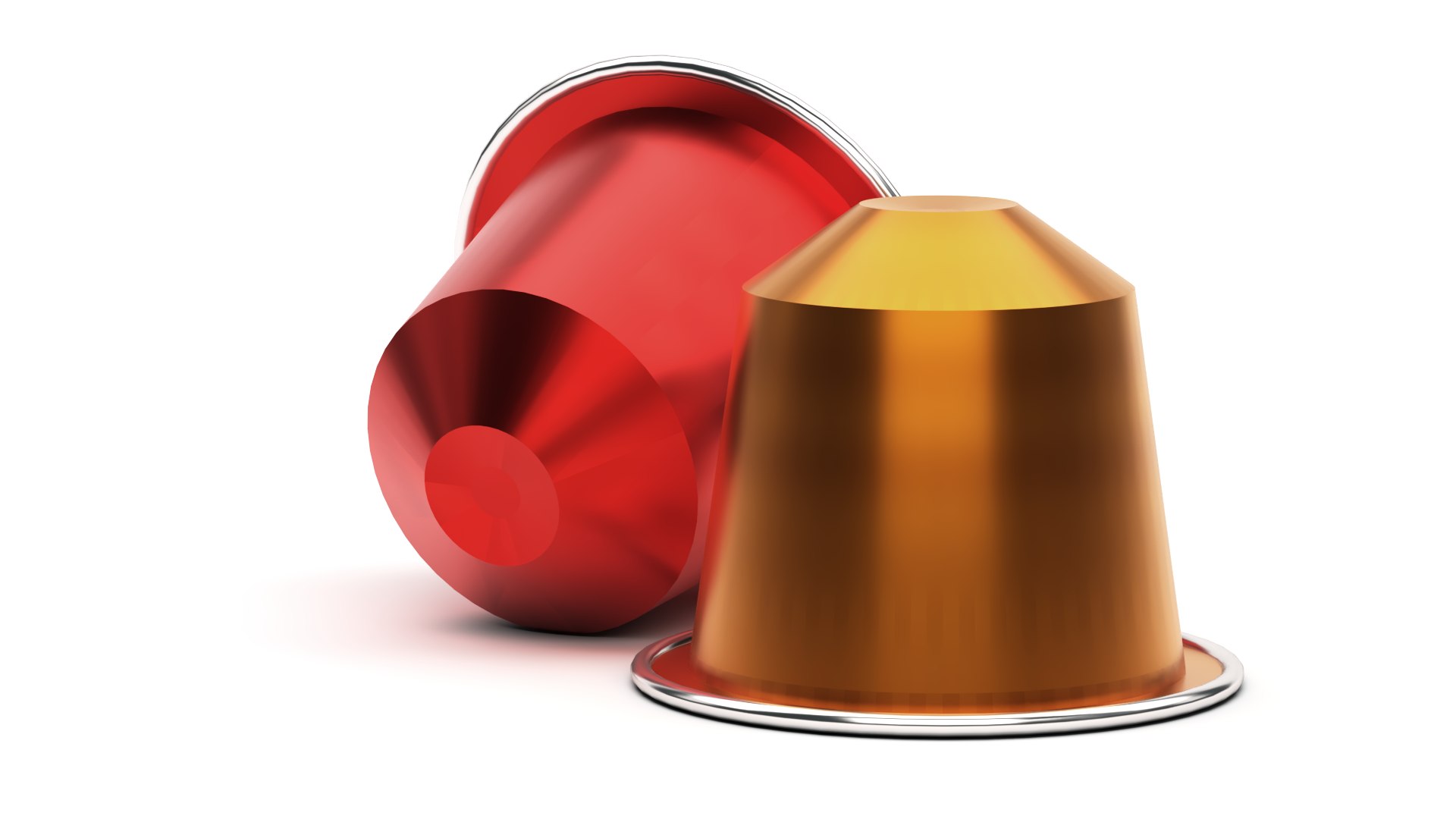
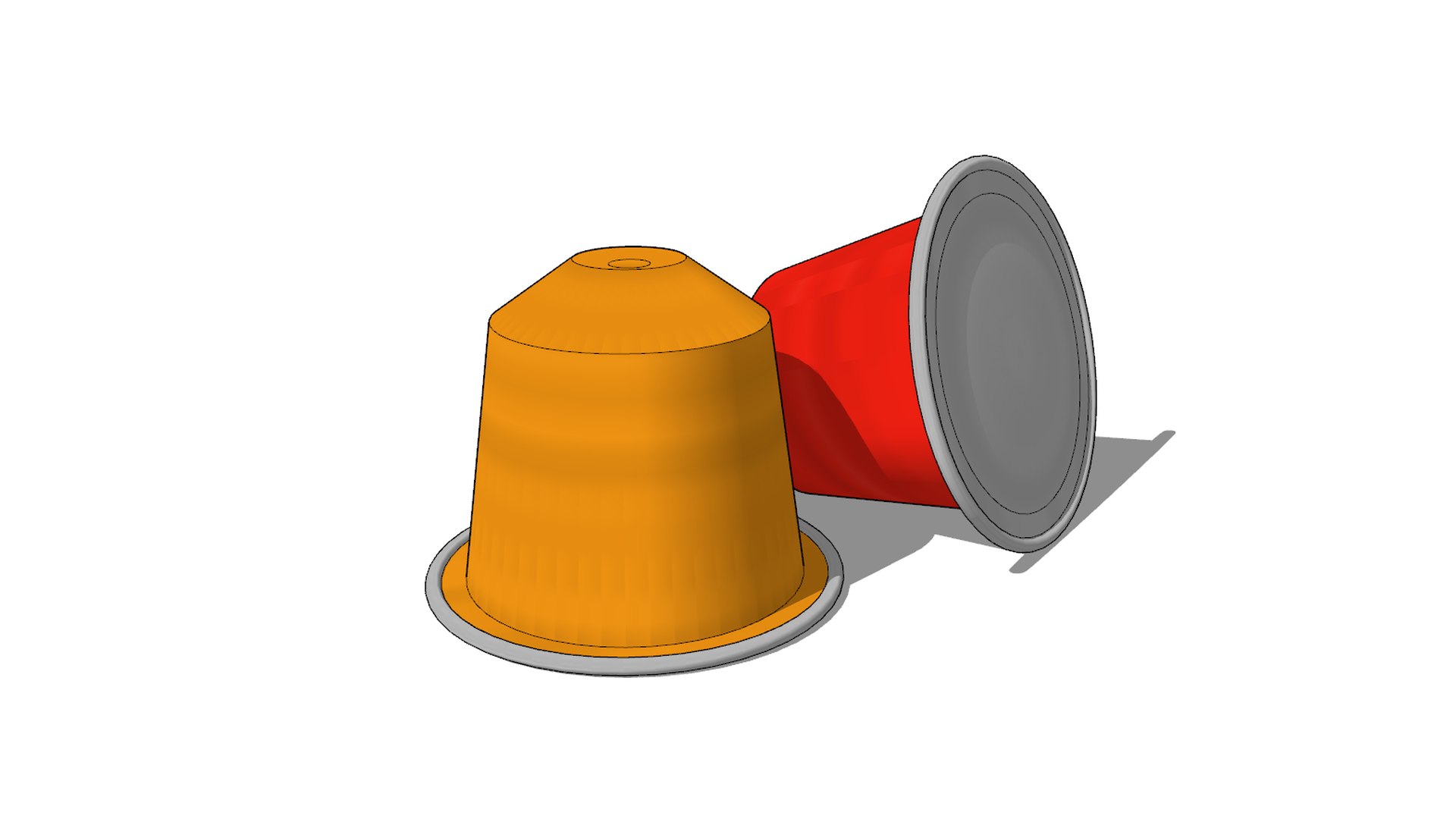
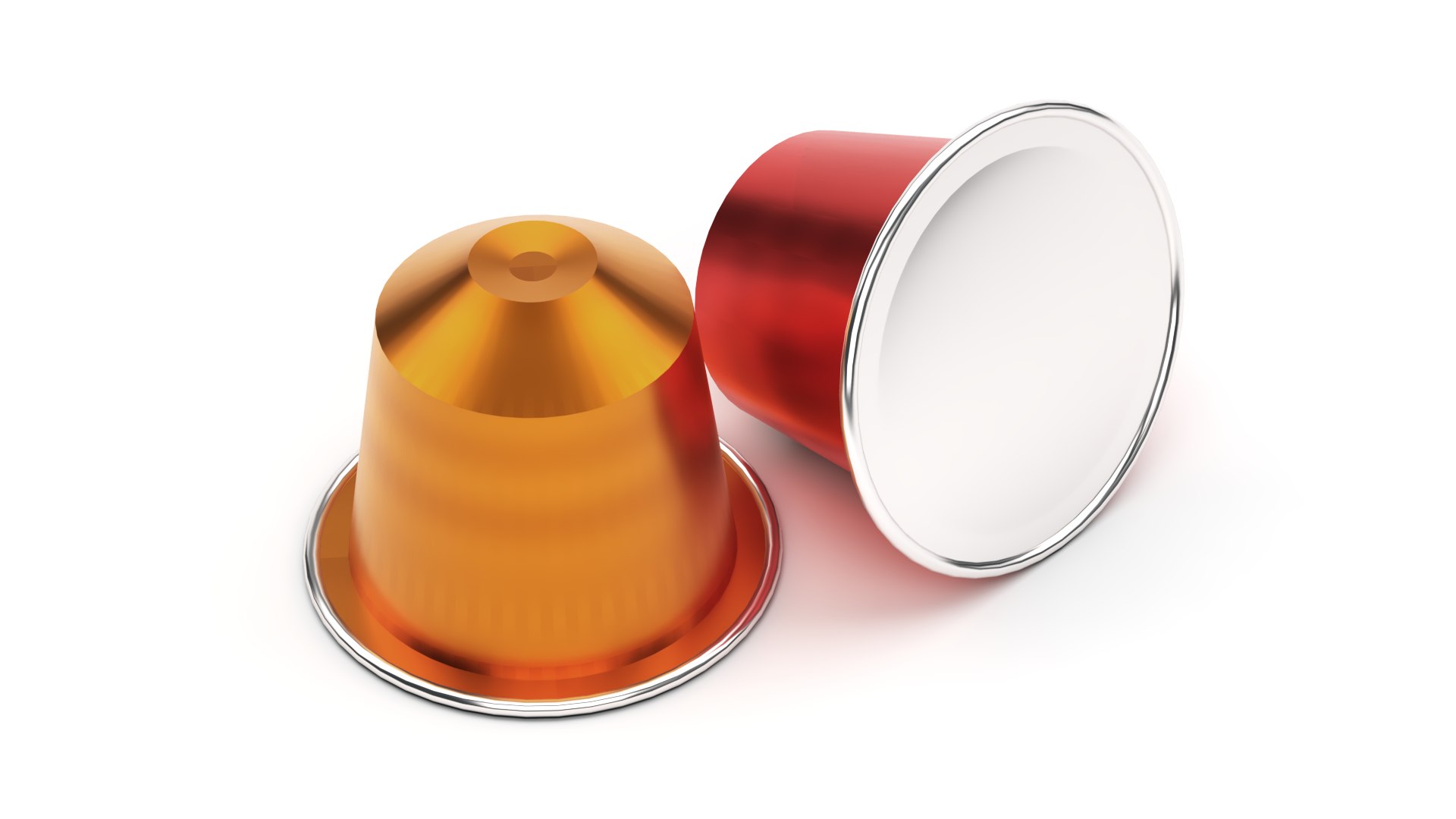
3D model of Nespresso coffee capsules, a perfect addition to any 3D rendering scene that showcases coffee or kitchen-related models. The set comes with two coffee capsules or pods, one red and one orange, that can be easily customized to fit any desired color scheme.

The available formats are (all centered to origin):
- SketchUp 2019 (native format)
- 3ds Max (2020, 2021, 2022, 2023)
- 3ds Max (2020, 2021, 2022, 2023) with the V-Ray materials used for rendering.
- Blender (2.93 LTS and 3.5) imported from SketchUp with the add-on SketchUp Importer 0.22.3
- dae Collada (exported from SketchUp 2019)
- 3ds (exported from SketchUp 2019)
- obj (exported from SketchUp 2019 and 3ds Max 2023)
- fxb (exported from 3ds Max 2023)
- abc Alembic (exported from 3ds Max 2023)
- stl (exported from Blender 2.93 LTS)

All exportation have been made with default settings

The rendering was done with 3ds Max 2023 and the V-Ray 6.10.04 engine with only the default materials proposed by the products

Select Enhanced License

  • $10,000 in Legal Protection (Indemnification)
  • Uncapped Legal Protection (Indemnification)
  • Waiver from injunctive relief
  • Assignable model rights
  • $1,000,000 in Legal Protection (Indemnification)
  • Waiver from injunctive relief
  • Assignable model rights
  • $250,000 in Legal Protection (Indemnification)
  • Assignable model rights
Read more about enhanced license tiers, or contact us at enterprise@turbosquid.com. Already a Shutterstock Enterprise Customer? Contact your Shutterstock Sales Support Agent to talk about adding 3D.

About Conversion Requests

To submit a conversion request for a purchased asset, please complete our Conversion Request Form.

If you have not yet purchased a model, please review our Documentation about Conversions to learn about what limitations you may encounter with a conversion.

For any additional questions about a model’s suitability for conversion, please contact TurboSquid Support.

Loading...