
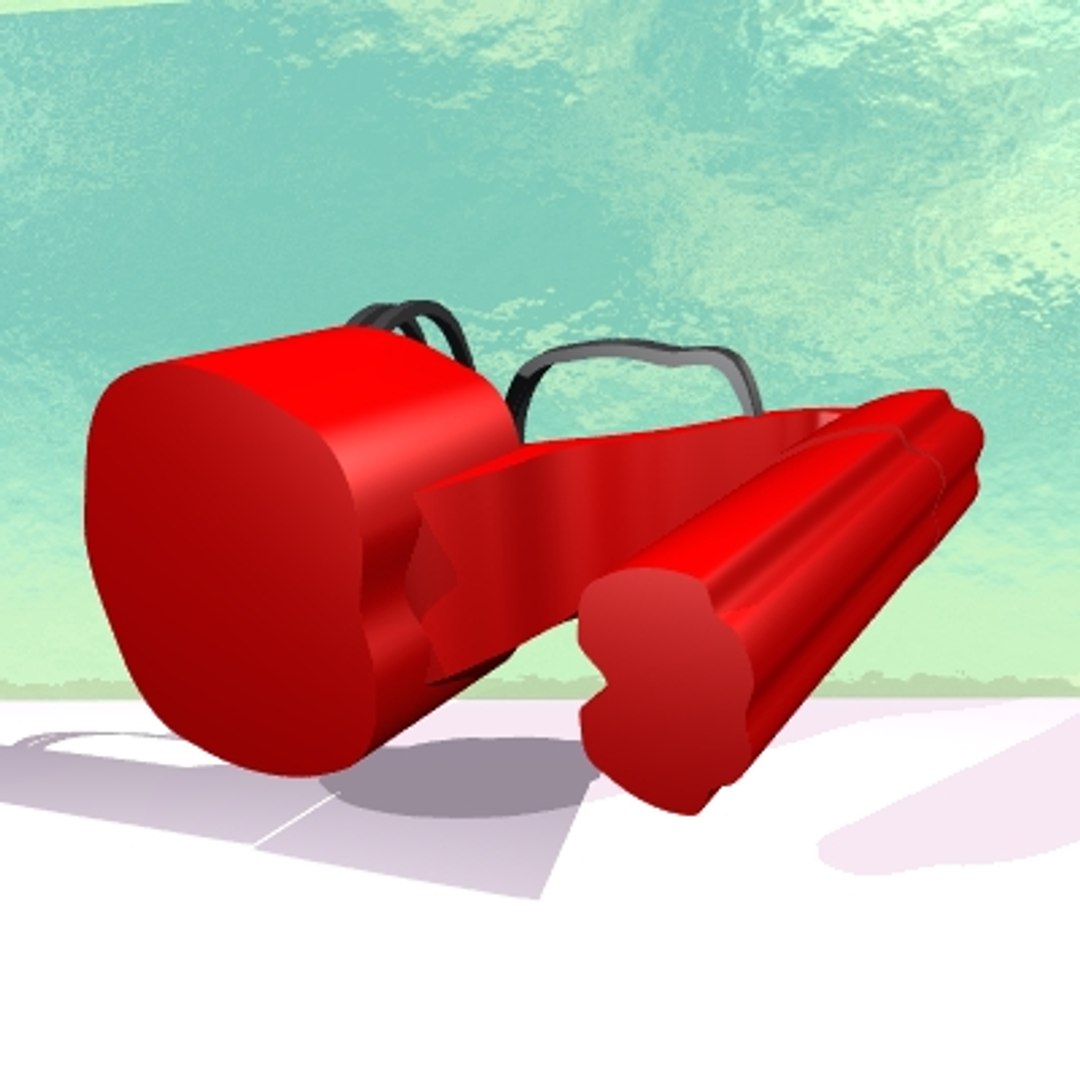

Chic Mule

$25

Standard License | Upgrade License
Formats (41)
Free file format Conversions available
OBJ
DXF
3D Studio
FBX
Lightwave
Other Textures
Other Files
ChicMuleBlue.mtl ChicMuleBlck.mtl ChicMuleMulti1.mtl ChicMulePink.mtl ChicMulePurple.mtl ChicMuleRed.mtl ChicMuleWht.mtl ChicMuleYello.mtl
Specifications
Publish Date November 11, 2009
Product ID 498637
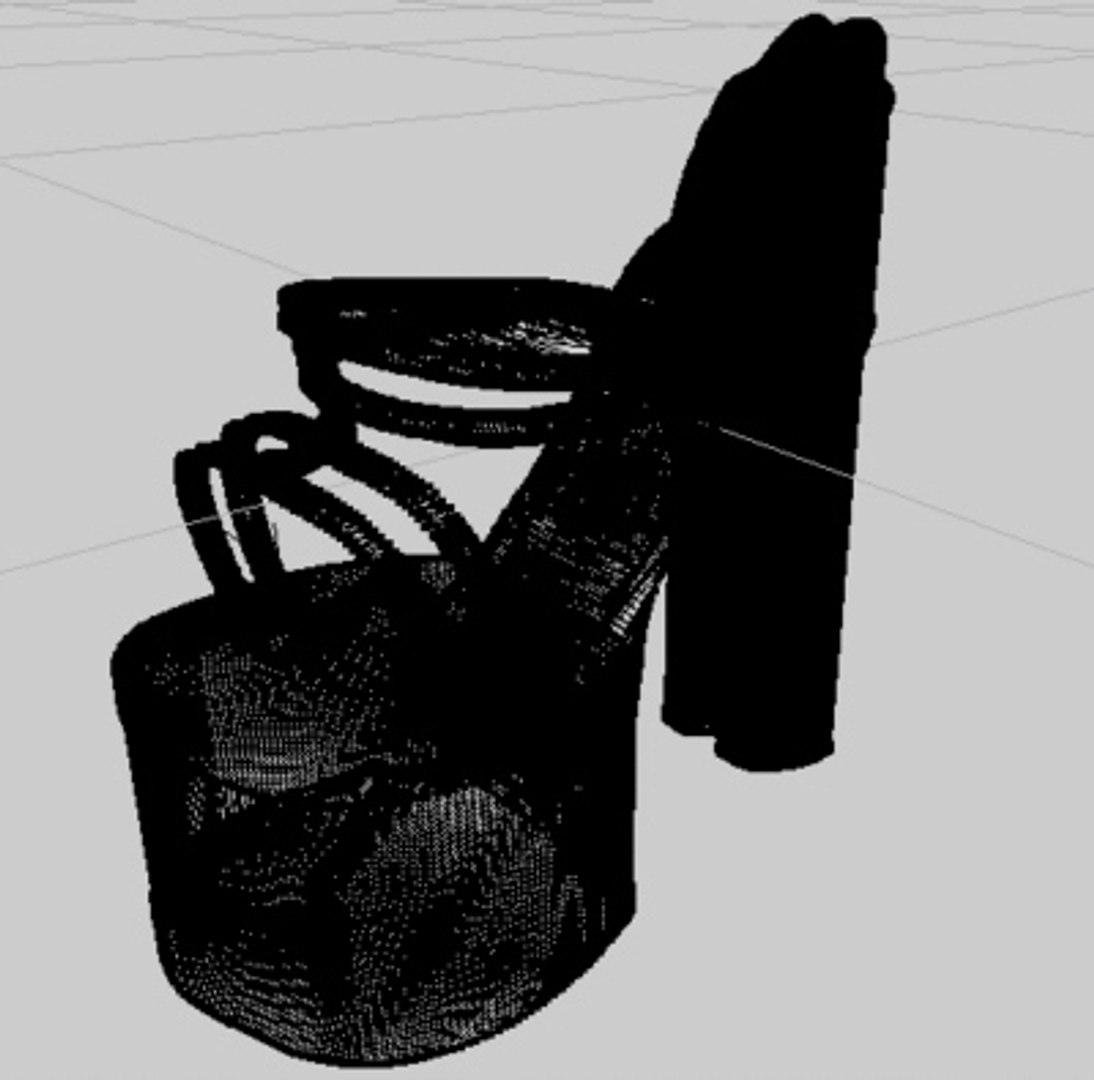
Polygons 74,798
Vertices 51,020
Polygonal
Materials
Unknown Unwrapped UVs
member avatar
Duketechx
8 Products | Contributor Since 2009
Have questions? Chat with us now.

Description

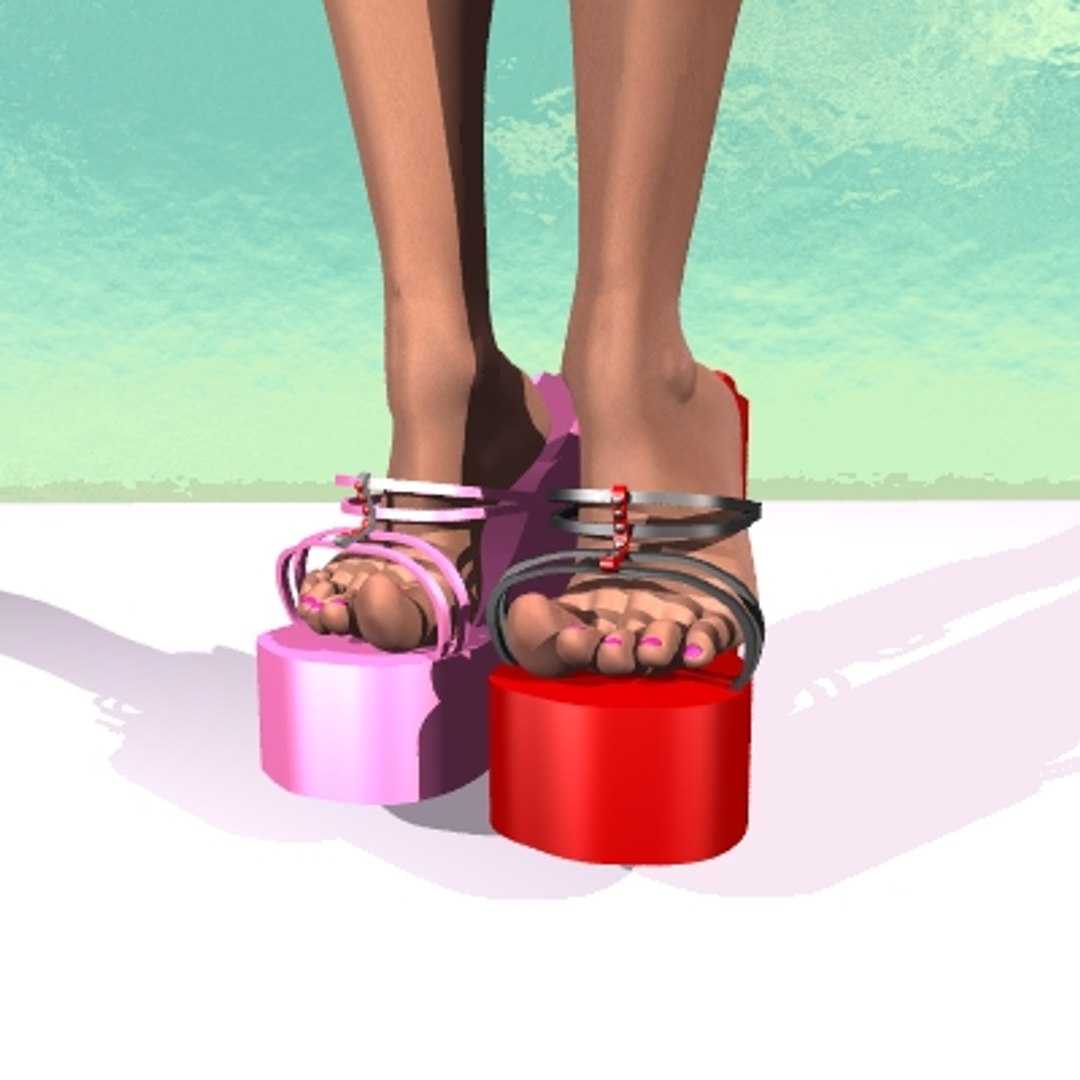
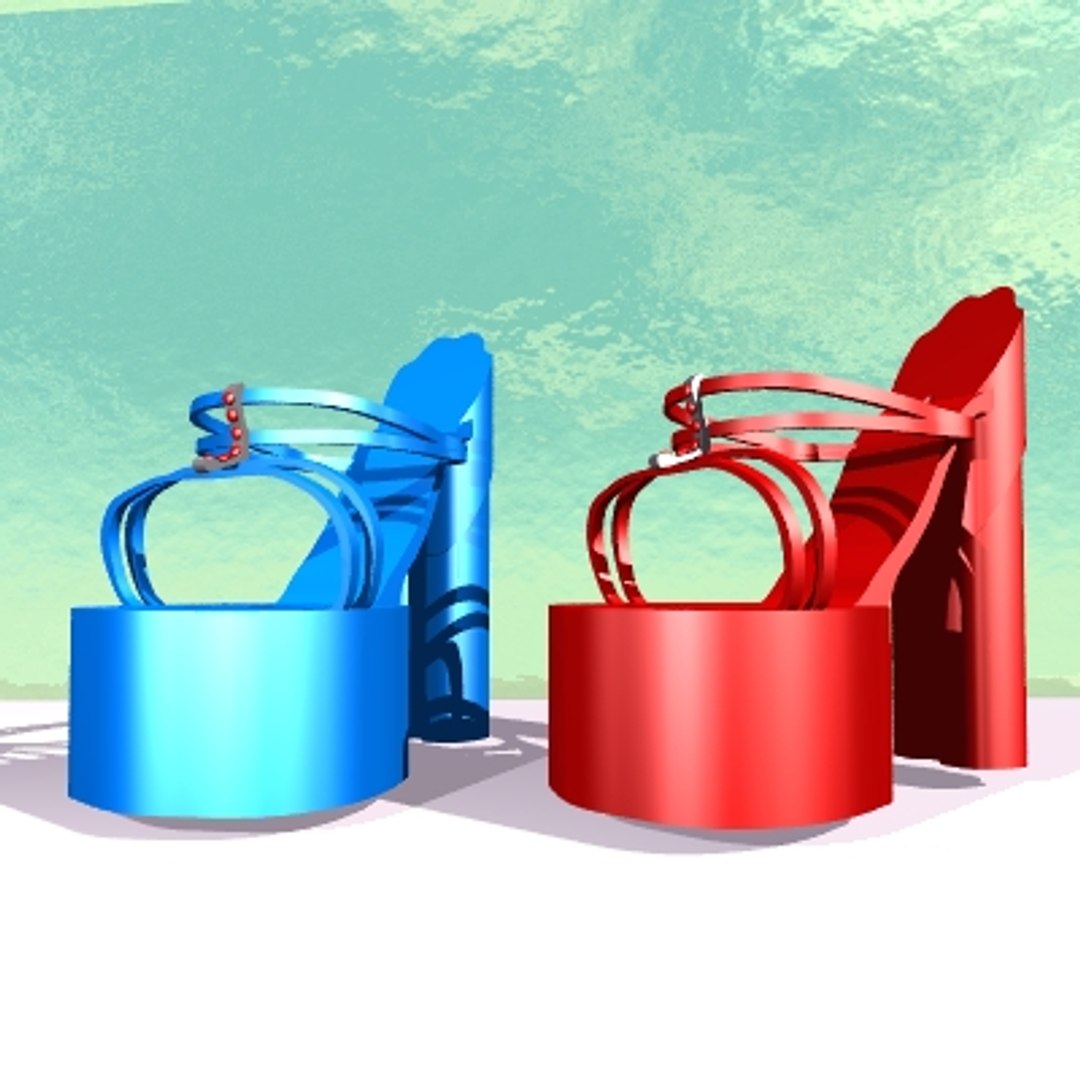
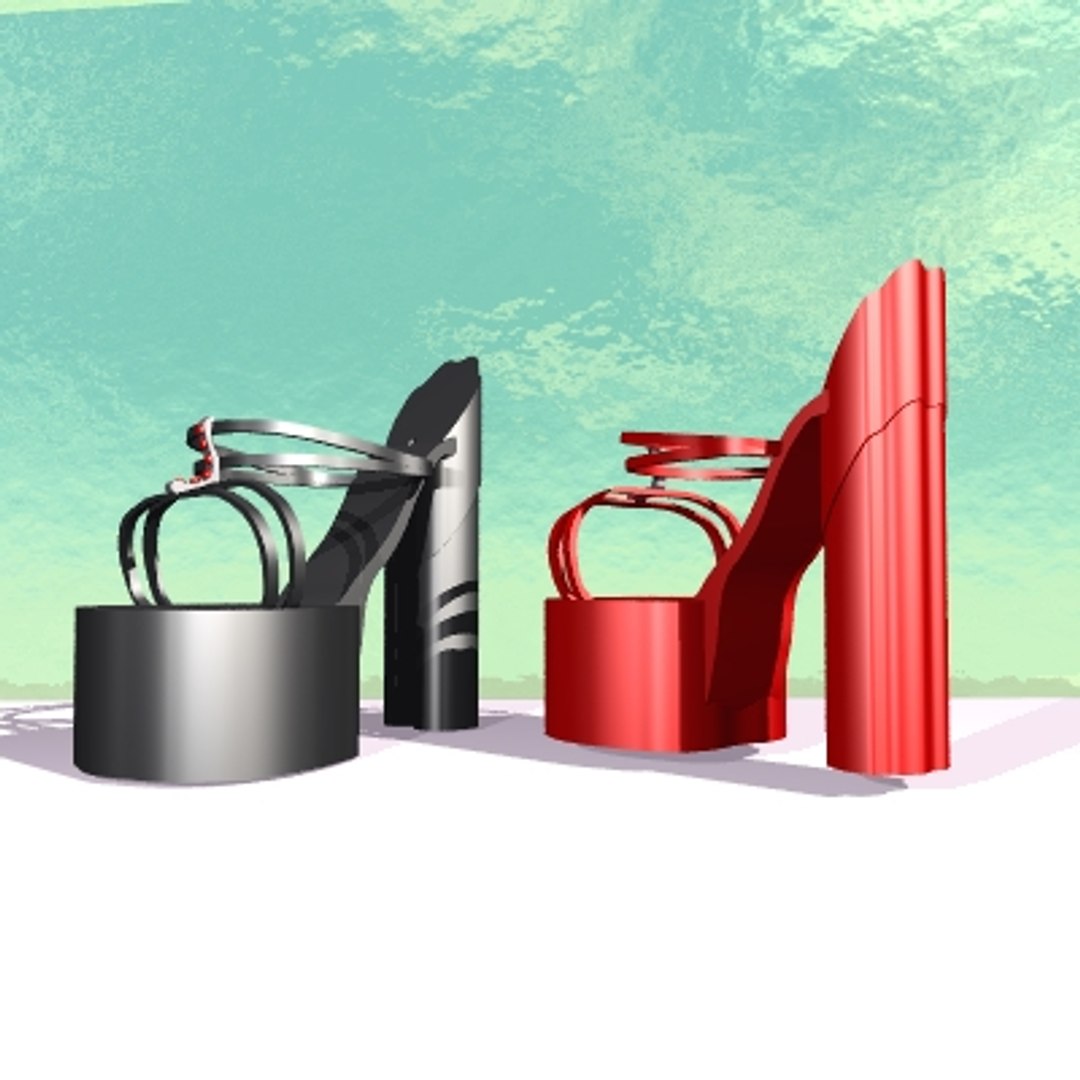
This High Heel Shoe Model, is an original design,fantasy themed, high heel shoe. It is designed as a suitable adornment, for a beautiful character. This model comes in colors of: black, blue, red, pink,purple, white, yellow, and a multi colored . This is symetrical in shape, designed that way from the start, to be able to accomodate any character"s foot model. The character"s foot should be posed at 45 to 50 degree angle of bend , and similarly reversed some in the toes for the proper fit. It also comes in a variety of model formats:.obj, .dxf, .3ds, .lwo, and .fbx .Keep in mind that .obj files also are paired with .mtl files, all other file formats do not use the .mtl file, it is only for .obj . In addition the character in the render is not included, and is used for display purposes only.
In this compilation you get all the models and all the colors in one group. All the parts are accesible, and was designed from the beinning to be played with, so... have fun in your favorite program, using this beautiful accessory.

Select Enhanced License

  • $10,000 in Legal Protection (Indemnification)
  • Uncapped Legal Protection (Indemnification)
  • Waiver from injunctive relief
  • Assignable model rights
  • $1,000,000 in Legal Protection (Indemnification)
  • Waiver from injunctive relief
  • Assignable model rights
  • $250,000 in Legal Protection (Indemnification)
  • Assignable model rights
Read more about enhanced license tiers, or contact us at enterprise@turbosquid.com. Already a Shutterstock Enterprise Customer? Contact your Shutterstock Sales Support Agent to talk about adding 3D.

About Conversion Requests

To submit a conversion request for a purchased asset, please complete our Conversion Request Form.

If you have not yet purchased a model, please review our Documentation about Conversions to learn about what limitations you may encounter with a conversion.

For any additional questions about a model’s suitability for conversion, please contact TurboSquid Support.

Loading...