
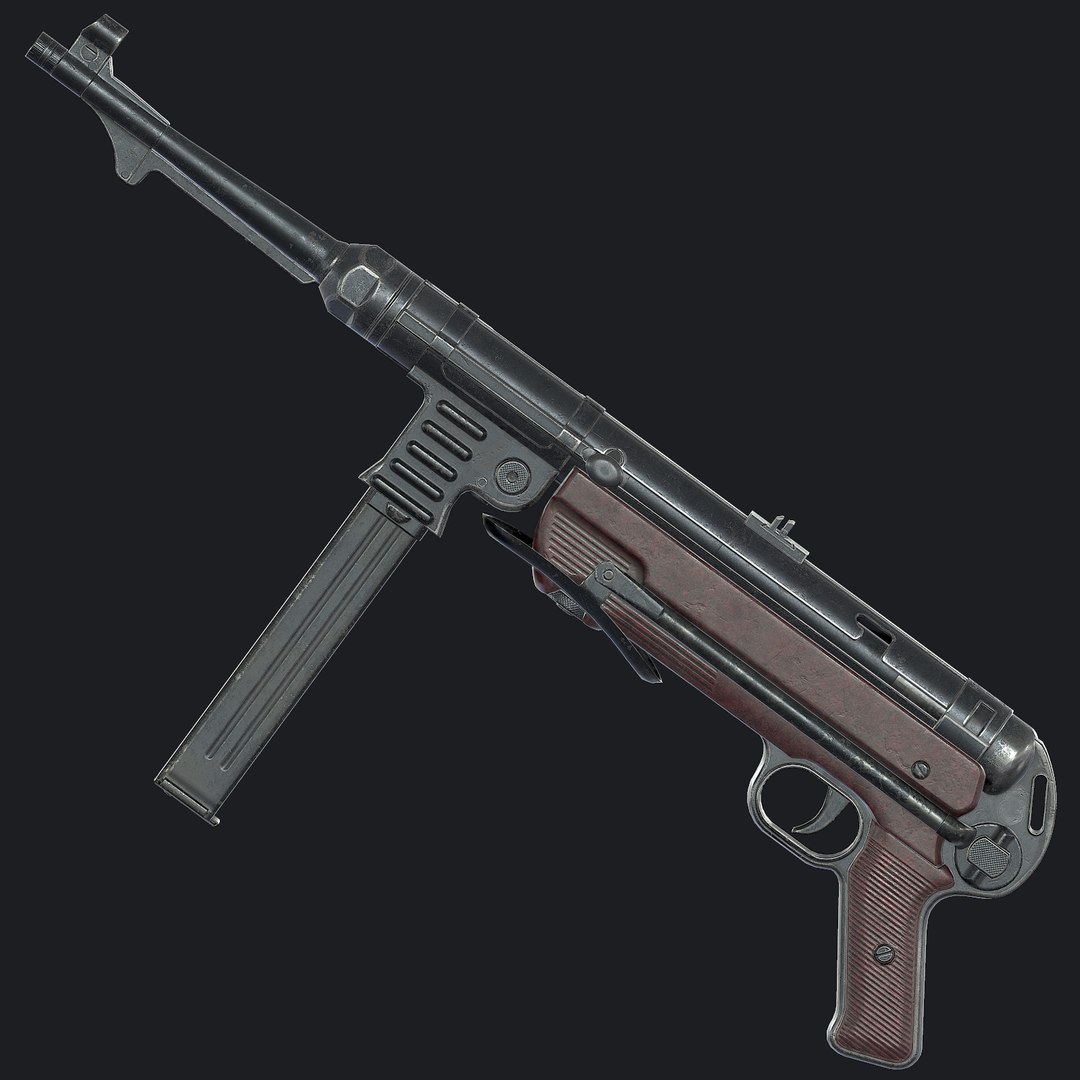
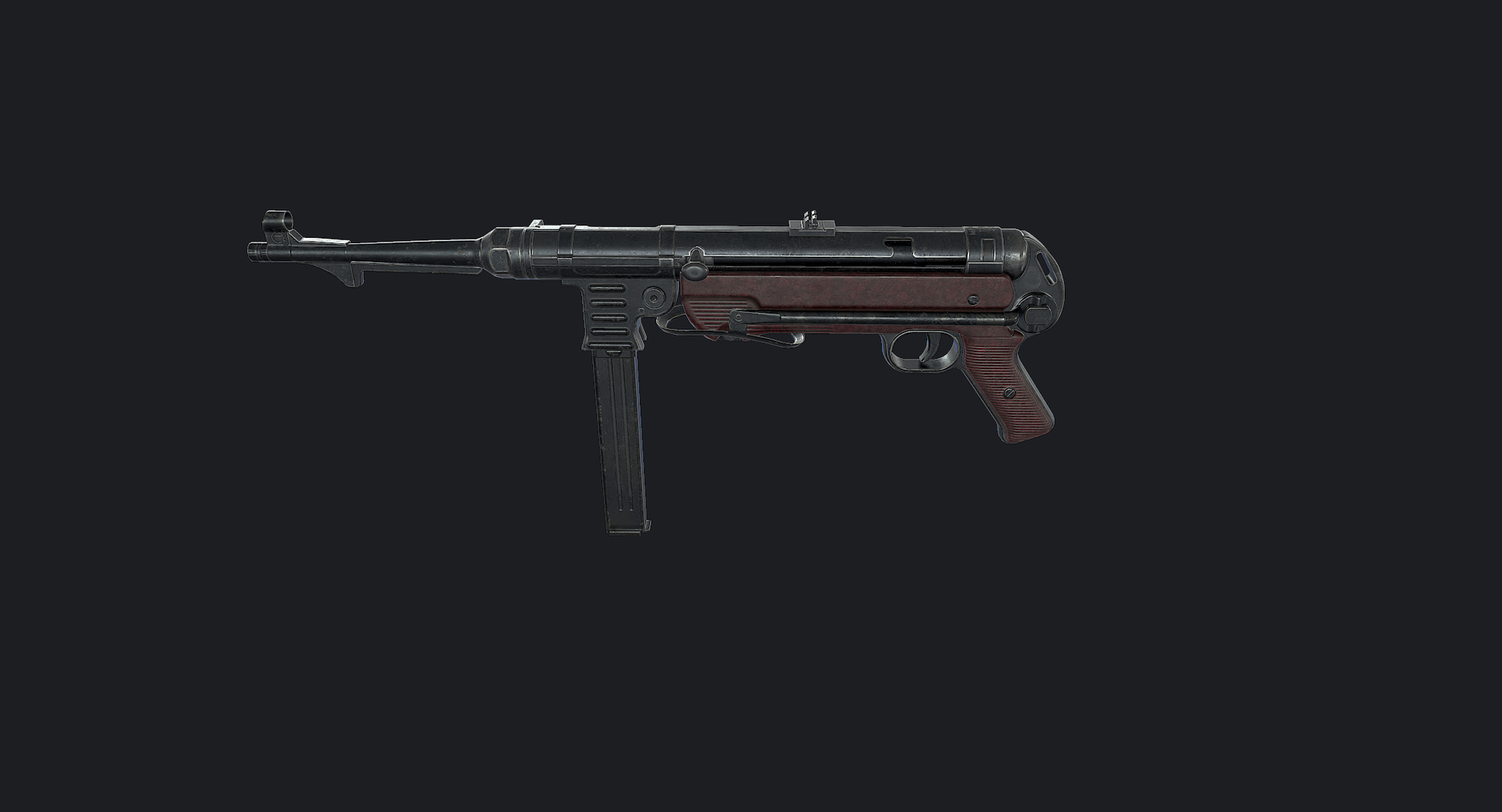
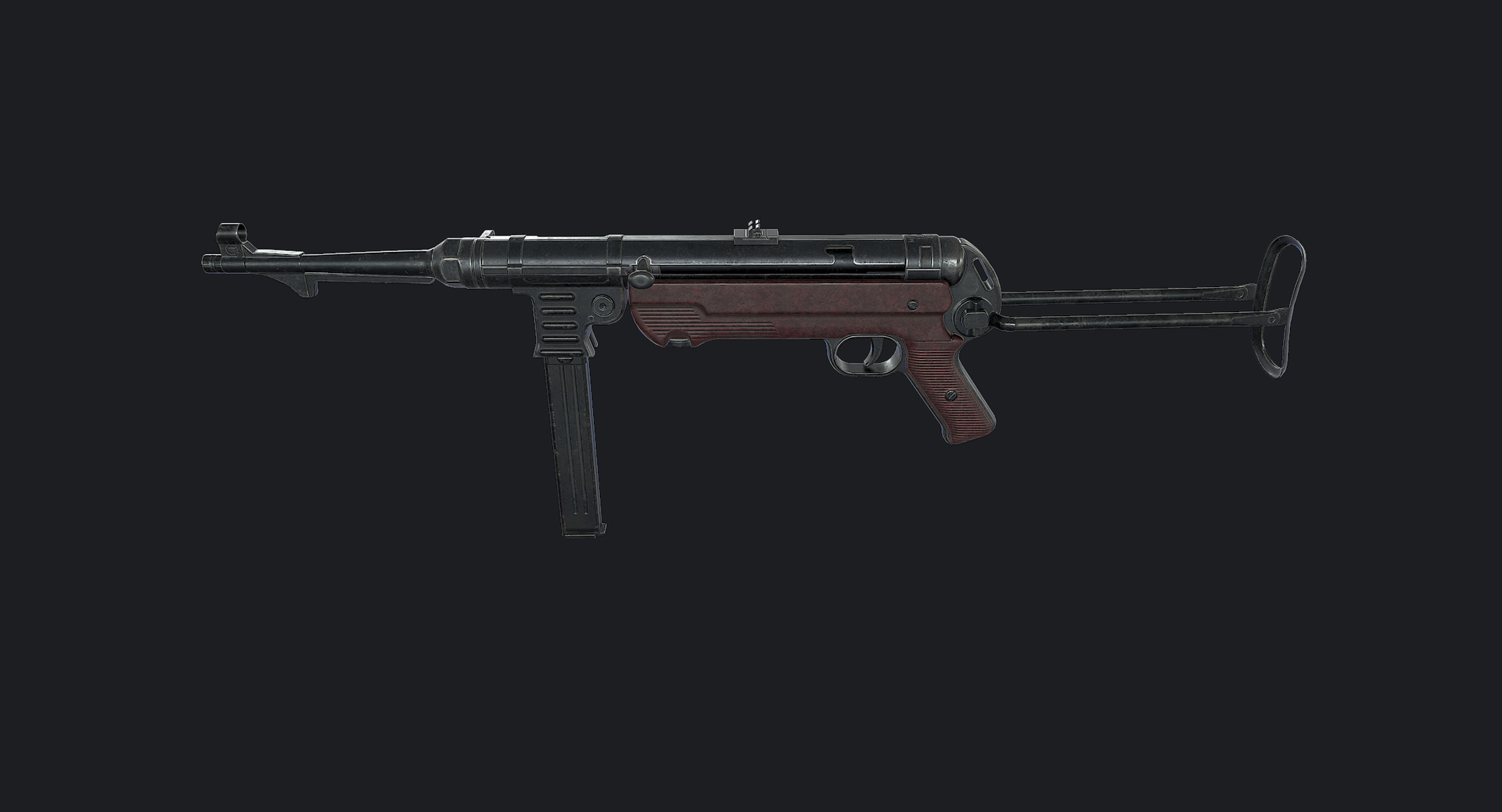
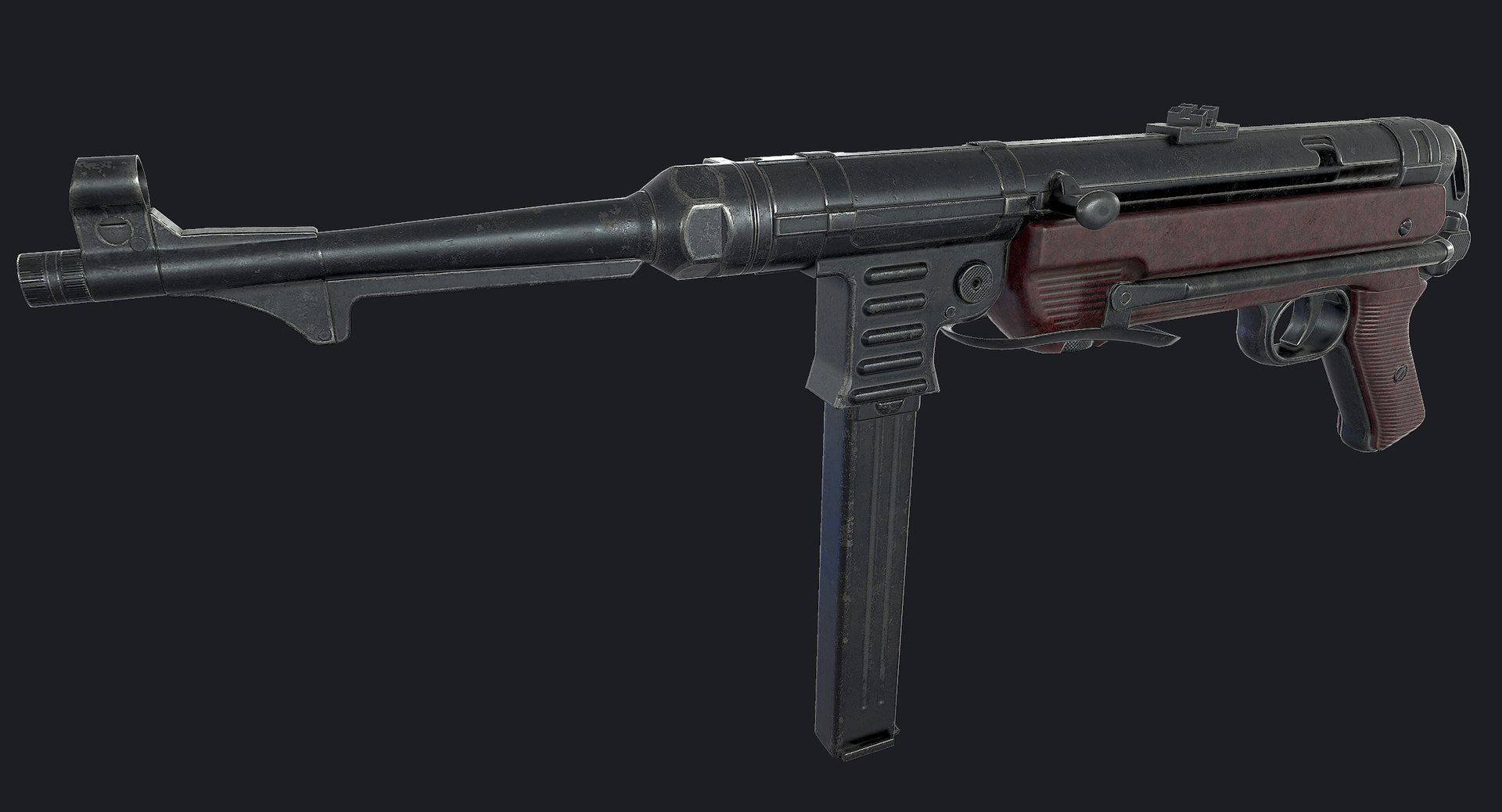
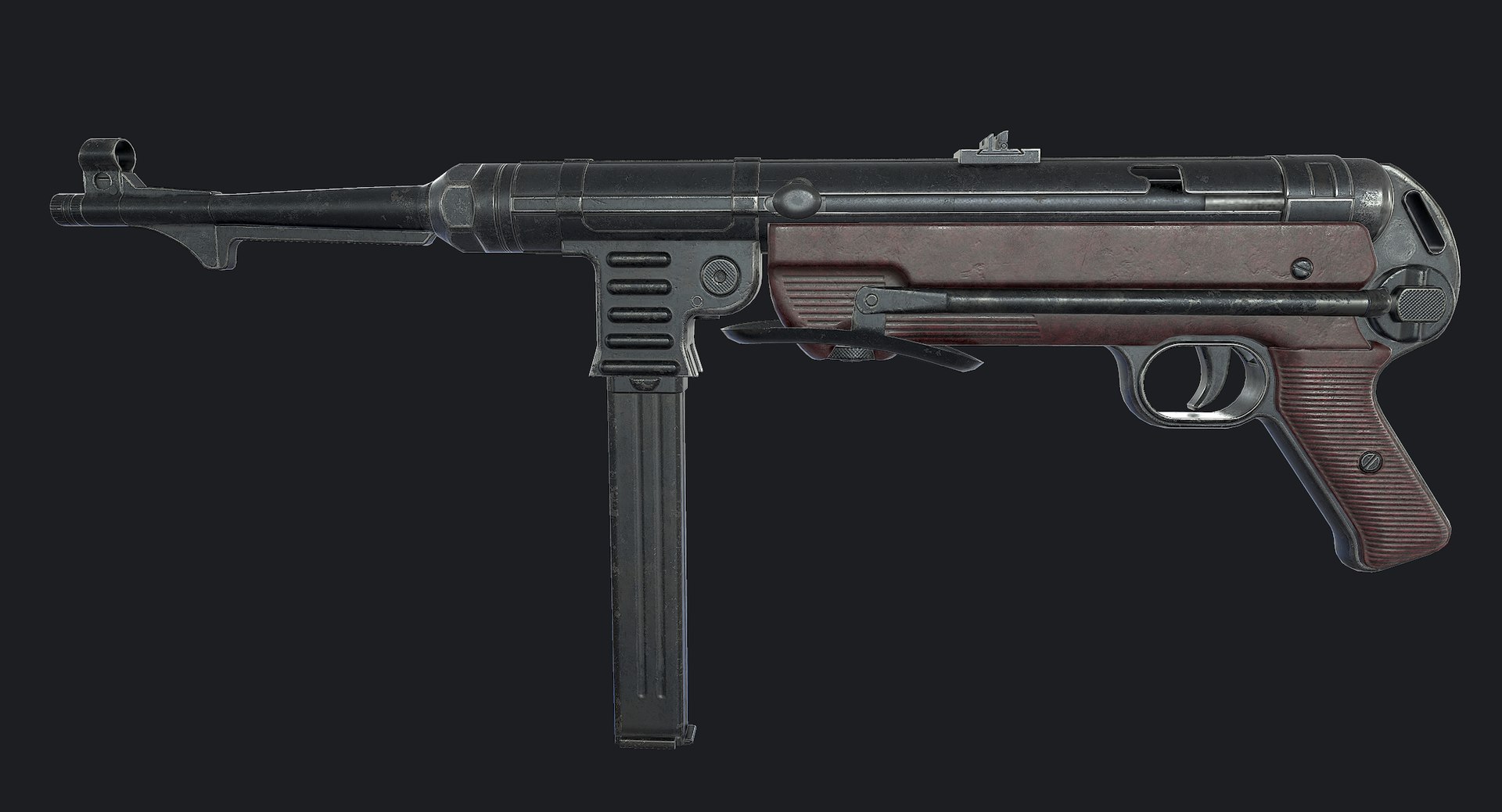
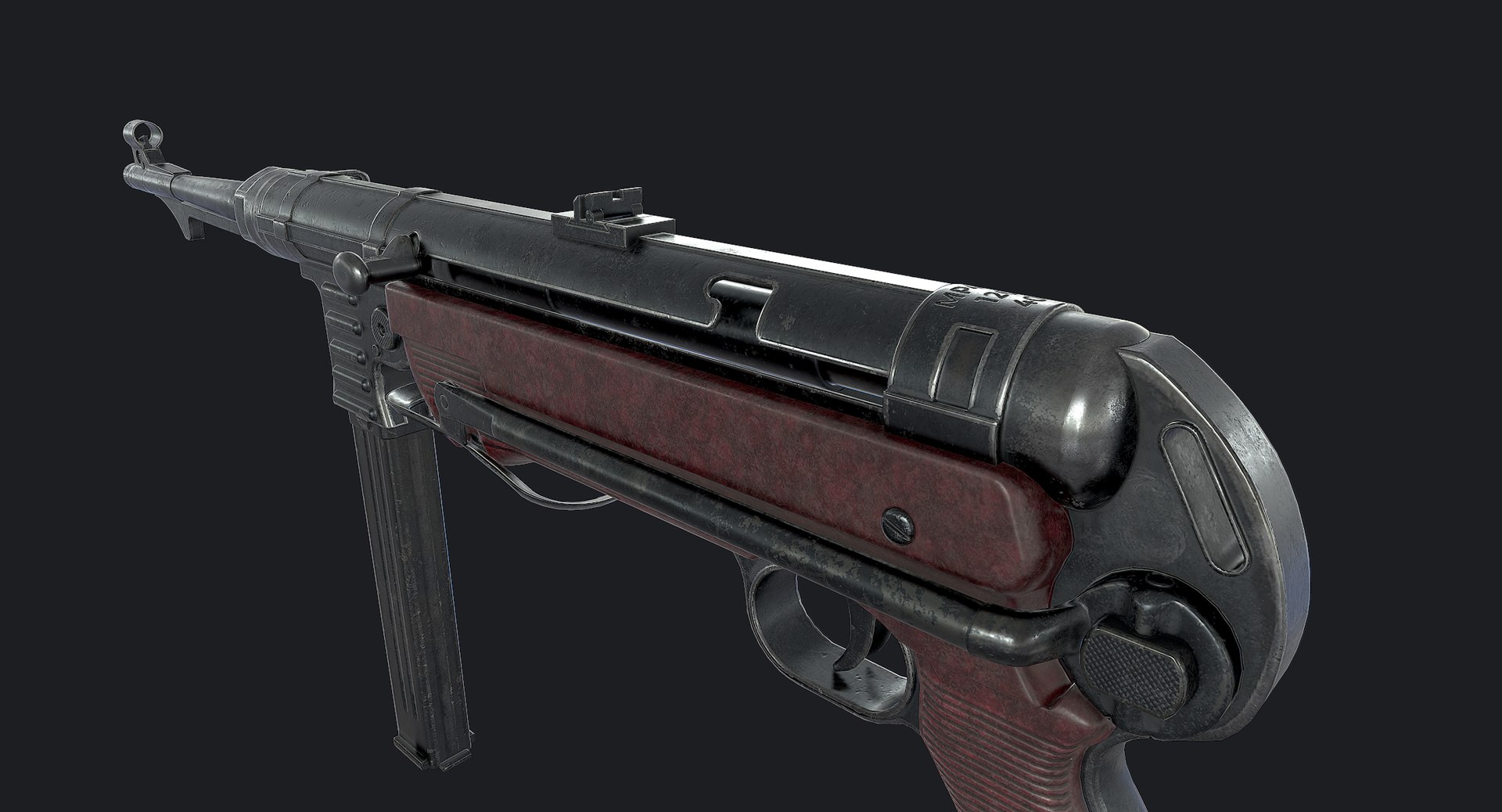
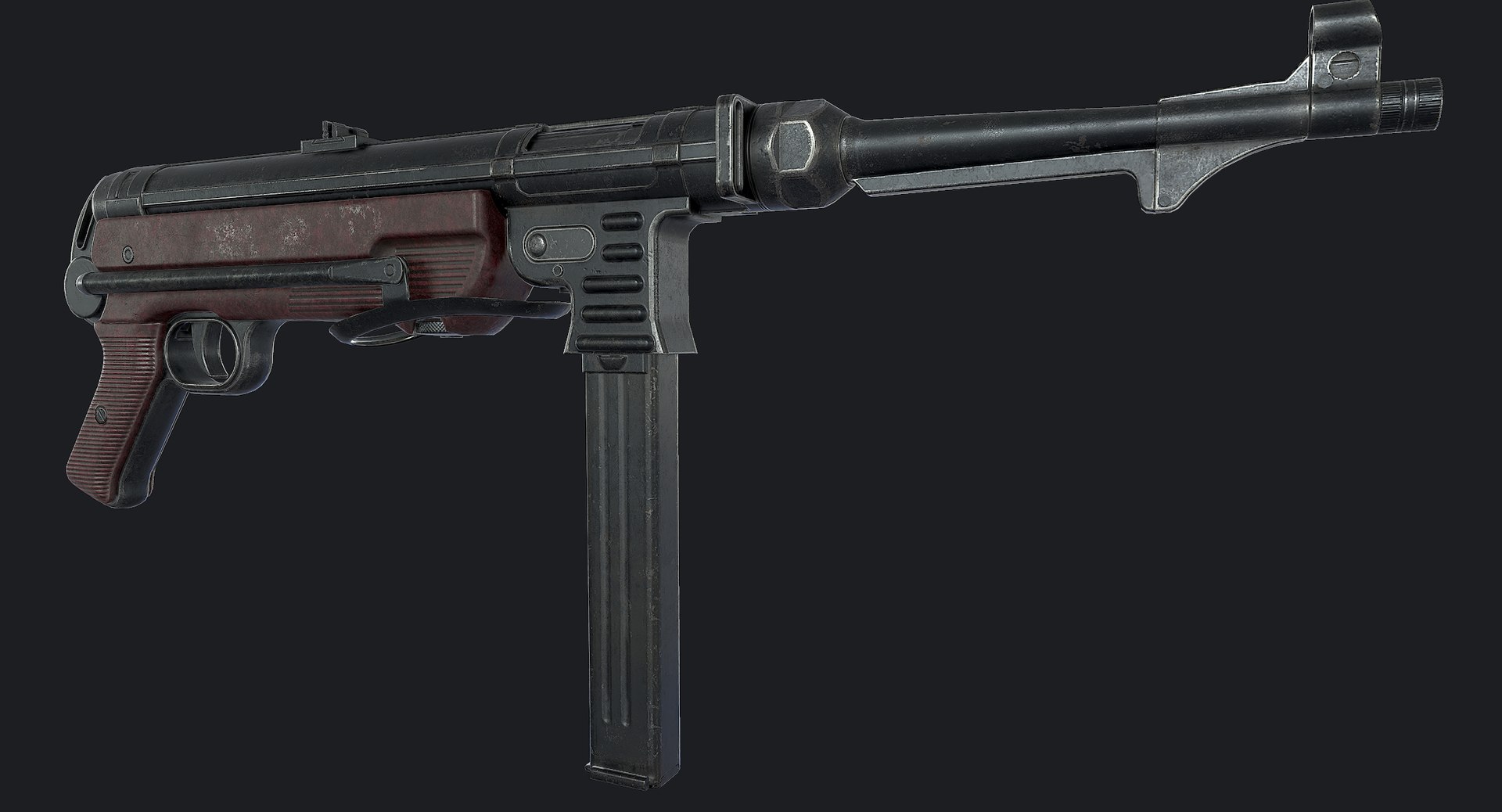
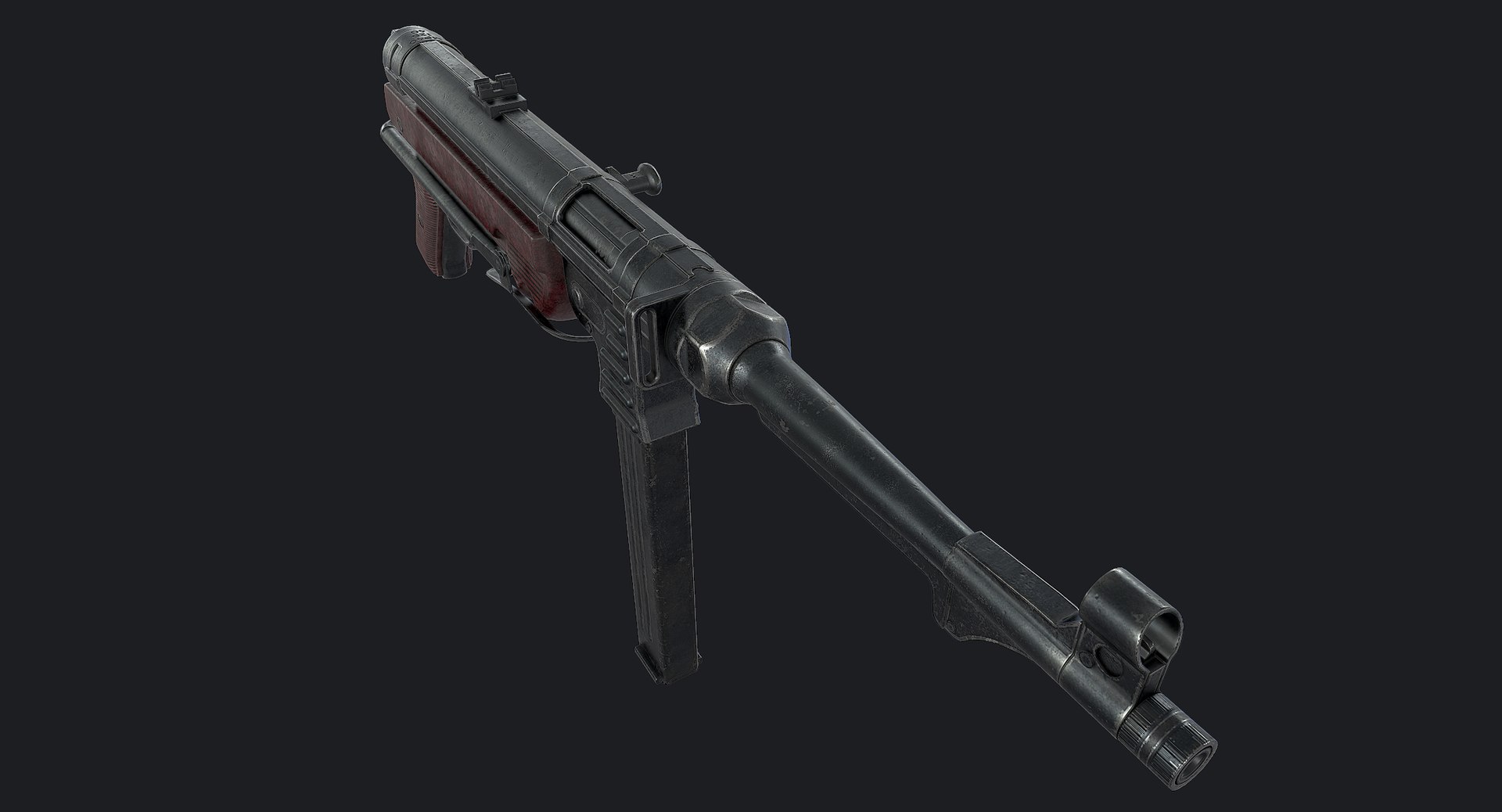
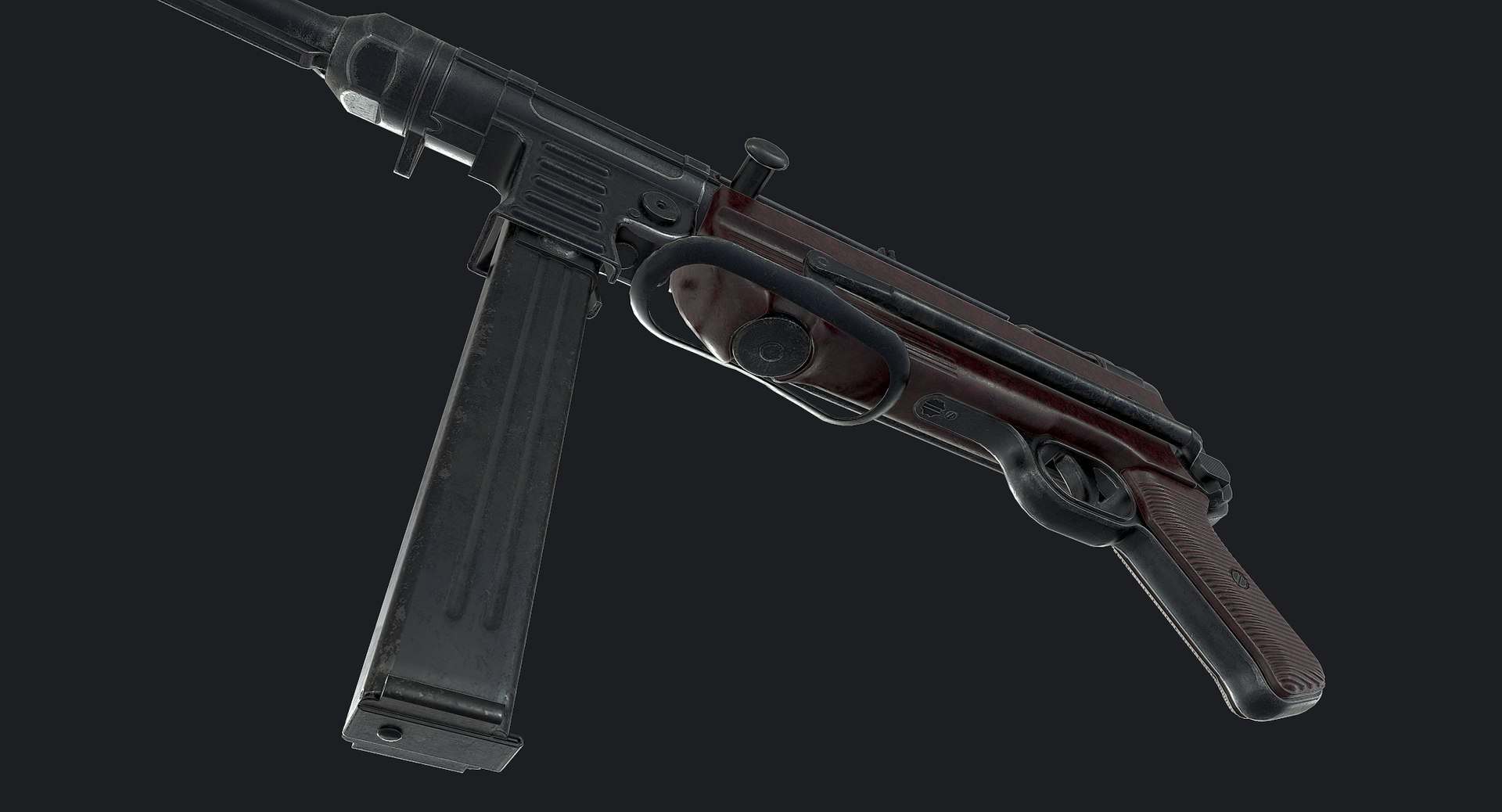
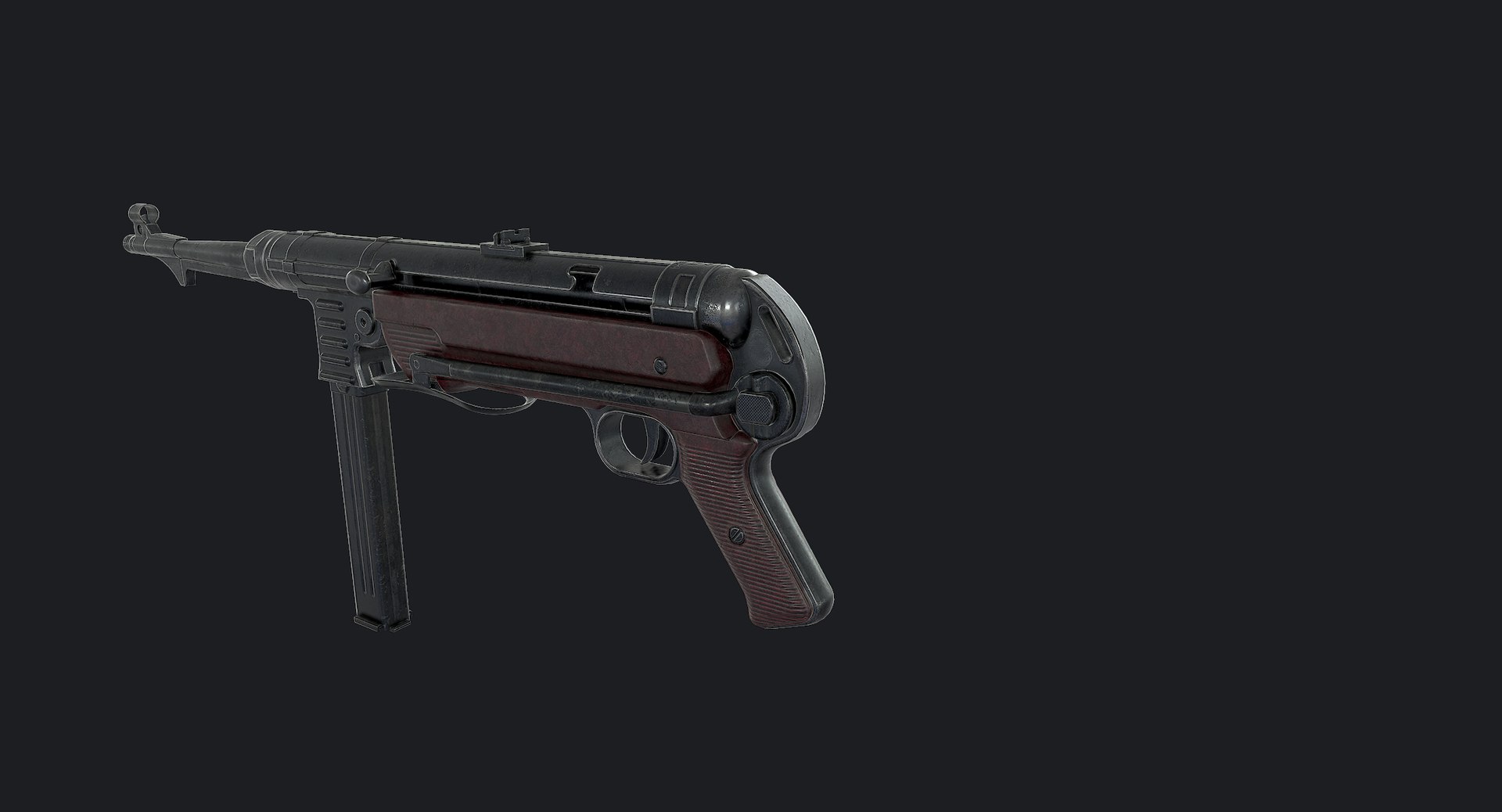
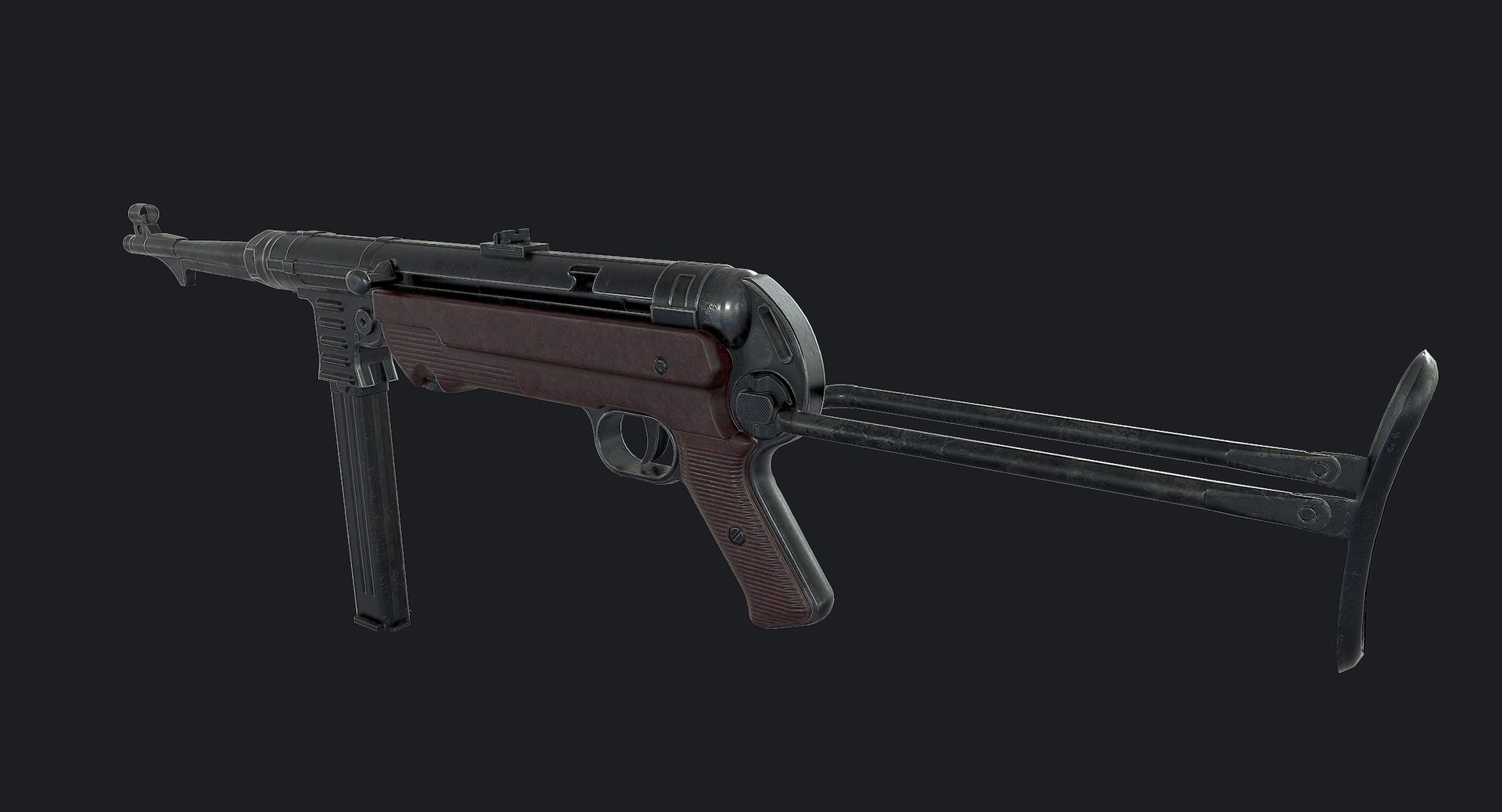
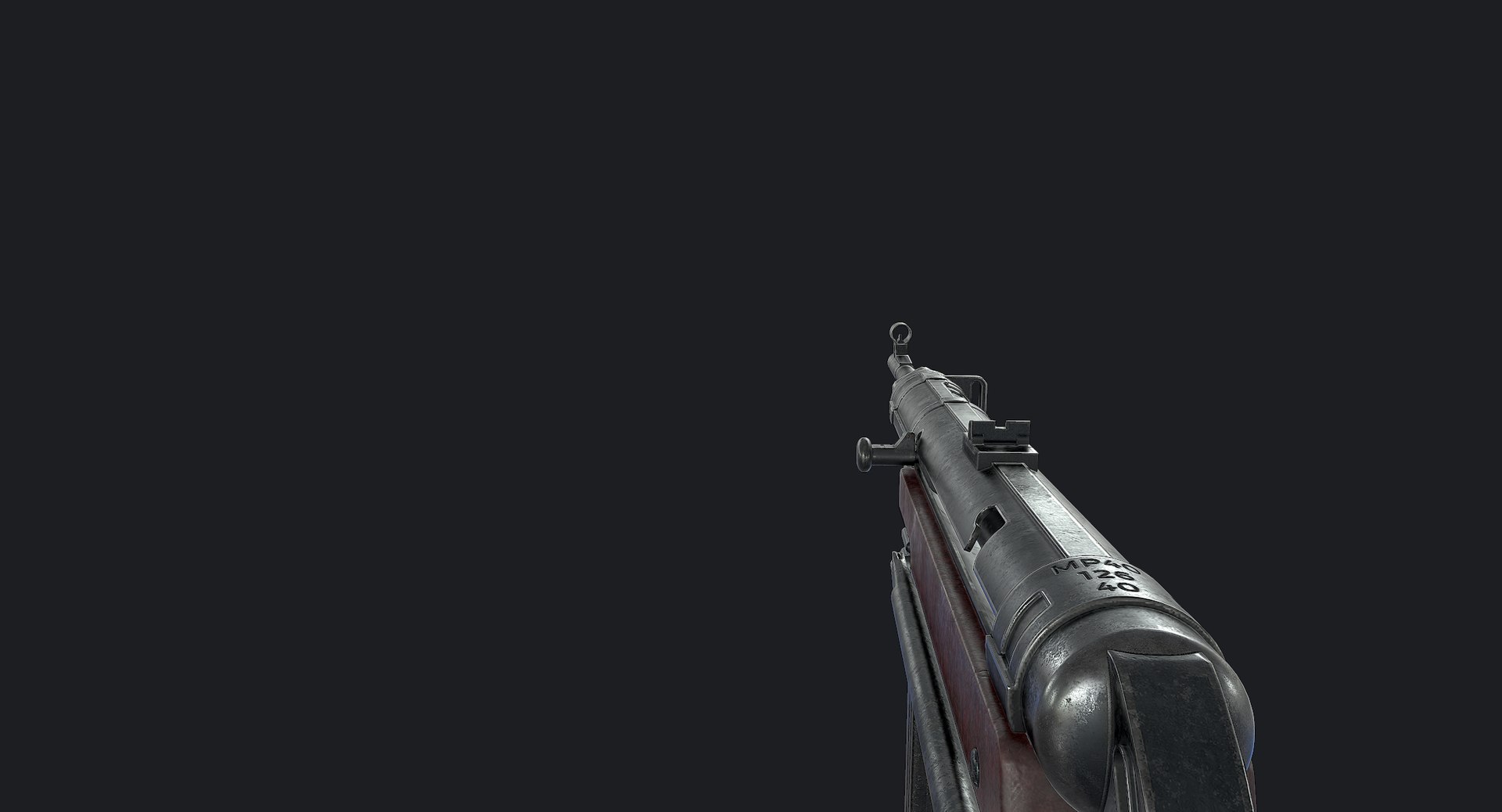
MP40 Submachine Gun

$59

Standard License | Upgrade License
Editorial Uses Only
Formats (3)
Free file format Conversions available
Native | 3ds Max 2016 | Default Scanline
FBX
OBJ
Other Files
mp40_bake.zip mp40_textures_unity.zip mp40_textures_ue4.zip mp40_additional_maps.zip mp40_spec_gloss_textures.zip mp40_substancepainter.zip
Specifications
Publish Date July 27, 2011
Product ID 619193
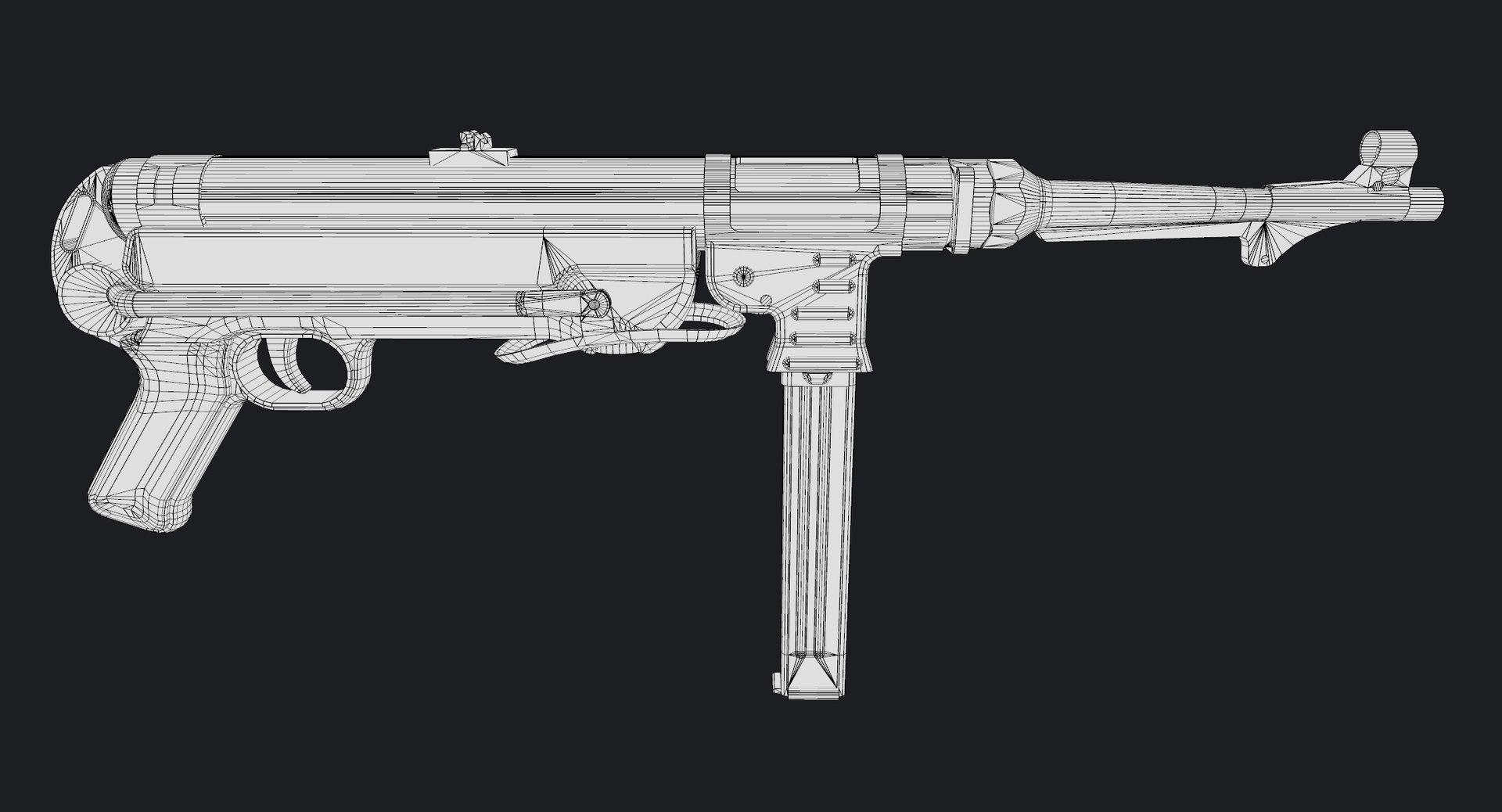
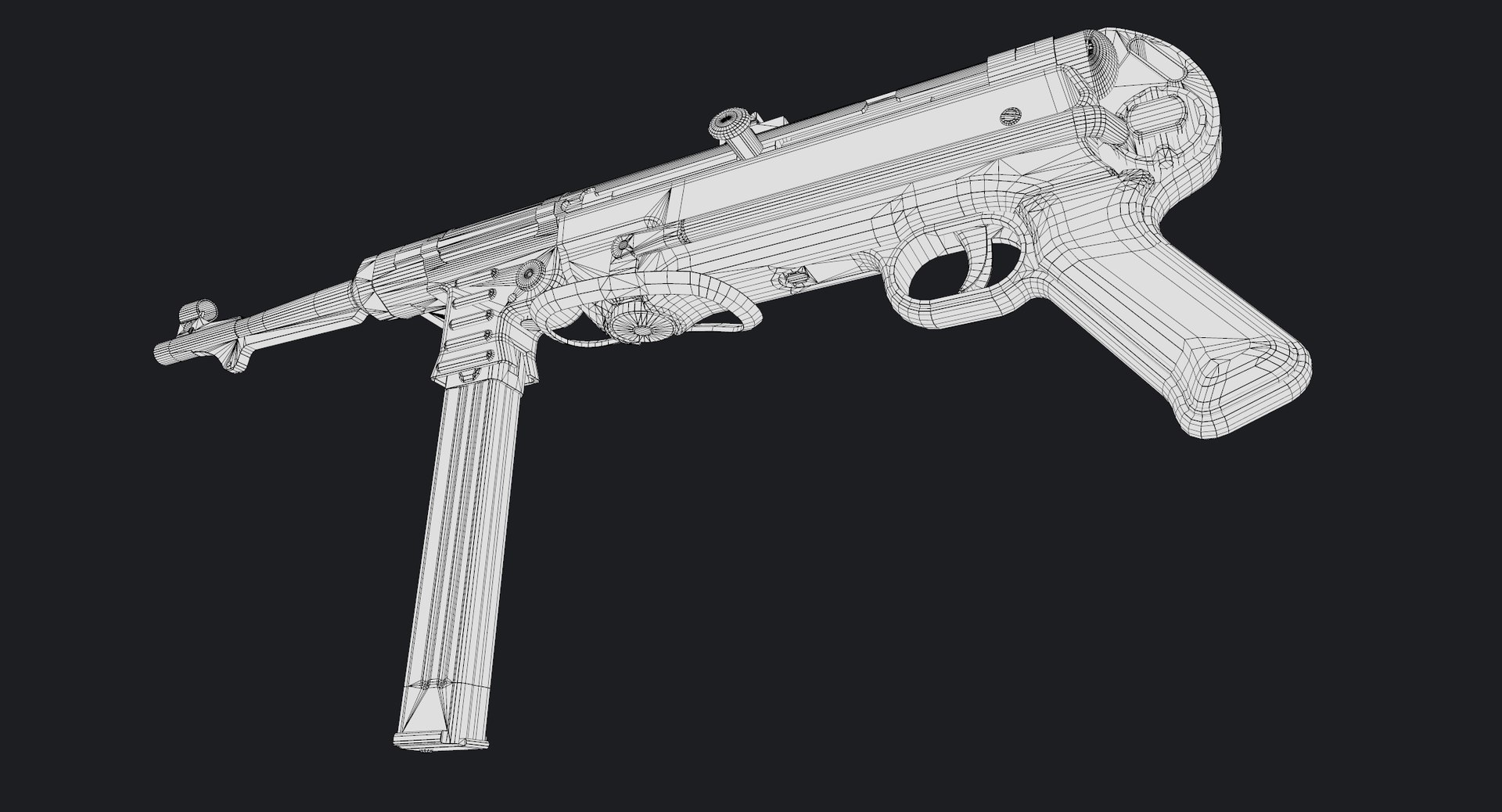
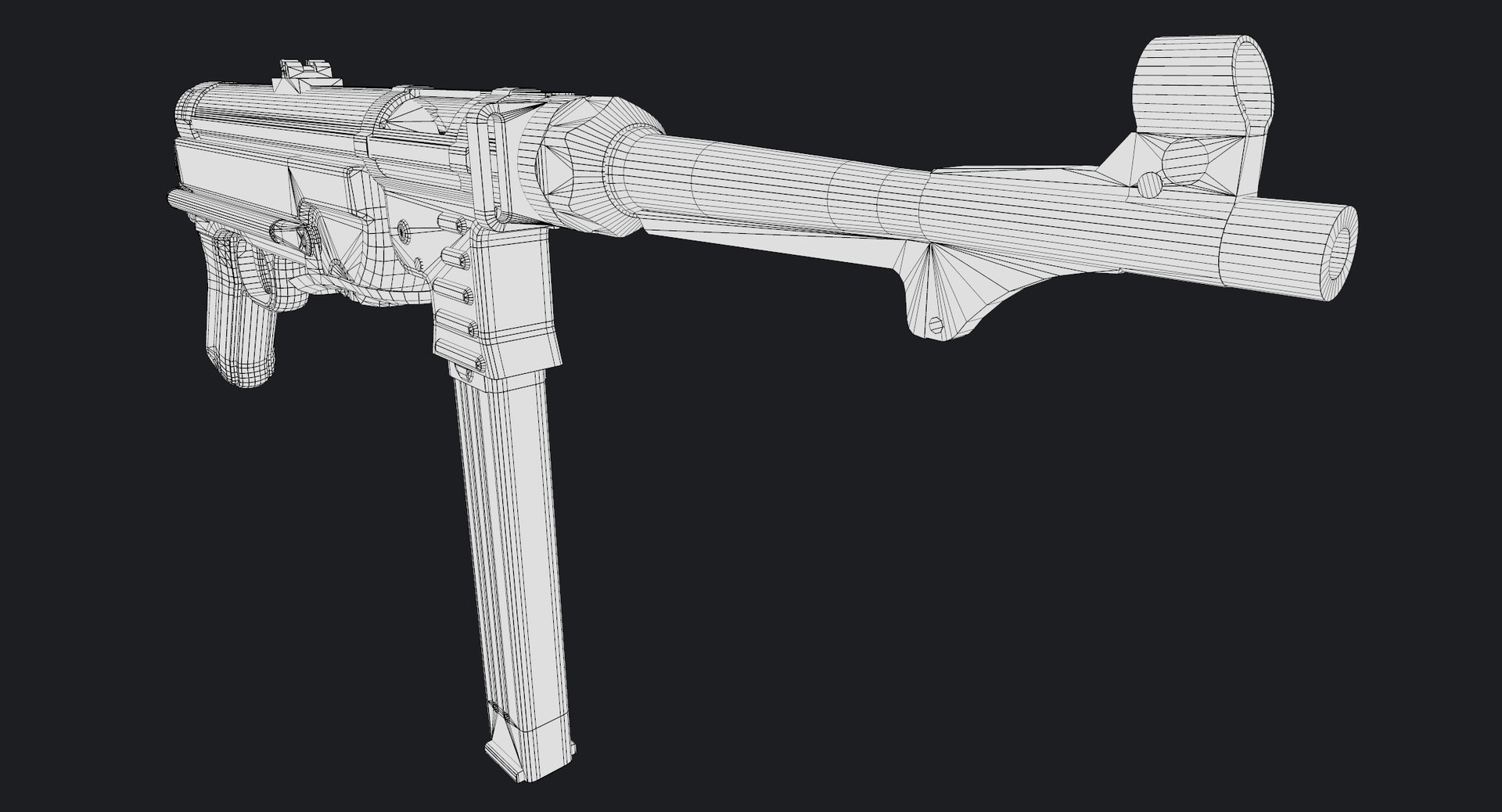
Polygons 12,434
Vertices 11,667
Polygonal
Textures
Materials
UV Mapped
Overlapping Unwrapped UVs
PBR

member avatar
Luchador
279 Products | Contributor Since 2009
Have questions? Chat with us now.

Description

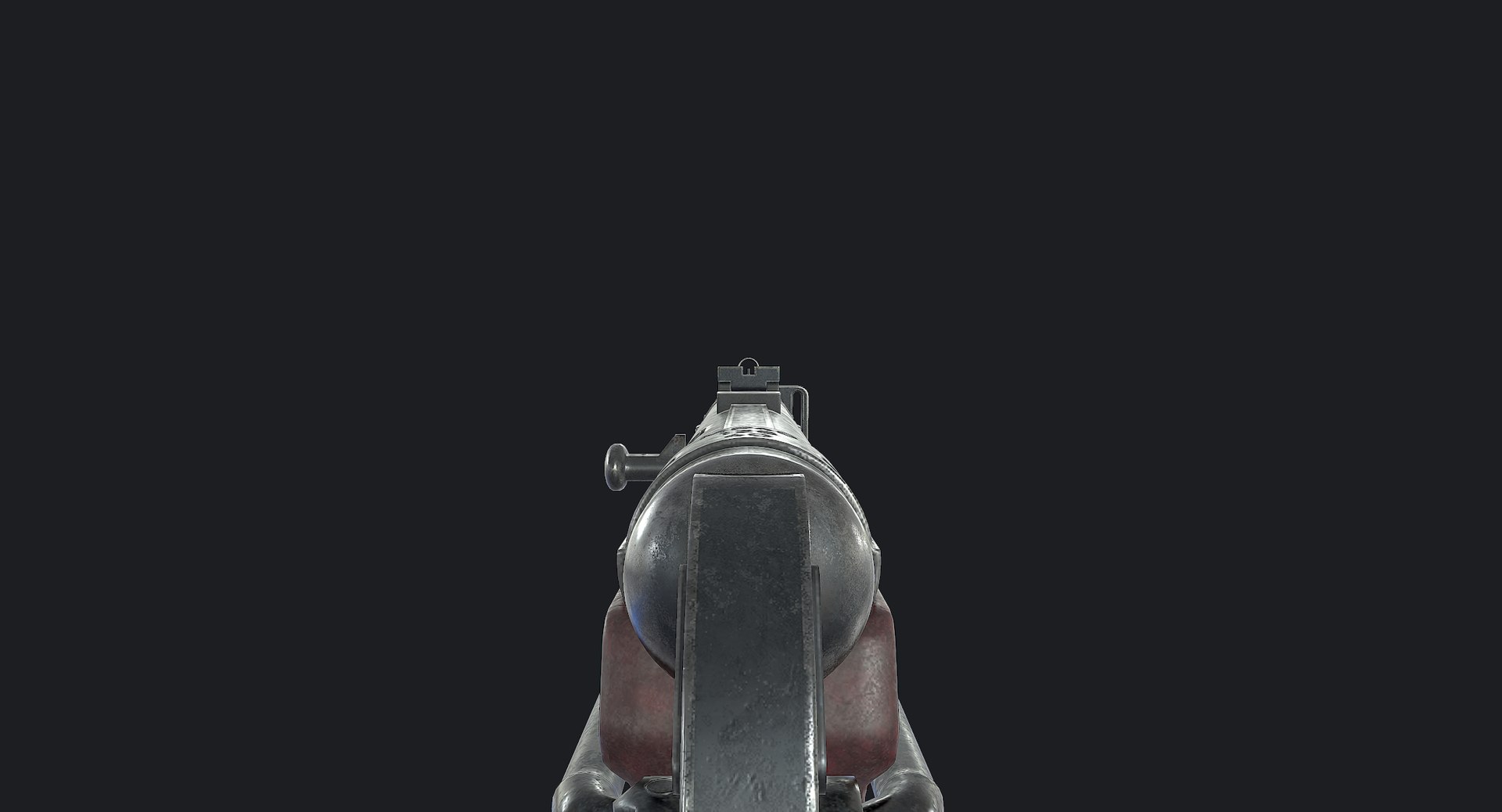
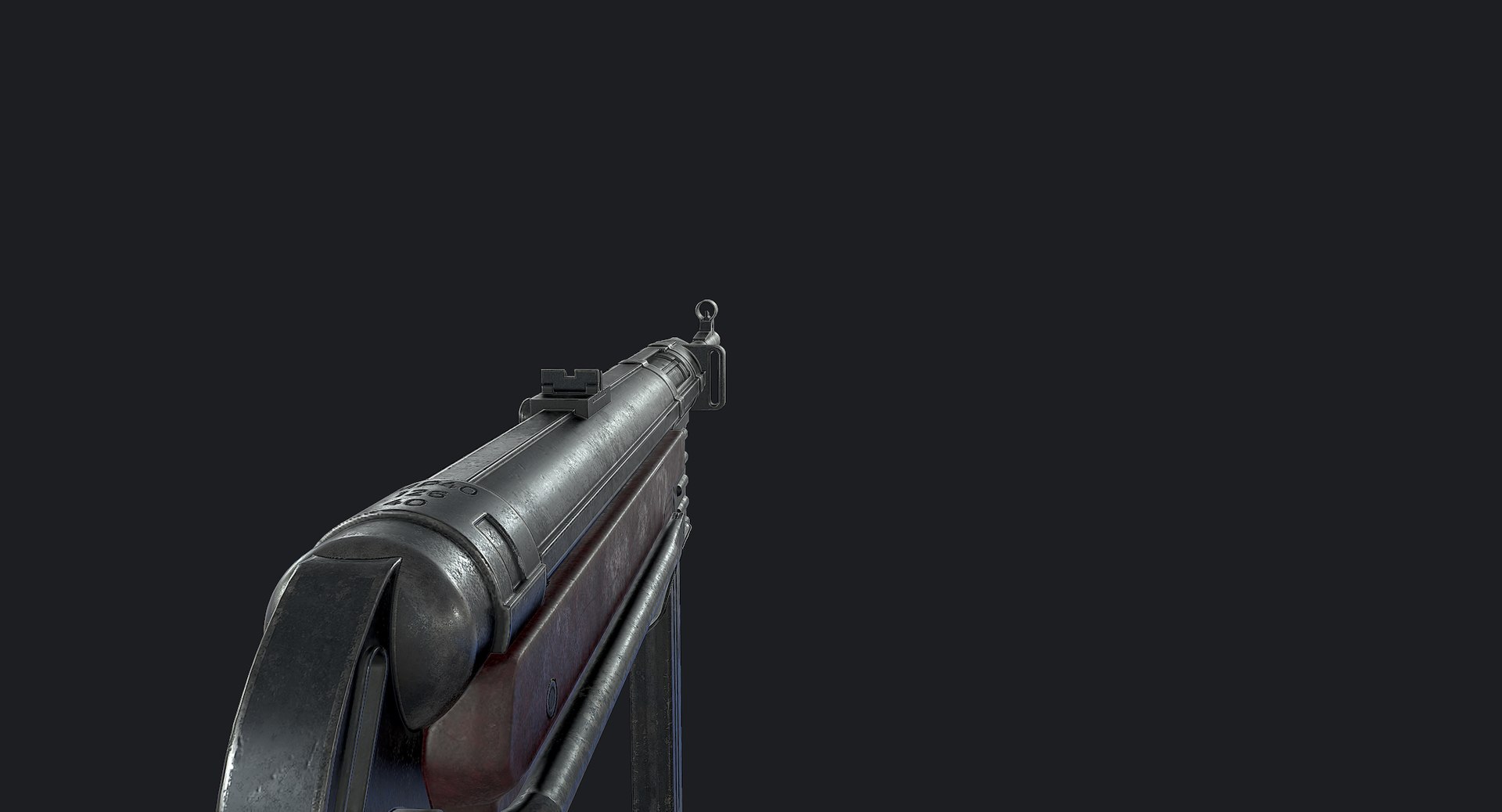
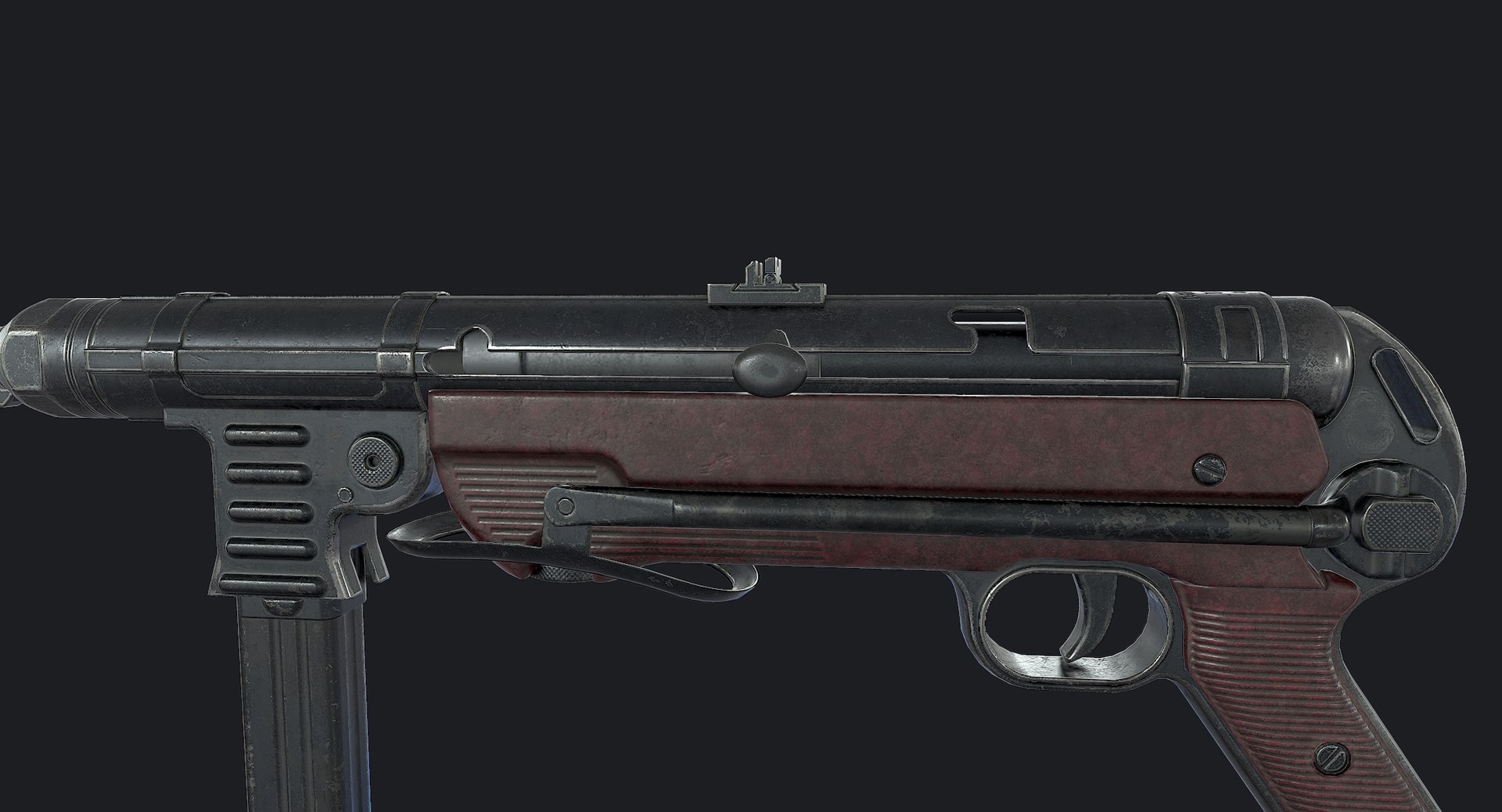
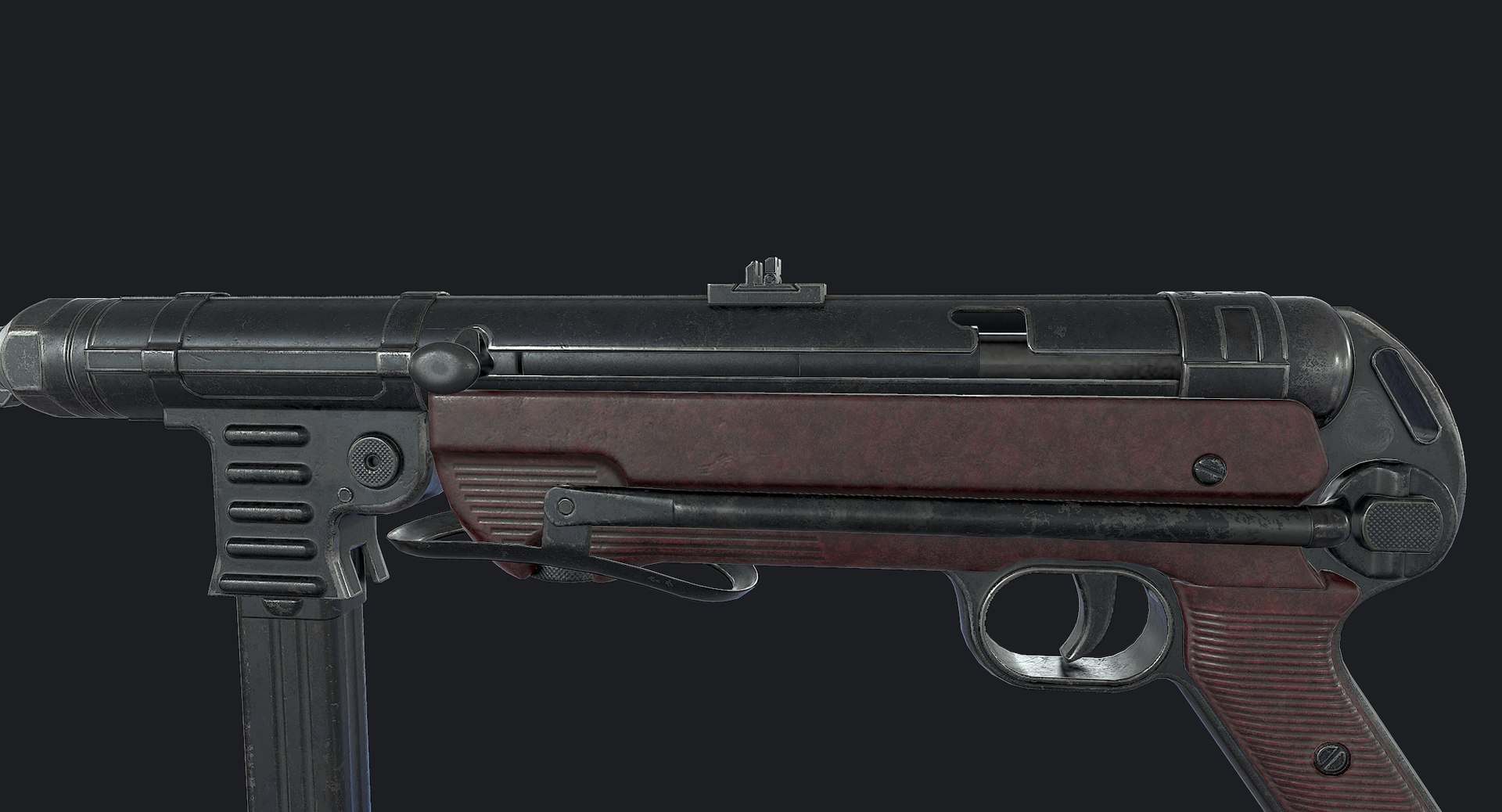
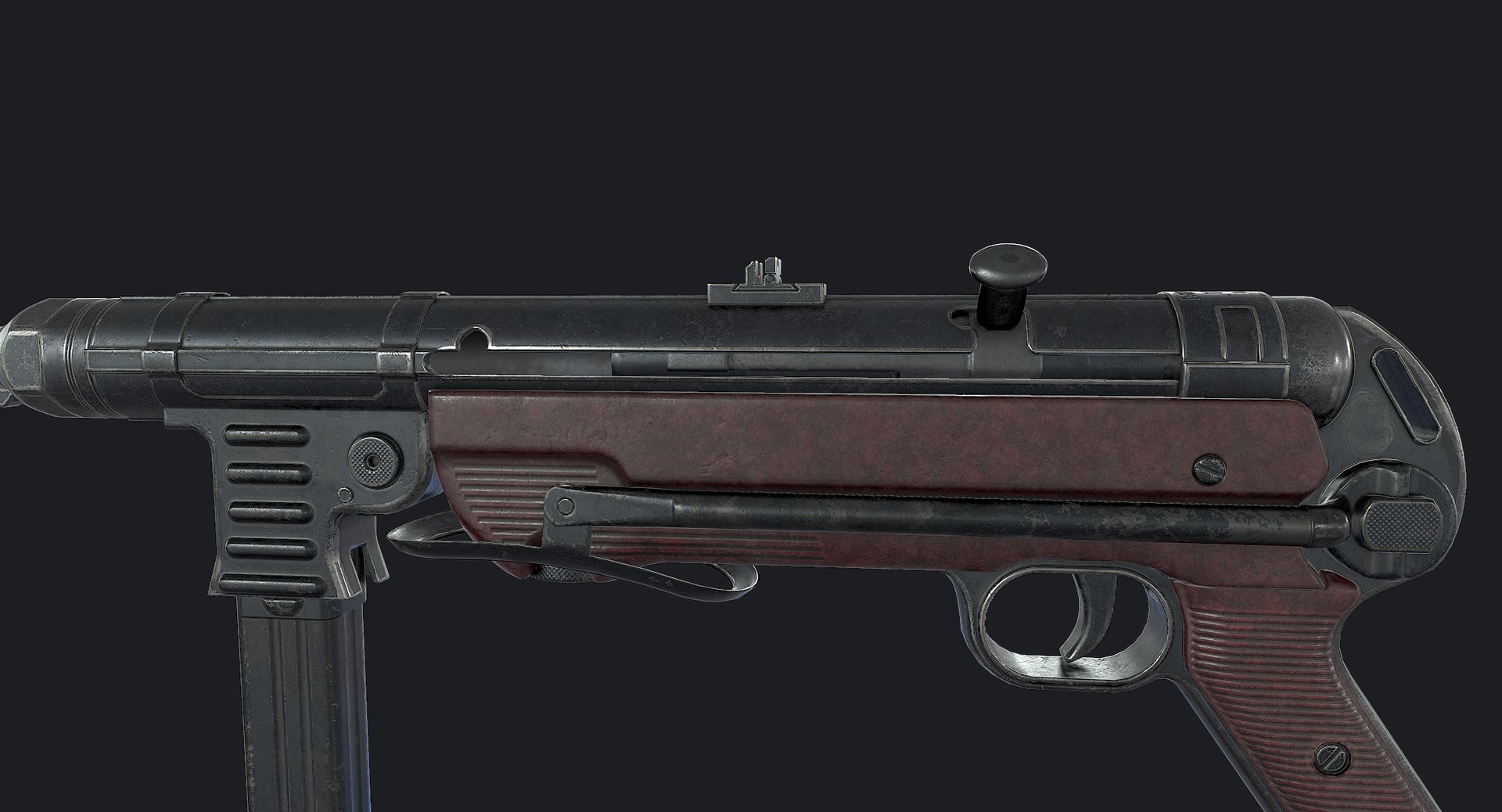
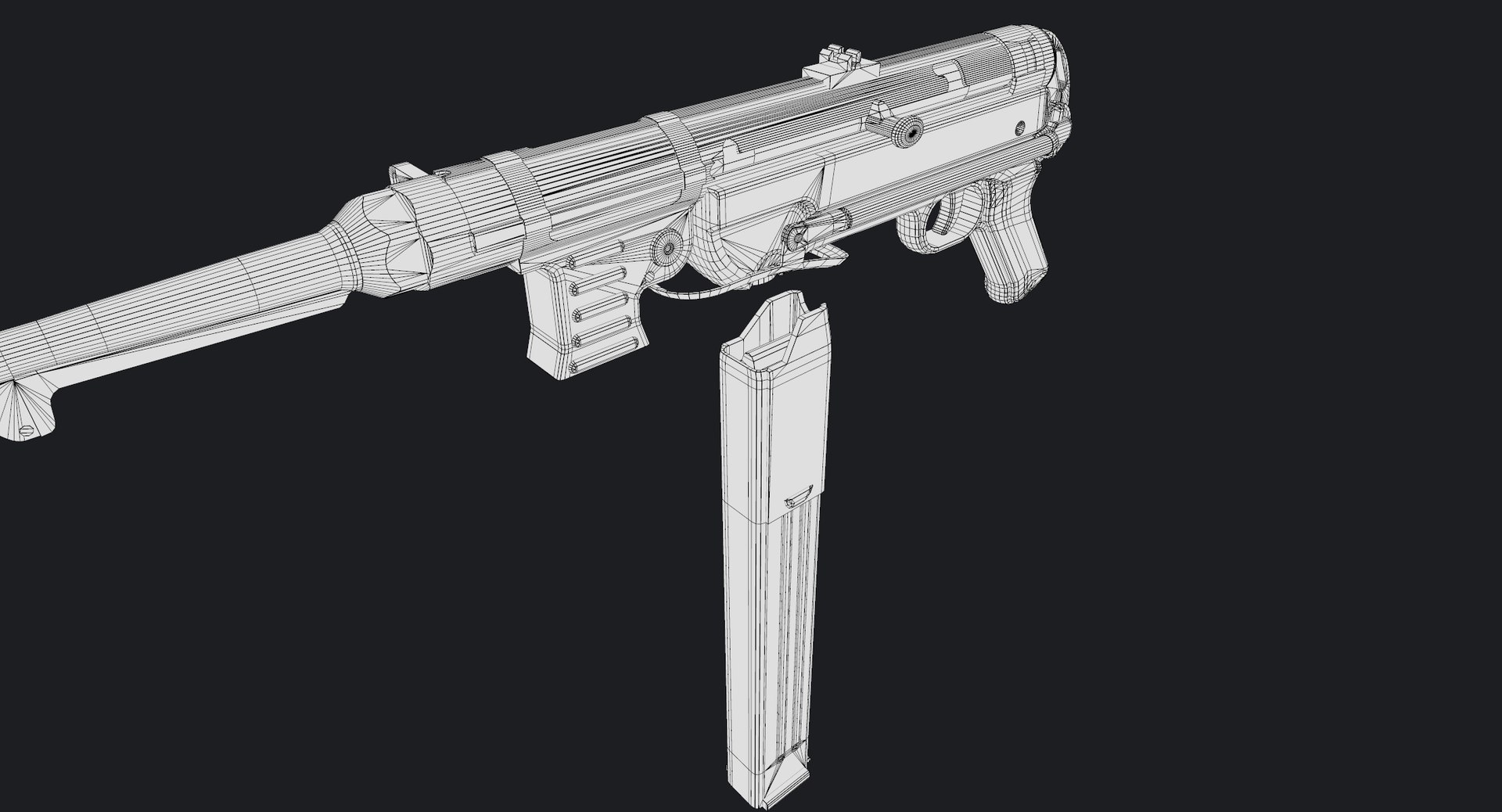
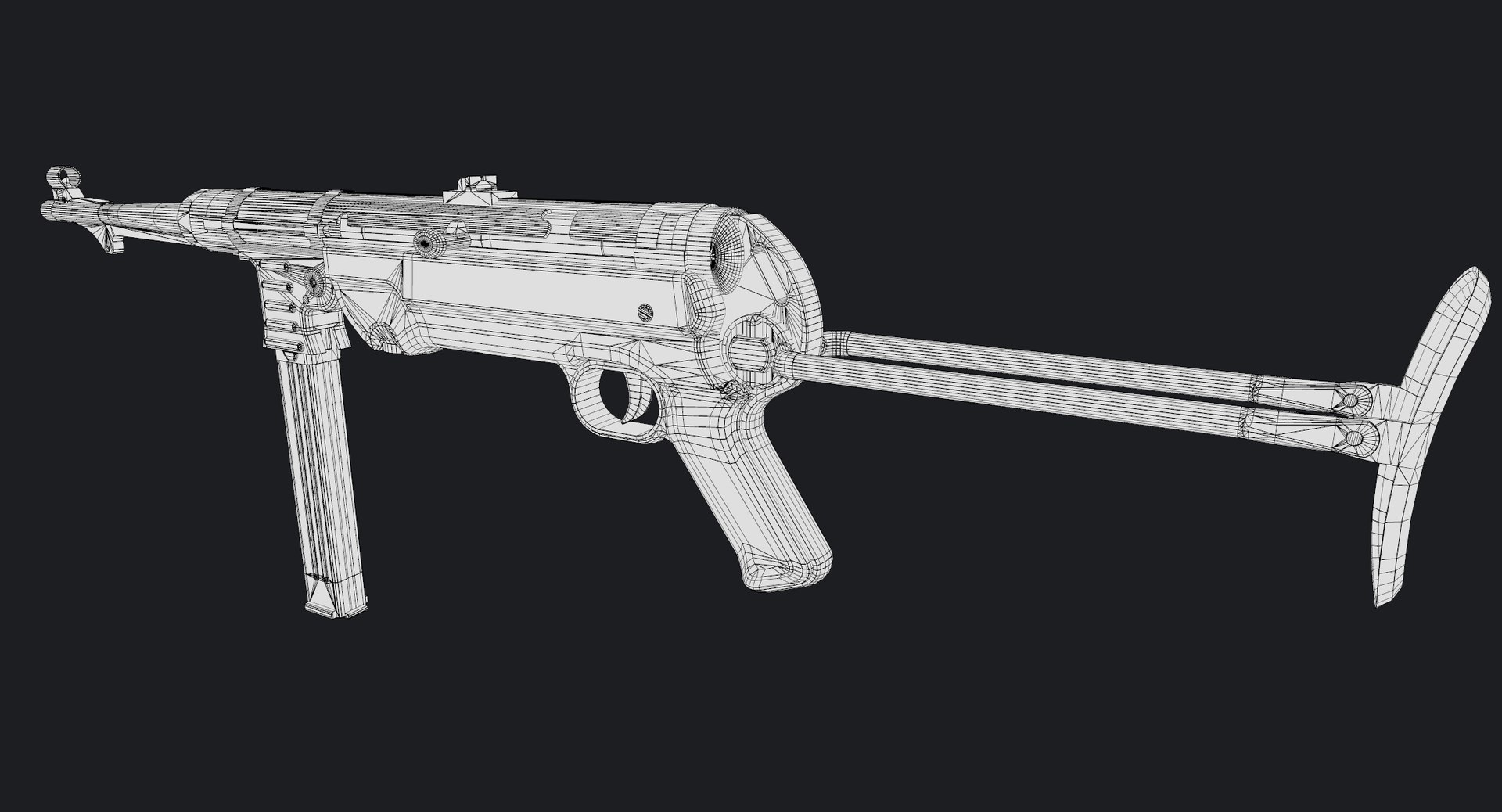
MP40 Submachine Gun is a high quality, low poly asset originally modeled in 3DS Max 2016. The normal map was baked from a high poly model, making this product look very detailed without using many polygons. This product is intended for game/real time/background use. This model is not intended for subdivision.

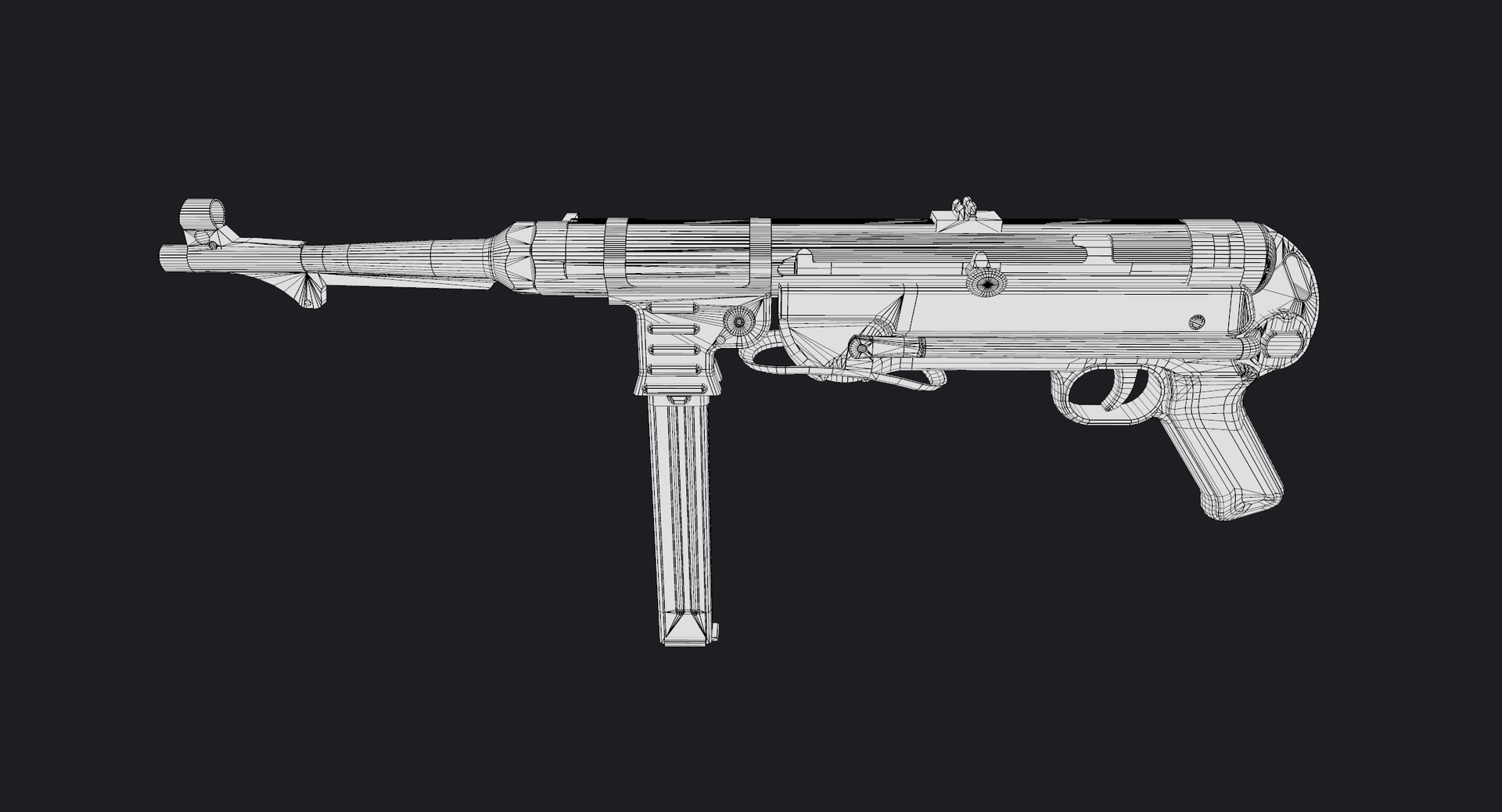
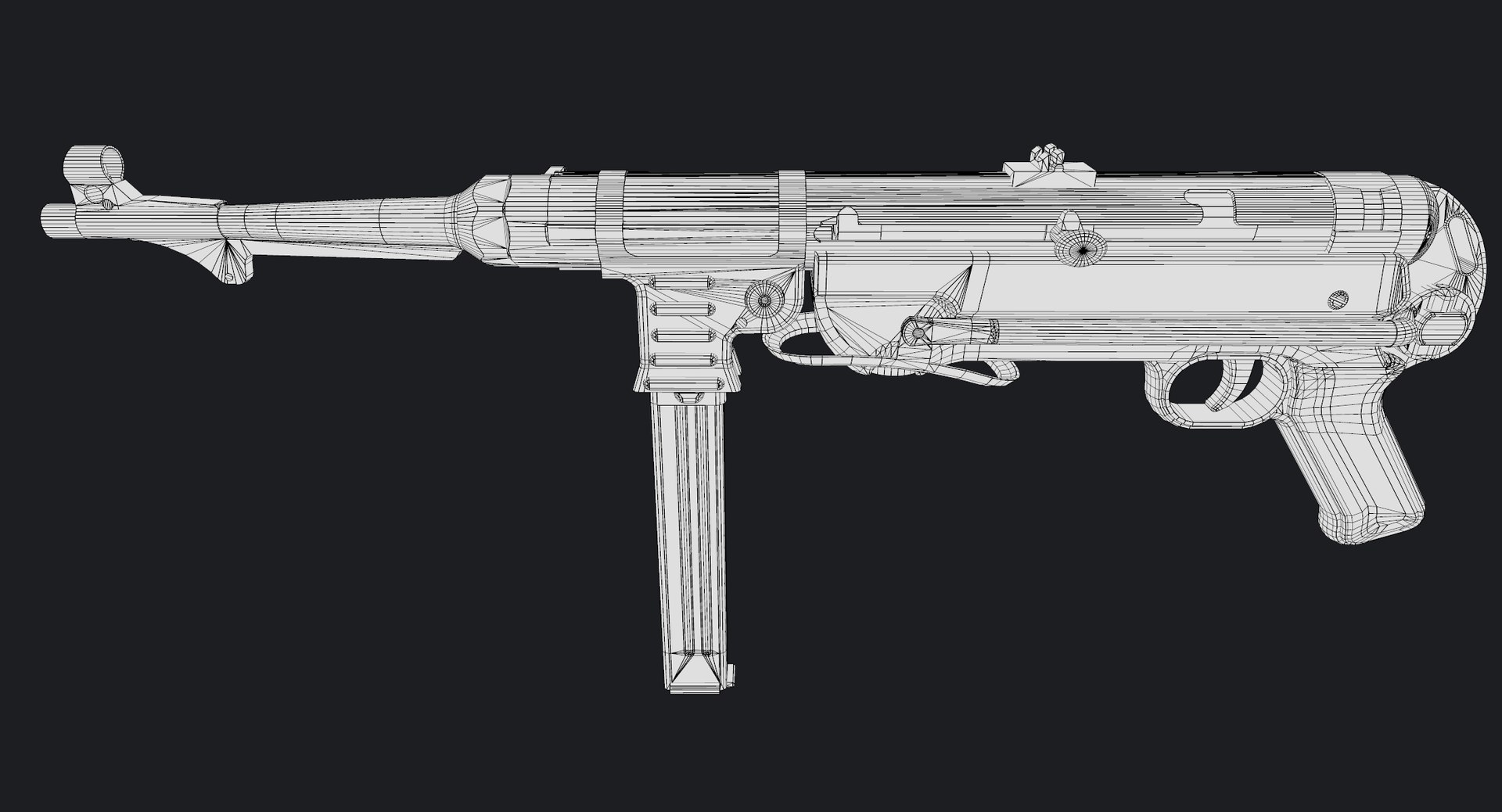
The main renders and wireframes were done in Marmoset Toolbag 2. Default renders in 3ds Max will NOT look like the preview images. The Marmoset scenes for the renders and wireframes ARE included with the model.


||SPECS||

Low Poly Model

The weapon is separated into objects to make animation easier. They are arranged in the following hierarchy:

-bullet
-mp40
-boltassembly
-magazine
-magazine_follower
-rear_sight
-stock
-stock_push_button
-stock_shoulder
-trigger
-tube_front
-tube_middle
-tube_rear

The stock can be folded and unfolded. The telescoping bolt is functional.

|| Geometry ||

Geometry count:

MP40:
-21001 tris
-12116 polys
-11346 verts

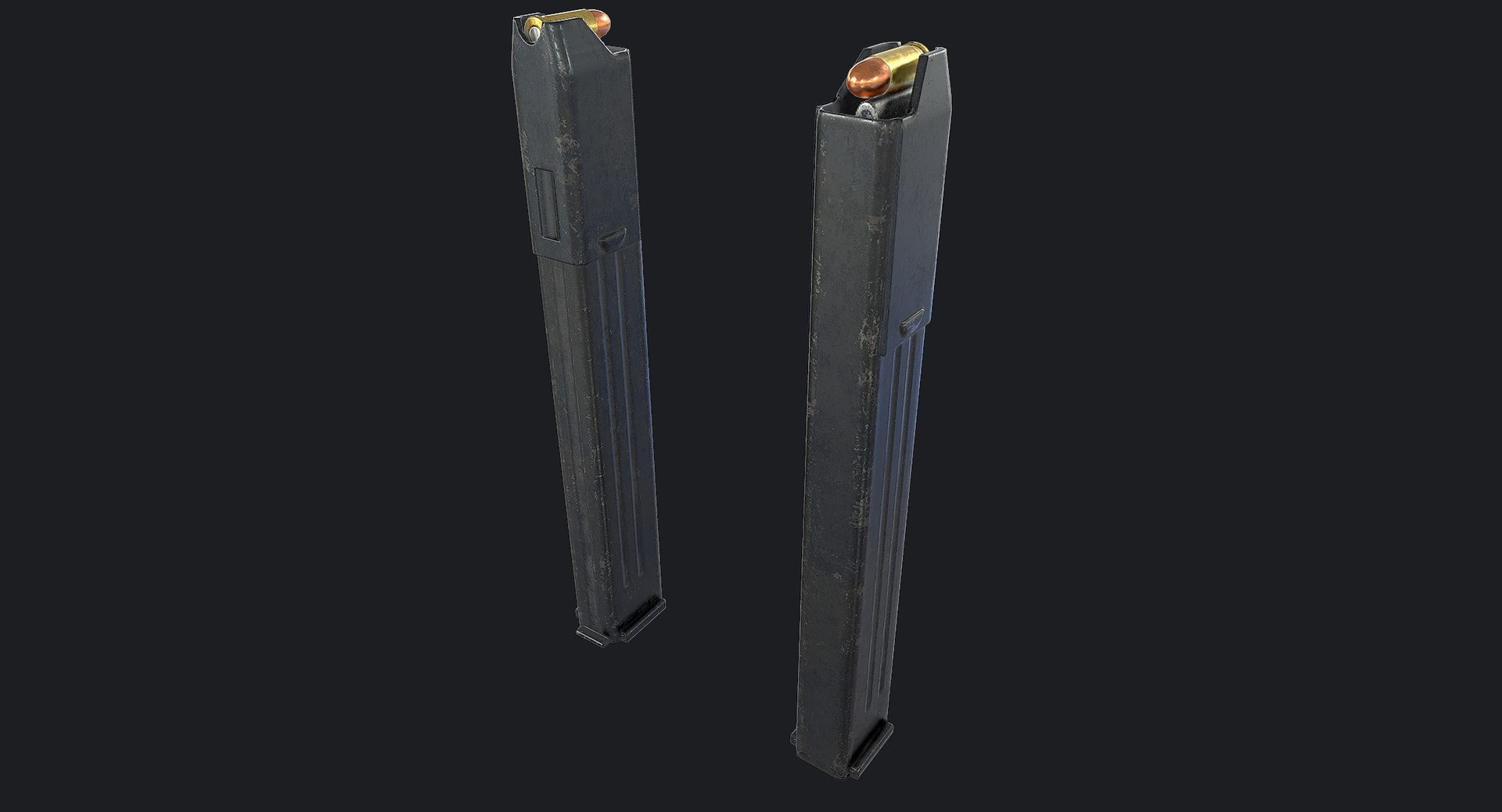
9mm Cartridge:
-616 tris
-318 polys
-321 verts

The 9mm cartridge model is made so that you can delete the bullet, leaving just the shell. This could be useful if you want to have ejected shell effects.

Polygons are all quads or tris, no n-gons
Model unwrapped manually to make most efficient use of the UV space.
All materials and objects named appropriately
Scaled to approximate real world size (inches)
Weapon Dimensions: 24'' x 11'' x 3'' (stock folded)
Tested in Marmoset Toolbag 2 (see renders)
Tested in Unreal Engine 4
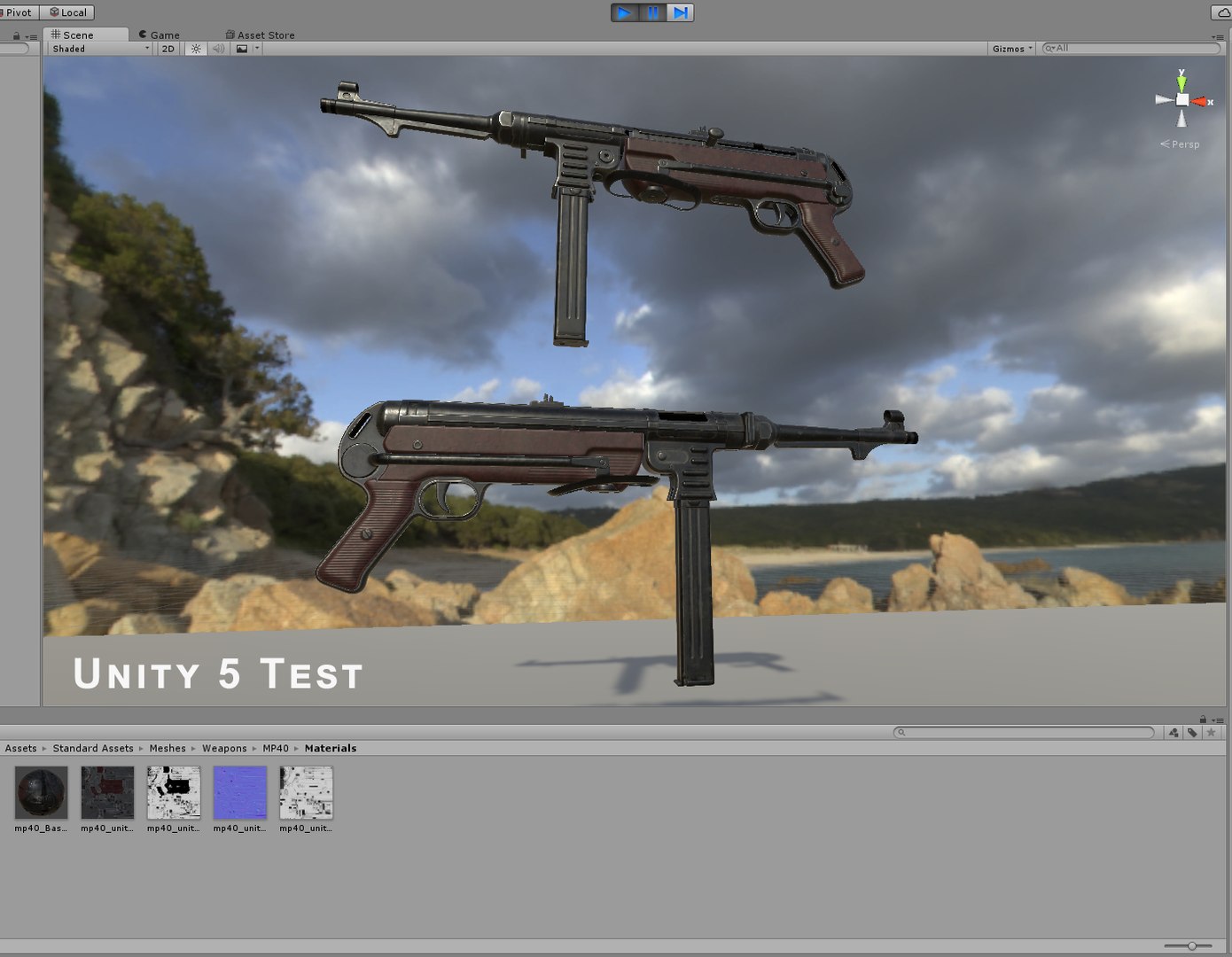
Tested in Unity Engine 5
No special plug-ins needed to use this product
.obj and .fbx versions exported from 3ds Max 2016

|| Textures ||

MP40: 2048x2048 diffuse, roughness, metalness, normal and AO (ambient occlusion) maps

.9mm Cartridge: 256x256 diffuse, roughness, metalness, normal and AO (ambient occlusion) maps

There is a separate download of the textures in specular/gloss PBR format for those who prefer that setup.

Textures designed for physically based rendering (PBR)
Textures in .tga format
Model texture paths are stripped

The textures were made with Substance Painter 2. The source files are available upon purchase.

I have exported specialized texture maps for Unreal Engine 4 and Unity 5. See the extra downloads section for those textures and instructions on using them.

There is another extra download for additional texture maps, which includes UV template, curvature, color ID, position, thickness and world space normal maps. These could be helpful for editing the textures if you don''t have Substance Painter 2.


++ BONUS ++

The high poly, cage and exploded low poly meshes used to bake texture maps are also available for download.


* Unfortunately there's no universal standard for normal map orientation between game engines. If the normals don't look correct try inverting the green channel of the normal map in an image editor.

Select Enhanced License

  • $10,000 in Legal Protection (Indemnification)
  • Uncapped Legal Protection (Indemnification)
  • Waiver from injunctive relief
  • Assignable model rights
  • $1,000,000 in Legal Protection (Indemnification)
  • Waiver from injunctive relief
  • Assignable model rights
  • $250,000 in Legal Protection (Indemnification)
  • Assignable model rights
Read more about enhanced license tiers, or contact us at enterprise@turbosquid.com. Already a Shutterstock Enterprise Customer? Contact your Shutterstock Sales Support Agent to talk about adding 3D.

About Conversion Requests

To submit a conversion request for a purchased asset, please complete our Conversion Request Form.

If you have not yet purchased a model, please review our Documentation about Conversions to learn about what limitations you may encounter with a conversion.

For any additional questions about a model’s suitability for conversion, please contact TurboSquid Support.

Loading...