
Mouth Animated 2.0

$69

Standard License | Upgrade License
Formats (7)
Free file format Conversions available
Native | 3ds Max 2010 | mental ray
3ds Max 2011 | V-Ray 1.5
3ds Max 2010 | V-Ray
3ds Max 2010 | Default Scanline
ZBrush 3.5 | 3Delight
ZBrush 4r7 | 3Delight
OBJ
Other Files
textures.zip
Specifications
Publish Date October 26, 2009
Product ID 495413
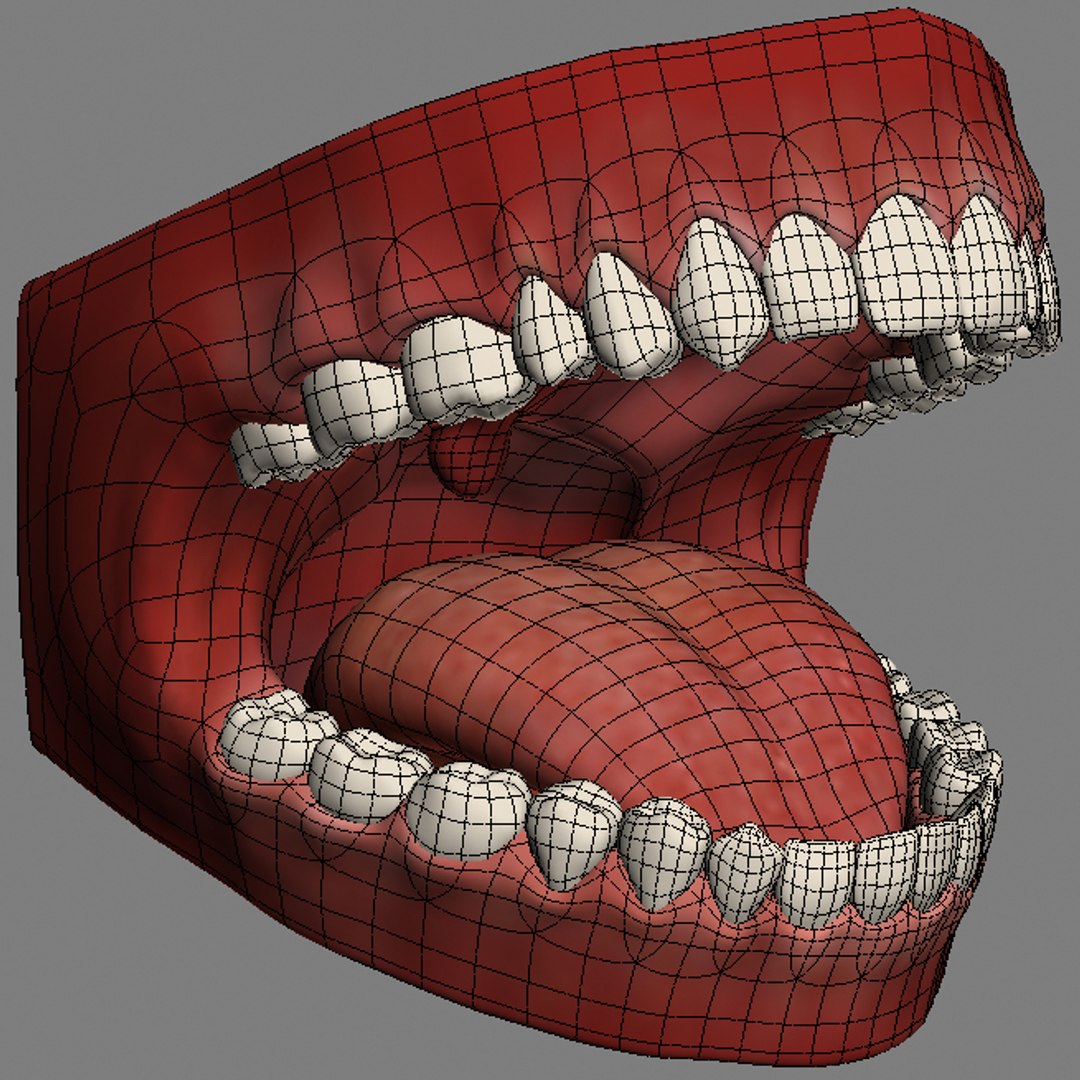
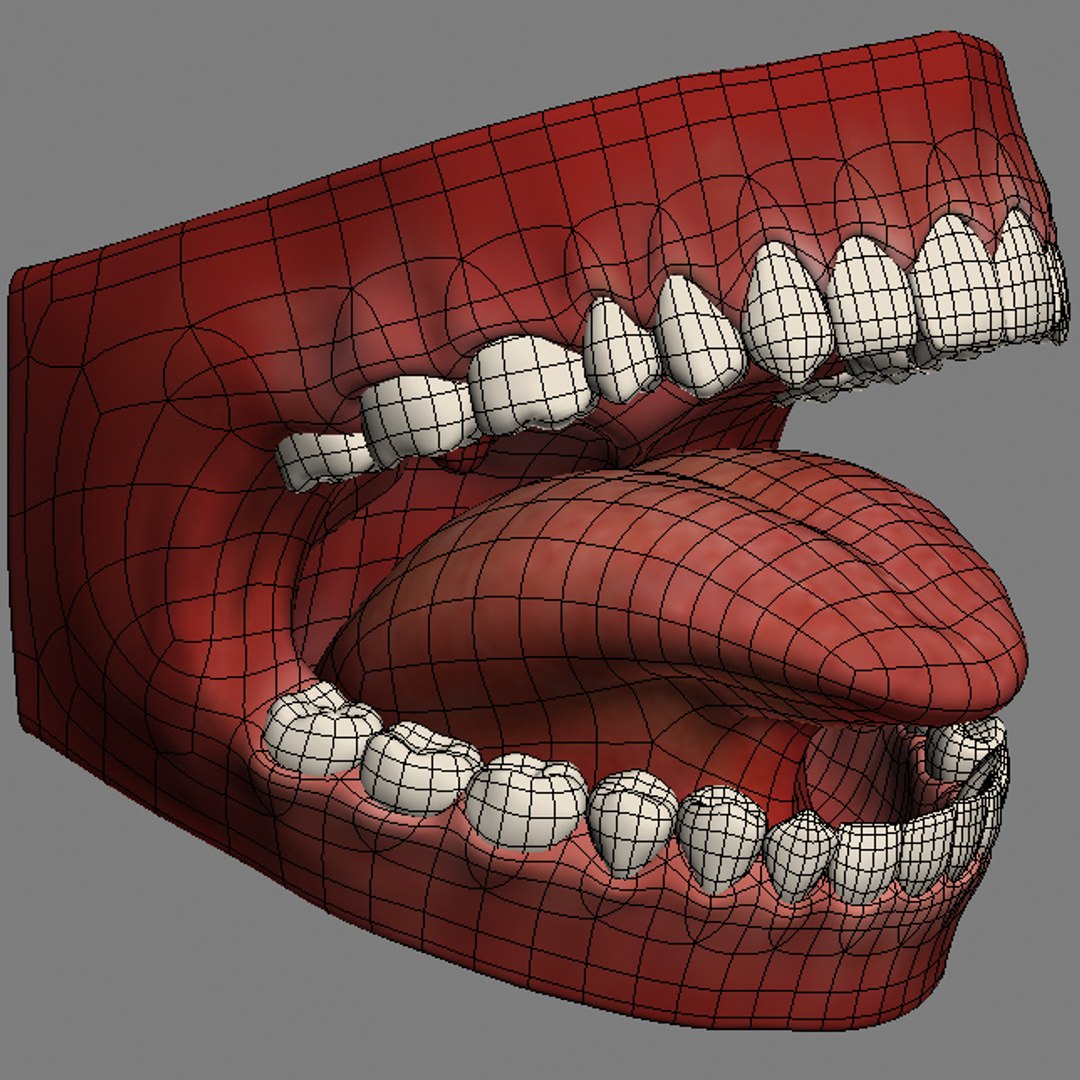
Polygons 8,966
Vertices 8,954
Polygonal Quads/Tris Geometry
Textures
Materials
UV Mapped
Non-overlapping Unwrapped UVs
Rigged
Animated
TurboSquid Exclusive

member avatar
Markuss
22 Products | Contributor Since 2003
Have questions? Chat with us now.

Description

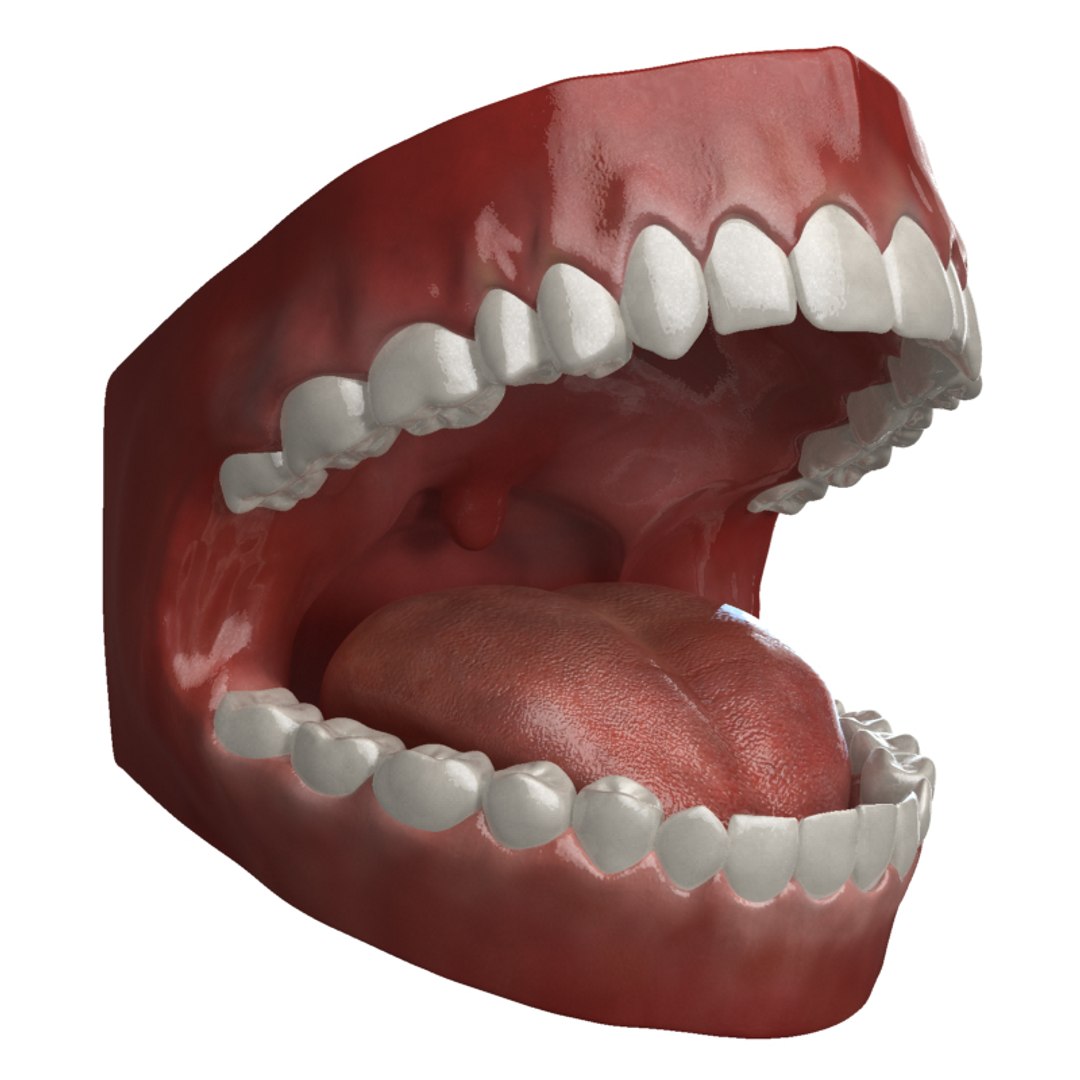
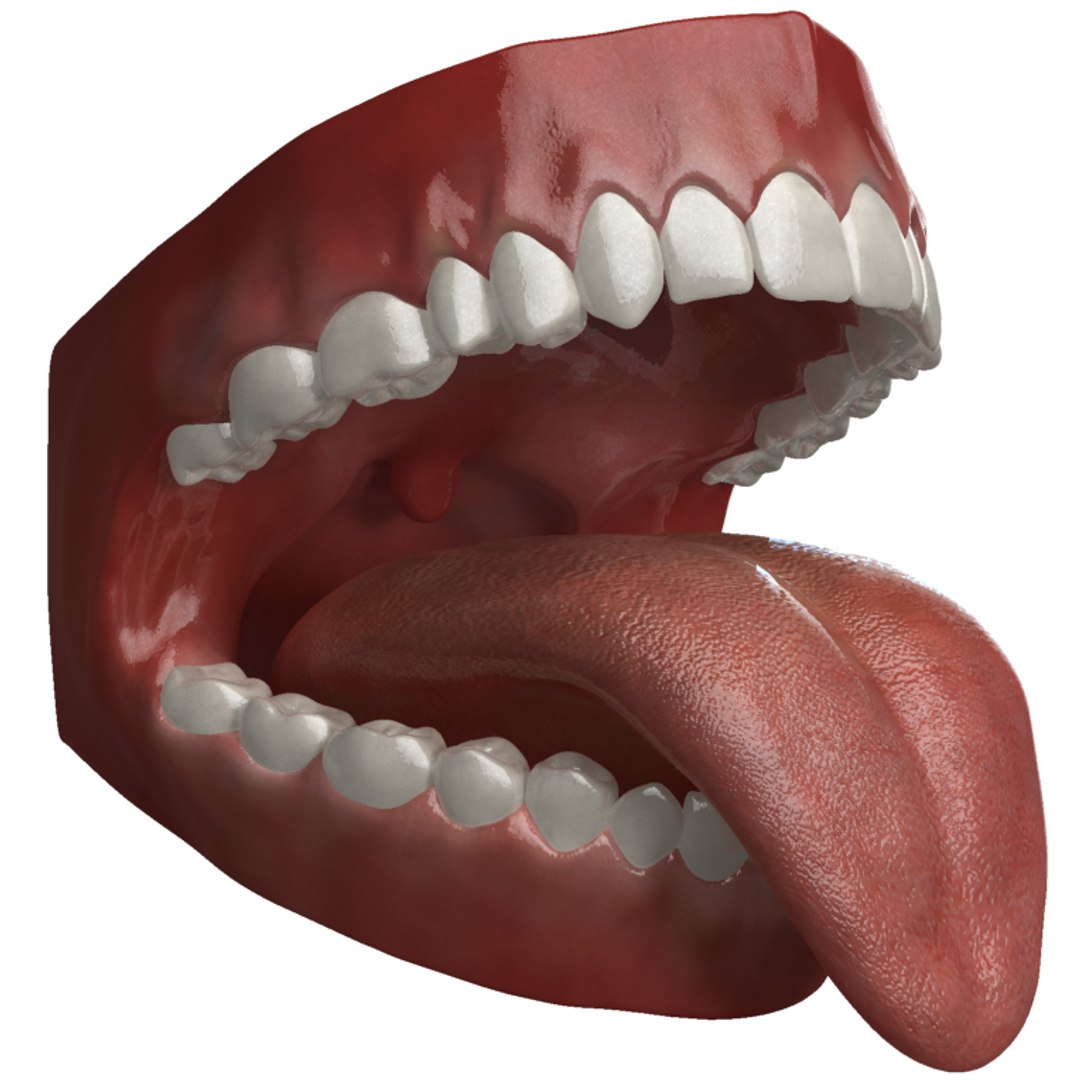
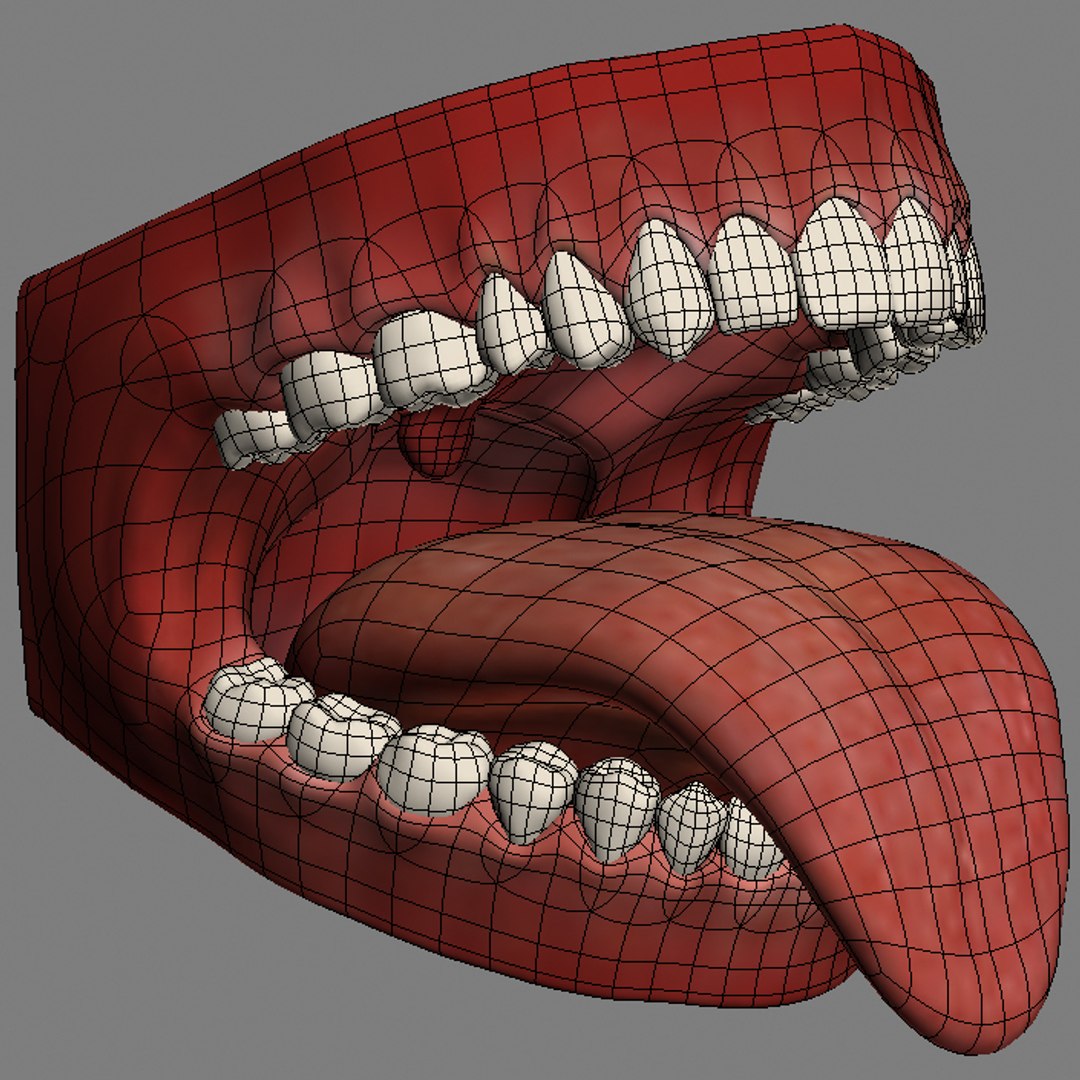
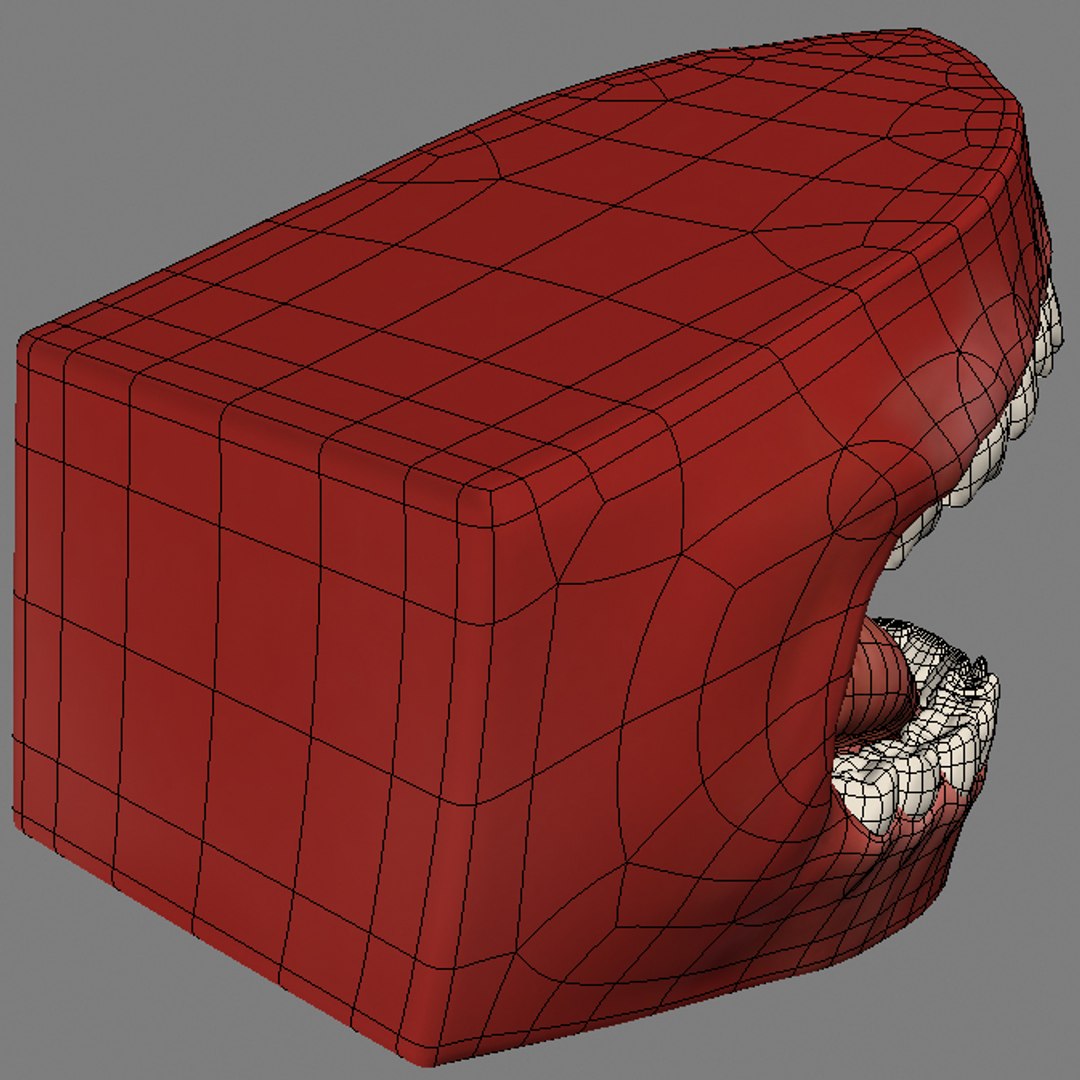
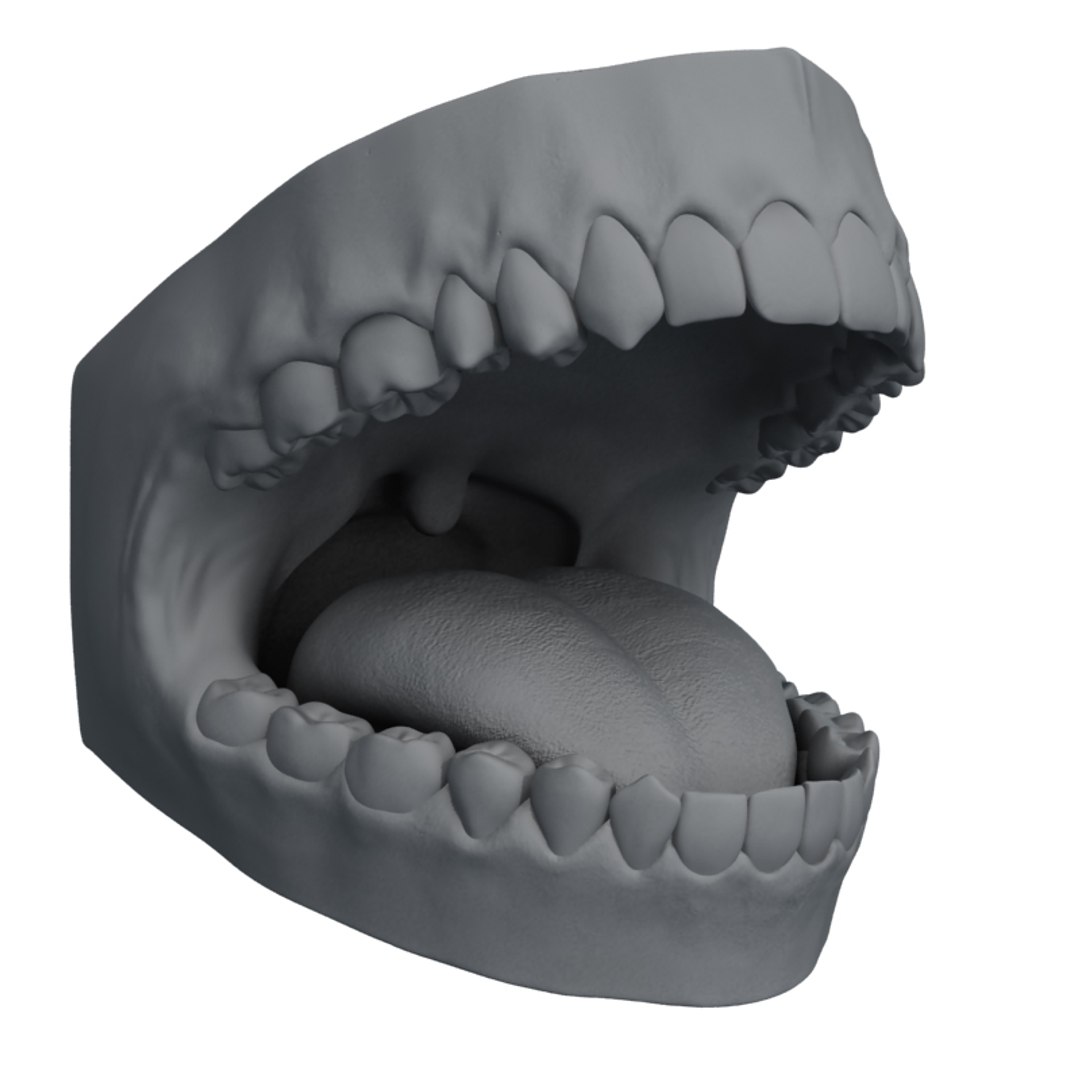
These teeth are rigged, skinned, animated and ready to be rendered in 3ds Max 2010 or later. They are sculpted in Zbrush from reference material of a real dental cast.

-------
4 variations are included for 3dsmax:

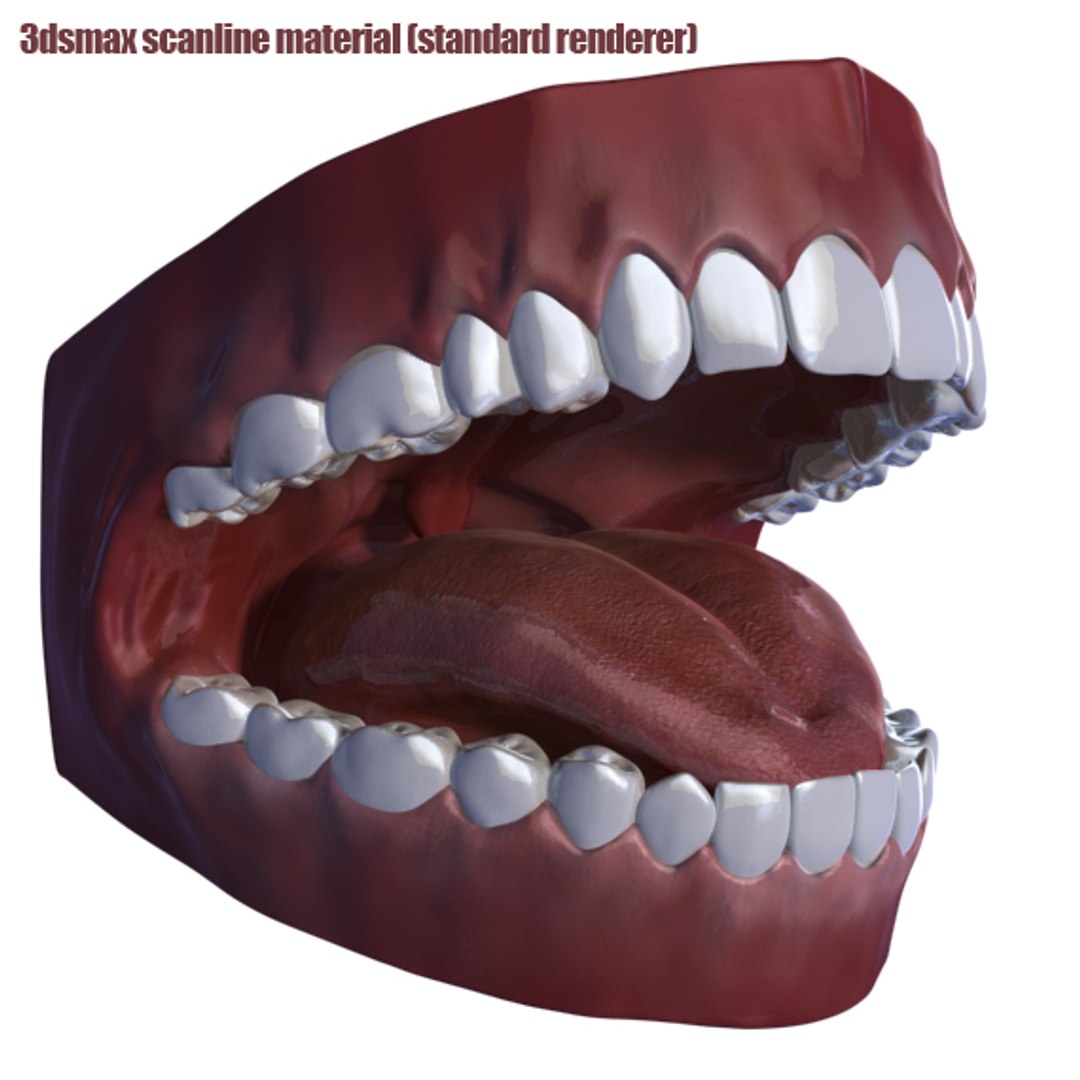
Scanline - setup with standard renderer (no plugins required)
Mentalray - setup with mr fast sss shader (no plugins required)
V-ray fast sss - setup with vray fast sss shader (V-ray plugins required)
V-ray fast sss2 - setup with vray fast sss2 shader (V-ray plugins required)

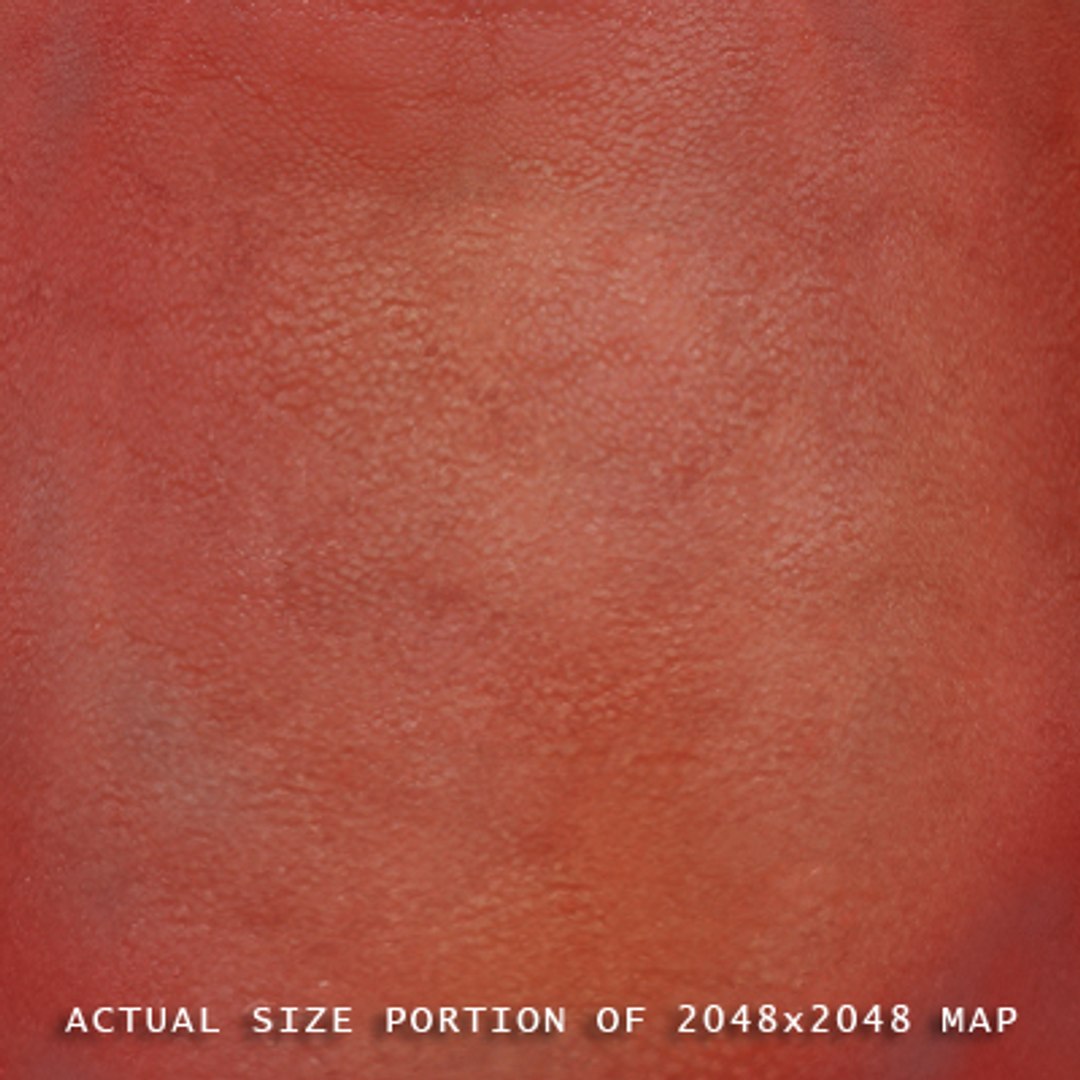
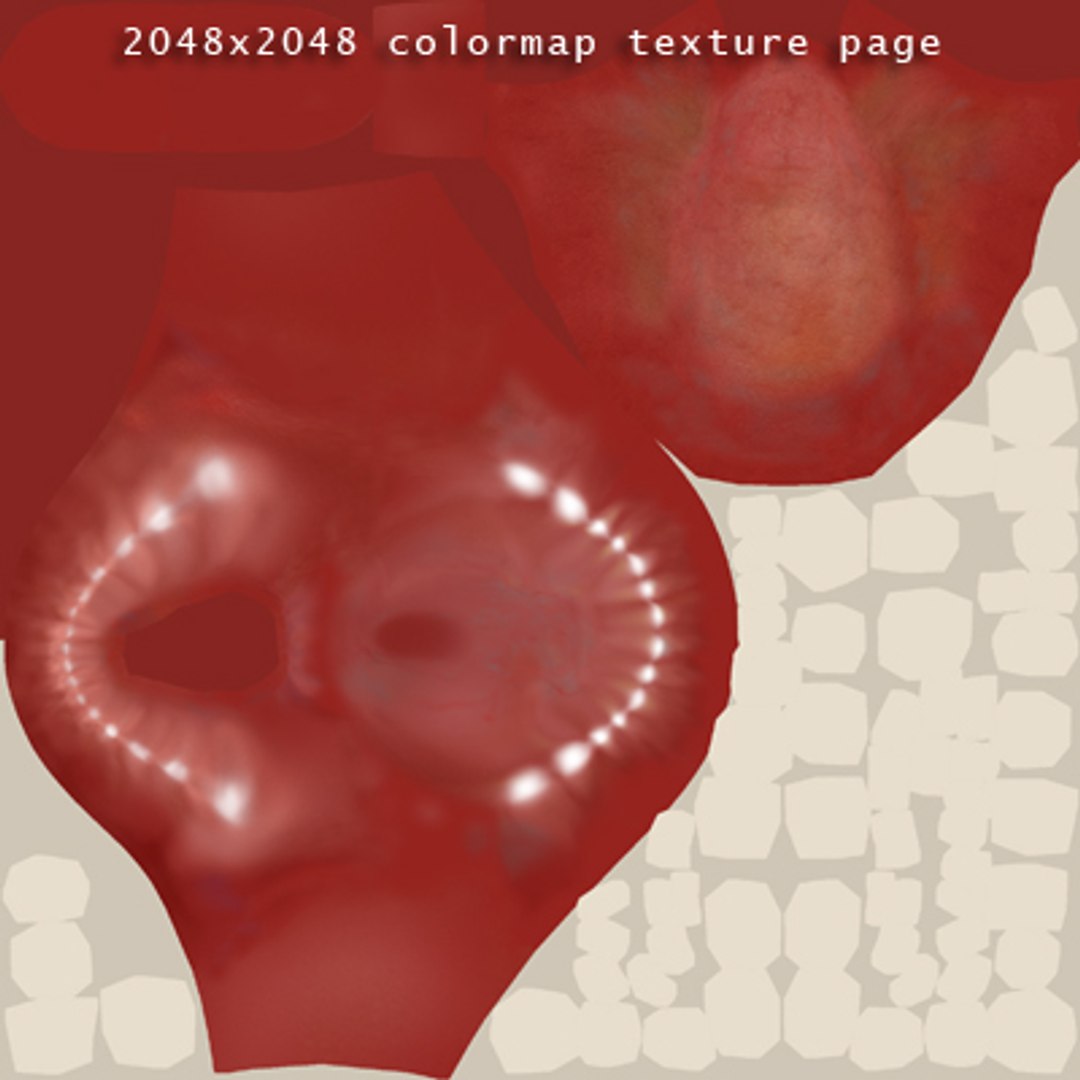
All versions use high resolution textures (2048x2048) for diffuse, bump, specular and 32-bit displacement map.

OBJ comes in two different resolutions, each with 4 different morphs

Zbrush version is also included

-------------------------------------
Update 08.04.2015
Uploaded new files compatible with 3dsmax 2010 and newer. Older versions of 3dsmax are no longer supported.

Updated the Zbrush files so it is compatible with new version 4r7.

Select Enhanced License

  • $10,000 in Legal Protection (Indemnification)
  • Uncapped Legal Protection (Indemnification)
  • Waiver from injunctive relief
  • Assignable model rights
  • $1,000,000 in Legal Protection (Indemnification)
  • Waiver from injunctive relief
  • Assignable model rights
  • $250,000 in Legal Protection (Indemnification)
  • Assignable model rights
Read more about enhanced license tiers, or contact us at enterprise@turbosquid.com. Already a Shutterstock Enterprise Customer? Contact your Shutterstock Sales Support Agent to talk about adding 3D.

About Conversion Requests

To submit a conversion request for a purchased asset, please complete our Conversion Request Form.

If you have not yet purchased a model, please review our Documentation about Conversions to learn about what limitations you may encounter with a conversion.

For any additional questions about a model’s suitability for conversion, please contact TurboSquid Support.

Loading...