Mountain Range

$69

Standard License | Upgrade License
Formats (1)
Free file format Conversions available
Native | 3ds Max 2014 | V-Ray 3.00
Specifications
Publish Date September 07, 2014
Product ID 847865
Polygons 14,714
Vertices 21,813
Polygonal Ngons Used
Textures
Materials
UV Mapped
Non-overlapping Unwrapped UVs
TurboSquid Exclusive
member avatar
Sofian Moumene
170 Products | Contributor Since 2007
Have questions? Chat with us now.

Description

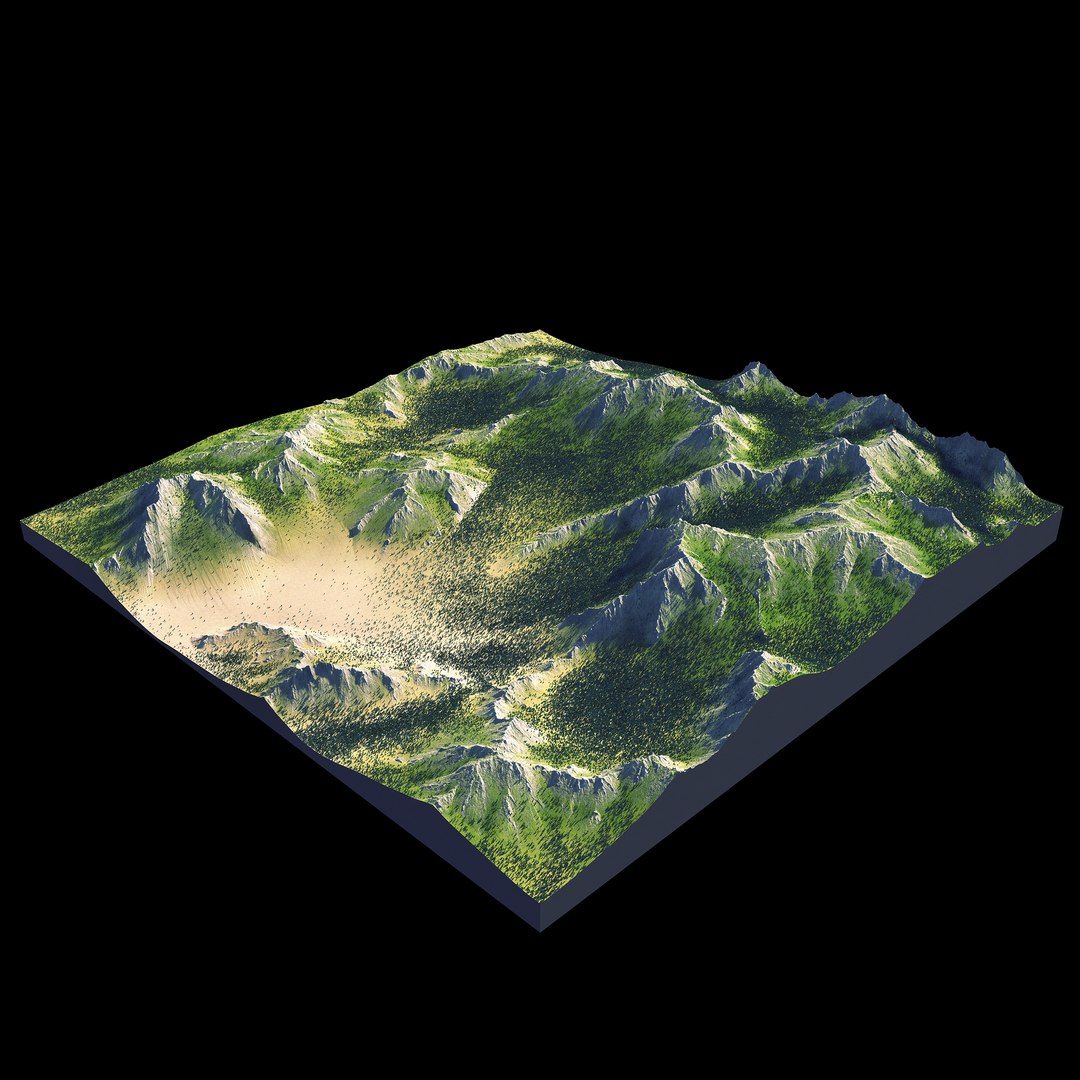
—— Mountain Range——

--Geometry--

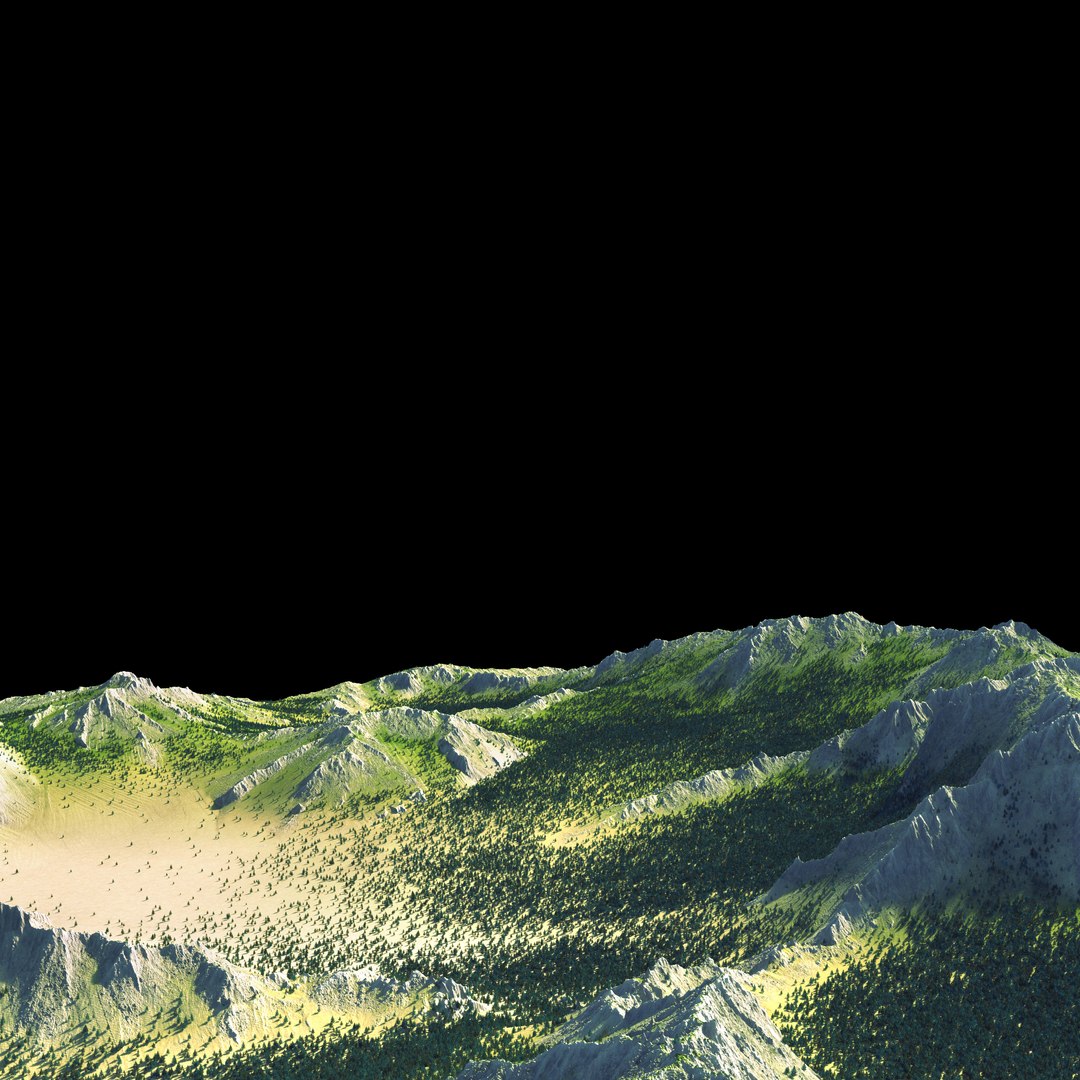
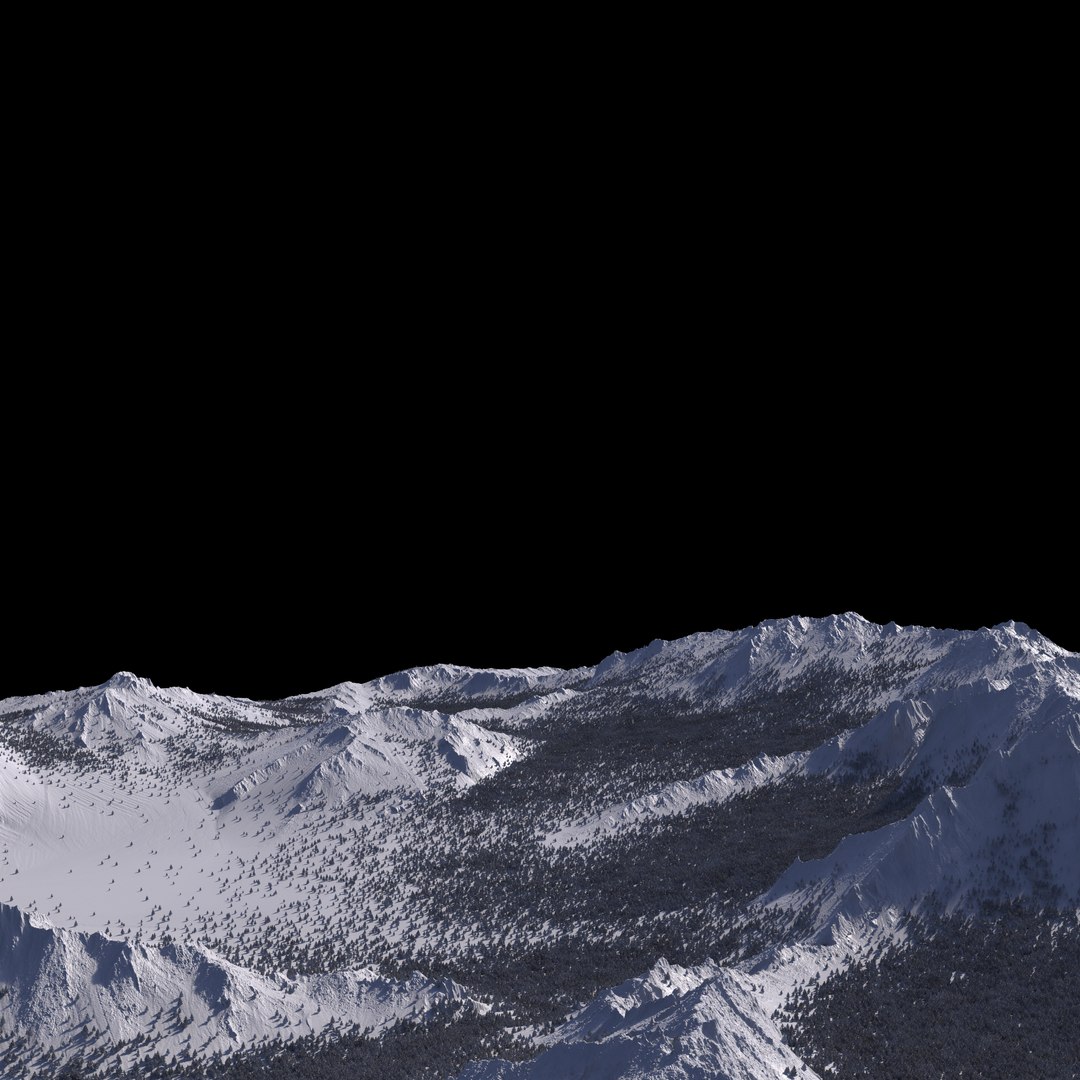
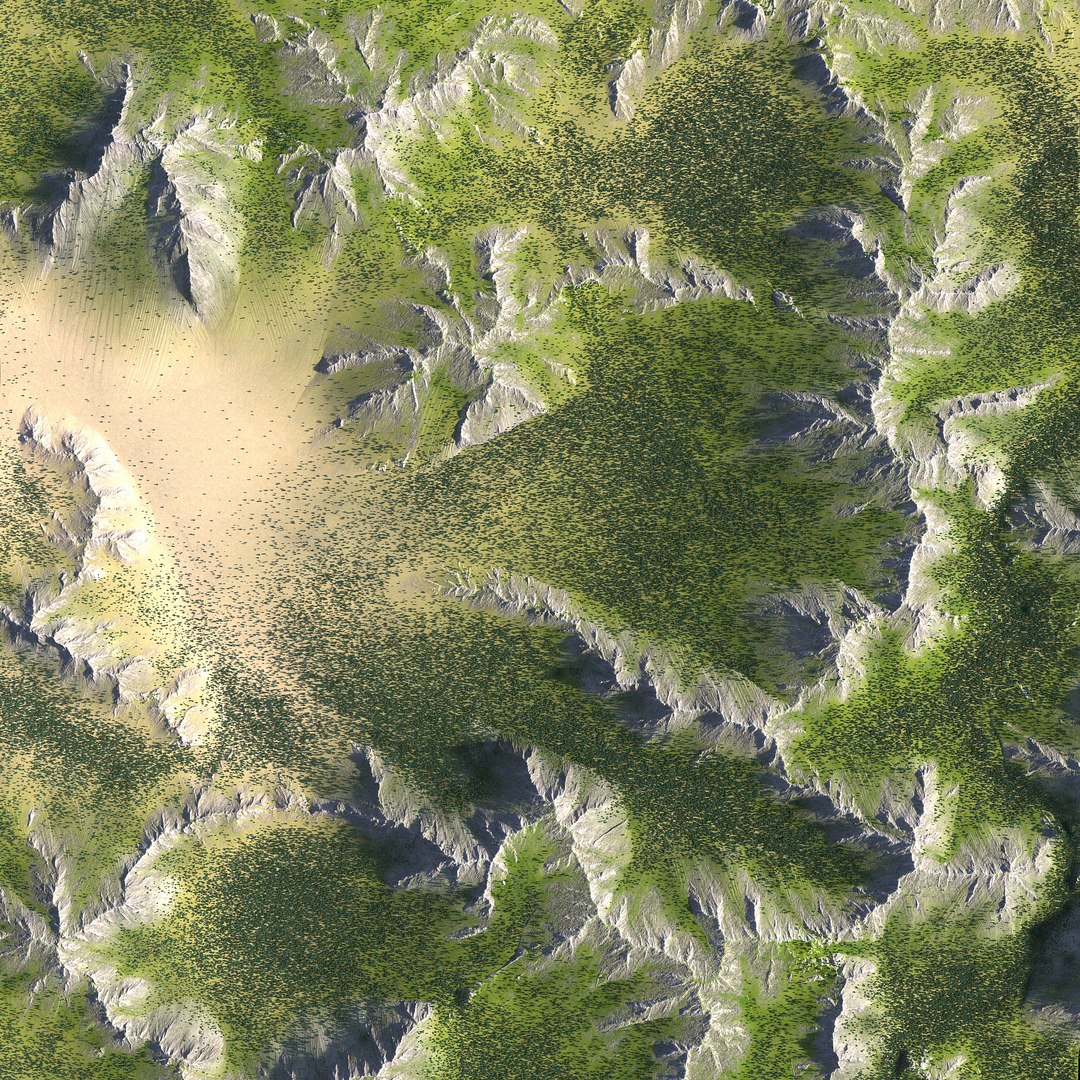
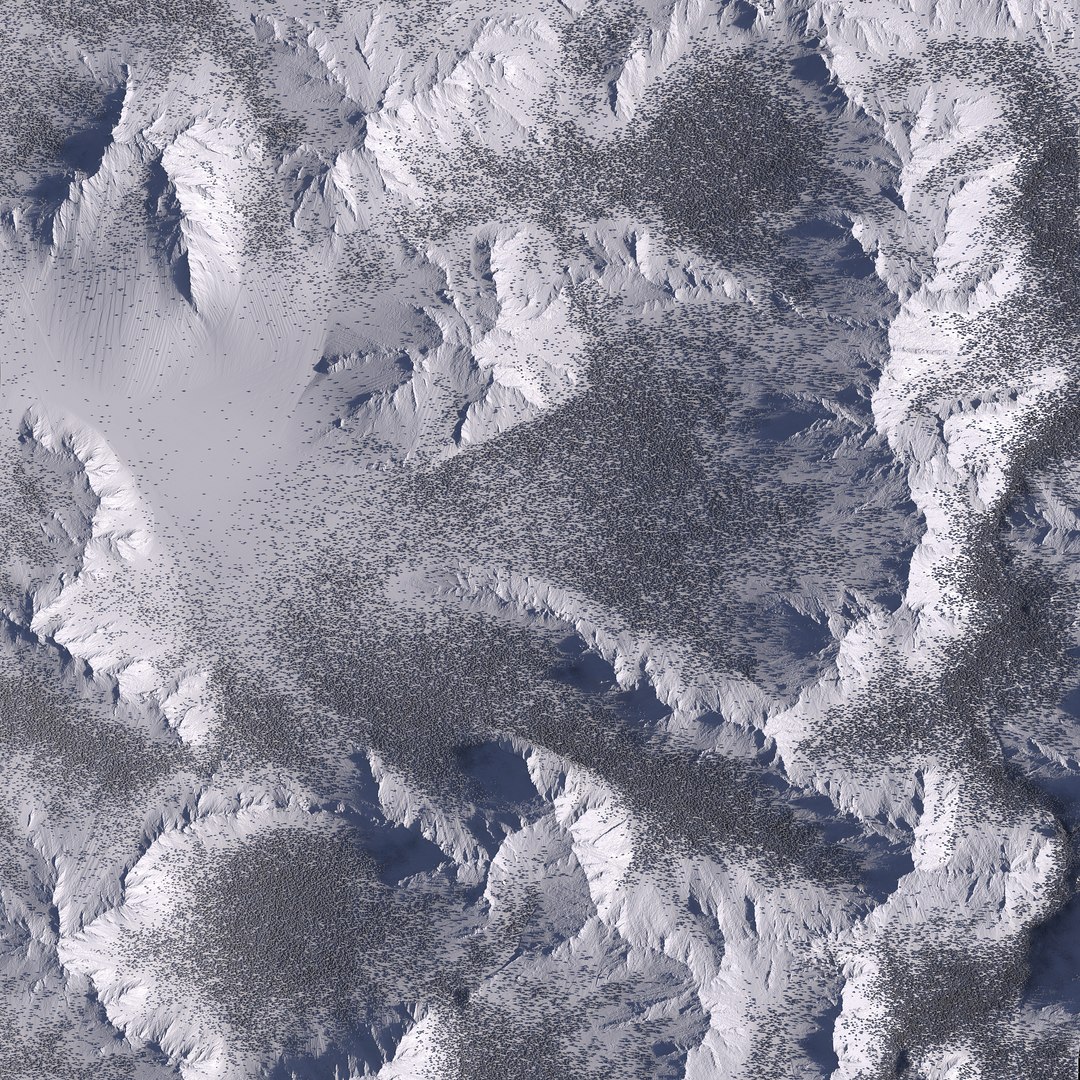
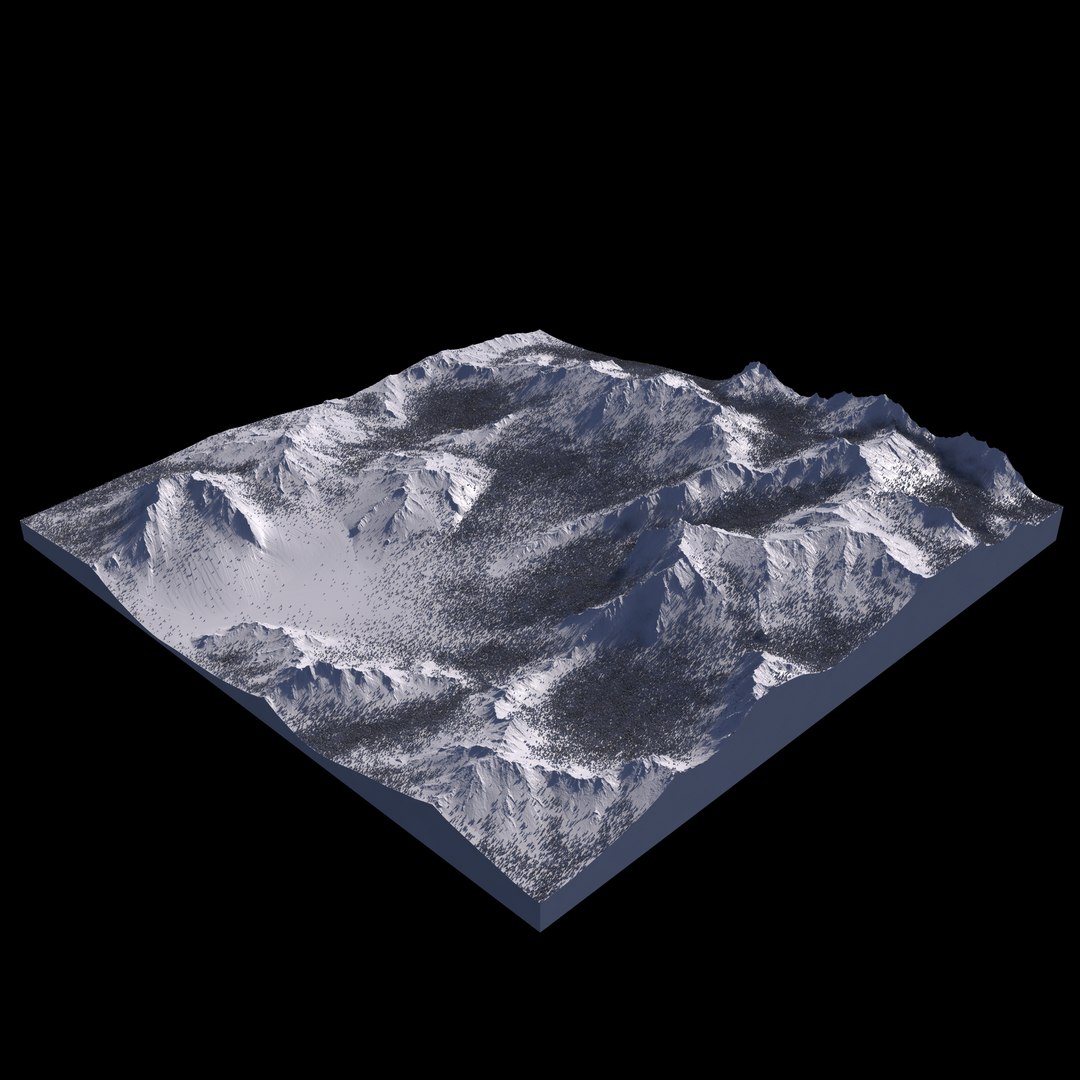
• Photorealistic High-Resolution 3d model of a Mountain Range.
• High detail & extra clean mesh geometry
• All details are made using Vray displacement and textures.
• Suitable for close-ups
• Real World size
• For the forest you need Multi Scatter plugin.
The scene will open even if you don't have multi scatter but it will not load the forest setup.
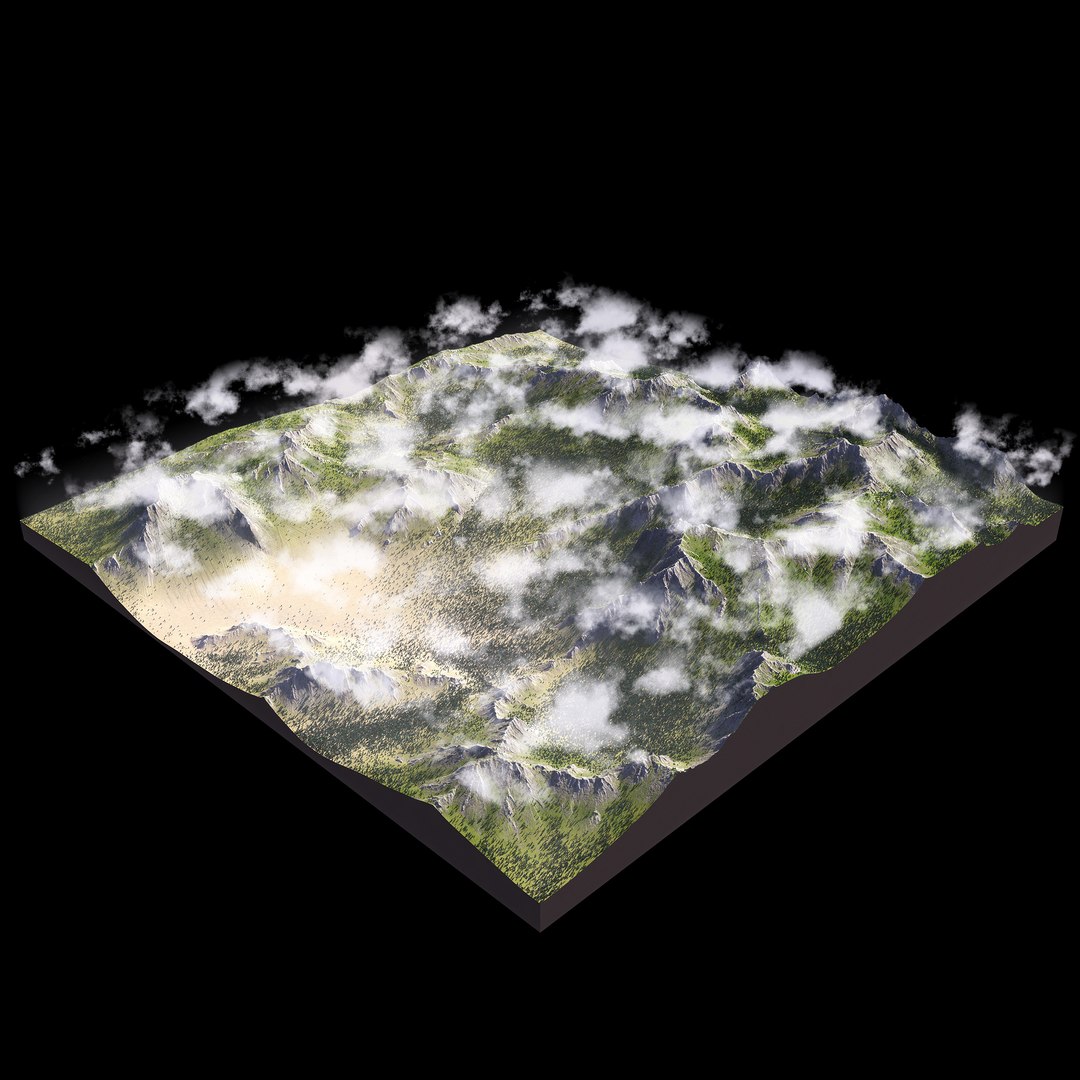
• Also Bercon Maps free plugin is required to properly display the clouds.
• Clouds created with Vray Environment Fog plus a density map. They can be easily deactivated from the Environment and effects menu.

--Textures--
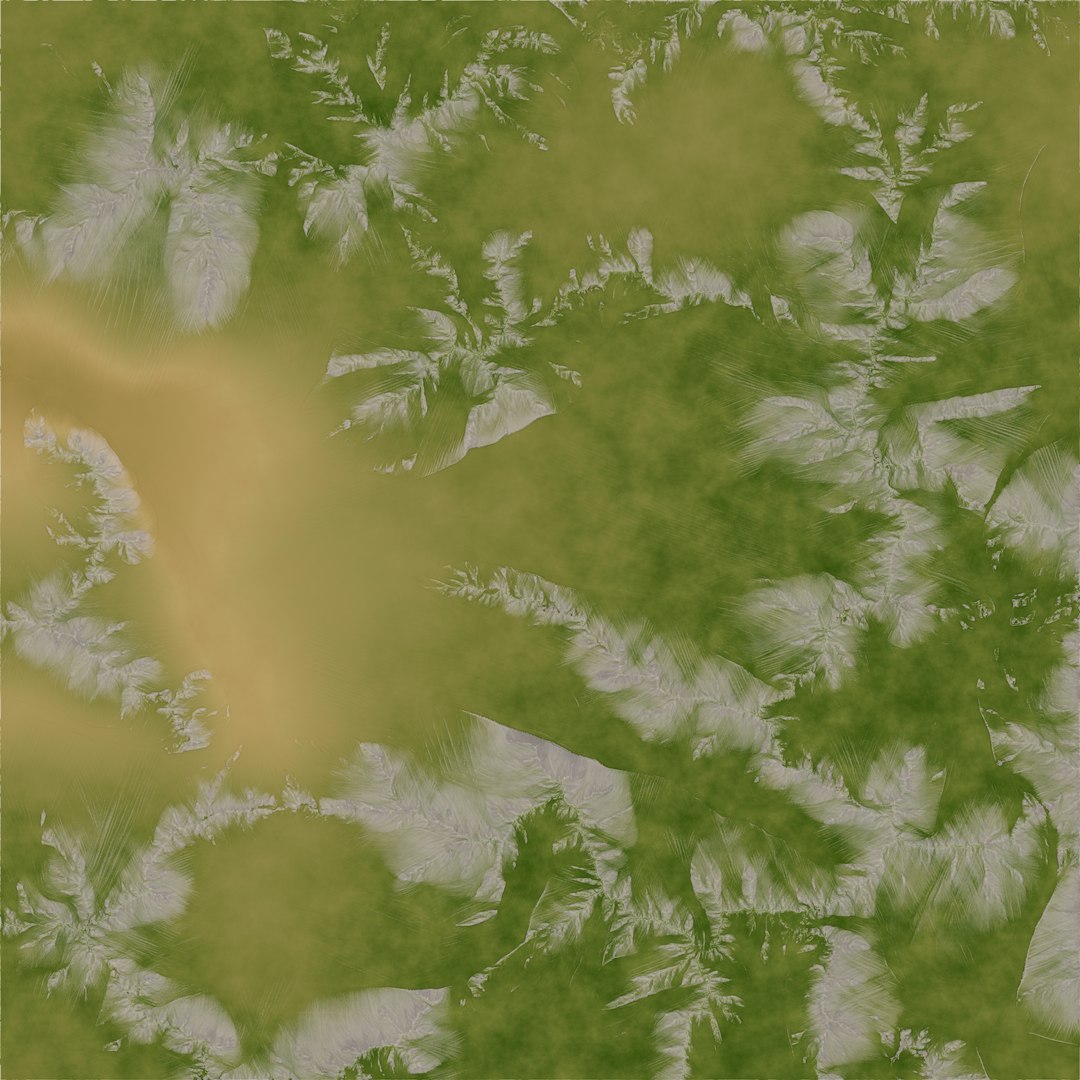
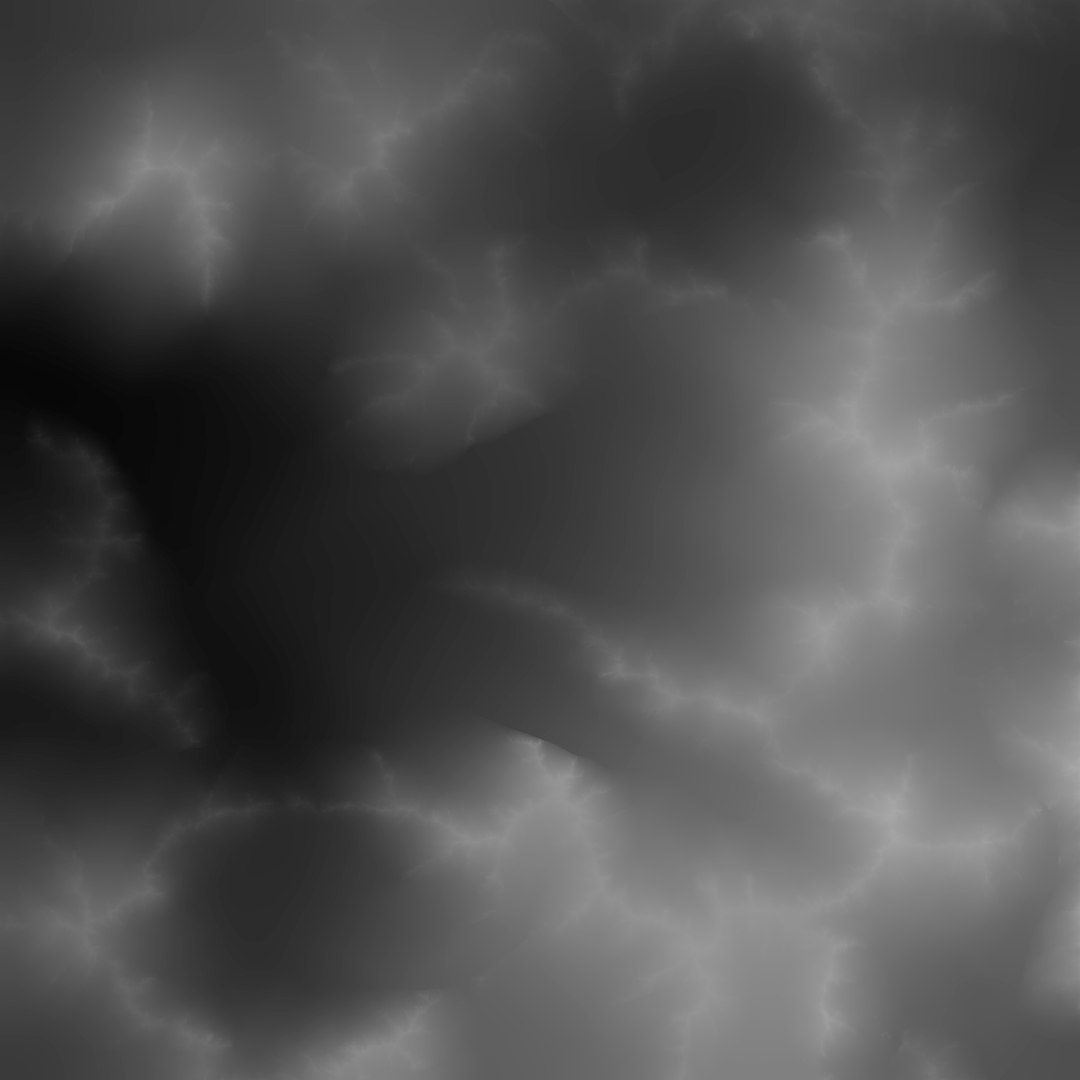
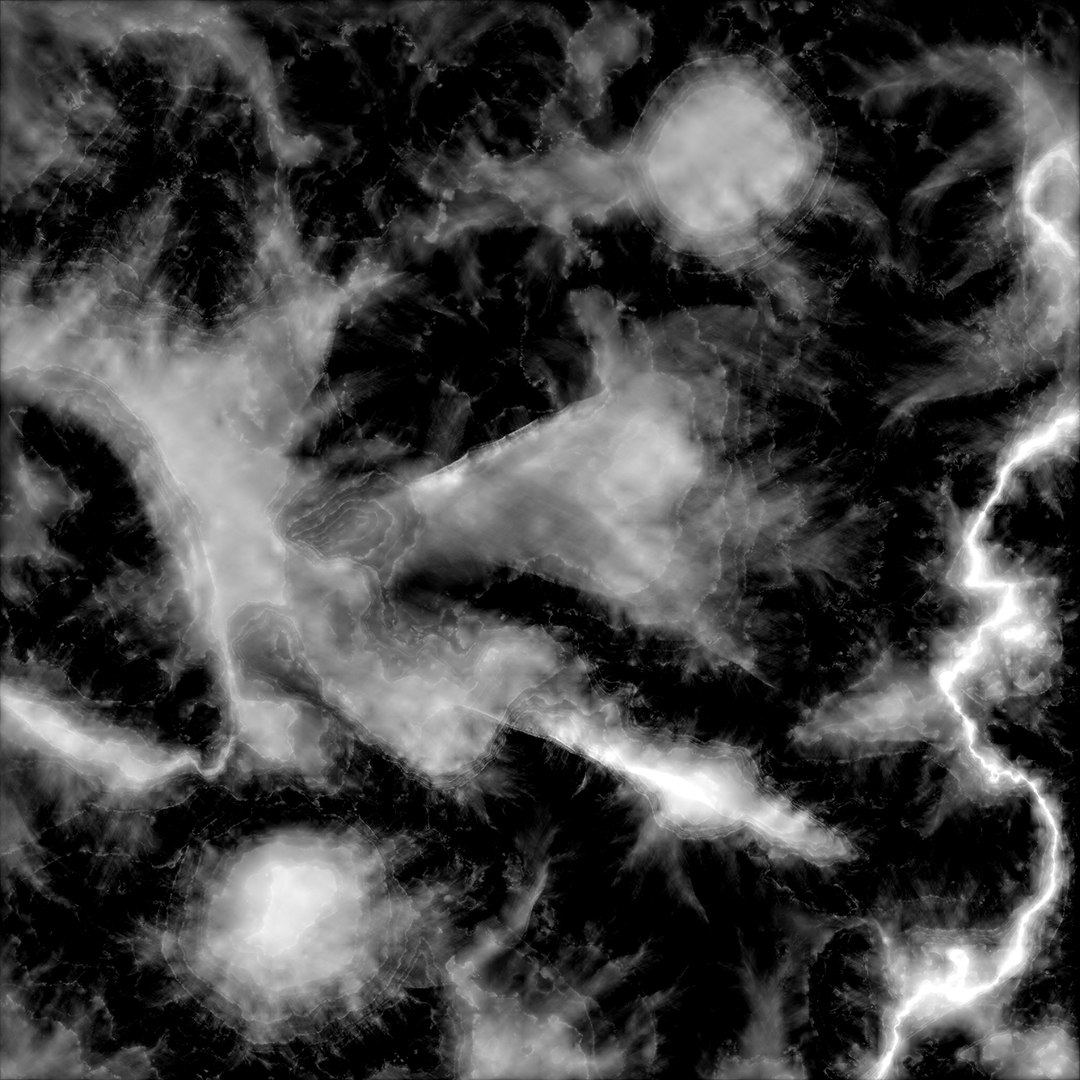
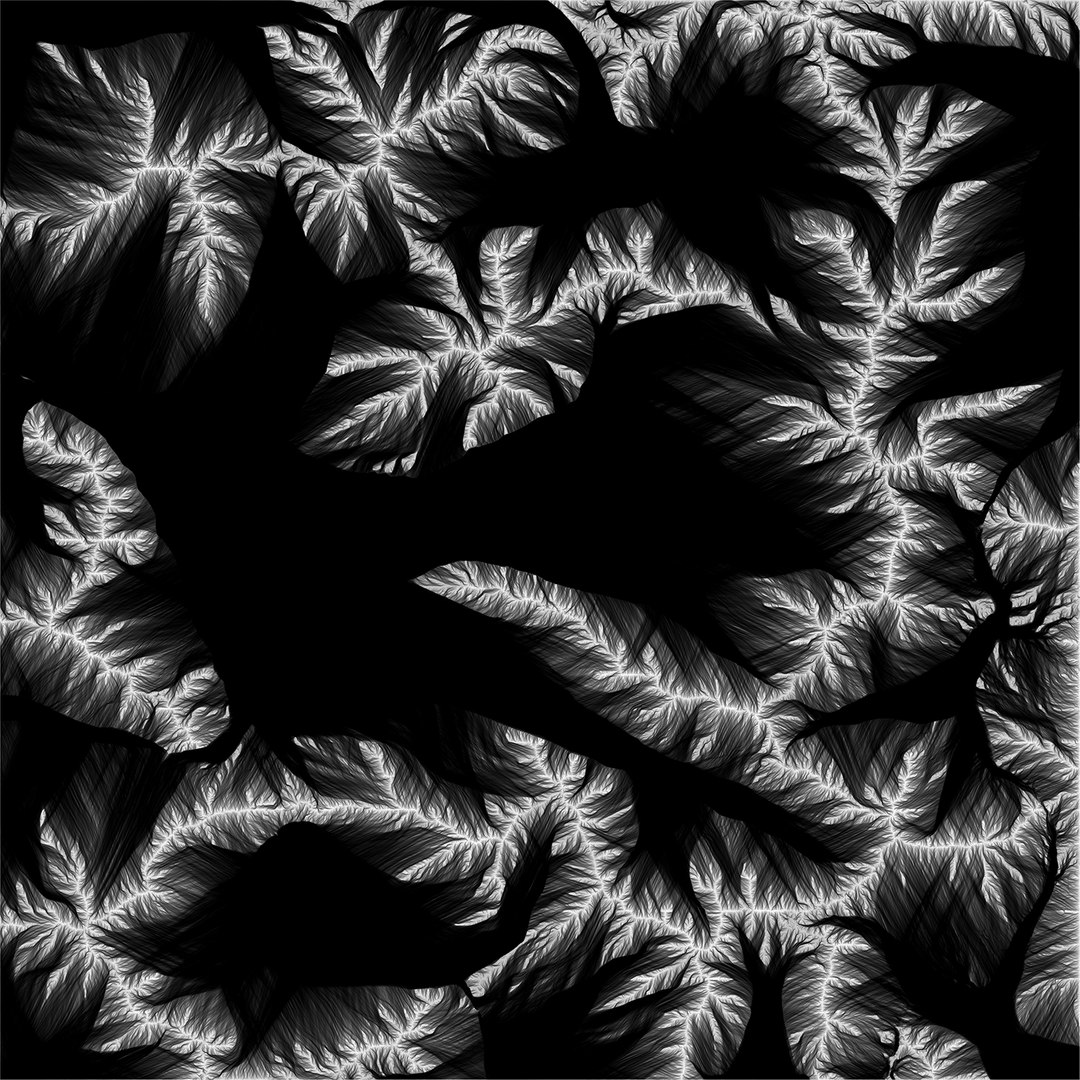
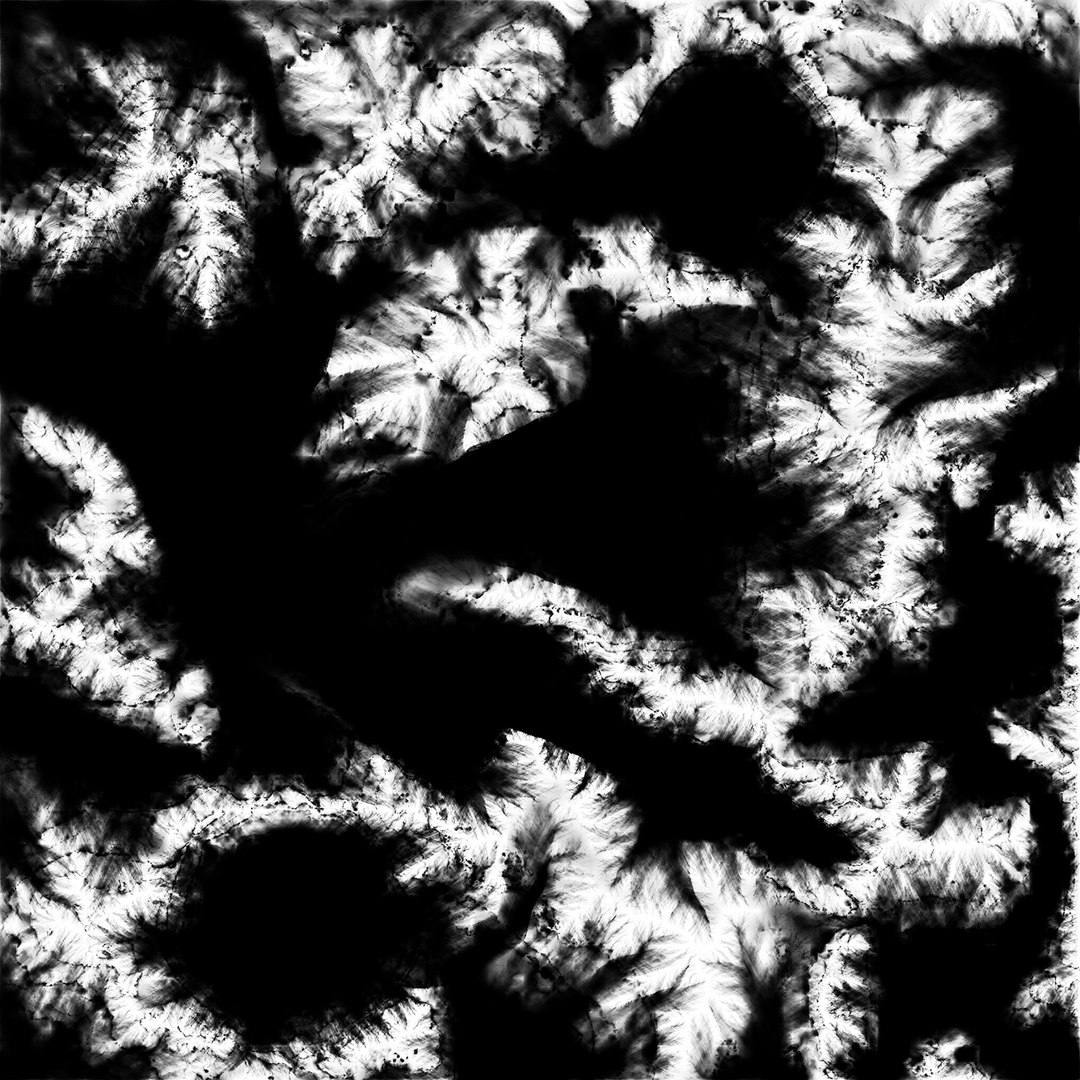
The scene contains 13 textures
You can see below the resolutions and the size in Mb for the main textures.:

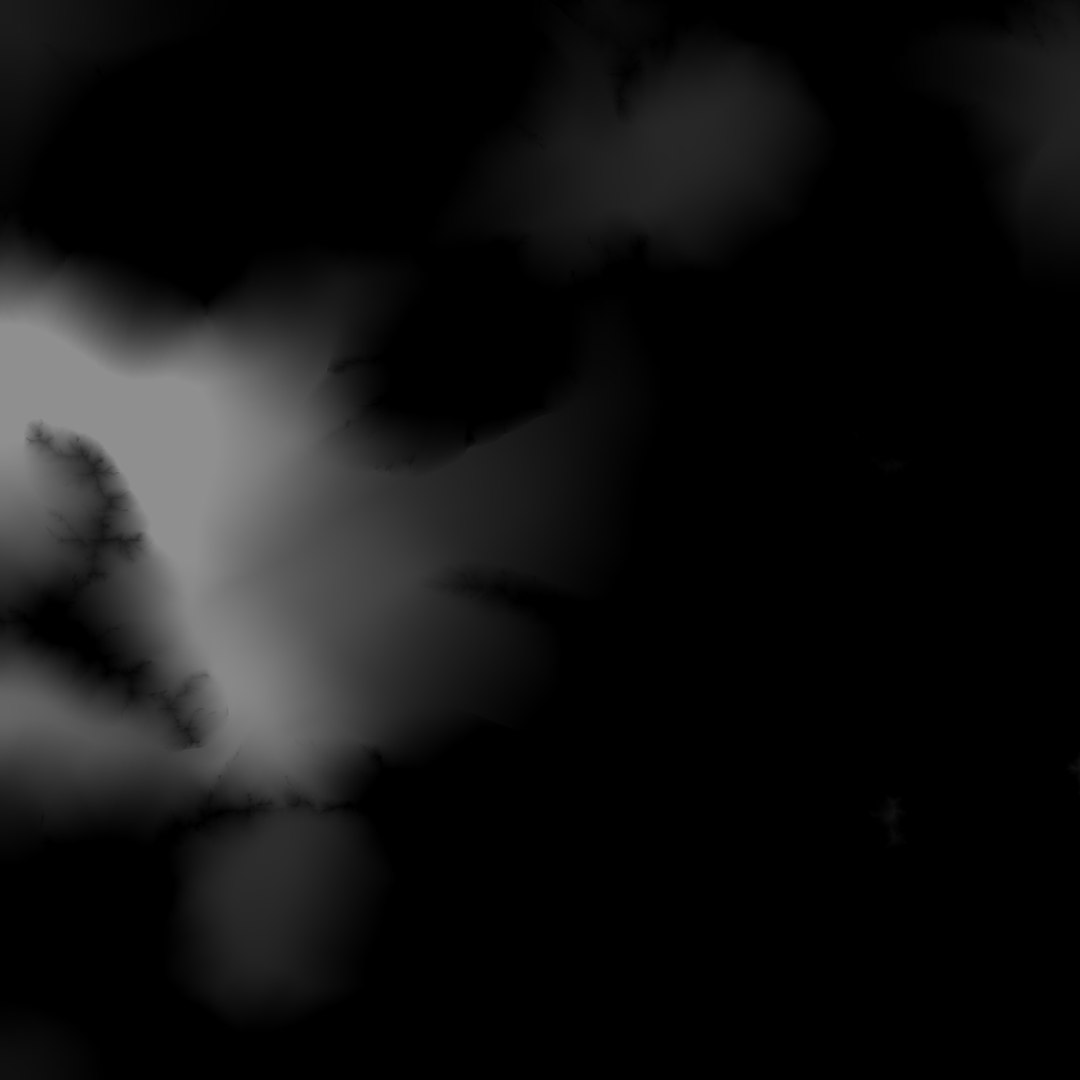
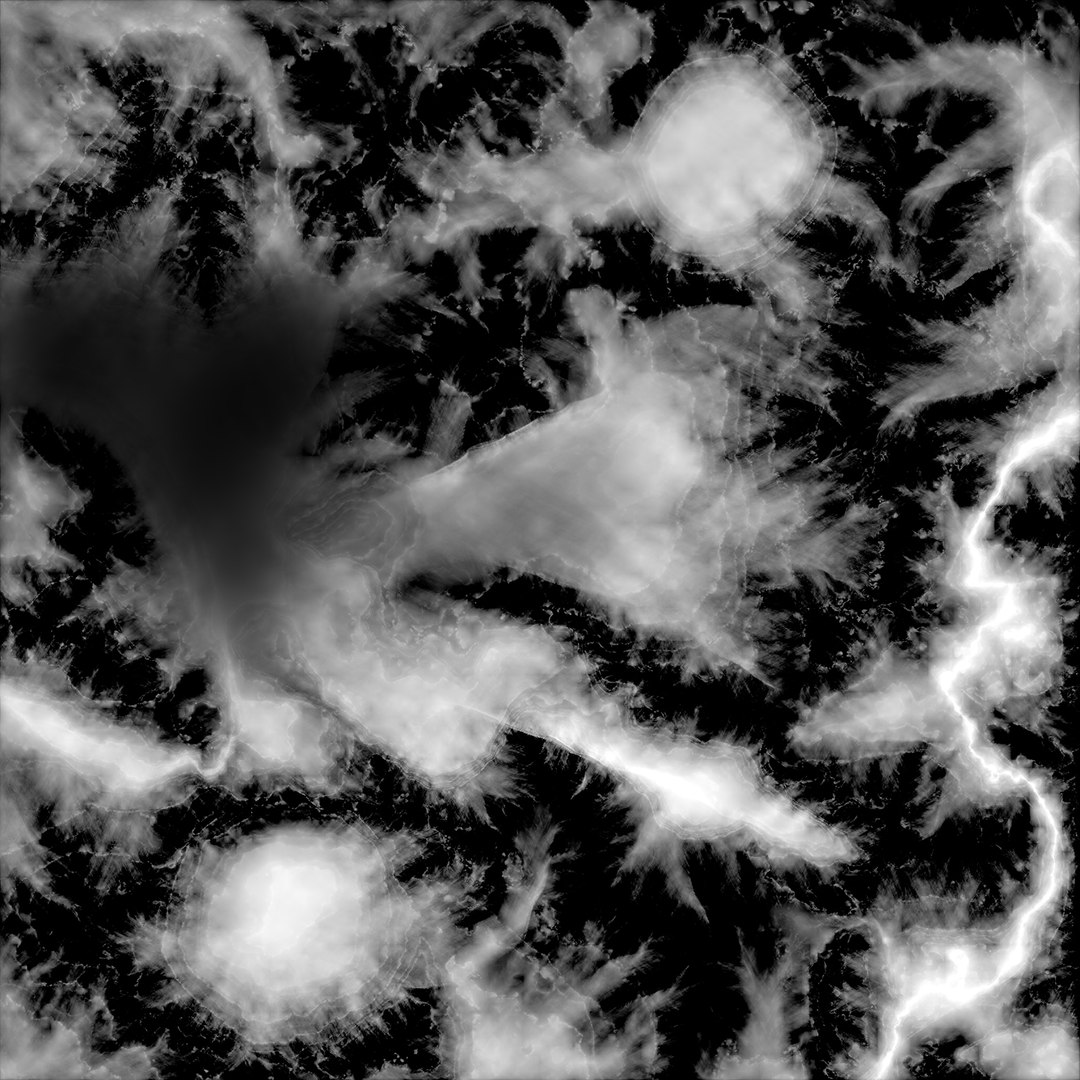
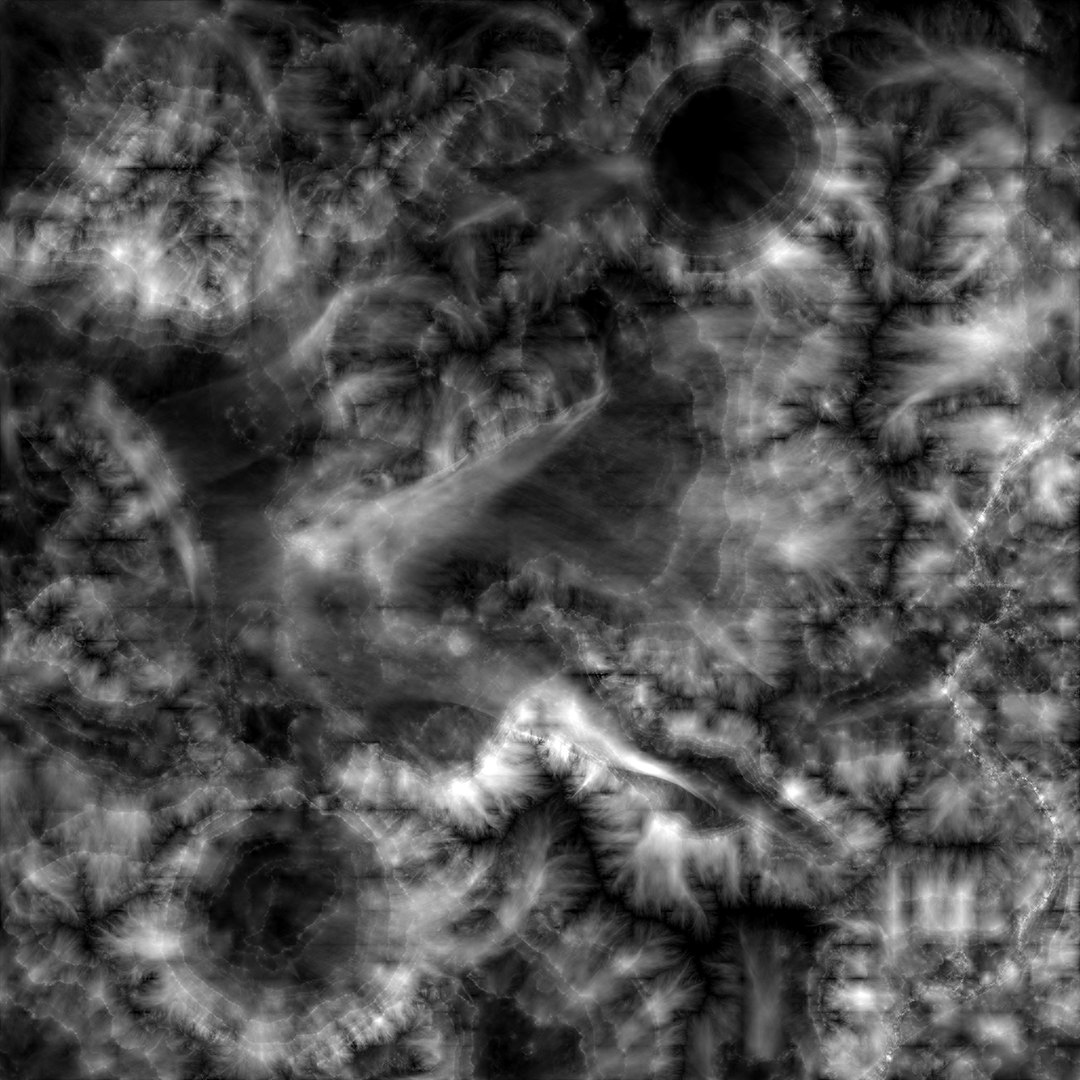
Diffuse map.tiff 4096x4096 (96mb)
Displacement.png 4096x4096 (14.3mb)
Grass.jpg 3000 x 3000 (8.71mb)
All the textures used for masks are also 4096x4096 tiff format.

--Rendering--
(Lighting / Rendering / File Formats) ——

• This models mesh is not intended for further subdivisions
• Lighting & Render environment setup as seen in the previews is included in the package
• Rendered in Vray 3.00 in 3dsmax 2014

Select Enhanced License

  • $10,000 in Legal Protection (Indemnification)
  • Uncapped Legal Protection (Indemnification)
  • Waiver from injunctive relief
  • Assignable model rights
  • $1,000,000 in Legal Protection (Indemnification)
  • Waiver from injunctive relief
  • Assignable model rights
  • $250,000 in Legal Protection (Indemnification)
  • Assignable model rights
Read more about enhanced license tiers, or contact us at enterprise@turbosquid.com. Already a Shutterstock Enterprise Customer? Contact your Shutterstock Sales Support Agent to talk about adding 3D.

About Conversion Requests

To submit a conversion request for a purchased asset, please complete our Conversion Request Form.

If you have not yet purchased a model, please review our Documentation about Conversions to learn about what limitations you may encounter with a conversion.

For any additional questions about a model’s suitability for conversion, please contact TurboSquid Support.

Loading...