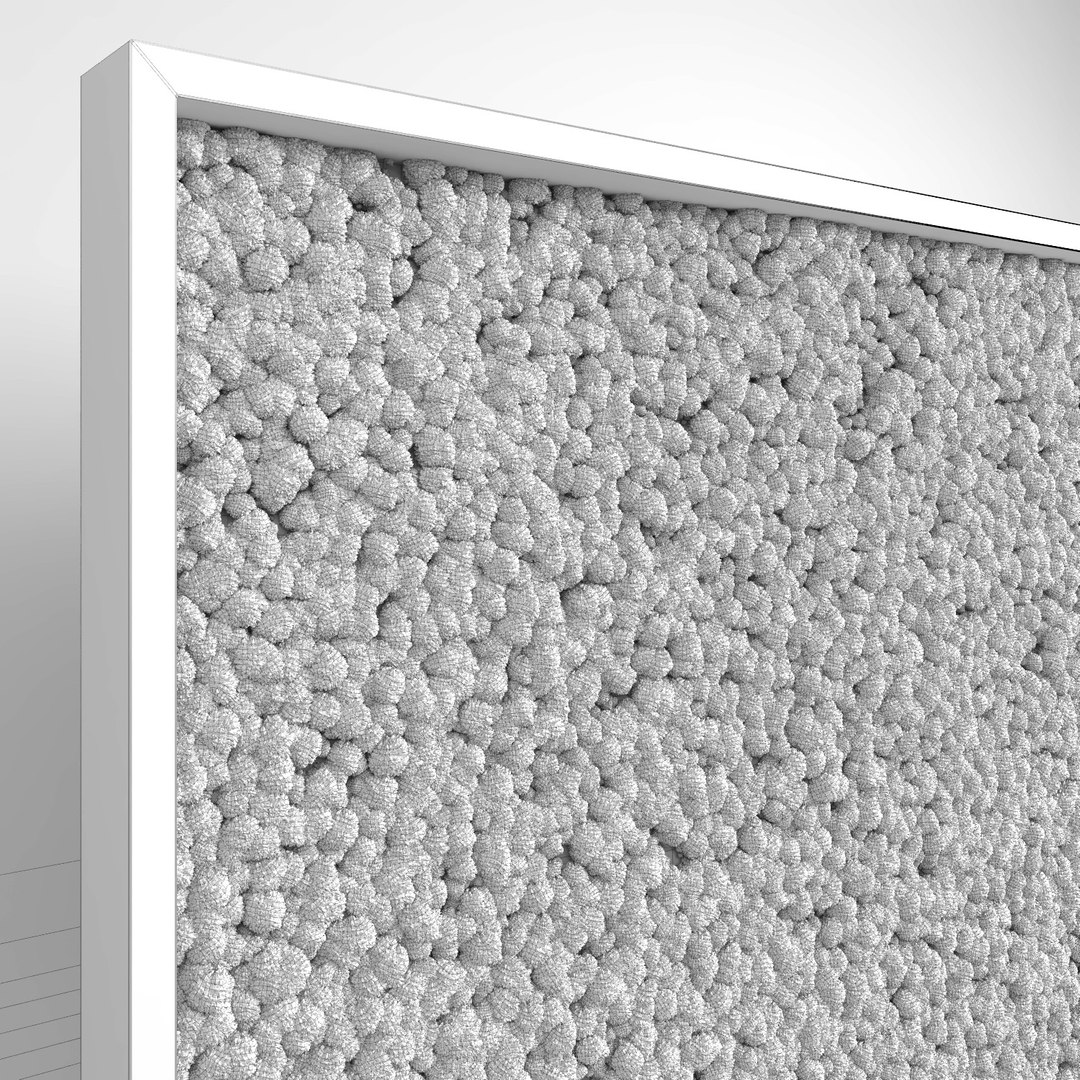
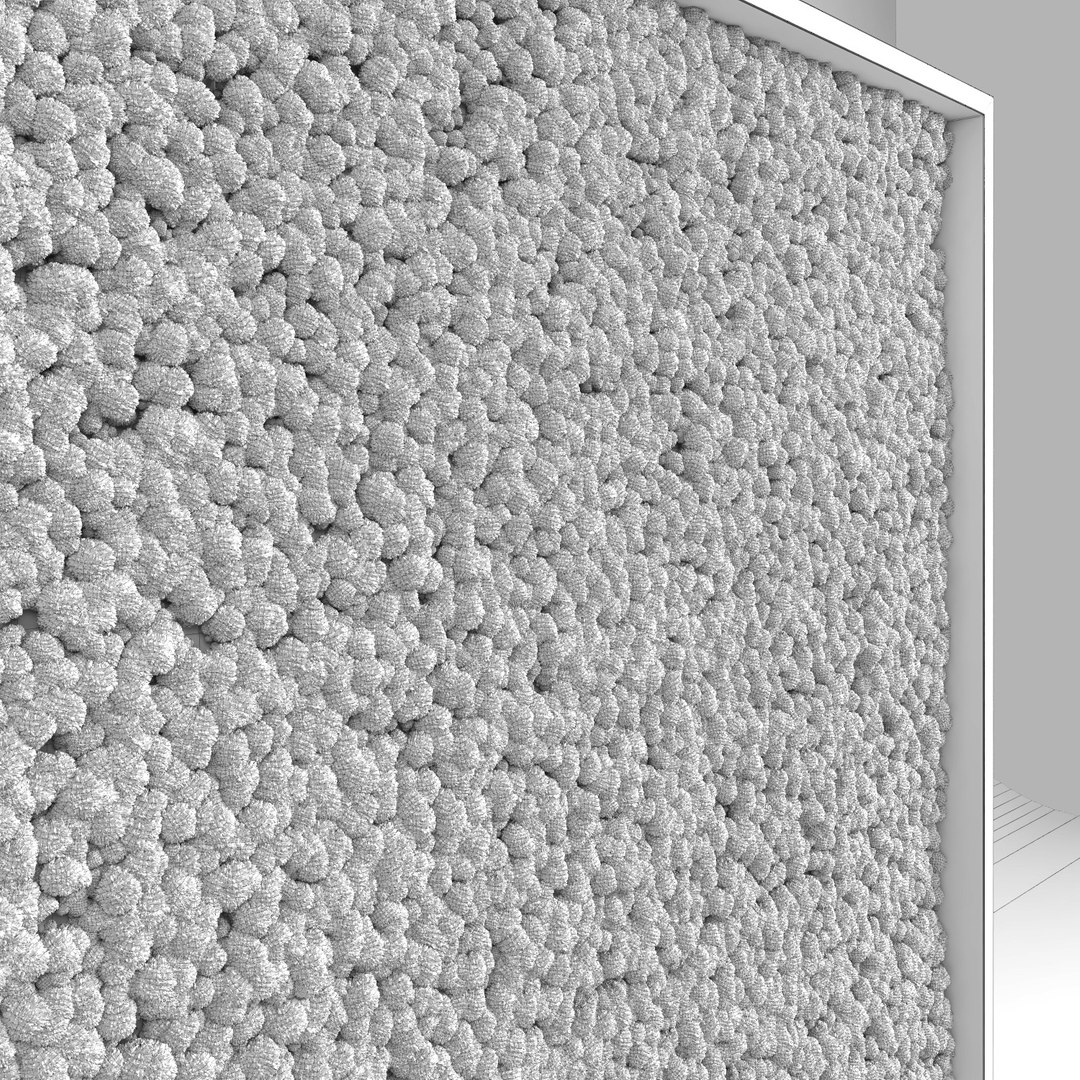
Moss Wall (Scatterable)

$25

Standard License | Upgrade License
Editorial Uses Only
Formats (13)
Native | 3ds Max 2011 | V-Ray 3.30
3ds Max 2011 | V-Ray 3.30
3ds Max 2011 | Corona 1.4
3ds Max 2011 | Default Scanline
Cinema 4D R16 | V-Ray 3.4
Cinema 4D R16 | Other Corona B1
Cinema 4D R16 | Default Scanline
OBJ
FBX
Specifications
Publish Date November 21, 2016
Product ID 1095200
Polygons 38,865
Vertices 25,268
Polygonal Quads Only
Textures
Materials
UV Mapped
TurboSquid Exclusive
member avatar
macrox
201 Products | Contributor Since 2014
Have questions? Chat with us now.

Description

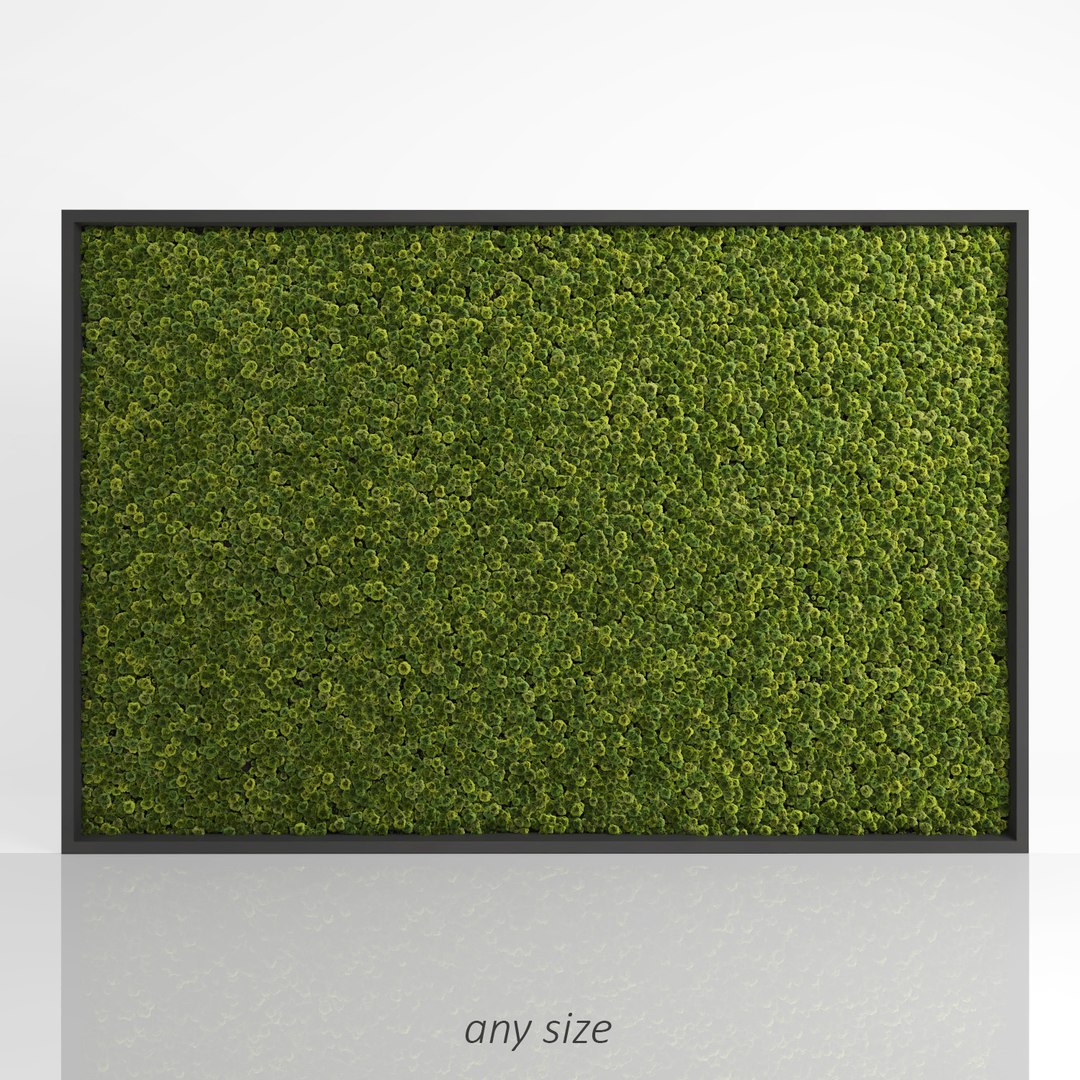
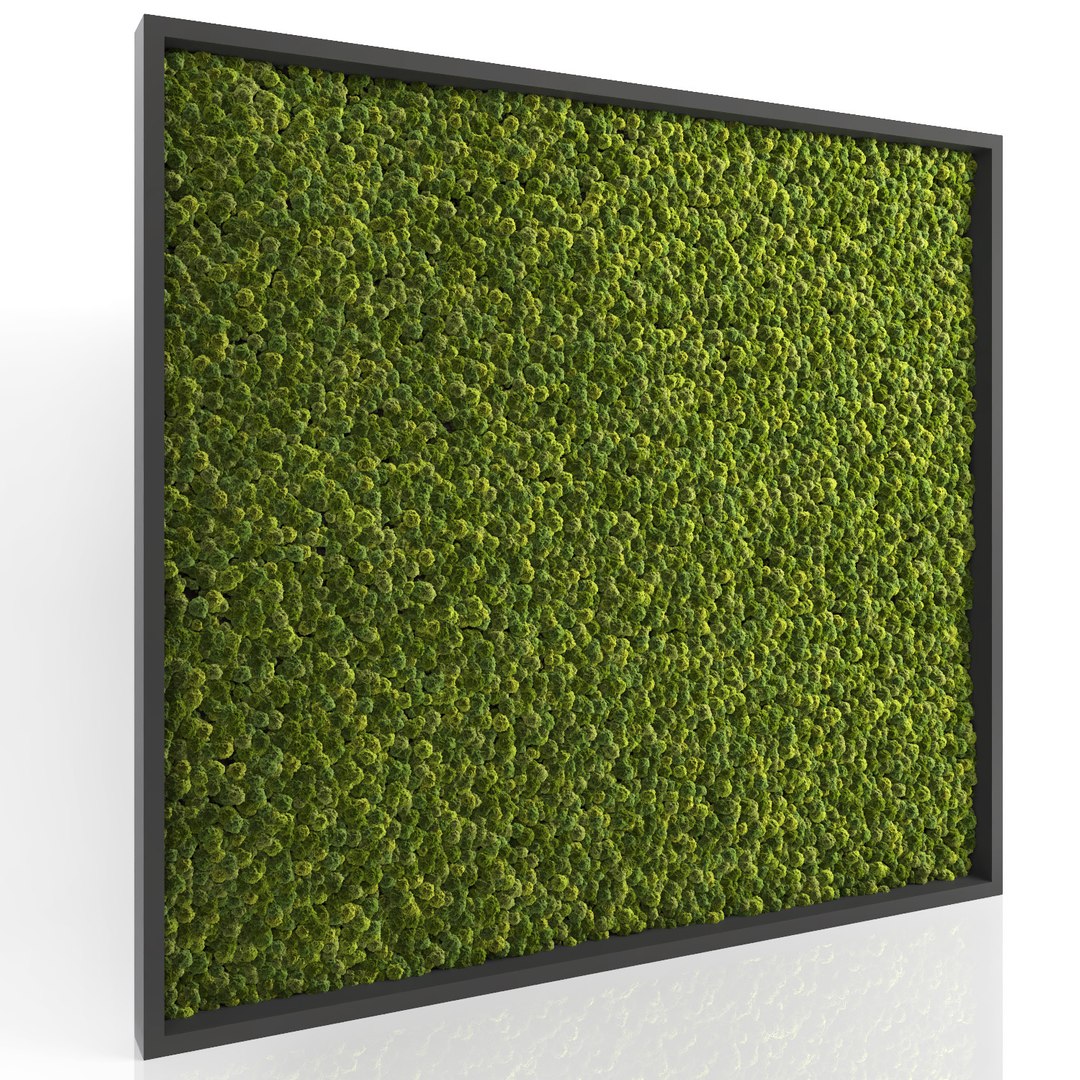
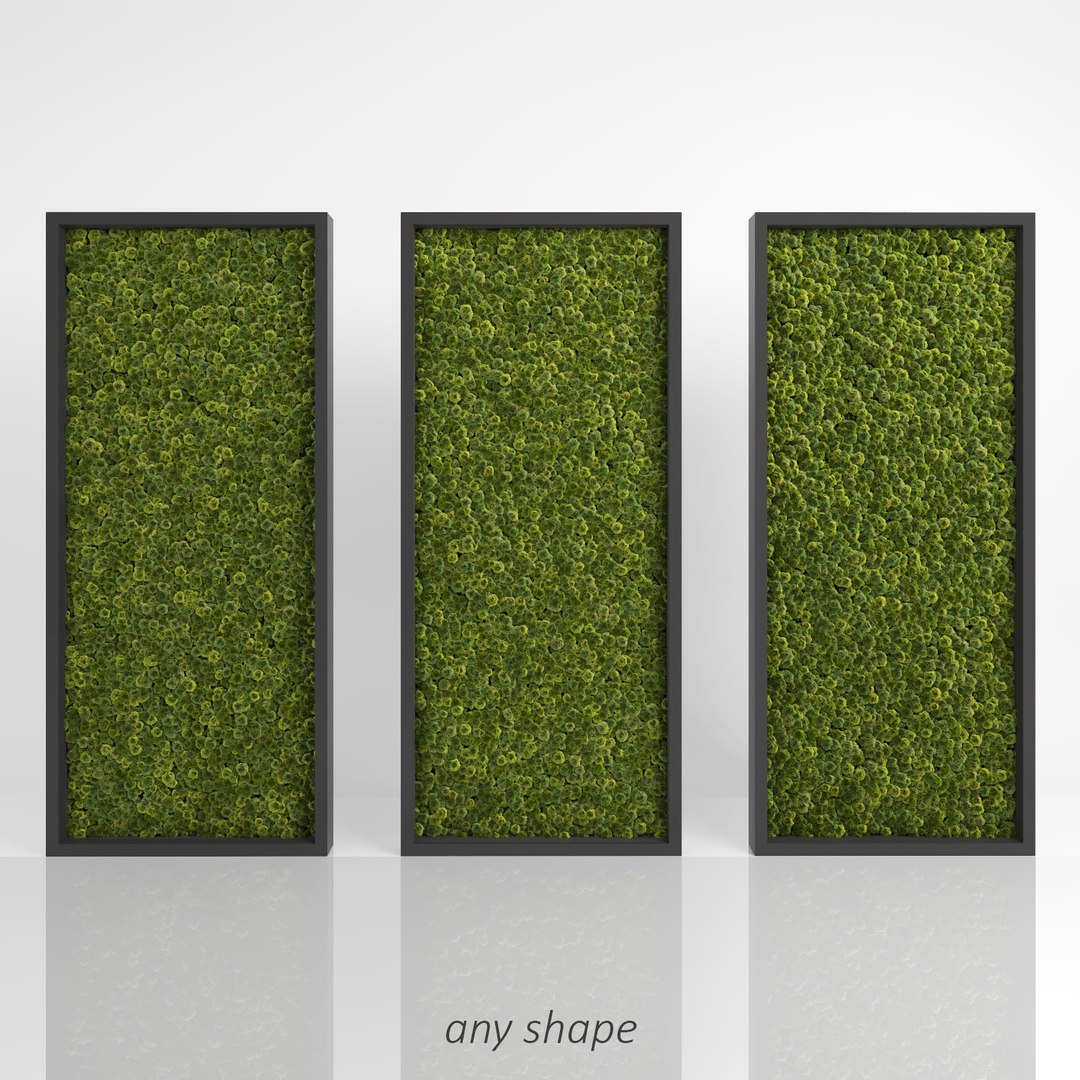
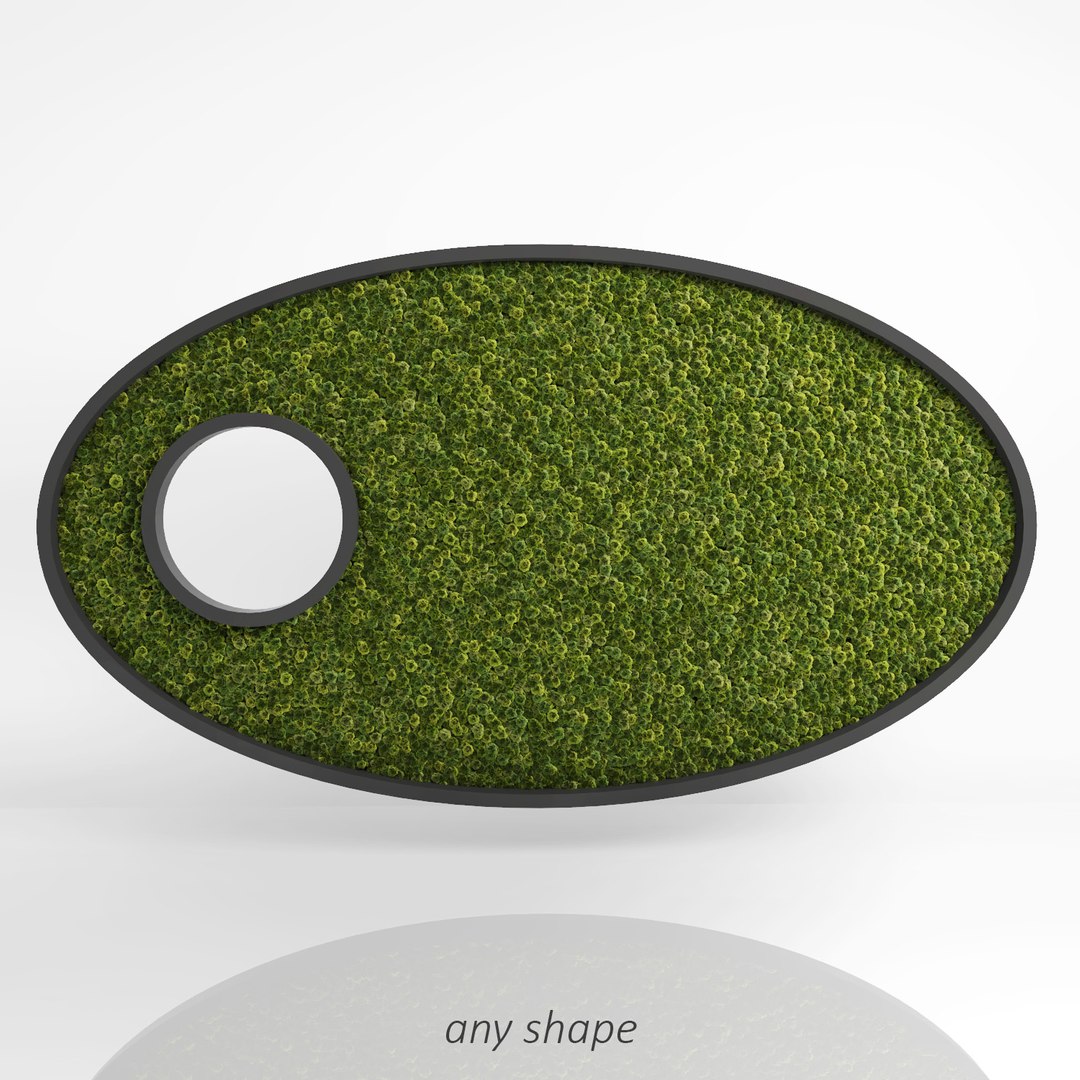
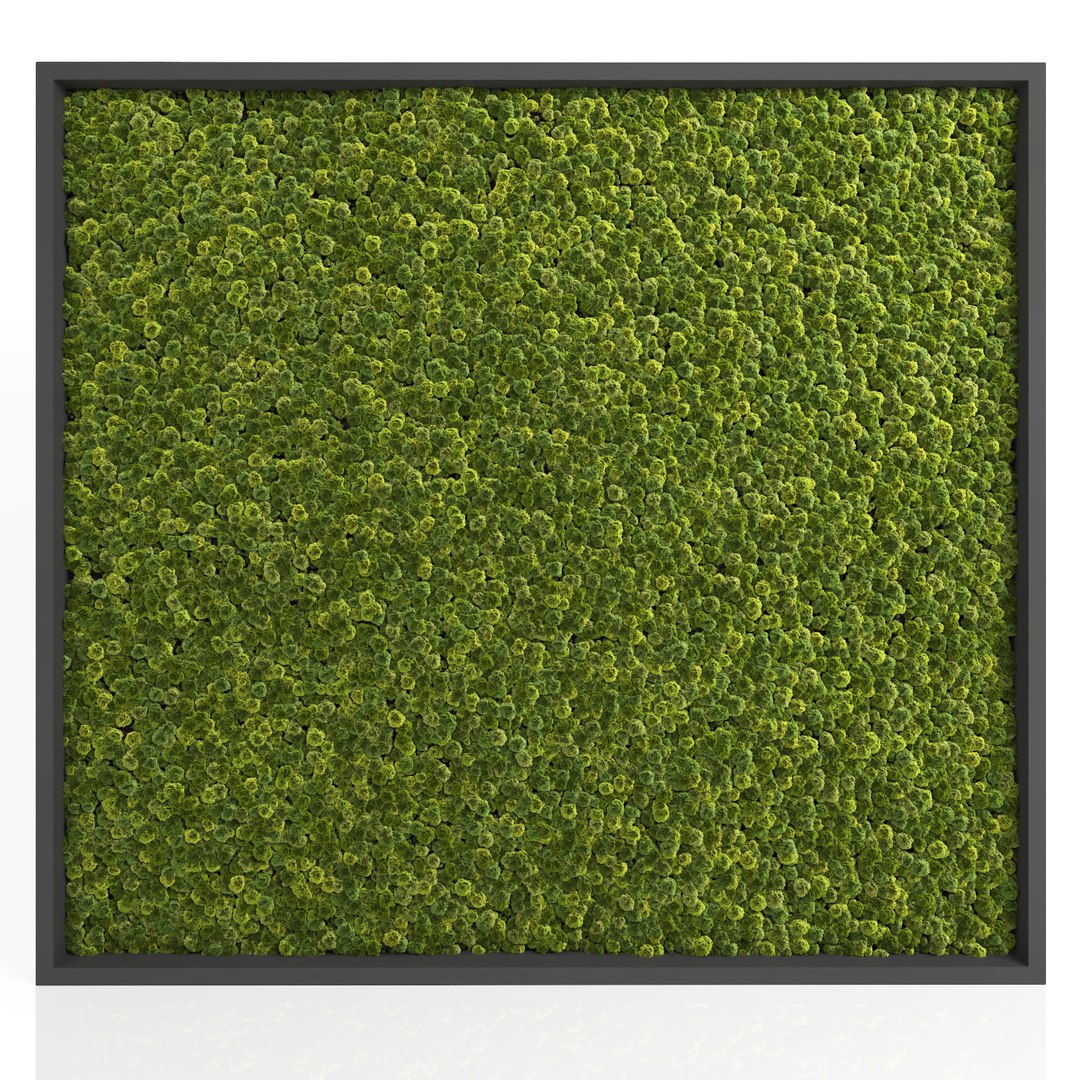
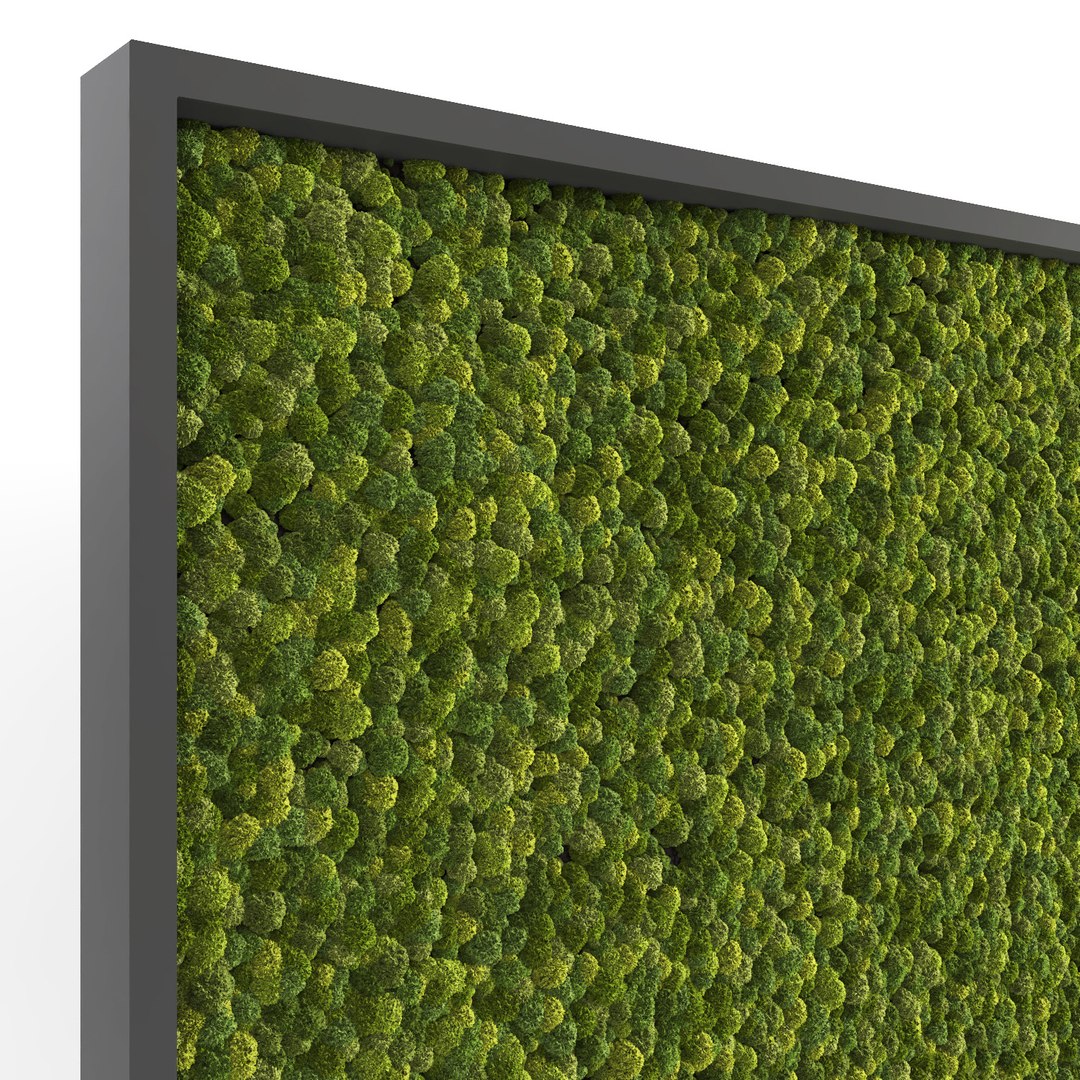
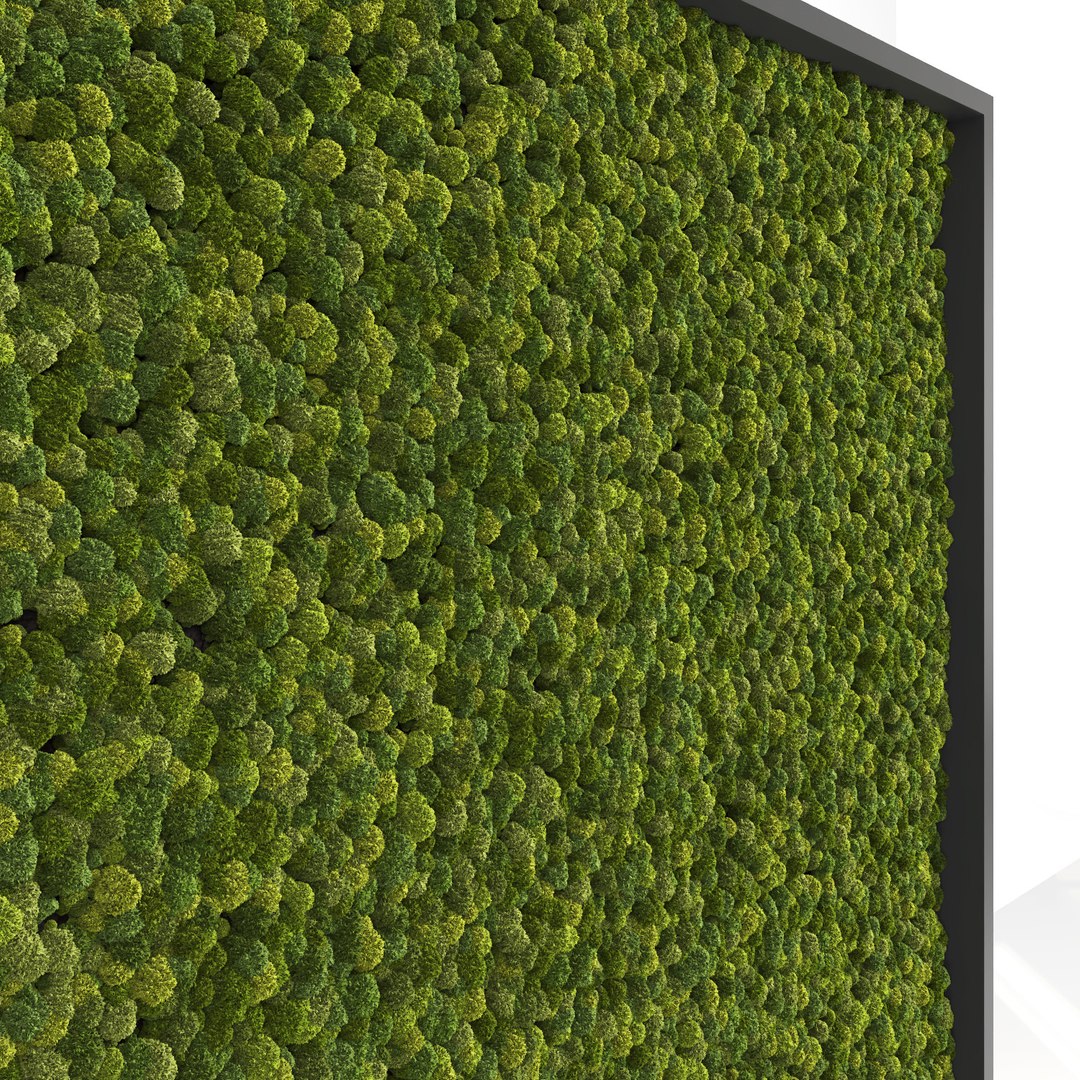
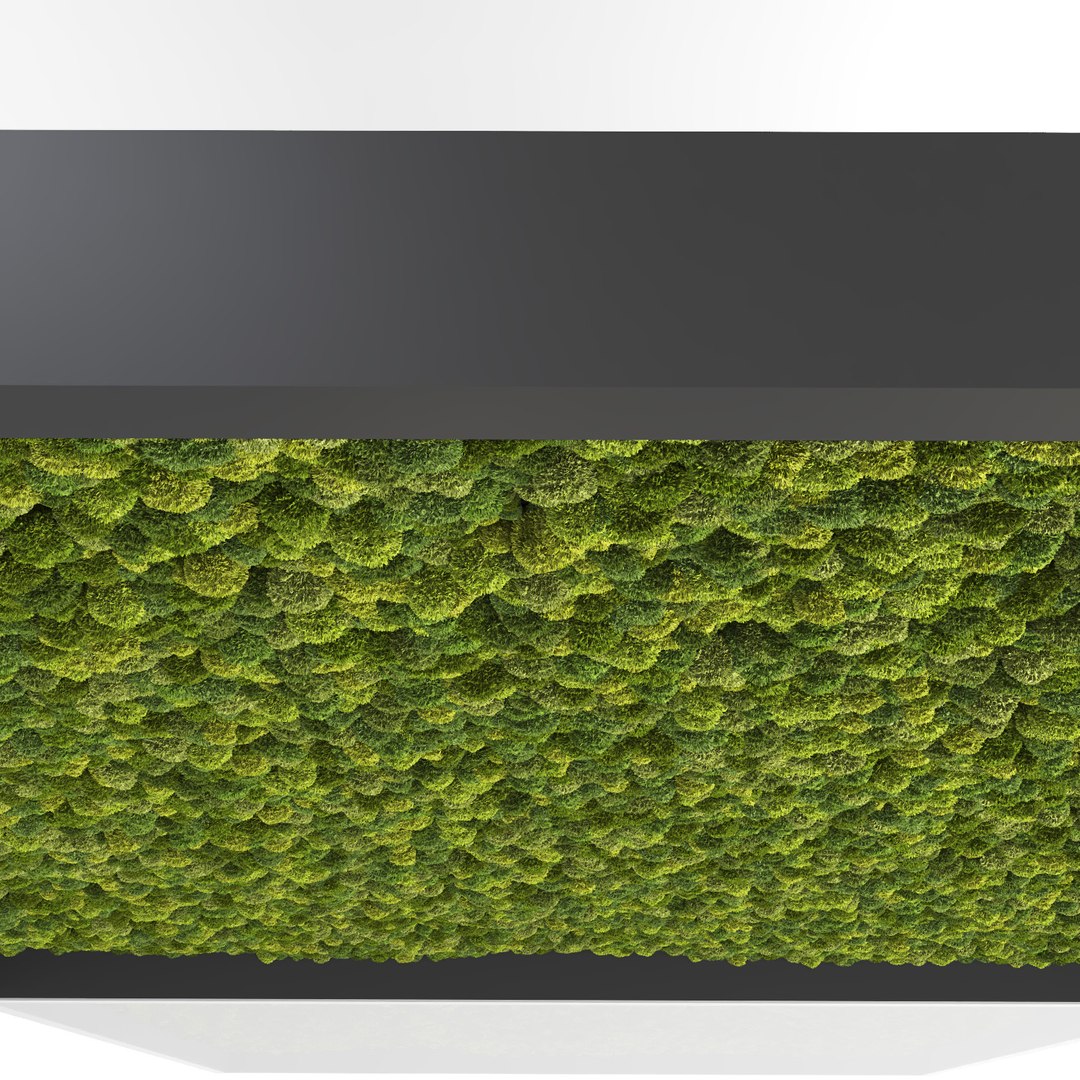
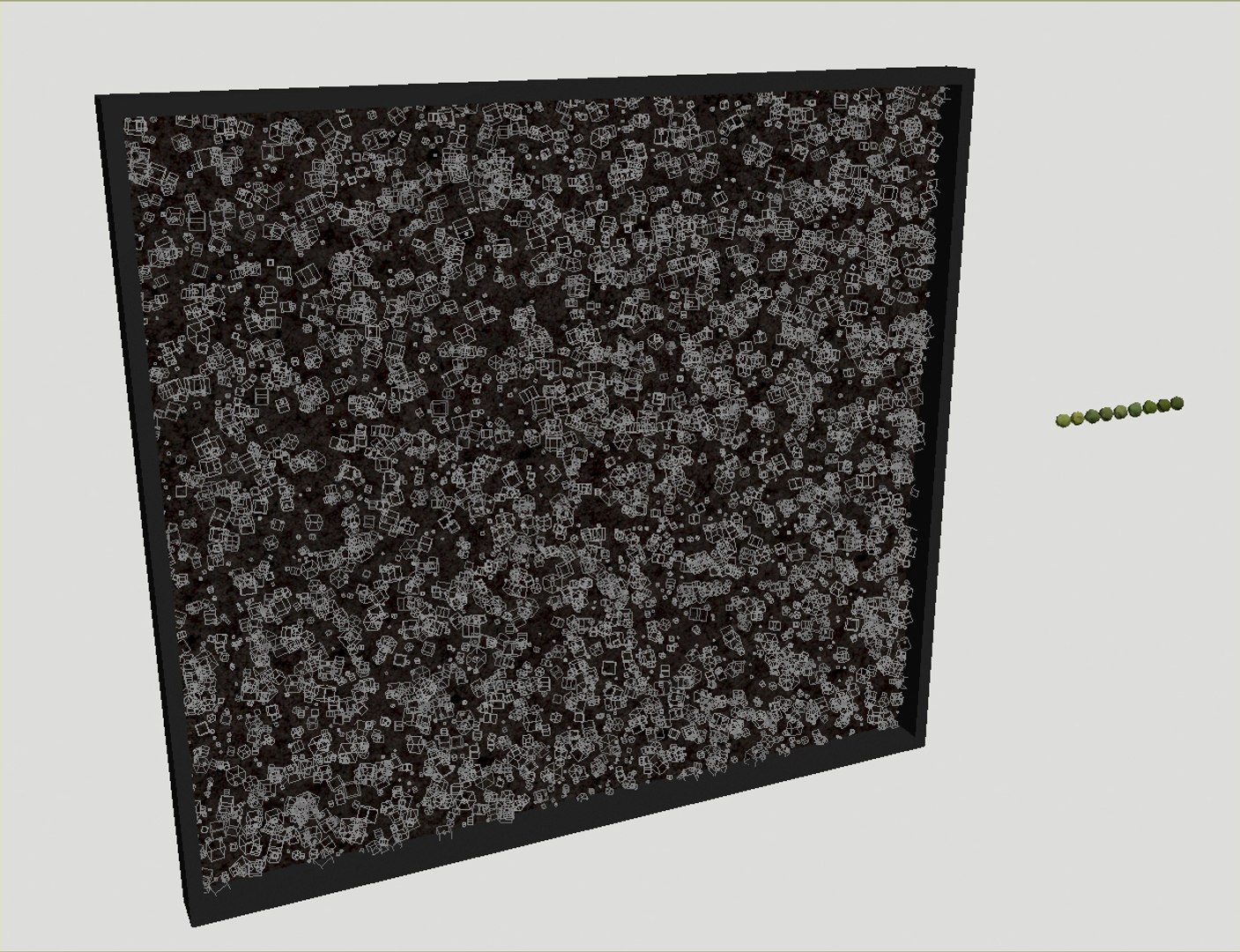
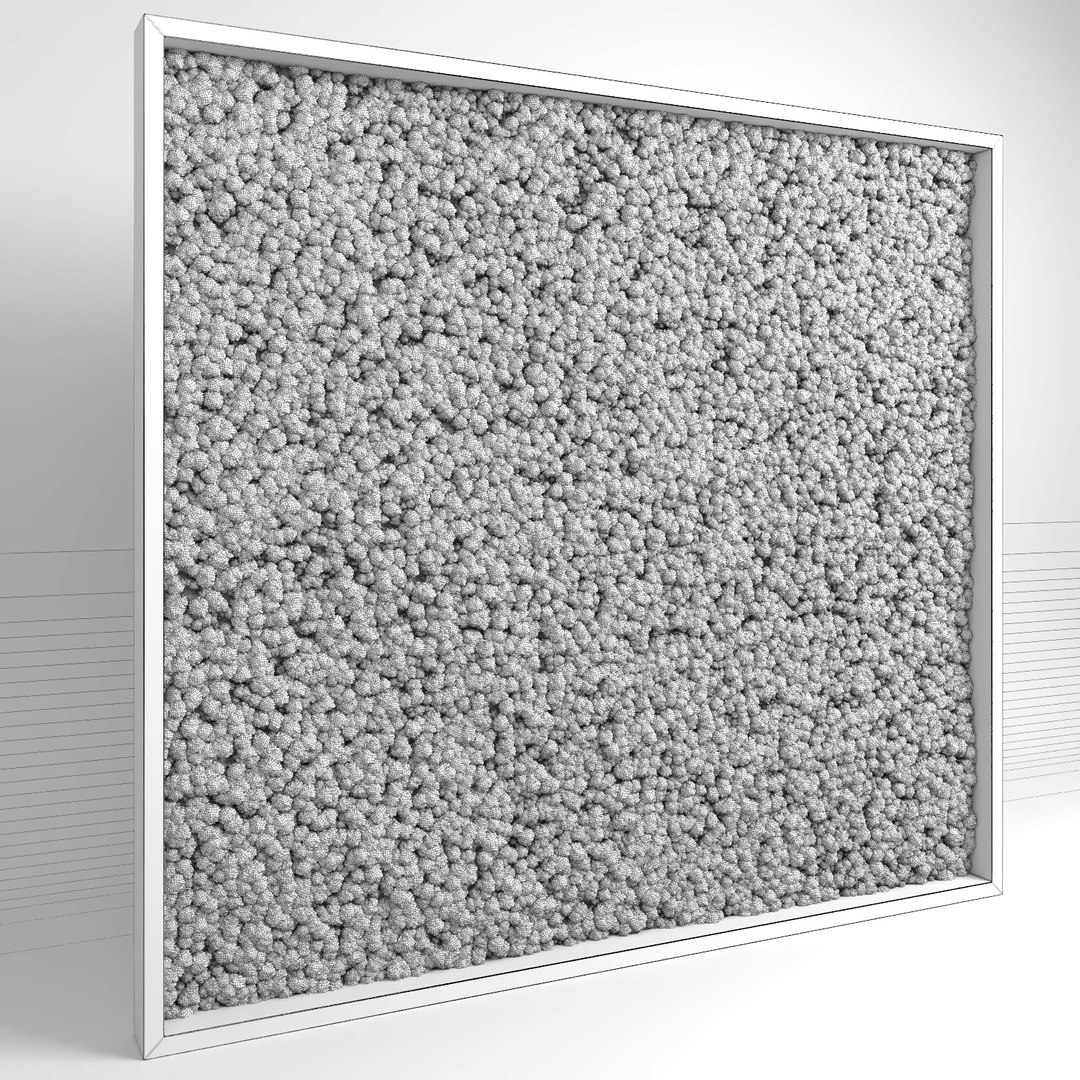
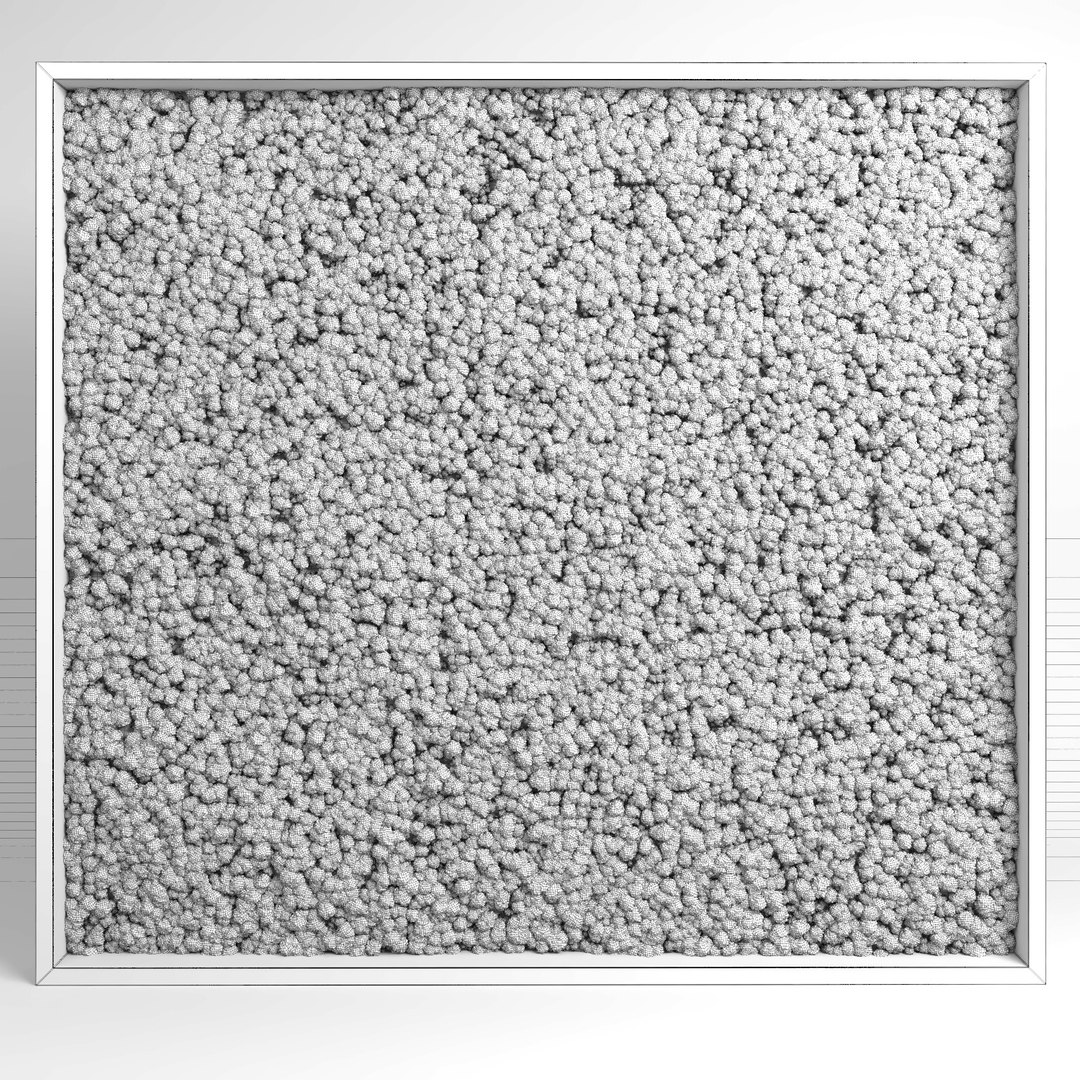
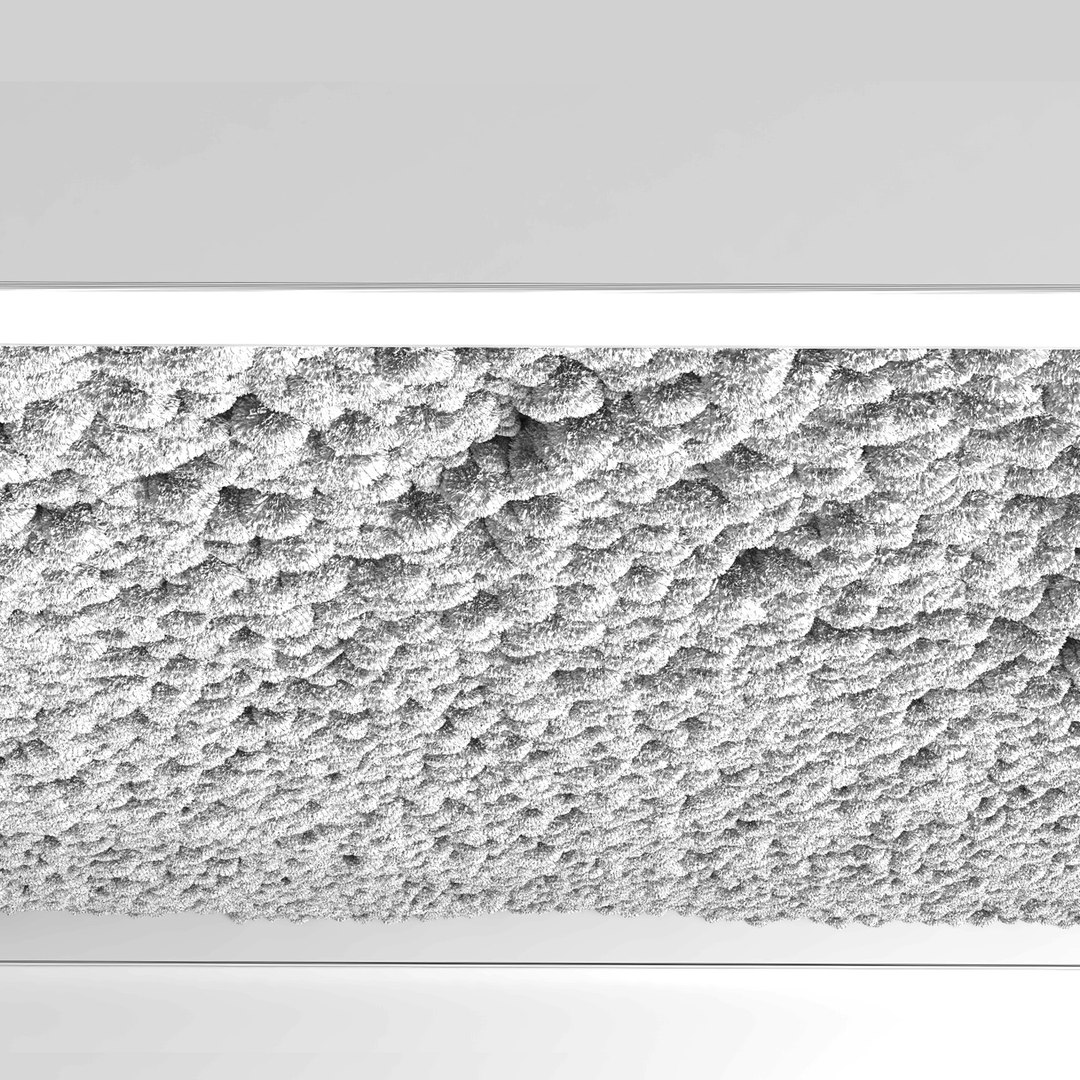
3d model of a moss wall built up with various plugins.

The model is fully customizable, just click on a new surface for scattering and get the result immediately.

VrayDisplacement and CoronaDisplacement modifiers are assigned to the moss balls. In order to increase render time these options can be turned off.
Realistic shaders have been used.
Properly named materials and objects.
System unit: mm

Polygons/vertices amount:
scatter version: 38865 / 25268
mesh version: 4378943 / 3849089

Products' formats:
- 3ds max 2011, V-Ray 3.30 | Corona 1.4 | Default Scanline
(Multiscatter 1.3, Forestpack 6.1, CScatter, mesh version)
- Cinema4D R16, VRAYforC4D 3.4 | CoronaforC4D | Default Scanline
(MoGraph, SurfaceSPREAD 1.0.43, Forester 1.1, mesh version)
- FBX, Default Scanline (include a mesh version of the model and moss clusters)
- OBJ, standard materials (includes a mesh version of the model and moss clusters)

Select Enhanced License

  • $10,000 in Legal Protection (Indemnification)
  • Uncapped Legal Protection (Indemnification)
  • Waiver from injunctive relief
  • Assignable model rights
  • $1,000,000 in Legal Protection (Indemnification)
  • Waiver from injunctive relief
  • Assignable model rights
  • $250,000 in Legal Protection (Indemnification)
  • Assignable model rights
Read more about enhanced license tiers, or contact us at enterprise@turbosquid.com. Already a Shutterstock Enterprise Customer? Contact your Shutterstock Sales Support Agent to talk about adding 3D.

About Conversion Requests

To submit a conversion request for a purchased asset, please complete our Conversion Request Form.

If you have not yet purchased a model, please review our Documentation about Conversions to learn about what limitations you may encounter with a conversion.

For any additional questions about a model’s suitability for conversion, please contact TurboSquid Support.

Loading...