
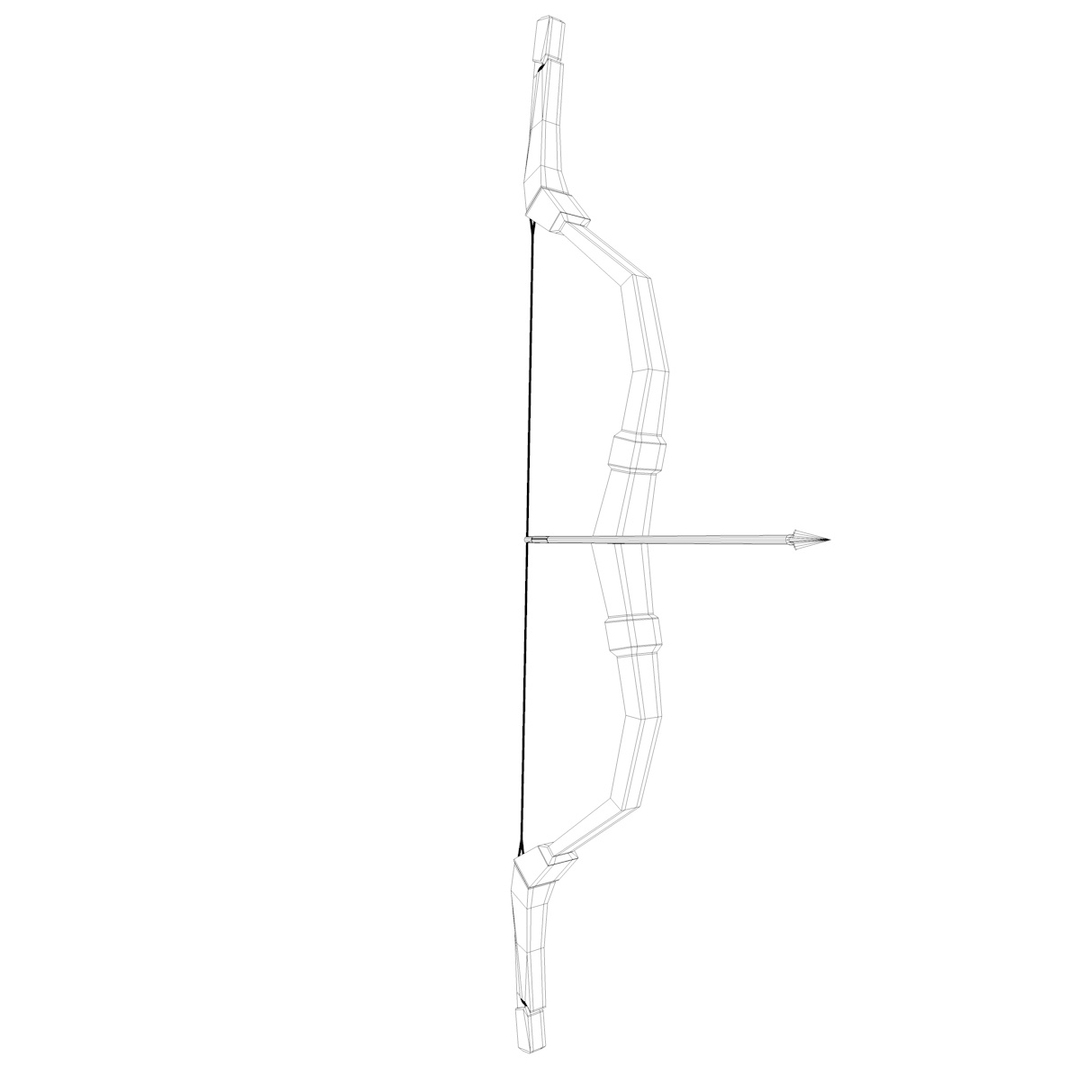
Mongol Bow

$39

Standard License | Upgrade License
Formats (3)
Free file format Conversions available
Native | Cinema 4D R13 | Default Scanline
OBJ
FBX
Specifications
Publish Date November 01, 2012
Product ID 703766
Polygons 3,178
Vertices 3,379
Polygonal Quads/Tris Geometry
Textures
Materials
TurboSquid Exclusive

member avatar
velialarm
27 Products | Contributor Since 2012
Have questions? Chat with us now.

Description

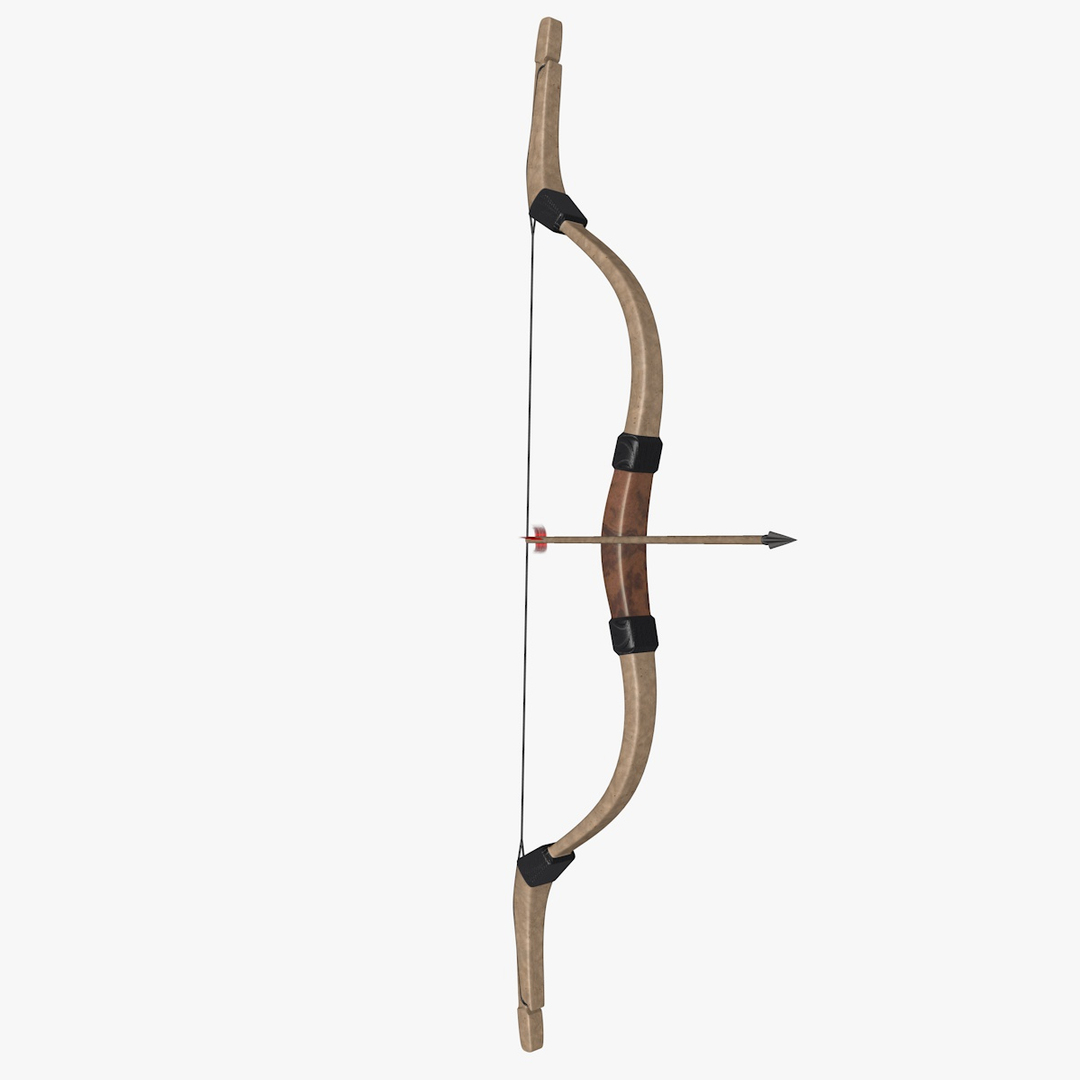
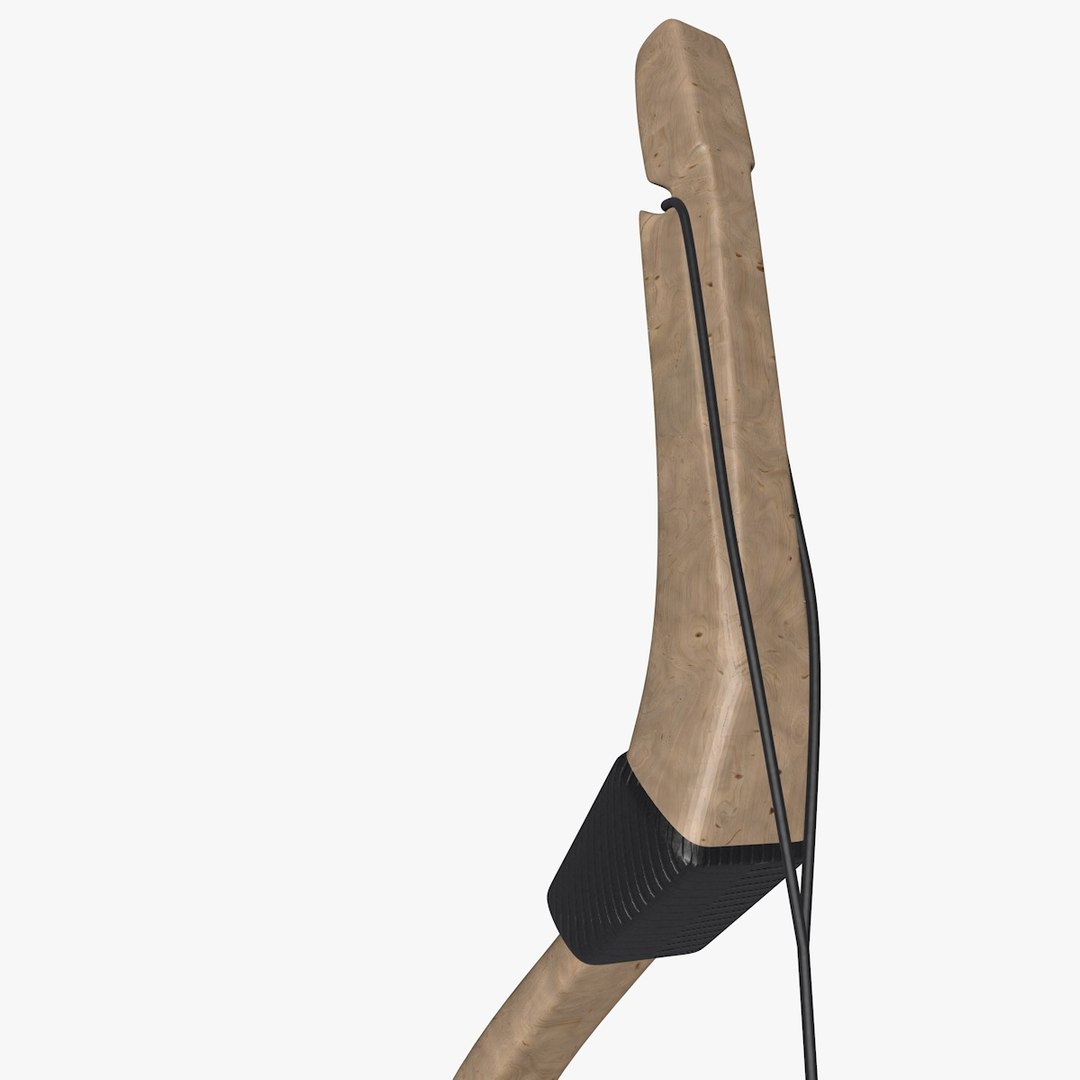
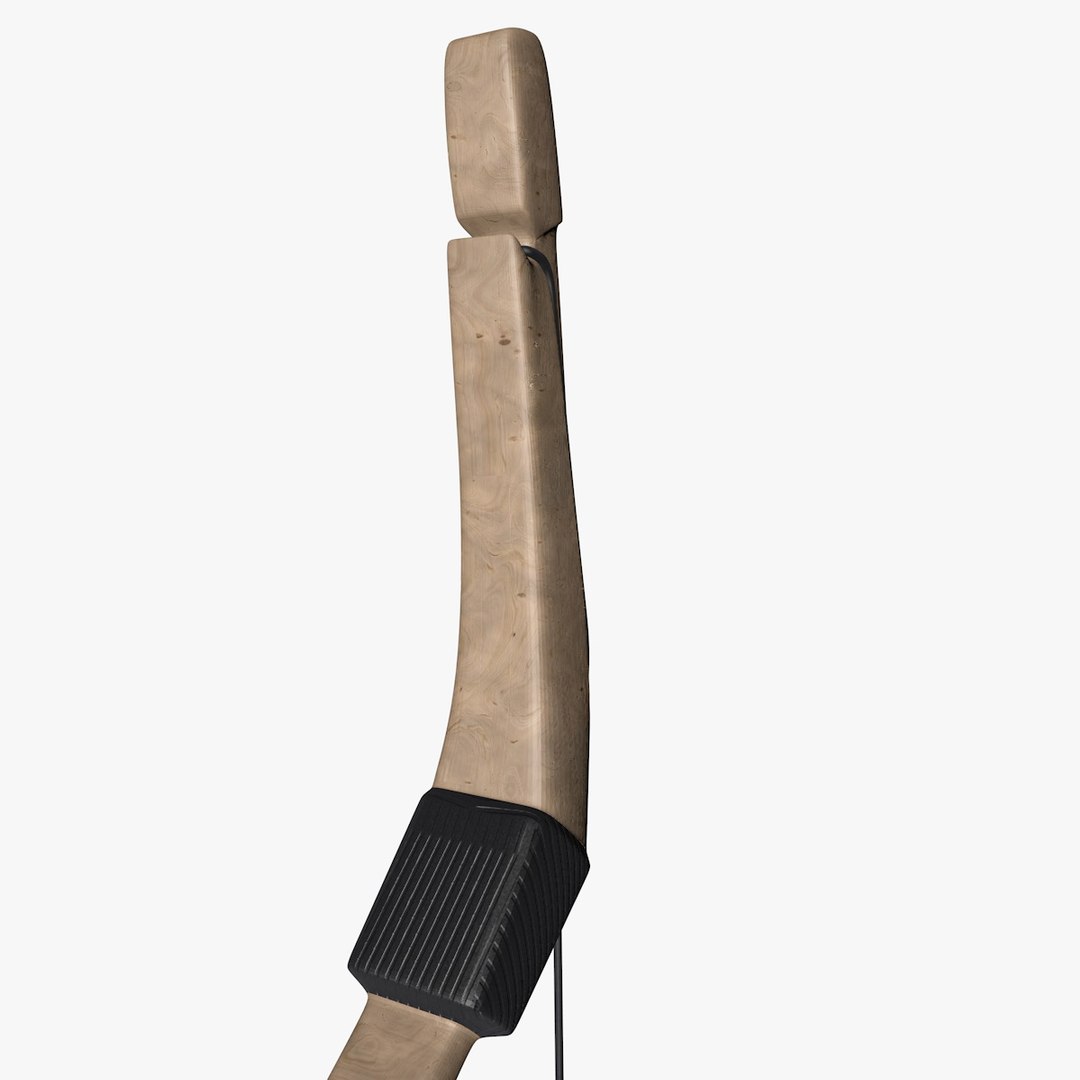
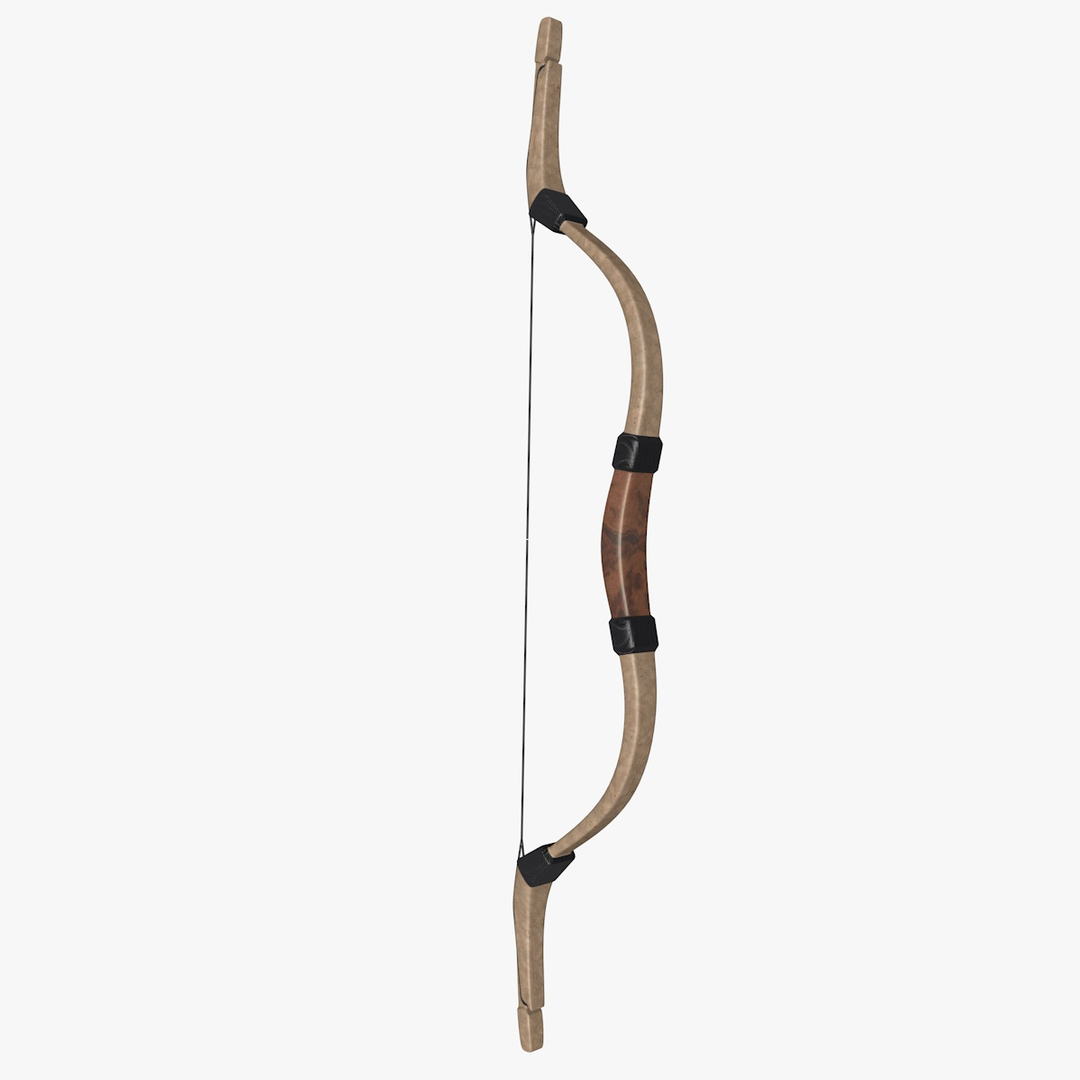
Mongol Bow
Brand: Venedi


SPECIFICATIONS:
- Models is a set of 31 separated objects
- High level of accuracy
- High level of detail
- Low polygon count, to keep the model usable in any situation
- 3178 polygons
- 3379 vertices
- Preview rendered with Standart Settings
- Cinema 4D is the native format
- FBX is directly exported from Cinema 4D
- OBJ is directly exported from Cinema 4D
- ZIP file include: texture

TEXTURES:
wood-36_d_low.jpg - 2500 × 1111
wood-36_b_low.jpg - 2500 × 1111
wood-36_r_low.jpg - 2500 × 1111


What is Bow ? - a weapon system that uses elasticity to propel arrows

A bow is a flexible length of material which shoots aerodynamic projectiles called arrows. A string joins the two ends and when the string is drawn back, the ends of the stick are flexed. When the string is released, the potential energy of the flexed stick is transformed into the velocity of the arrow.

Today, bows and arrows are used primarily for hunting and for the sport of archery. Though they are still occasionally used as weapons of war, the development of gunpowder and muskets, and the growing size of armies, led to their replacement in warfare several centuries ago in much of the world.

Select Enhanced License

  • $10,000 in Legal Protection (Indemnification)
  • Uncapped Legal Protection (Indemnification)
  • Waiver from injunctive relief
  • Assignable model rights
  • $1,000,000 in Legal Protection (Indemnification)
  • Waiver from injunctive relief
  • Assignable model rights
  • $250,000 in Legal Protection (Indemnification)
  • Assignable model rights
Read more about enhanced license tiers, or contact us at enterprise@turbosquid.com. Already a Shutterstock Enterprise Customer? Contact your Shutterstock Sales Support Agent to talk about adding 3D.

About Conversion Requests

To submit a conversion request for a purchased asset, please complete our Conversion Request Form.

If you have not yet purchased a model, please review our Documentation about Conversions to learn about what limitations you may encounter with a conversion.

For any additional questions about a model’s suitability for conversion, please contact TurboSquid Support.

Loading...