Modular Hotel Interior

$18

Formats (4)
Unreal 5.5 | Other
3ds Max 2023 | Default Scanline
Blender
FBX
Specifications
Publish Date October 22, 2026
Product ID 2640313
Polygons 266,222
Vertices 143,595
Polygonal Quads/Tris Geometry
Textures
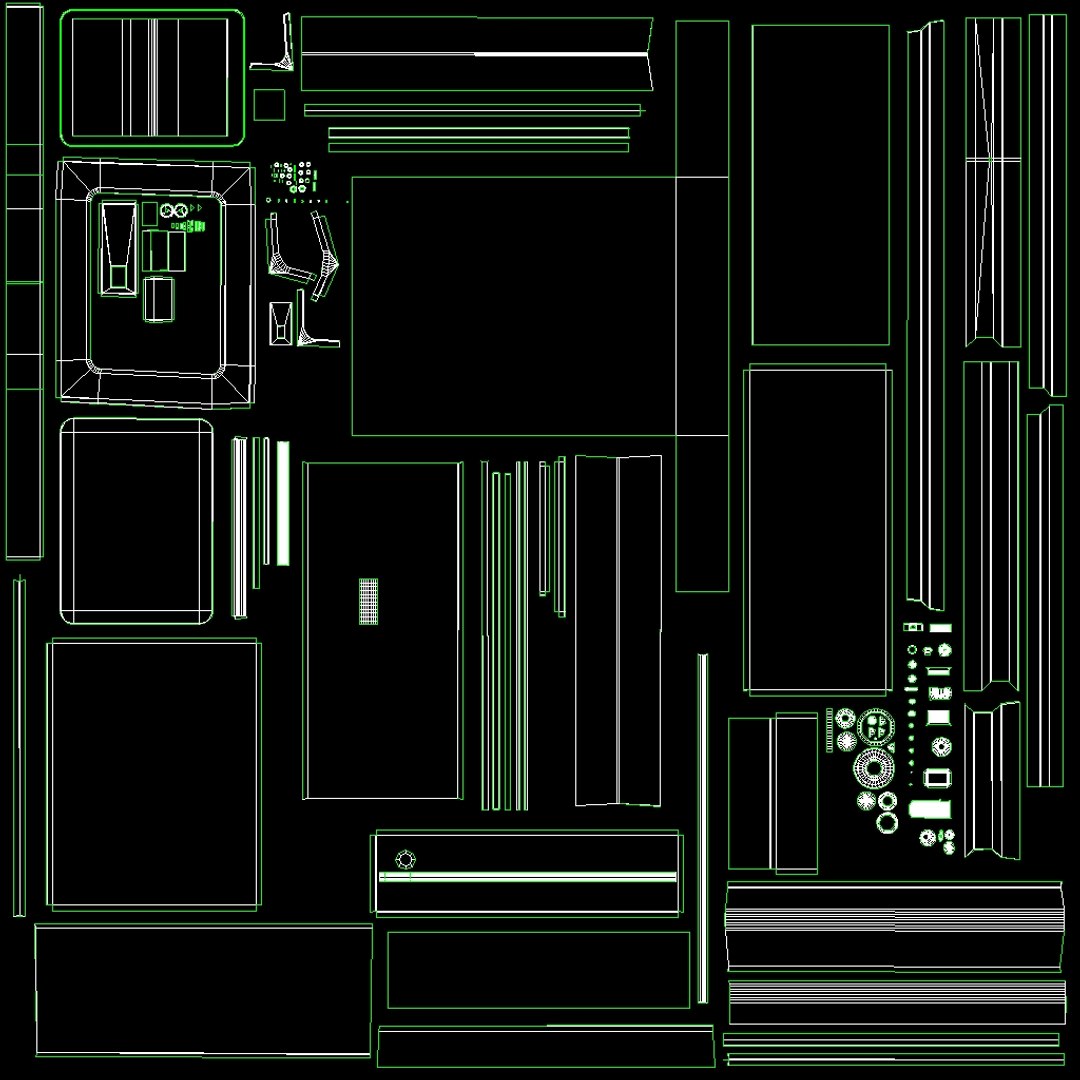
UV Mapped
Non-overlapping Unwrapped UVs
TurboSquid Exclusive
member avatar
ipapaya
101 Products | Contributor Since 2019
Have questions? Chat with us now.

Description

*Texel density is between 512~1024 pixels/m base on sight distance and importance of models.

*_RMA textures refers to the RGB channels representing Roughness, Metallic, and Ambient Occlusion.

*Nanite and Lumen supported.

*FBX files are assets exported for import into UE projects. Each asset is placed at the origin to facilitate editing by the client.

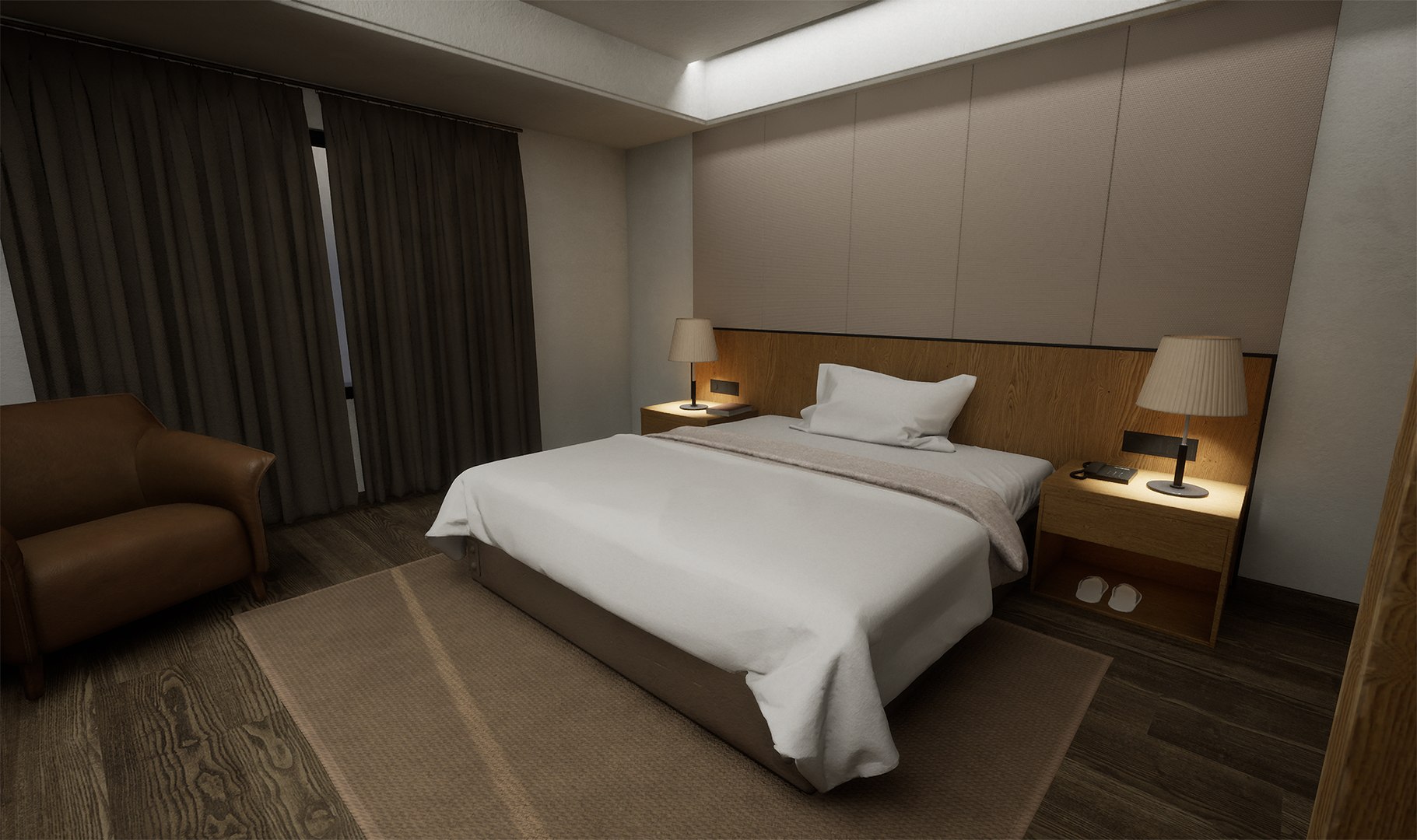
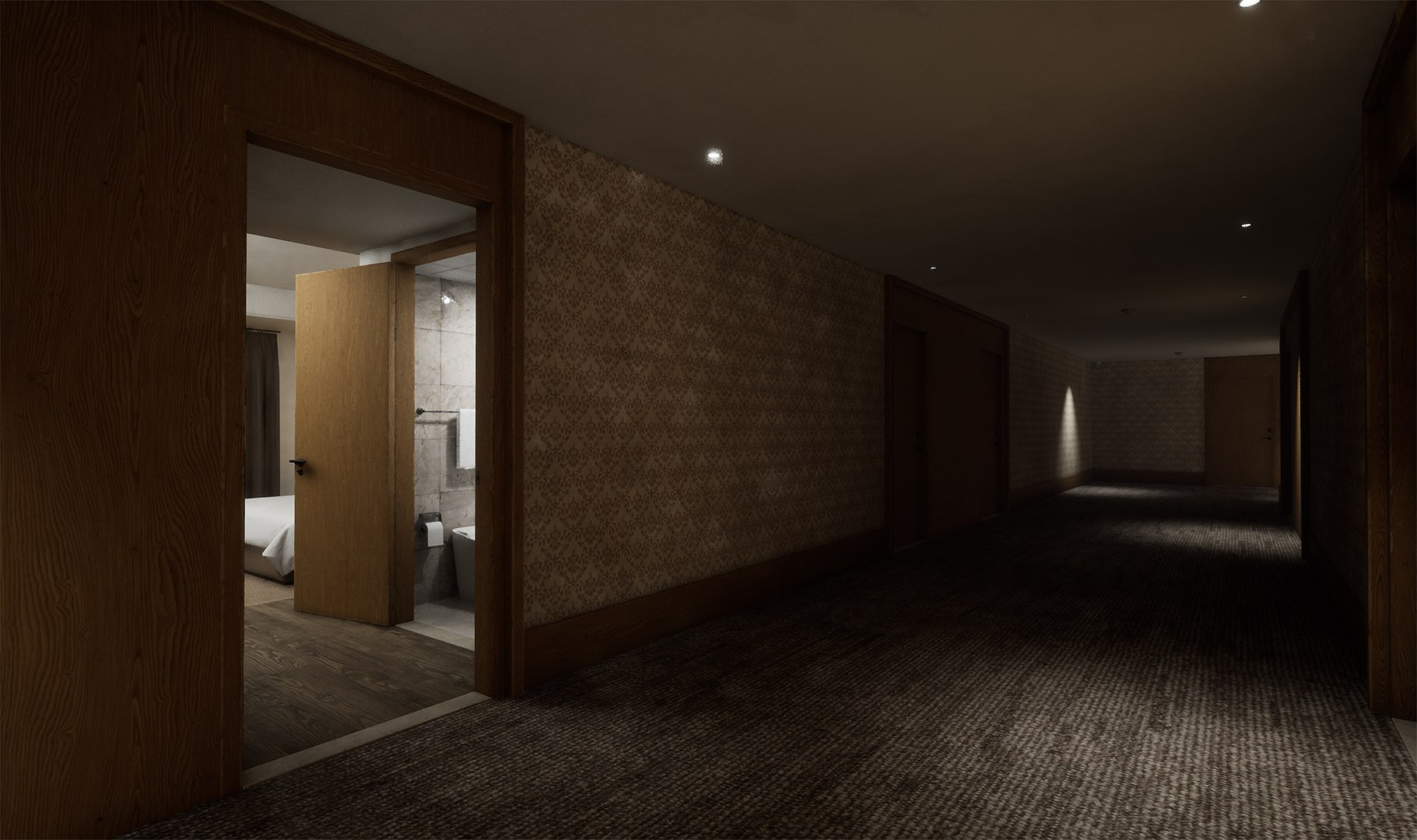
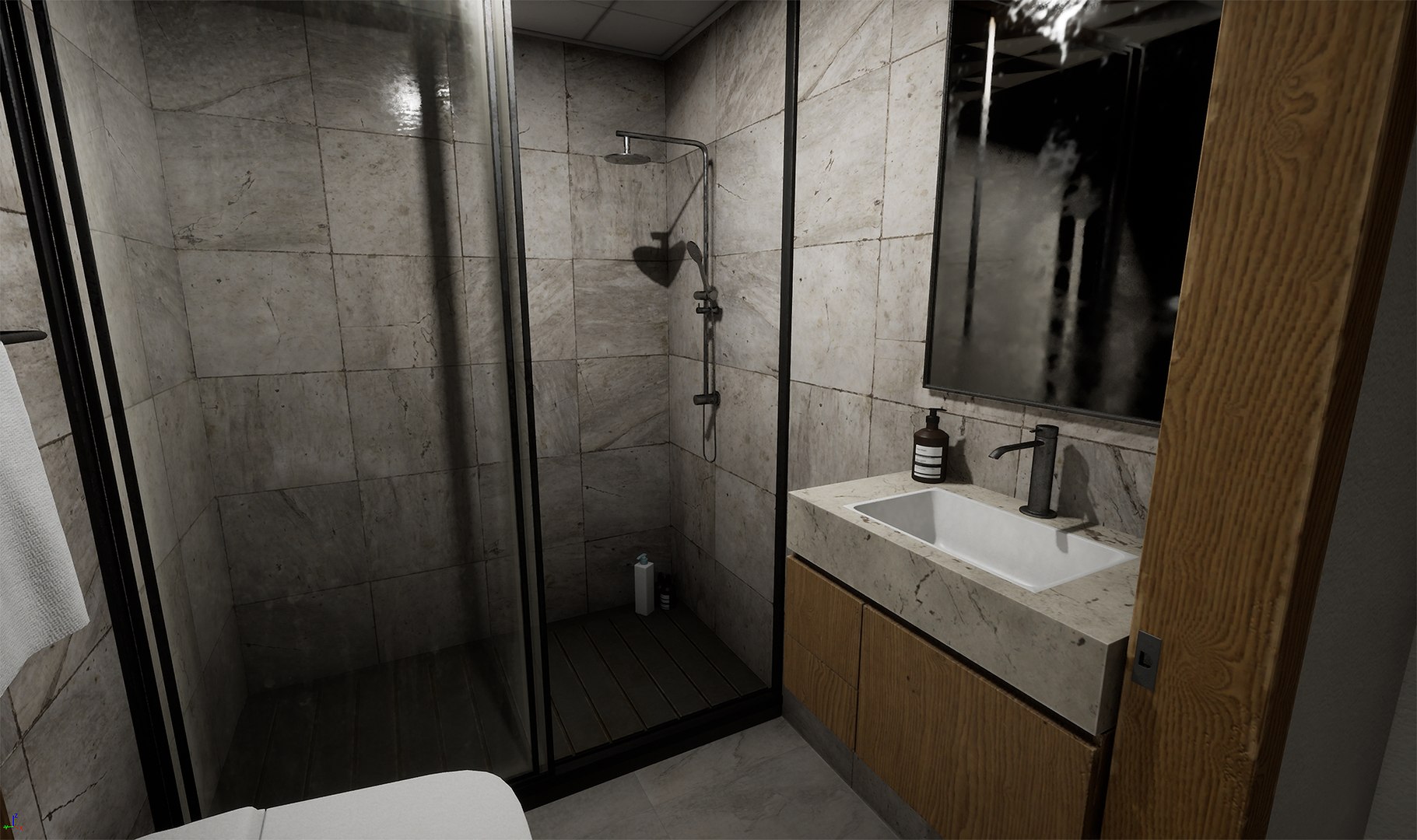
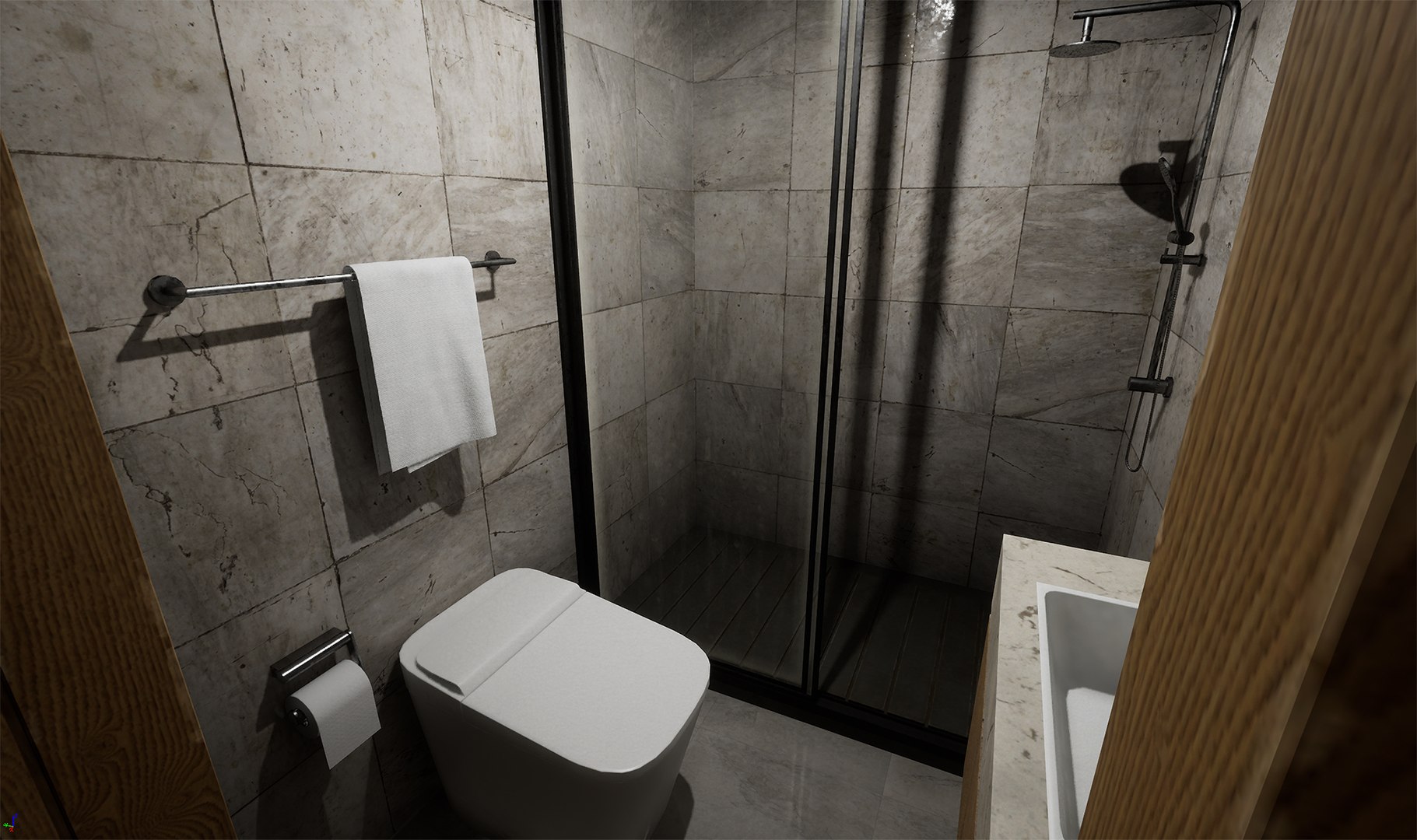
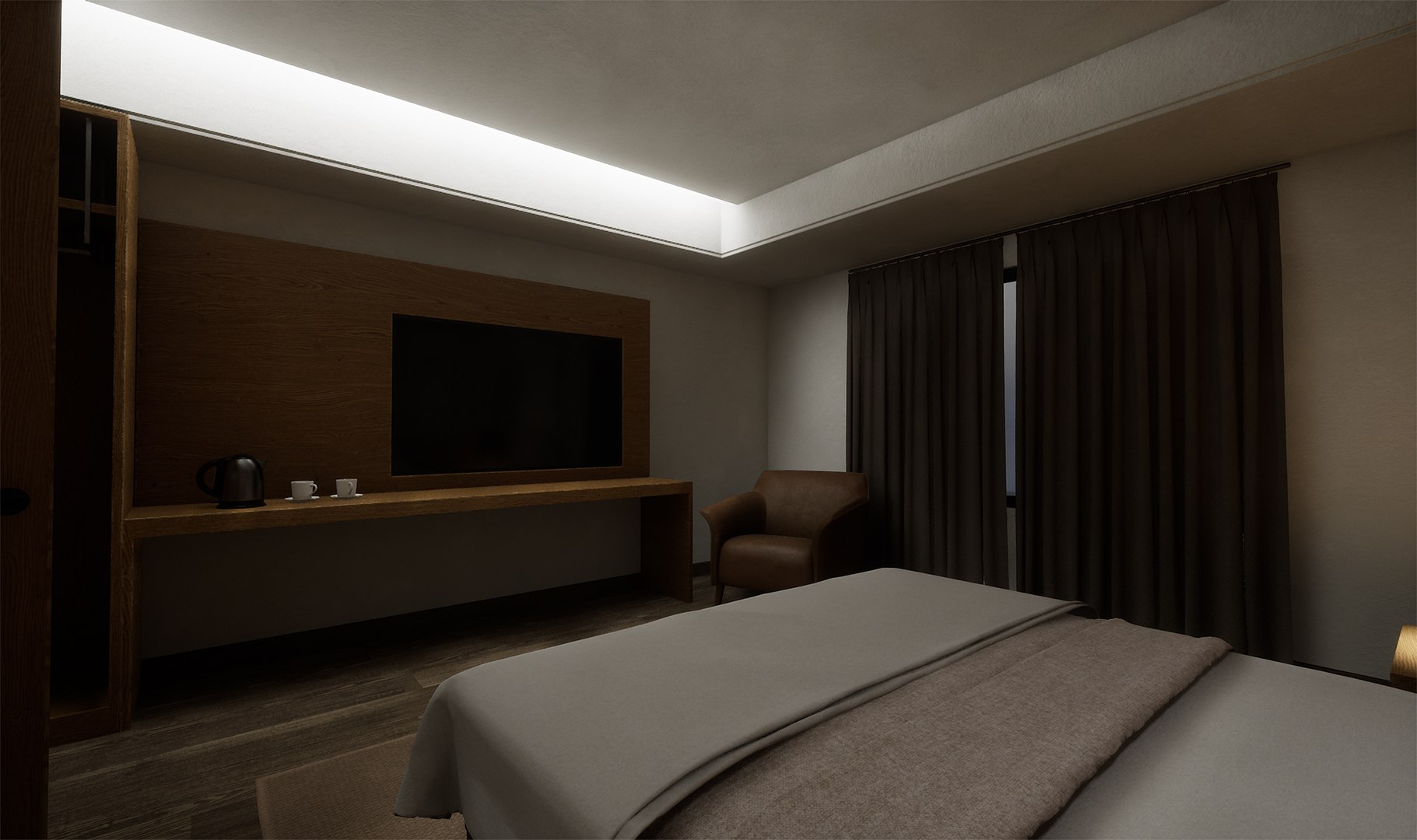
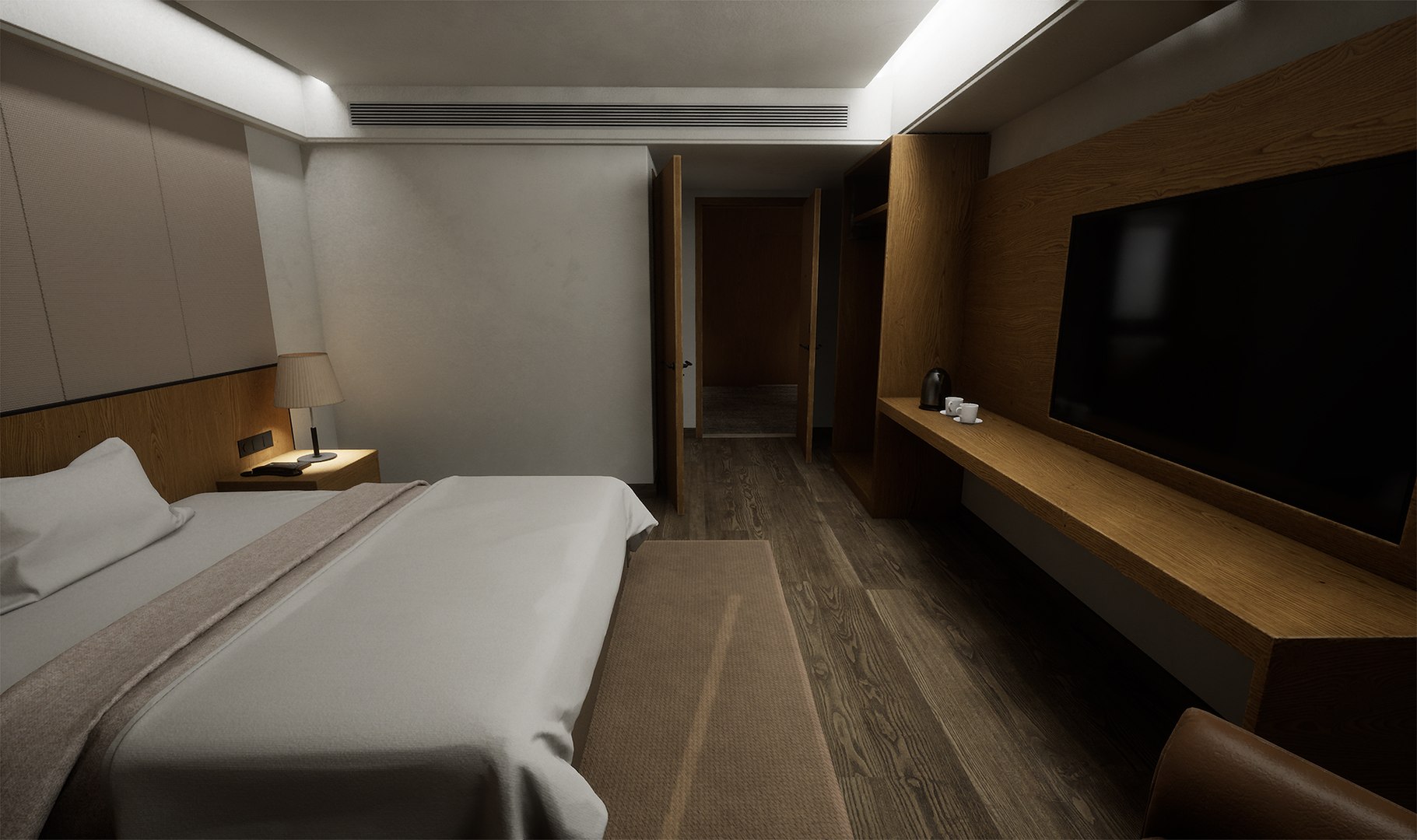
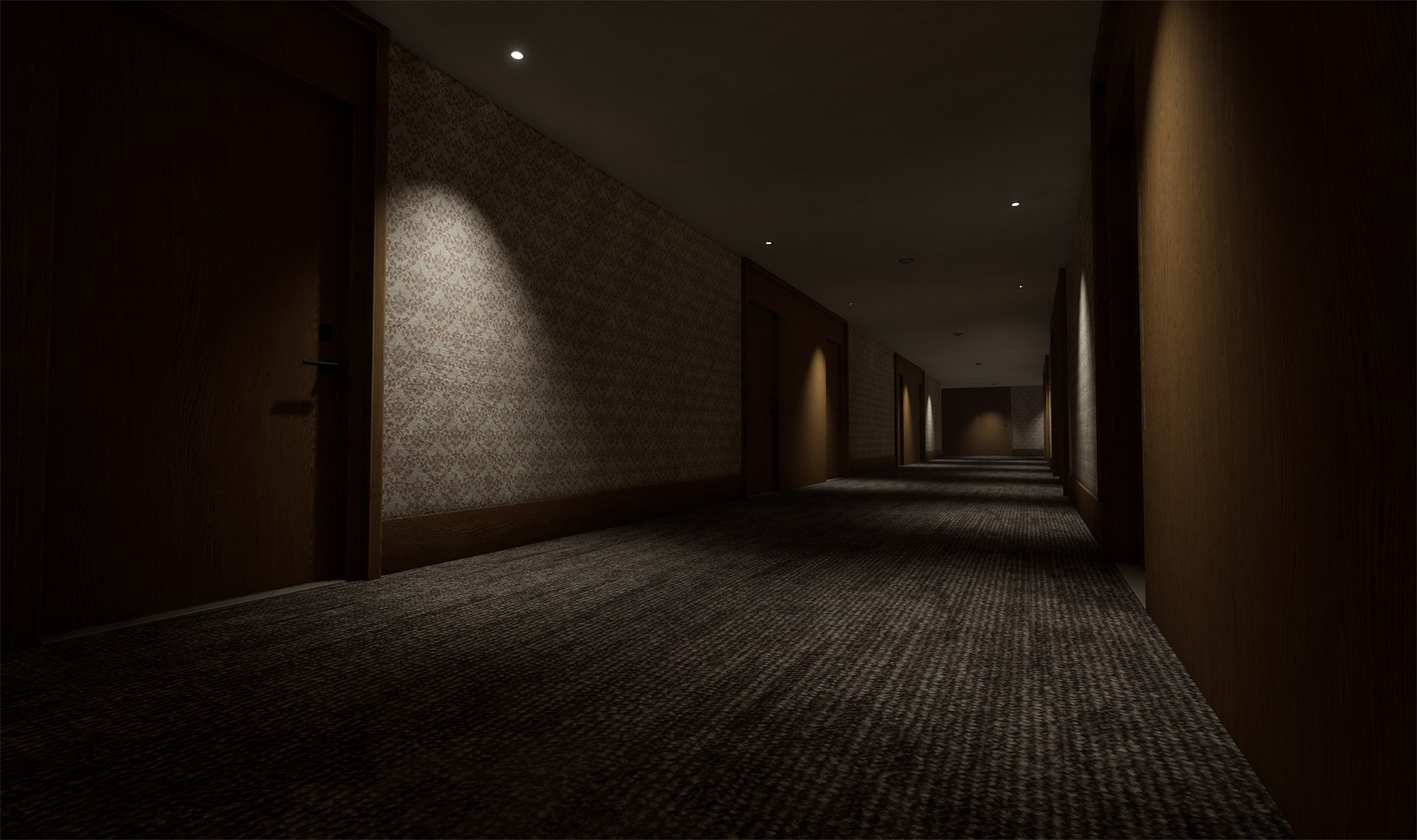
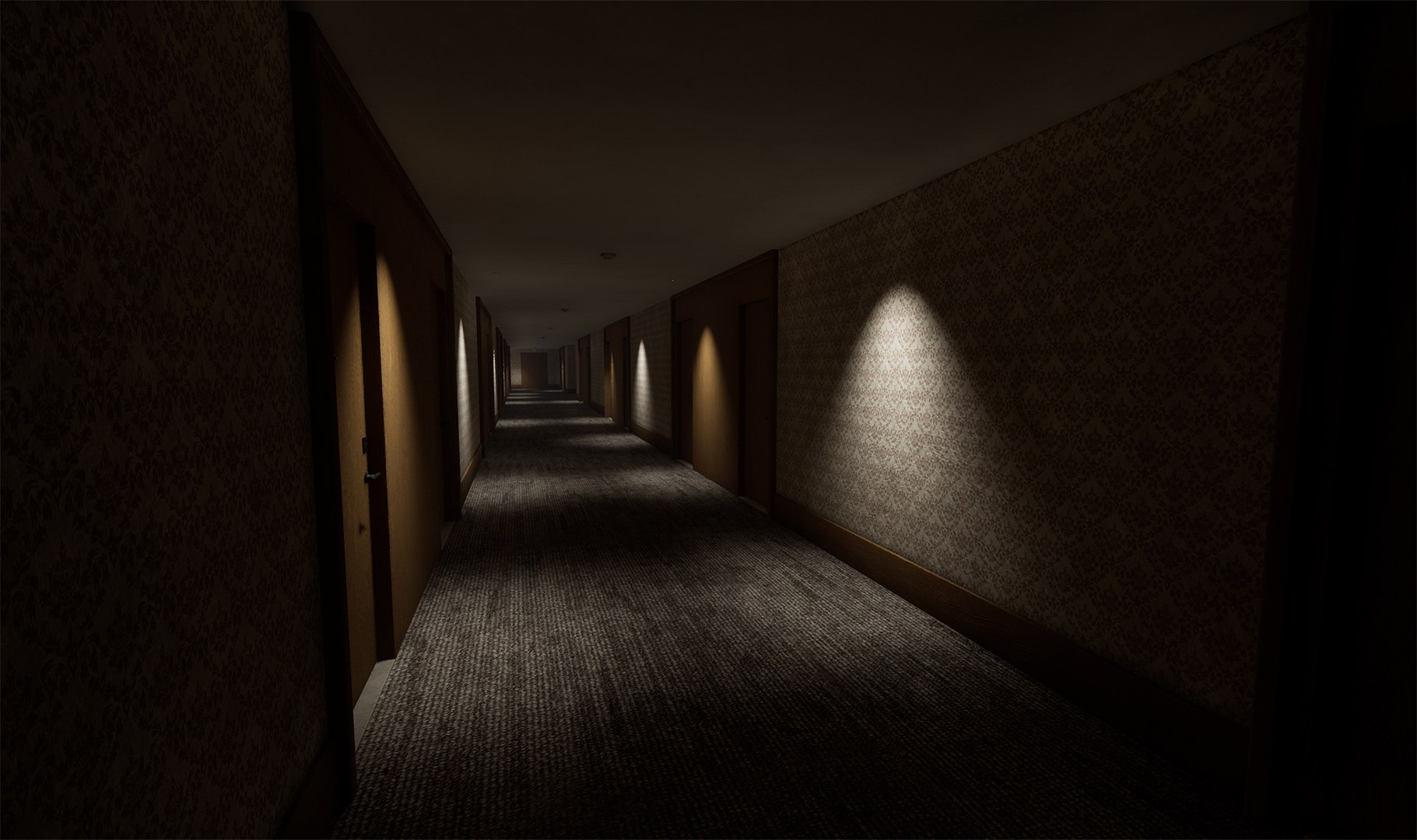
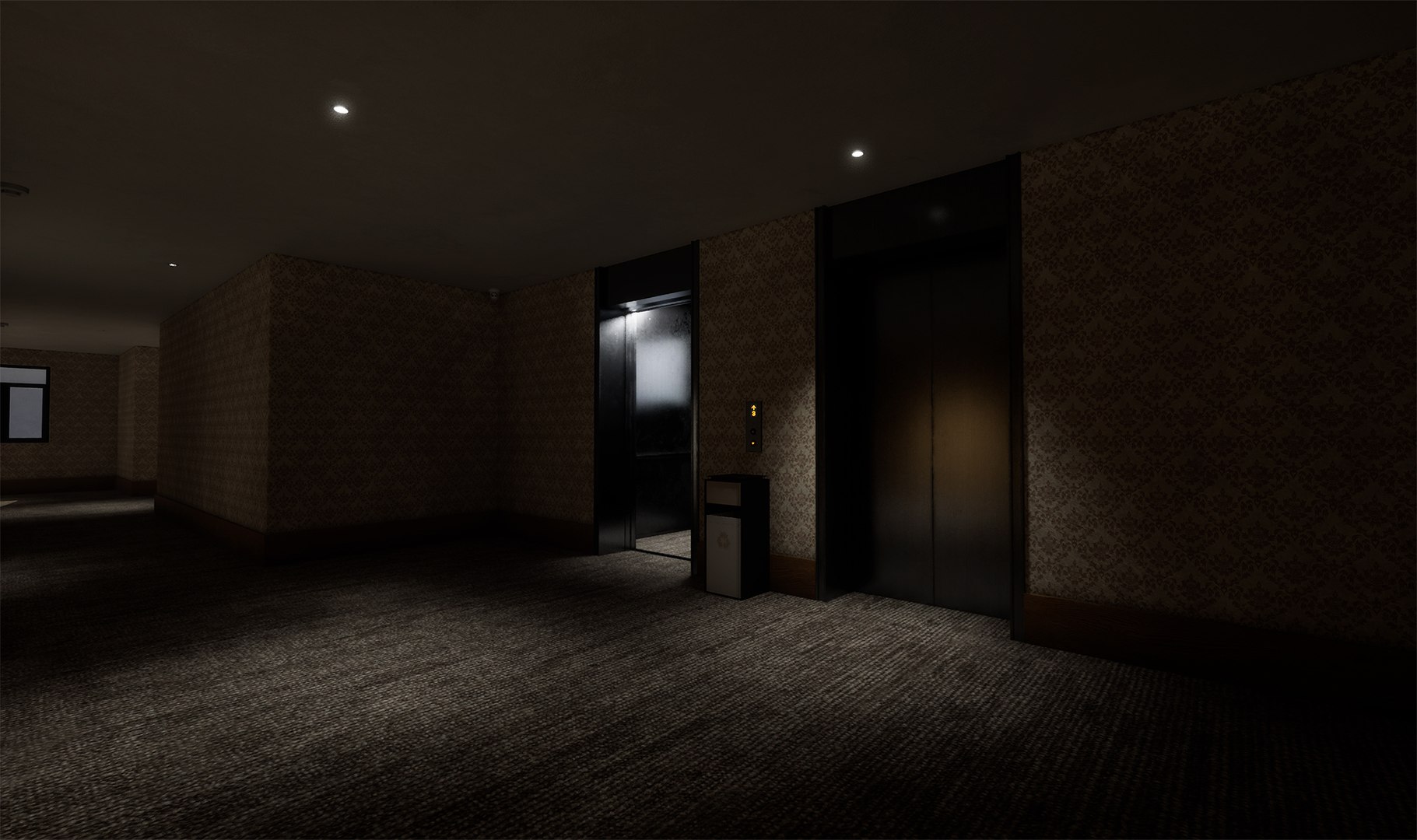
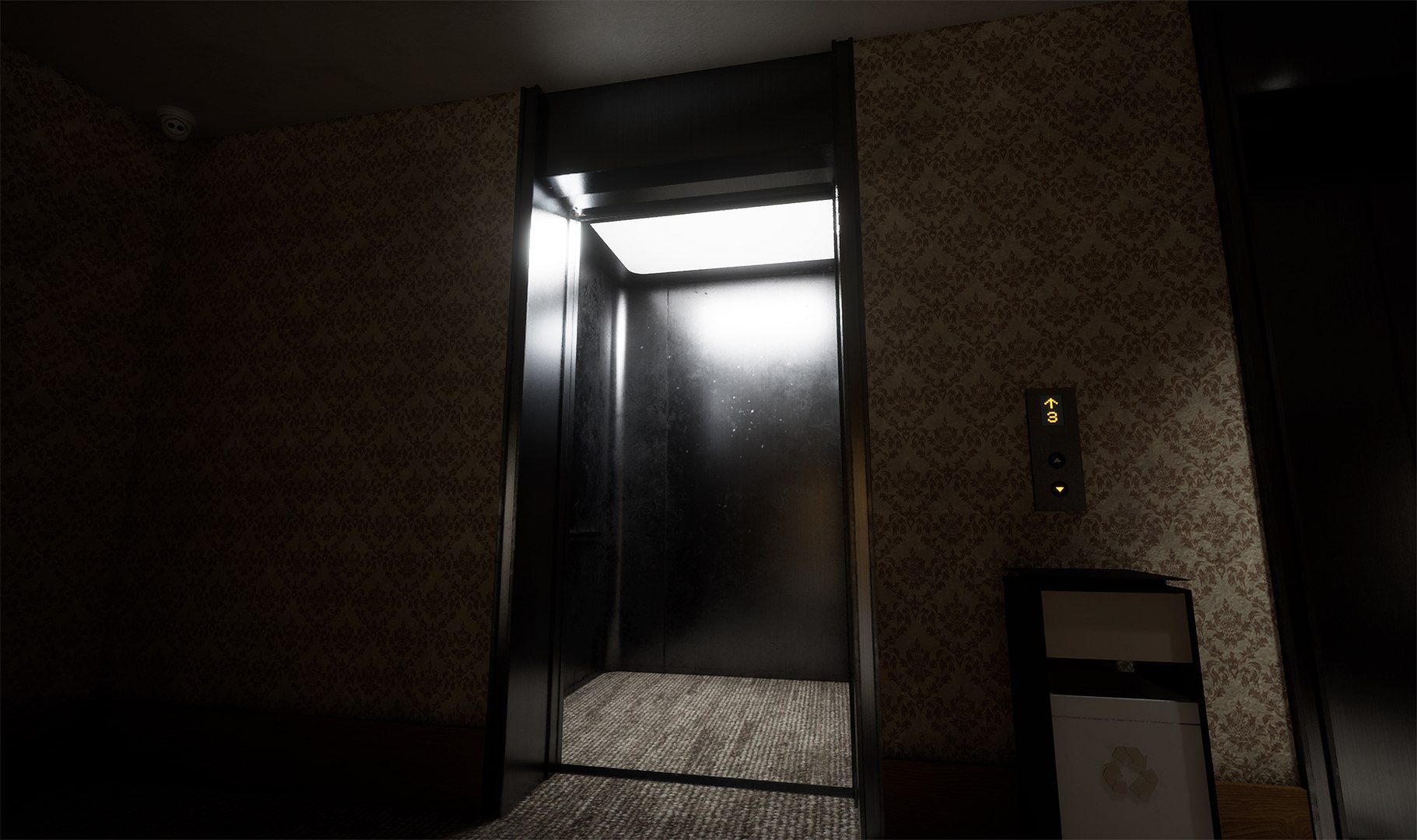
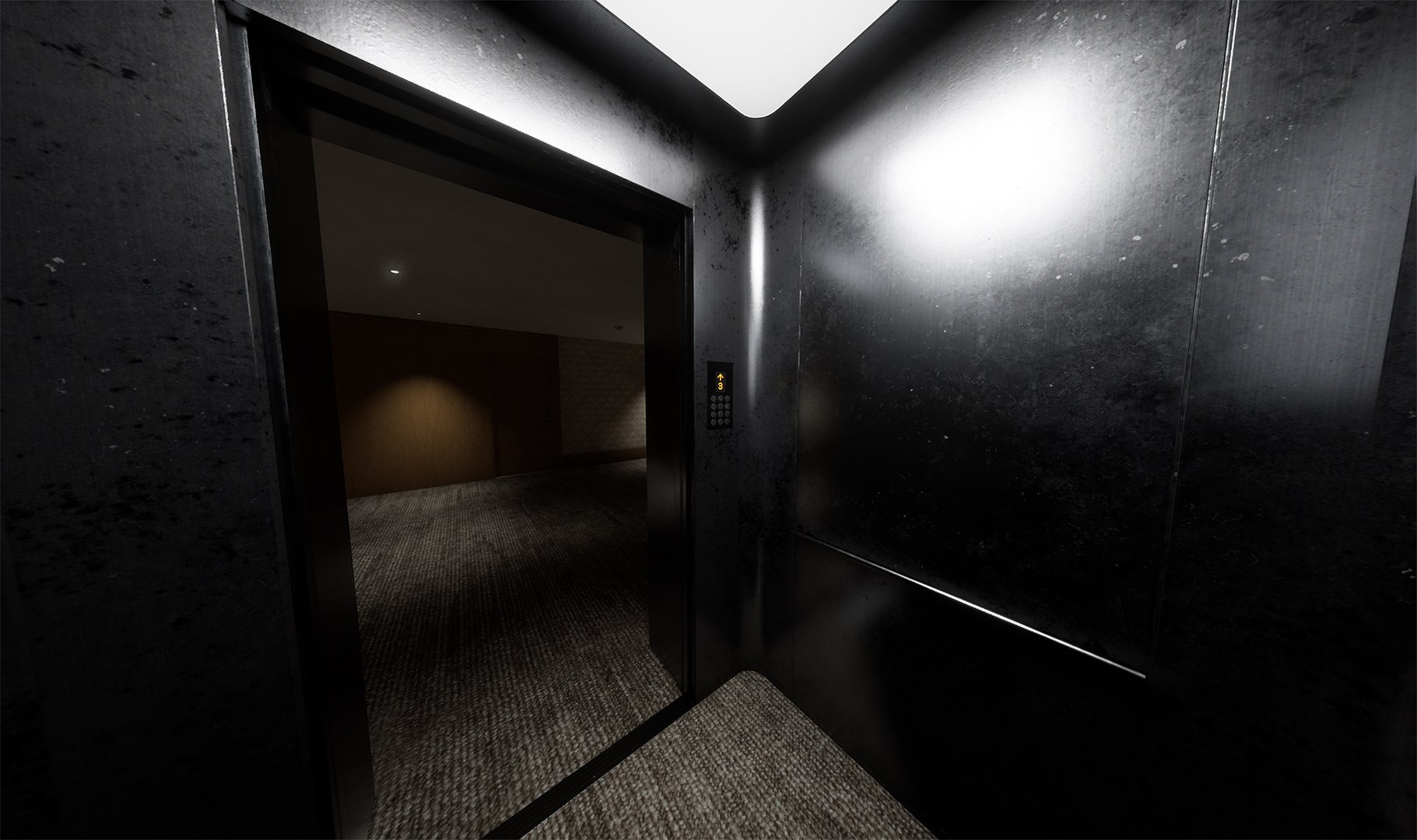
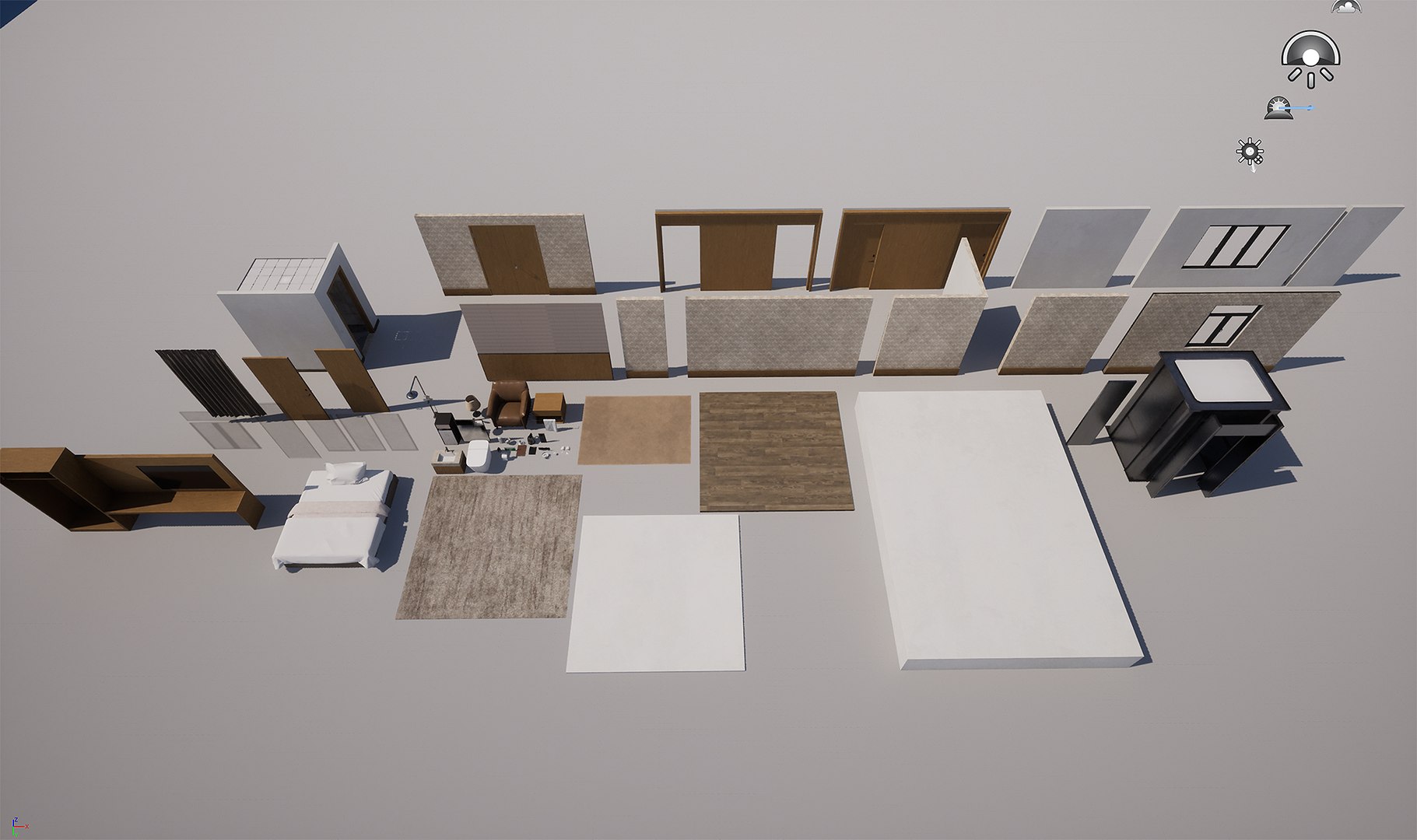
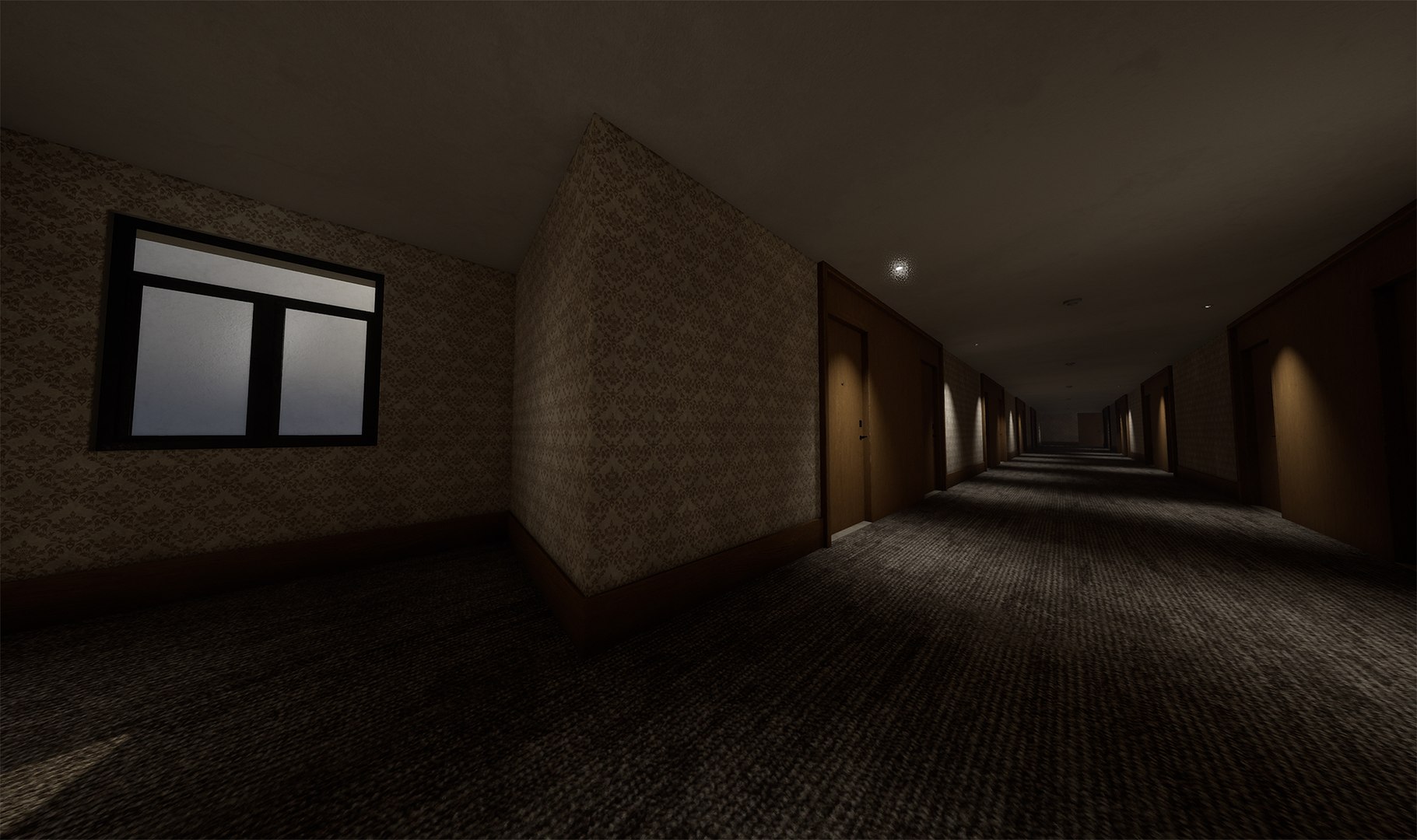
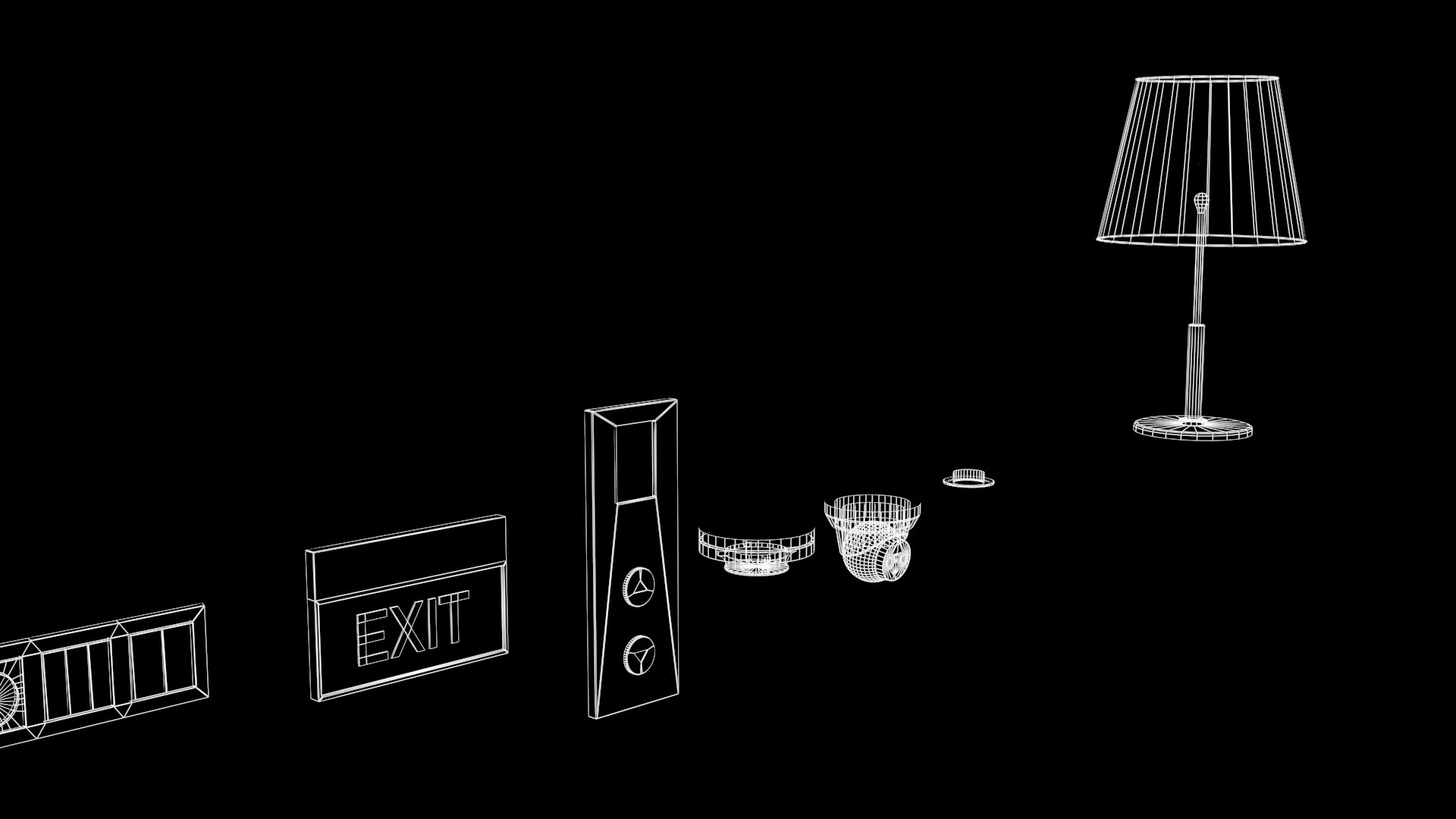
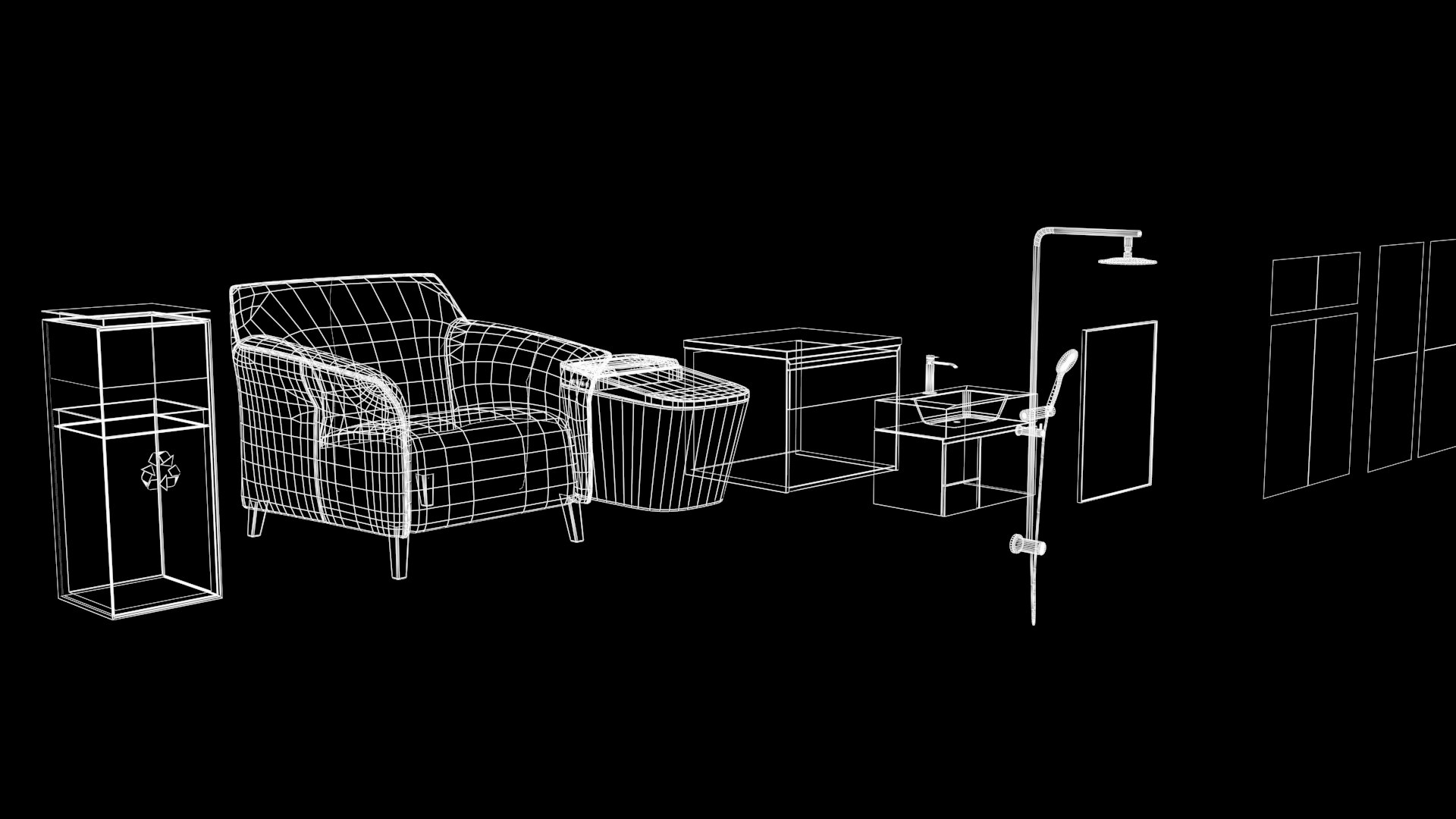
*Modular hotel scene models. Assemble your custom hotel layouts freely — scale them to any size and length you need.

Texel density is between 512~1024 pixels/m base on sight distance and importance of models.

RMA textures refers to the RGB channels representing Roughness, Metallic, and Ambient Occlusion.

Nanite and Lumen supported.

FBX files are assets exported for import into UE projects. Each asset is placed at the origin to facilitate editing by the client.

Modular hotel scene models. Assemble your custom hotel layouts freely — scale them to any size and length you need.
Number of Unique Meshes: 52

Collision: Yes

LODs: yes

Number of Materials and Material Instances: 3 materials,11 instances.

Number of Textures: 45

Number of Blueprints: 6

Texture Resolutions:

16 x 4K textures

18 x 2K textures

3 x 1k textures

8 x 128 textures

Select Enhanced License

  • $10,000 in Legal Protection (Indemnification)
  • Uncapped Legal Protection (Indemnification)
  • Waiver from injunctive relief
  • Assignable model rights
  • $1,000,000 in Legal Protection (Indemnification)
  • Waiver from injunctive relief
  • Assignable model rights
  • $250,000 in Legal Protection (Indemnification)
  • Assignable model rights
Read more about enhanced license tiers, or contact us at enterprise@turbosquid.com. Already a Shutterstock Enterprise Customer? Contact your Shutterstock Sales Support Agent to talk about adding 3D.

About Conversion Requests

To submit a conversion request for a purchased asset, please complete our Conversion Request Form.

If you have not yet purchased a model, please review our Documentation about Conversions to learn about what limitations you may encounter with a conversion.

For any additional questions about a model’s suitability for conversion, please contact TurboSquid Support.

Loading...