
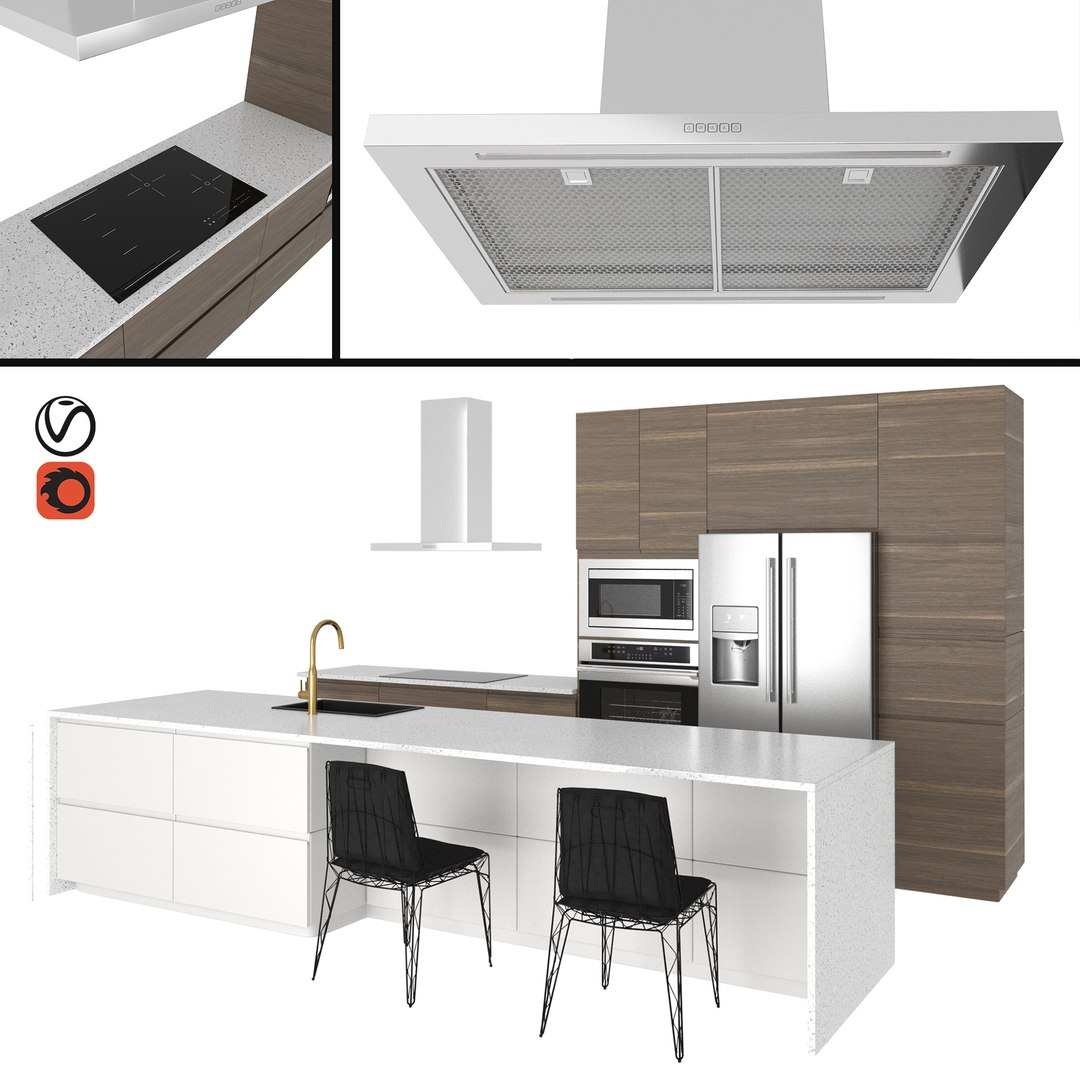
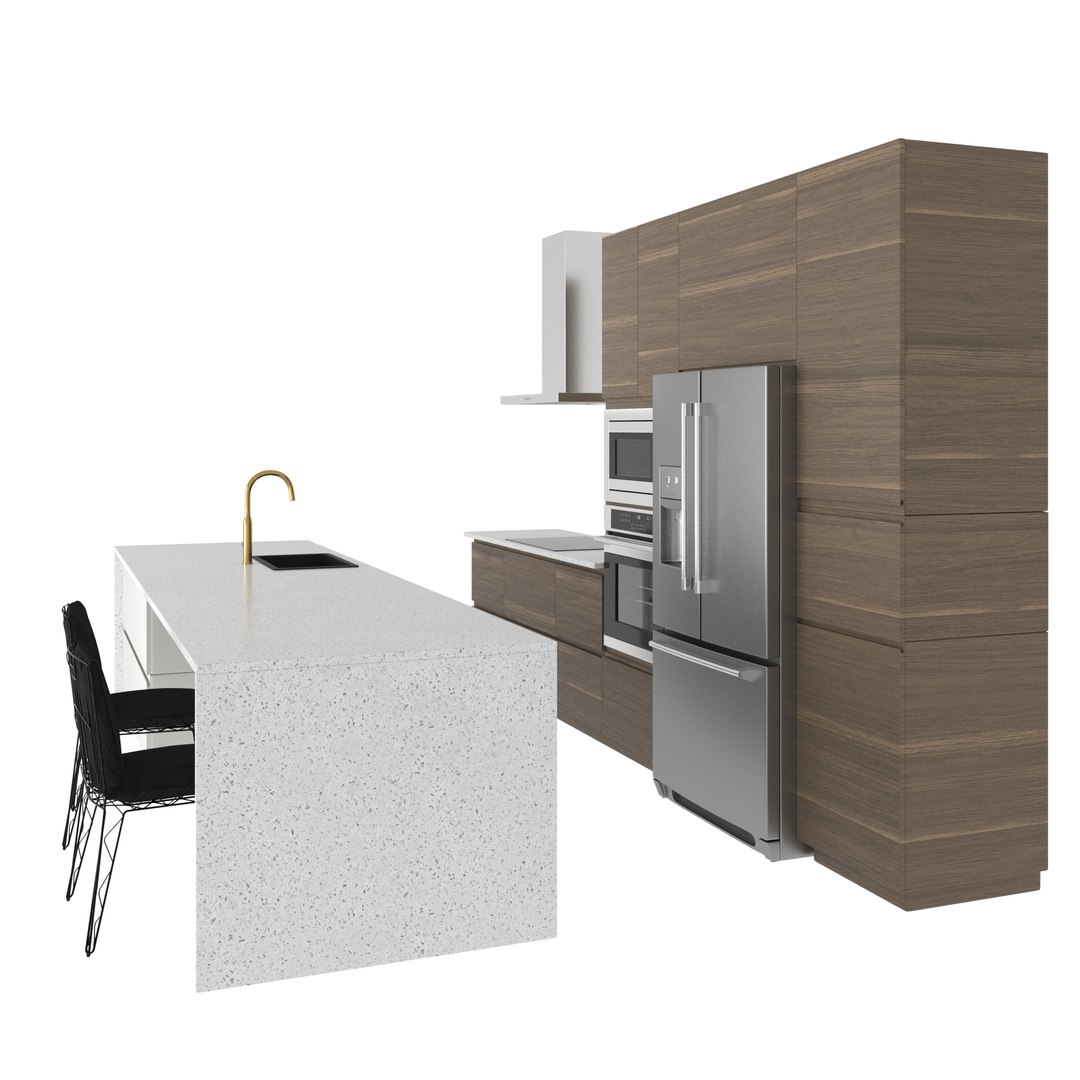
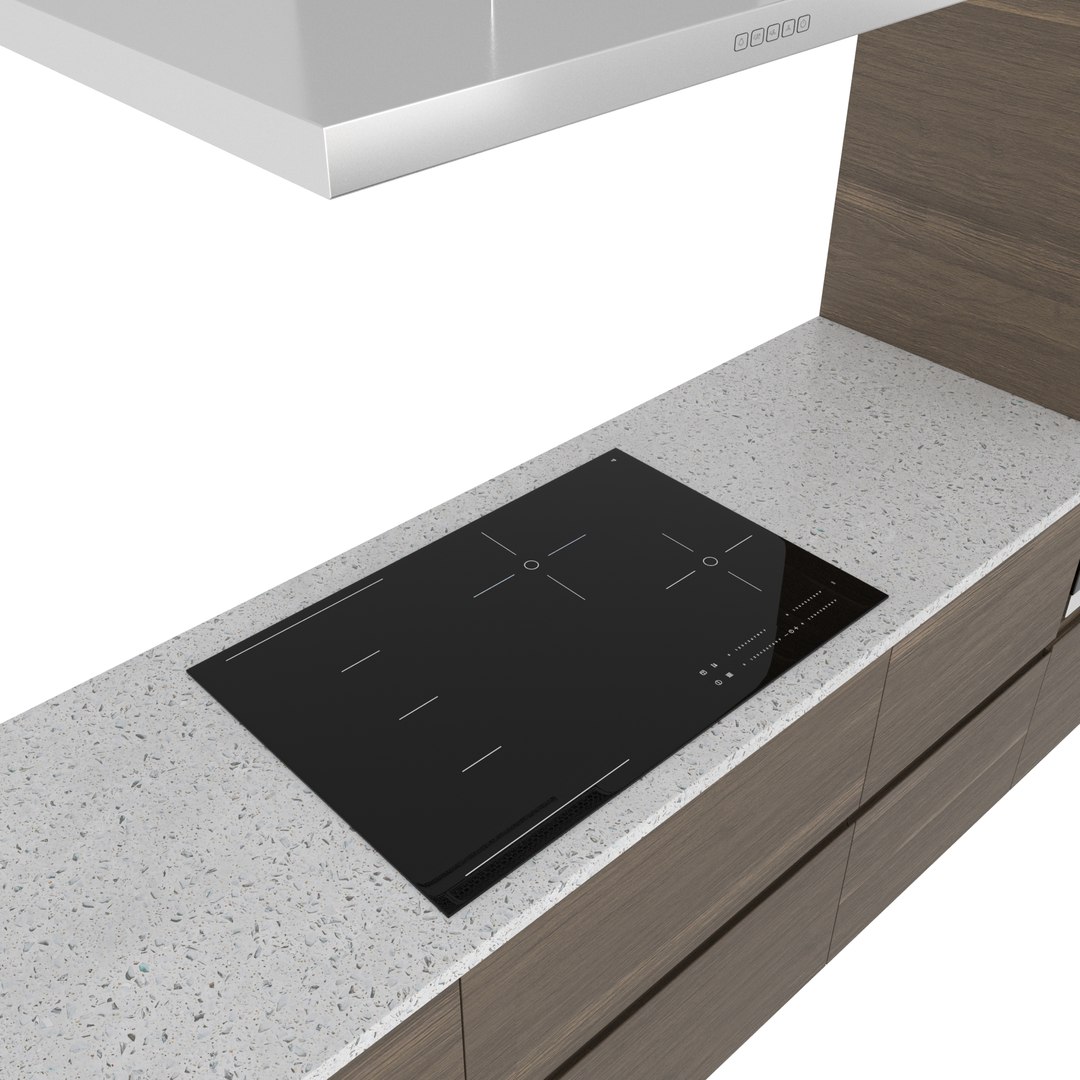
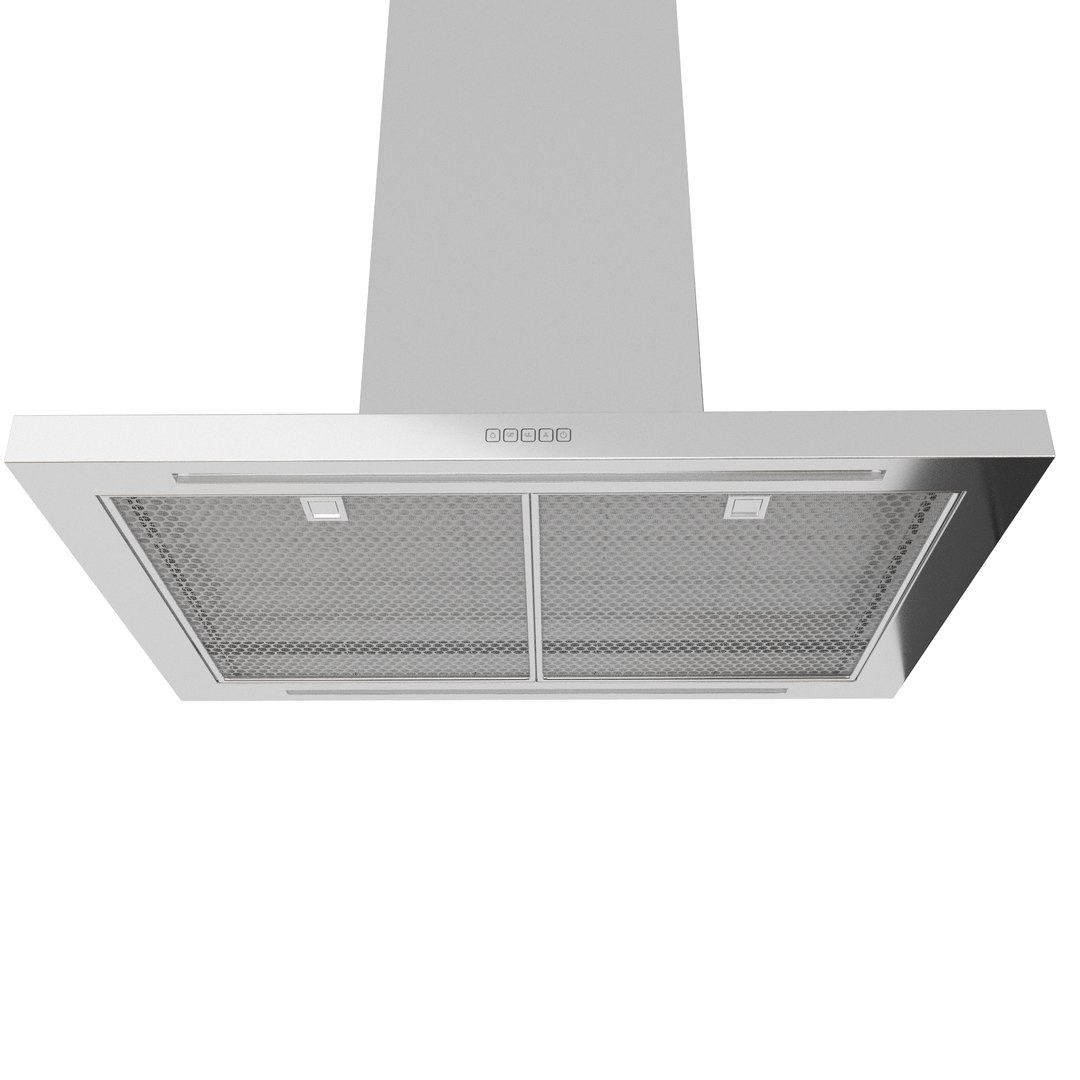
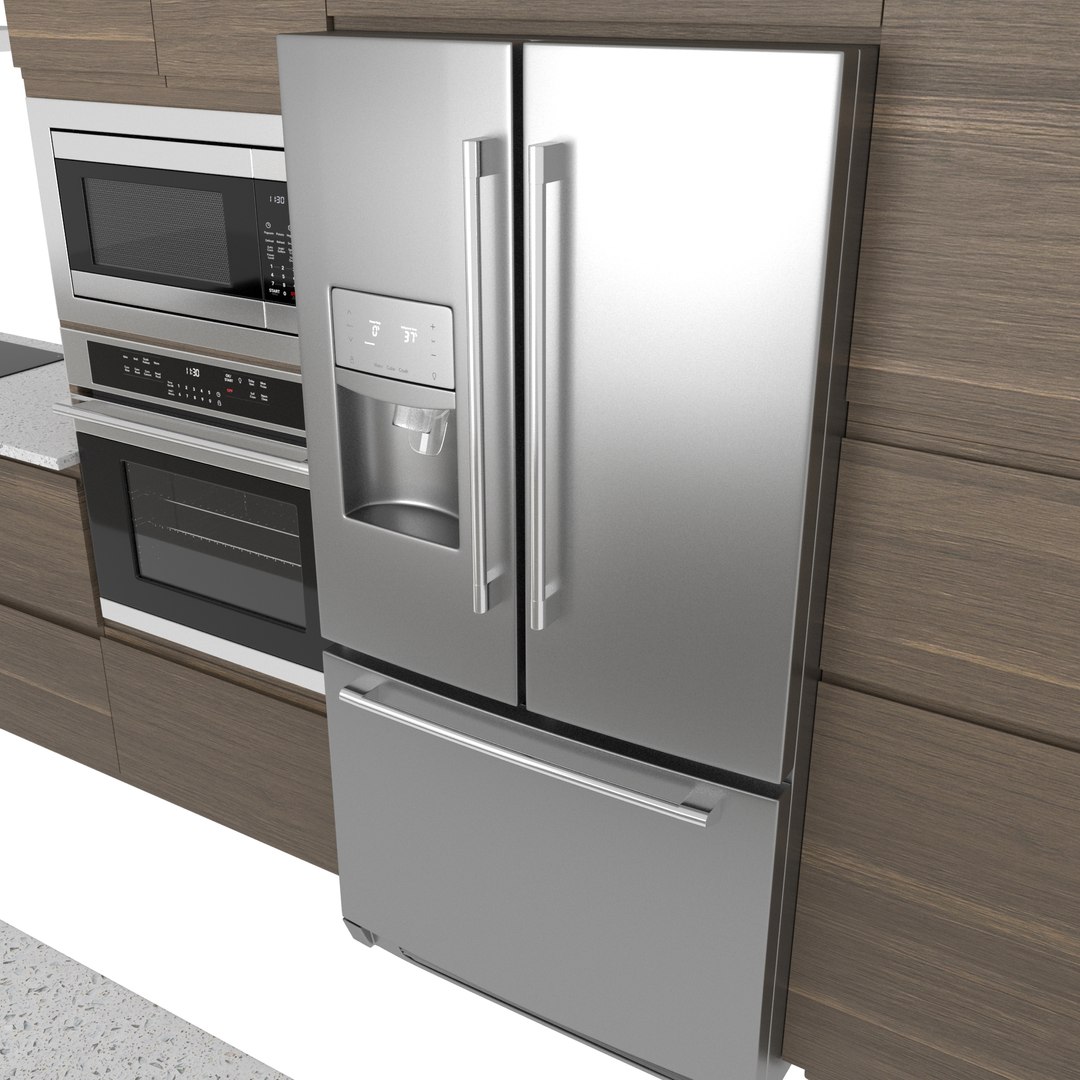
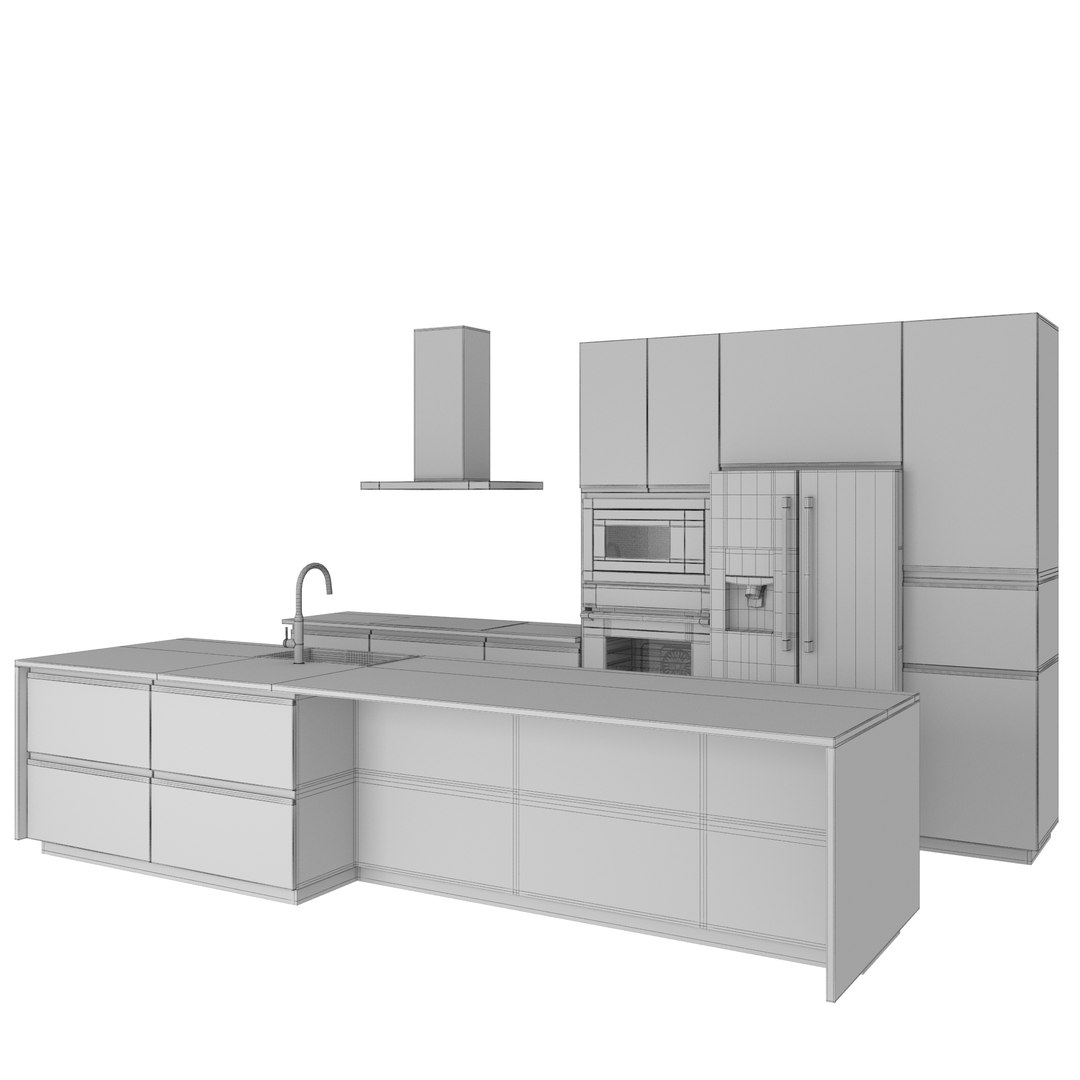
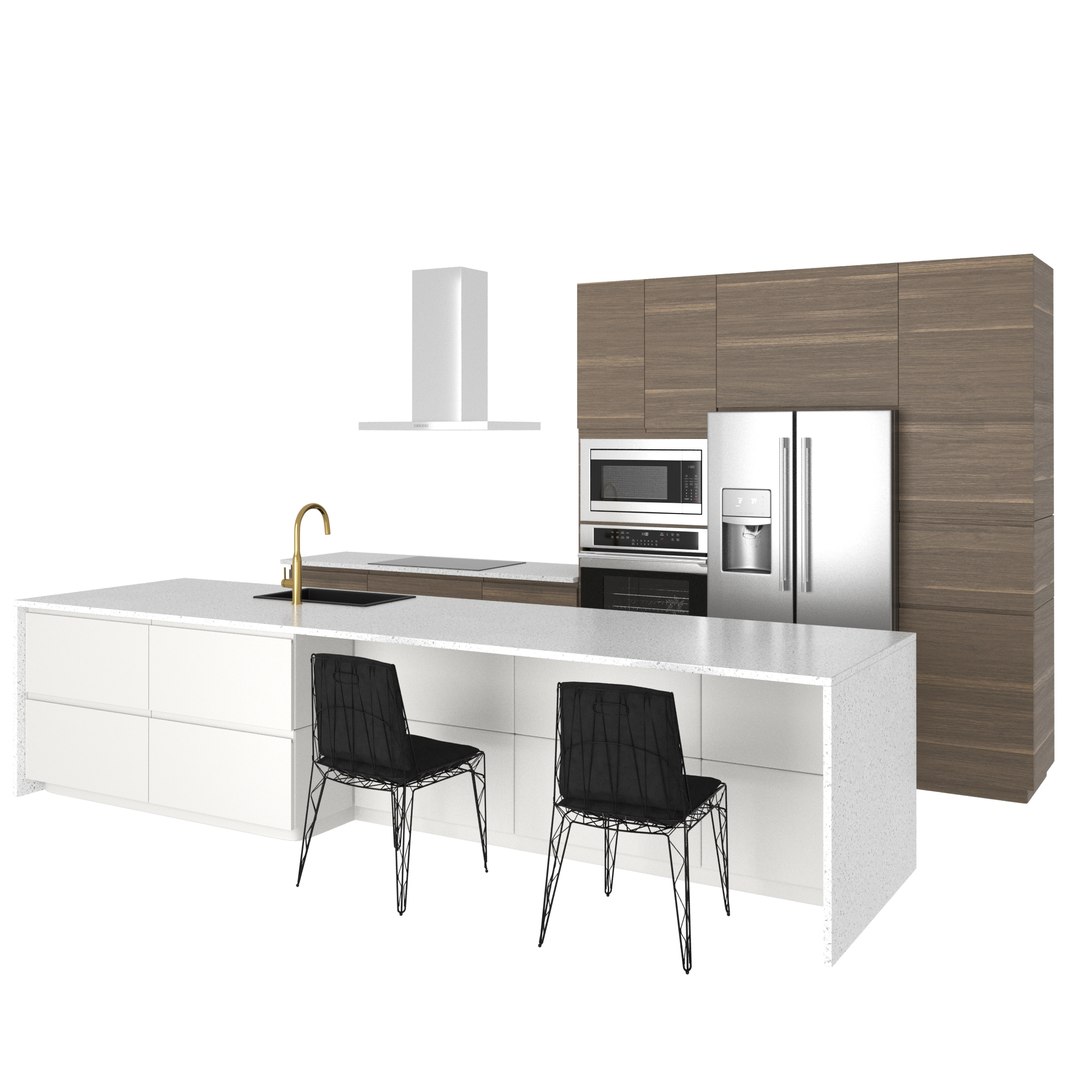
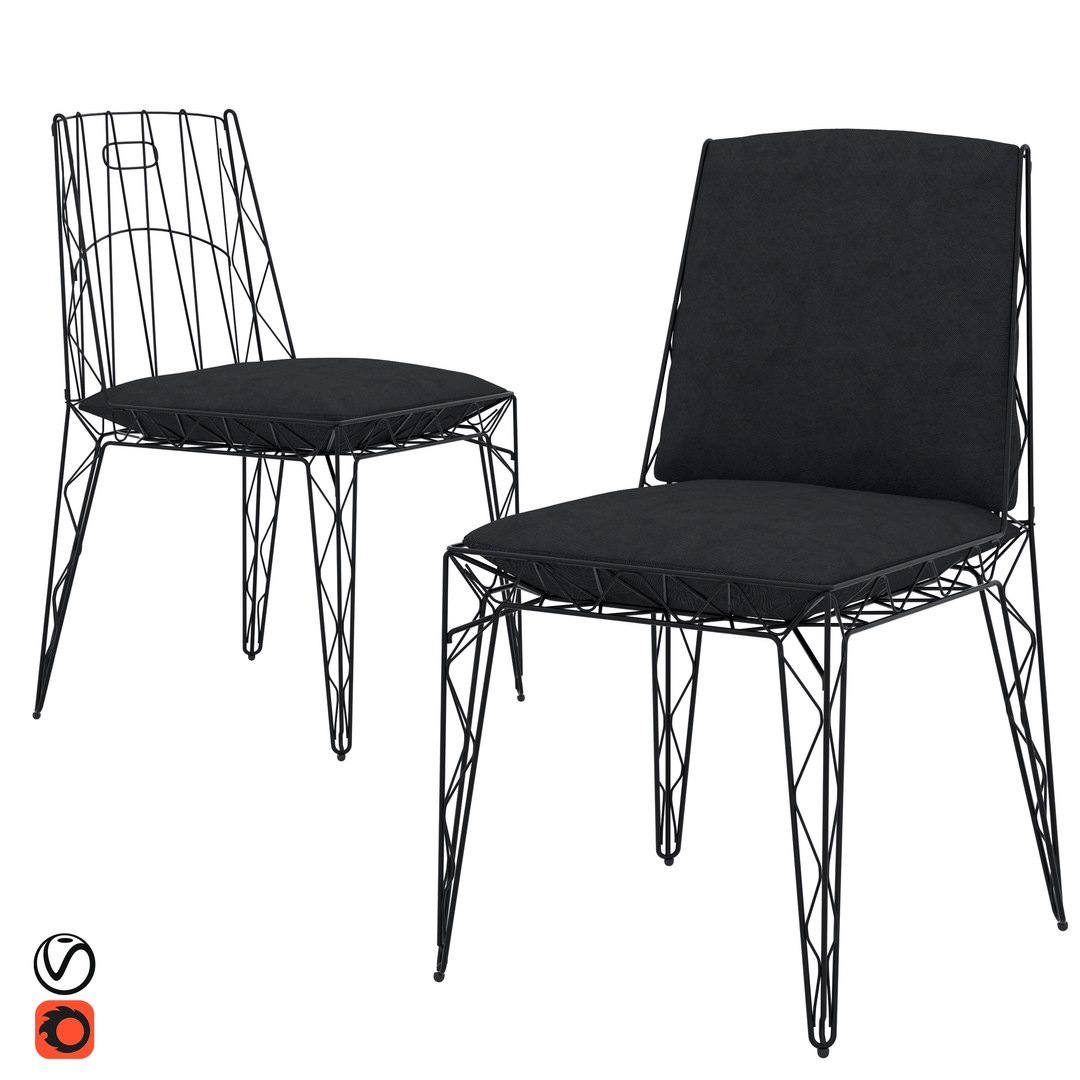
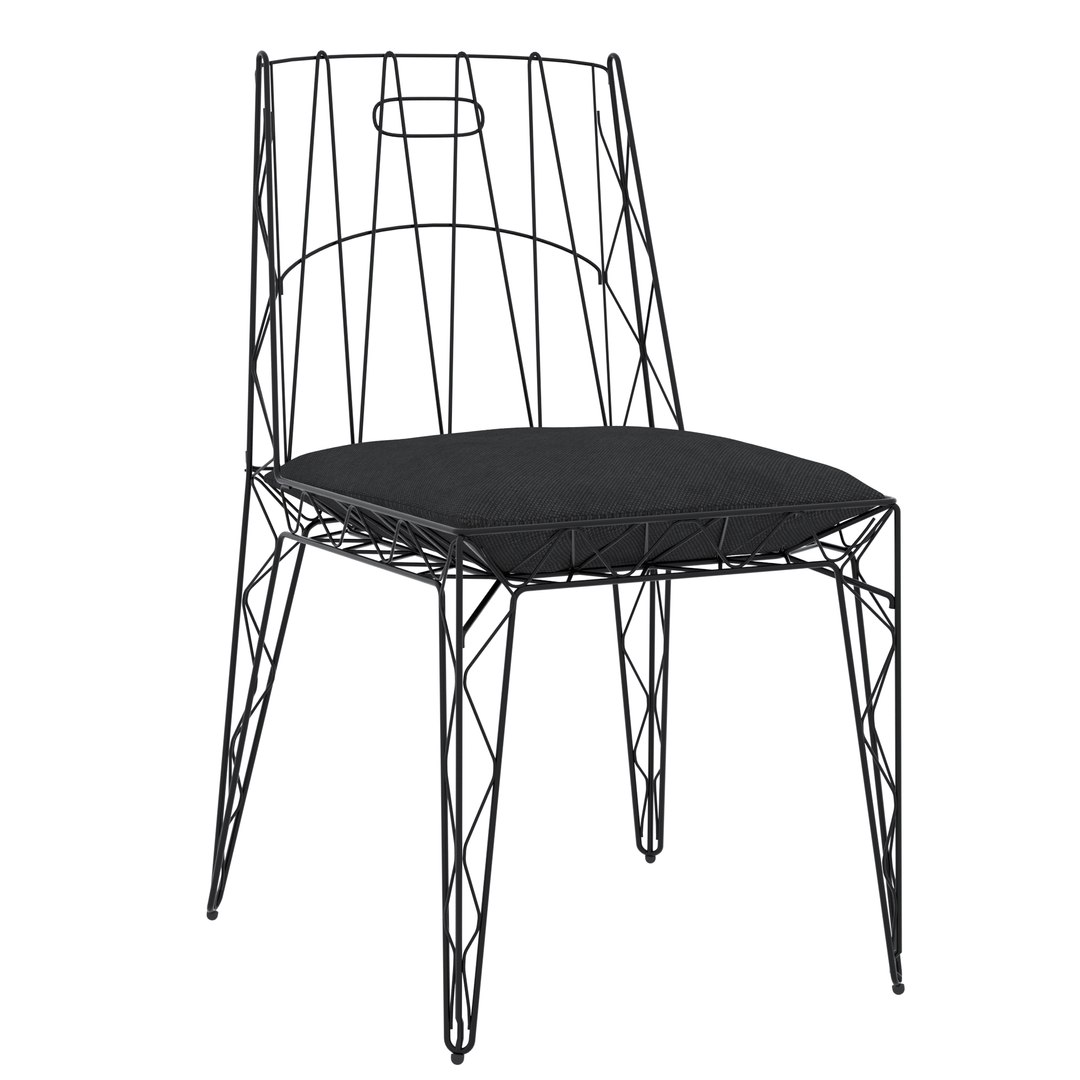
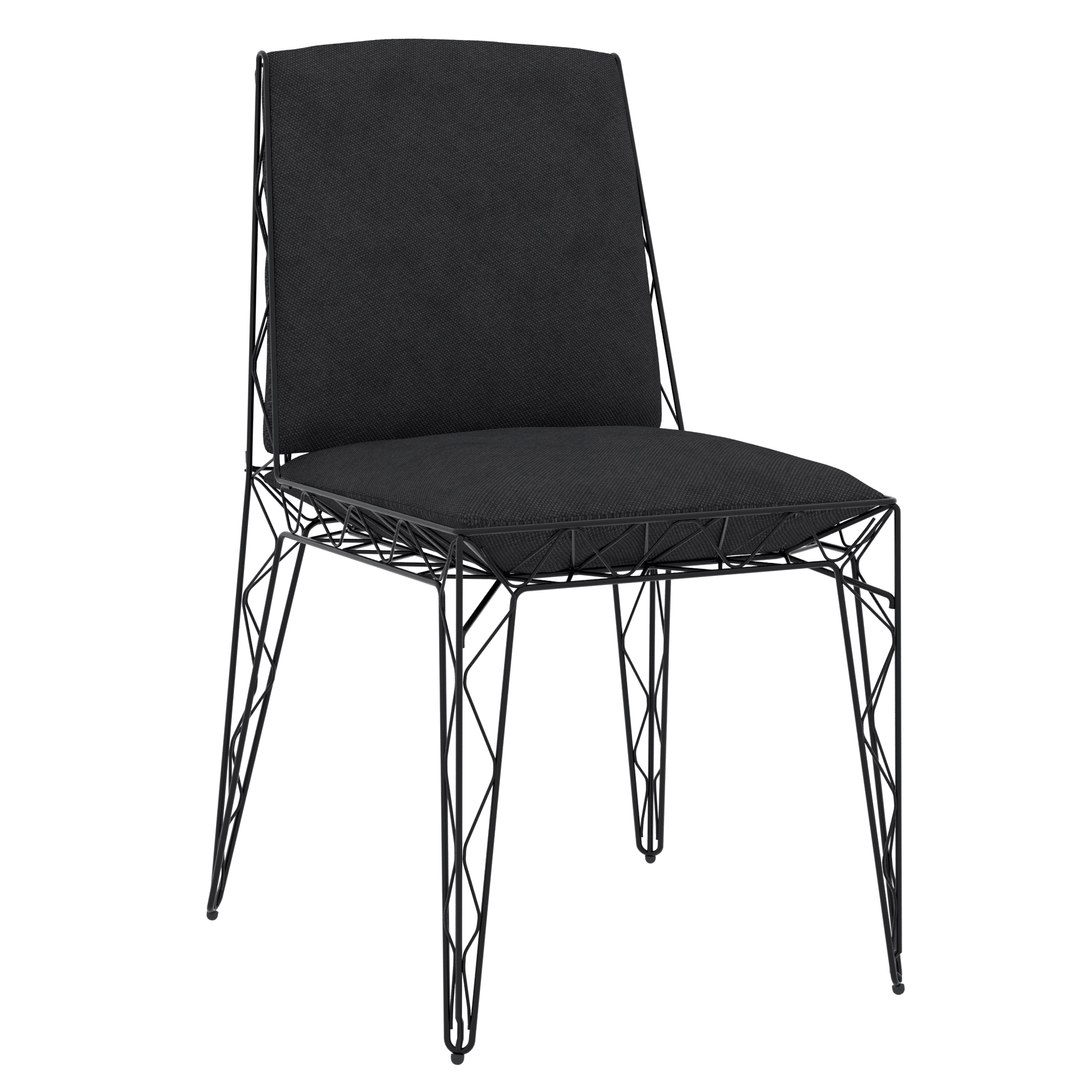
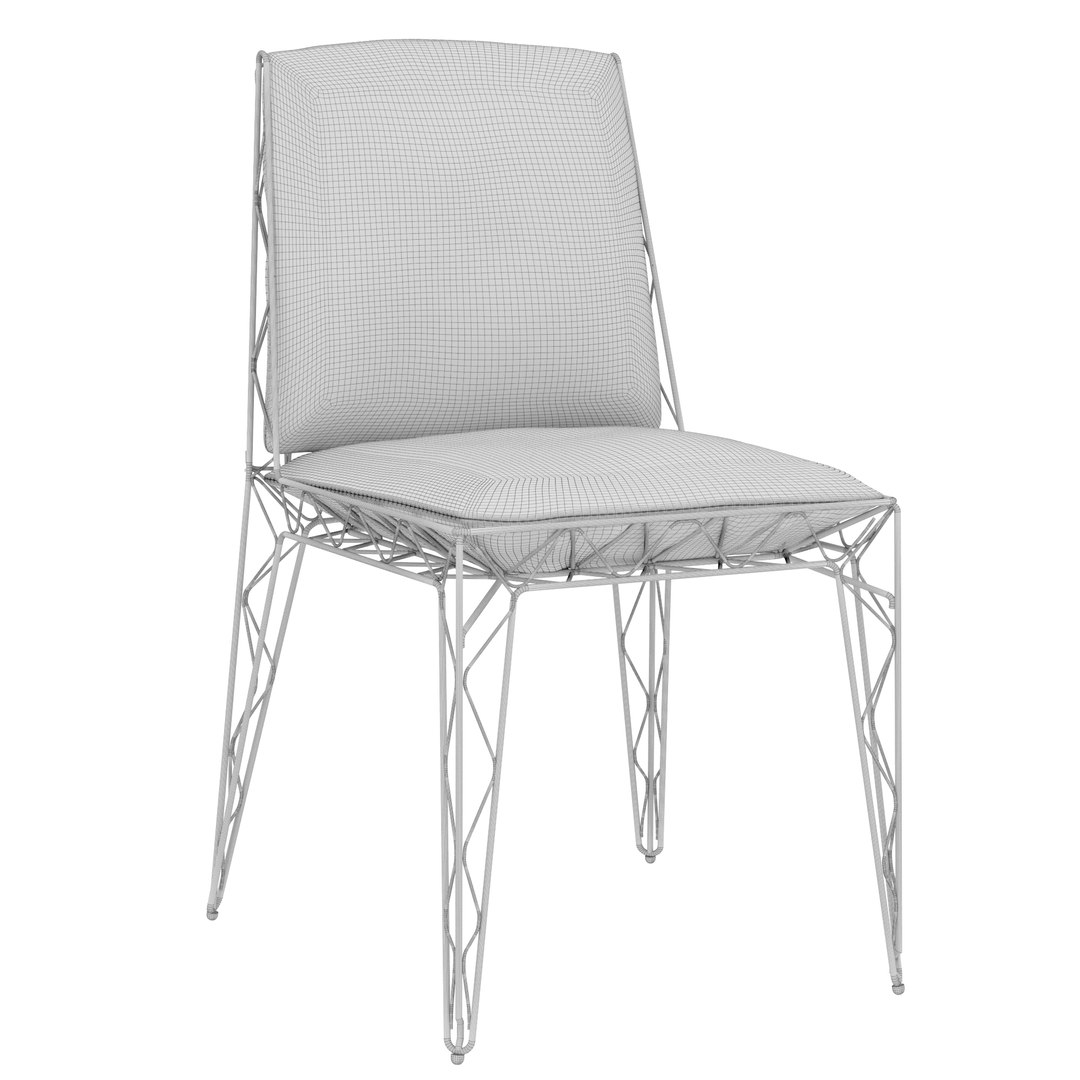
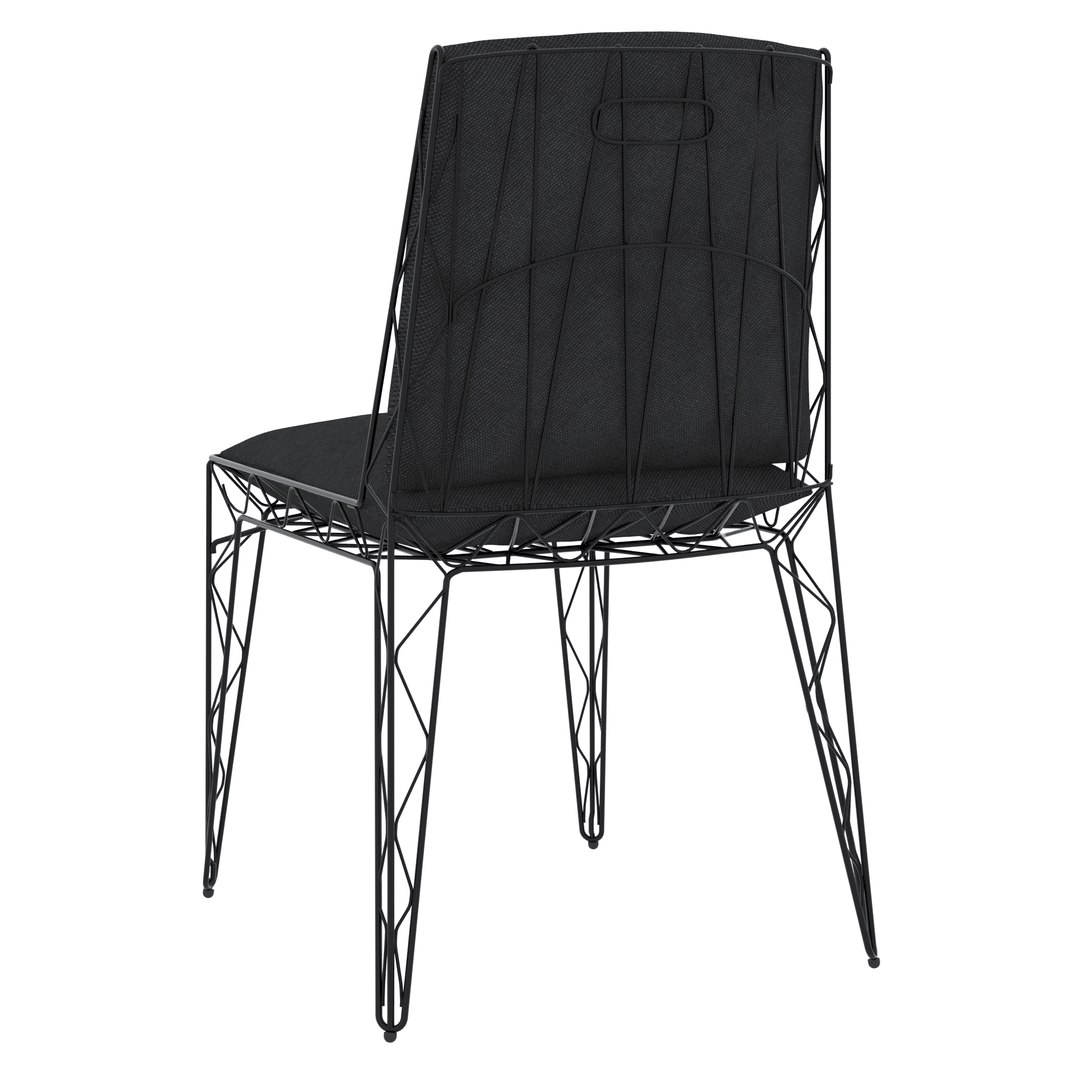
Modern kitchen VOXTORP COOL and Chair Eponimo

$10

Standard License | Upgrade License
Editorial Uses Only
Formats (8)
Native | 3ds Max 2019 | Corona 4.1
3ds Max 2019 | V-Ray Next
3ds Max 2016 | V-Ray Next
3ds Max 2016 | Corona 4.1
3D Studio
FBX
STL
OBJ
Specifications
Publish Date January 17, 2021
Product ID 1678992
Polygons 97,804
Vertices 99,455
Subdivision
Textures
Materials
UV Mapped
Unknown Unwrapped UVs
PBR
TurboSquid Exclusive

member avatar
Iam99
99 Products | Contributor Since 2020
Have questions? Chat with us now.

Description

Kitchen - Polys: 32,852 Verts: 34,192 

Chair - Polys: 64,952 Verts: 65,263

Dimensions: 

Main body - L4350 x W800 x H2640 (mm)

 Islet - L3860 x W1070 x H1360 (mm)

FBX file format has no textures

The entire kitchen is made for anti-aliasing and is split into separate components for easy editing.

All objects and materials in the scene are logically named and grouped. To prevent the texture from stretching, it is recommended to use OpenSubdiv in Edge and Corner blend mode instead of Turbosmooth.

Products list: 

VOXTORP

 KILSVIKEN 

HUVUDSAKLIG 

ADRATT 

SÄLJAN

SVAVANDE

HÖGKLASSIG 

NYVATTNET 

STJÄRNSTATUS

Eponimo Chair

For Corona render, it is recommended to install at least version 1.5, as the glossiness of the materials is adjusted with PBR in mind.

Who works in V-Ray version lower than 3.1, be careful, in the materials in the BRDF section there is Microfaset GTR (GGX), if your version is older than 3.1, then the BRDF field will be empty. Choose Blinn, Phong or Ward - which is preferable for you.

Select Enhanced License

  • $10,000 in Legal Protection (Indemnification)
  • Uncapped Legal Protection (Indemnification)
  • Waiver from injunctive relief
  • Assignable model rights
  • $1,000,000 in Legal Protection (Indemnification)
  • Waiver from injunctive relief
  • Assignable model rights
  • $250,000 in Legal Protection (Indemnification)
  • Assignable model rights
Read more about enhanced license tiers, or contact us at enterprise@turbosquid.com. Already a Shutterstock Enterprise Customer? Contact your Shutterstock Sales Support Agent to talk about adding 3D.

About Conversion Requests

To submit a conversion request for a purchased asset, please complete our Conversion Request Form.

If you have not yet purchased a model, please review our Documentation about Conversions to learn about what limitations you may encounter with a conversion.

For any additional questions about a model’s suitability for conversion, please contact TurboSquid Support.

Loading...