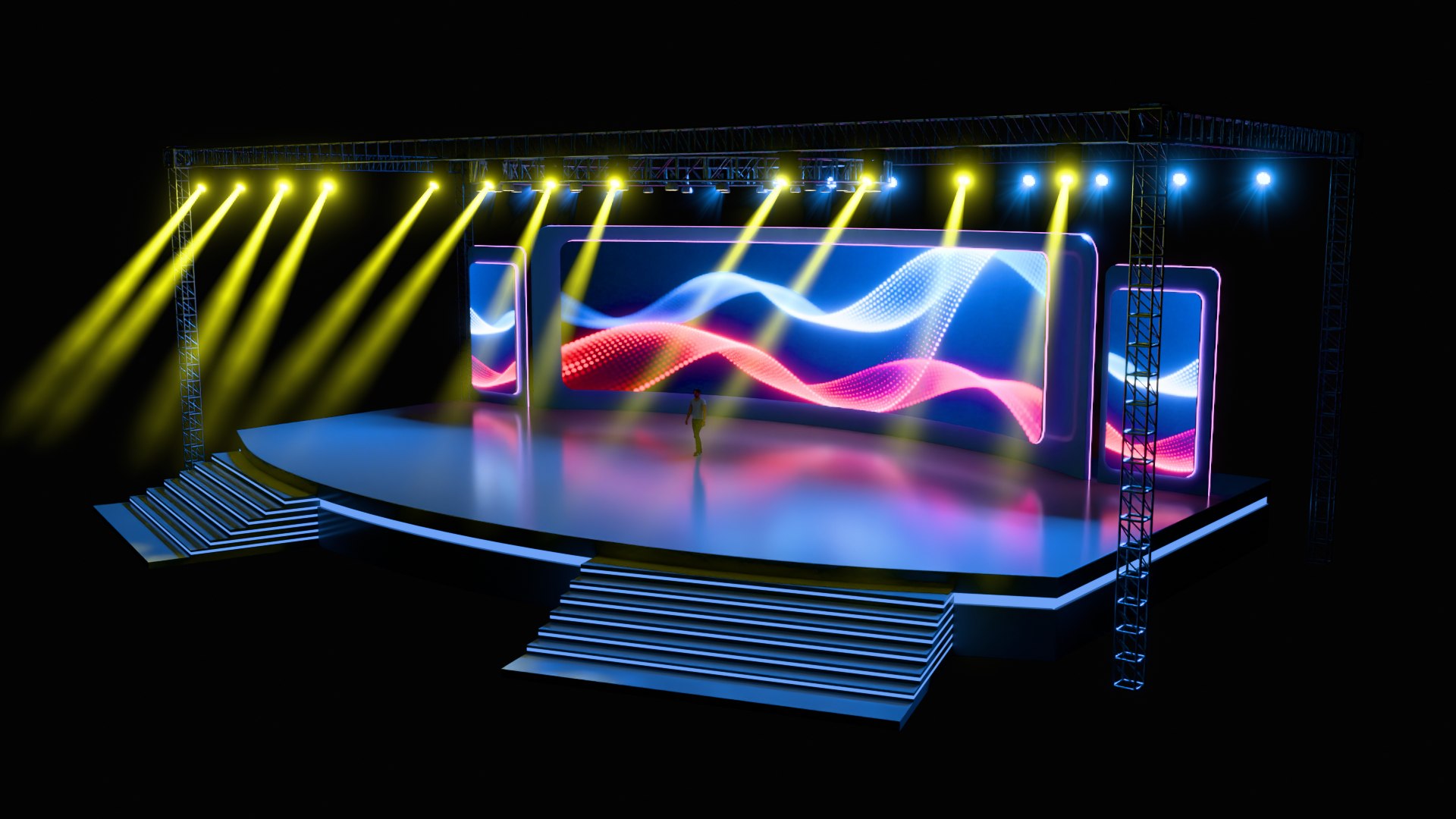
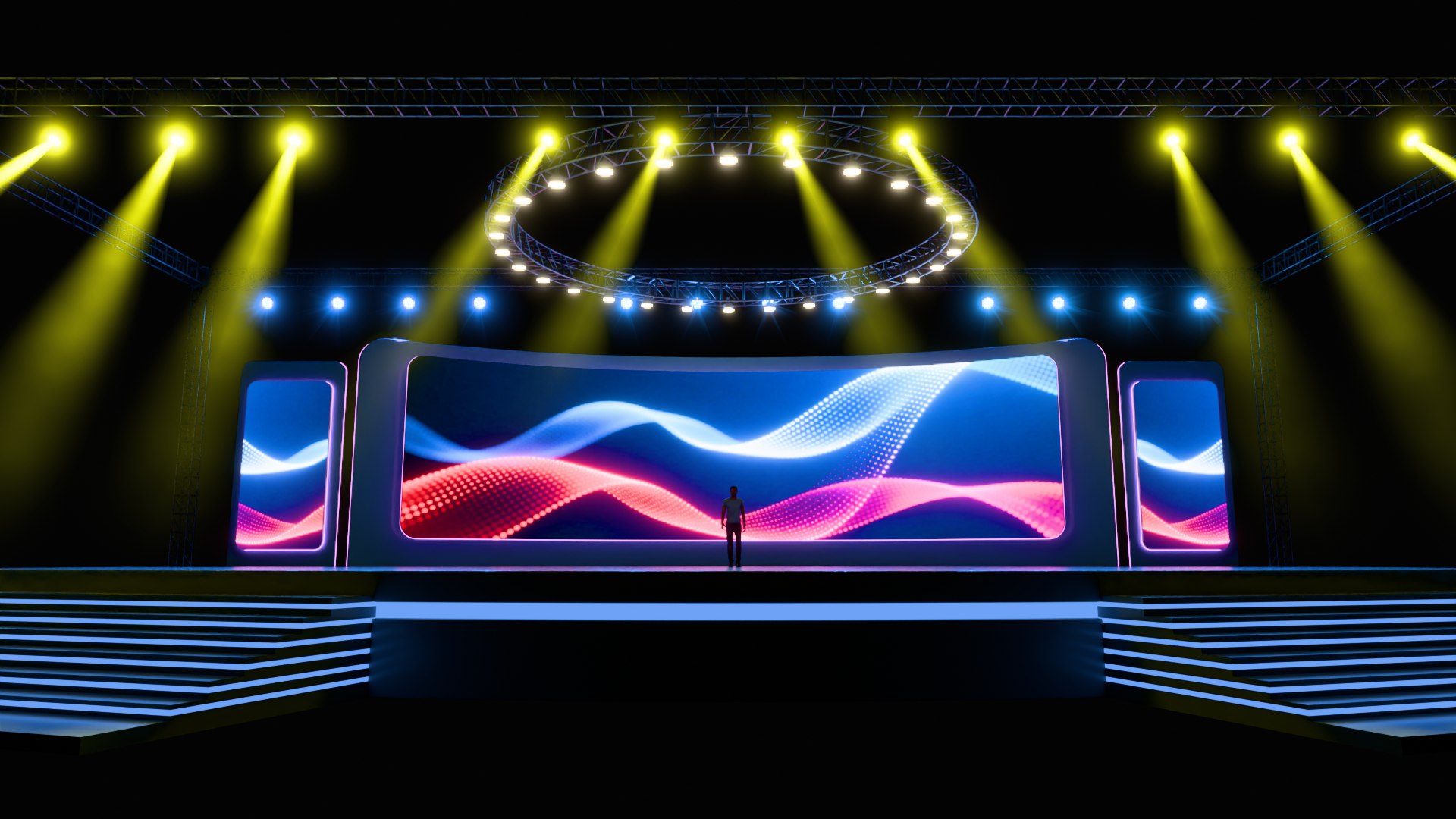
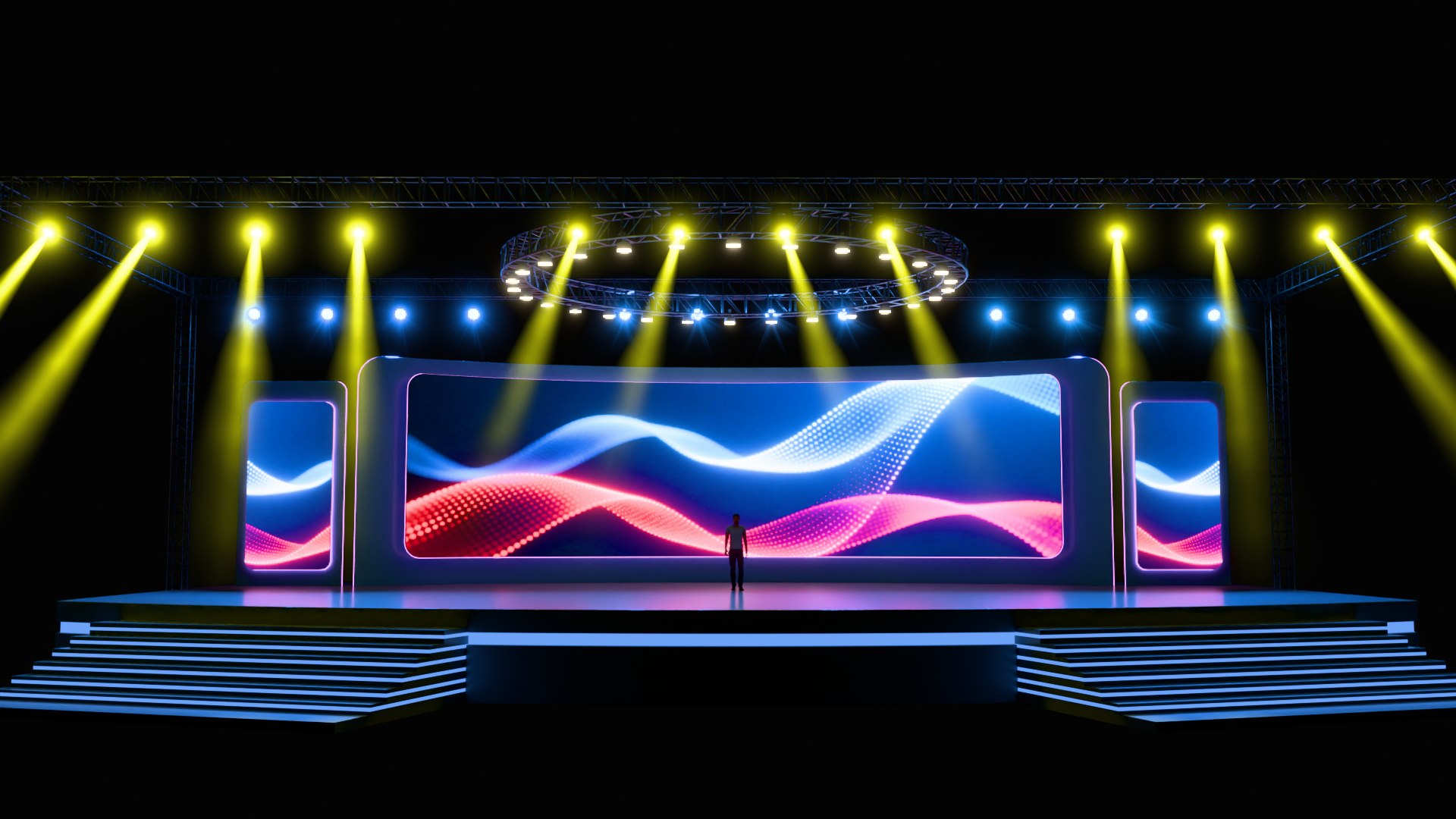
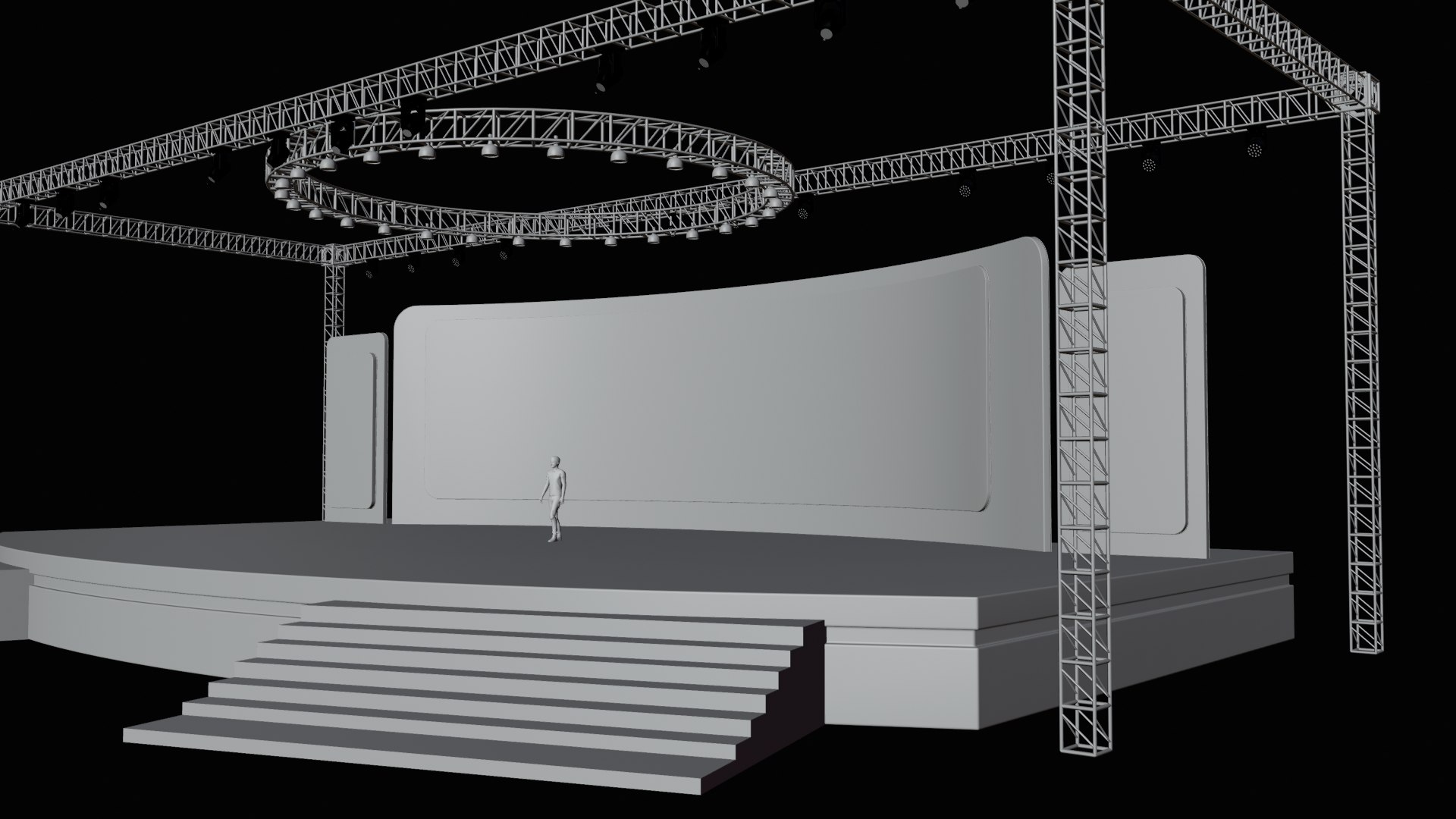
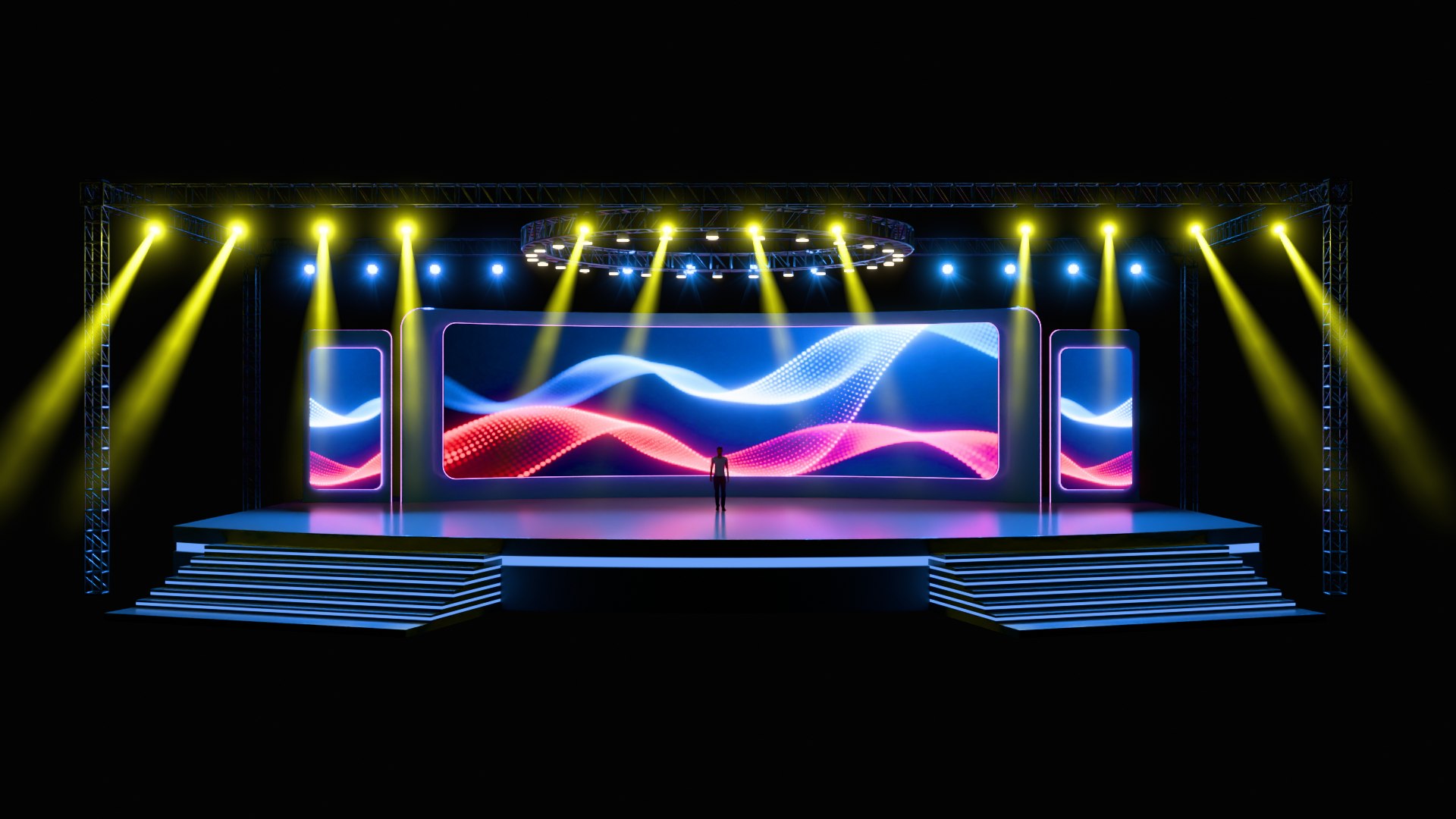
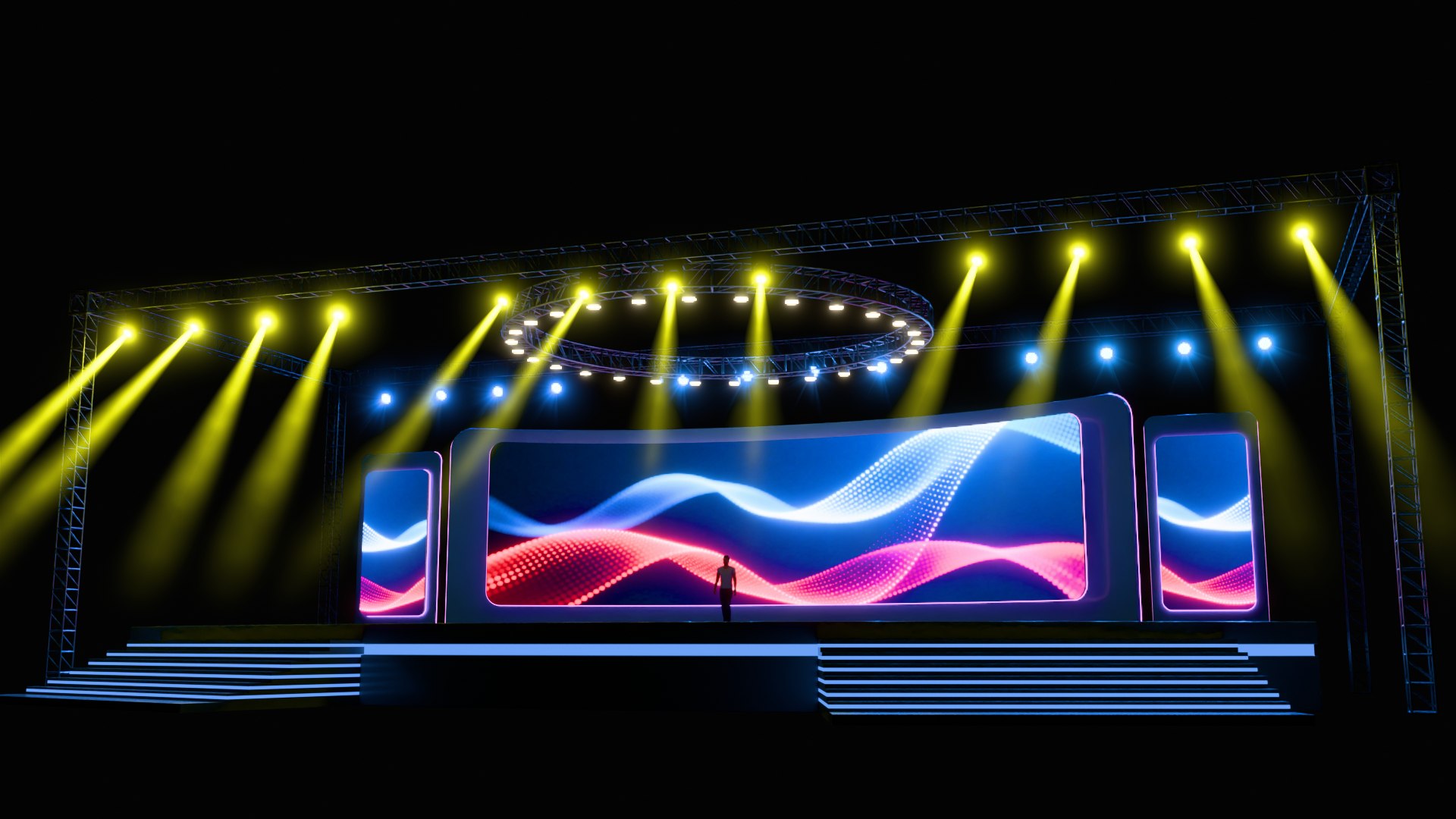
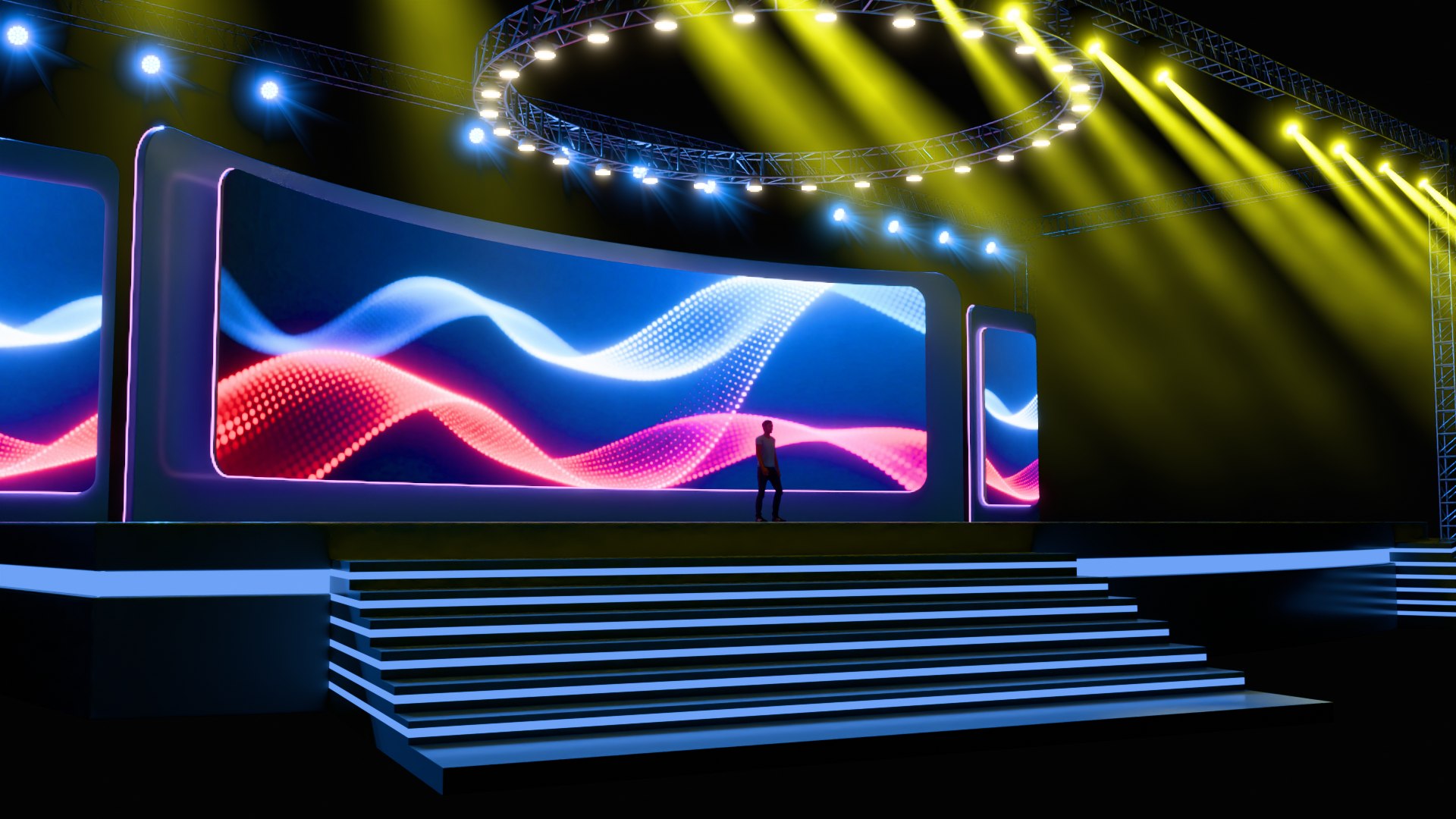
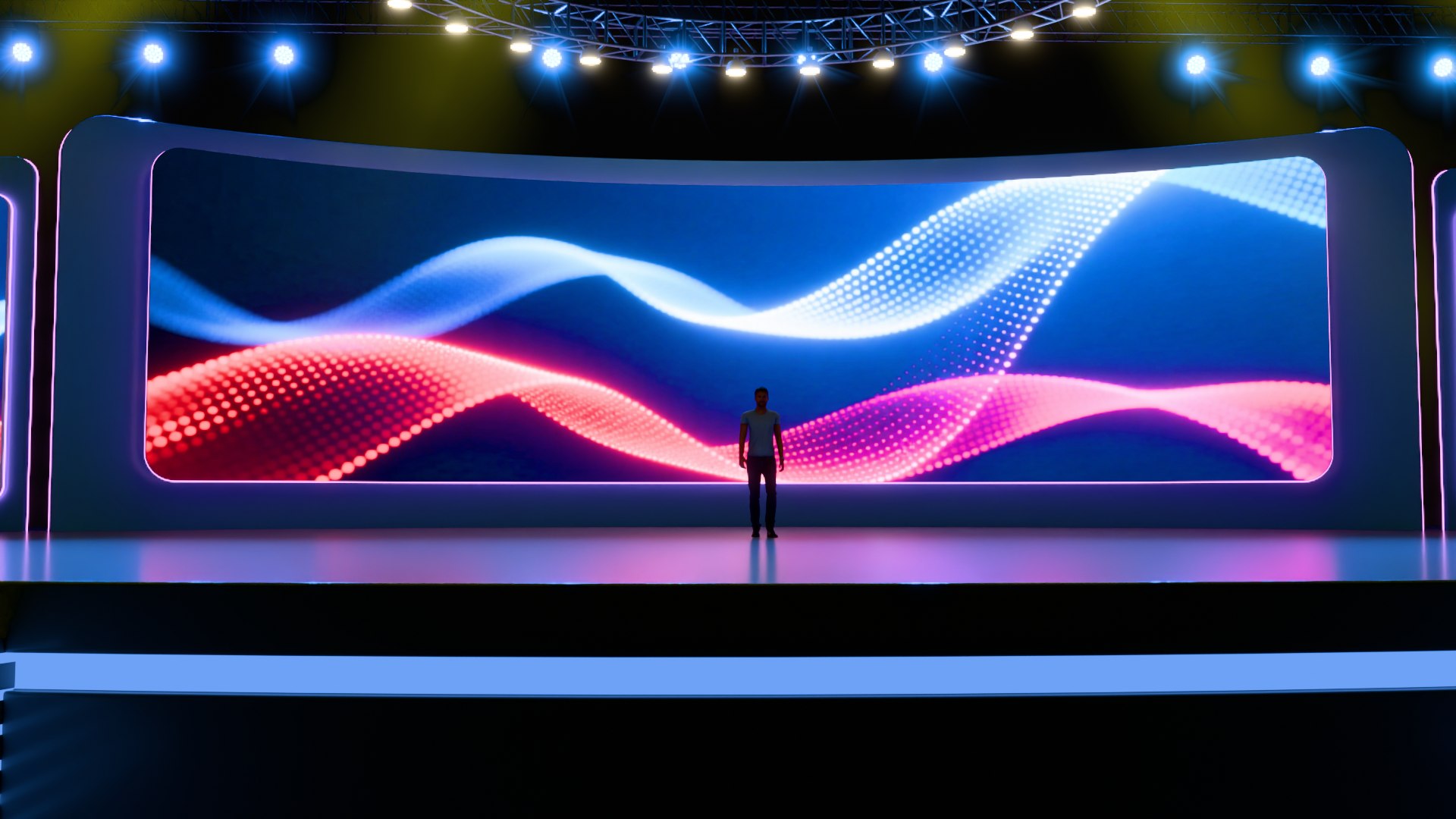
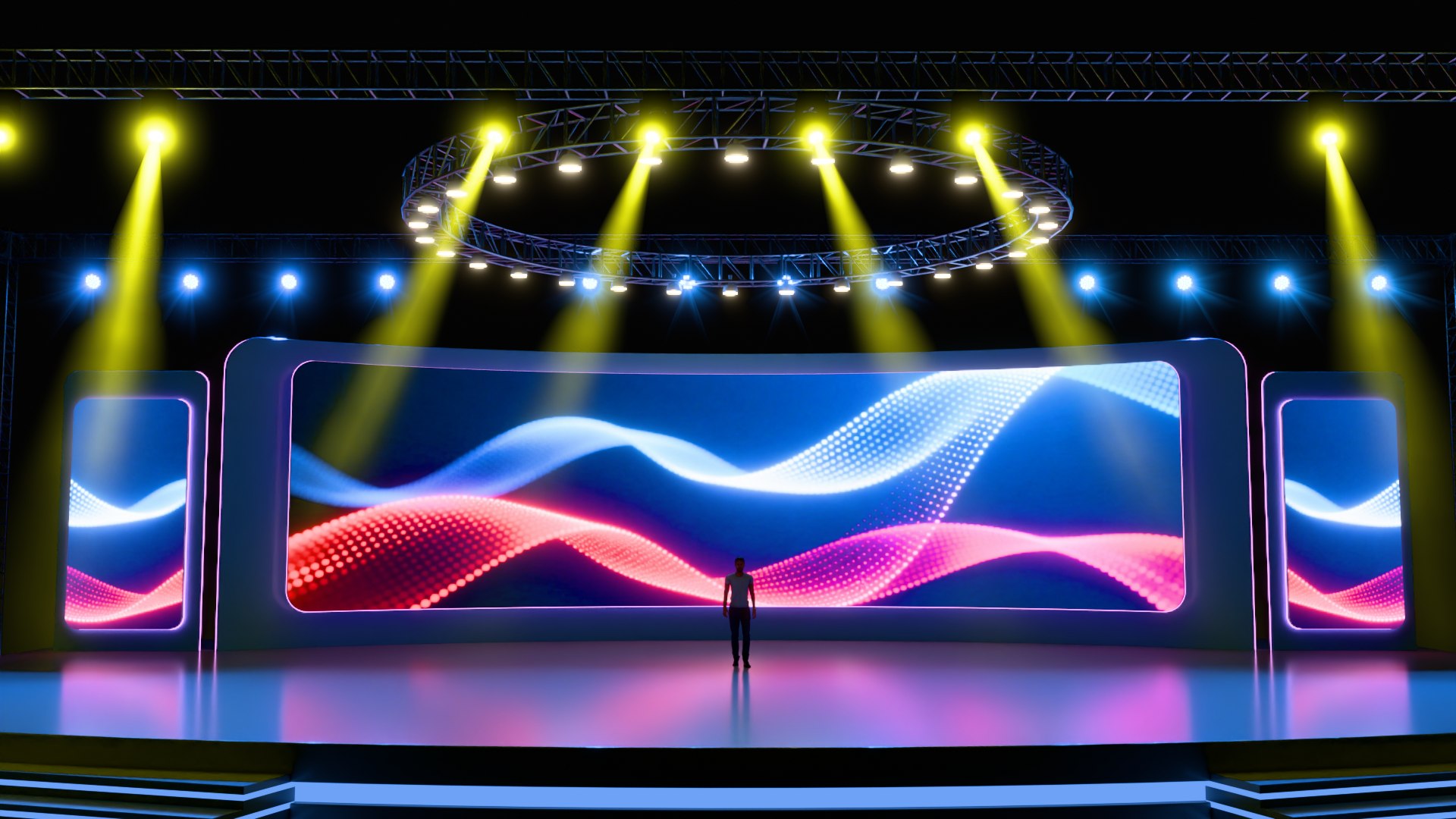
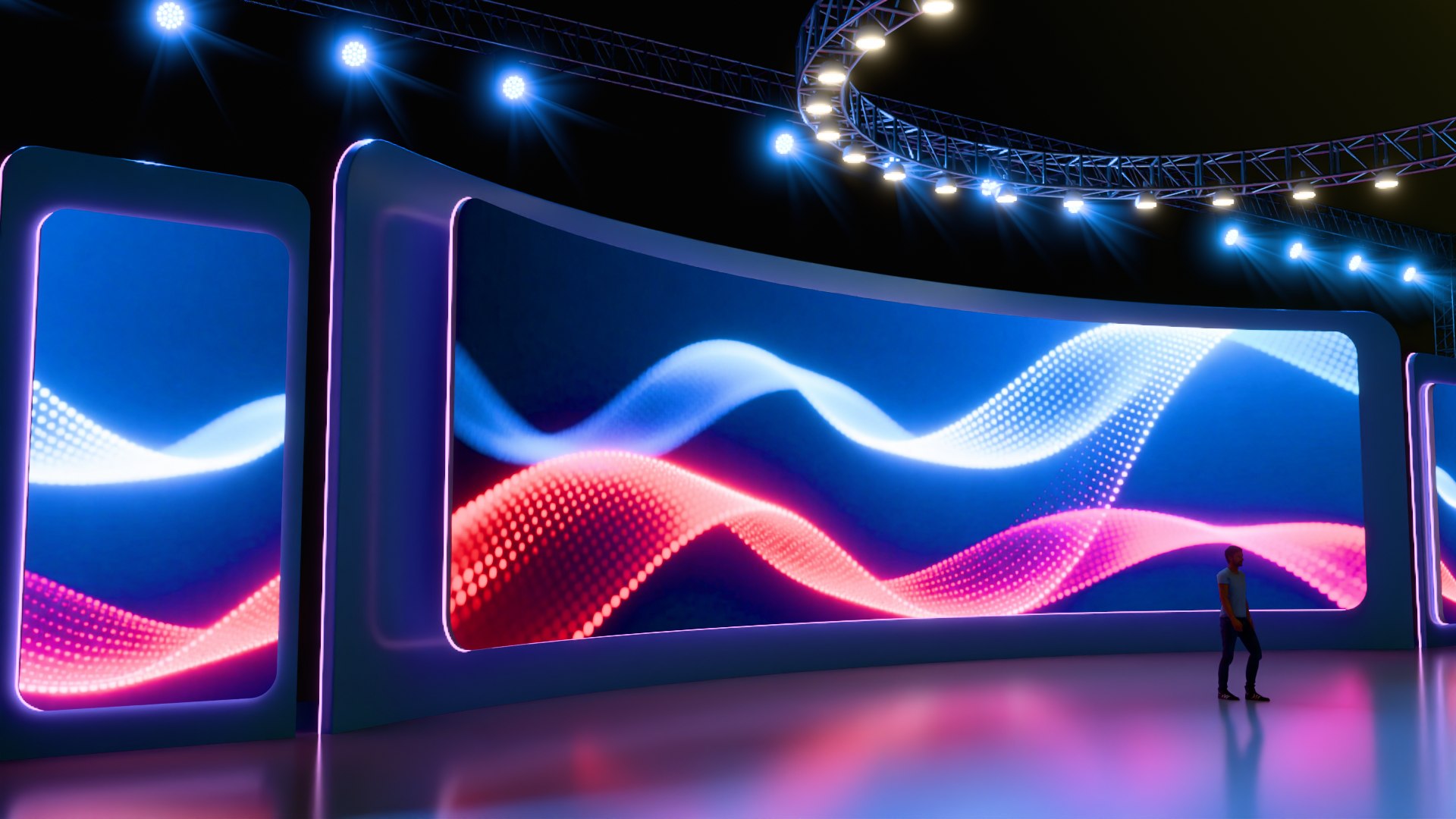

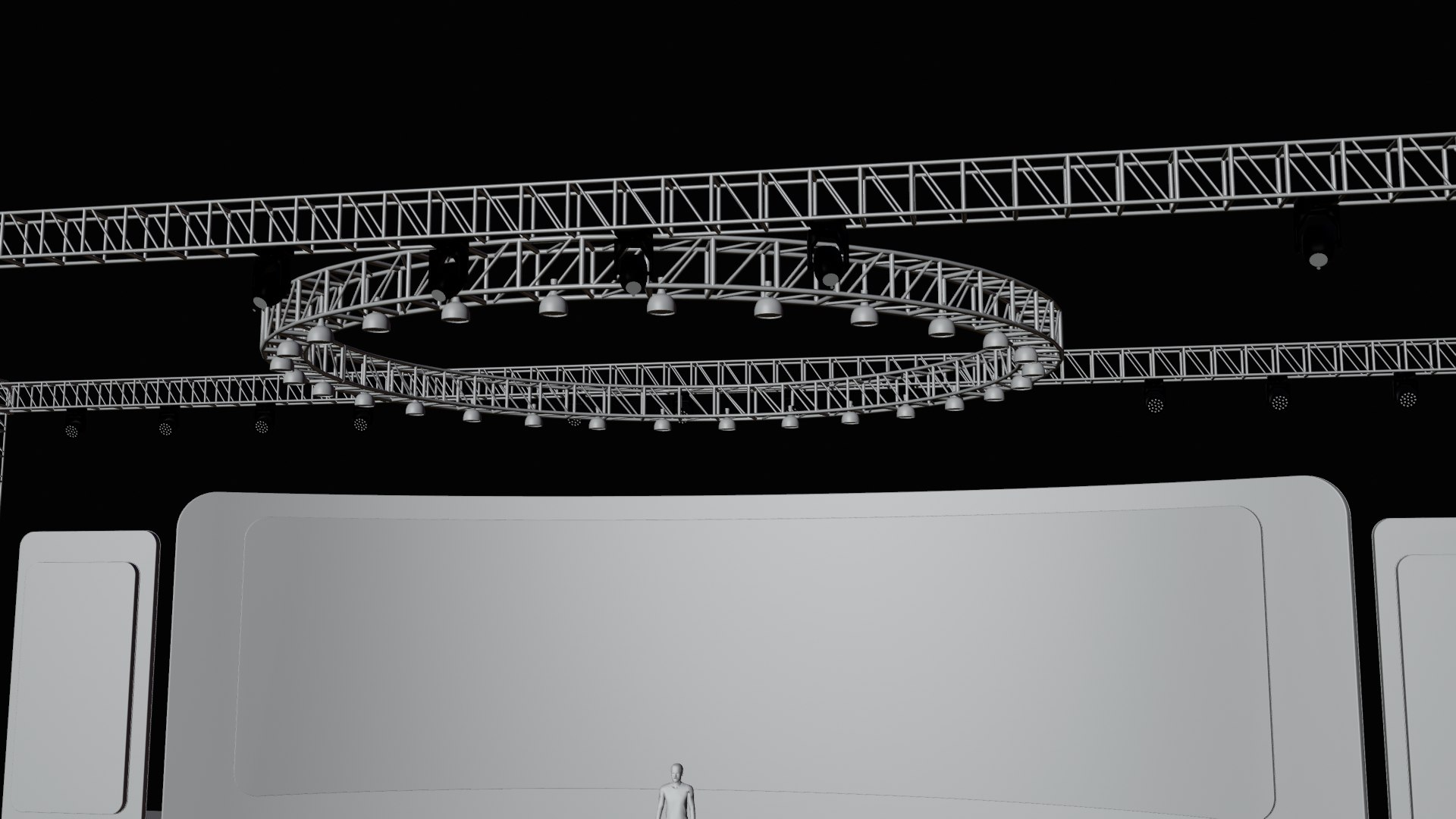
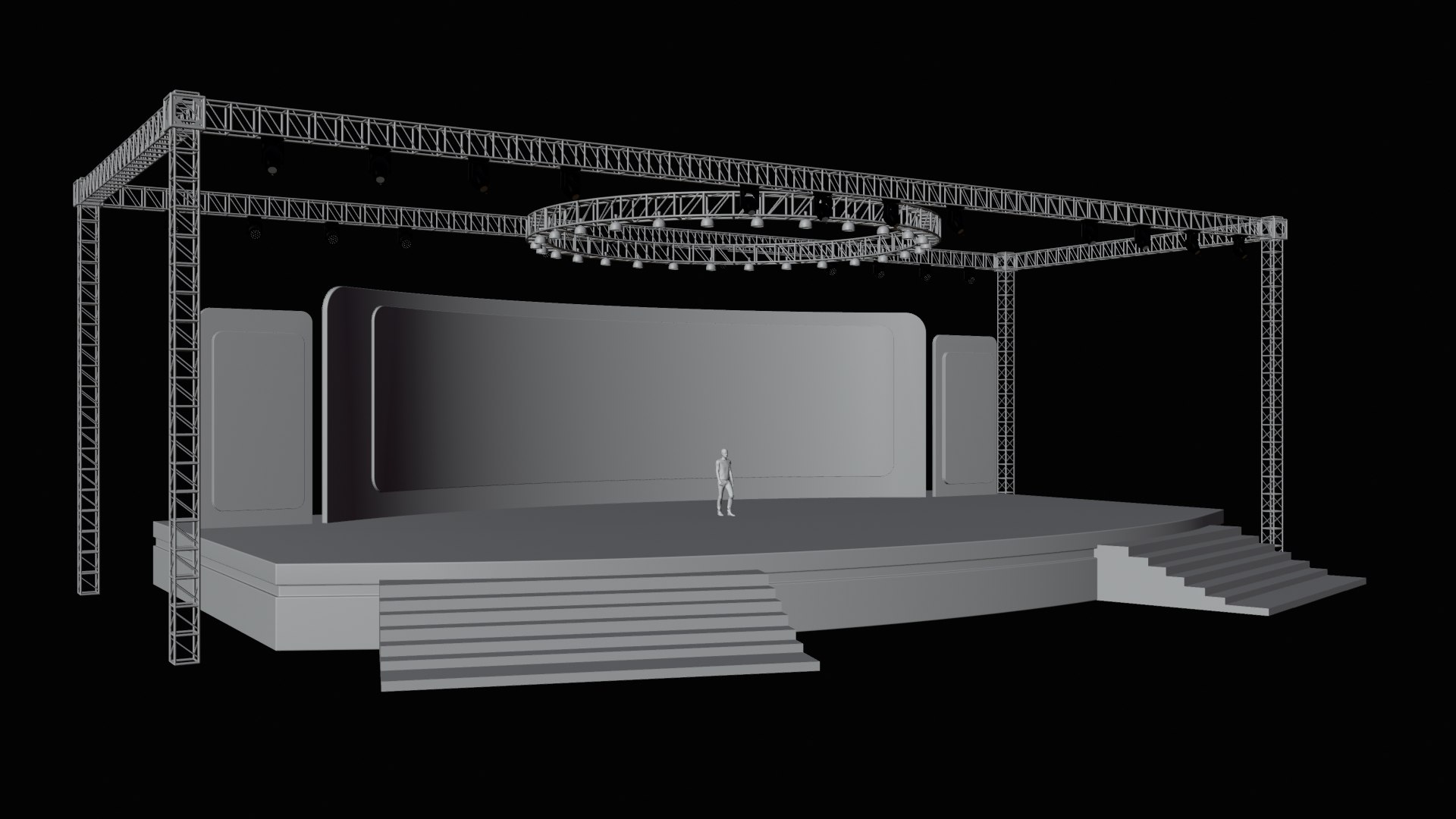
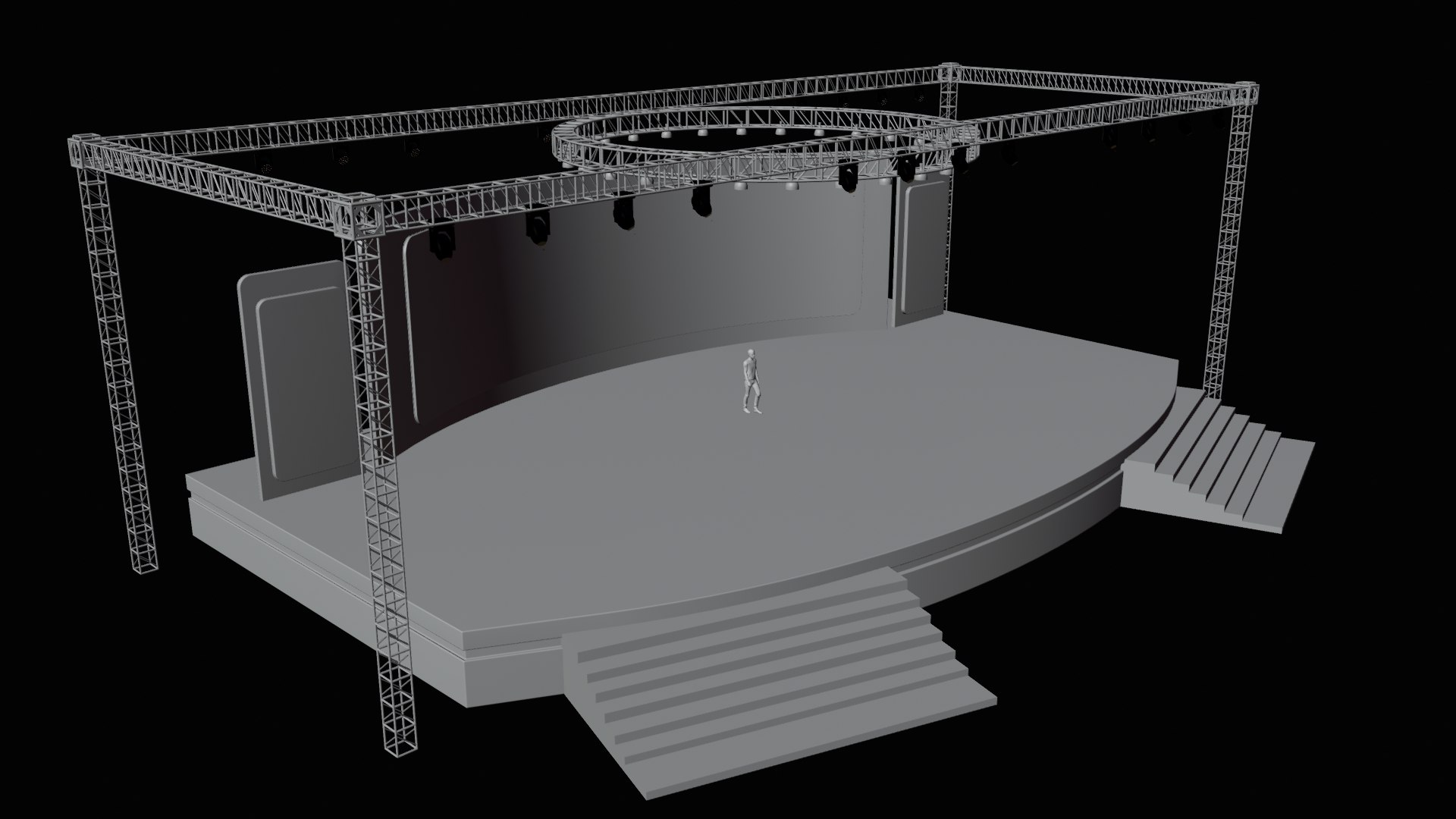
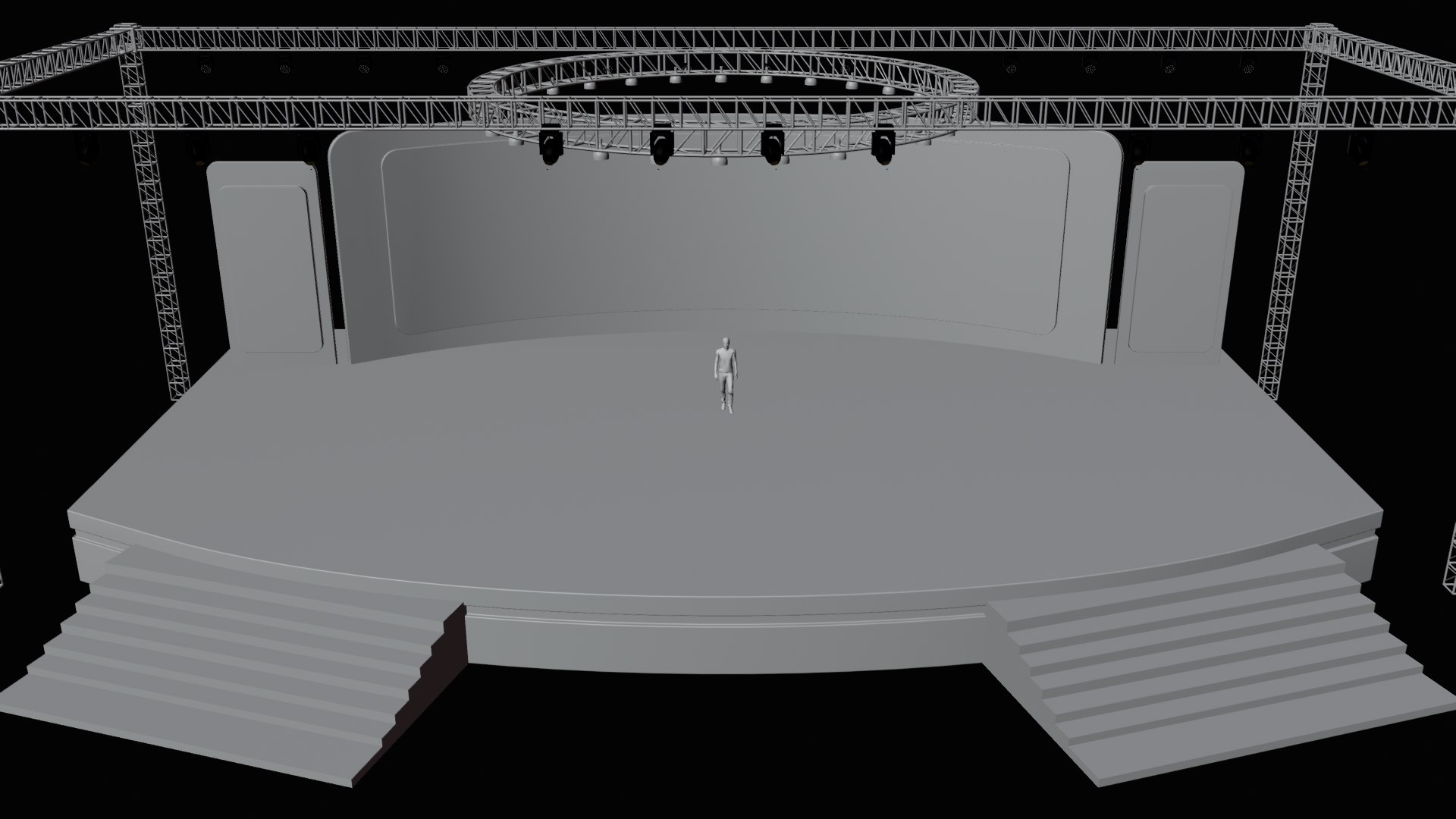
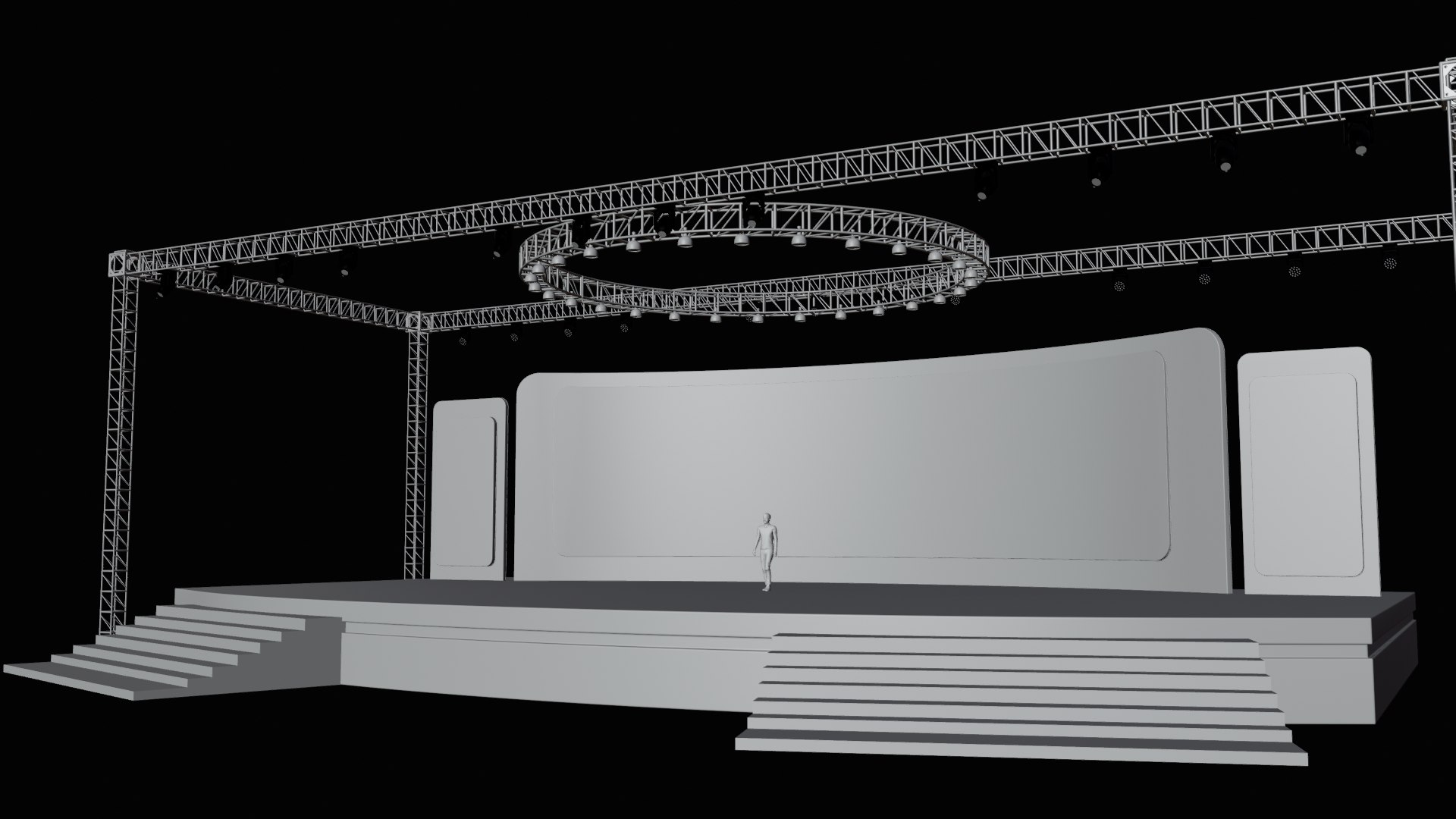
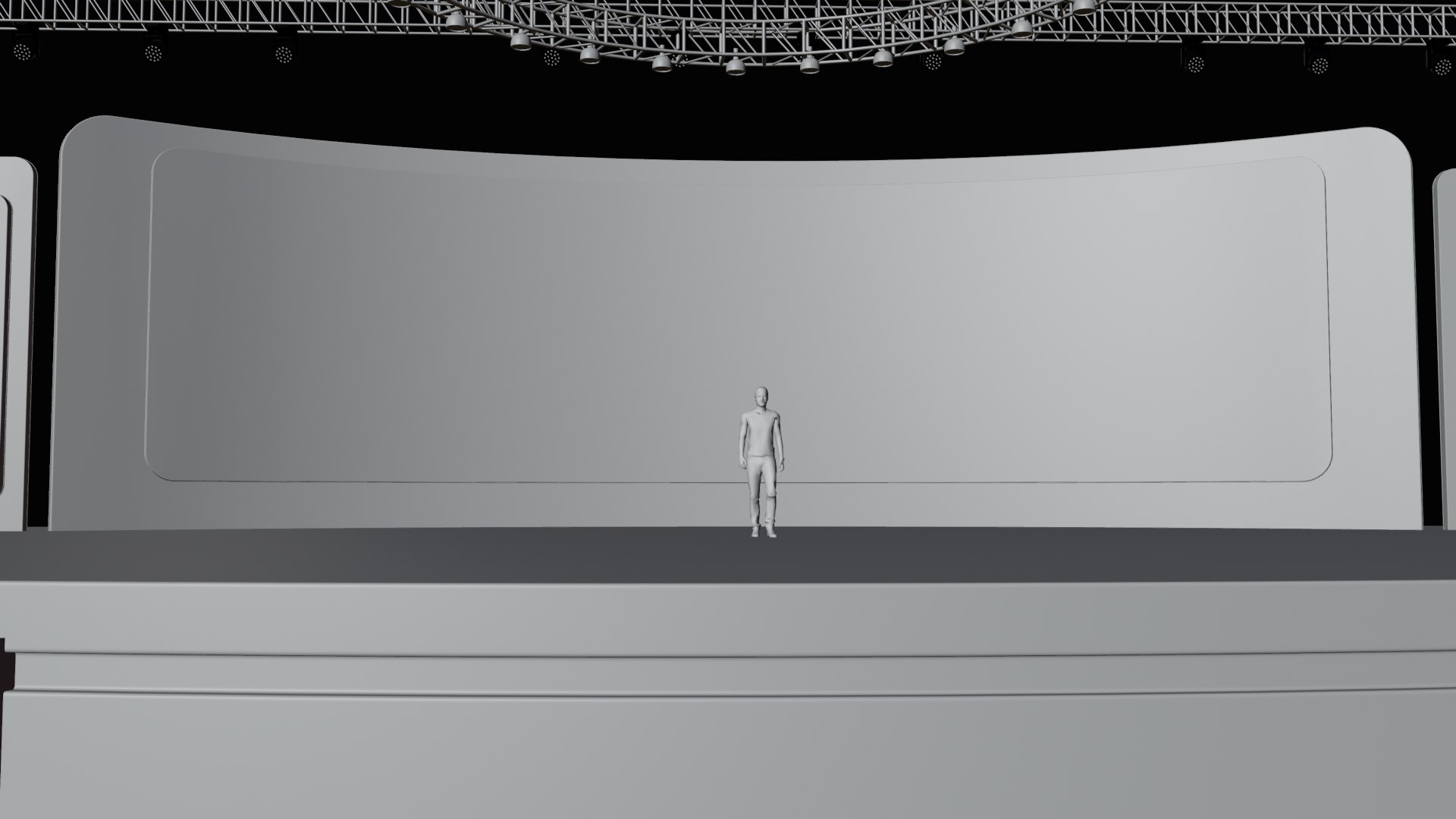
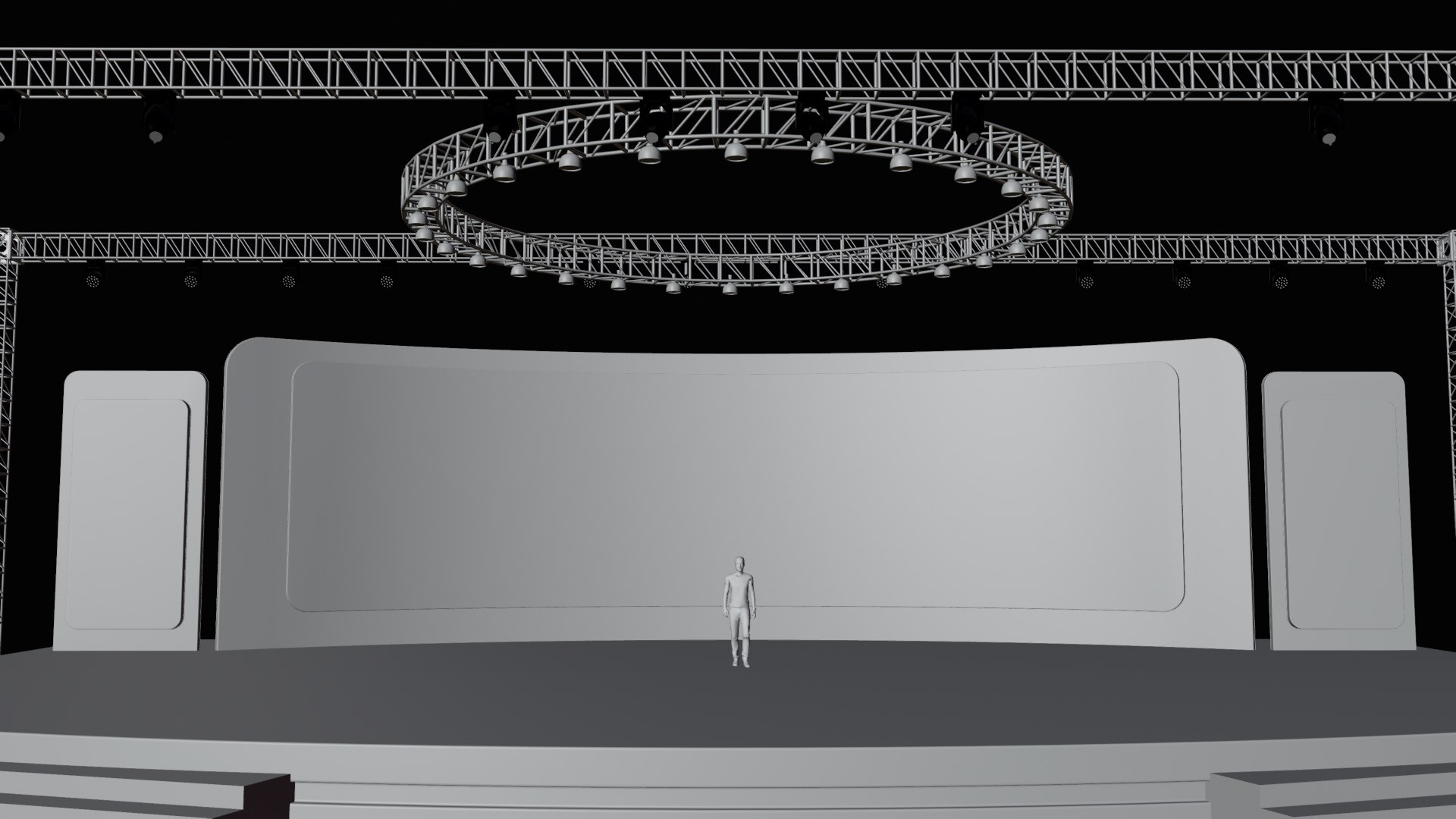
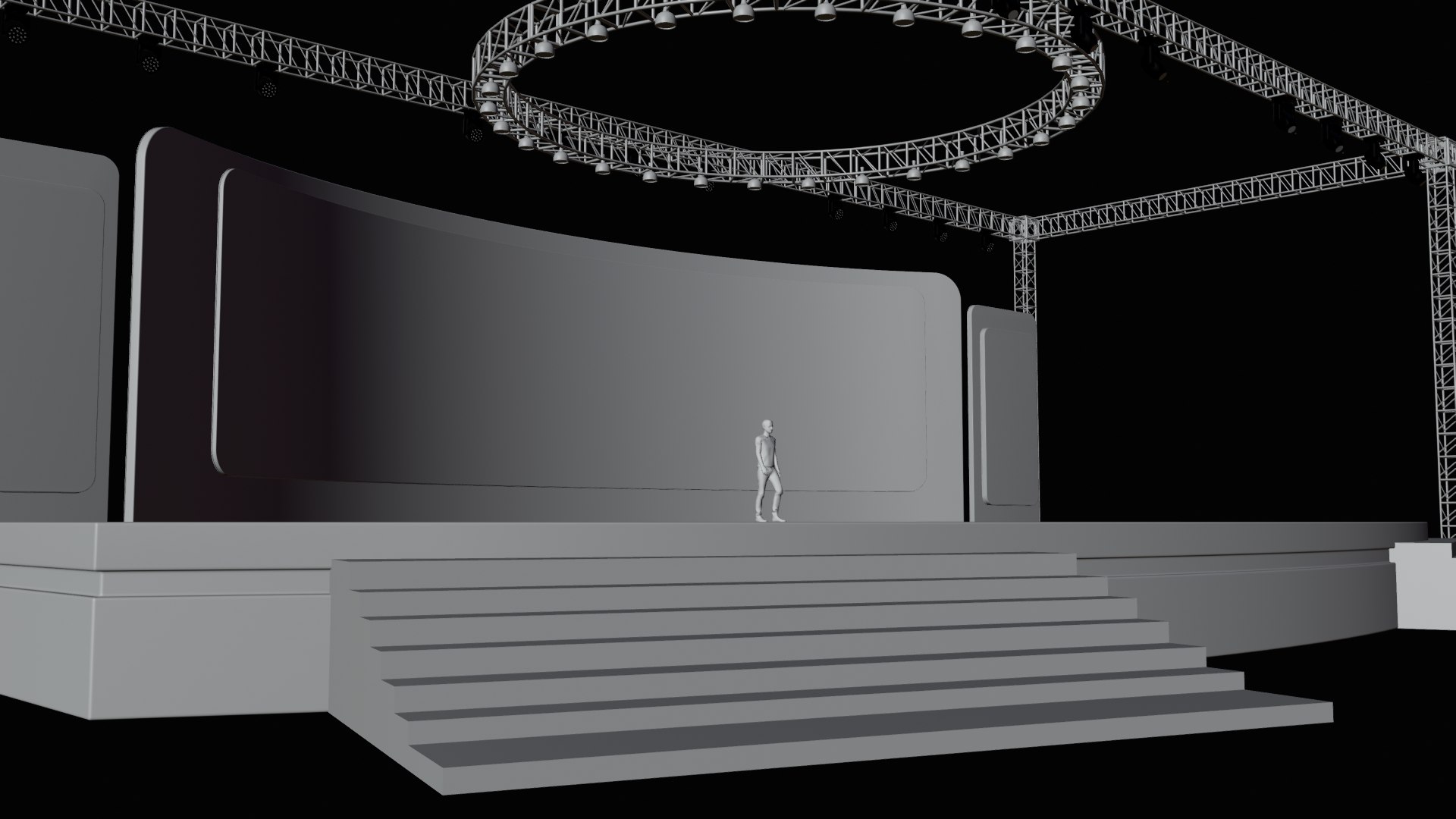
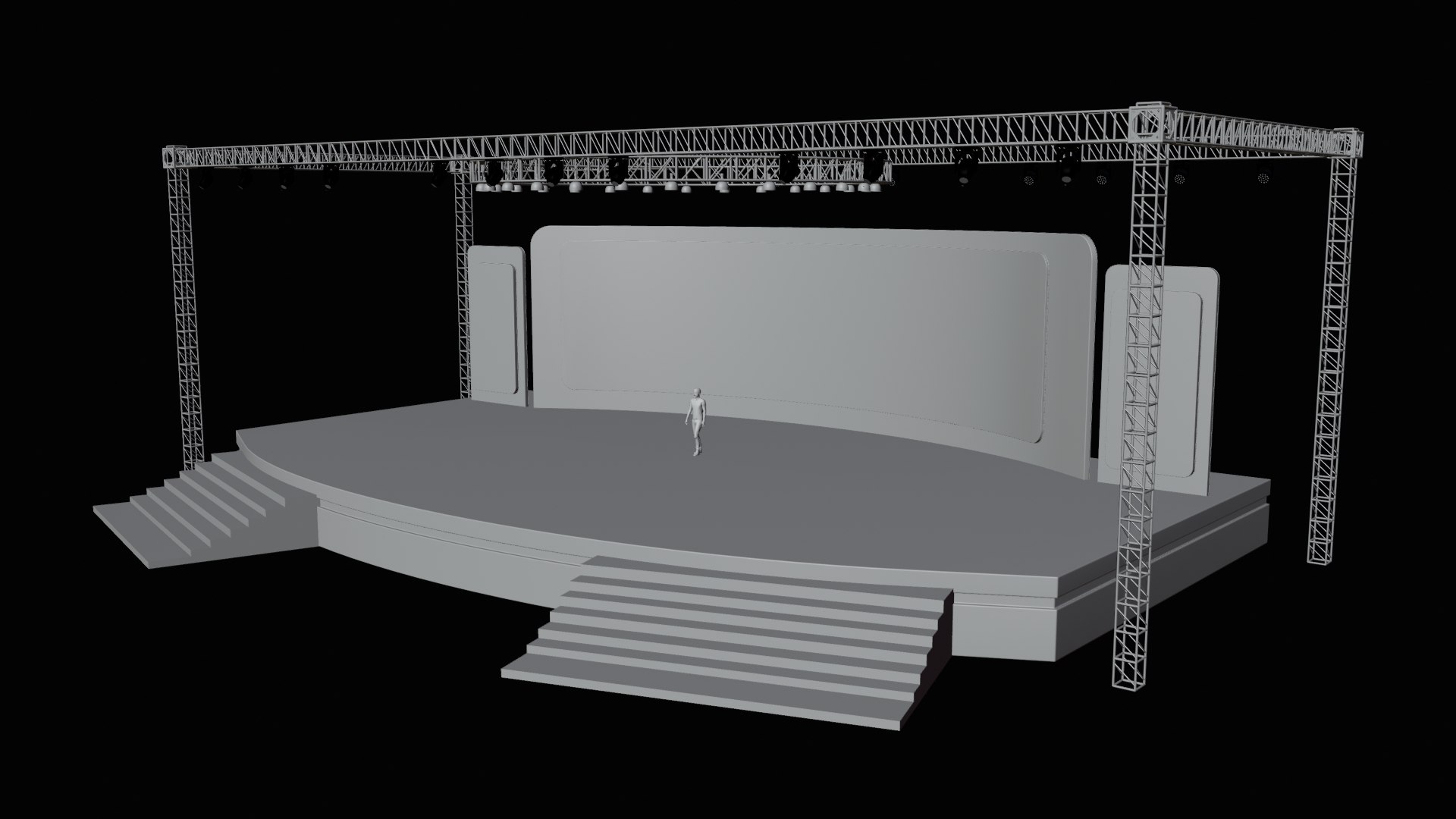
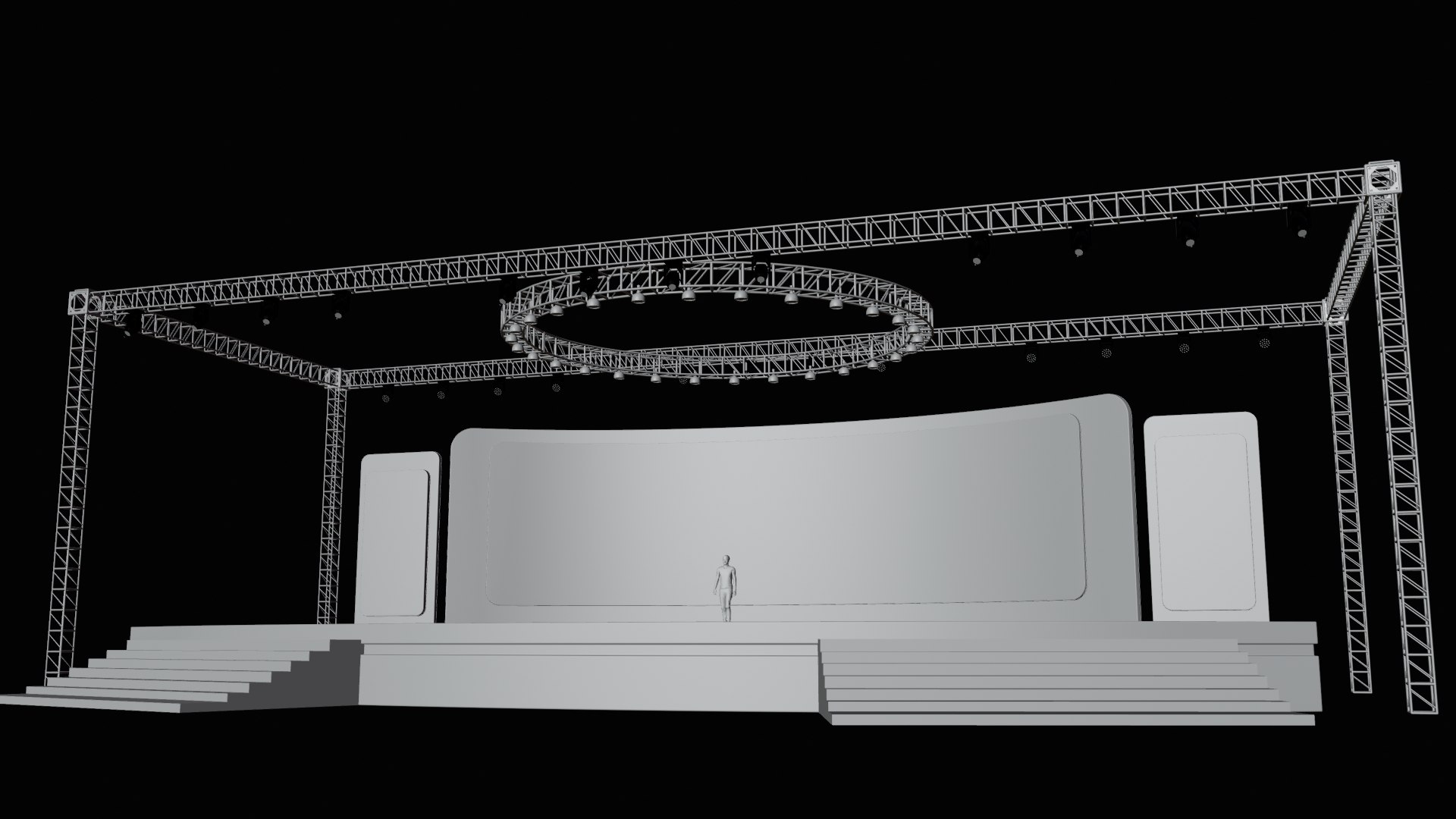
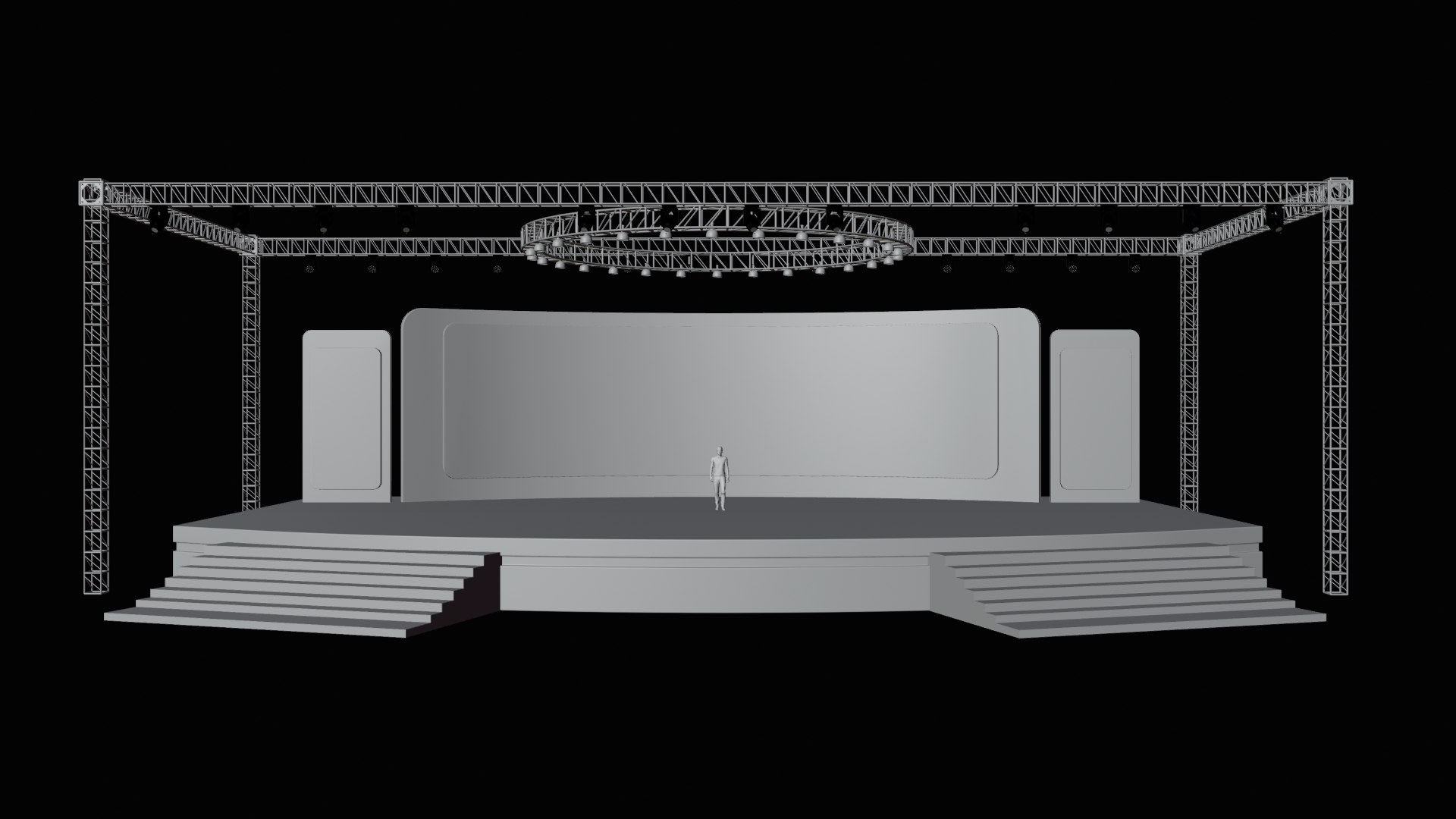
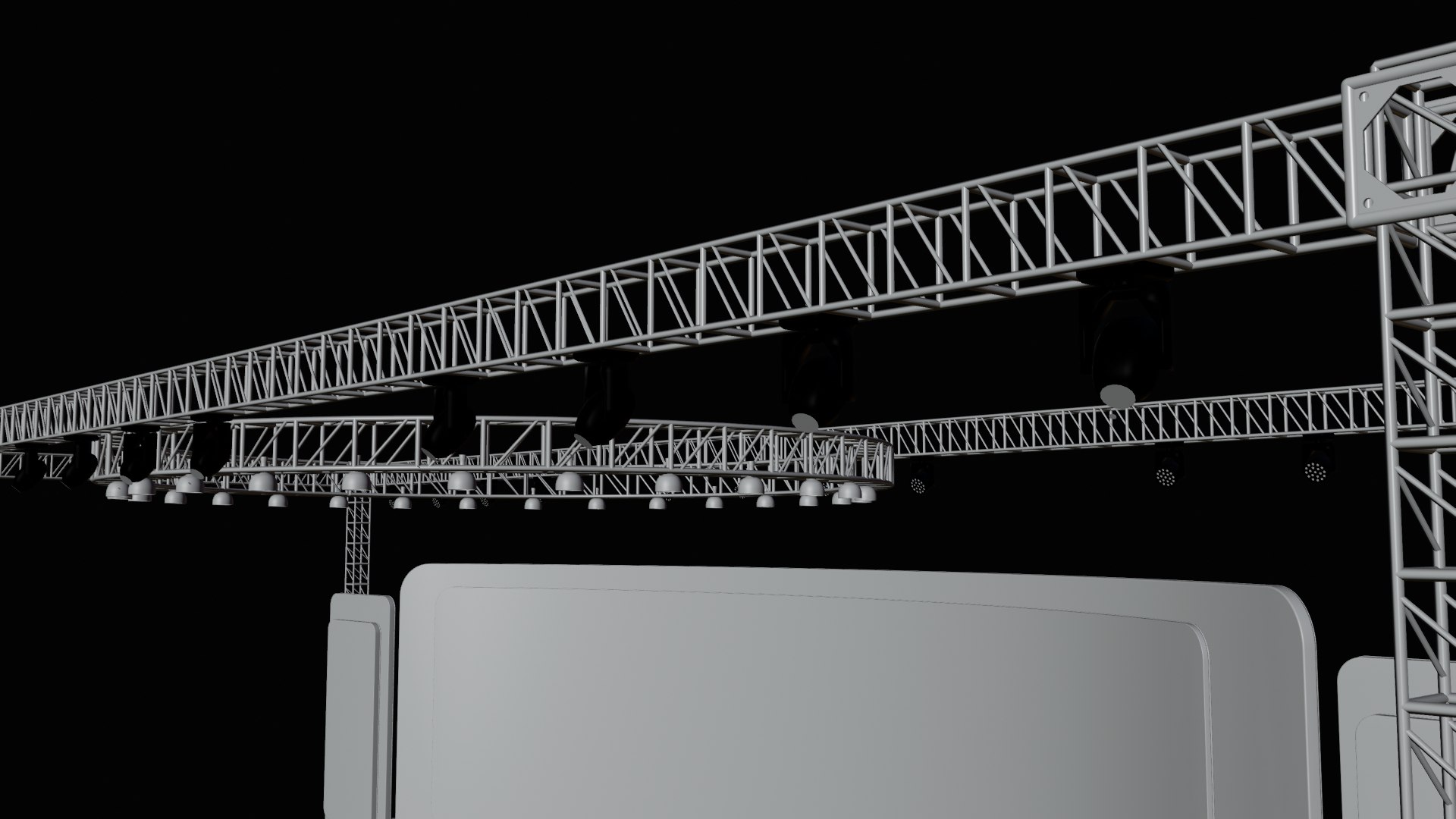
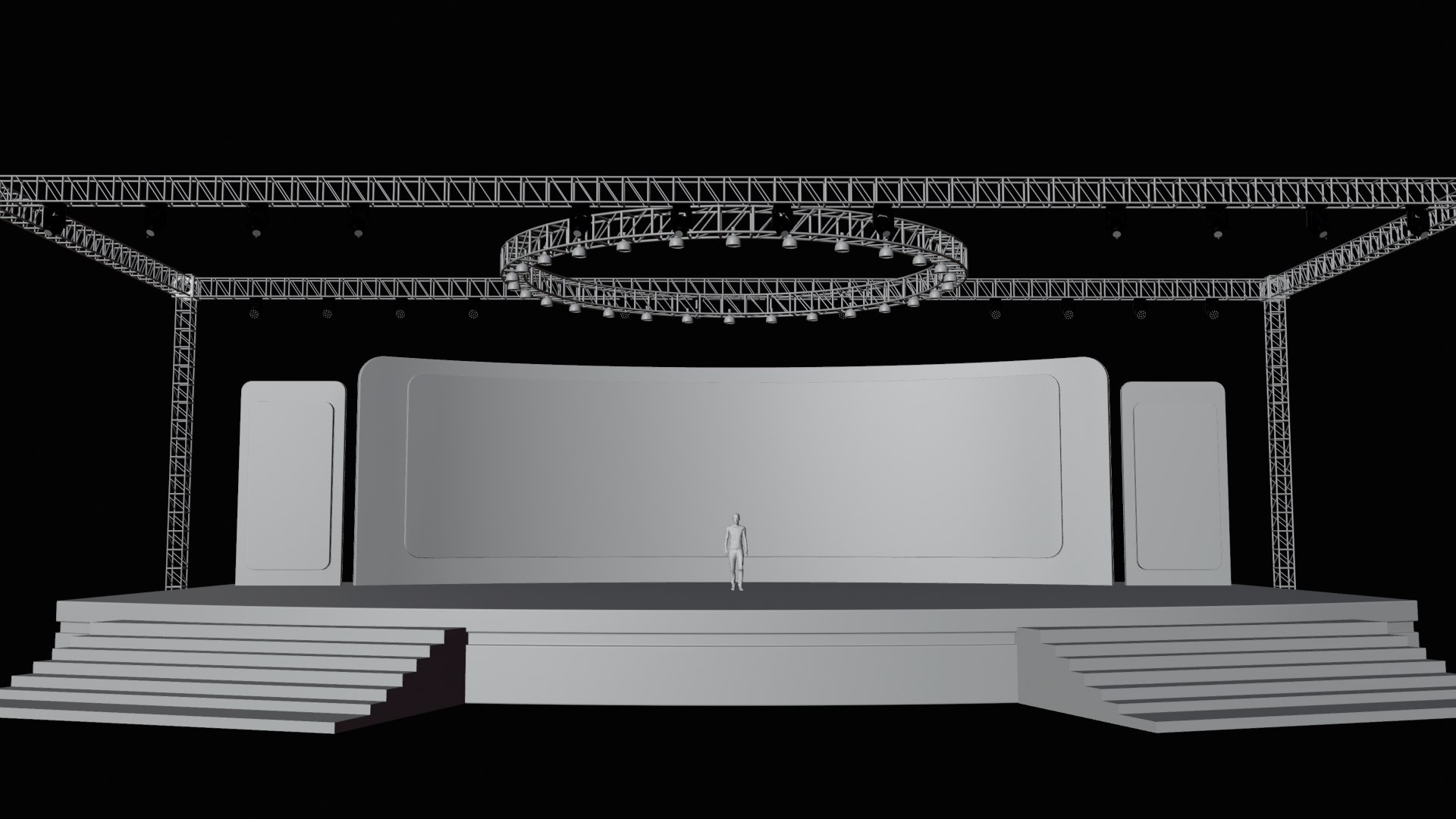
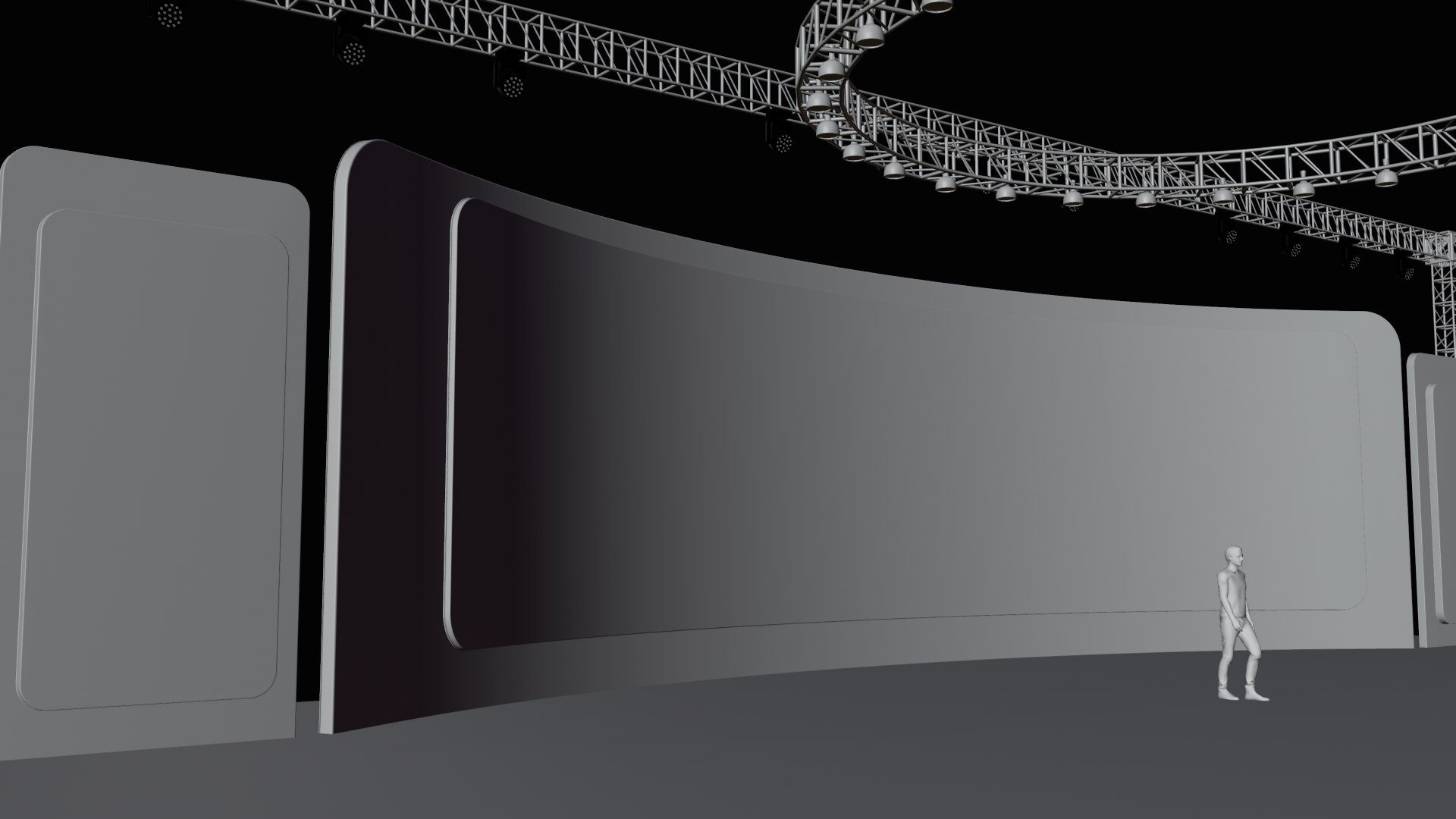
Modern Event Stage or Exhibition Stage with LED light

$45

Standard License | Upgrade License
Formats (10)
Free file format Conversions available
Native | Blender 4.5 | Cycles Render 4.5
Cinema 4D r26 | Default Scanline r26
OpenUSD | Other
3D Studio
Other Textures
Collada
FBX
OBJ
glTF
Specifications
Publish Date September 29, 2025
Product ID 2467775
Polygons 100,393
Vertices 96,916
Polygonal Quads/Tris Geometry
Materials
PBR
member avatar
Shaon3D
75 Products | Contributor Since 2020
Have questions? Chat with us now.

Description

Create stunning visual experiences with this Modern Event
Stage 3D Model, designed for concerts, exhibitions, conferences, virtual shows,
and product presentations. The model features a professional stage setup with
large LED screens, dynamic lighting rigs, staircases, and a sleek platform
design—perfectly optimized for high-quality rendering and real-time
performance.

**Features**
=============
- Fully customizable object
- Organized layer and Name
- No third-party plugin was used
- Render ready with Blender Render engine Cycle and EEVEE
- Blender material/shader system

**File format Include**
=============
- blend (Native blender file system)
- FBX
- OBJ
- ABC
- DAE
- GLB/GLTF
- USDC
- C4D
- 3DS

Note: Stage lighting effects are fully customizable only in the .blend file. The complete lighting control and setup will work exclusively within Blender.

With ready-to-use lighting rigs and render-optimized shaders, this Event Stage 3D Model will save your time and elevate your creative projects.

Select Enhanced License

  • $10,000 in Legal Protection (Indemnification)
  • Uncapped Legal Protection (Indemnification)
  • Waiver from injunctive relief
  • Assignable model rights
  • $1,000,000 in Legal Protection (Indemnification)
  • Waiver from injunctive relief
  • Assignable model rights
  • $250,000 in Legal Protection (Indemnification)
  • Assignable model rights
Read more about enhanced license tiers, or contact us at enterprise@turbosquid.com. Already a Shutterstock Enterprise Customer? Contact your Shutterstock Sales Support Agent to talk about adding 3D.

About Conversion Requests

To submit a conversion request for a purchased asset, please complete our Conversion Request Form.

If you have not yet purchased a model, please review our Documentation about Conversions to learn about what limitations you may encounter with a conversion.

For any additional questions about a model’s suitability for conversion, please contact TurboSquid Support.

Loading...