
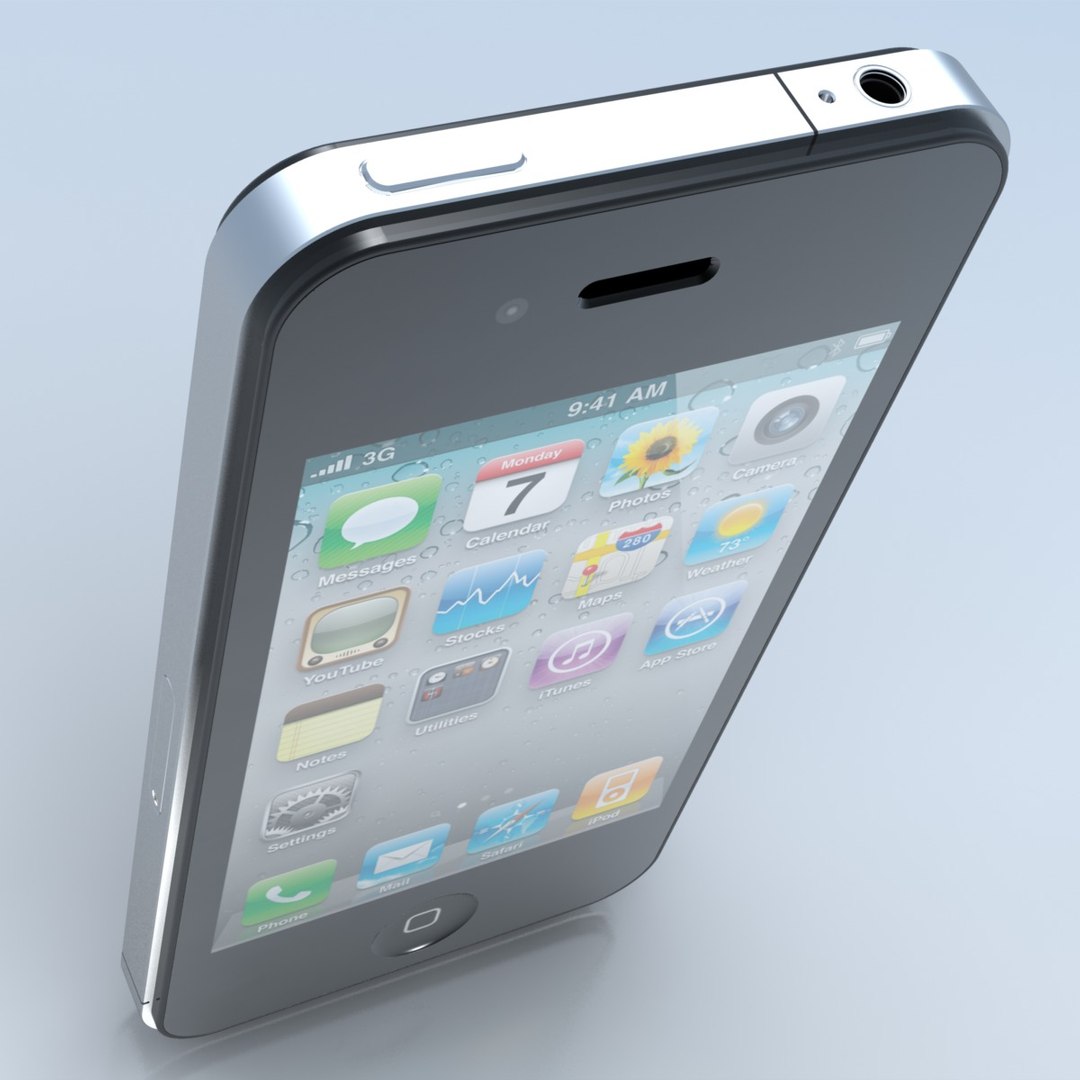
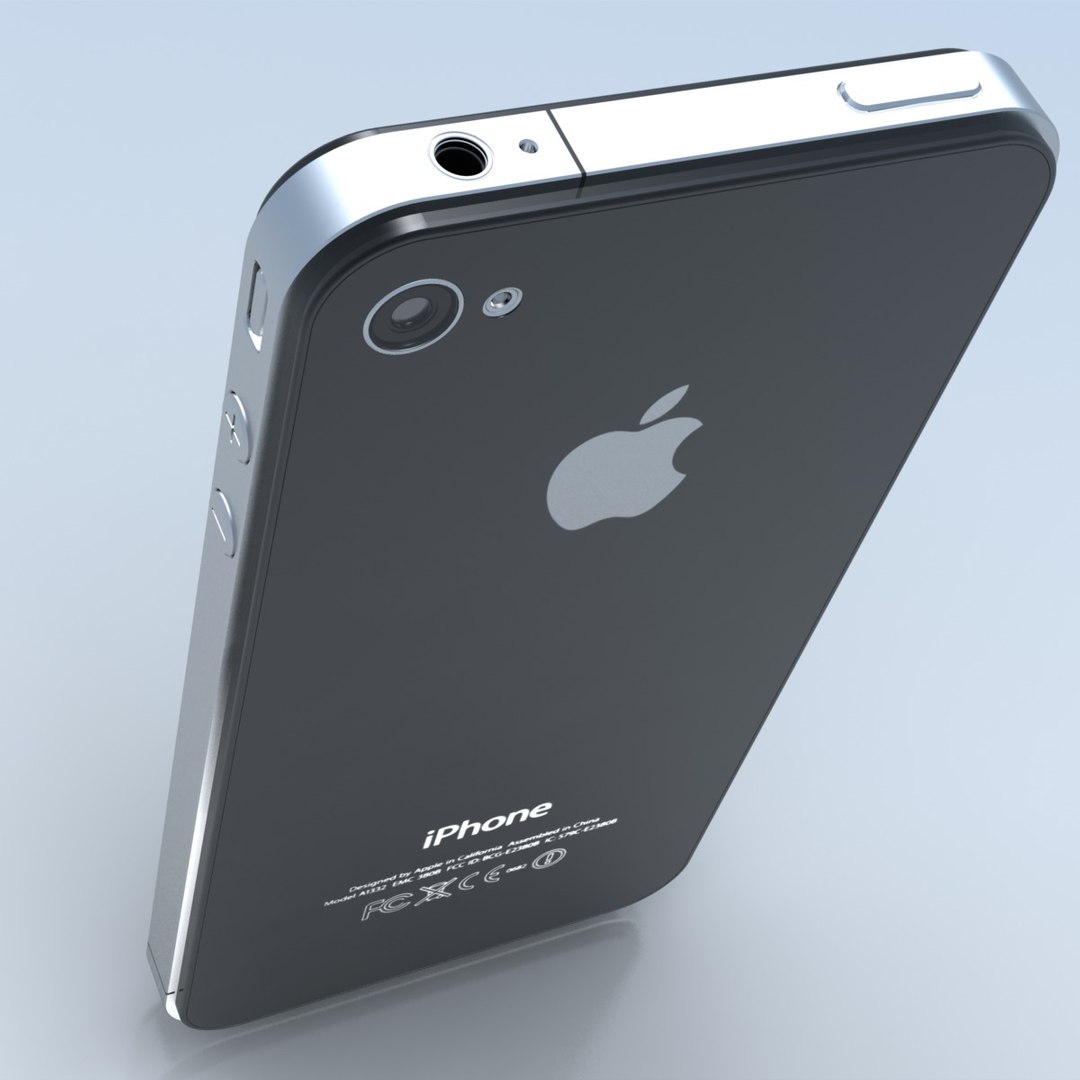
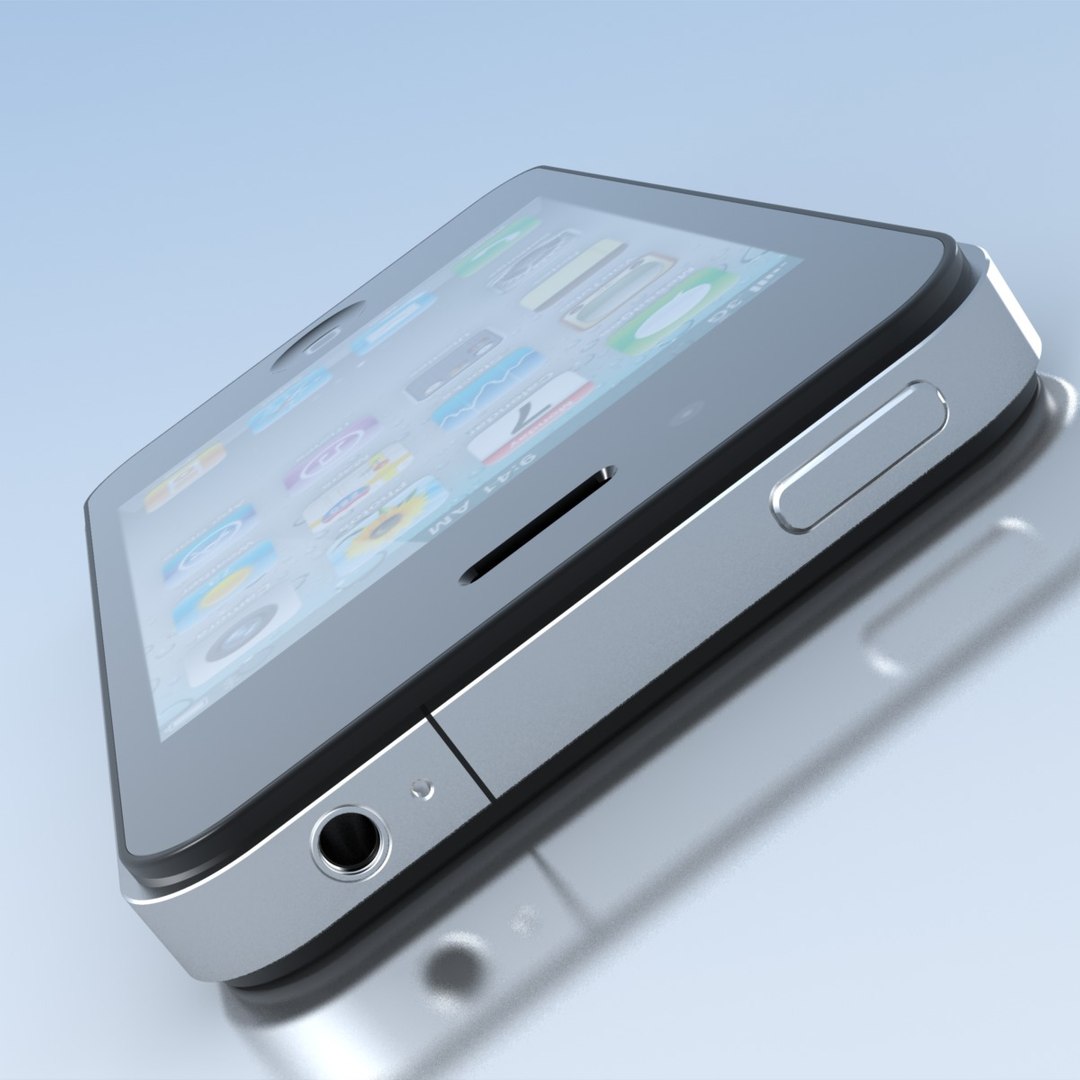
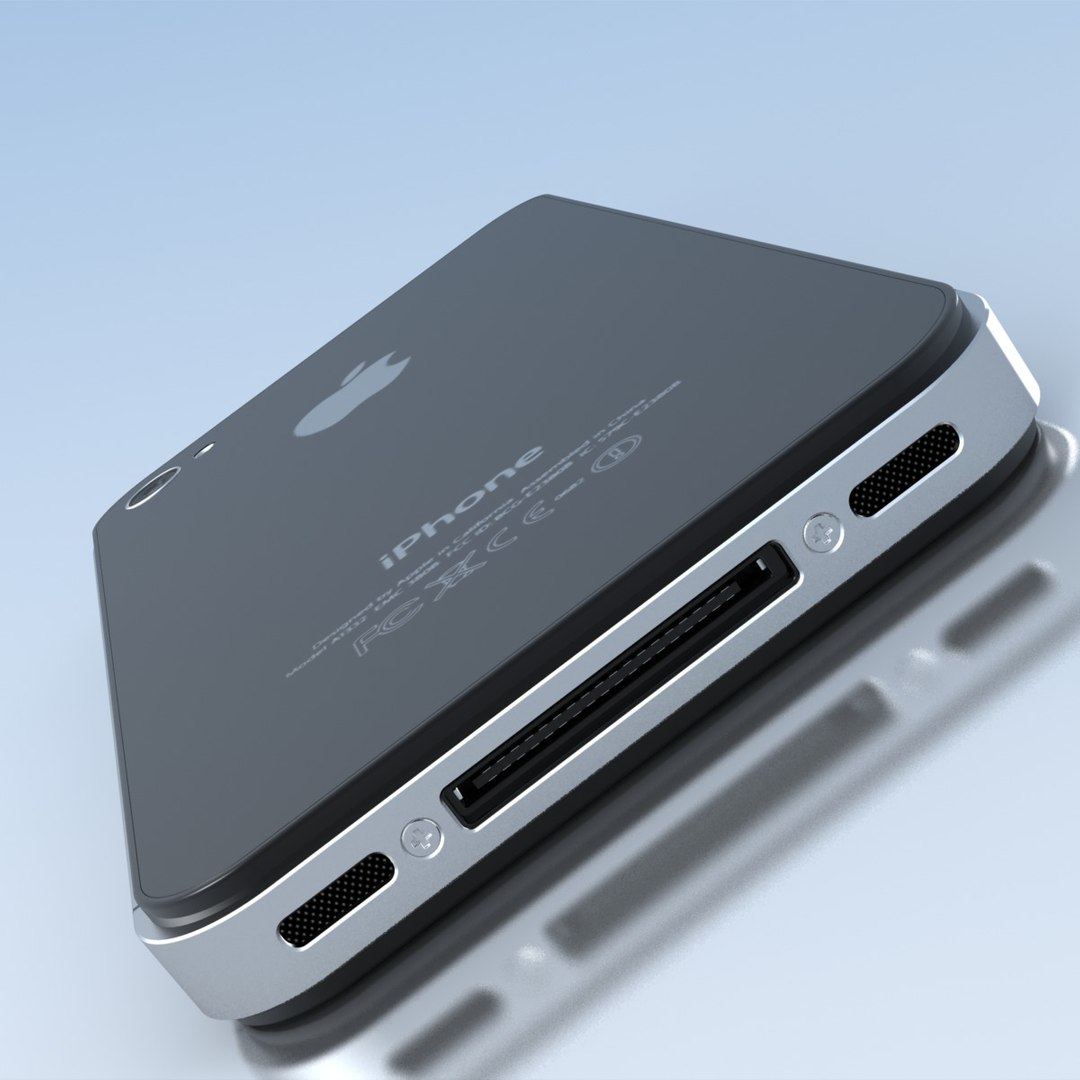
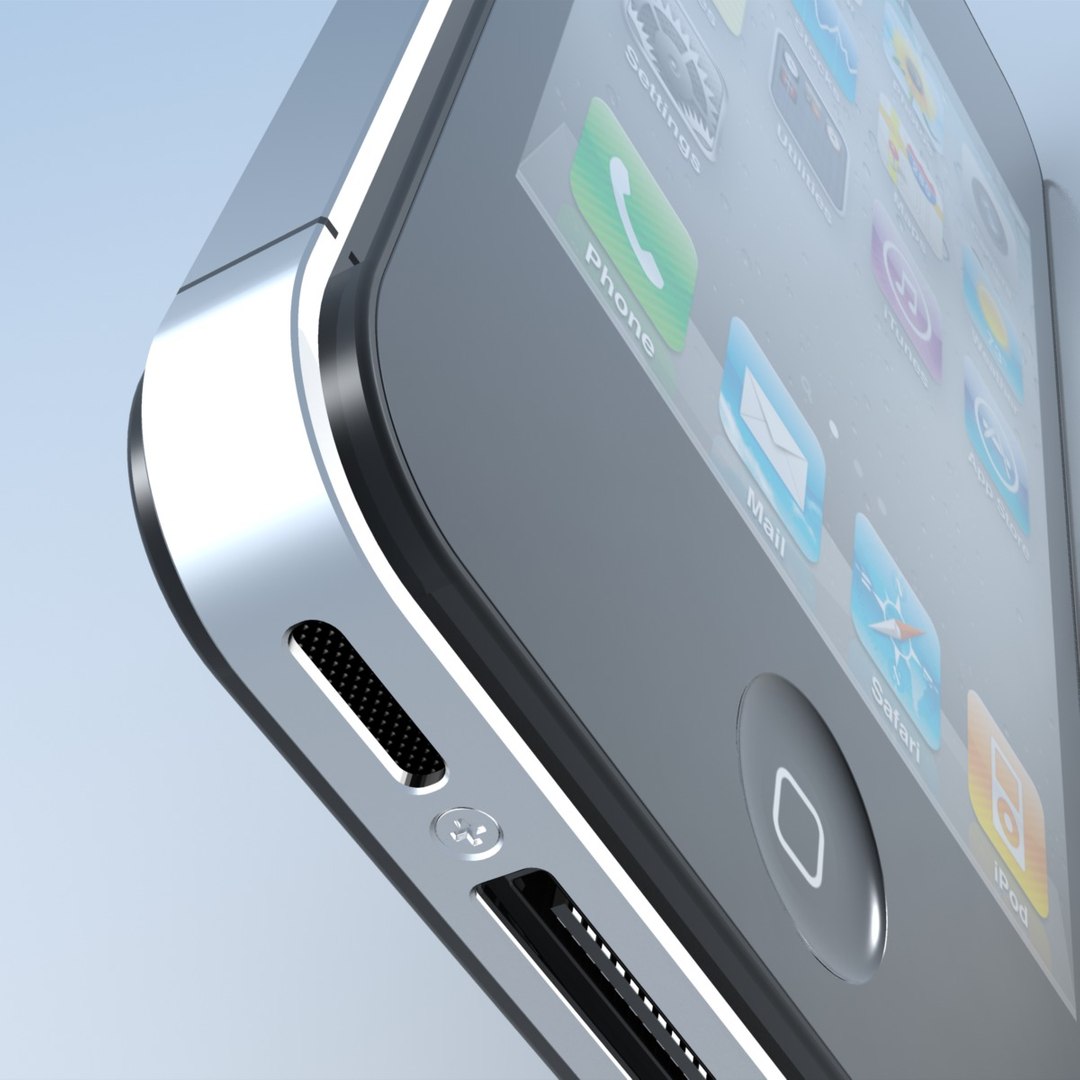
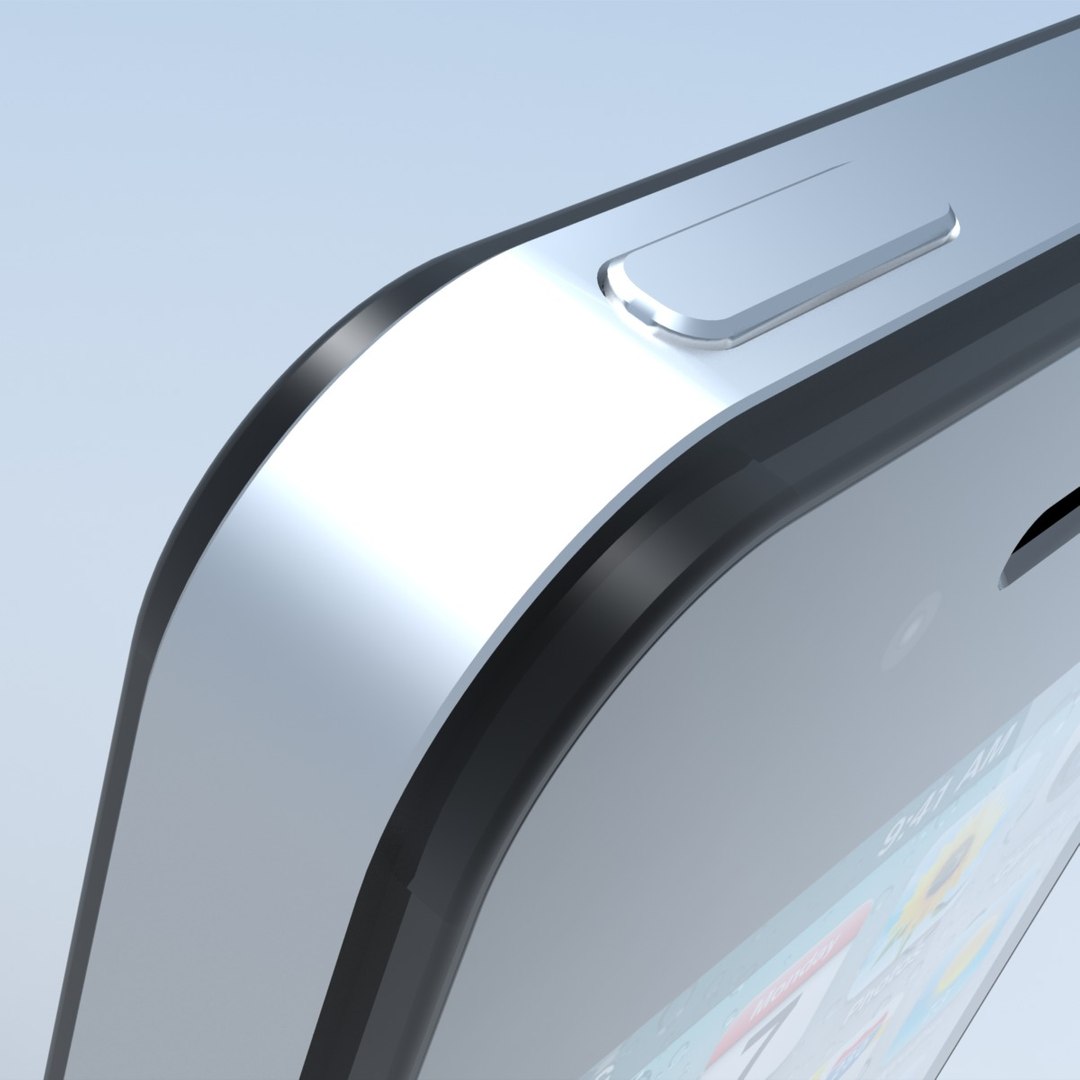
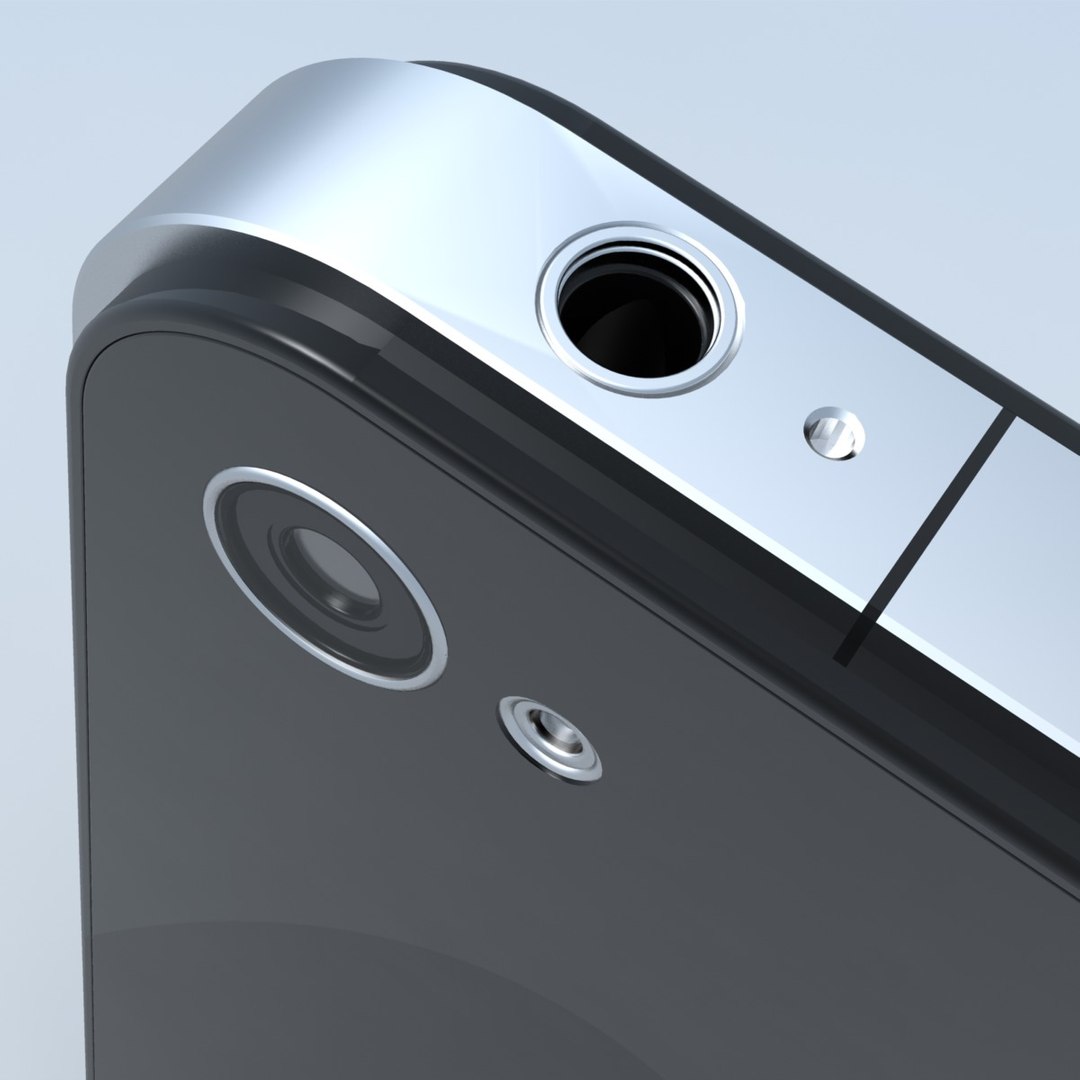
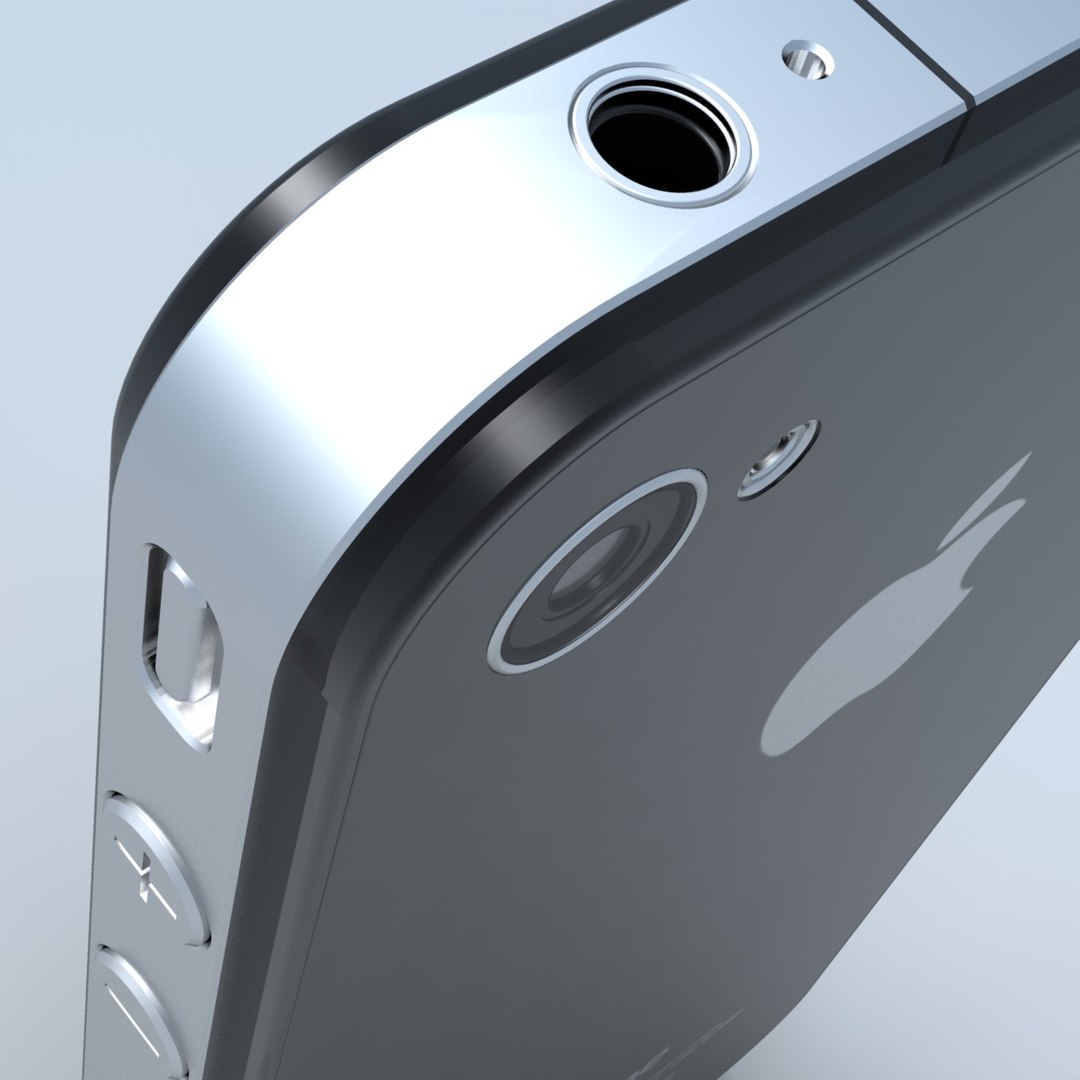

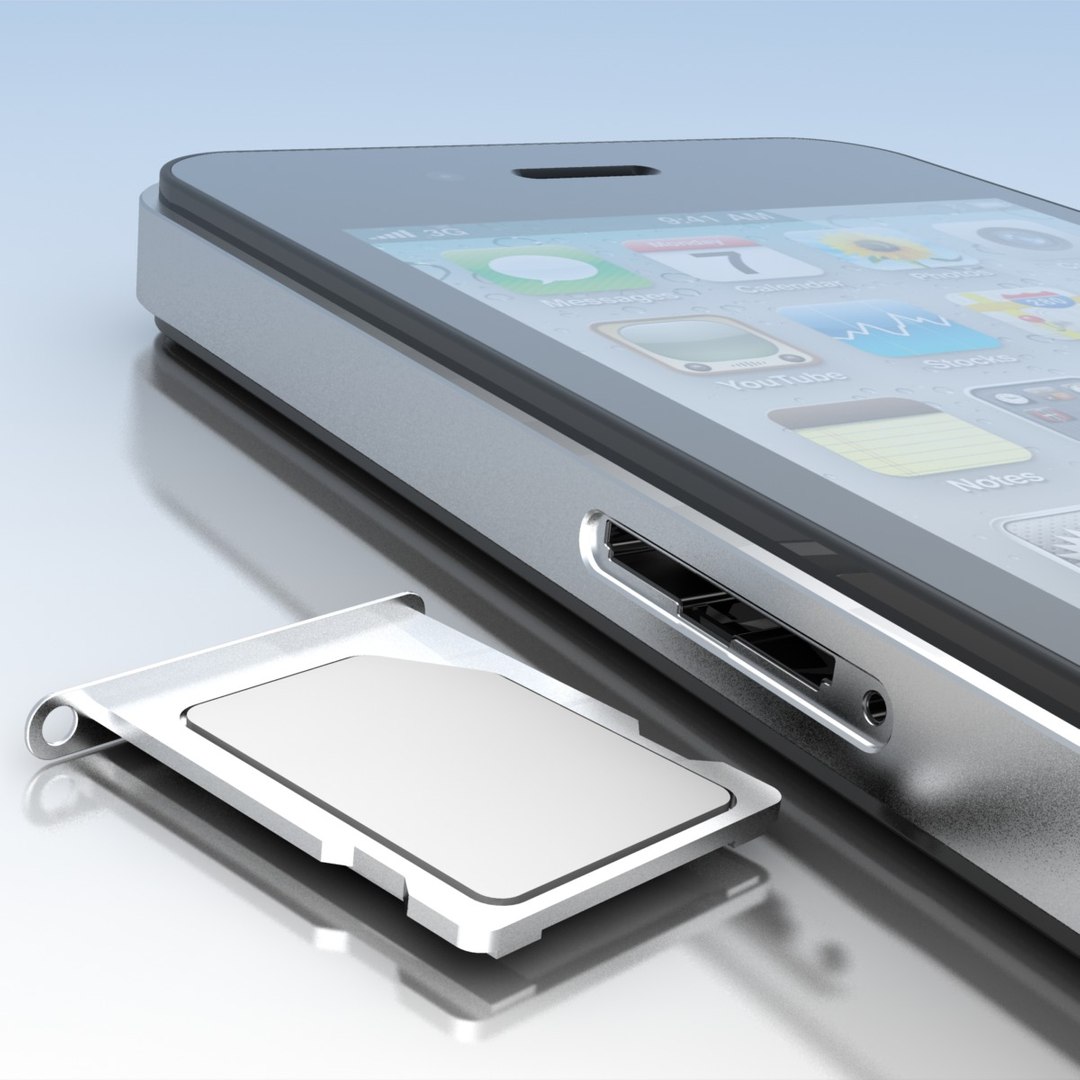


Mobile Phone APPLE IPhone4

$59

Standard License | Upgrade License
Editorial Uses Only
Formats (8)
Free file format Conversions available
Native | 3ds Max 9 | finalRender Stage-1
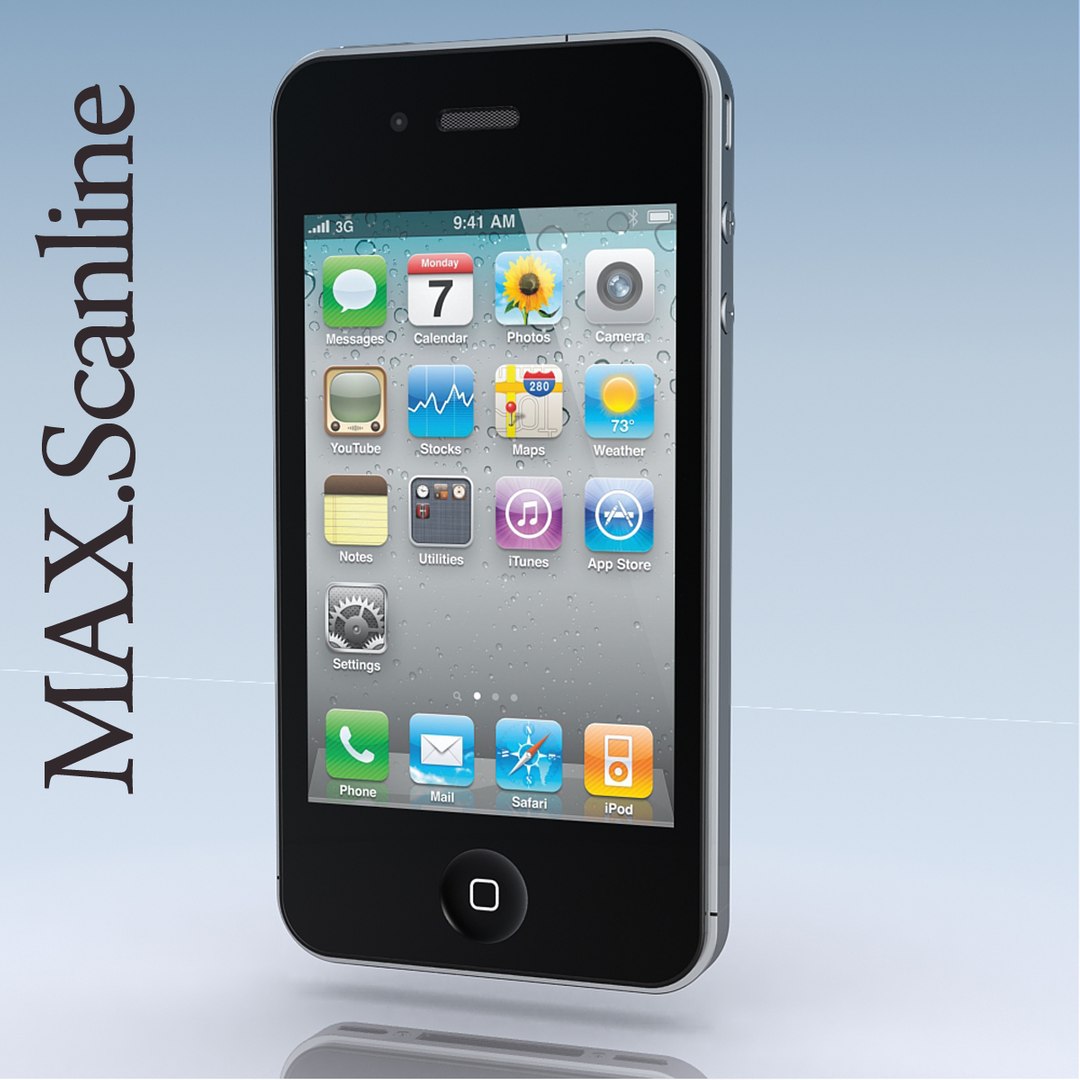
3ds Max 9 | Default Scanline Scanline
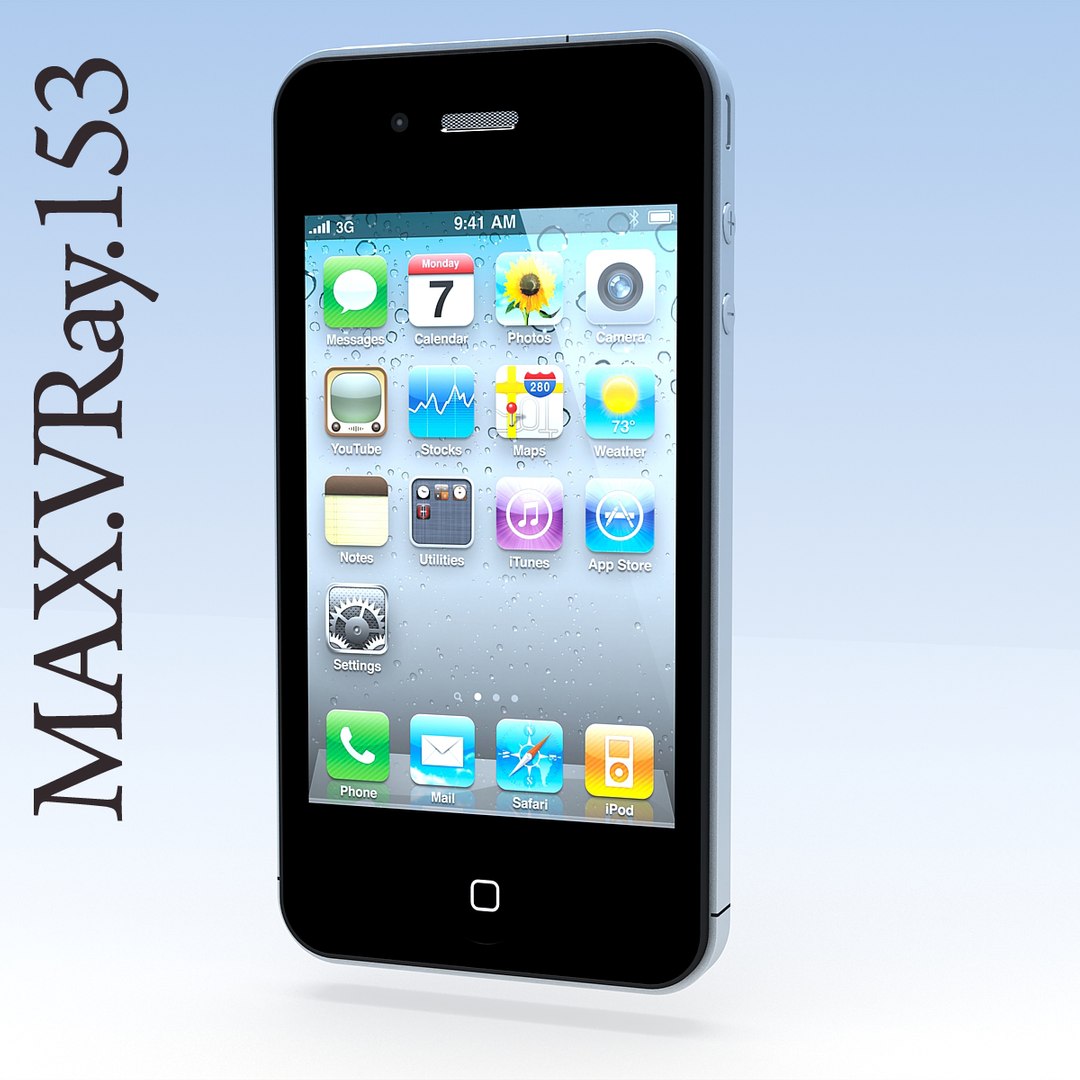
3ds Max 9 | V-Ray 1.53
Cinema 4D 10 | Default Scanline
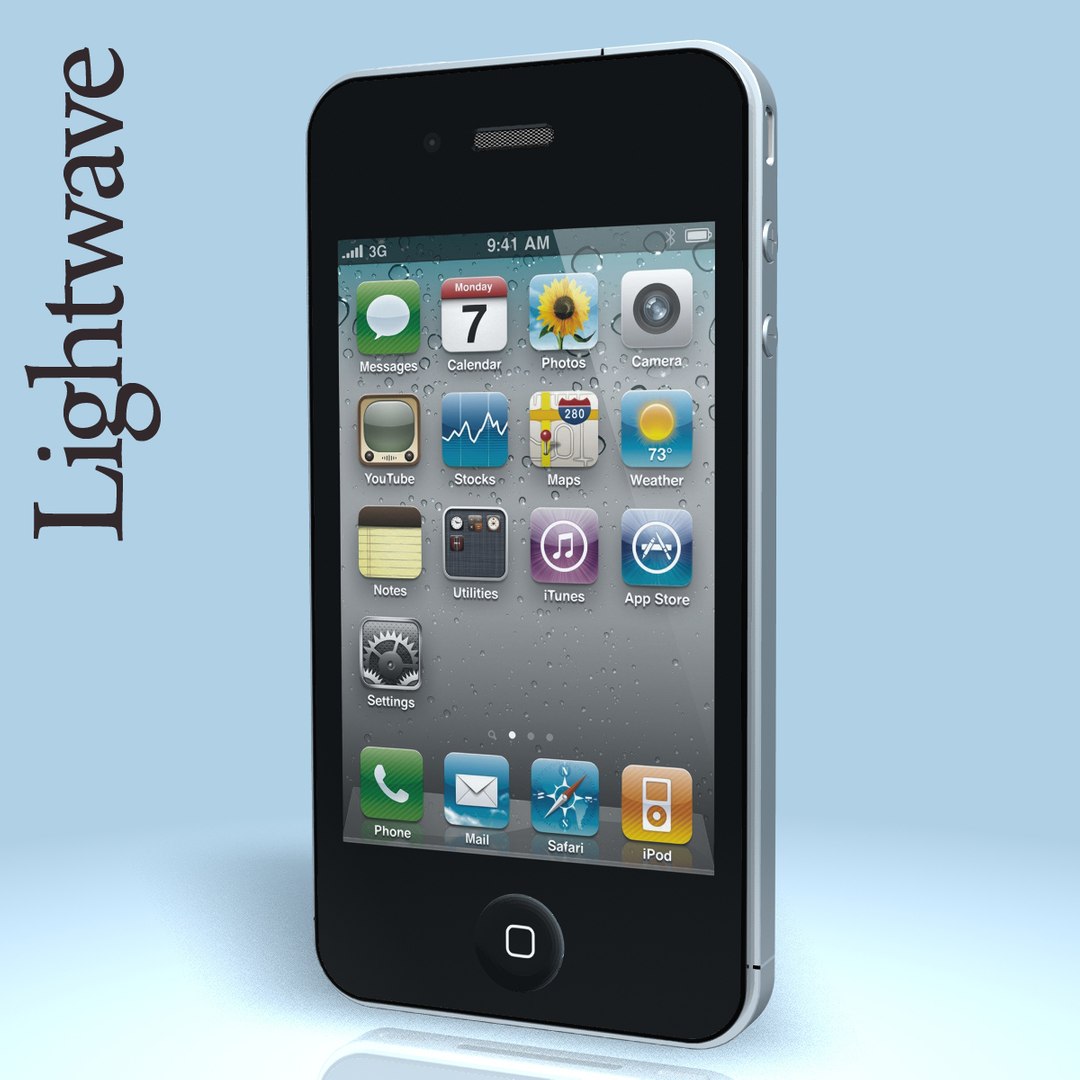
Lightwave 8.3 | Default Scanline
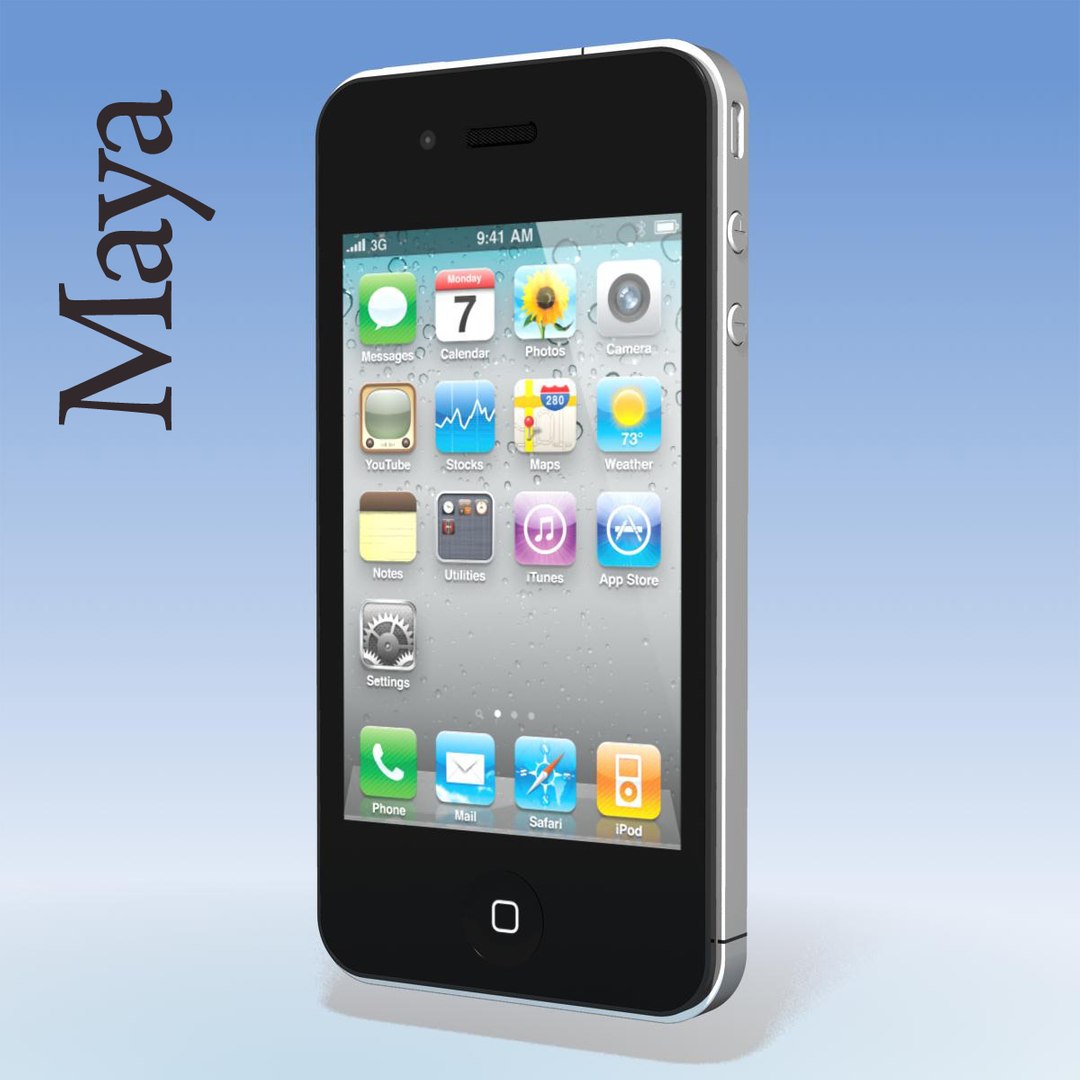
Maya 7 | mental ray
FBX
OBJ
Specifications
Publish Date September 17, 2011
Product ID 628504
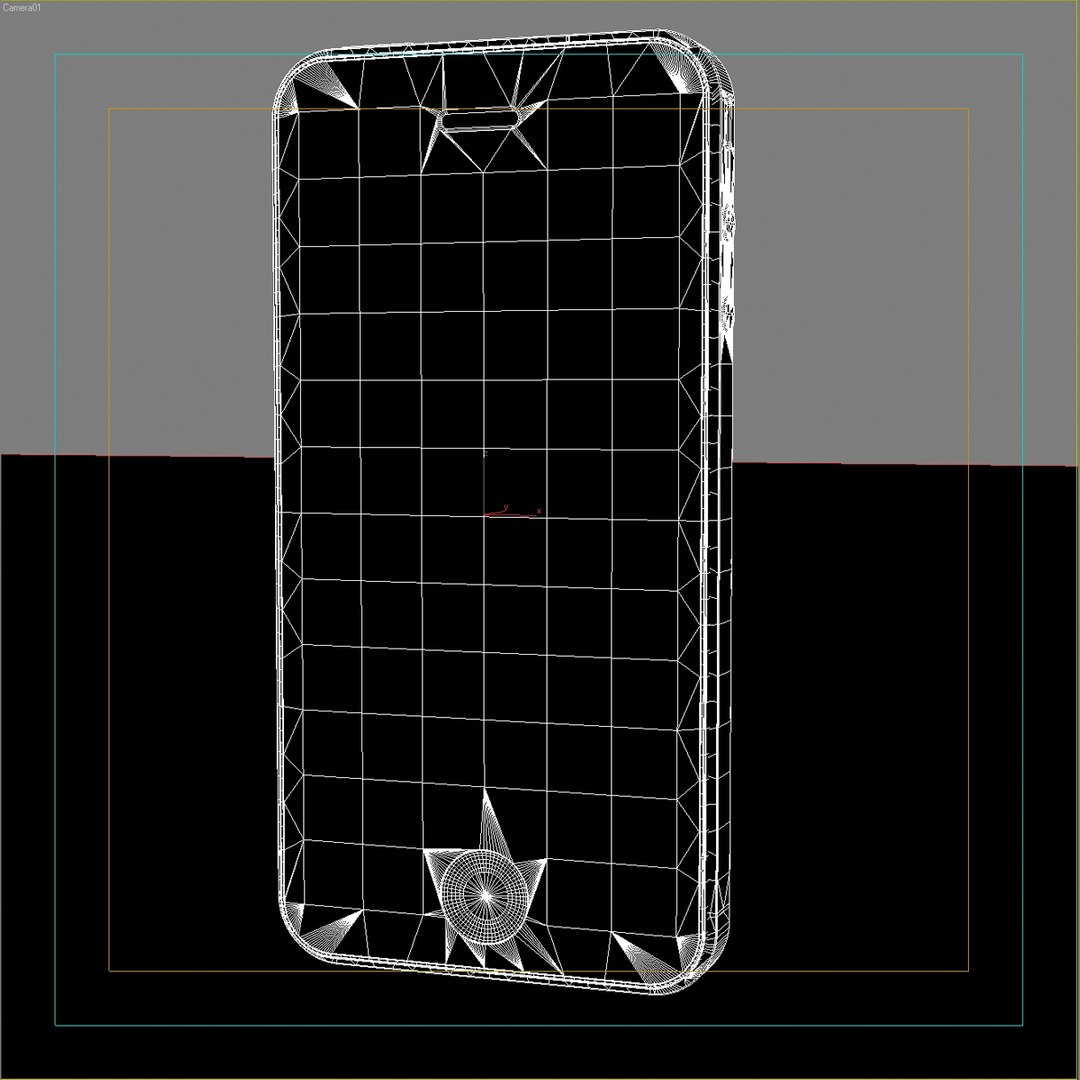
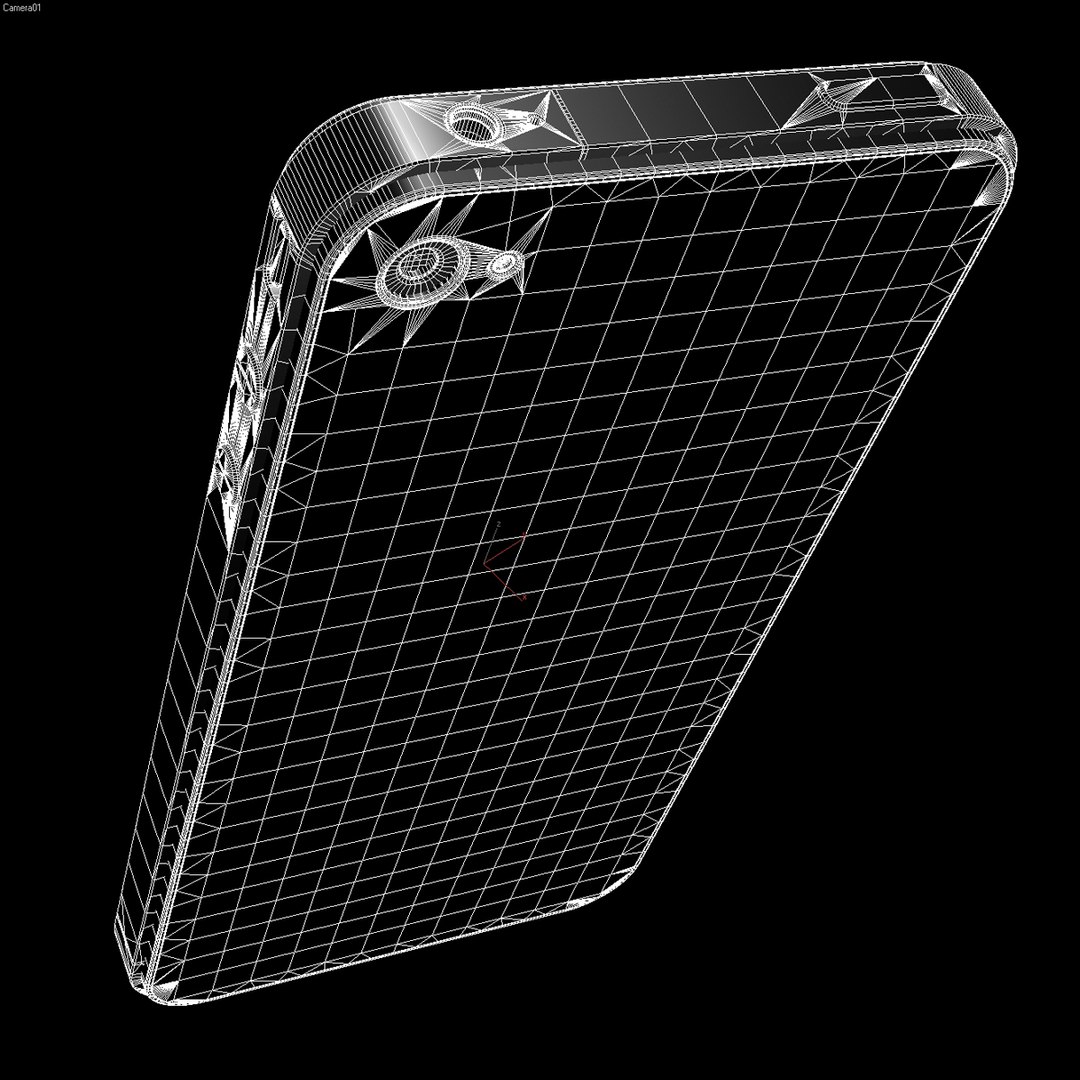
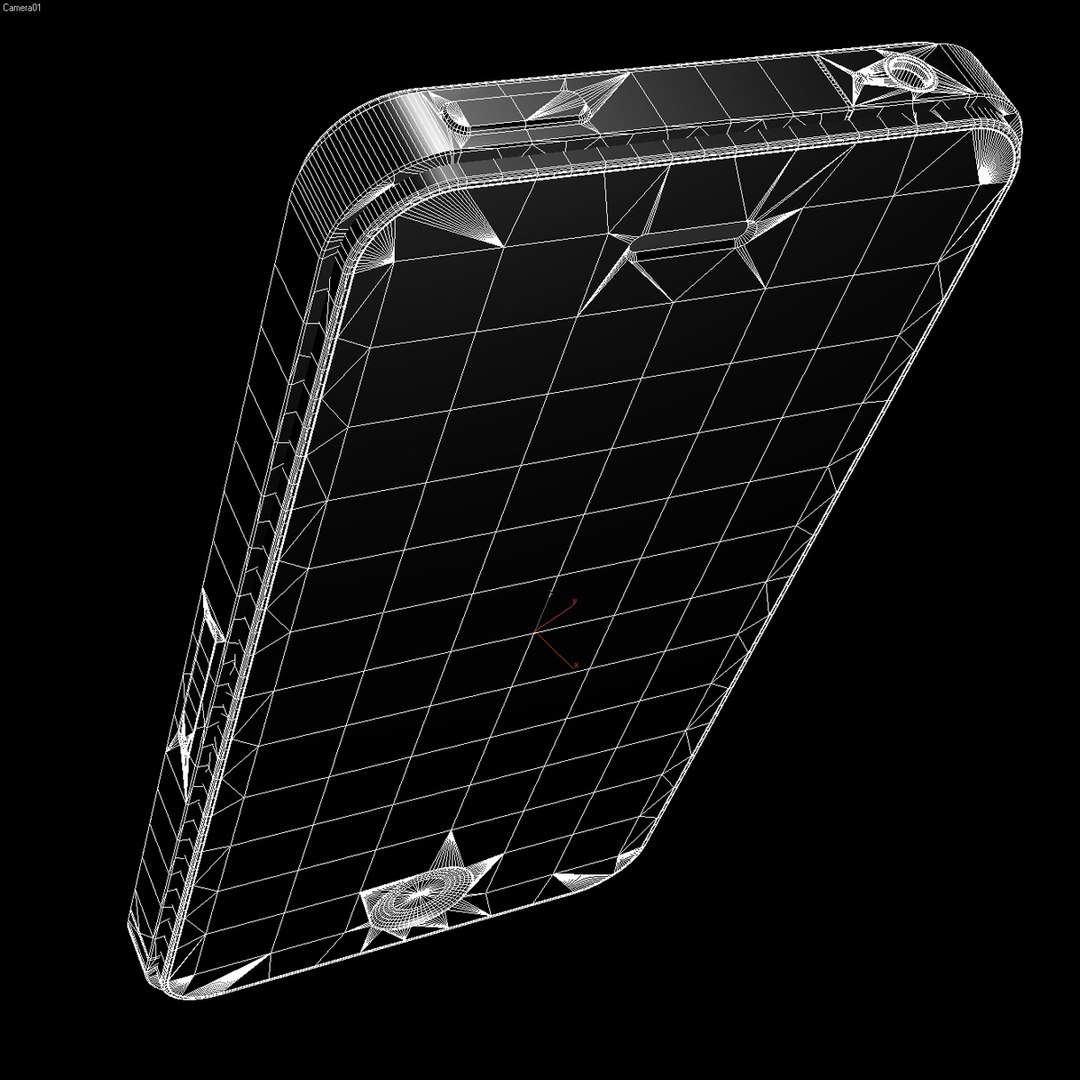
Polygons 31,963
Vertices 26,727
Polygonal Quads/Tris Geometry
Textures
Materials
UV Mapped
TurboSquid Exclusive

member avatar
MatorIn
397 Products | Contributor Since 2002
Have questions? Chat with us now.

Description

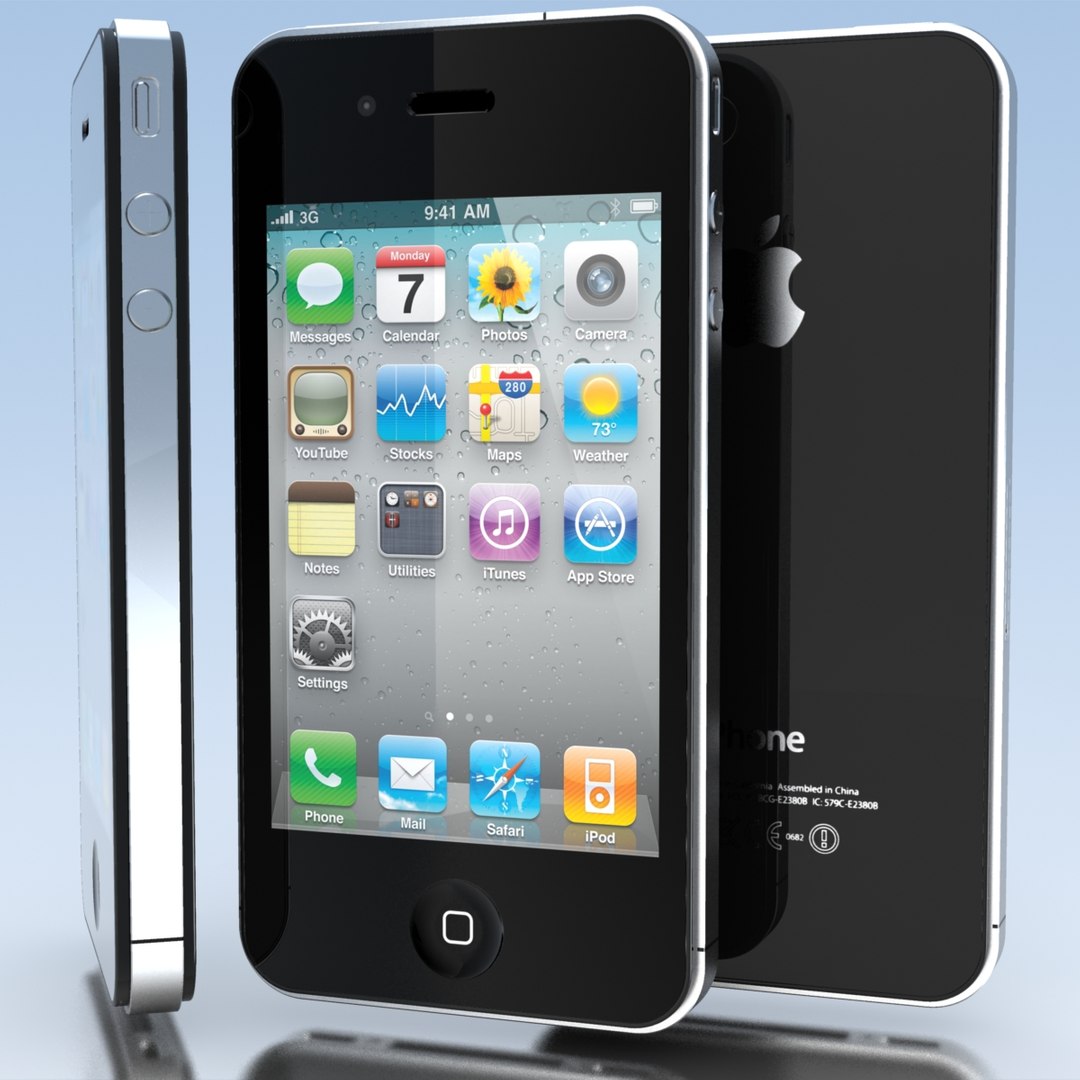
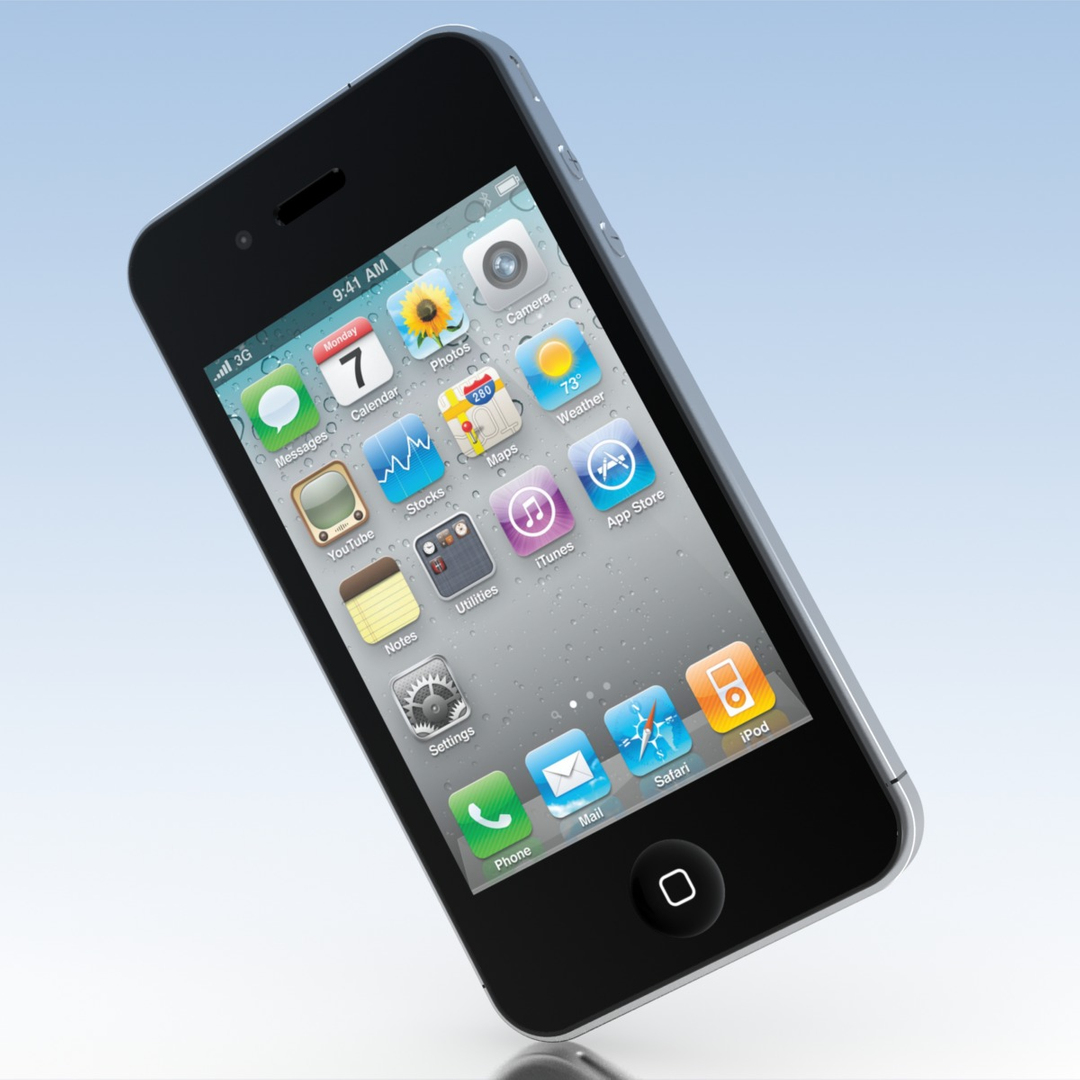
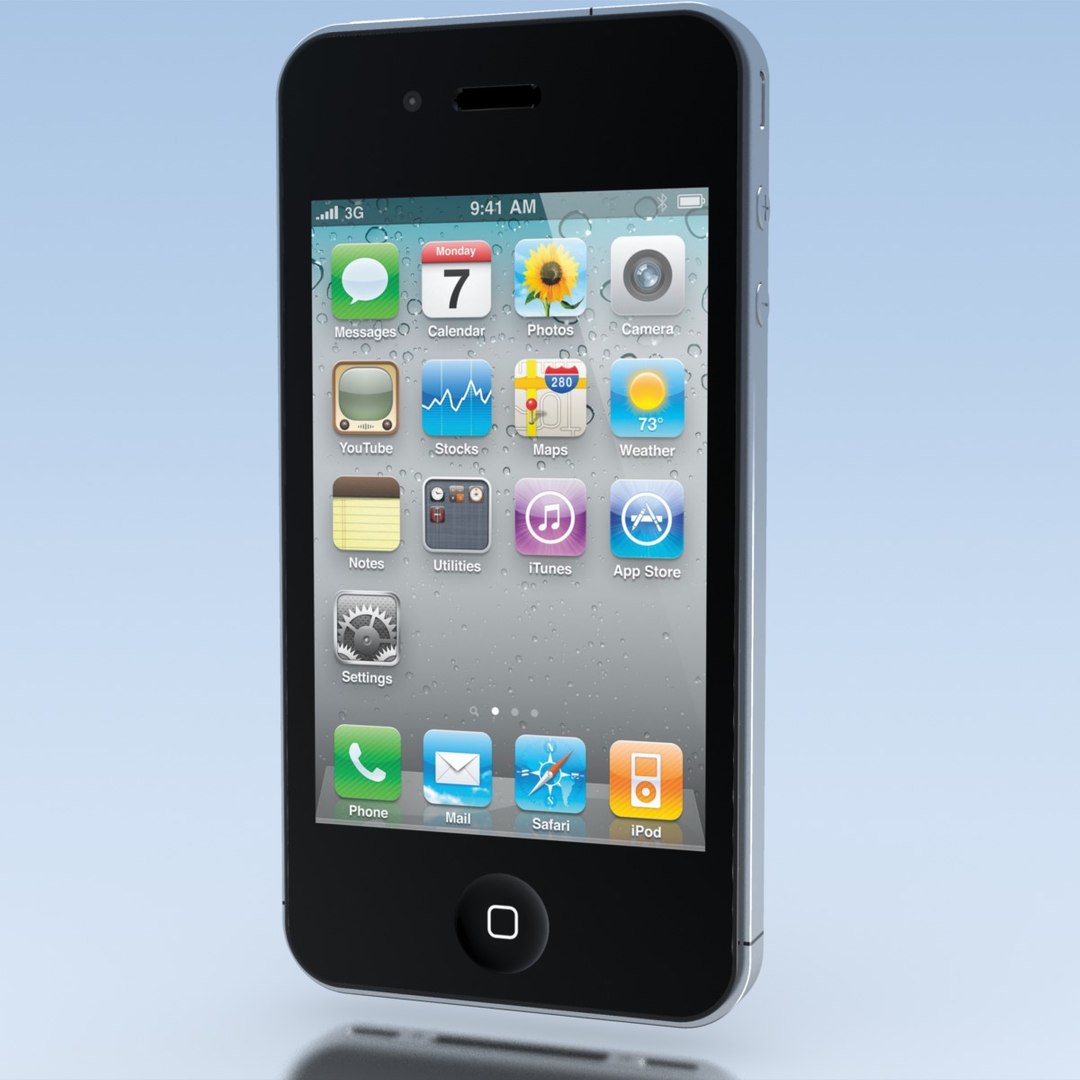
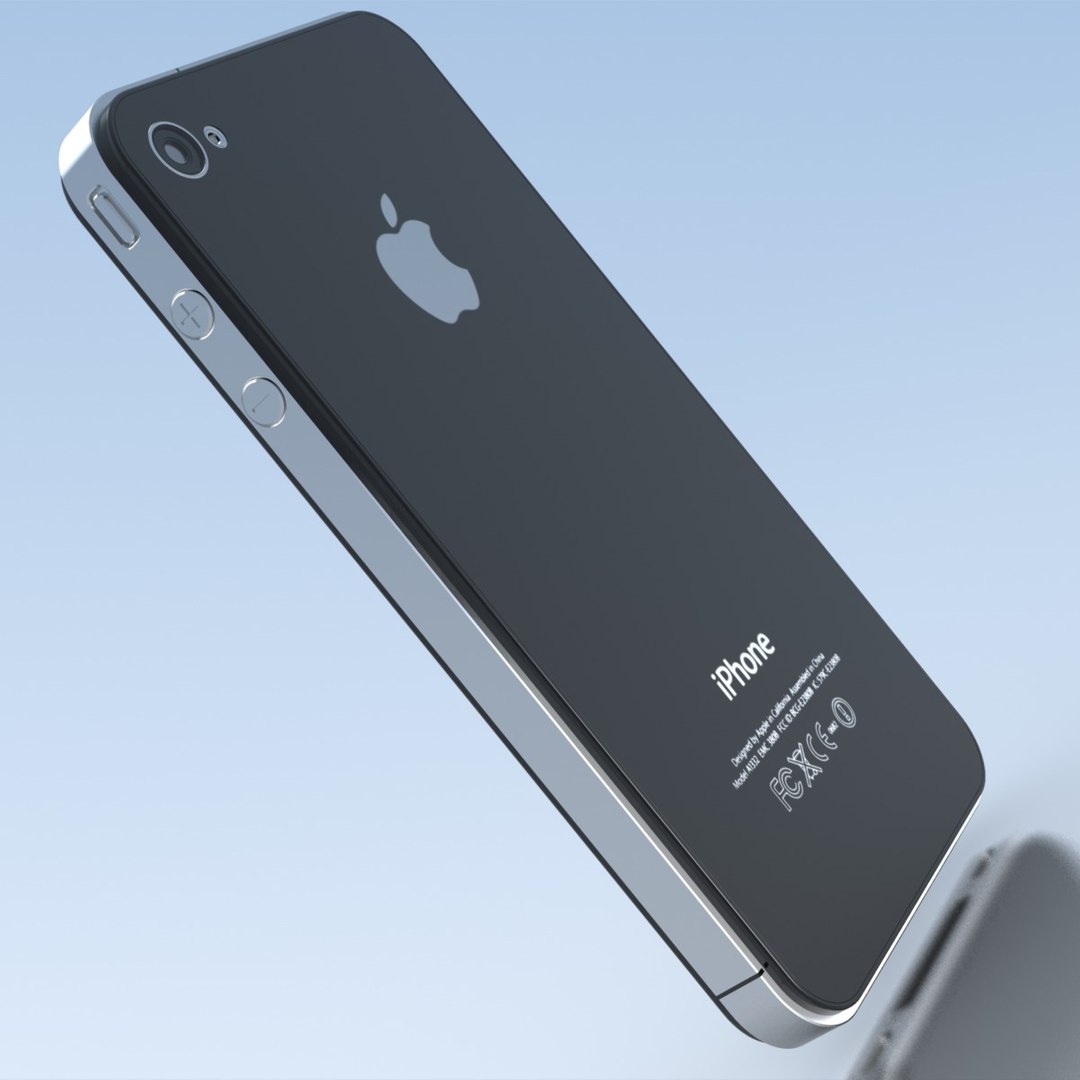
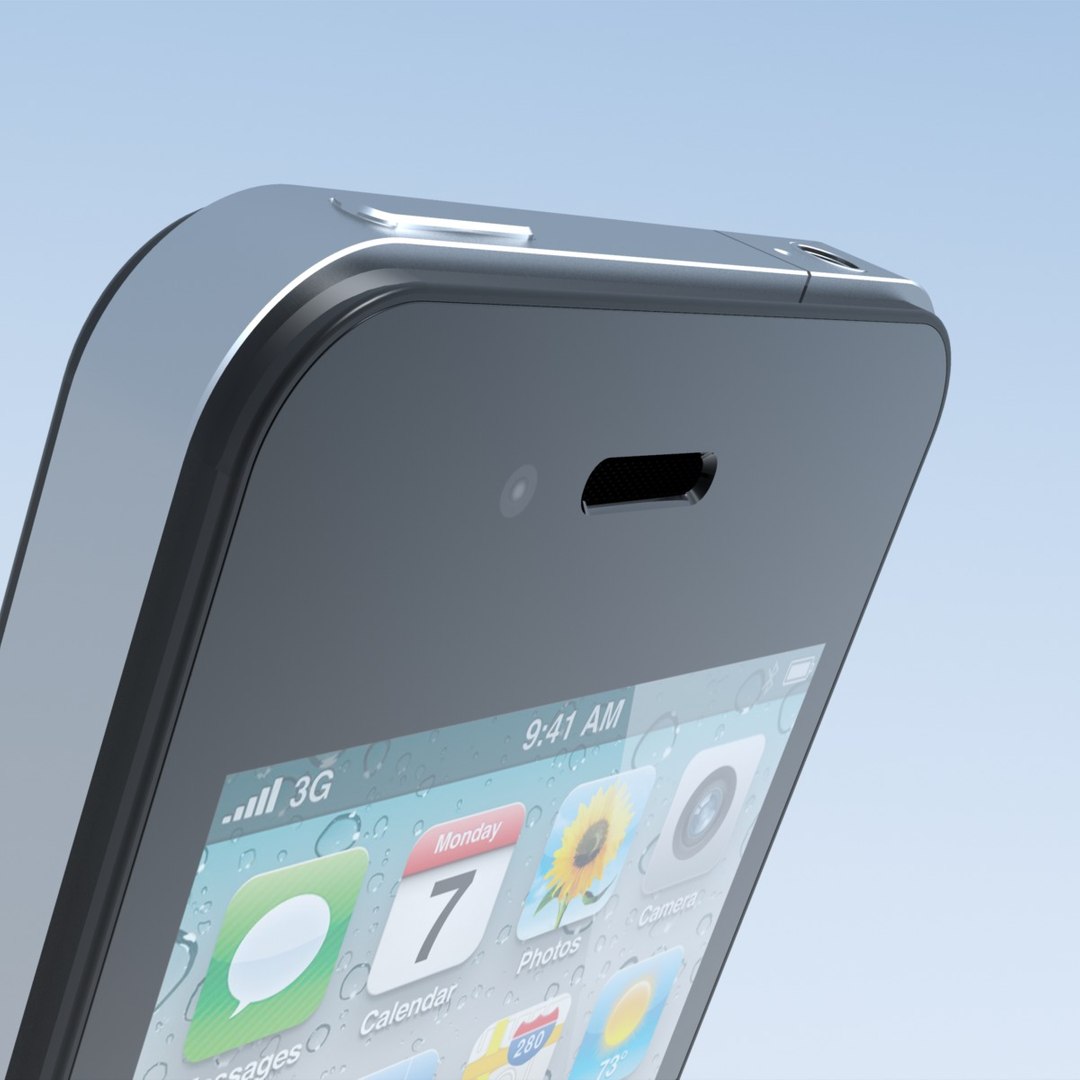
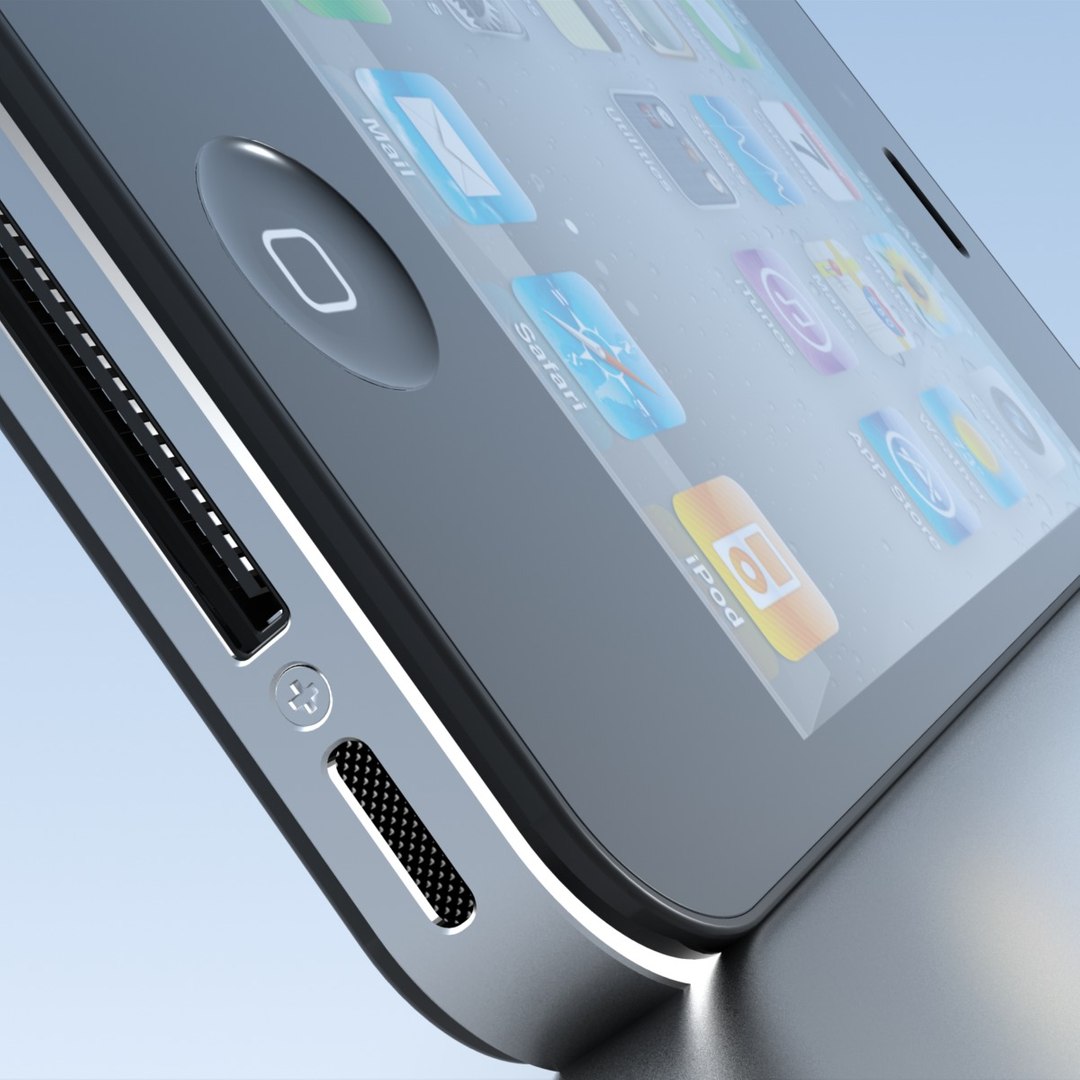
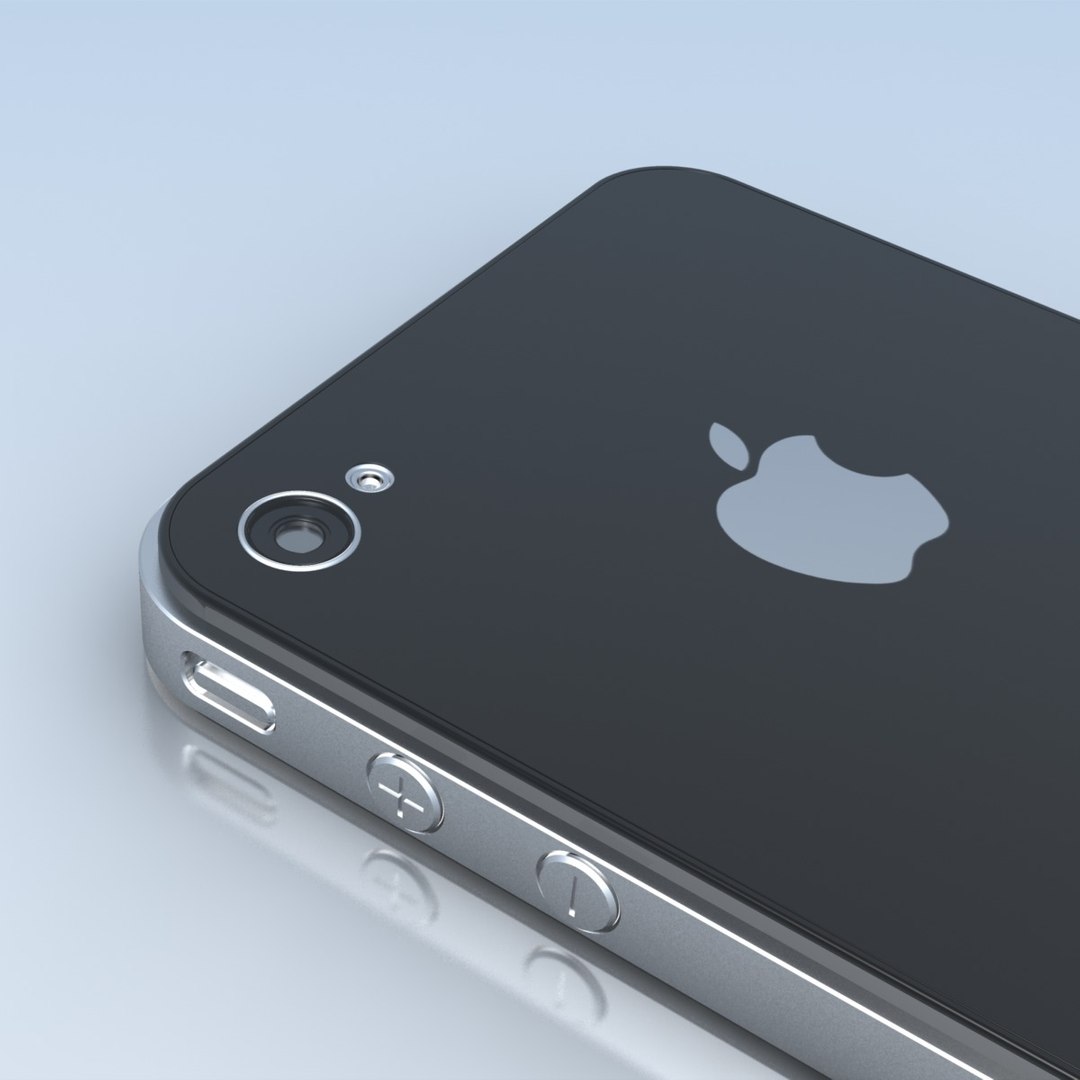
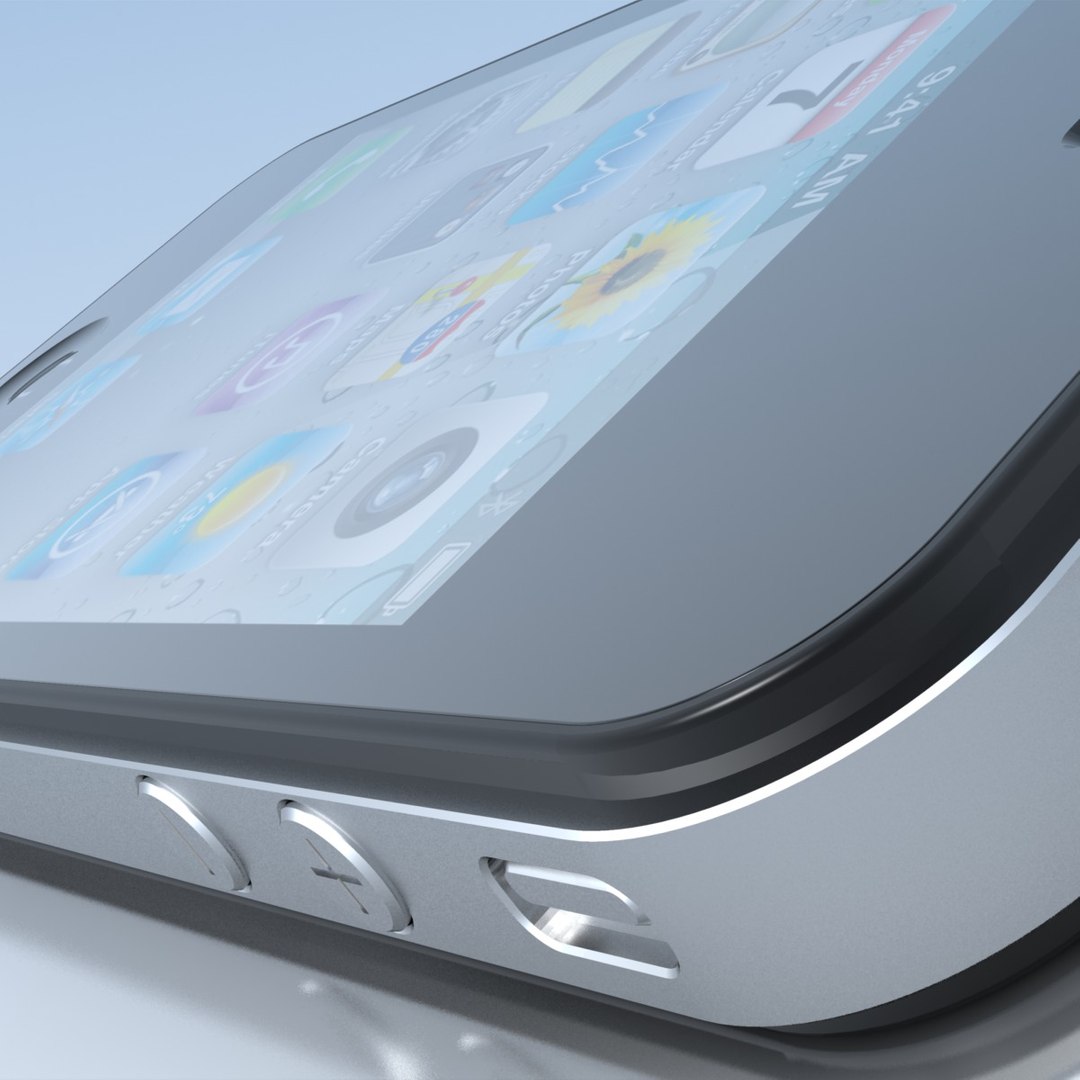
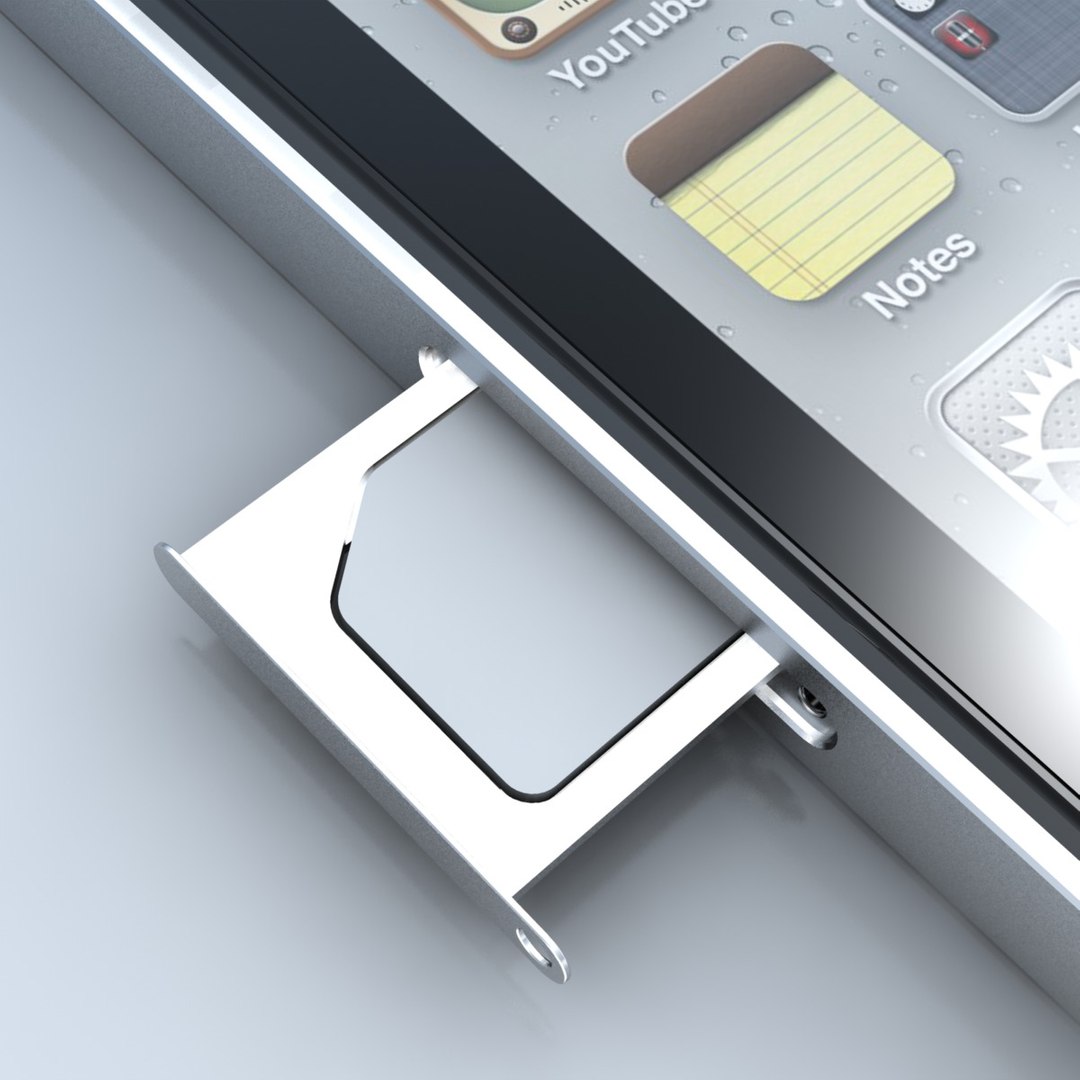
iPhone4

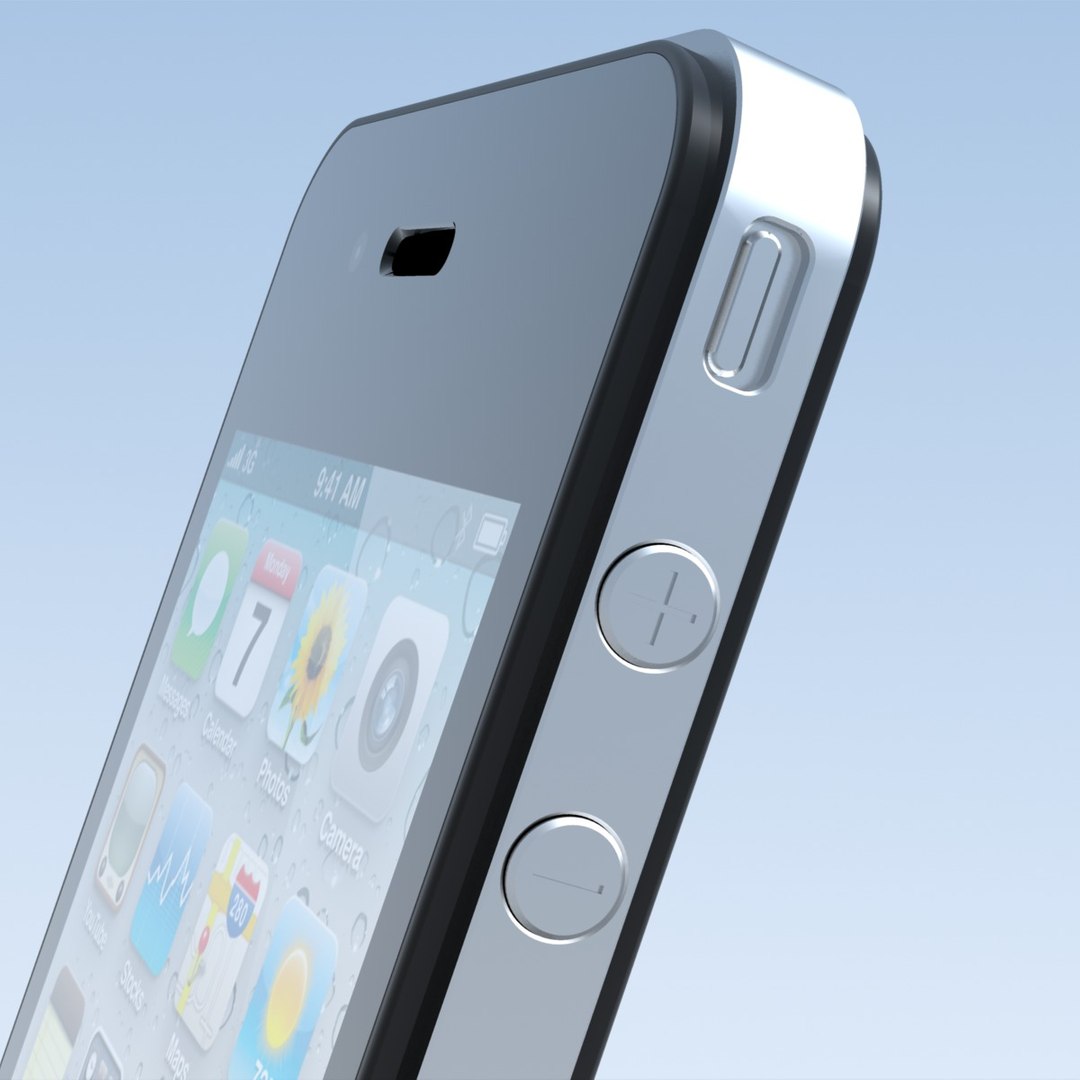
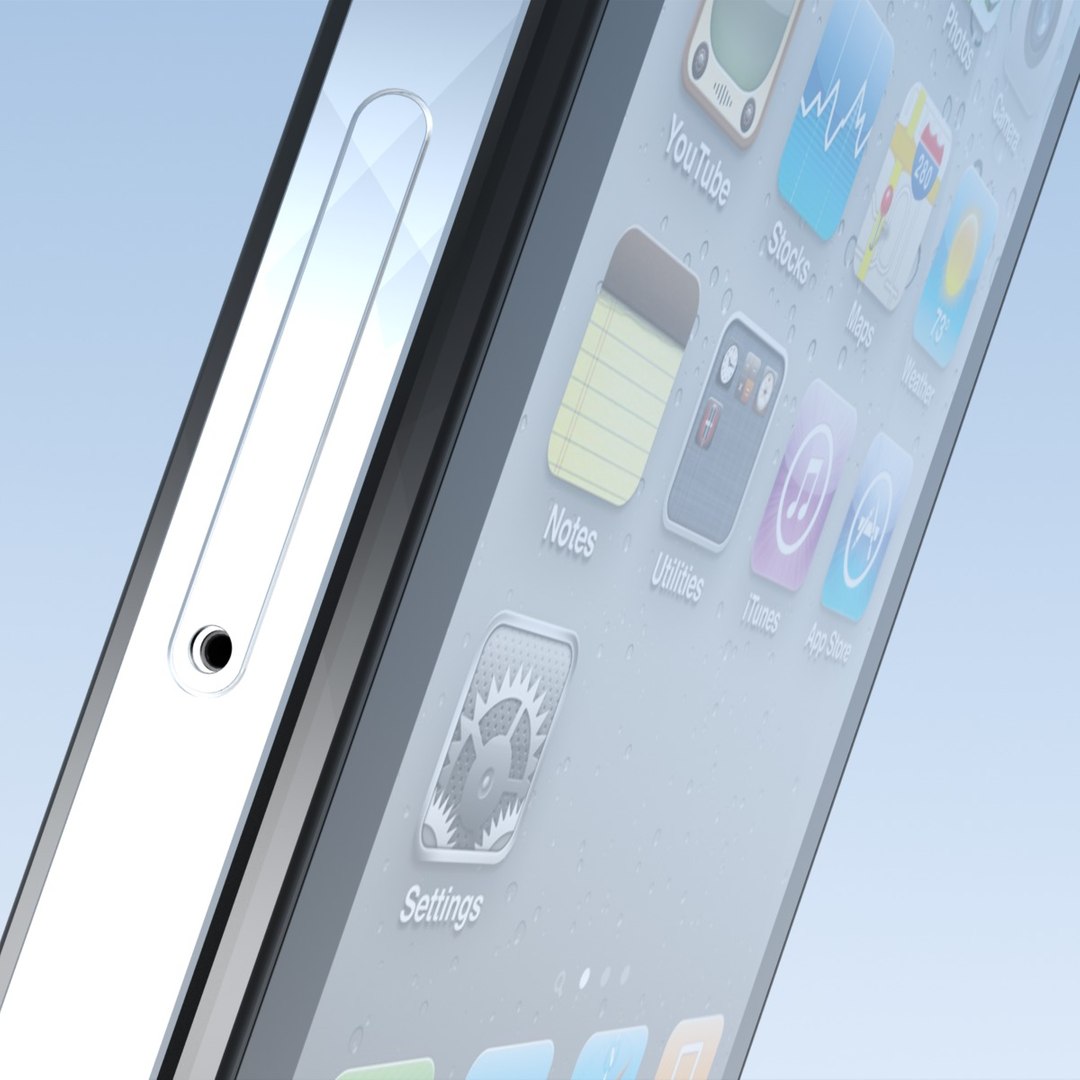
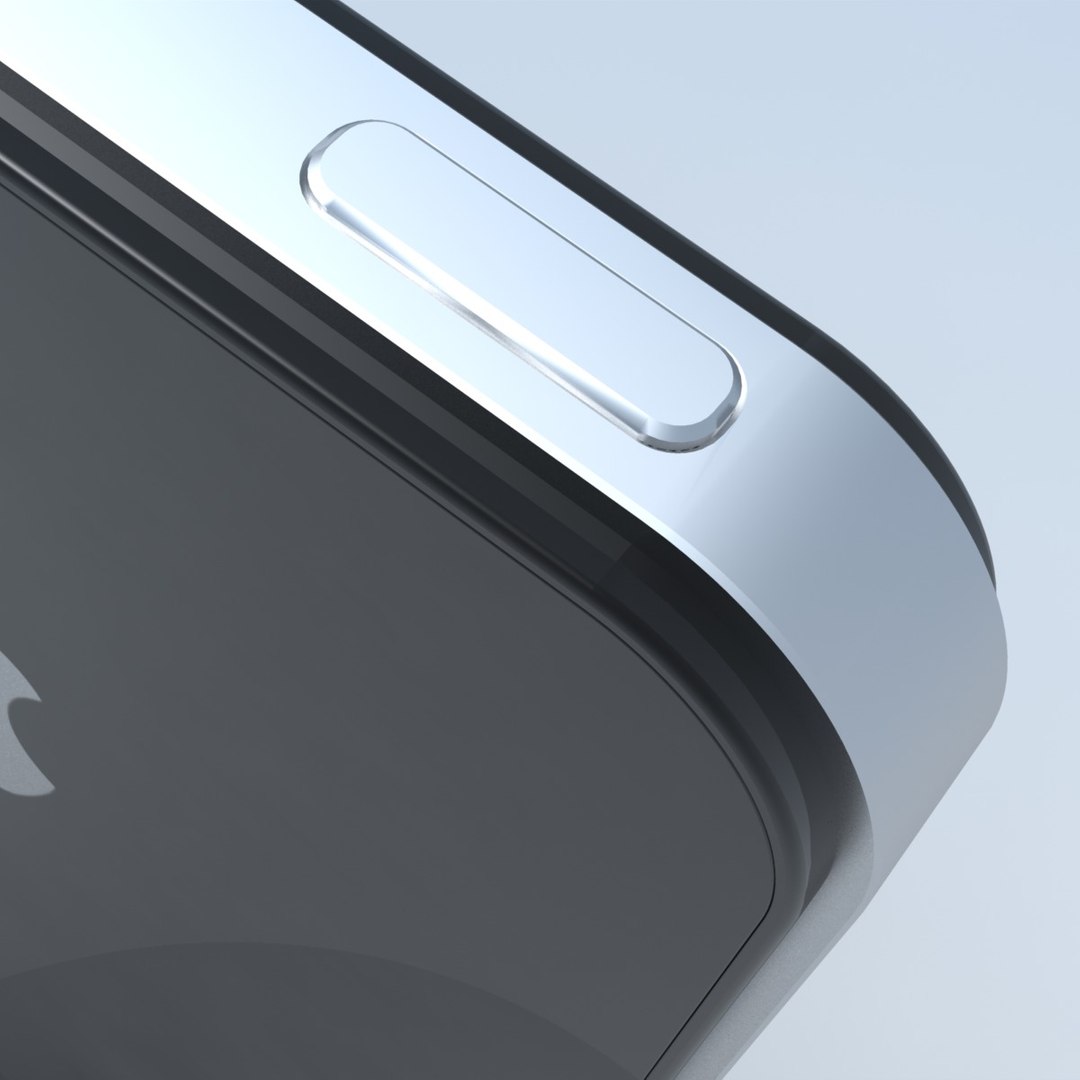
Full true visible detail: accurate copy of the original model, suitable for extreme close-ups.

Proper world dimensions.

The model originally was created in 3ds Max 9.
Previews and turntable were rendered in 3ds Max 9, FinalRender Stage-1 renderer.
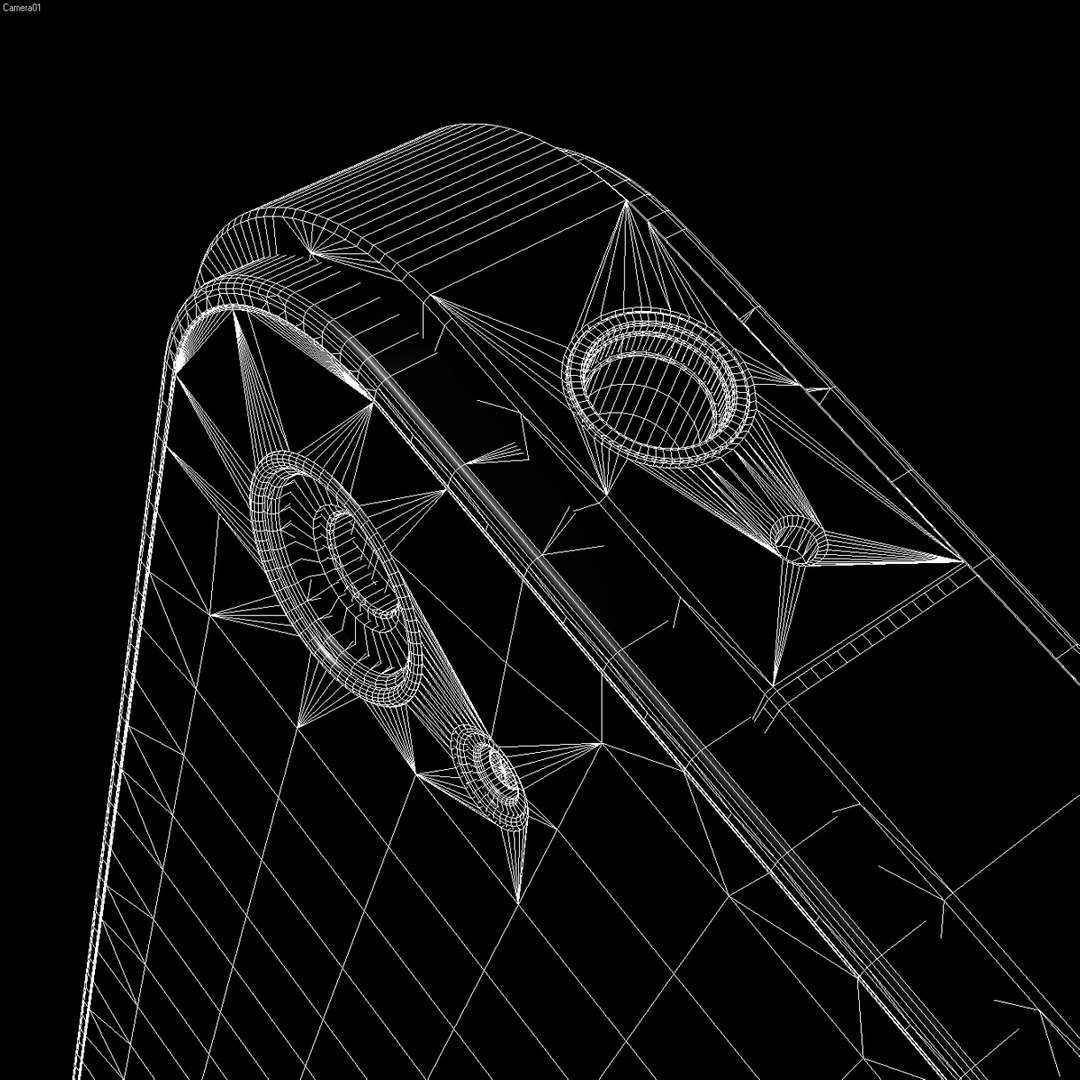
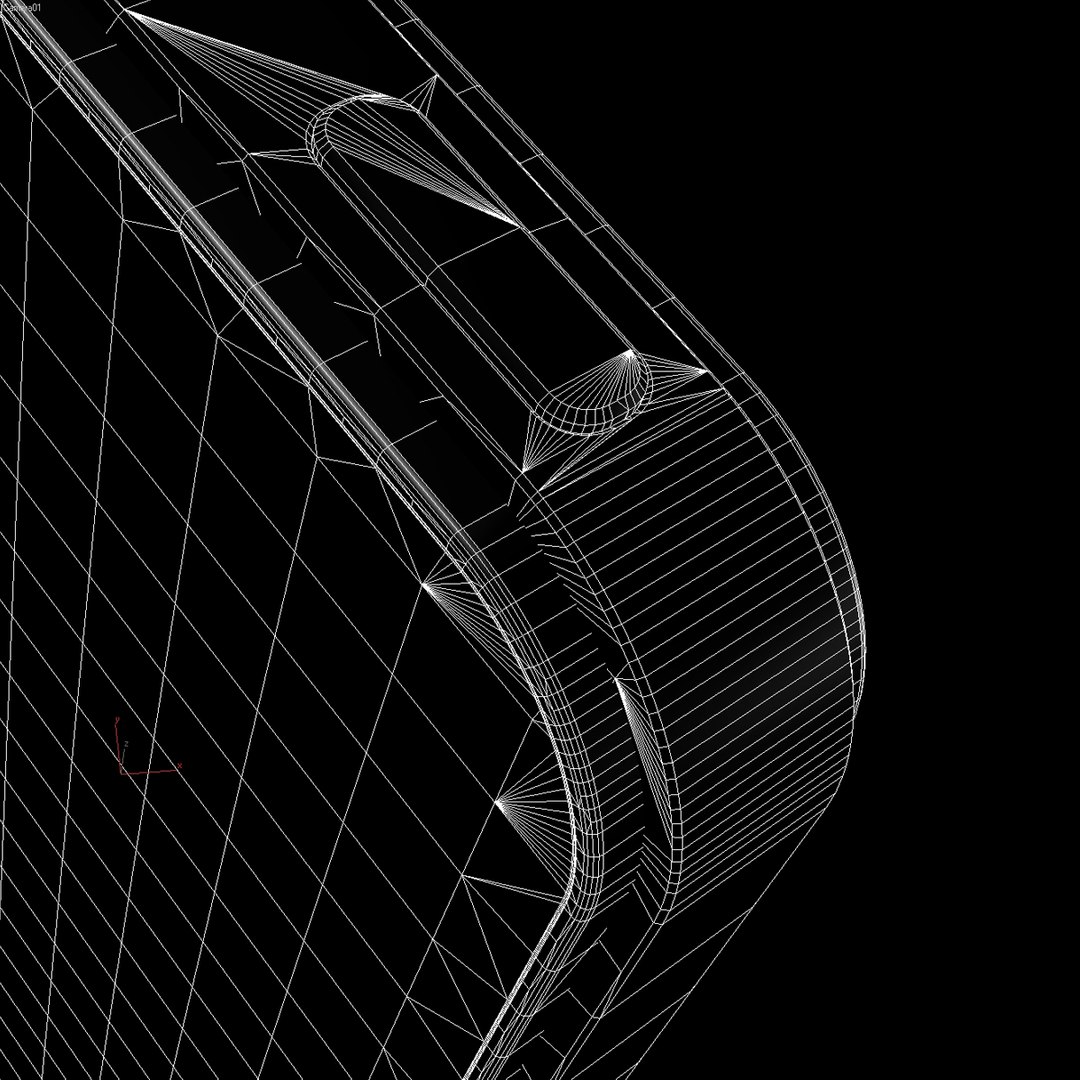
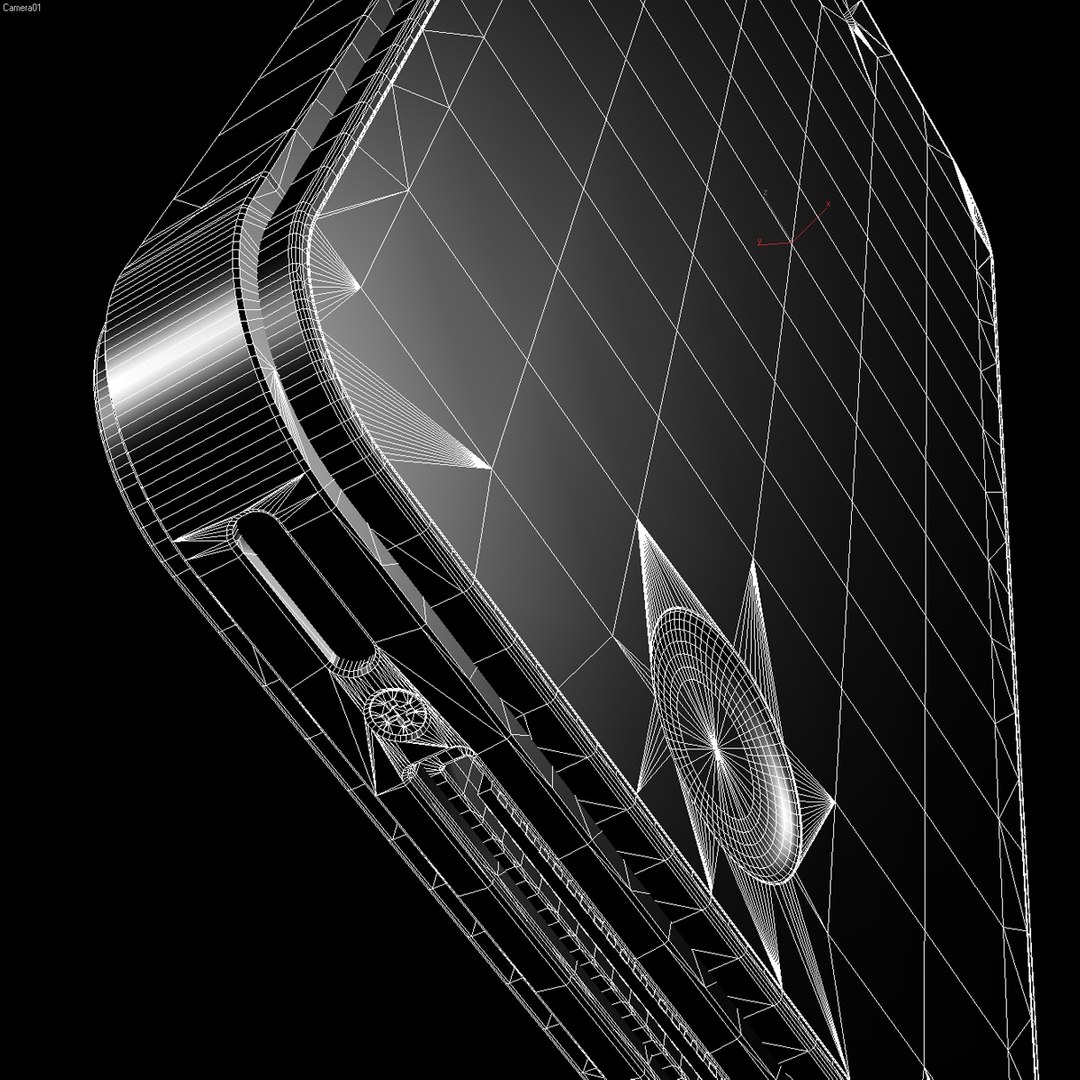
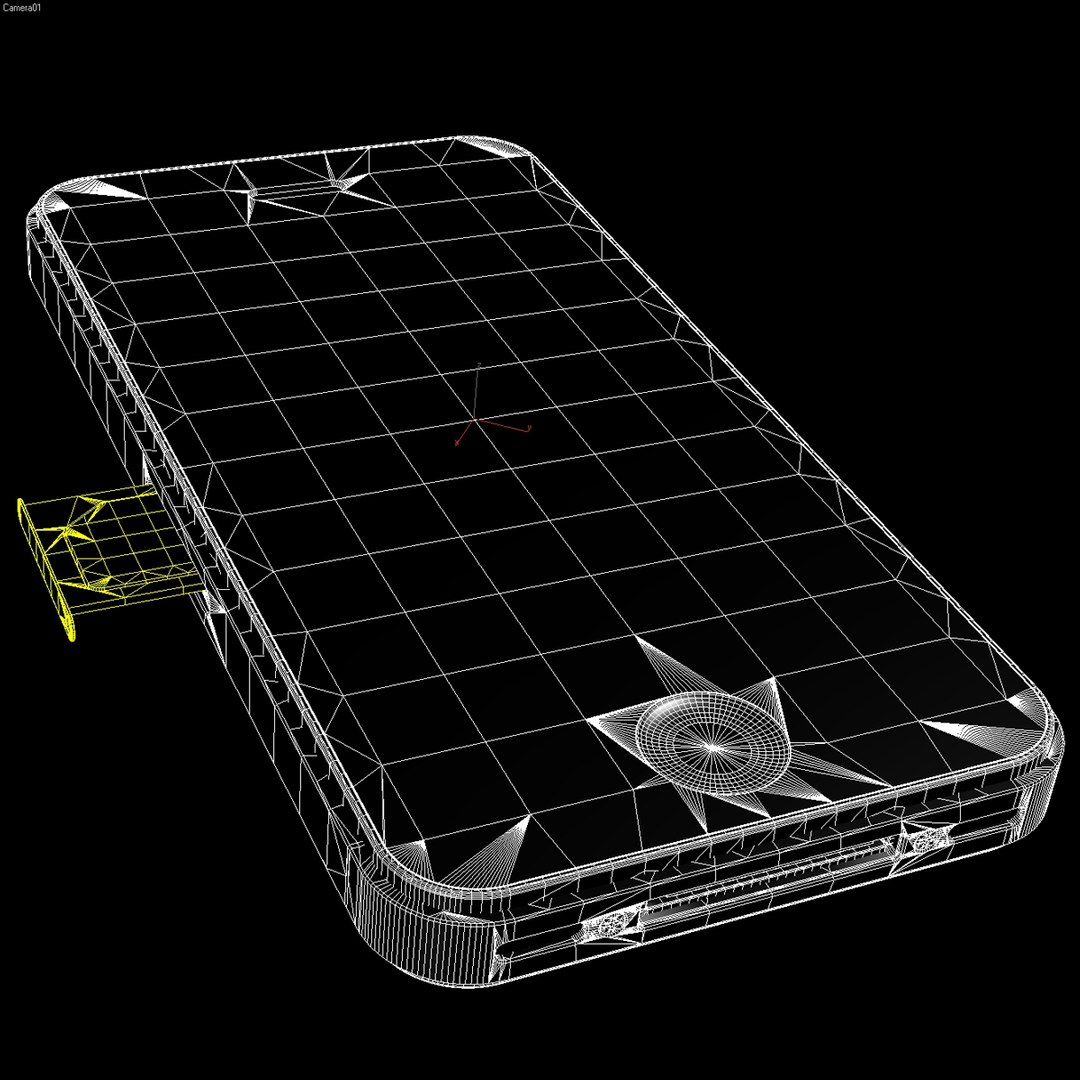
Wireframes were captured from 3ds Max 9 viewport.


Product includes 3 3ds Max setups:
1.3ds Max 9.FinalRender Stage-1 renderer (requires plugin)
2.3ds Max 9.Scanline renderer+raytrace materials
3.3ds Max 9.V-Ray 1.53

All other formats were exported, tested and adjusted in respective software.

All materials in all formats are retained, clearly named (like "BlackPlastic") and are properly assigned.


All objects are properly named and grouped for modification or animation.

Proper world position, scale, alignment, pivots in all formats.

All versions are ready to render as seen in previews. OBJ and FBX render results may vary depending on renderer.

All versions are optimized for instant hassle-free import into any existing project.

Select Enhanced License

  • $10,000 in Legal Protection (Indemnification)
  • Uncapped Legal Protection (Indemnification)
  • Waiver from injunctive relief
  • Assignable model rights
  • $1,000,000 in Legal Protection (Indemnification)
  • Waiver from injunctive relief
  • Assignable model rights
  • $250,000 in Legal Protection (Indemnification)
  • Assignable model rights
Read more about enhanced license tiers, or contact us at enterprise@turbosquid.com. Already a Shutterstock Enterprise Customer? Contact your Shutterstock Sales Support Agent to talk about adding 3D.

About Conversion Requests

To submit a conversion request for a purchased asset, please complete our Conversion Request Form.

If you have not yet purchased a model, please review our Documentation about Conversions to learn about what limitations you may encounter with a conversion.

For any additional questions about a model’s suitability for conversion, please contact TurboSquid Support.

Loading...