
Ballistic Knife Mk2

$45

Formats (4)
Free file format Conversions available
Blender
FBX
Lightwave
OBJ
Specifications
Publish Date May 24, 2011
Product ID 606525
Polygons 3,417
Vertices 3,327
Polygonal
Textures
Materials
UV Mapped
Overlapping Unwrapped UVs

member avatar
SpecterArts
194 Products | Contributor Since 2006
Have questions? Chat with us now.

Description

Artwork information:
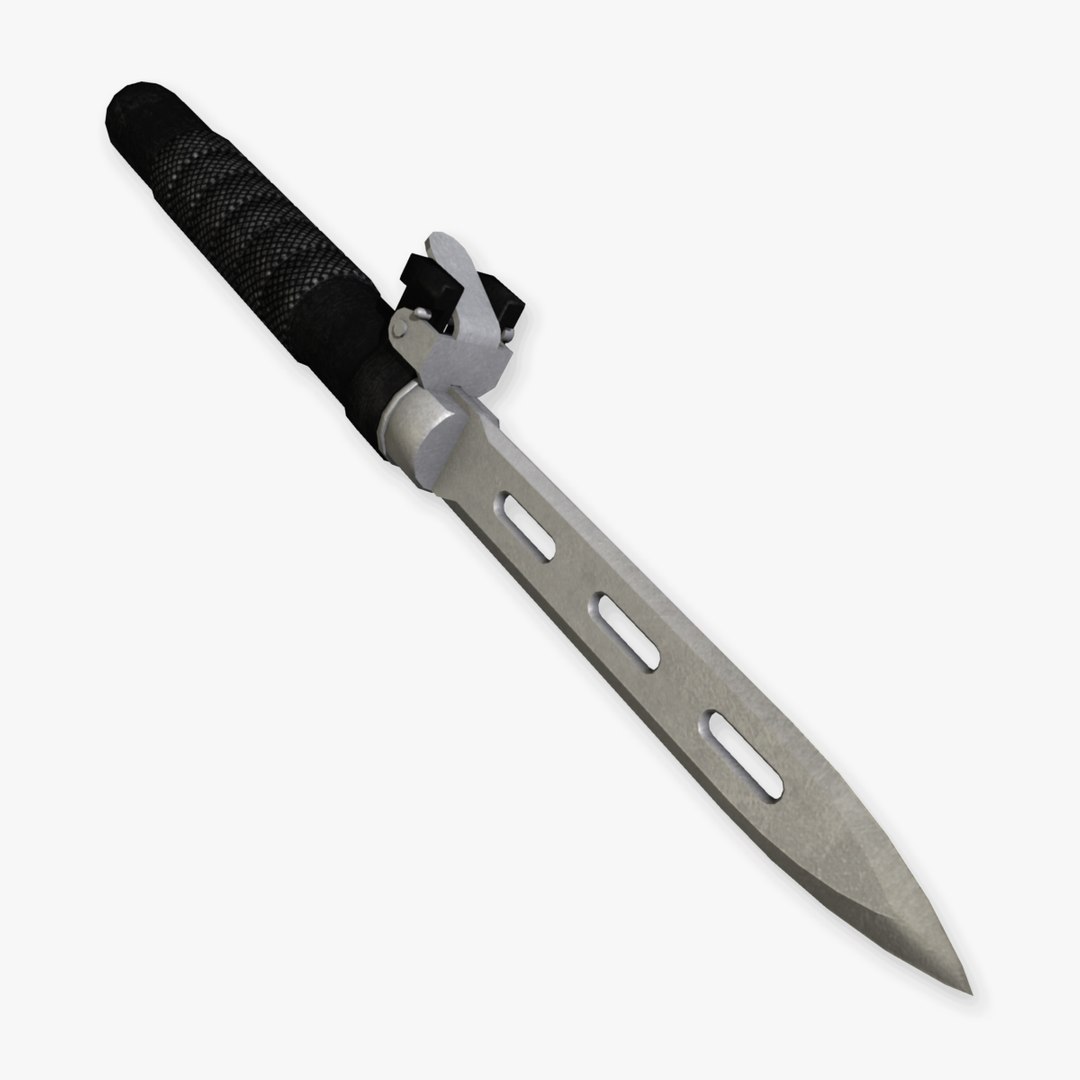
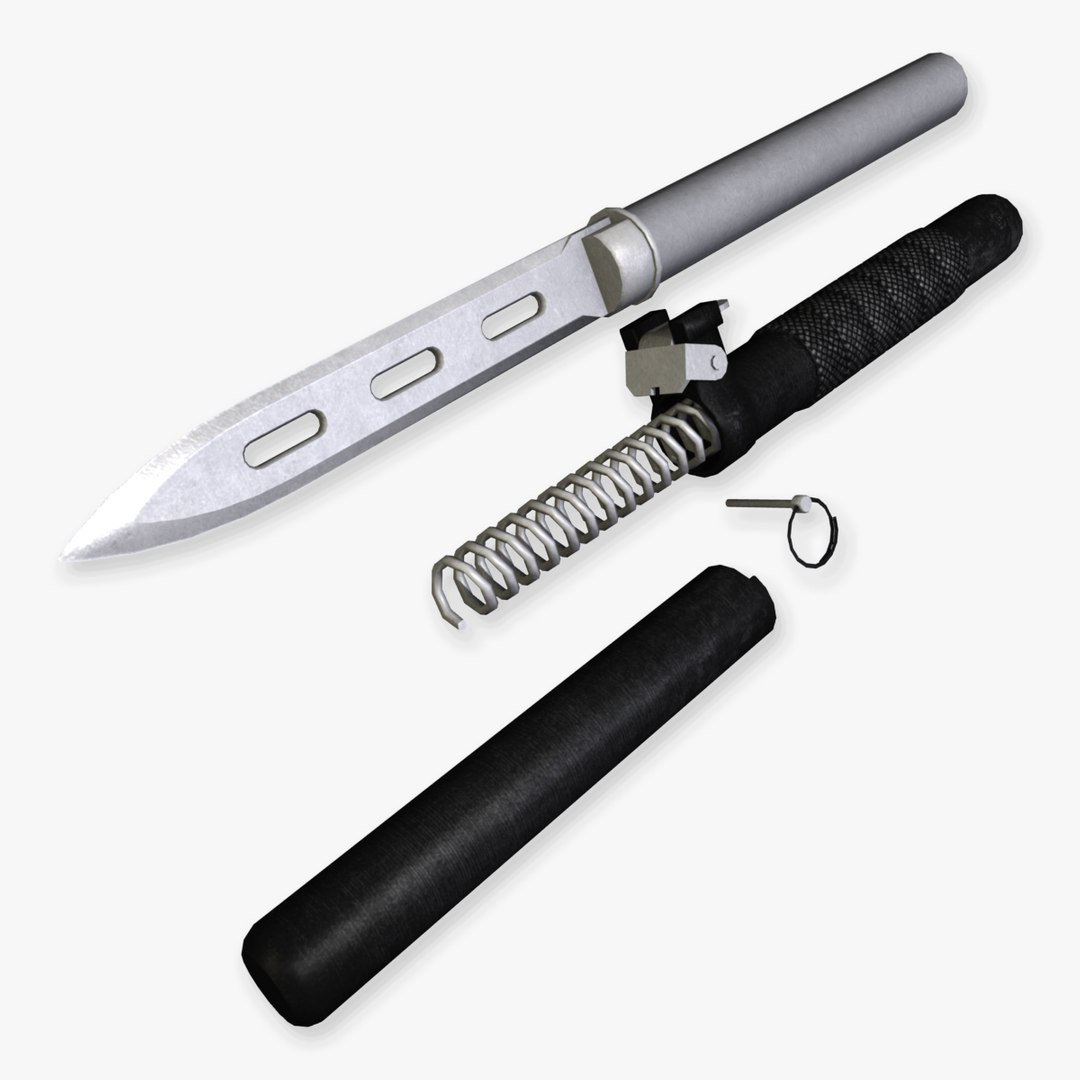
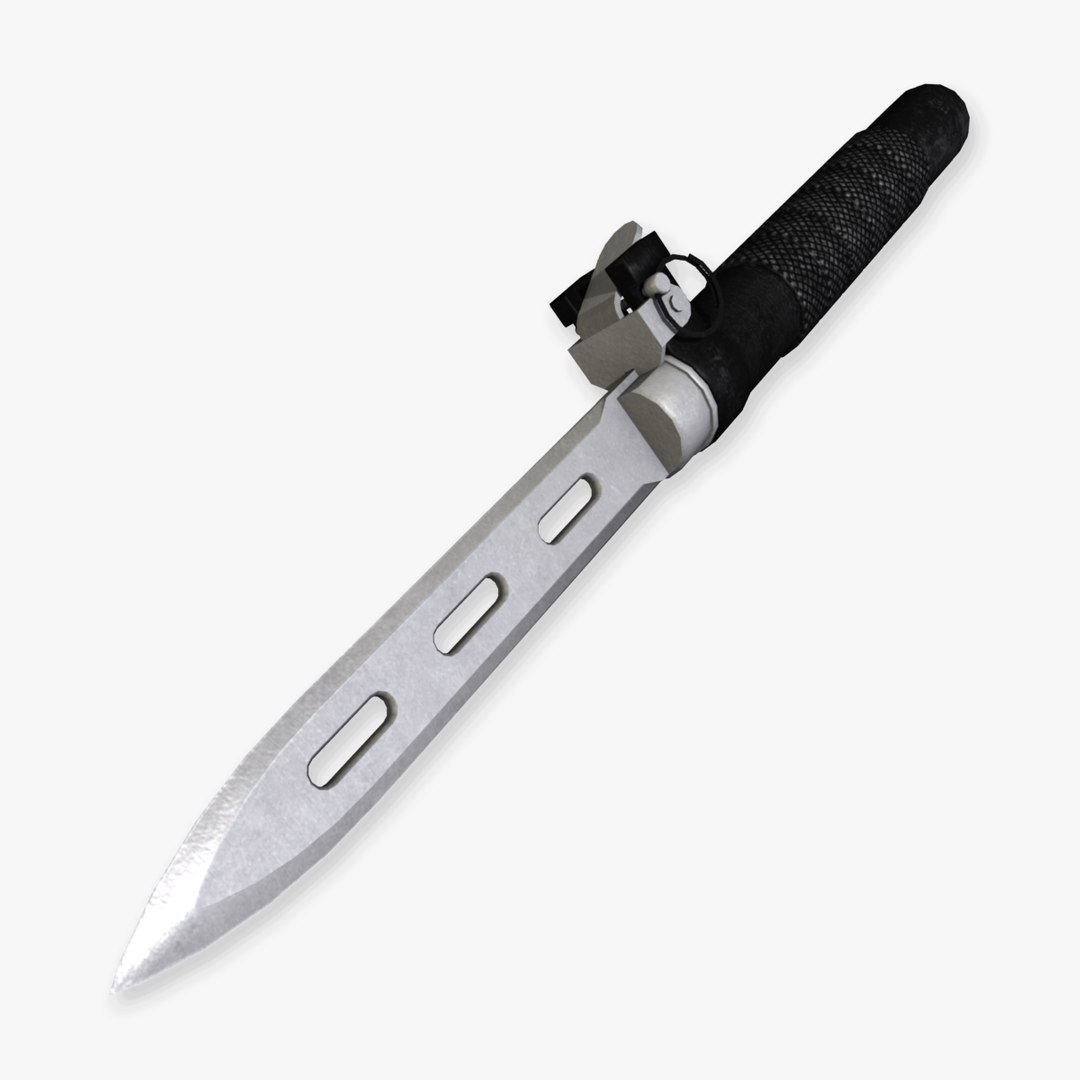
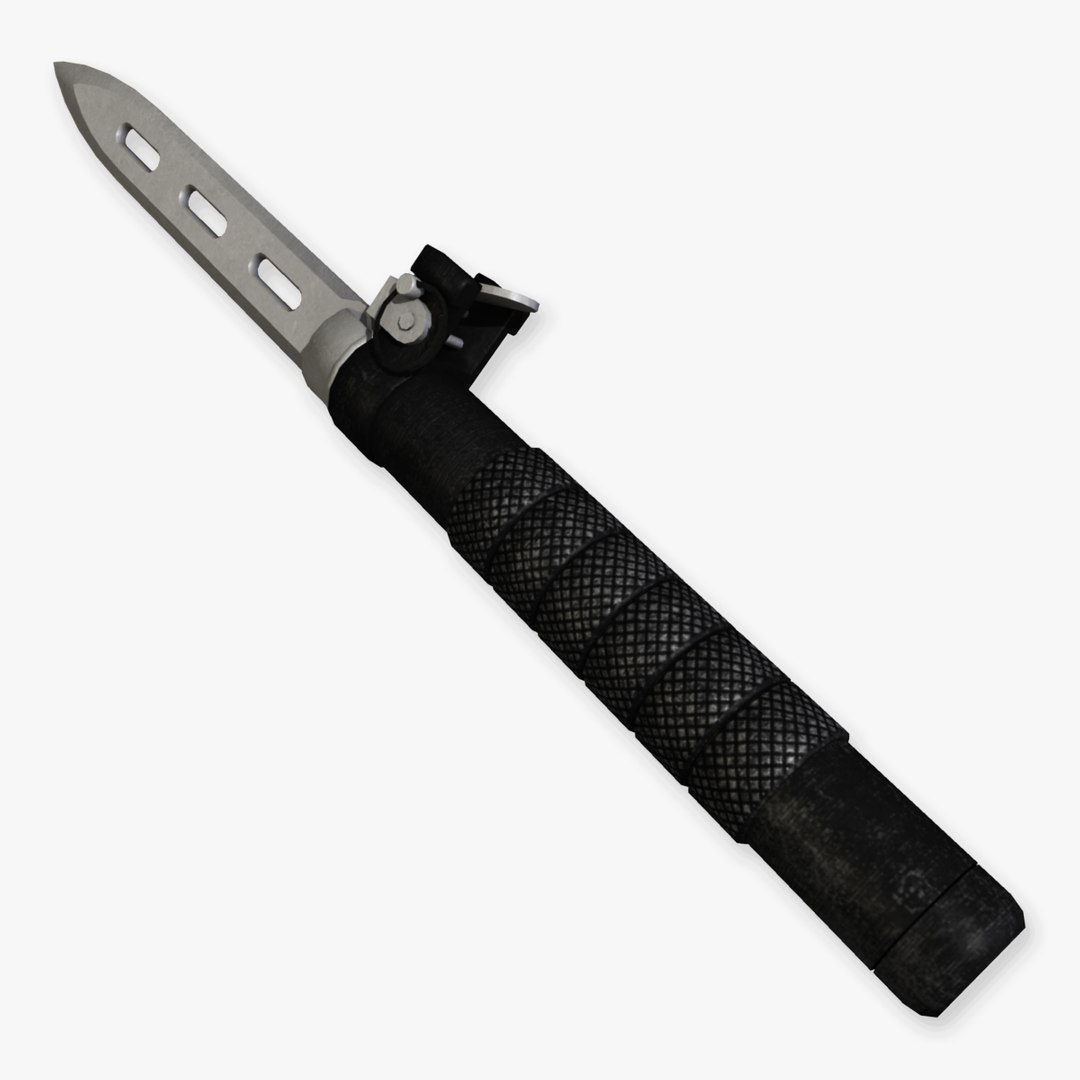
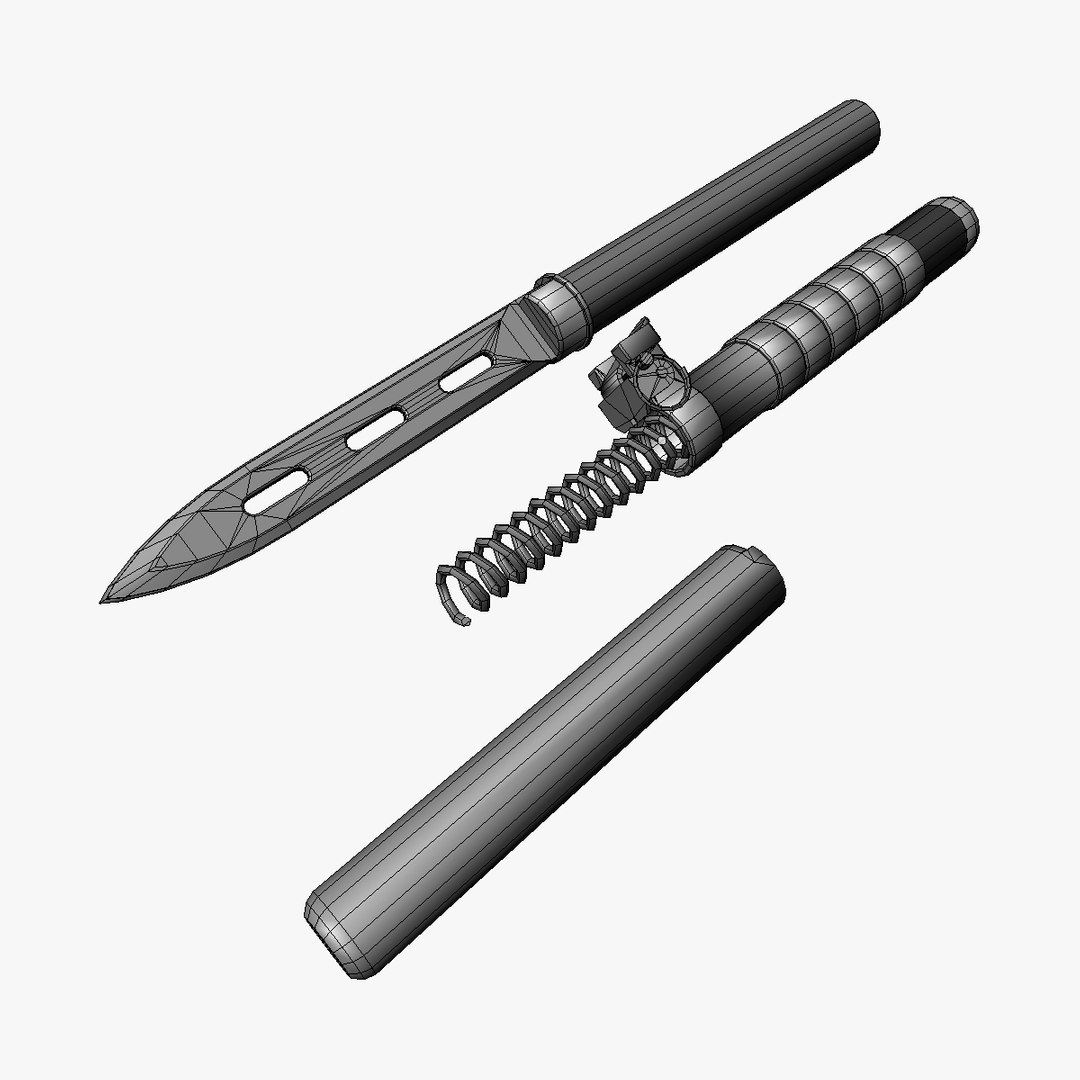
-Model is representative of a lever activated ballistic knife: Originally designed for use by Special Forces and covert operatives, the ballistic knife is spring powered and virtually silent. The dagger like blade is excellent for slashing and stabbing. The ballistic knife can be used as a conventional edge weapon or the blade assembly can be launched via the internal spring.

Model information:
-Model can be separated into various components.
-Model is optimized for use in real-time render applications.

- Verts: 3327
- Tris: 6658
- Faces: 3417

UV information:
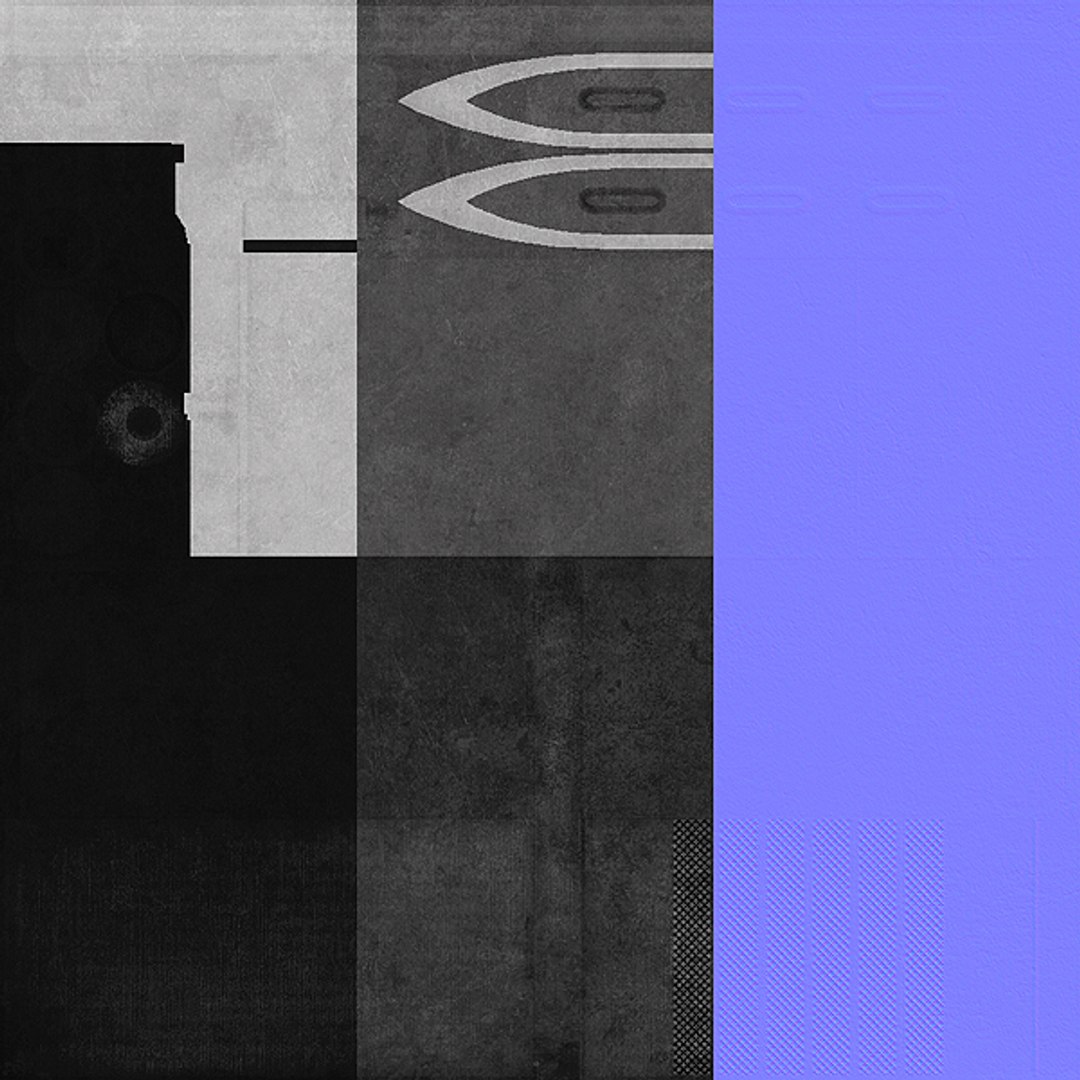
-Model is completely UV unwrapped: overlapping UVs used on a small portion of the blade"s top and bottom edges.

Color map information:
-Color map is a 24 bit, .jpg
-Color map resolution is 1024x1024 pixels.

Normal map information:
-Normal map is a 24 bit, .jpg
-Normal map resolution is 1024x1024 pixels.

Specular map information:
-Specular map is a 24 bit, .jpg
-Specular map resolution is 1024x1024 pixels.

Scene and lighting information:
-Lighting and camera rig included in the source .blend file: open and key f12 to render.

Copyright Information:
-3D Model(s), texture(s) and image(s) copyright © 2011 Specter Arts

Select Enhanced License

  • $10,000 in Legal Protection (Indemnification)
  • Uncapped Legal Protection (Indemnification)
  • Waiver from injunctive relief
  • Assignable model rights
  • $1,000,000 in Legal Protection (Indemnification)
  • Waiver from injunctive relief
  • Assignable model rights
  • $250,000 in Legal Protection (Indemnification)
  • Assignable model rights
Read more about enhanced license tiers, or contact us at enterprise@turbosquid.com. Already a Shutterstock Enterprise Customer? Contact your Shutterstock Sales Support Agent to talk about adding 3D.

About Conversion Requests

To submit a conversion request for a purchased asset, please complete our Conversion Request Form.

If you have not yet purchased a model, please review our Documentation about Conversions to learn about what limitations you may encounter with a conversion.

For any additional questions about a model’s suitability for conversion, please contact TurboSquid Support.

Loading...