

Milk Drop 5

$79

Standard License | Upgrade License
Formats (4)
Free file format Conversions available
Native | 3ds Max 2010 | V-Ray
Other Textures
OBJ
FBX
Specifications
Publish Date April 11, 2015
Product ID 915379
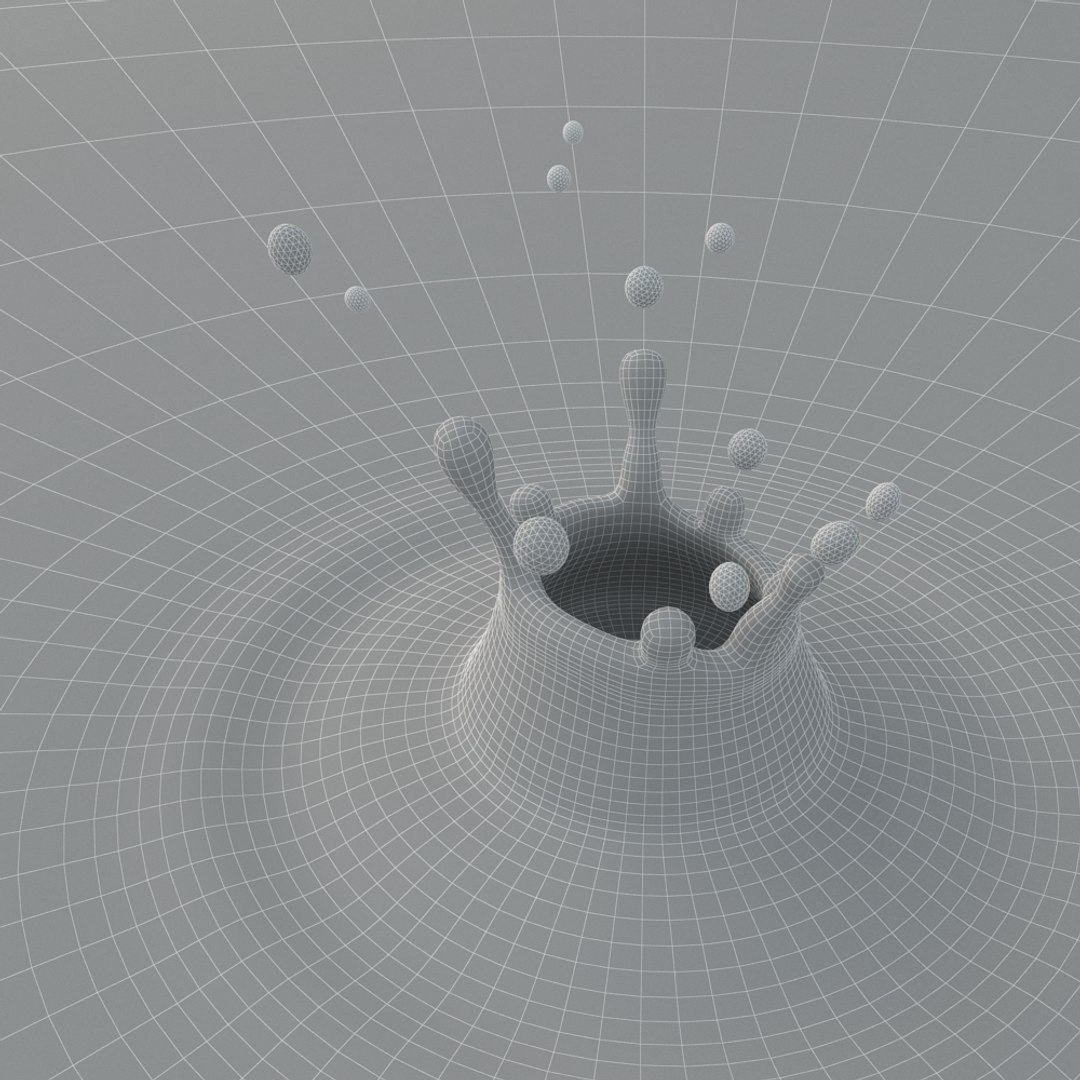
Polygons 62,000
Vertices 31,000
Polygonal
Materials

member avatar
cgwarehouse
2000 Products | Contributor Since 2014
Have questions? Chat with us now.

Description

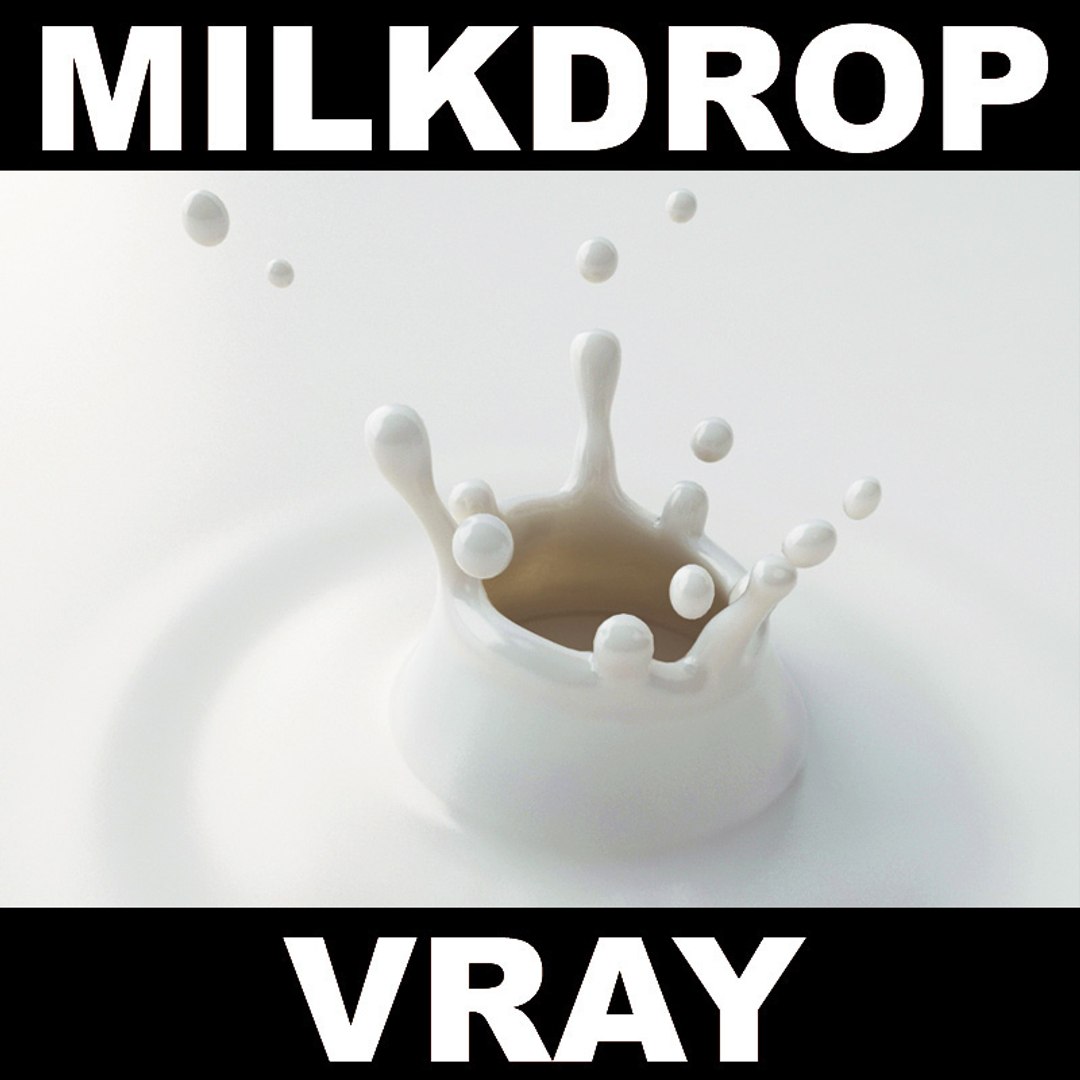
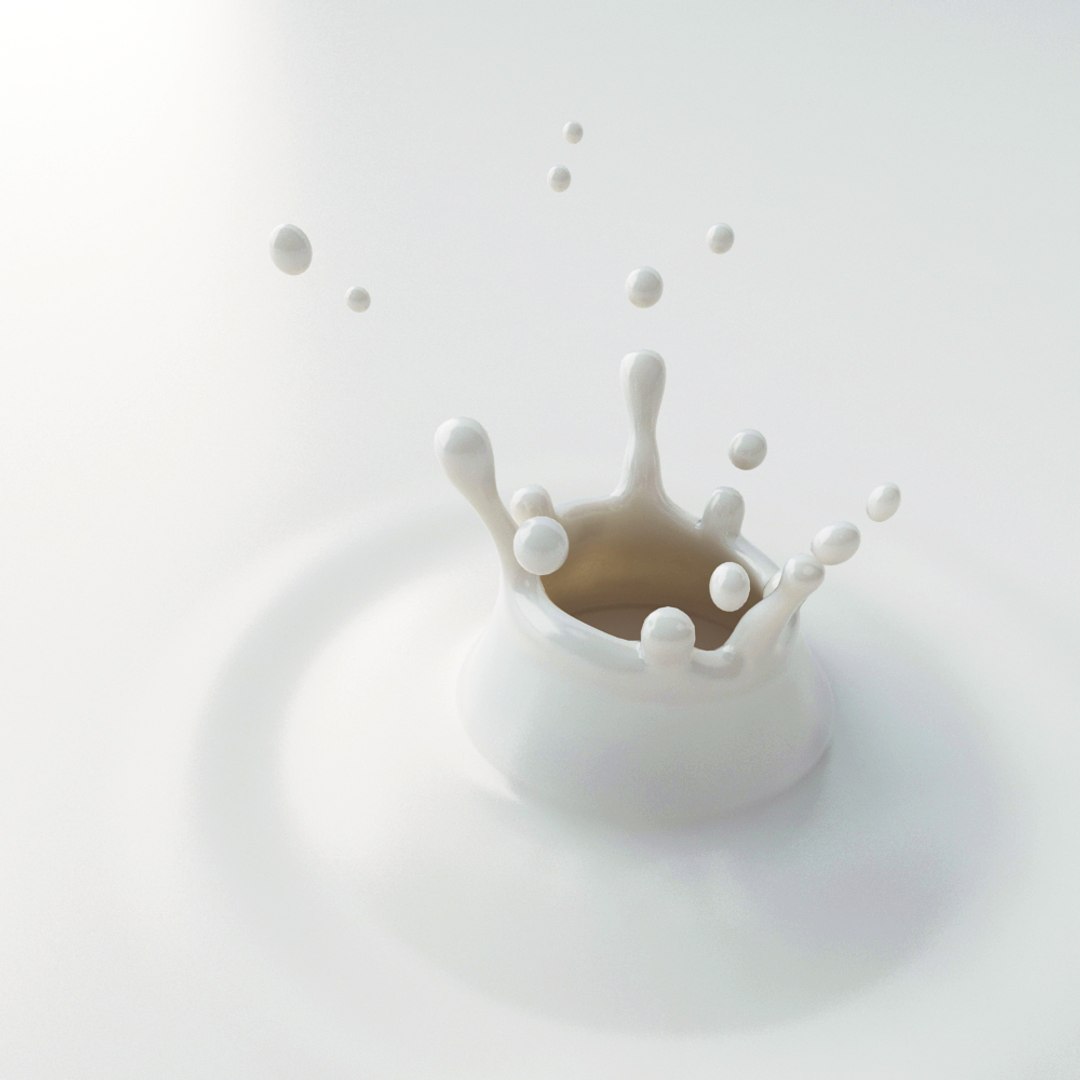
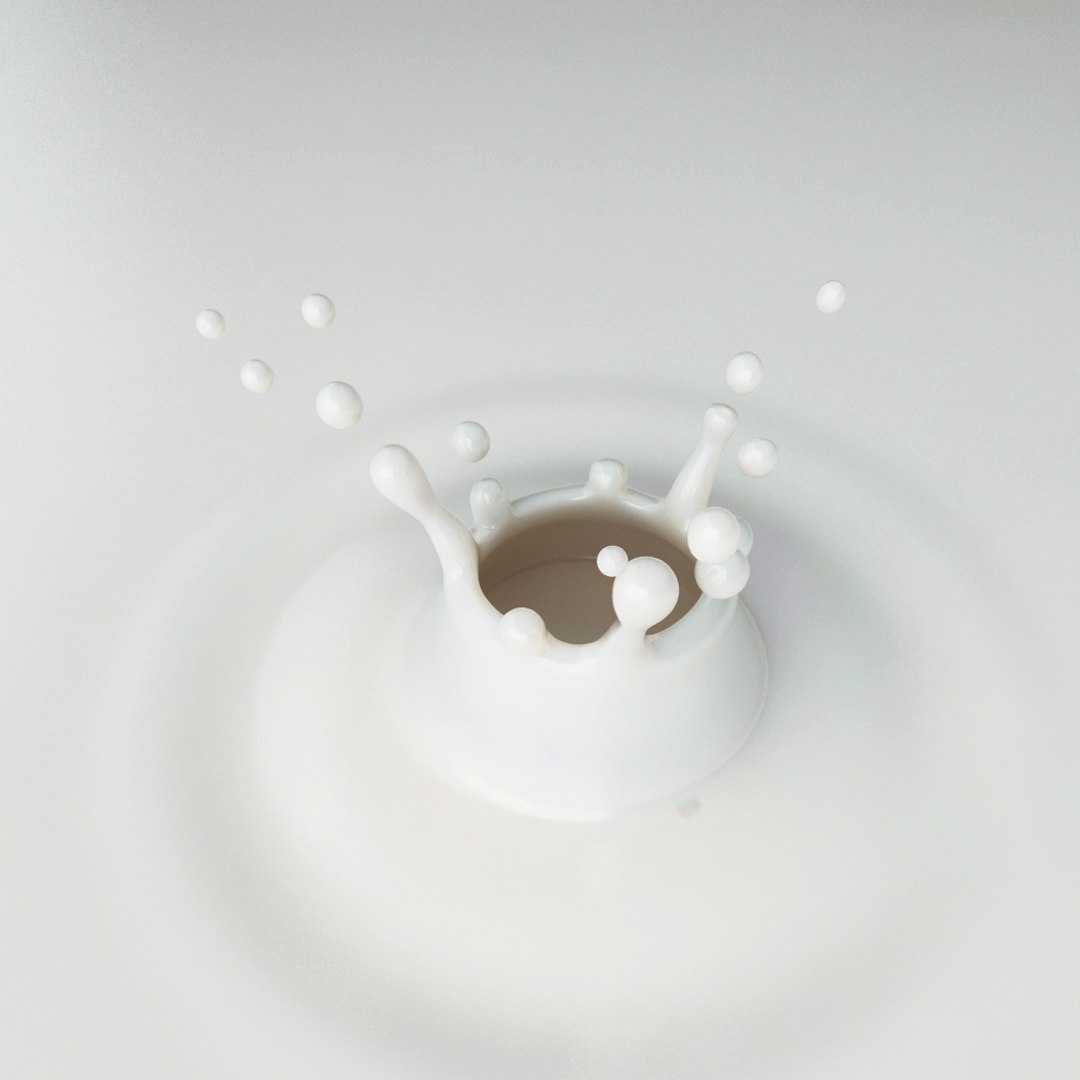
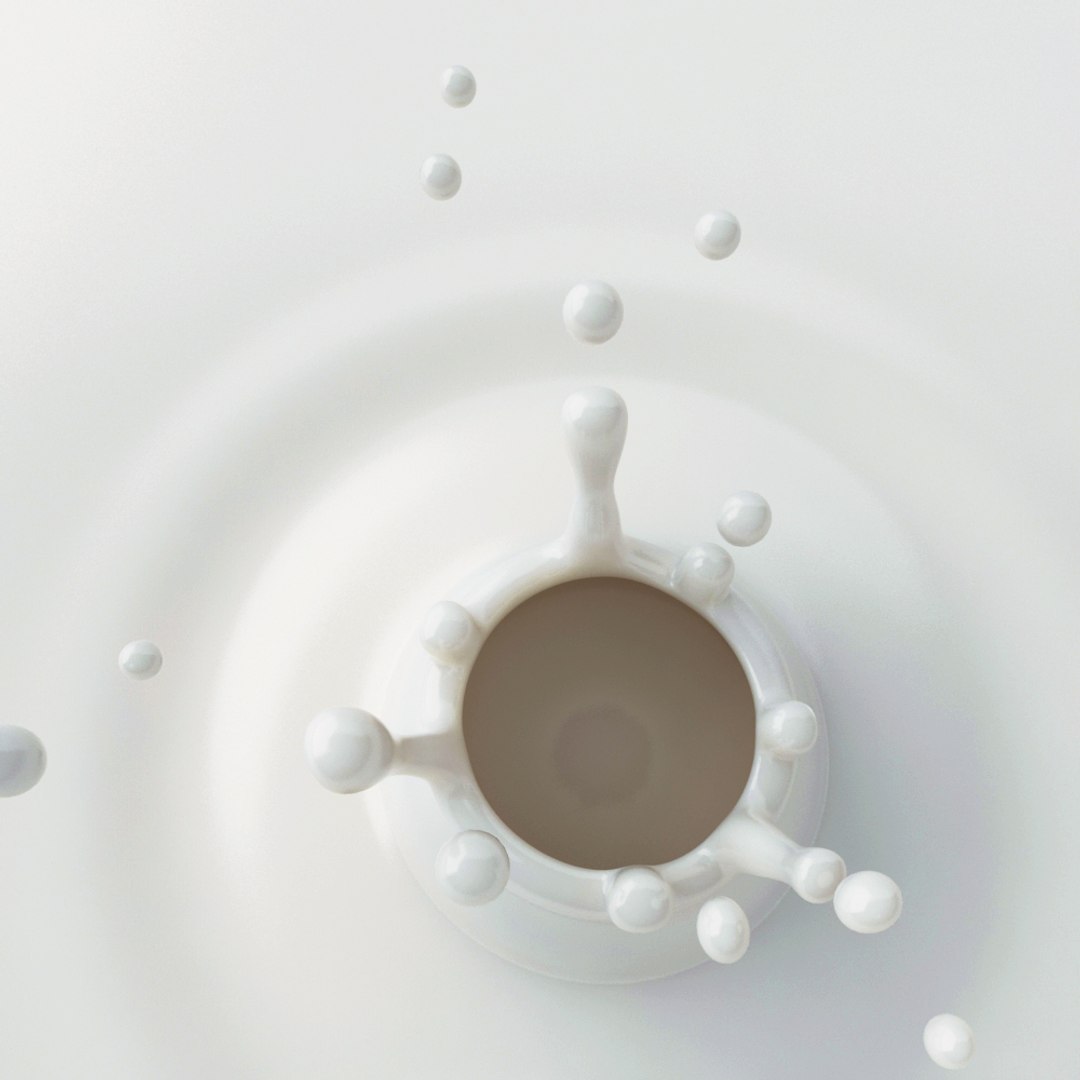
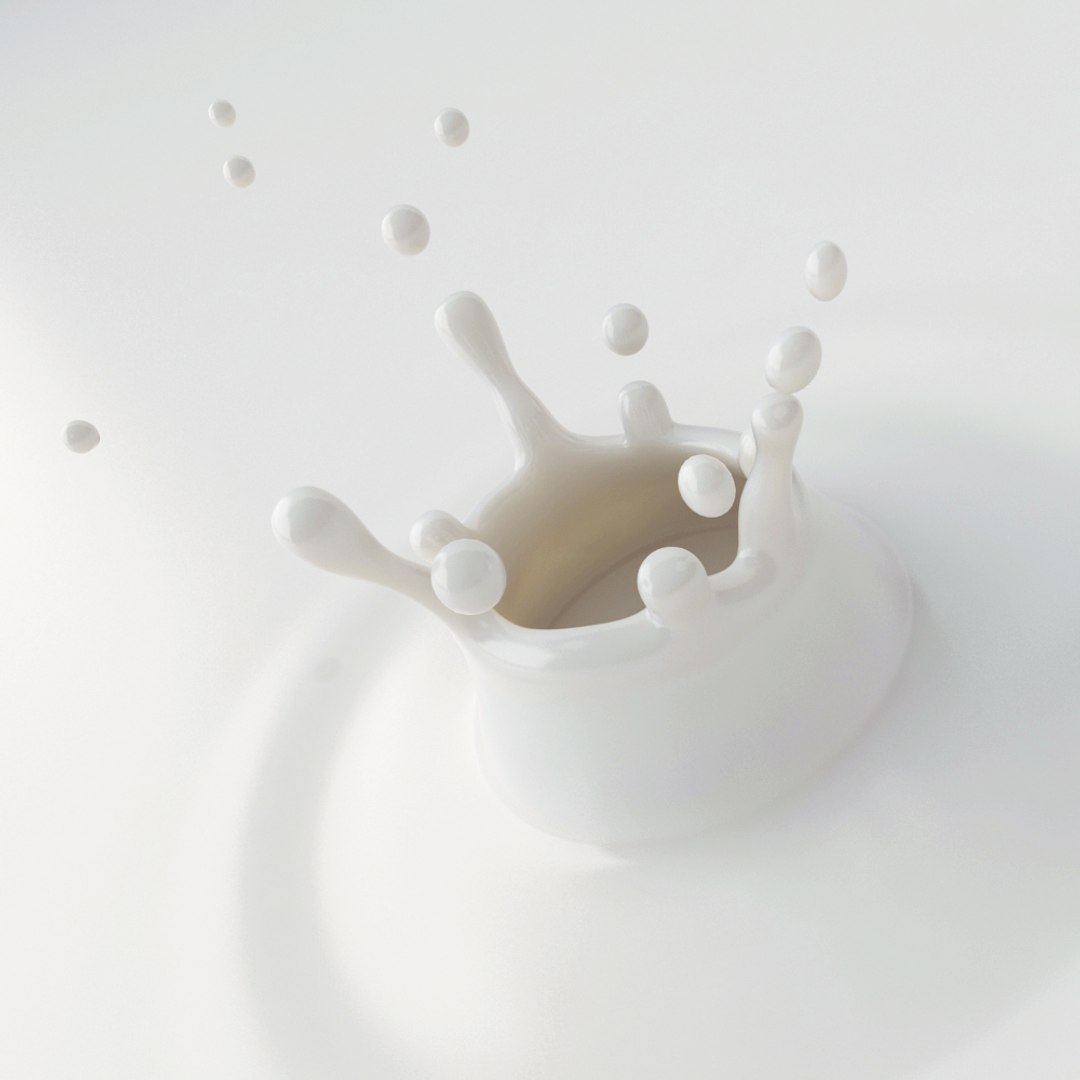
HIRES COLLECTION OF A MILKDROP

>>> Scene Information

- the scene is prepared for vray
- the scene uses Linear Workflow
- no maps are needed to render the scene
- basic curves were used in photoshop to adjust the preview images
- this photoshop file is included
- the studio setup is included
- polies: 62.000
- vertices: 31.000

>>> Geometry

- the drop is modelled without a plugin
- the drop is a stillshot
- the drop is not animated
- the models are off scale (around 10cm in diameter) for easier rendering

>>> Materials

- the material uses a fastSSS2 material

>>> Lightsetup

- the scene uses vraylights and a vraycamera
- the scene is set up for LWF

>>> Formats

- the native format is 3dsmax Design 2013. It was safed for 3dsmax 2010.
- FBX (exported from 3dsmax)
- OBJ (exported from 3dsmax)

>>> please check out my catalogue for more hires and realistic models
>>> if you like this model I would kindly ask you to rate it
>>> All drops can also be purchased in a bundle
>>> this is a computer generated 3d model - it is not a real life object.

Select Enhanced License

  • $10,000 in Legal Protection (Indemnification)
  • Uncapped Legal Protection (Indemnification)
  • Waiver from injunctive relief
  • Assignable model rights
  • $1,000,000 in Legal Protection (Indemnification)
  • Waiver from injunctive relief
  • Assignable model rights
  • $250,000 in Legal Protection (Indemnification)
  • Assignable model rights
Read more about enhanced license tiers, or contact us at enterprise@turbosquid.com. Already a Shutterstock Enterprise Customer? Contact your Shutterstock Sales Support Agent to talk about adding 3D.

About Conversion Requests

To submit a conversion request for a purchased asset, please complete our Conversion Request Form.

If you have not yet purchased a model, please review our Documentation about Conversions to learn about what limitations you may encounter with a conversion.

For any additional questions about a model’s suitability for conversion, please contact TurboSquid Support.

Loading...