
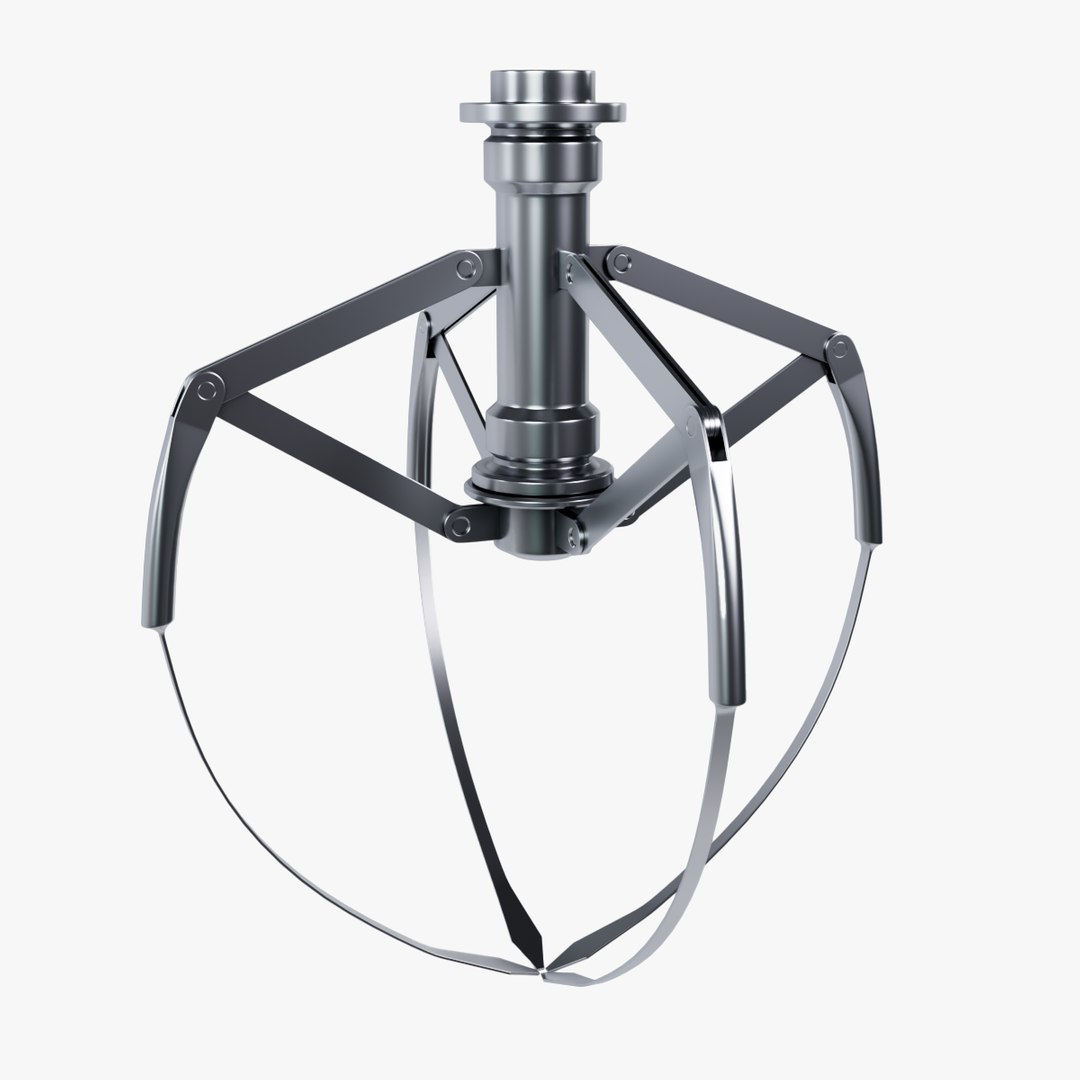
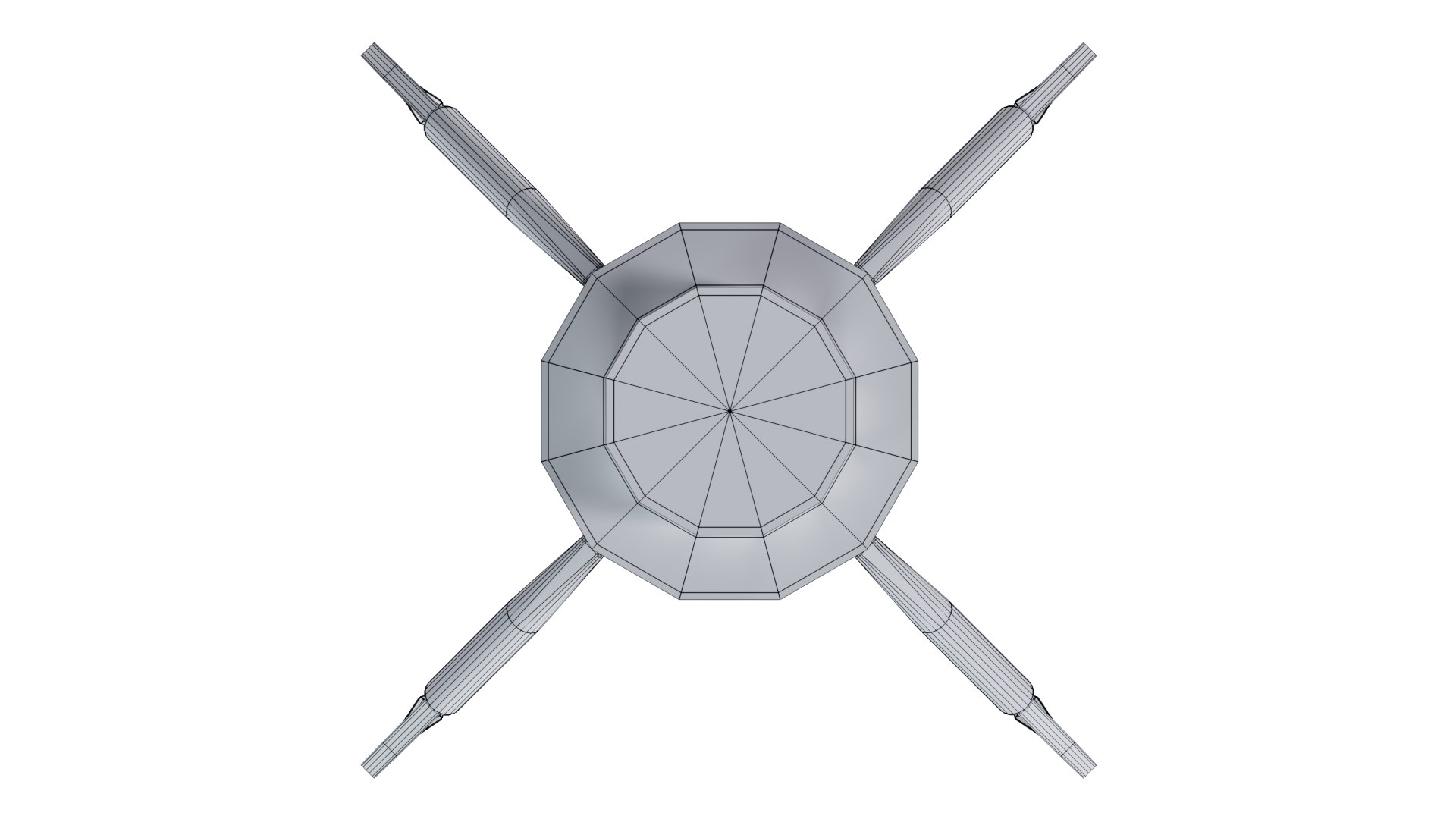
Metal Claw 28 with RIG

$5

Standard License | Upgrade License
Formats (3)
Cinema 4D
OBJ
FBX
Specifications
Publish Date February 04, 2025
Product ID 2349595
Polygons 19,160
Vertices 19,046
Polygonal
Materials
Rigged
Animated
TurboSquid Exclusive

member avatar
Marian Salabai
86 Products | Contributor Since 2020
Have questions? Chat with us now.

Description

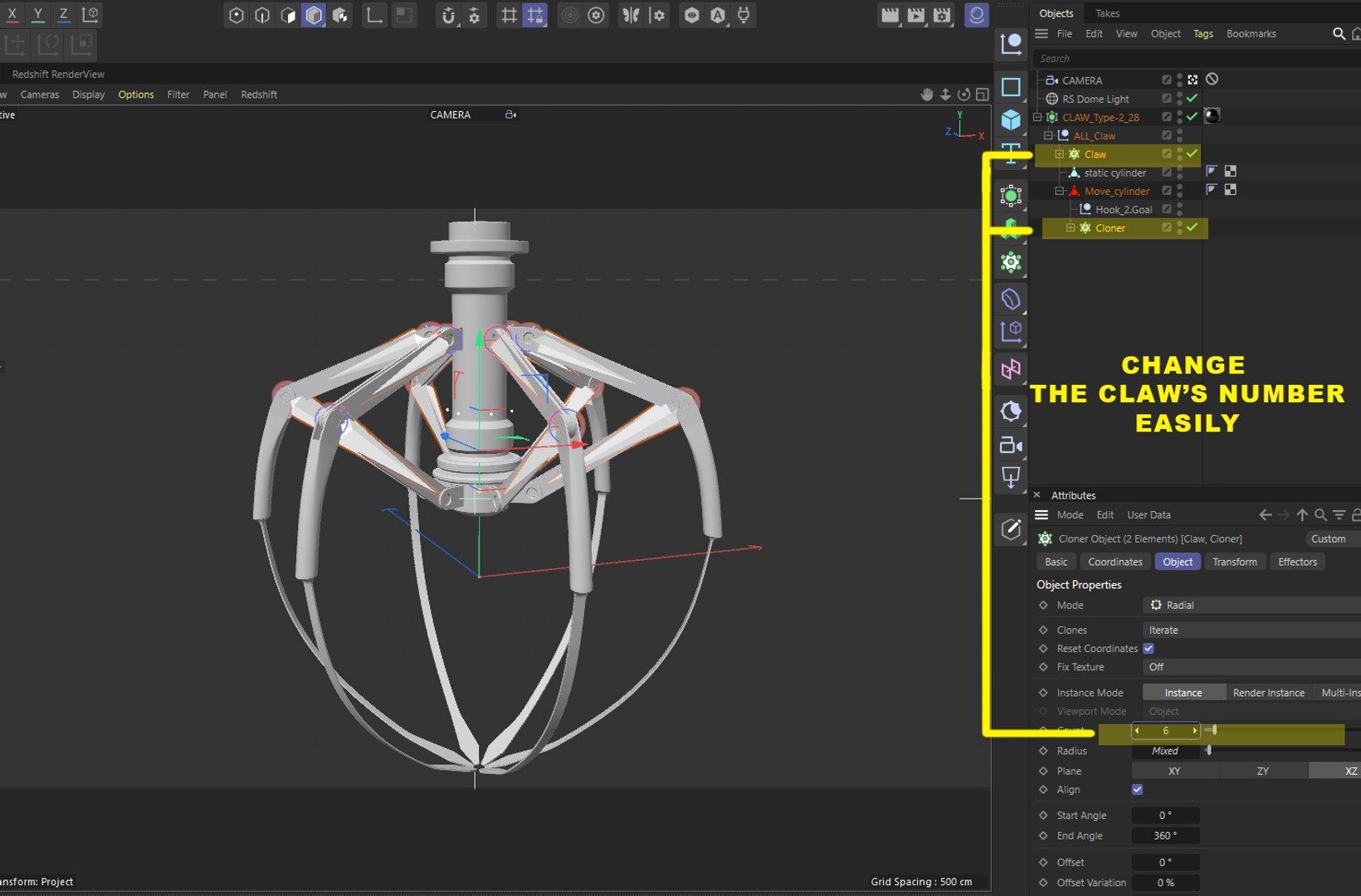
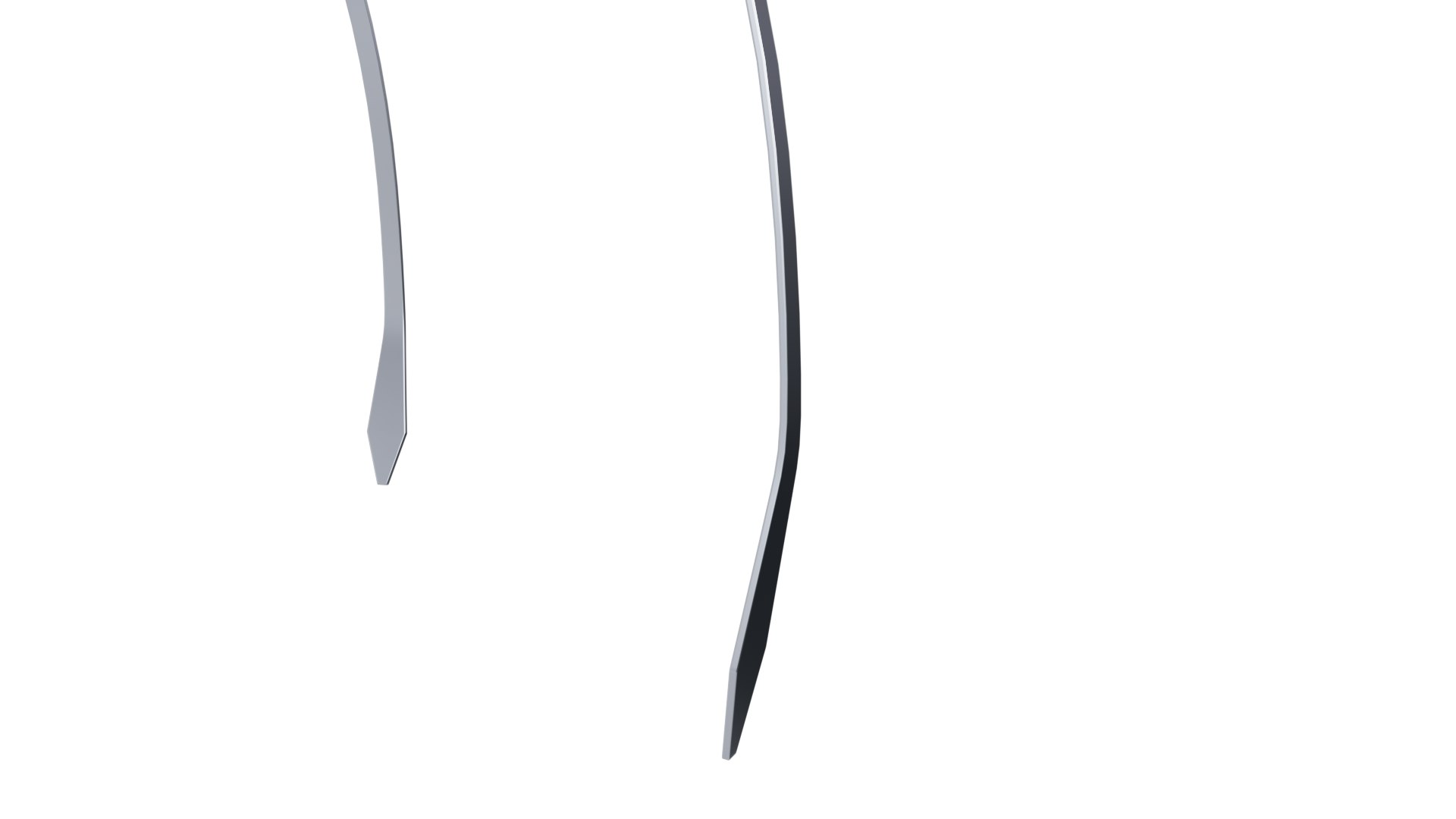
3D Model of Metal Claw 28 with Rigging
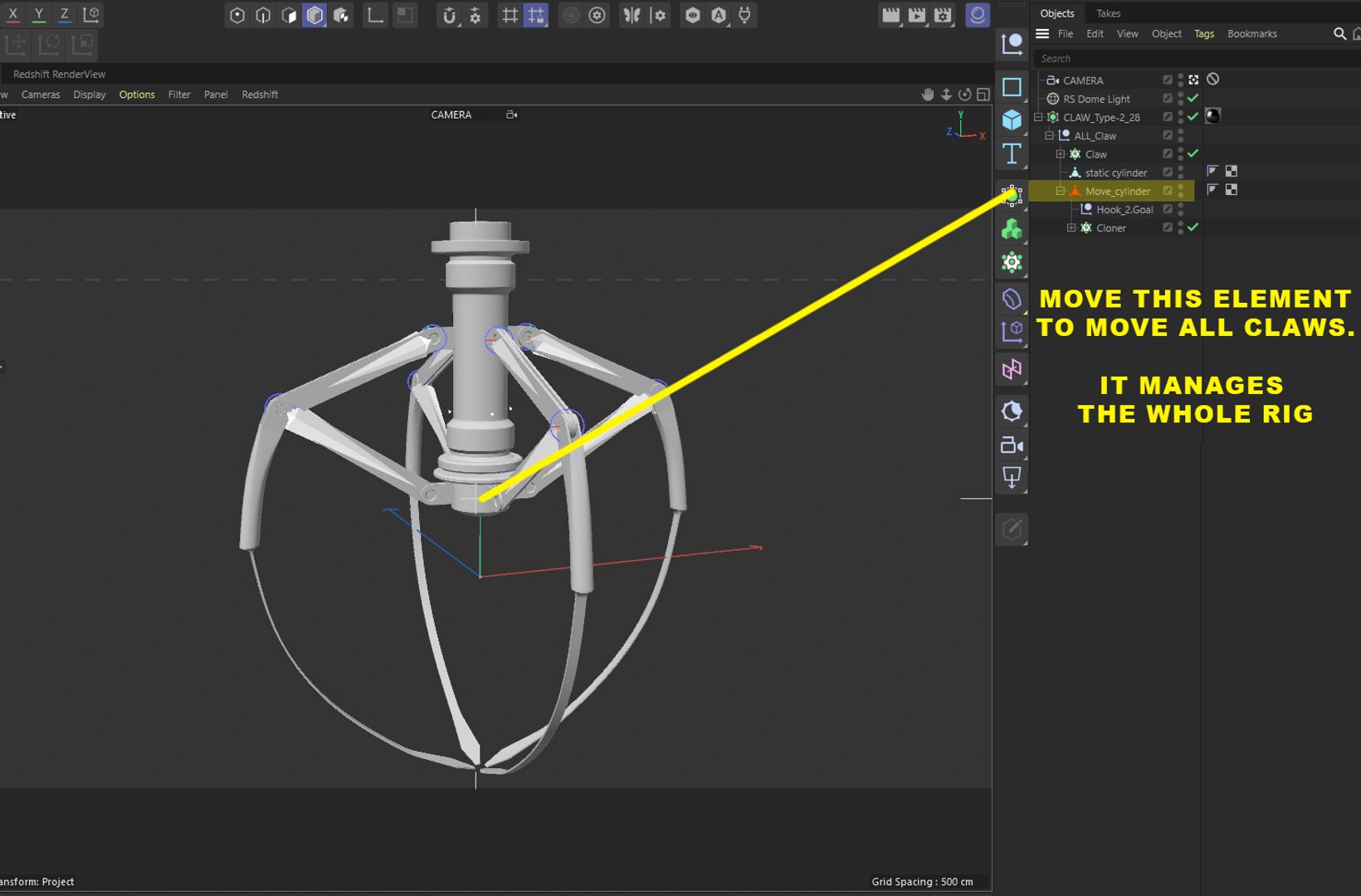
The animation for the claw is set up using a rig, allowing you to control it easily. You only need to move the highlighted element on the screen, and all other parts will move automatically in response to rigging.

File Details:
*.c4d File: Includes Redshift materials and an HDRI map. Note that the materials are not textured or mapped, making them easy to customize.
*.obj and *.fbx files: Contain only the 3D model without materials or HDRI.

Recommendations:
Download the C4D file if you need the model with materials, rig and HDRI.
Download the OBJ or FBX files if you only need the model.
OBJ and FBX don't include RIG either. They don't support it, so If you need RIG, use Cinema4D FILE.

Redshift is required for rendering.
HDRI Map Information:
The included HDRI map is sourced from Polyhaven under a CC0 License, meaning it’s free to use as you wish. You can explore more HDRI options directly on the Polyhaven website.
Restrictions:
You are free to use the HDRI map in any way you like, but you cannot claim authorship or re-license it.

Select Enhanced License

  • $10,000 in Legal Protection (Indemnification)
  • Uncapped Legal Protection (Indemnification)
  • Waiver from injunctive relief
  • Assignable model rights
  • $1,000,000 in Legal Protection (Indemnification)
  • Waiver from injunctive relief
  • Assignable model rights
  • $250,000 in Legal Protection (Indemnification)
  • Assignable model rights
Read more about enhanced license tiers, or contact us at enterprise@turbosquid.com. Already a Shutterstock Enterprise Customer? Contact your Shutterstock Sales Support Agent to talk about adding 3D.

About Conversion Requests

To submit a conversion request for a purchased asset, please complete our Conversion Request Form.

If you have not yet purchased a model, please review our Documentation about Conversions to learn about what limitations you may encounter with a conversion.

For any additional questions about a model’s suitability for conversion, please contact TurboSquid Support.

Loading...