
Drafting Table Pro set

$36

Standard License | Upgrade License
Formats (4)
3D Studio
3ds Max
FBX
OBJ
Specifications
Publish Date May 14, 2010
Product ID 533817
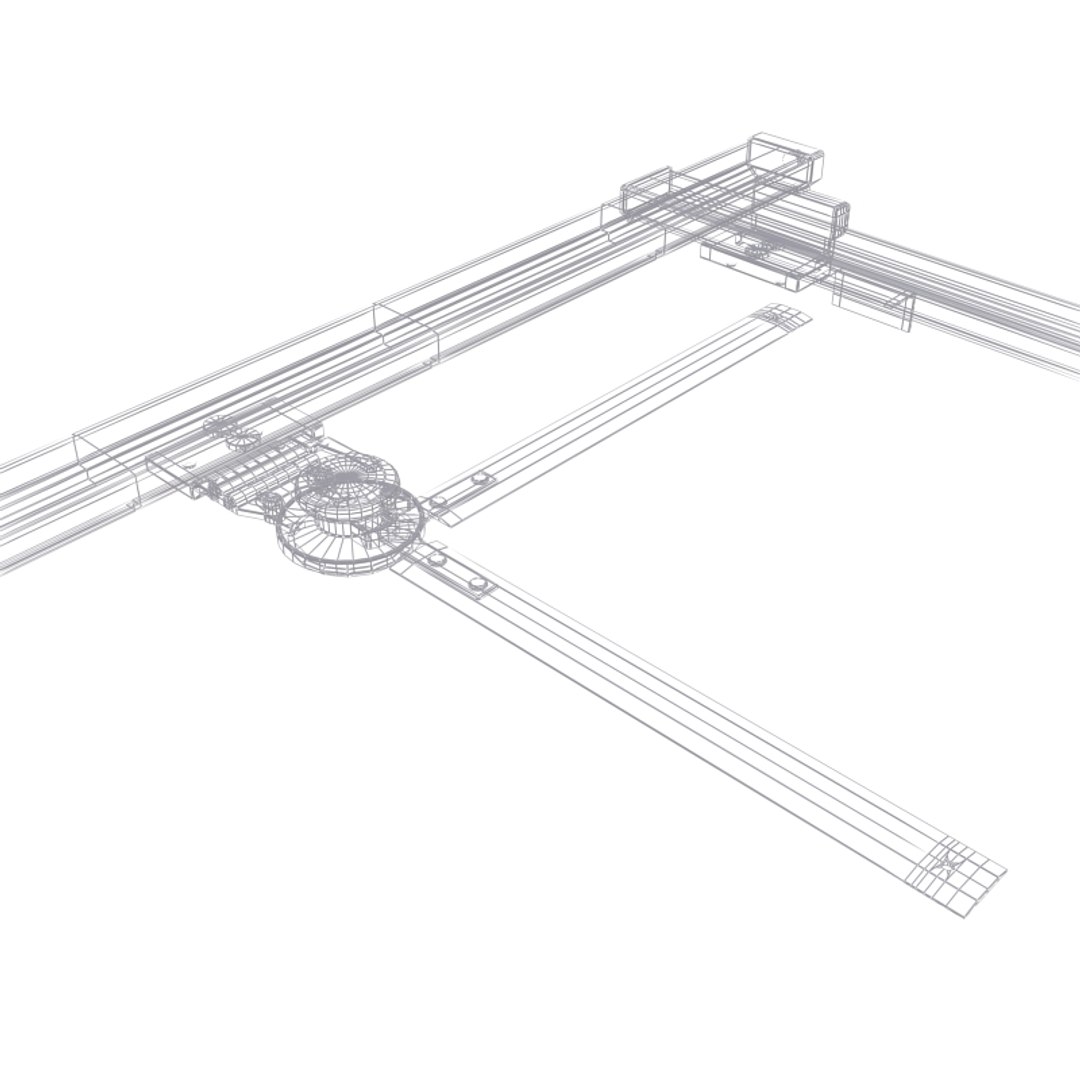
Polygons 73,634
Vertices 74,270
Polygonal
Textures
Materials
UV Mapped
Unknown Unwrapped UVs
TurboSquid Exclusive

member avatar
ditodito designs
69 Products | Contributor Since 2008
Have questions? Chat with us now.

Description

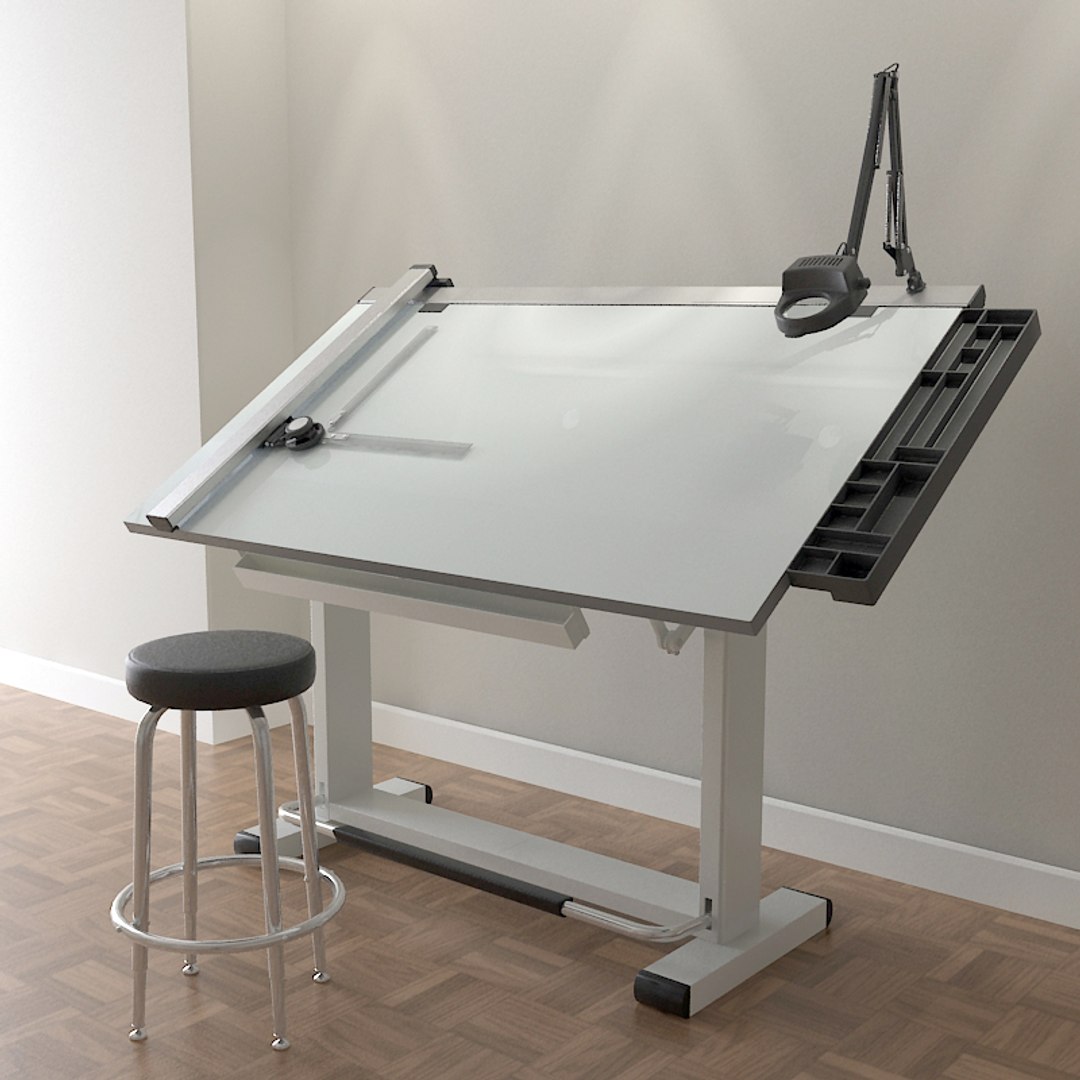
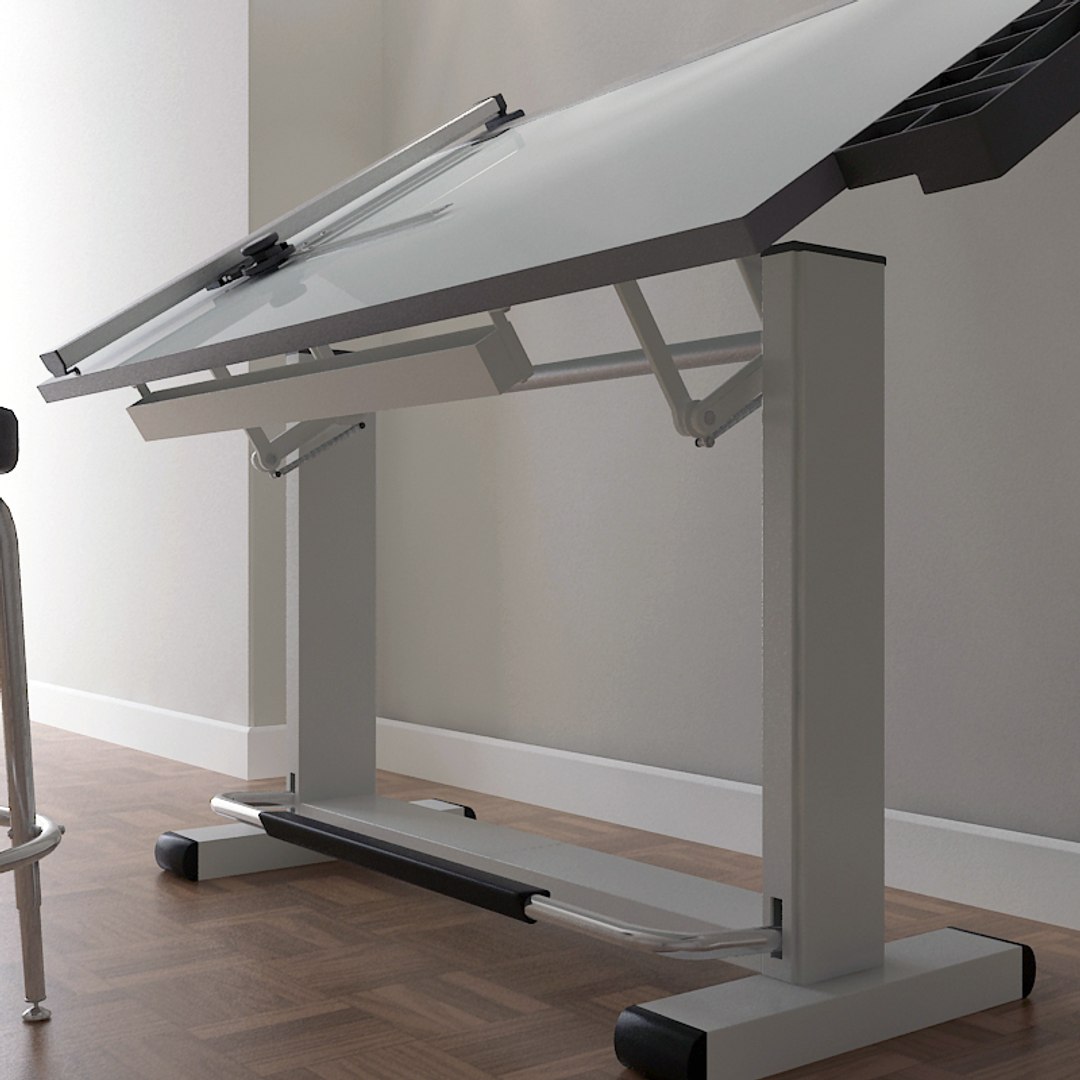
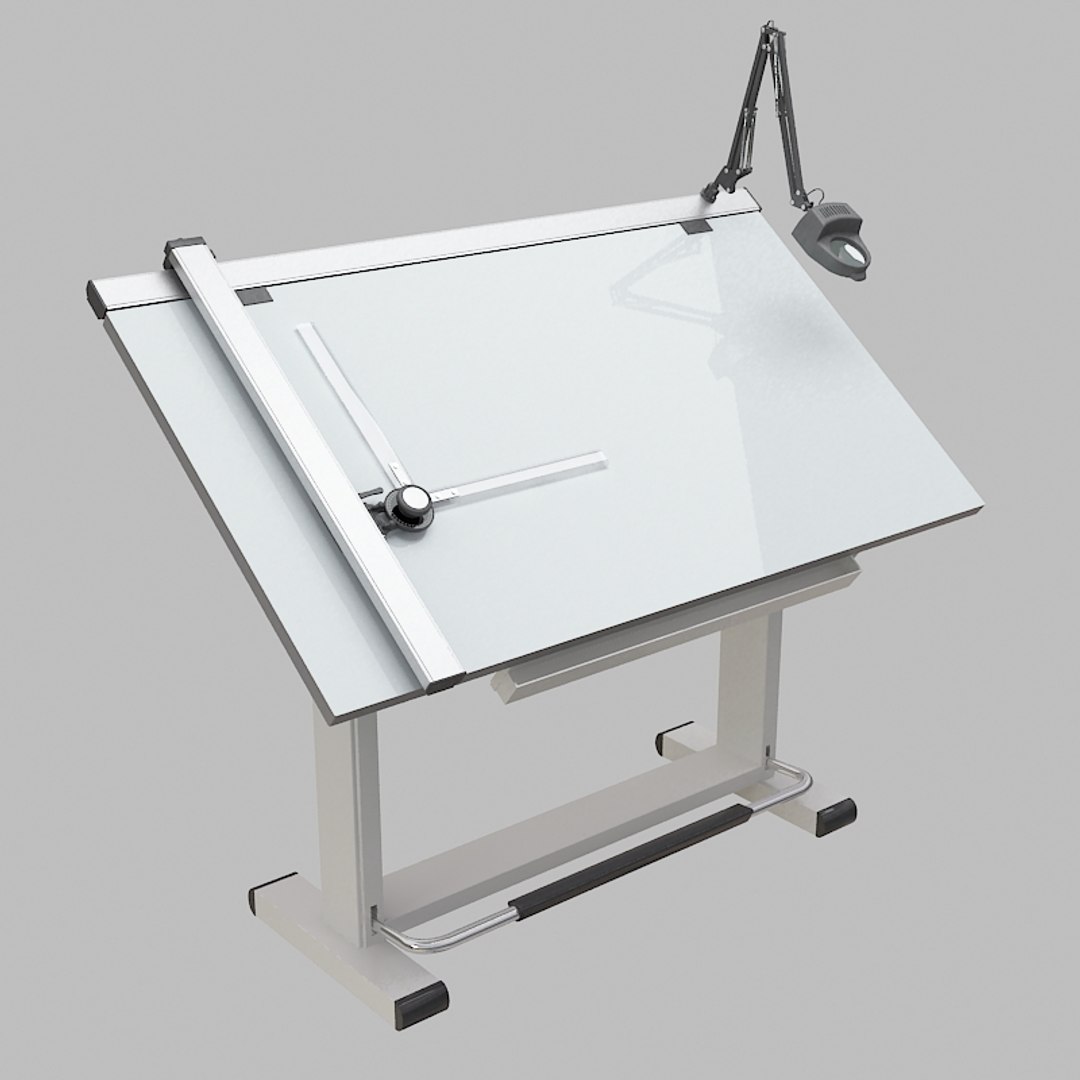
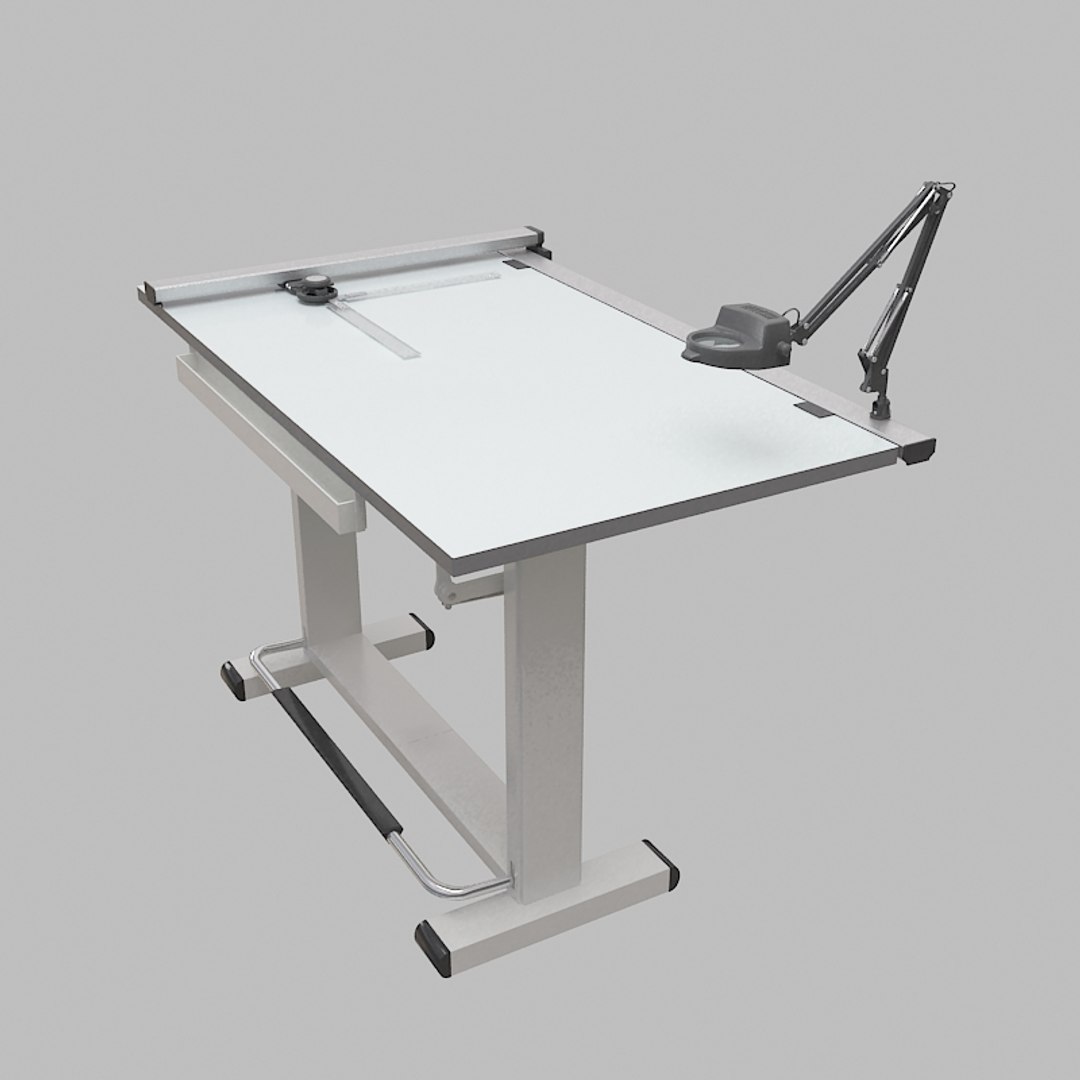
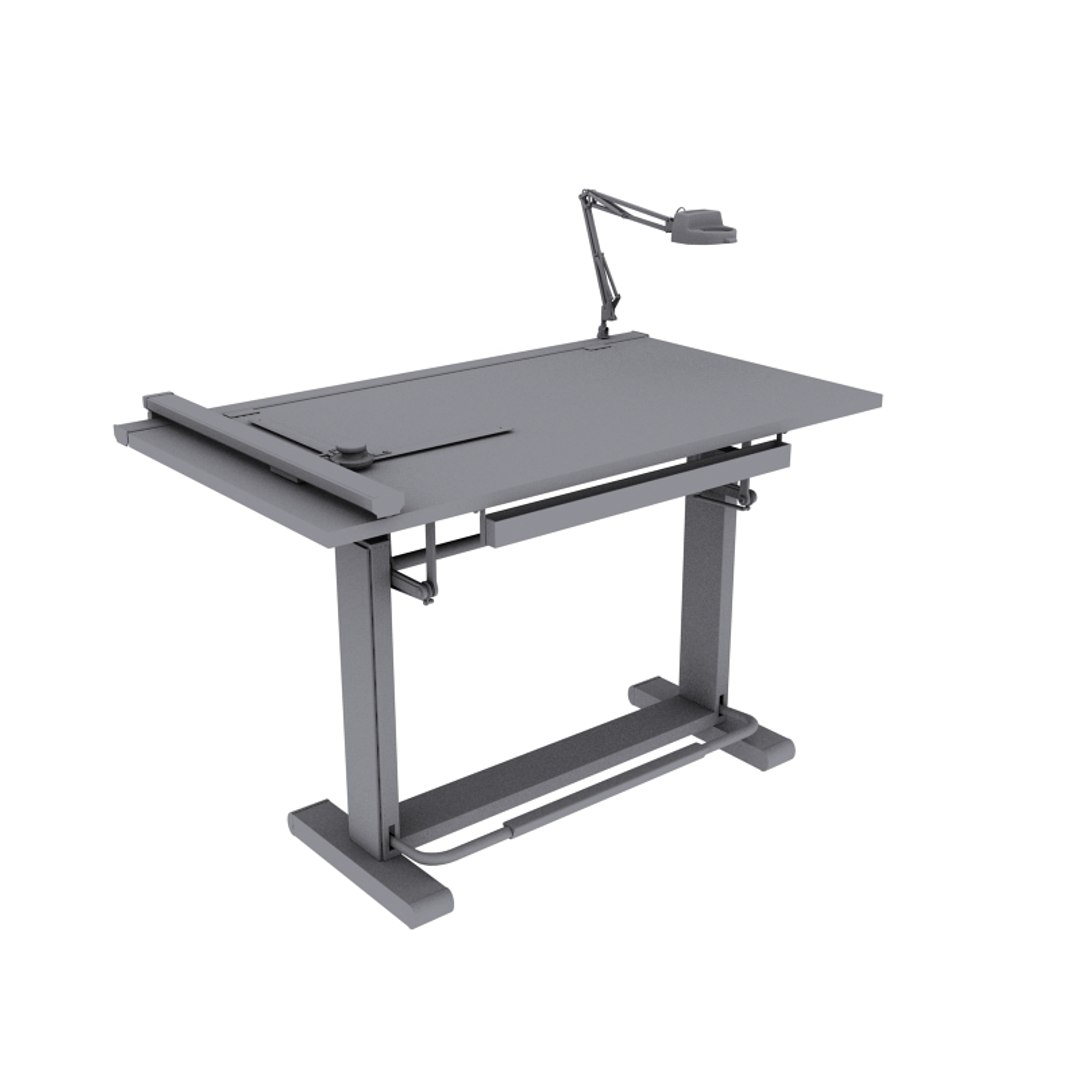
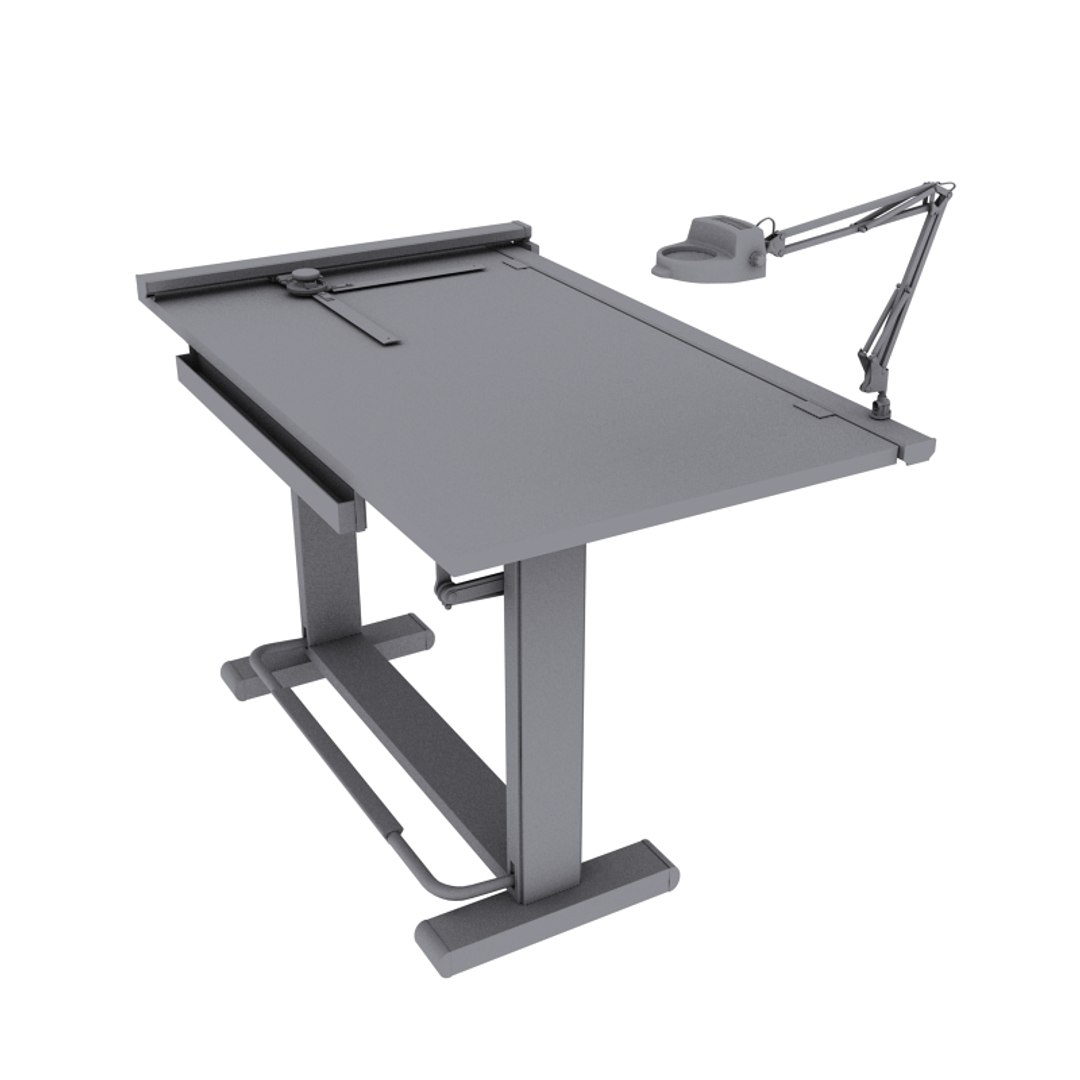
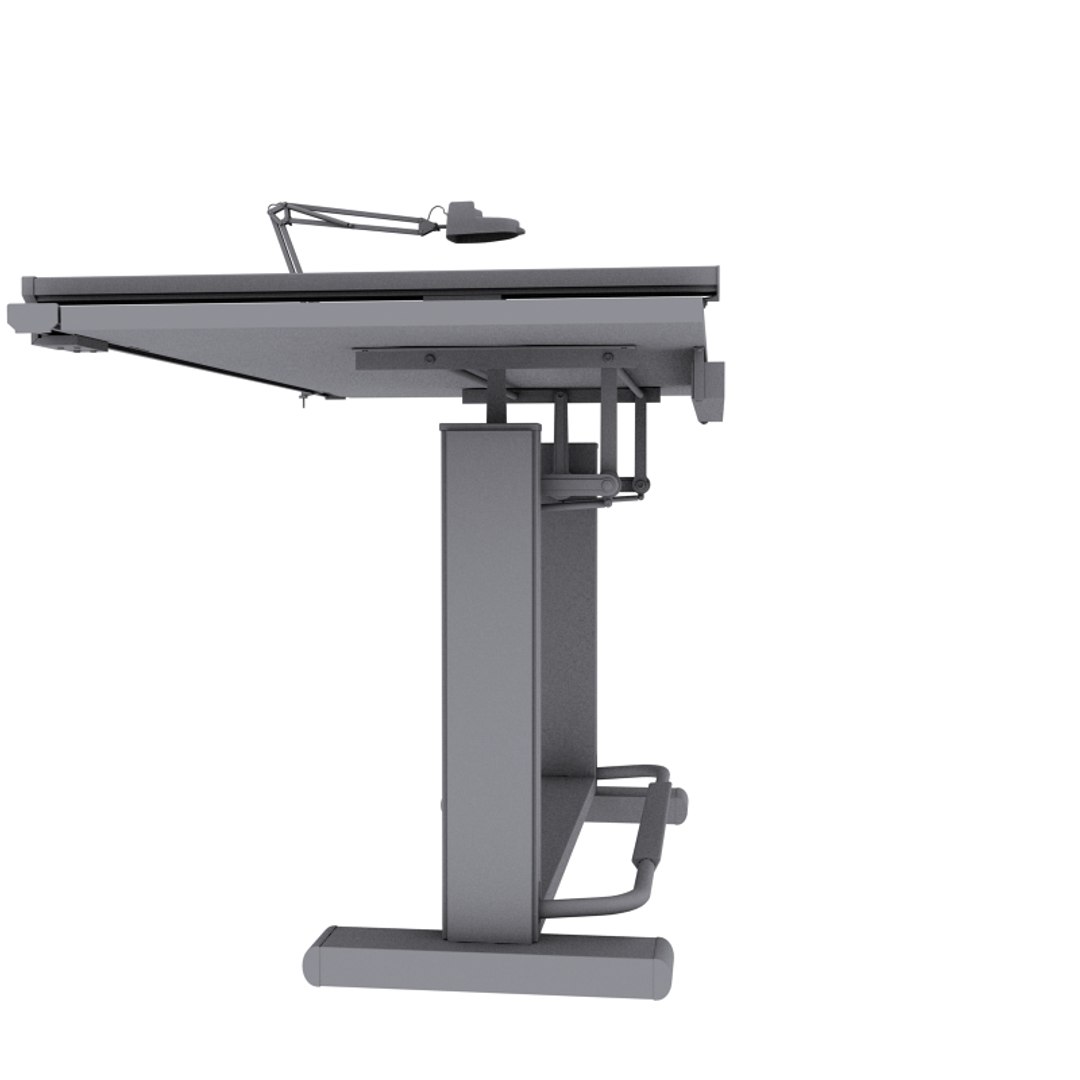
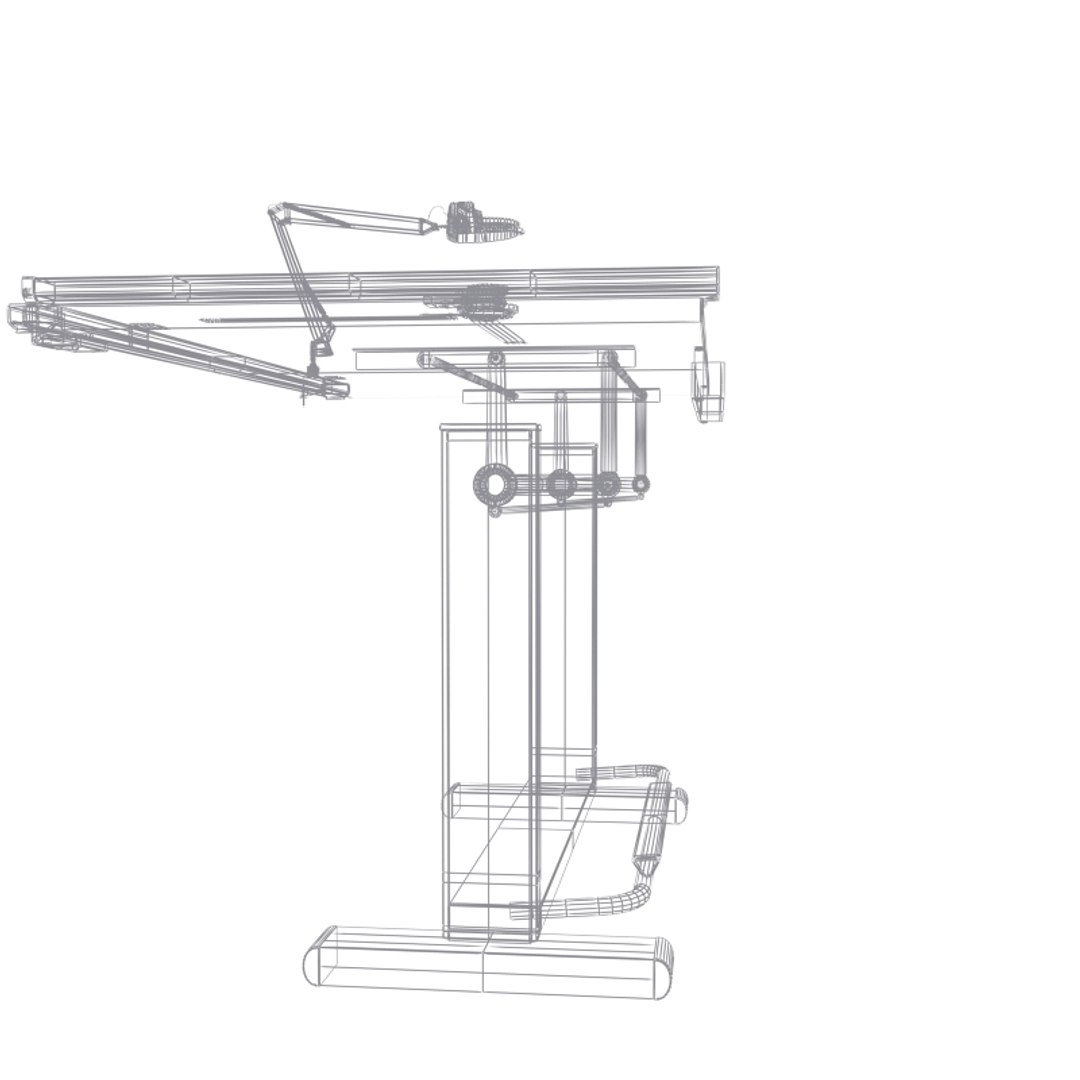
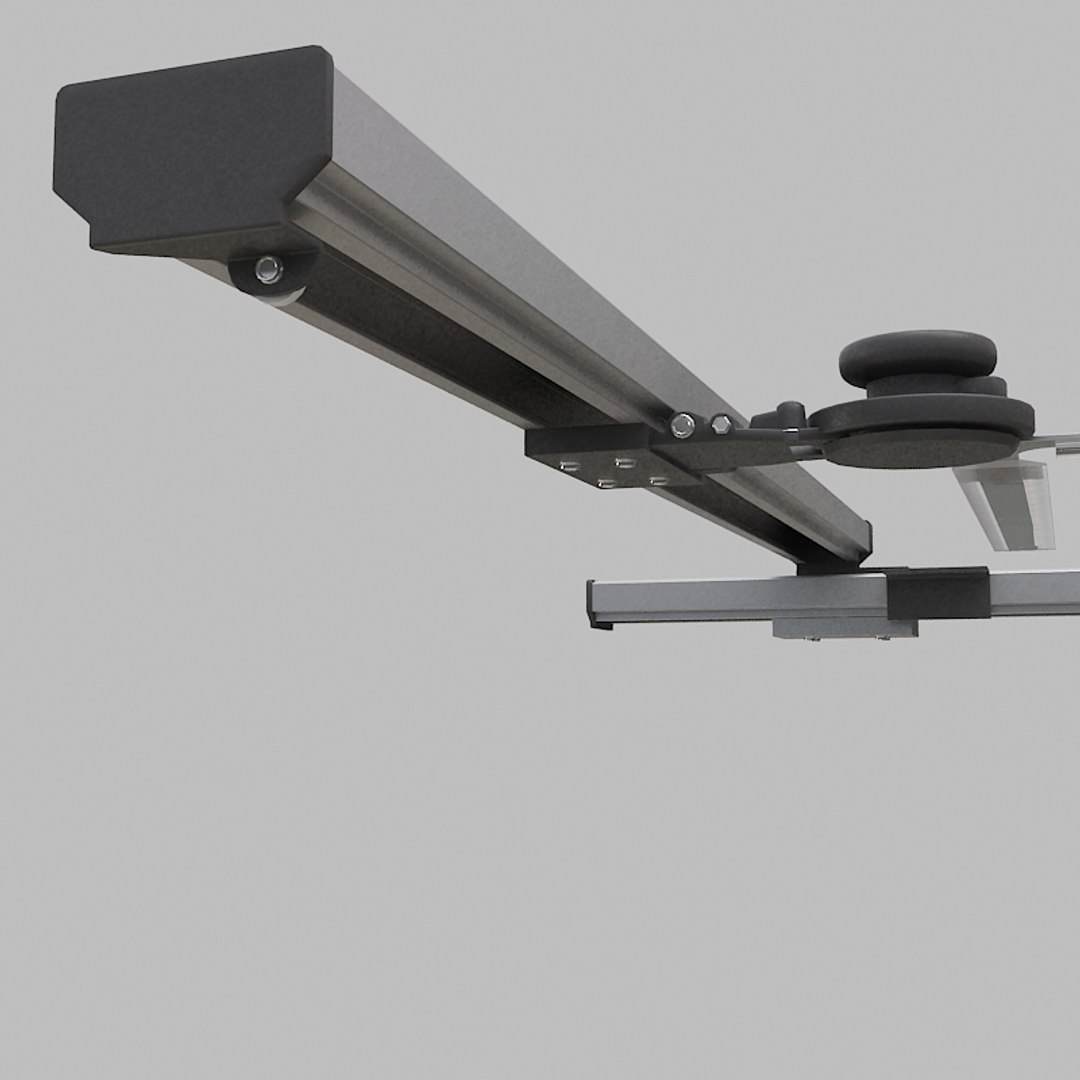
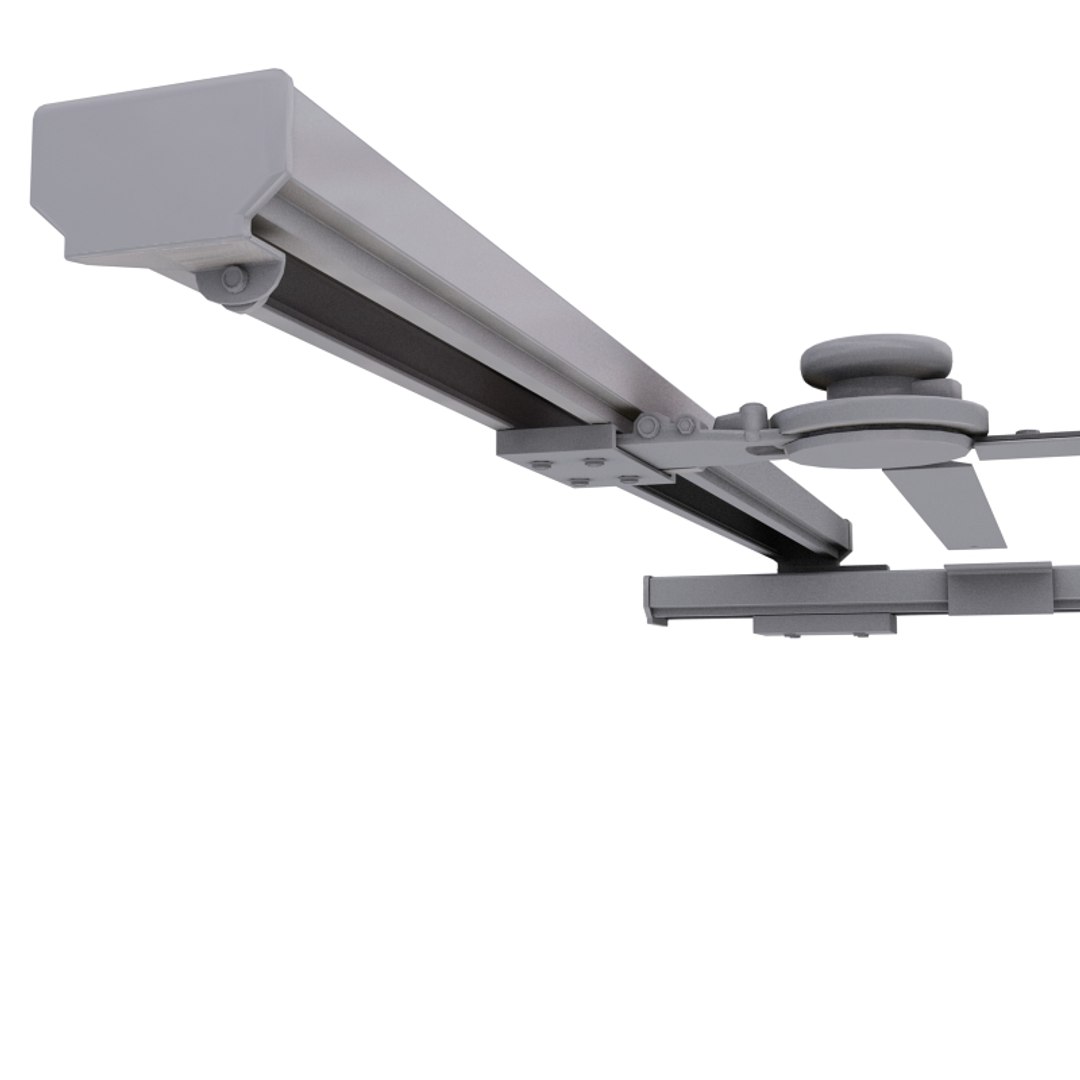
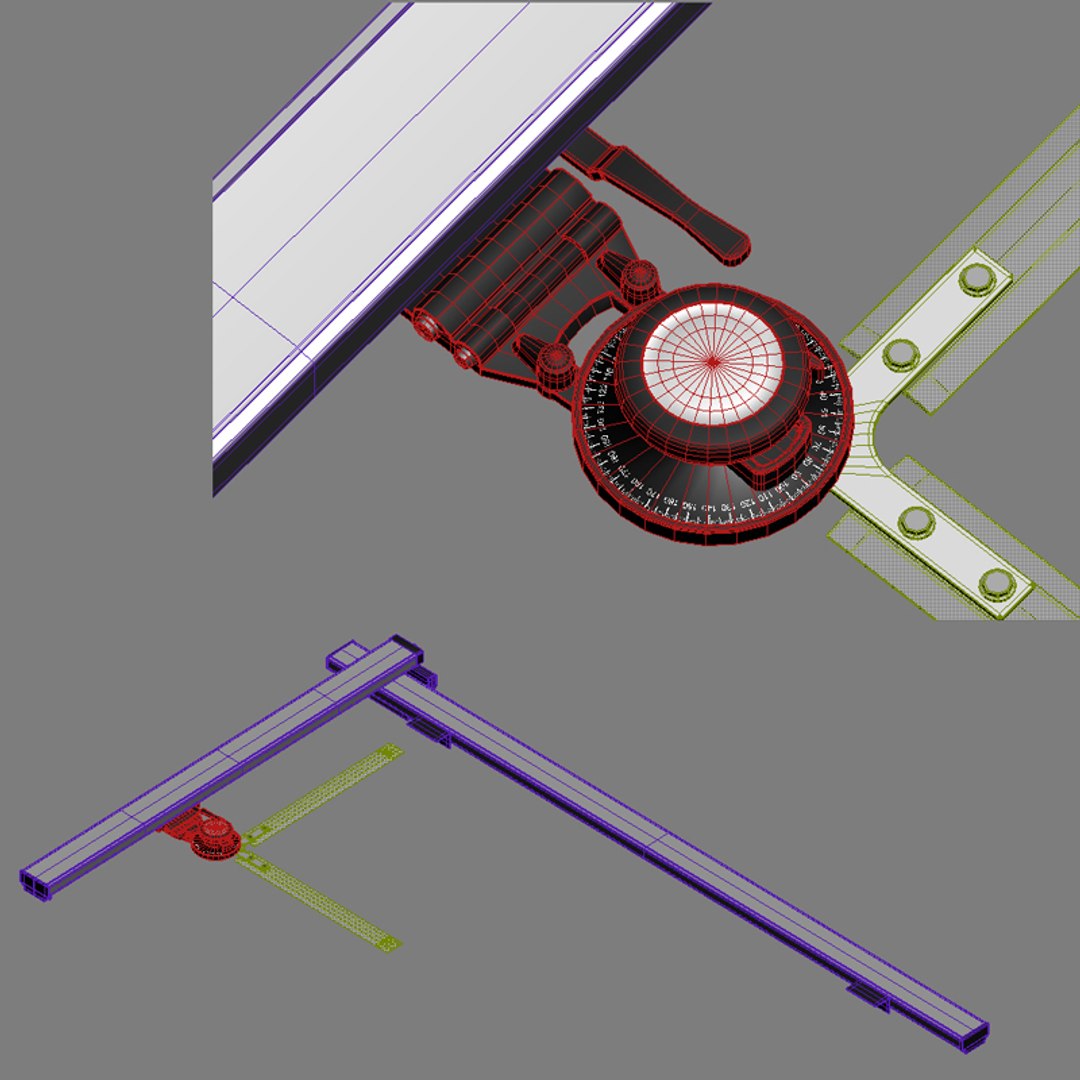
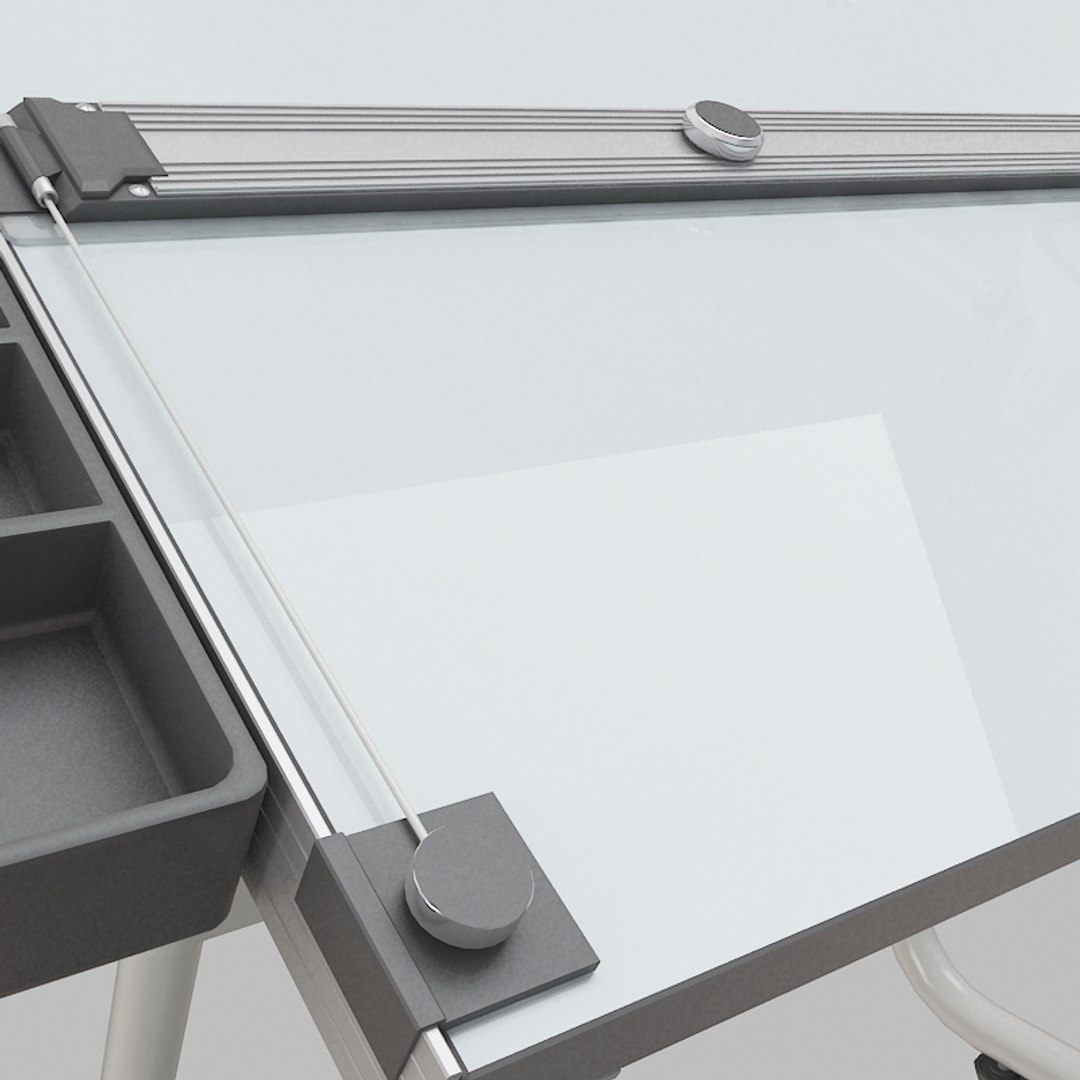
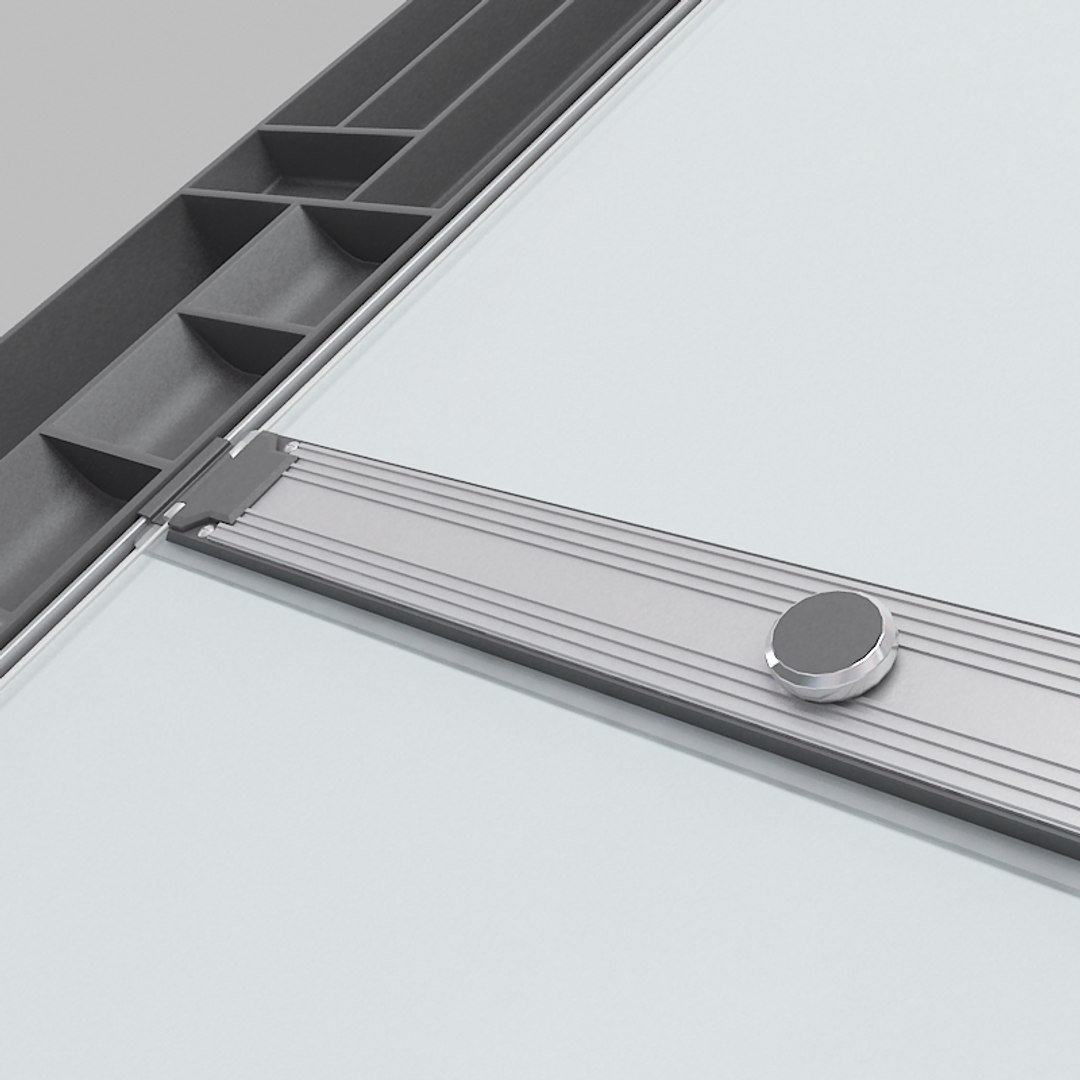
3d model of large pro drafting table
also includes
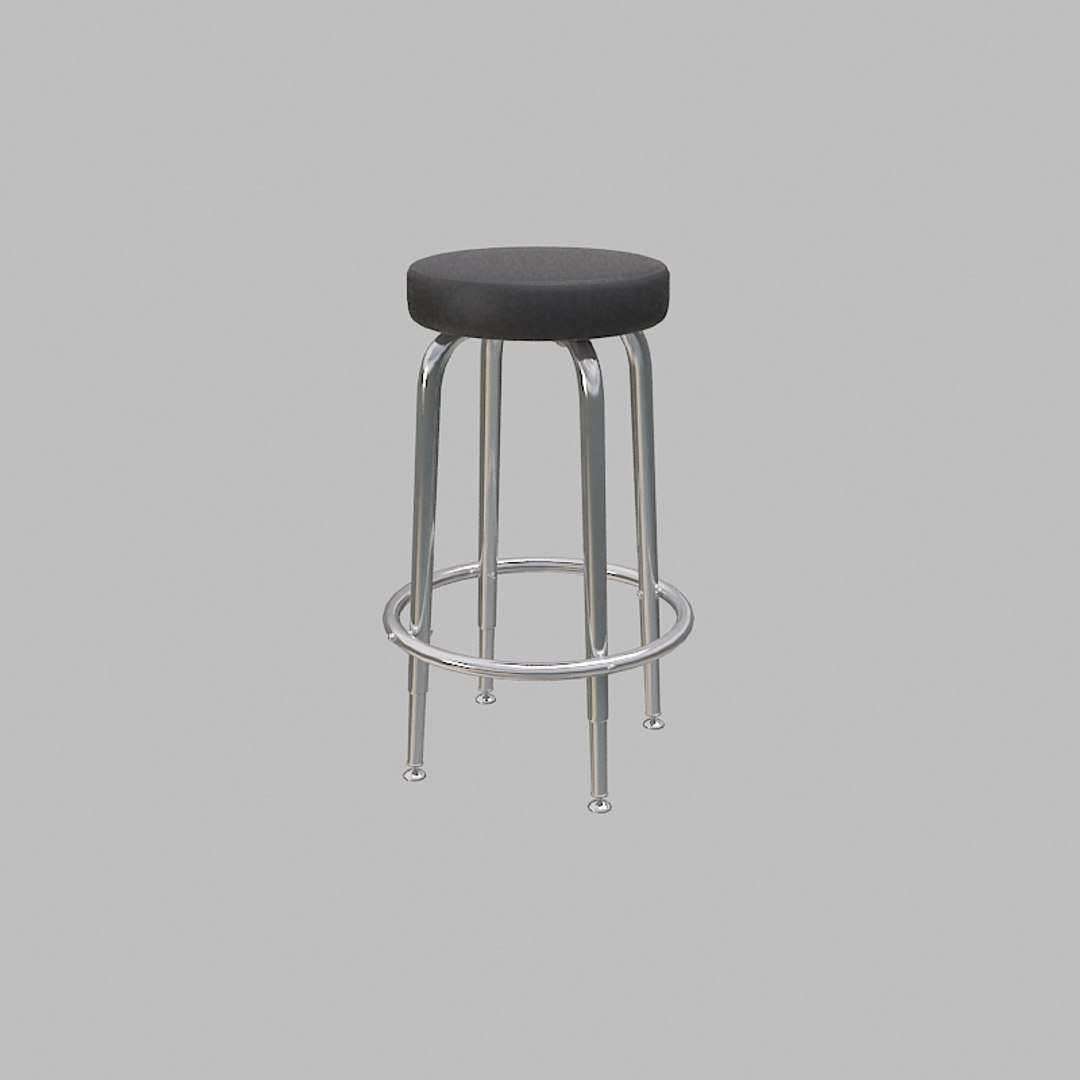
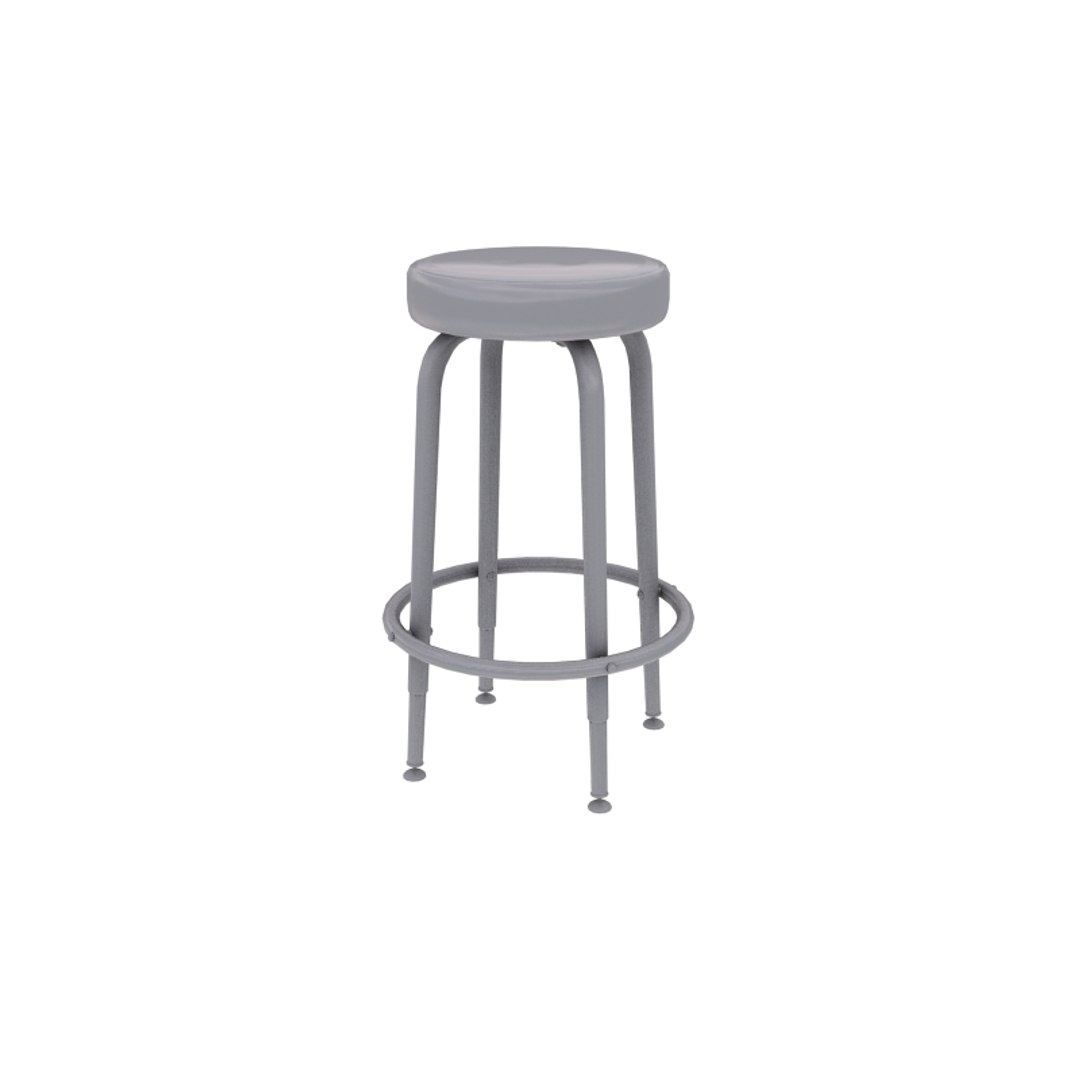
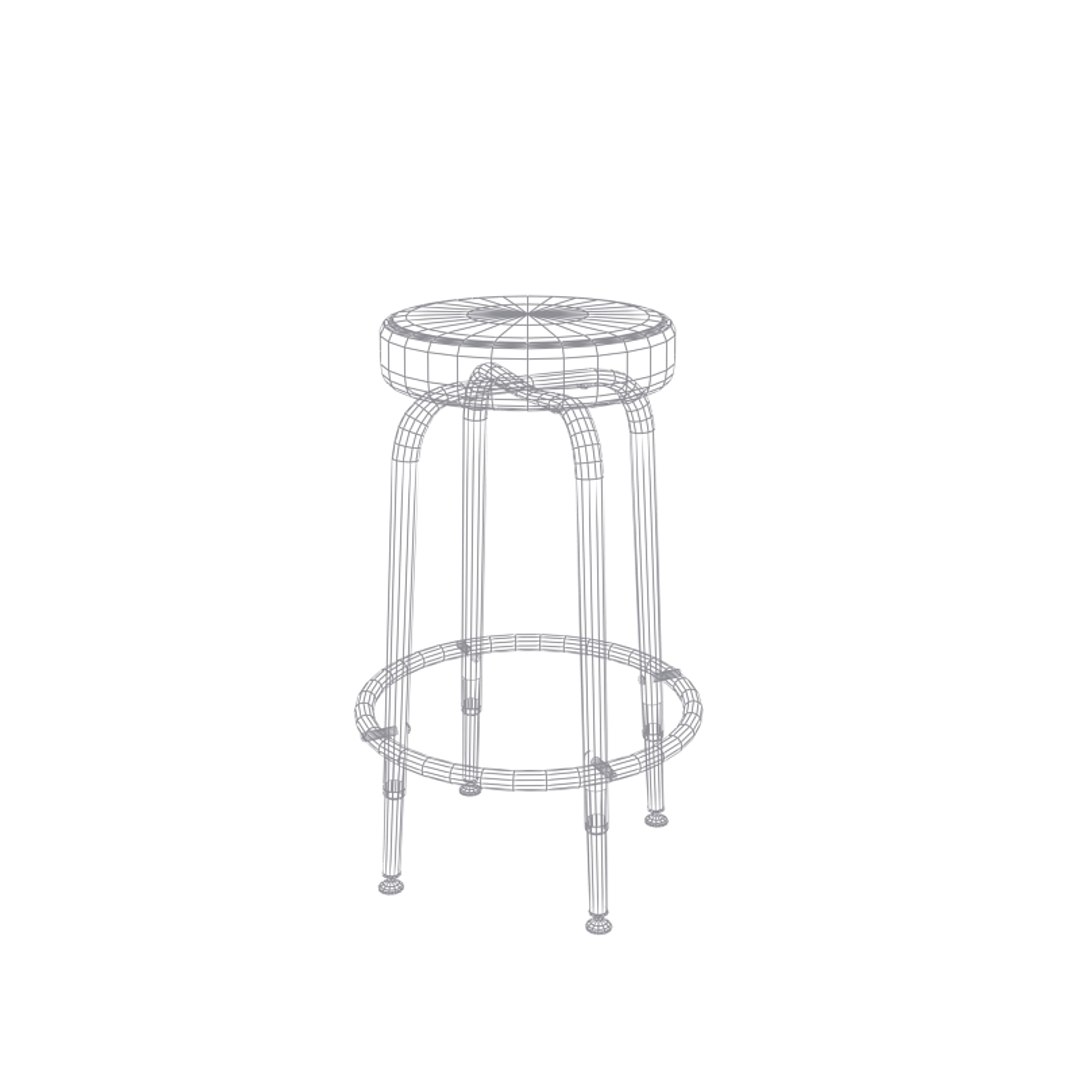
-stool
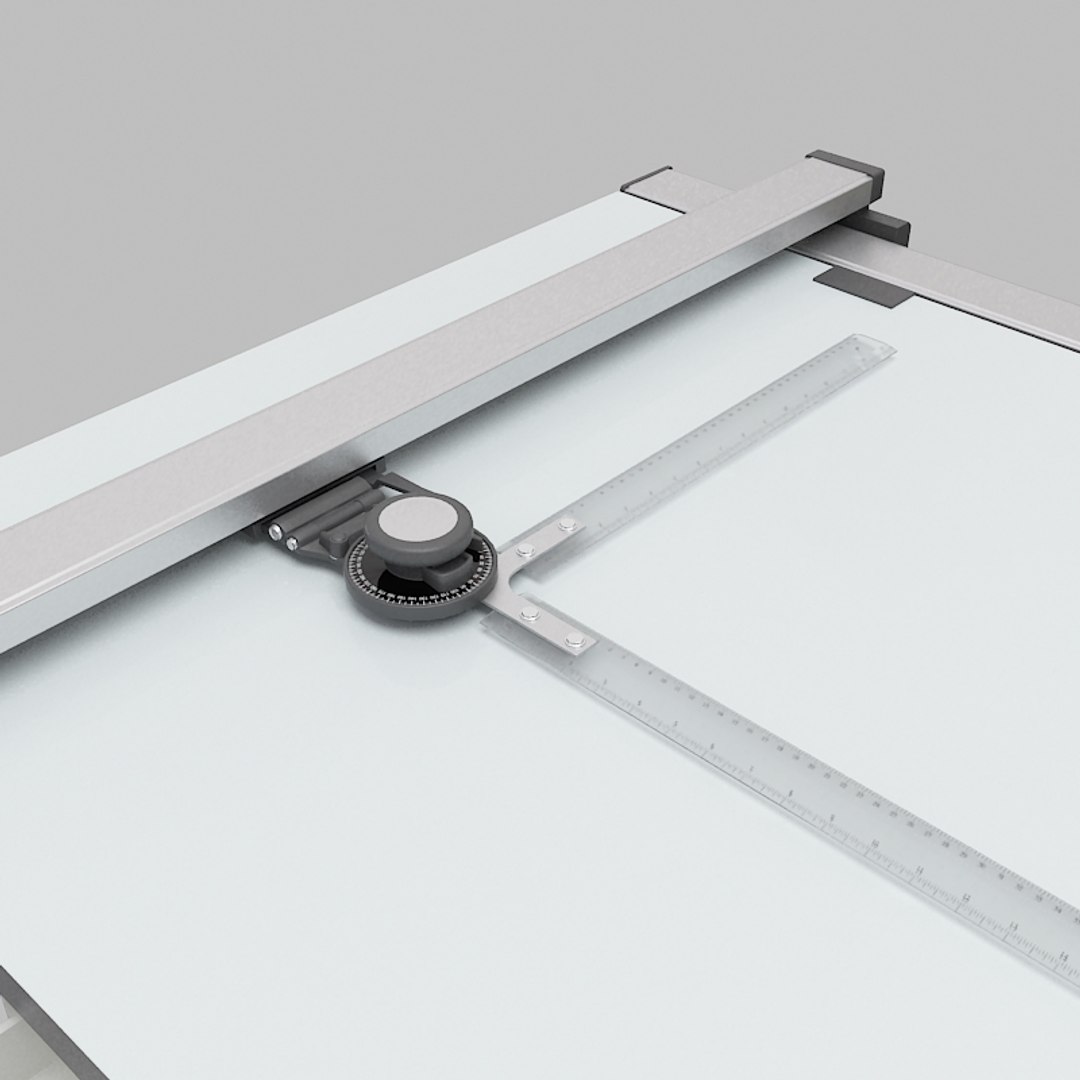
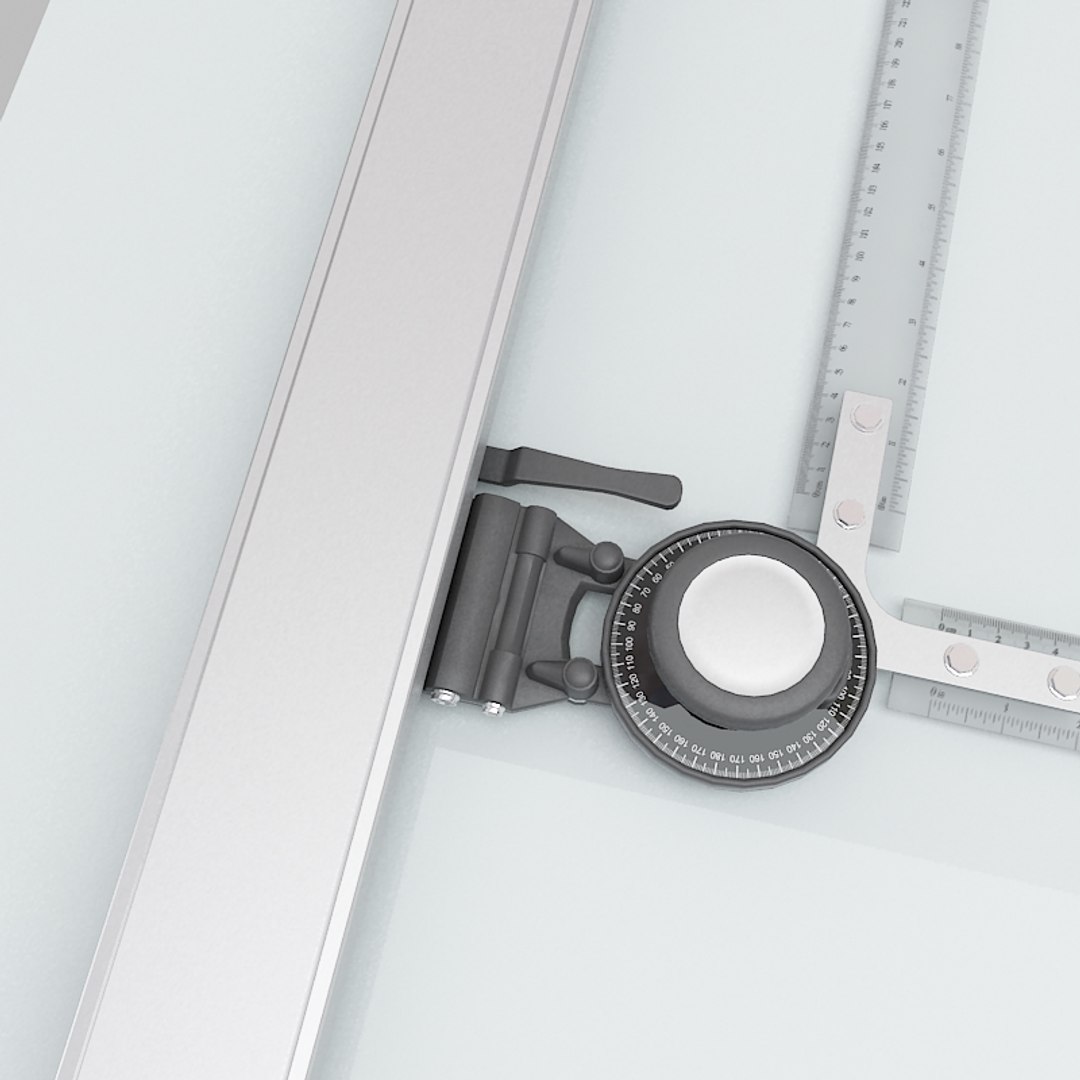
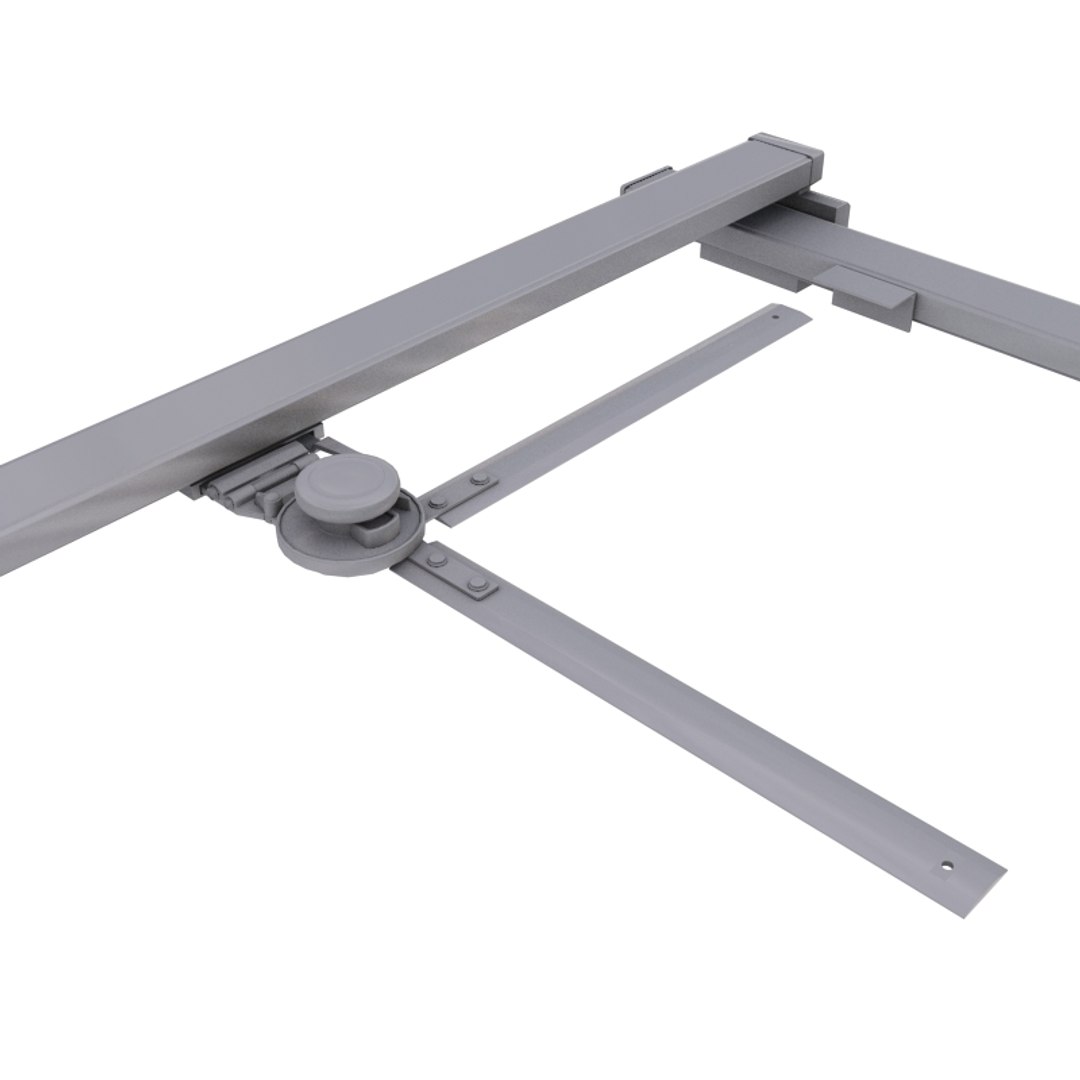
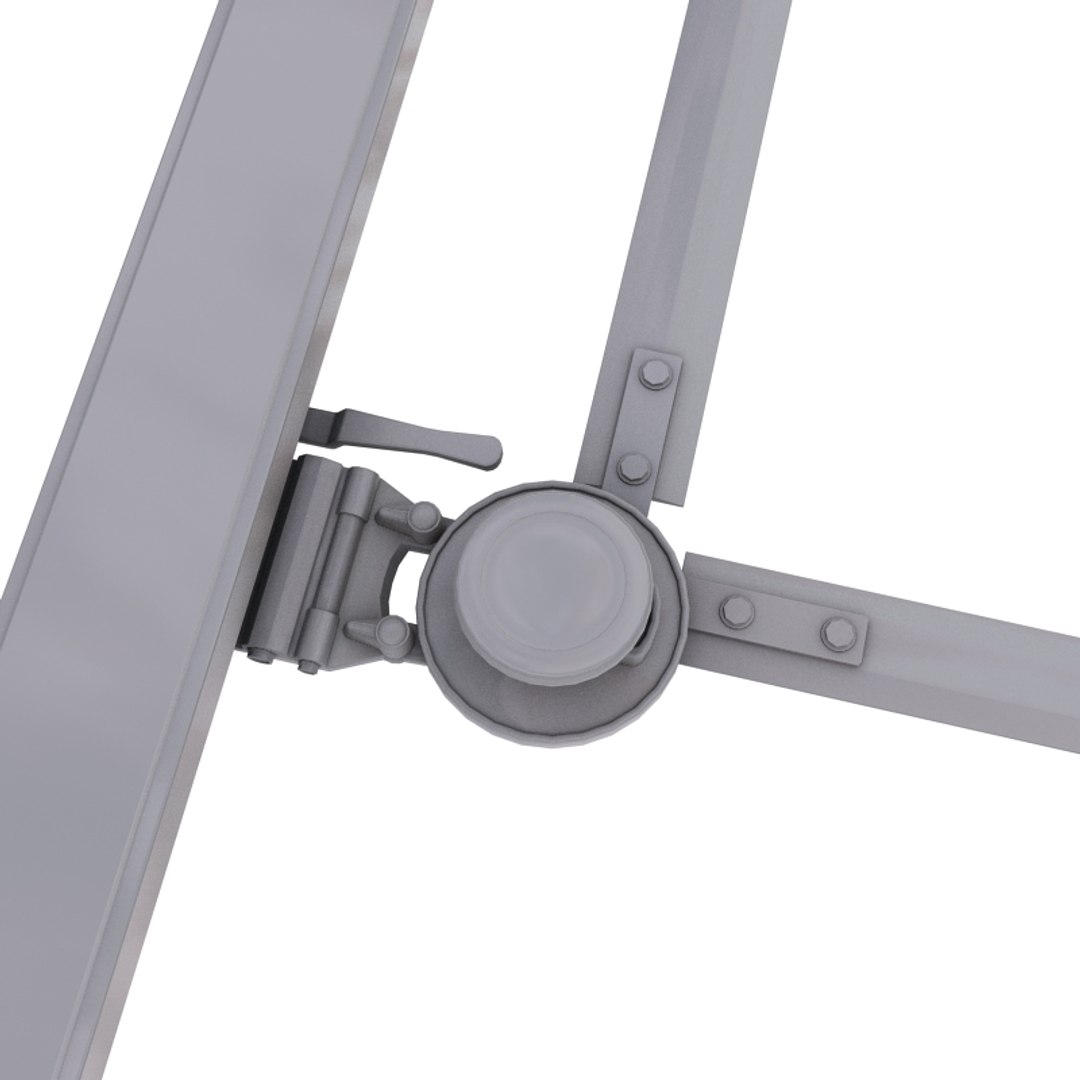
-tracking machine
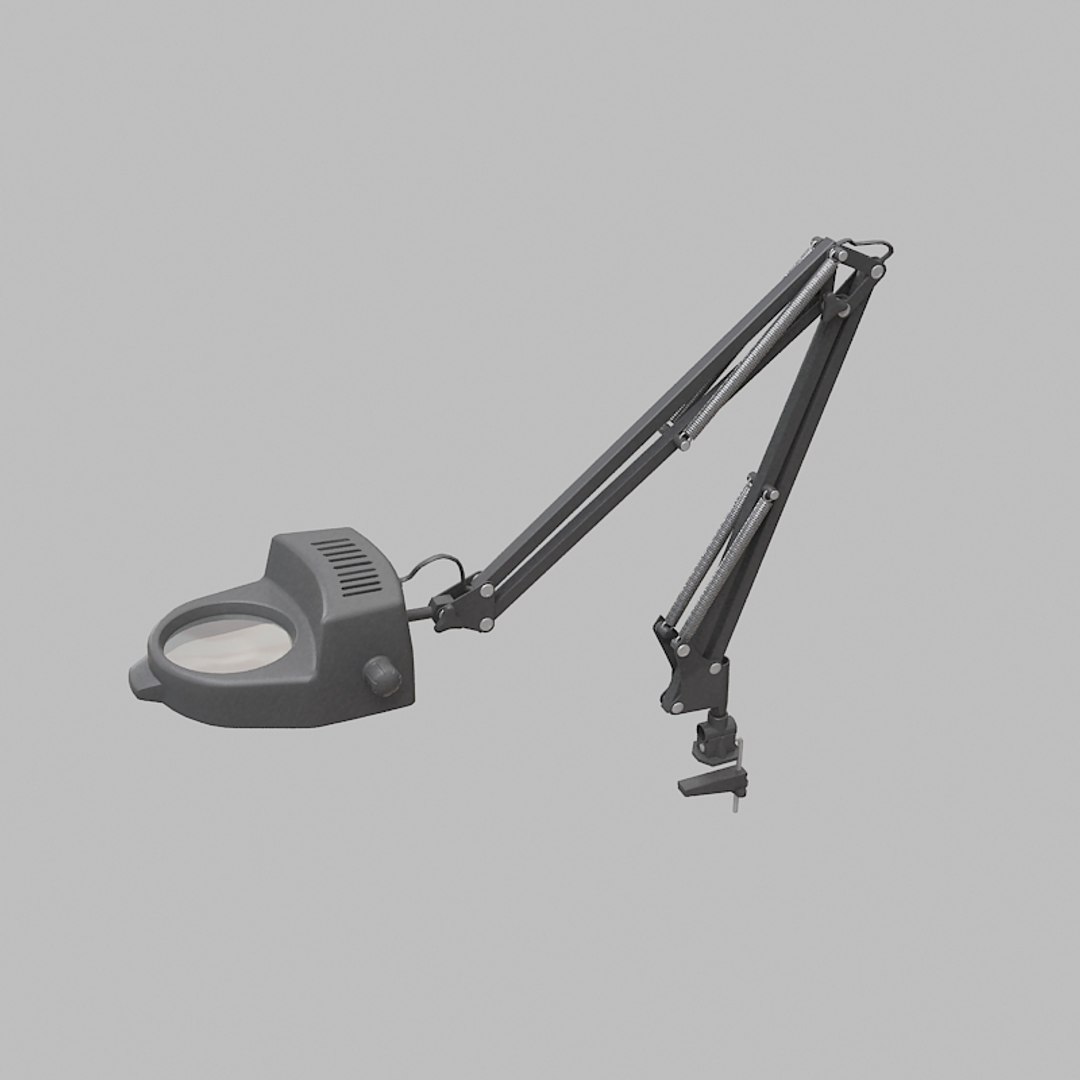
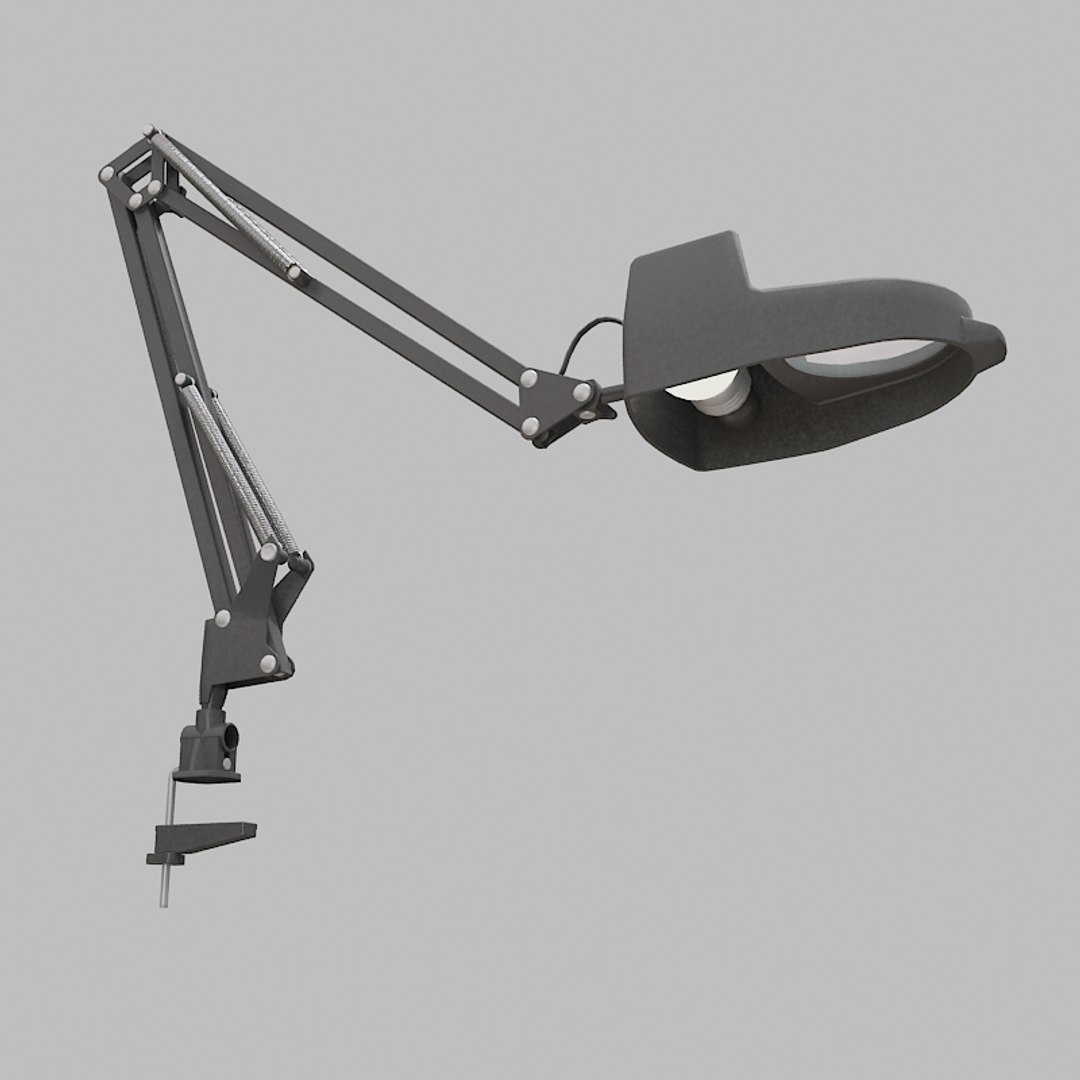
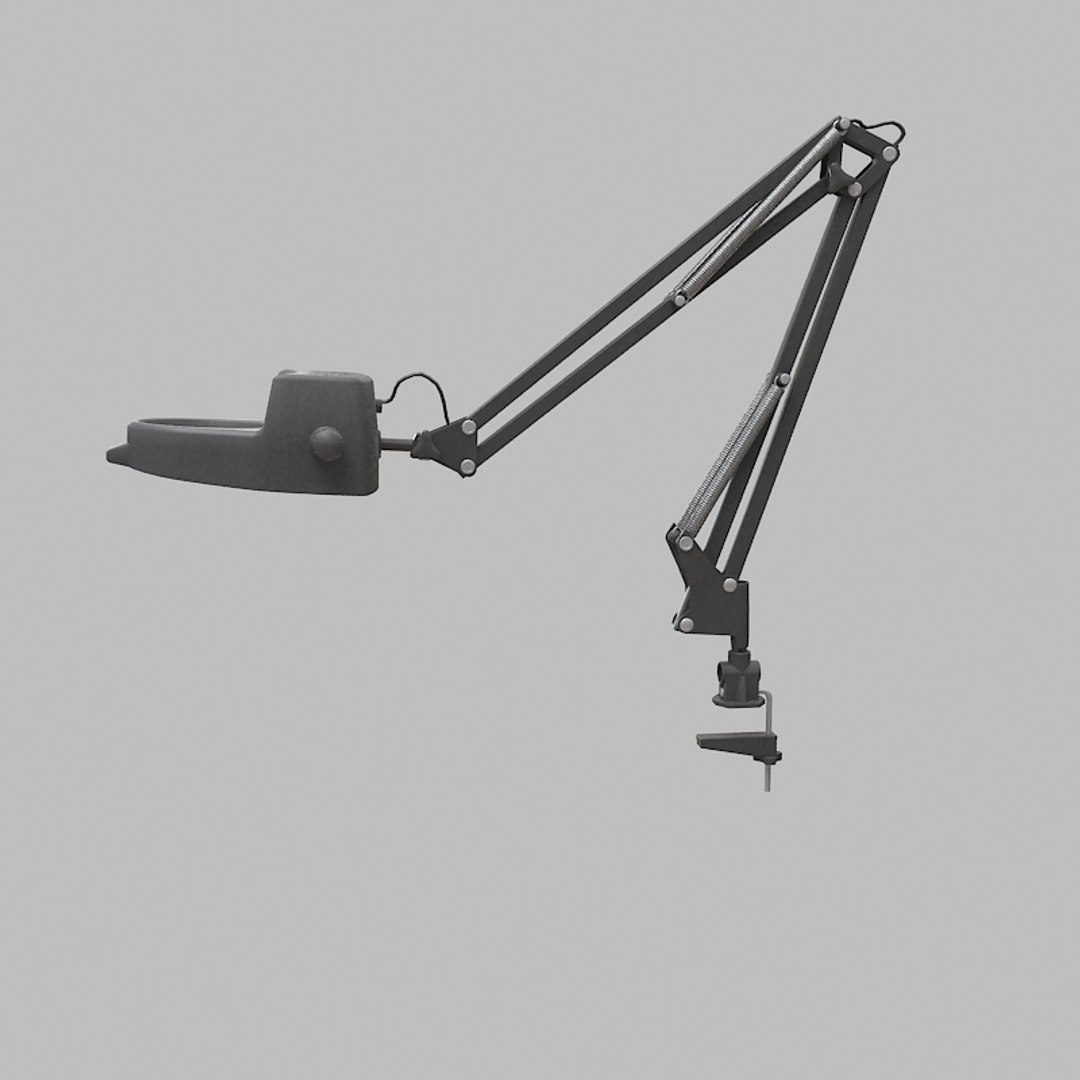
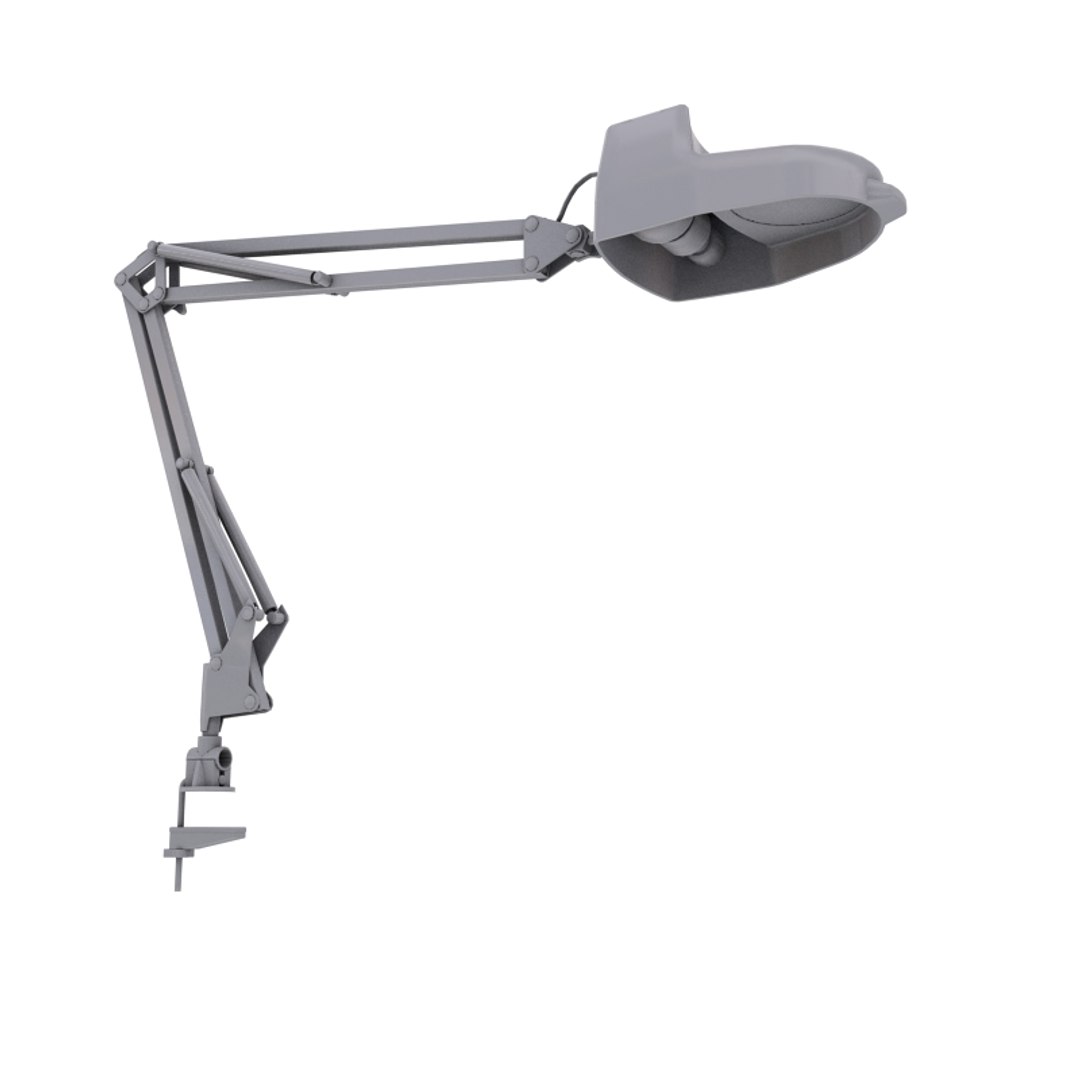
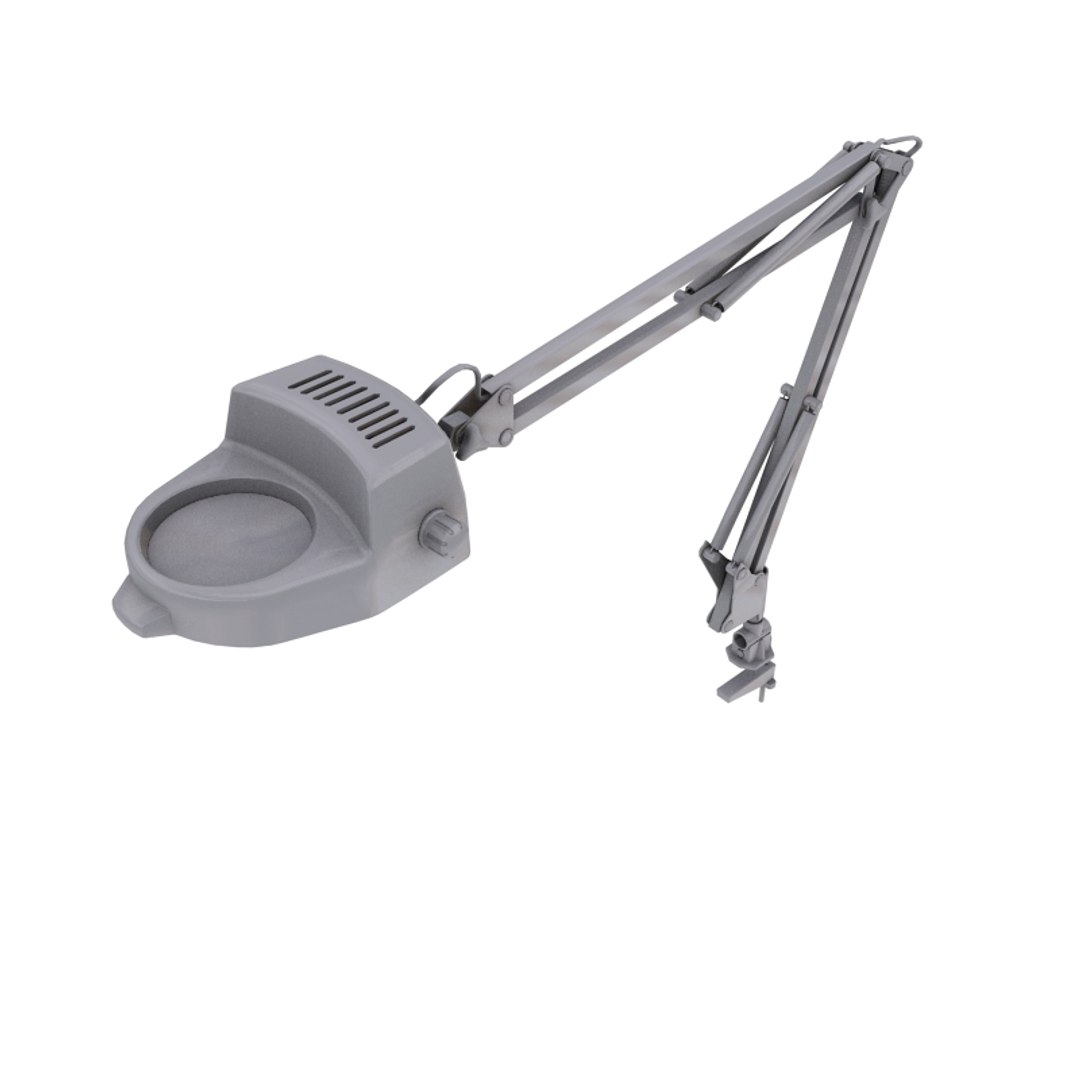
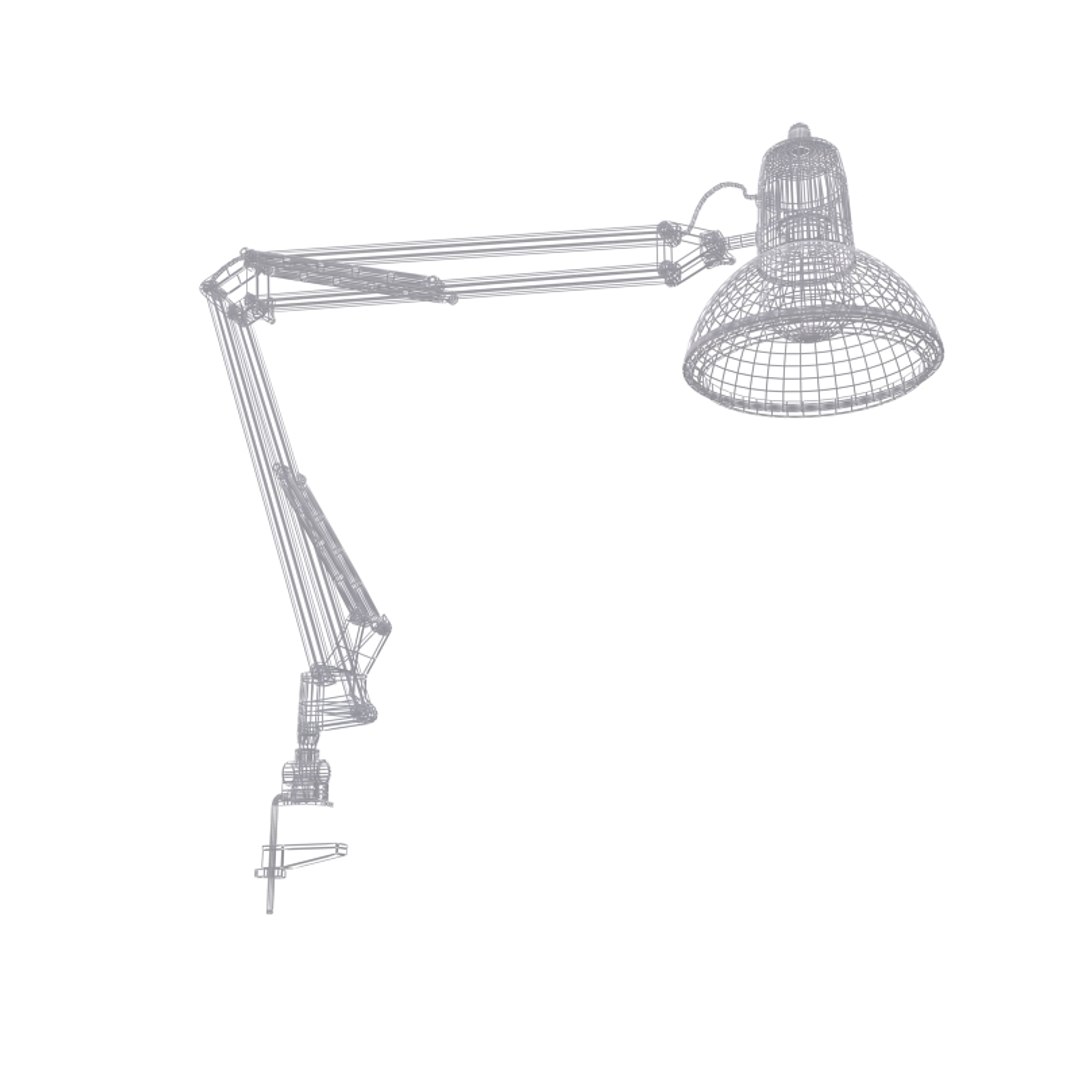
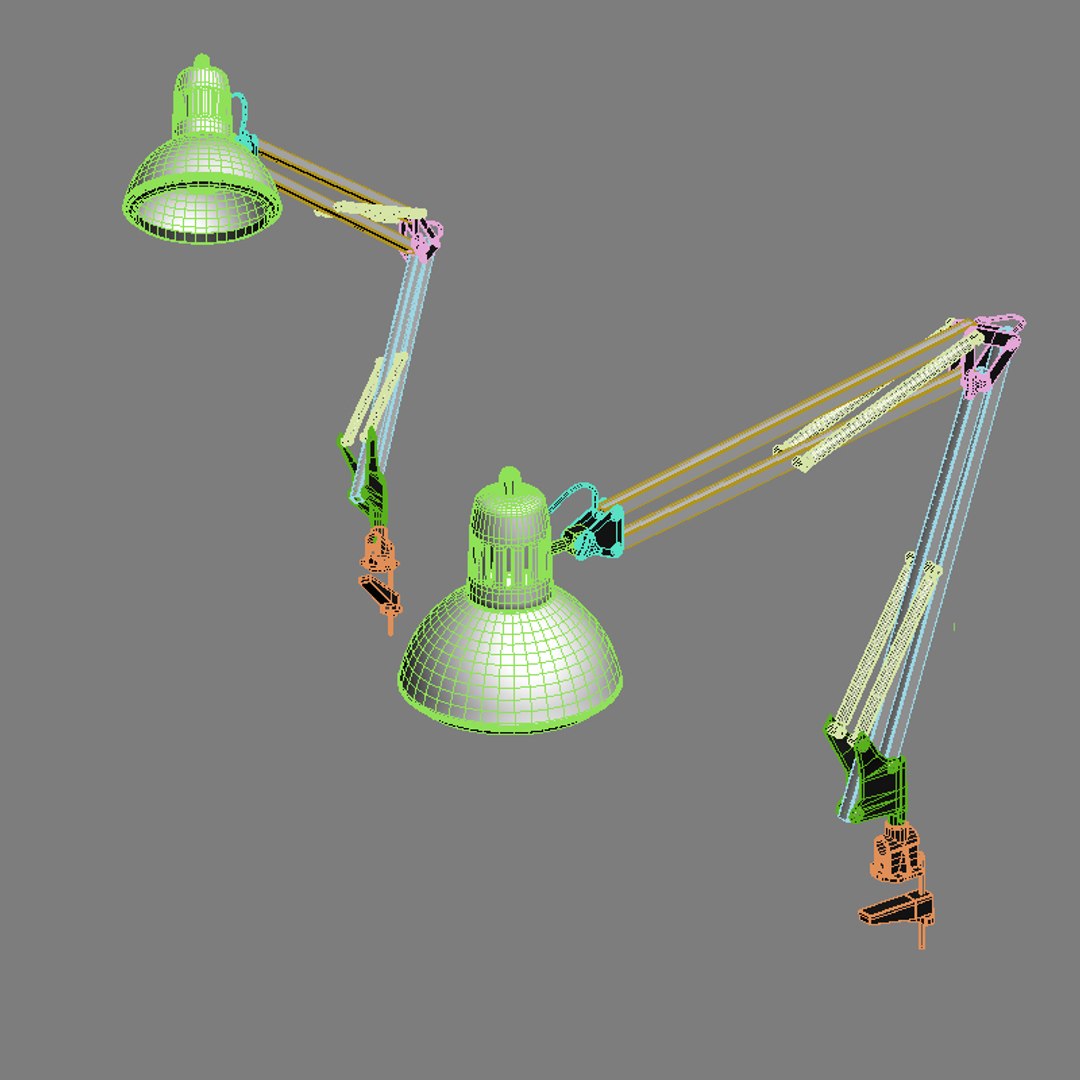
-magnifying lamp
-tray
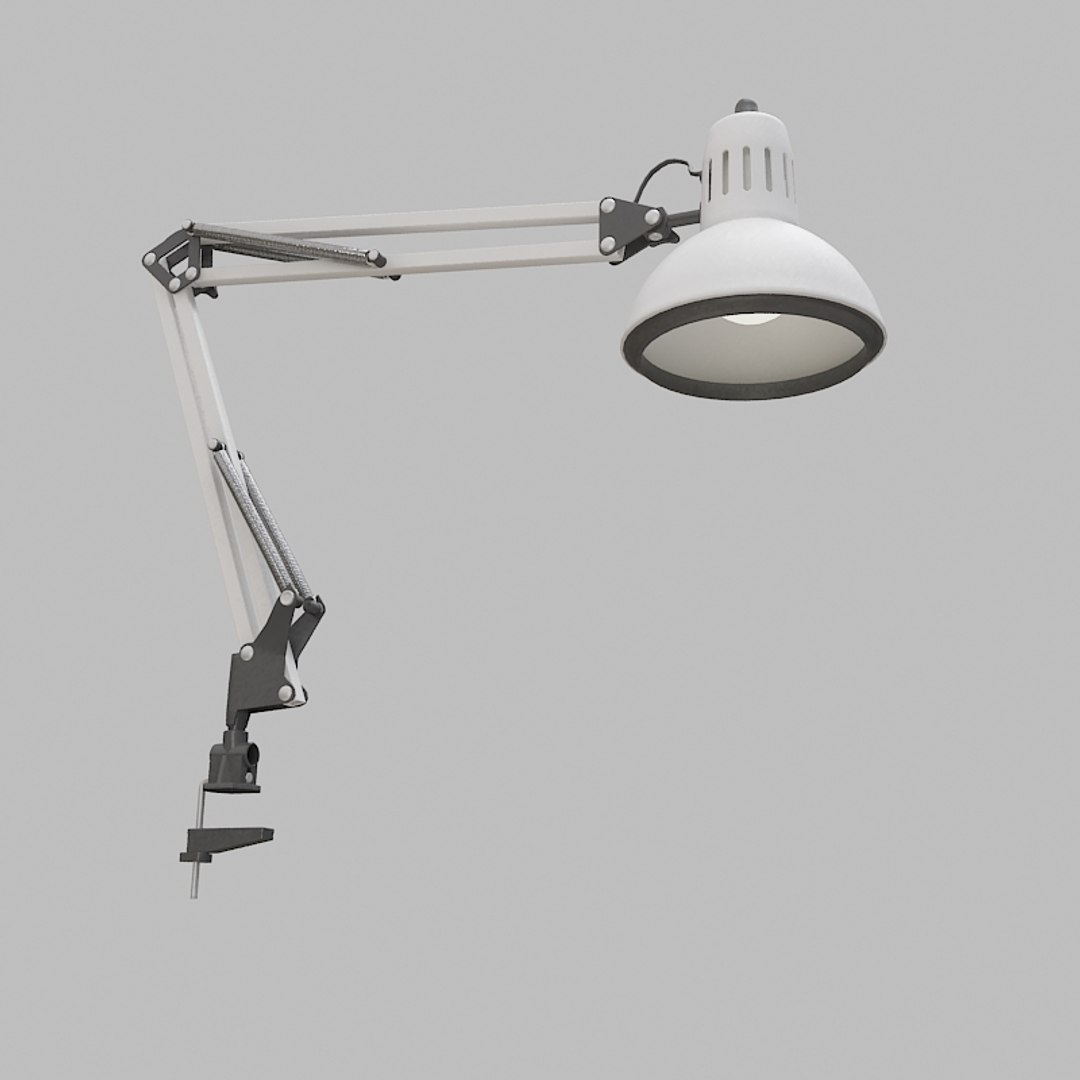
-table spot lamp (not shown in main preview)
- track ruler (not shown in main preview)

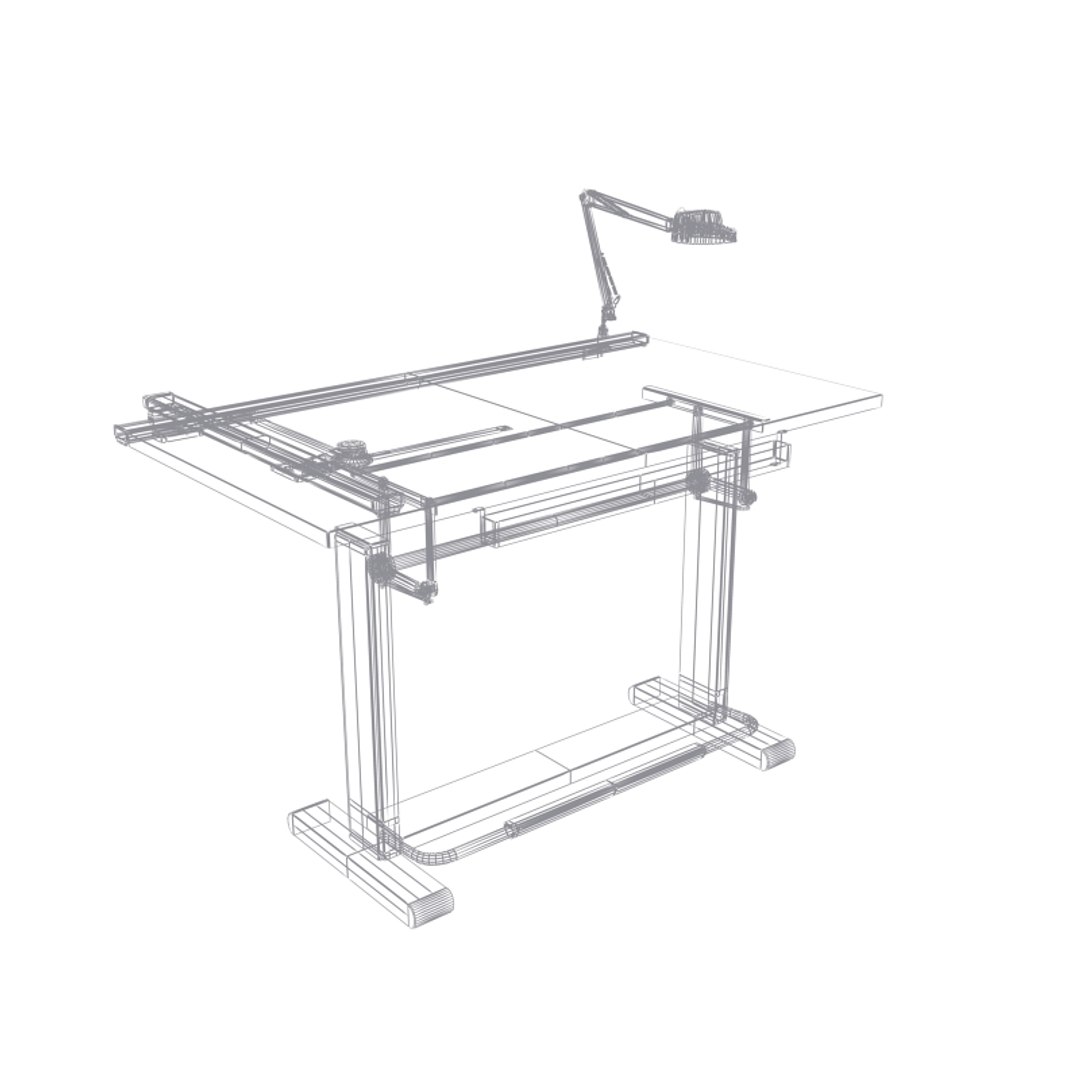
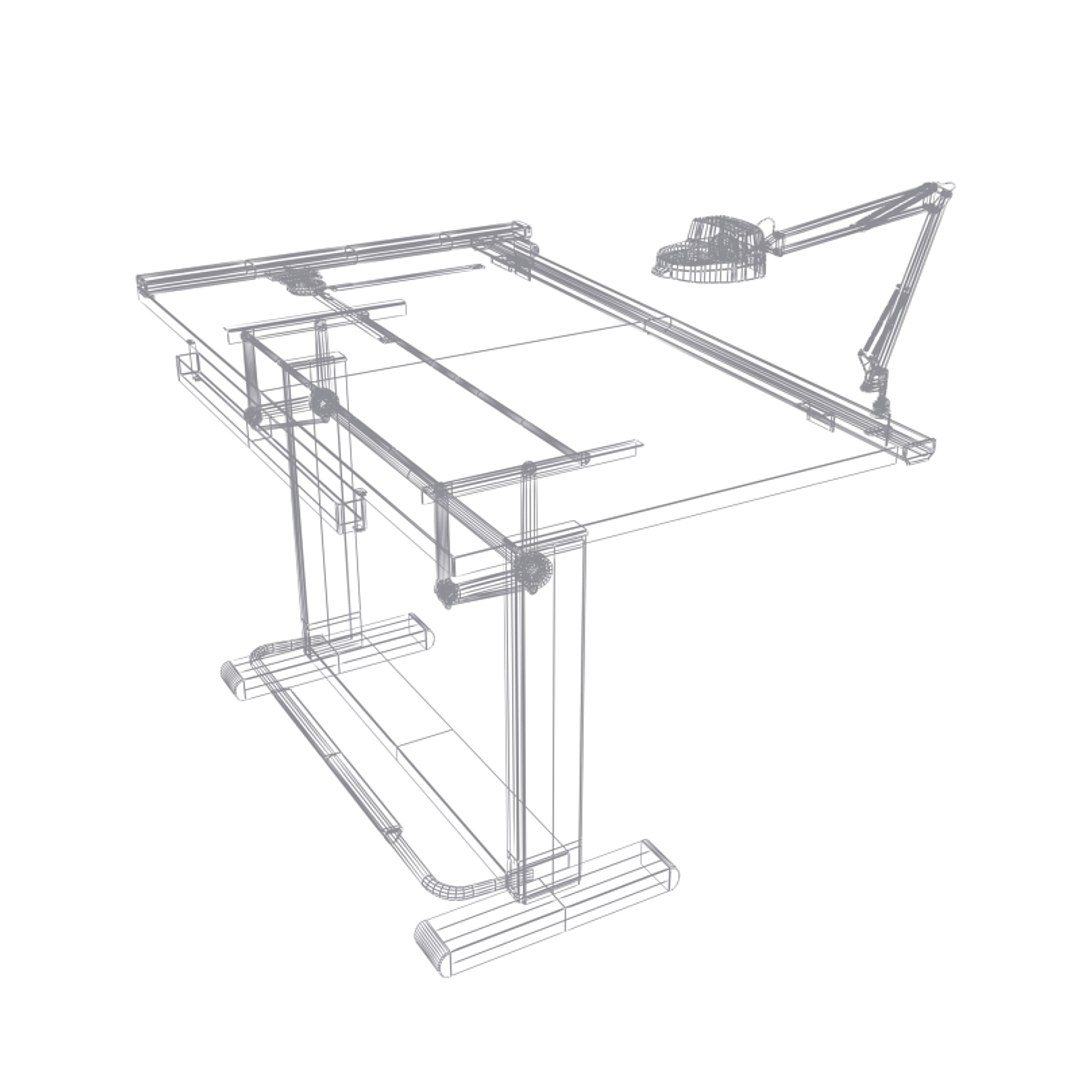
3d models are detailed, clean, and simple.
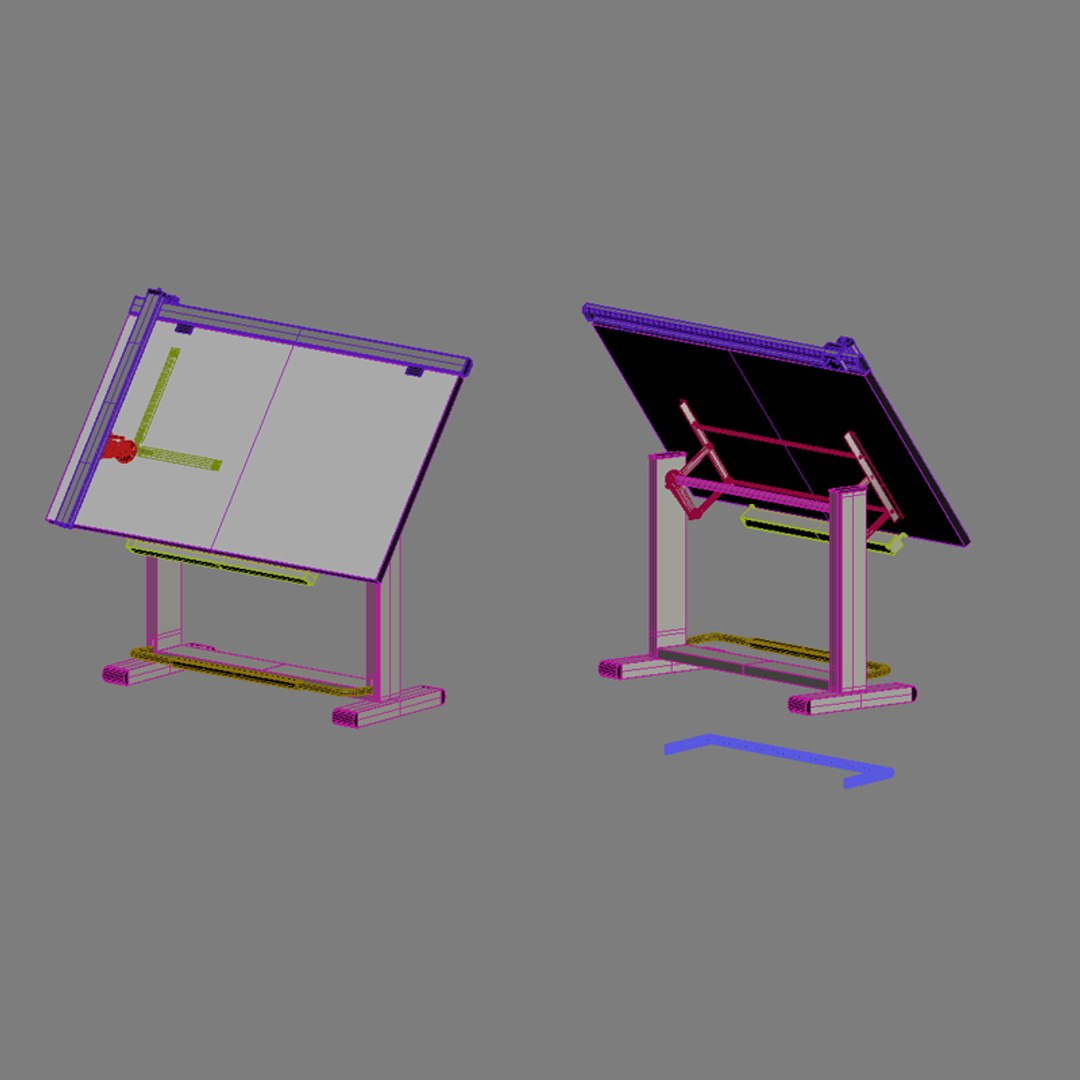
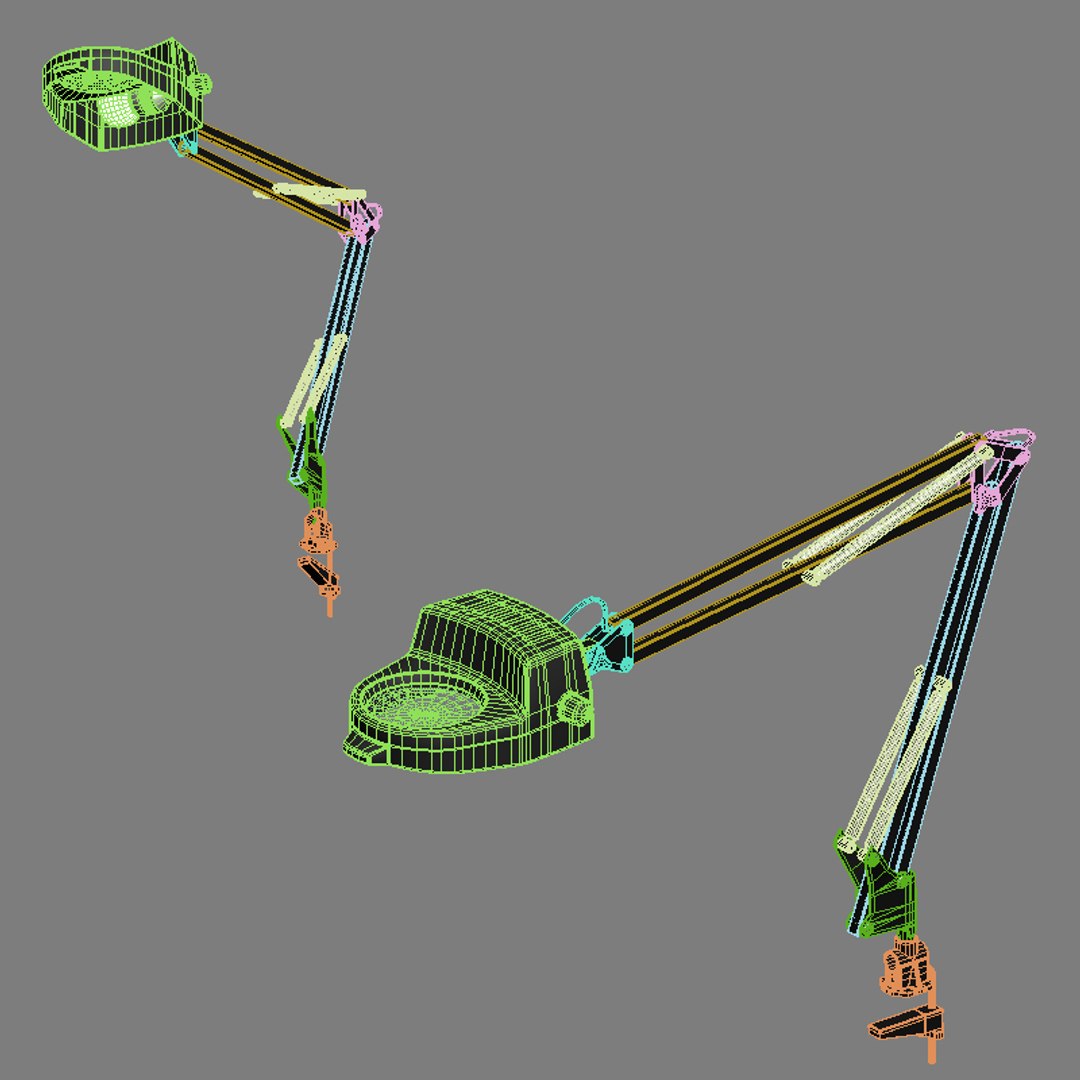
-organize file, objects are separated and named, each object groups have been assigned different mat id"s and uses its own multi-sub object material.
-easy for further adjustment and editing of models and materials
-objects are prepared for further subdivide/ meshsmooth

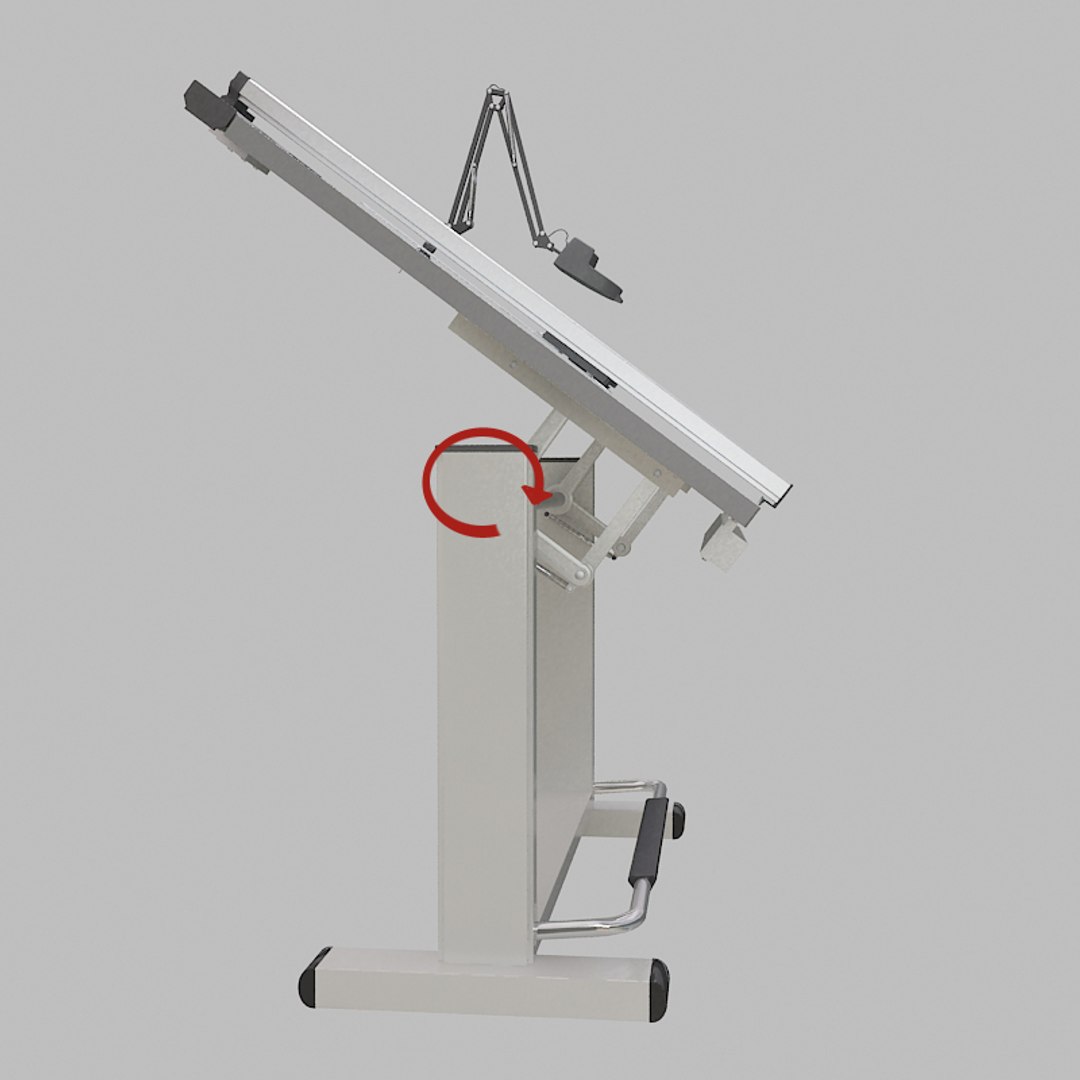
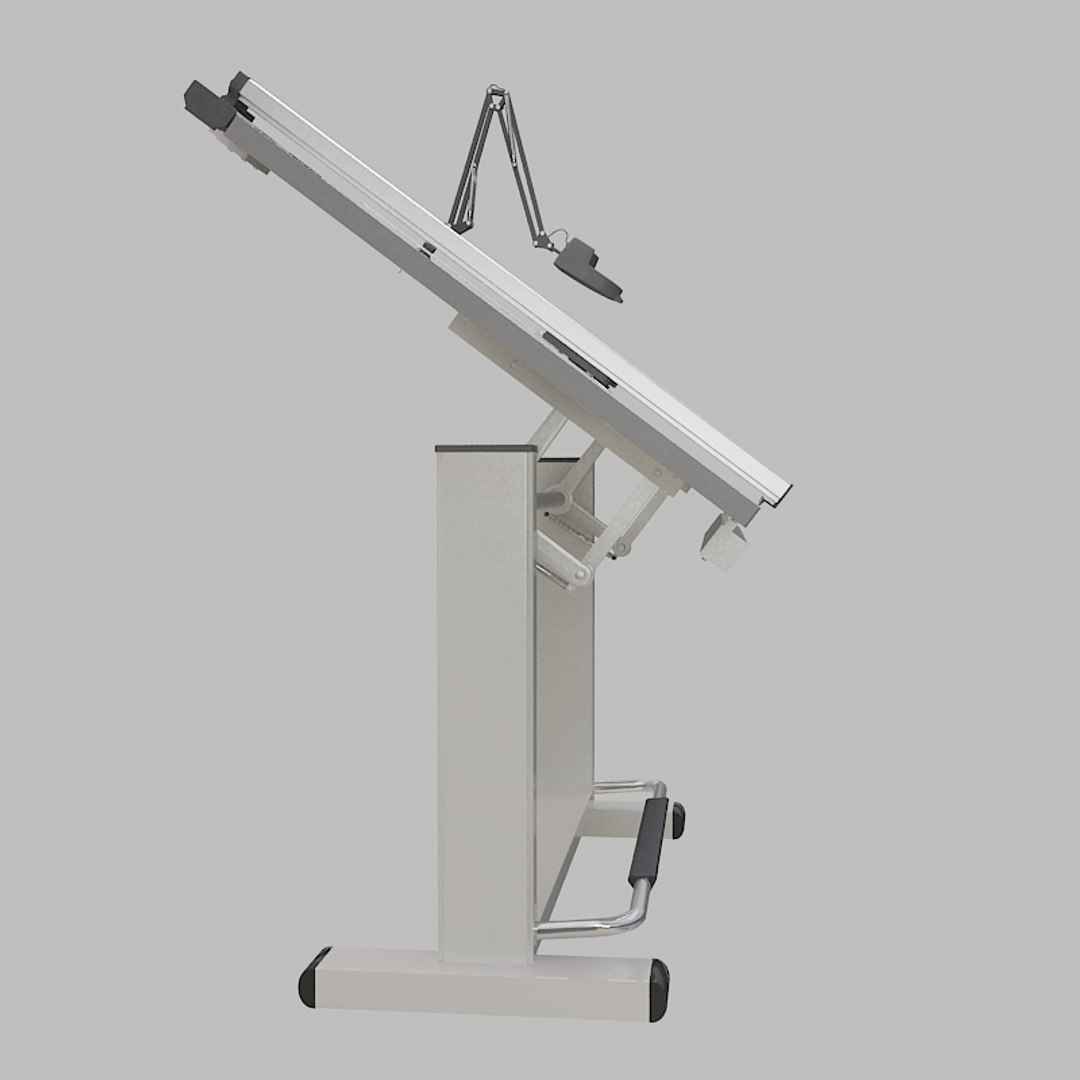
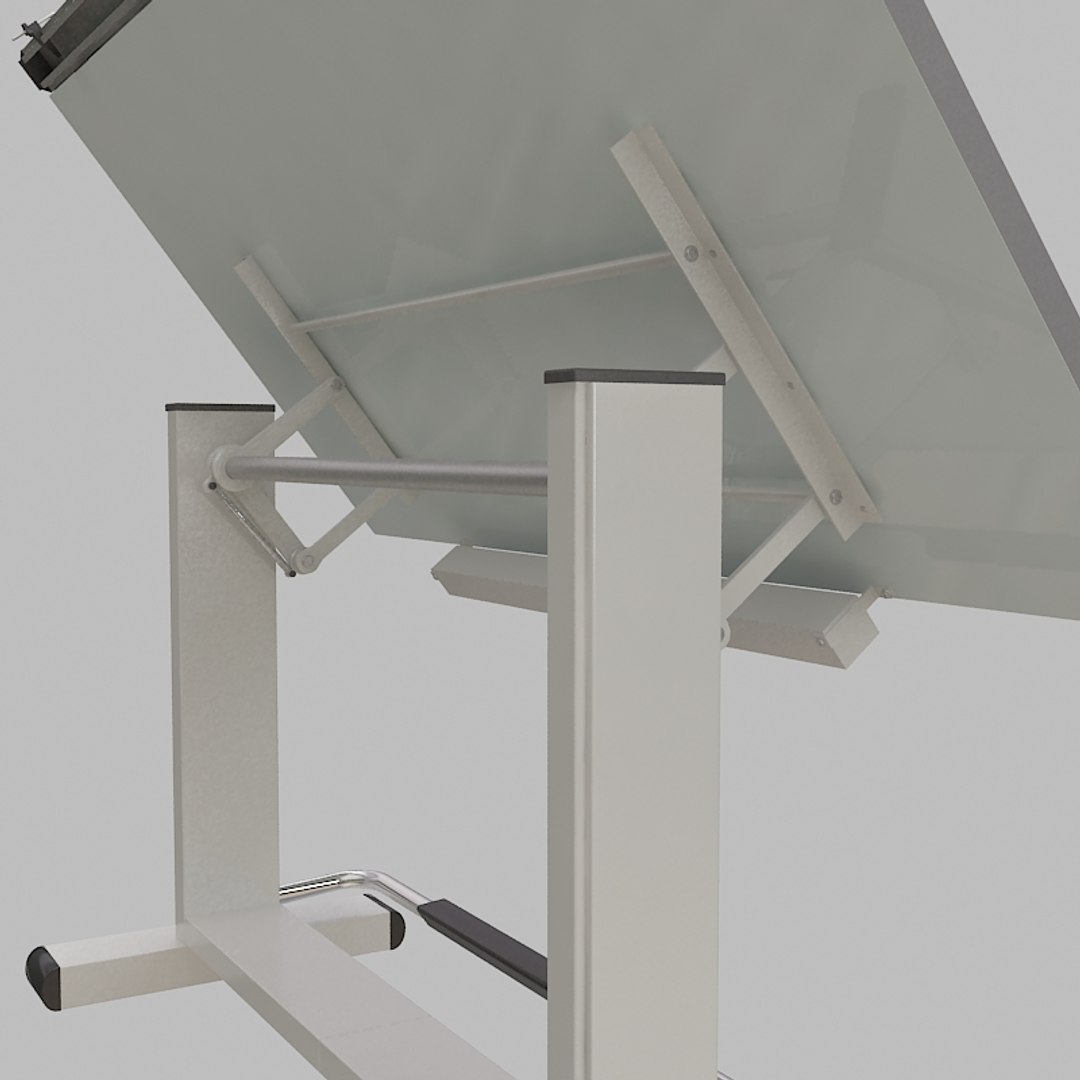
Drafting table board can be rotated for your scene set up.
(drawing board is at a flat angle in scene files)
size of drawing board is around width=70" depth=37" hieght=42"


3dsmax9 winzip file includes scene with standard materials and scanline renderer as default..
But also include vray materials in material editor.
(material library files are also included in zip file)

**main previews were rendered useing Vray**

also sold separately

drafting table: poly= 20,708 verts=20,896
track machine: poly= 9,173 verts=9,442
magnifying lamp: poly=14,799 verts=14,871
table lamp: poly=16,856 verts=16,852
stool: poly=6,348 verts=6,458

Select Enhanced License

  • $10,000 in Legal Protection (Indemnification)
  • Uncapped Legal Protection (Indemnification)
  • Waiver from injunctive relief
  • Assignable model rights
  • $1,000,000 in Legal Protection (Indemnification)
  • Waiver from injunctive relief
  • Assignable model rights
  • $250,000 in Legal Protection (Indemnification)
  • Assignable model rights
Read more about enhanced license tiers, or contact us at enterprise@turbosquid.com. Already a Shutterstock Enterprise Customer? Contact your Shutterstock Sales Support Agent to talk about adding 3D.

About Conversion Requests

To submit a conversion request for a purchased asset, please complete our Conversion Request Form.

If you have not yet purchased a model, please review our Documentation about Conversions to learn about what limitations you may encounter with a conversion.

For any additional questions about a model’s suitability for conversion, please contact TurboSquid Support.

Loading...