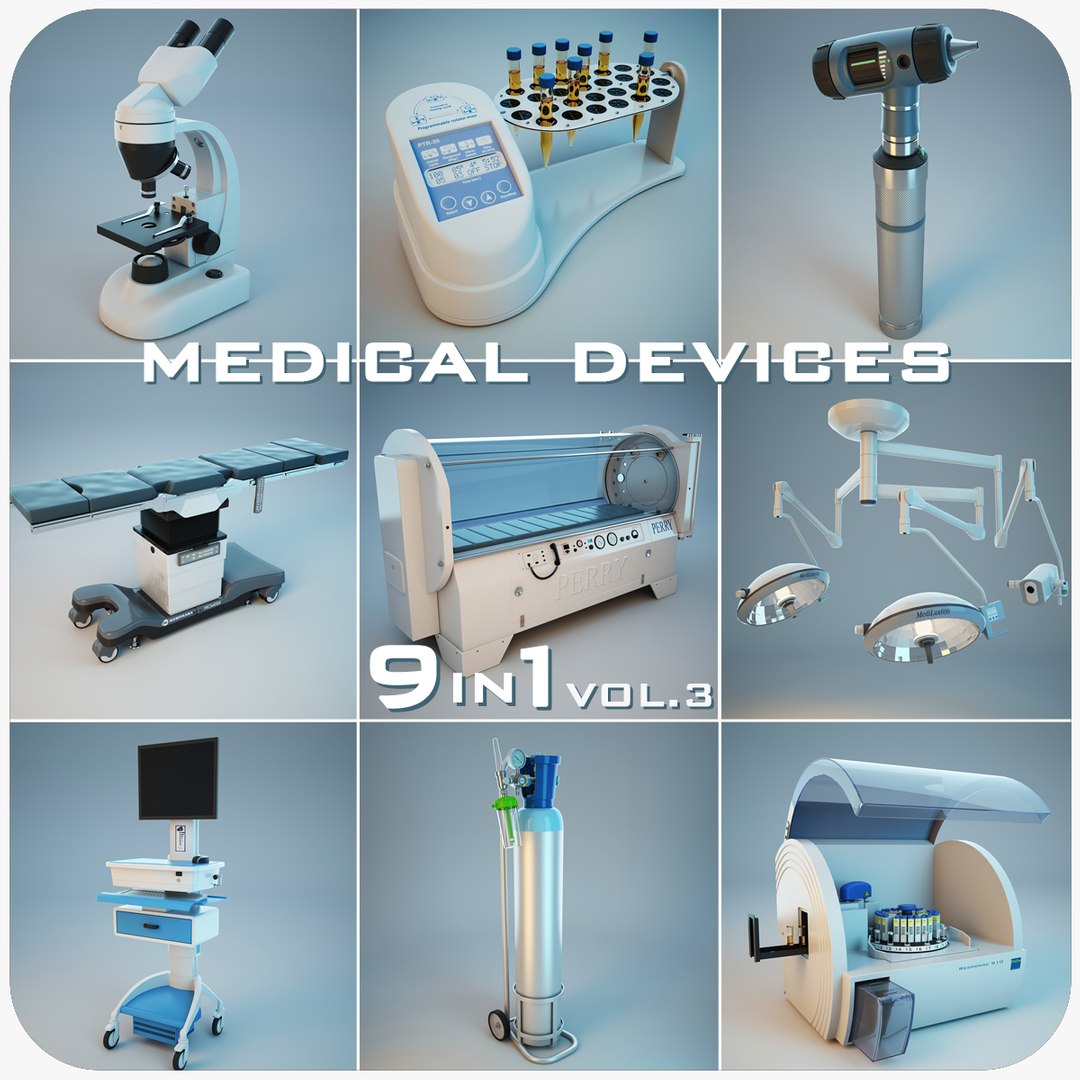
Medical Devices Collection 9 in 1 vol.3

$149

Standard License | Upgrade License
Editorial Uses Only
Formats (3)
Native | 3ds Max 2009 | V-Ray 1.5SP2
3D Studio
OBJ
Specifications
Publish Date June 27, 2013
Product ID 750422
Polygons 1
Vertices 1
Polygonal Quads/Tris Geometry
Textures
Materials
UV Mapped
member avatar
Stubborn3D
795 Products | Contributor Since 2009
Have questions? Chat with us now.

Description

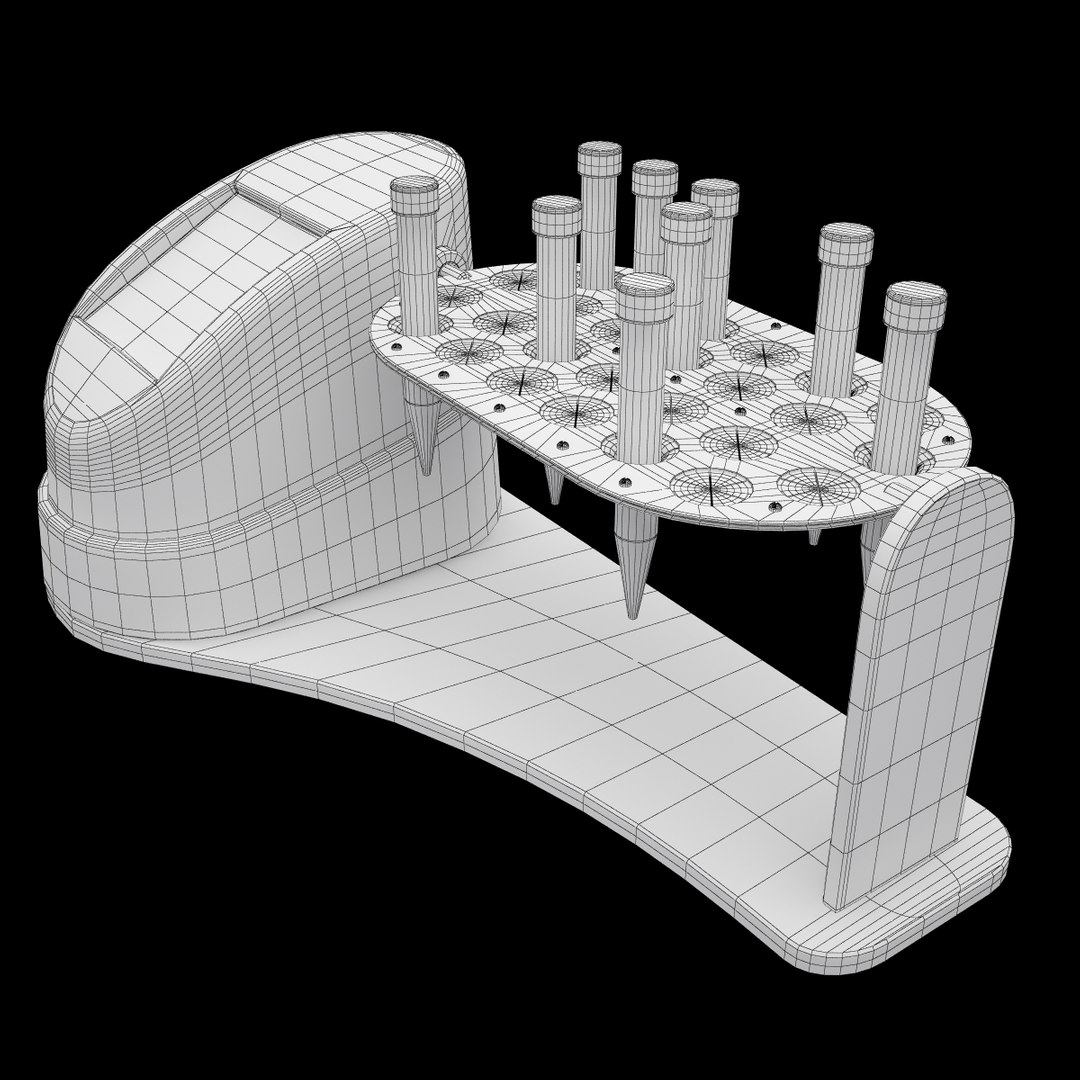
This is Medical Devices Collection 9 in 1 vol.3
Files 3ds Max ready to render with V-Ray 1.5SP2

All products sold separately have the PRO certification versions up to June 15, 2013

IF YOU LIKE THIS PRODUCT, PLEASE RATE IT
*******************************************************
Find me on social networks and get a discount!
*******************************************************
Formats:
3ds Max 2009
3DS (archive does not contain material)
OBJ (archive does not contain material)
*******************************************************
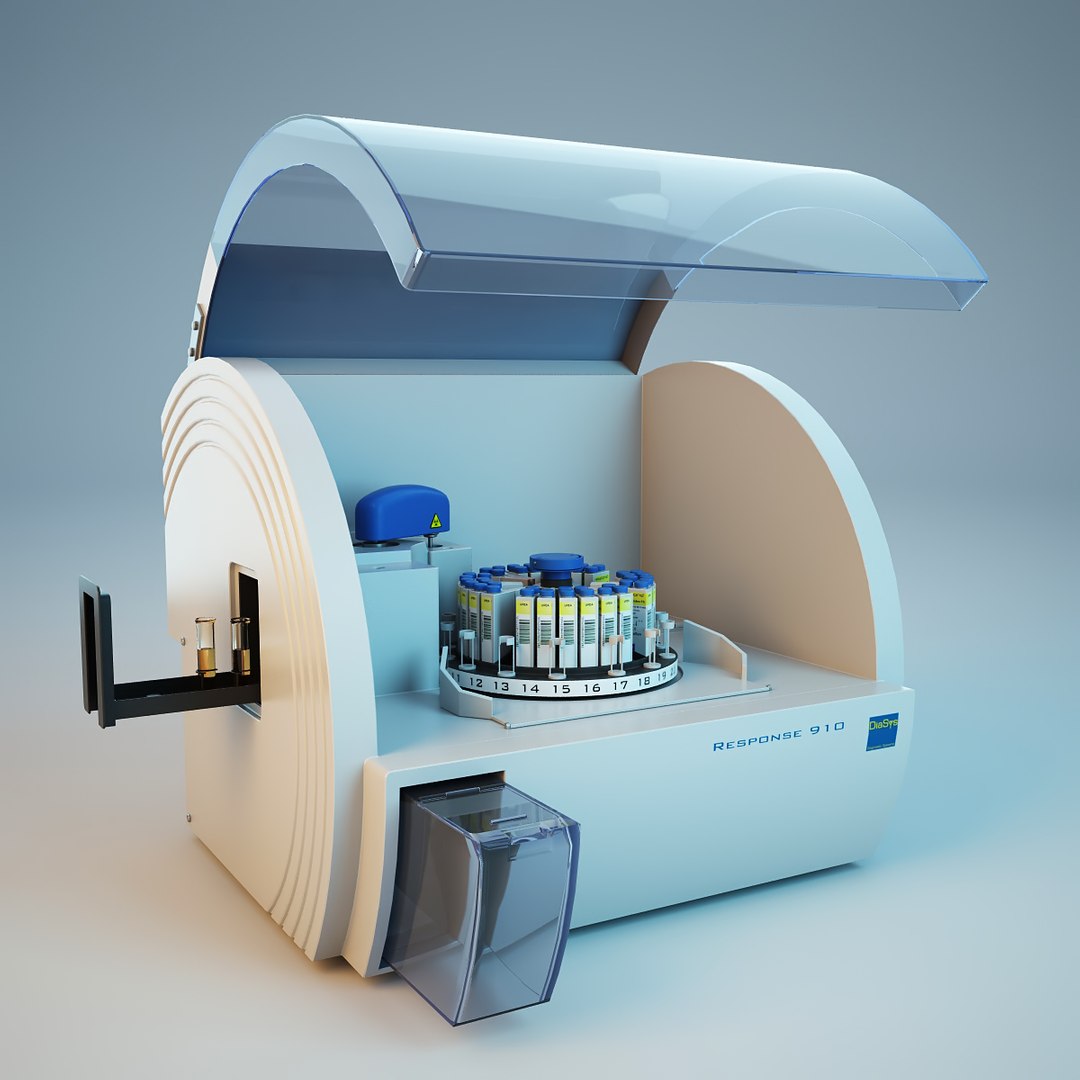
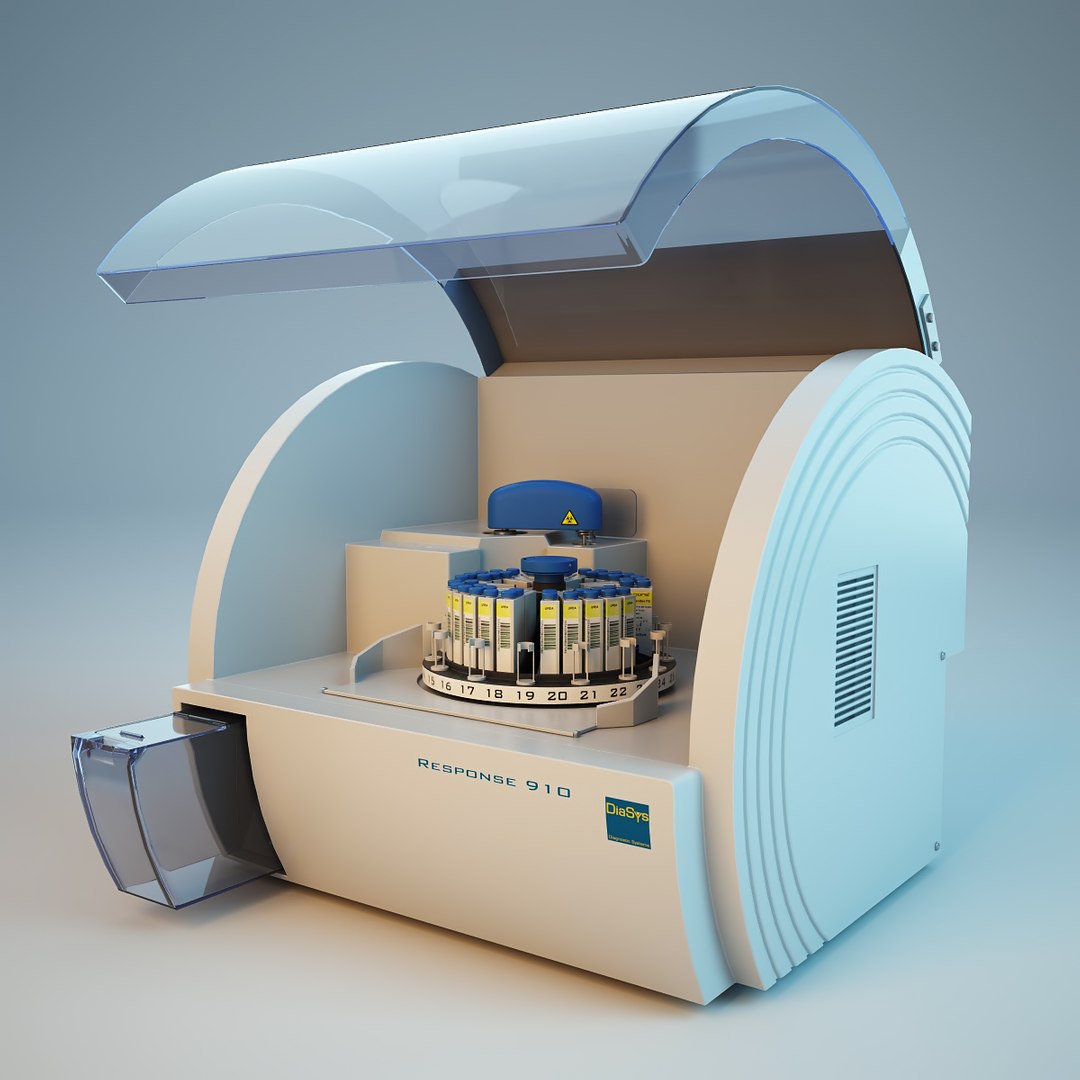
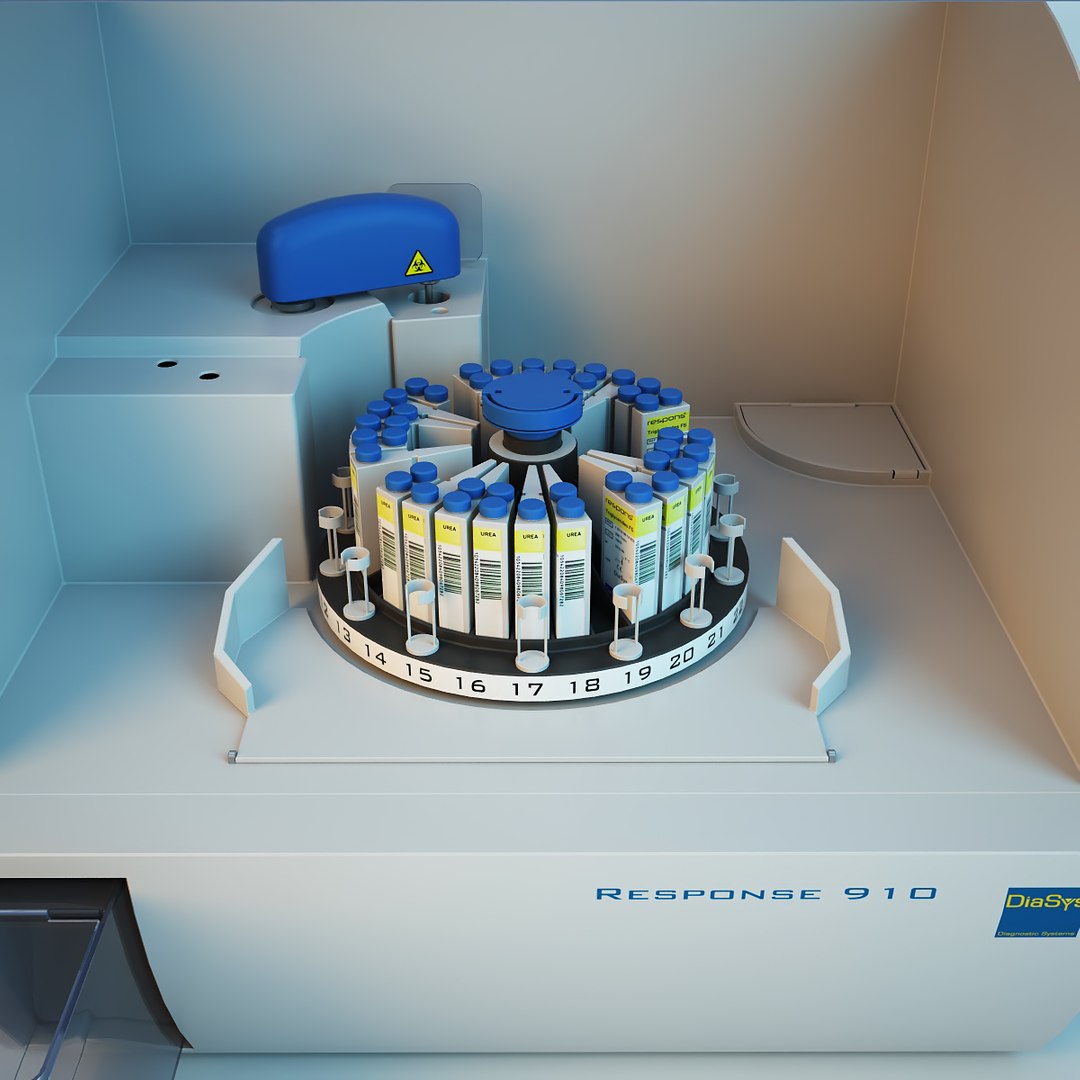
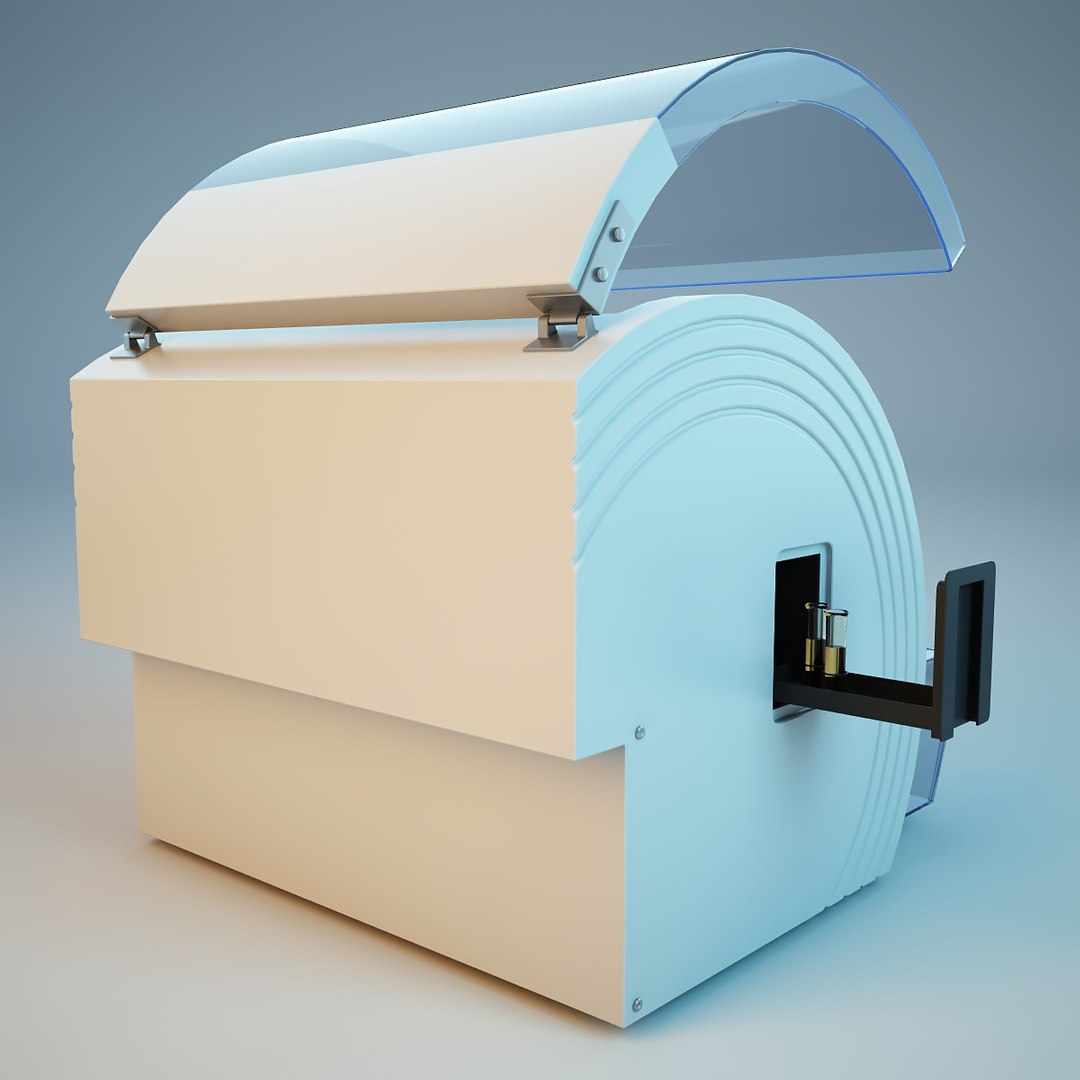
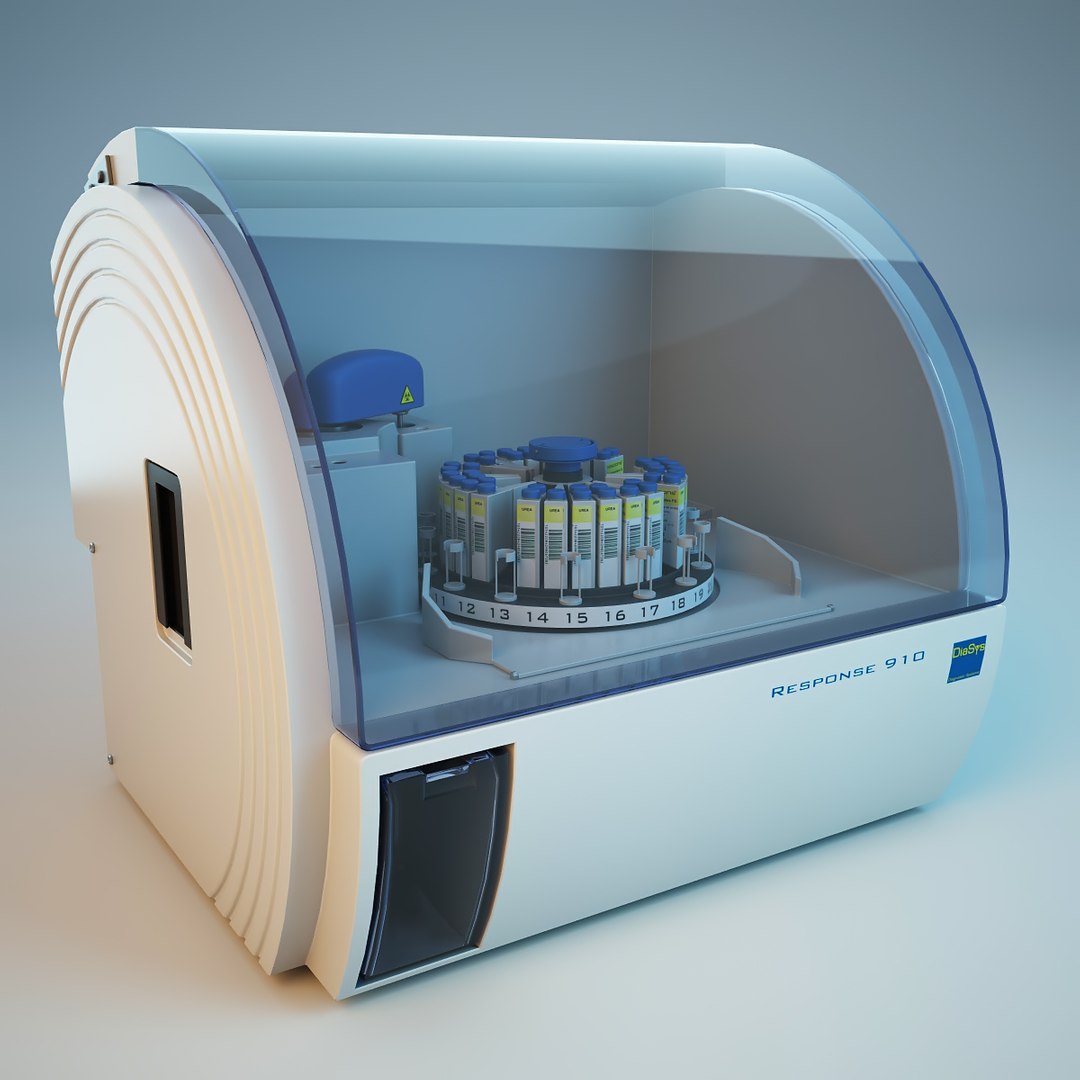
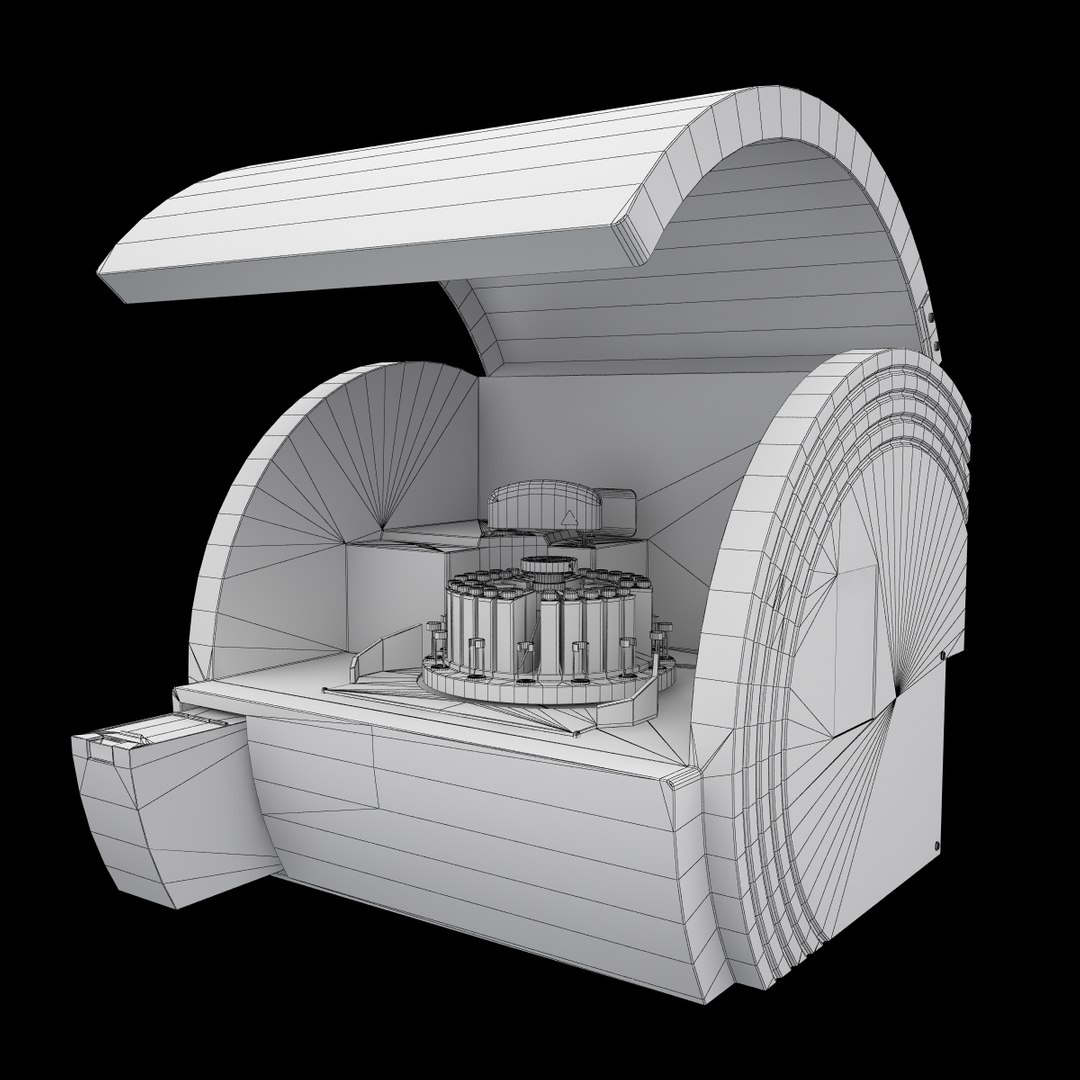
DiaSys Respons 910 clinical chemistry analyzer
Polygons: 21126
Vertices: 20204

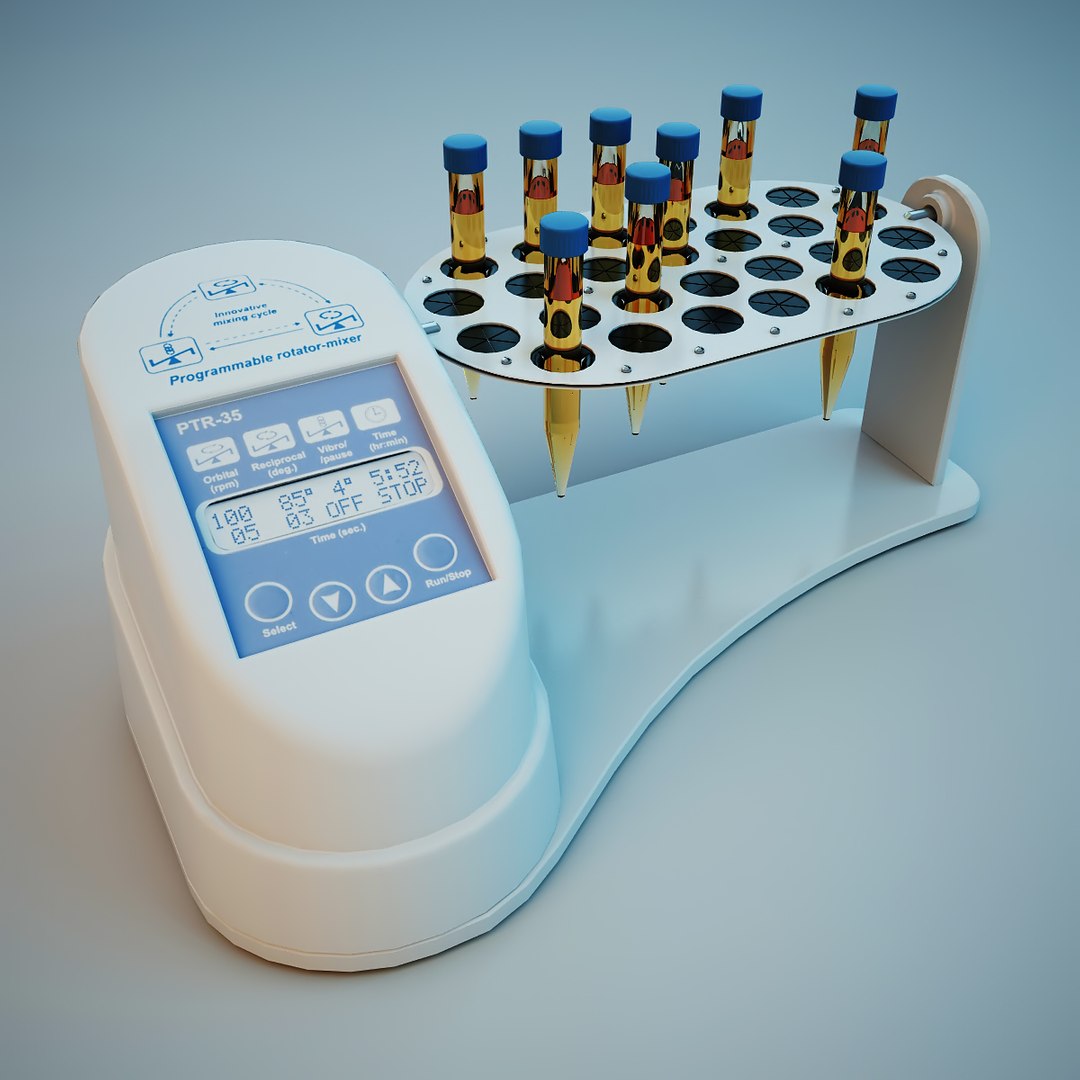
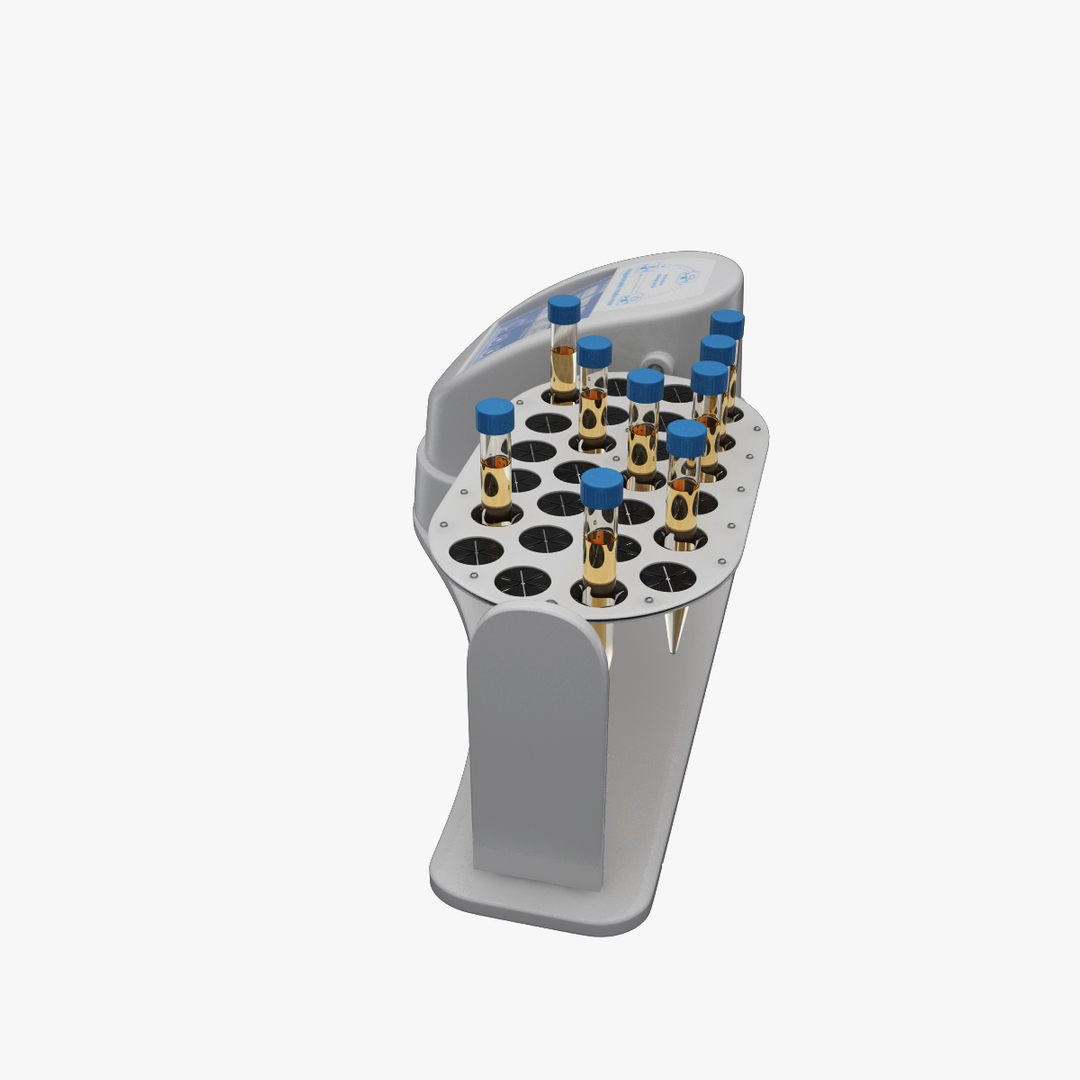
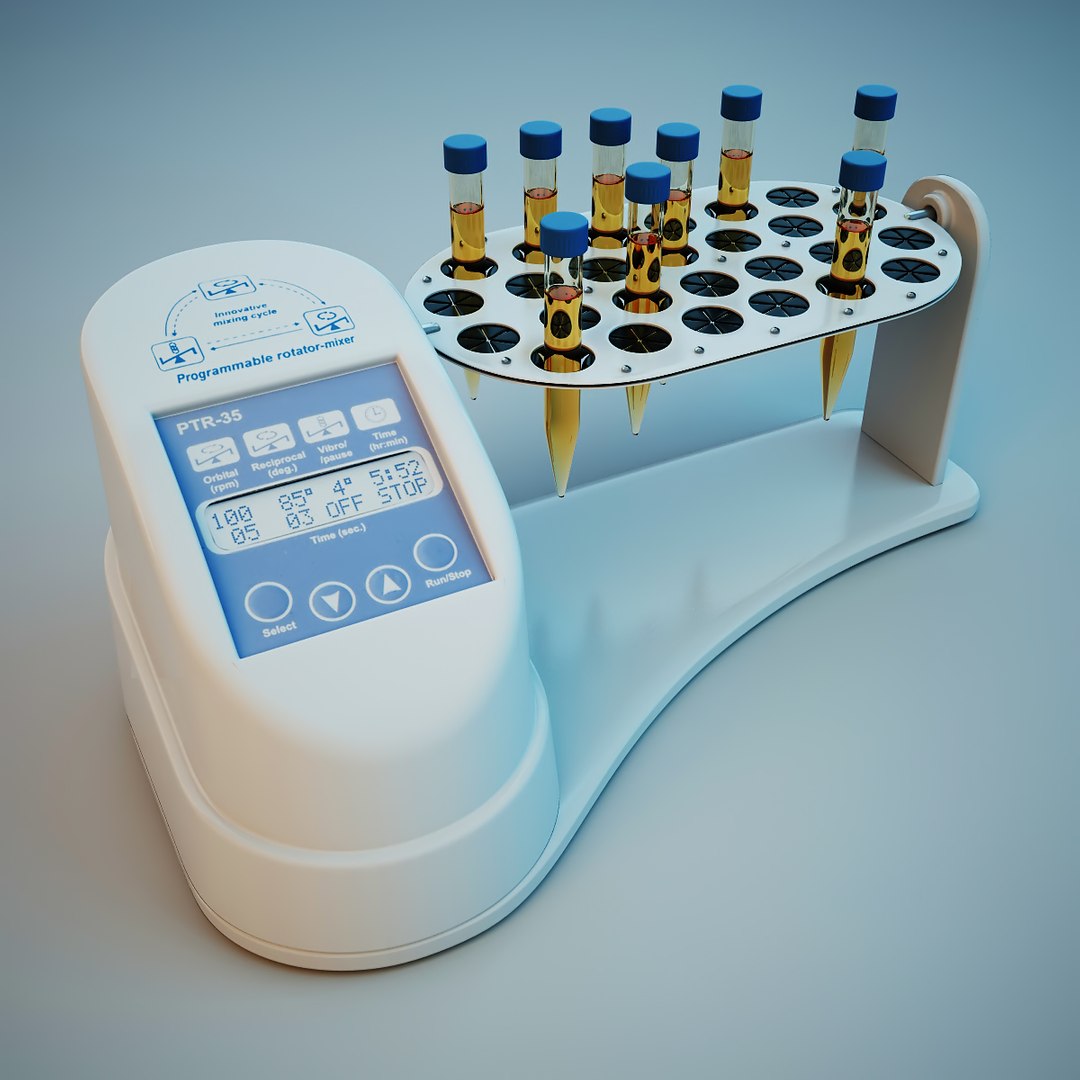
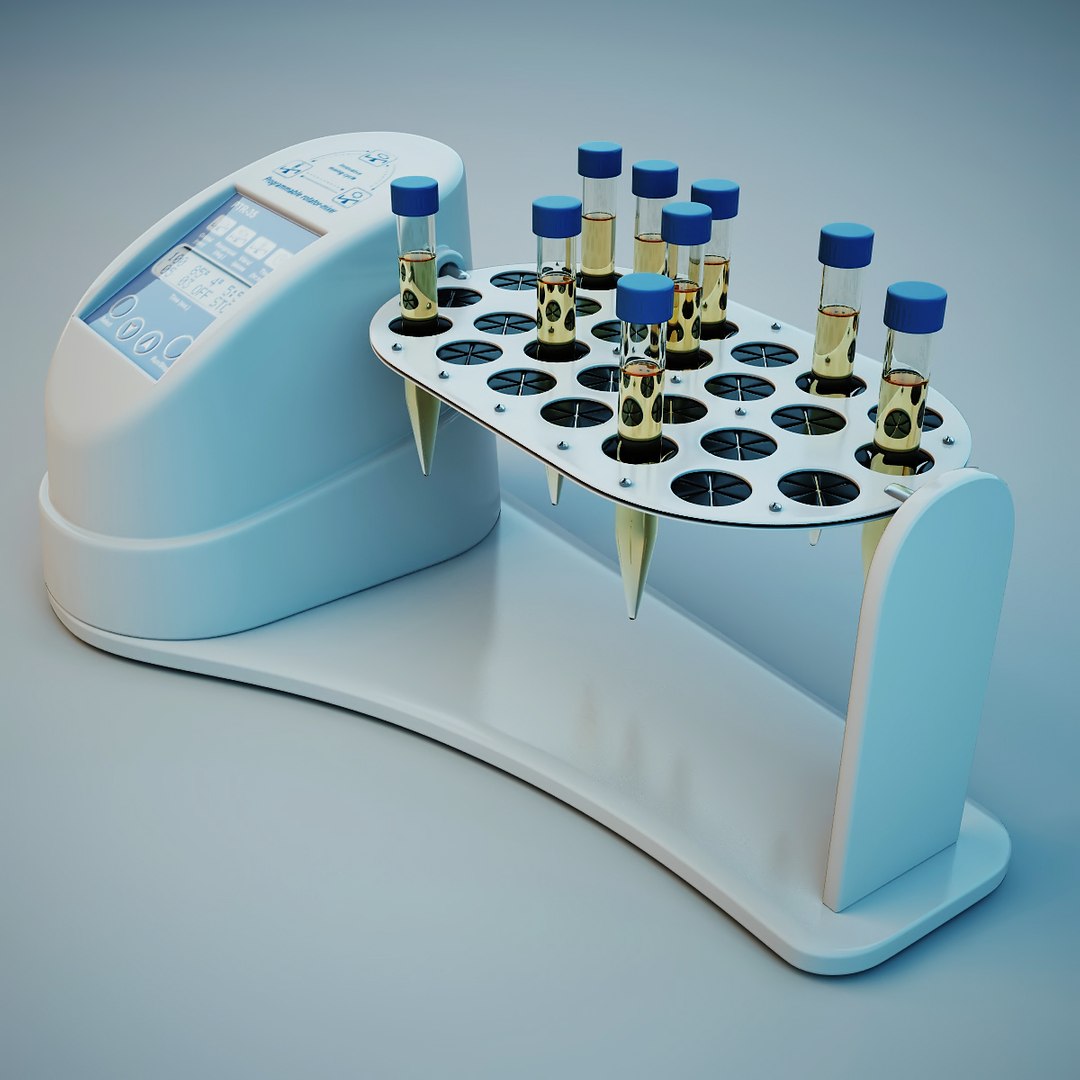
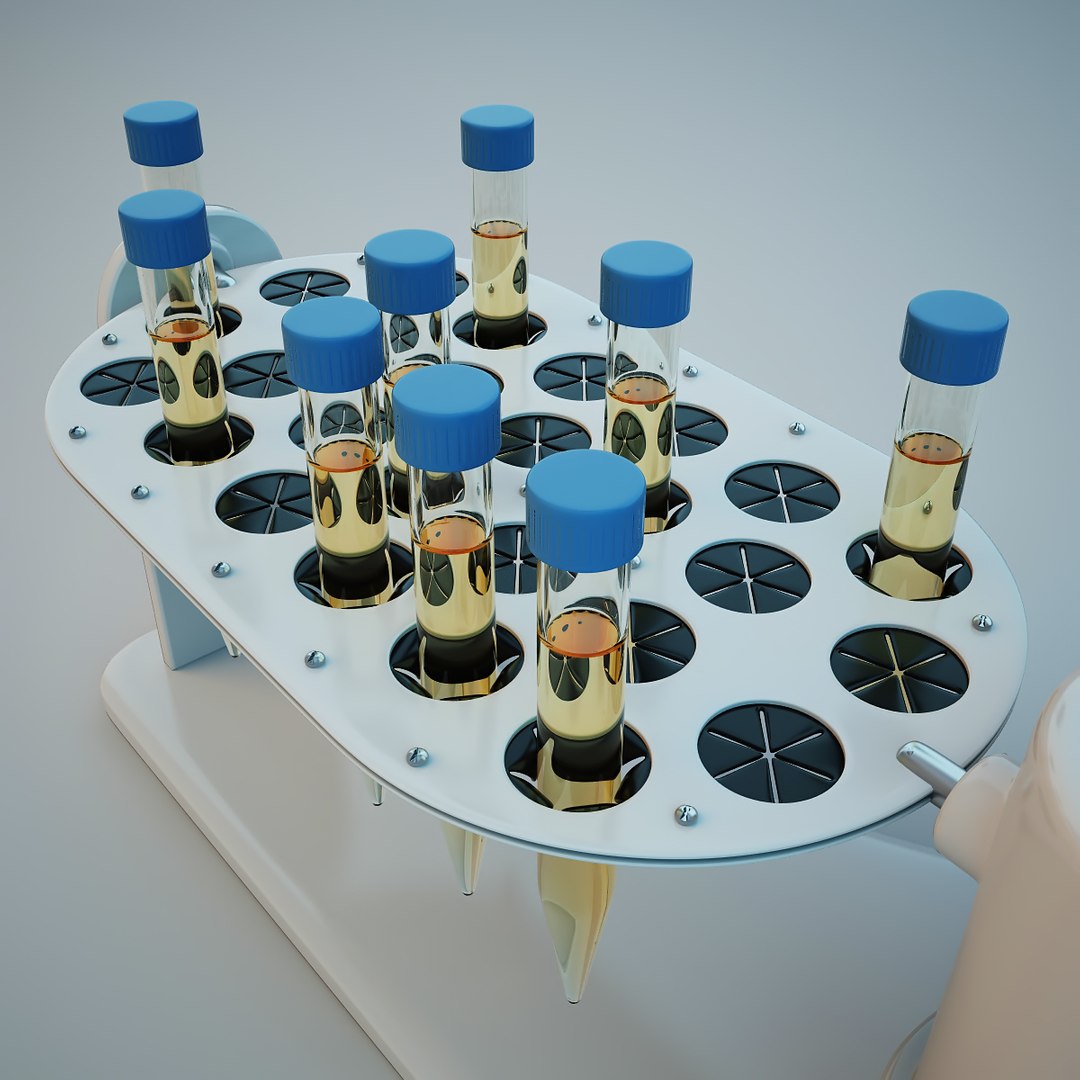
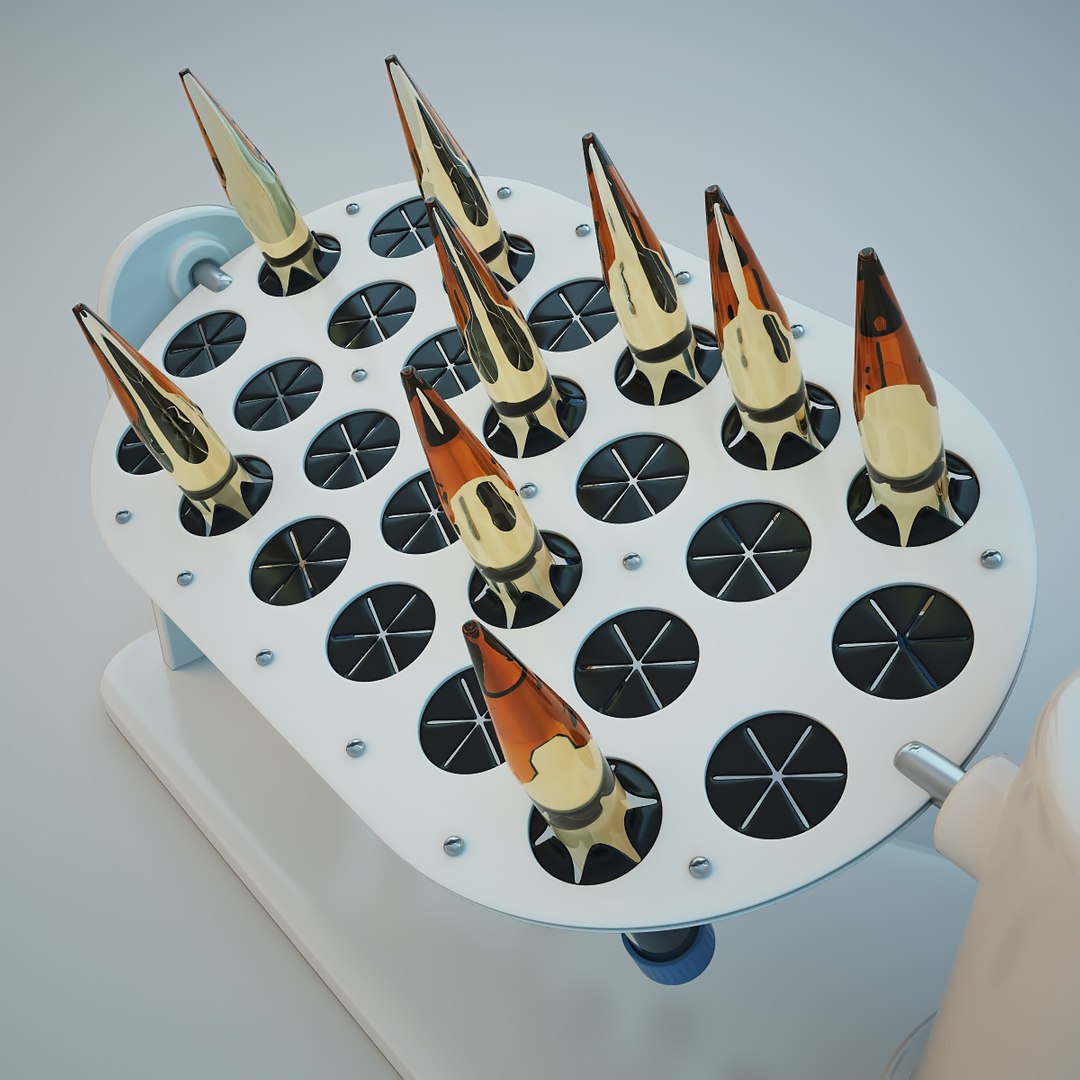
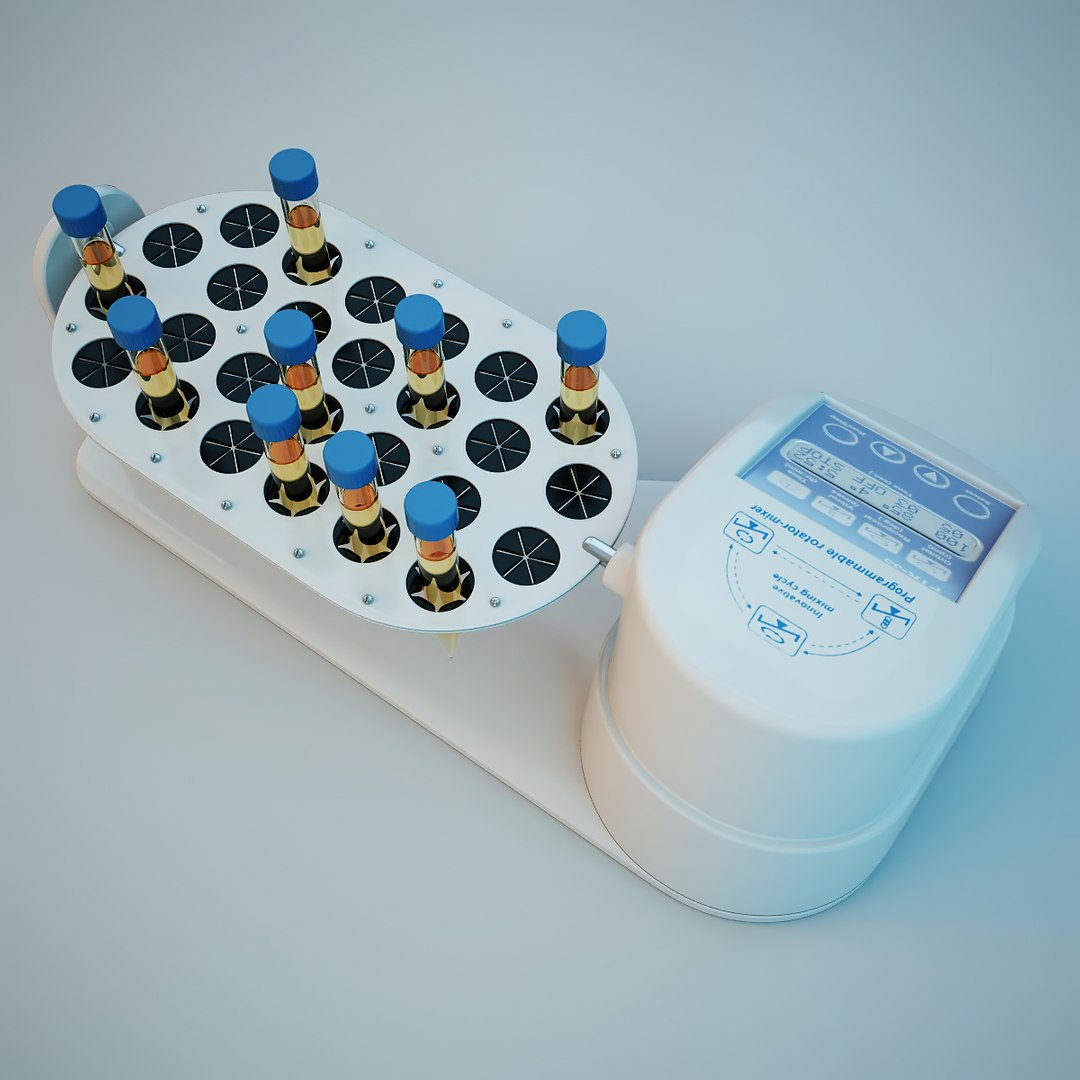
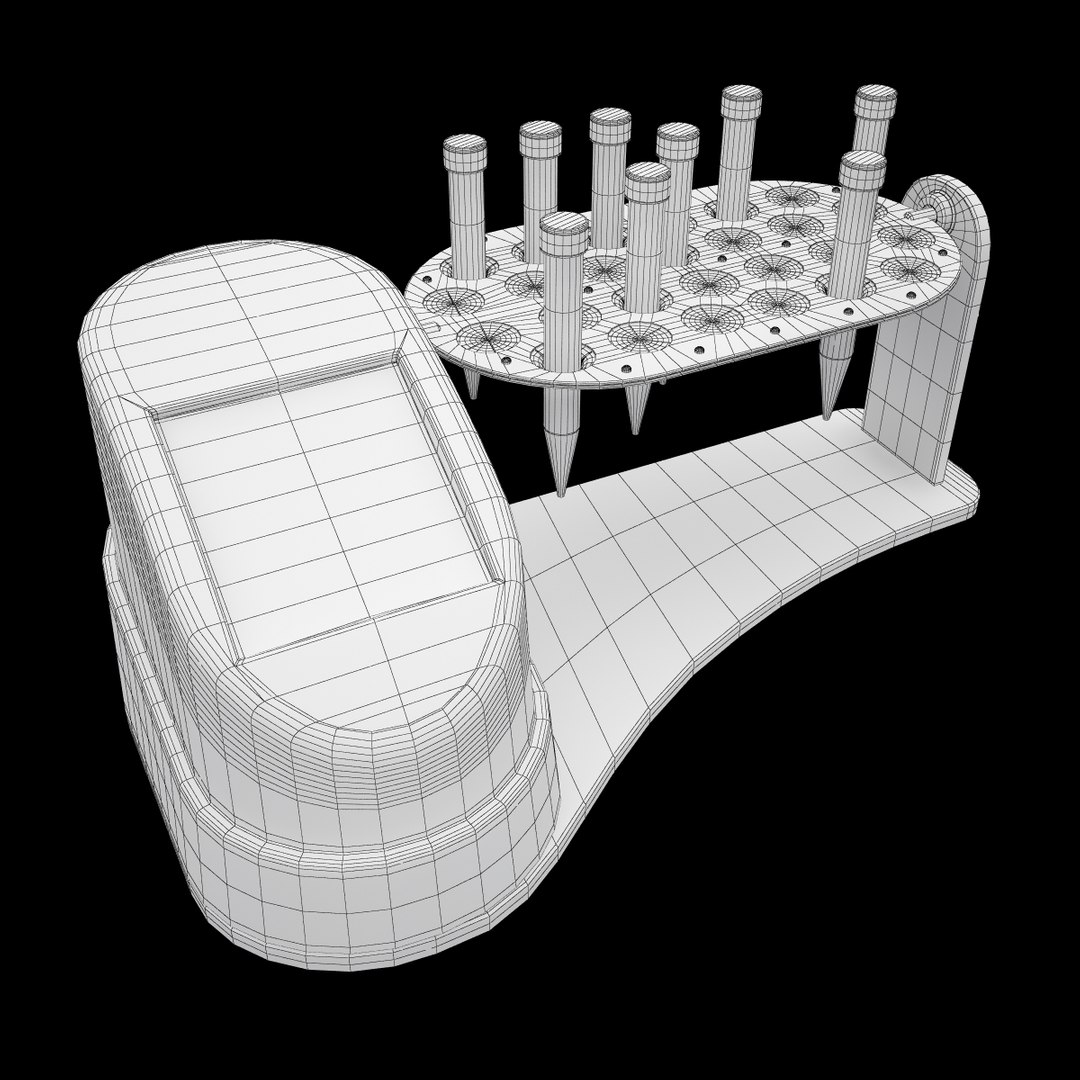
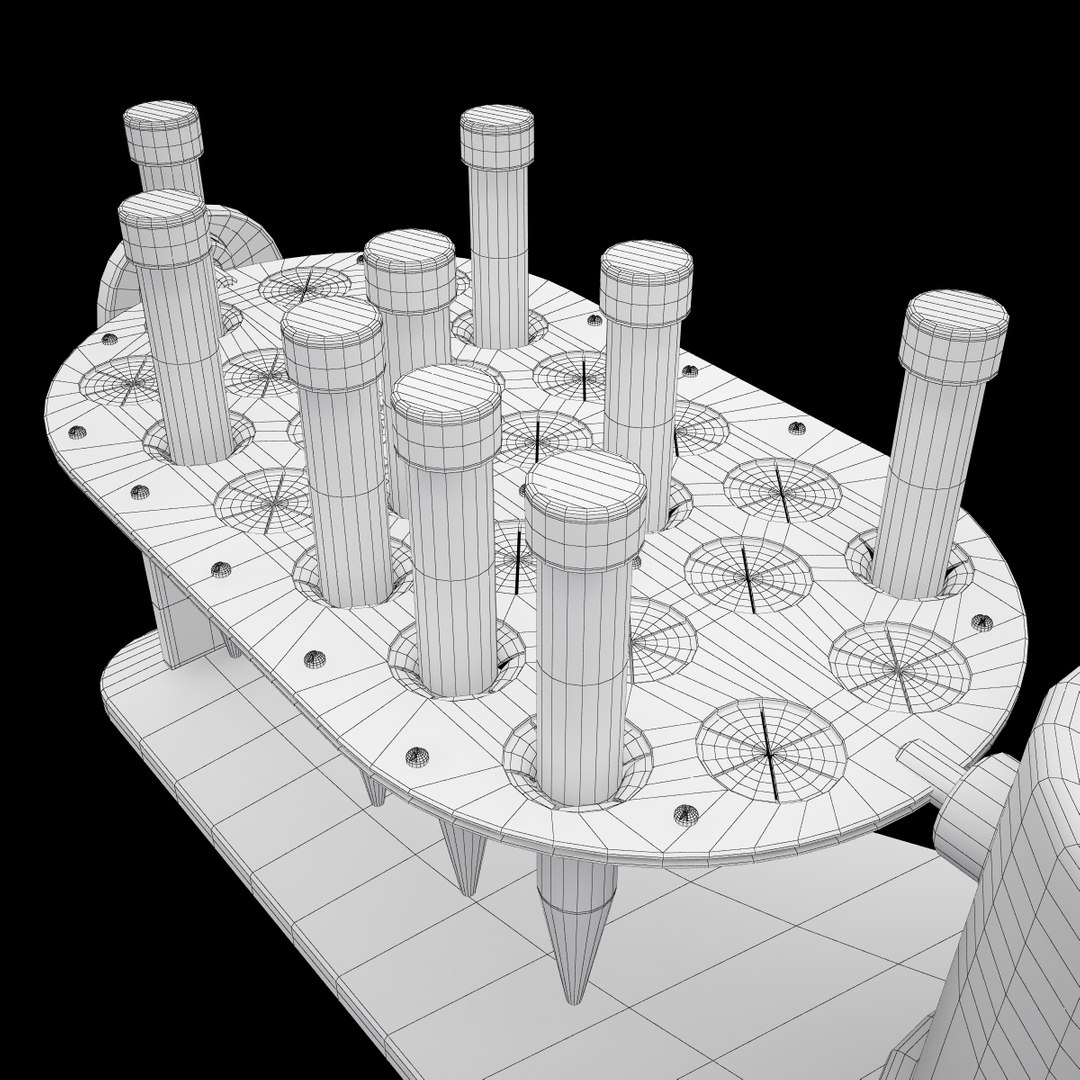
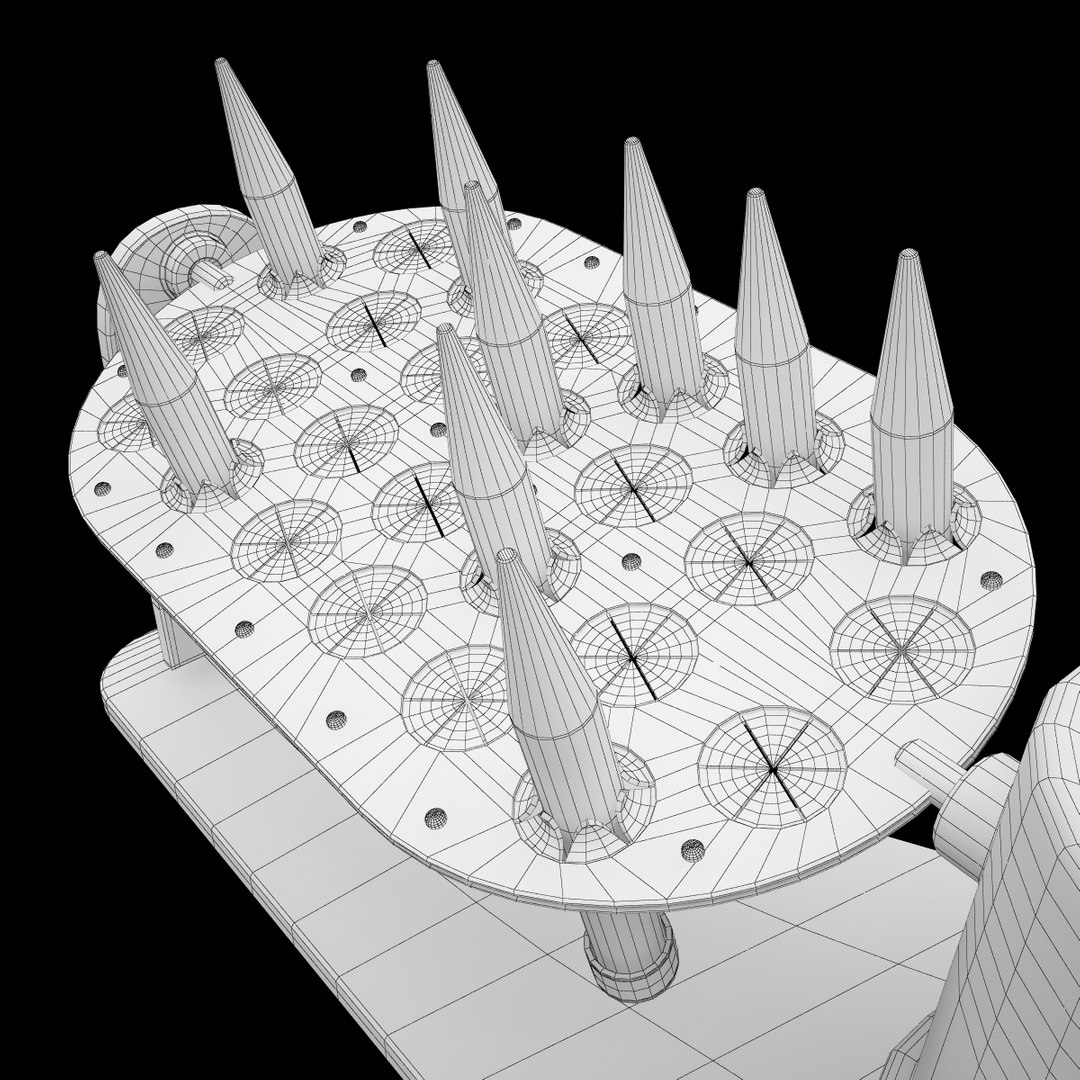
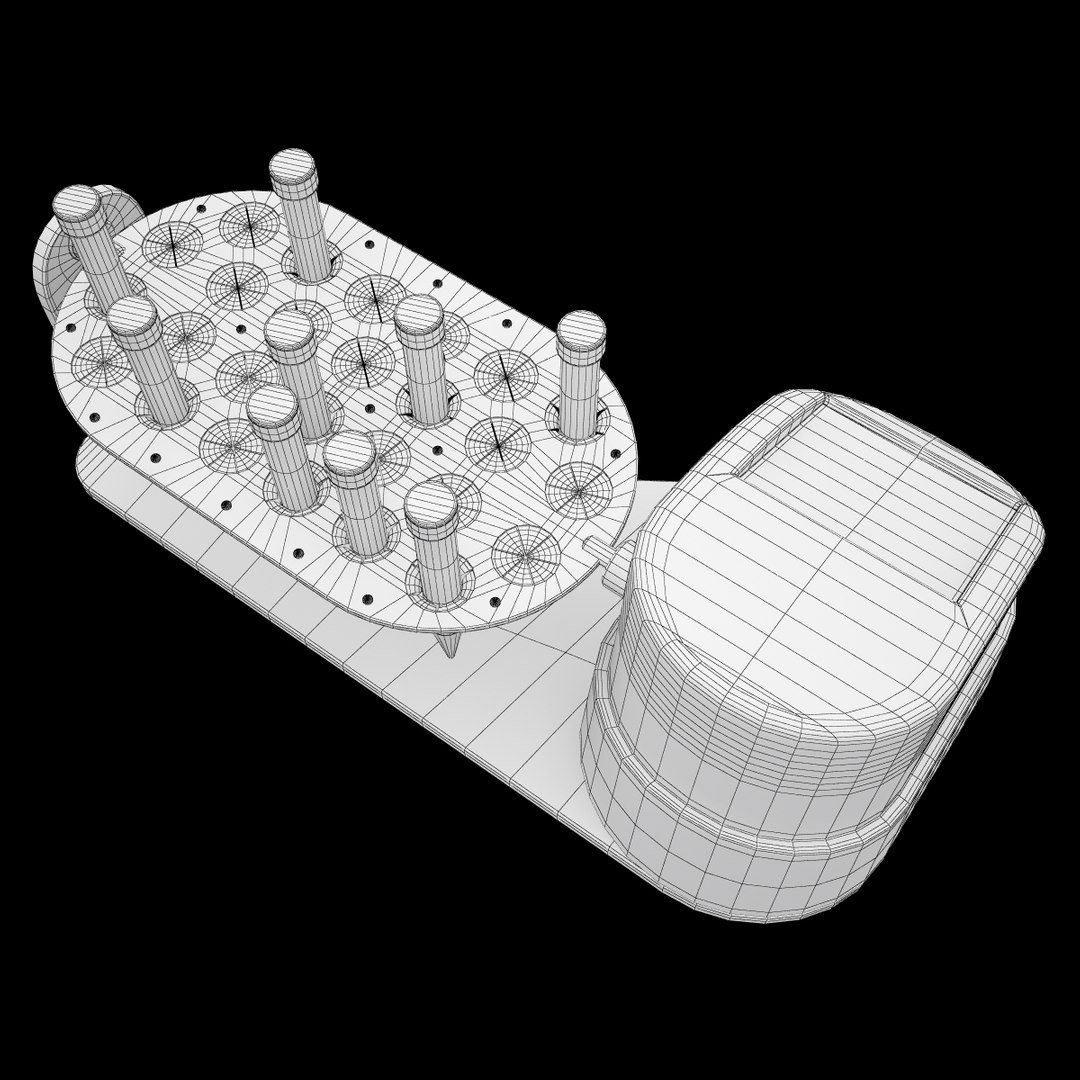
Multi-function rotator Grant-Bio PTR-35
Polygons: 28748
Vertices: 28076

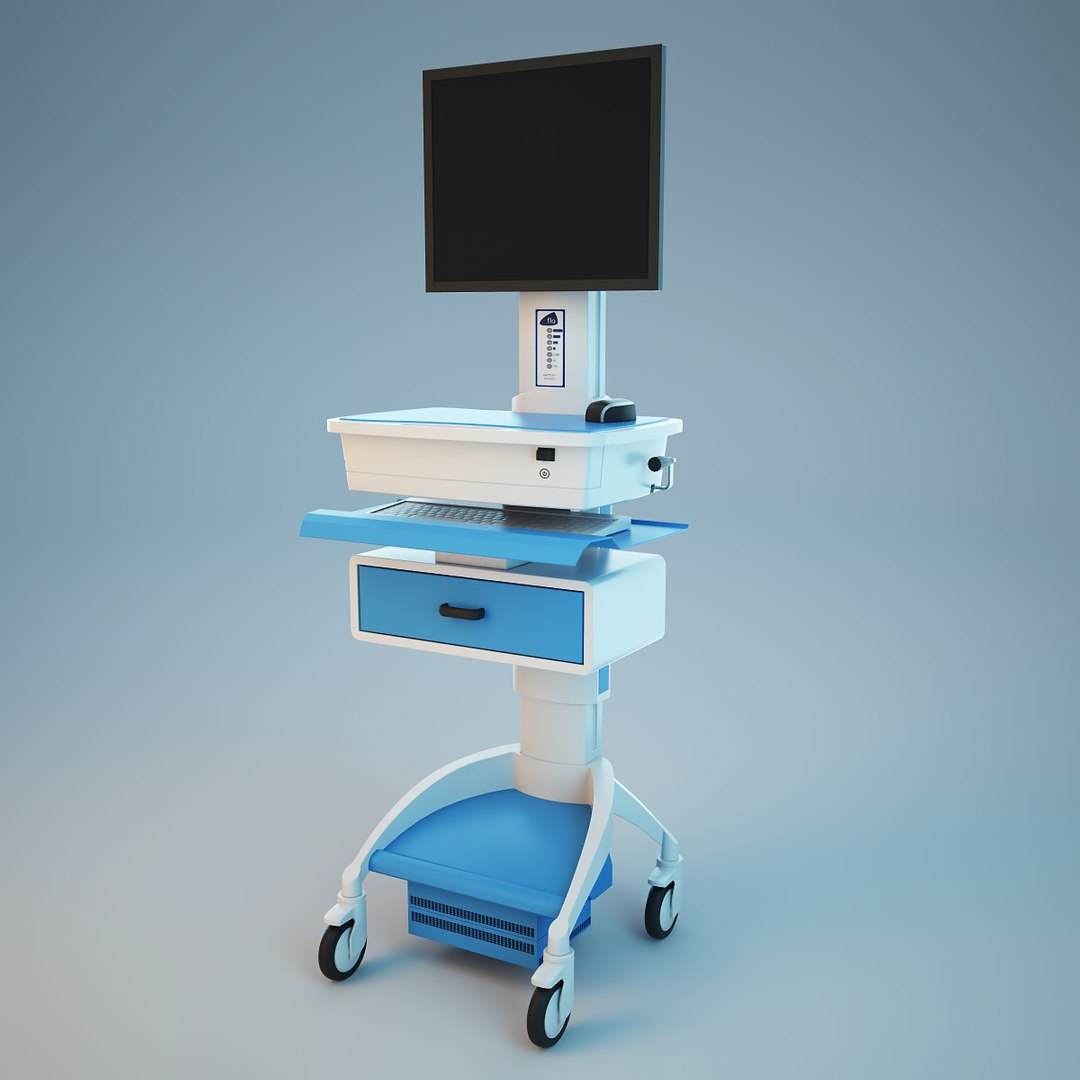
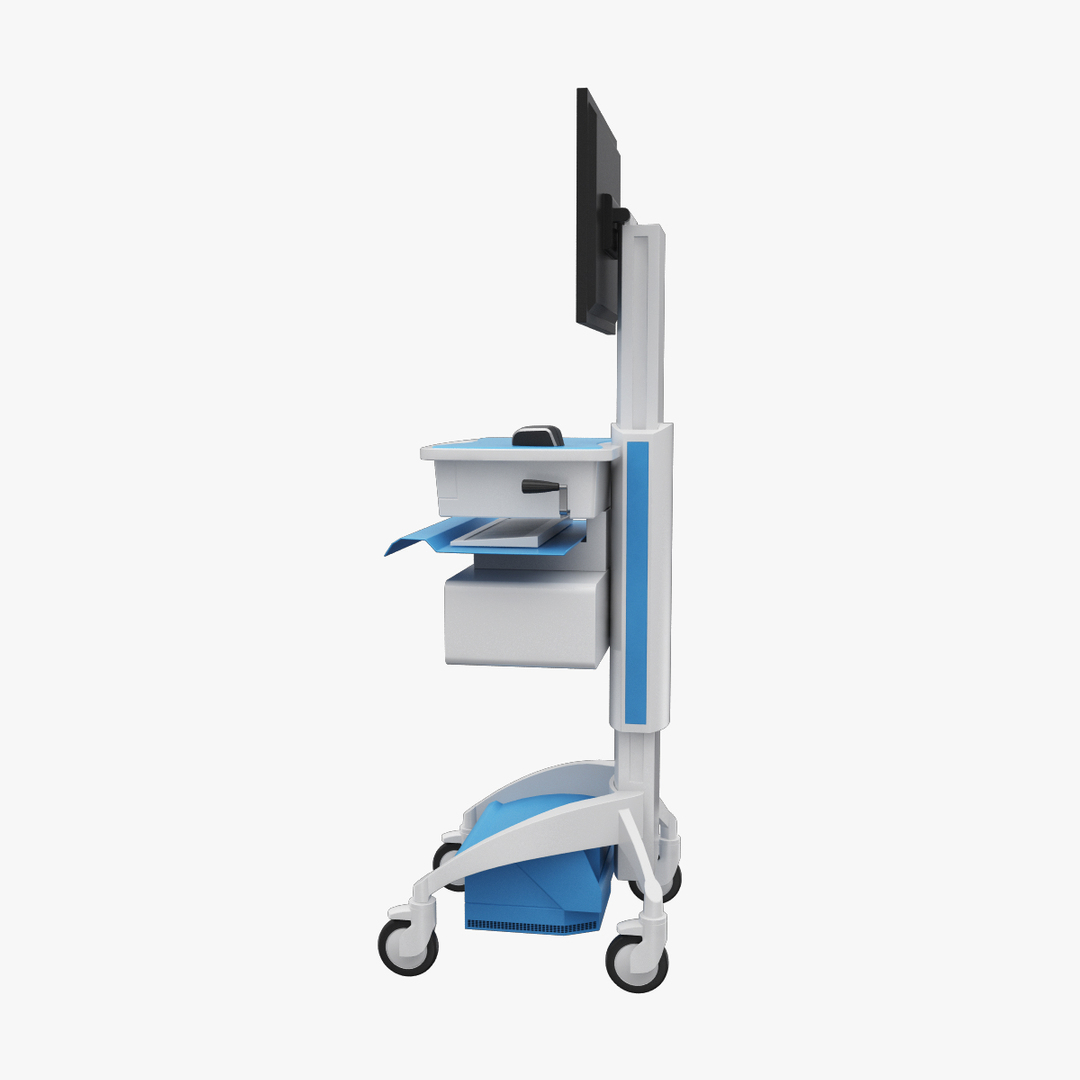
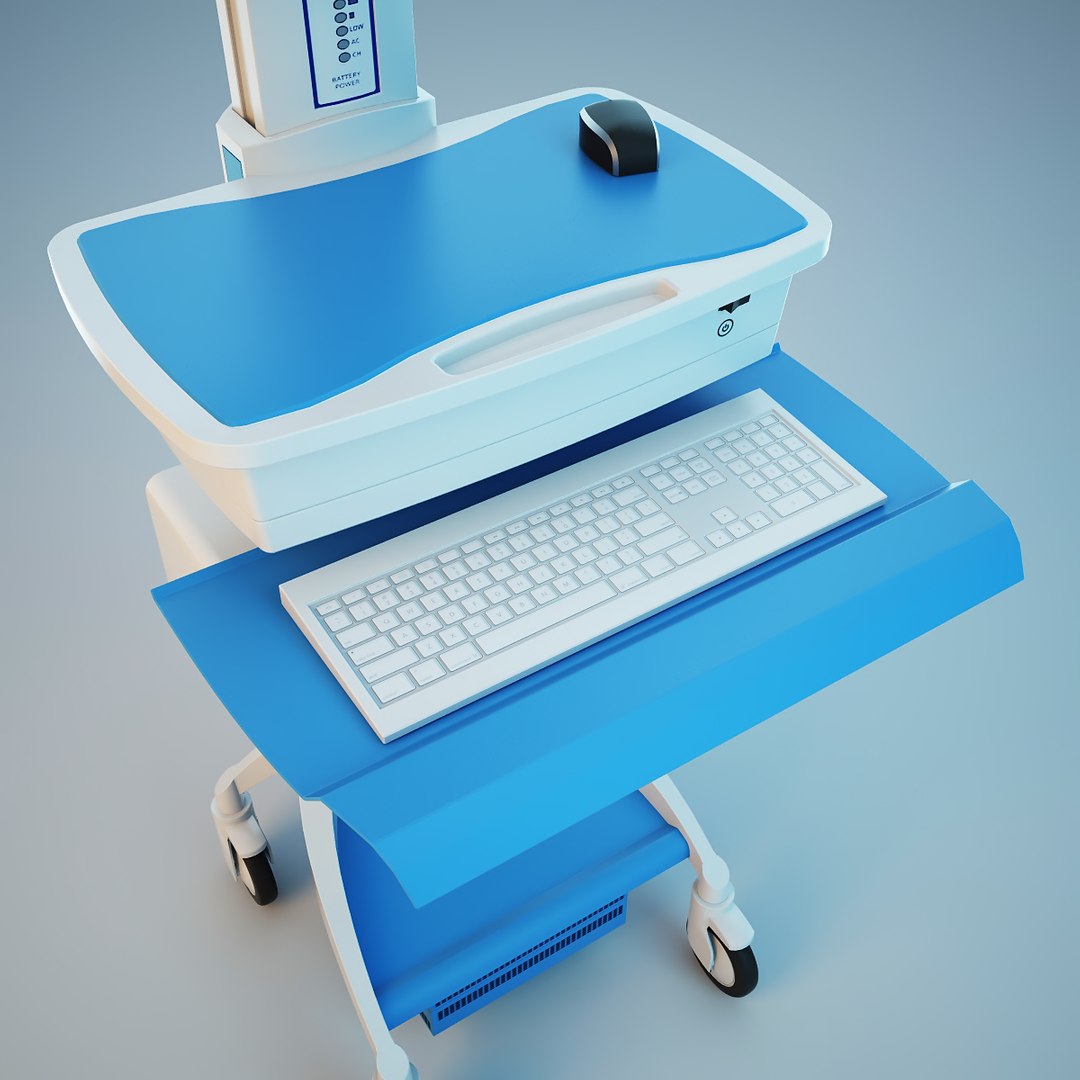
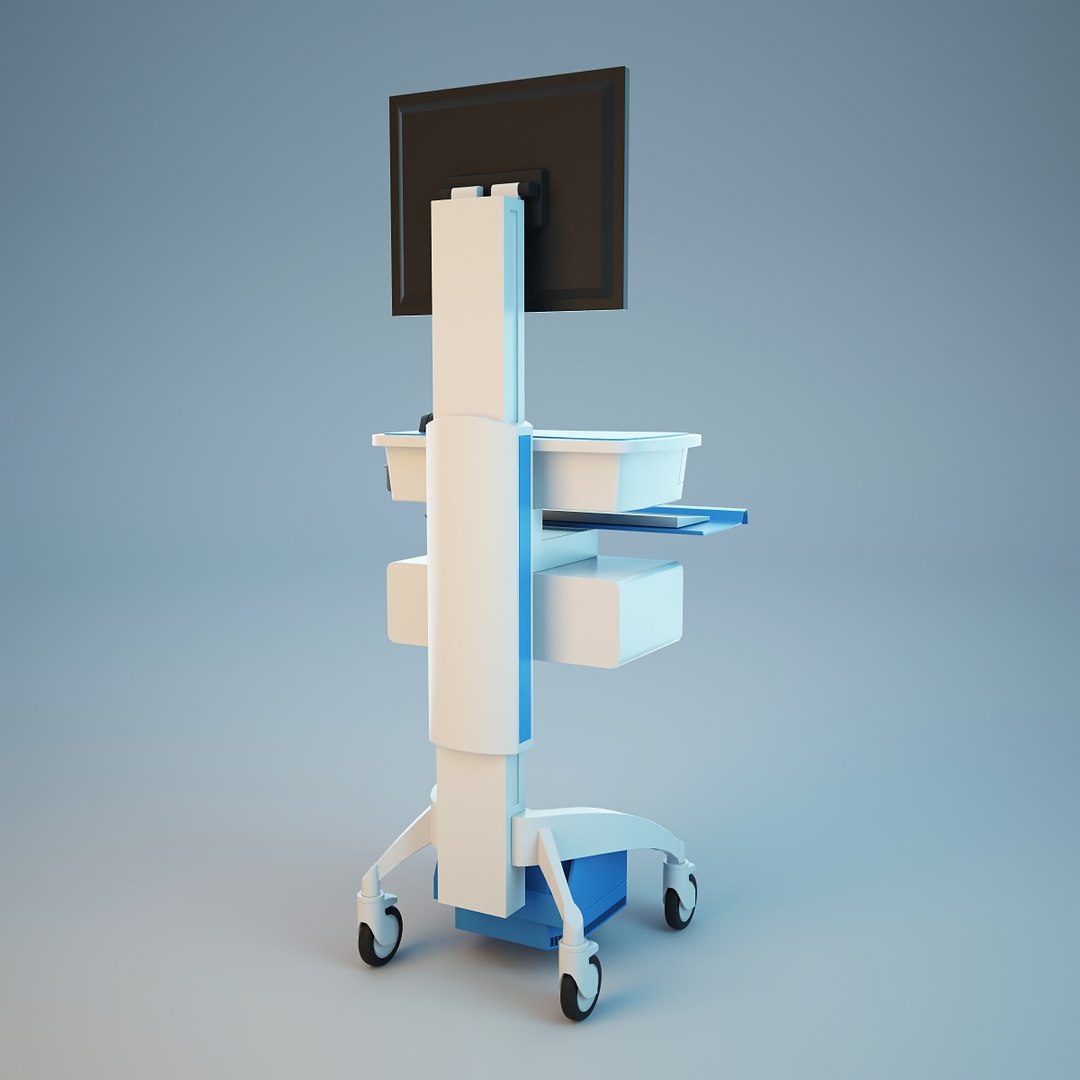
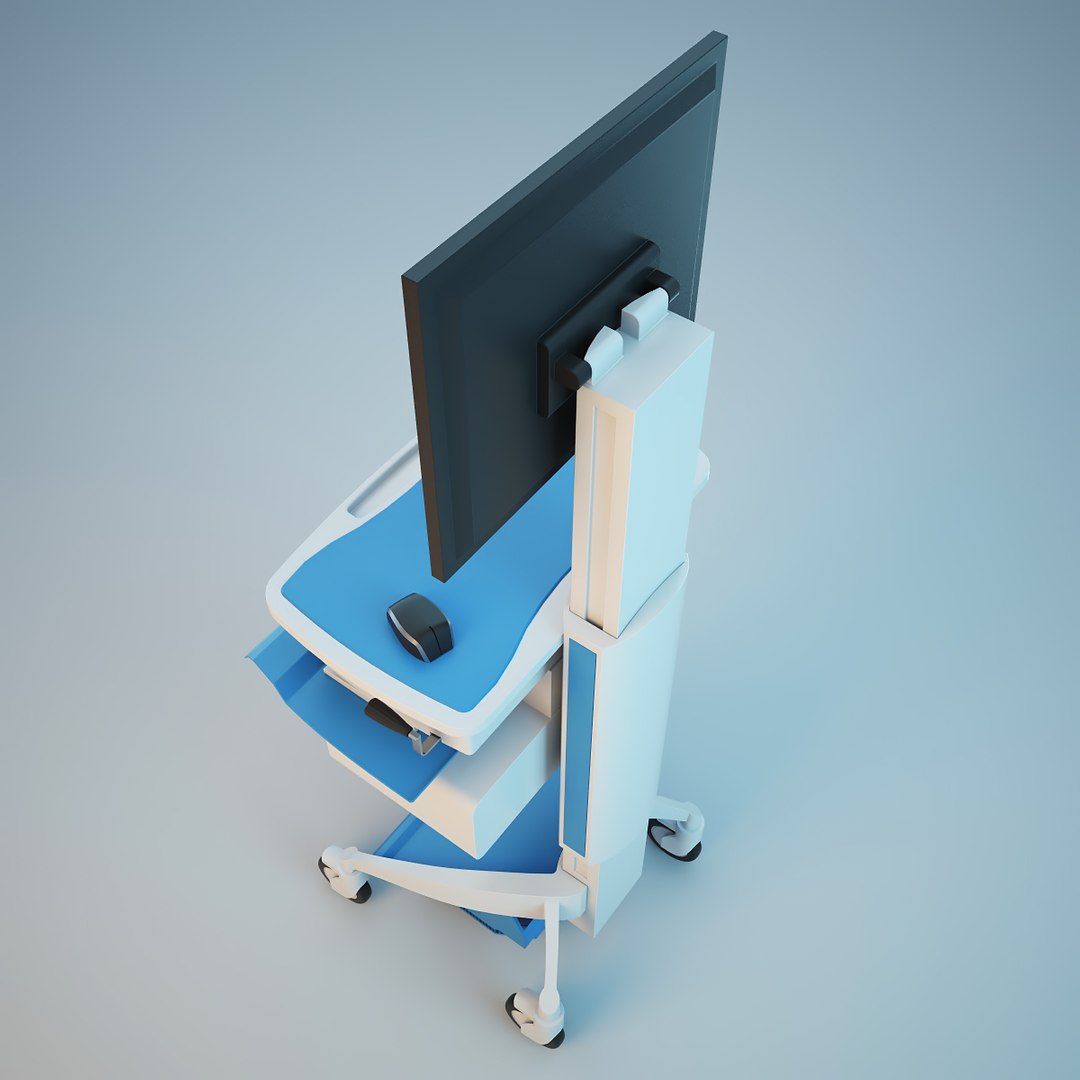
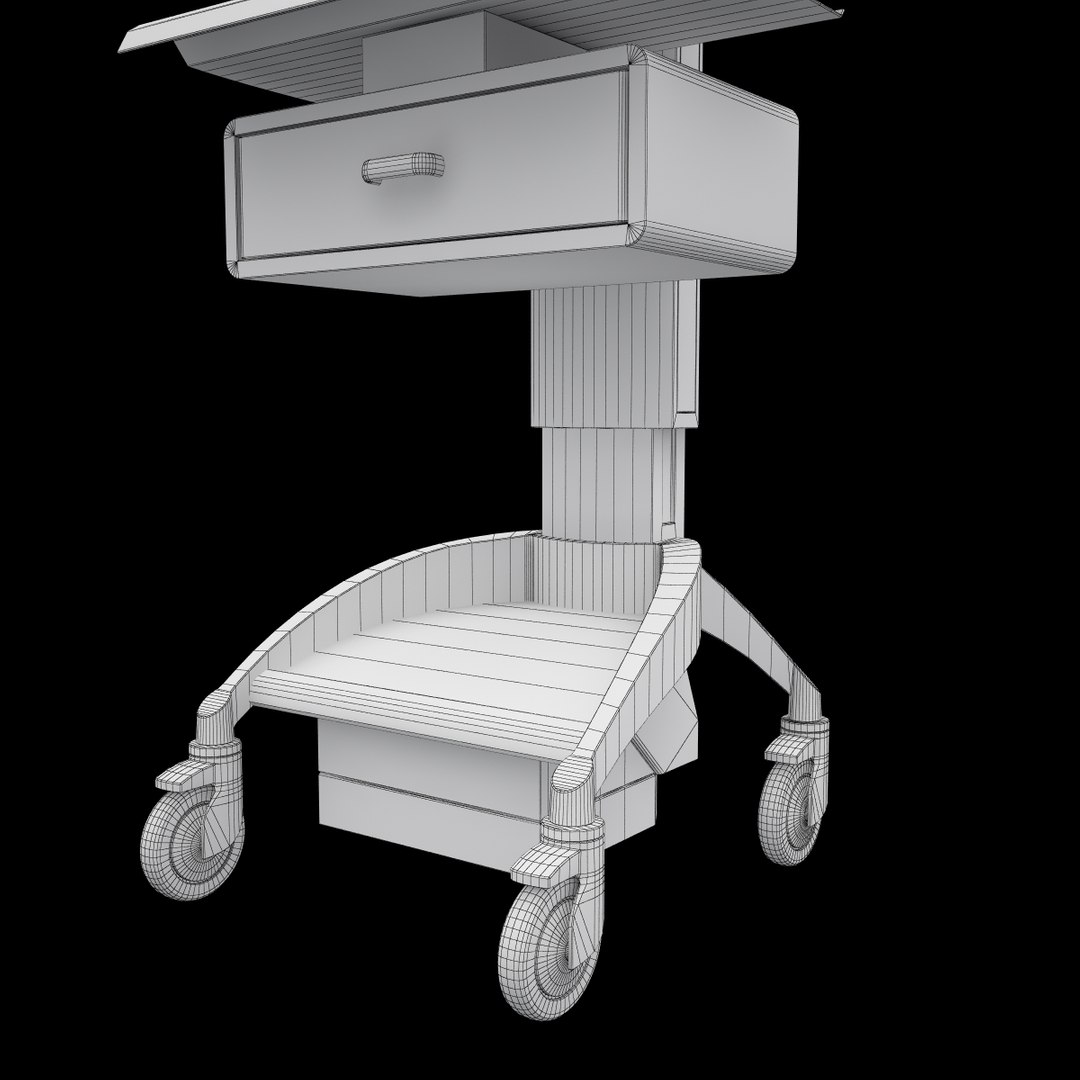
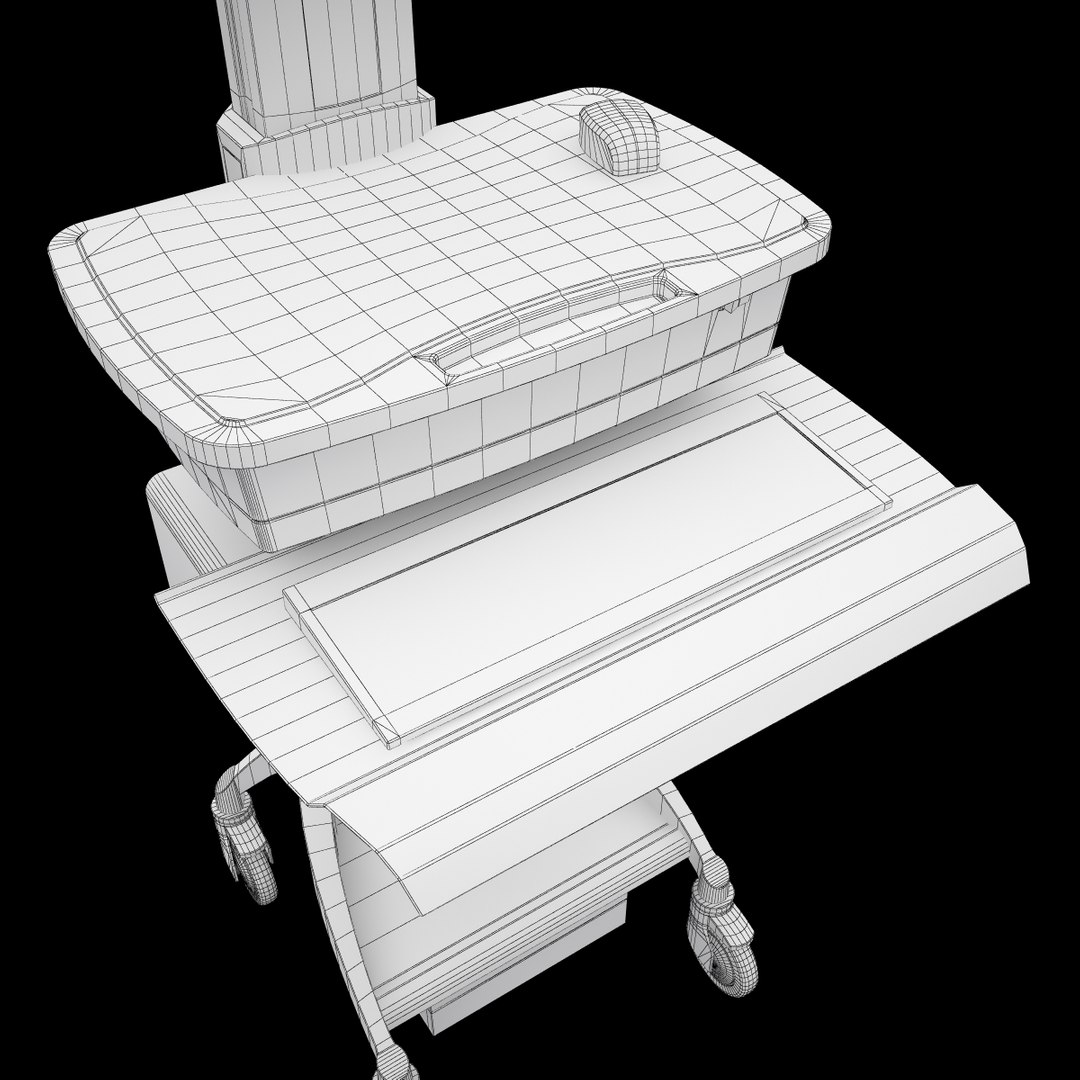
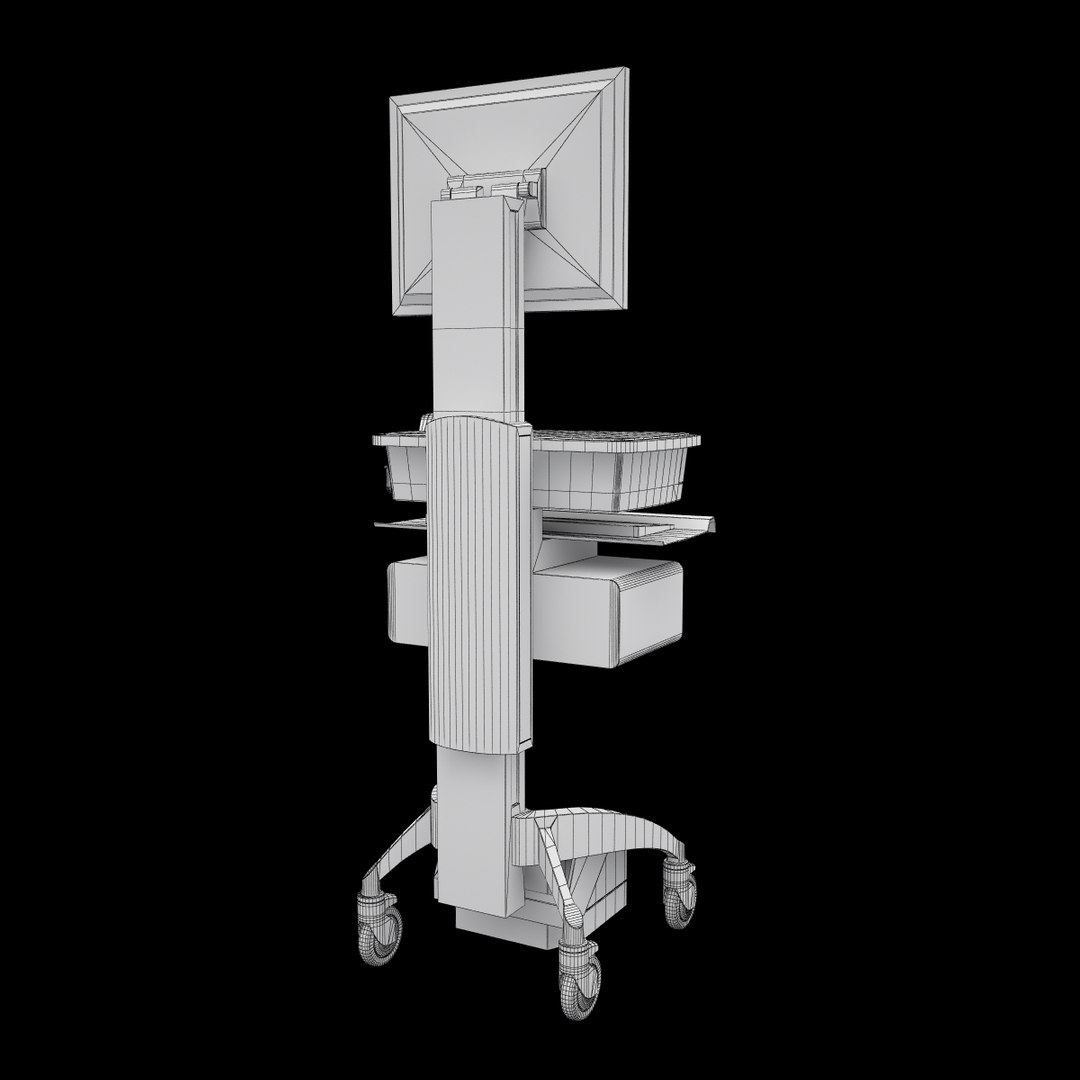
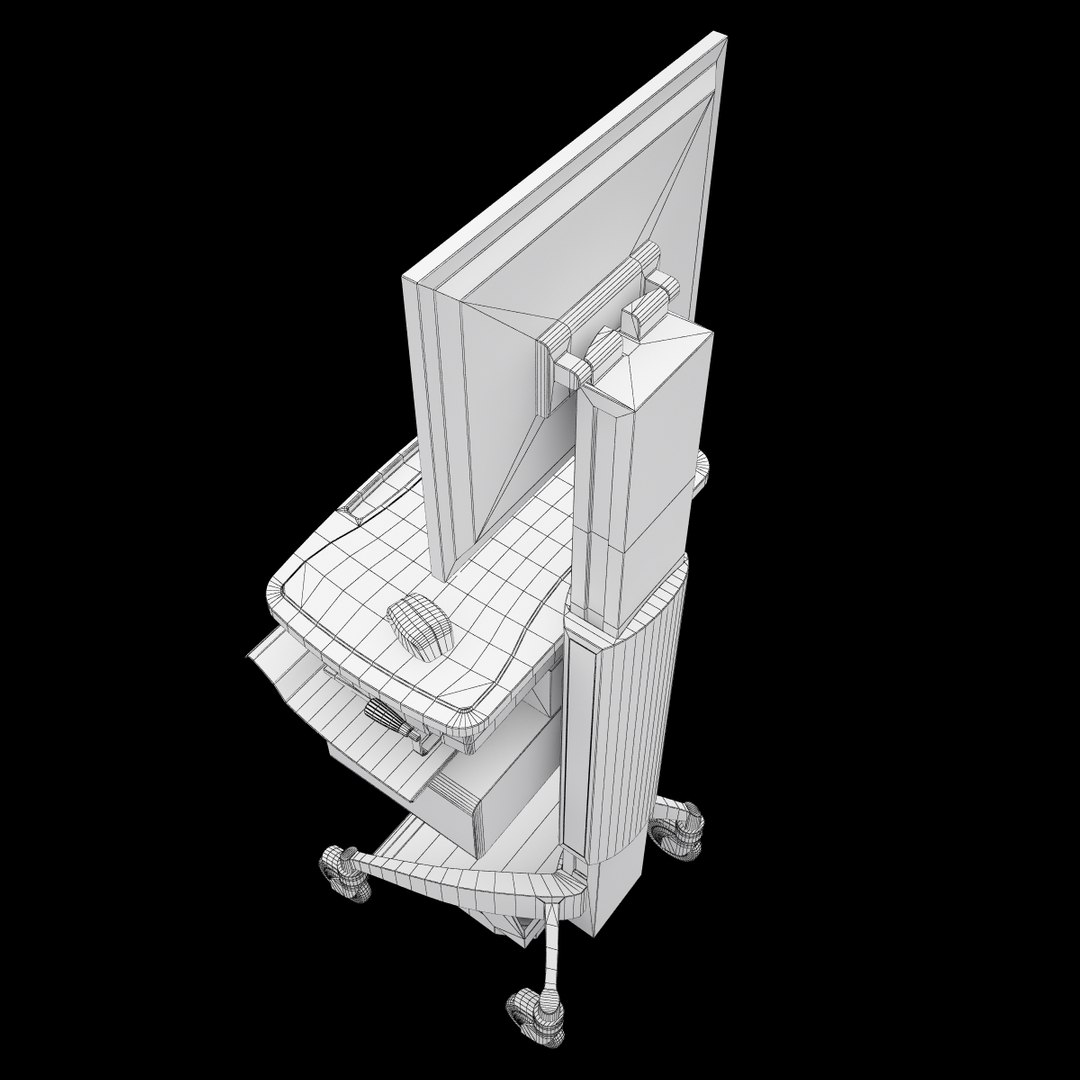
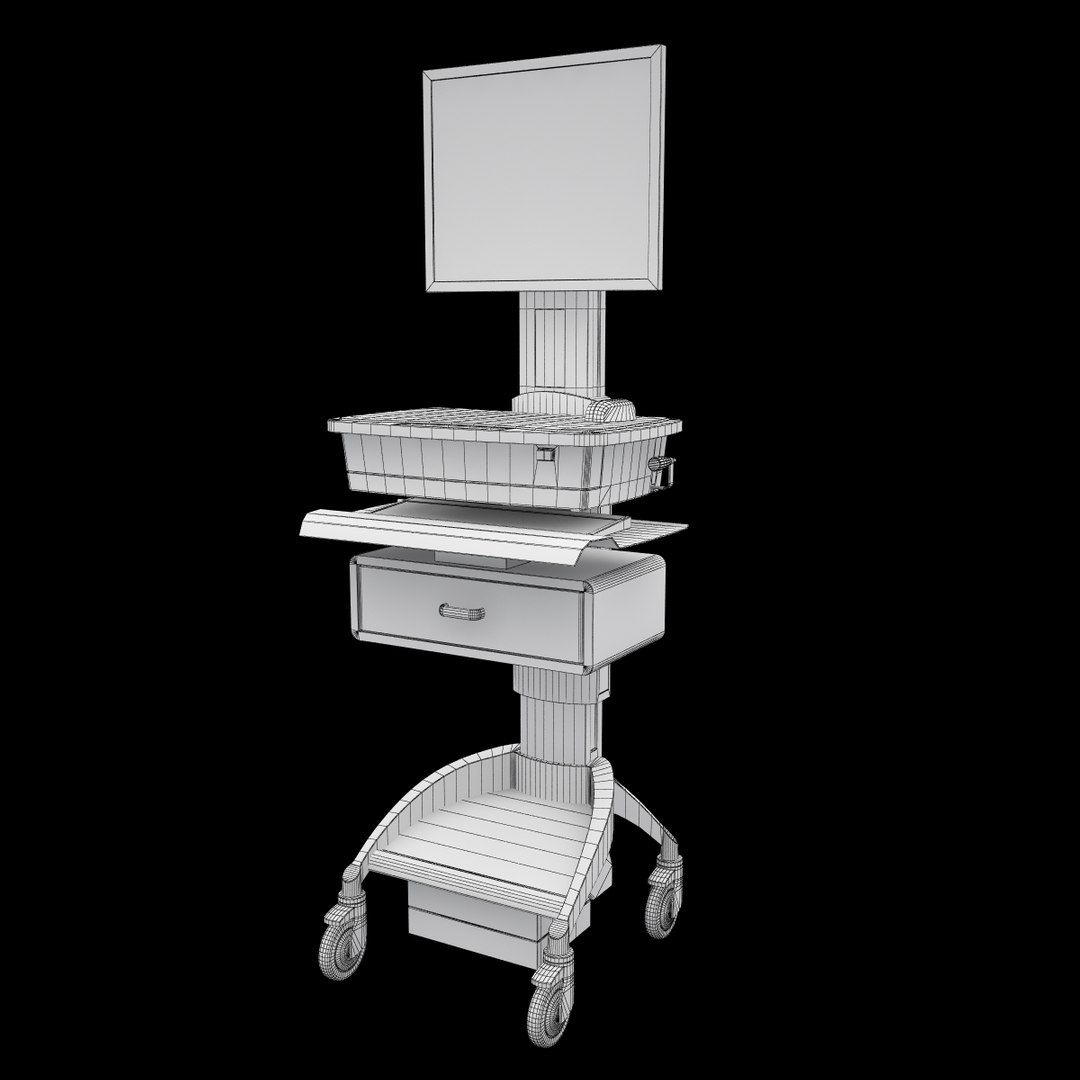
Medical Mobile Computer Cart
Polygons: 13046
Vertices: 12826

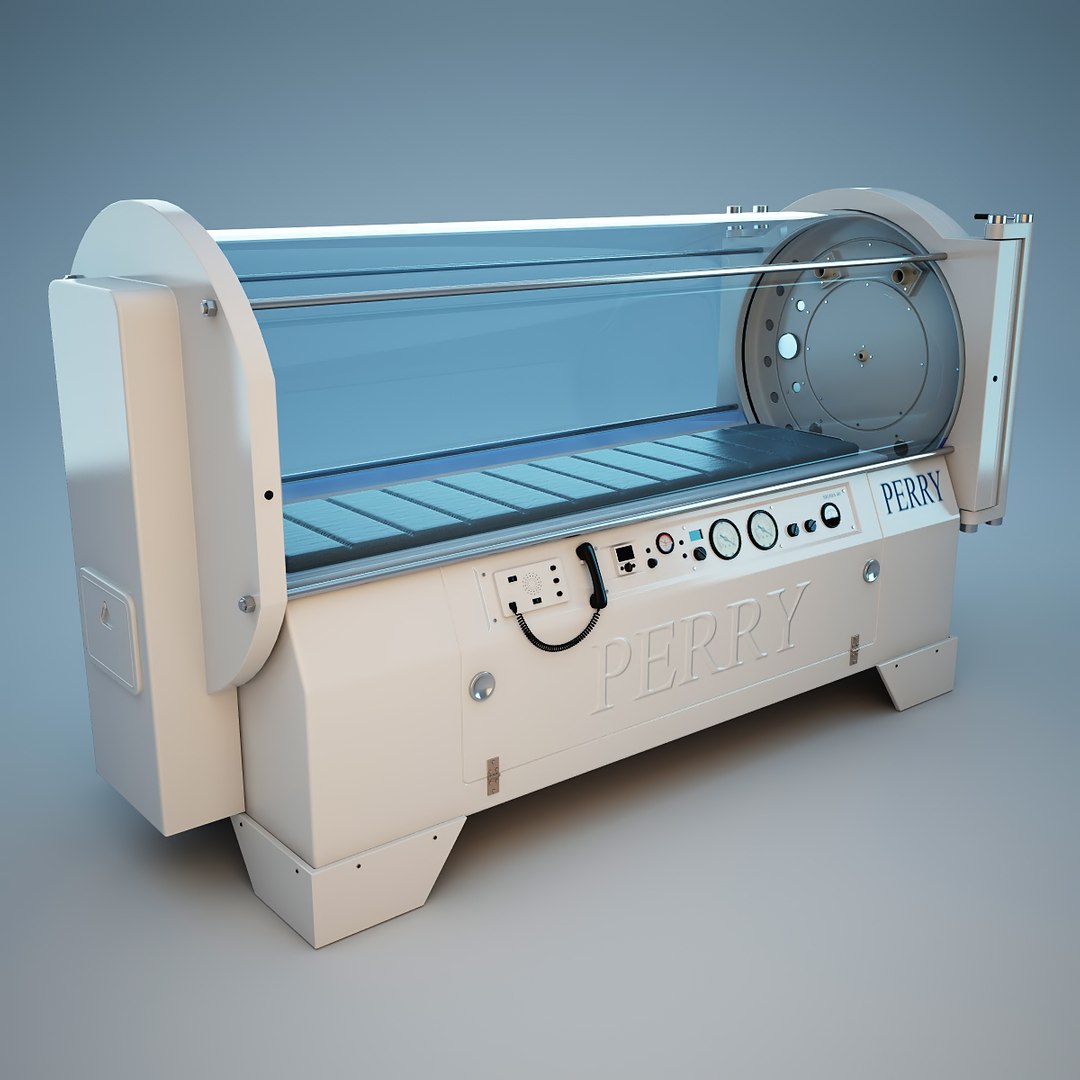
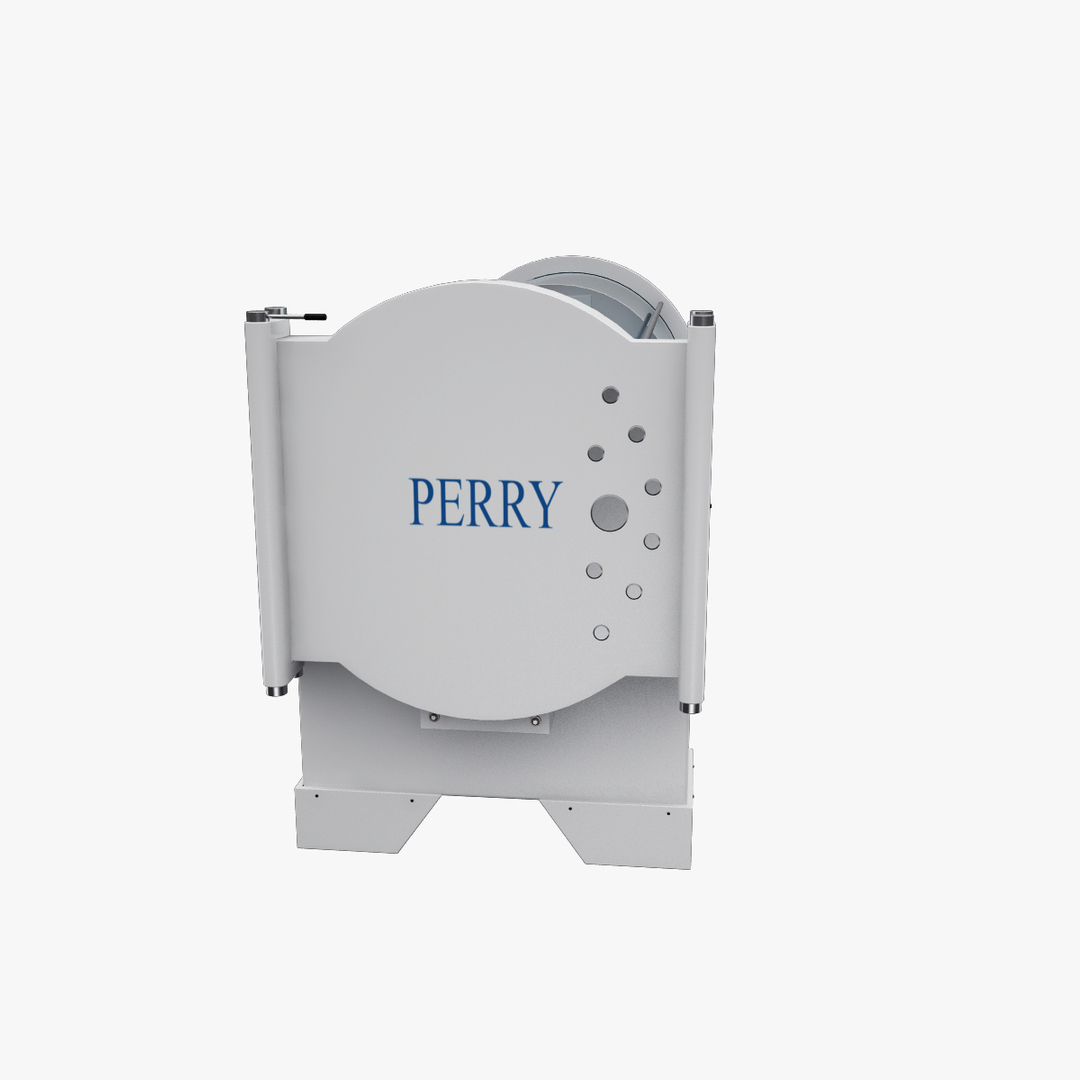
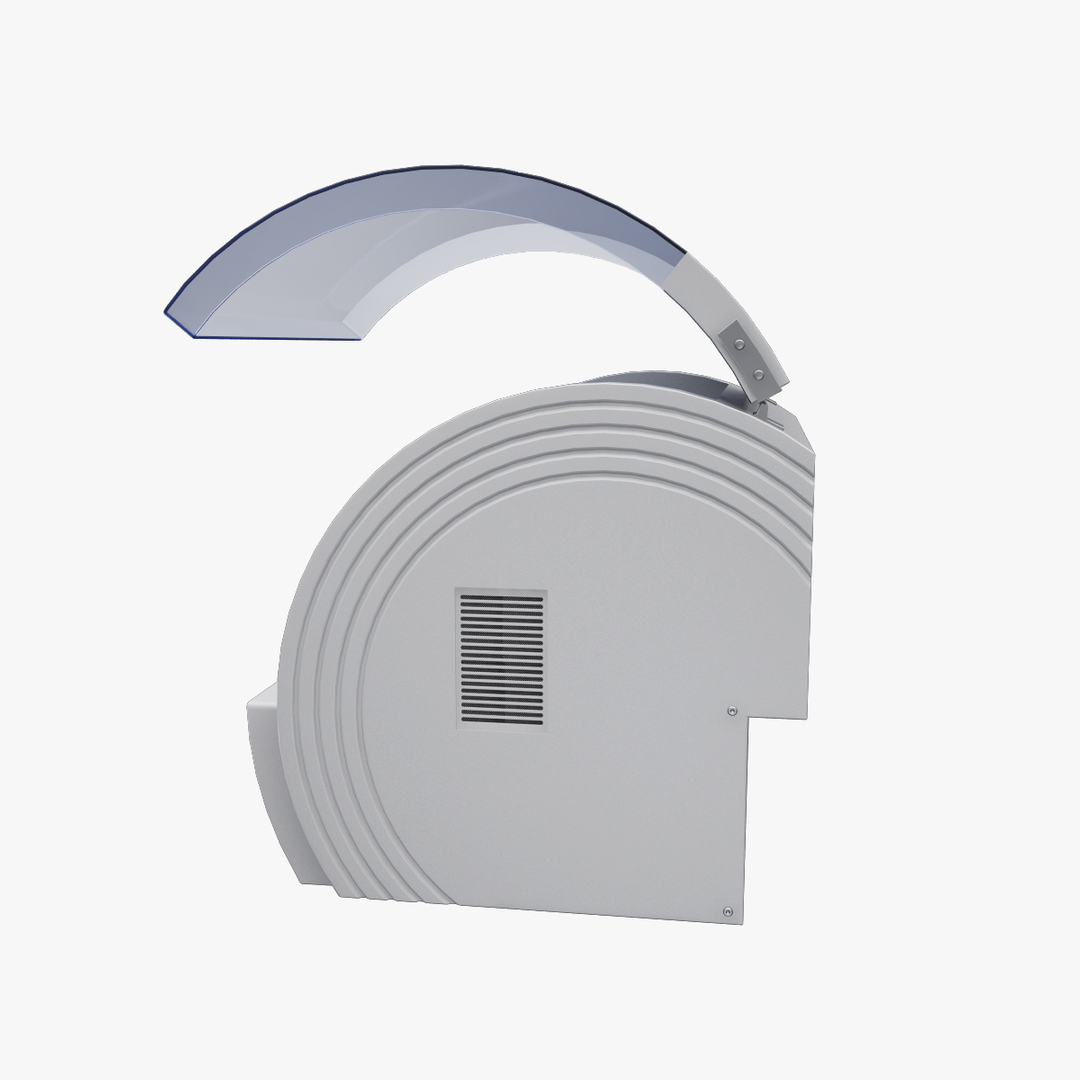
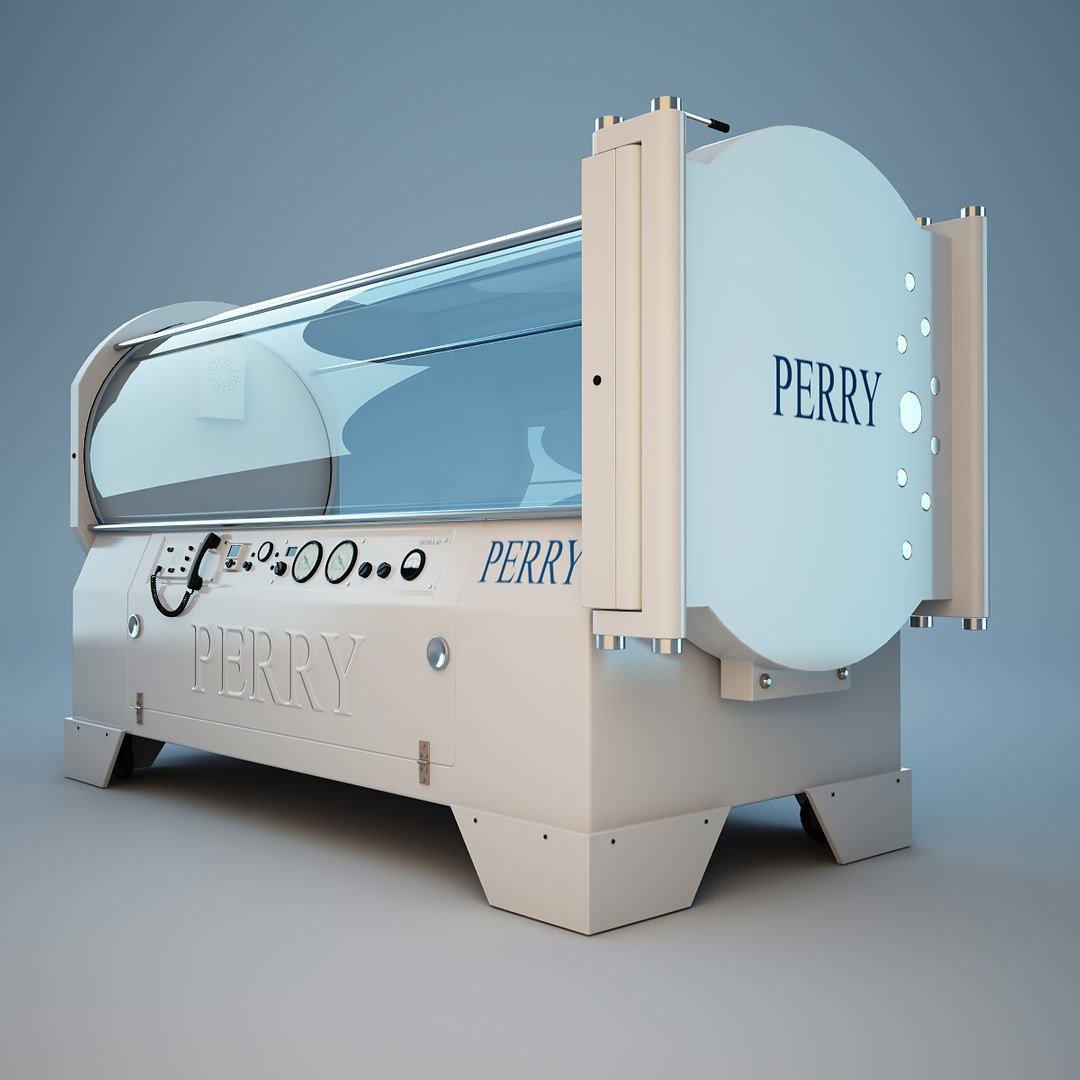
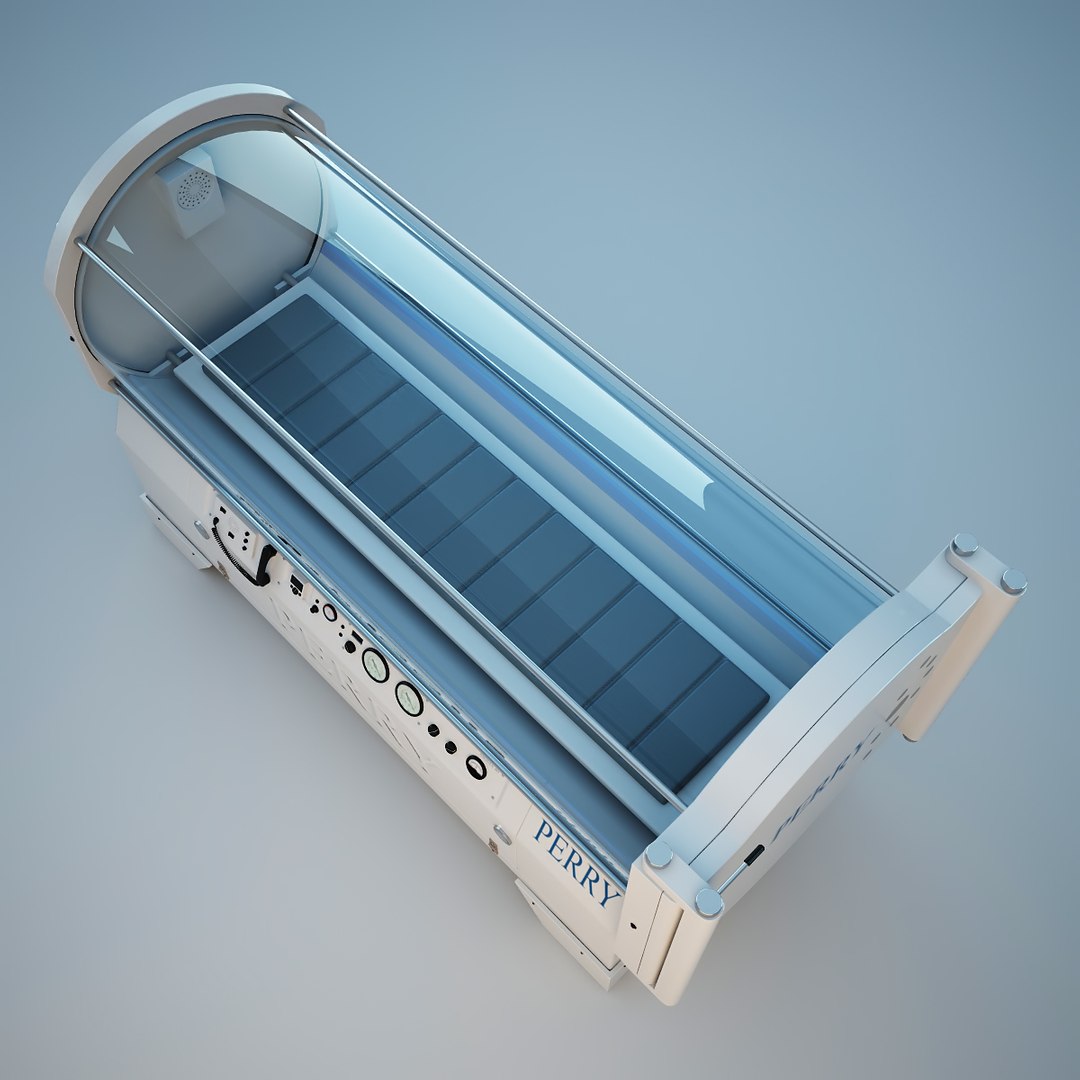
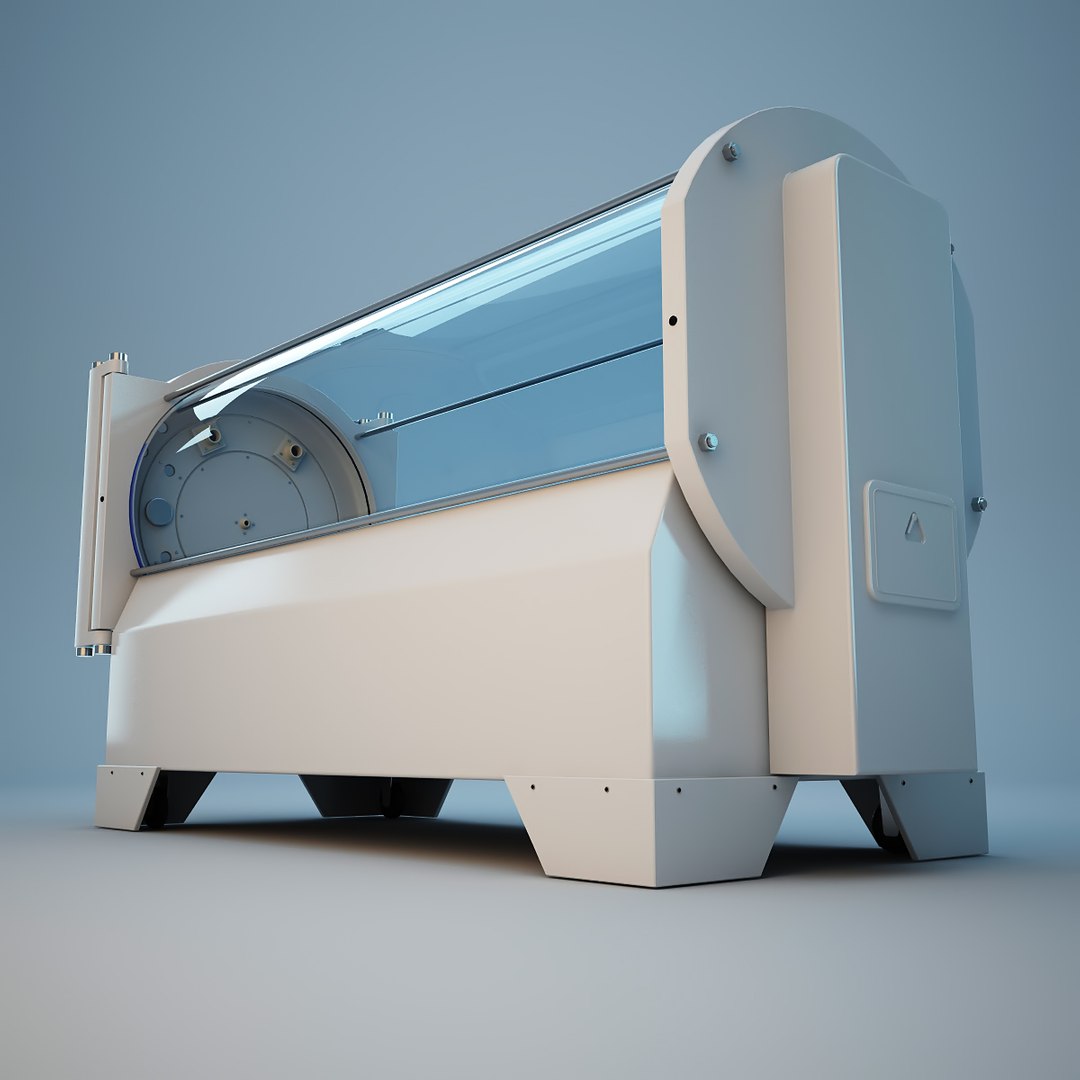
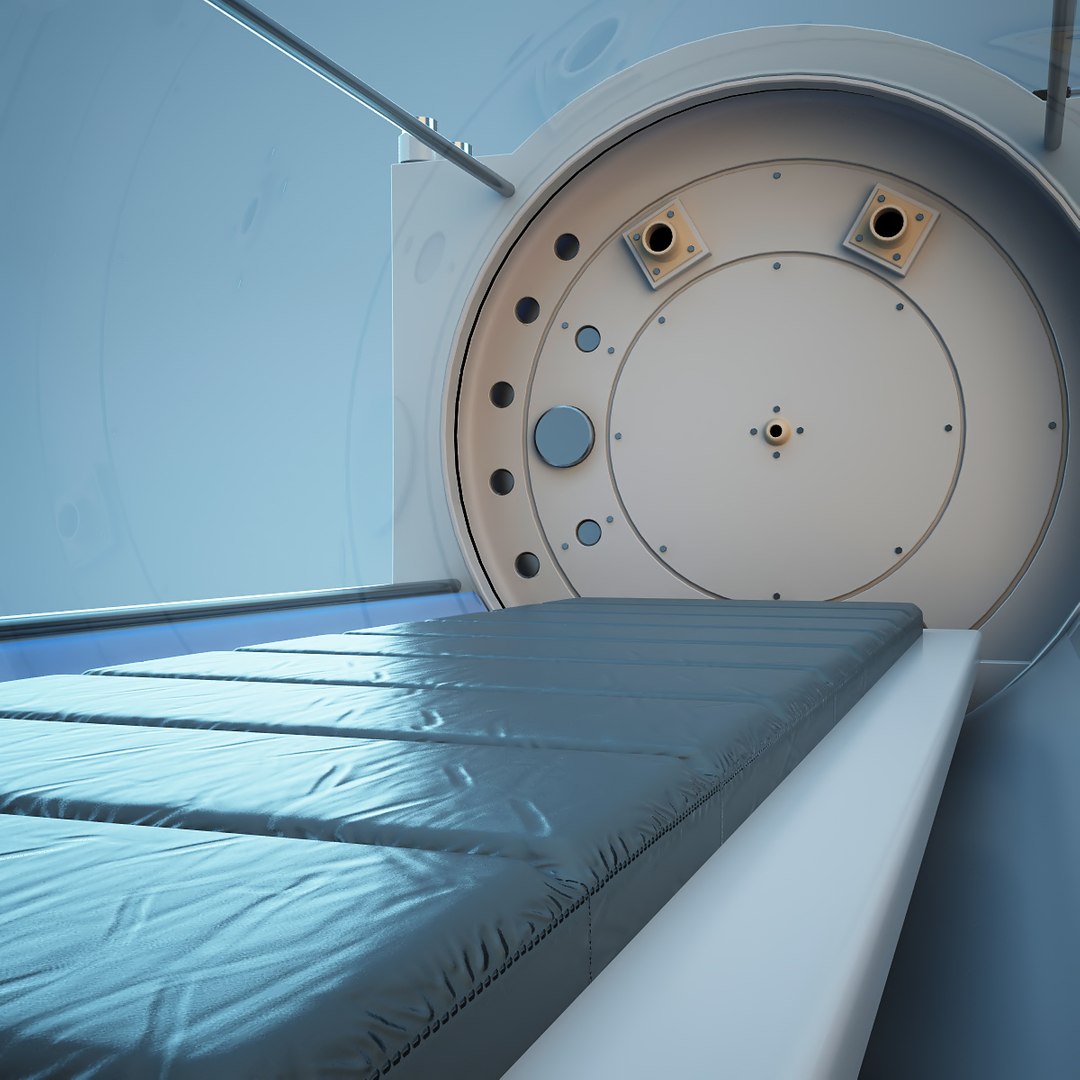
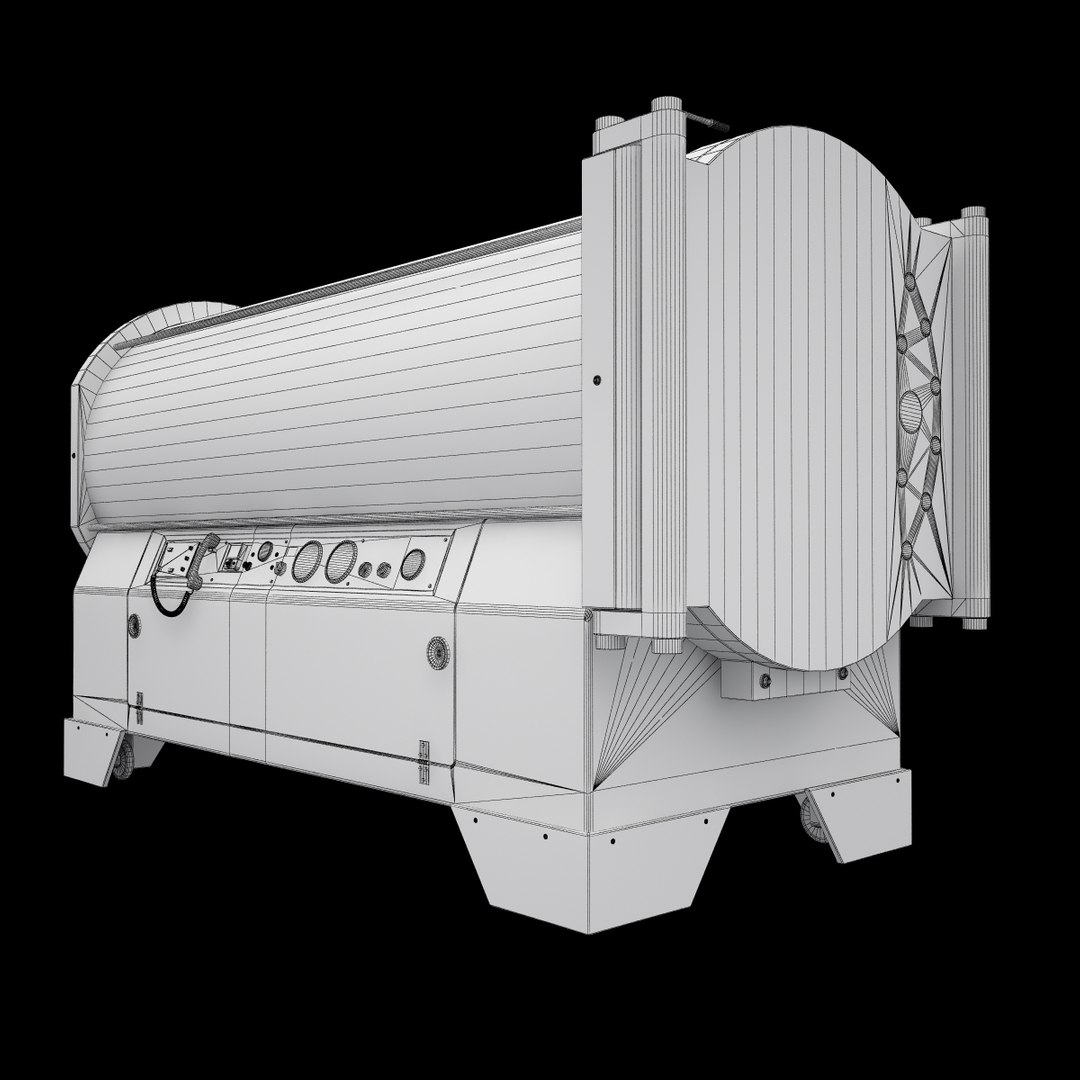
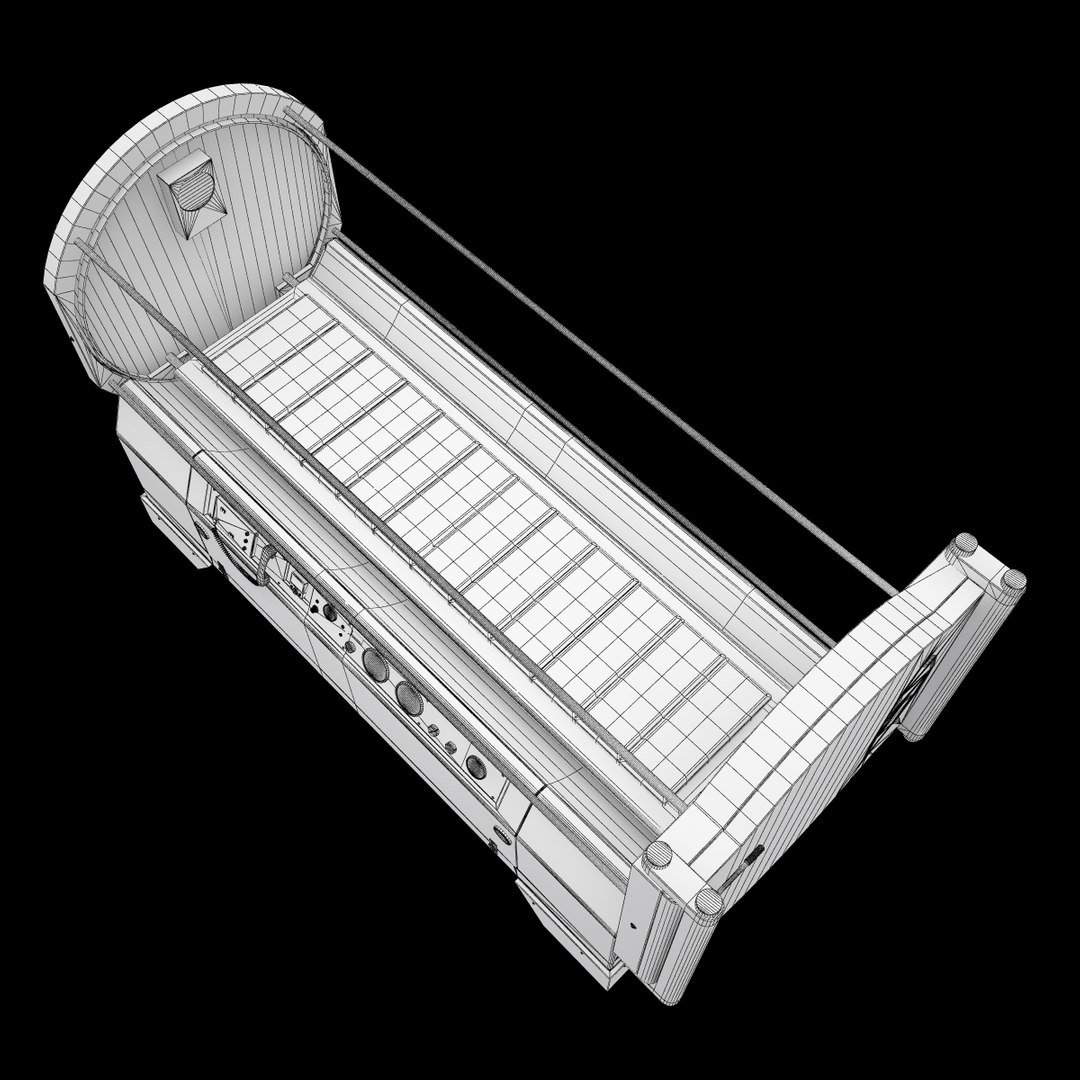
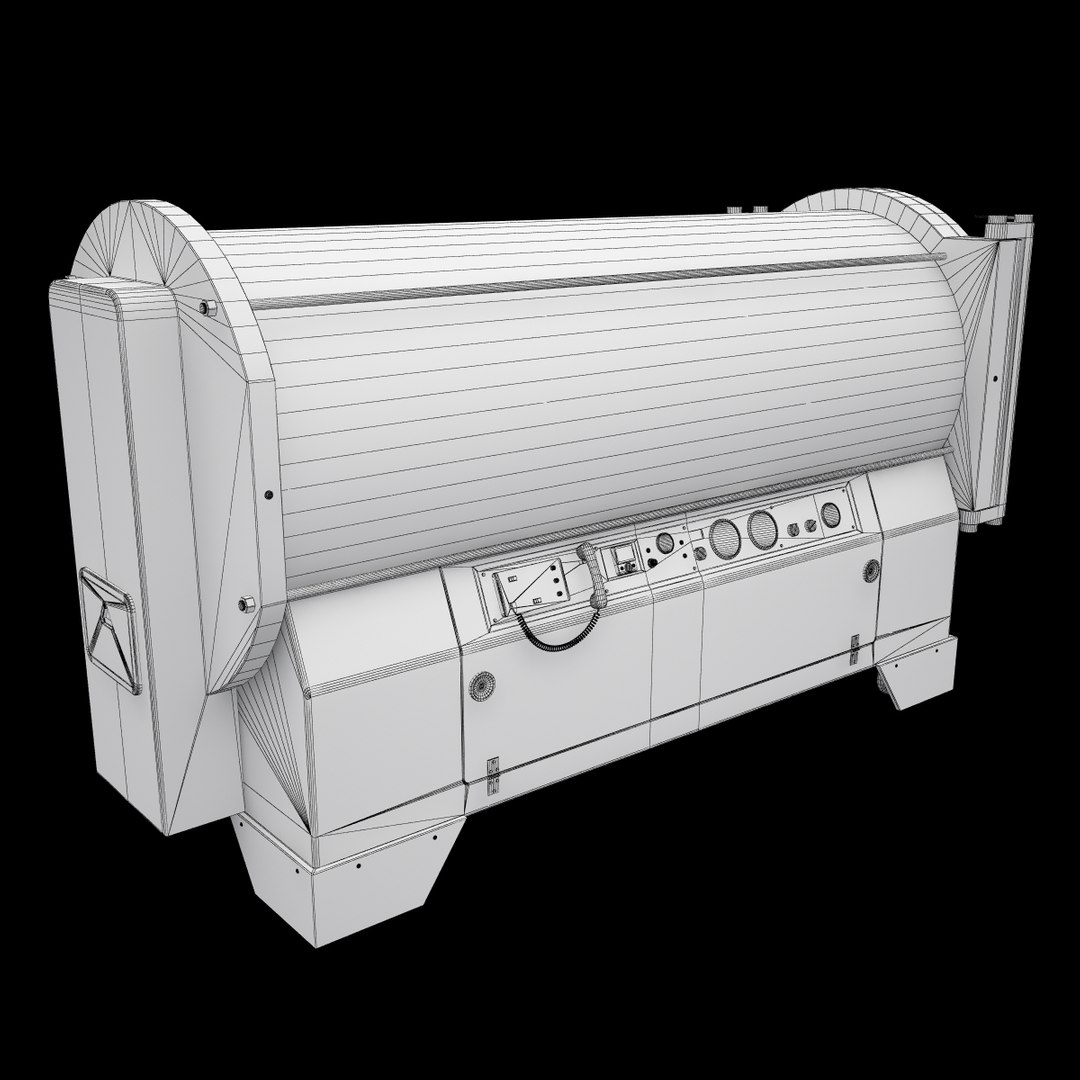
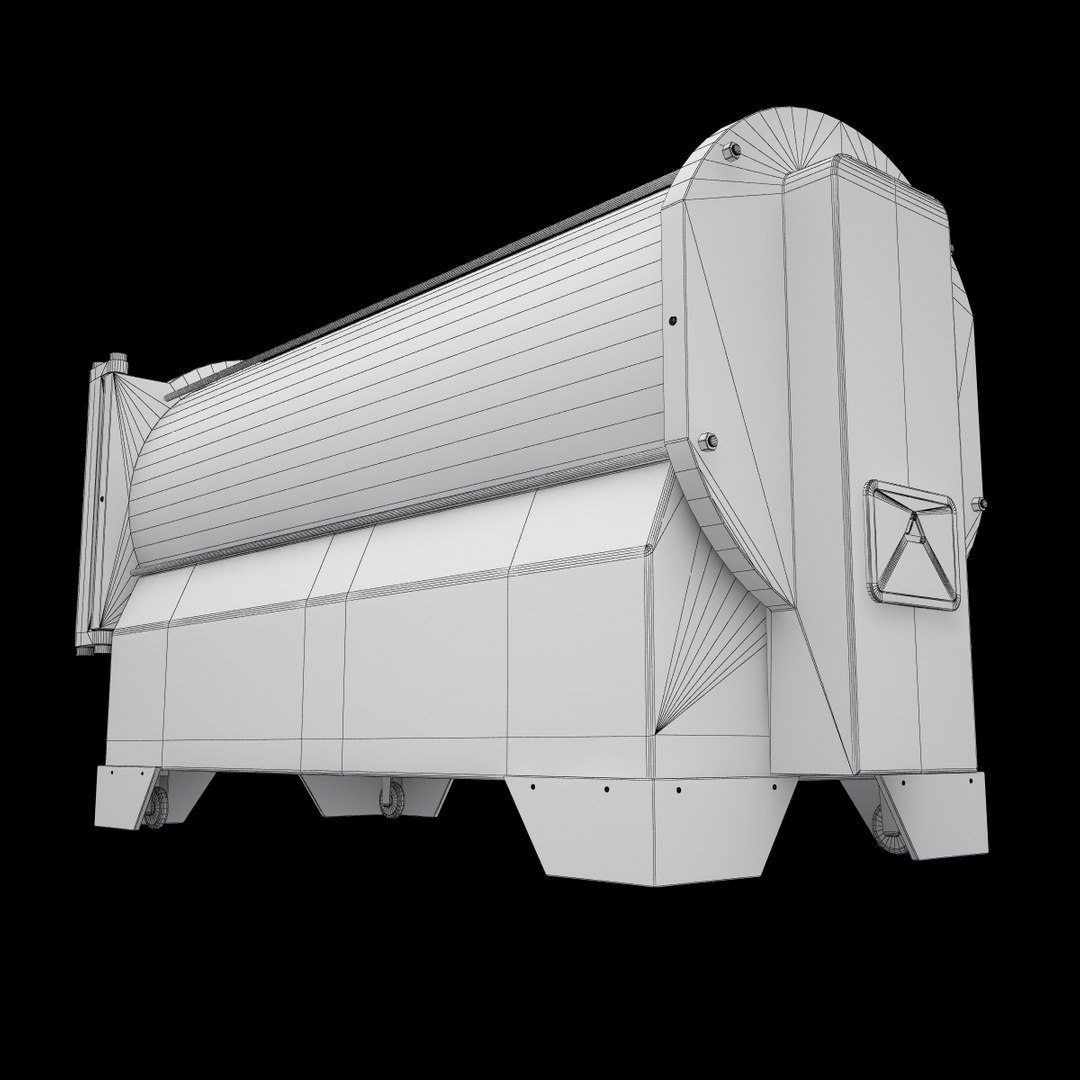
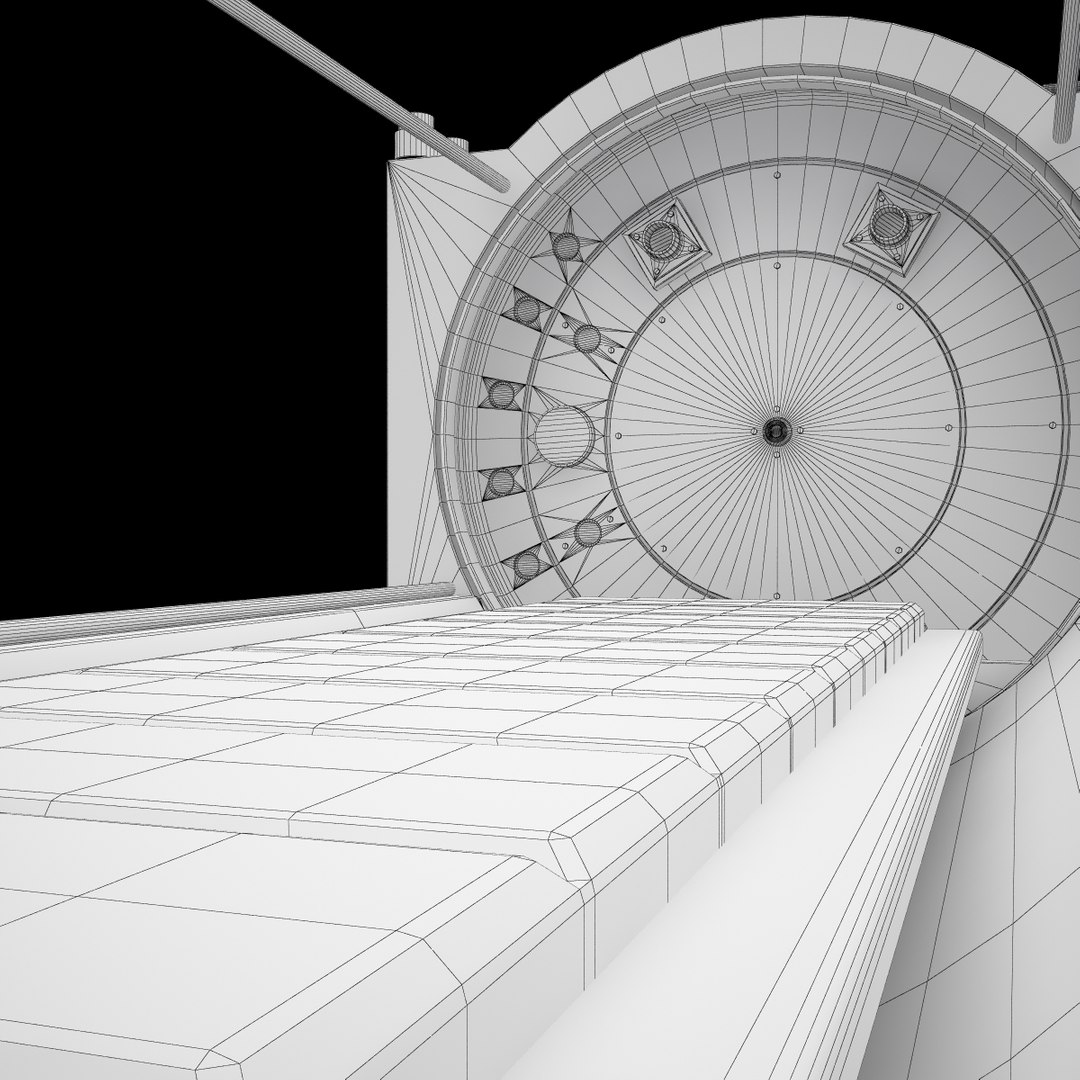
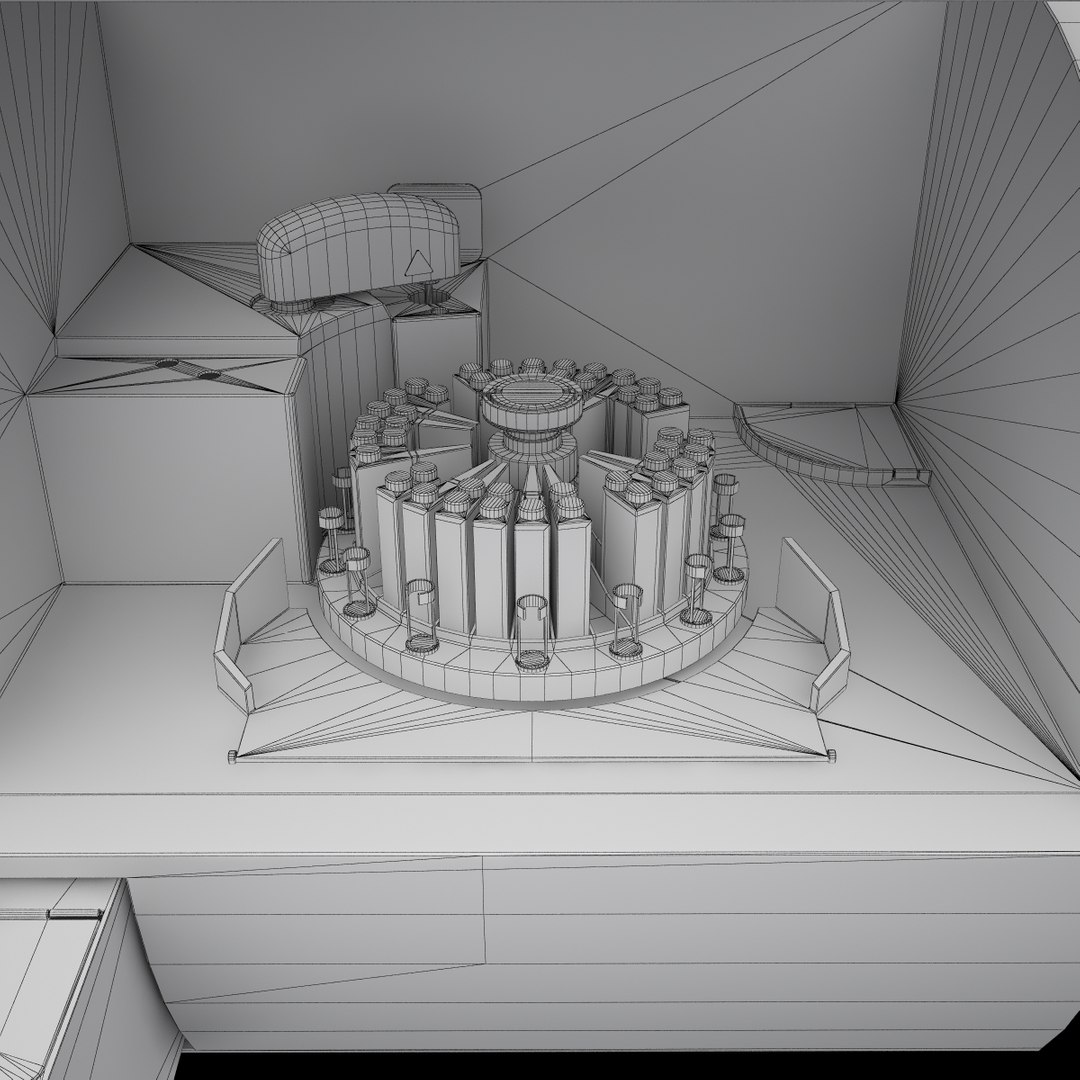
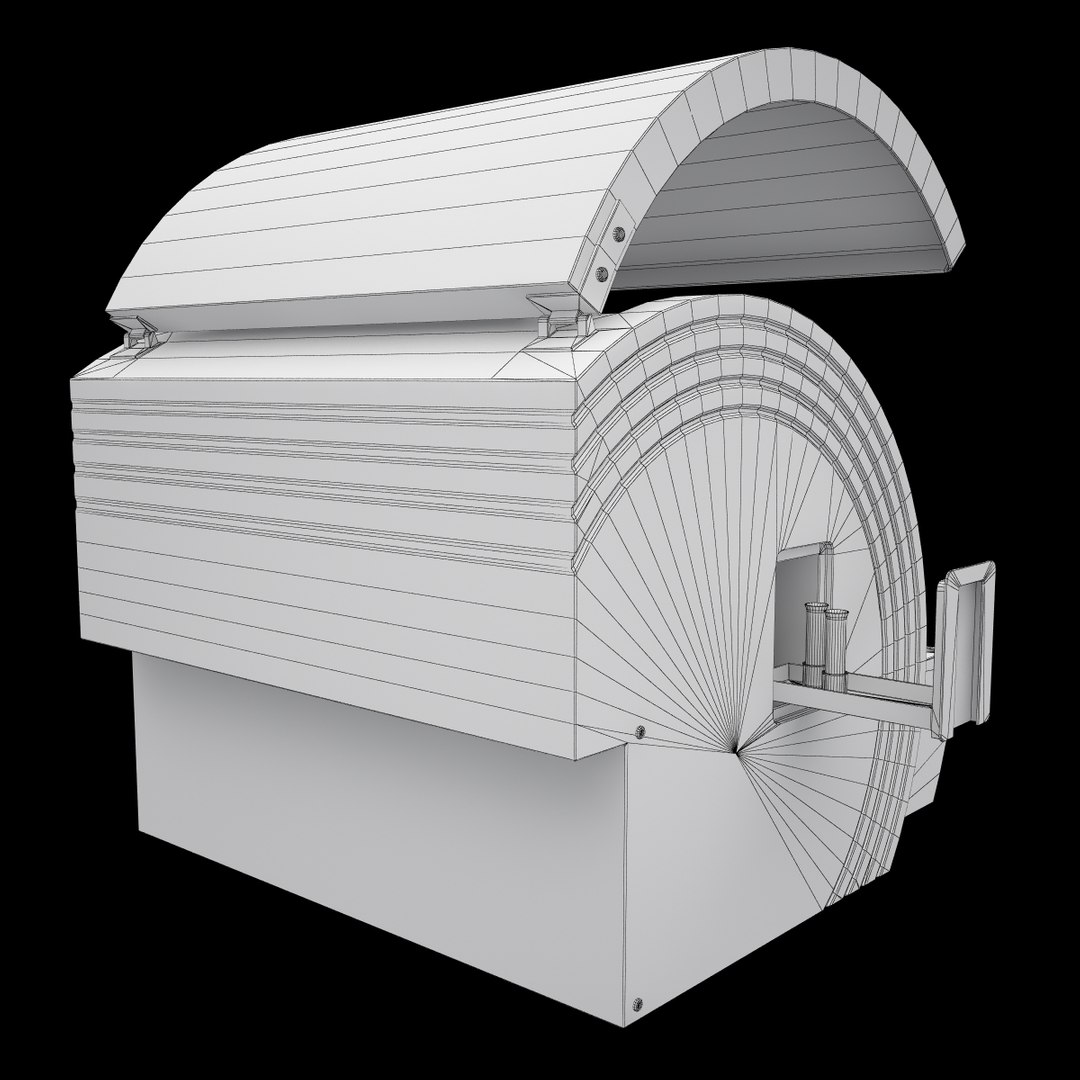
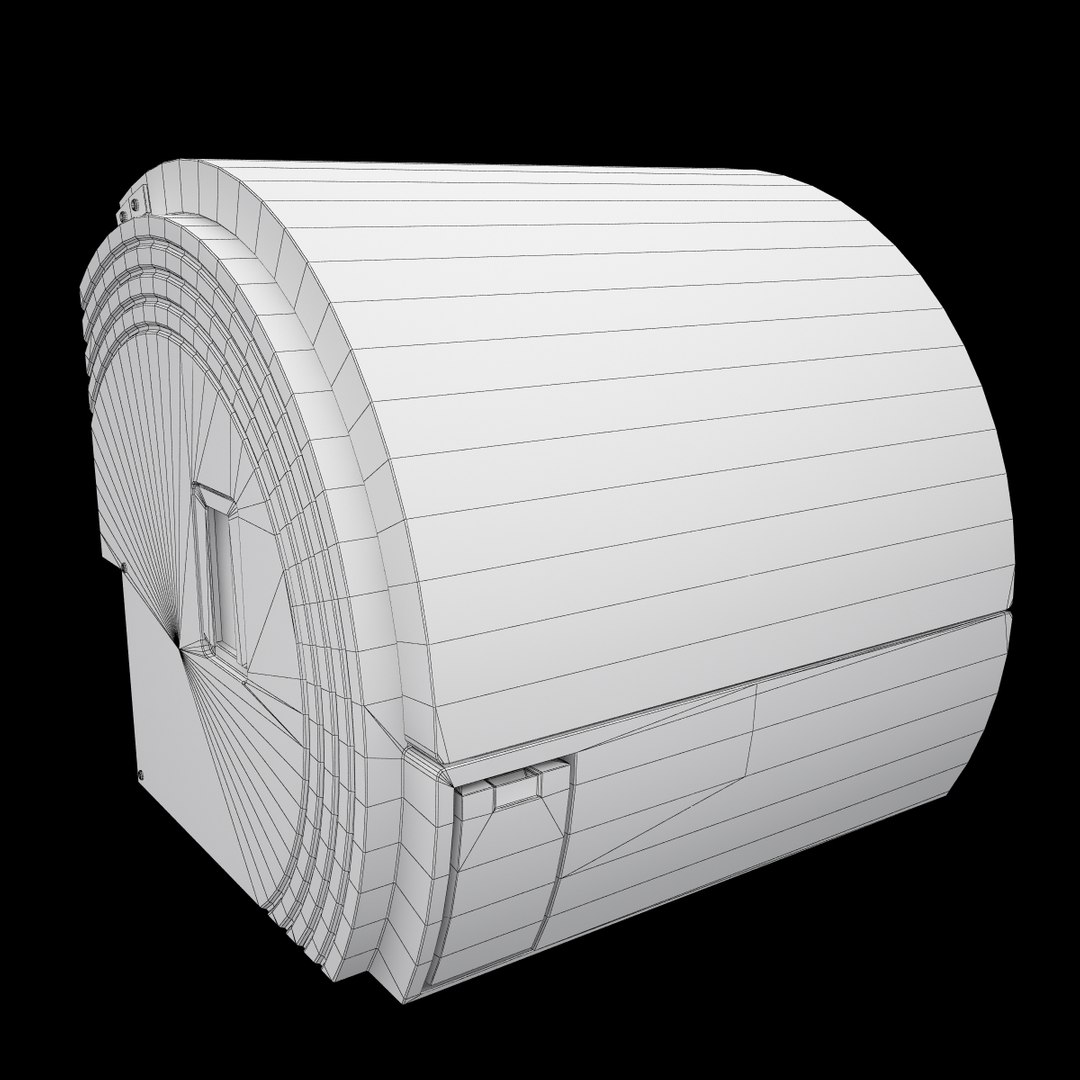
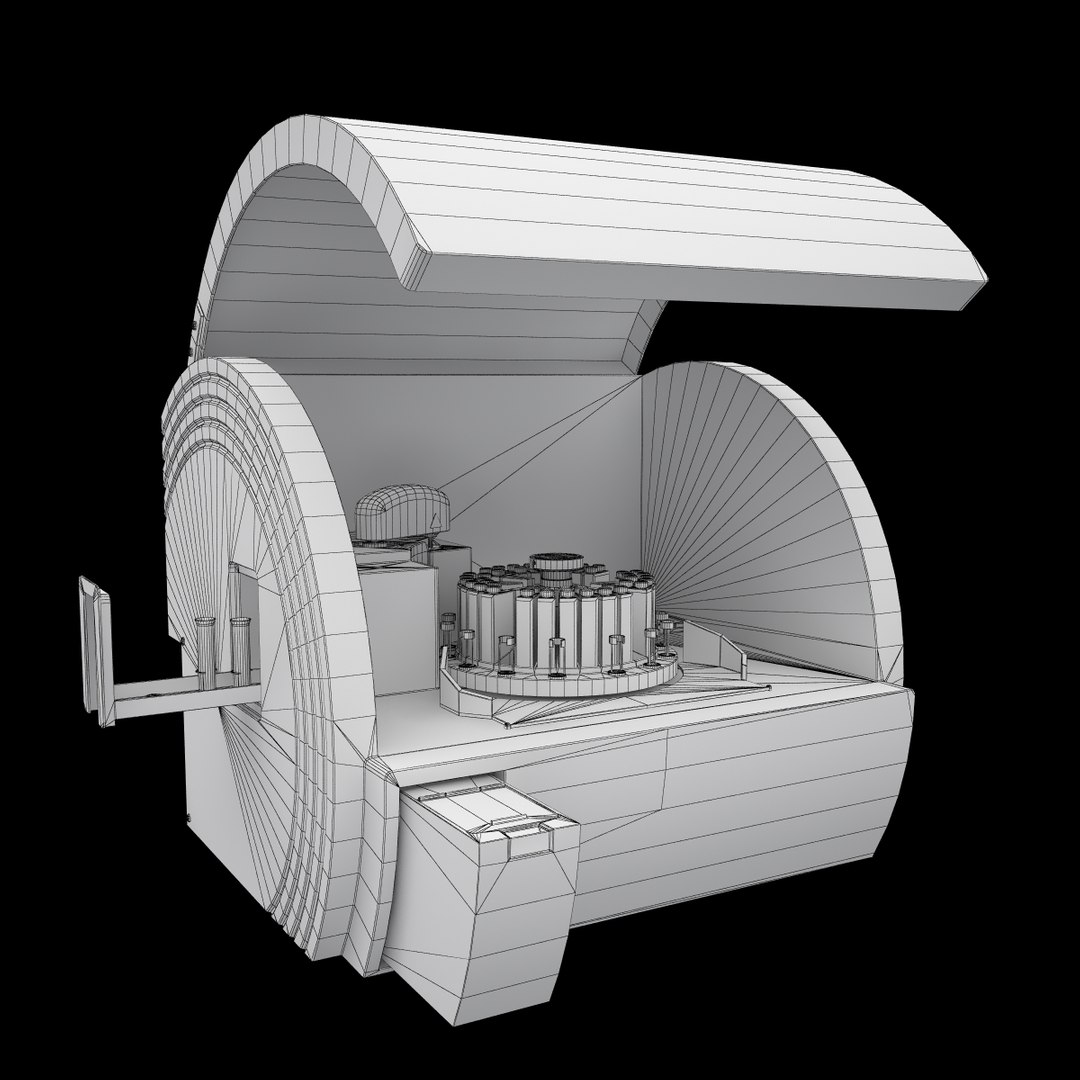
Sigma 34 Hyperbaric Medical Chamber
Polygons: 39401
Vertices: 38825

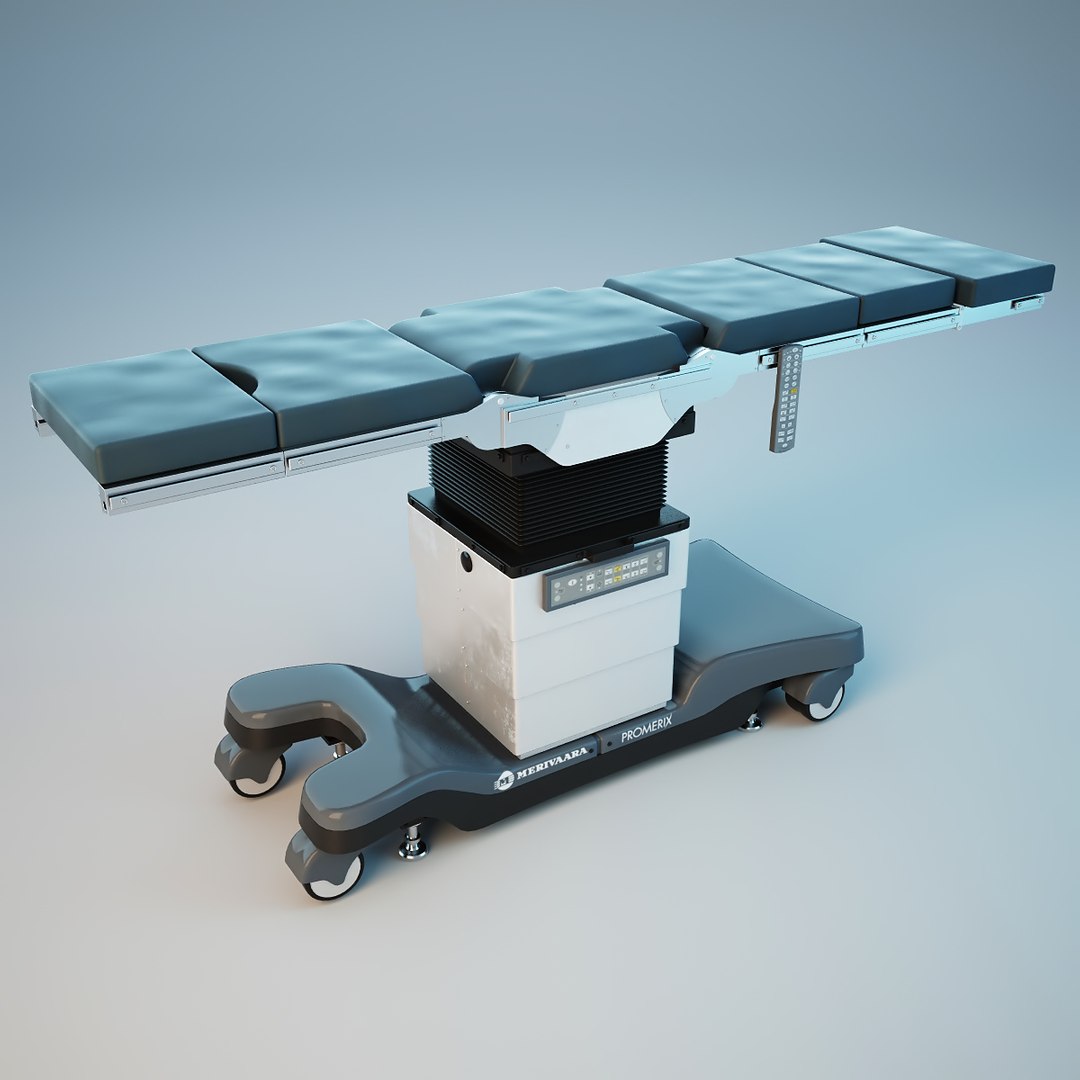
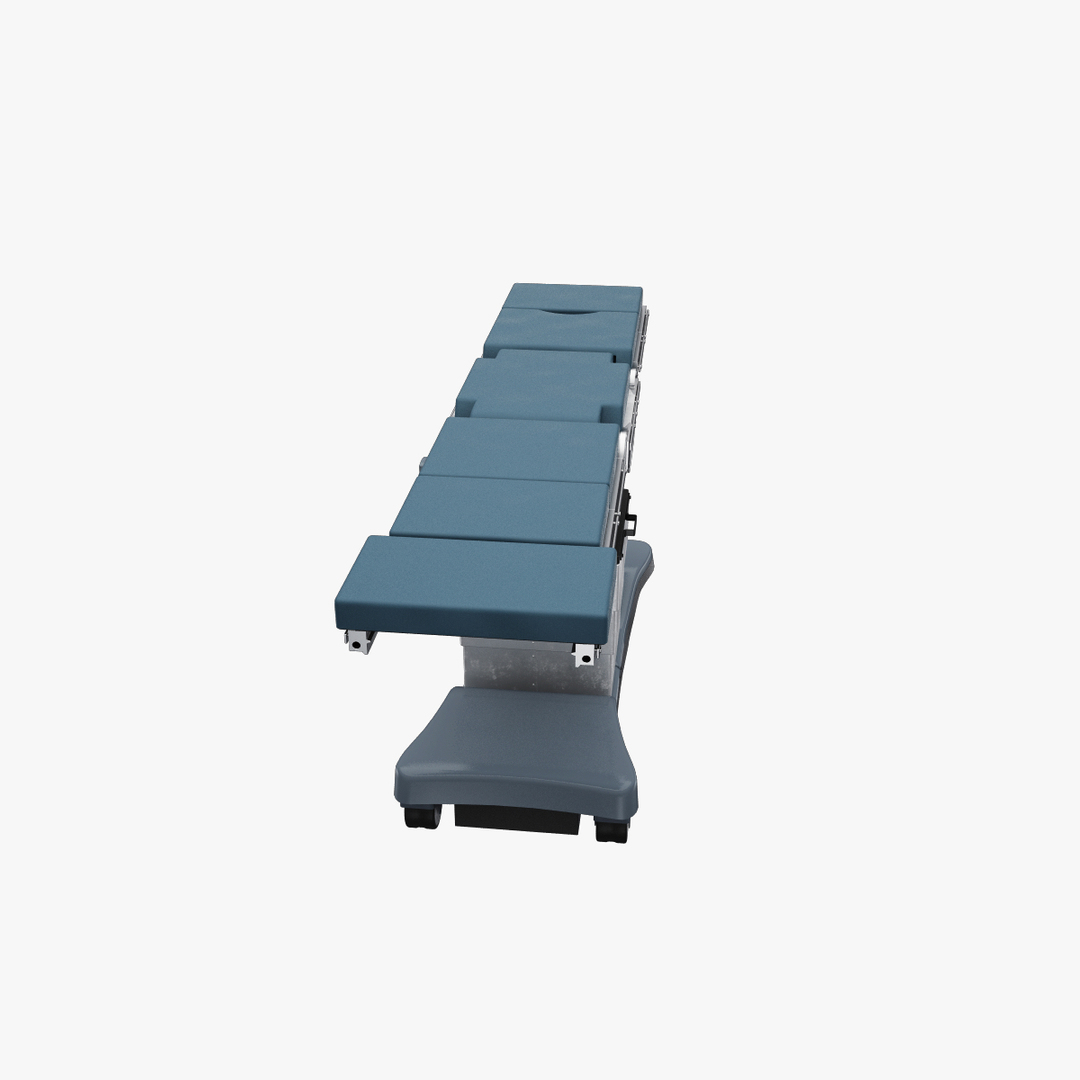
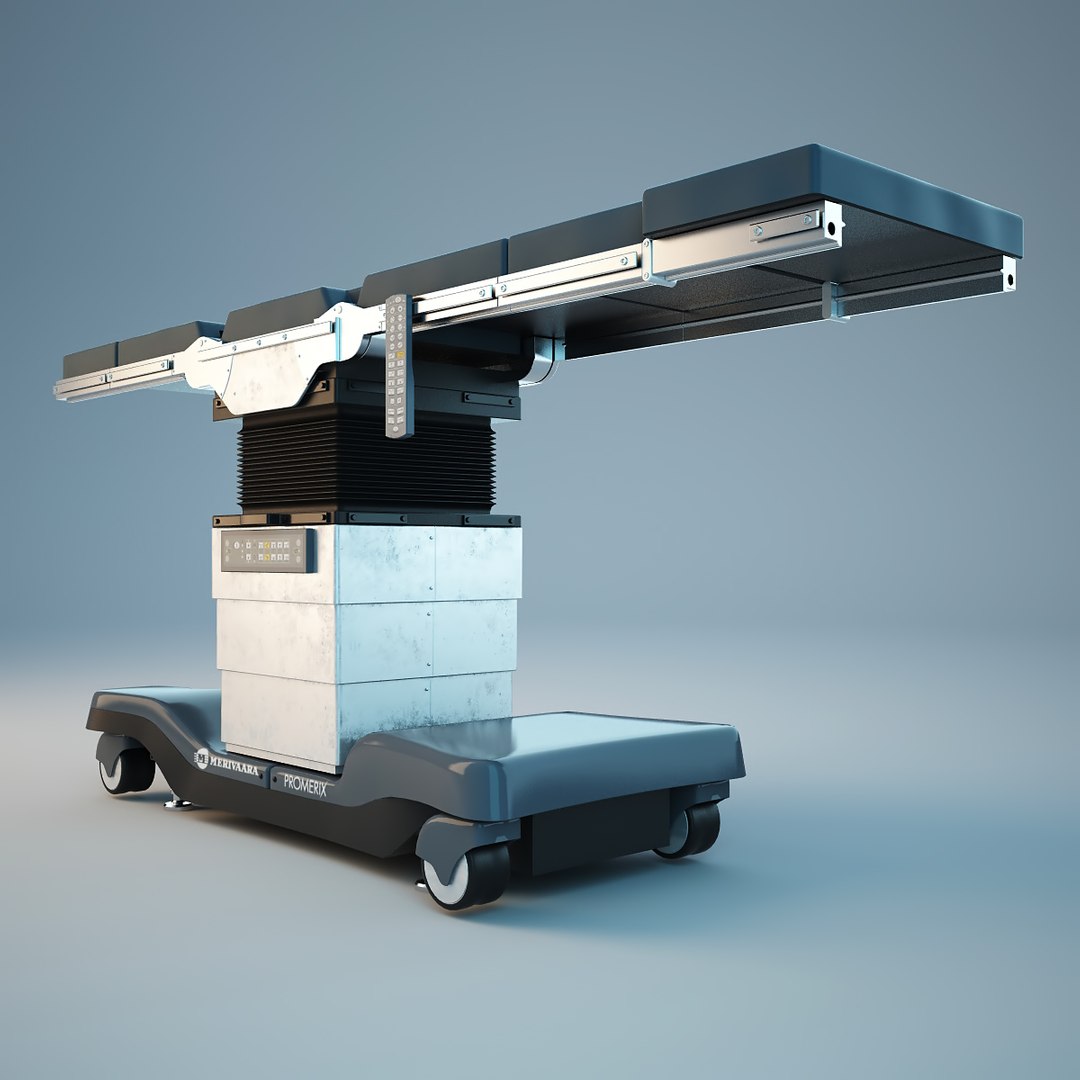
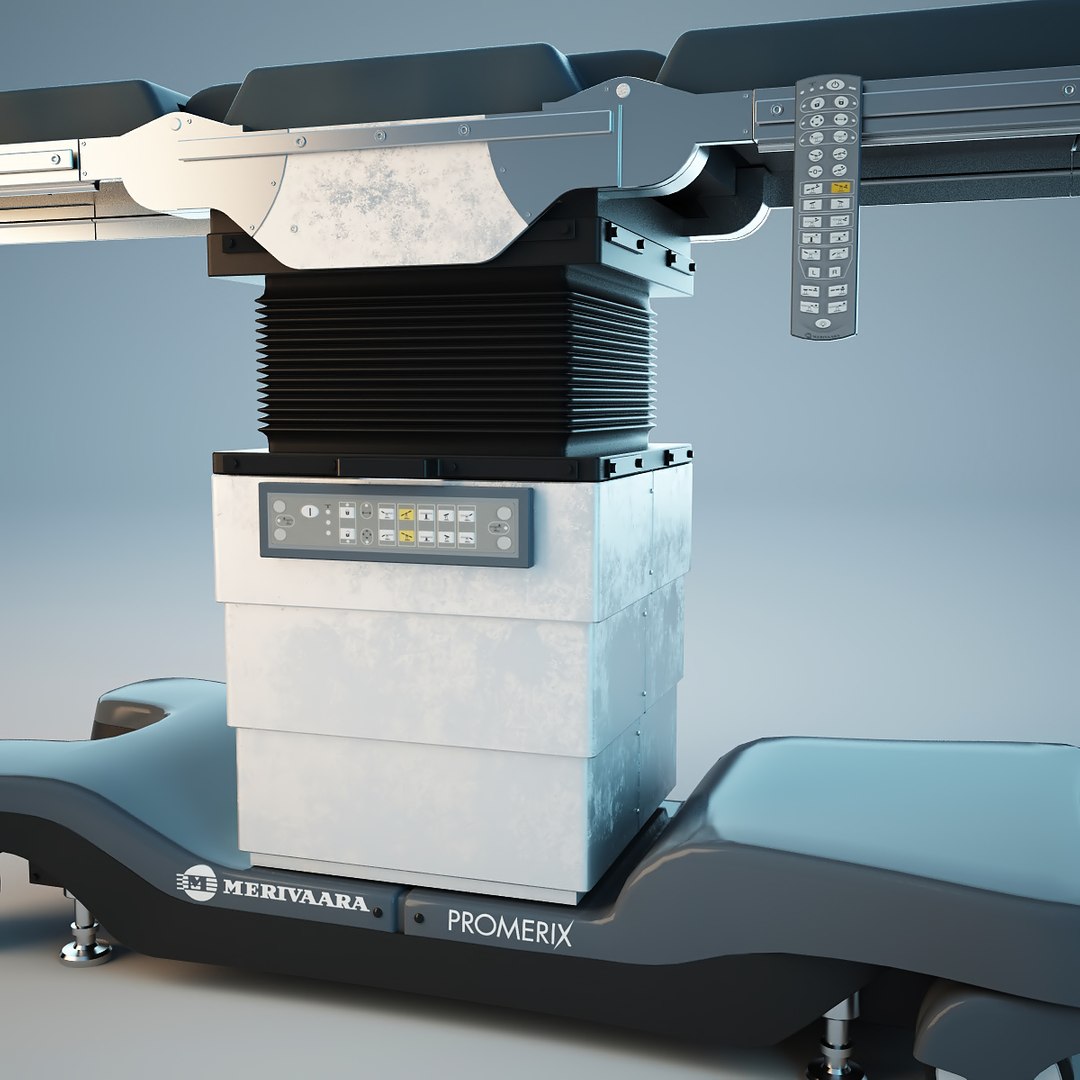
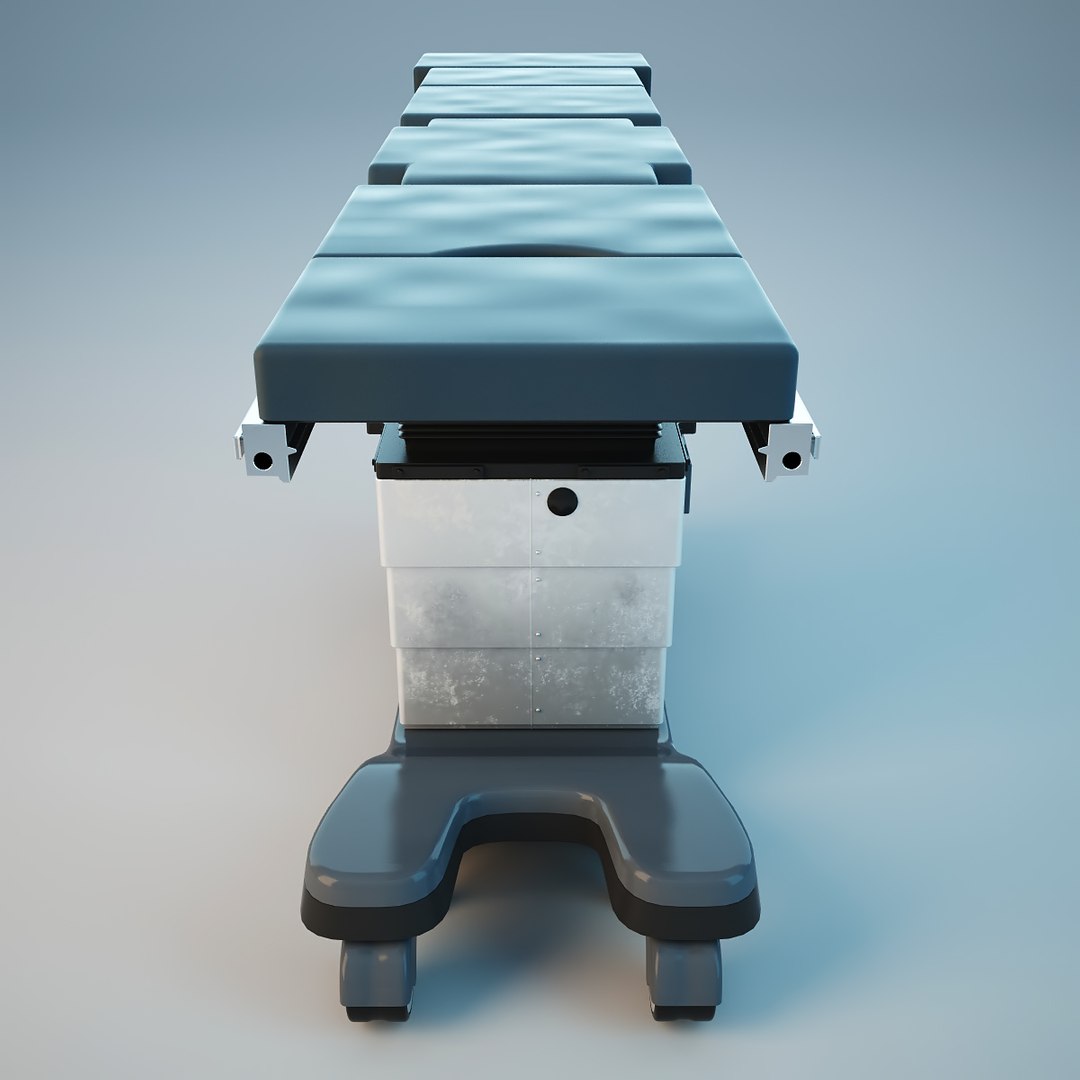
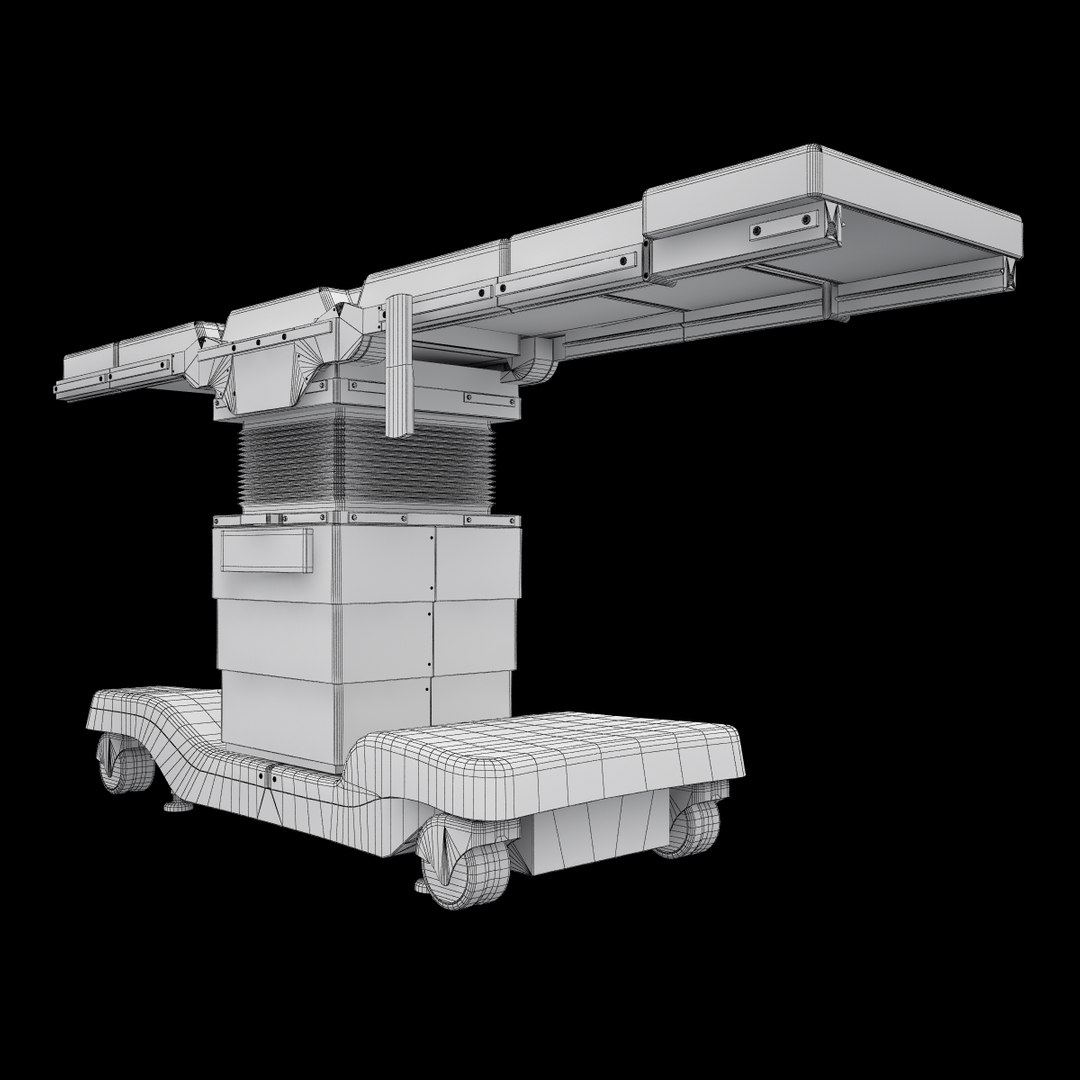
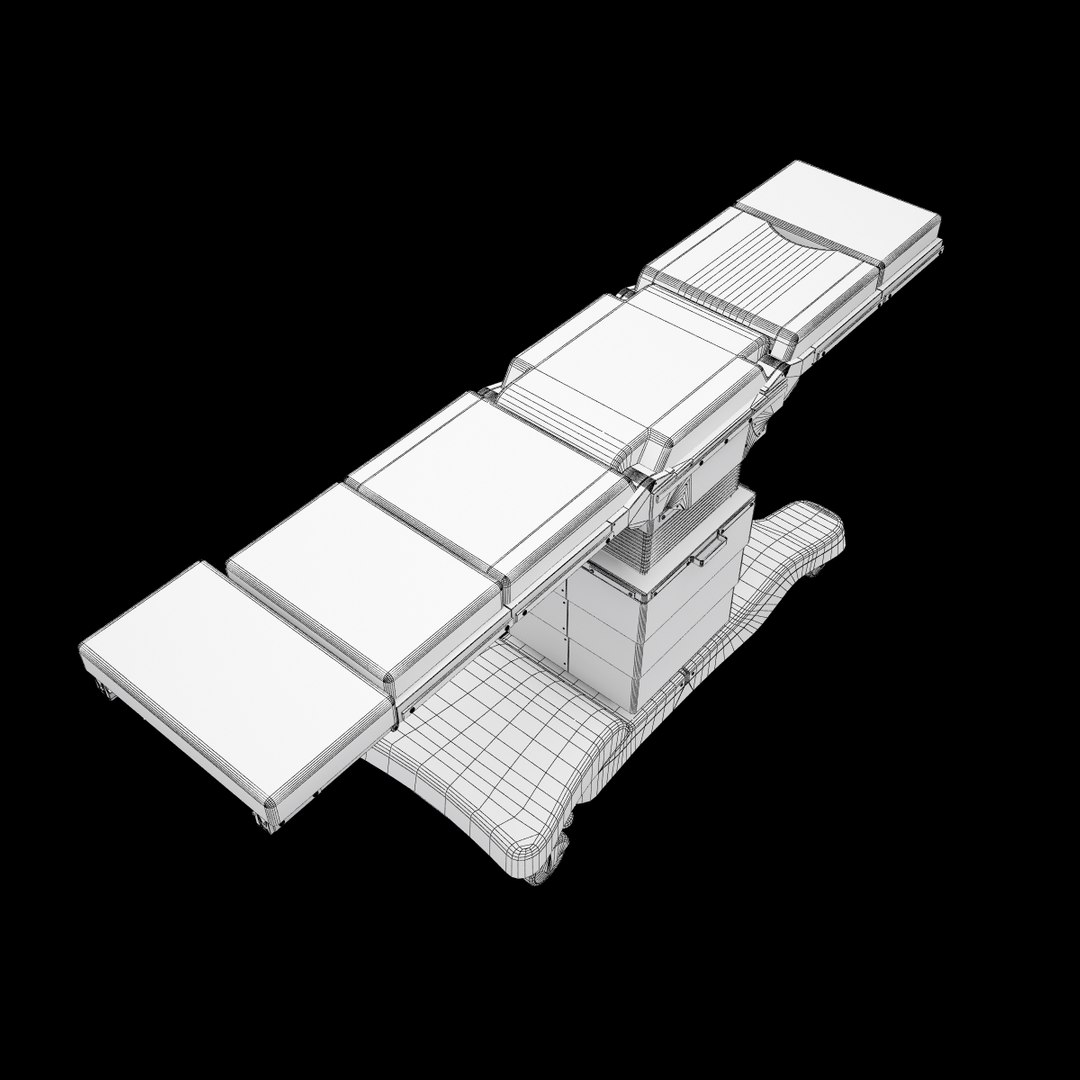
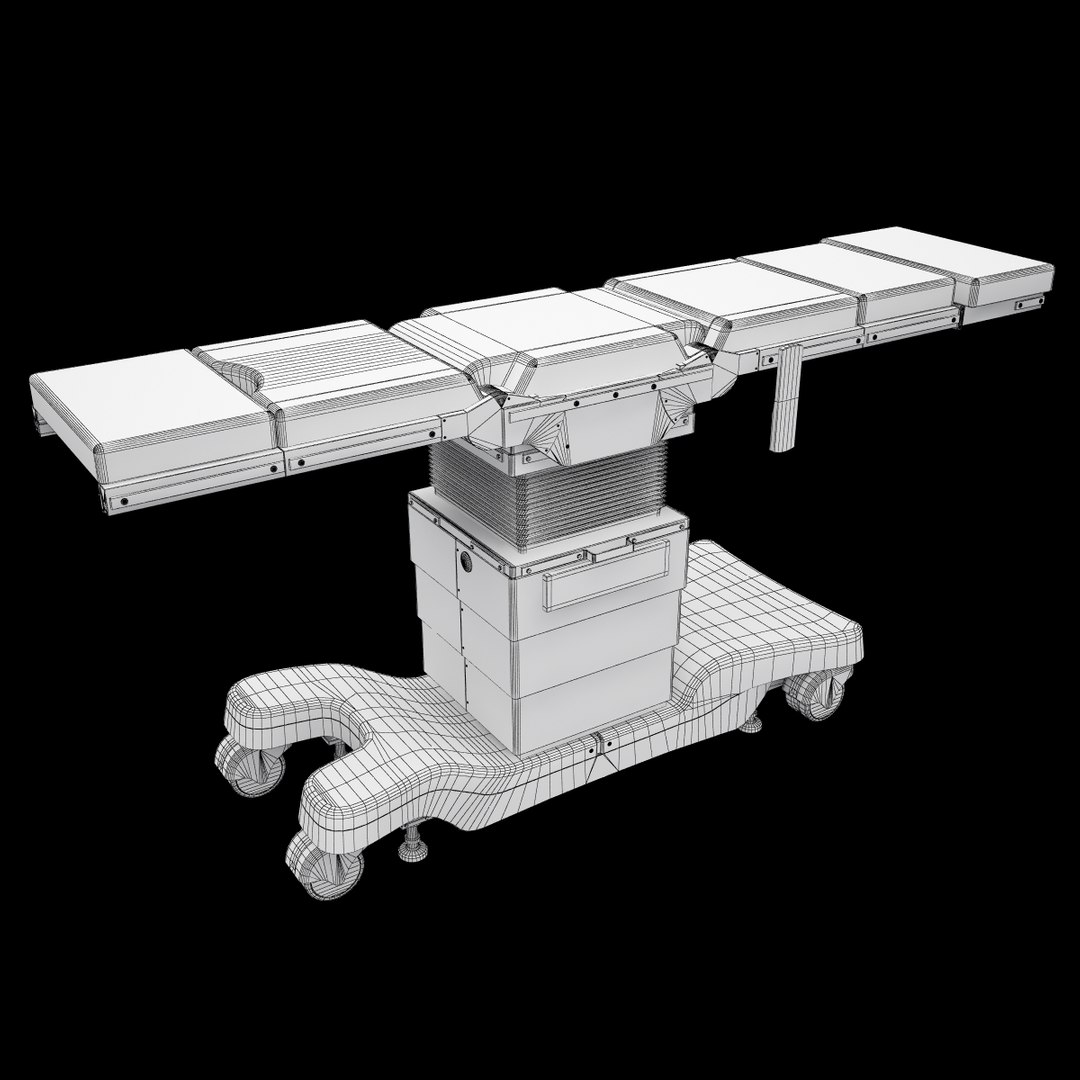
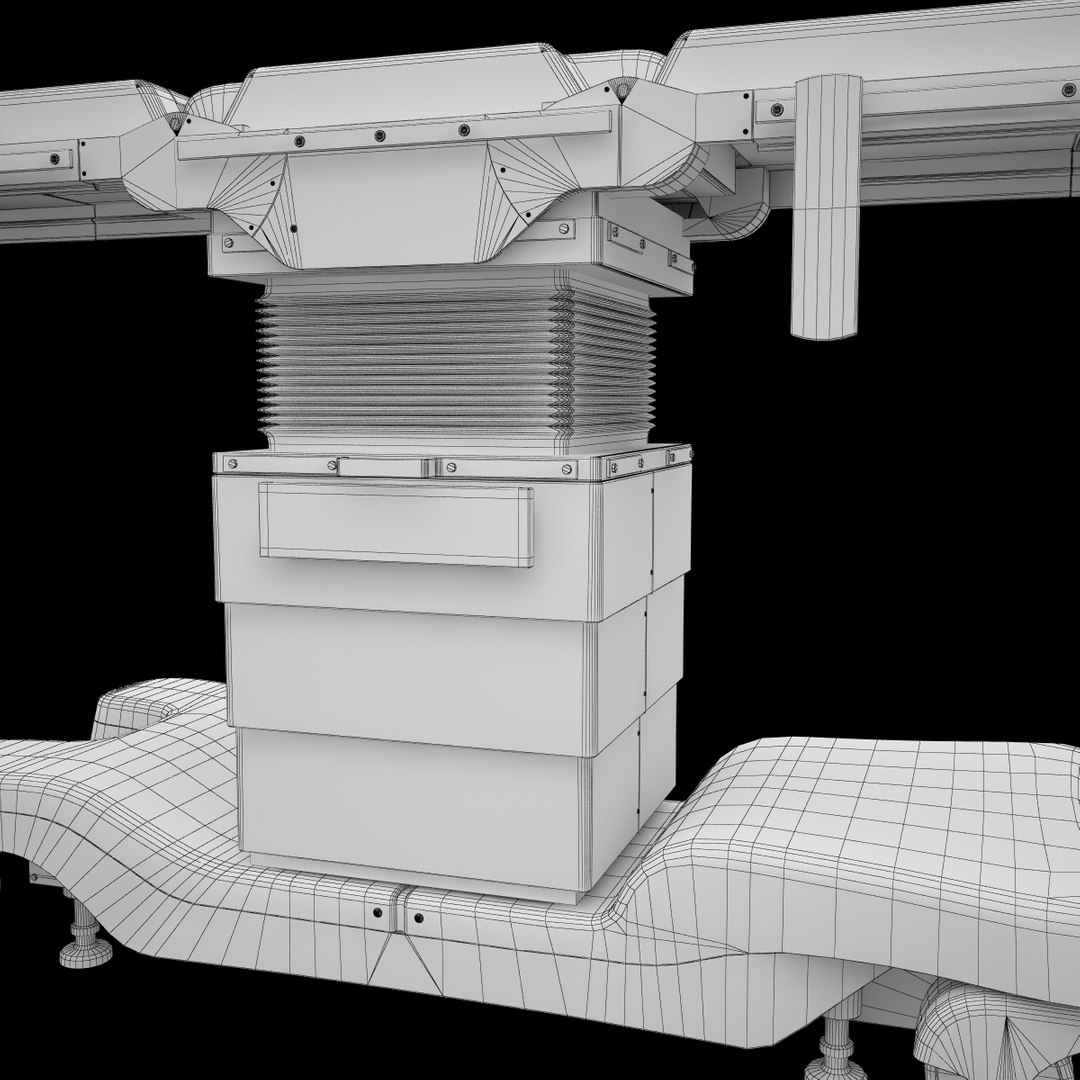
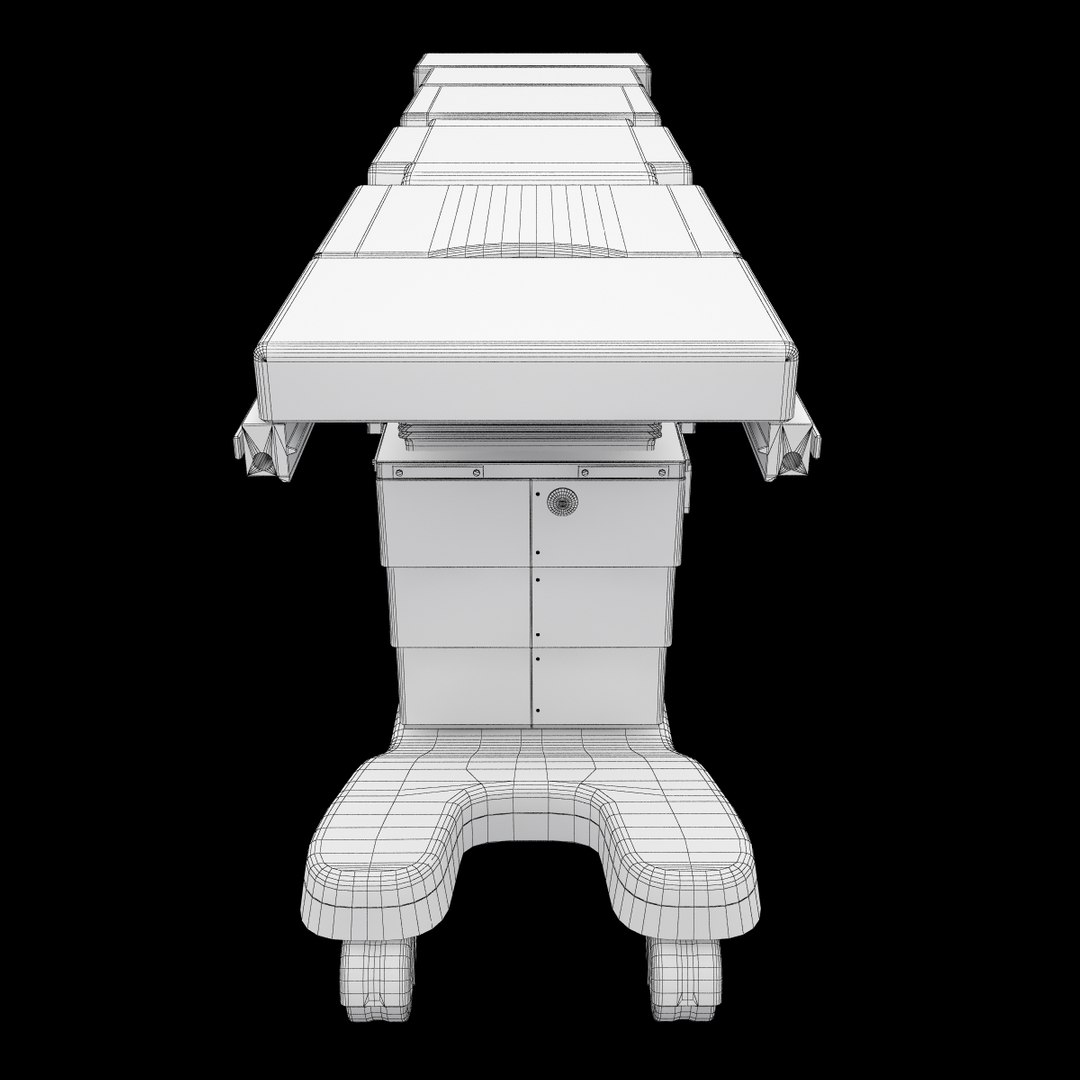
Medical Operating table Promerix
Polygons: 31935
Vertices: 31070

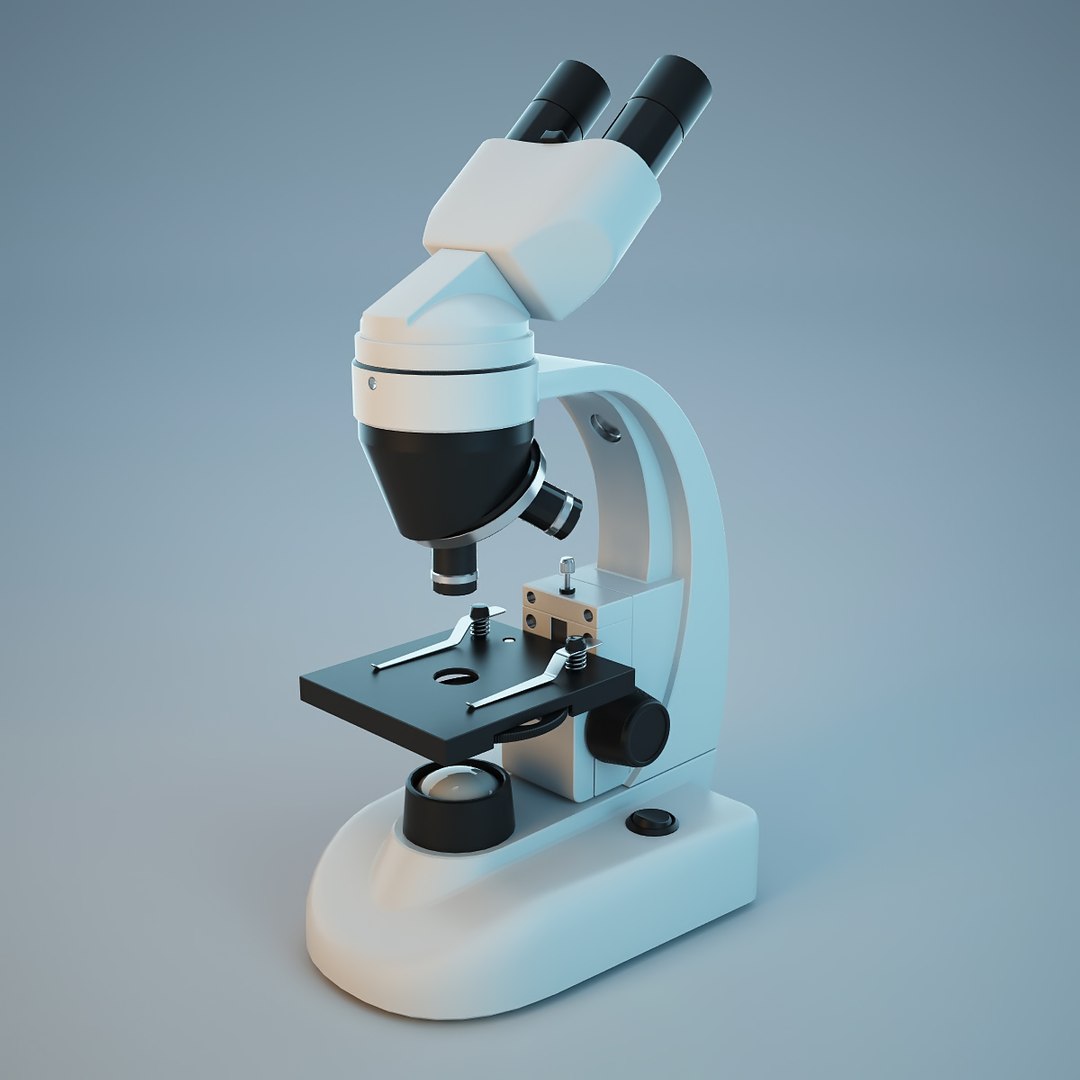
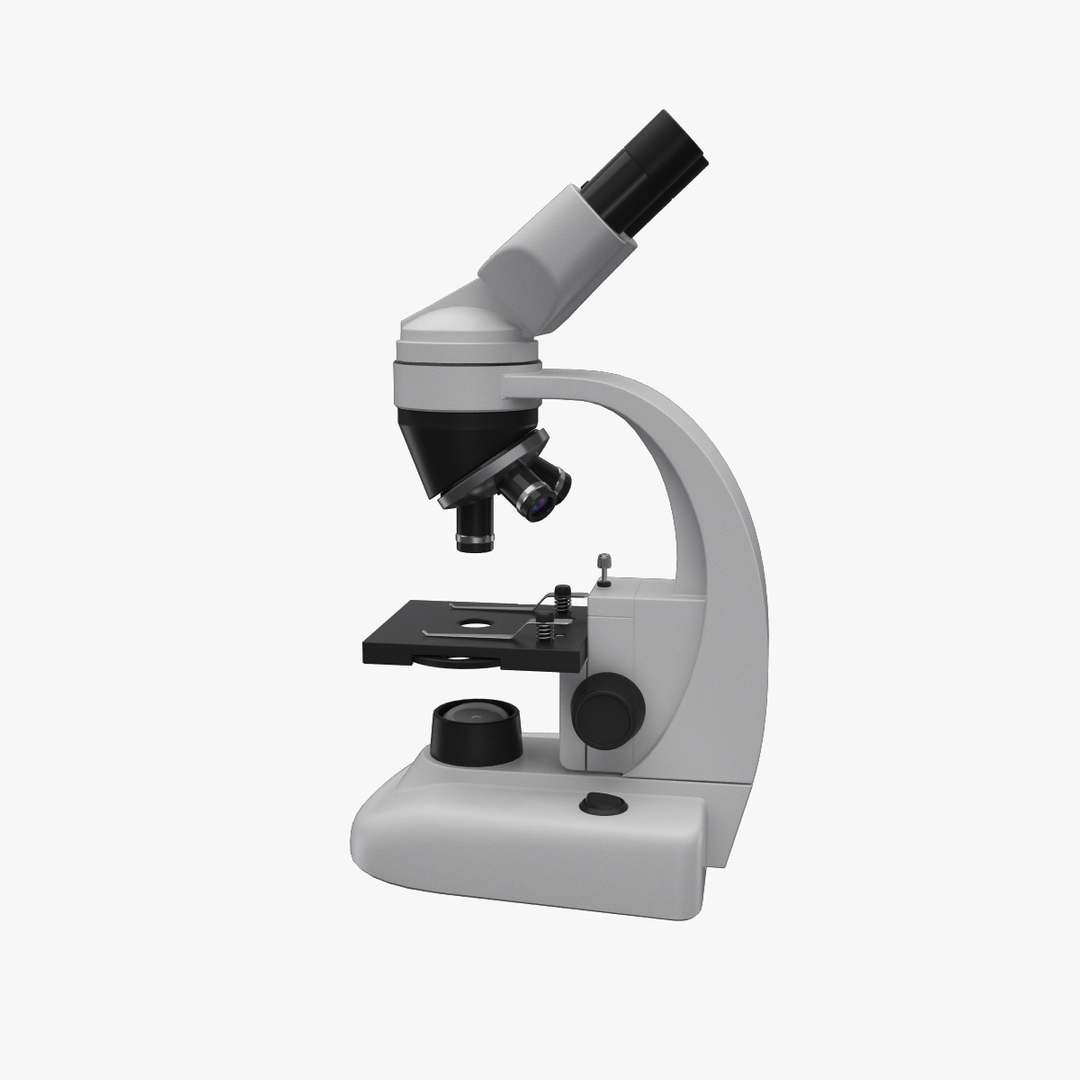
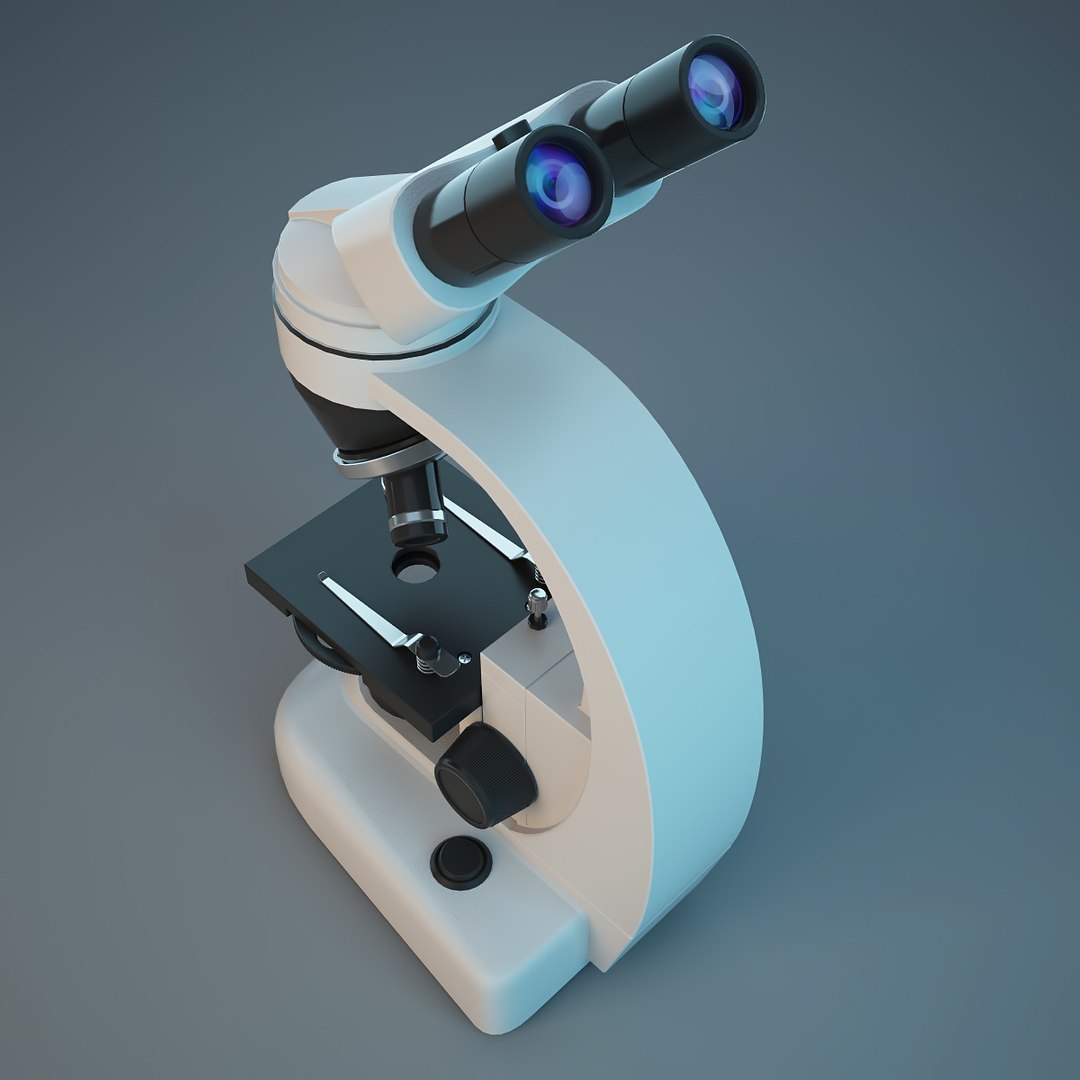
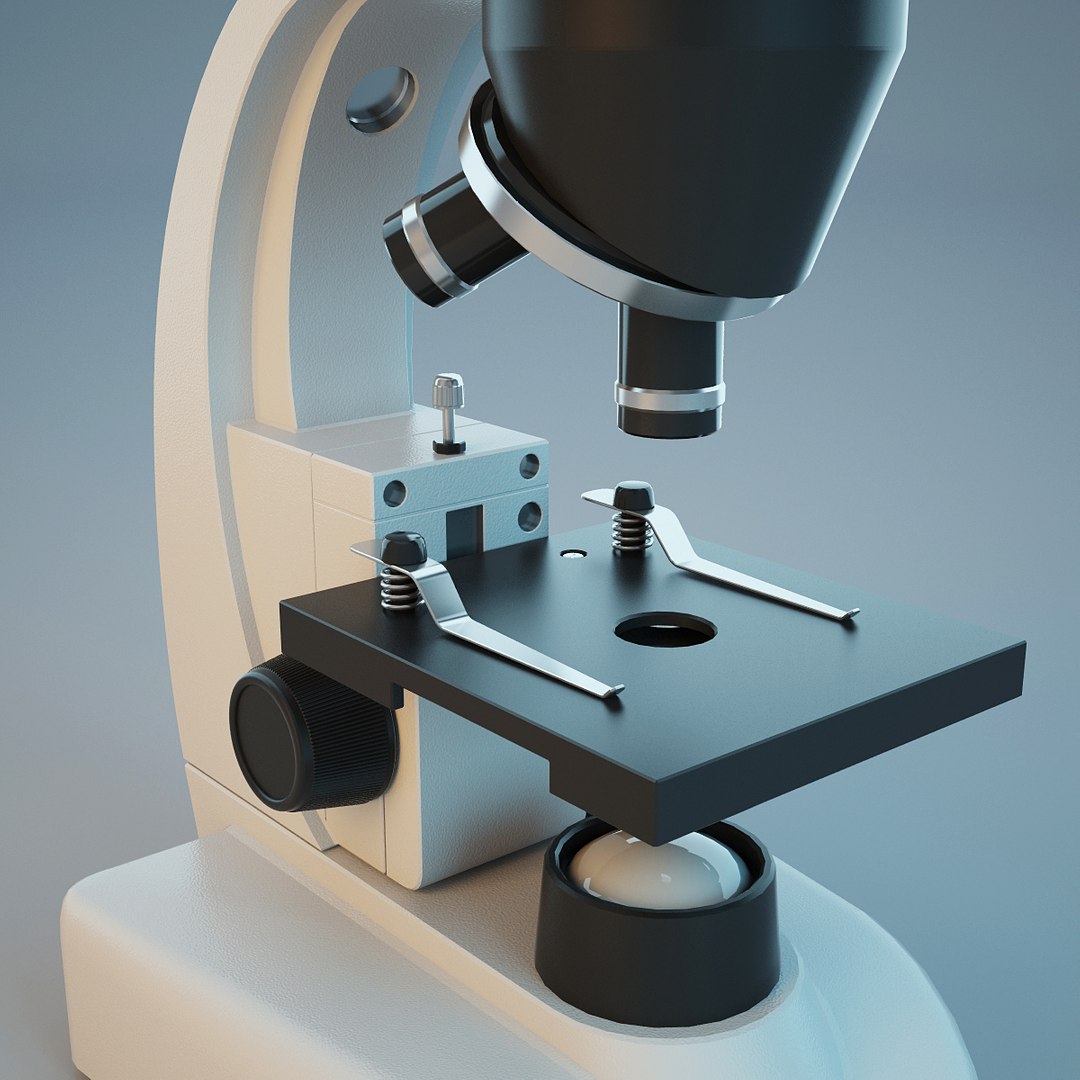
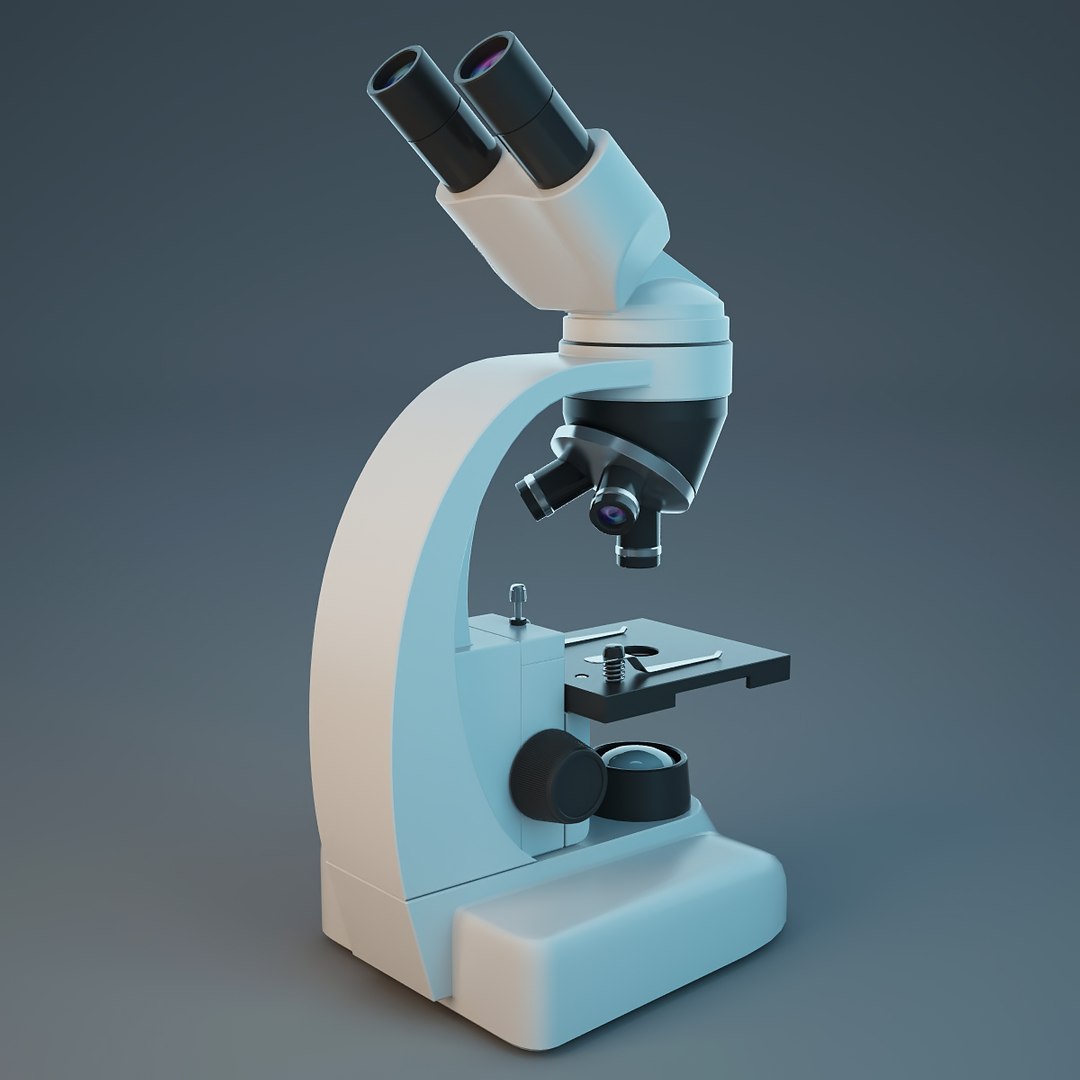
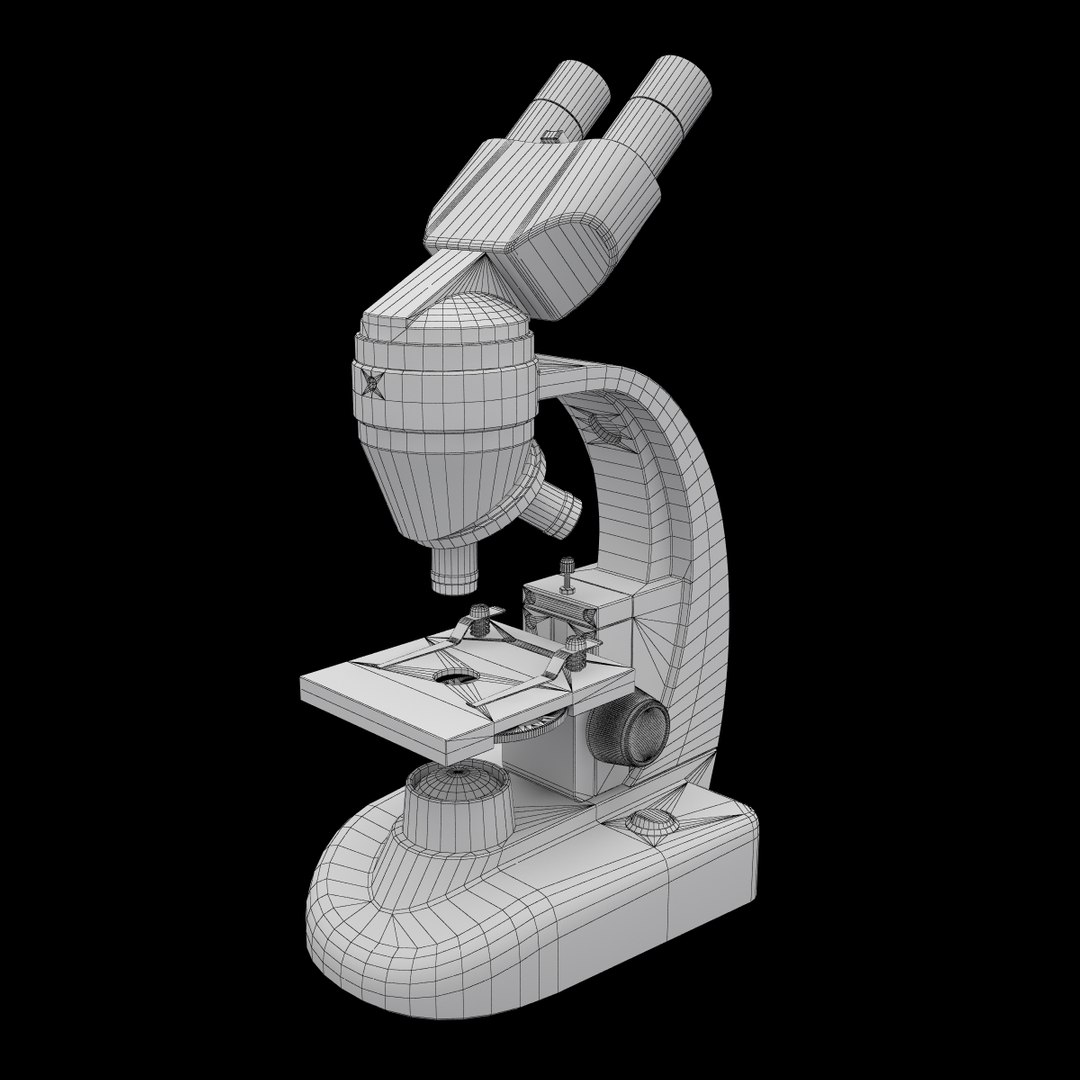
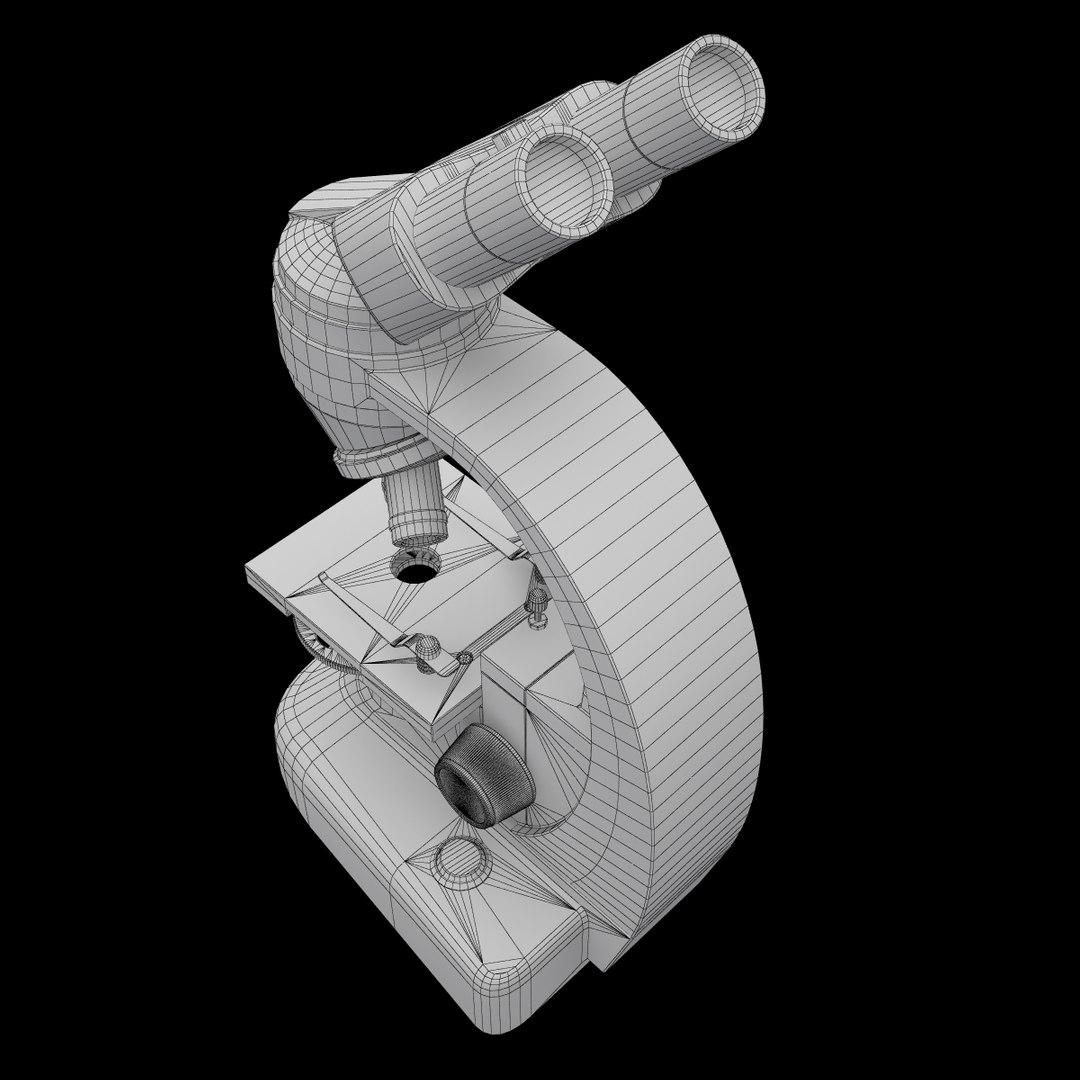
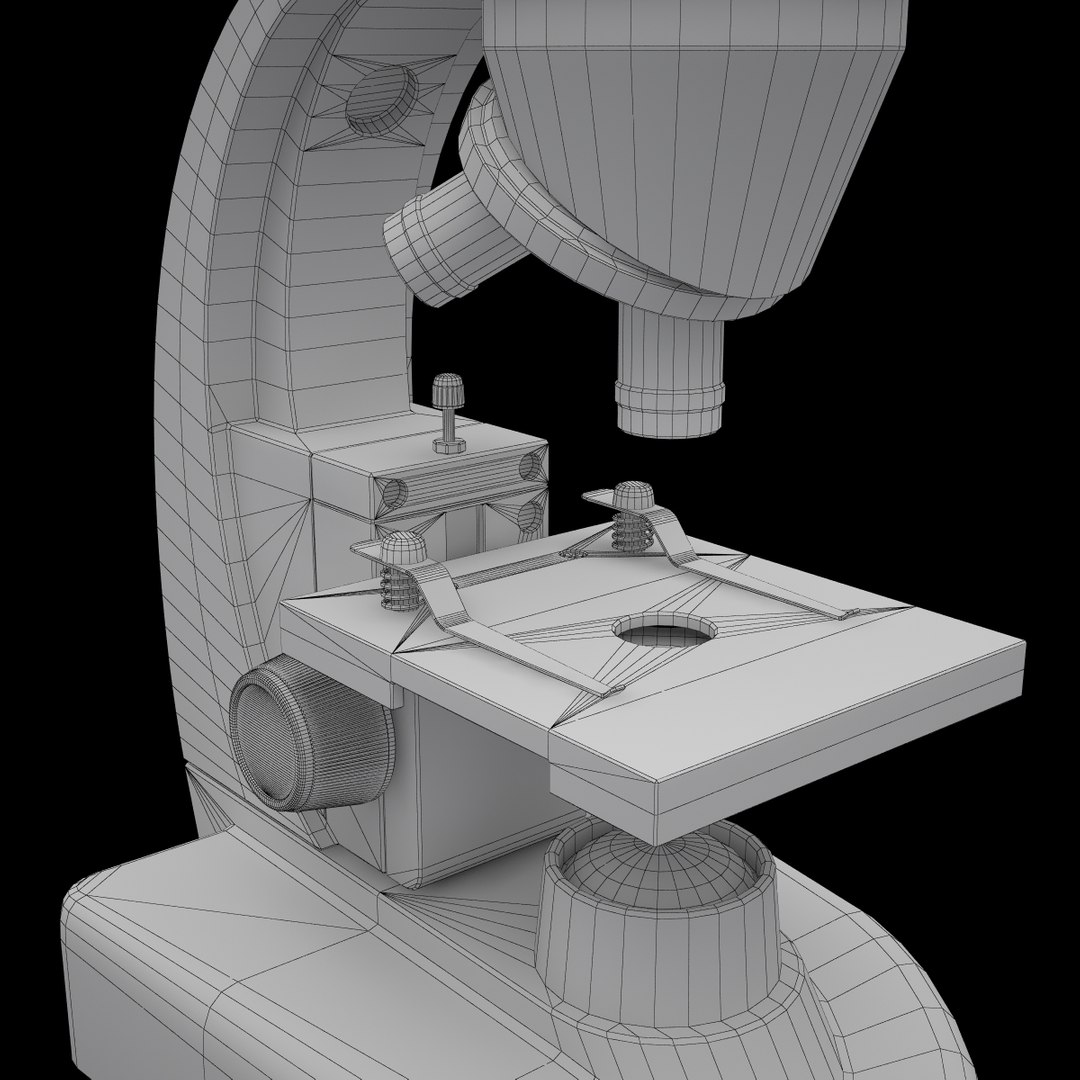
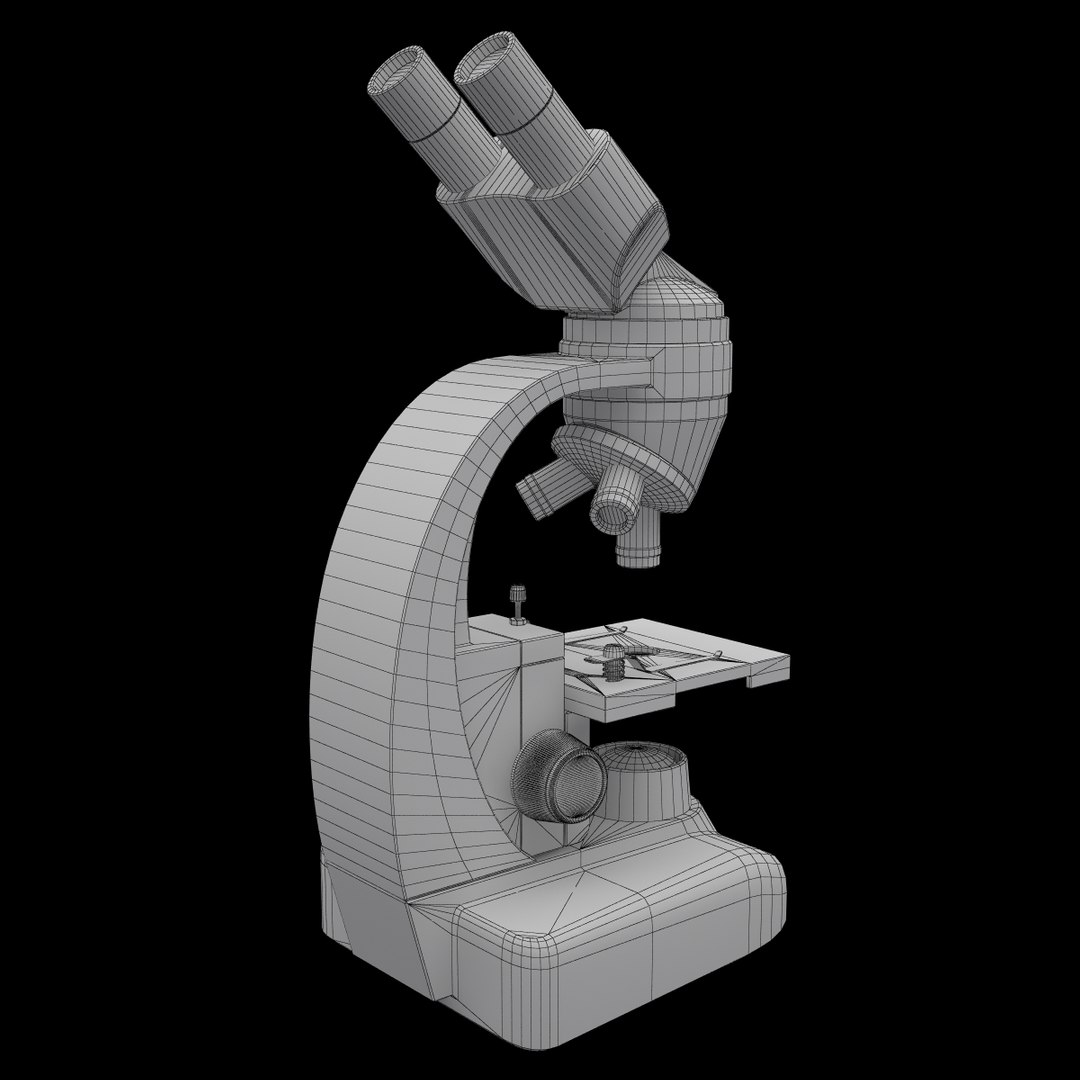
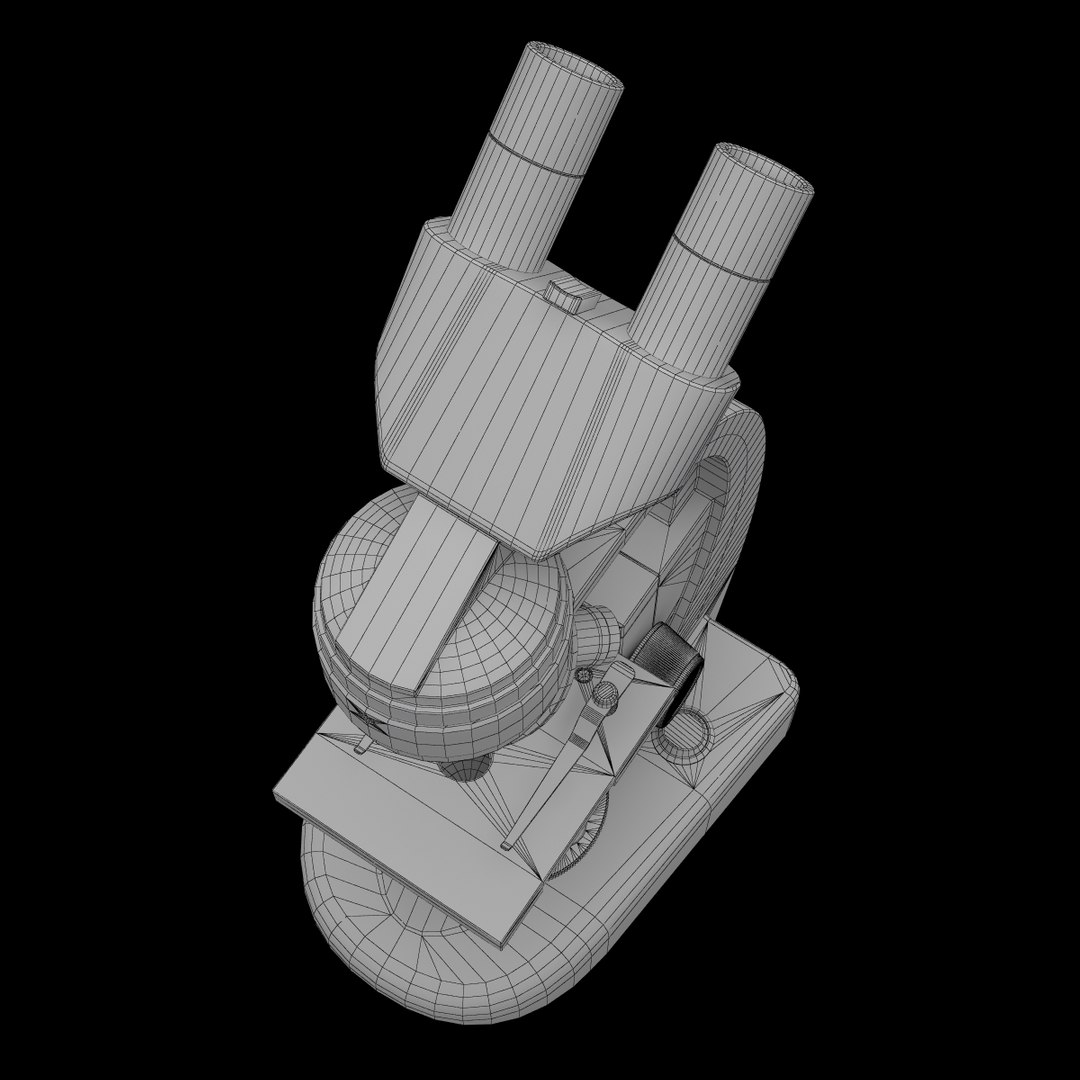
Biological Microscope BM-44SM
Polygons: 14333
Vertices: 13416

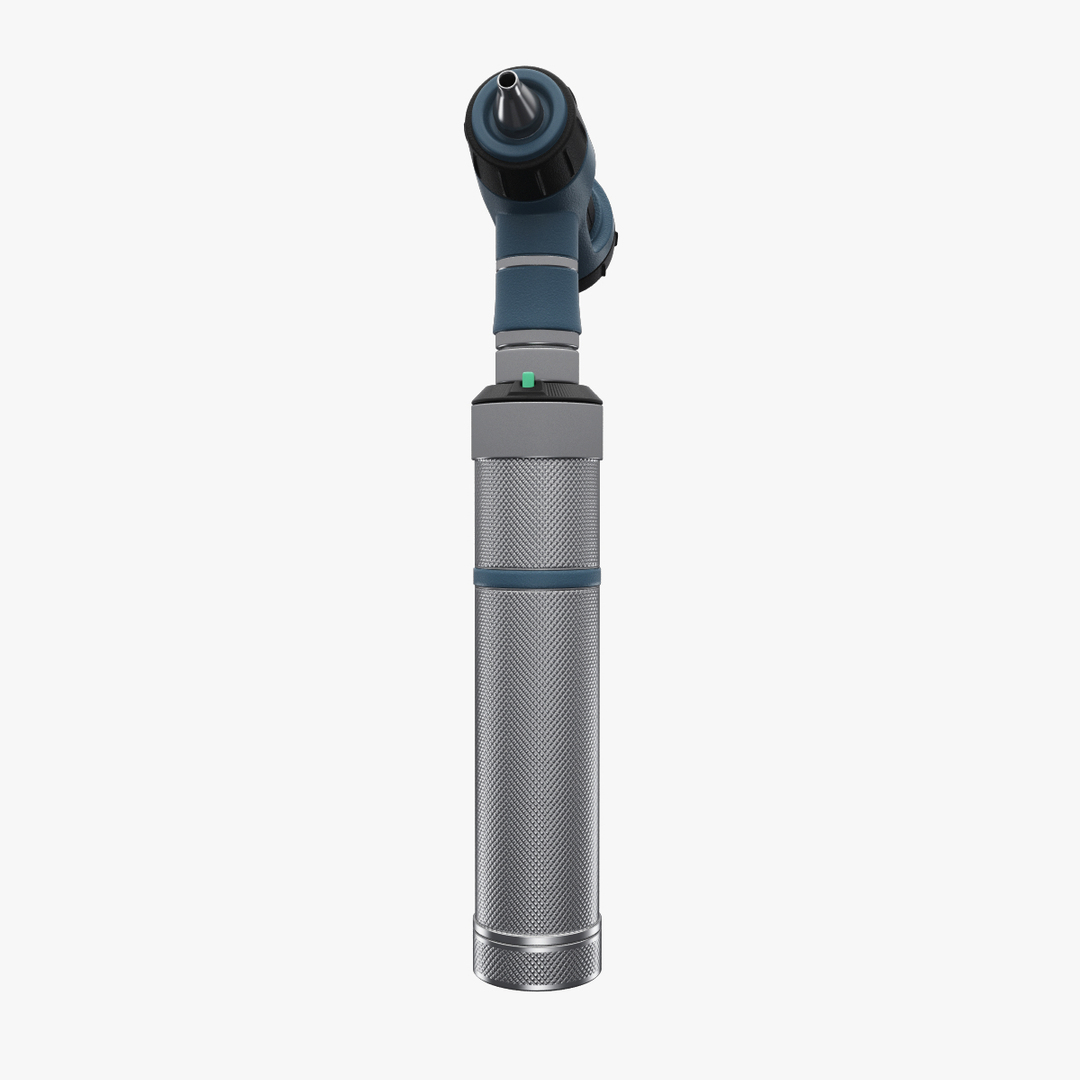
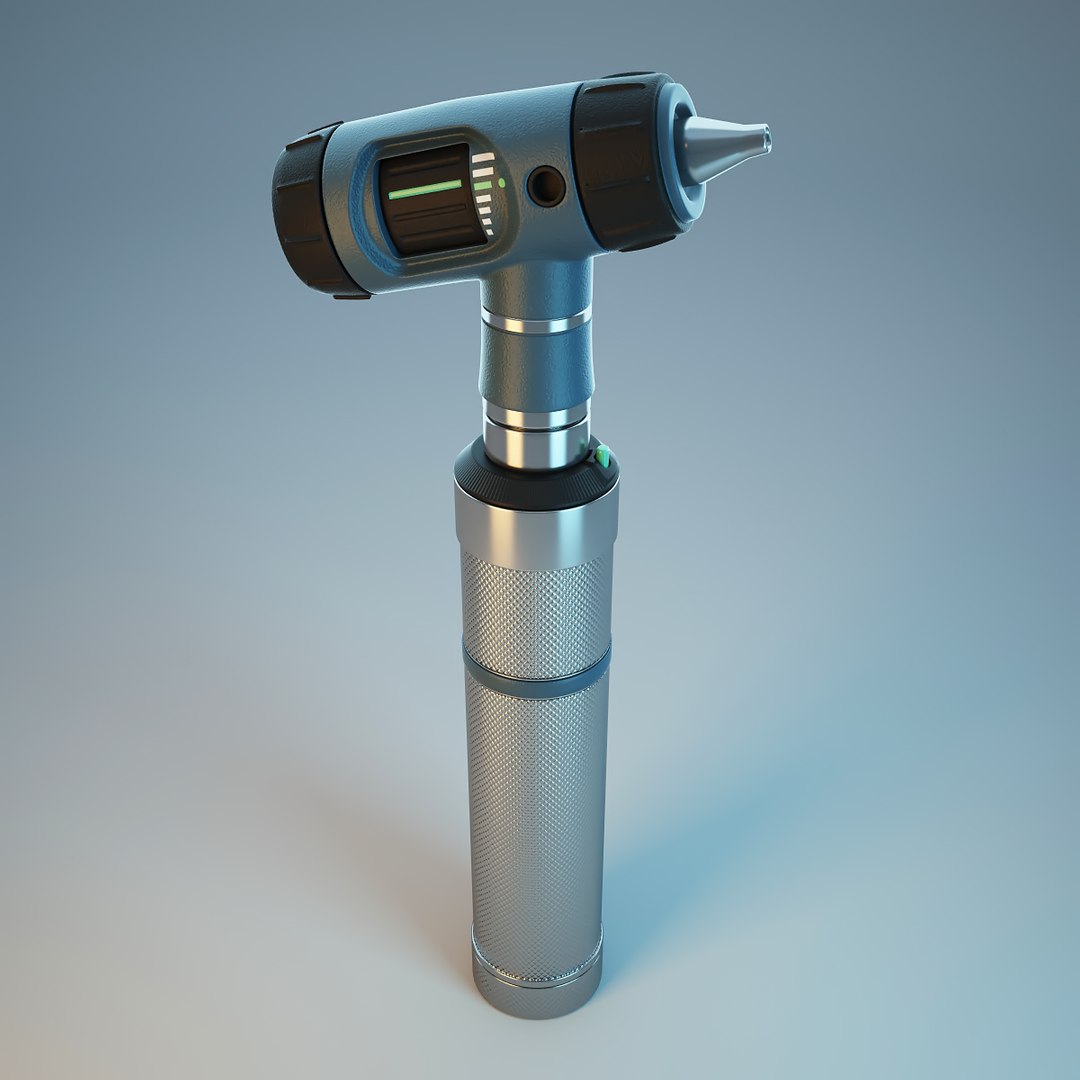
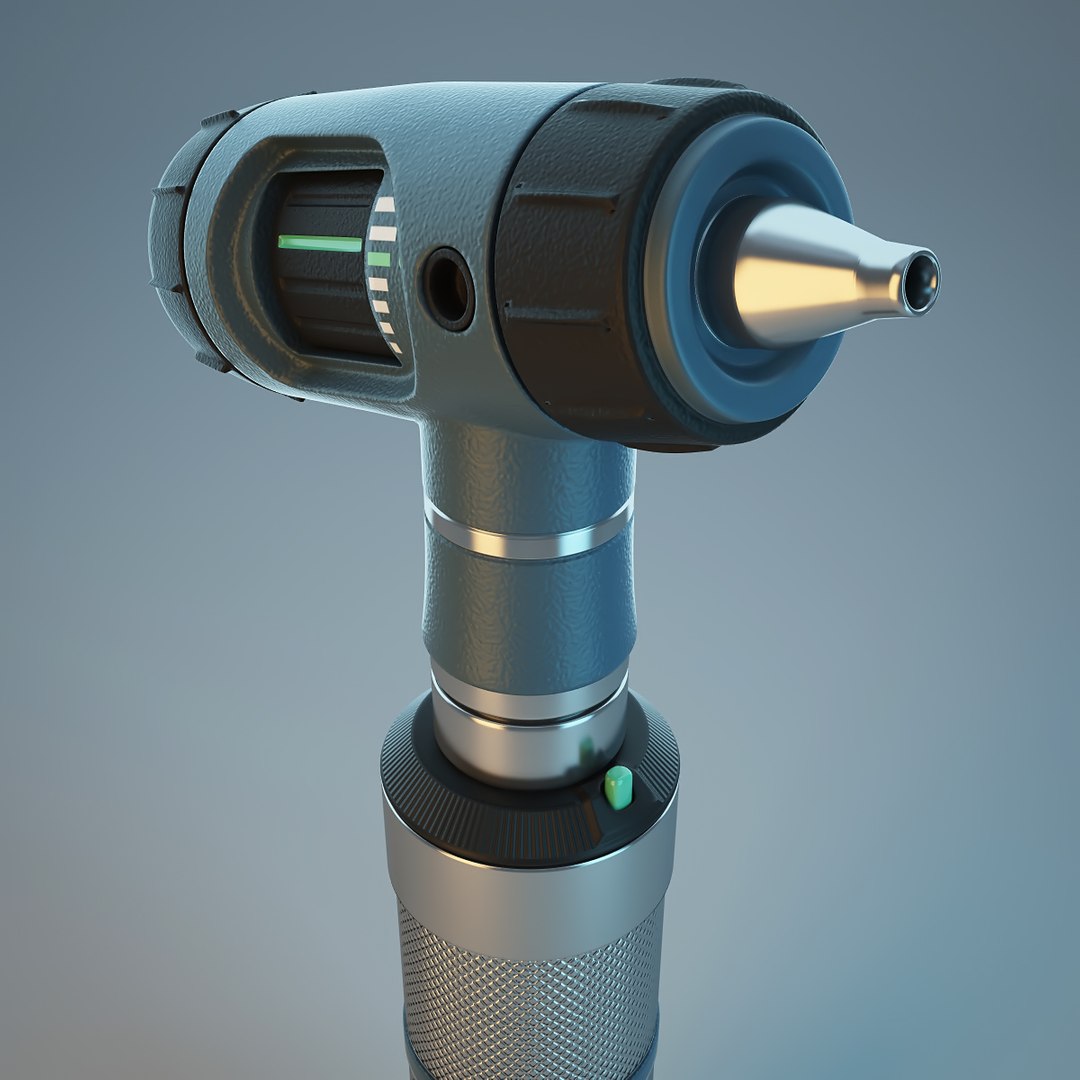
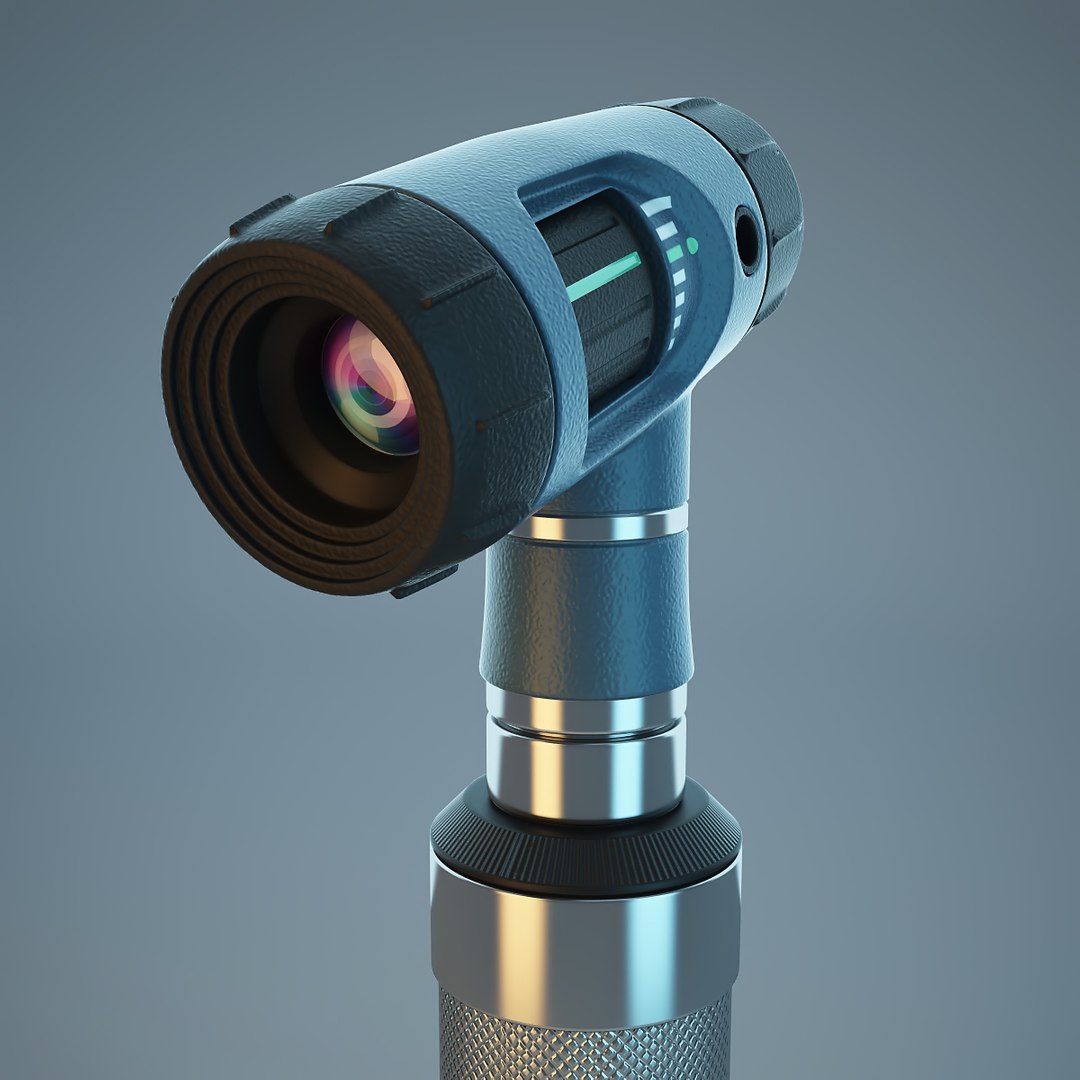
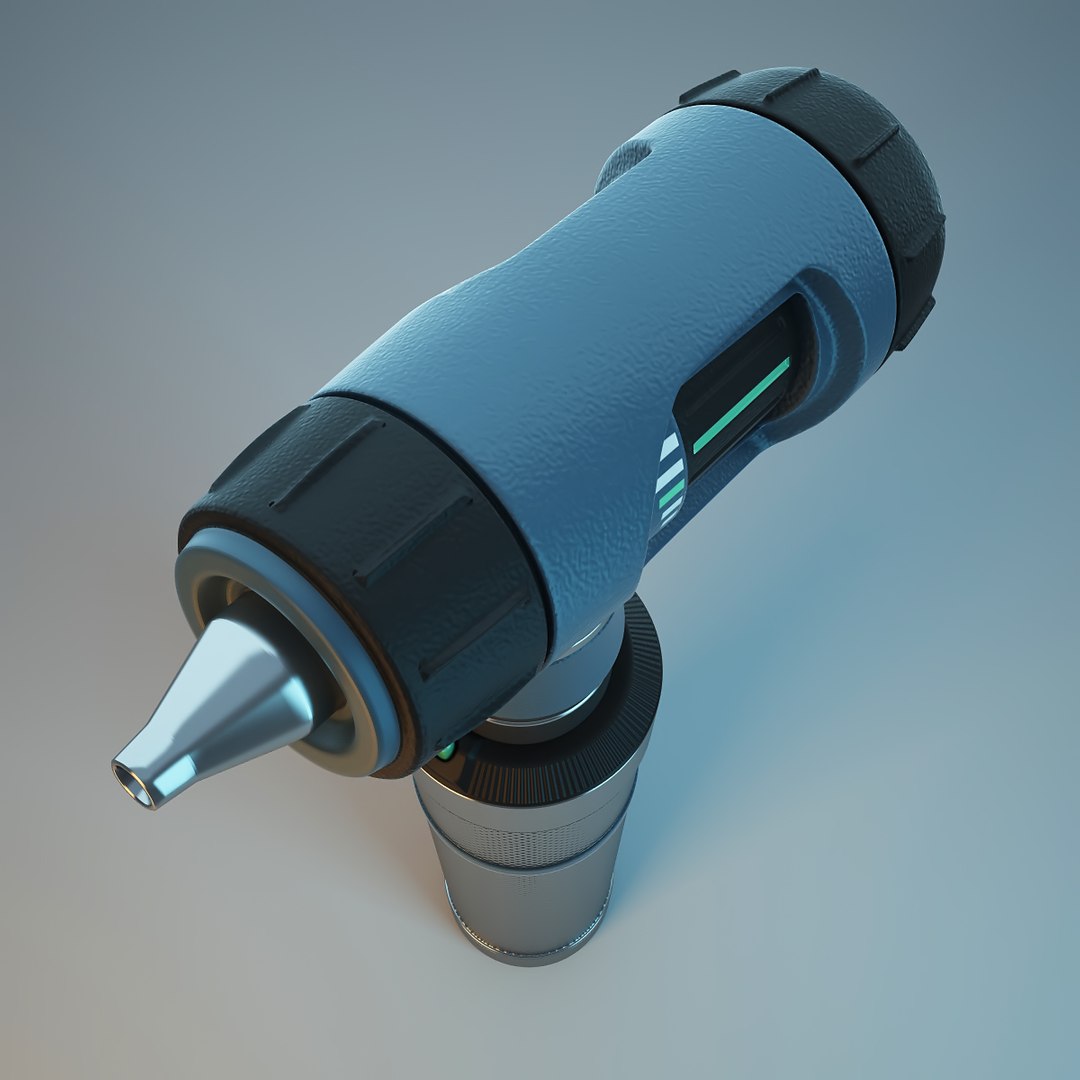
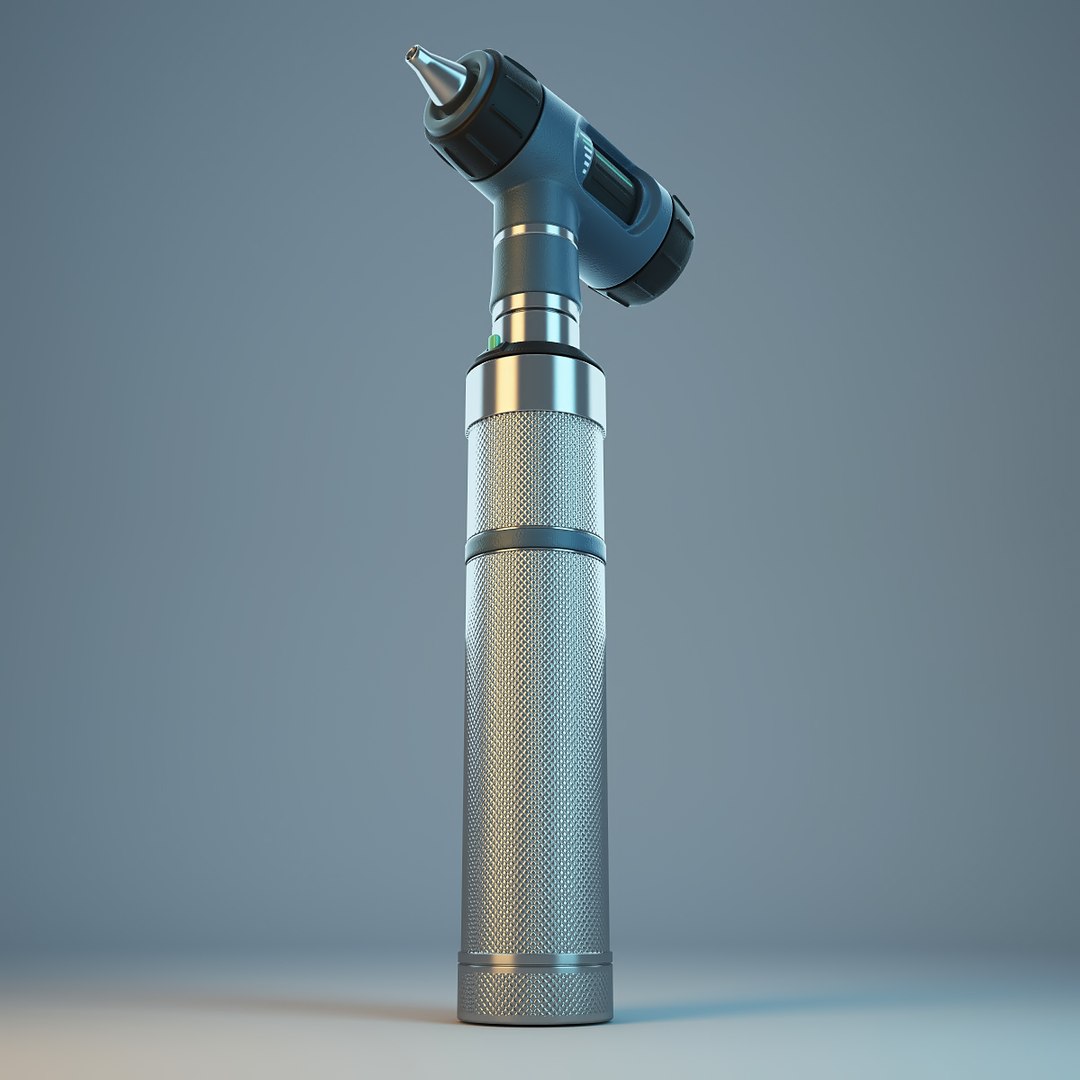
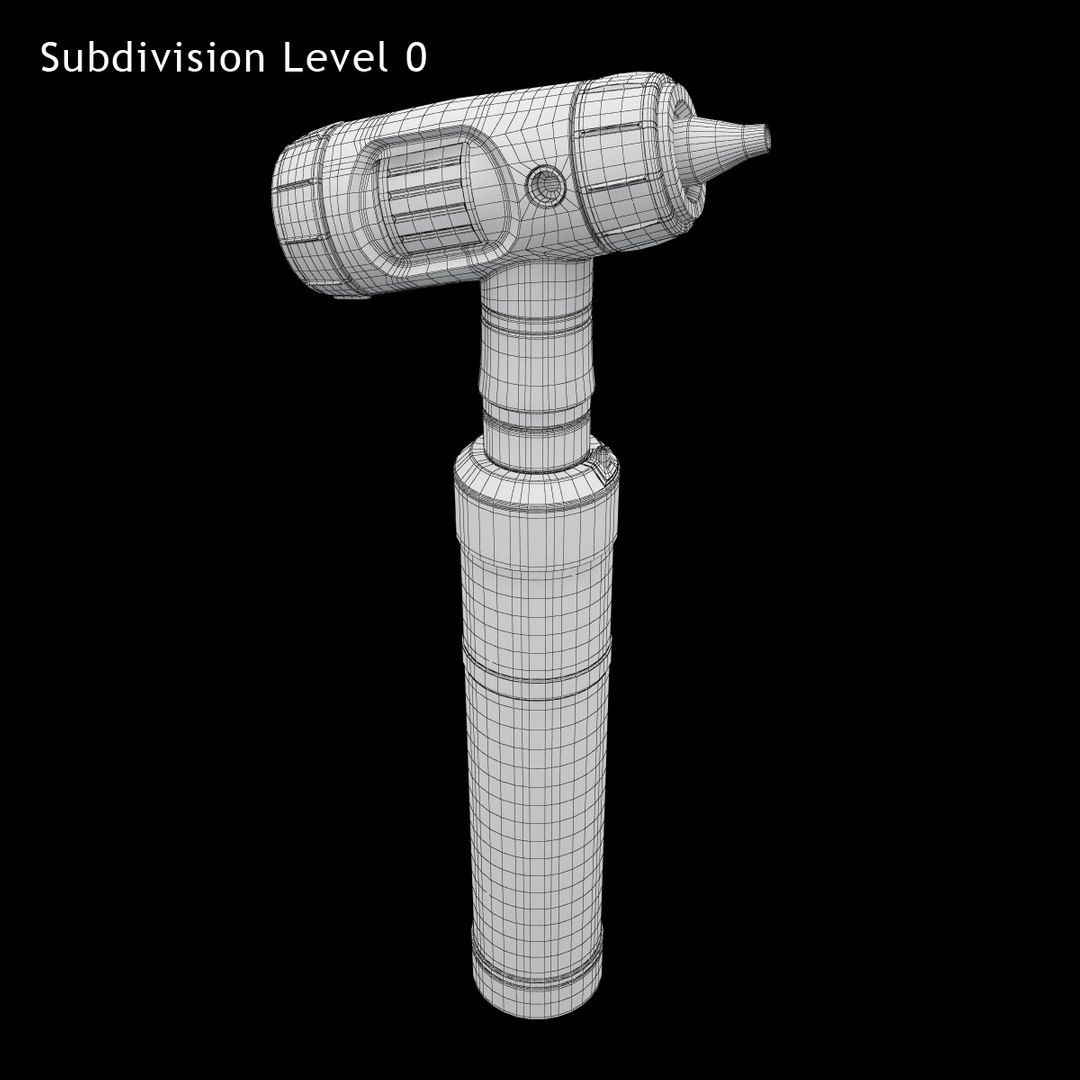
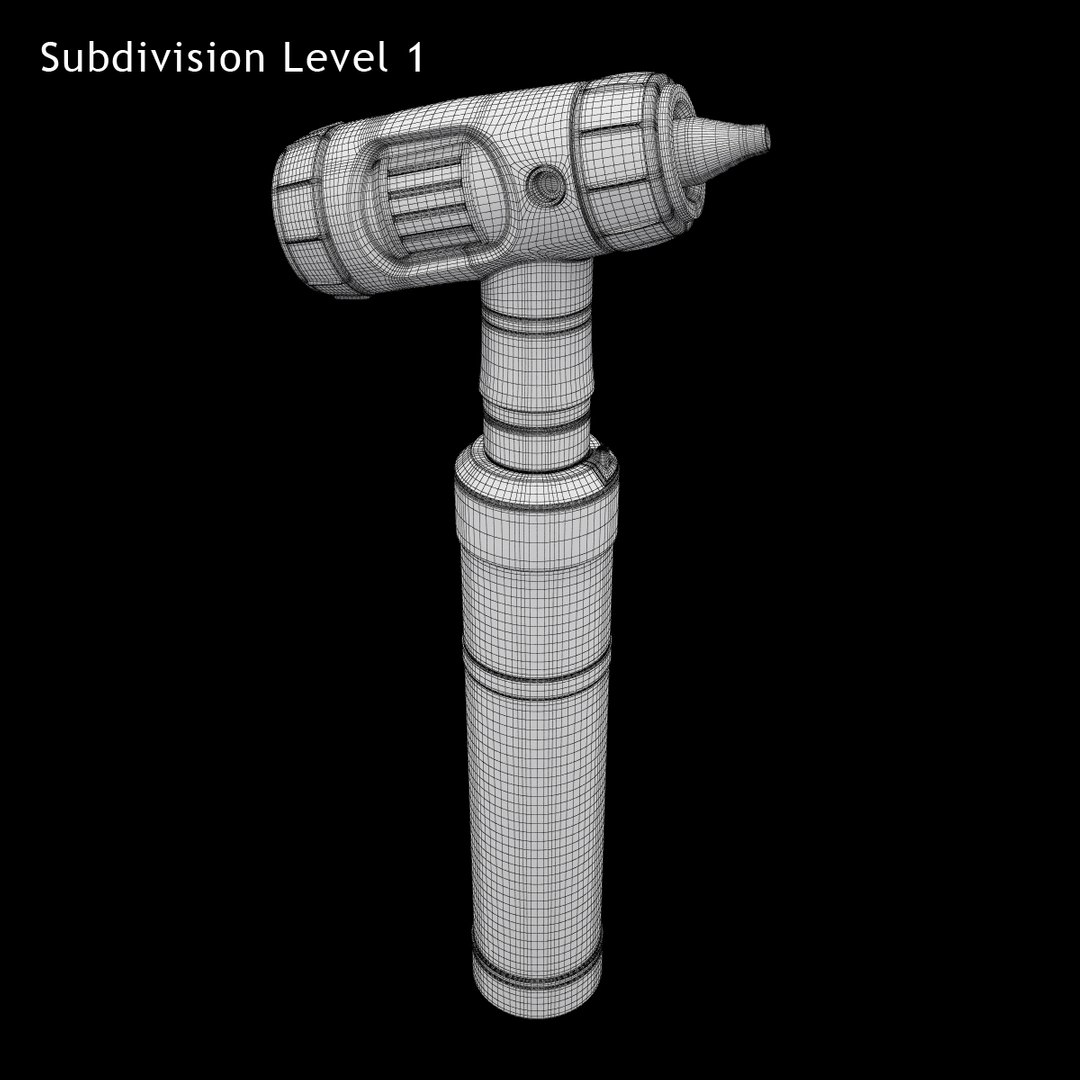
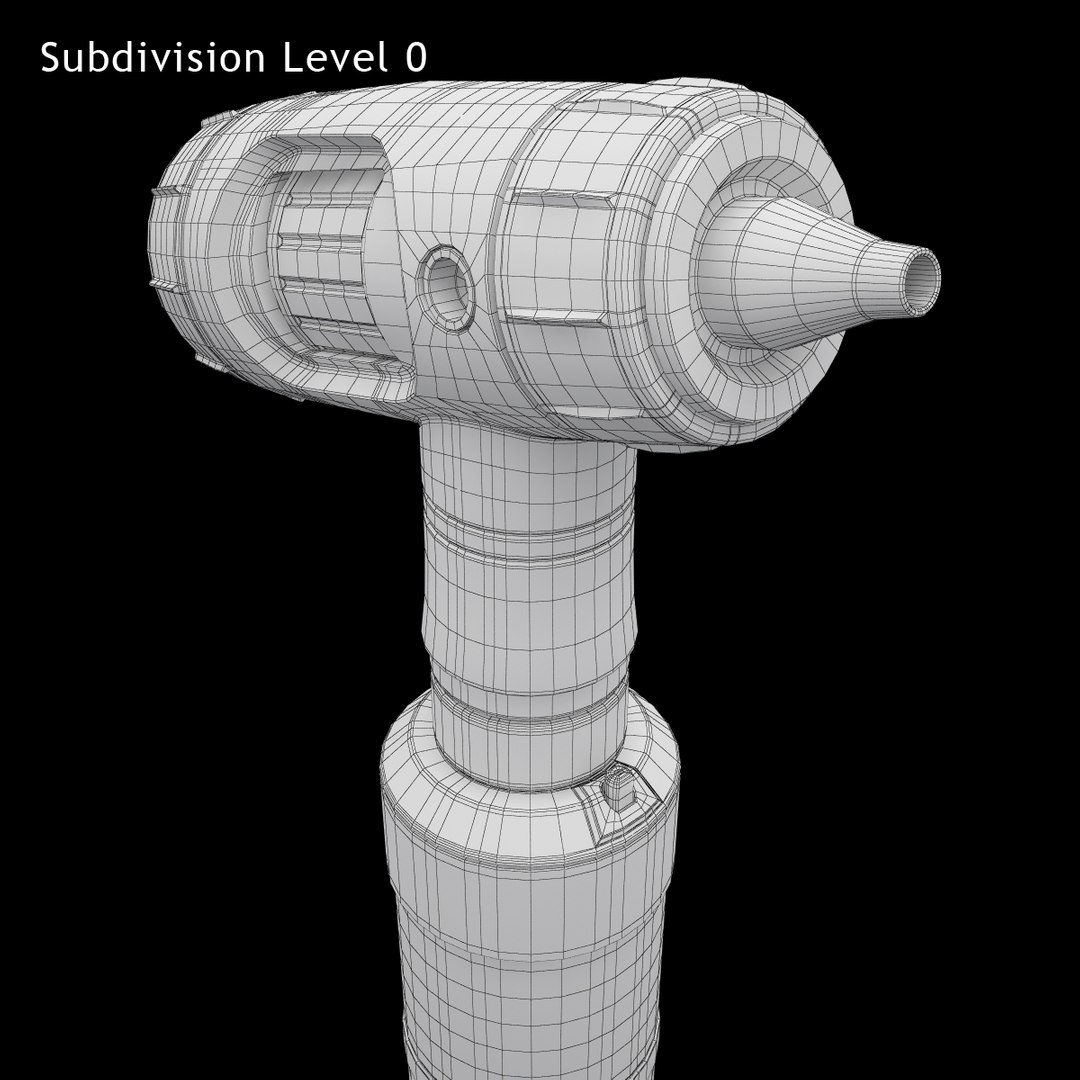
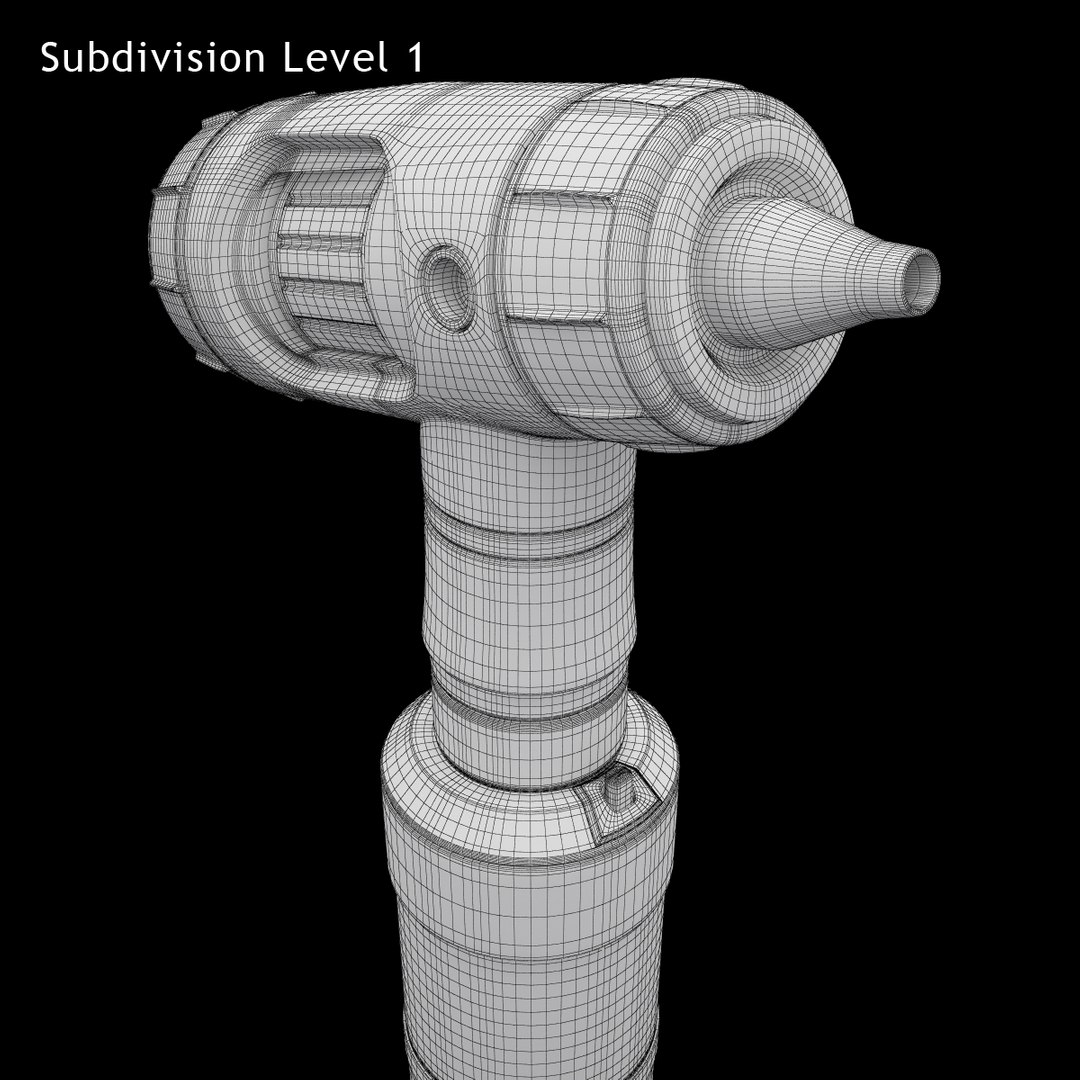
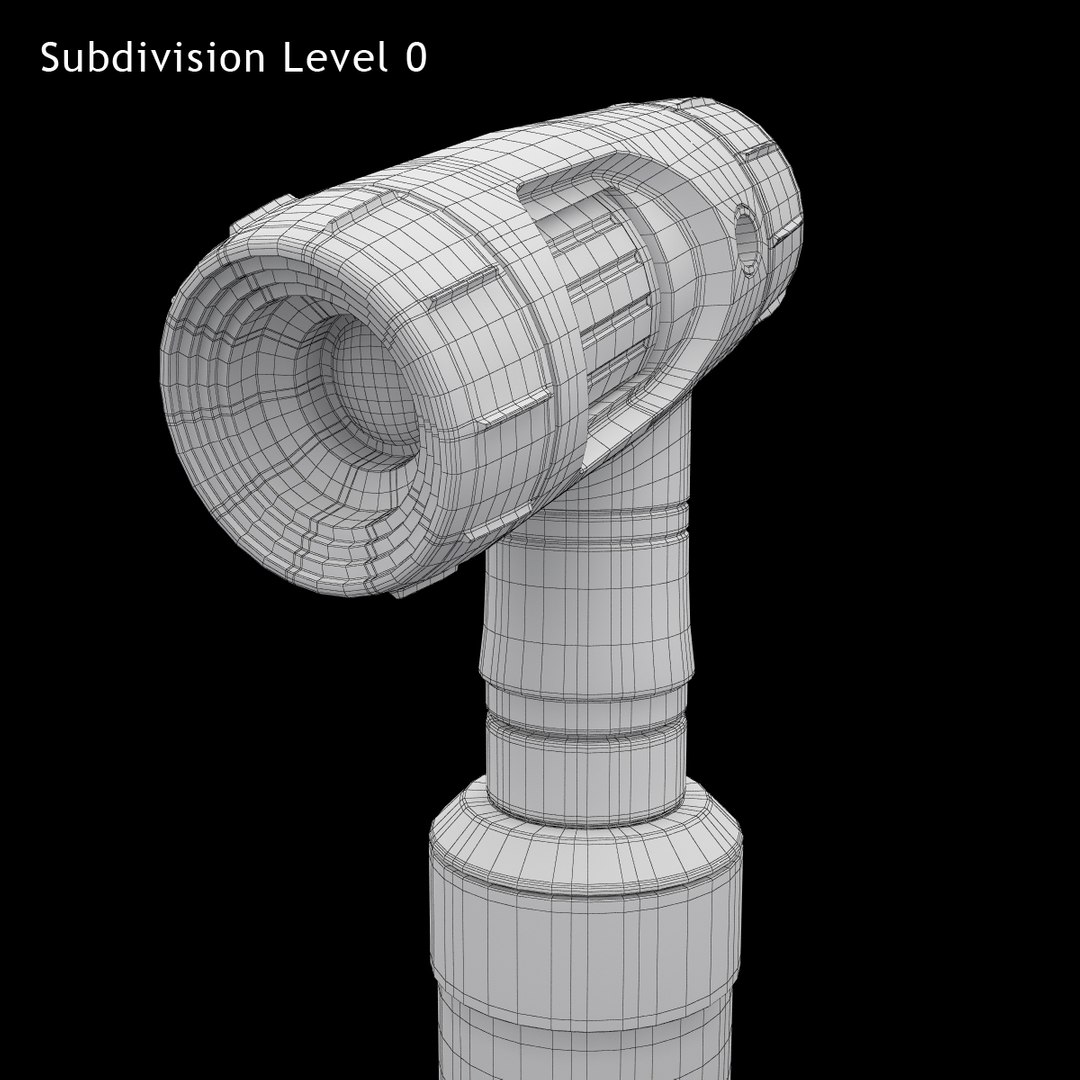
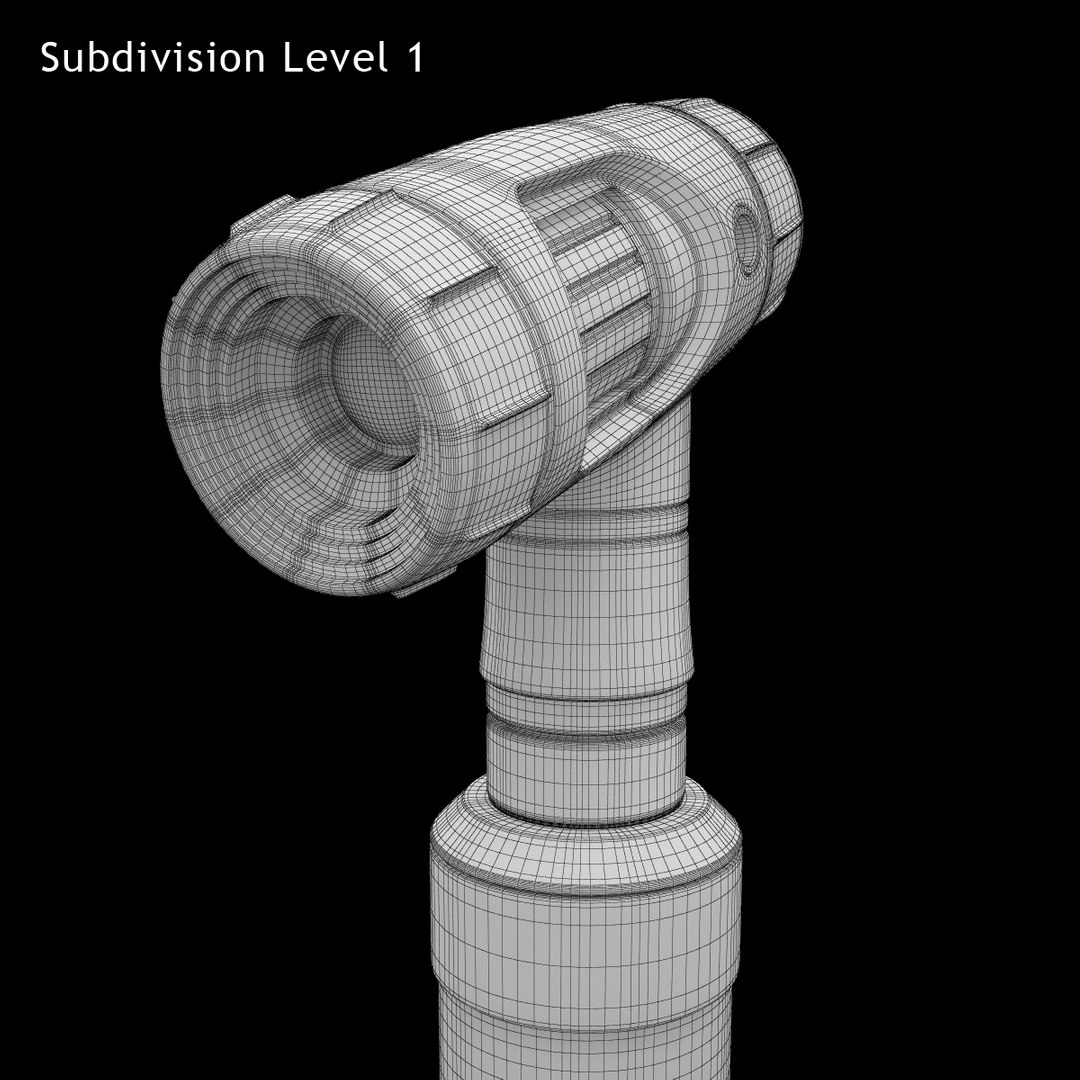
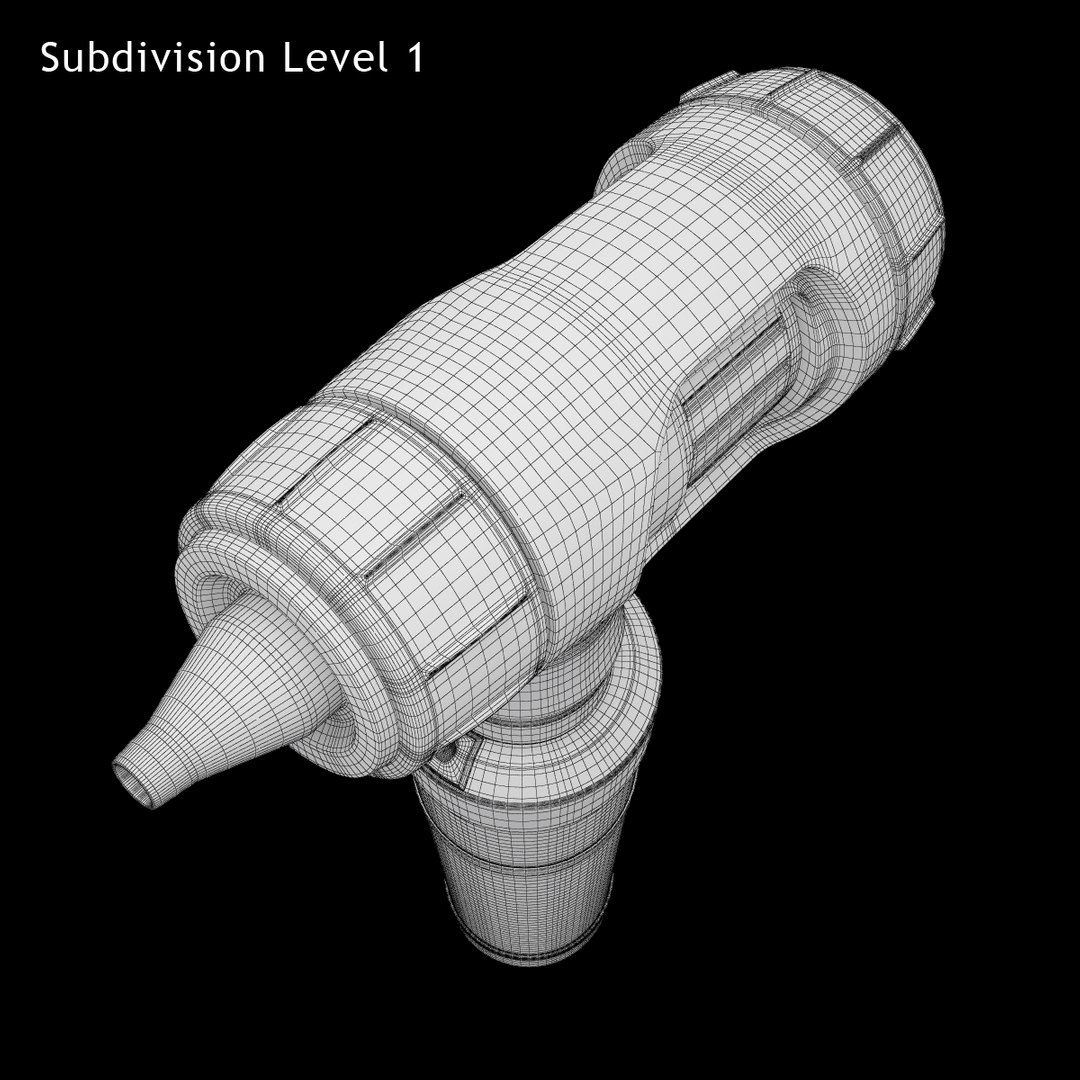
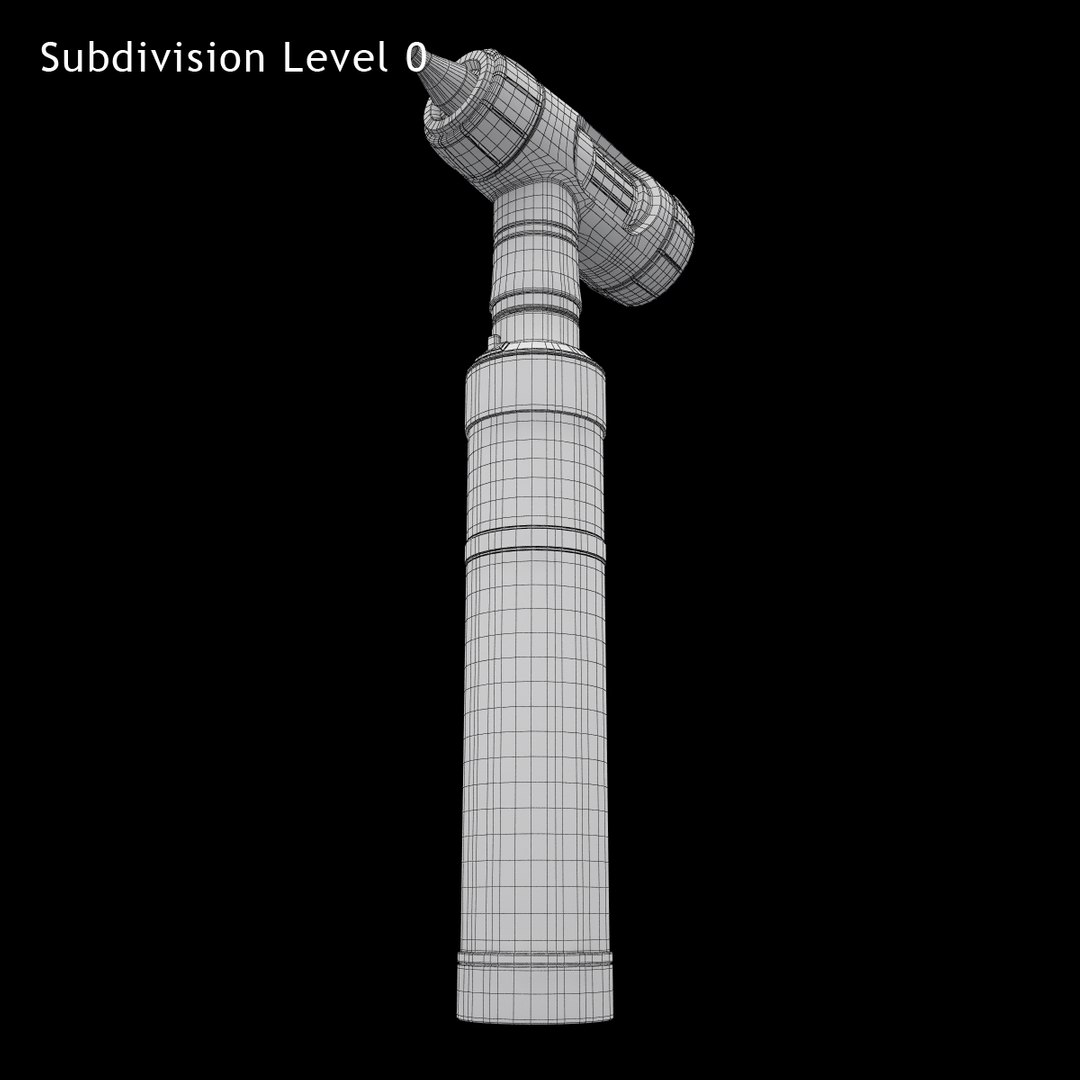
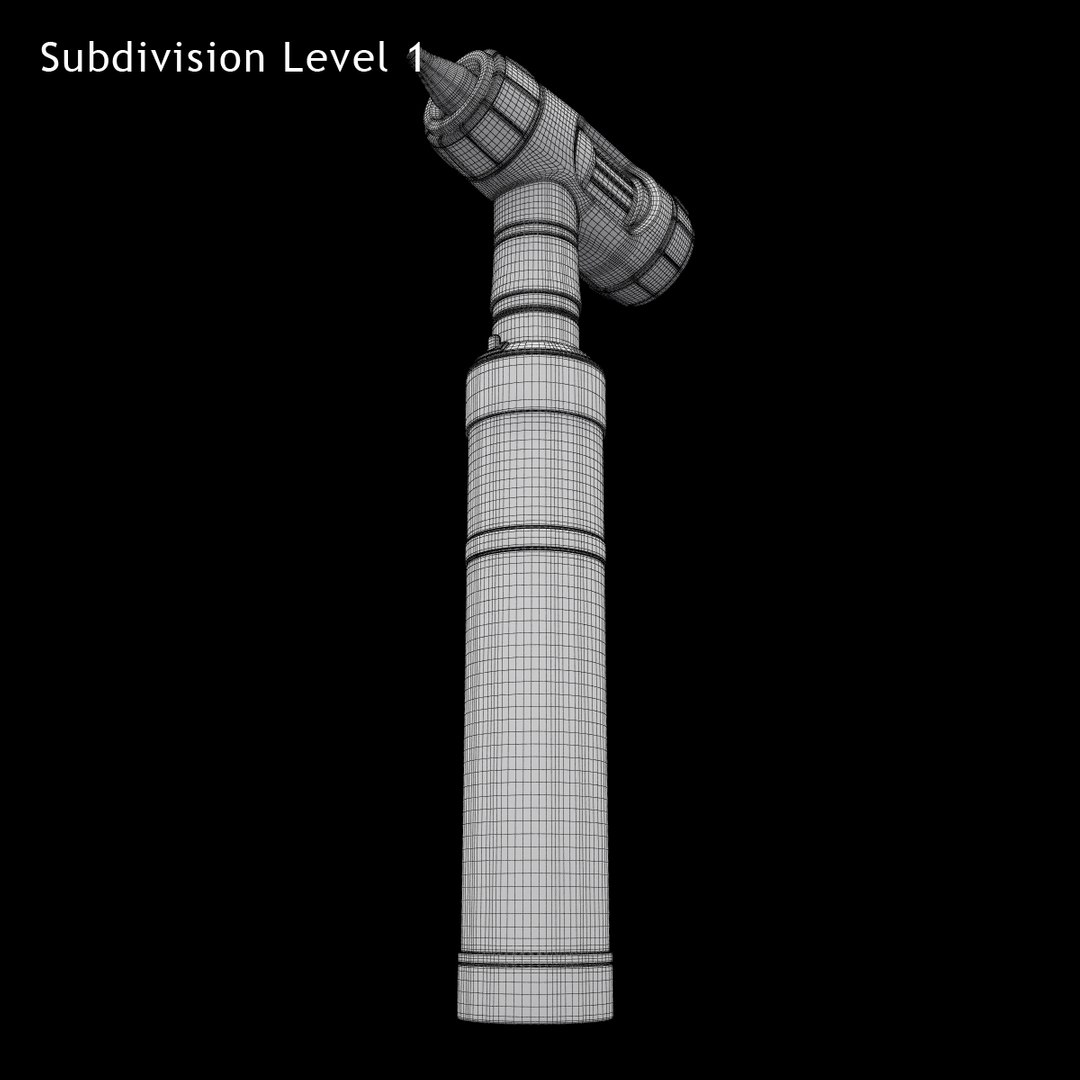
Otoscope Prestige Fibre Optic MacroView
Polygons: 16058
Vertices: 16023

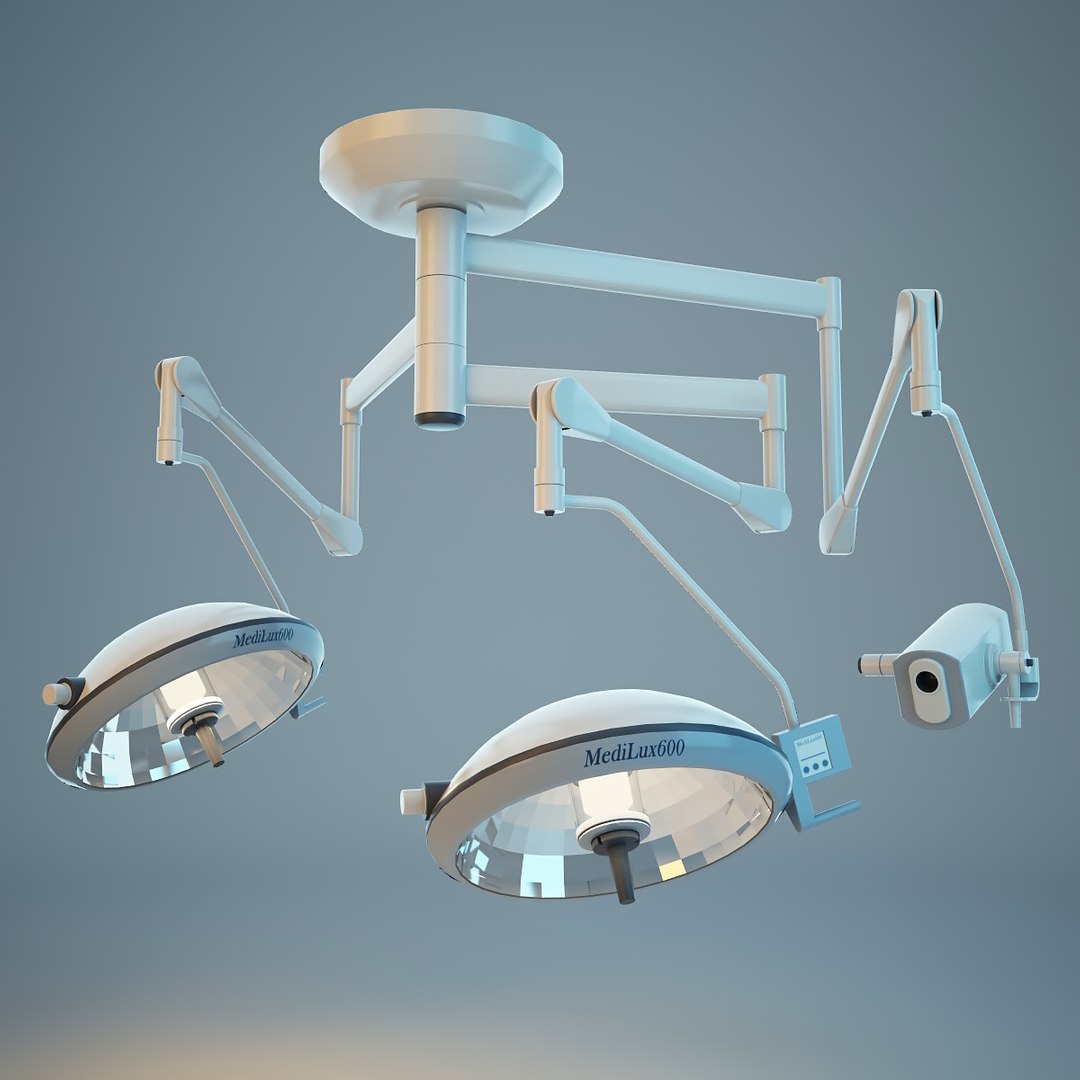
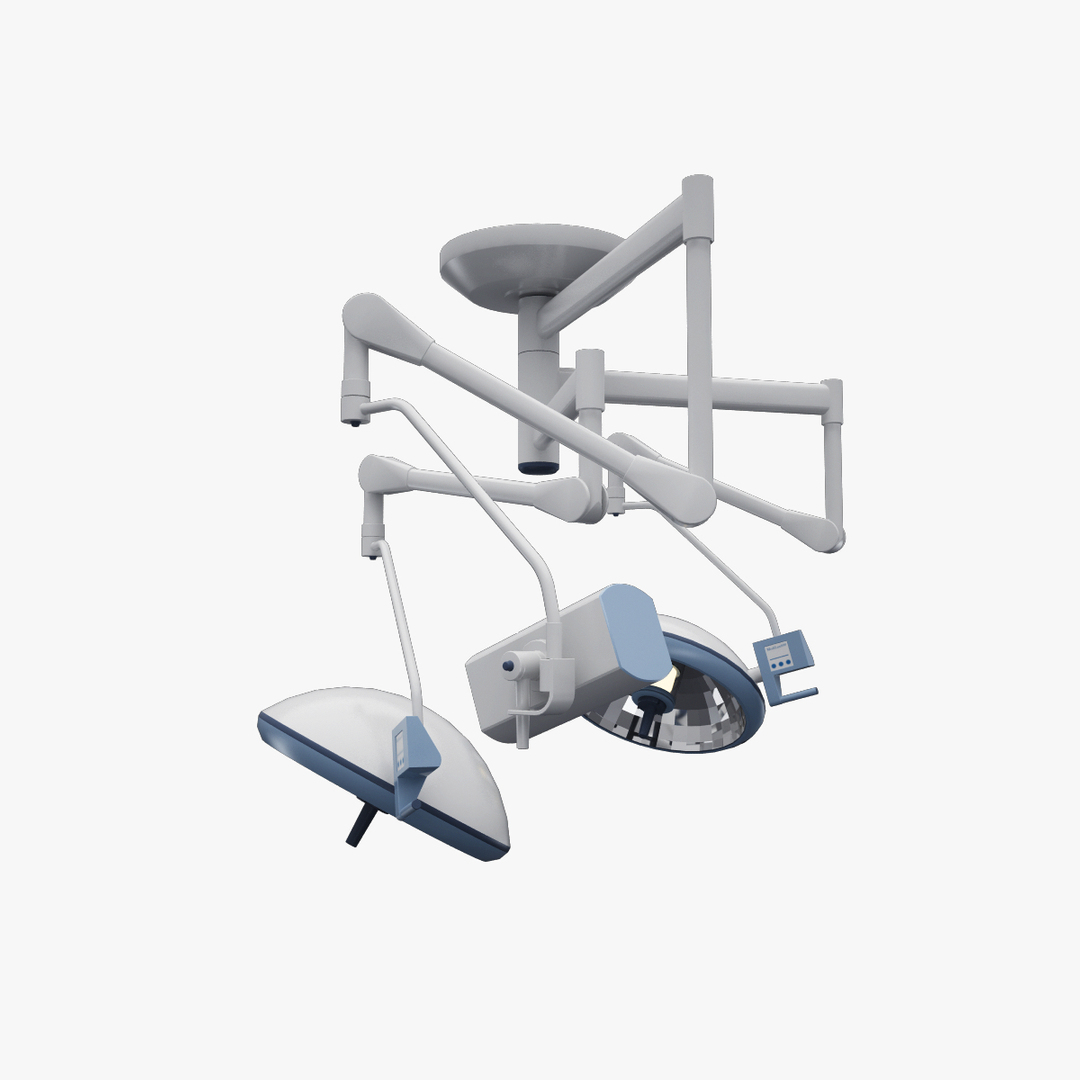
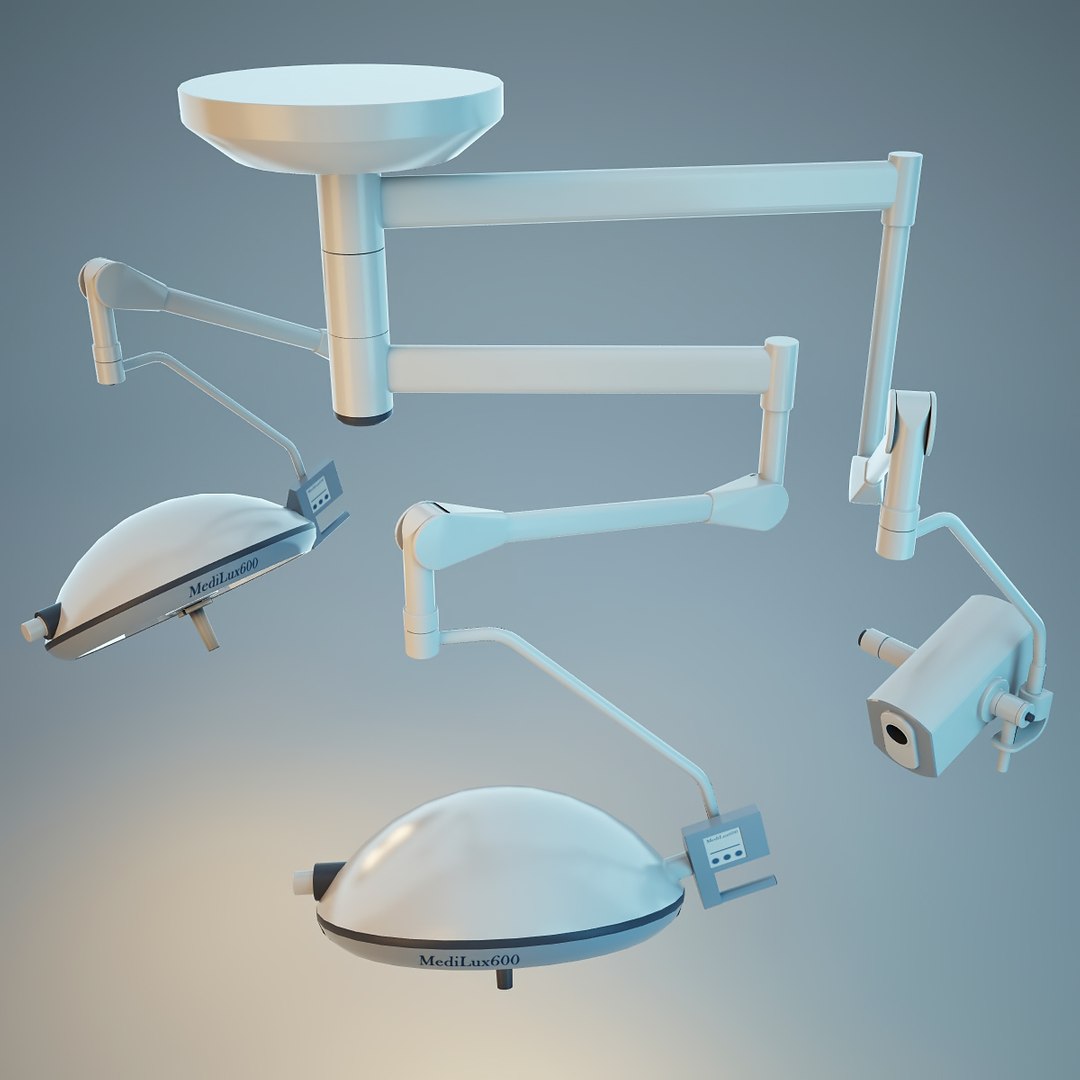
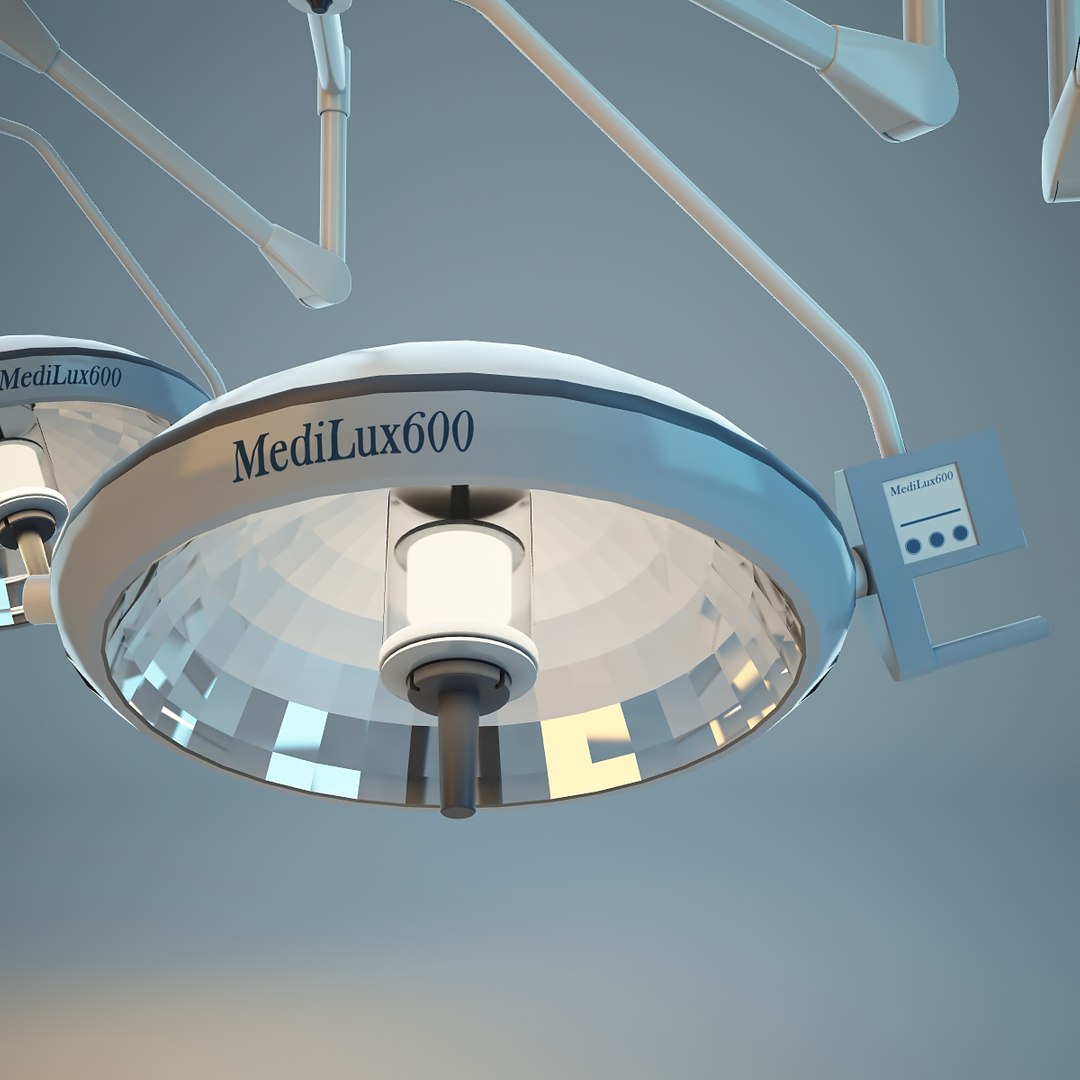
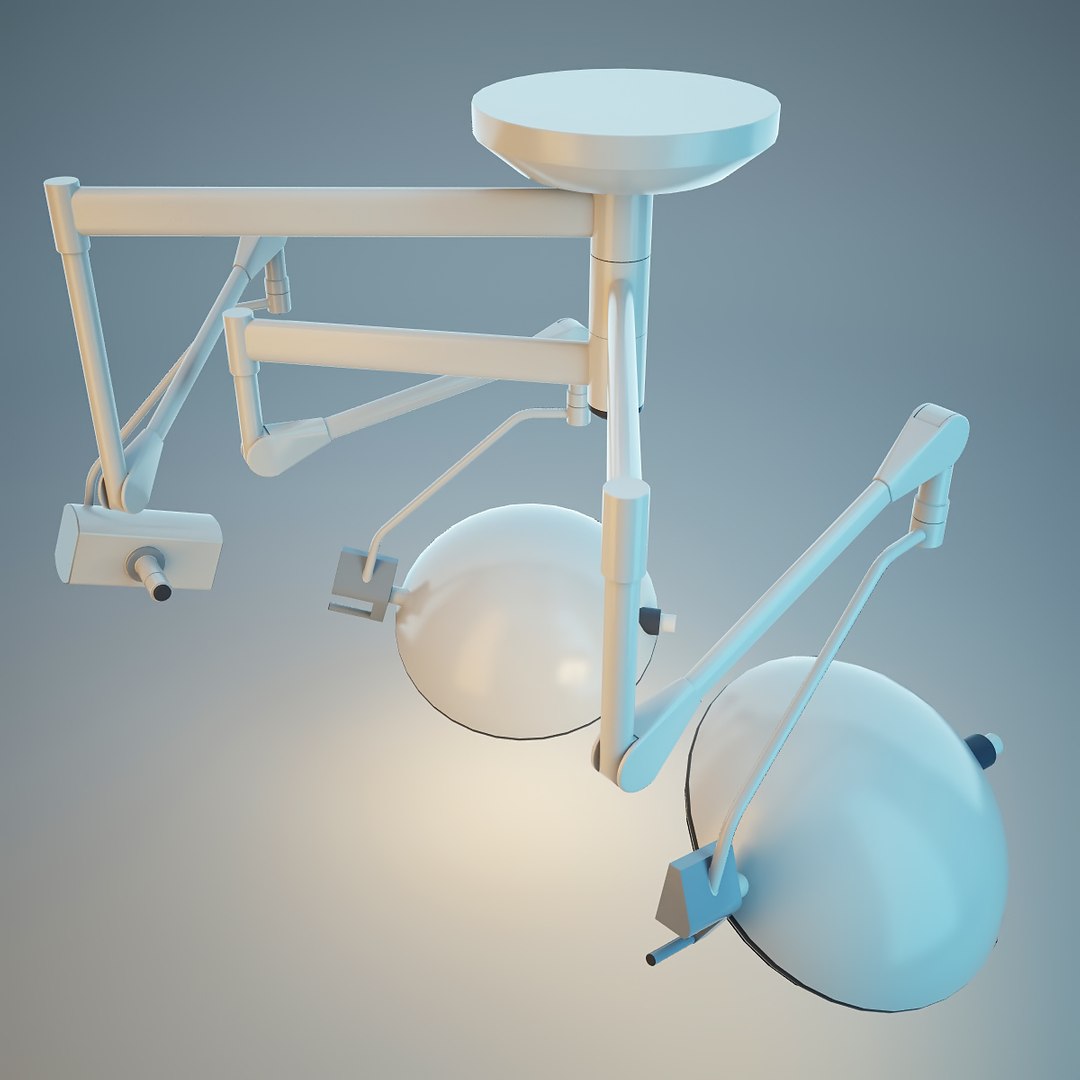
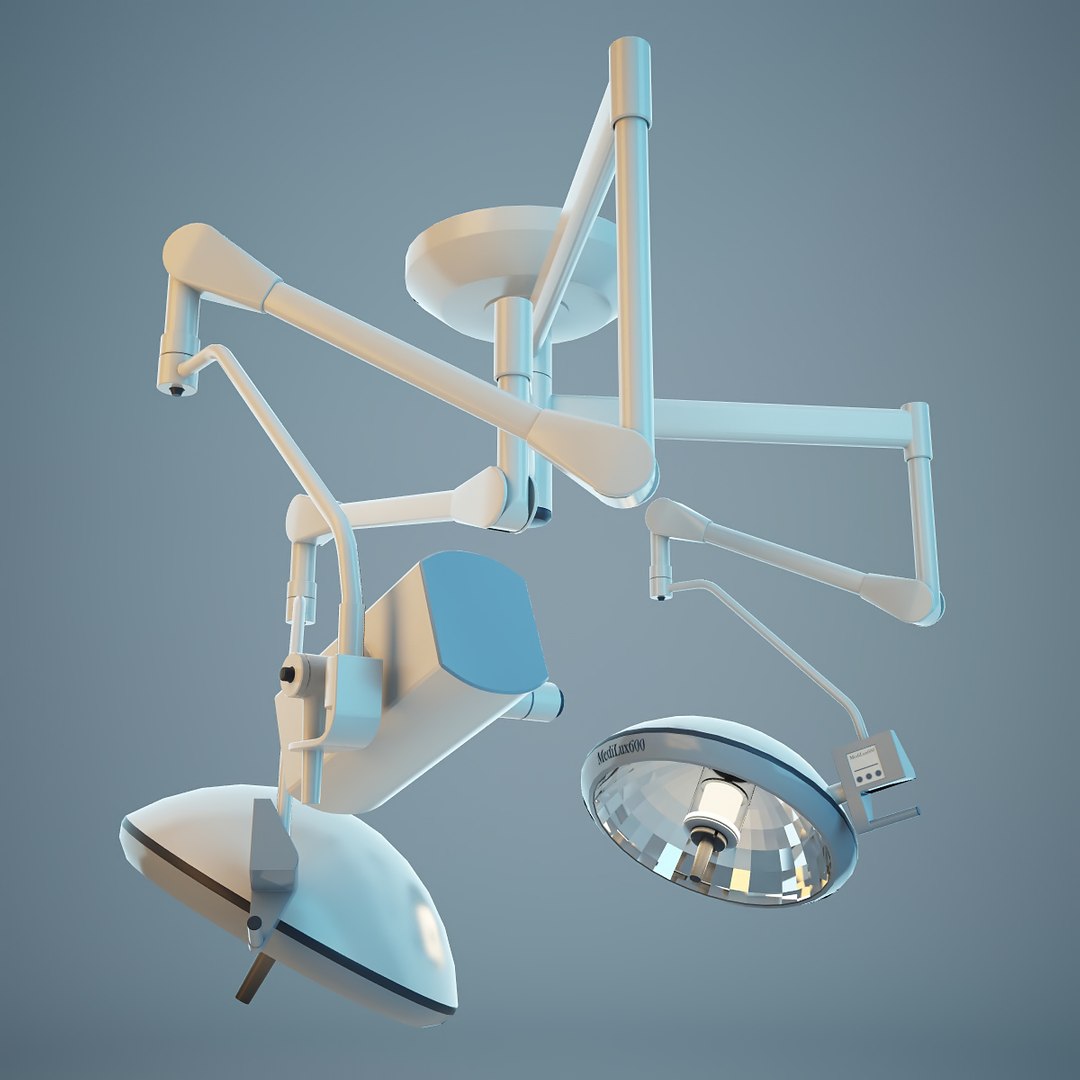
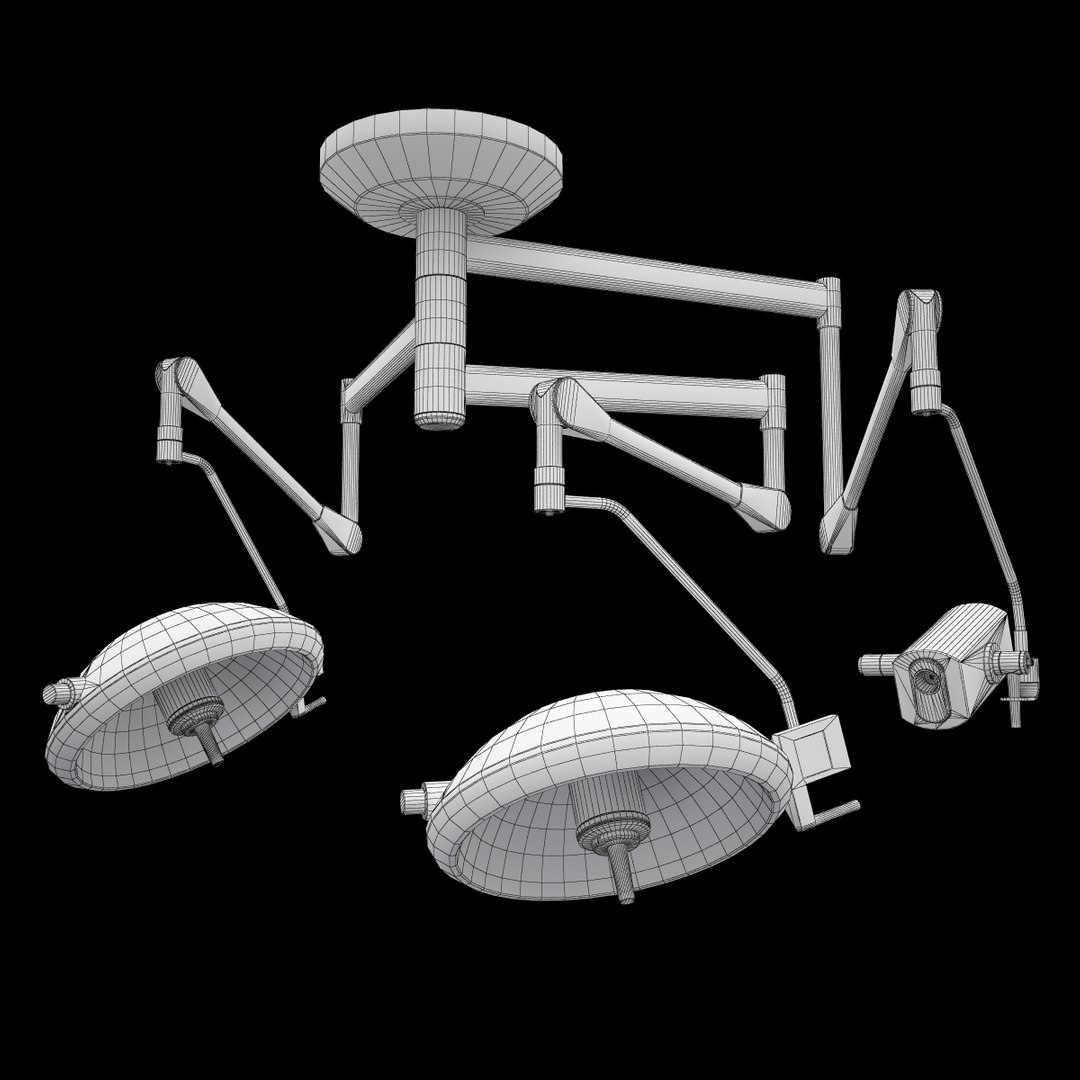
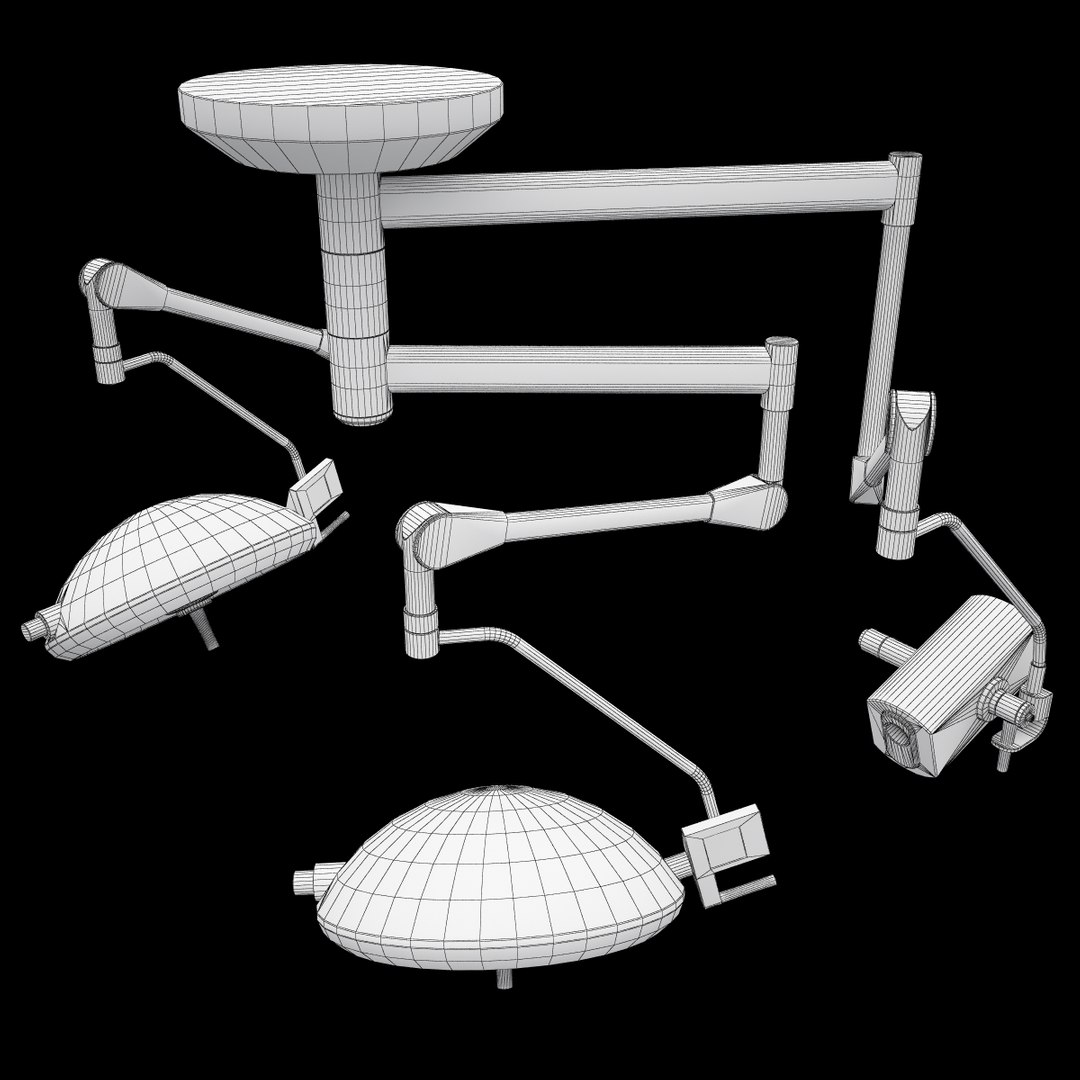
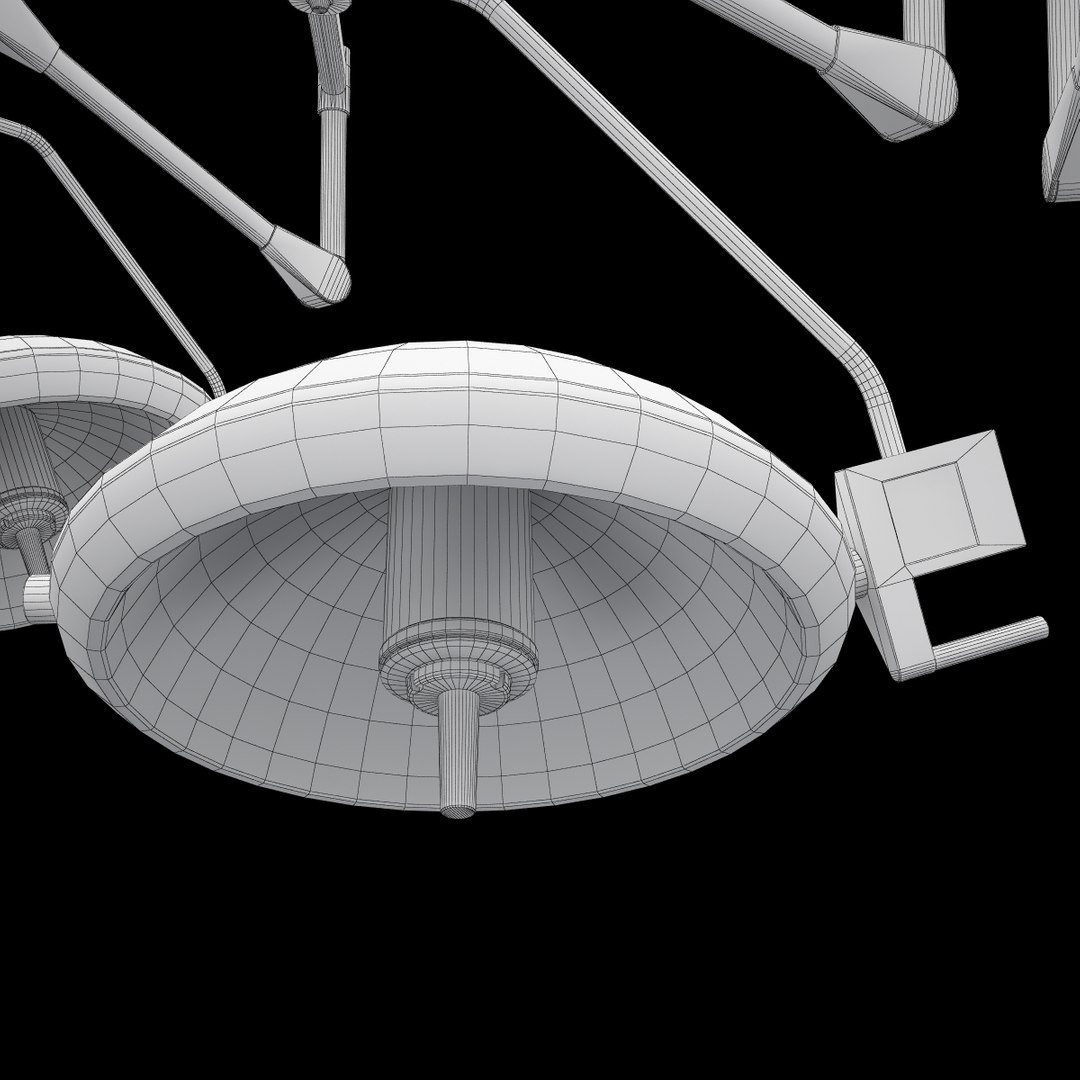
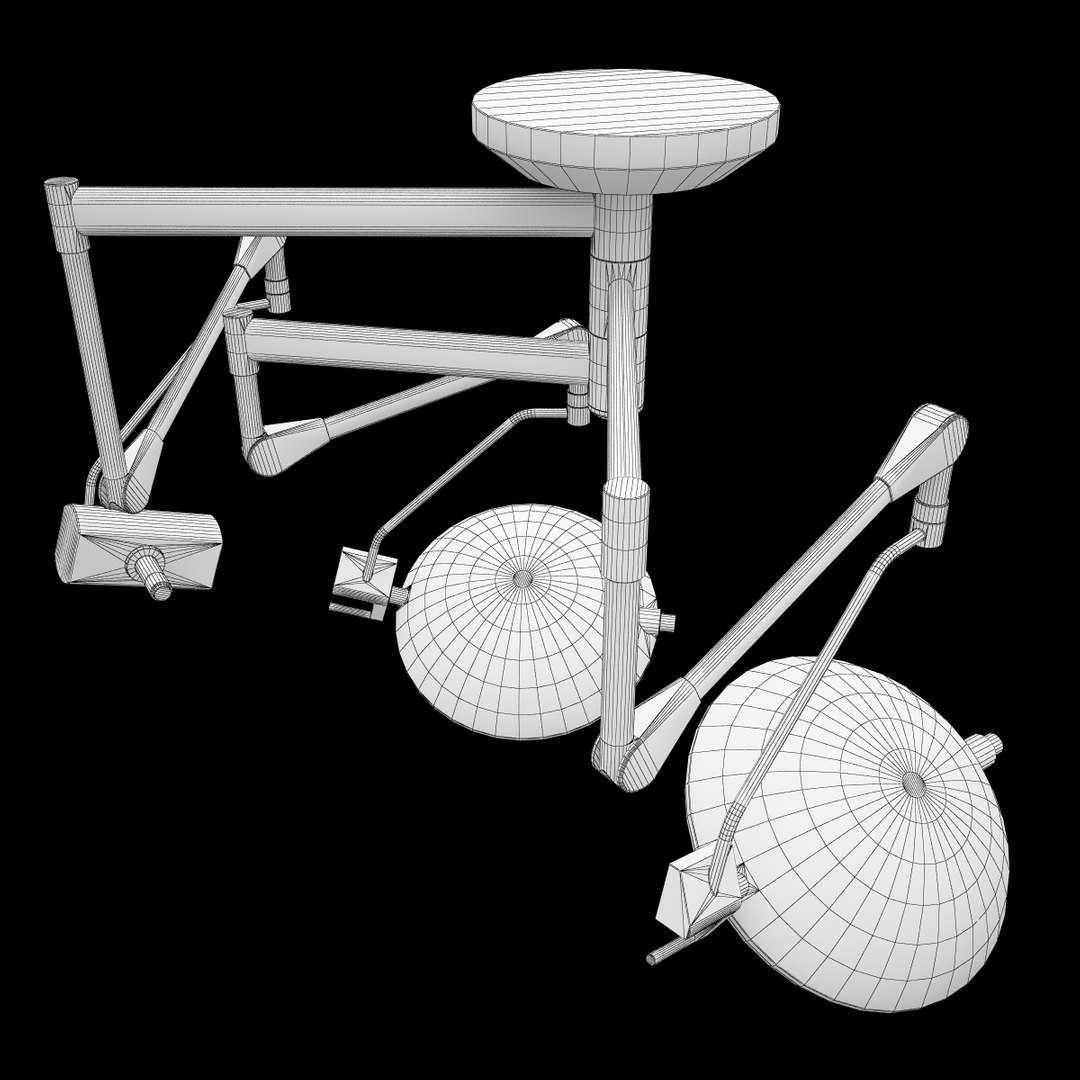
Medical Operating Lights
Polygons: 14764
Vertices: 14542

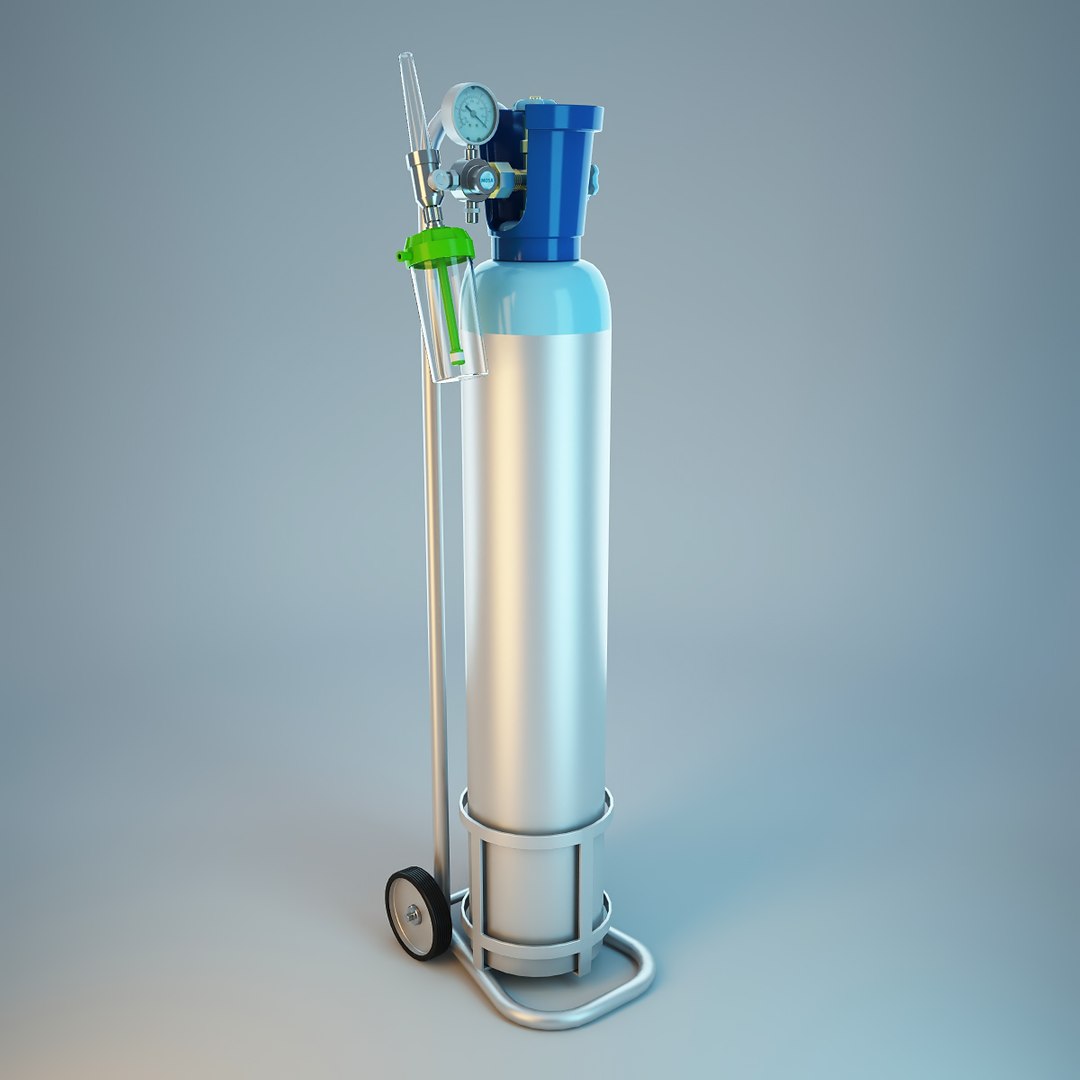
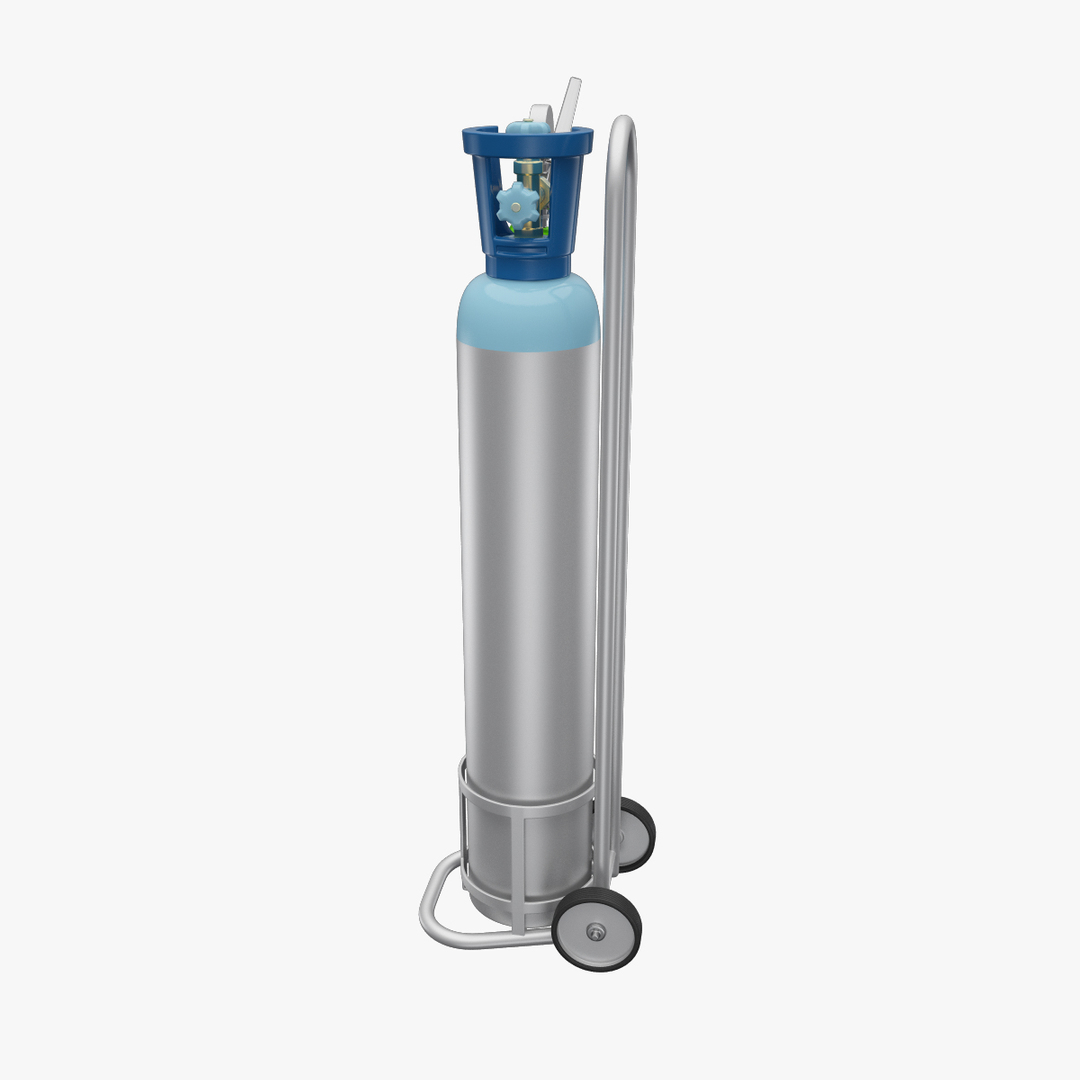
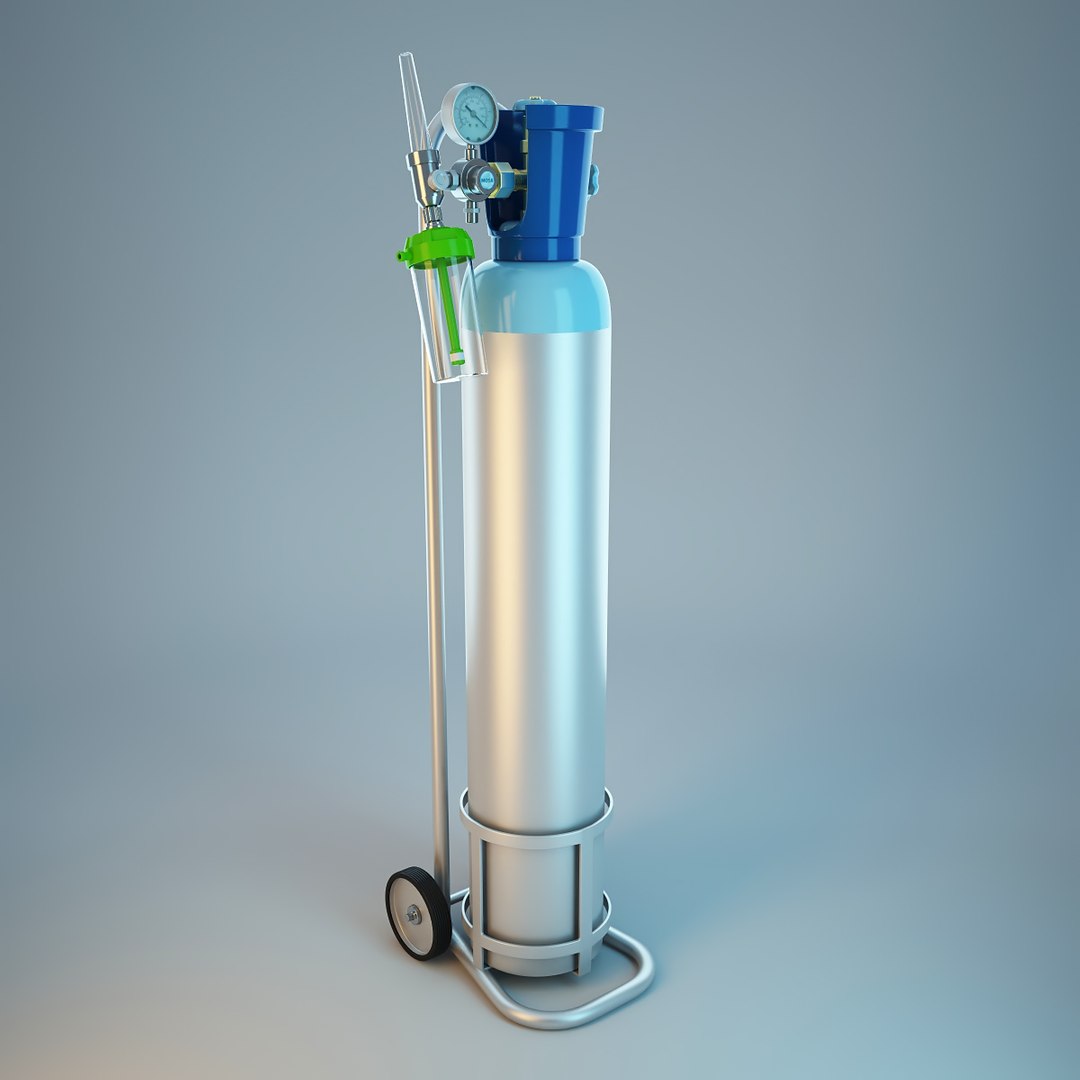
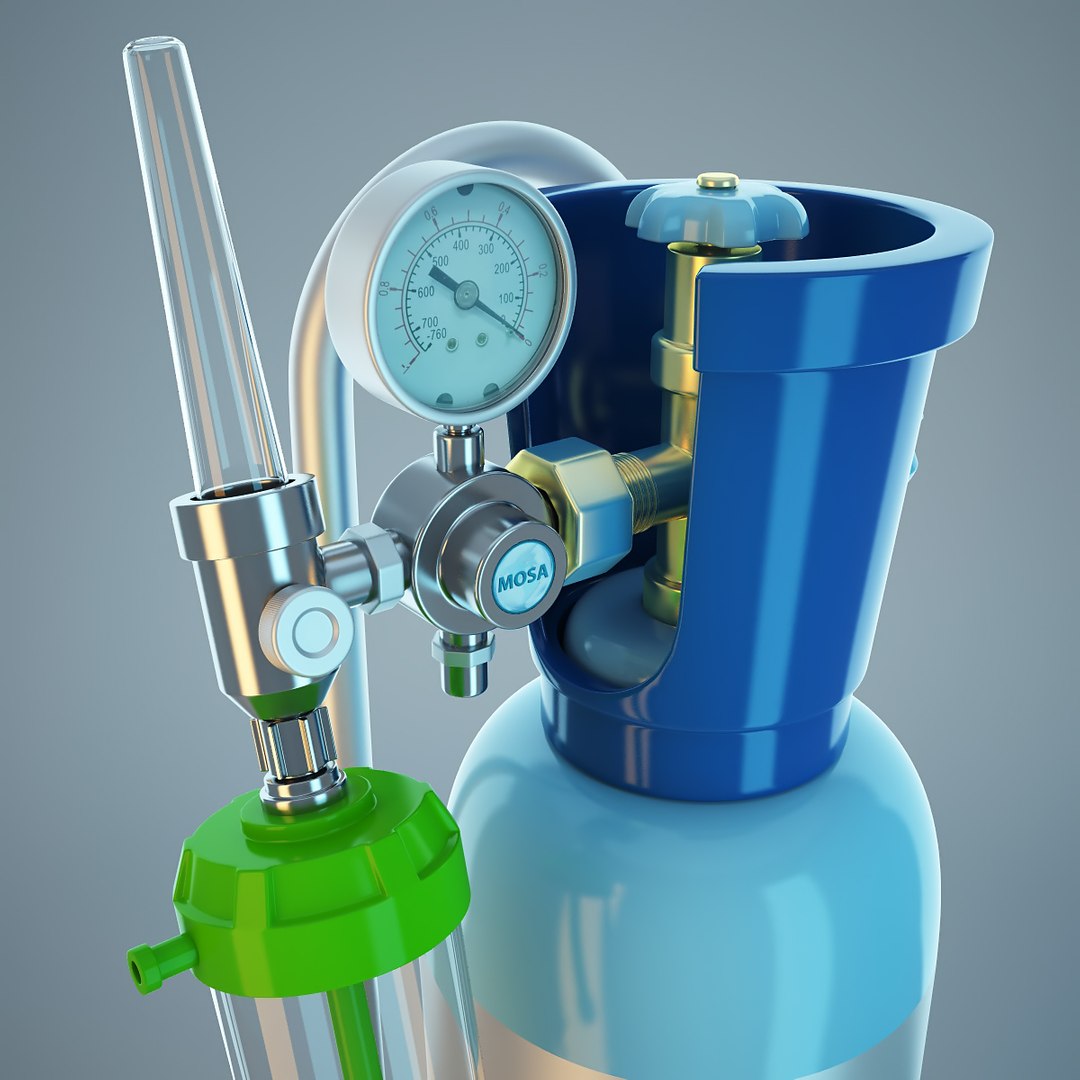
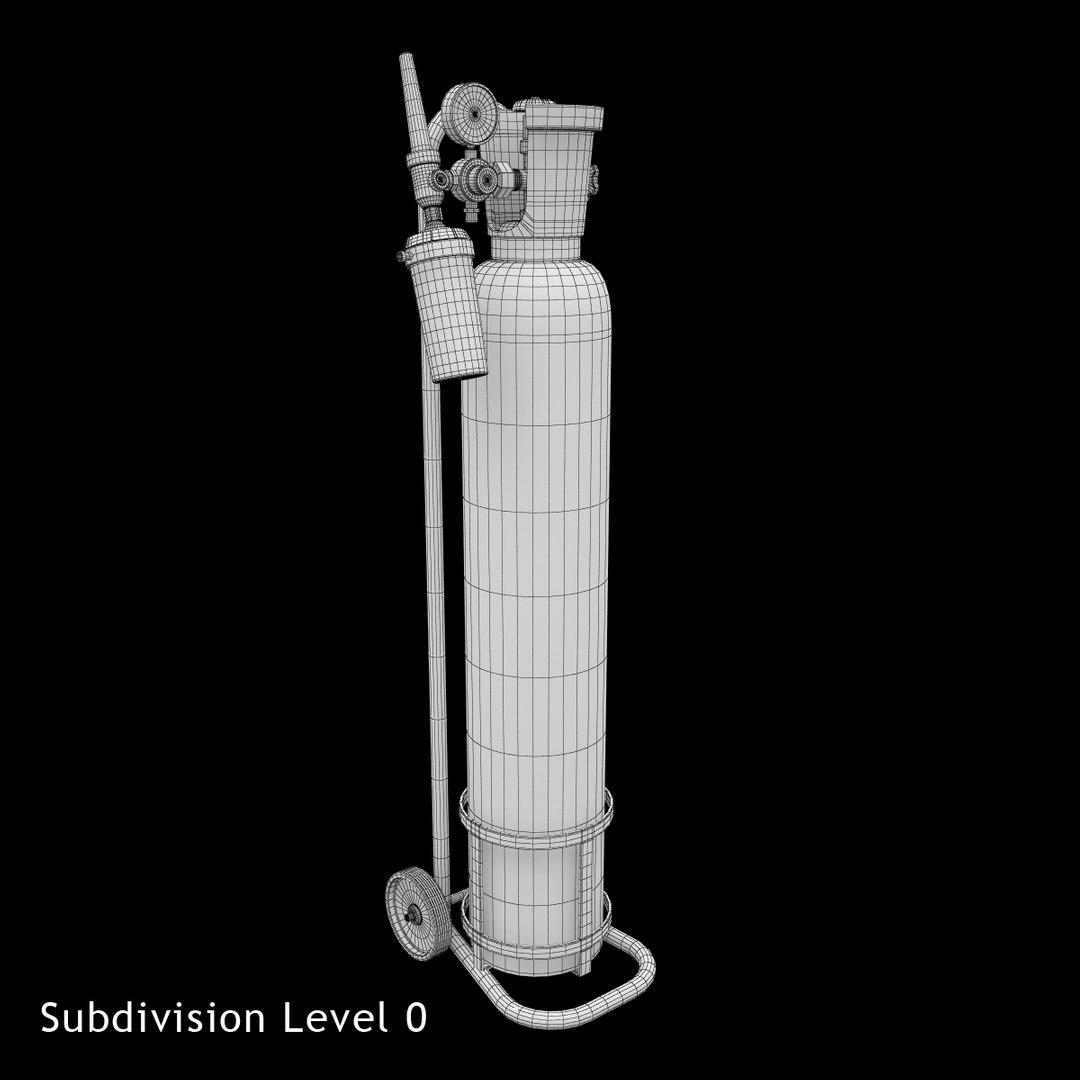
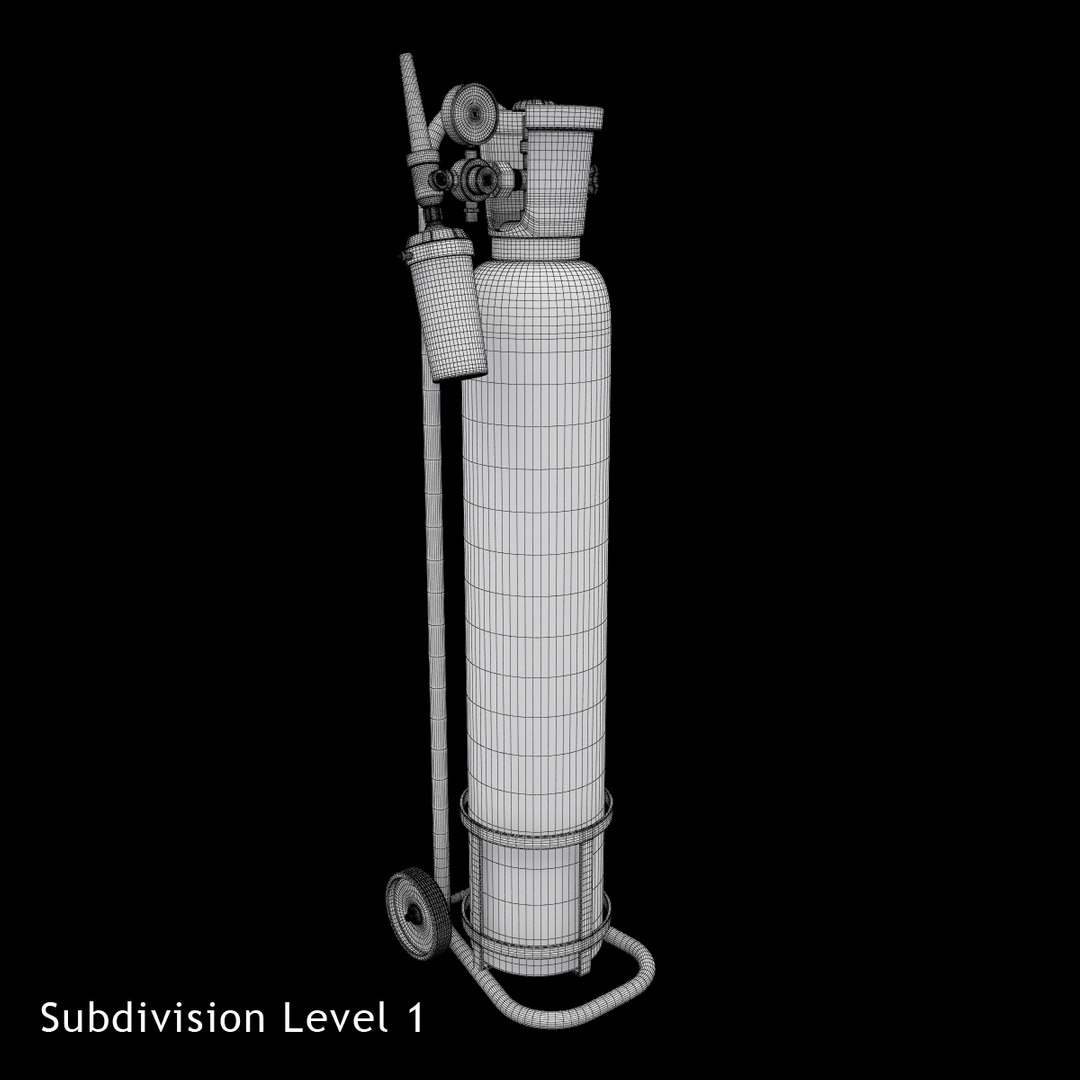
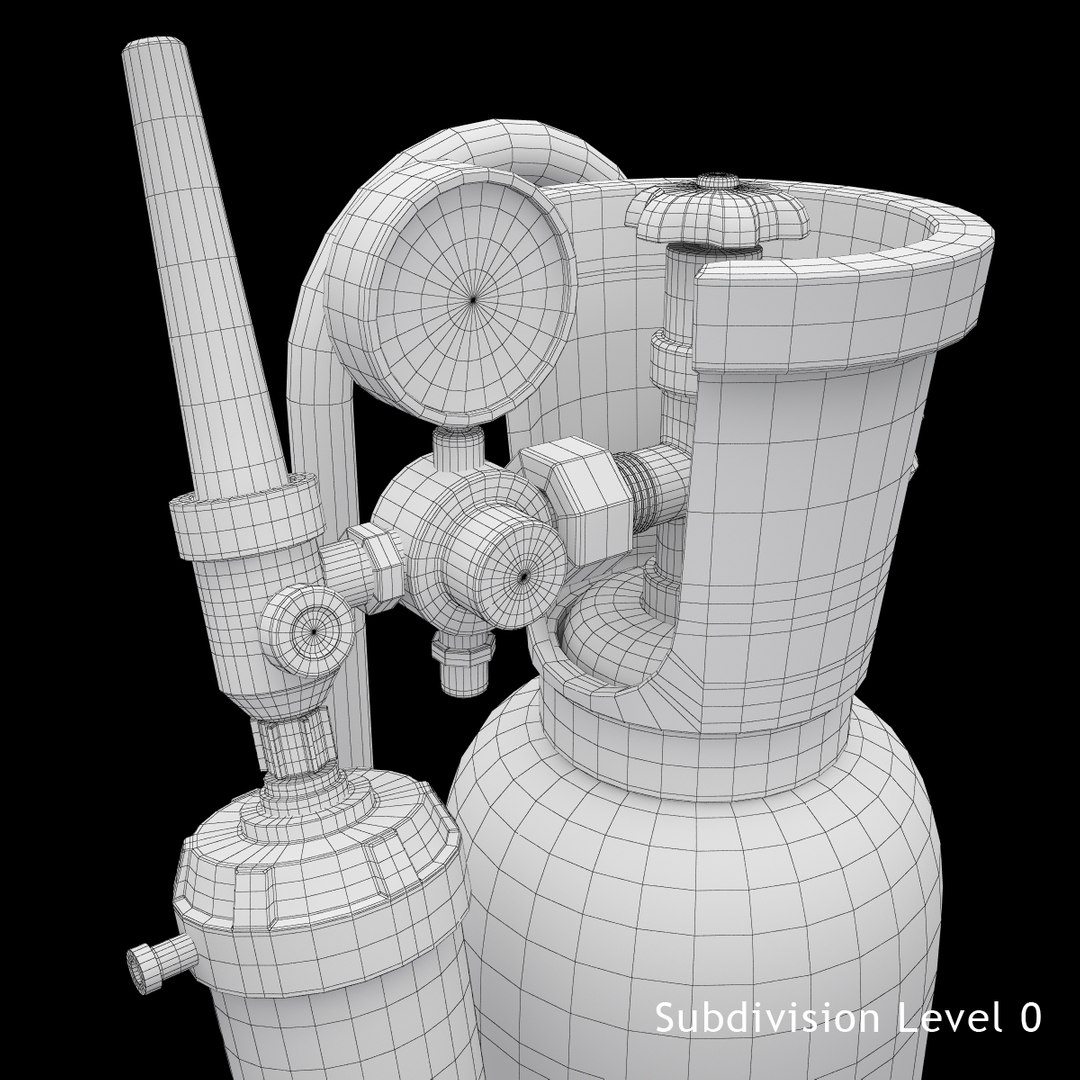
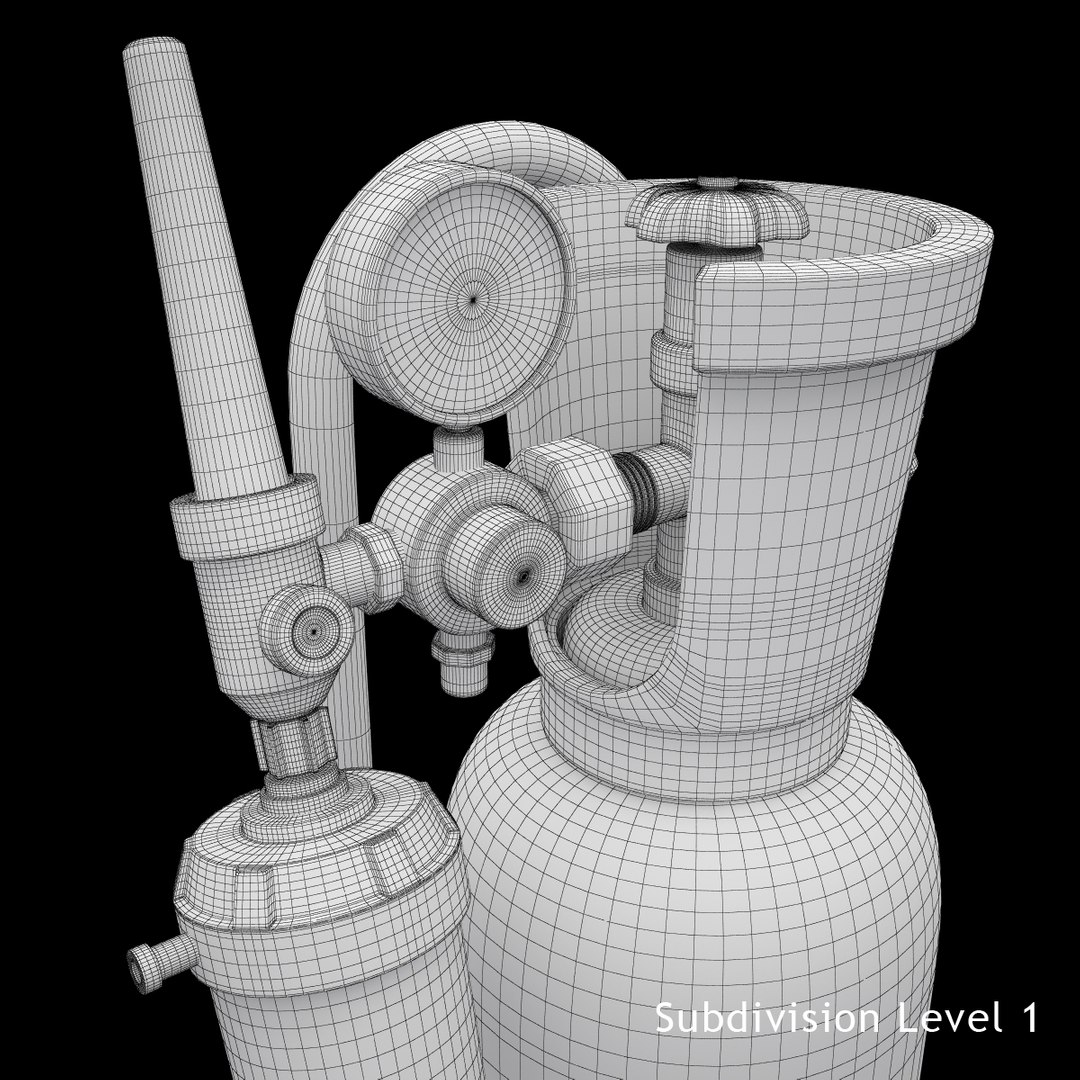
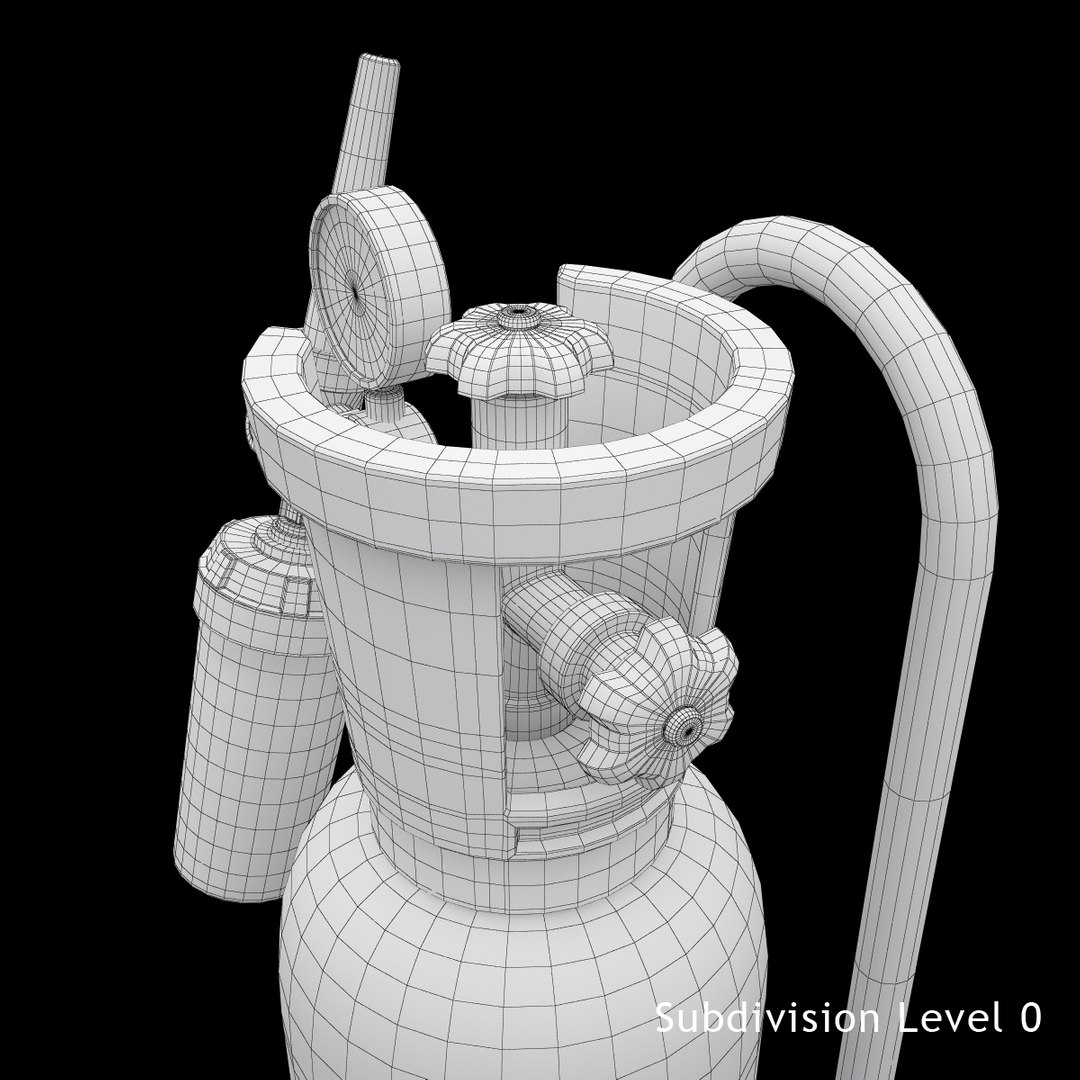
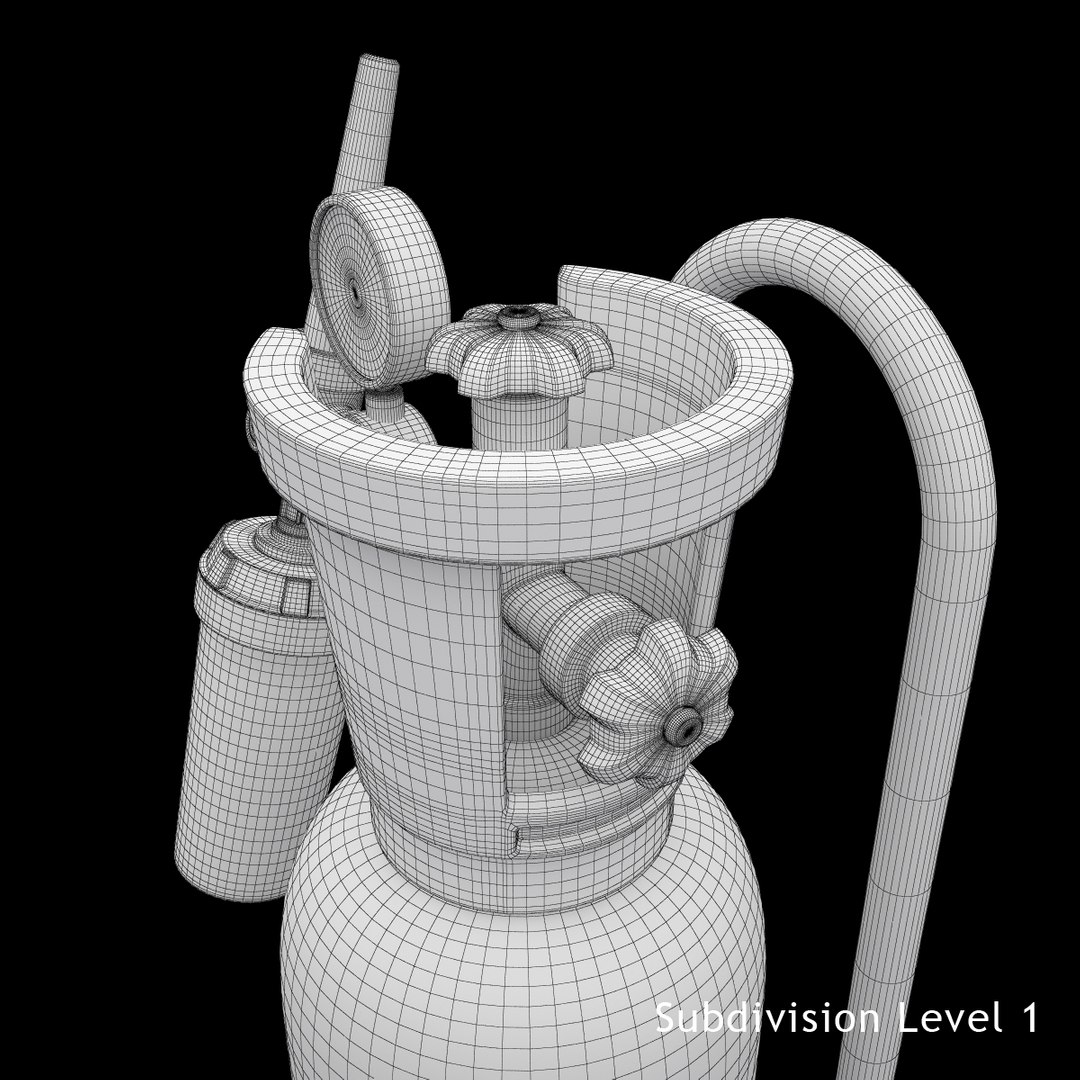
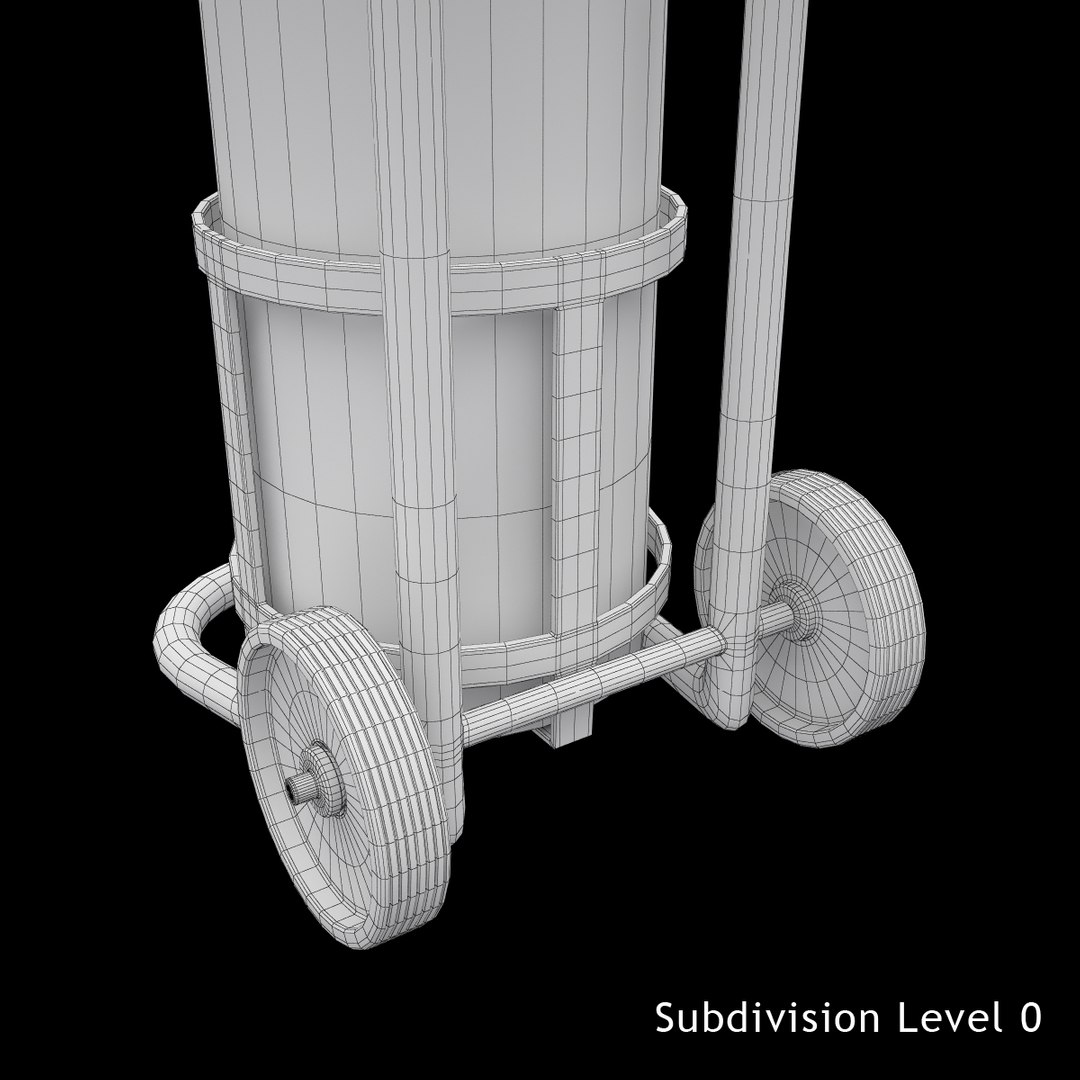
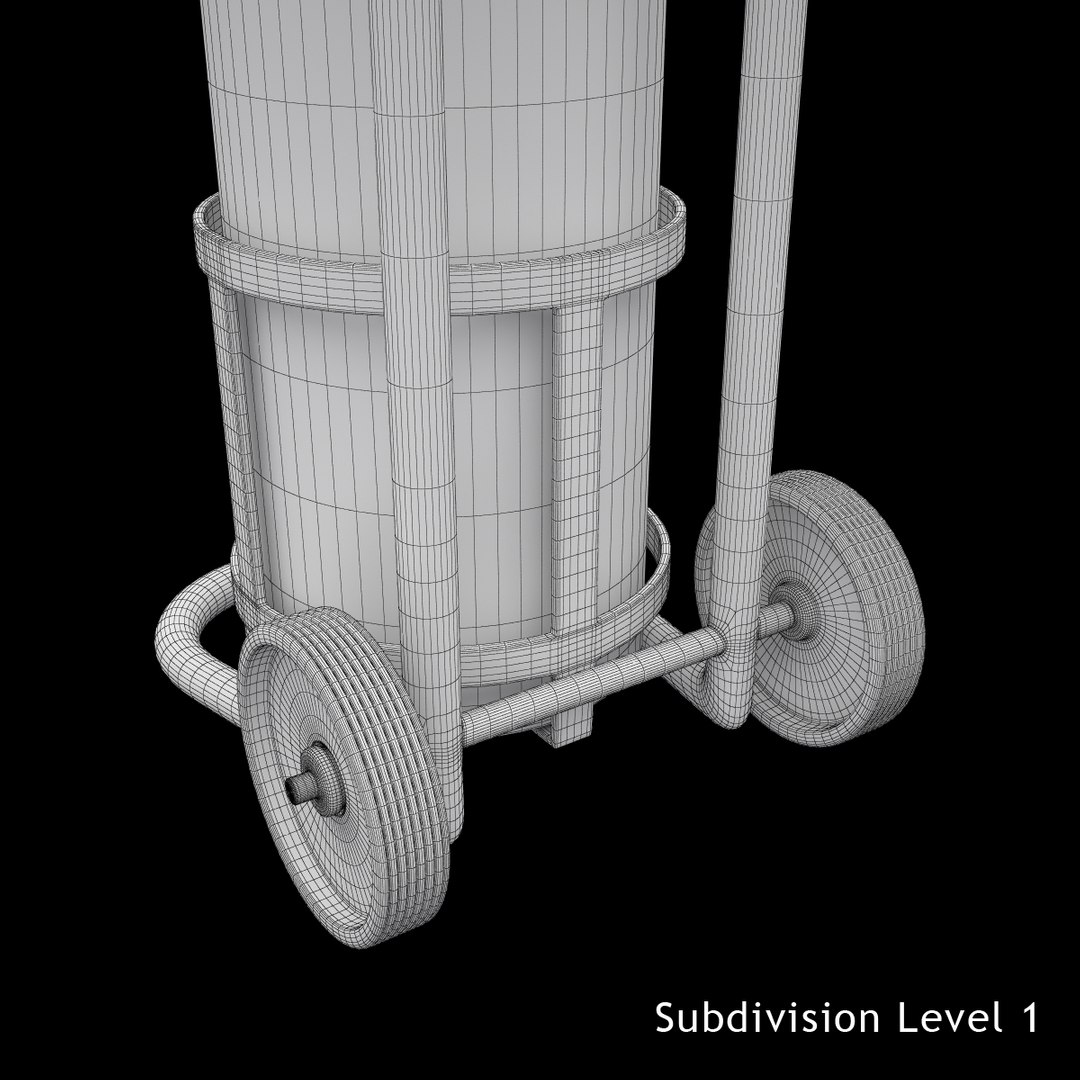
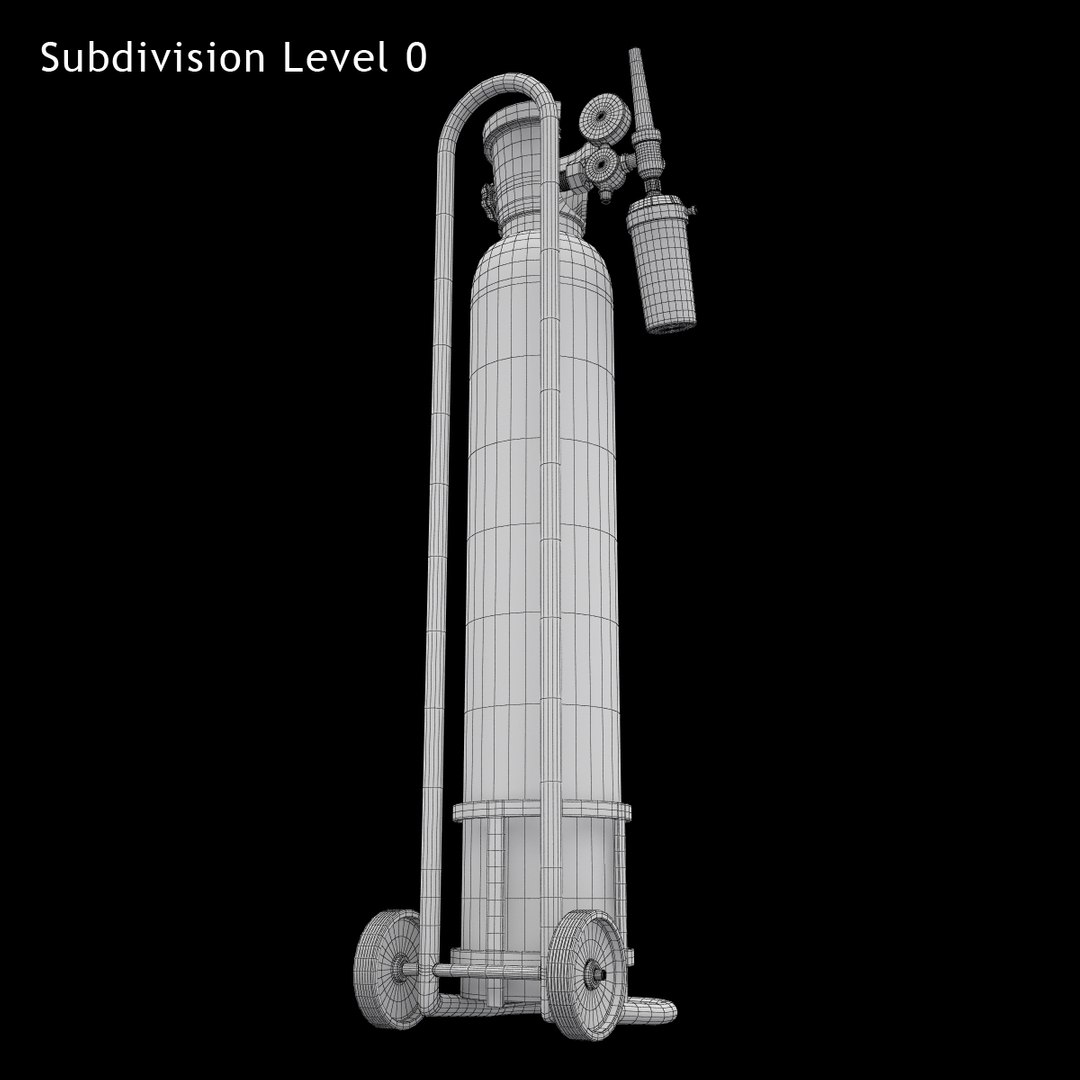
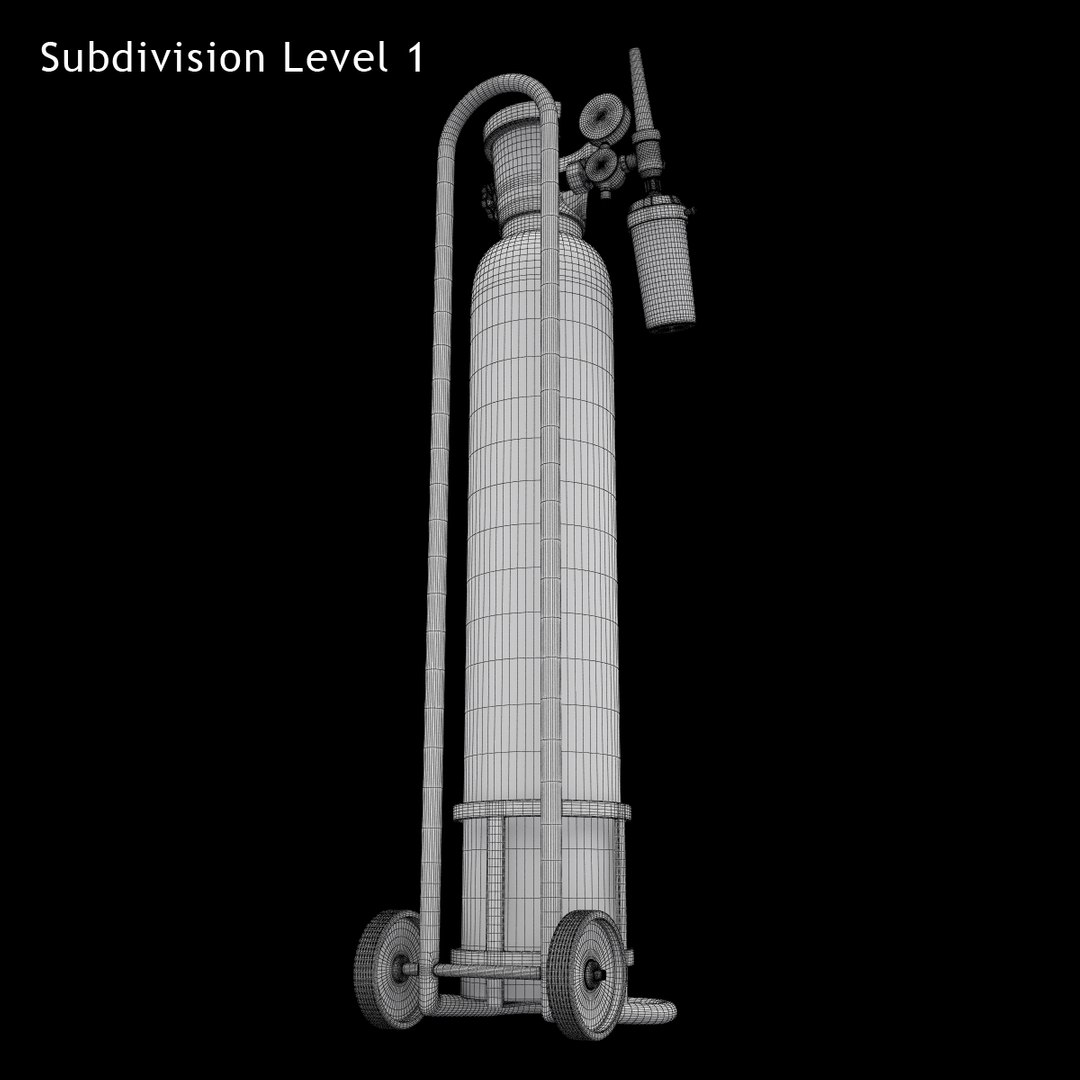
Medical Oxygen Cylinder
Polygons: 28230
Vertices: 27840

Select Enhanced License

  • $10,000 in Legal Protection (Indemnification)
  • Uncapped Legal Protection (Indemnification)
  • Waiver from injunctive relief
  • Assignable model rights
  • $1,000,000 in Legal Protection (Indemnification)
  • Waiver from injunctive relief
  • Assignable model rights
  • $250,000 in Legal Protection (Indemnification)
  • Assignable model rights
Read more about enhanced license tiers, or contact us at enterprise@turbosquid.com. Already a Shutterstock Enterprise Customer? Contact your Shutterstock Sales Support Agent to talk about adding 3D.

About Conversion Requests

To submit a conversion request for a purchased asset, please complete our Conversion Request Form.

If you have not yet purchased a model, please review our Documentation about Conversions to learn about what limitations you may encounter with a conversion.

For any additional questions about a model’s suitability for conversion, please contact TurboSquid Support.

Loading...