
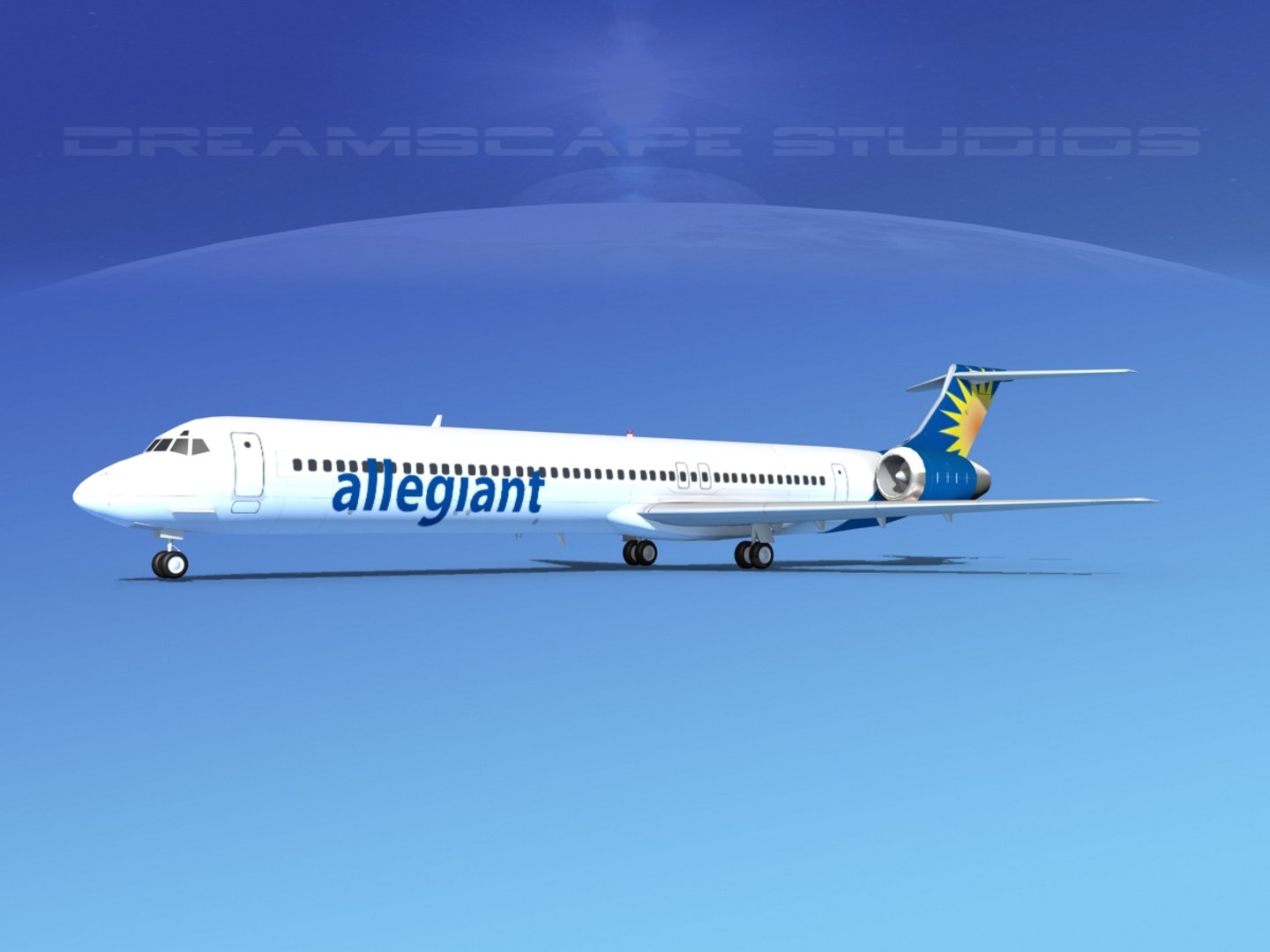
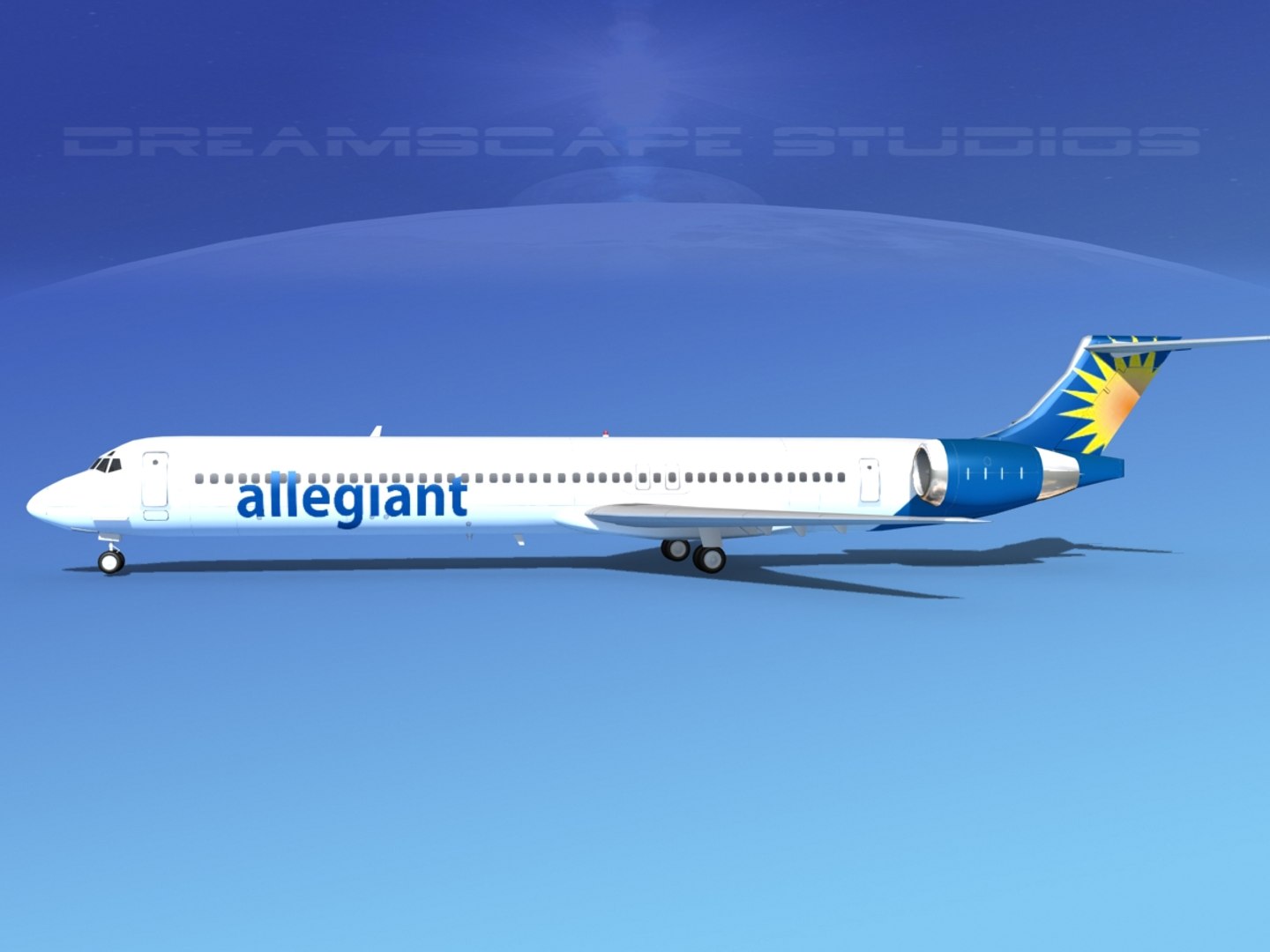
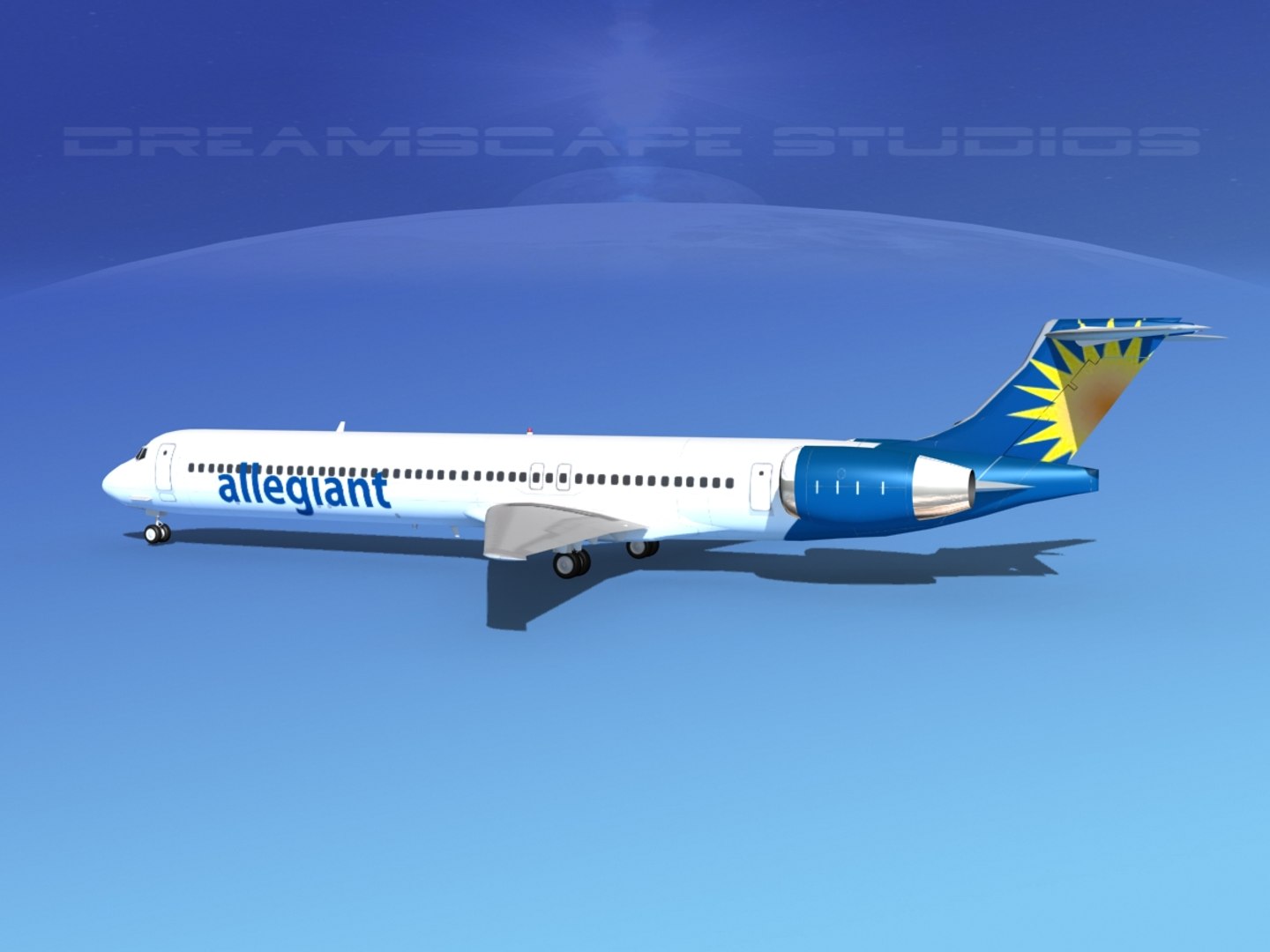
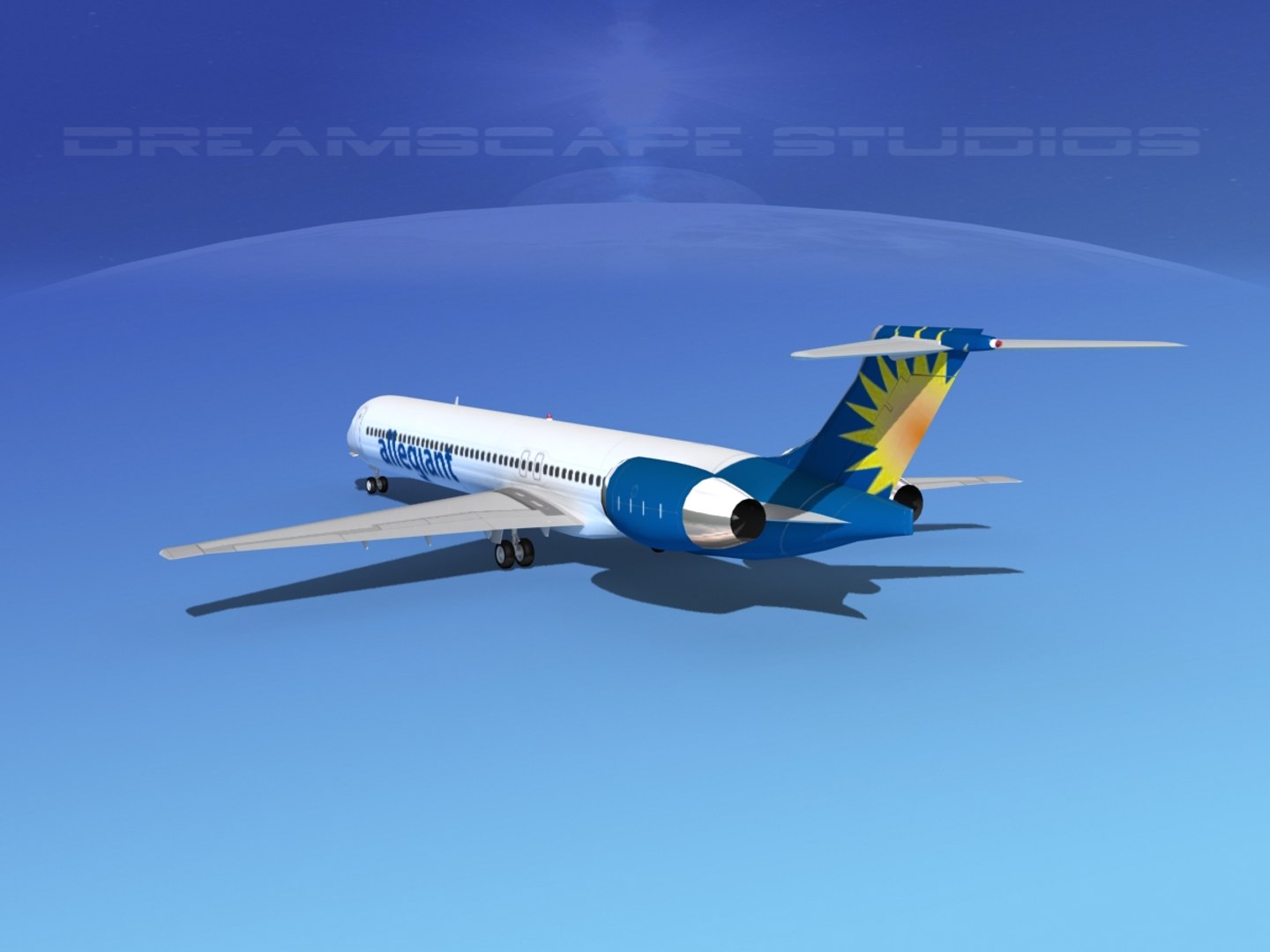
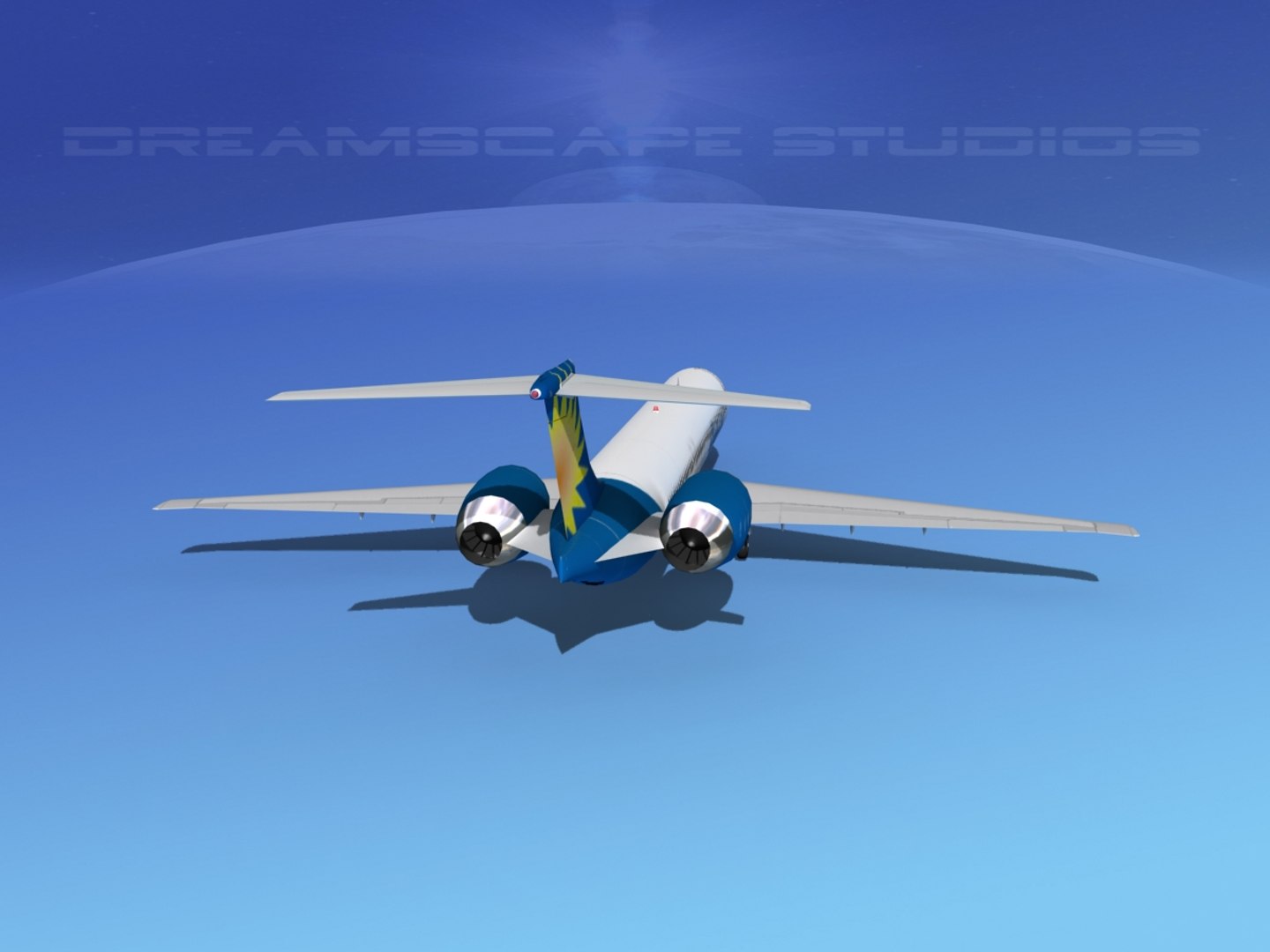
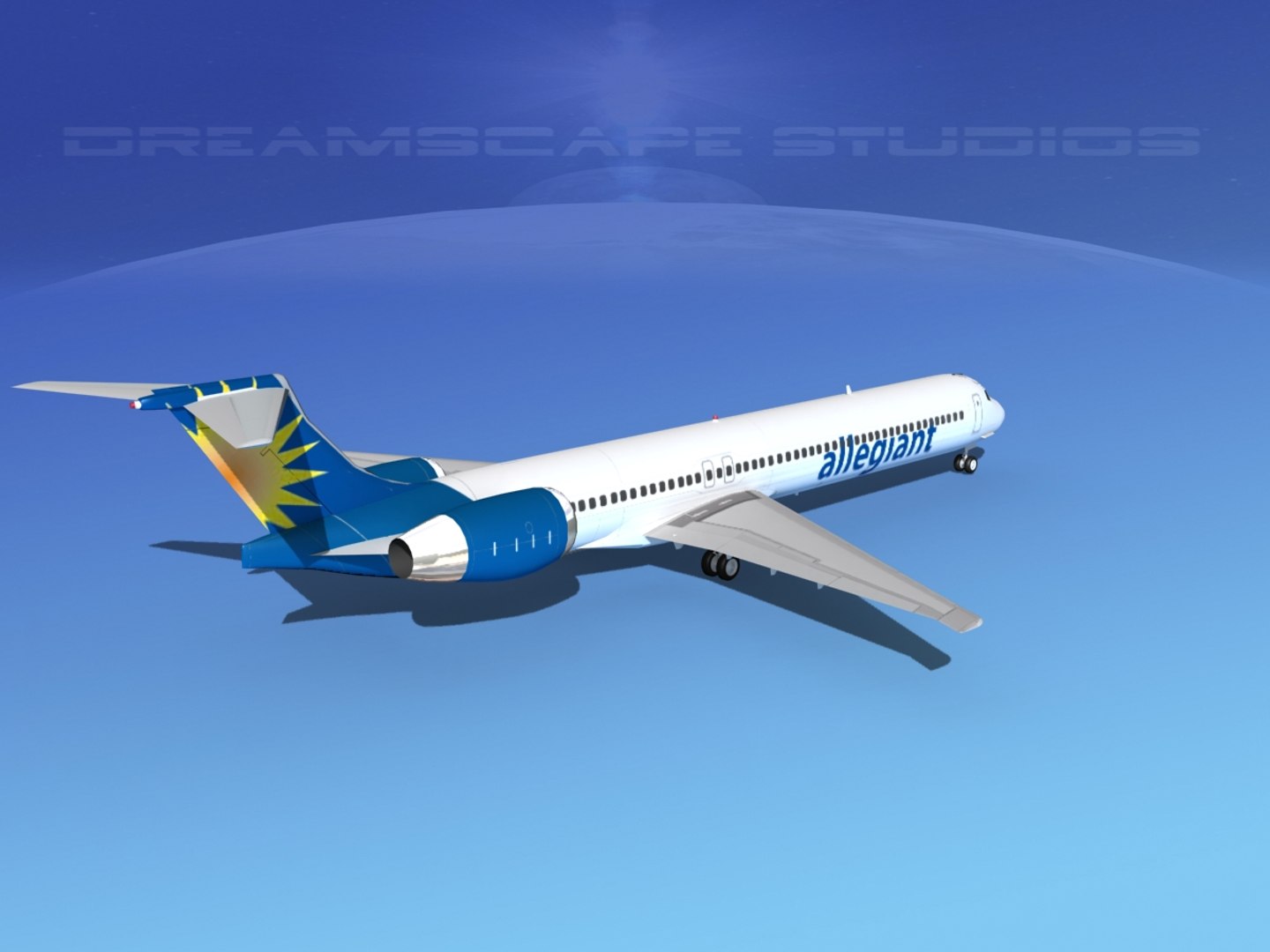
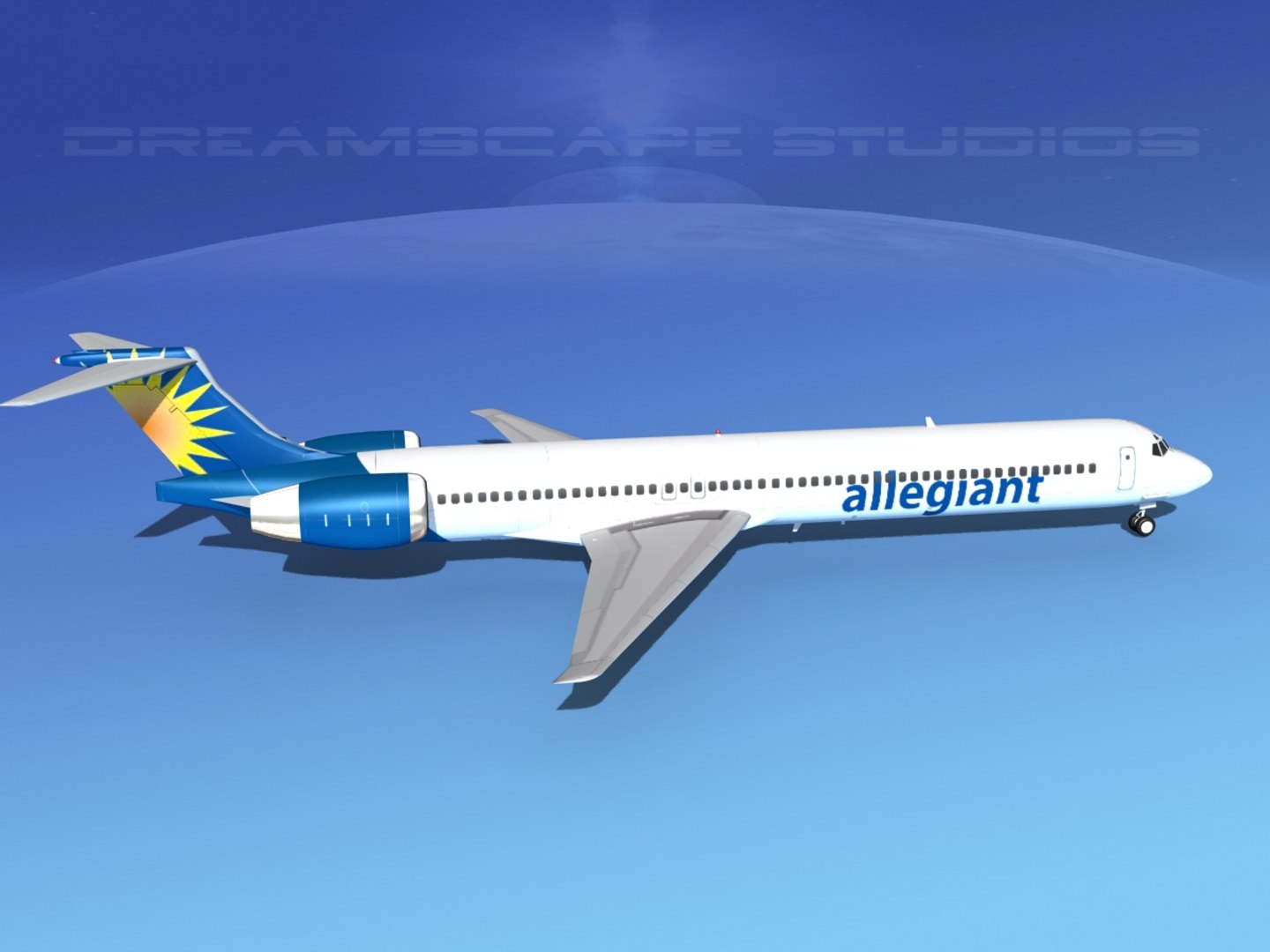
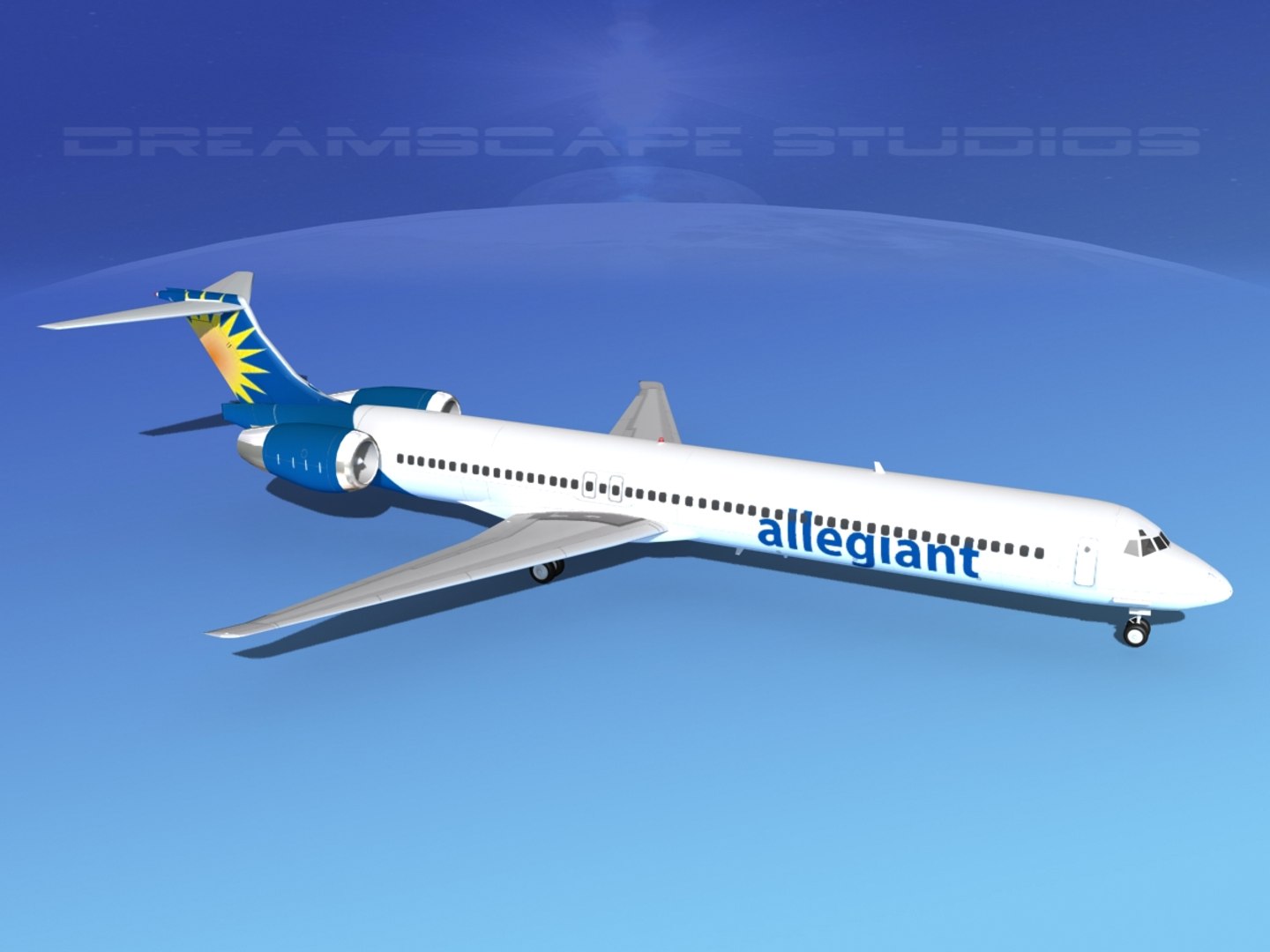
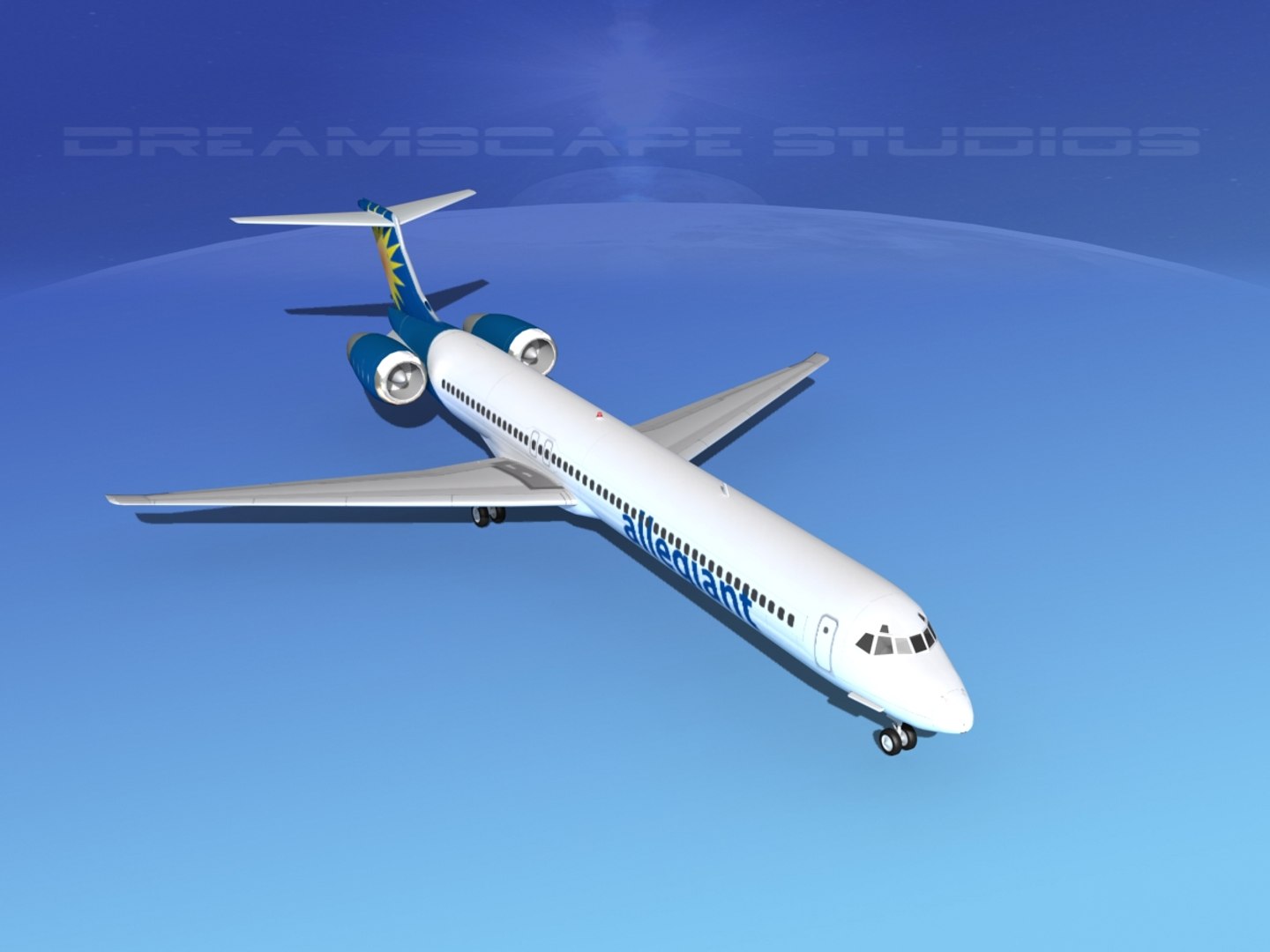
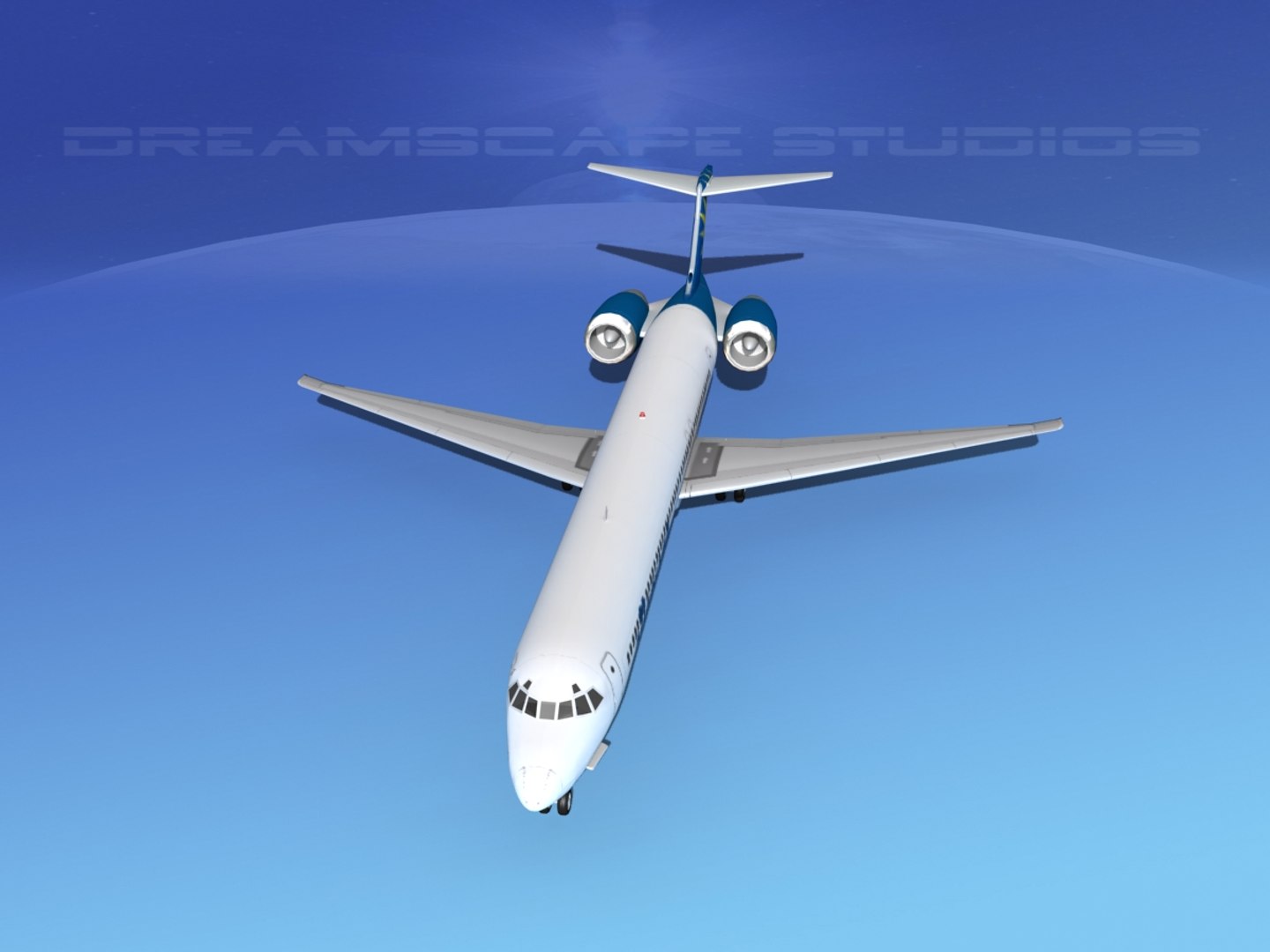
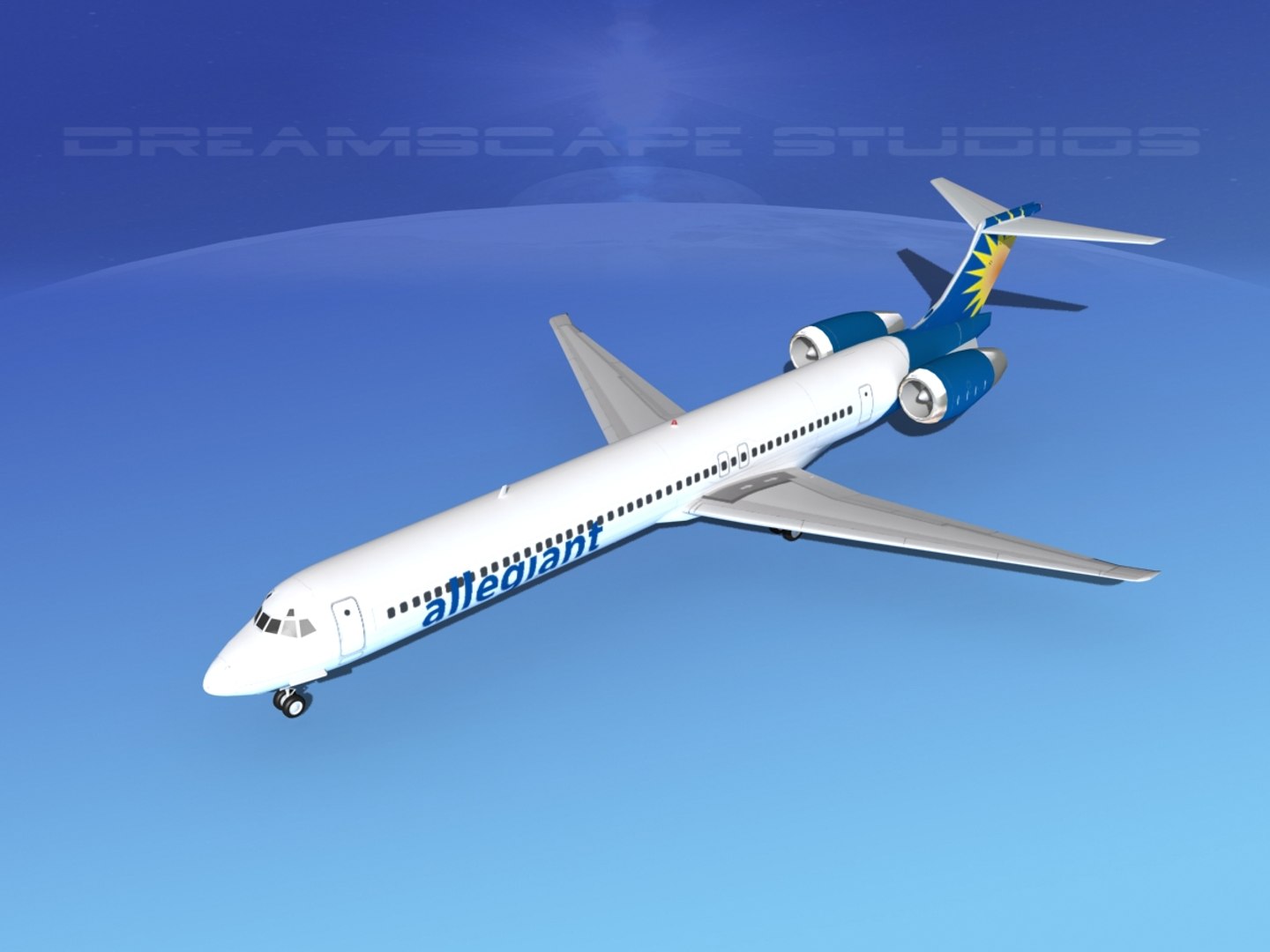
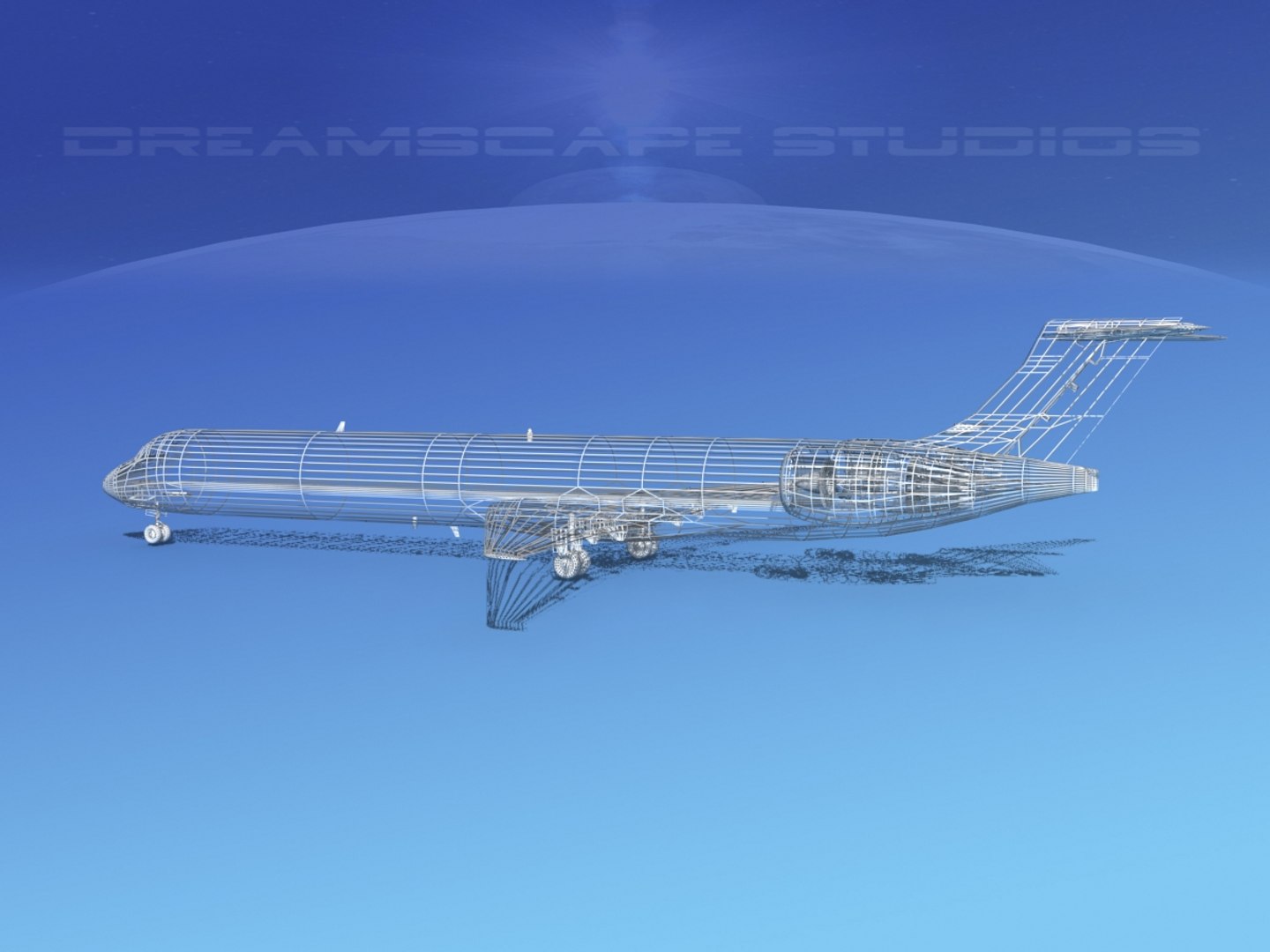
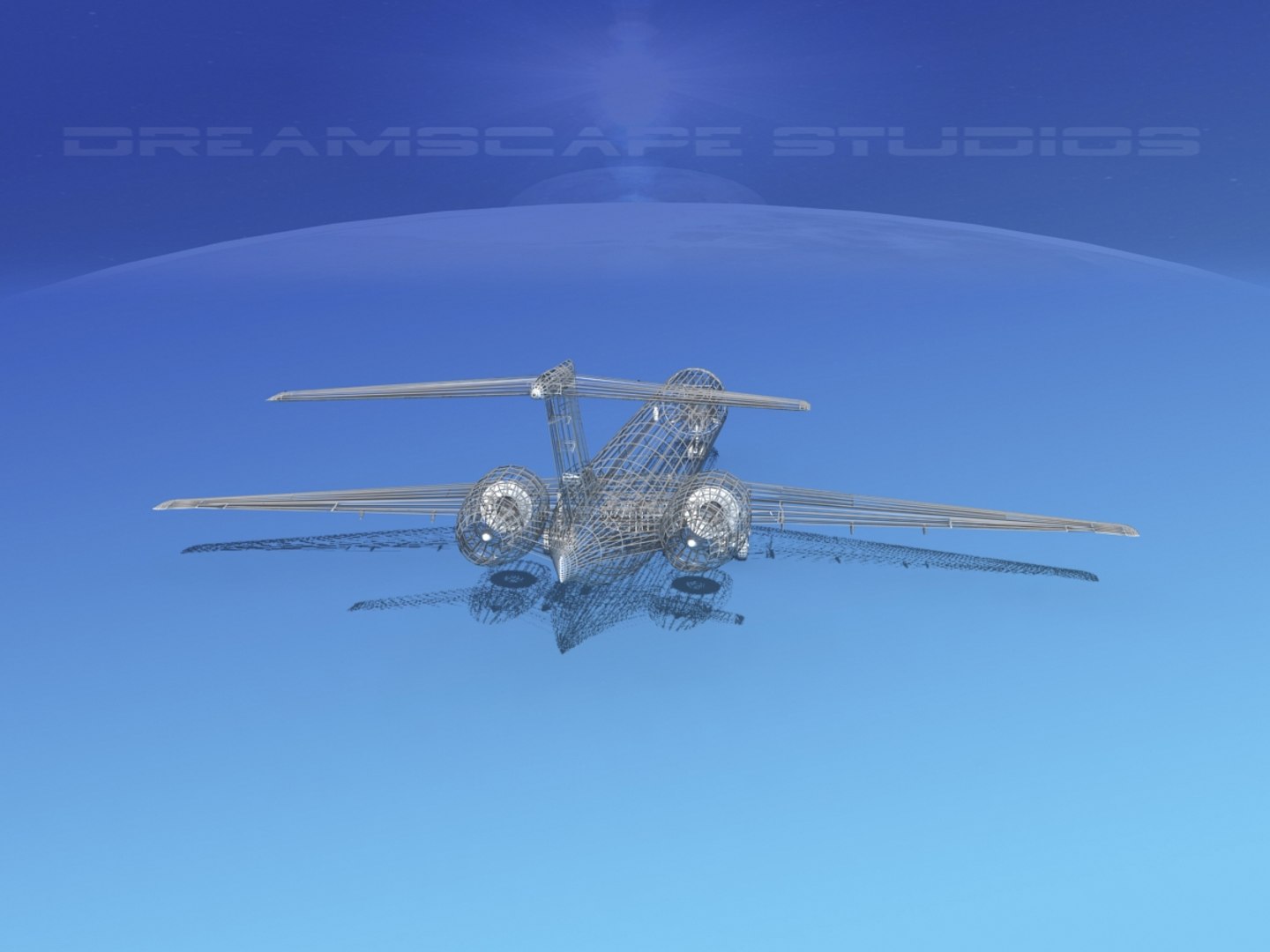
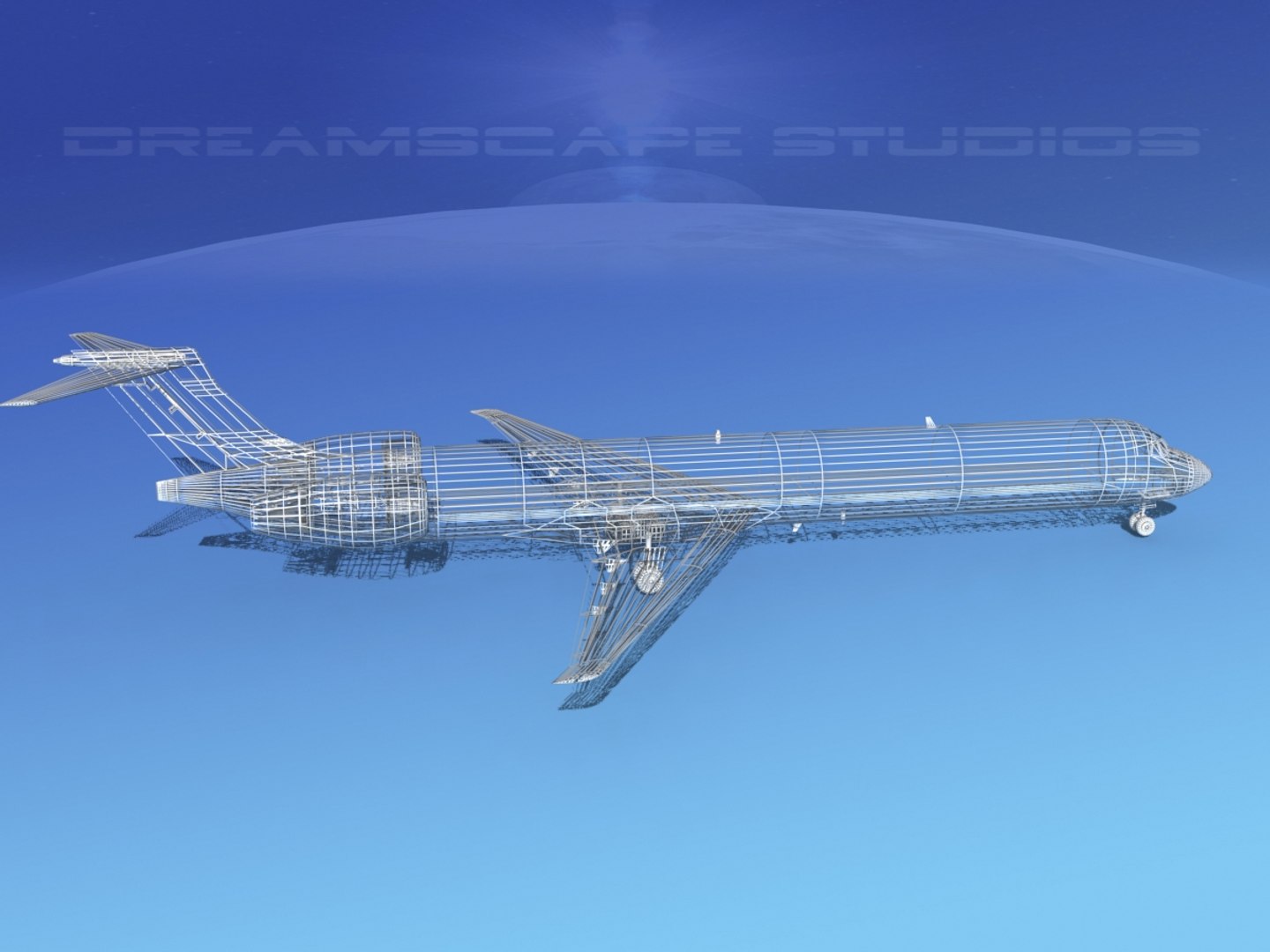
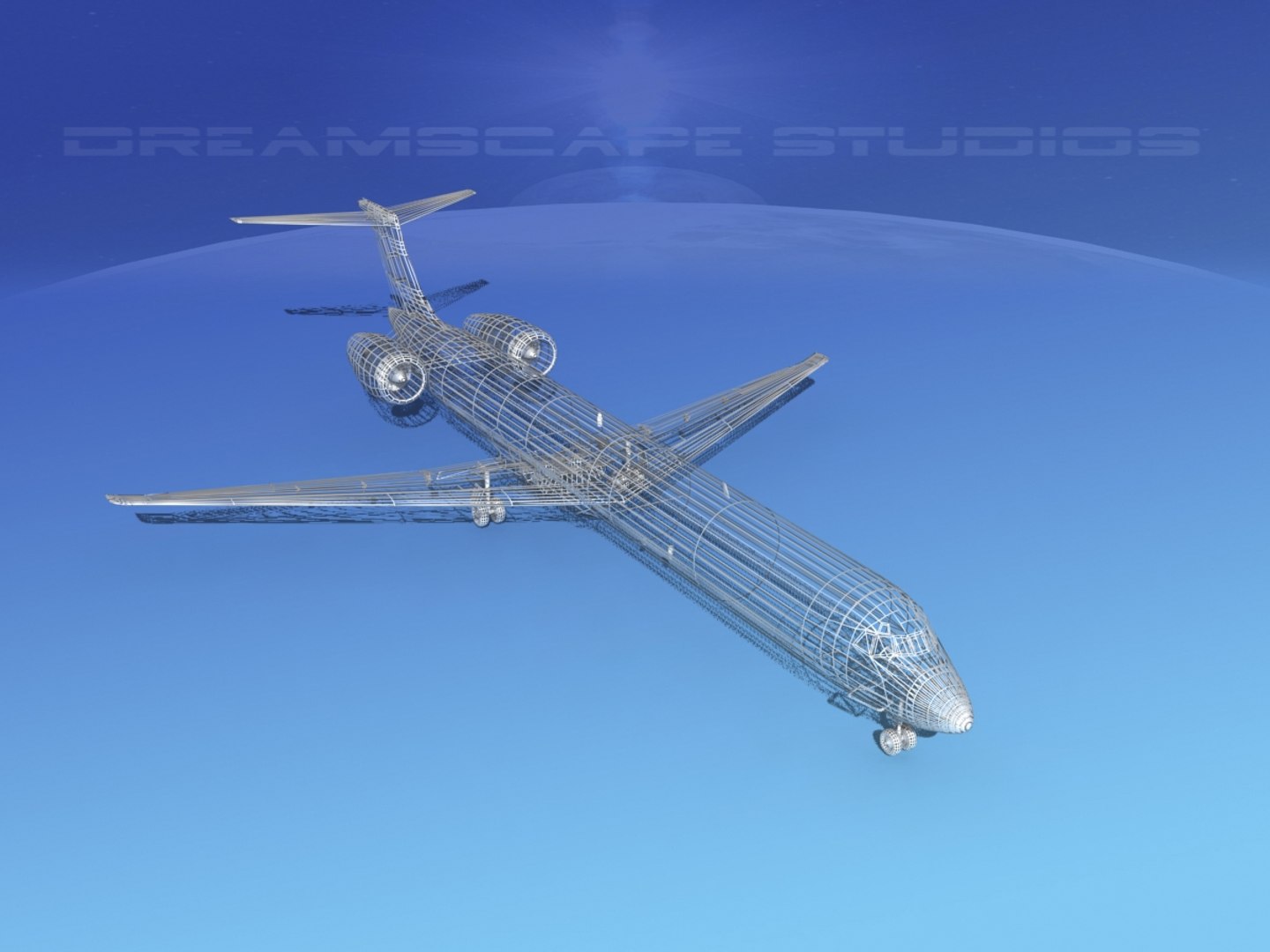
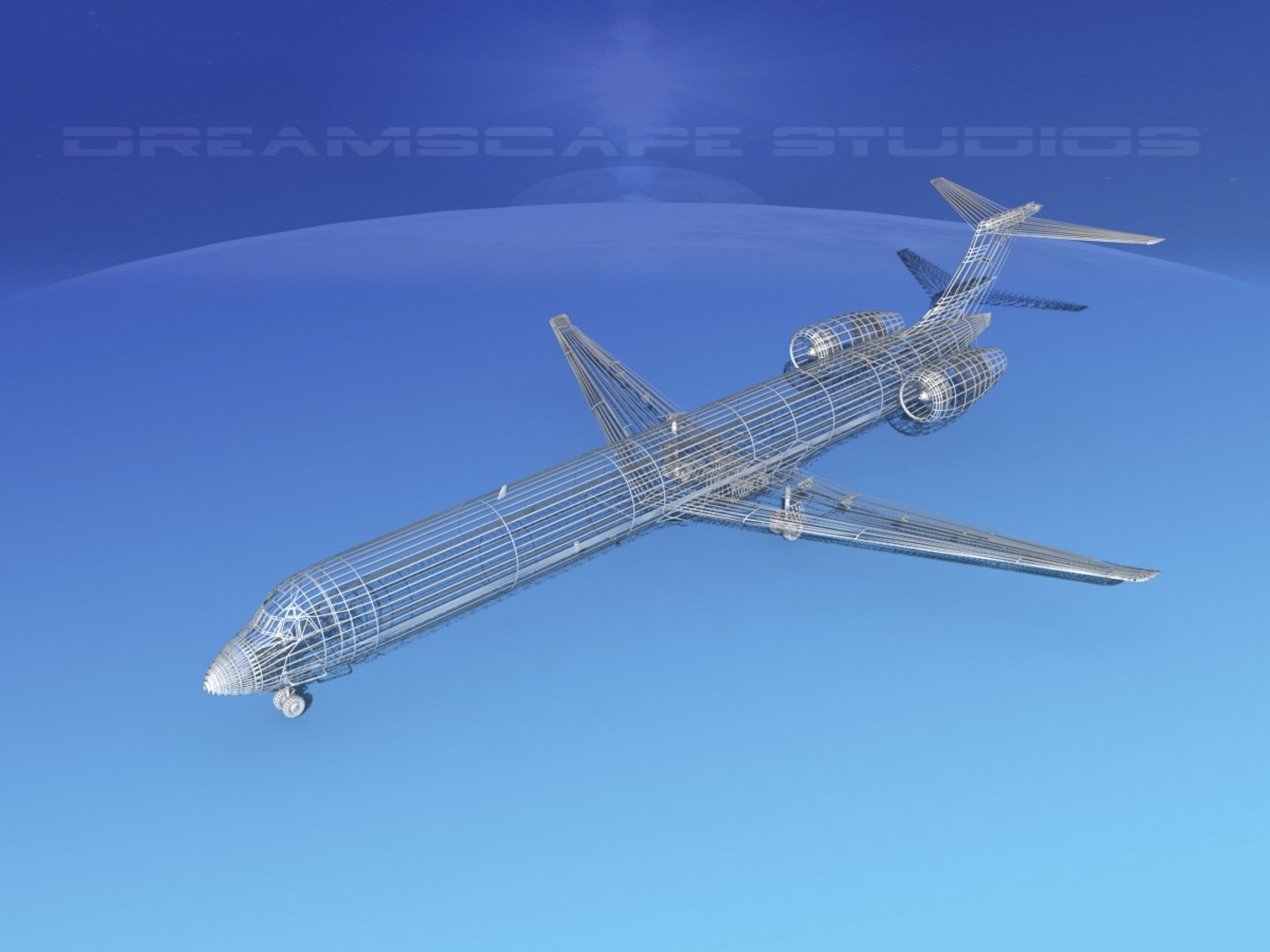
McDonnell Douglas MD83 Allegiant

$89

Standard License | Upgrade License
Editorial Uses Only
Formats (8)
Free file format Conversions available
Native | 3ds Max 2011 | Default Scanline
Lightwave 6 | Default Scanline
3D Studio
Other Textures
AutoCAD drawing
DXF
OBJ
Other Files
McDonnell Douglas MD83 AllegiantMatex.rar
Specifications
Publish Date August 26, 2018
Product ID 1320917
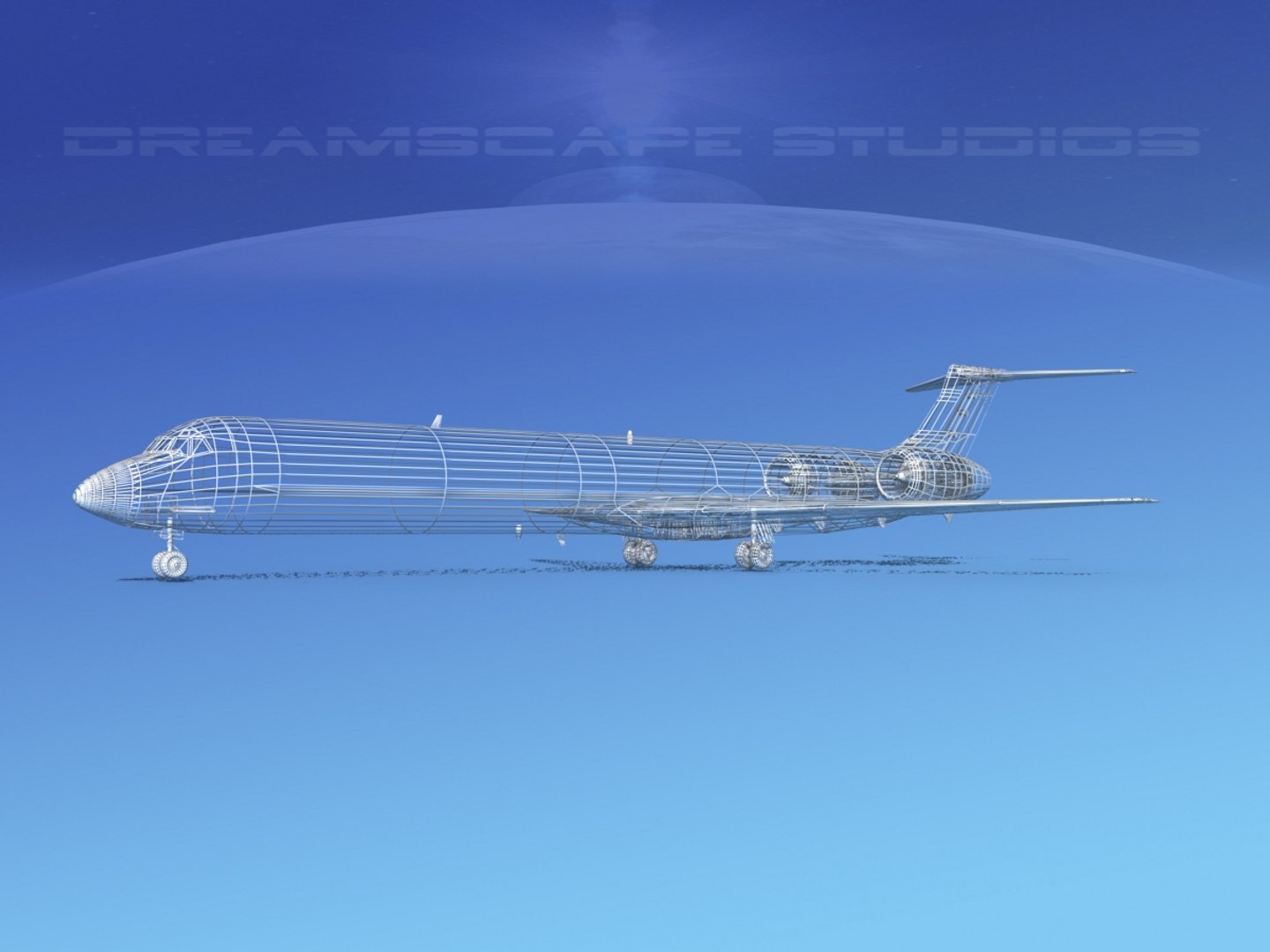
Polygons 39,184
Vertices 20,416
Polygonal
Textures
Materials
UV Mapped
Overlapping Unwrapped UVs
member avatar
Dreamscape Studios
8885 Products | Contributor Since 2002
Have questions? Chat with us now.

Description

This model was originally built in Max 13 near to scale (within 3-4% of scale) and fully textured. It comes with all the materials and textures shown in renderings here.
It has a detailed exterior including radio antennas and pitot tubes. Landing gear have been finished with a moderate amount of detail too.
It comes with animateable ailerons, flaps, elevators, rudder, landing gear, landing gear doors and propellers.
It is available in several formats for a wide variety of end users. This model comes with many different liveries. It is built to be used in in-flight or airport ground animations and video or simulation. It can also be used to populate an airport scene.

MD-83 is a longer range version of the MD-81 basic family model aircraft. It has a greater fuel capacity with two additional fuel tanks and more powerful engines. The -83 also has higher operating weights and it could carry up to 155 passengers and had a range of 2500 miles. The first one was delivered in 1985 and the last was delivered in 1999.

Select Enhanced License

  • $10,000 in Legal Protection (Indemnification)
  • Uncapped Legal Protection (Indemnification)
  • Waiver from injunctive relief
  • Assignable model rights
  • $1,000,000 in Legal Protection (Indemnification)
  • Waiver from injunctive relief
  • Assignable model rights
  • $250,000 in Legal Protection (Indemnification)
  • Assignable model rights
Read more about enhanced license tiers, or contact us at enterprise@turbosquid.com. Already a Shutterstock Enterprise Customer? Contact your Shutterstock Sales Support Agent to talk about adding 3D.

About Conversion Requests

To submit a conversion request for a purchased asset, please complete our Conversion Request Form.

If you have not yet purchased a model, please review our Documentation about Conversions to learn about what limitations you may encounter with a conversion.

For any additional questions about a model’s suitability for conversion, please contact TurboSquid Support.

Loading...